
Open the Account Menu Collapsed
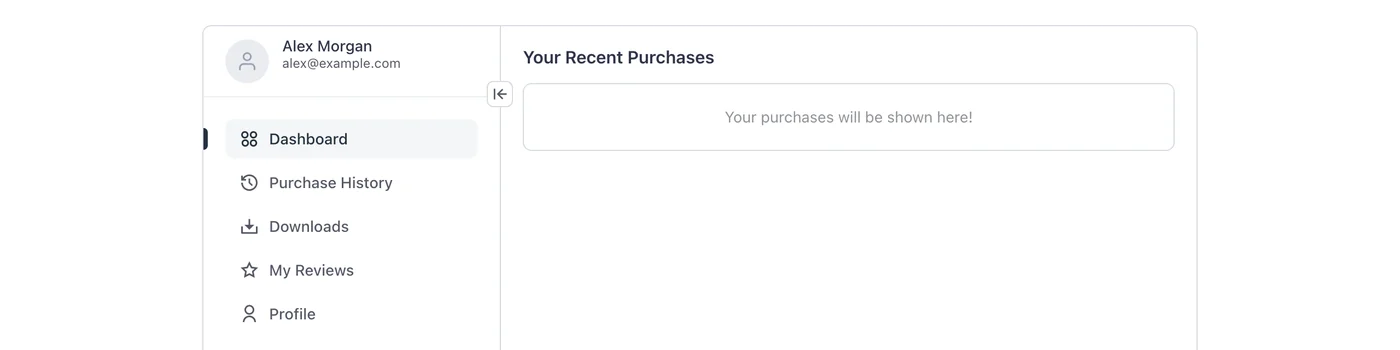
FluentCart’s My Account page opens its side menu expanded on every visit, with icons and labels taking about 270px. On stores where customers mostly come back for their downloads or orders, that menu uses space the content could have.
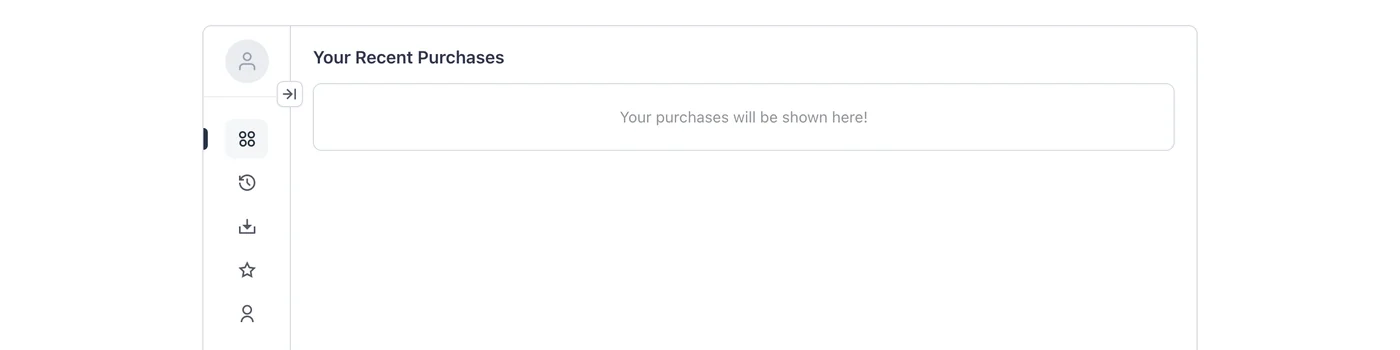
GT Extensions can open the menu collapsed instead, as a narrow strip of icons. Customers can still expand it with the arrow button at the top of the menu, exactly as they can today.
Turn It On
- Go to FluentCart → GT Extensions, enable Extra Enhancements and save.
- Click Configure on Extra Enhancements.
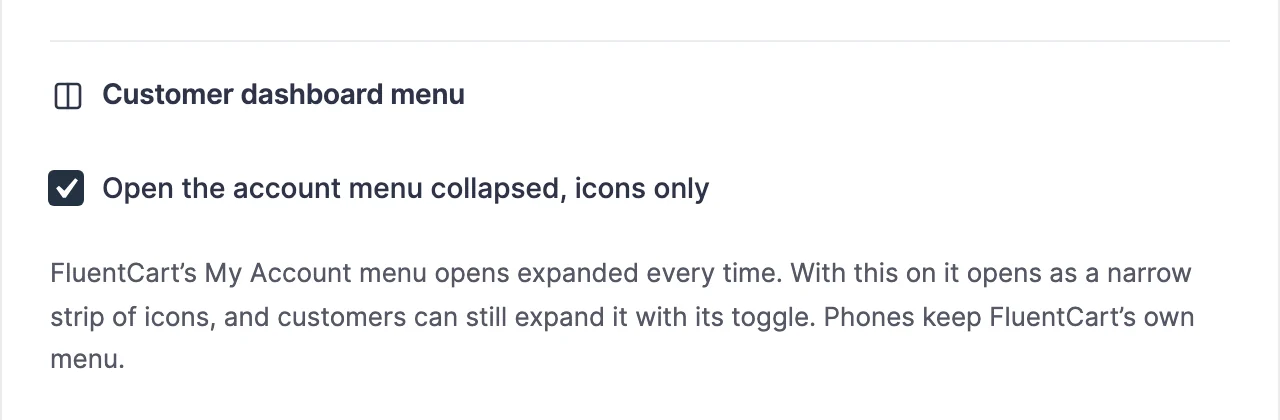
- Under Customer dashboard menu, tick Open the account menu collapsed, icons only and click Save settings.
What Customers See
The menu opens about 80px wide, with only its icons:
The arrow button expands it to the full menu with labels:
Good to Know
- It only changes how the menu starts. FluentCart doesn’t remember the menu state between pages, so every account page opens collapsed again.
- Phones and narrow screens below 807px keep FluentCart’s own menu button, which works differently.
- The menu is collapsed while the page loads, so it never shows expanded first and then jumps.
- It is off by default. Turn it off to bring back FluentCart’s expanded menu.