Is Functionalities really free?+
Yes. It’s on WordPress.org under GPL-2.0-or-later. There’s no pro version, no license key and no upsell inside the plugin.
Will it slow my site down?+
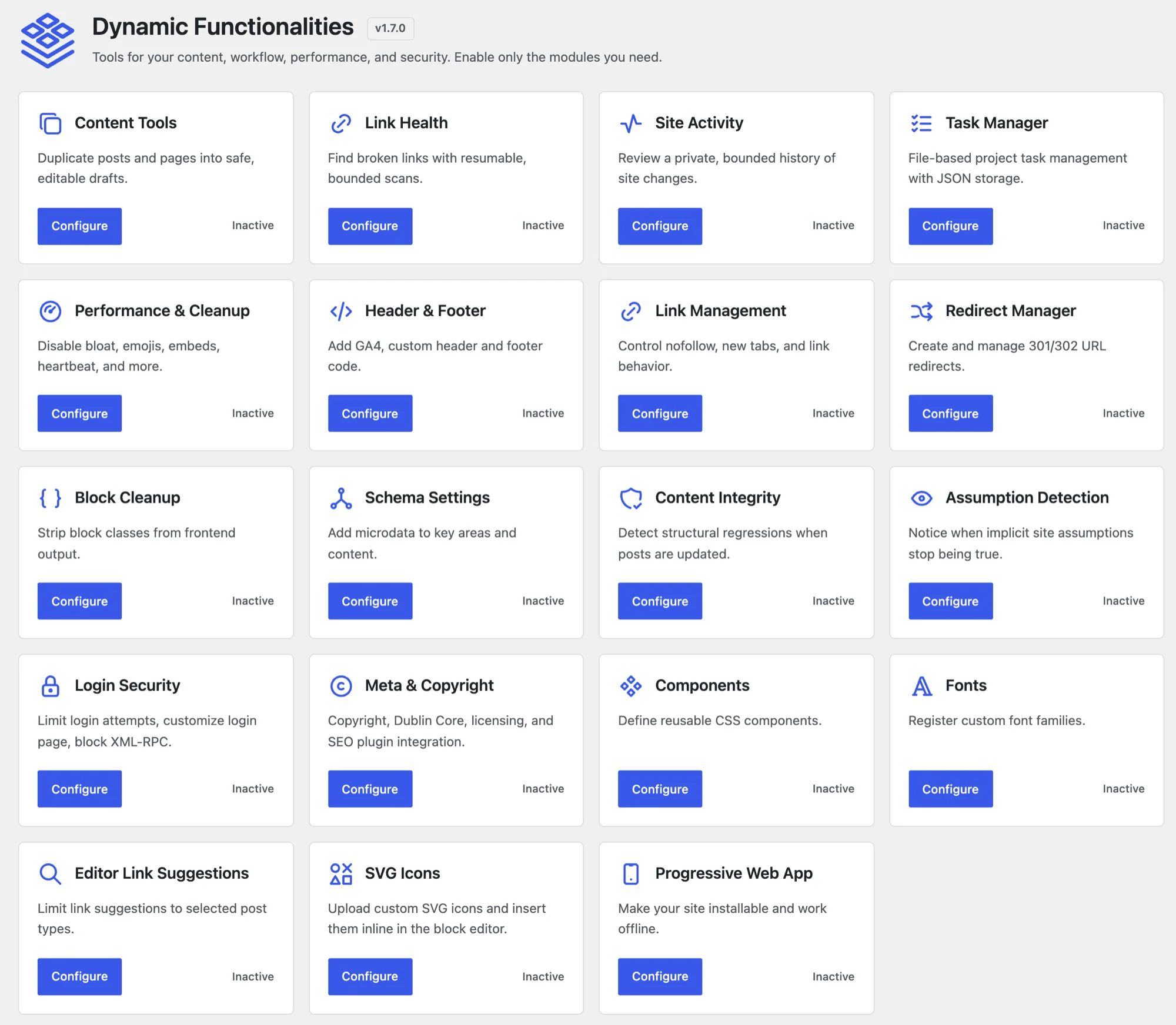
Only the modules you enable run. A disabled module isn’t loaded on front-end requests, and front-end CSS or JavaScript loads only when an enabled feature needs it.
Does it work with my cache plugin, SEO plugin or builder?+
It’s tested with WP Super Cache, W3 Total Cache, LiteSpeed Cache, FlyingPress, Rank Math, Yoast, Elementor, Bricks Builder and GenerateBlocks. Give each job to one plugin, though. Two tools handling the same redirects or header code will conflict.
Where are redirects stored?+
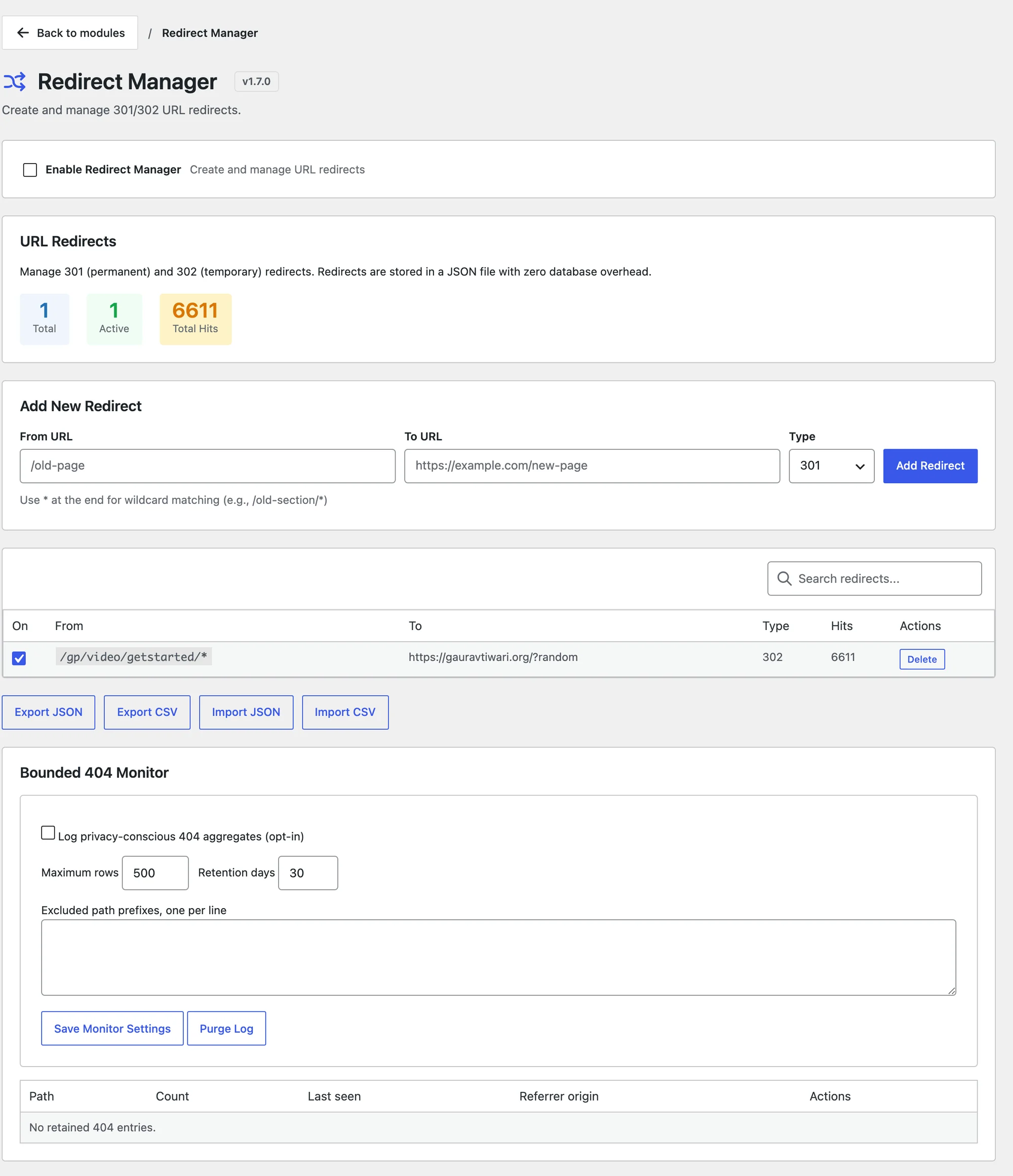
In a protected JSON file, not a database table. Redirect Manager supports 301, 302, 307 and 308 redirects, CSV import and export, and an optional 404 log.
Can I use it on client sites?+
Yes. There are no activation limits, and settings export and import lets you copy a setup from one site to the next.
What happens if I deactivate or delete it?+
Your settings stay in place. Deleting the plugin removes its data only if you tick Delete all plugin data when uninstalling on the dashboard first, and that box ships unchecked.
How do updates work?+
Updates come from WordPress.org and appear in your dashboard like any other plugin. Every release is in the changelog, and planned work is on the roadmap.
Does it send site data to an AI service?+
Only when you ask. AI explanations are off by default. When you turn them on, only the finding you choose to explain goes to the AI provider configured in WordPress.