
Skip to content

Design Systems for AI Builders

A design system for AI builders gives your coding agent tokens, components and written rules to follow, so the pages it builds look designed instead of generic. This catalog holds what I’ve published on design systems: free guides, a free skill and templates, and the Design Systems Library, where the paid systems live for $39 a year.

  • Claude Code
  • Codex
  • Cursor
  • Plain HTML and CSS
3 paid design systems
Maintained, in the $39 yearly library
67 components
Each with an HTML contract and CSS
4 free resources
Guides, templates and a GitHub skill
Light and dark
Every paid system ships both themes

What a Design System for AI Builders Is Rules Your Agent Can Read

A classic design system is a Figma library and a docs site for people. A design system for AI builders is the same idea written for an agent: values it can’t drift from, parts it copies instead of inventing, and rules it reads and checks before it calls a page done.

  1. Tokens

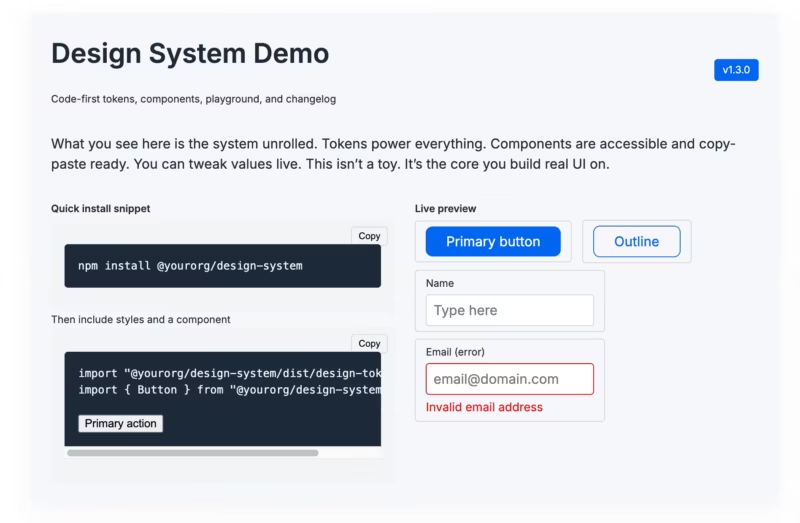
    Every color, size, radius and motion value as a CSS custom property, for light and dark. The agent uses the token, not a hex code it guessed.

  2. Components

    Copy-paste markup with its classes, states and accessibility notes, so a pricing table or FAQ comes out the same way every time.

  3. A rulebook and a skill

    A DESIGN.md with principles, page recipes and a pre-ship checklist, plus a SKILL.md that tells Claude Code or Codex when to load it.

Without one, an agent reaches for the same gradient hero, the same three cards and the same rounded everything. With one, it has a target and a way to check its own work.

Browse Design Systems Paid Systems, Free Guides and Skills

Filter by price or search for the page you’re building. Free items open on GitHub or on this site. The paid systems download from your account after you join.

Design Systems Library

Paid. Complete systems with tokens, components, fonts, demo pages and a skill, in the Design Systems Library for $39 a year.

  • rail-design-system

    Rail design system

    Product sites and developer tools

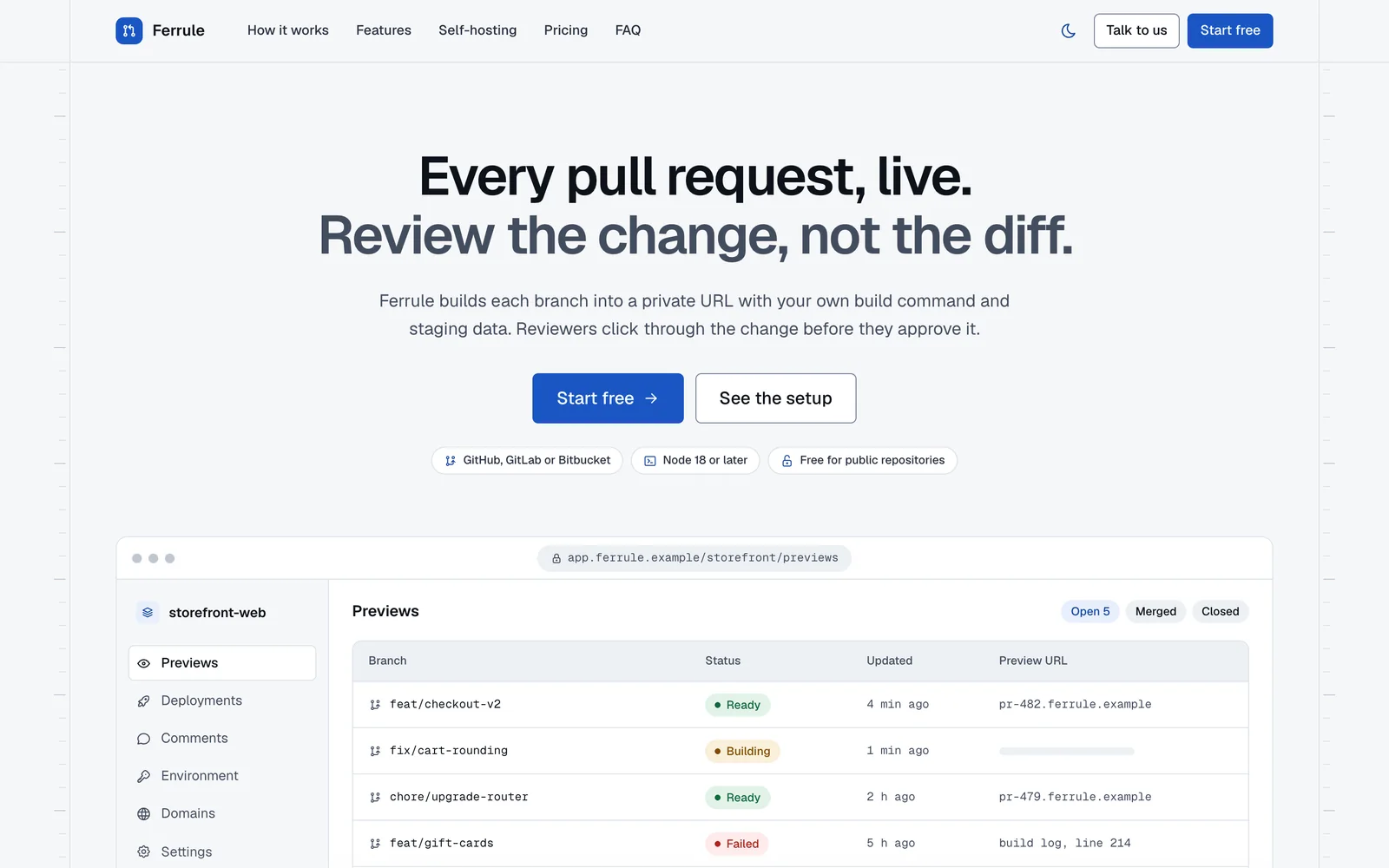
    A ruled-page system for product sites, developer tools and docs. Hairline rails with section nodes, a hero with a coded product window, bento cards with small working interfaces, chip tabs and code blocks with a copy button, in cobalt on cool paper.

    • Paid
    • 21 components
    • In the library
  • quiet-design-system

    Quiet design system

    Launch and sales pages

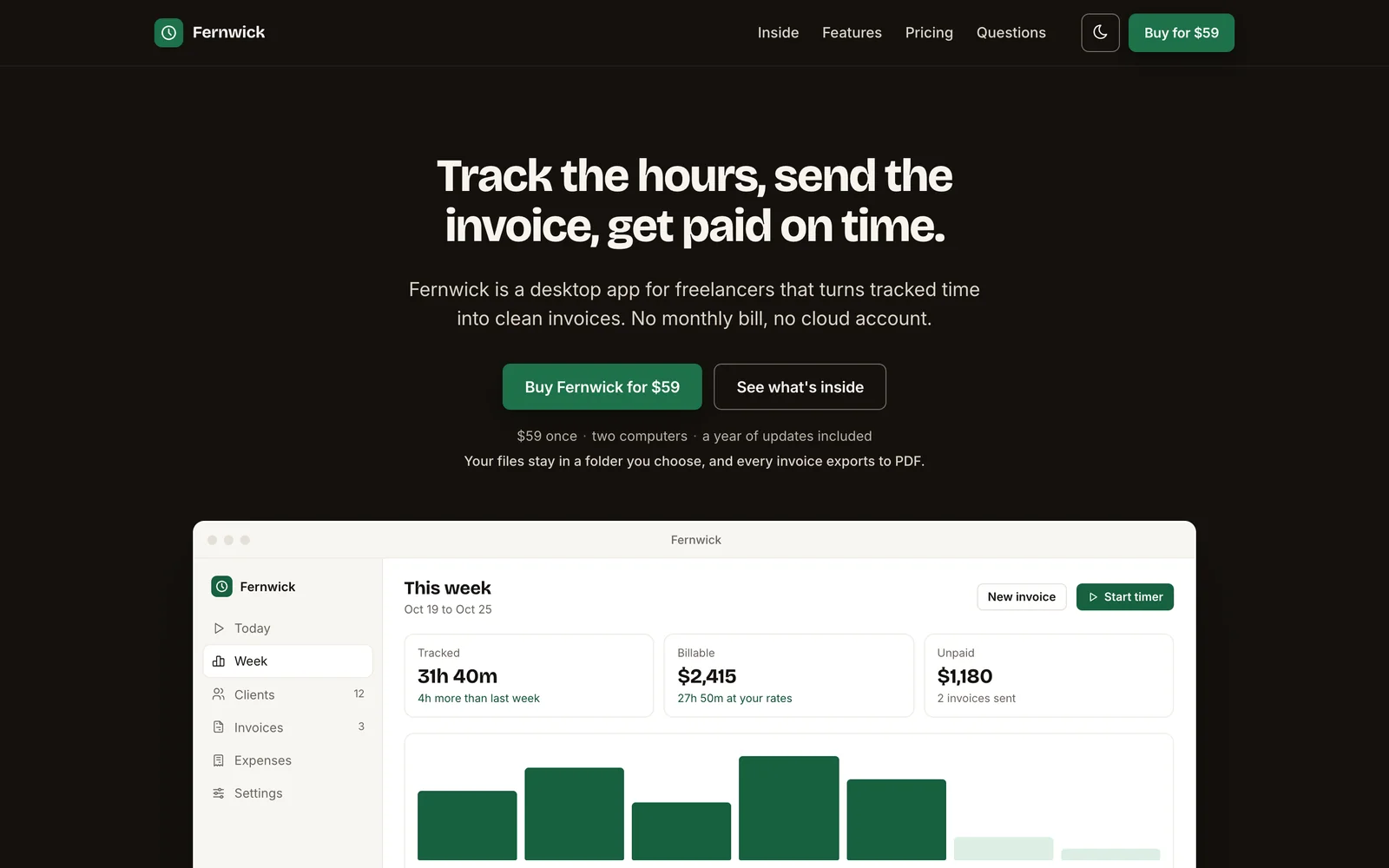
    A launch-page system for selling one product at one price. Two dark bookends, a real screenshot under the hero, an always-open catalog, one calm pricing panel, a straight-talk card and a buy bar on phones, with a forest green buy button.

    • Paid
    • 22 components
    • In the library
  • canvas-design-system

    Canvas design system

    Product marketing pages

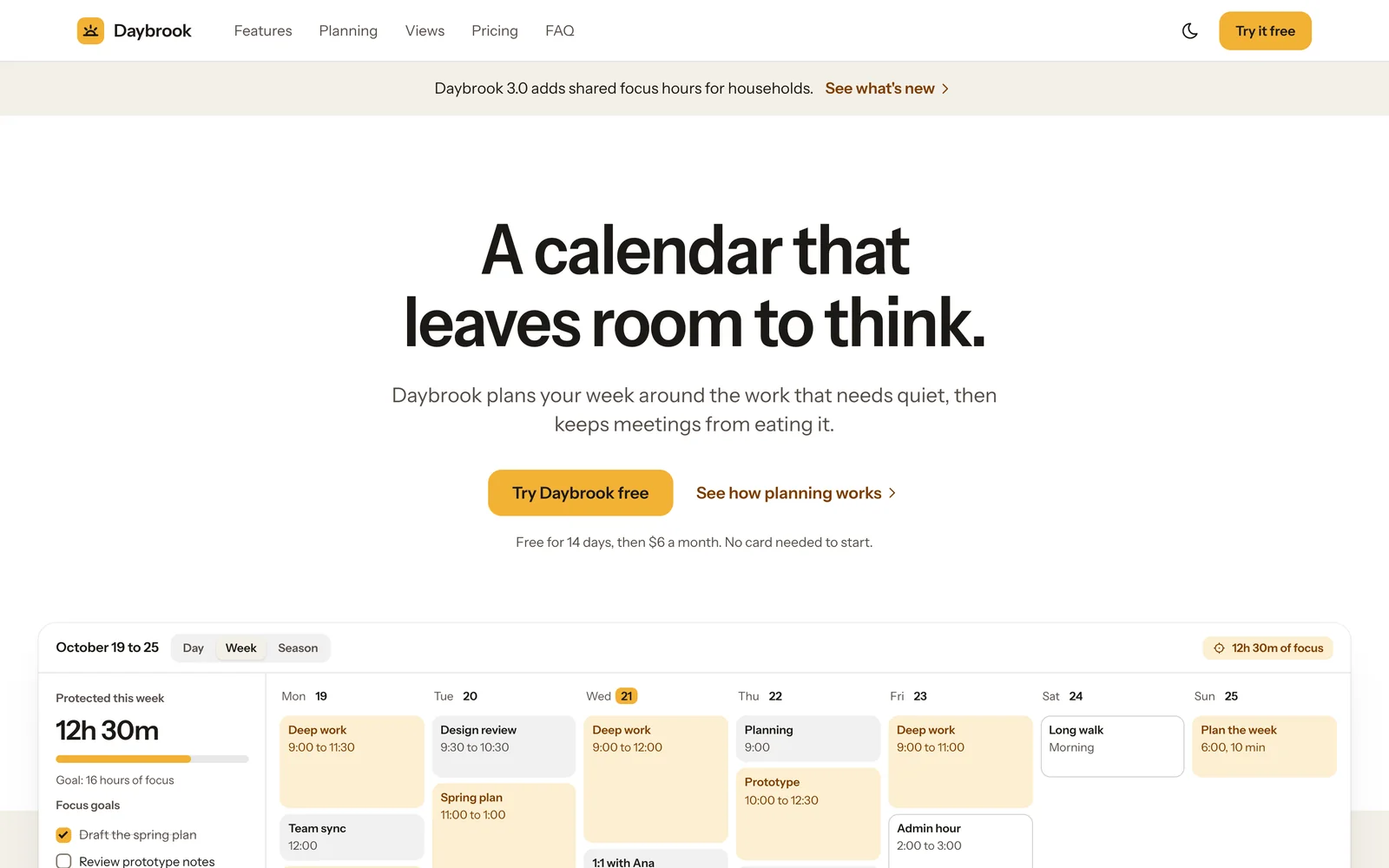
    A product-marketing system for app home pages, pricing pages and feature launches. White and warm stone sections instead of borders, borderless cards, big two-weight type, coded product mocks and one marigold-to-coral gradient moment per page.

    • Paid
    • 24 components
    • In the library

Free Skills

Free agent skills for design work, open on GitHub.

  • design-slop

    Design Slop

    An agent skill that detects, prevents and removes generic AI-looking patterns in websites, landing pages, dashboards and UI components.

    • Free
    • GitHub
    • MIT license
  • GenerateBlocks, Kadence and Bricks Skills

    Free skills that teach your AI tool valid layouts for three WordPress page builders. Each one has a guide and a public repo on the AI Skills hub.

    • Free
    • GitHub
    • On the AI Skills hub

Guides and Templates

Articles on building systems people keep using, and free templates you can import.

  • Building Design Systems That Actually Get Used

    Why most design systems get abandoned, and the code-first habits that keep one in use, starting with design tokens as the source of truth.

    • Free
    • Guide
    • Article
  • Tangible Loops & Logic Templates

    A working library of Loops & Logic templates for dynamic WordPress layouts, query loops, schema and navigation, with notes on what to check before import.

    • Free
    • Templates
    • Article and 2 zips

The Paid Library One Yearly Price, Updates Included

Everything outside the library group is free. The library holds the maintained systems, and All-Access adds the Notion Templates and AI Skills libraries to it.

Design Systems Library

Every paid system on this page, plus the ones I add next.

$39per year, renews yearly

  • All 3 design systems in the library, as single zips or one bundle
  • New systems and new versions while your membership runs
  • Works with Claude Code, Codex, Cursor or plain HTML
  • Open-license fonts you can ship on client sites
  • Downloads open from My pages in your account

Checkout lets you pay in USD, EUR, GBP or INR. Cancel anytime from your account.

Questions About Design Systems

Something I didn’t cover? Ask me on the contact page.

What is a design system for AI builders?

It’s a design system written for a coding agent as well as for people: tokens as CSS custom properties, copy-paste components, and a rulebook with page recipes and a checklist the agent runs before it calls a page done. The point is that the agent follows a target instead of falling back on generic defaults.

What is a Claude design system?

A design system packaged as a Claude skill. Claude Code reads its SKILL.md, then the DESIGN.md rulebook and the component files, whenever you ask for a page in that system. The systems in the Design Systems Library also work in Codex and Cursor.

How is this different from a Figma design system?

A Figma design system is drawn for designers and has to be translated into code. These systems are already code: tokens, HTML, CSS and a little JavaScript, plus written rules. Your agent builds from them directly, and nothing needs exporting.

Can I use a design system with Tailwind?

Yes. The paid systems use prefixed classes and CSS custom properties, so they sit alongside Tailwind without clashing, and you can point your Tailwind theme at the same tokens. The components themselves are plain CSS, not Tailwind classes.

What’s free and what’s paid?

The guides, the templates article and the GitHub skills are free to use. The Design Systems Library is $39 a year and holds the complete, maintained systems with demo pages and updates. All-Access adds the AI Skills and Notion Templates libraries for $79 a year.

Can I get a refund on the library?

The systems are instant digital downloads, so the download terms in my refund policy apply: I refund duplicate charges, defective files and orders where the library never opened for you. Change-of-mind refunds aren’t available once you have access.

Gaurav Tiwari

Hi, I’m Gaurav

I build WordPress plugins and themes, and the design systems on this page started from the page layouts I build my own sites with. Each paid system gets its own name, palette and open-license fonts, plus a rulebook an agent can follow.

If there’s a kind of page your agent keeps getting wrong, tell me. Requests decide which system gets built next.

Give Your Agent a System to Follow

Start with the free guide and the design-slop skill. When you want complete systems with tokens, components and demo pages, the library is $39 a year.