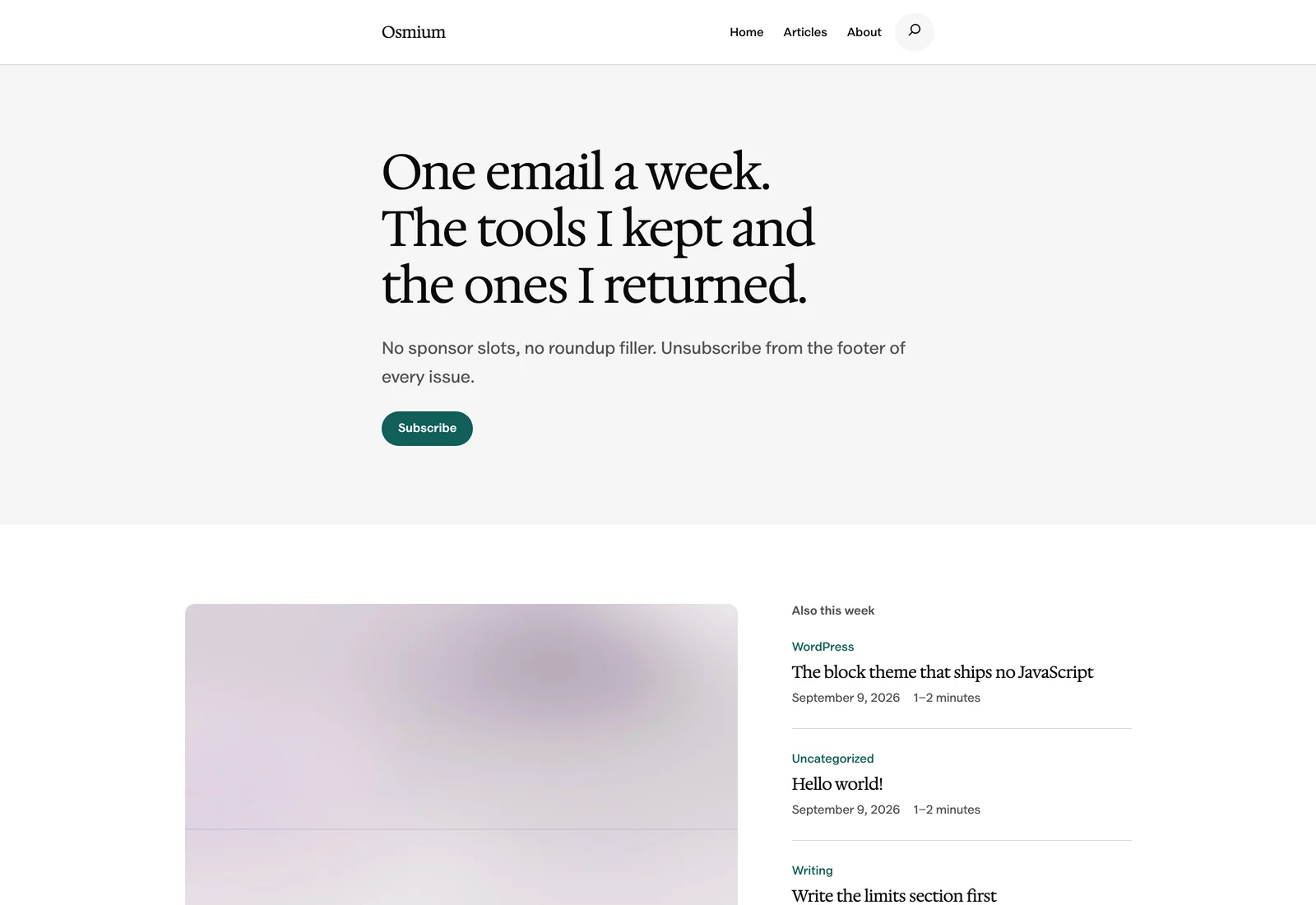
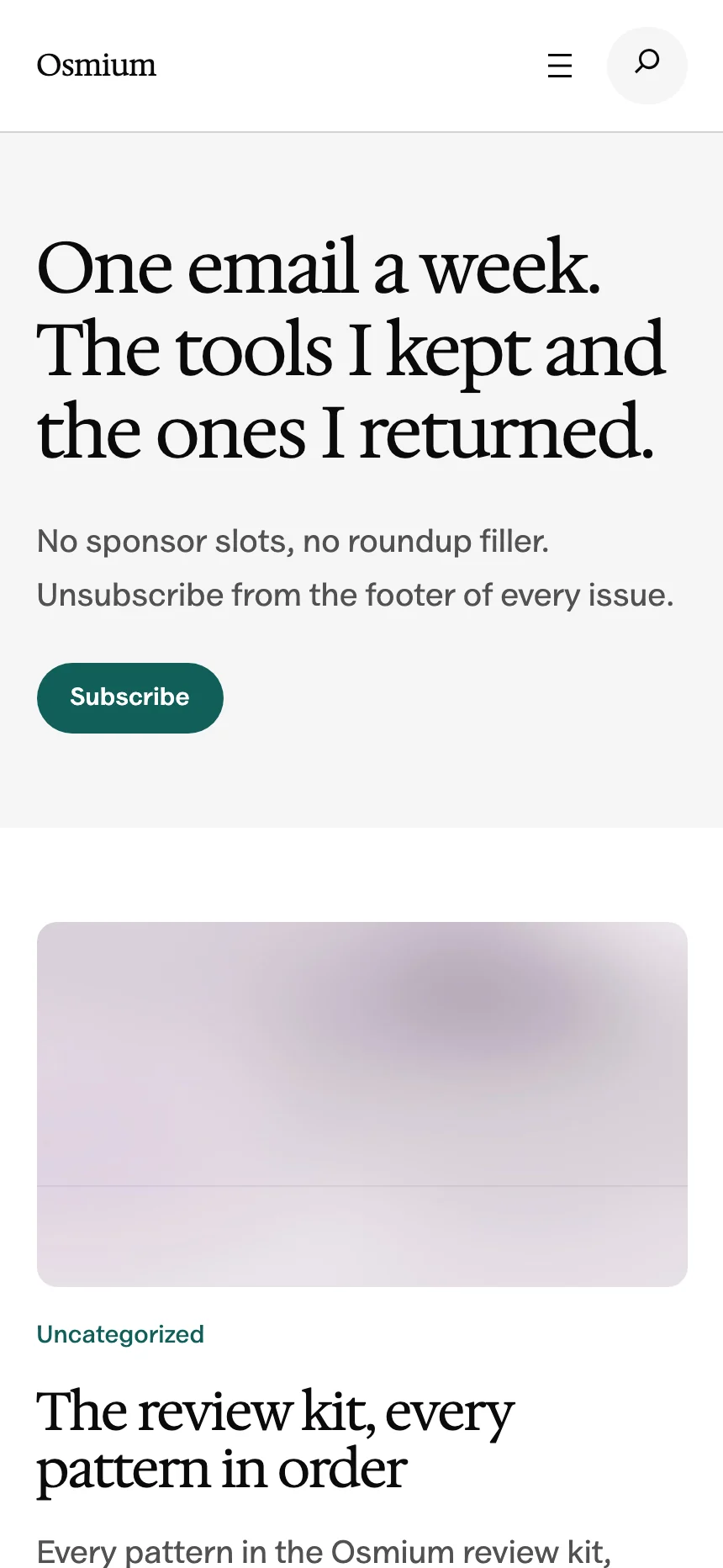
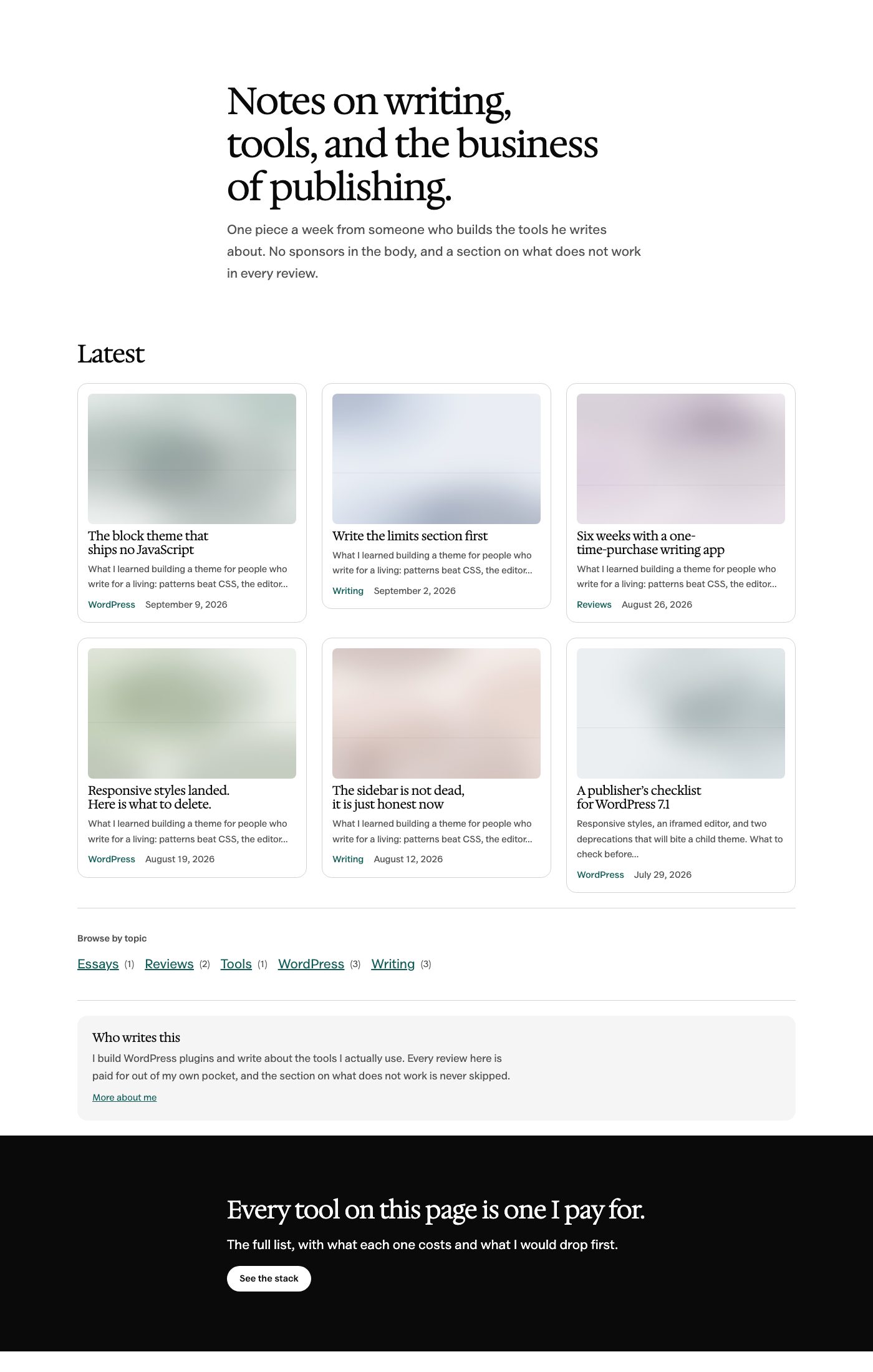
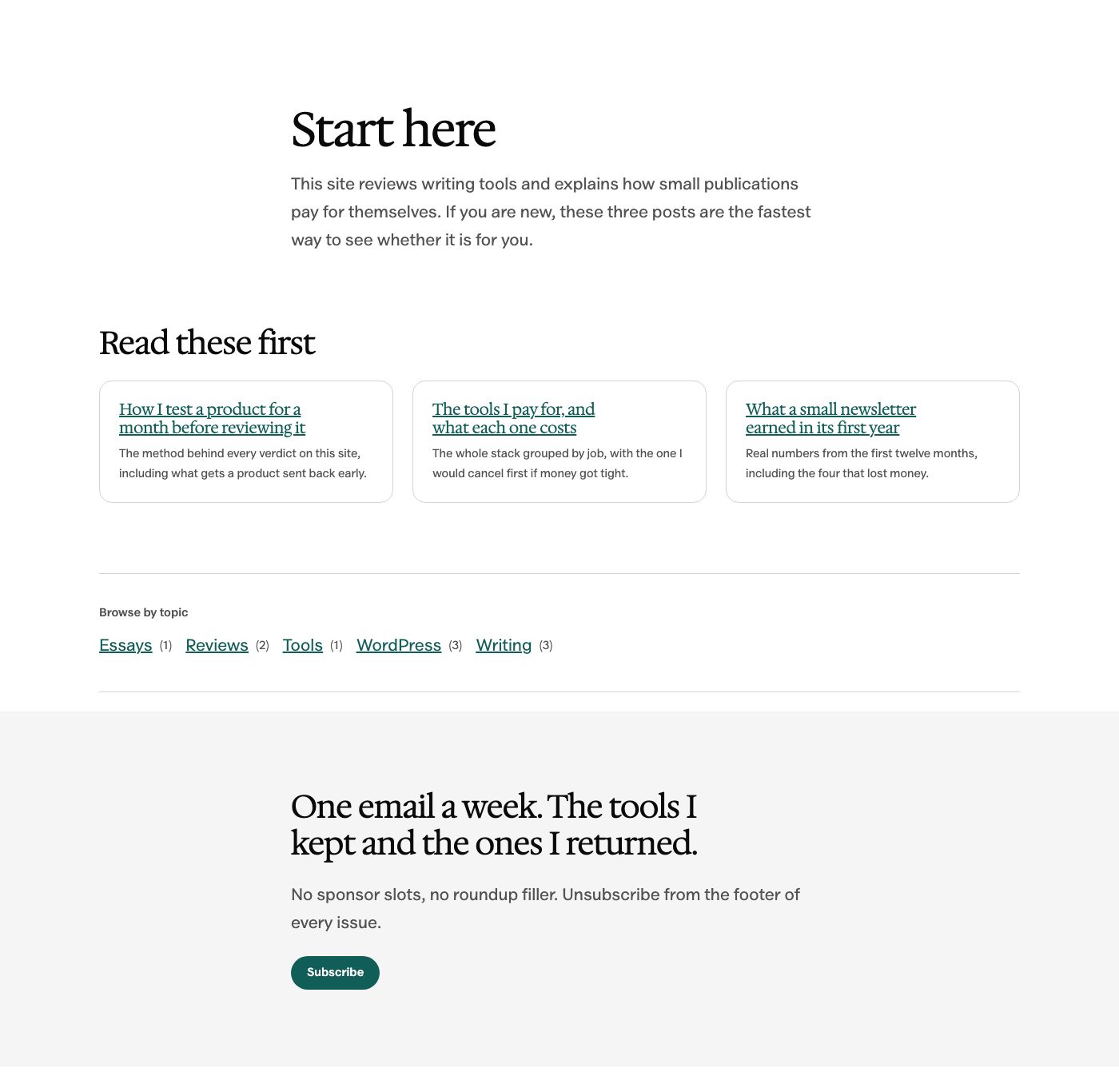
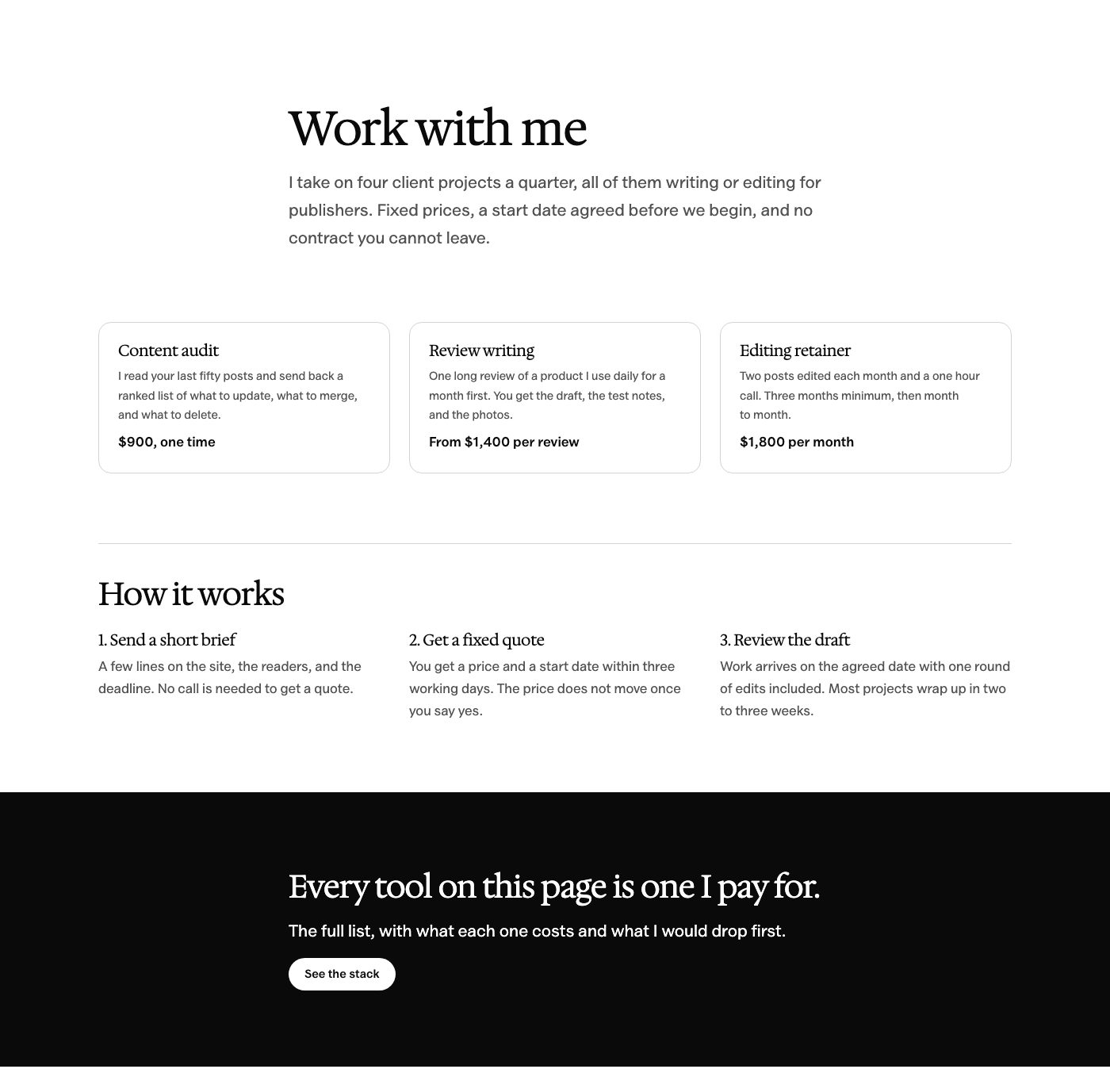
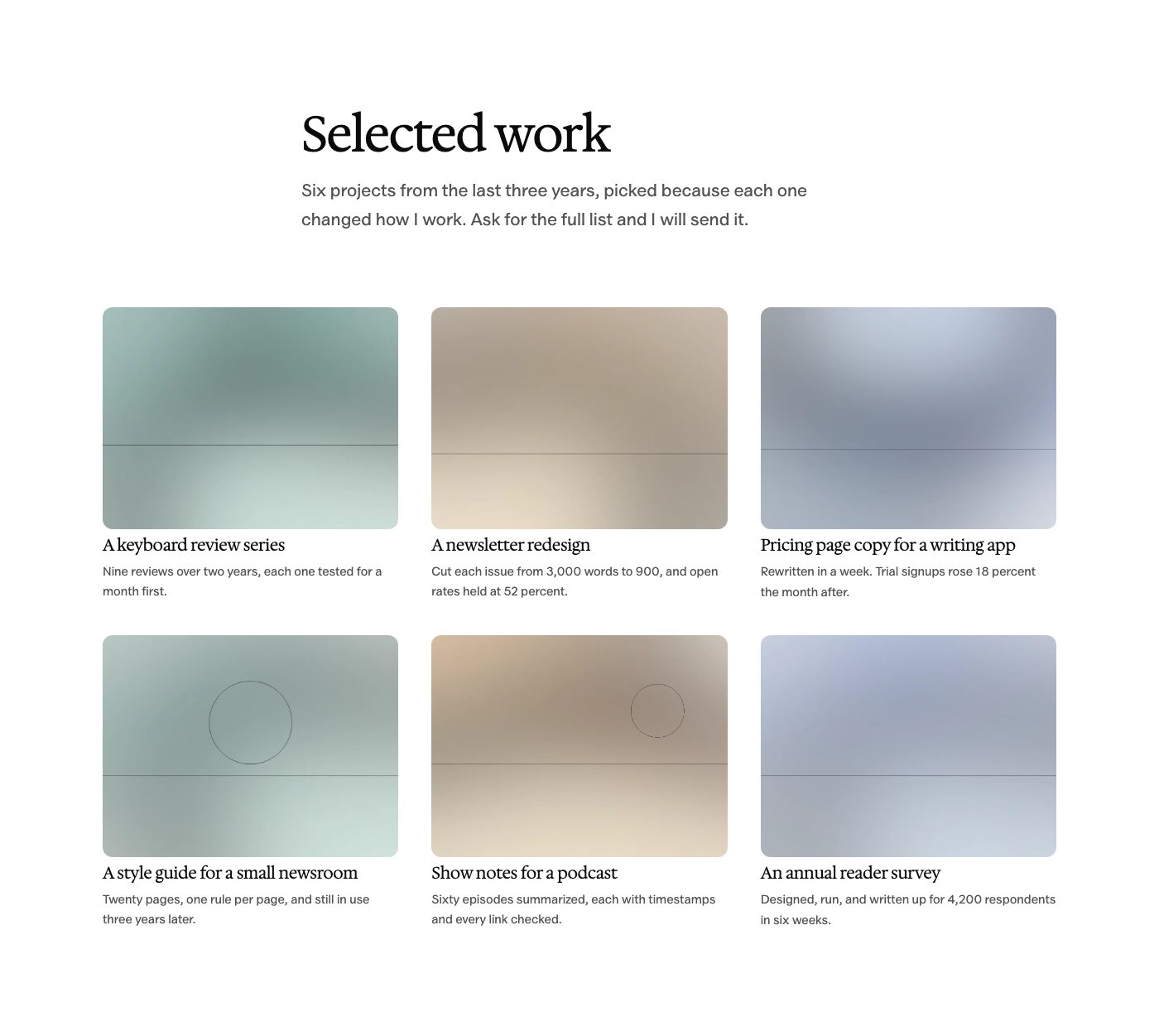
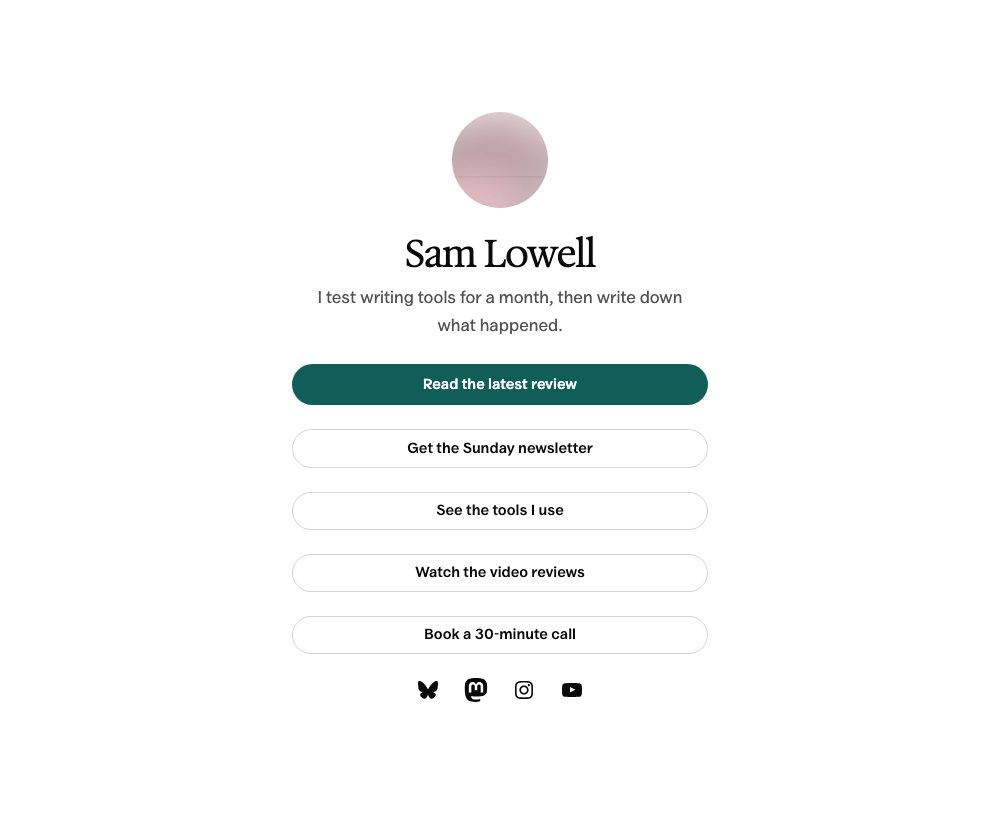
A good article shouldn’t stretch from one edge of the screen to the other. Osmium gives your paragraphs a comfortable reading column while letting images and tables use more of the page.
A 42rem reading column in the default Editorial style.
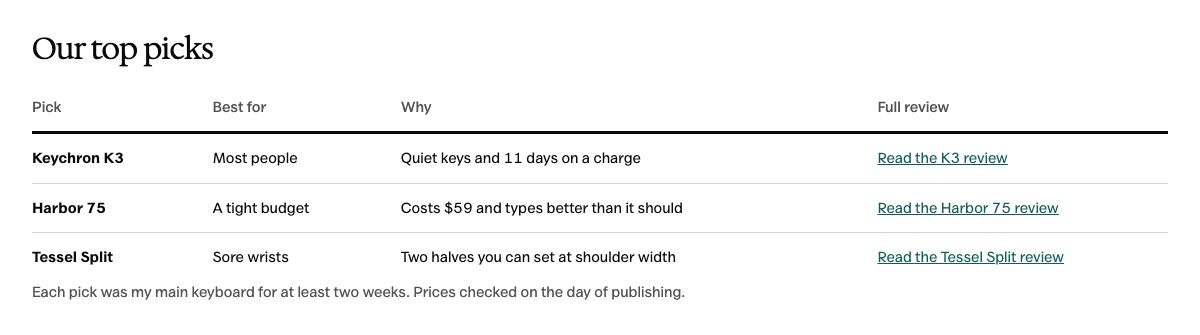
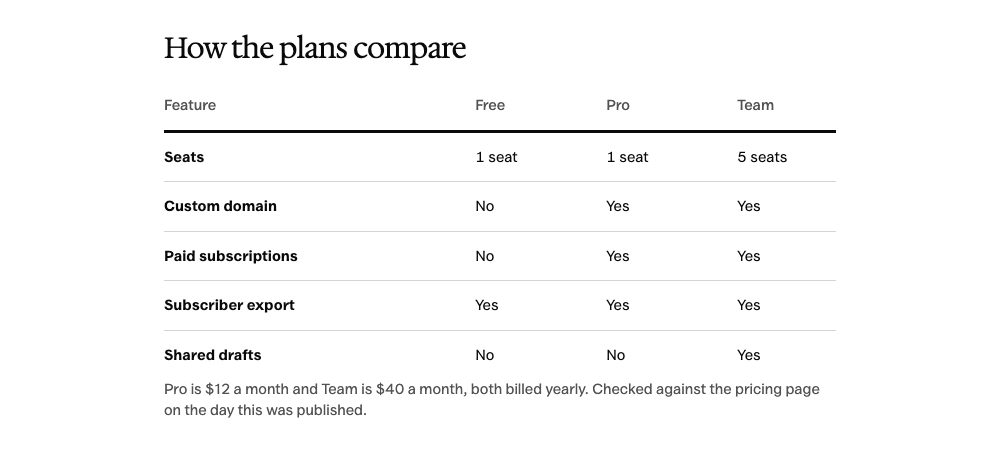
Wide and full-width blocks for images and comparisons.
An optional sidebar for the articles that need one.
Your content sets the pace. The layout gives it space.
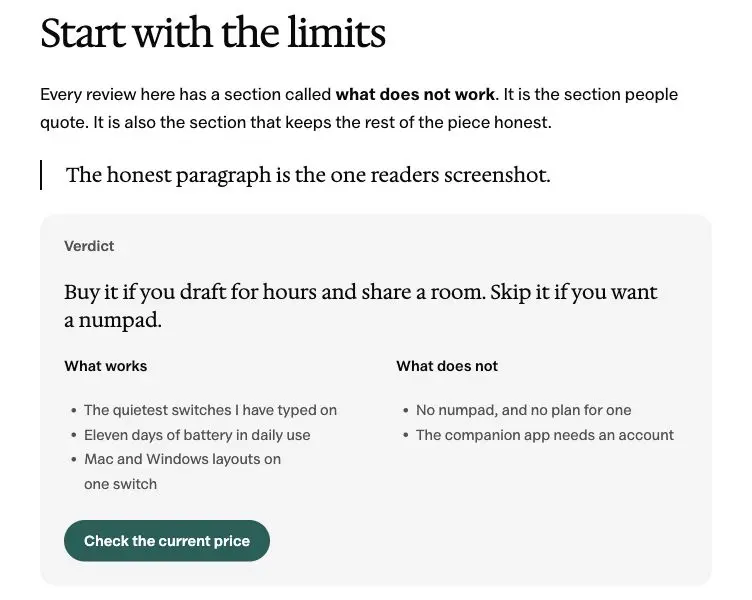
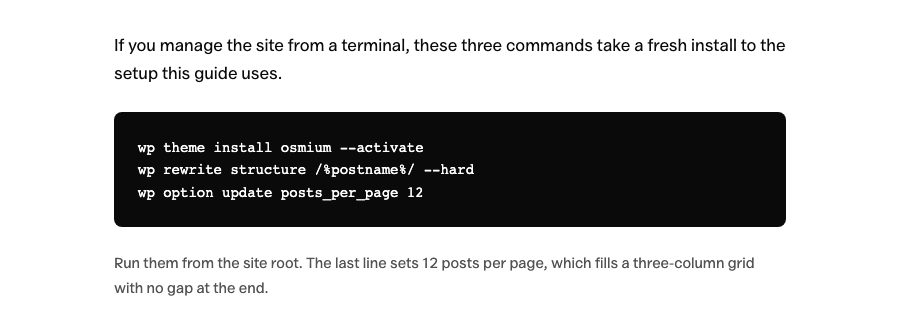
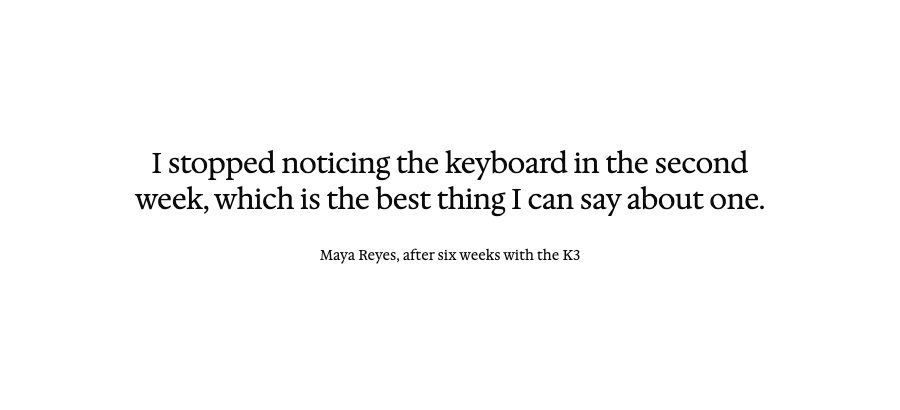
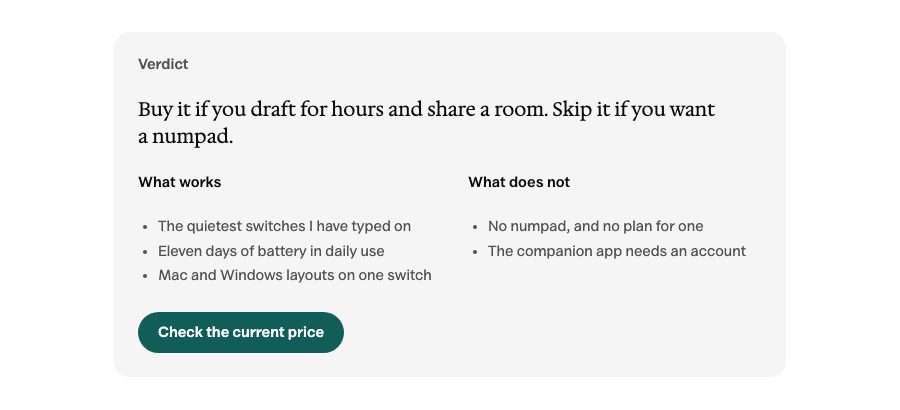
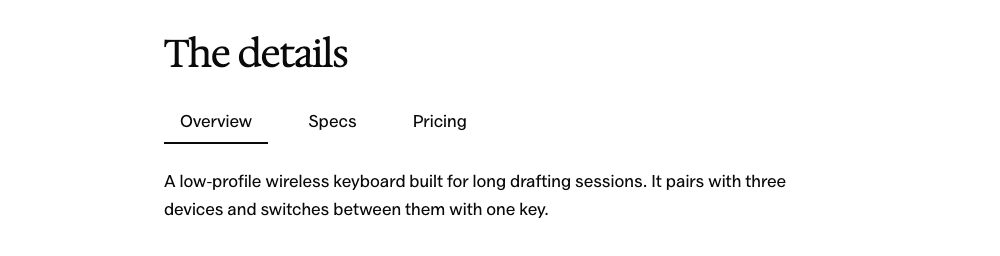
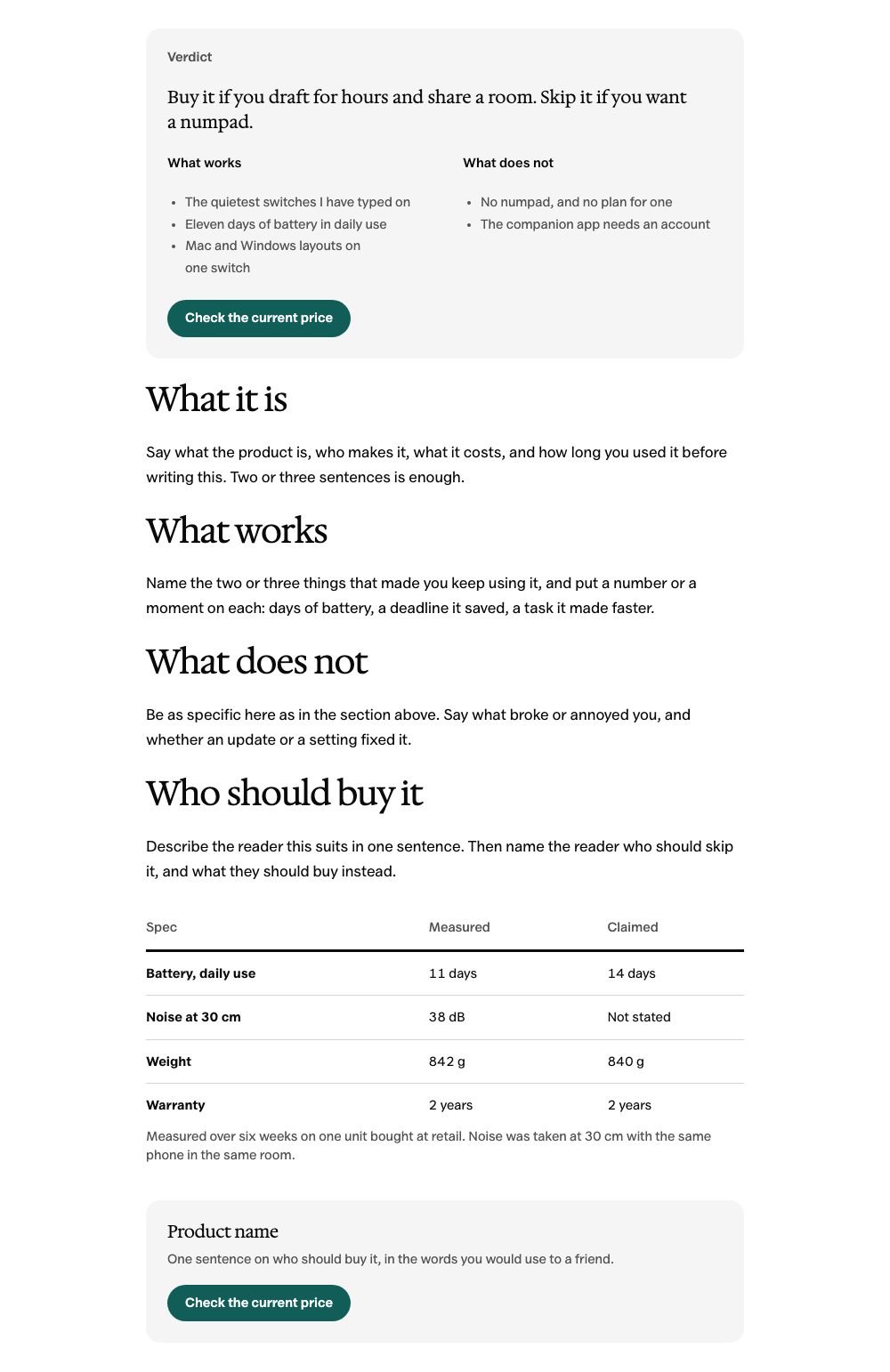
Article typography and a verdict pattern, shown with demo content.
Find Your Style
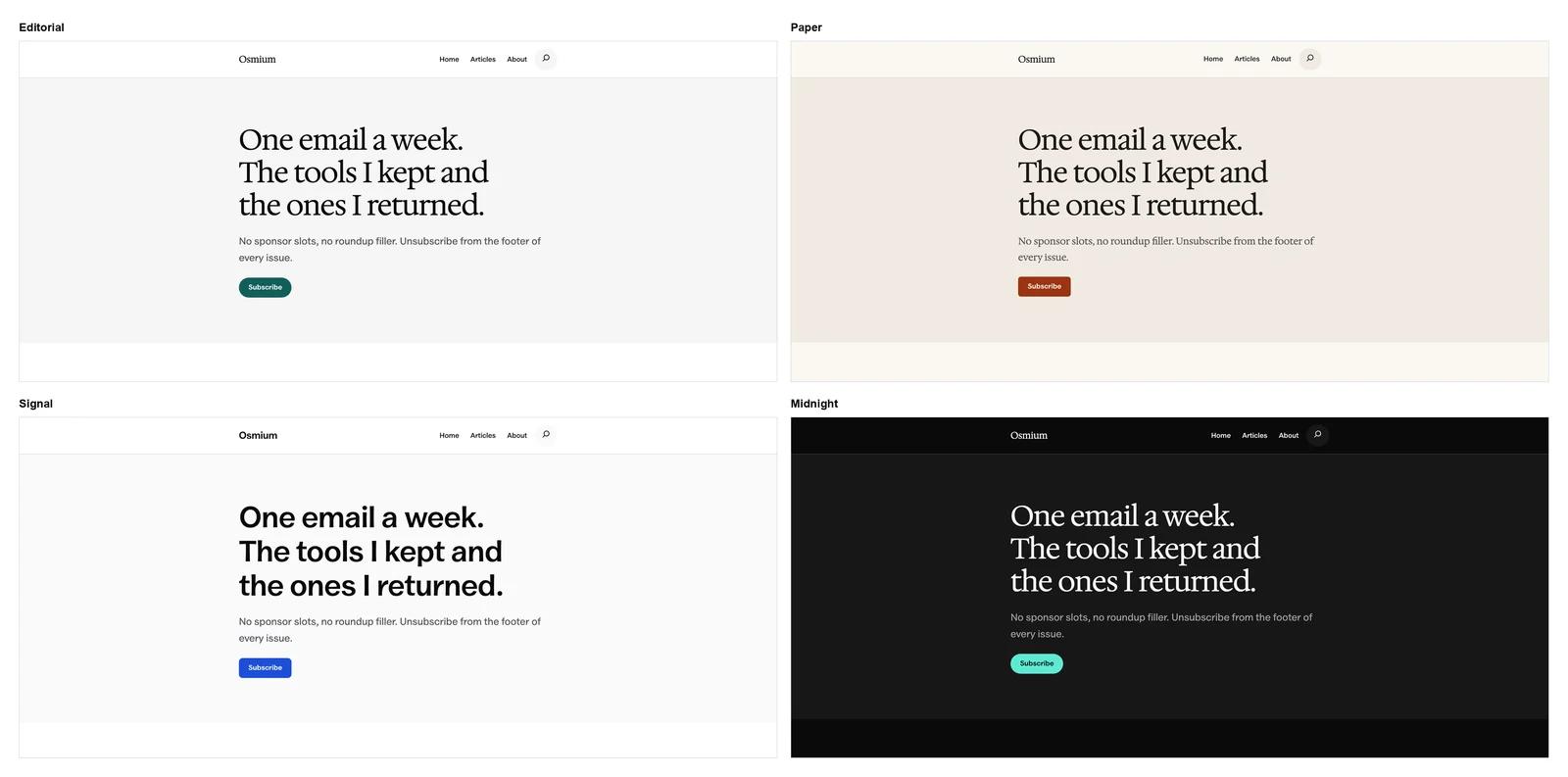
Start with Editorial, or choose a different look in the Site Editor. Each style changes the palette and typography while keeping your content editable.
EditorialThe default for a publication
PaperWarm, with serif reading text
SignalA clear look for review sites
MidnightEditorial, after dark
Give readers the verdict and the details behind it.
A Review Kit, Included
Review sites need more than a heading and a buy button. These 7 patterns give your recommendation a useful structure, from the first verdict to the final comparison.
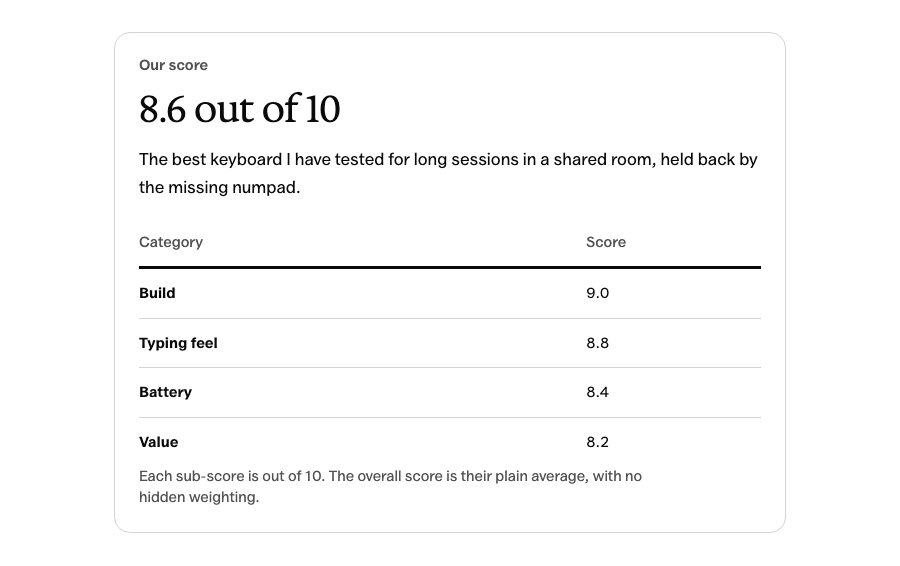
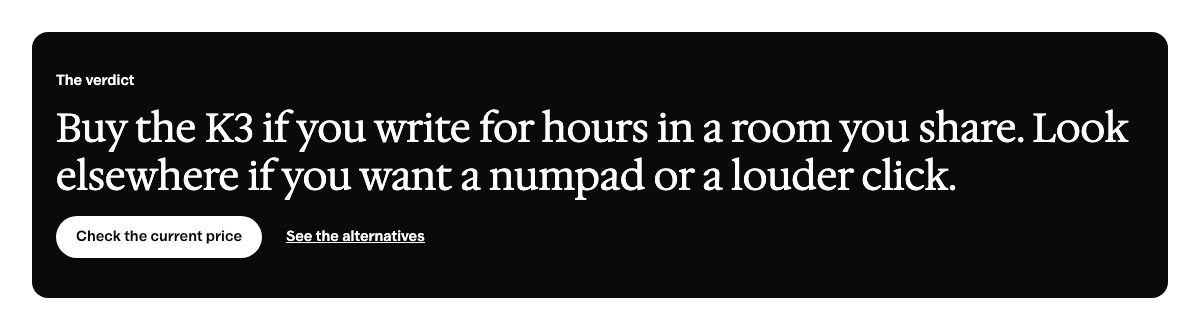
Review verdict
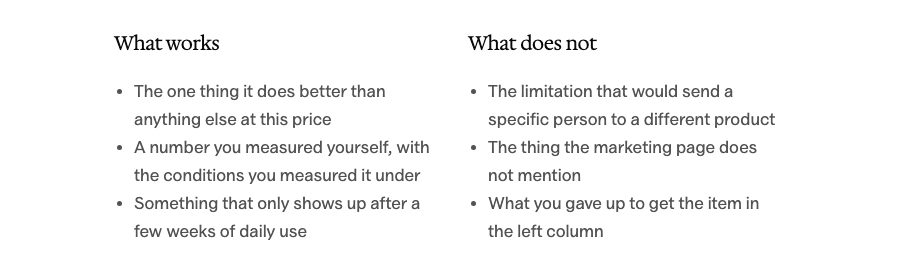
Pros and cons
Specification table
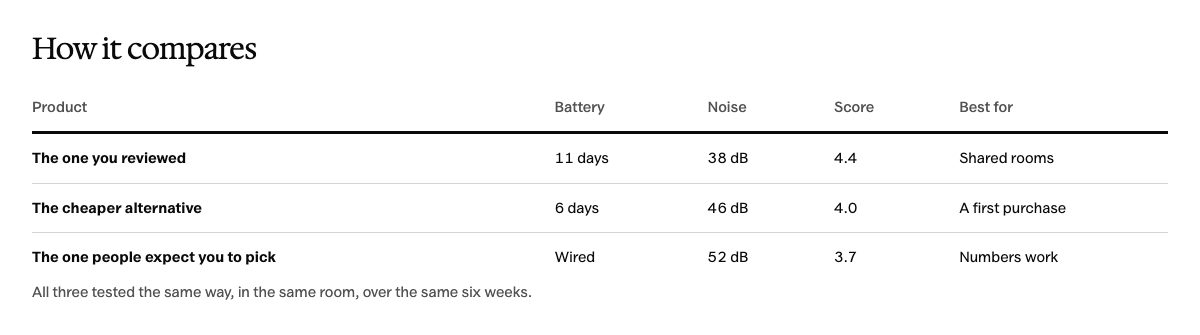
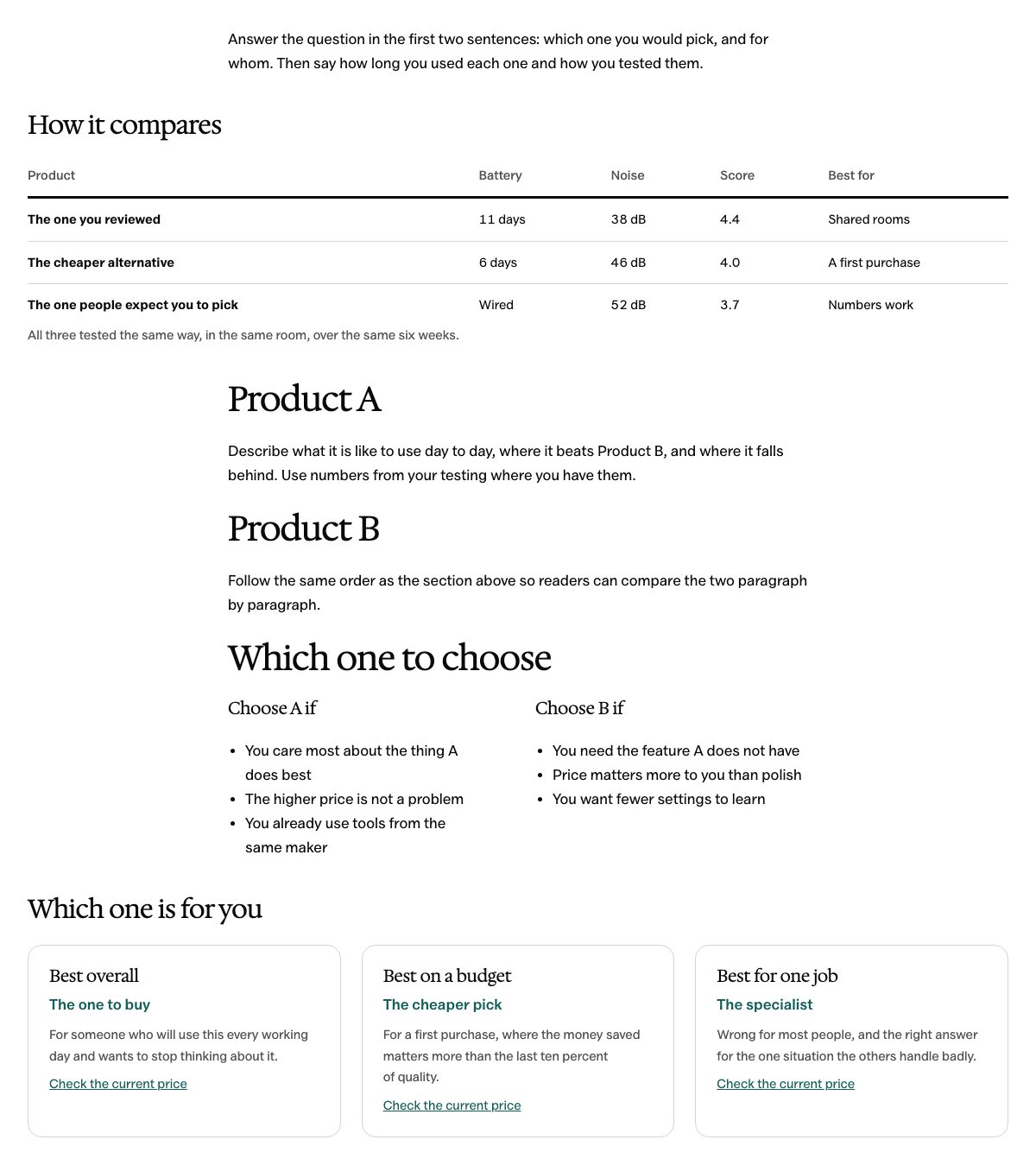
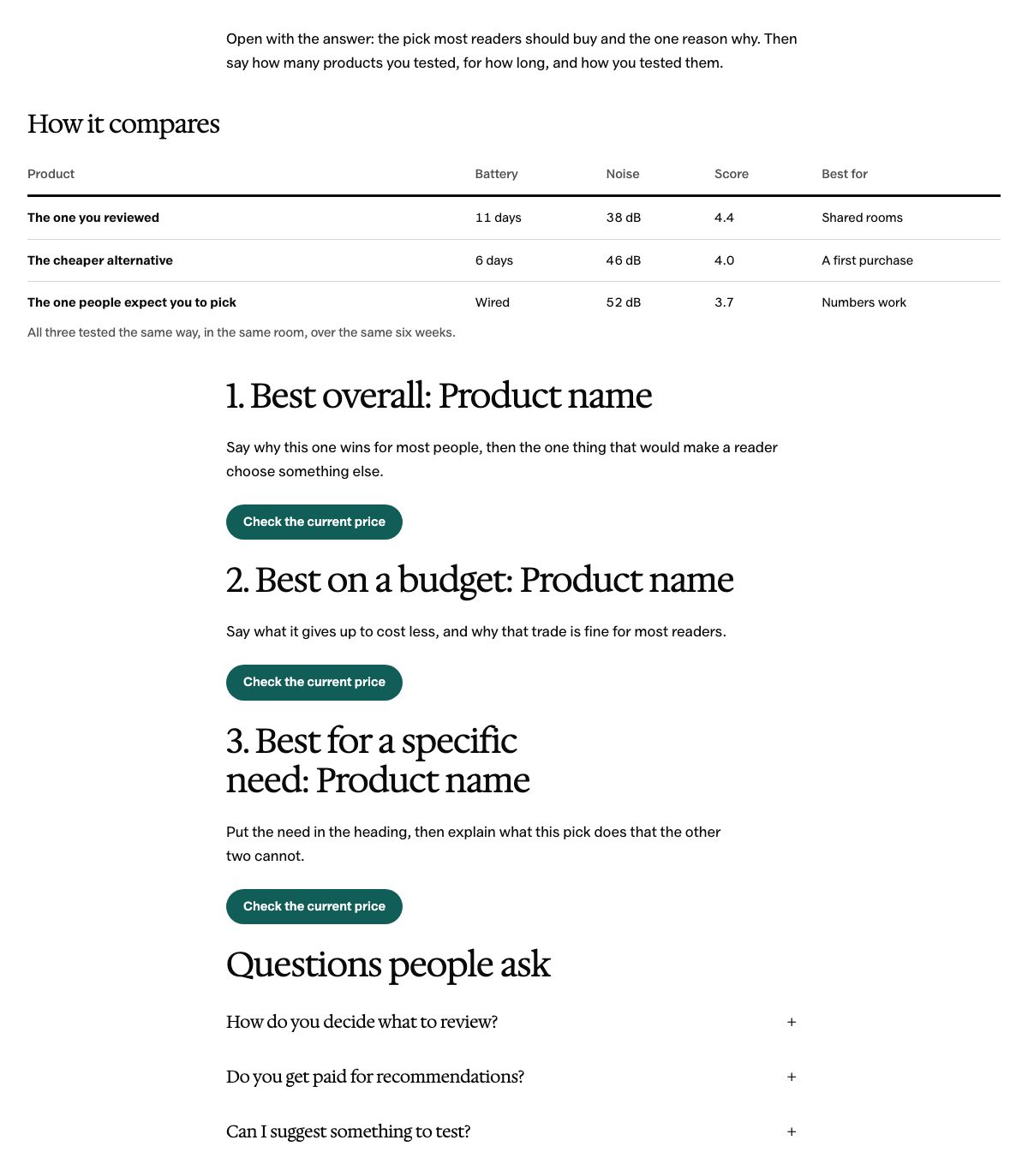
Comparison table
Best-for cards
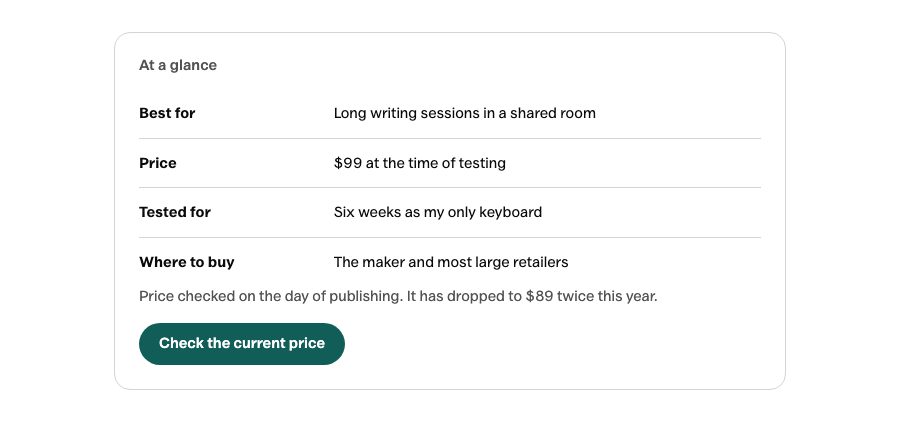
Product call to action
Deal strip
Every pattern uses WordPress core blocks. Your inserted content remains editable if you change themes, though its styling will follow the new theme.
Edit the Whole Site
Change your header and footer in the Site Editor. Start new pages with the included patterns, without adding a page builder.
Keep Fonts on Your Site
Valley Sans and Hedvig Letters Serif are bundled with the theme. The default fonts load from your domain.
Start with Less Code
Osmium ships about 8 KB of theme CSS and no JavaScript of its own. WordPress blocks and plugins may still load scripts.
Osmium Pattern Gallery
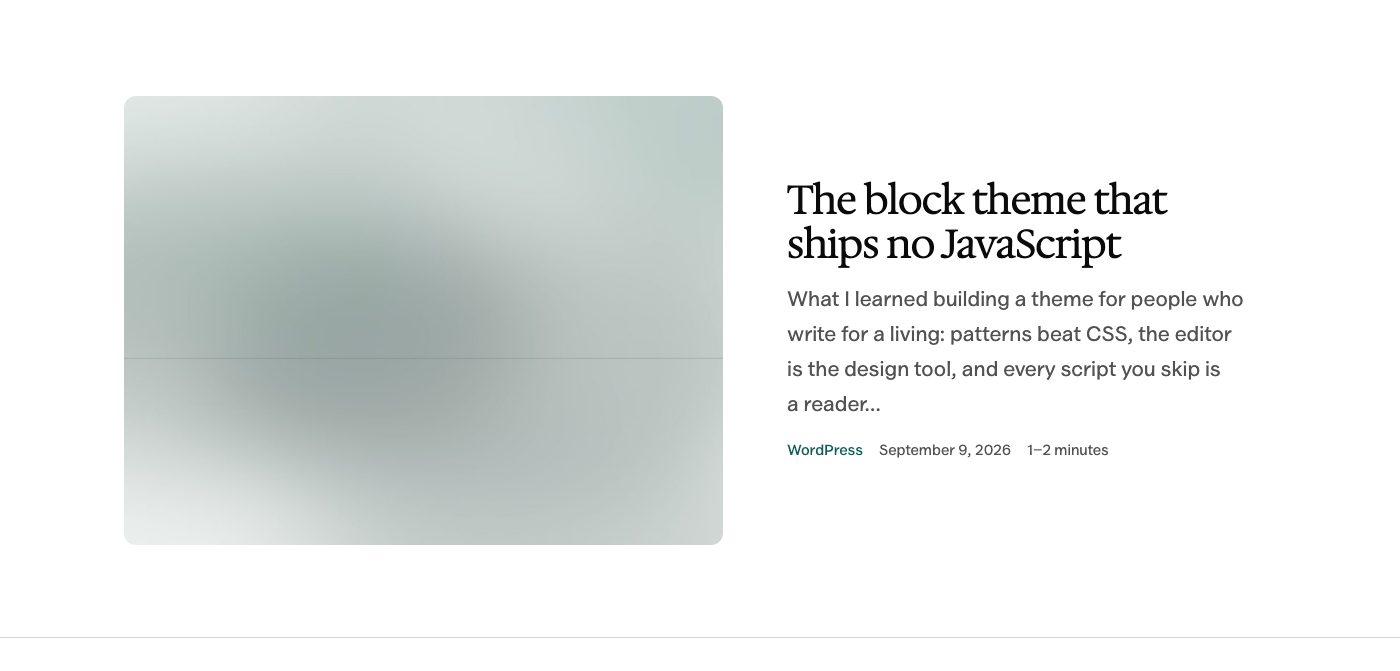
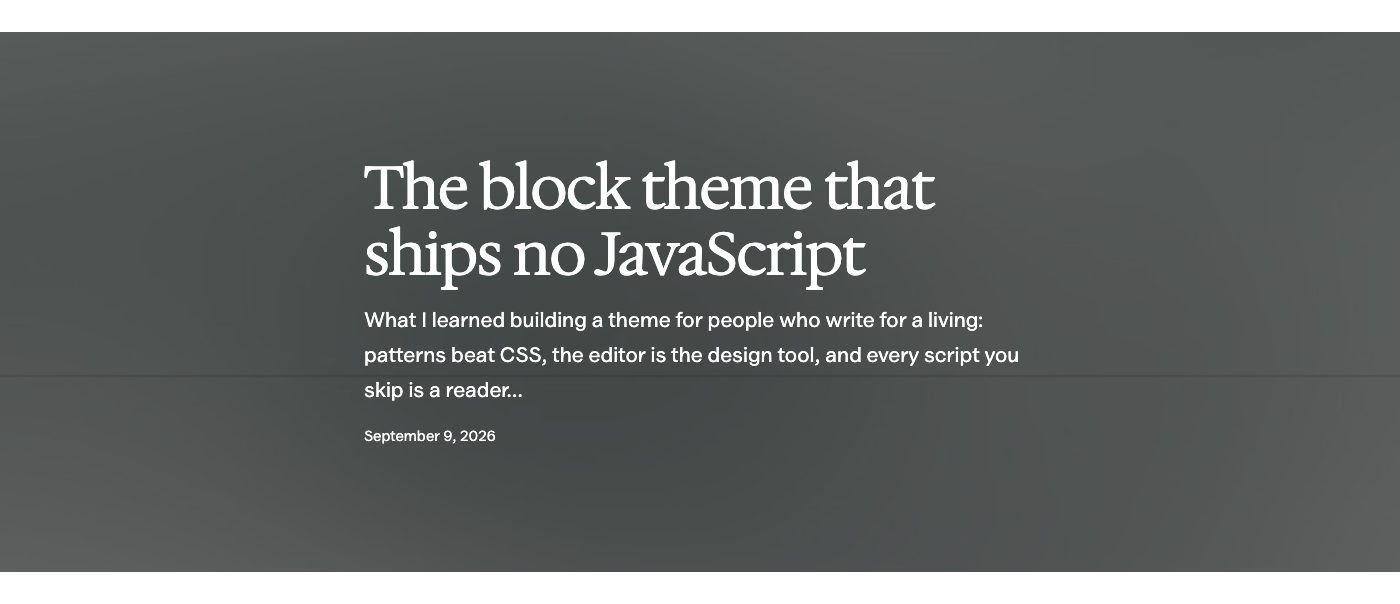
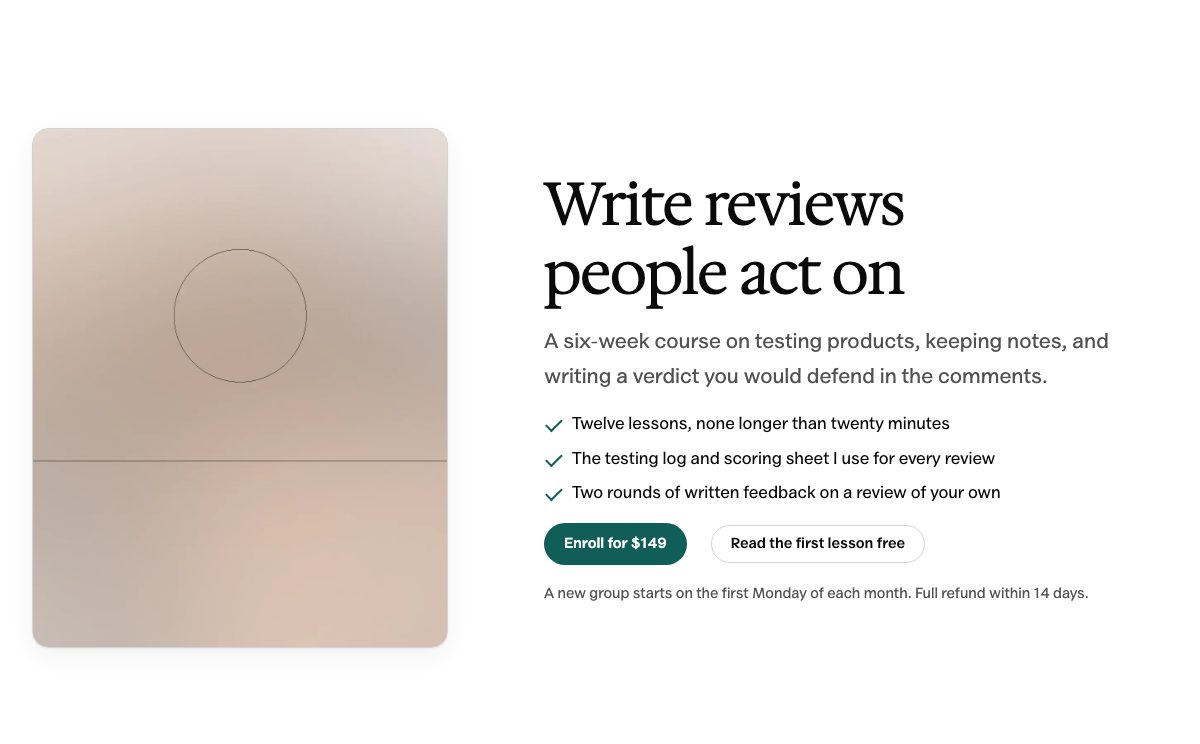
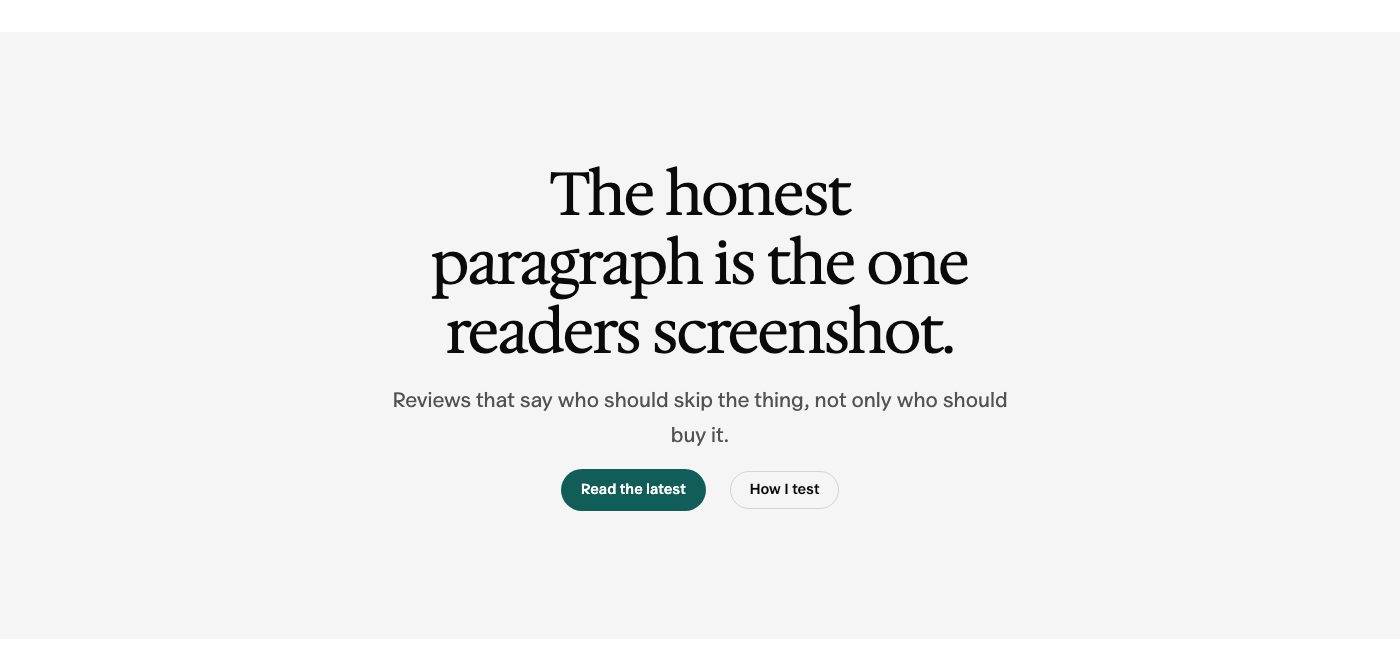
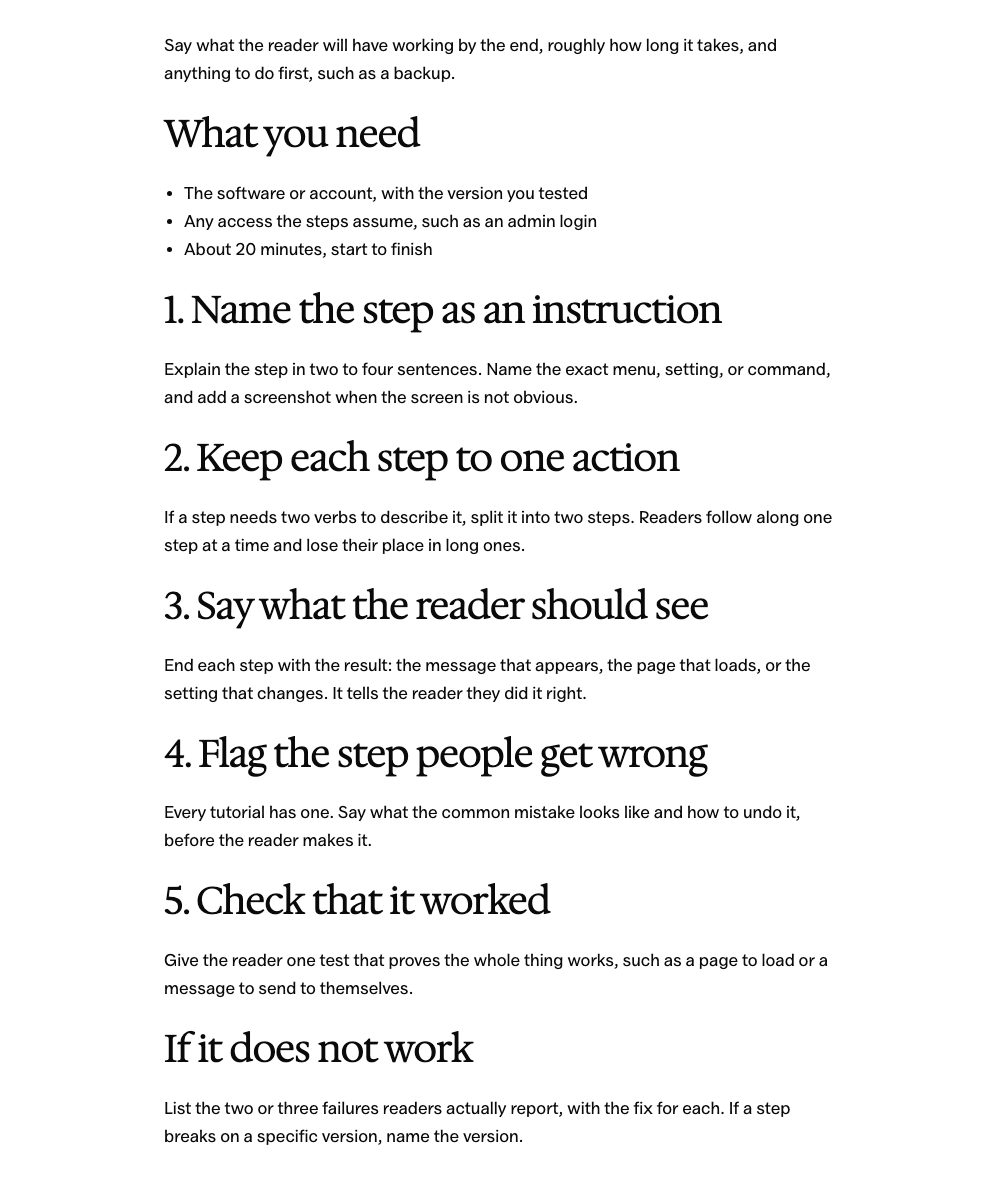
Here are 60 of the 128 patterns in the inserter. Select any preview to open the full-size image, or follow a group’s demo link to see every pattern in place.
Shown in the Editorial style with example content. Quotes, numbers and offers are placeholders, post lists show your own posts, and the example images ship with the theme, ready to swap for your photos.
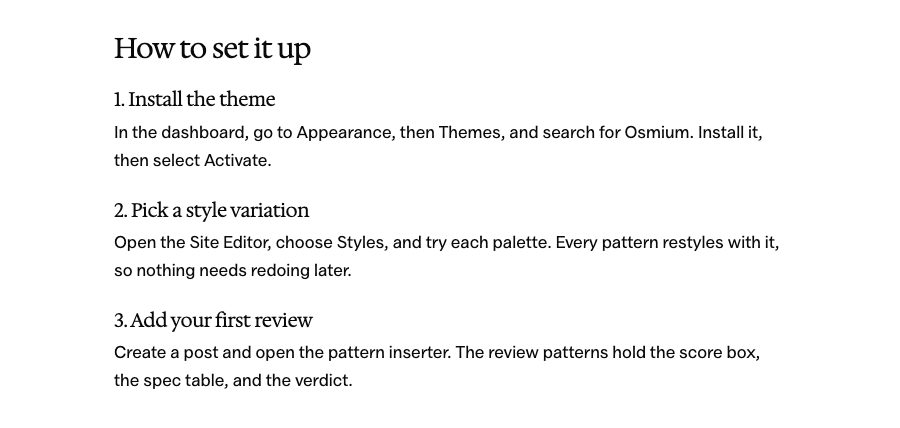
Download the Osmium ZIP from WordPress.org, or skip the download and search for Osmium under Appearance → Themes → Add New.
Install it in WordPress
Searching in your dashboard? Click Install, then Activate. With the ZIP, go to Appearance → Themes → Add New → Upload Theme, choose the file and install it.
Choose your starting point
Activate Osmium on a staging site first. Open Appearance → Editor to choose your style and edit the layout.
Before You Install
Osmium is an early release. Check your own content and plugins on staging before switching a live site.
Requires WordPress 7.0 or newer and PHP 7.4 or newer.
No custom WooCommerce templates, built-in slider or mega menu.
The Front Page template takes precedence over a static homepage. Edit or remove that template in the Site Editor to use your own page.
Newsletters and other form actions need a working form or email service behind the layout.
I Build Tools That Pay for Themselves And Give Away the Ones That Can’t
Everything here is quick to set up, light on your pages and built to do one real job well. I only charge for the tools that can make you money. The rest are free.