
Native Block
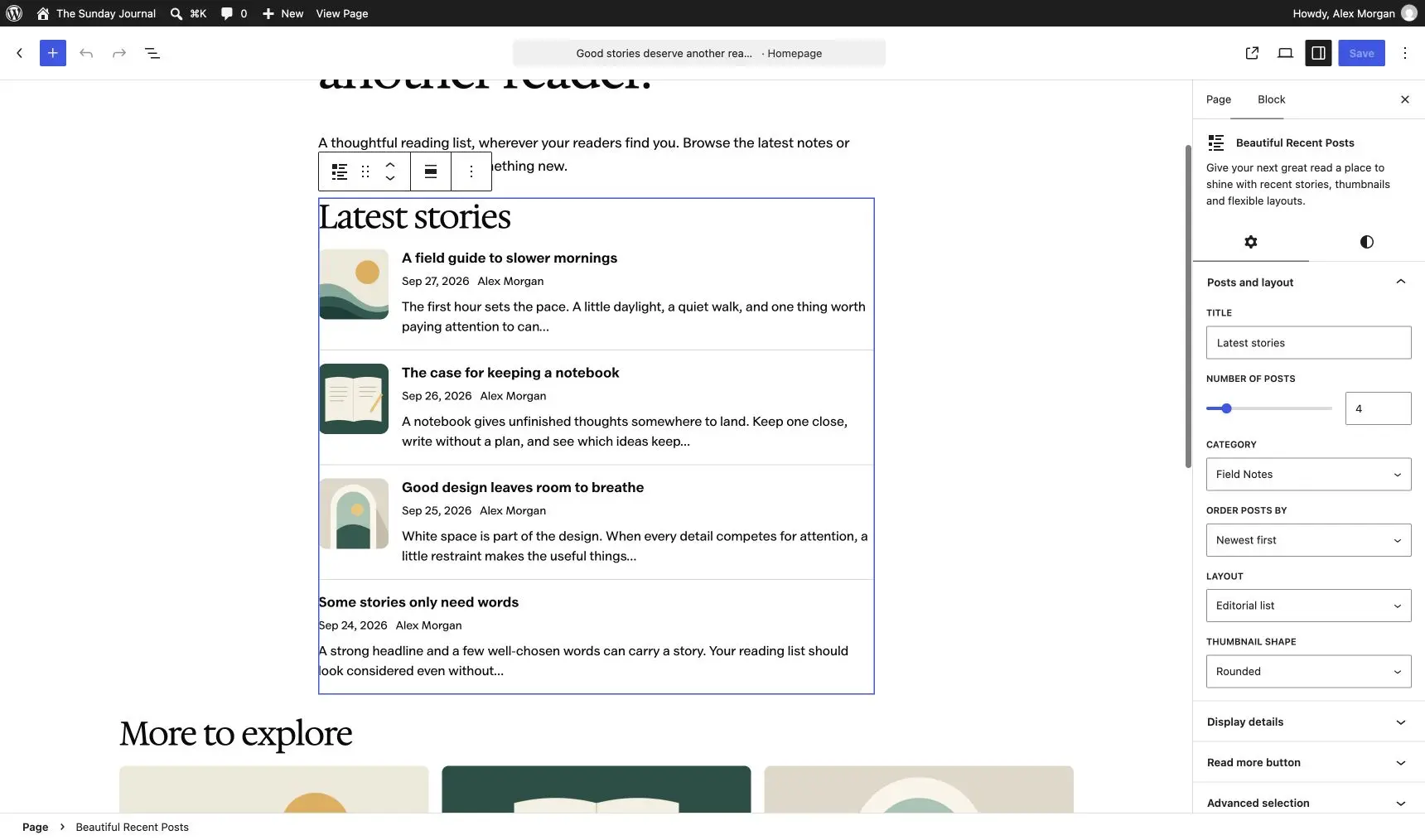
Insert Beautiful Recent Posts in any post, page or block-theme template. The editor shows a live preview beside the sidebar controls.

Show your latest posts with thumbnails, excerpts and a choice of list or card layouts. Add them as a native block, the classic sidebar widget or a shortcode. All three share the same settings.
Version 5.0.0 is a full rebuild for current WordPress and PHP. It loads no frontend JavaScript, and the widgets you already set up keep working after the update.
Free and open source. Version 5.0.0 for WordPress 6.6+ and PHP 7.4+. No account or license key.
The 2014 release was a sidebar widget and nothing else. It also called create_function(), which PHP 8 removed, so it broke on any current host.
Version 5.0.0 replaces that code with one shared renderer. The block, the widget and the shortcode all produce the same markup from the same settings, so a list looks identical wherever you place it.
Every option lives where you place the list. There’s no settings dashboard to visit first.
Insert Beautiful Recent Posts in any post, page or block-theme template. The editor shows a live preview beside the sidebar controls.
Classic themes get the same list in any widget area. The widget keeps its original ID, so saved sidebars carry over.
Drop [beautiful_recent_posts] into content or a builder module. It accepts every setting the block has.
Show 1 to 20 posts from one category, including its child categories. Sort by newest, recently updated or title, and skip the post being read.
Turn featured images, dates, authors, comment counts and excerpts on or off. Excerpts run from 5 to 60 words.
Lists are server-rendered HTML with one small stylesheet. Images use WordPress’s responsive markup and lazy loading.
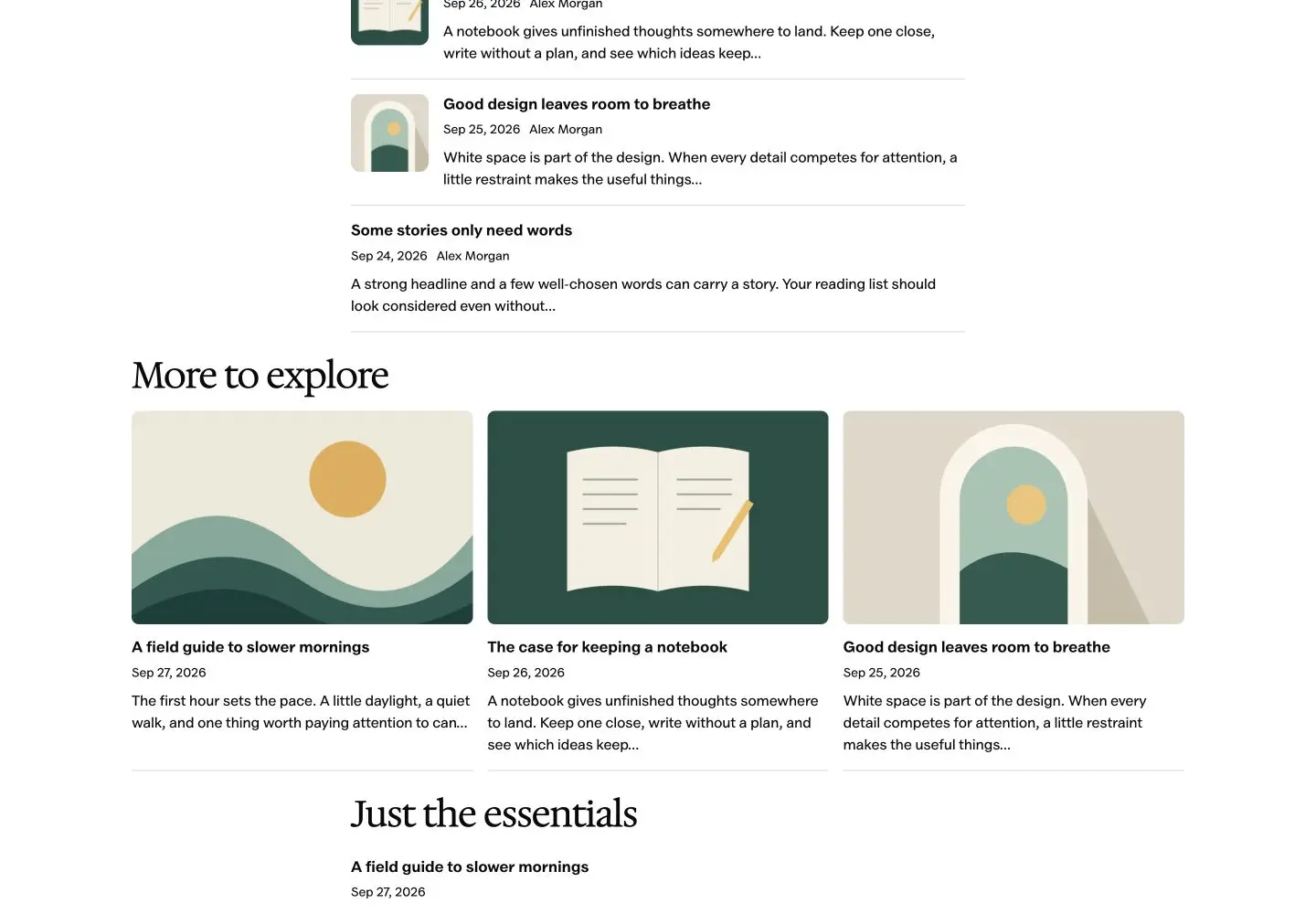
The editorial list fits a sidebar or a narrow column. Cards spread into a responsive grid when the space is wider and stack when it isn’t.
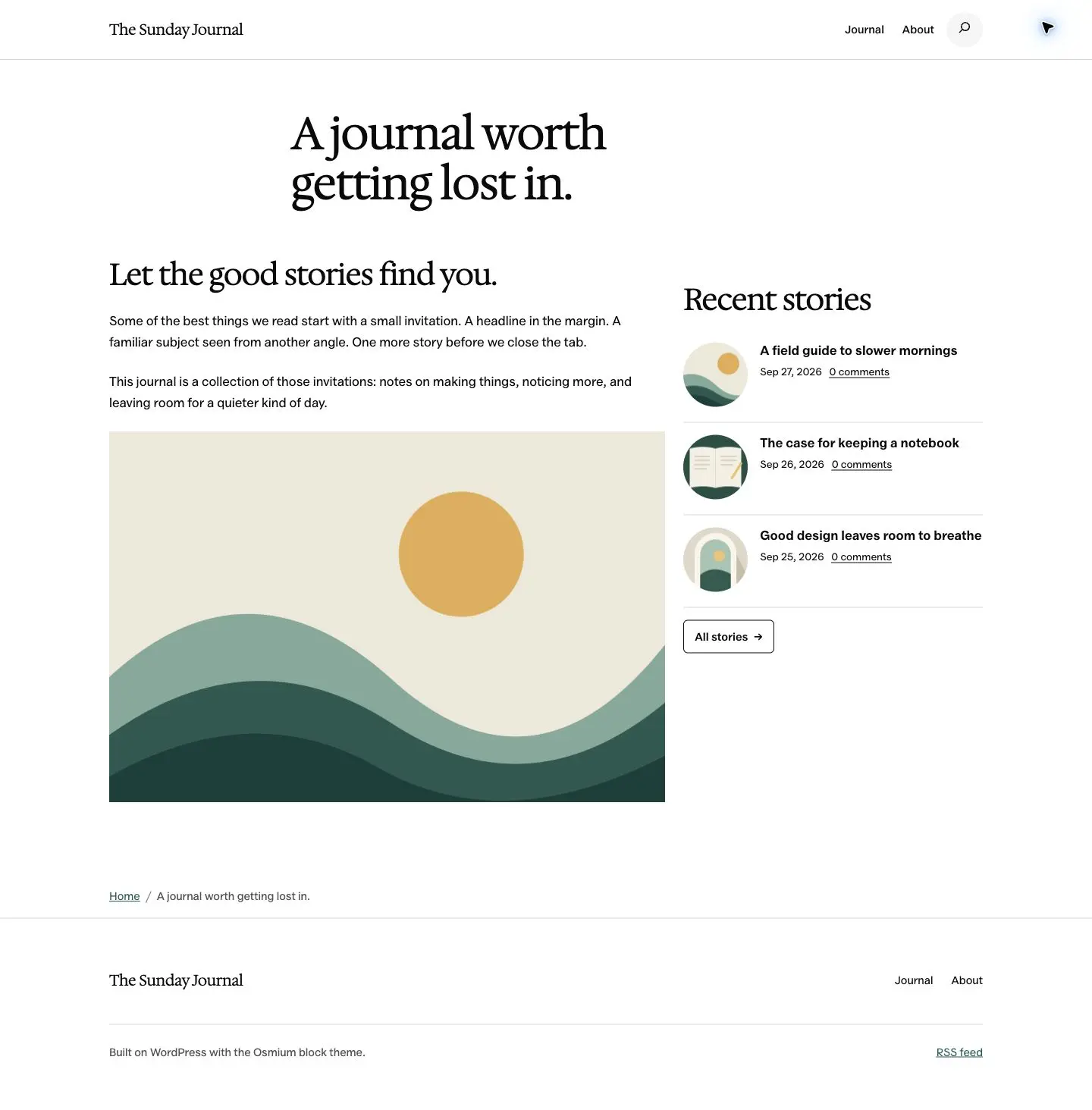
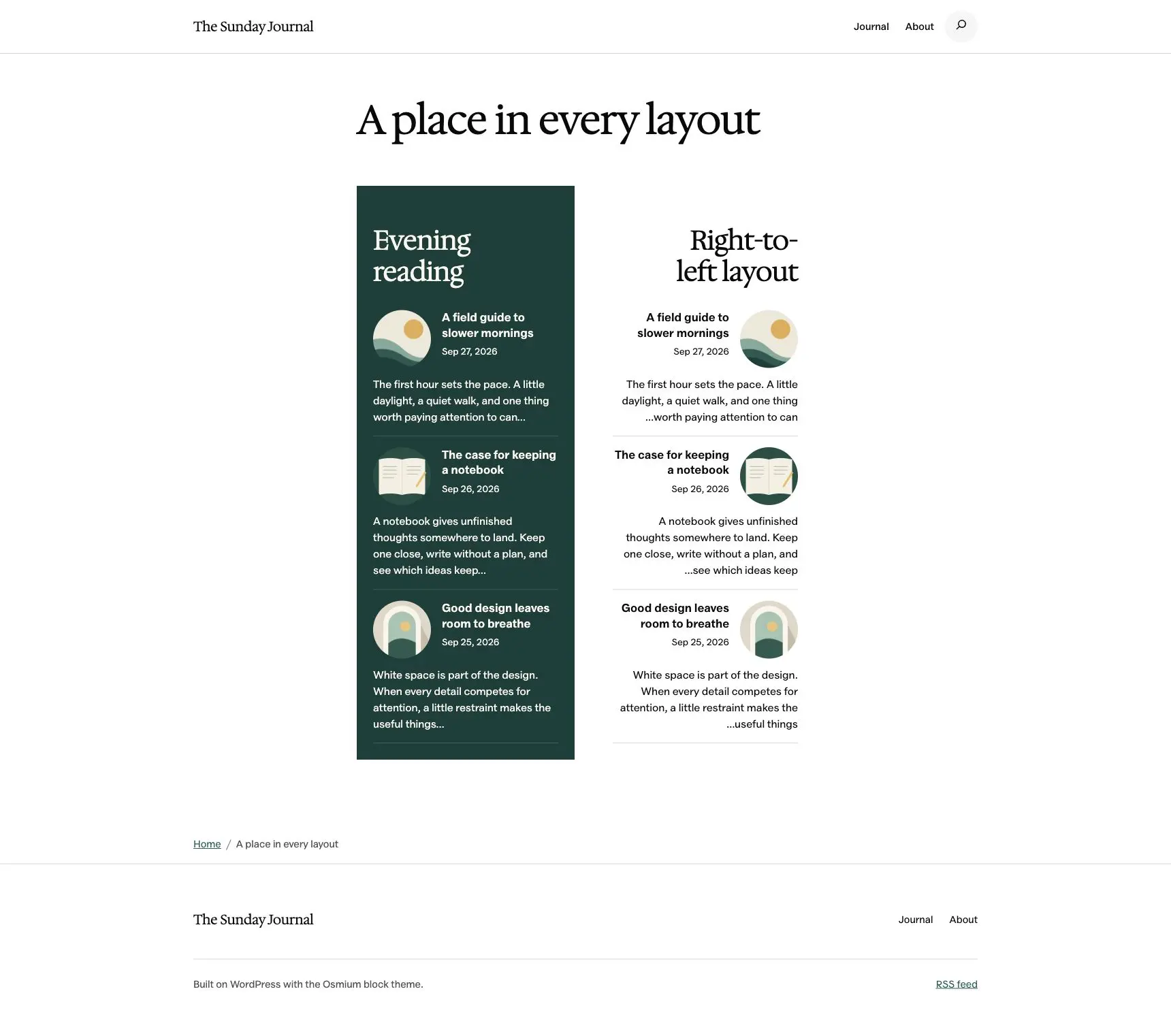
The shortcode takes the same settings as the block and the widget. Add only the attributes you want to change.
Four cards with excerpts:
[beautiful_recent_posts totalnews="4" layout="cards" show_excerpt="true"]One category, skipping the current post and hiding comment counts. Replace 12 with your category ID:
[beautiful_recent_posts category="12" exclude_current="true" show_comments="false"]The list inherits your theme’s type and colors. To change spacing, thumbnail size or the focus color, set these variables under .brpw in your theme’s CSS:
.brpw {
  --brpw-gap: 1rem;
  --brpw-image-size: 85px;
  --brpw-accent: #123f3a;
}| Attribute | Default | Accepted values |
|---|---|---|
title | Empty | Plain text |
totalnews | 3 | 1 to 20 |
category | 0 | Category ID. 0 shows all; child categories are included |
orderby | date | date, modified or title (A to Z) |
layout | list | list or cards |
image_shape | circle | circle, rounded or square (list layout only) |
show_image, show_date, show_comments | true | true or false |
show_author, show_excerpt, exclude_current | false | true or false |
excerpt_length | 20 | 5 to 60 words |
textbutton | Empty | Button label |
pageid | 0 | ID of a published, non-password-protected page |
The date shown is always the publication date, even when you sort by last update.
Update in place from the Plugins screen. Your widgets stay, but the styling is new, so give the sidebar a quick look afterward.
The original filename, widget ID, title, post count, button text and button page are kept. Sites on the GitHub-only 4.x build migrate on activation.
The CSS was refreshed. If your theme overrides the old widget styles, check those rules on a staging copy first.
New uploads get the 85px and 170px square crops automatically. Regenerate thumbnails if older images need them.
brpw to beautiful-recent-posts-widget, so custom translation files need to move to the new name.Install it from Plugins > Add New in your dashboard, or download the ZIP from WordPress.org.
Everything here is quick to set up, light on your pages and built to do one real job well. I only charge for the tools that can make you money. The rest are free.

I design, build and support every product on this site myself. When you email me, the person reading it is the one who wrote the code.
I’d rather ship one tool you’d miss if it vanished than ten that sit in your plugin list doing nothing.
18+years building websites, plugins and stores, since 2008
Switch a feature off and it loads nothing. What does load stays small. A tool that replaces a plugin shouldn’t make your pages slower.
Clear screens, sensible defaults and settings written in plain English. If you need a tutorial for the basics, that’s my design mistake, not yours.
Full keyboard support, visible focus, proper labels and text you can actually read. When more people can use your store, more people can buy from it.
My paid tools help you sell, renew, license or convert. If one just sits in your stack, I haven’t done my job.
I won’t charge for anything that can’t make you money. The free tools get the same care as the paid ones, down to the last setting.
Yes. The original widget ID and its saved title, post count, button label and button page carry over. Dates, comment counts and circular thumbnails stay on by default. Only the styling changes, so review any custom CSS on staging first.
Yes. Insert the Beautiful Recent Posts block in a post, page or Site Editor template. Classic themes can use the widget in their widget areas. Both use the same renderer and settings.
No. Public lists use HTML and CSS only. JavaScript runs in the block editor and uses the packages WordPress already ships. The stylesheet loads only where a list appears.
The title and the details you enabled still show, without an empty image box. Quote and aside post formats skip thumbnails, as the original widget did.
No. Lists include only published posts without a password. The optional button also links only to a public, non-password-protected page. Custom post types aren’t included.
Blocks and widgets stop displaying. Shortcodes stay in your content and may show as plain text until you reactivate the plugin. Your posts, images and saved widget settings aren’t deleted.
Add a recent posts list to your sidebar, a page or a template in a couple of minutes. Found a bug or want a feature? Open an issue on GitHub.