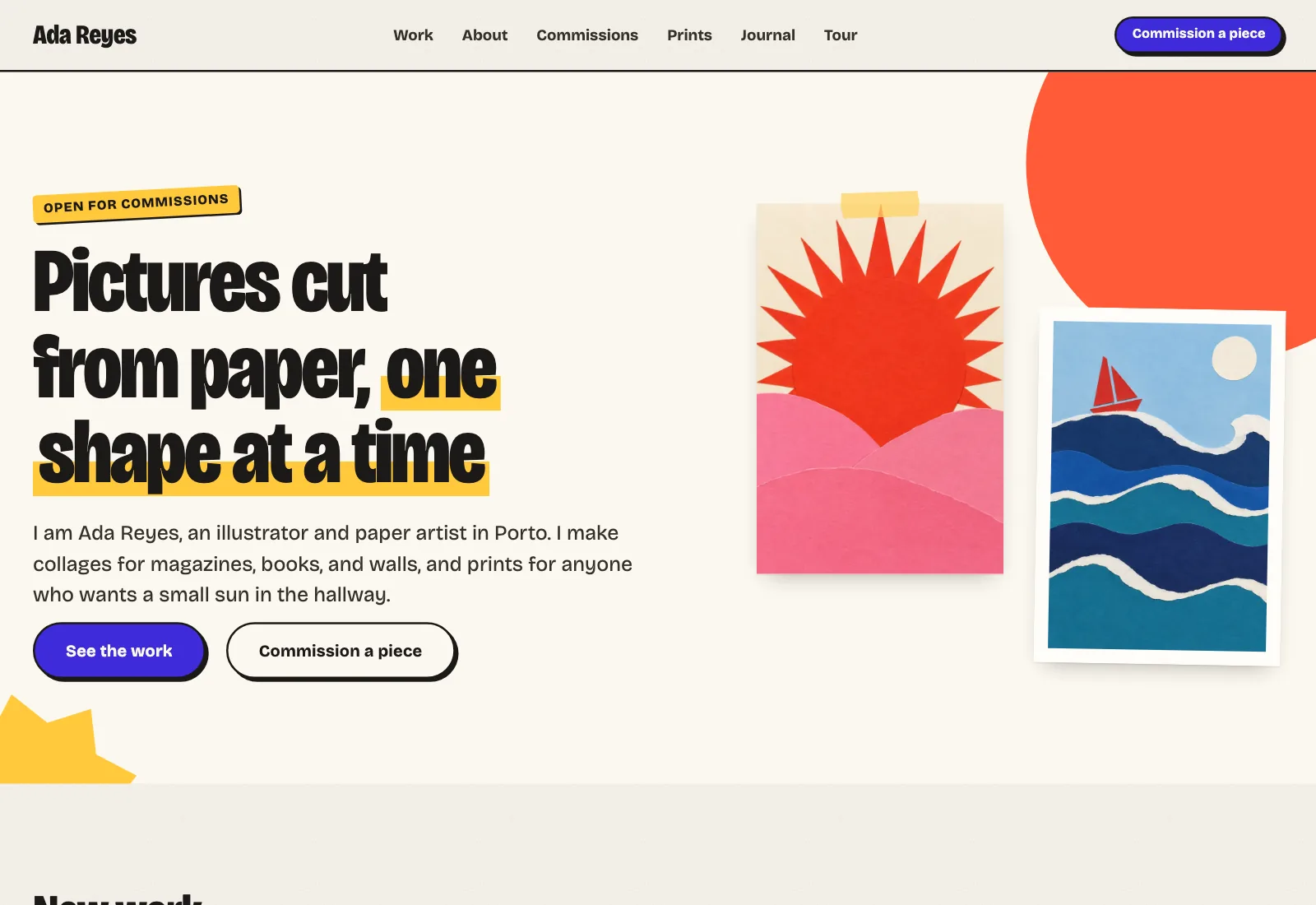
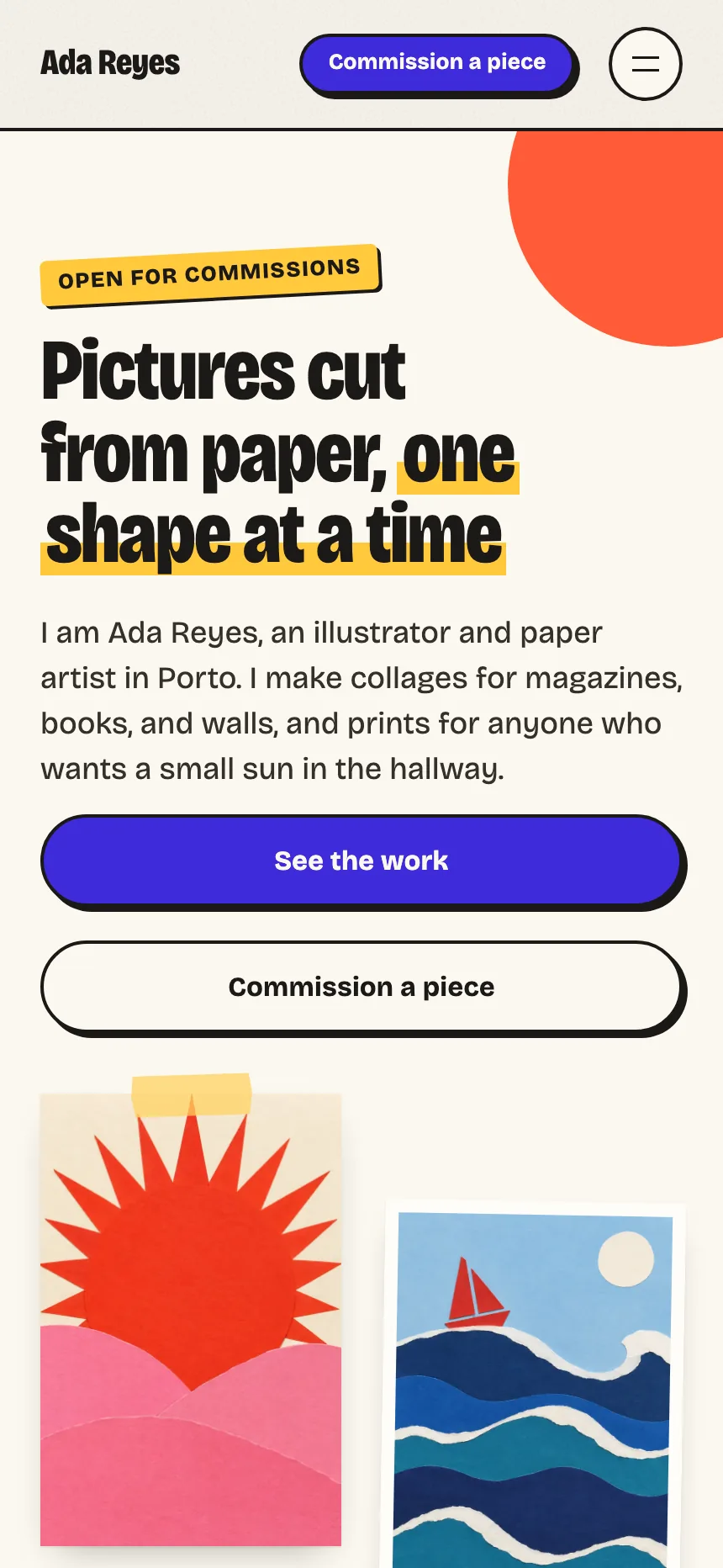
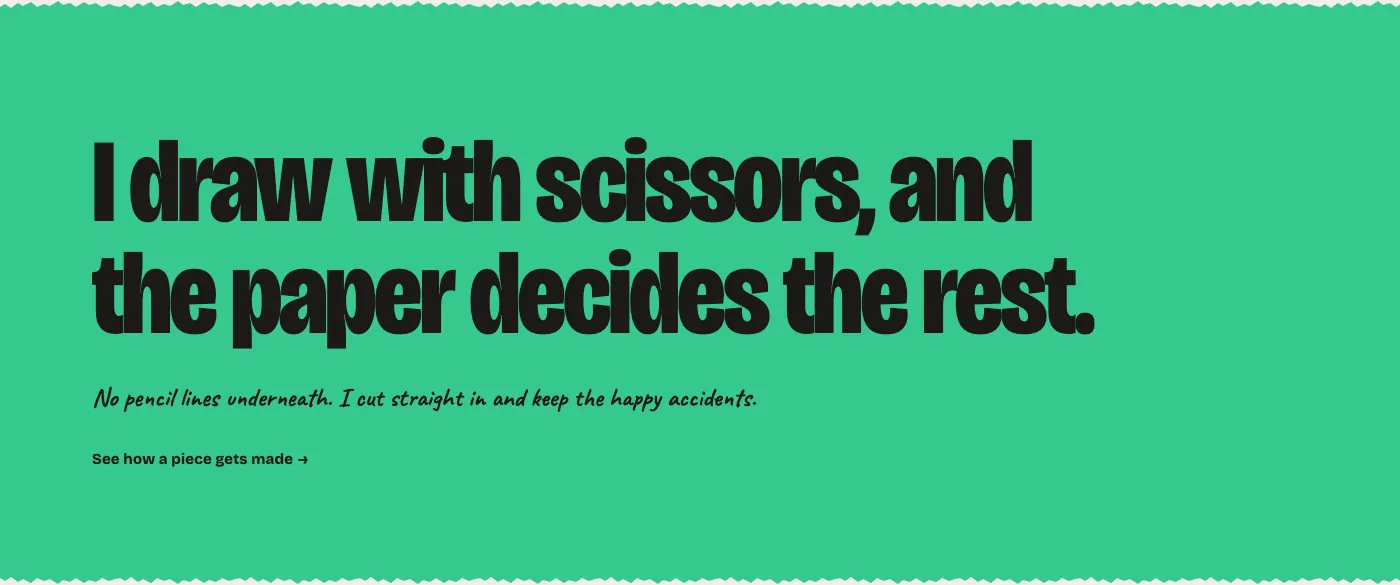
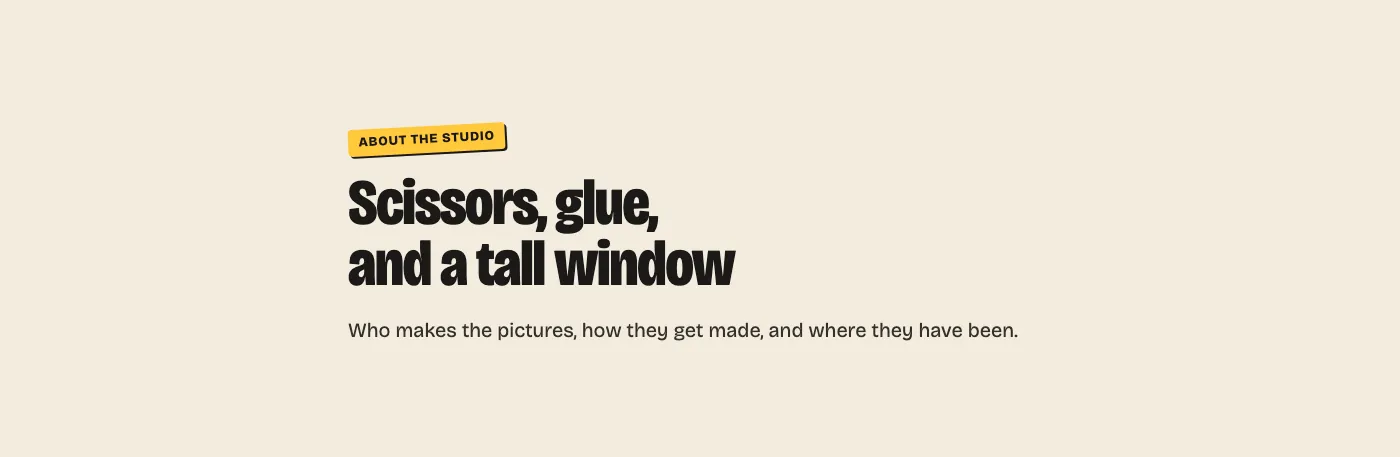
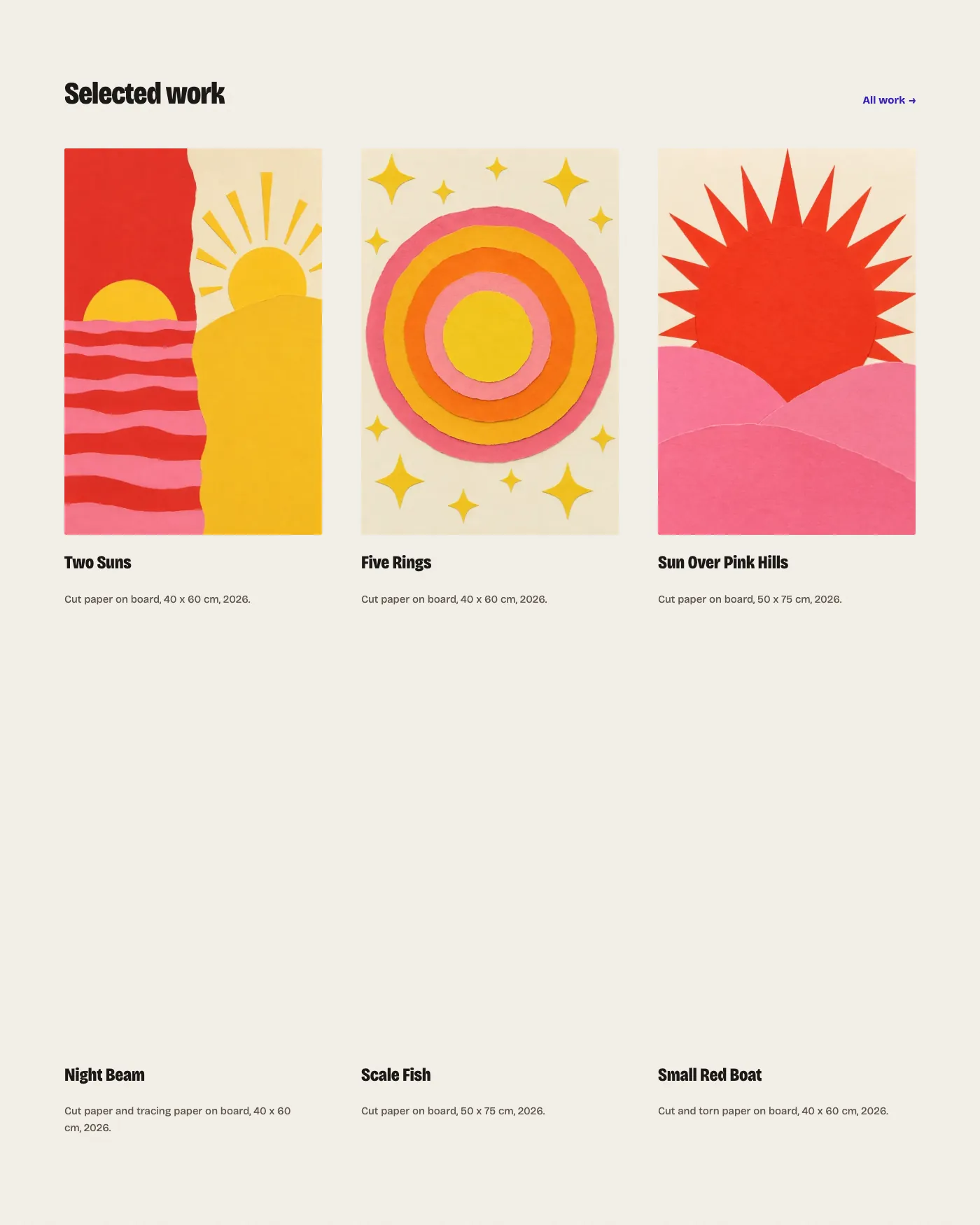
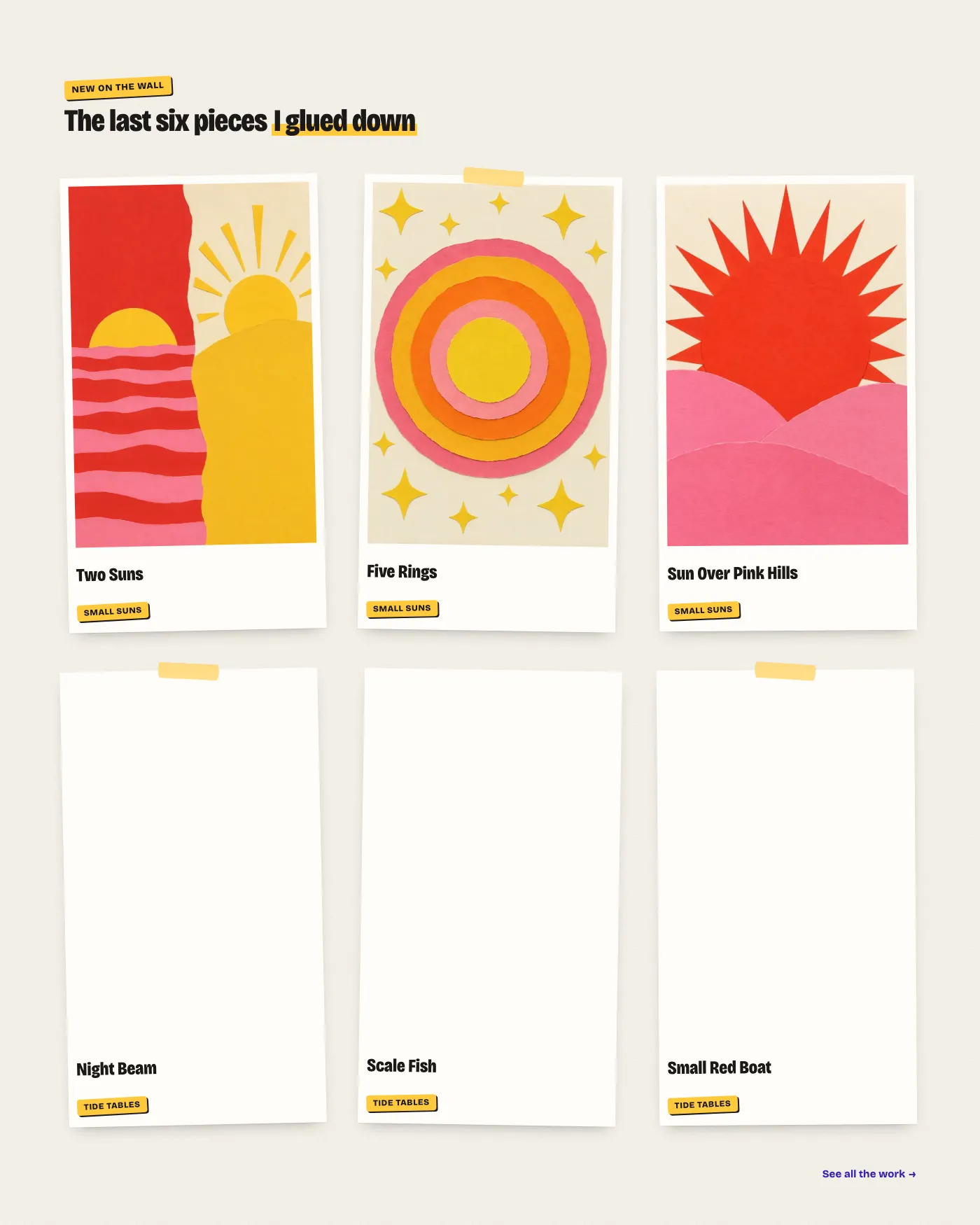
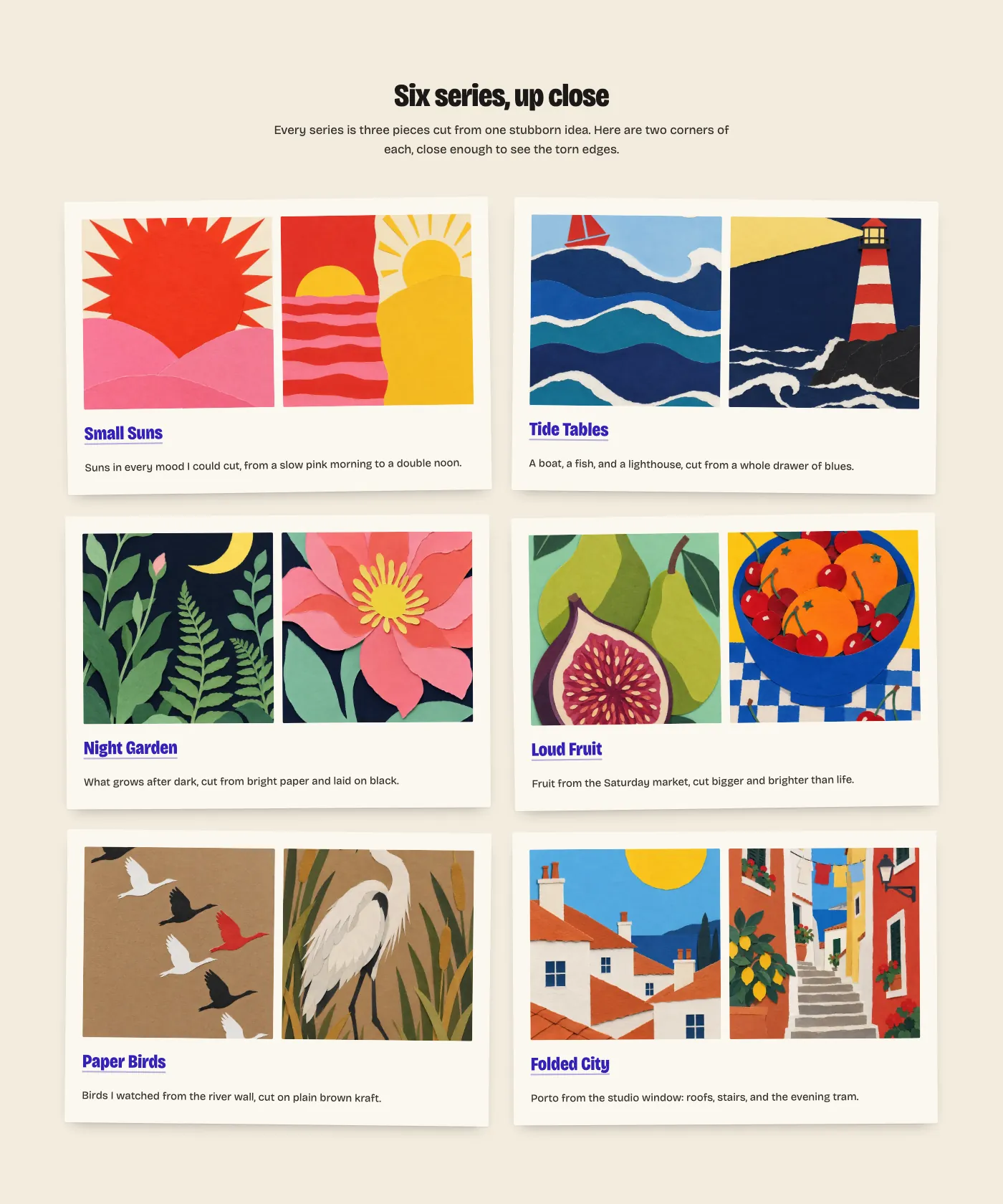
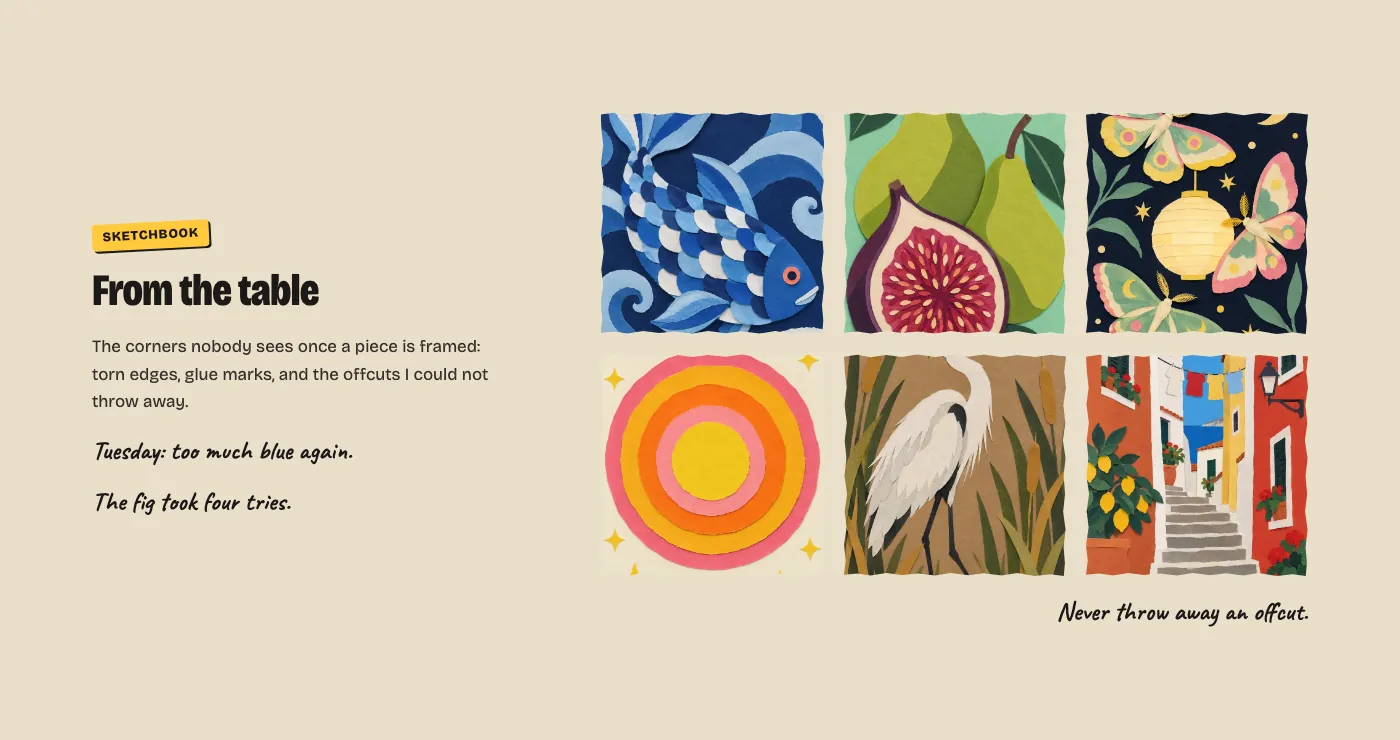
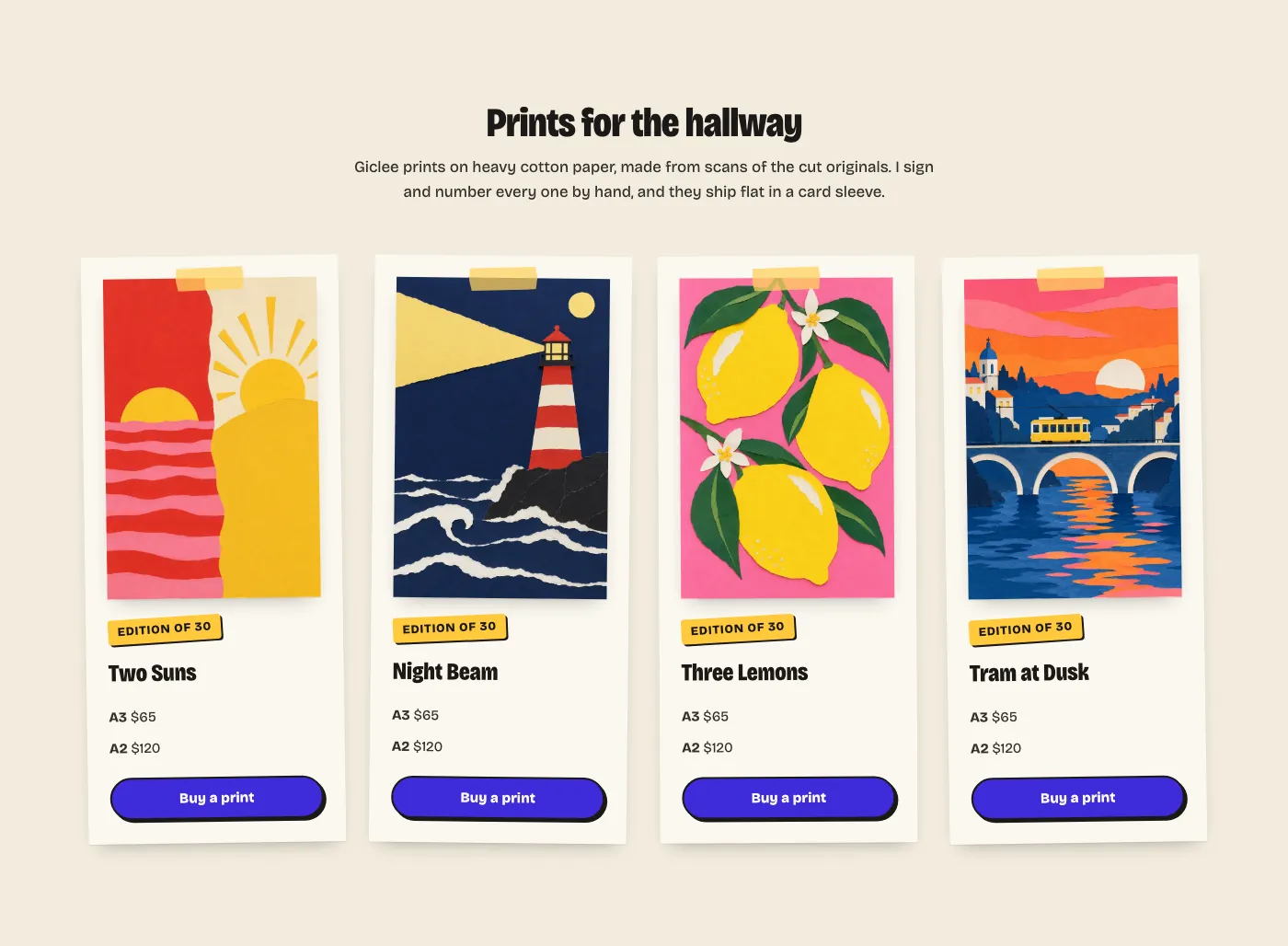
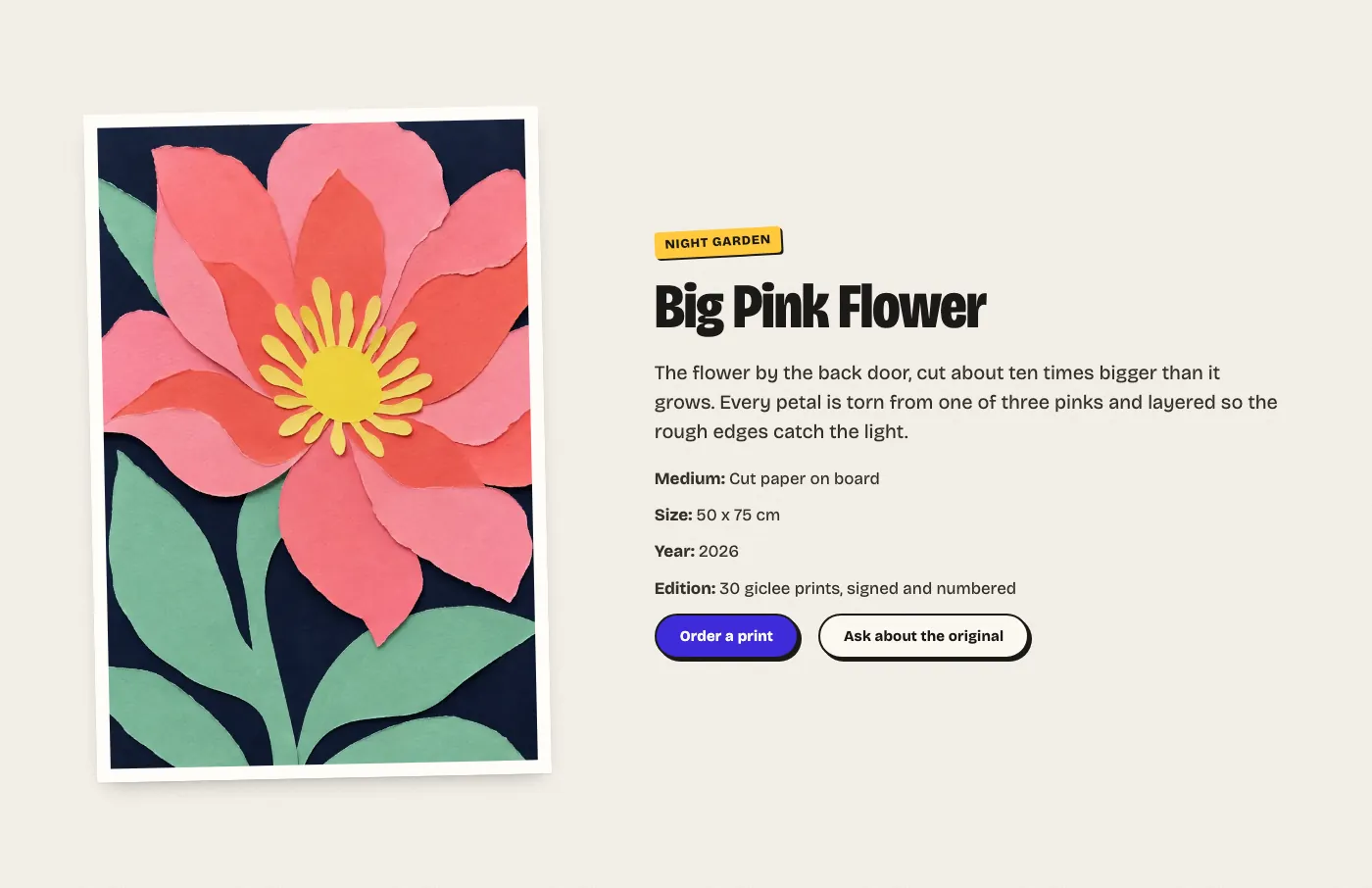
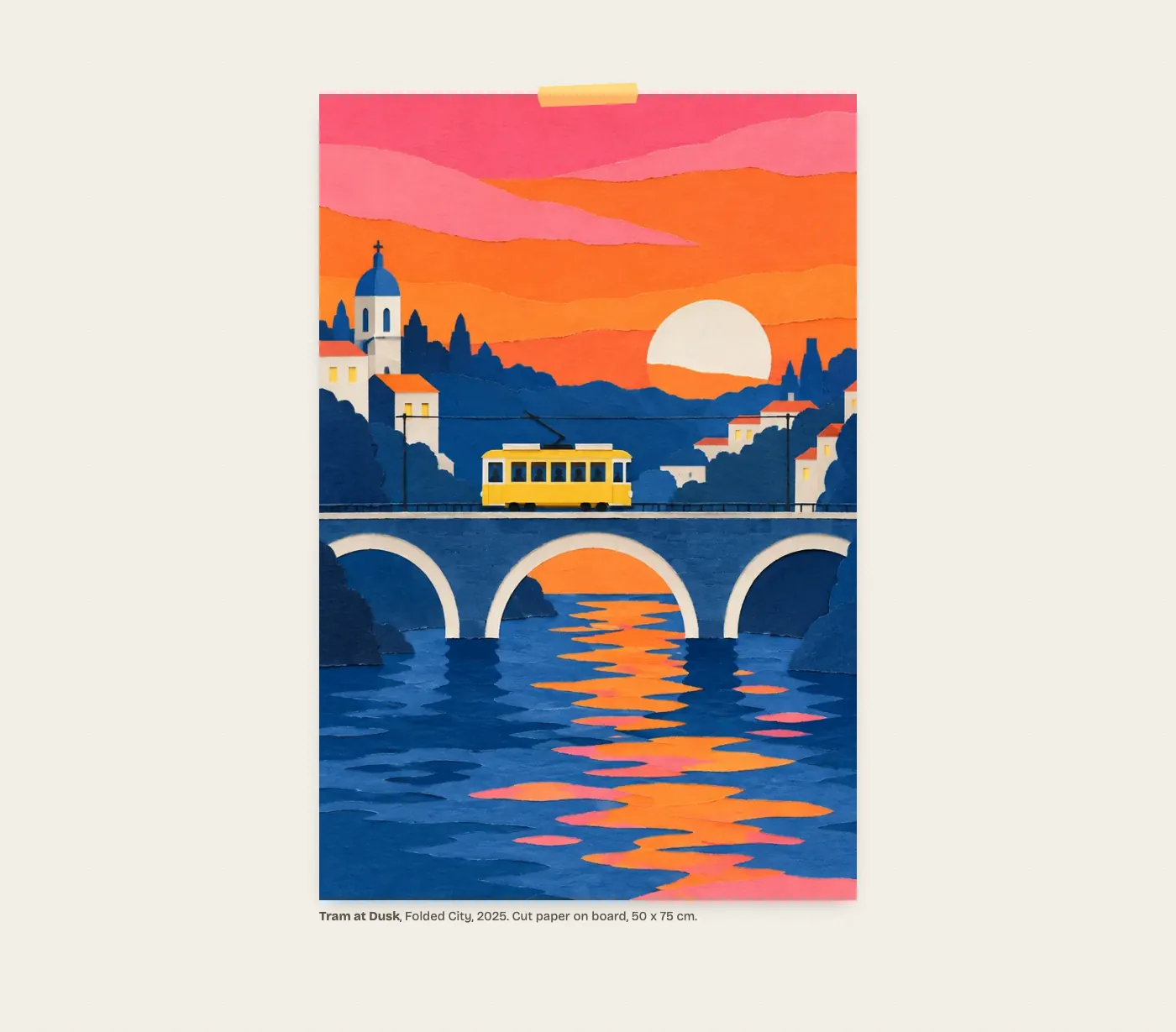
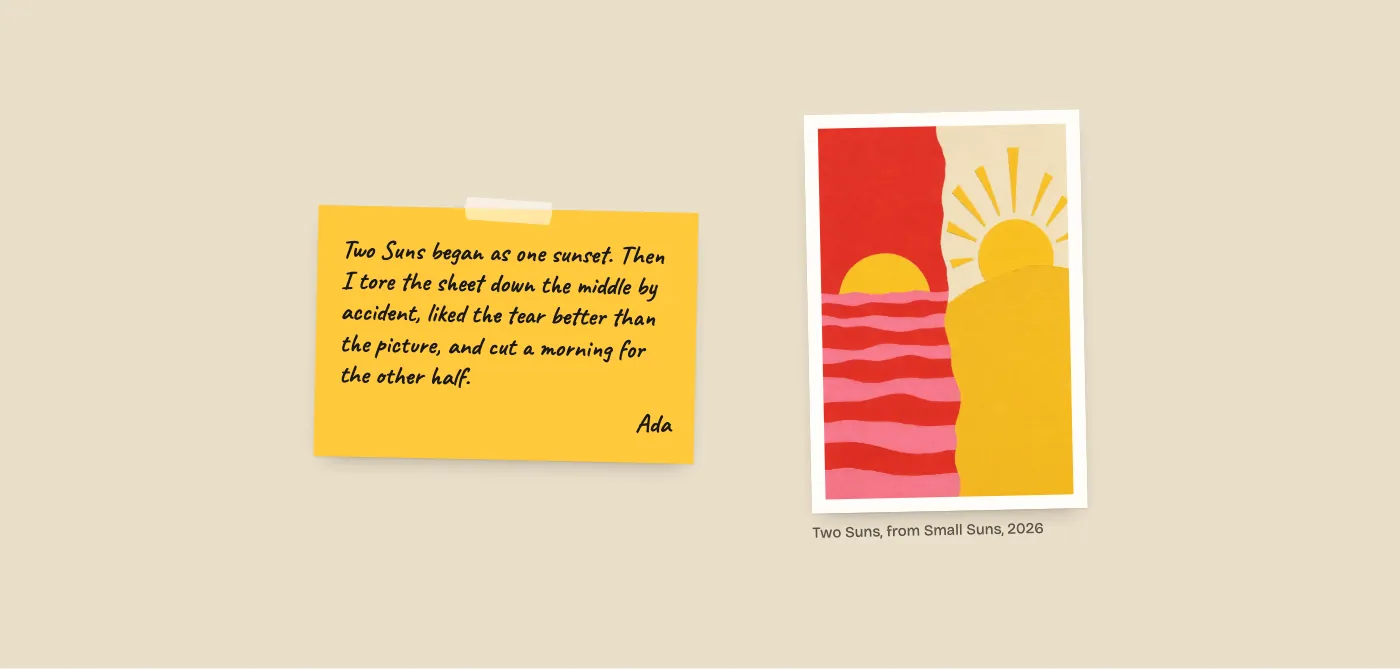
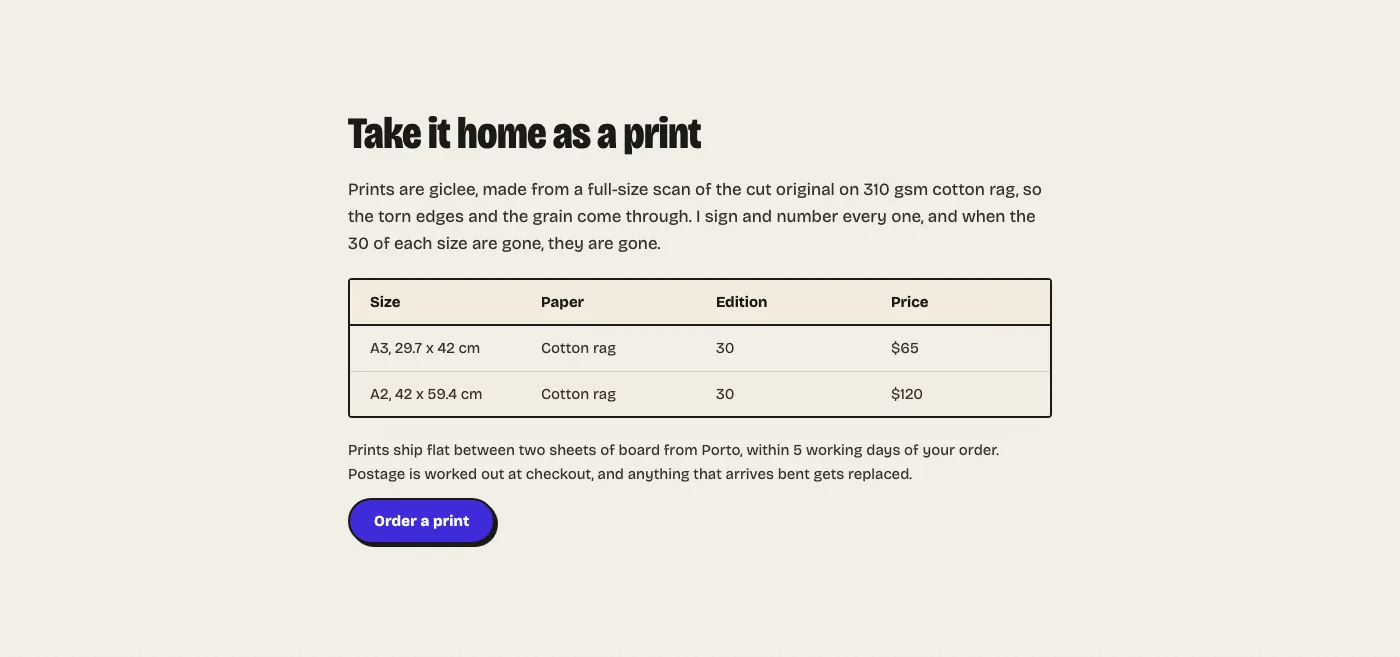
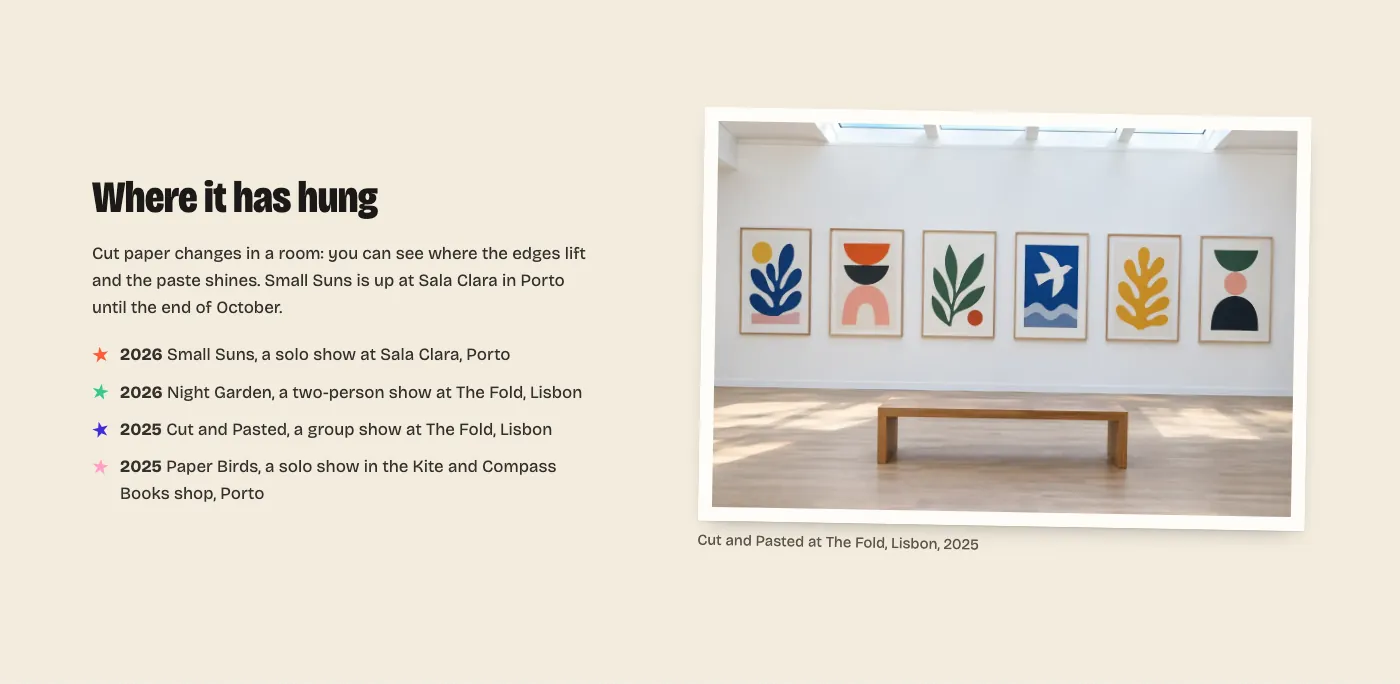
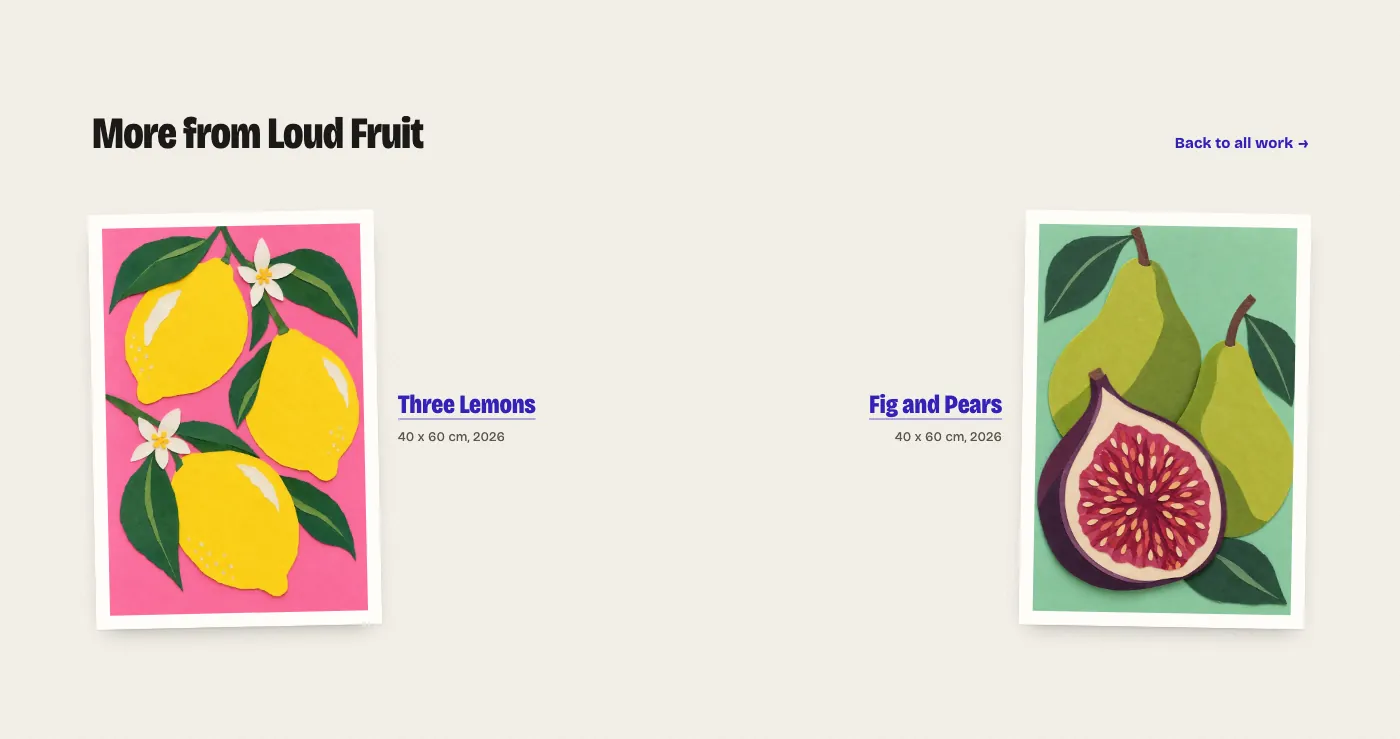
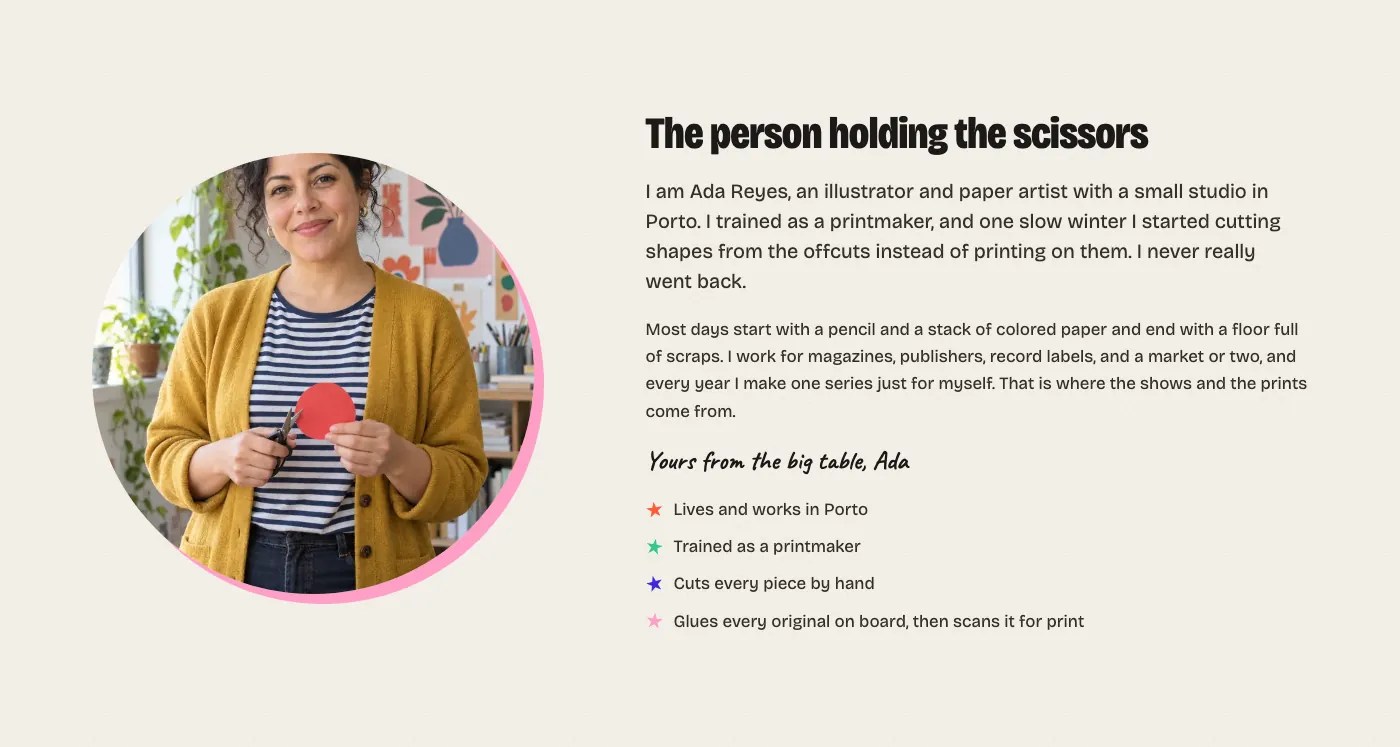
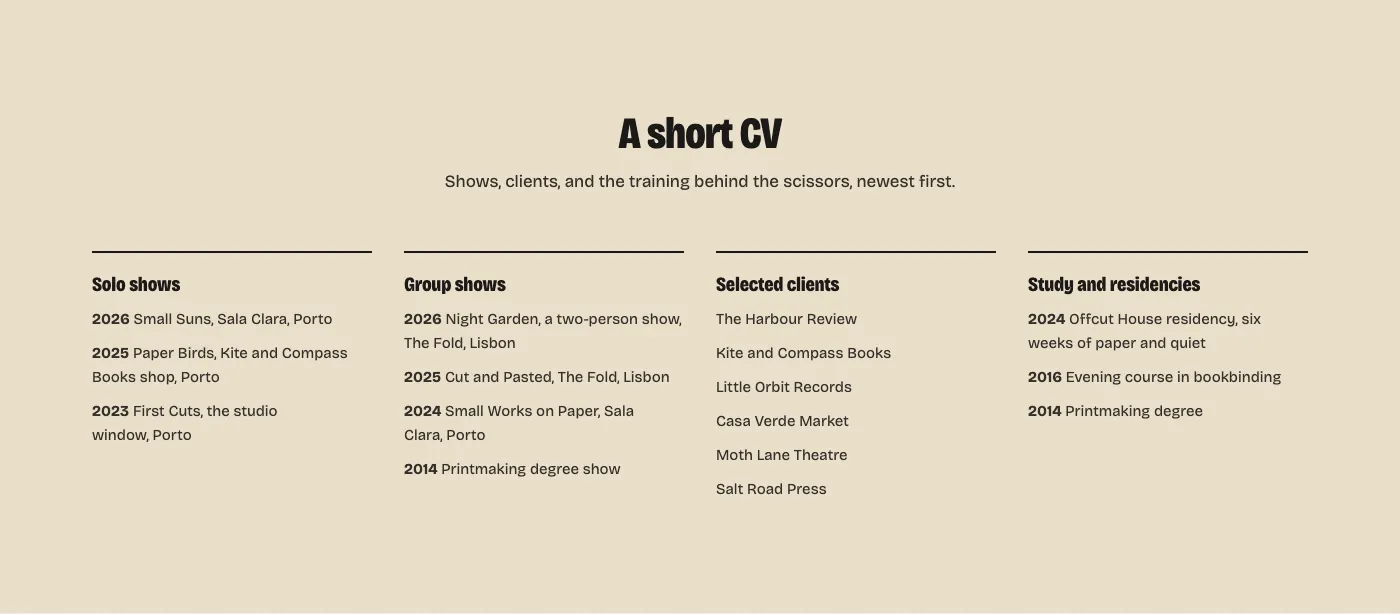
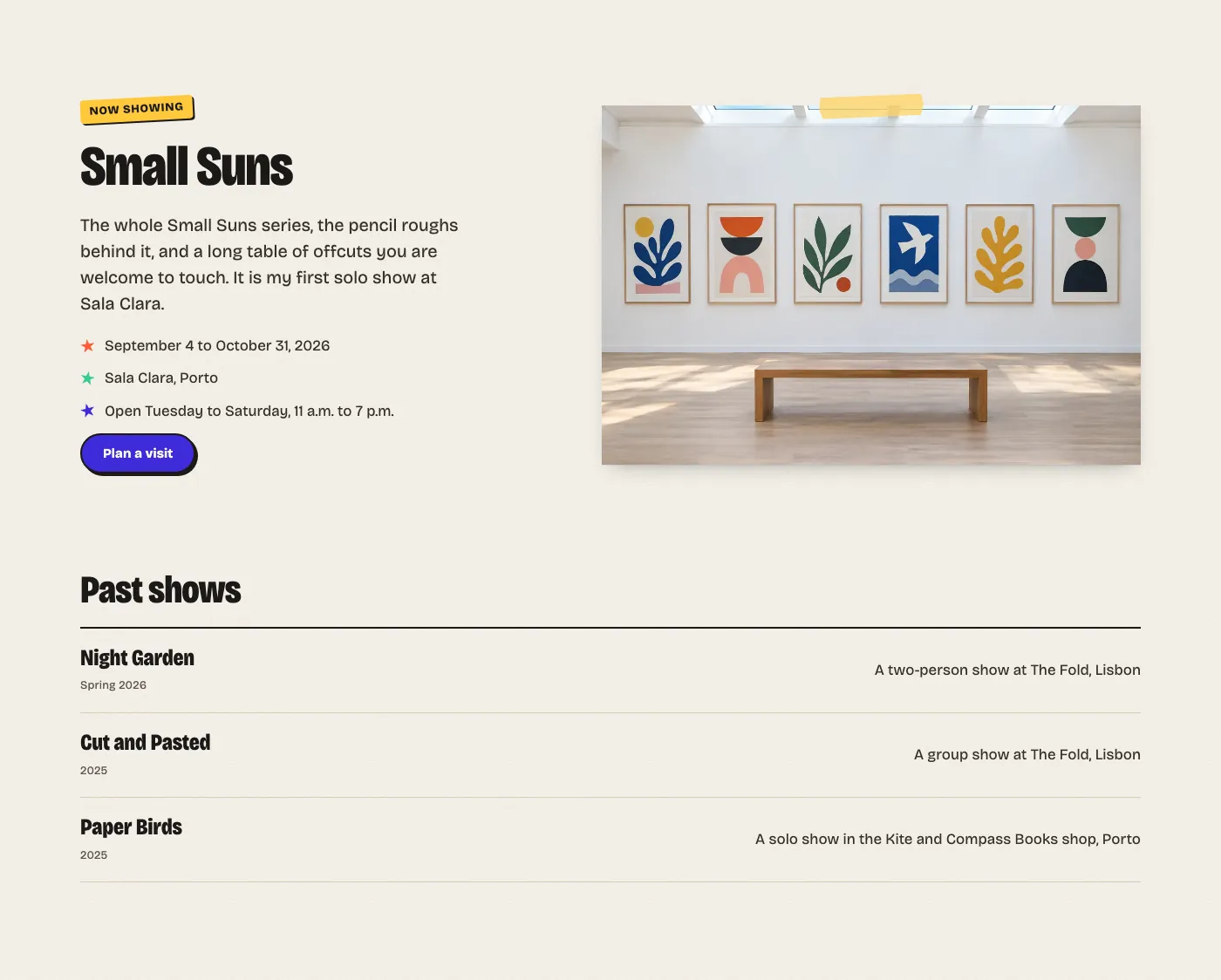
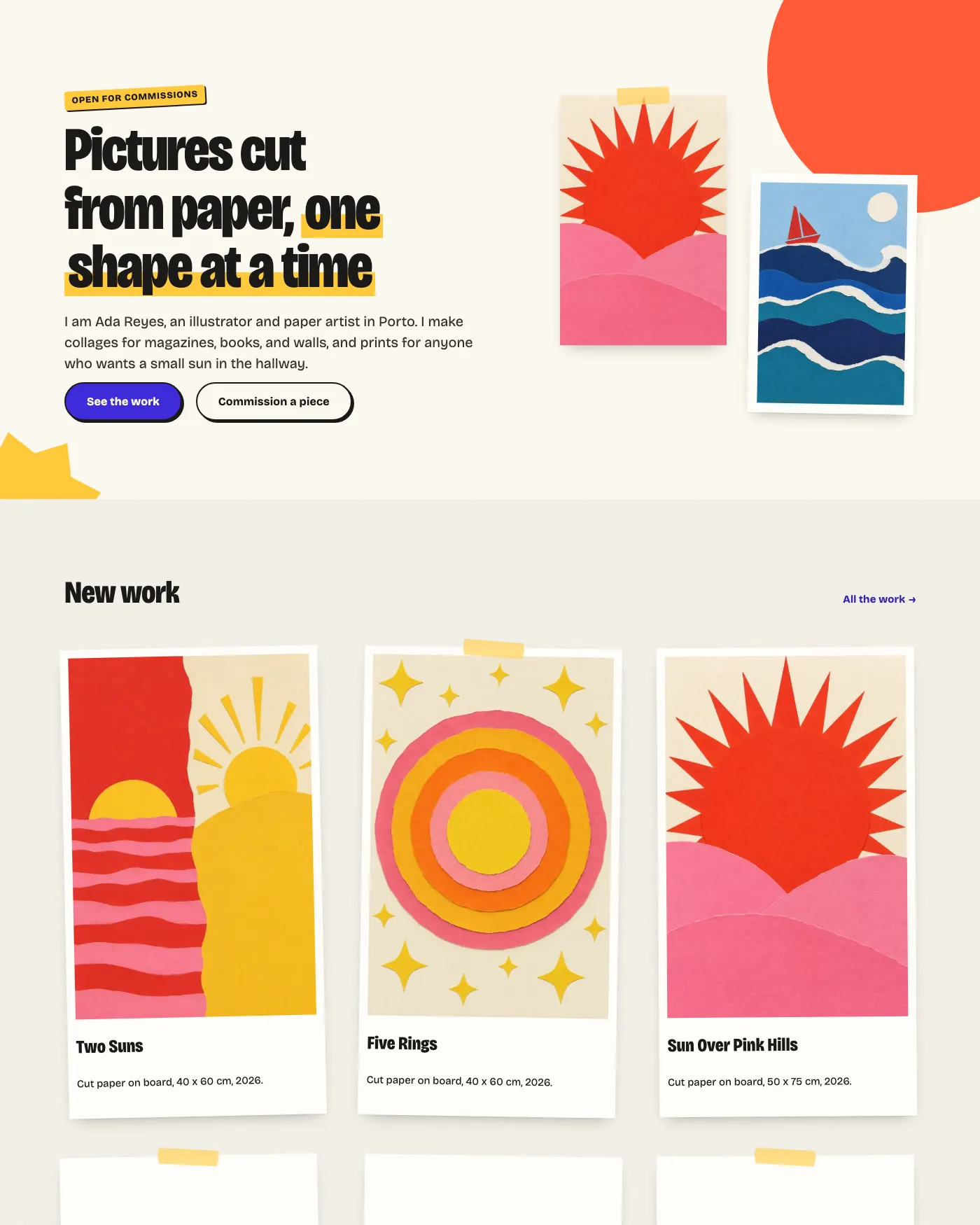
A free WordPress block theme for artists and illustrators. It lays your work out like pieces on a studio table, with torn paper edges, taped prints and big narrow headlines, and every part of the site stays editable in the Site Editor.
Free theme. Complete checkout to get your download.
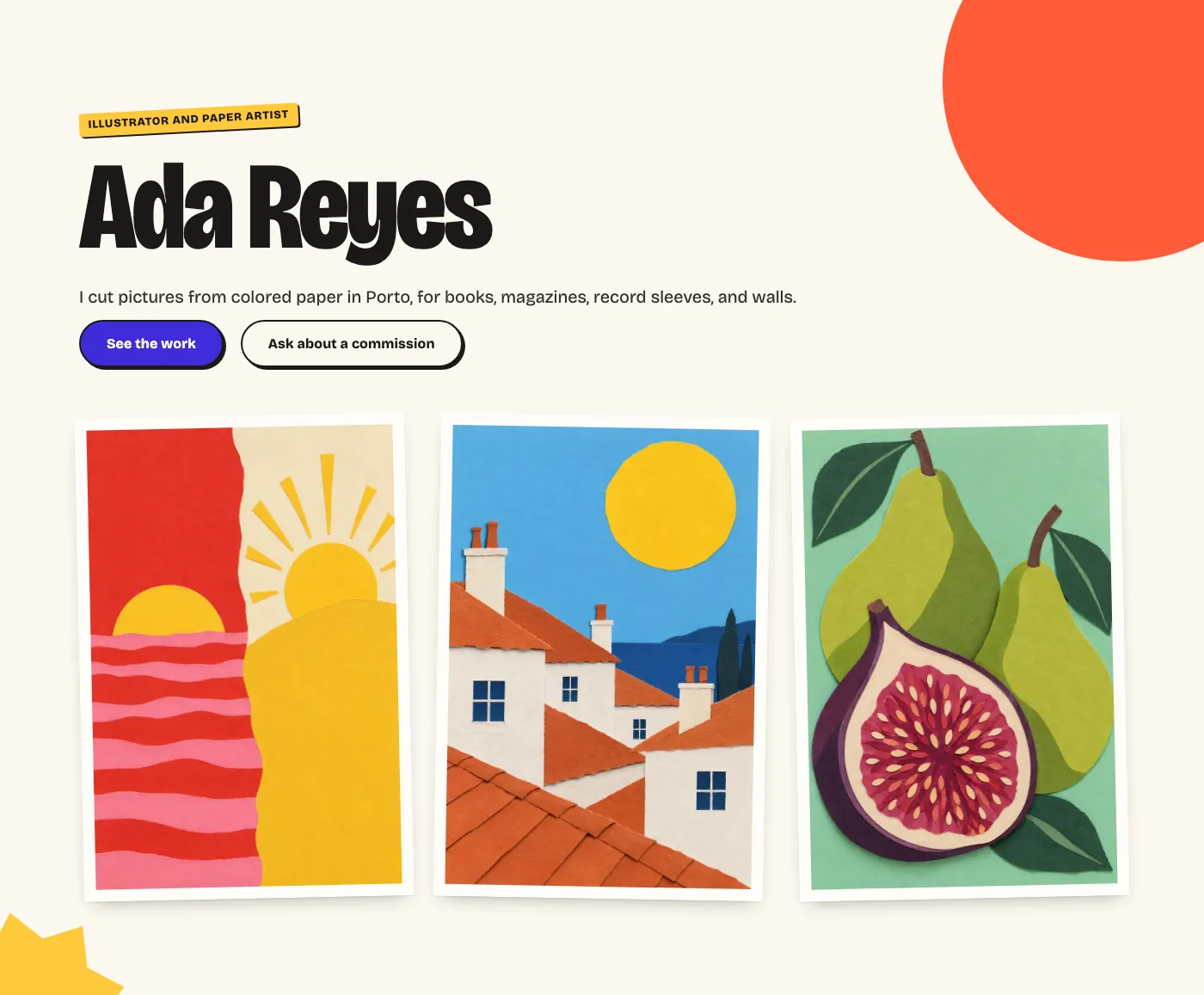
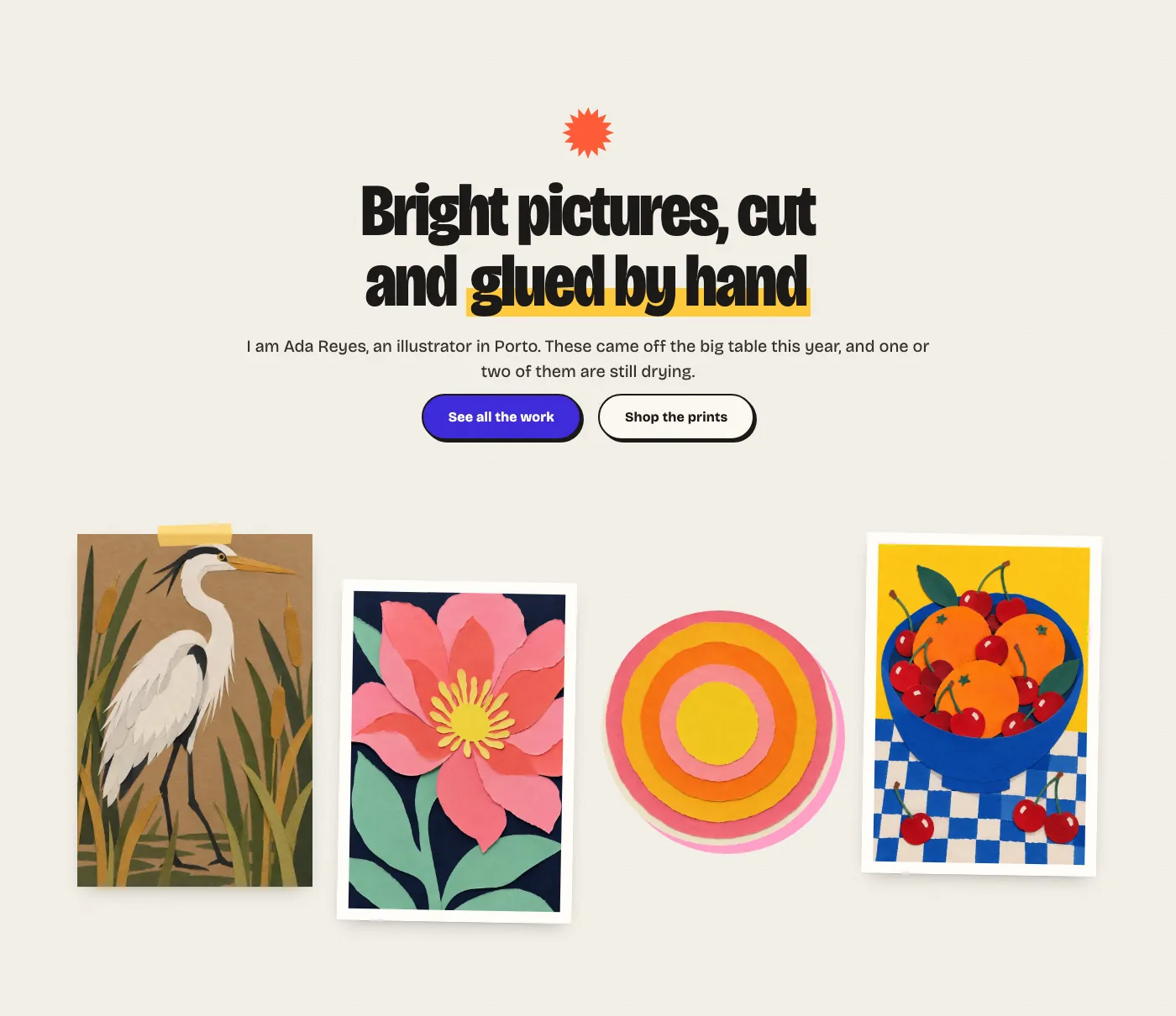
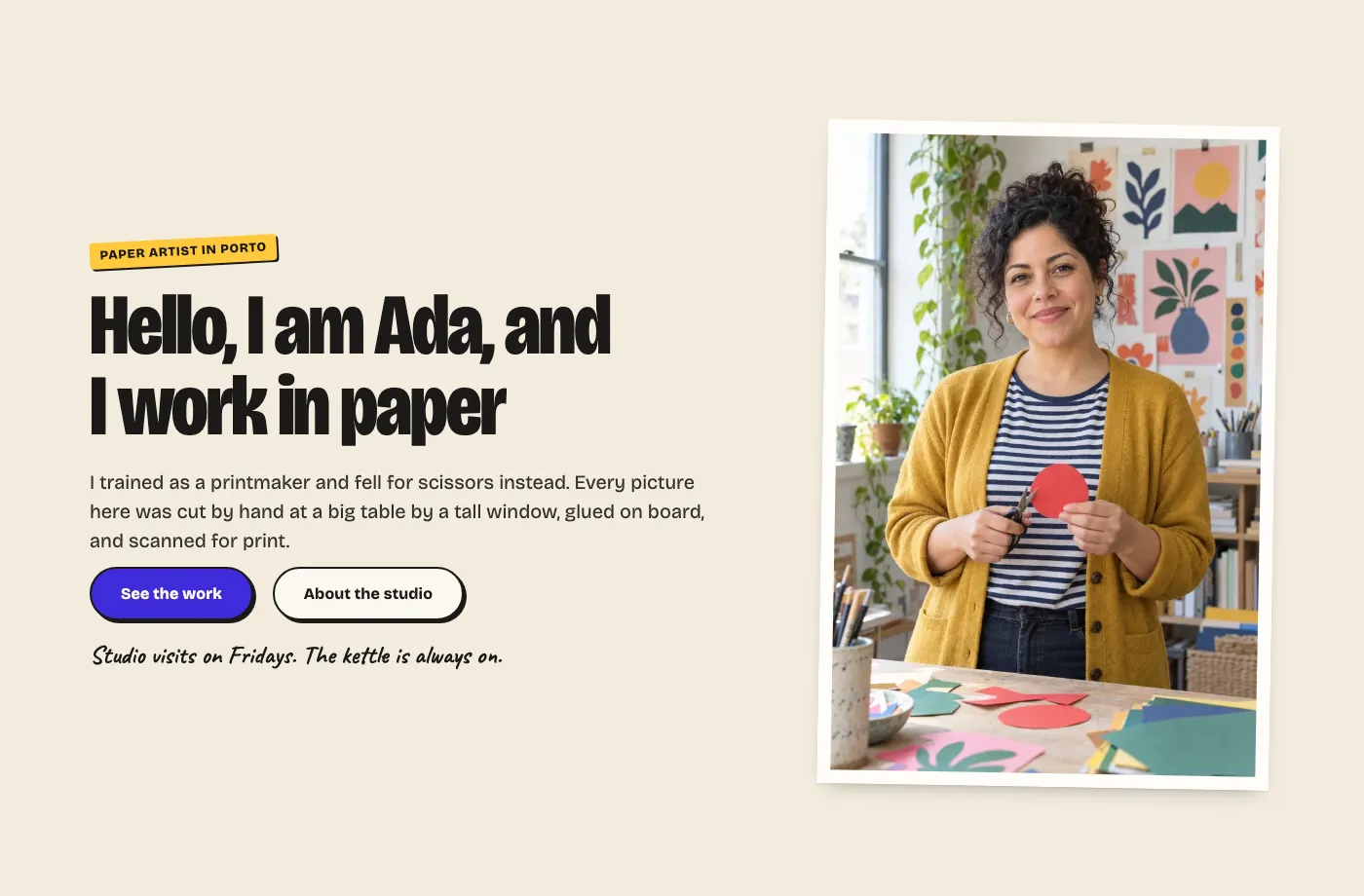
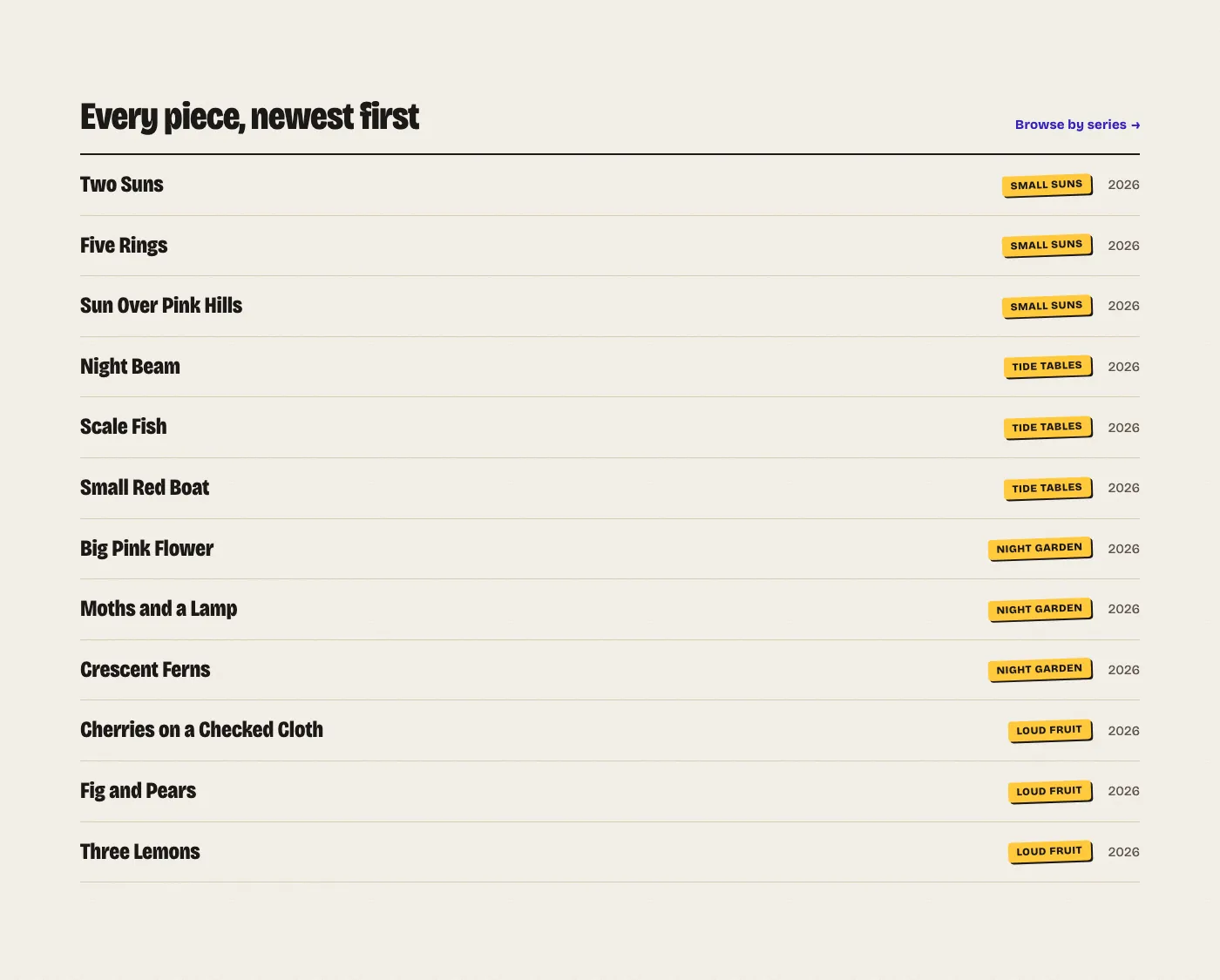
An artist’s site has two jobs: show the work, and make it easy to buy a print or book a commission. Indium’s front page opens with your name and two pieces taped to the page, then walks a visitor from new work to the series, the studio and the ways to hire you.
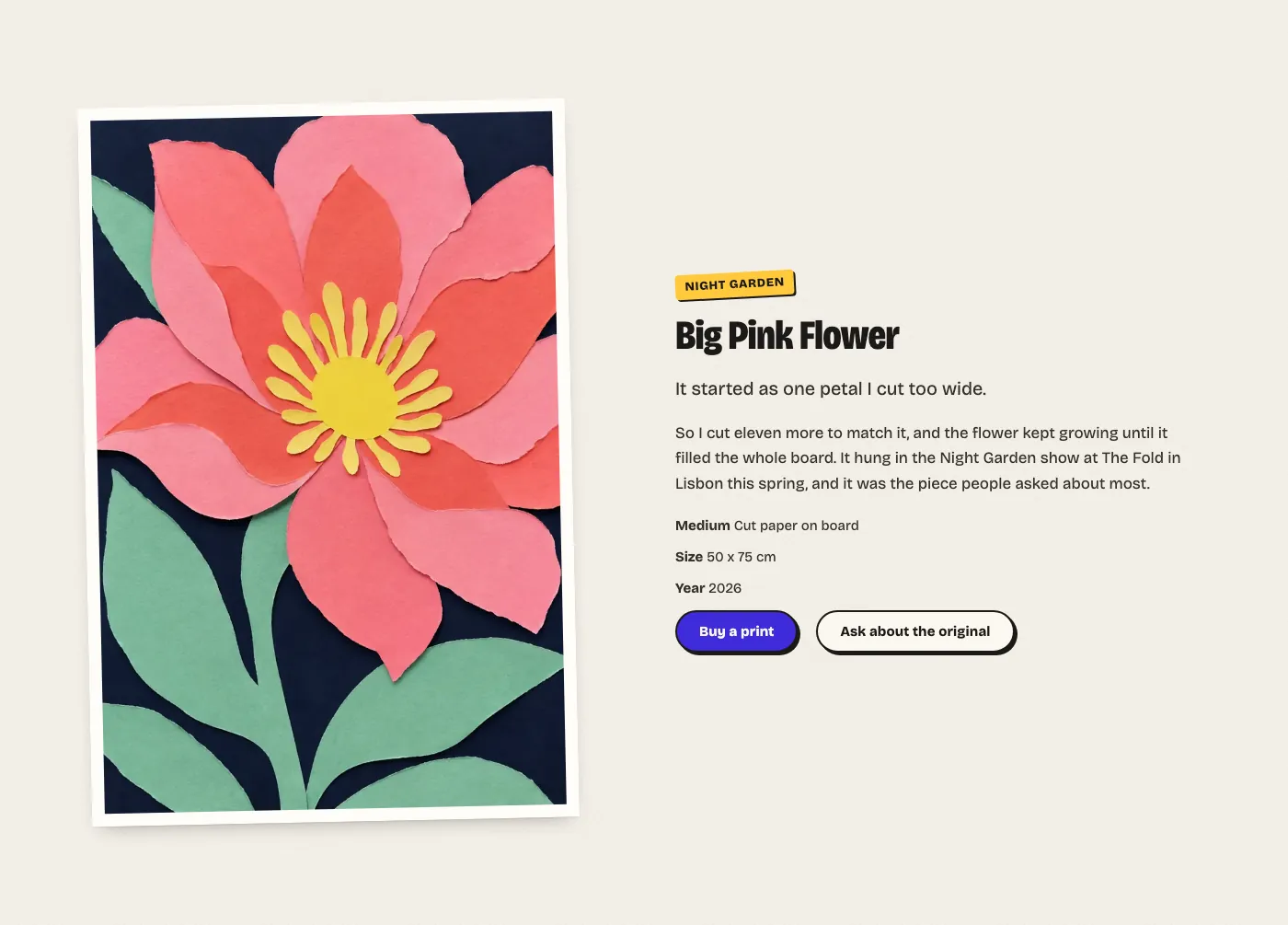
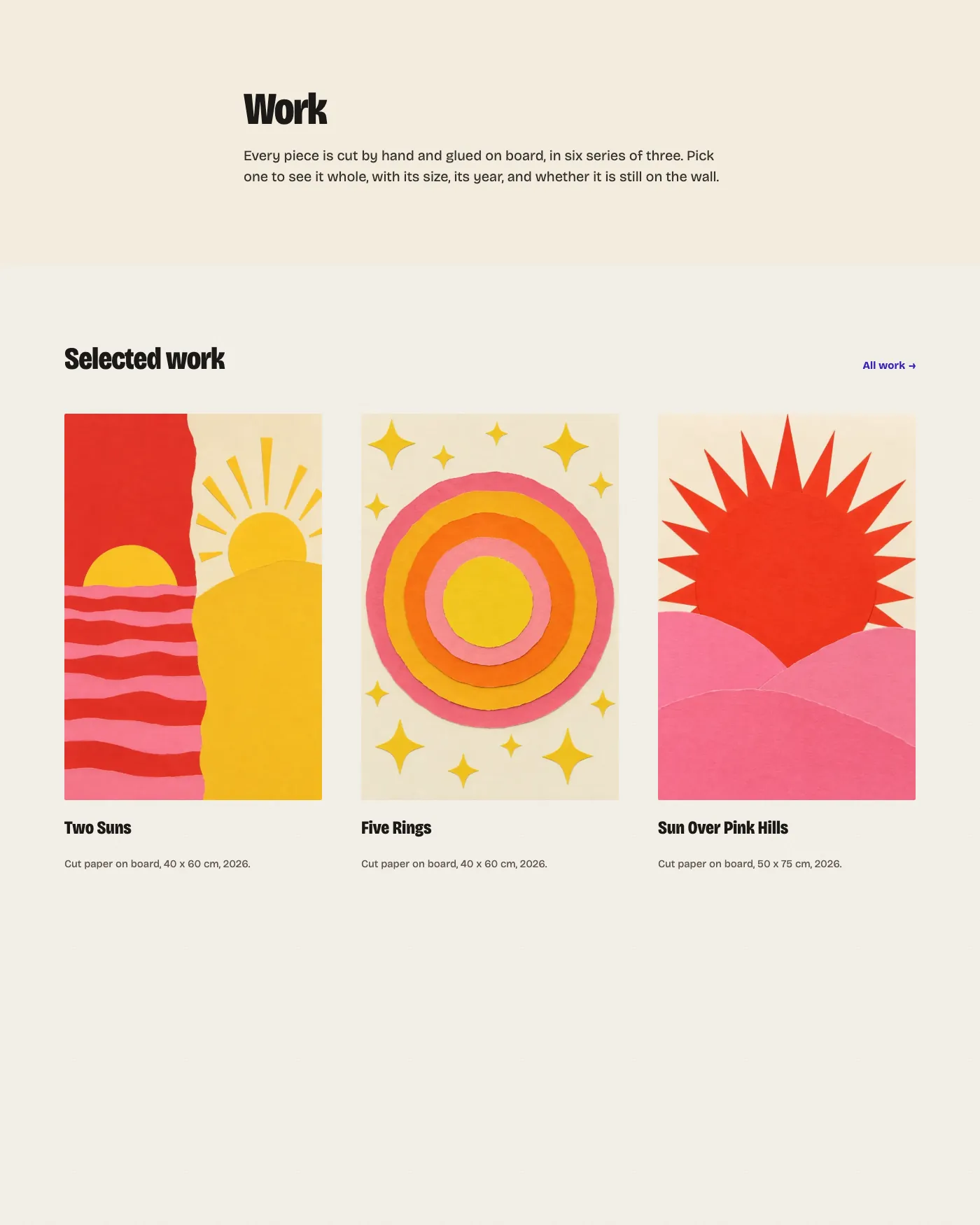
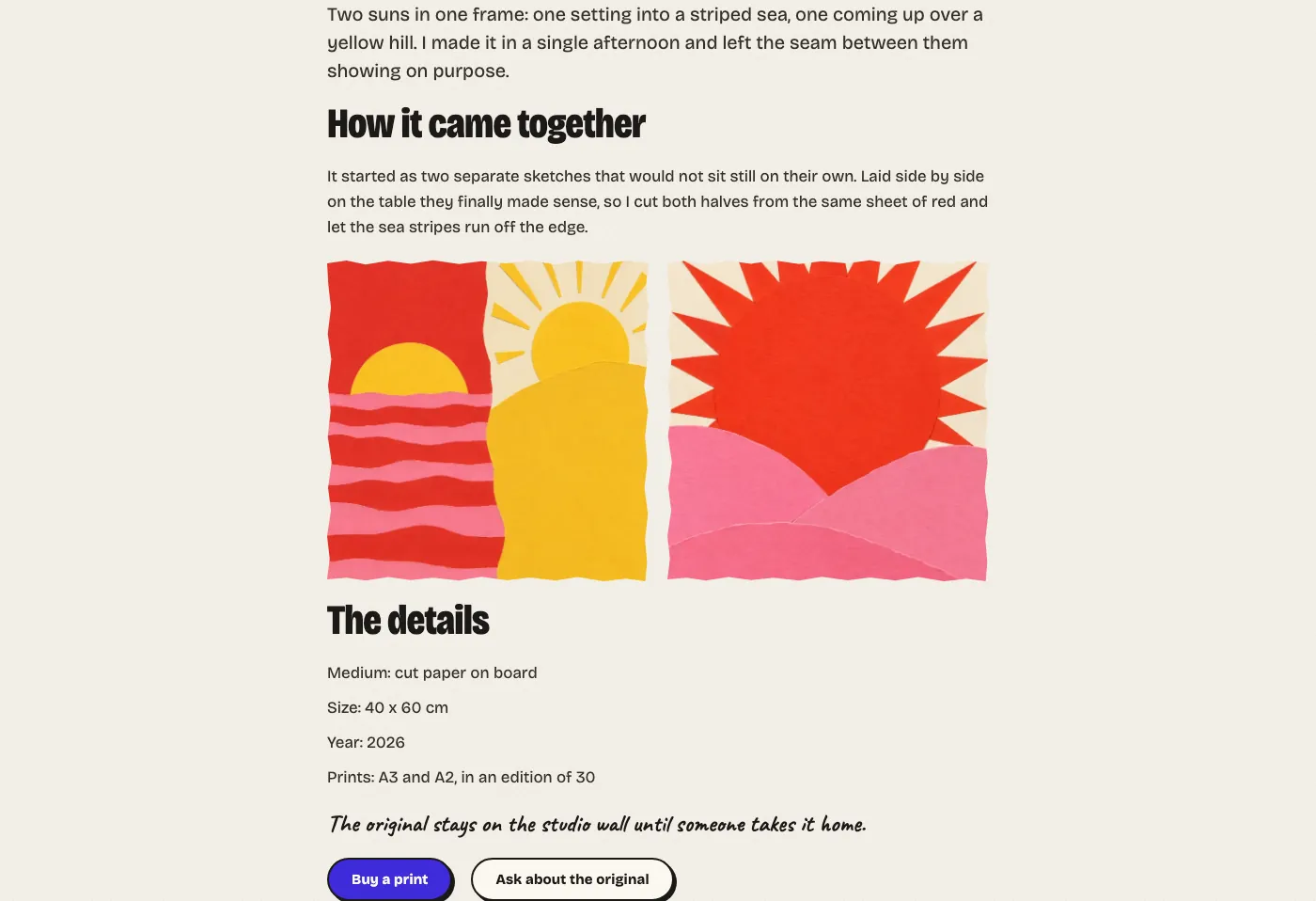
An artwork template puts the picture first, with the series, the title, a line of details and the story beside it.
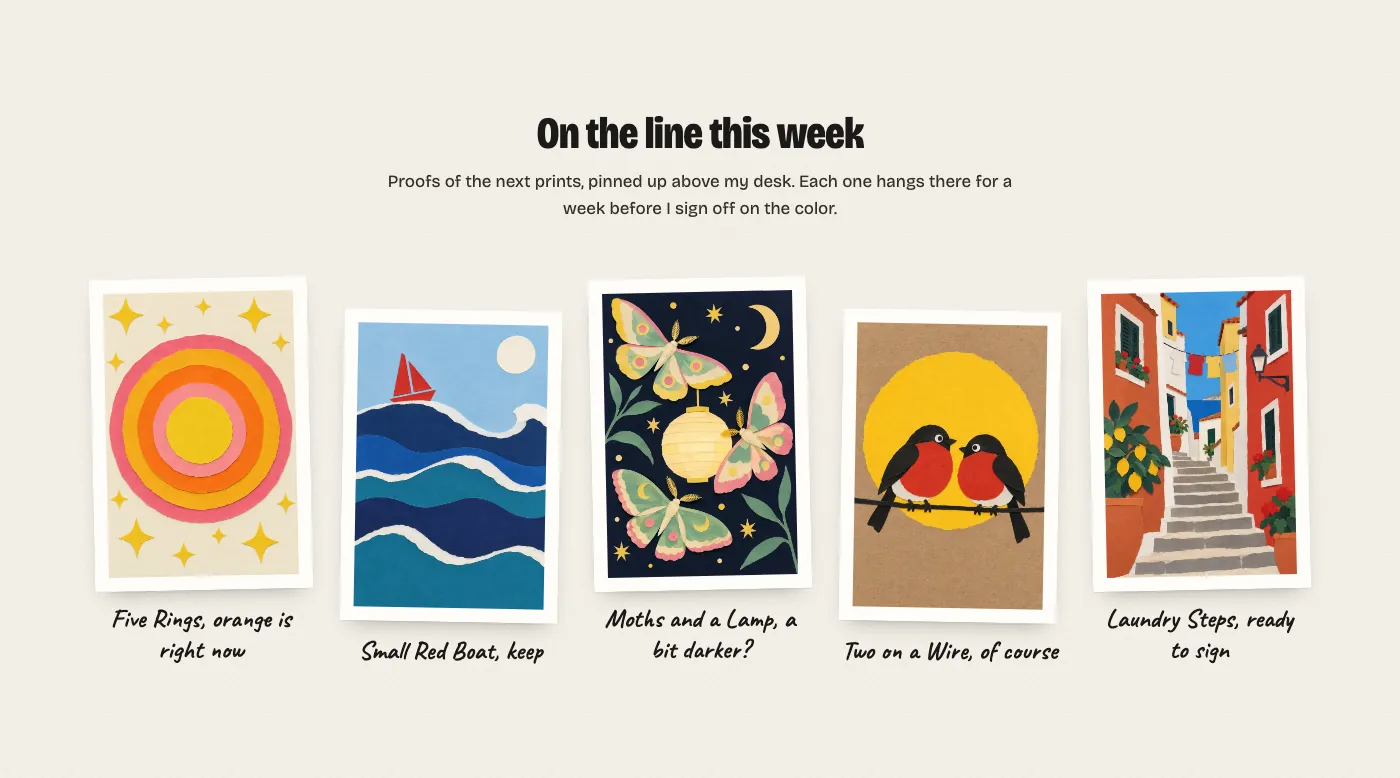
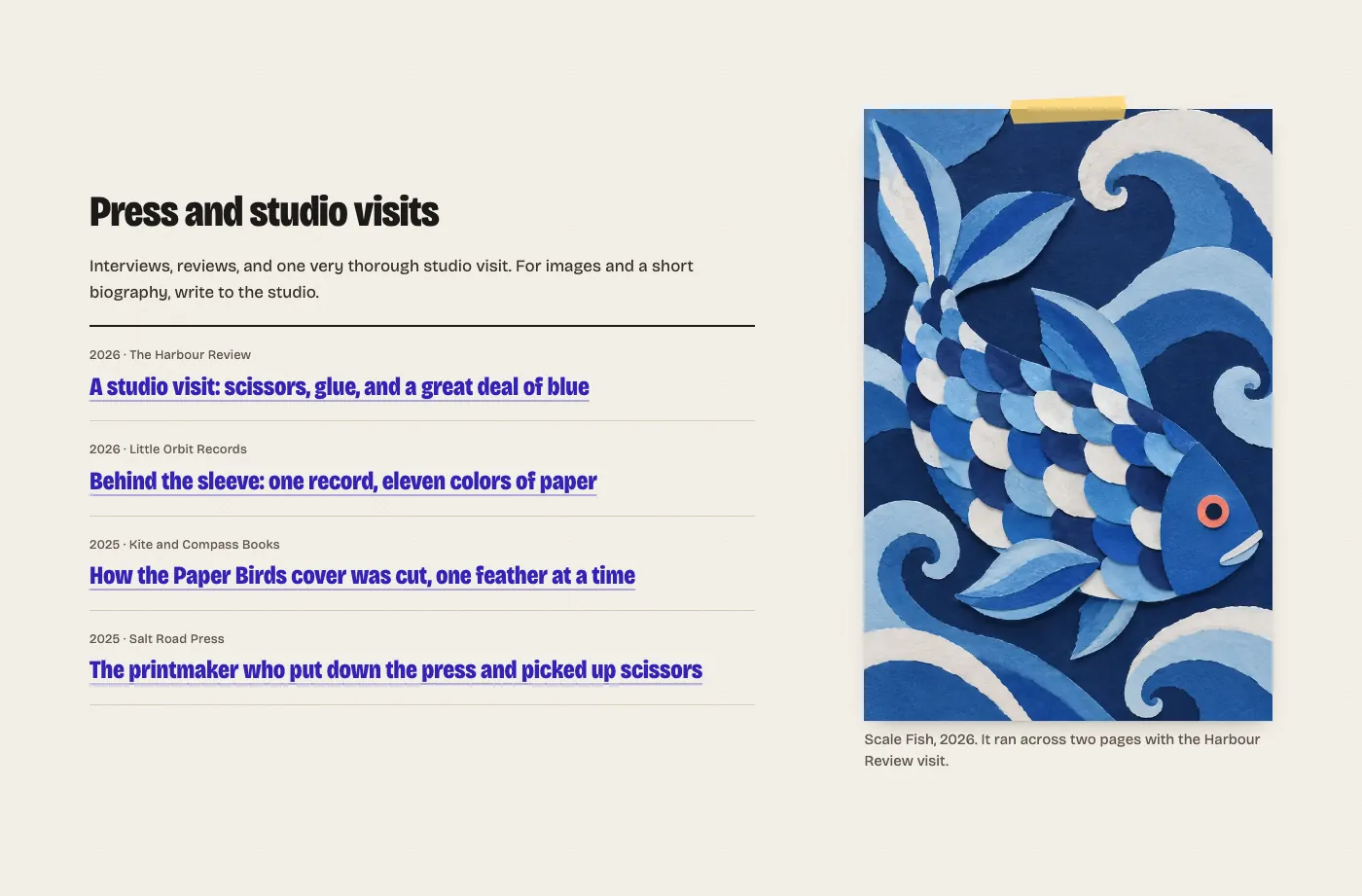
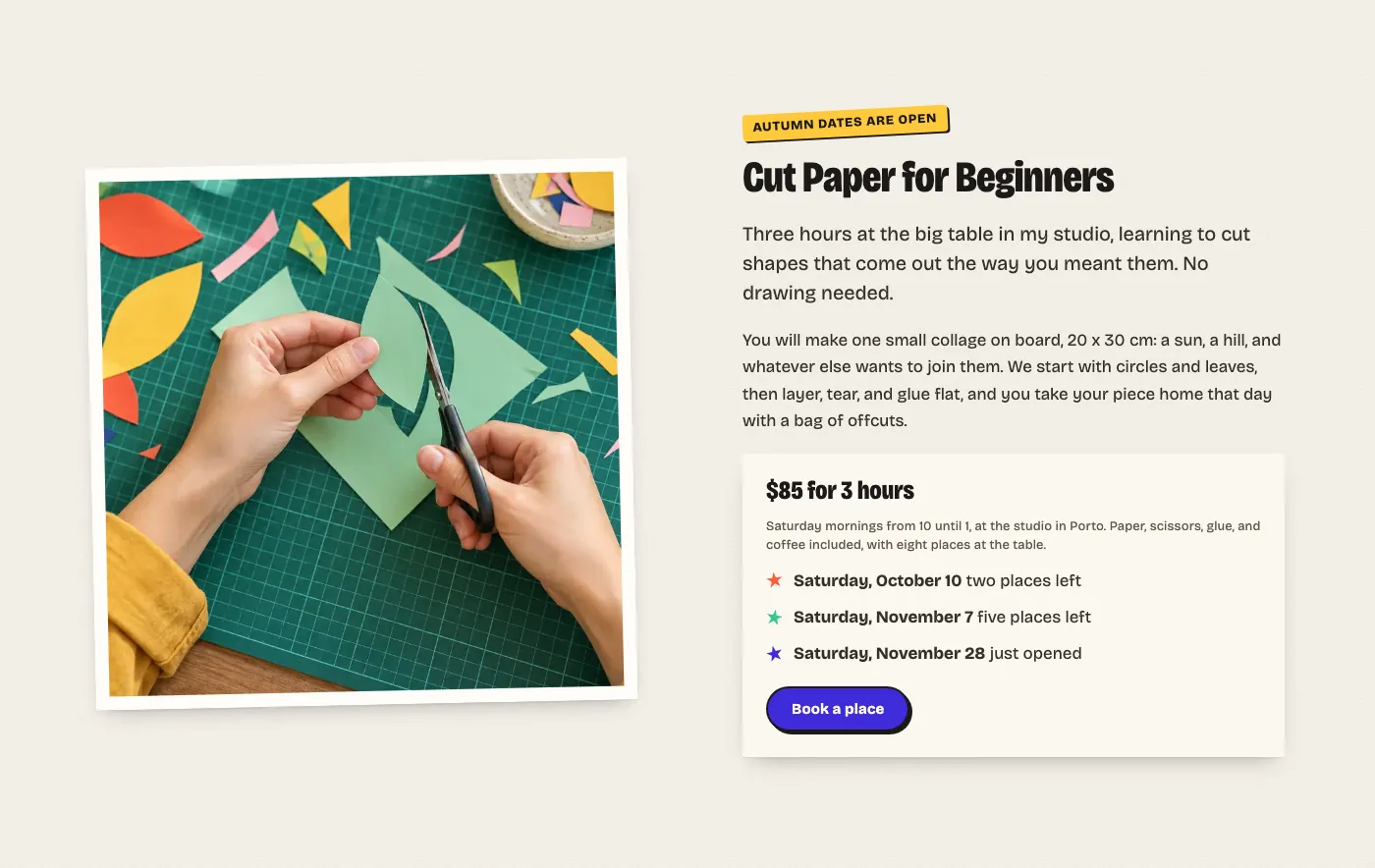
The torn edges, tape, stickers and tilted prints are block styles, so your own pictures and words get the same cut-paper look.
Activating the theme creates nothing in your database and changes no settings.
Swap in your own pictures, sizes and prices, and the pages are ready for your next show.
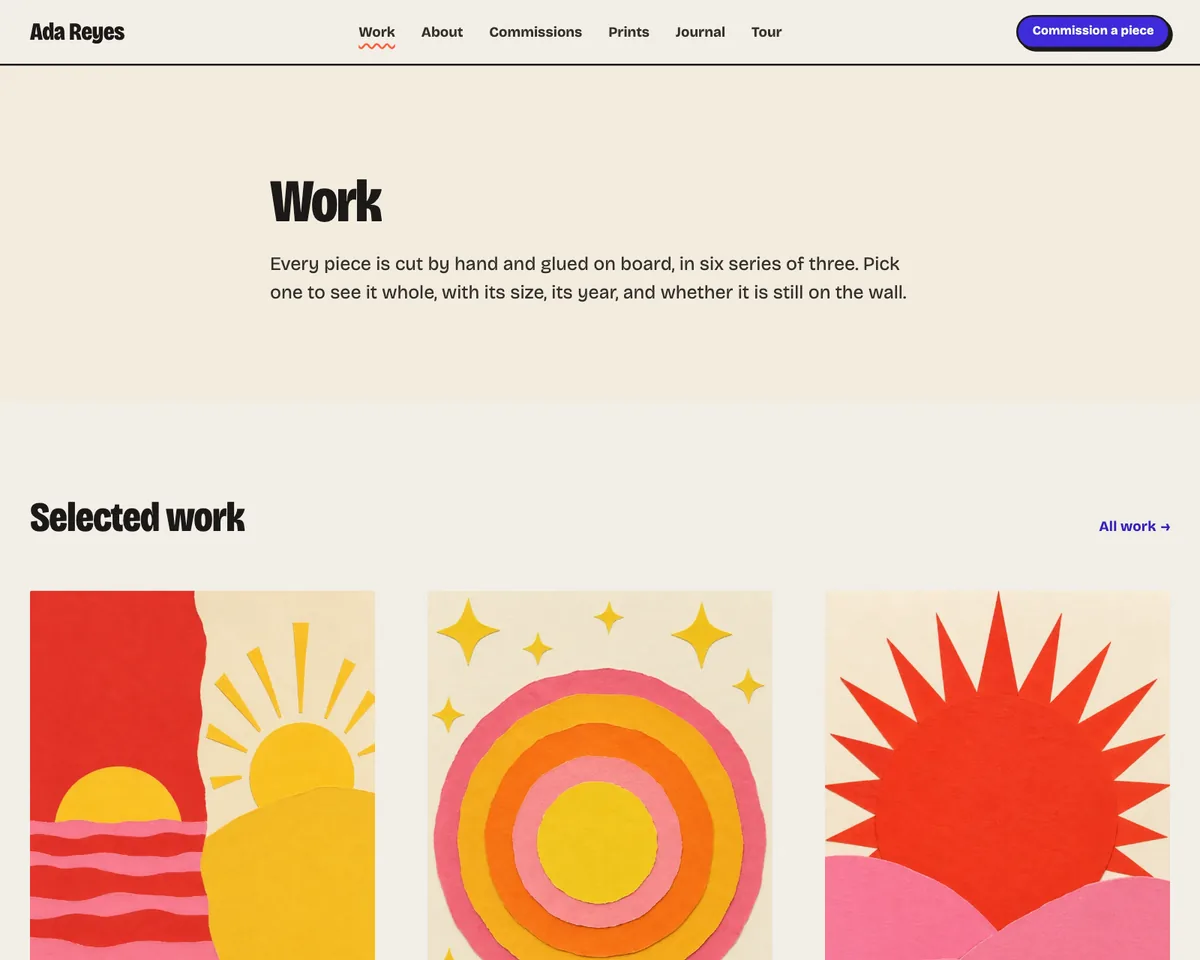
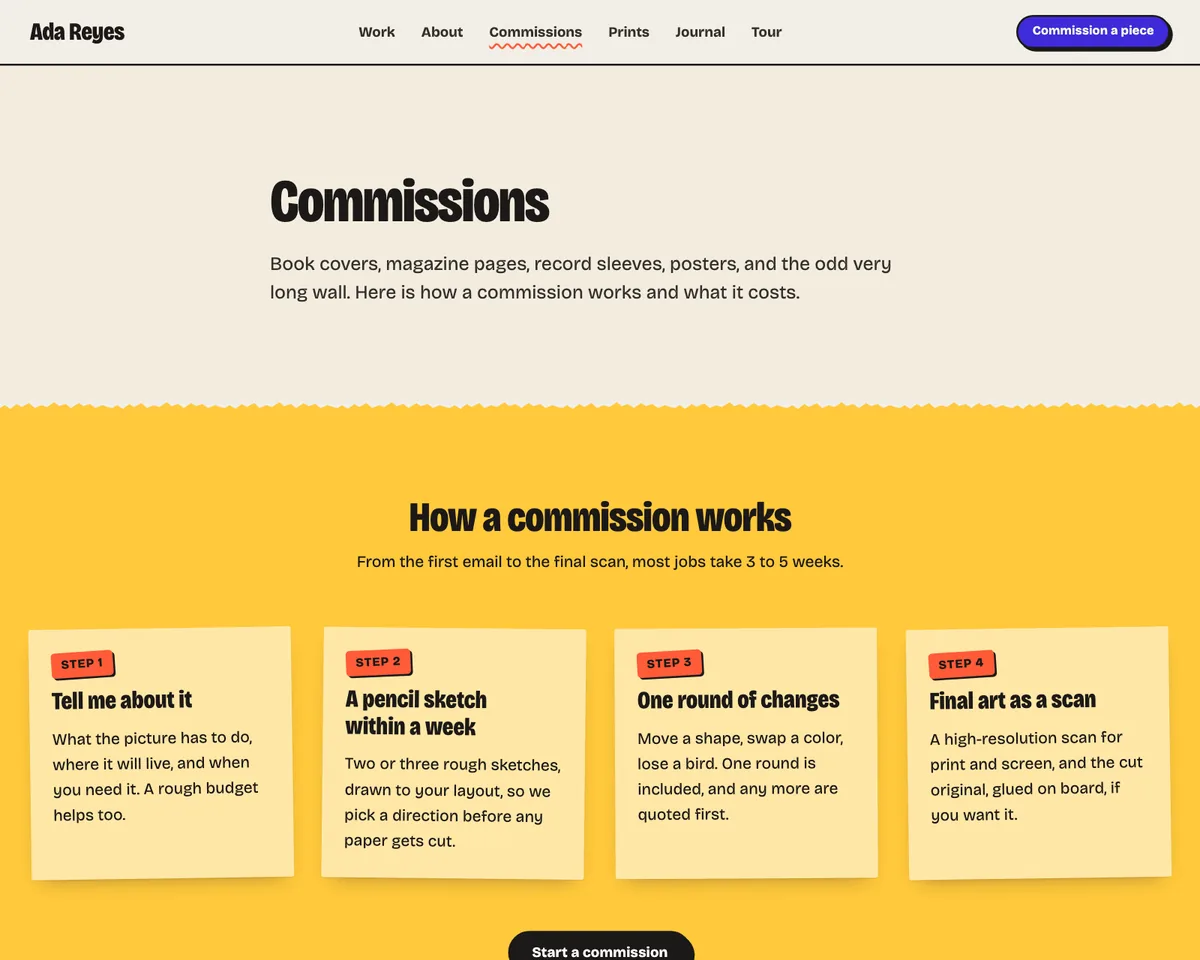
The work page, shown with demo content.
Choose Your Design
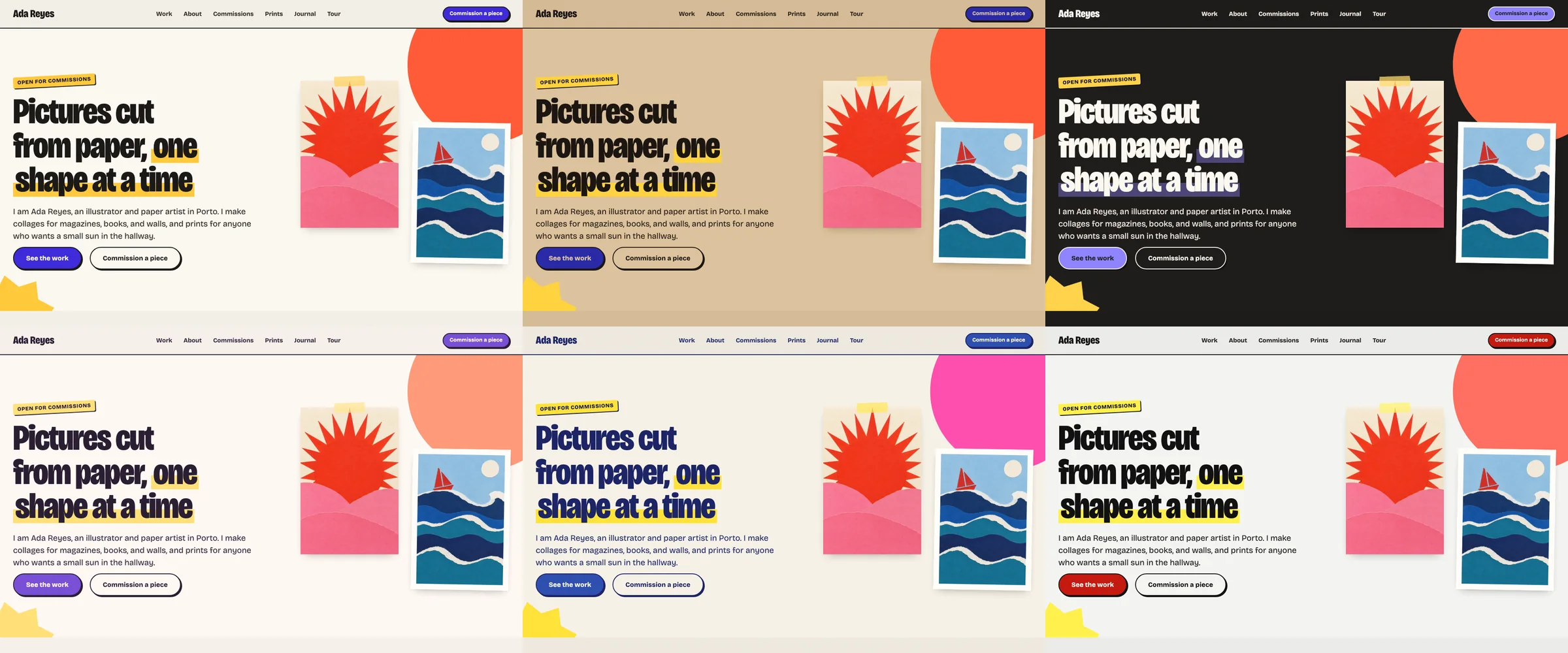
Start with Paper, or pick another design under Styles in the Site Editor. Each one changes the ground, the ink and the colored papers, and your content stays where you put it.
PaperThe default: warm paper, indigo and four bright papers
KraftBrown kraft paper with ultramarine buttons
ChalkboardThe dark design, like chalk on slate
SherbetSoft pastels with a violet accent
RisoNavy ink and fluorescent pink, like a risograph print
PhotocopyBlack on grey-white, with one red
Headings are set narrow and heavy in Bricolage Grotesque, with notes written in Caveat. Three heading presets work with any design: Poster tightens the two largest sizes, Wide lets the headings run at full width, and Handwritten sets the two largest sizes in Caveat. Both fonts ship with the theme.
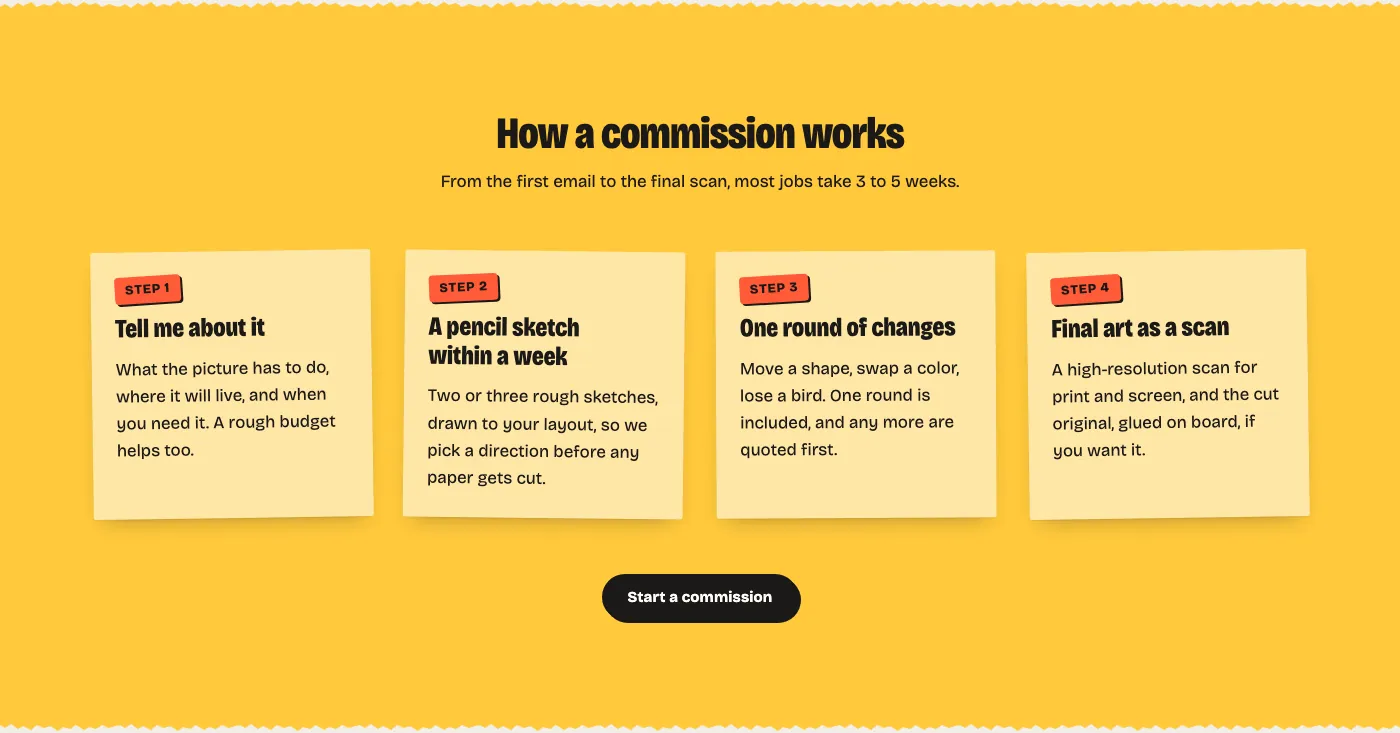
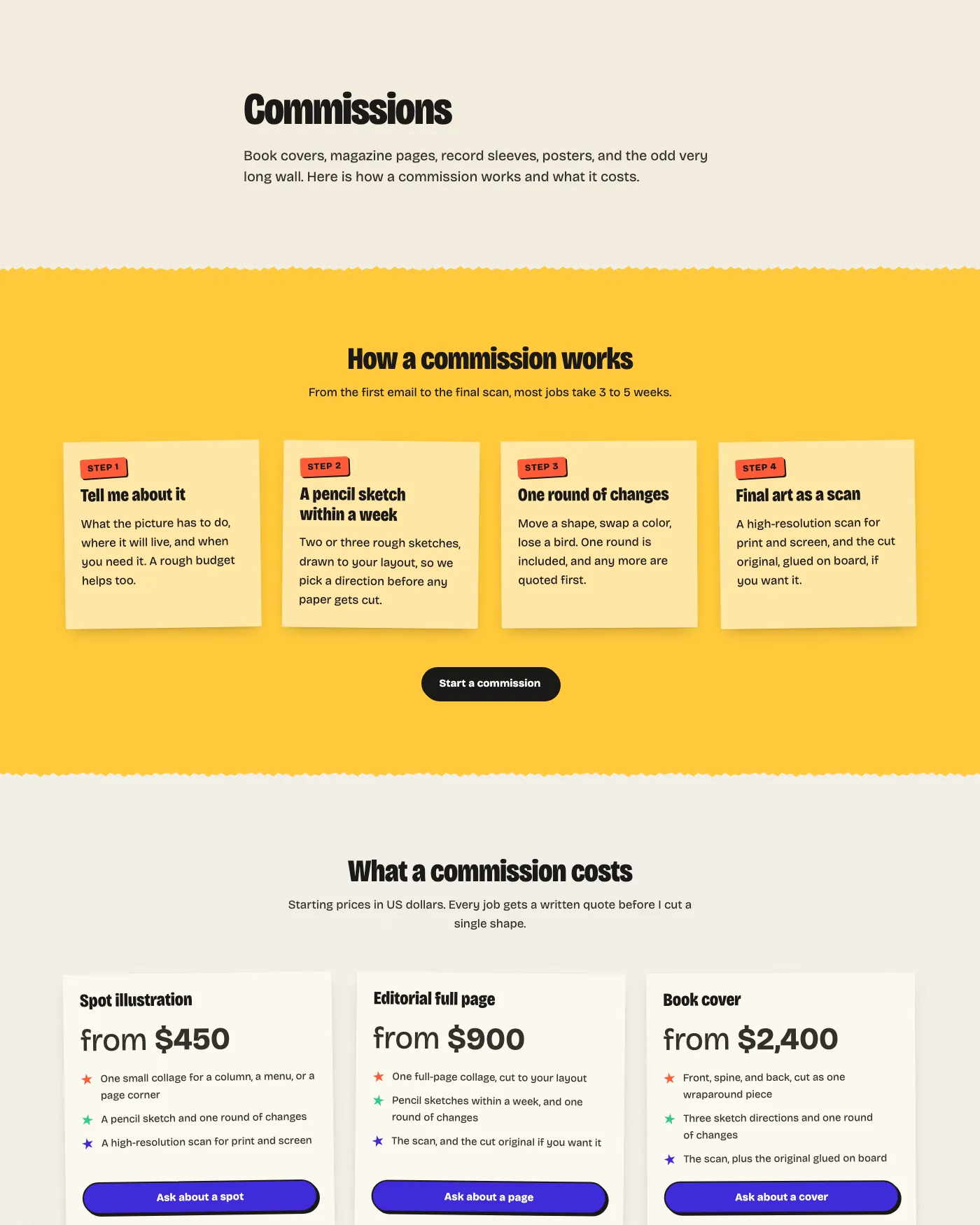
The commissions page, with the four steps on sticky notes.
Every Page an Artist Needs
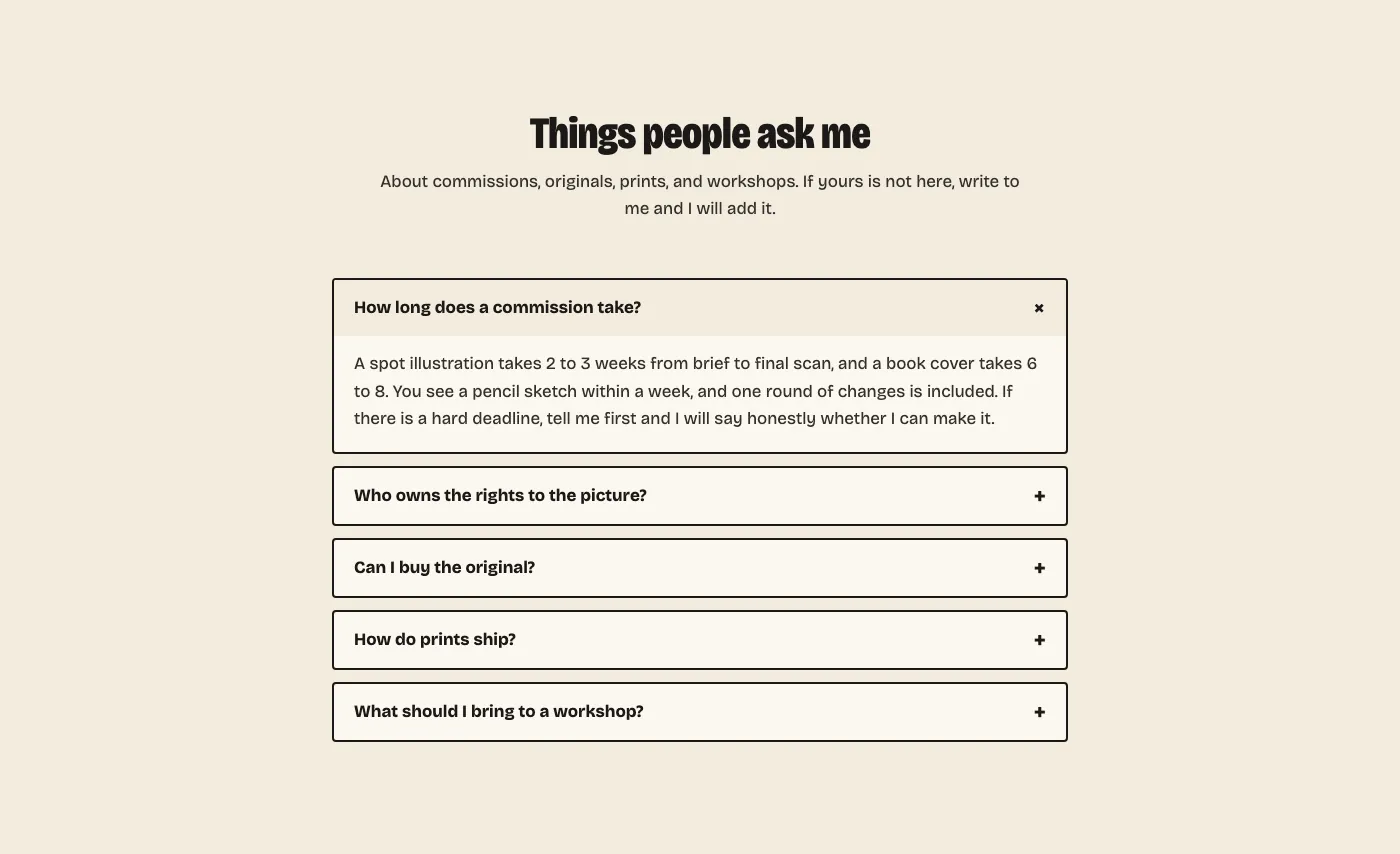
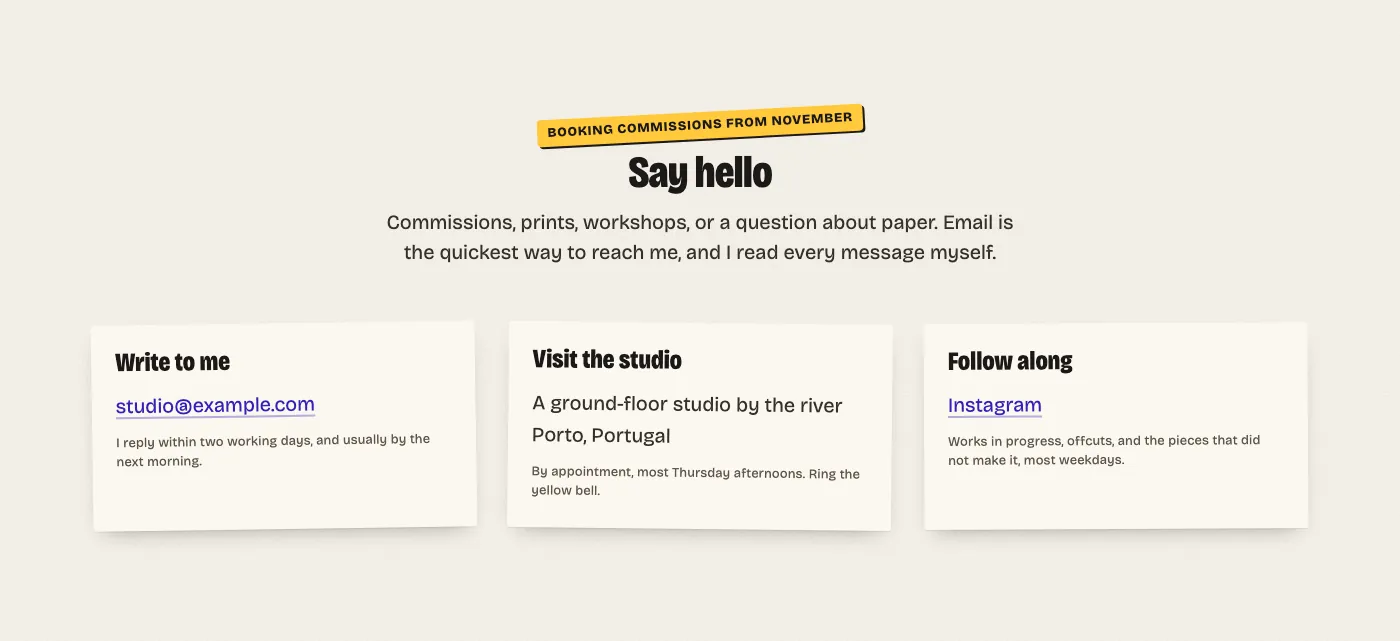
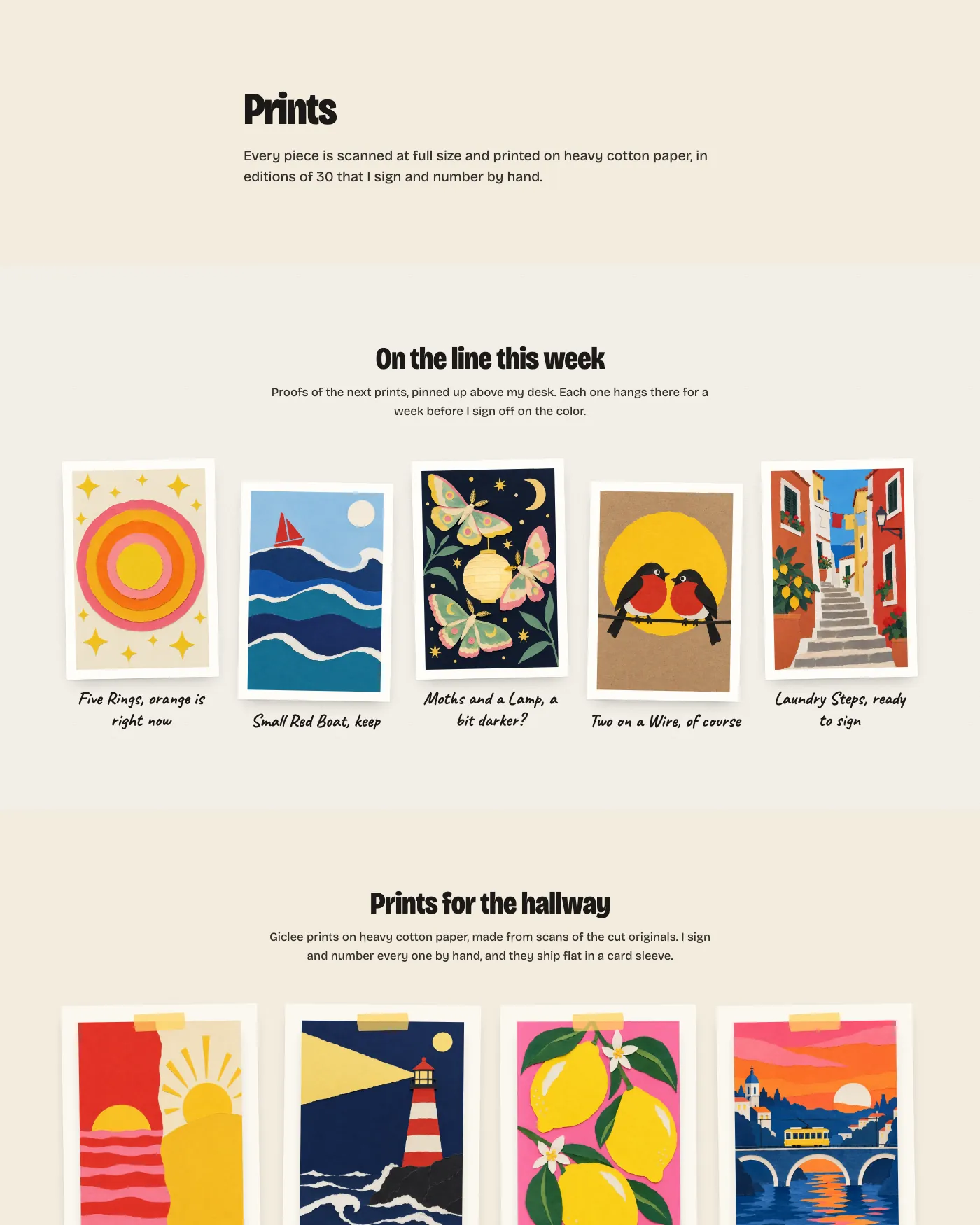
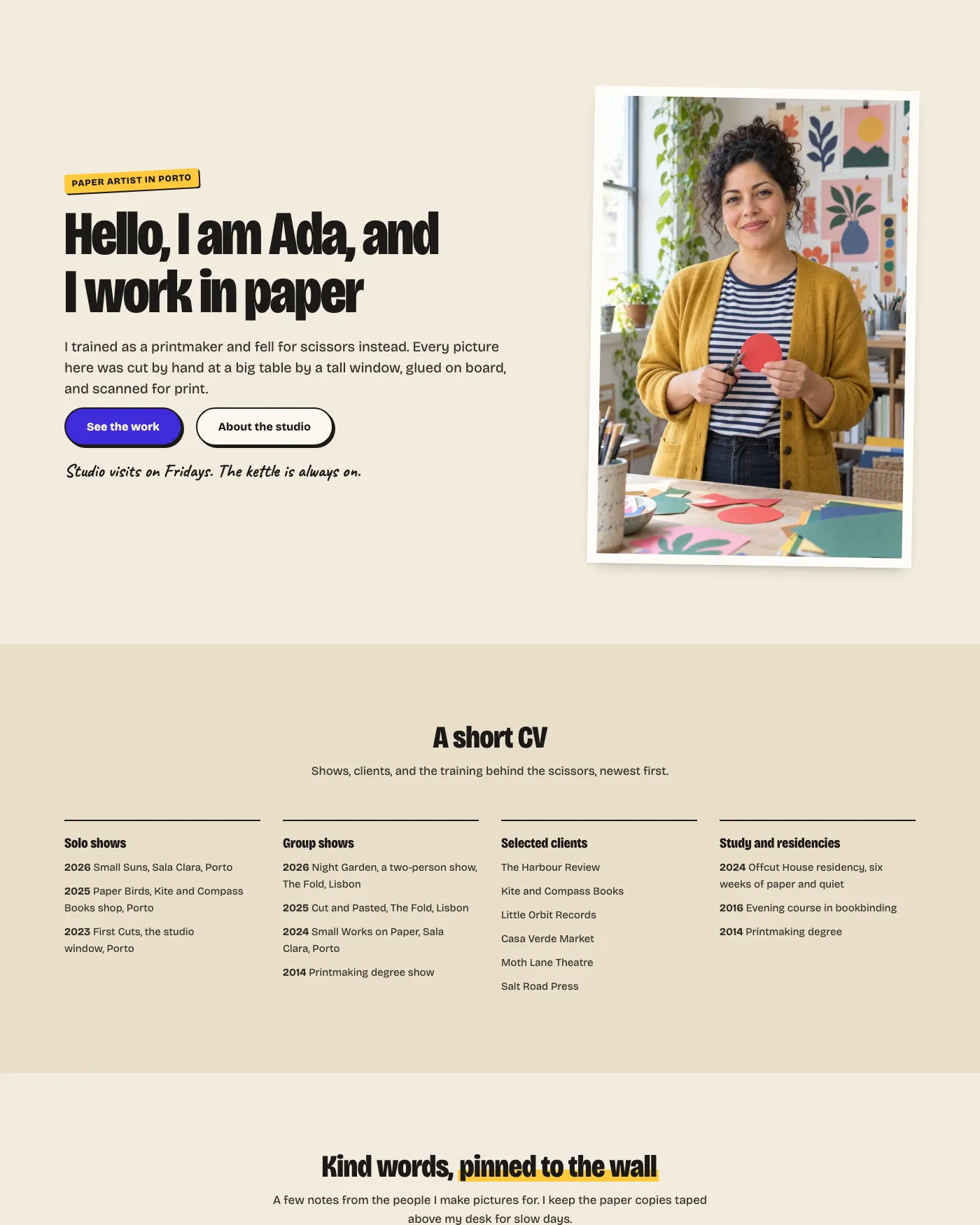
Most artist sites need the same handful of pages, and building them one section at a time eats the week you meant to spend making things. Indium includes seven full page layouts. Insert one into an empty page and change the words and pictures.
Home
Work
Prints
About
Commissions
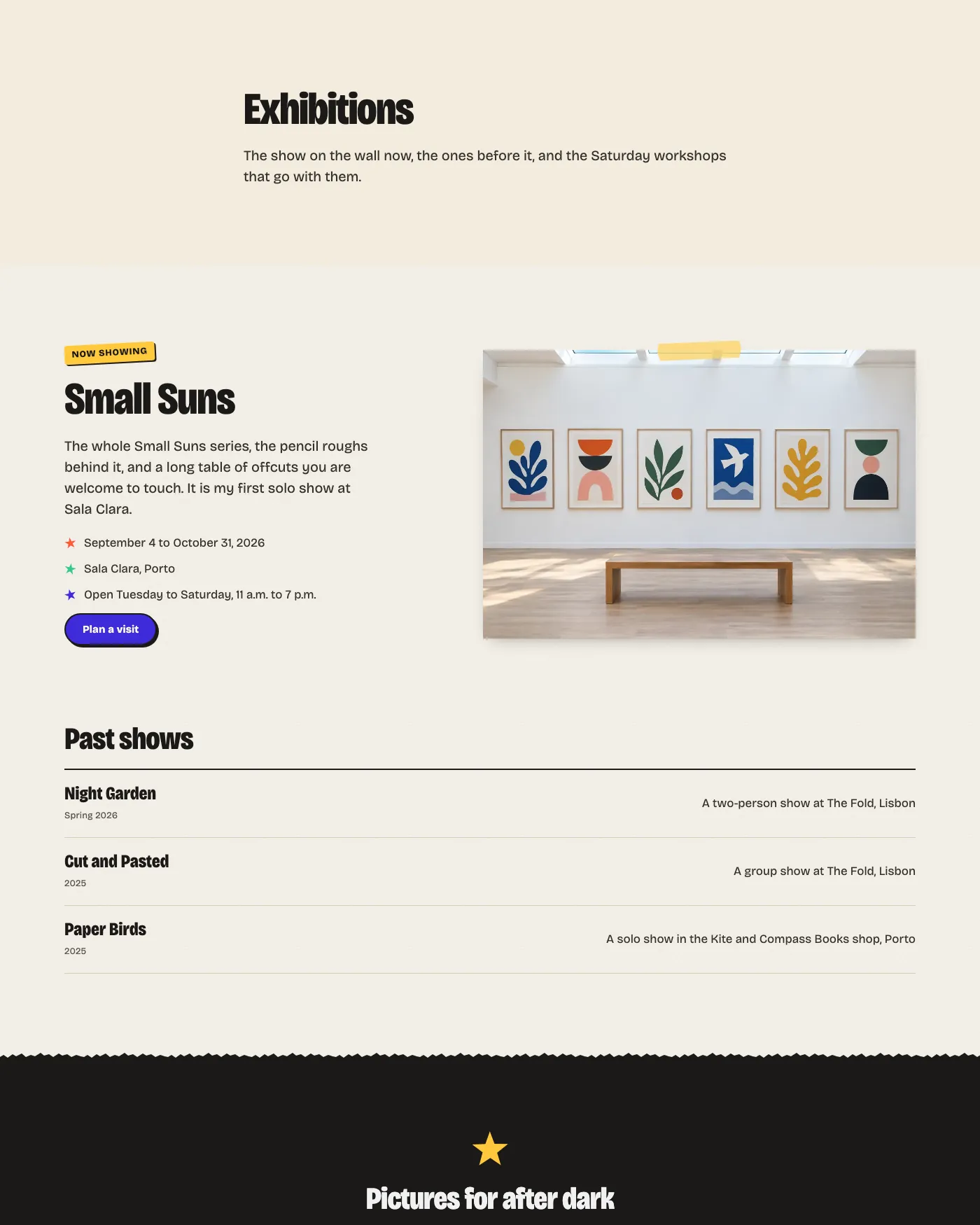
Exhibitions
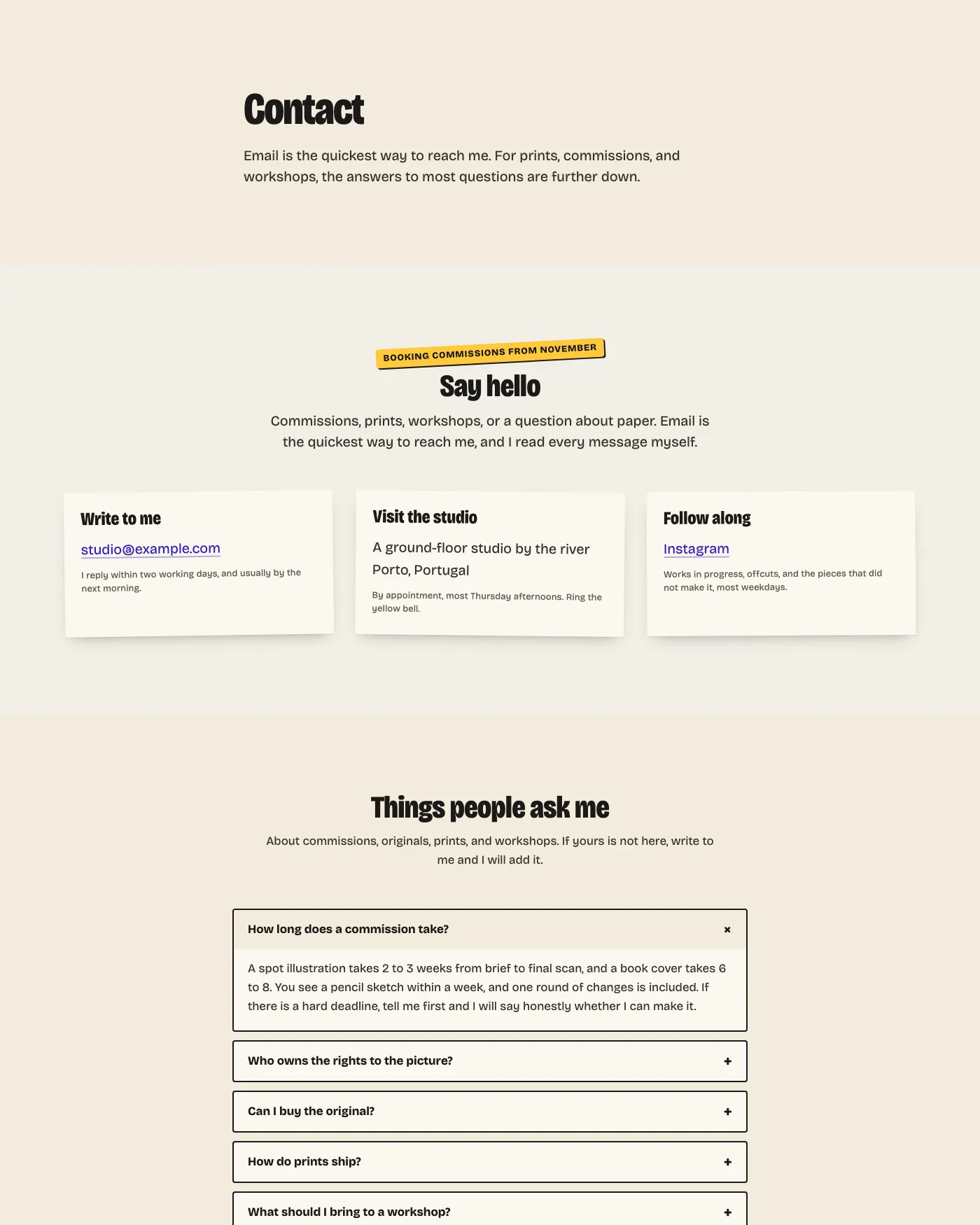
Contact
Four post layouts
Indium builds every pattern from WordPress core blocks, so your content stays editable if you change themes later. Only the styling follows the new theme.
Edit the Whole Site
You can change the header, the footer and every template in the Site Editor, and build new pages from the included patterns without a page builder.
Keep Fonts on Your Site
Indium bundles Bricolage Grotesque and Caveat, so both fonts load from your own domain.
Start with Less Code
Indium’s stylesheets add up to about 46 KB, and block styles load only on pages that use those blocks. The theme ships no JavaScript of its own.
Indium Pattern Gallery
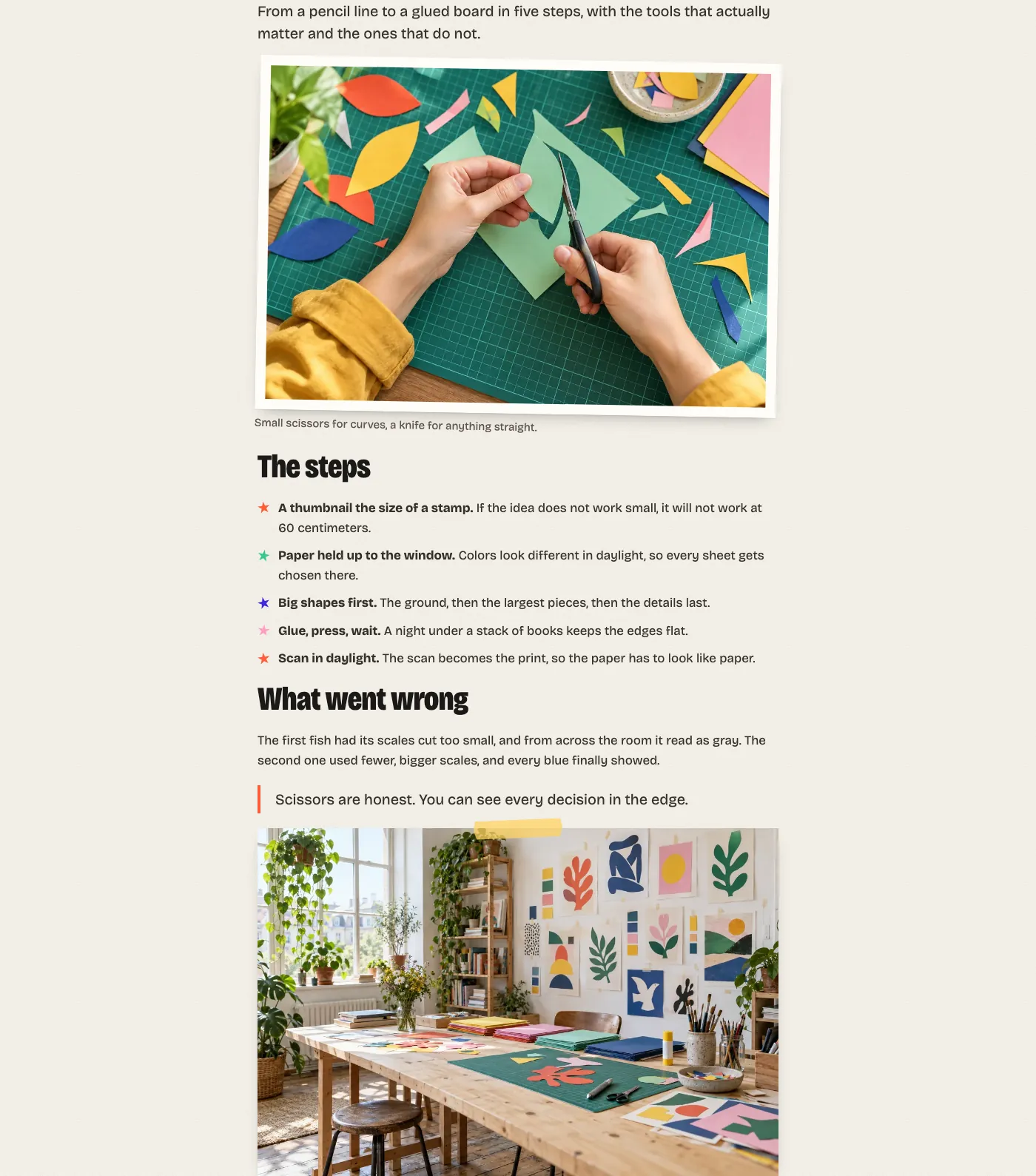
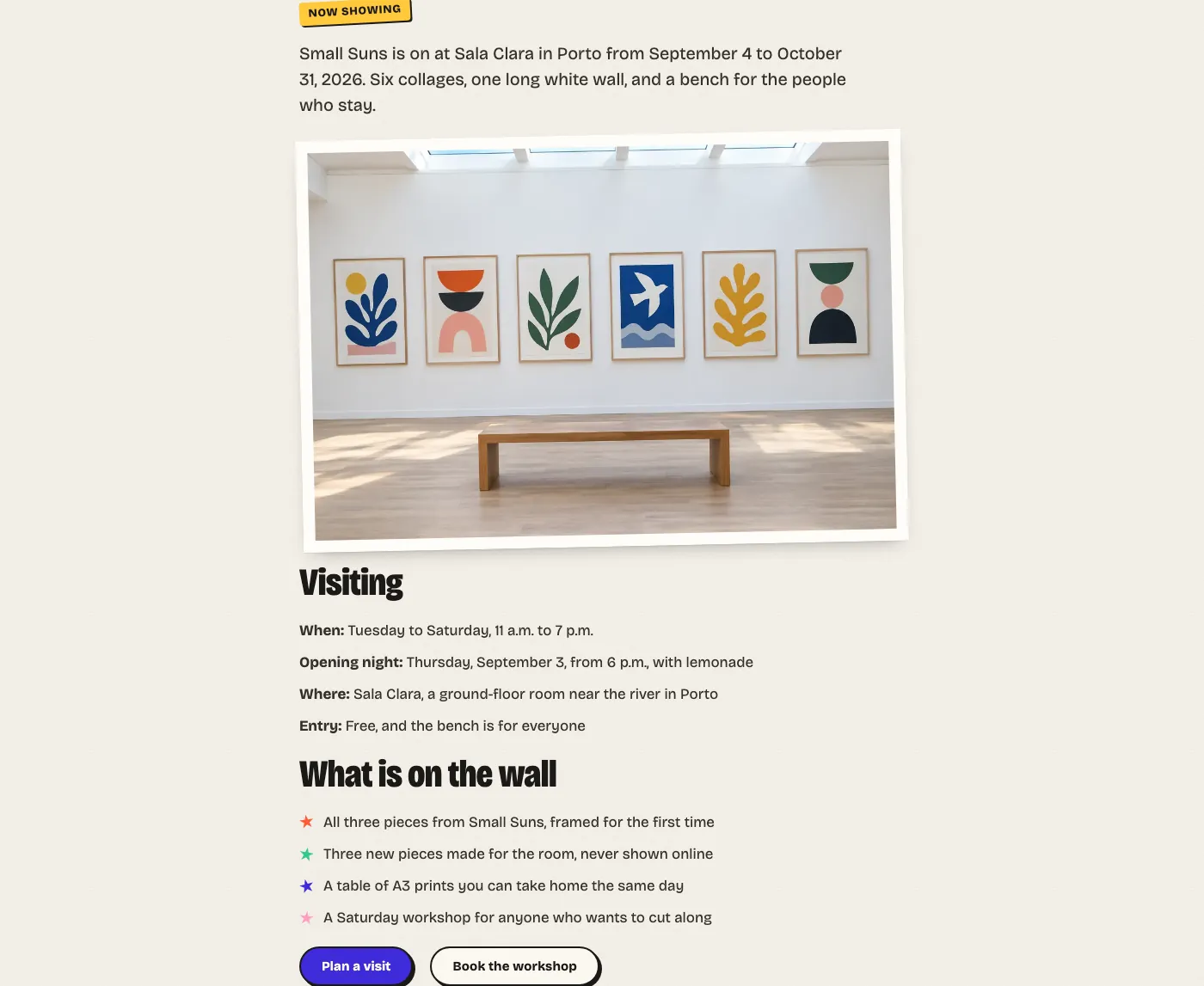
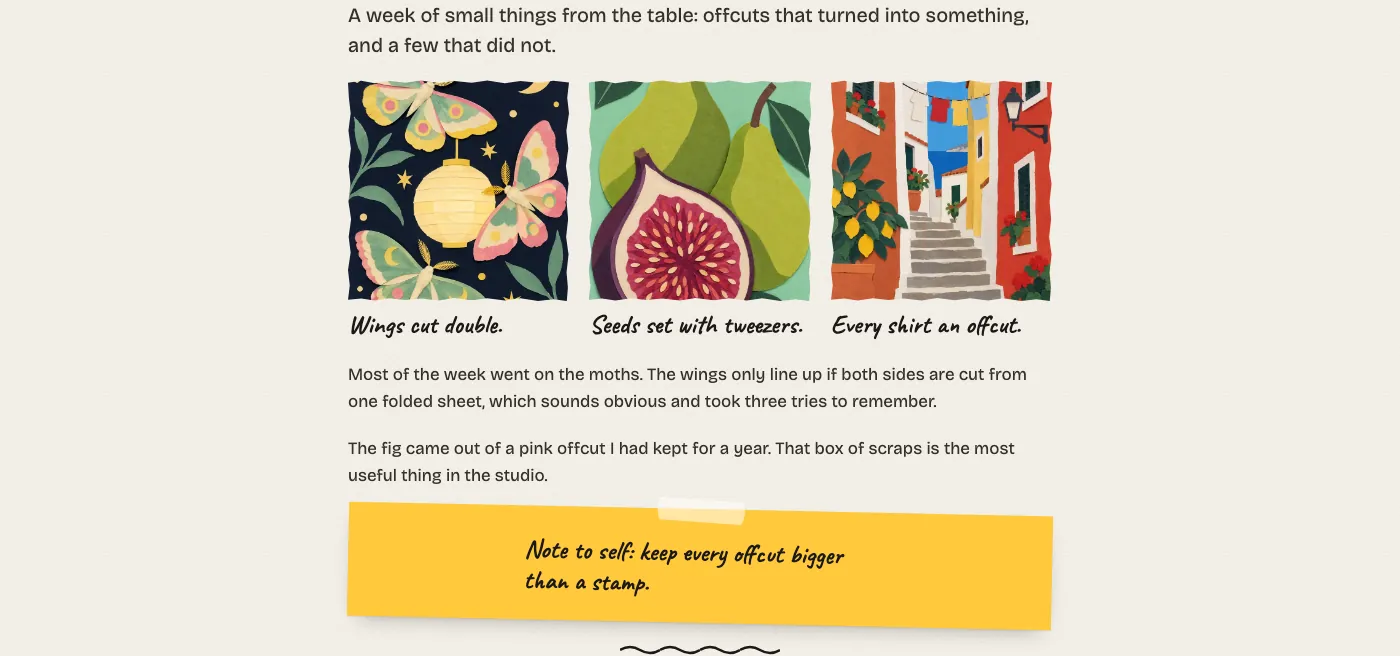
The gallery below shows all 58 patterns in the inserter. Select any preview to open the full-size image, or follow a group’s demo link to see the patterns in place.
Shown in the Paper design with example content. The artist, the quotes, prices and dates are placeholders, and the collages ship with the theme, ready to swap for your own work. Full pages are shown from the top.
Complete the free checkout, then download the latest Indium theme ZIP from your order downloads. Choose the package with free updates included.
Install it in WordPress
Go to Appearance → Themes → Add New → Upload Theme. Choose the ZIP, install it and activate it.
Add your work
Post each piece in a category named Work, choose the Artwork template and set the picture as its featured image. The grids on the front page fill in on their own.
Before You Install
Indium 0.1.0 is a first release, so it is wise to try it on a staging site with your own content and plugins before you switch a live site.
Requires WordPress 7.0 or newer and PHP 7.4 or newer.
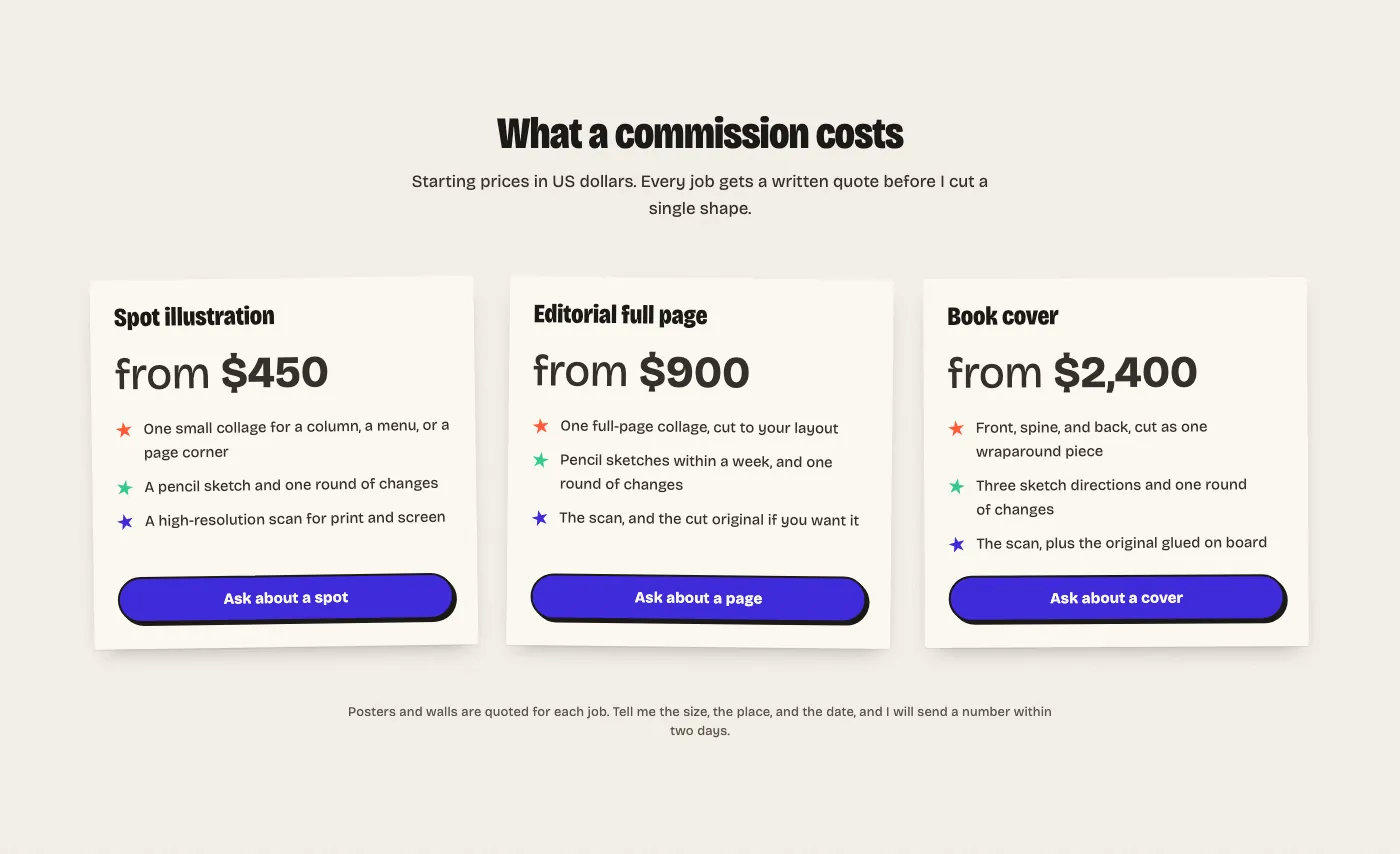
It is a portfolio theme, not a shop. The prints and rates patterns are layouts, so point each button at your shop, a payment link or your email.
The Front Page template takes precedence over a static homepage. Edit or delete that template in the Site Editor to use your own page.
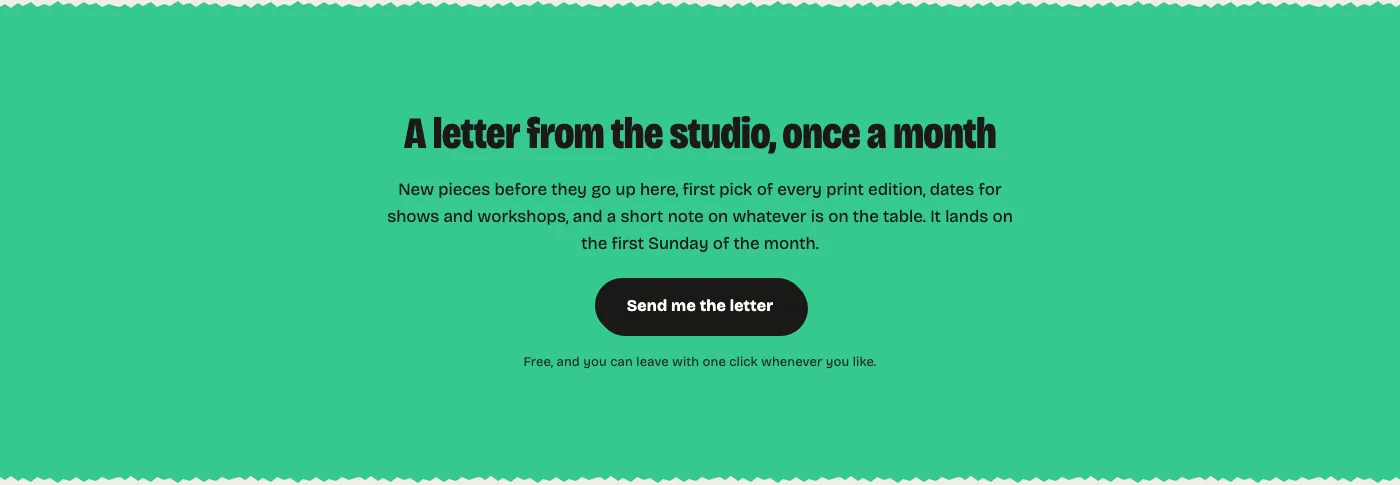
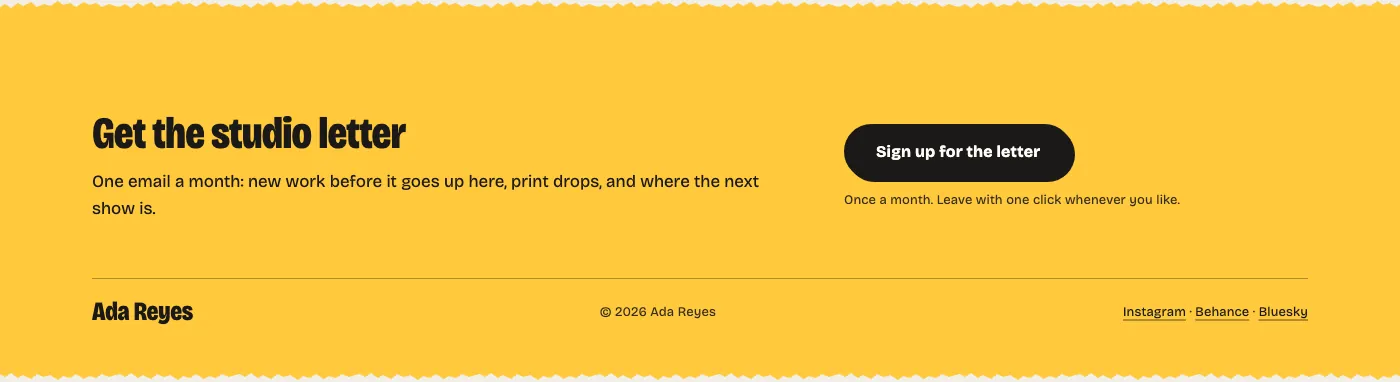
The studio letter patterns are layouts too. Point the button at your newsletter sign-up page, and add a form plugin if you want a working contact form.
I Build Tools That Pay for Themselves And Give Away the Ones That Can’t
Everything here is quick to set up, light on your pages and built to do one real job well. I only charge for the tools that can make you money. The rest are free.