Uranium Industrial WordPress Theme
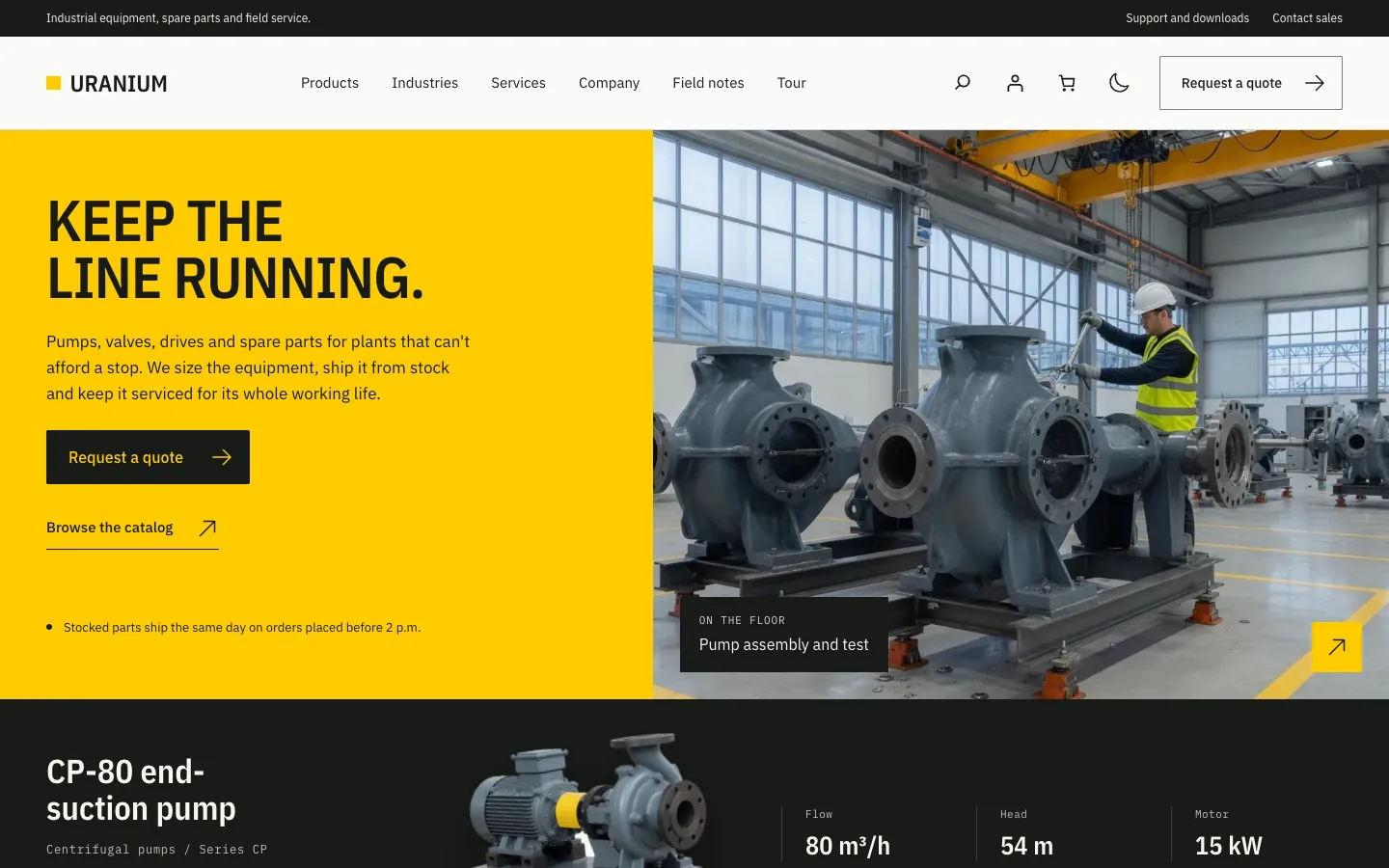
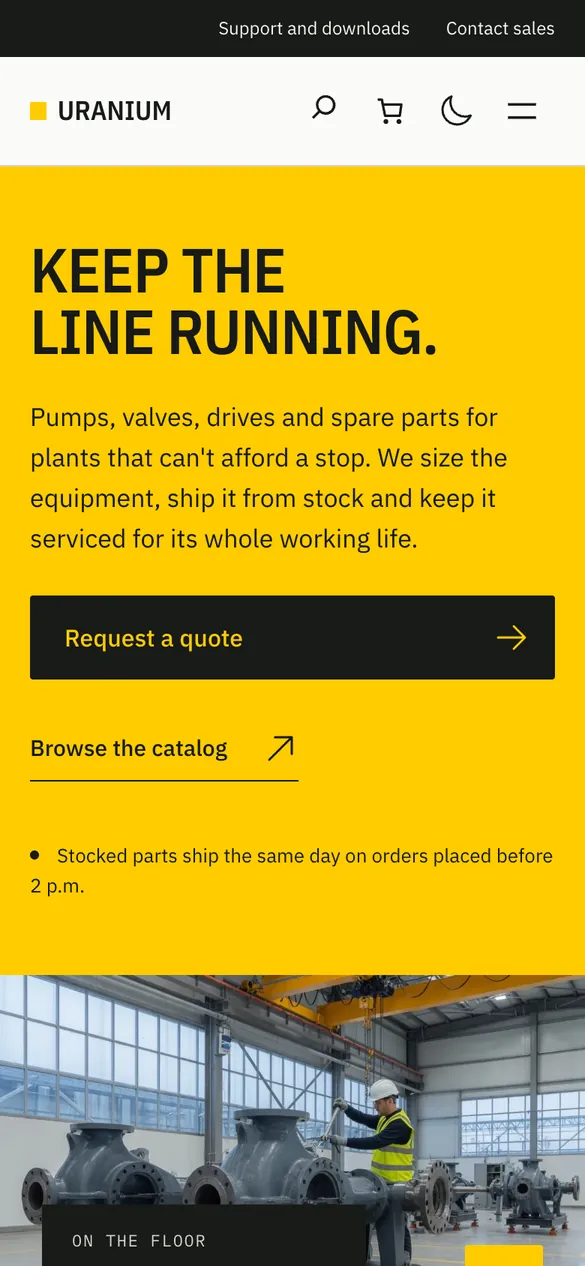
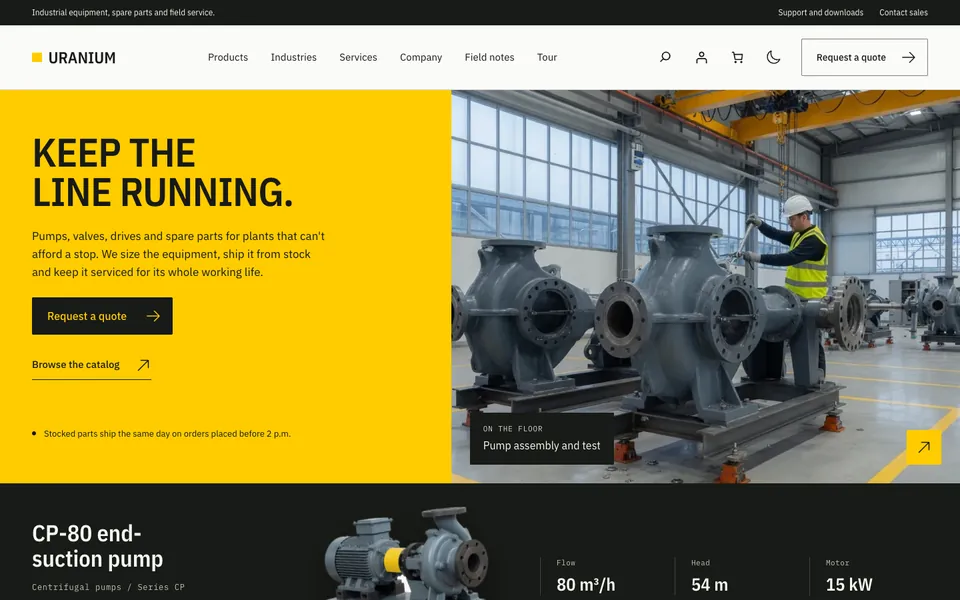
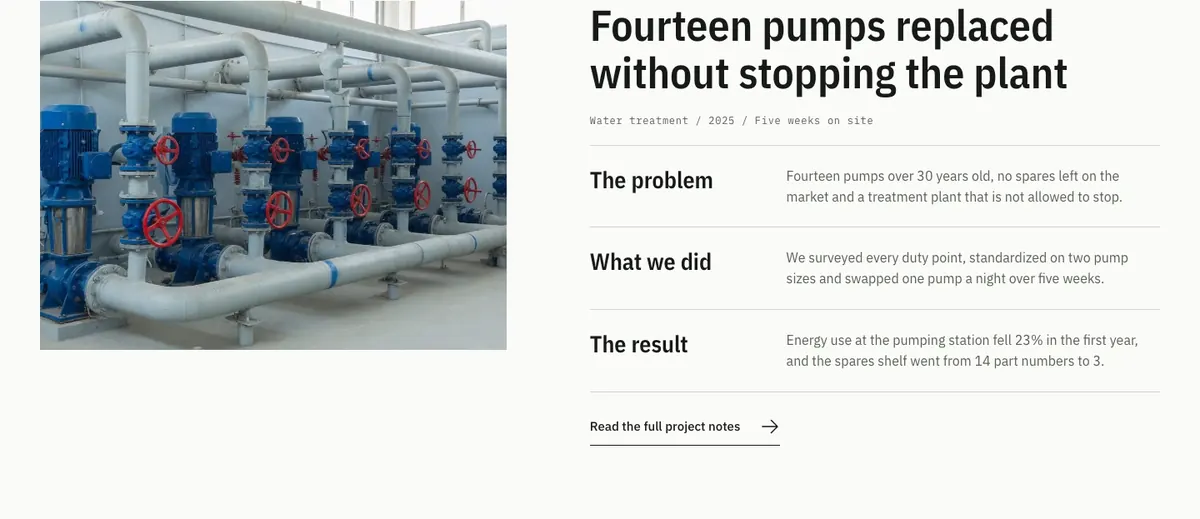
Uranium is a free industrial WordPress theme for manufacturers, equipment makers, parts distributors and field-service teams. It gives your product catalog, quote button and spare parts store the look of a good spec sheet: plain type, square corners, hairline rules and one strong accent color.
Free to download. No account or email required.
Version 0.1.2 · WordPress 6.8+ · PHP 8.1+ · GPLv2 or later
This download includes free updates in WordPress. Already using Uranium? Install it once to add the updater. No account or license key is required.

- 41 Patterns
- Sections and full pages in the inserter
- 4 Palettes
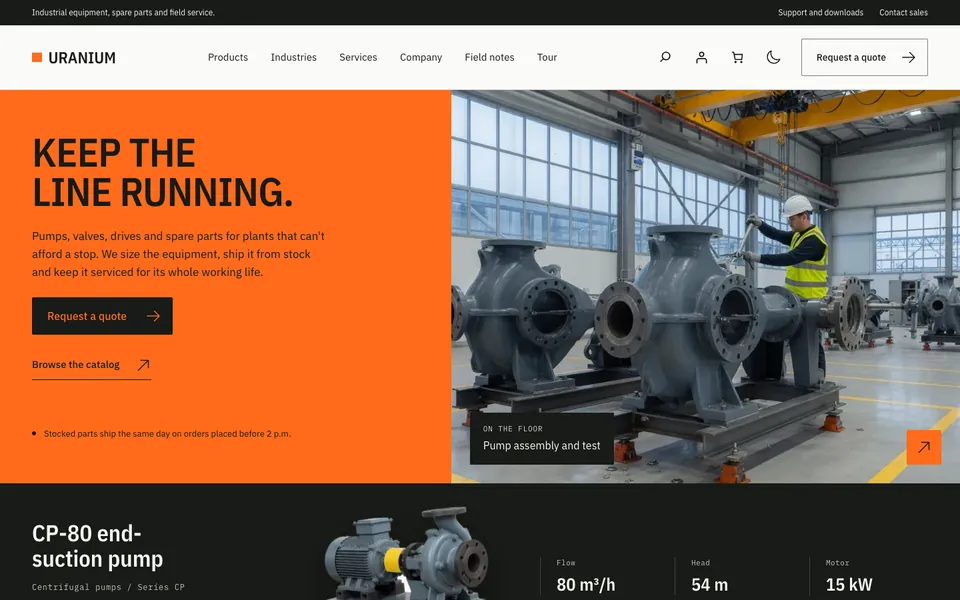
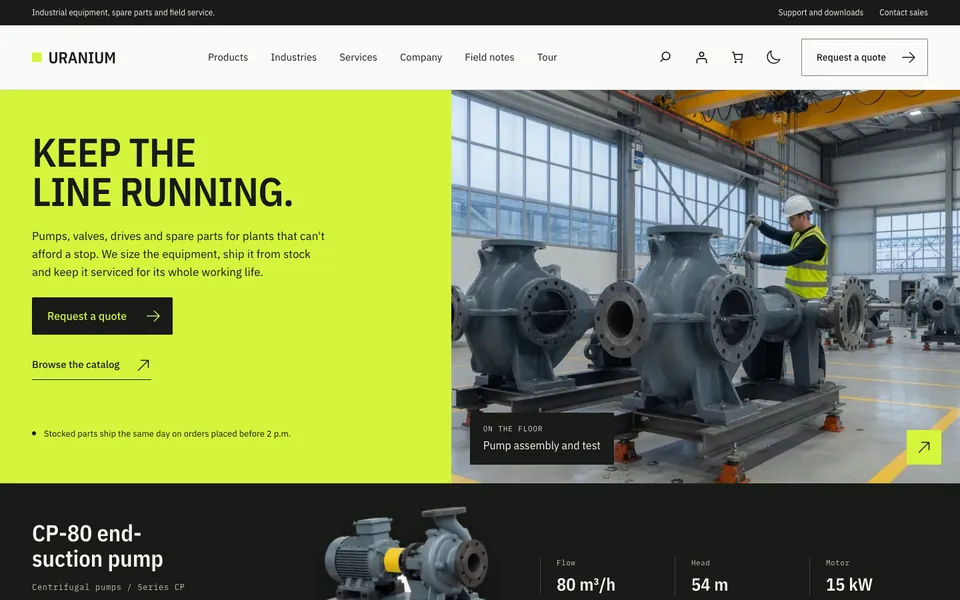
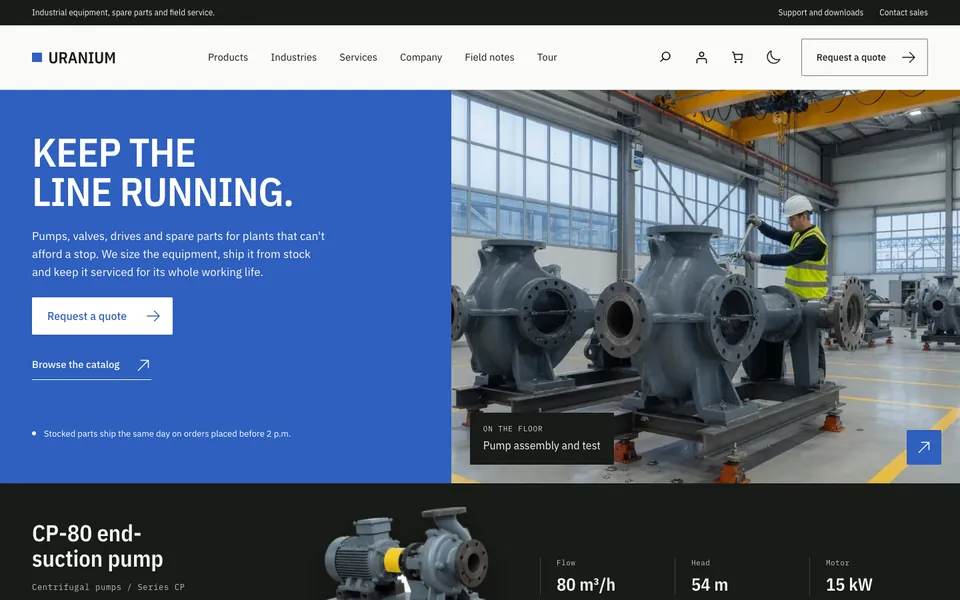
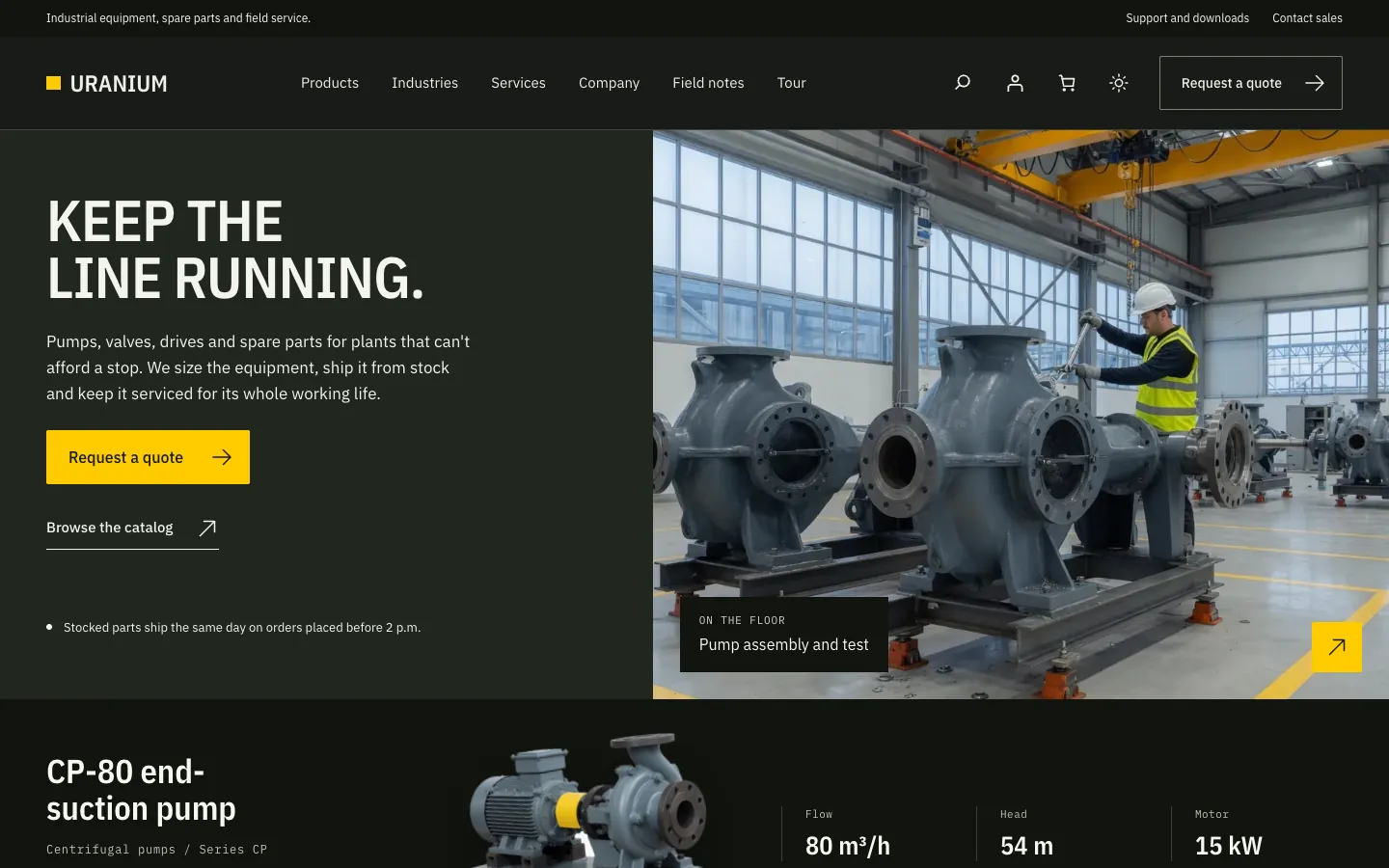
- Safety yellow, orange, lime and cobalt
- 2 Store Plugins
- WooCommerce and FluentCart, or neither
- 100% Free
- GPL licensed, for any number of sites
Made for Industrial Companies
An industrial website has a different job from a brochure site. Buyers arrive with a part number, a spec to match or a machine that has stopped, and they want the flow rate, the price or a phone number without hunting for it.
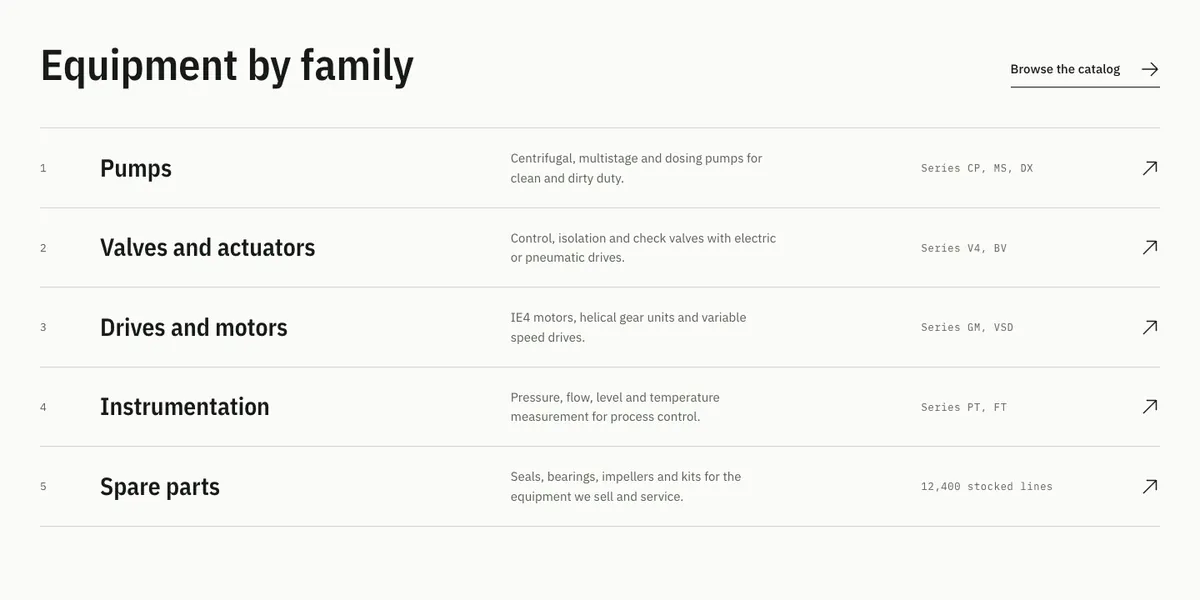
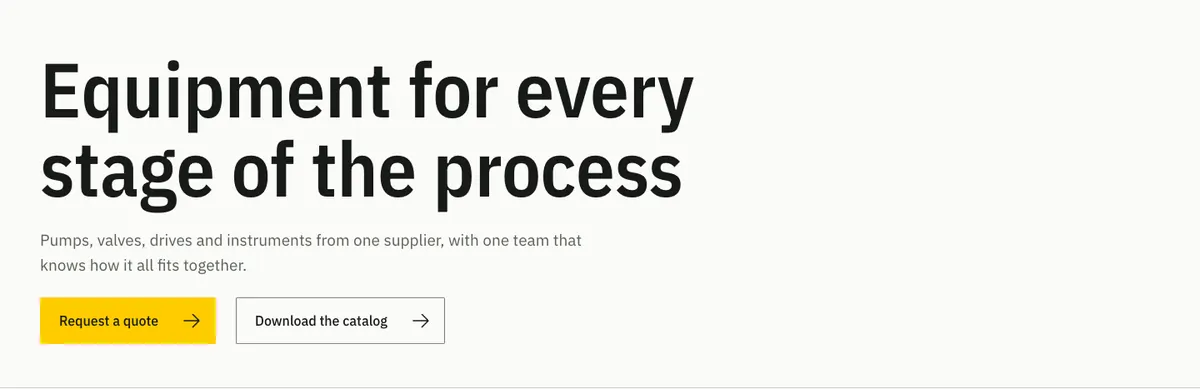
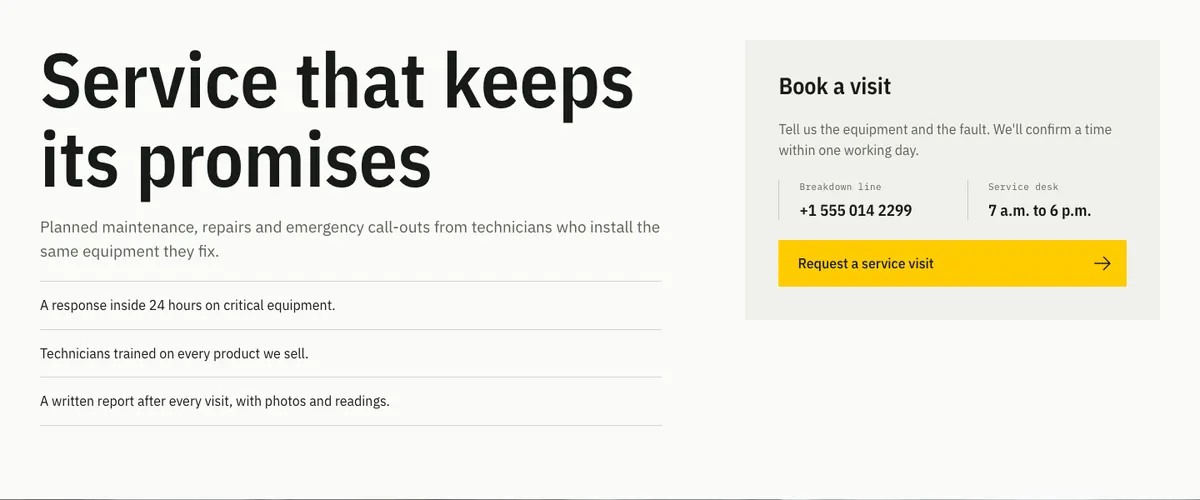
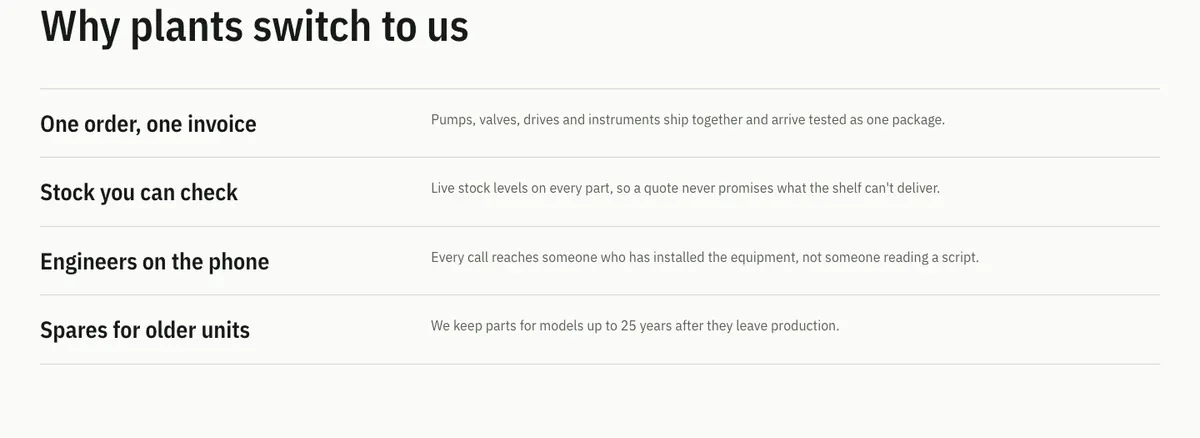
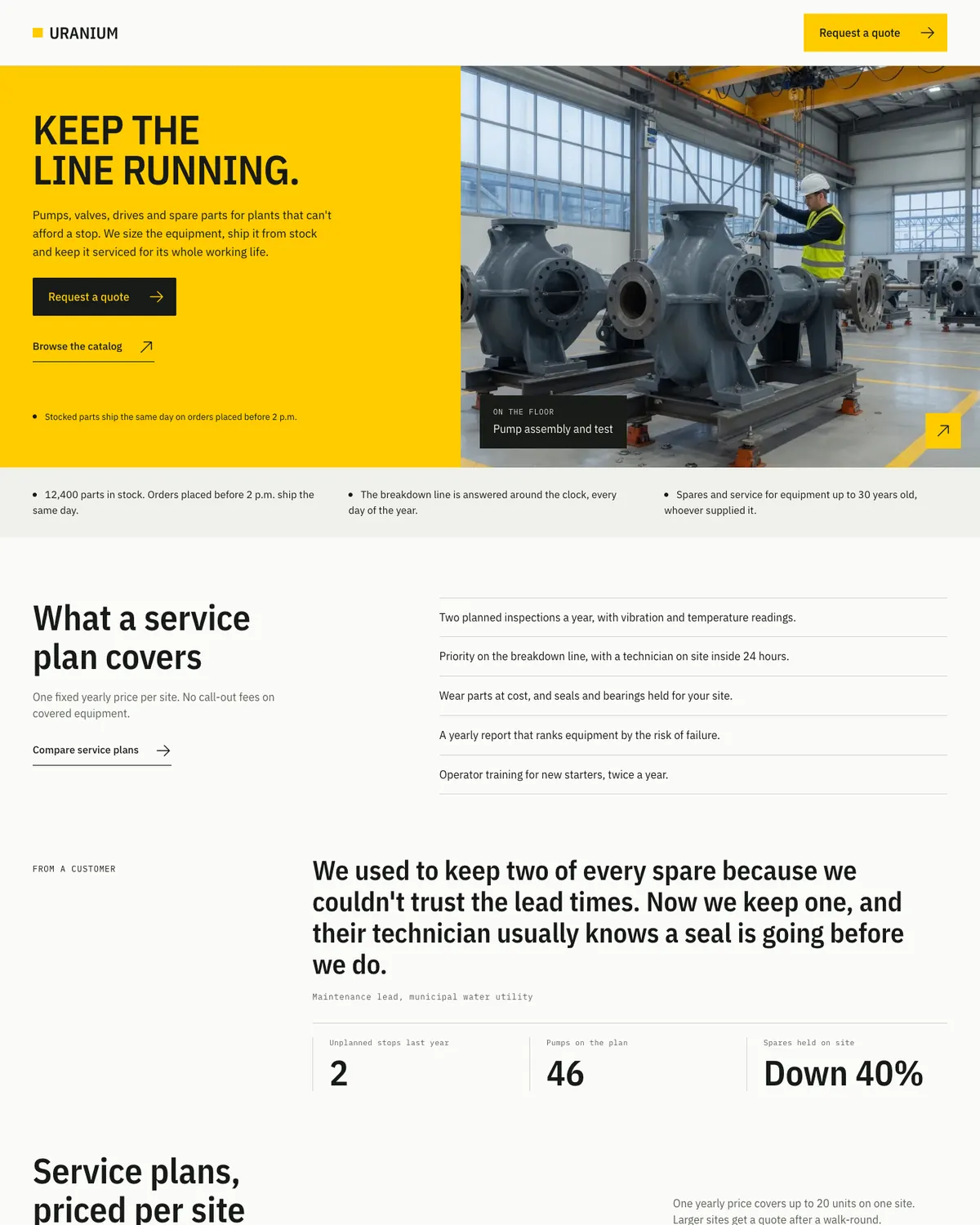
I built Uranium around that visit. Its patterns lead with product families, spec rails and direct lines for sales, service and parts, and they leave out the sliders, counters and parallax effects that many business themes carry.
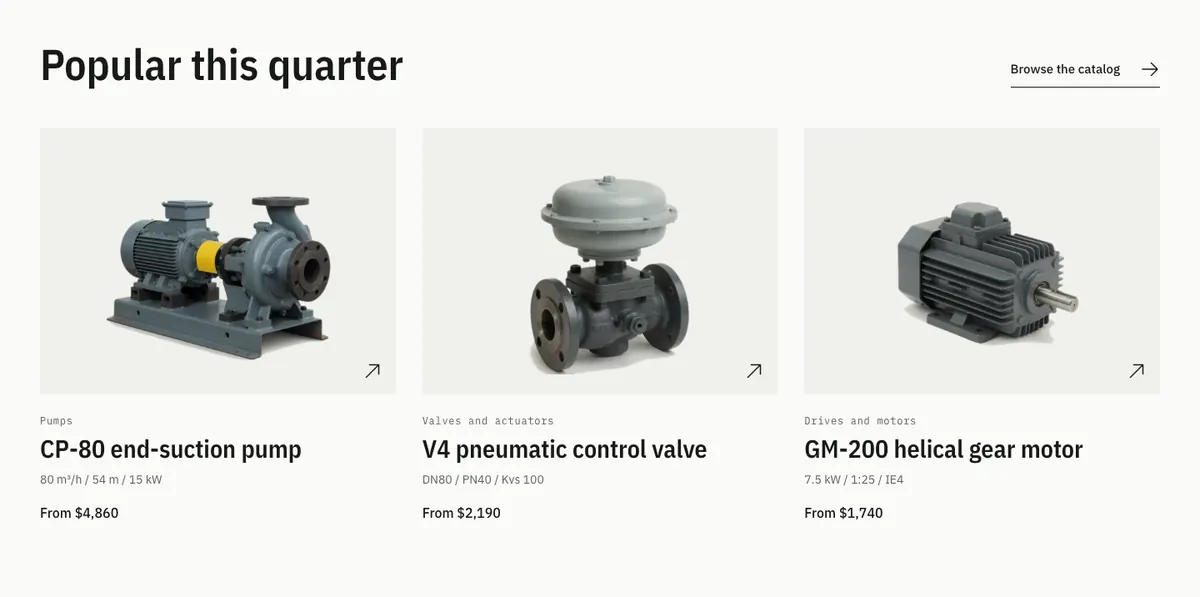
It fits these kinds of sites well:
- Manufacturers and equipment makers with a product range to explain
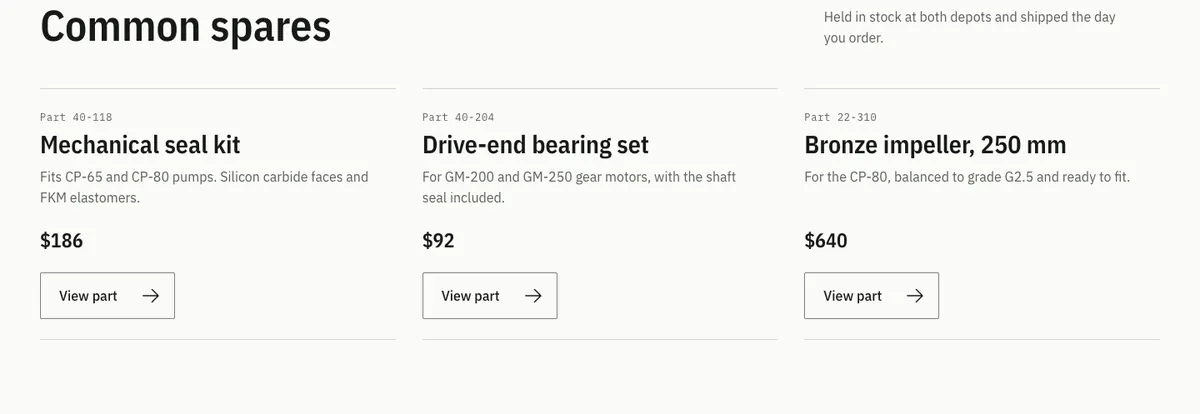
- Distributors selling spare parts online with WooCommerce or FluentCart
- Engineering firms and contractors that win work through quote requests
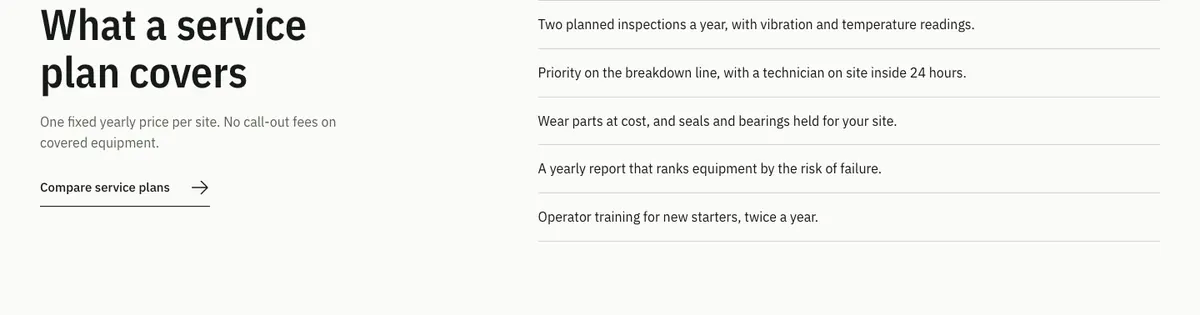
- Field-service teams with manuals, data sheets and a breakdown line to publish
- Agencies and freelancers building sites for any of the above
It is not the right tool for a multi-vendor marketplace or a visual product configurator. Those need plugins built for the job, whatever the theme.
Four Palettes, Light and Dark
Industrial brands tend to own one strong color, like the yellow on a forklift or the orange on a safety sign. Uranium ships four of them. Pick one under Appearance > Customize > Uranium design, and it changes the buttons, the hero panel and the accent bands together.


Light and Dark Mode
Every palette has a dark mode too. By default, Uranium follows the visitor’s device setting, and the moon button in the header lets them switch and remembers the choice on their next visit.
If your brand only works one way, the same Customizer panel keeps the site light or dark for everyone and takes the toggle out of the header.

Why a Hybrid Theme
Uranium sits between the two kinds of WordPress theme you usually hear about. A classic theme builds pages from PHP templates, and a block theme builds everything from blocks in the Site Editor. Uranium is a hybrid: PHP templates run the page frame and the store screens, while the header, the footer and every section inside a page are blocks you edit on screen.
I built it this way because of the stores. WooCommerce and FluentCart render their product and shop screens through PHP templates and hooks in a theme like this, so Uranium styles those screens through hooks and copies none of their template files. Copied template files are what usually goes out of date when a store plugin updates, and Uranium has none.
The parts sit in four places:
- PHP templates: the page frame, blog archives, search, the 404 page and 3 page templates, “With sidebar”, “Full width, no title” and “Blank canvas”
- theme.json: colors, fonts, font sizes and spacing, shared by the block editor and the front end
- Block template parts: the header and the footer, with 3 layouts each
- Patterns: 41 sections and full pages in the block inserter
theme.json isn’t only for block themes, and my guide to improving classic themes with theme.json explains what it controls. If you are weighing a full block theme instead, read my guide to switching to block themes.
Headers and Footers
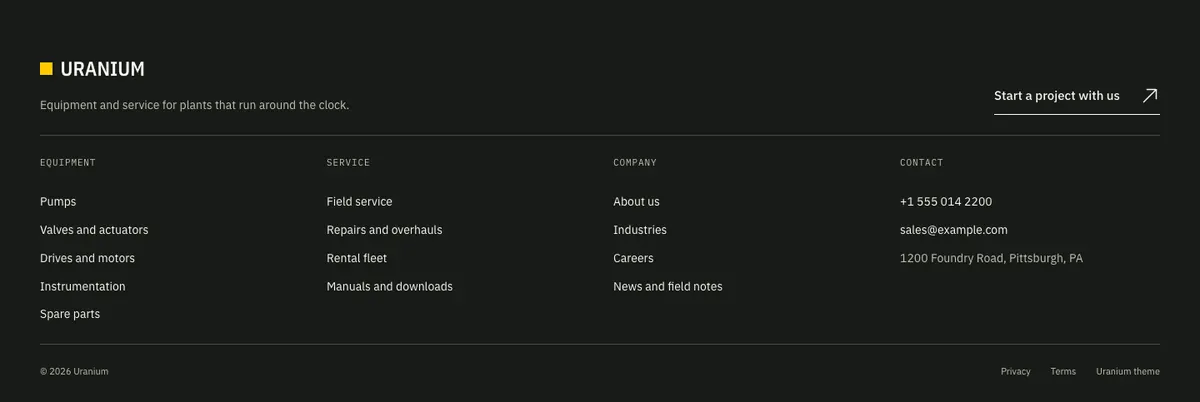
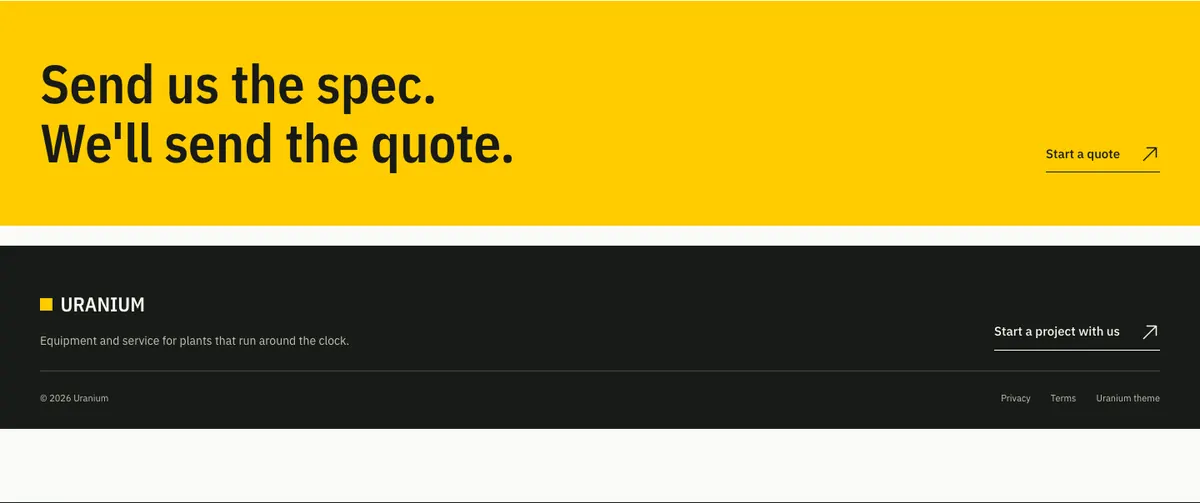
Uranium ships 3 headers and 3 footers. The default header has a dark utility bar above the logo, the menu, search, the store links, the light and dark toggle and a quote button. You swap layouts in Appearance > Editor > Patterns > Template Parts.
Fonts on Your Own Domain
IBM Plex Sans, Plex Sans Condensed and Plex Mono ship with the theme as WOFF2 files, so no request goes to Google Fonts. A typical page loads 3 font files, about 79 KB in total.
One Small Script
The theme’s only script runs the light and dark toggle. It weighs 2 KB, or 0.9 KB compressed, and Uranium adds no jQuery. Store plugins load their own scripts on top, and WooCommerce brings jQuery with it.
Sell Parts With WooCommerce or FluentCart
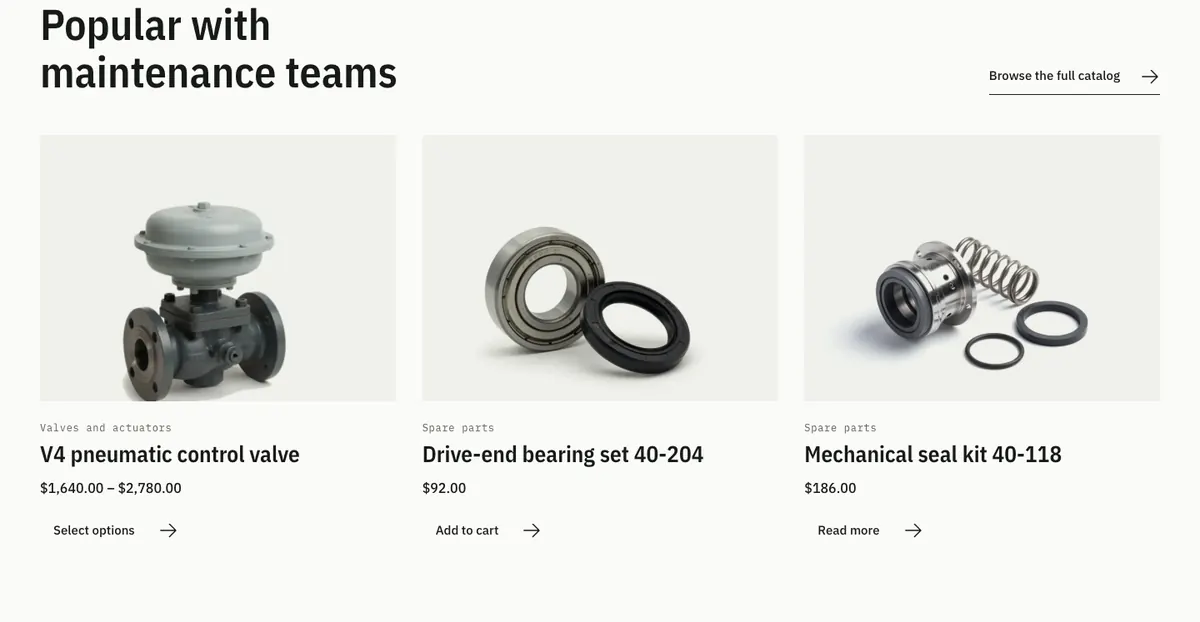
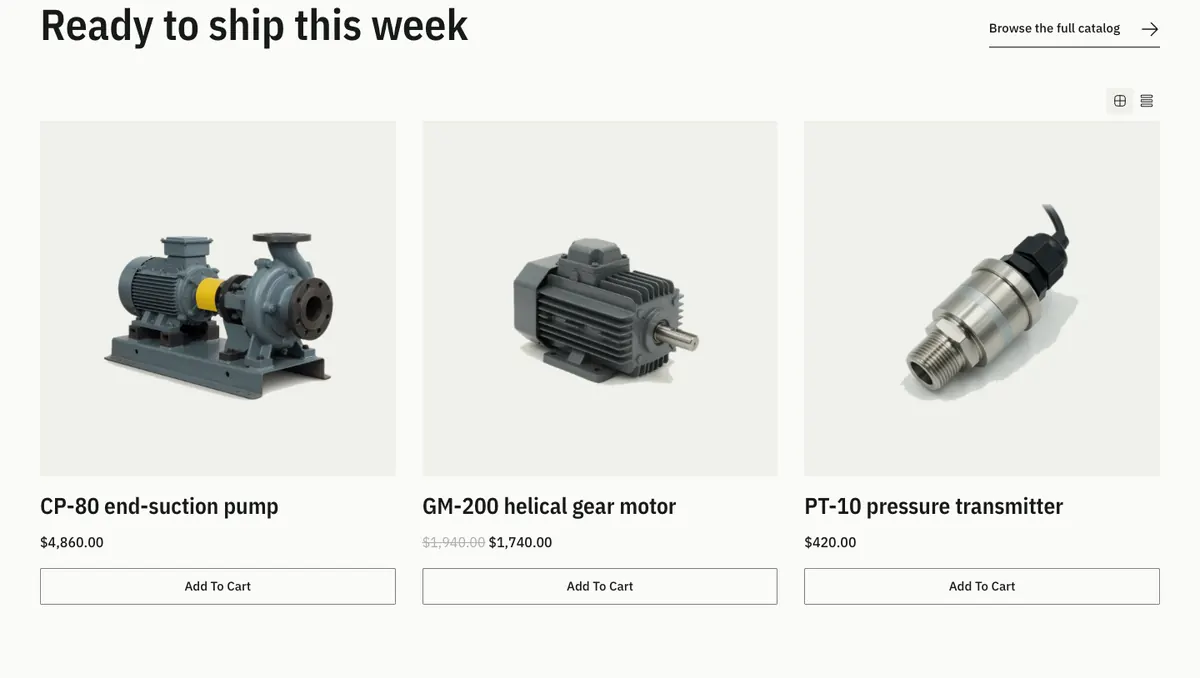
Uranium supports WooCommerce and FluentCart. Install either one, or both side by side, and the theme styles whichever is active. Without a store plugin, the product patterns still work as a catalog that links to your quote page.
WooCommerce
Uranium styles WooCommerce’s screens through hooks, with no copied templates:
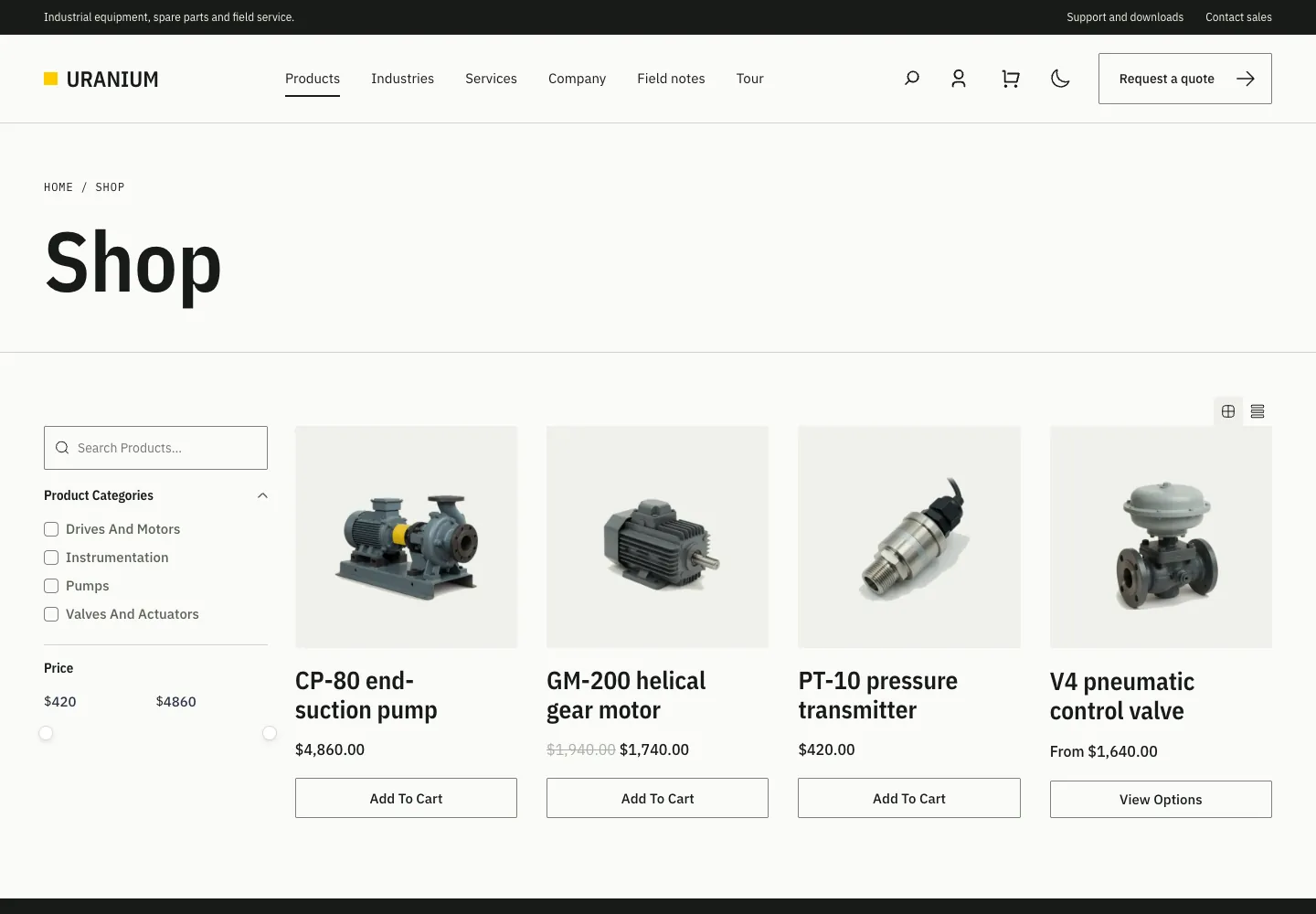
- Shop and category pages, with an optional sidebar for categories or filters
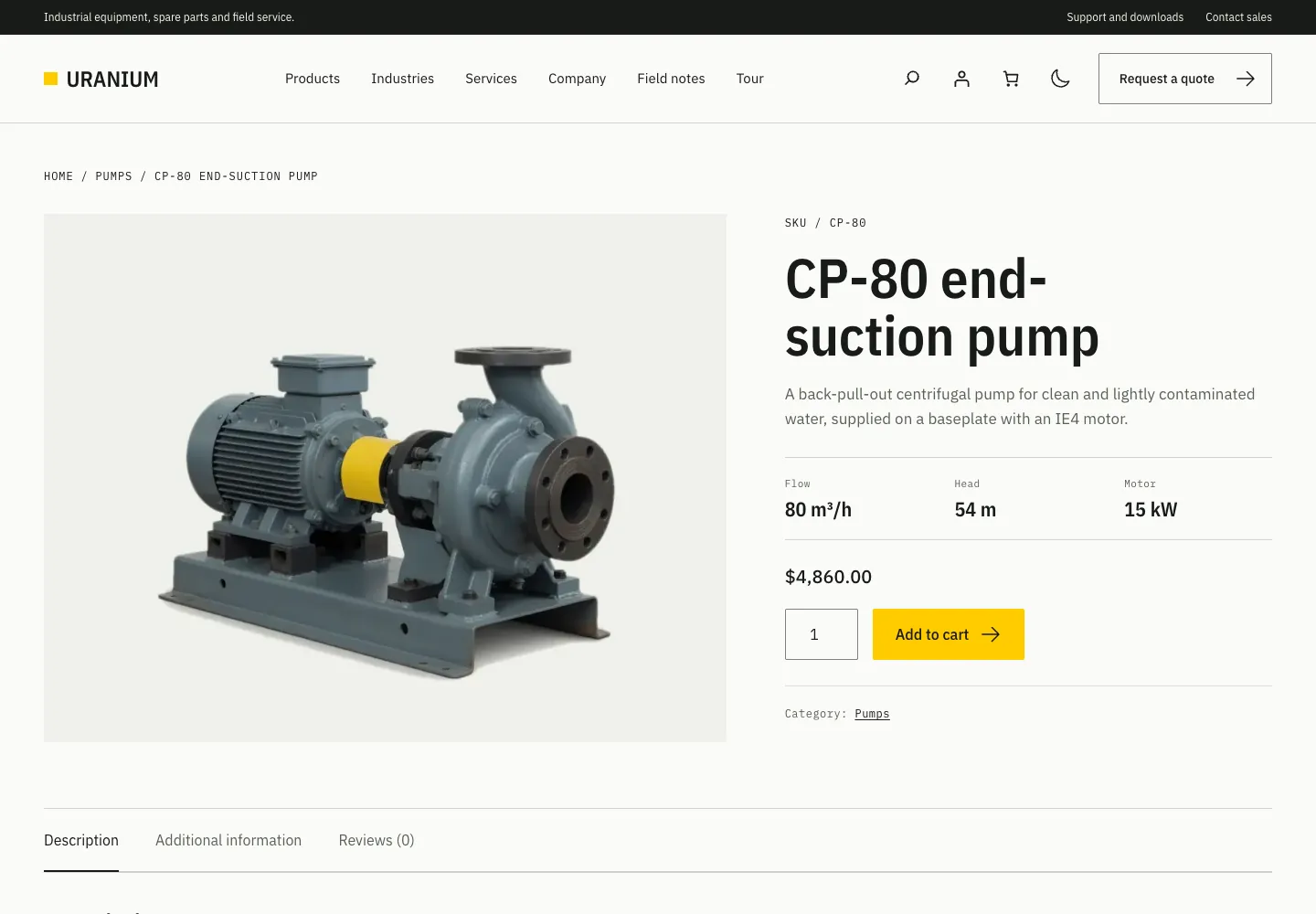
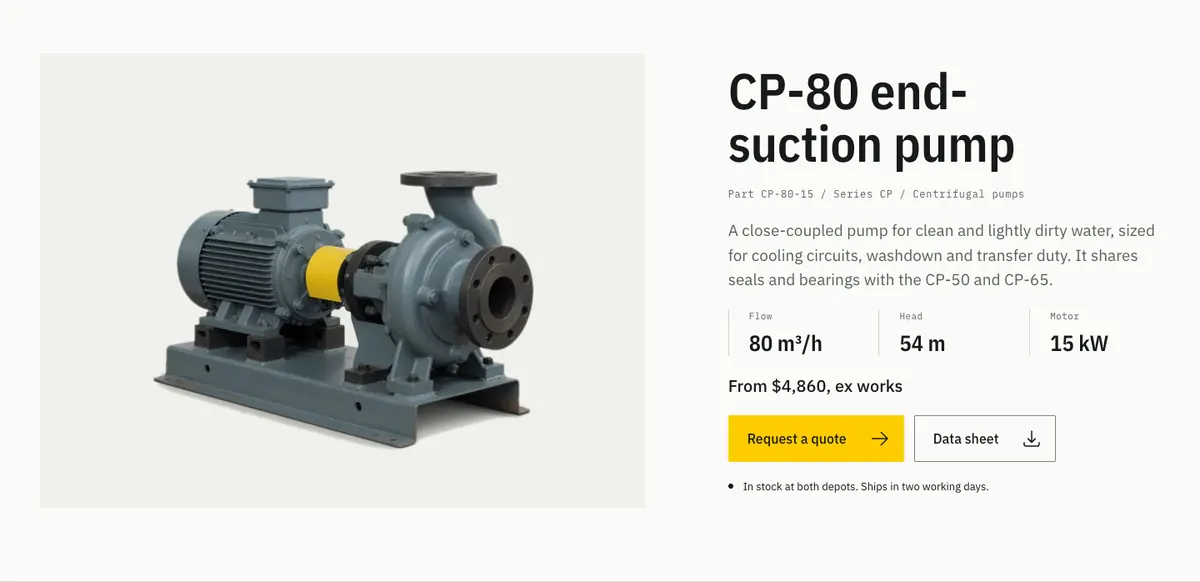
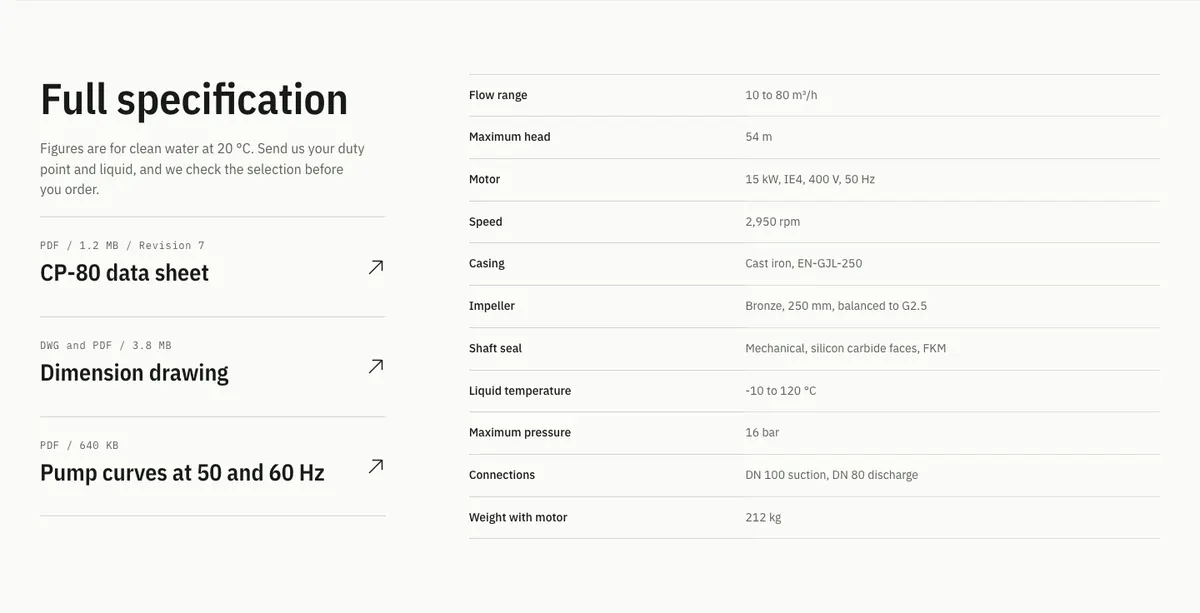
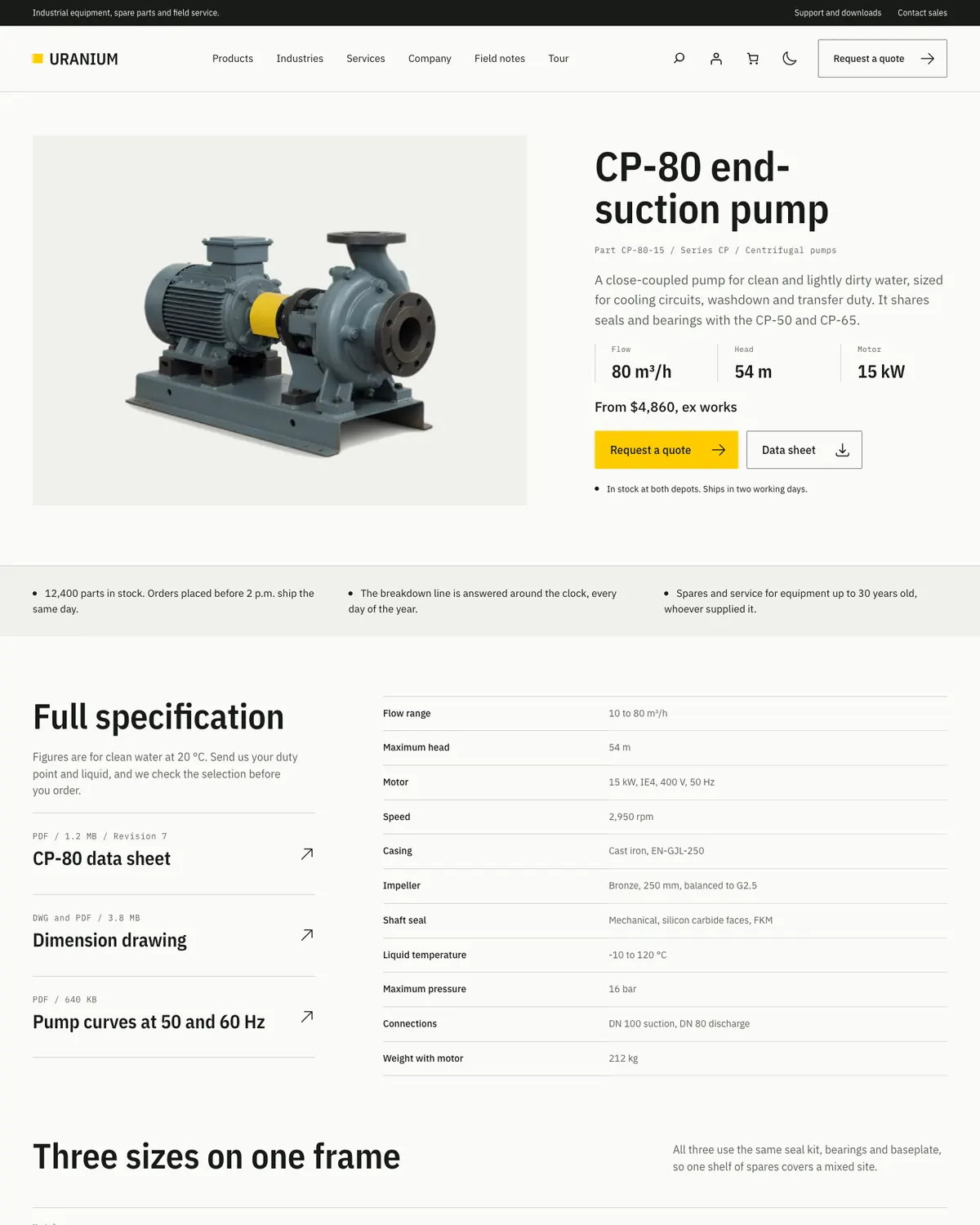
- Product pages with a spec rail built from the product’s attributes
- The Cart and Checkout blocks, My Account and the Mini-Cart

FluentCart
FluentCart gets its own theme templates and a color map to the active palette:
- Templates for single products, the shop, categories and brands
- FluentCart’s buttons, cards and forms in the theme’s colors, in light and dark mode
- The FluentCart account button and cart drawer in the header

Industrial shops often hide prices from anonymous visitors or set minimum order quantities. Uranium doesn’t do either on its own, because those are store rules. On FluentCart, GT Extensions has modules for hiding prices until login and for minimum and maximum quantities.
If you are still choosing between the two store plugins, read my FluentCart review first.
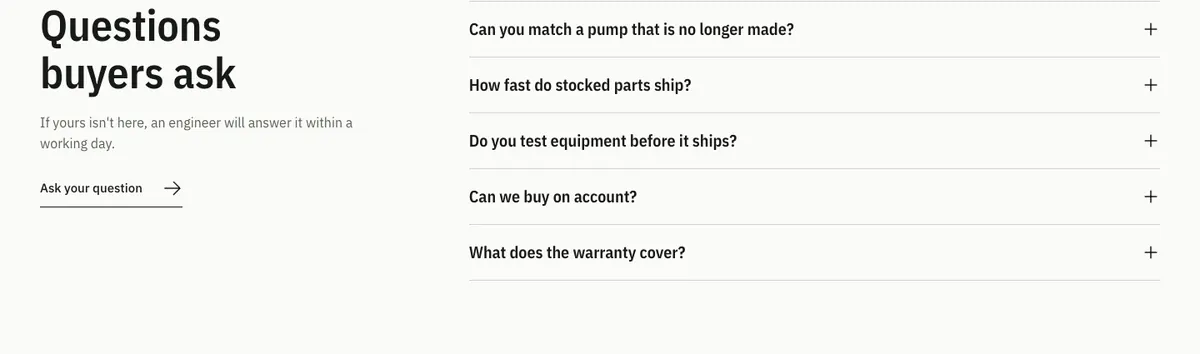
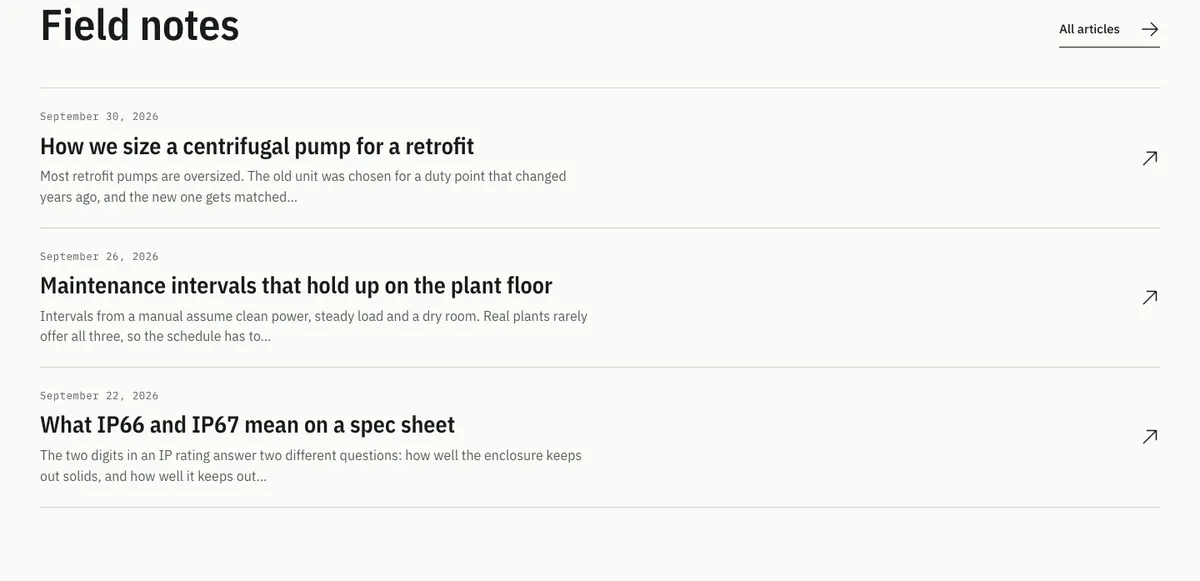
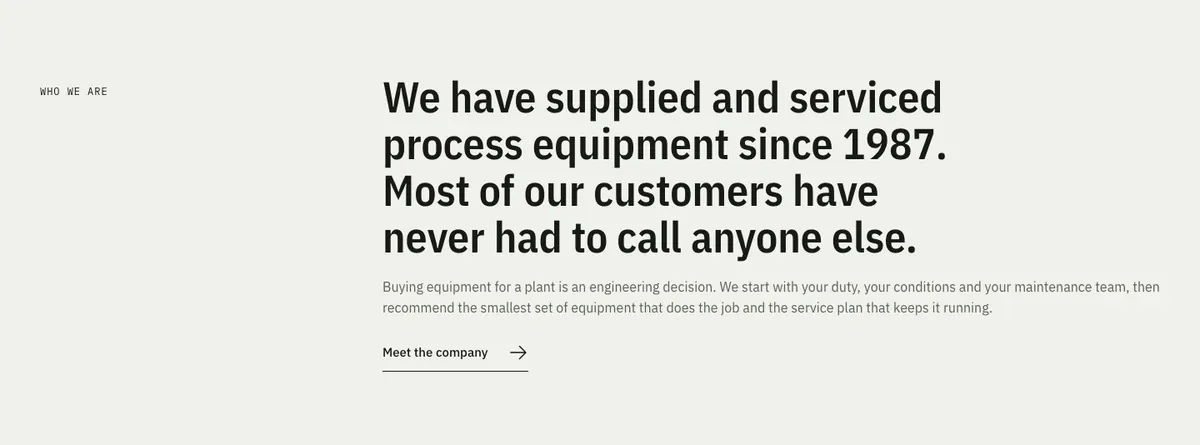
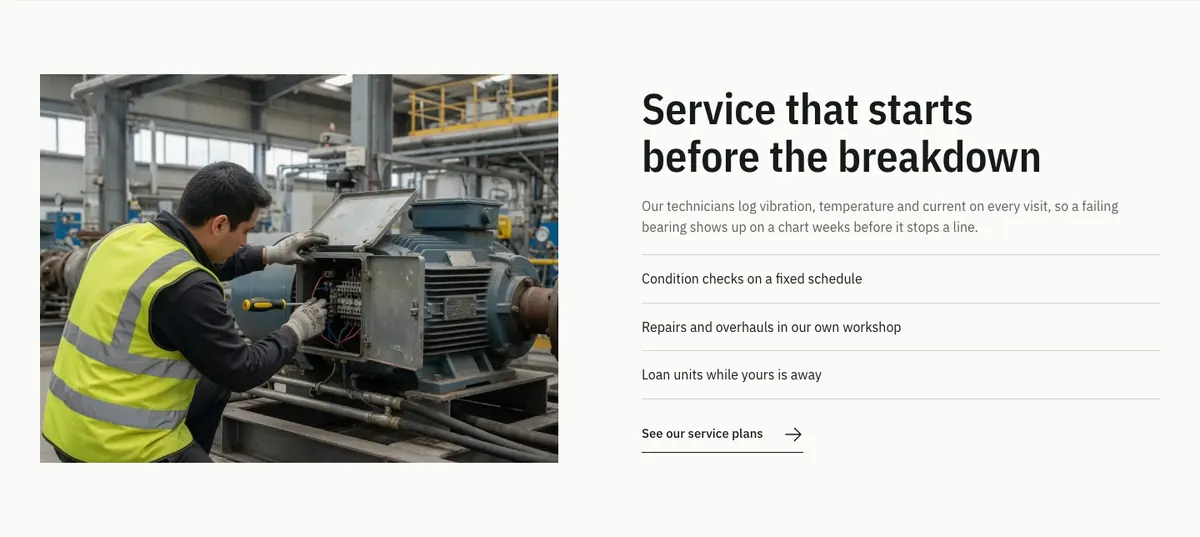
Uranium Pattern Gallery
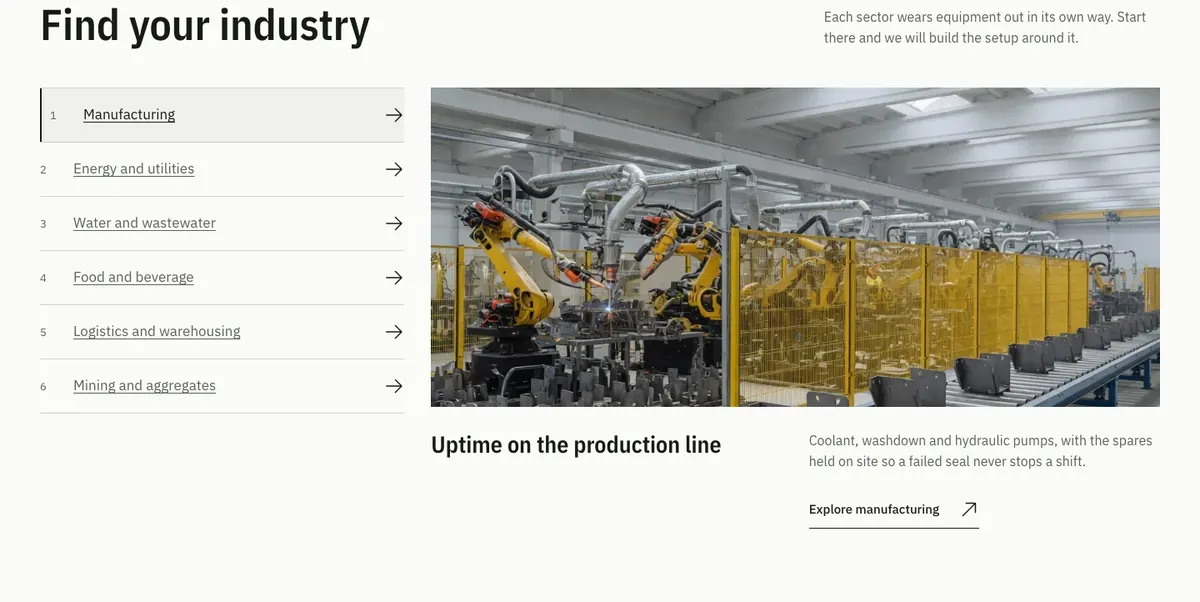
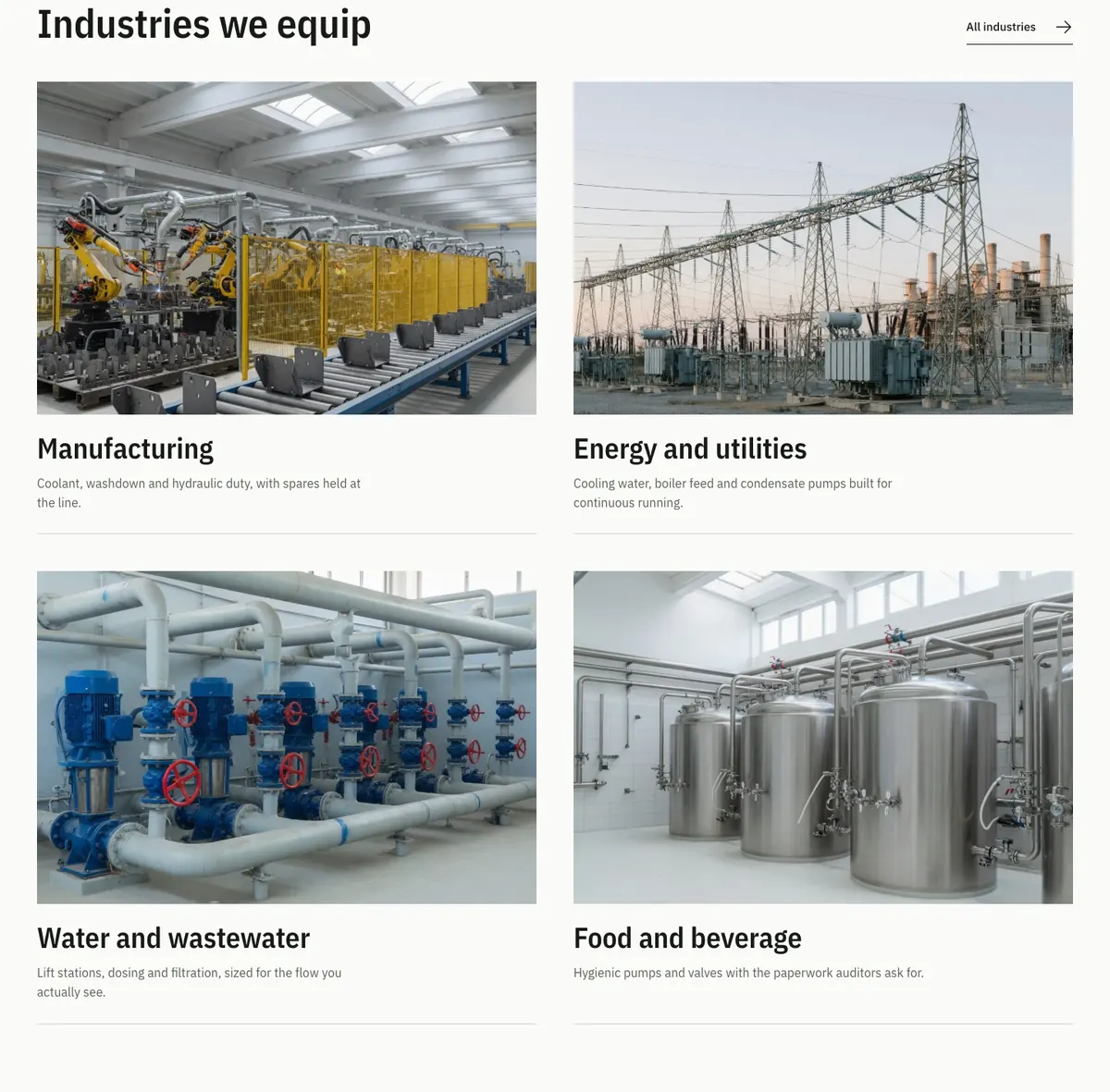
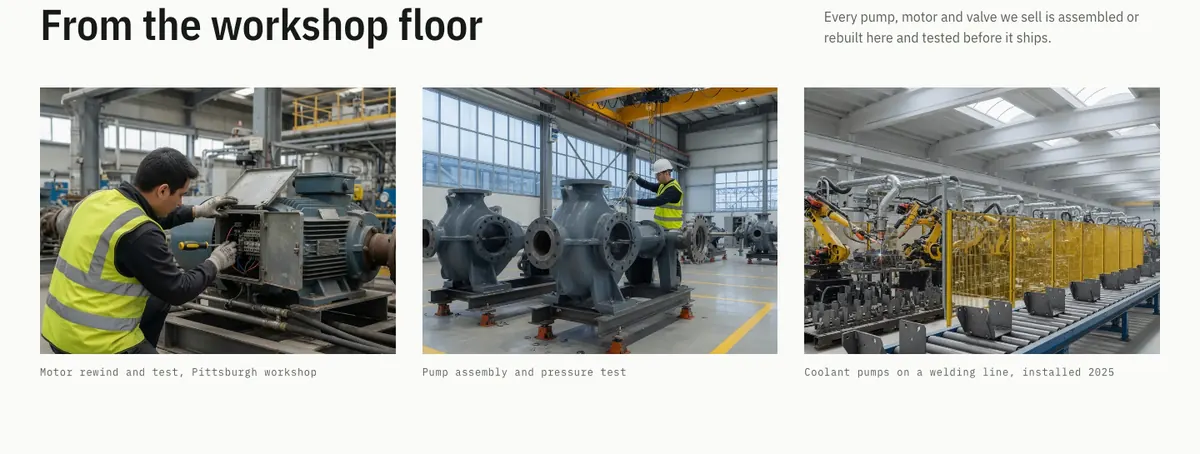
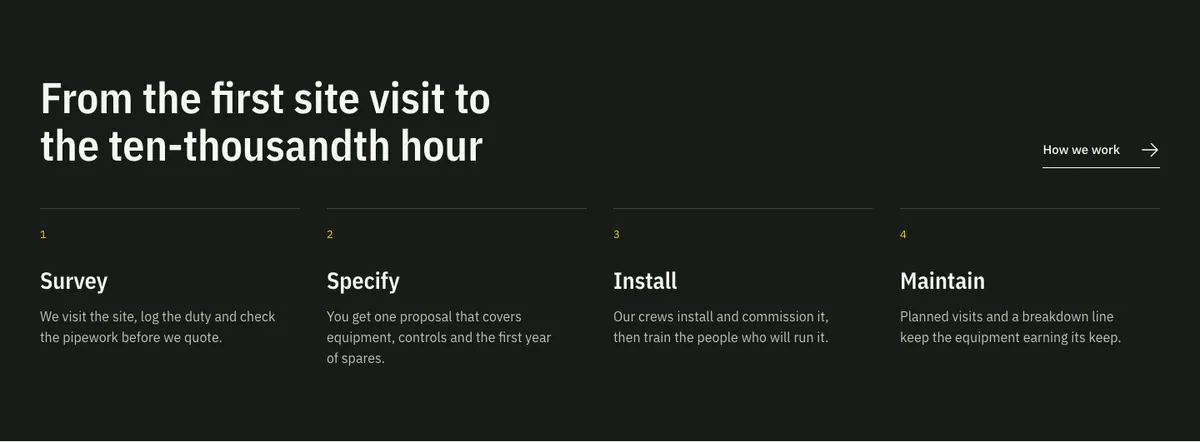
Every pattern below is in the block inserter under Uranium’s pattern categories. Select a preview to open it at full size, or follow a group’s demo link to see those patterns on a live page.
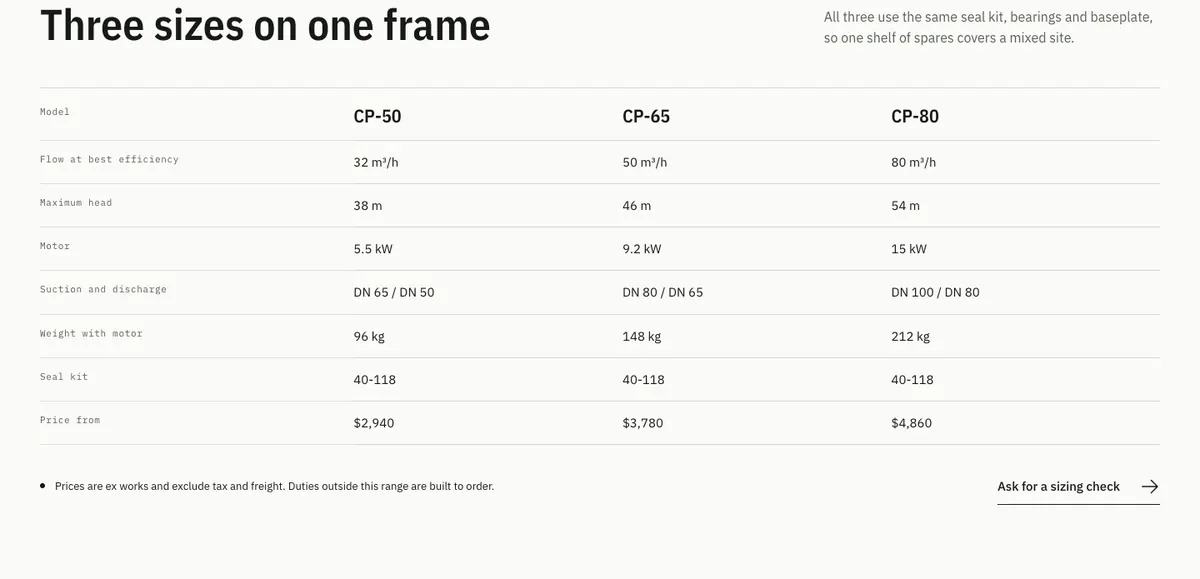
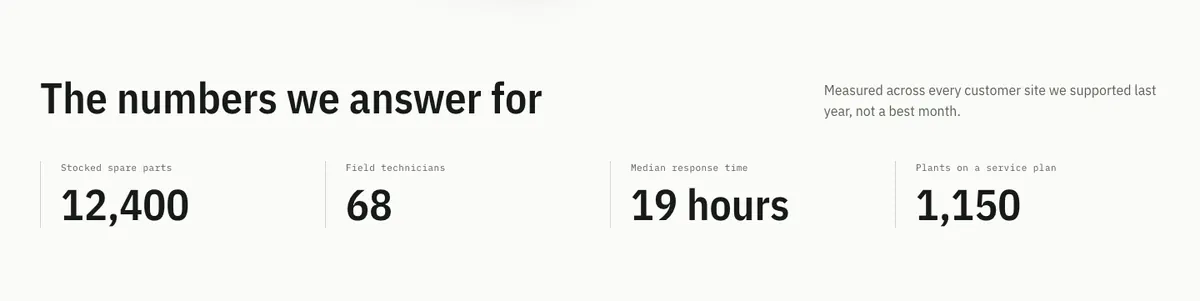
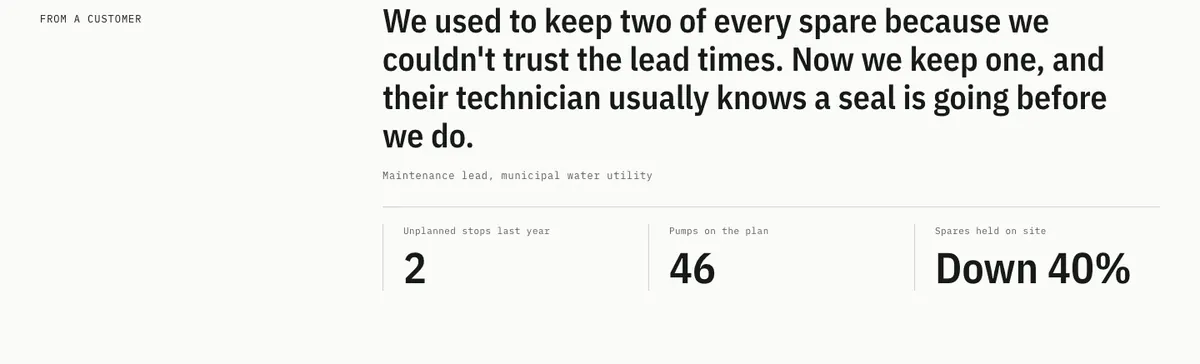
Shown in the default Signal palette. Company names, figures, products and prices are sample content. The two store rails appear when their plugin is active, and full pages are shown from the top.
Showing 41 of 41 patterns
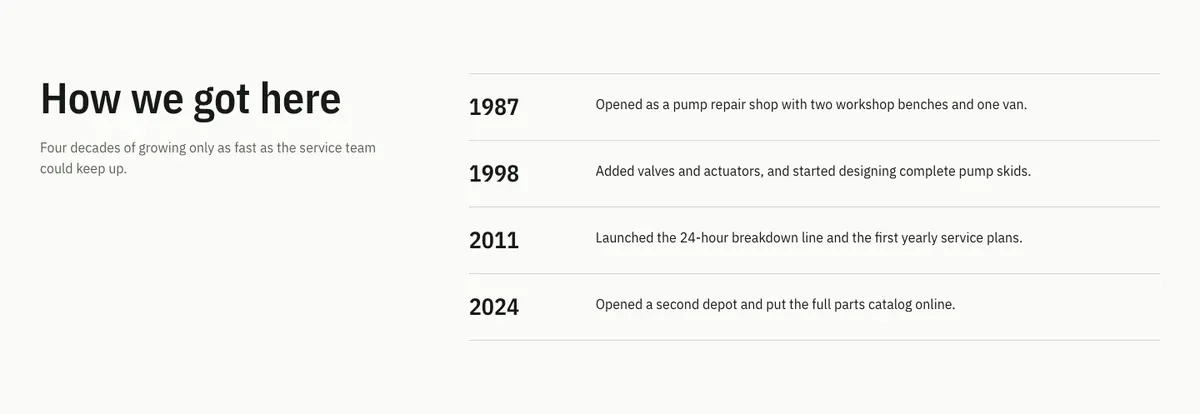
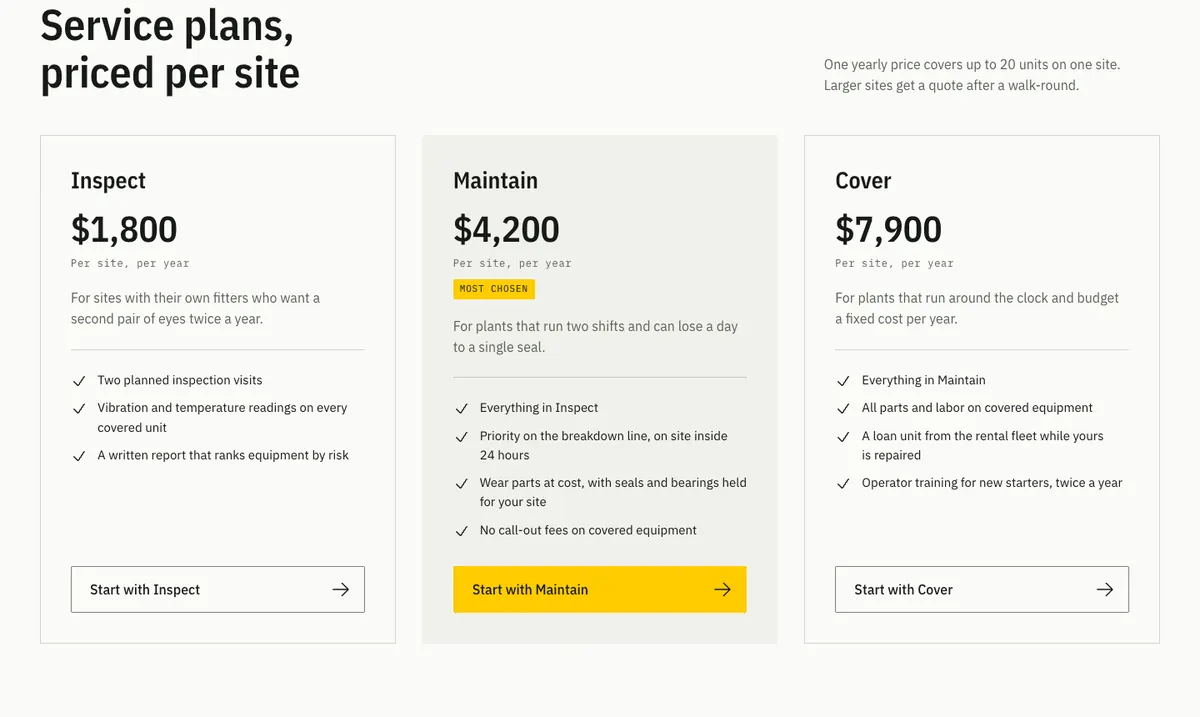
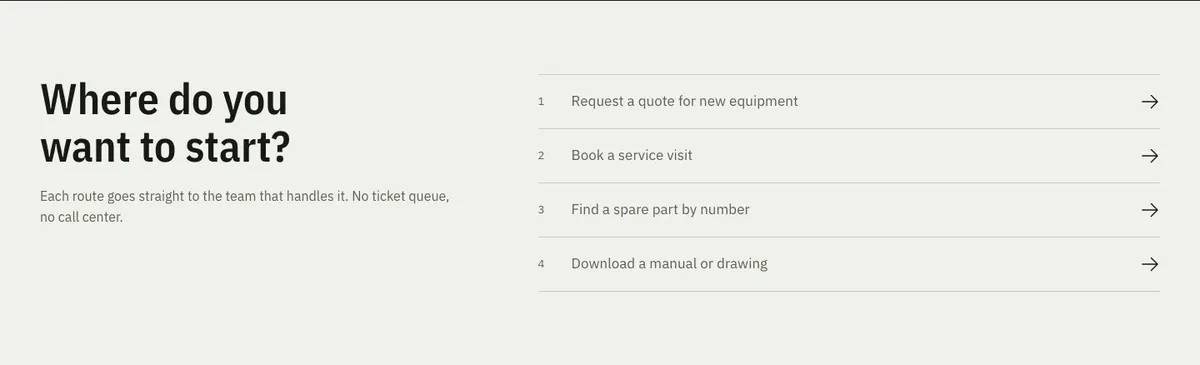
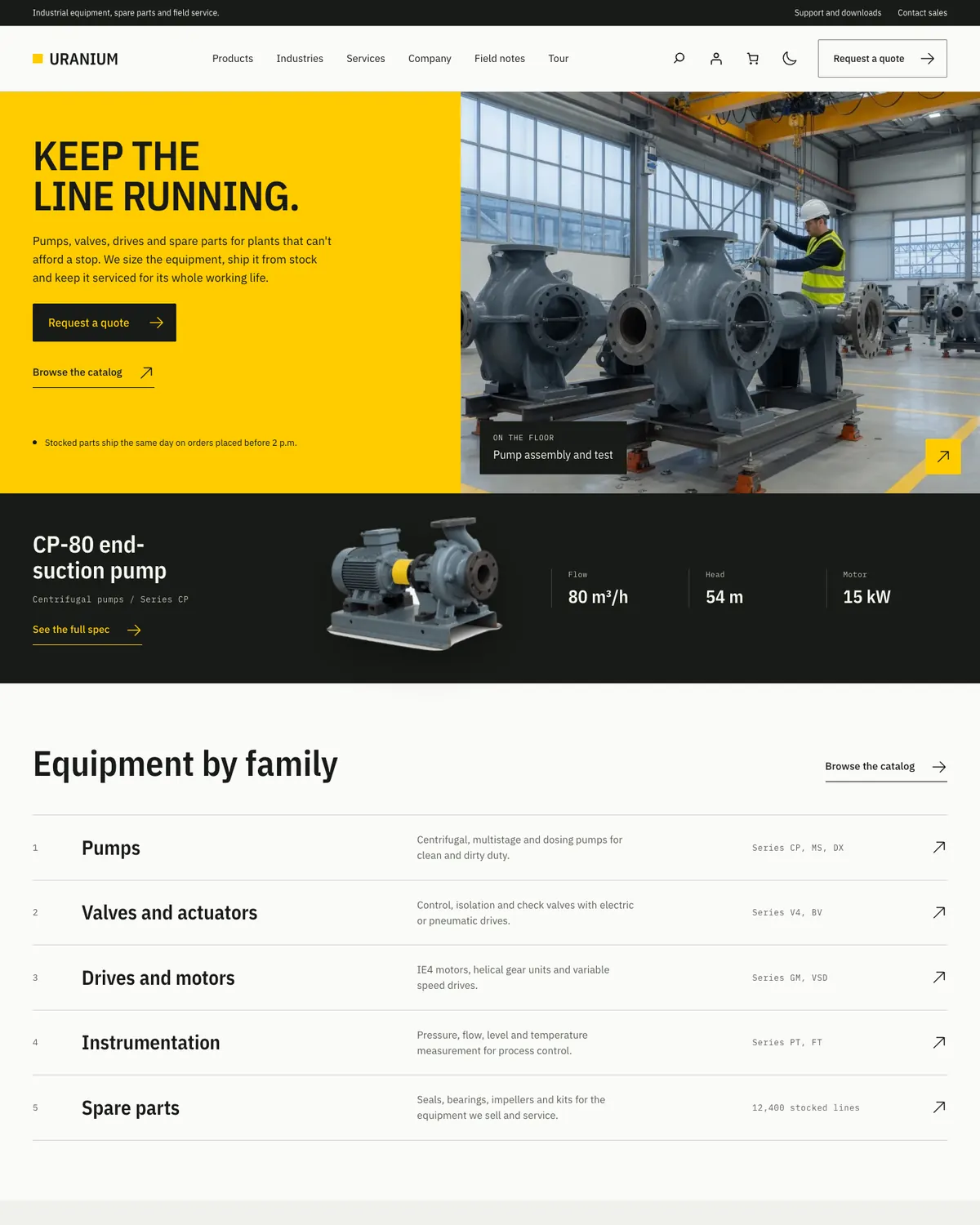
Home page1200 × 1500 · View full size
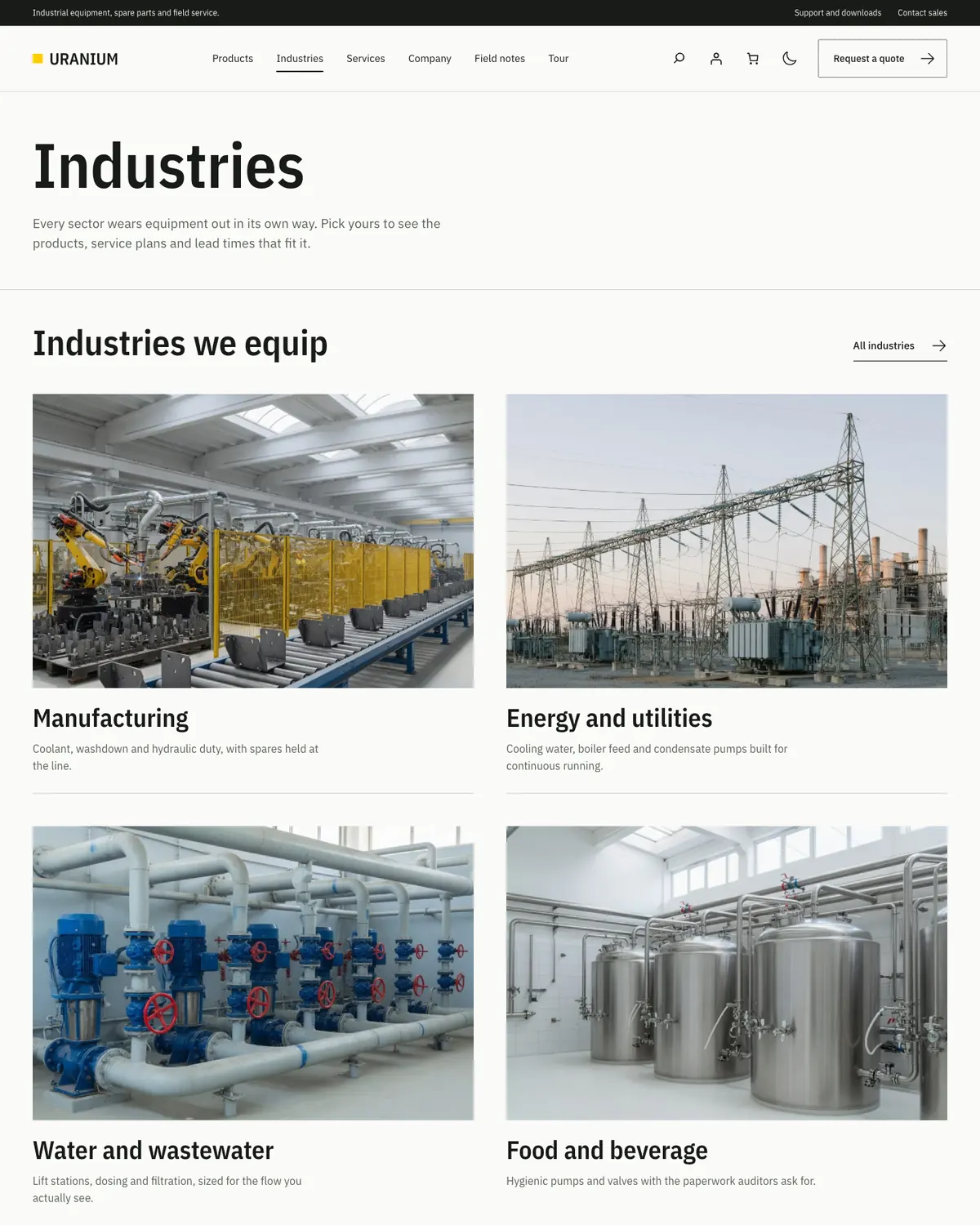
Industries page1200 × 1500 · View full size
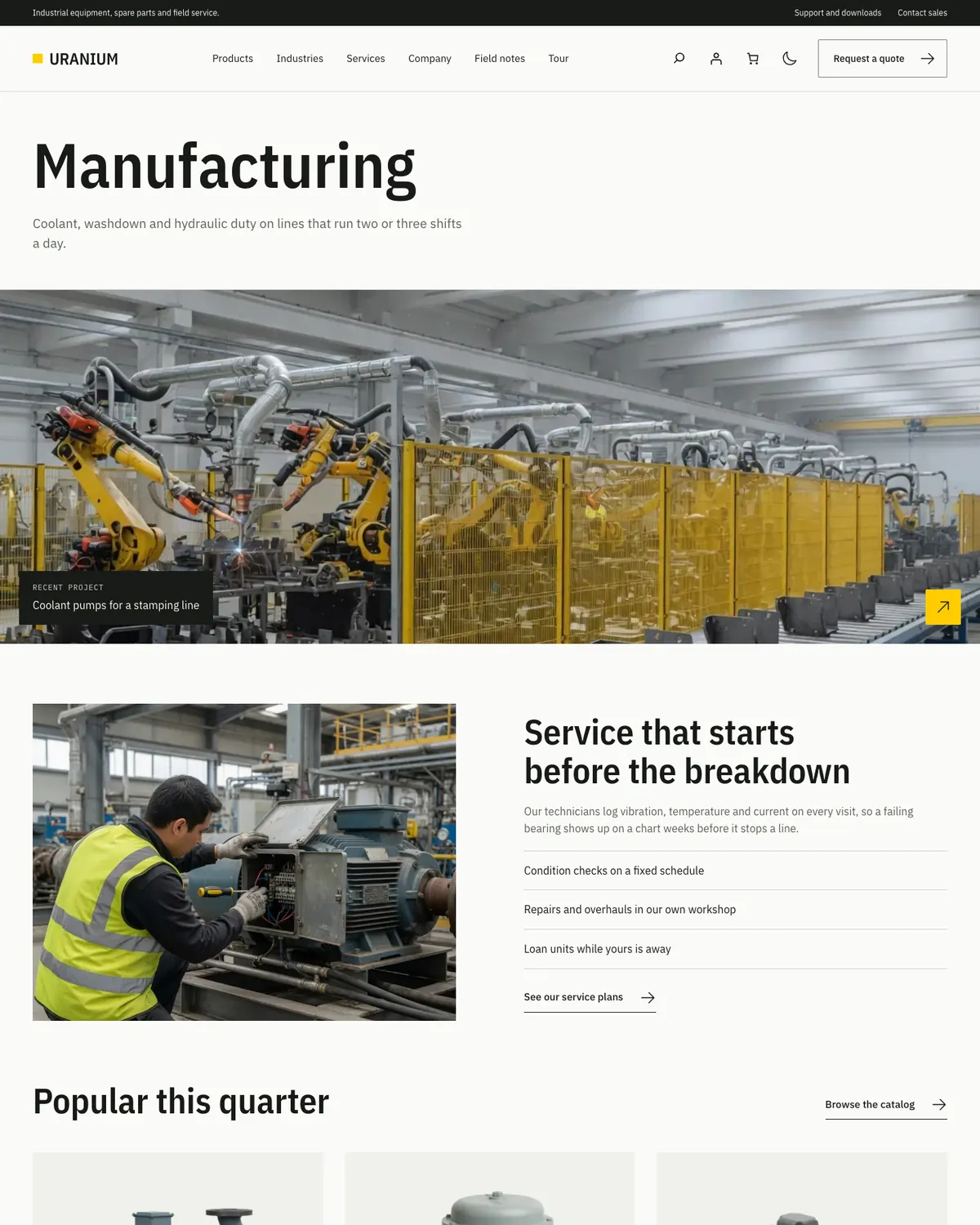
Industry detail page1200 × 1500 · View full size
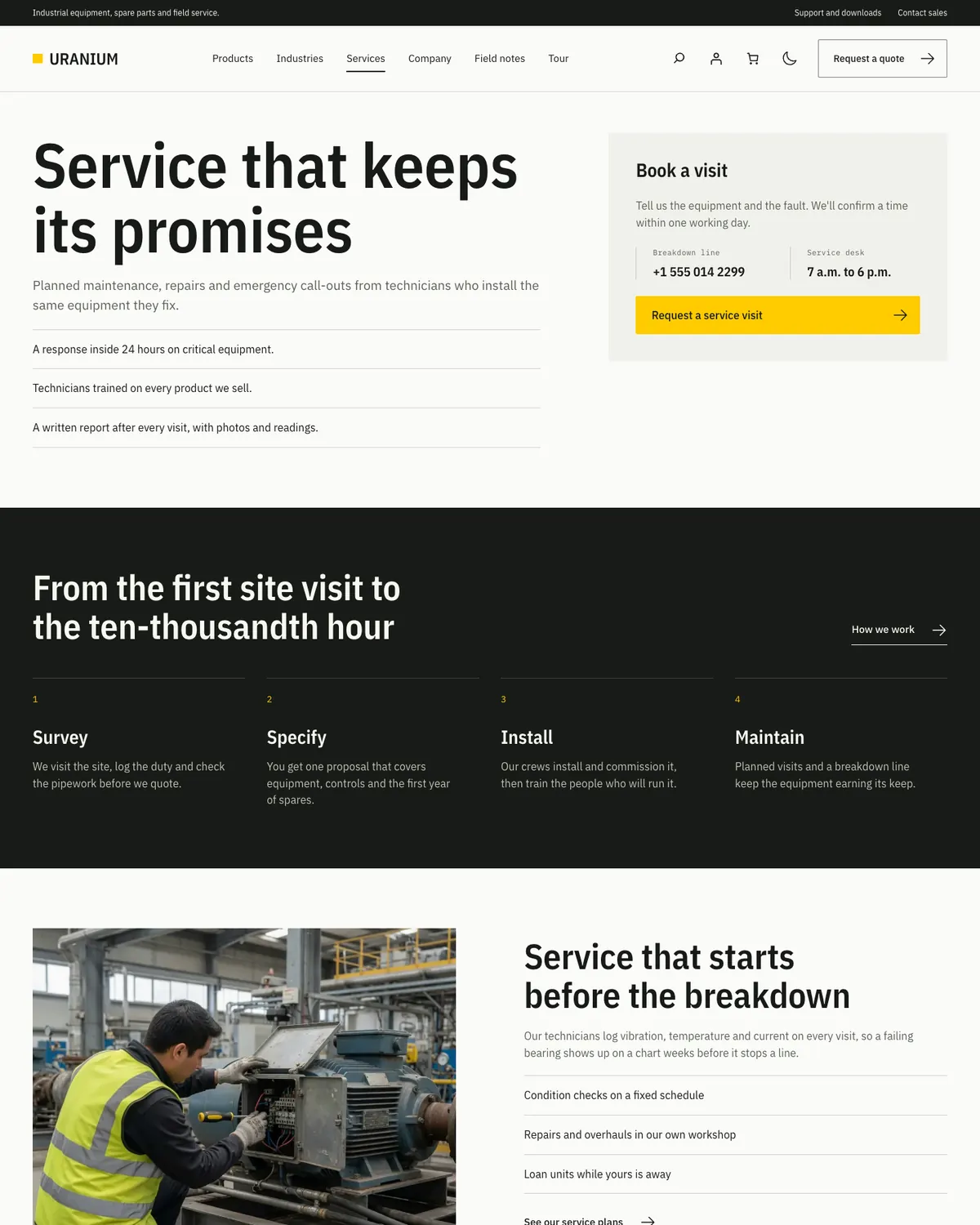
Services page1200 × 1500 · View full size
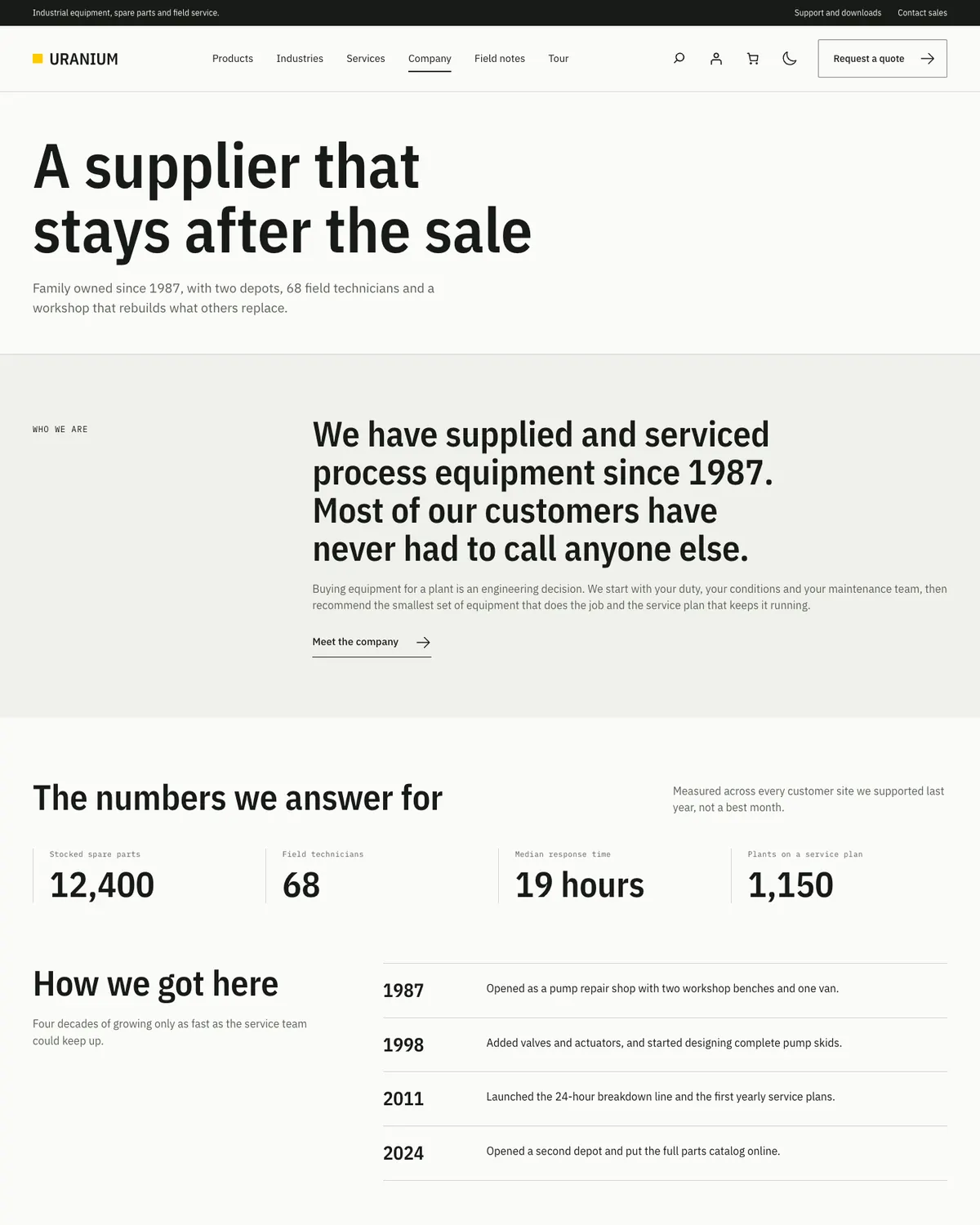
Company page1200 × 1500 · View full size
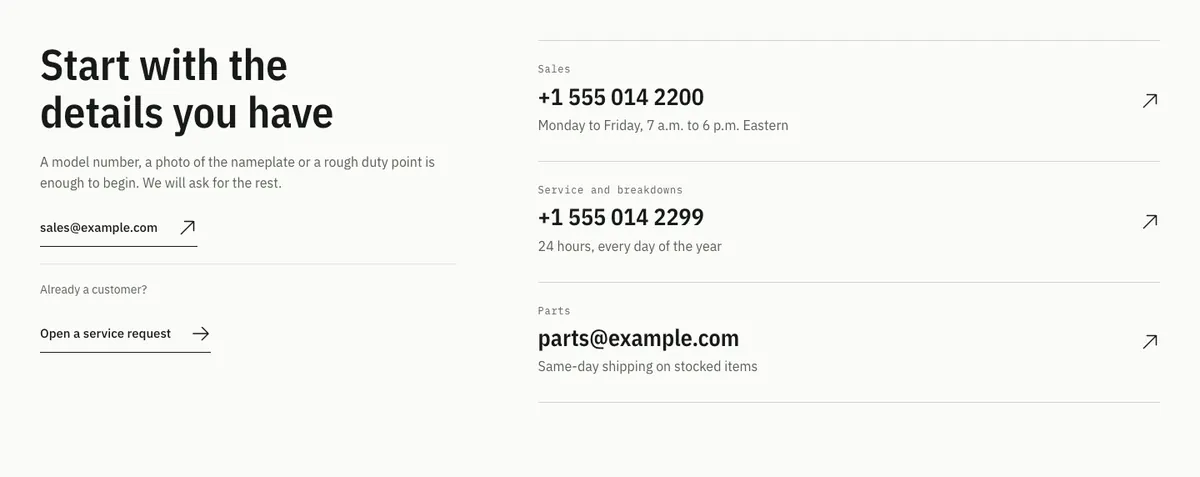
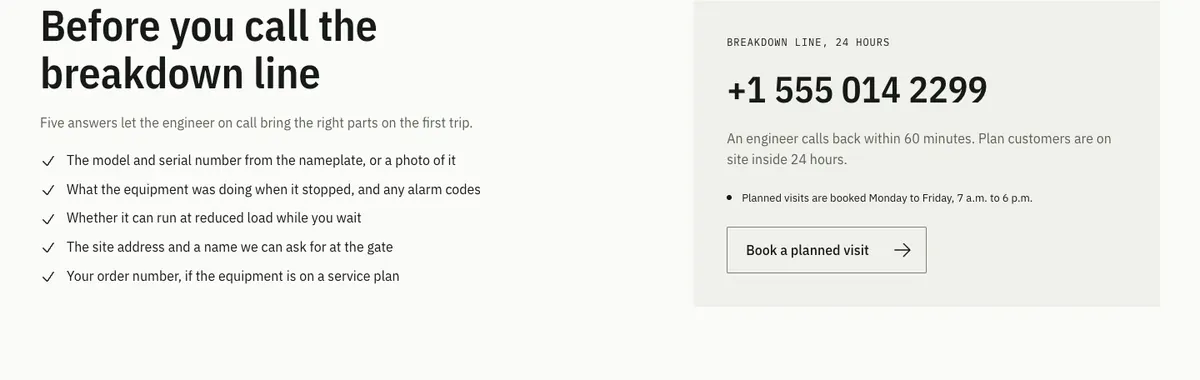
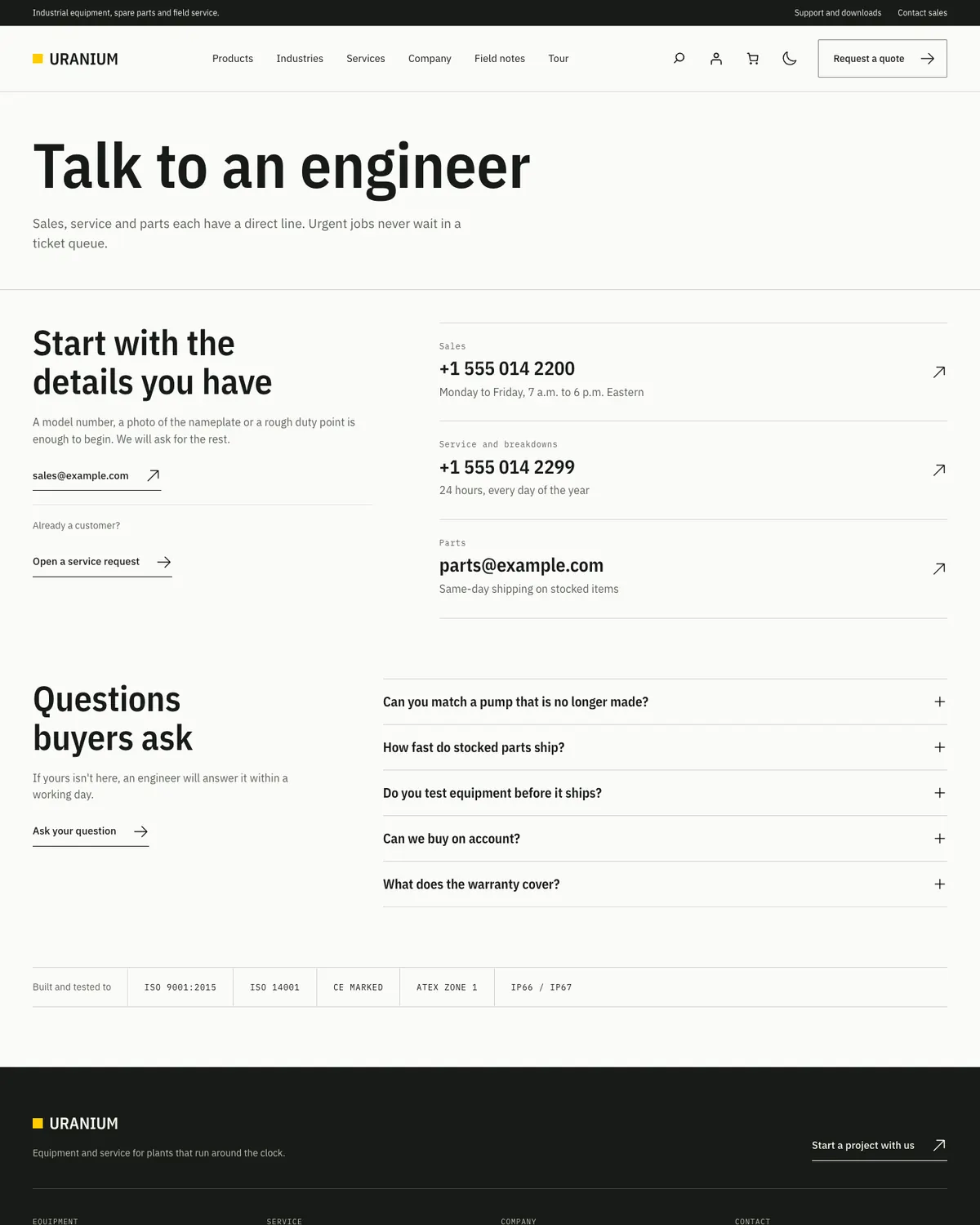
Contact page1200 × 1500 · View full size
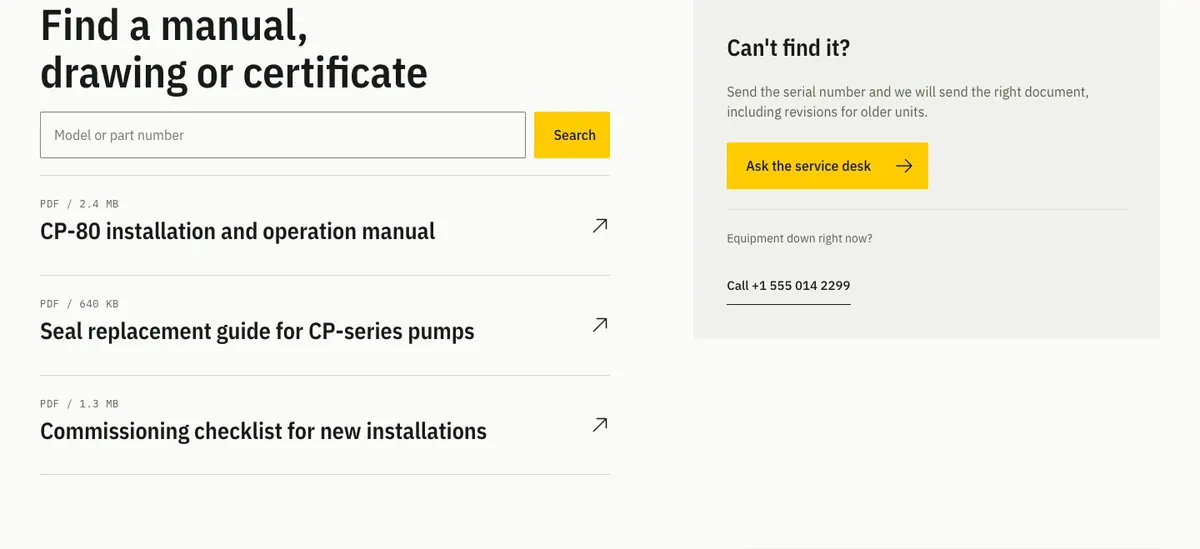
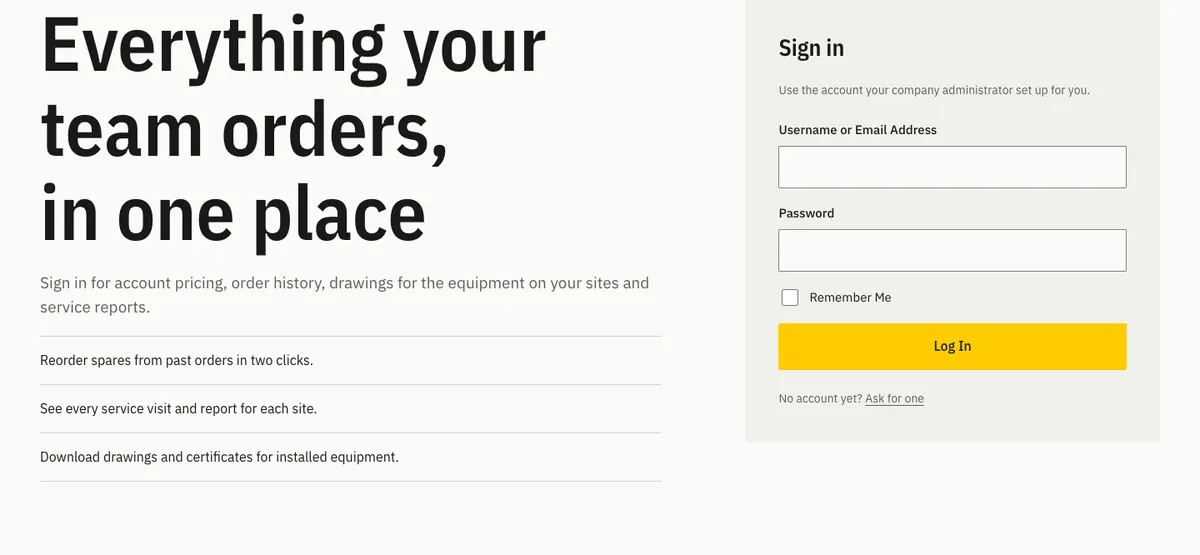
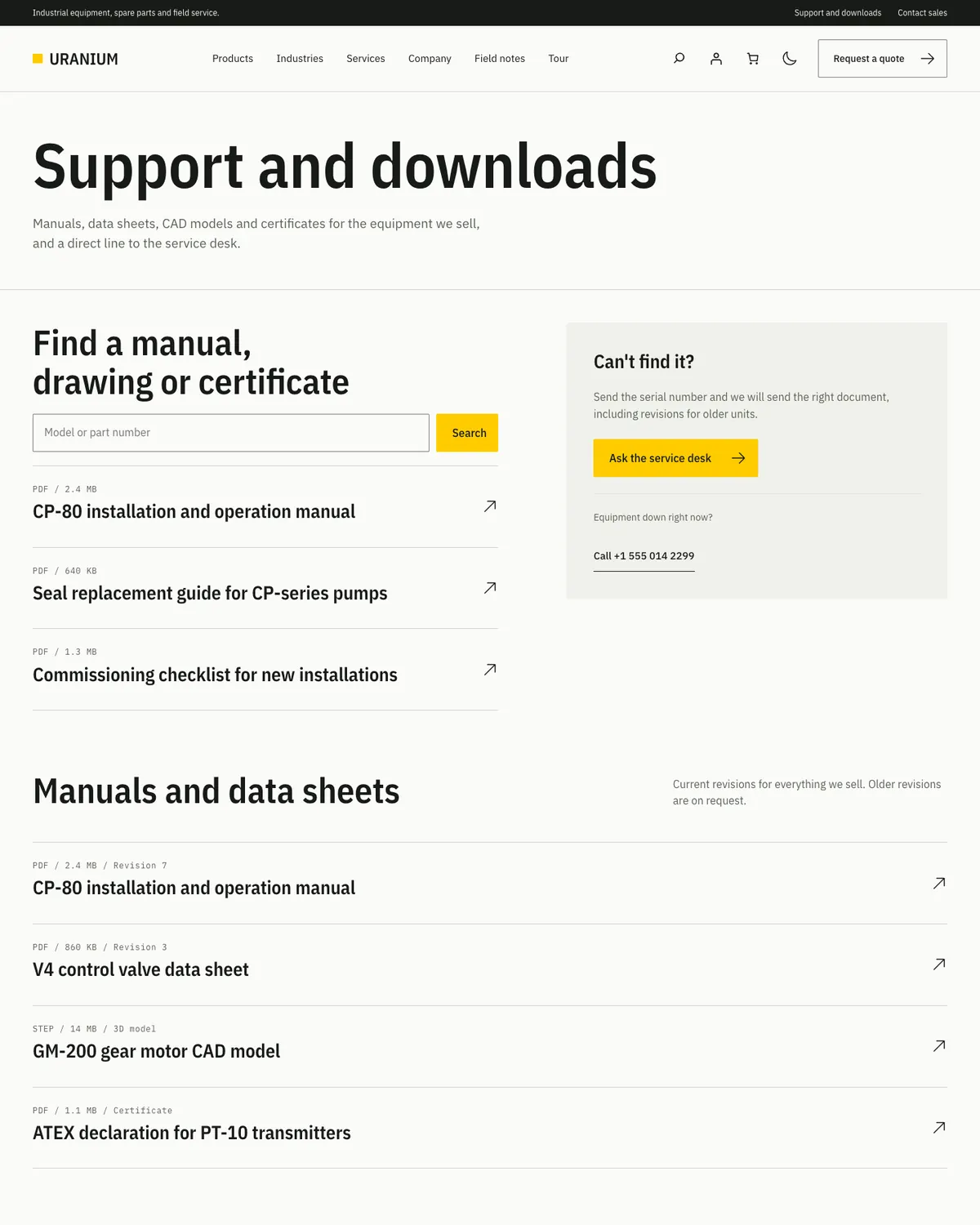
Support and downloads page1200 × 1500 · View full size
No patterns match those filters. Try another name or group.
See every page, the store screens and the four palettes in place on the live demo.
Tour the Live DemoSpeed and Page Weight
Many equipment buyers look things up on a phone in a plant or a warehouse, so page weight matters on these sites. These are first-visit numbers from the two demos, with the browser cache turned off:
- WooCommerce demo home page: 40 requests and about 538 KB, of which 306 KB are photos
- FluentCart demo home page: 28 requests and about 468 KB, with the same 306 KB of photos
- A blog archive with no photos: 33 requests and about 227 KB
- Uranium’s stylesheet: 52 KB, or 10 KB compressed, plus 5 KB for WooCommerce or 3 KB for FluentCart when that plugin is active
- Fonts: 3 files and about 79 KB, from your own domain
Most of that weight is photographs, which is where it belongs on an equipment site. Compress product photos before you upload them, and put page caching in front of the site. GT Performance does that job here on gauravtiwari.org.
Store scripts are the other half. On the WooCommerce demo, WooCommerce loads jQuery and its cart scripts on every page, and the FluentCart demo loads no jQuery at all. My guide to fixing Total Blocking Time in WordPress covers how to keep scripts off the pages that don’t need them.
Uranium vs Page-Builder Industrial Themes
Most industrial WordPress themes you will find are premium themes on ThemeForest, sold one site at a time and built around a page builder. That model works, but you pay for every site and your layouts live inside the builder’s own markup.
| Feature | Uranium | A typical premium industrial theme |
|---|---|---|
| Price | Free | Usually $40 to $59 for one site |
| Sites | As many as you like, including client sites | One license per site |
| Page building | Core blocks and 41 patterns | A bundled page builder, such as WPBakery |
| Switching themes later | Content stays as ordinary blocks | Builder shortcodes can stay behind in your content |
| Header and footer | Site Editor, 3 layouts each | Theme options or builder templates |
| Store plugins | WooCommerce and FluentCart | Usually WooCommerce only |
| Dark mode | Built in, with a visitor toggle | Usually not included |
| Demo import | None; pages start from patterns | One-click demo import |
If you want a finished demo site in one click and you are happy inside a page builder, a premium theme gets you there faster. If you run more than one site, or you want pages you can still edit cleanly in 3 years, Uranium costs nothing to try.
For more options on the store side, see my list of the best WooCommerce themes, and for the wider checklist, how to choose a WordPress theme.
What Uranium Doesn’t Do Yet
Uranium is an early release of a free theme, so it is wise to know where it stops before you move a live site onto it.
- No quote request form. The quote buttons link to your contact page, and any form plugin’s block drops into the contact patterns.
- No catalog filters or product compare beyond what your store plugin offers.
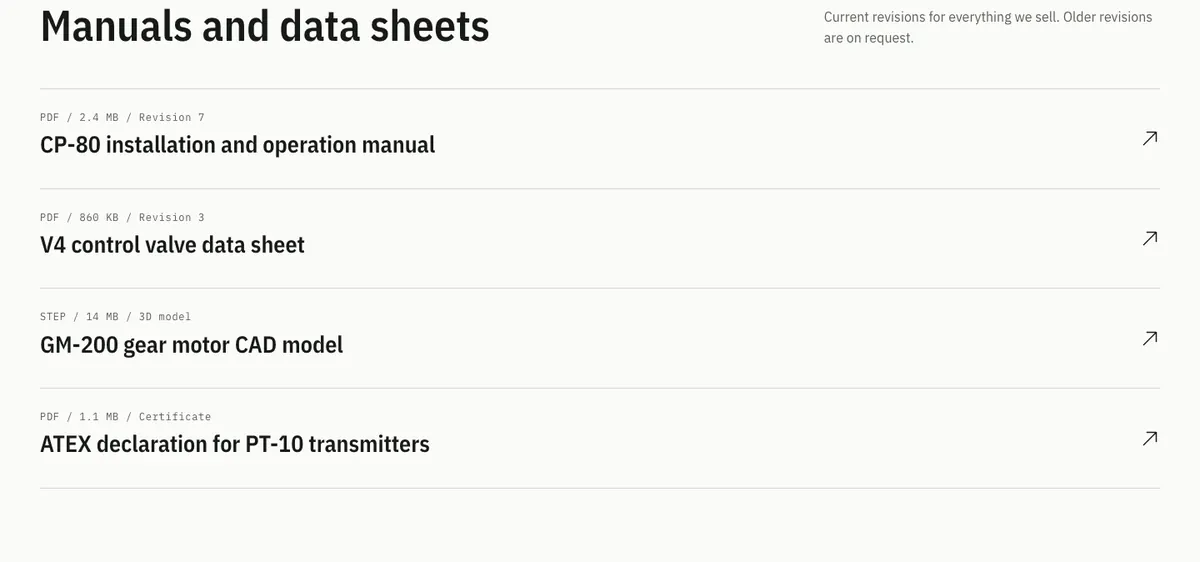
- No document library. The resource rows list manuals and data sheets, but you upload and link each file yourself.
- No one-click demo import. You build pages from the patterns, which also leaves no demo content to clean out later.
- Room for about 6 short menu items in the desktop header. Longer menus need dropdowns.
- WordPress 6.8 or later and PHP 8.1 or later only.
Uranium Pro
Uranium Pro is a separate plugin, still in development, for industrial sites that need more than a catalog and a store. It will add:
- Quote requests from product pages
- Catalog filters and product compare
- Product documents such as manuals, data sheets and certificates
- Interactive blocks, starting with working tabs for the industry list
- More patterns
There is no release date yet, and the free theme is complete without it.
How to Install Uranium
- Download the theme
Use the download button on this page. The zip comes with free updates built in, and there’s no signup and no checkout.
- Install it
In your dashboard, go to Appearance > Themes > Add New Theme > Upload Theme. Choose the zip, install it and activate it.
- Build your home page
Create a page, insert the Home page pattern from the Uranium categories and set the page as your front page under Settings > Reading.
- Pick a palette
Open Appearance > Customize > Uranium design to choose the accent color and how light and dark mode should work.
- Add a store
Install WooCommerce or FluentCart if you sell online. Uranium styles it as soon as it is active.
Before You Install
Uranium is an early release, so try it on a staging site with your own content and plugins before you switch a live one.
- Requires WordPress 6.8 or later and PHP 8.1 or later, tested up to WordPress 7.1.
- Built against WooCommerce 11.1 and FluentCart 1.6.4.
- Pages built in a page builder should use the “Full width, no title” or “Blank canvas” template.
- Questions and bug reports go to the GitHub issue tracker.
FAQs on Uranium
Is Uranium free for client sites?
Yes. Uranium is released under GPLv2 or later, so you can use it on as many sites as you like, including client sites, and change it however you want. The bundled IBM Plex fonts are under the SIL Open Font License and the images are released under CC0.
Do I need a page builder?
No. Uranium’s pages are built from core WordPress blocks and its own patterns, so the block editor is all you need. If you already work in a page builder, the “Full width, no title” and “Blank canvas” templates give it an empty page to fill.
Does Uranium work with WooCommerce and FluentCart?
Yes, with either one or with both at once. Uranium styles WooCommerce’s shop, product, cart, checkout and account screens through hooks, and it ships its own templates for FluentCart products, categories and brands.
Can I hide prices and take quote requests?
Not with the free theme alone. The quote buttons link to your contact page, where any form plugin can collect the request. Hiding prices is a store rule, and on FluentCart the GT Extensions module for hiding prices until login handles it. Quote requests are planned for Uranium Pro.
What is a hybrid WordPress theme?
A hybrid theme mixes the two ways WordPress themes are built. It uses PHP templates for the page frame, like a classic theme, and blocks for the parts you edit, like a block theme. In Uranium, the header, the footer and all page content are blocks, while the templates around them and the store screens are PHP.
How fast is Uranium?
On a first visit with the browser cache off, the WooCommerce demo’s home page loads 40 requests and about 538 KB, and the FluentCart demo’s home page loads 28 requests and about 468 KB. Photos make up 306 KB of both. The theme itself adds one 2 KB script and no jQuery.
Is Uranium good for SEO?
Uranium gives search engines clean pages to work with: one H1 from the page’s opening pattern, headings in order, breadcrumbs on inner pages and light page weight. Titles, meta descriptions and schema still come from your SEO plugin.
Can I show spec sheets and product documents?
Yes, in two ways. On WooCommerce product pages, the product’s attributes appear as a spec rail beside the price. For manuals, drawings and certificates, the Resource rows and Support split patterns list documents with a file type and size line, and you link each one to its file.
Is there demo content I can import?
There is no importer. Every page on the demos is built from Uranium’s own patterns, so you get the same result by creating a page and inserting the Home page, Services page or any other full-page pattern.
Where do I download Uranium?
From this page. The download button gives you a zip with free updates built in, and it needs no account or email. The source code and the issue tracker are on GitHub.
How do Uranium's updates work?
The download from this page includes a small updater. It checks gauravtiwari.org for new Uranium releases and hands them to WordPress, so they appear with your other updates and follow your auto-update setting. Each check sends only the theme name and your WordPress version, and every download is checked against its published checksum before it installs. No account or license key is involved.
Get Uranium Free
Uranium is free under GPLv2 or later. Download it, build your first page from the Home page pattern and use it on as many sites as you need.
Version 0.1.2 · Free updates in WordPress · No account required
Source code and issue tracker on GitHub
Building a different kind of site? See all my WordPress themes. Or, if you would rather have the store built for you, I take on WooCommerce and FluentCart store projects.
Disclaimer: This site is reader-supported. If you buy through some links, I may earn a small commission at no extra cost to you. I only recommend tools I trust and would use myself. Your support helps keep gauravtiwari.org free and focused on real-world advice. Thanks. - Gaurav Tiwari