A free hybrid WordPress theme for law firms and professional practices. It brings your expertise, your people, and the next conversation into one clear site, with page content you can edit in the Block Editor.
Free theme. Complete checkout to get your download.
This download includes free updates in WordPress. Already using Bismuth? Install it once to add the updater. Automatic theme updates do not require a license key.
Your website should make it easy to understand what you do and who to speak with. Bismuth gives practice areas their own pages, introduces the people behind the advice, and keeps the contact path clear.
Use ordinary WordPress pages for your firm, practice areas, and people.
Start with a full-page pattern, then edit the text, images, and links.
Set your identity, menus, palette, and header action in the Customizer.
Classic PHP templates provide the structure. WordPress core blocks hold your content.
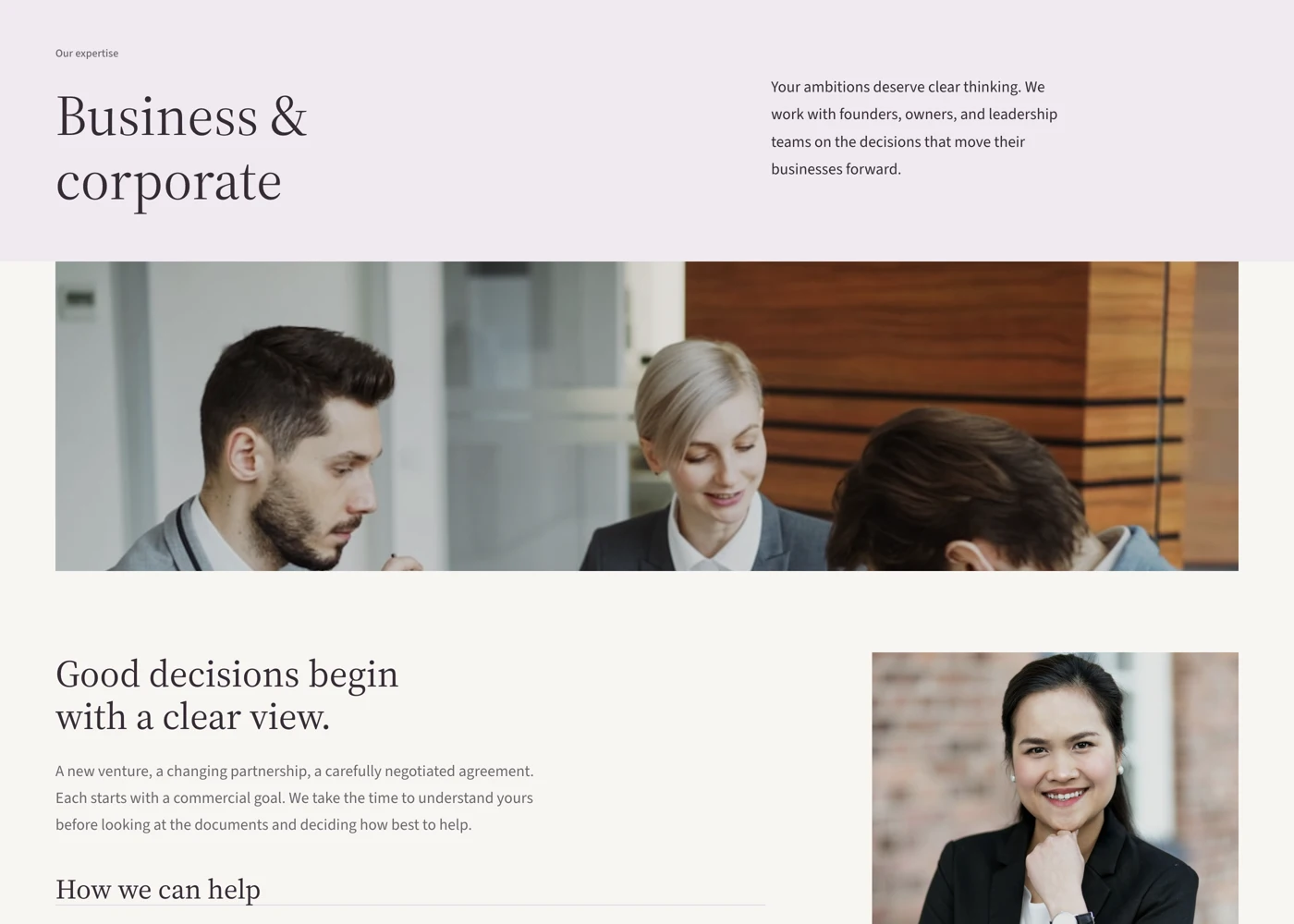
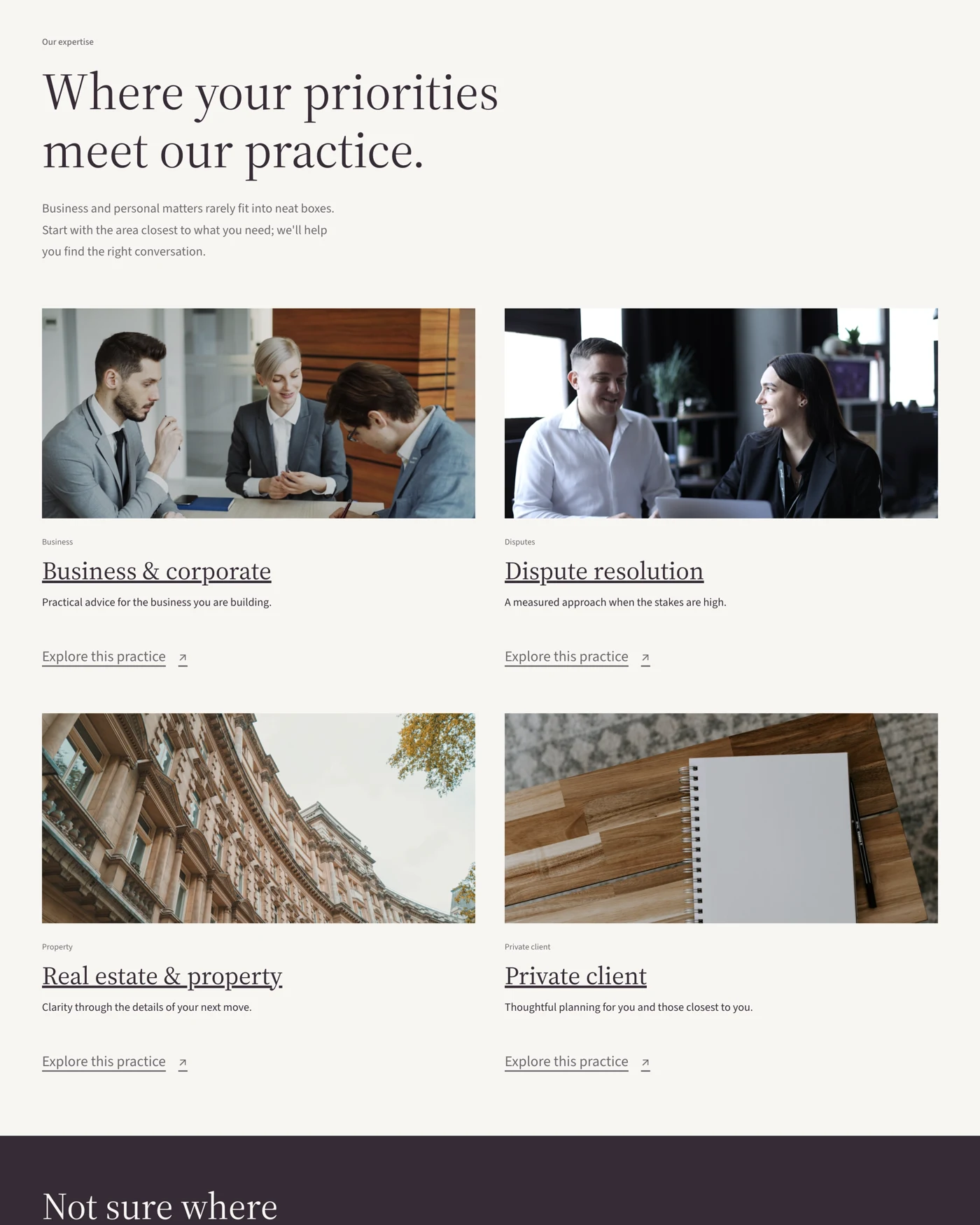
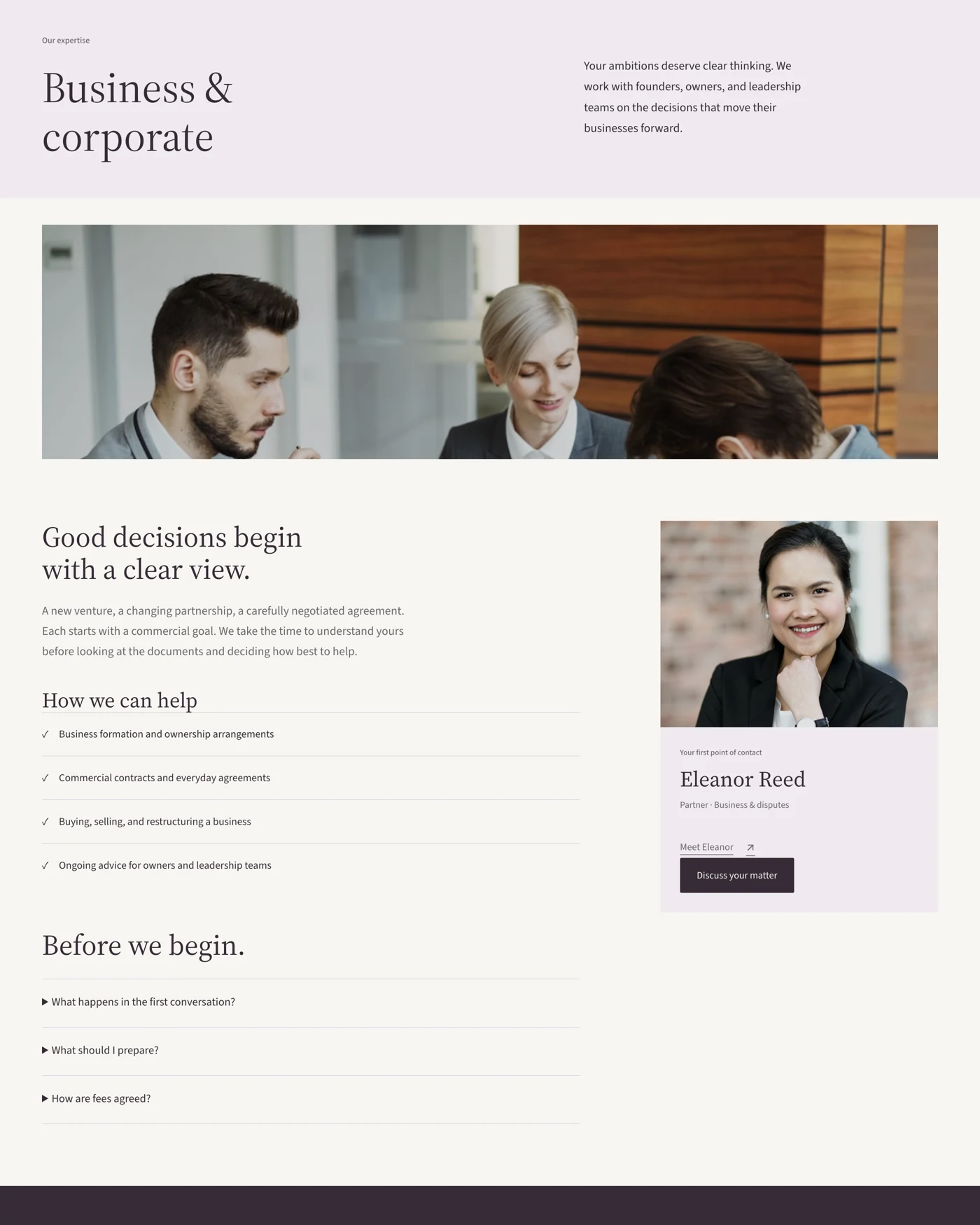
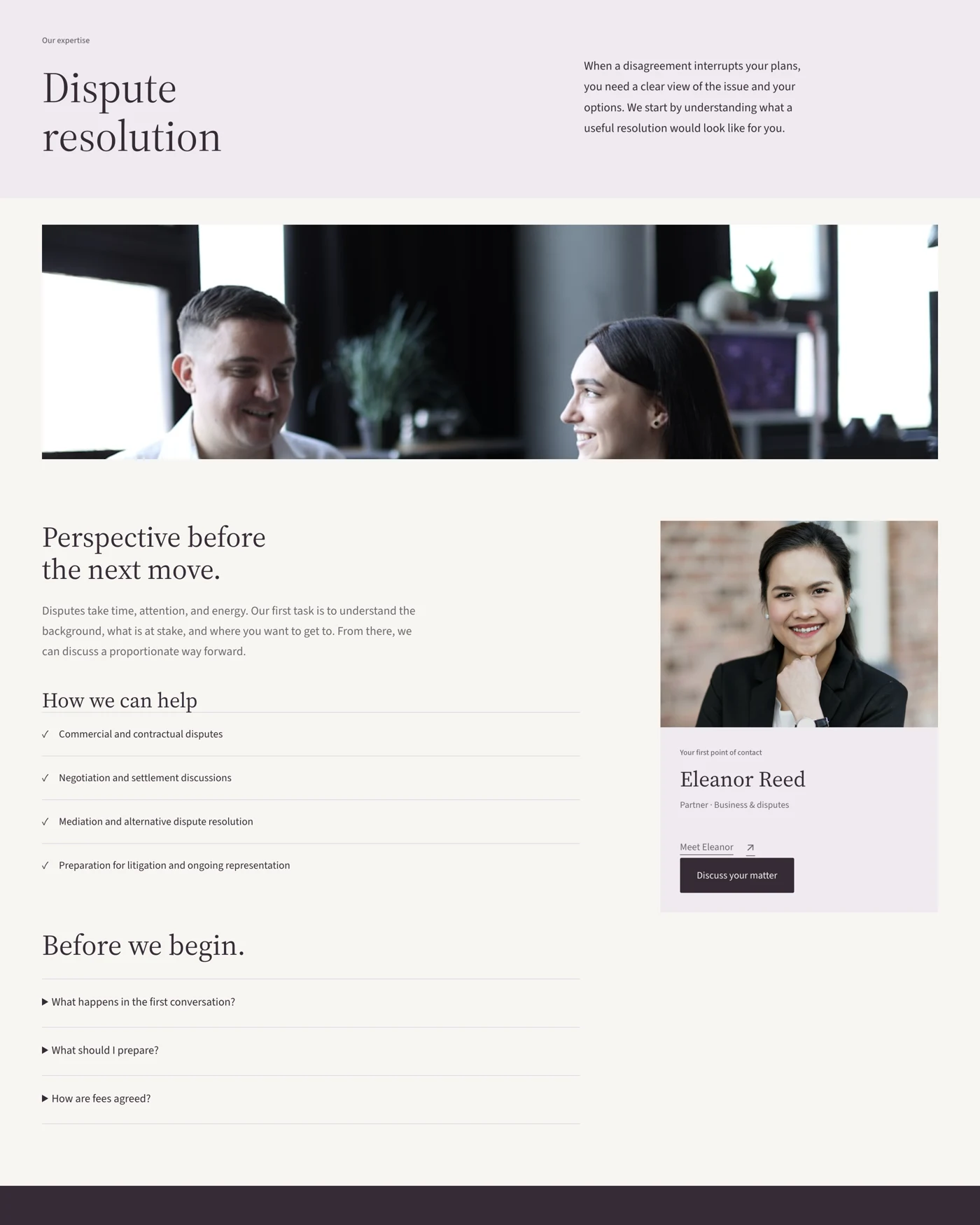
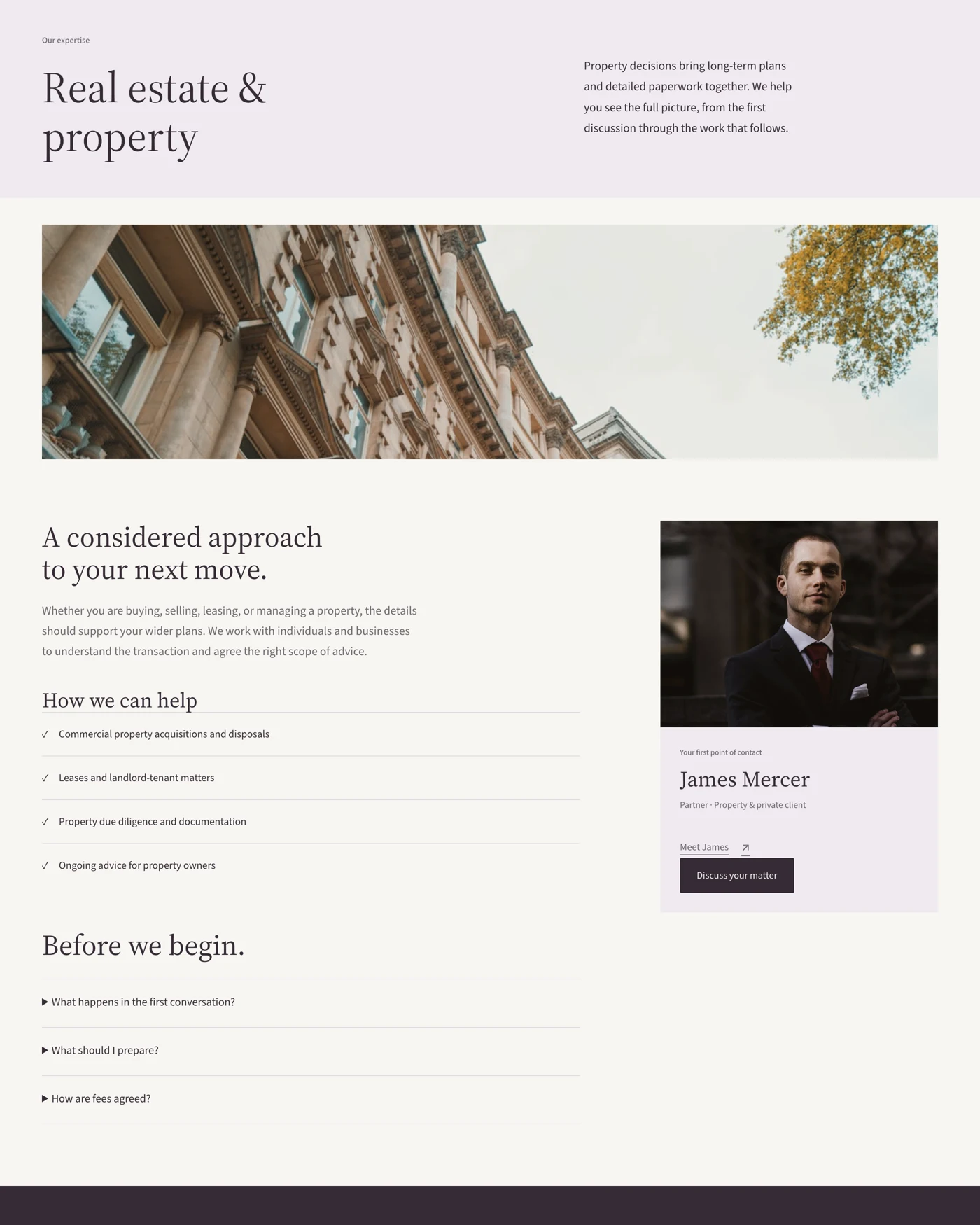
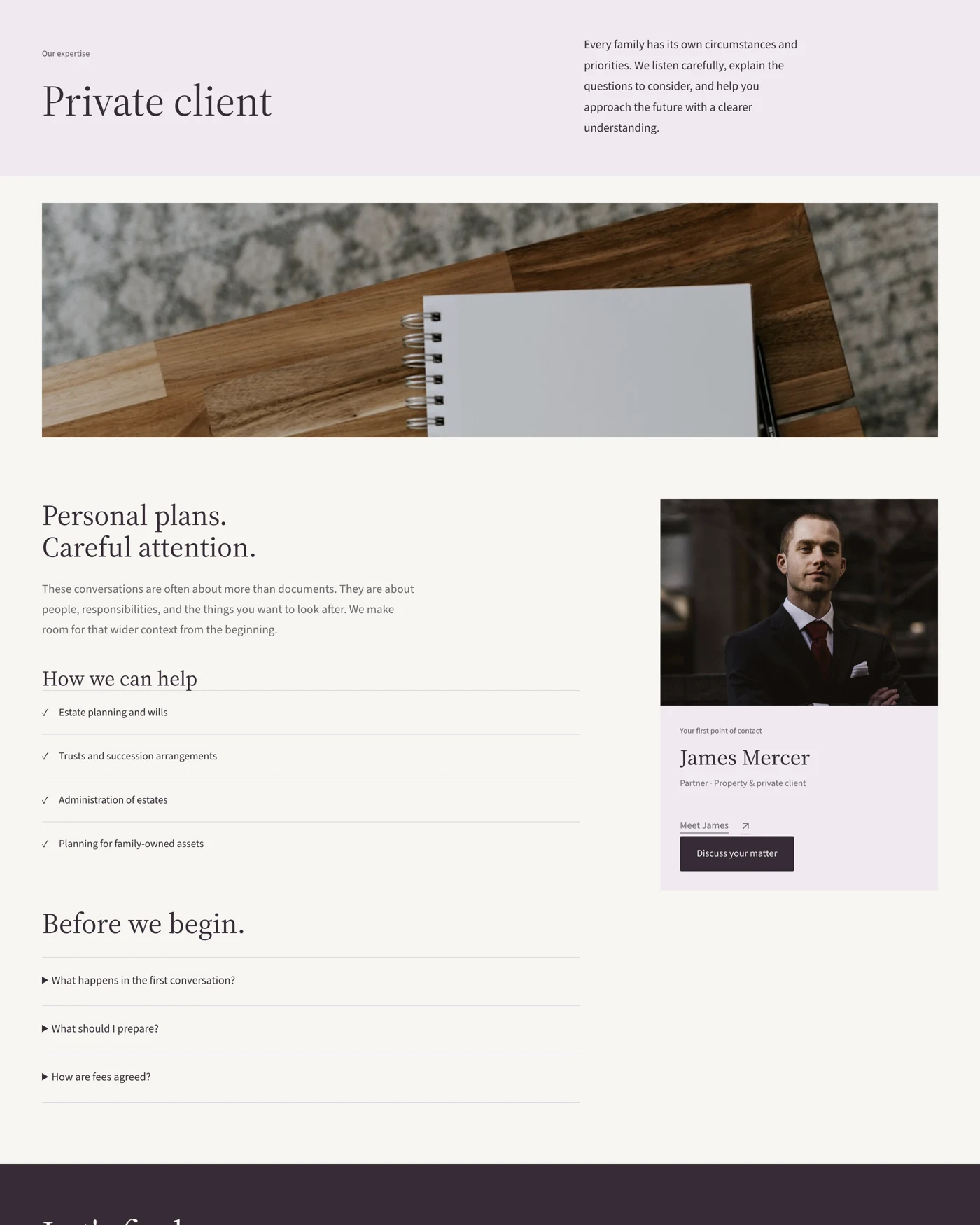
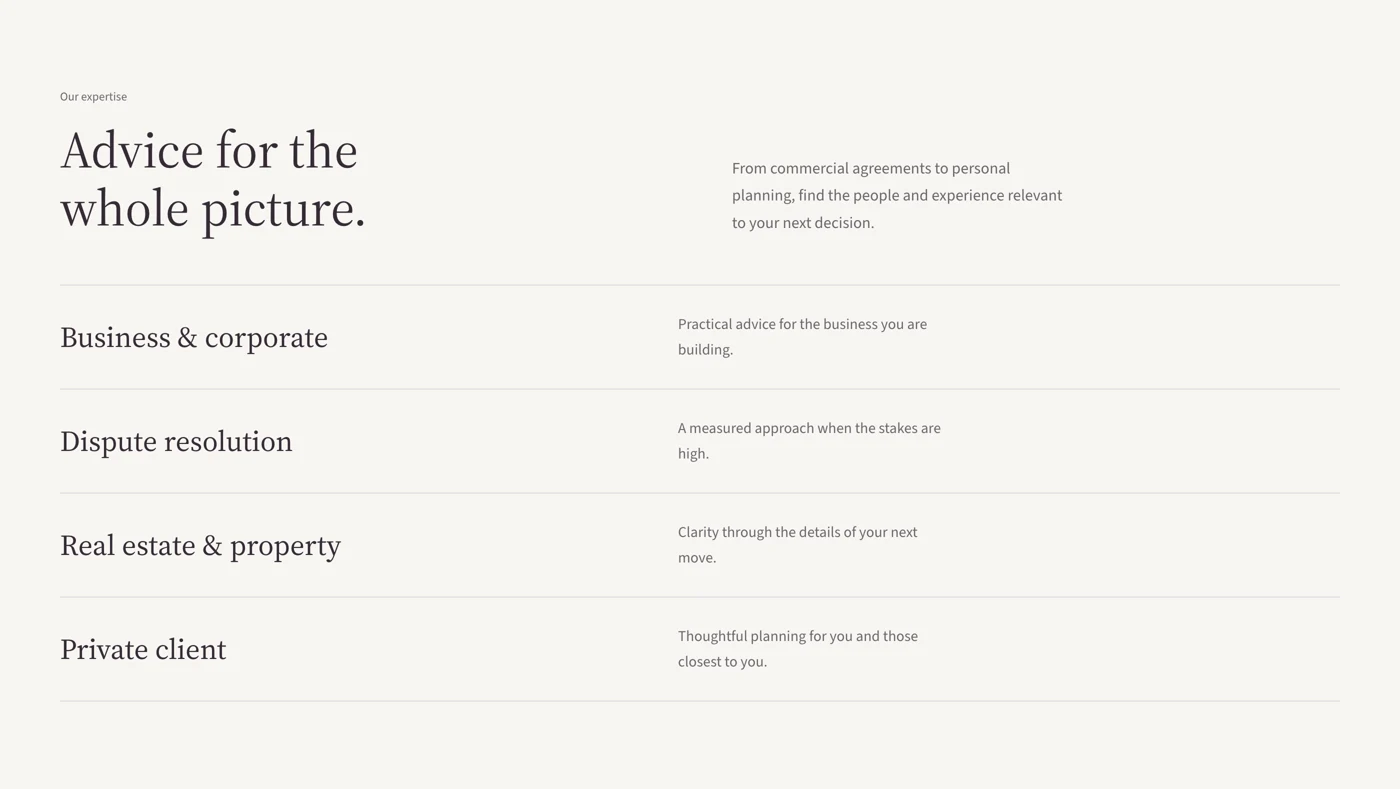
A practice page, shown with fictional demo content.
Choose Your Design
Start with Plum, or choose Navy or Stone under Bismuth design in the Customizer. The palette changes in the frontend and the Block Editor, while your content stays in place.
PlumDeep plum, pale stone, and soft iris accentsNavyEstablished navy with a cool, restrained paletteStoneWarm neutrals and a quiet, understated ground
Every design pairs Source Serif 4 headings with Source Sans 3 body text. Both families load from your own site.
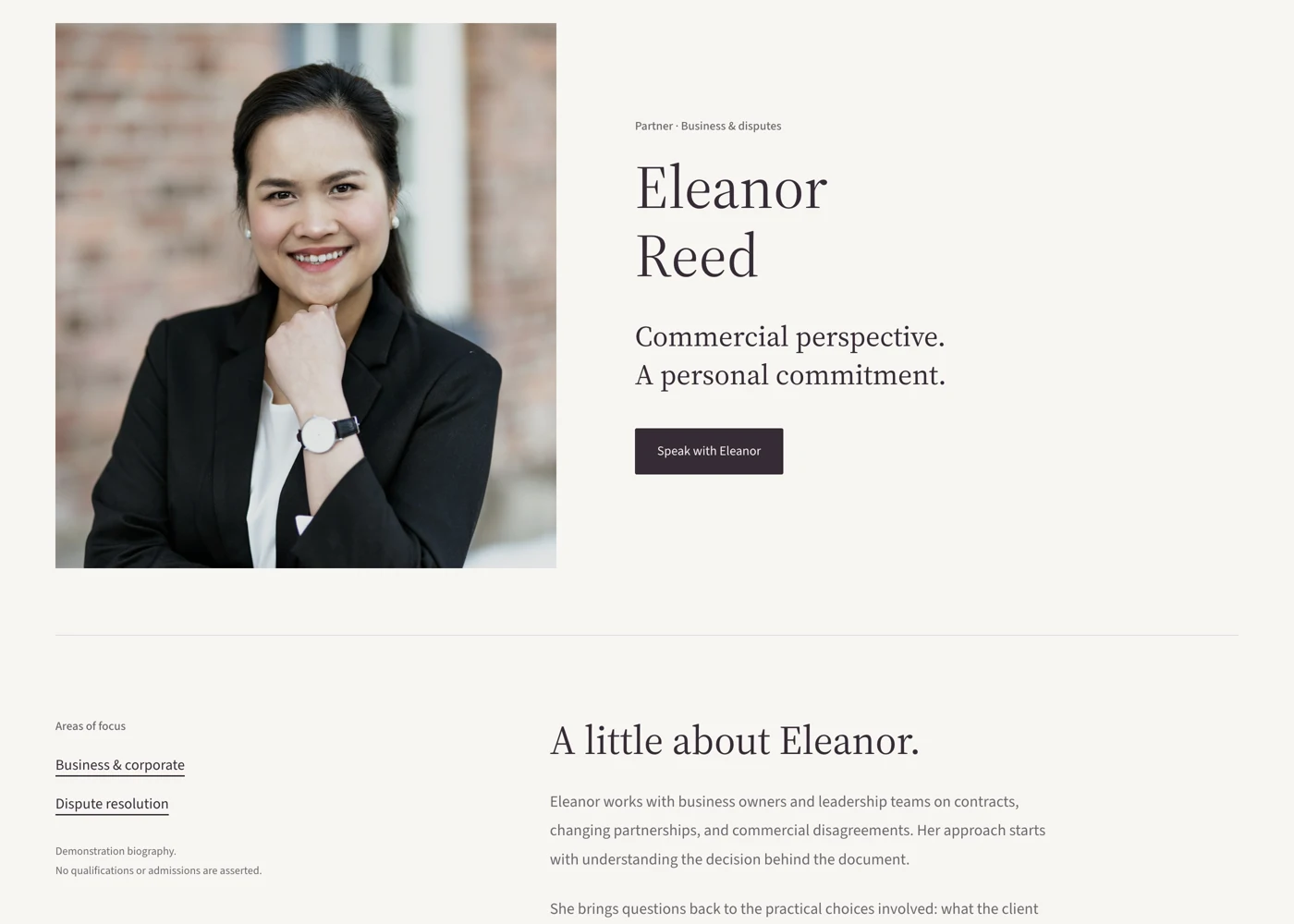
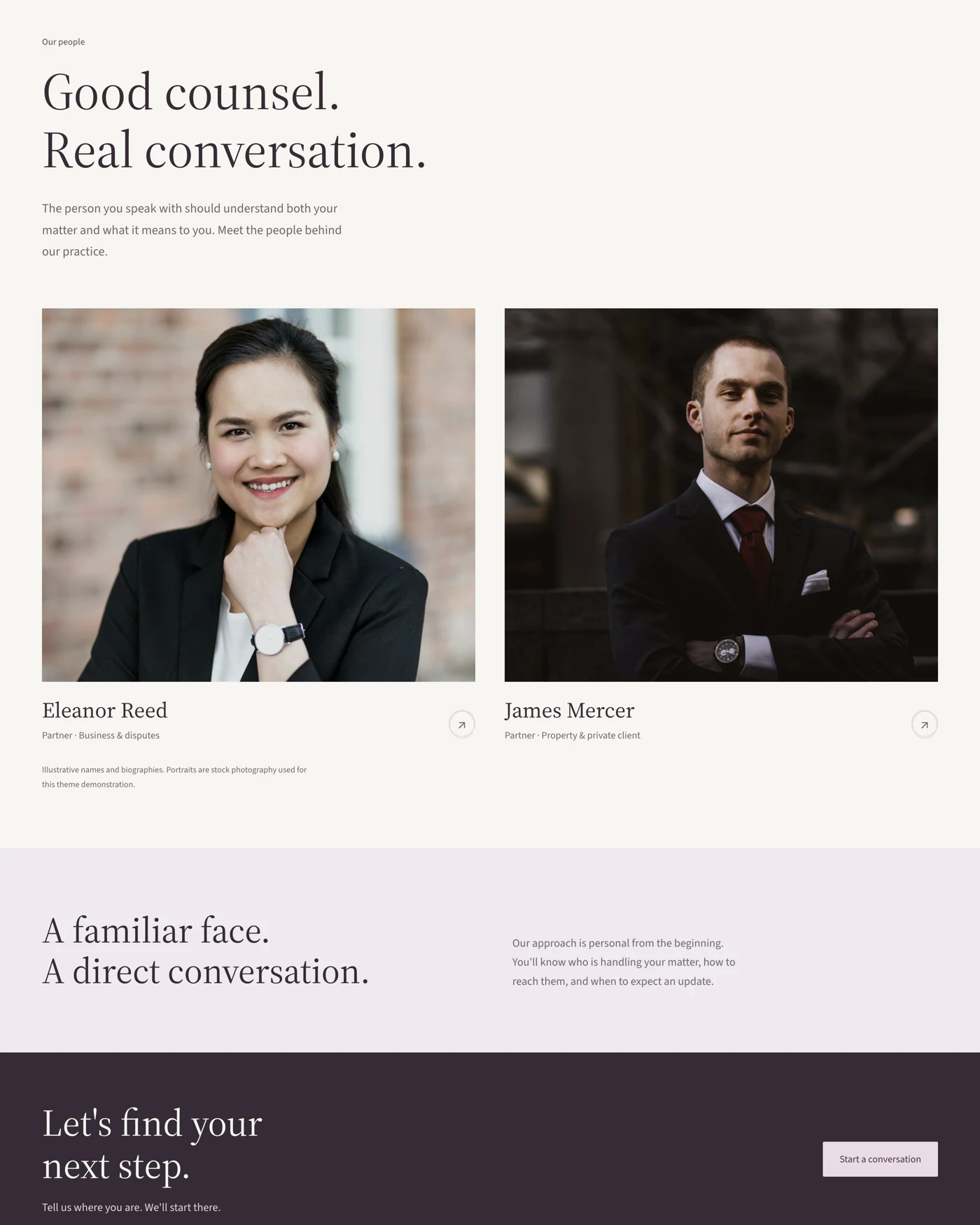
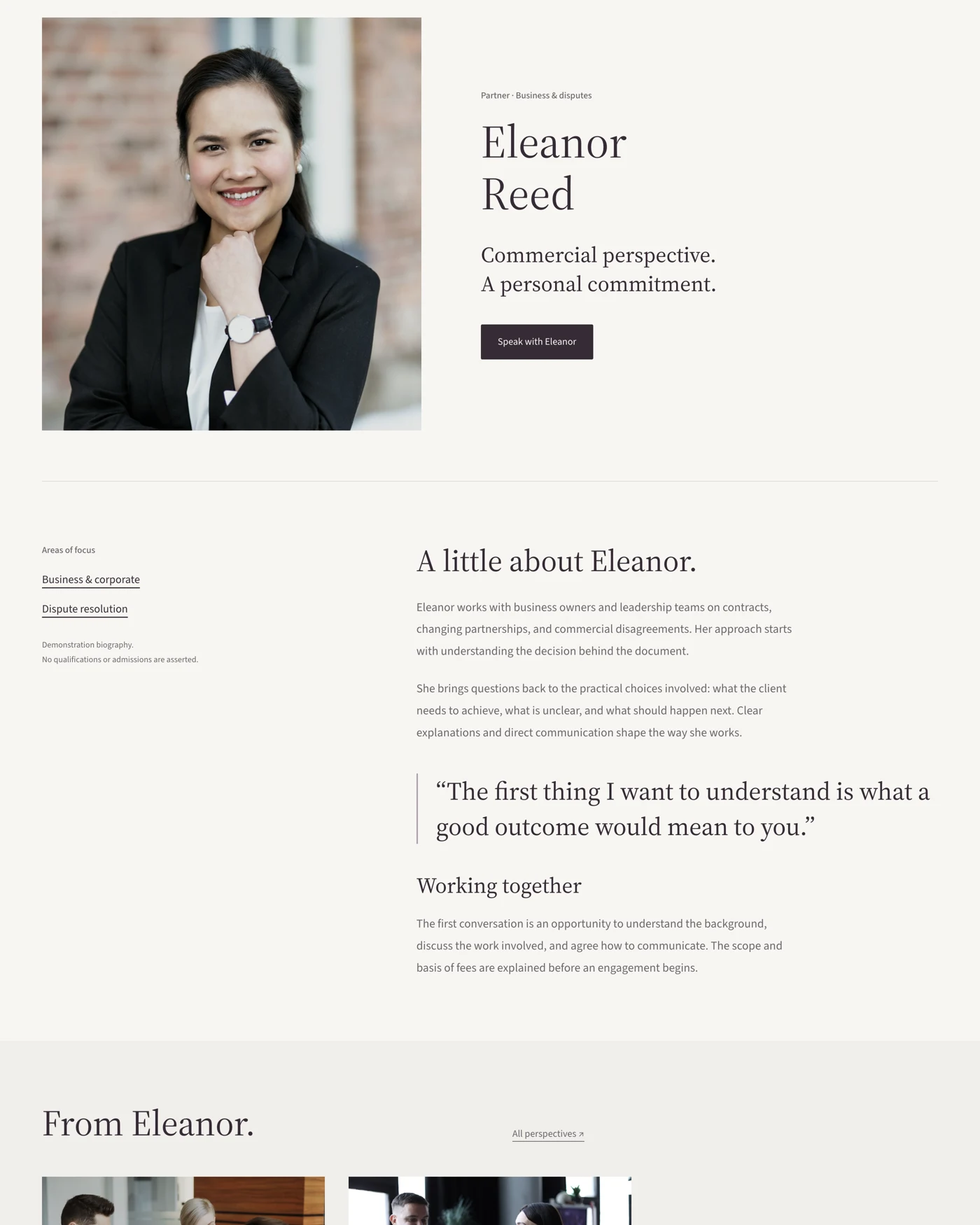
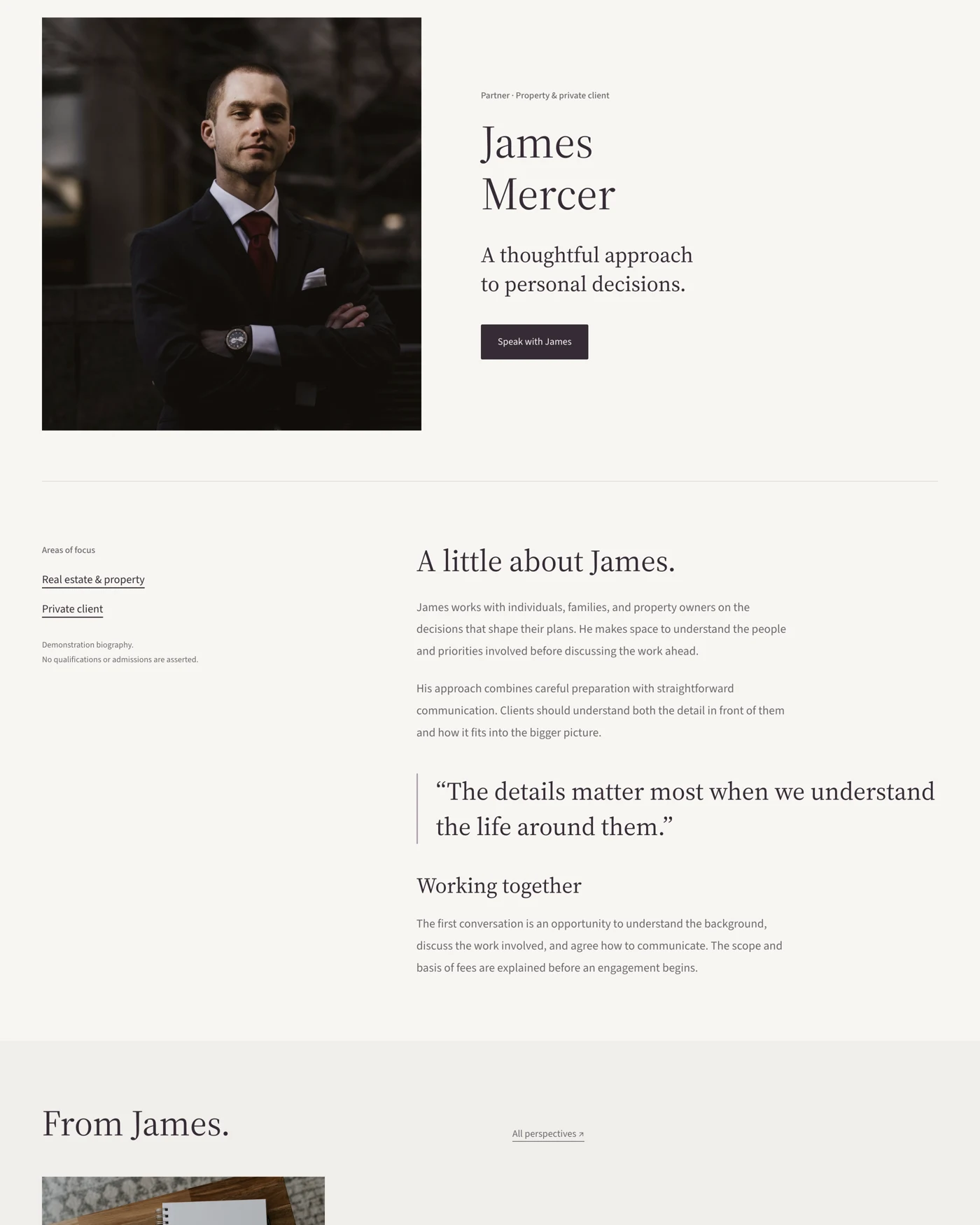
A lawyer profile with space for the person behind the practice.
Your Firm’s Pages, Included
A firm needs more than a homepage. These patterns give the important pages a consistent structure, from your first introduction to a detailed article.
Firm introduction
Practice areas
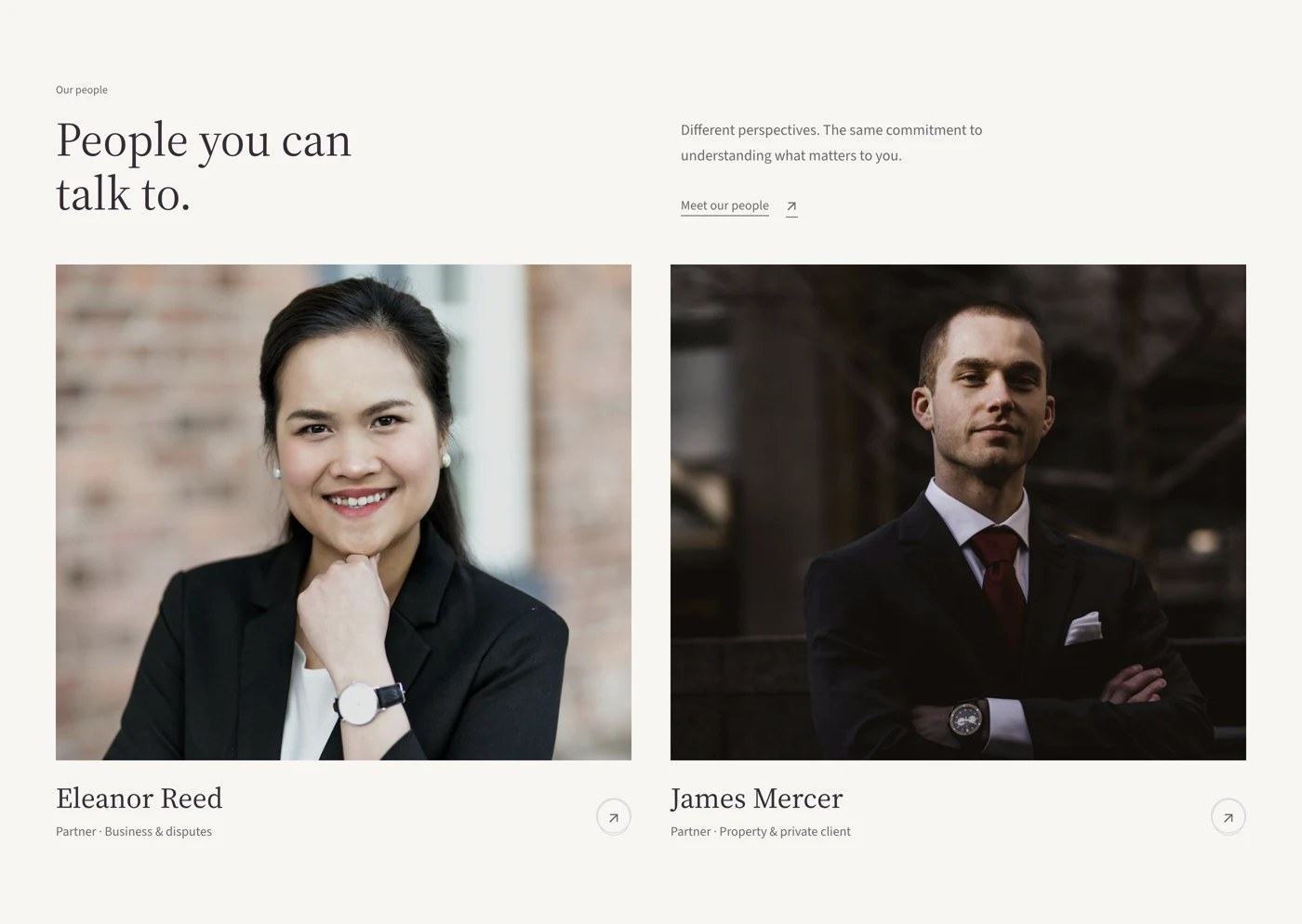
People directory
Lawyer profiles
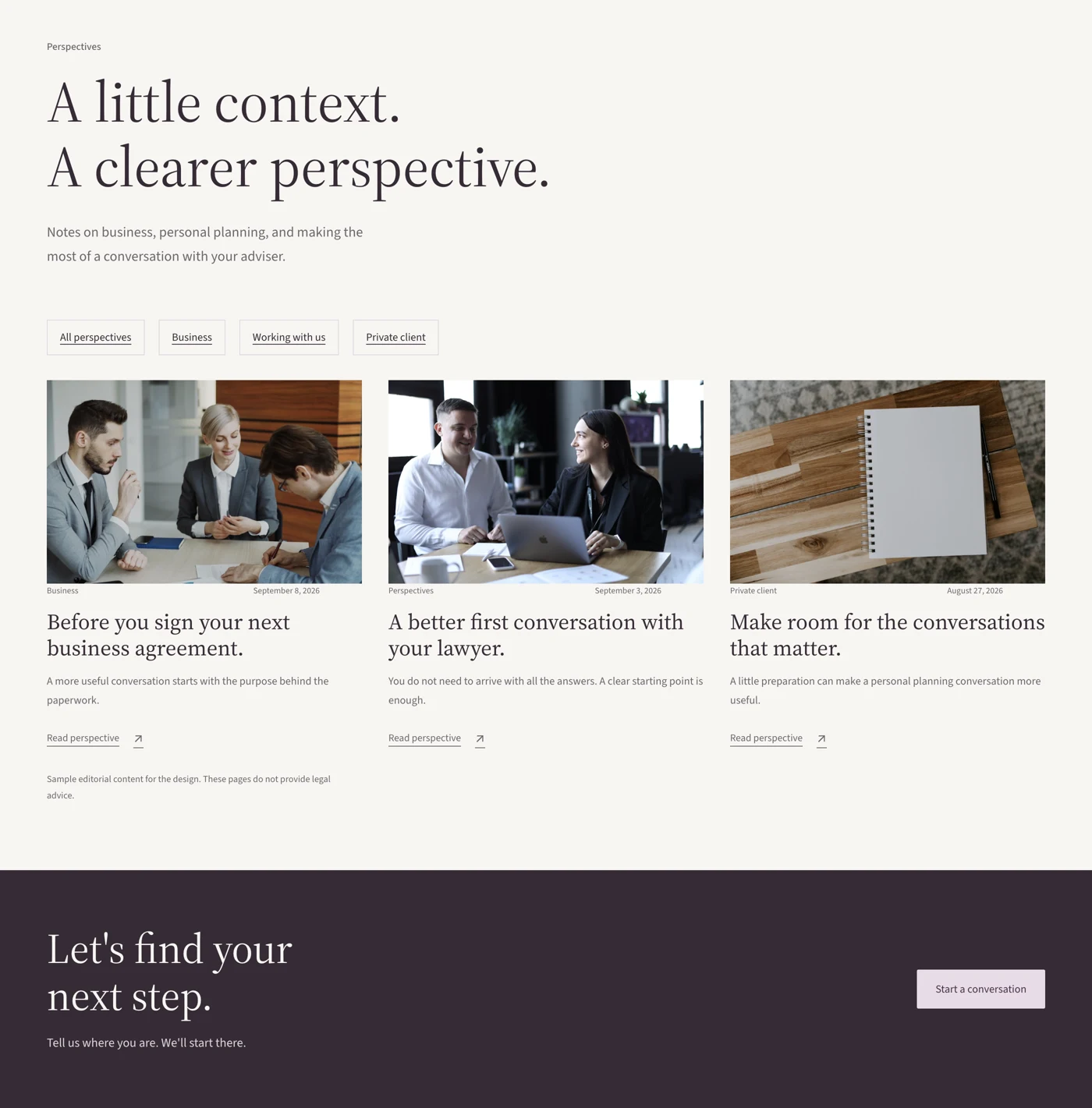
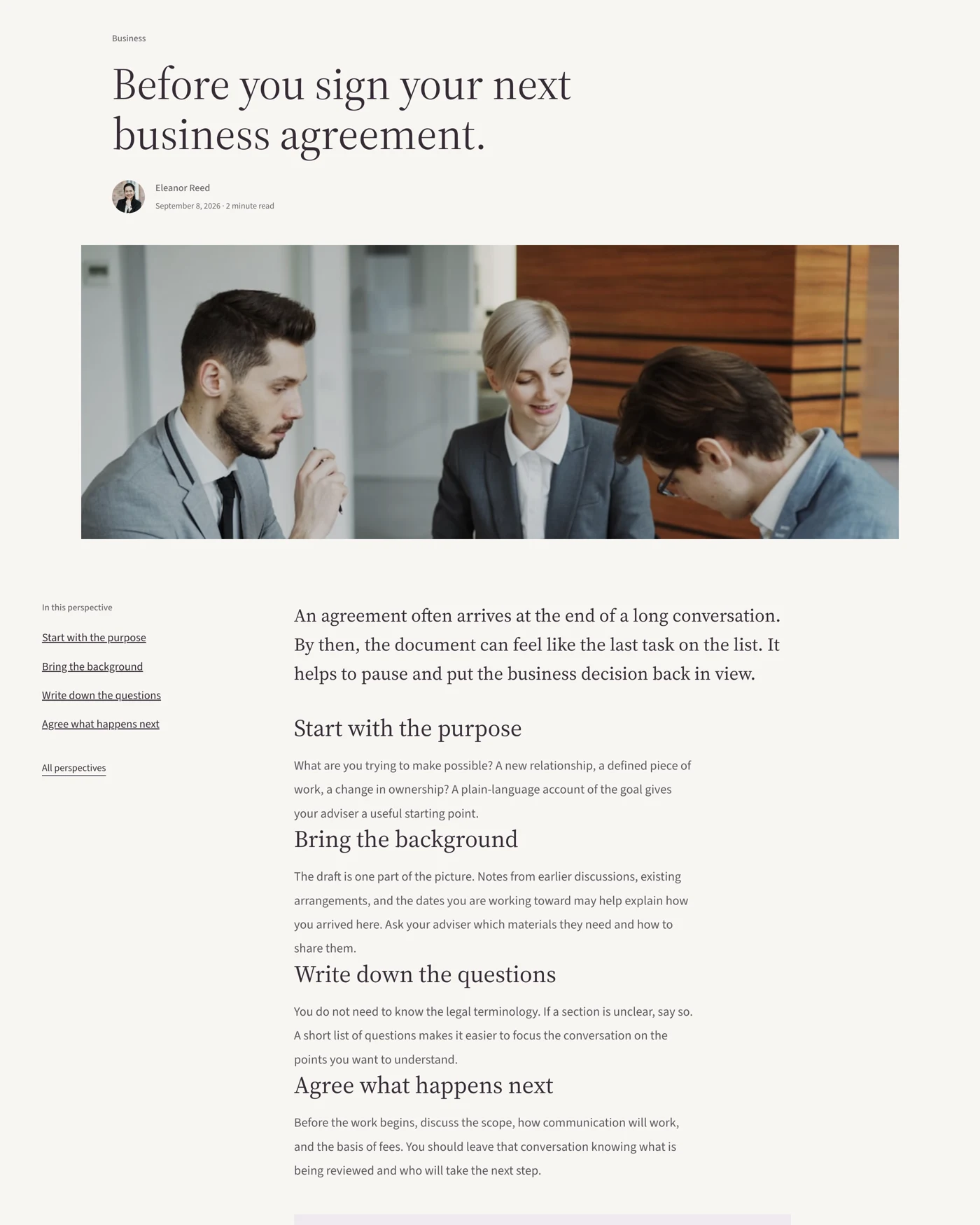
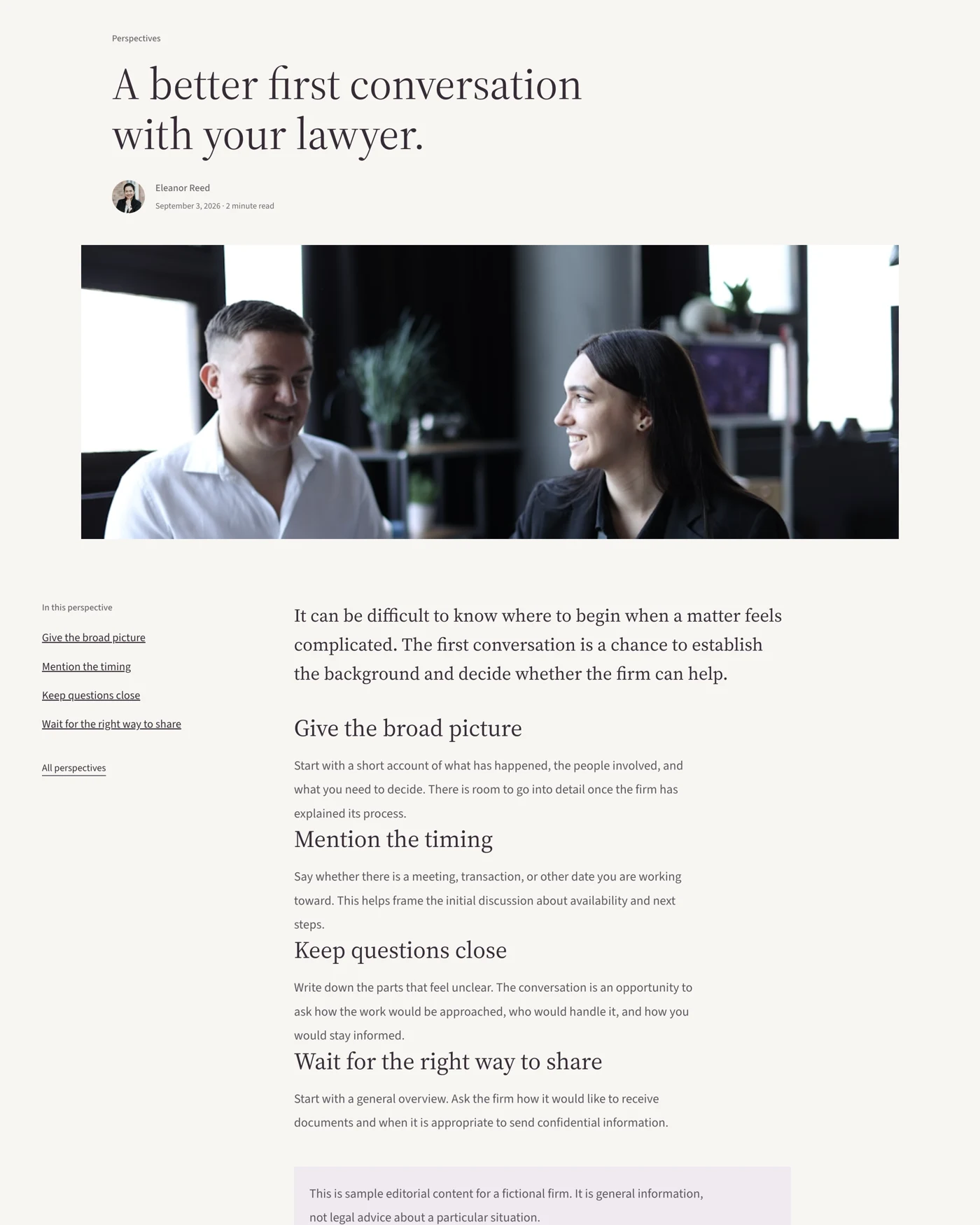
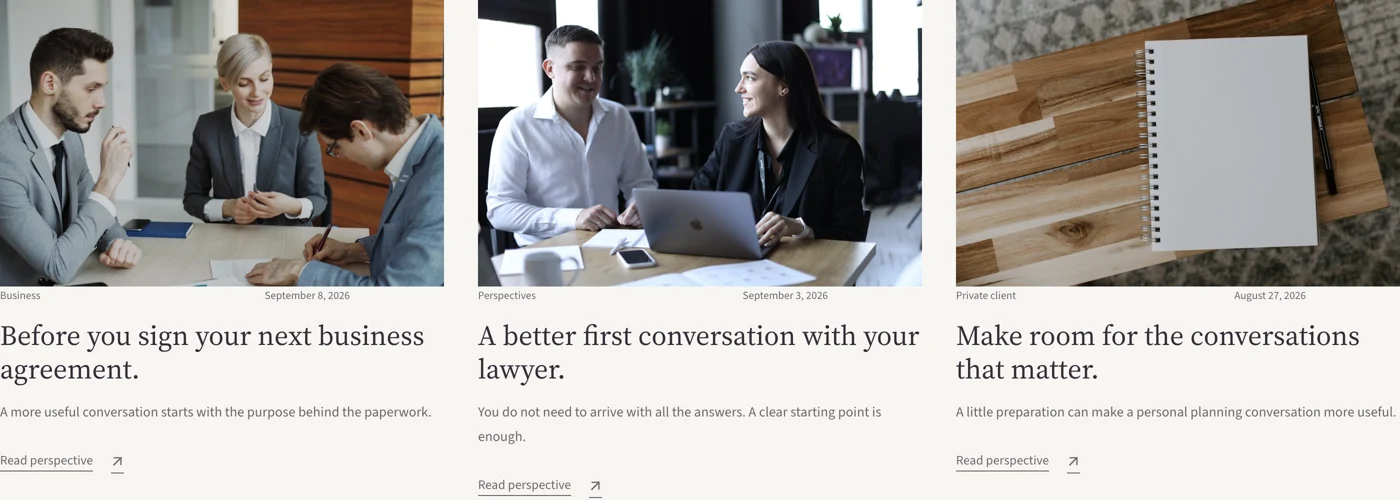
Perspective articles
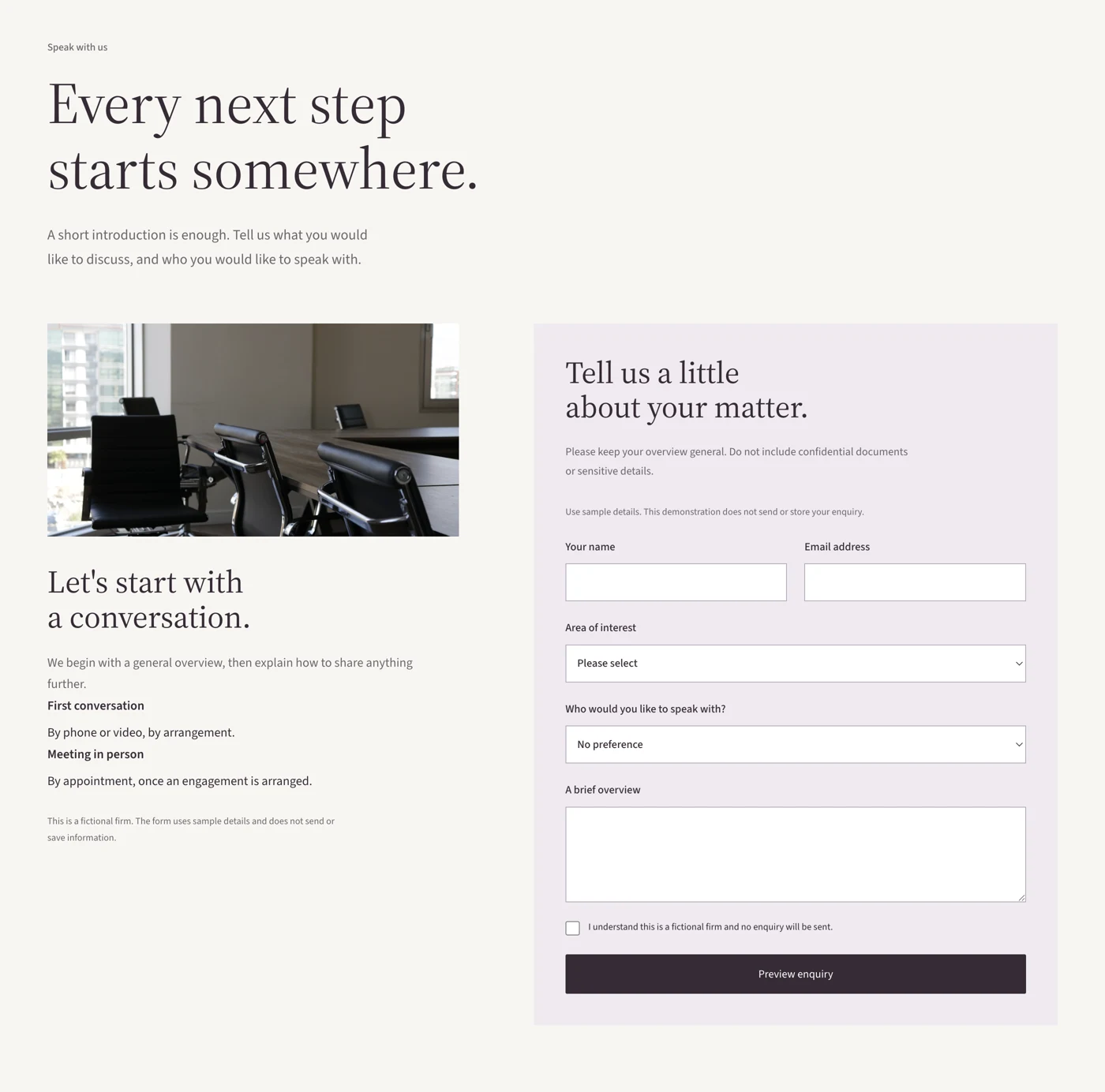
Contact layout
Every pattern uses WordPress core blocks. Your content remains editable when you change themes; its presentation follows the new theme.
Keep the Classic Structure
PHP templates handle the site structure, and the Customizer handles site settings. Page content stays in the Block Editor.
Keep Fonts on Your Site
Bismuth bundles Source Serif 4 and Source Sans 3 as variable WOFF2 files, including their italic styles.
Choose Your Form Plugin
The contact layout and native form styling give you a starting point. Your form plugin handles enquiries and delivery.
Bismuth Pattern Gallery
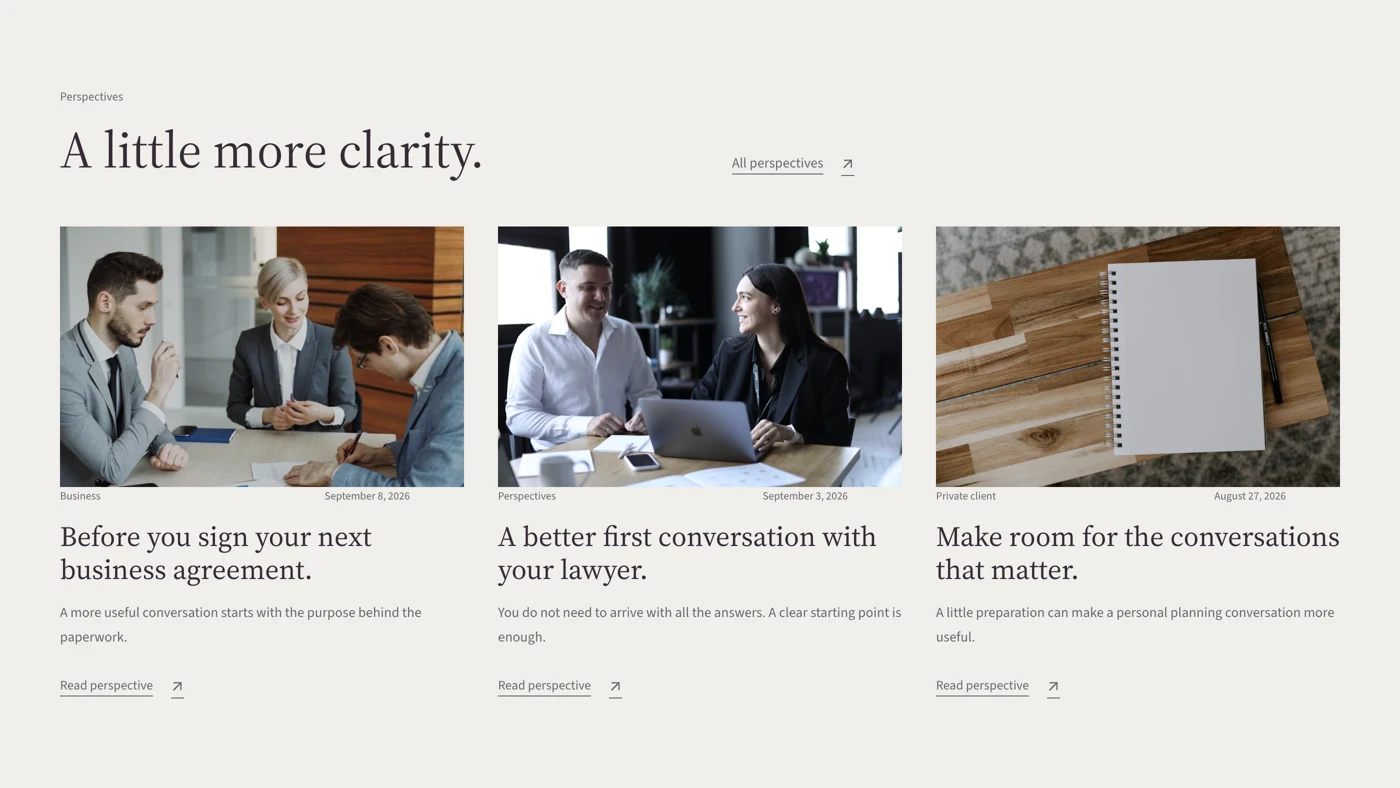
The gallery below shows all 26 patterns in the inserter. Select any preview to open the full-size image, or follow a group’s demo link to see the layouts in place.
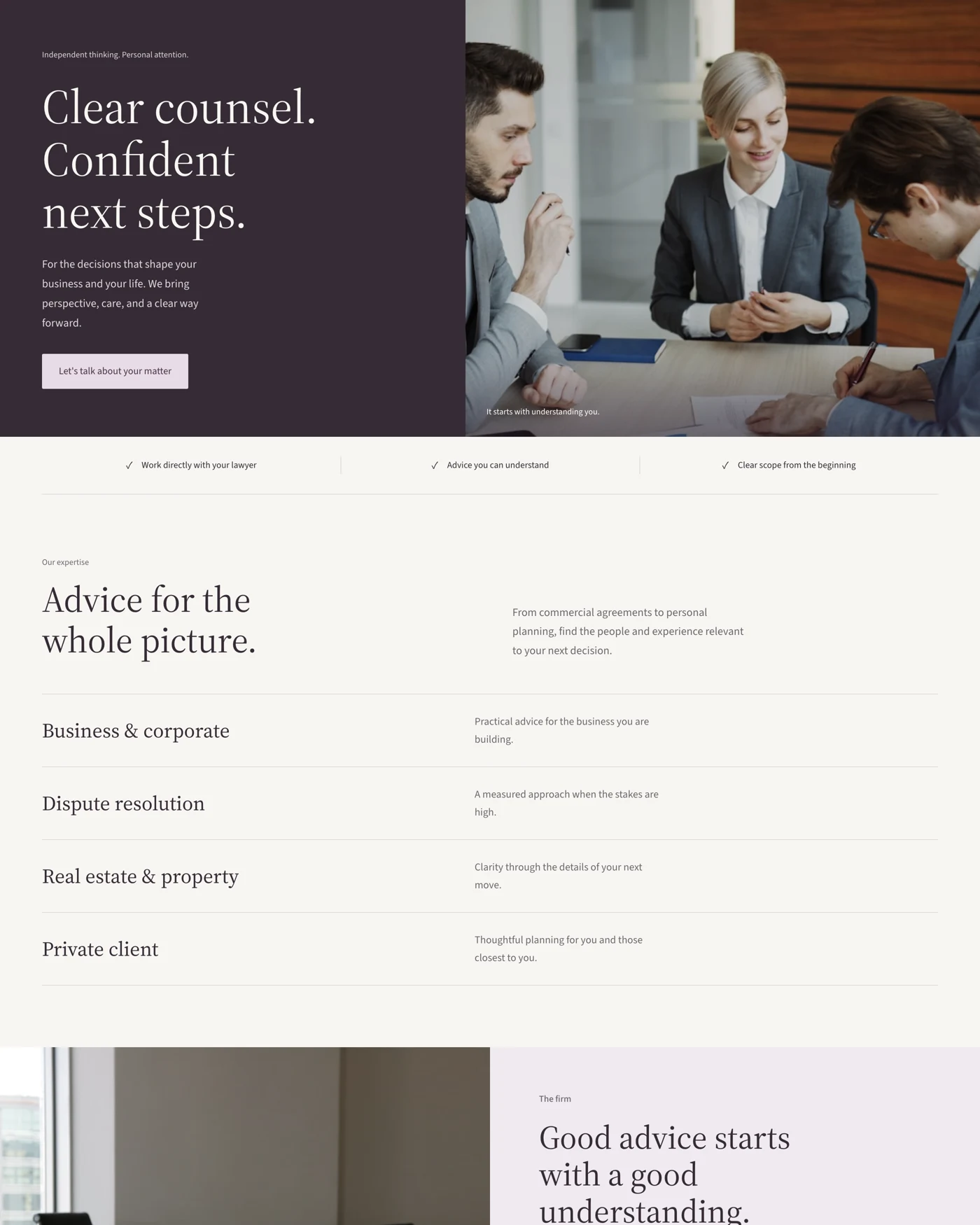
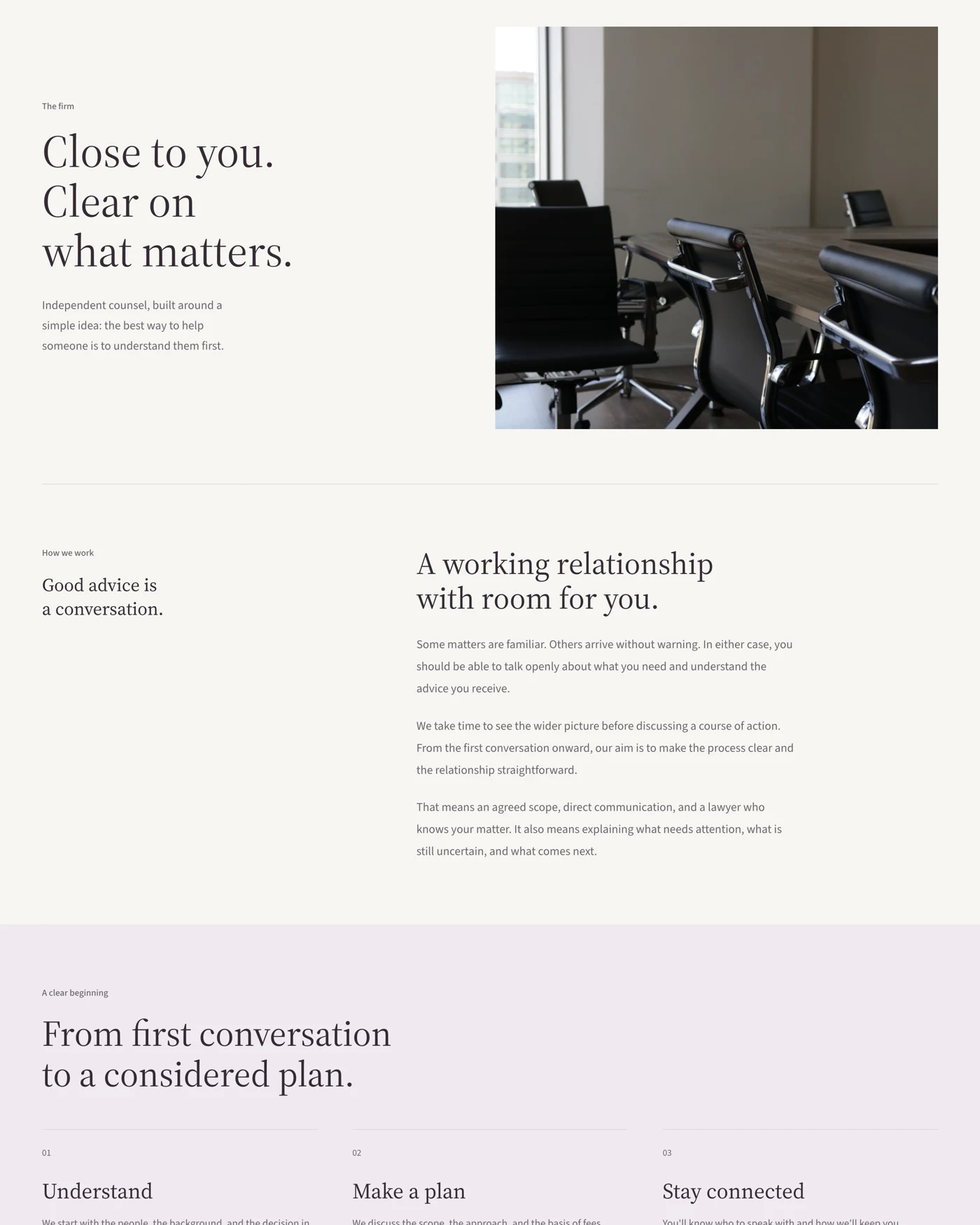
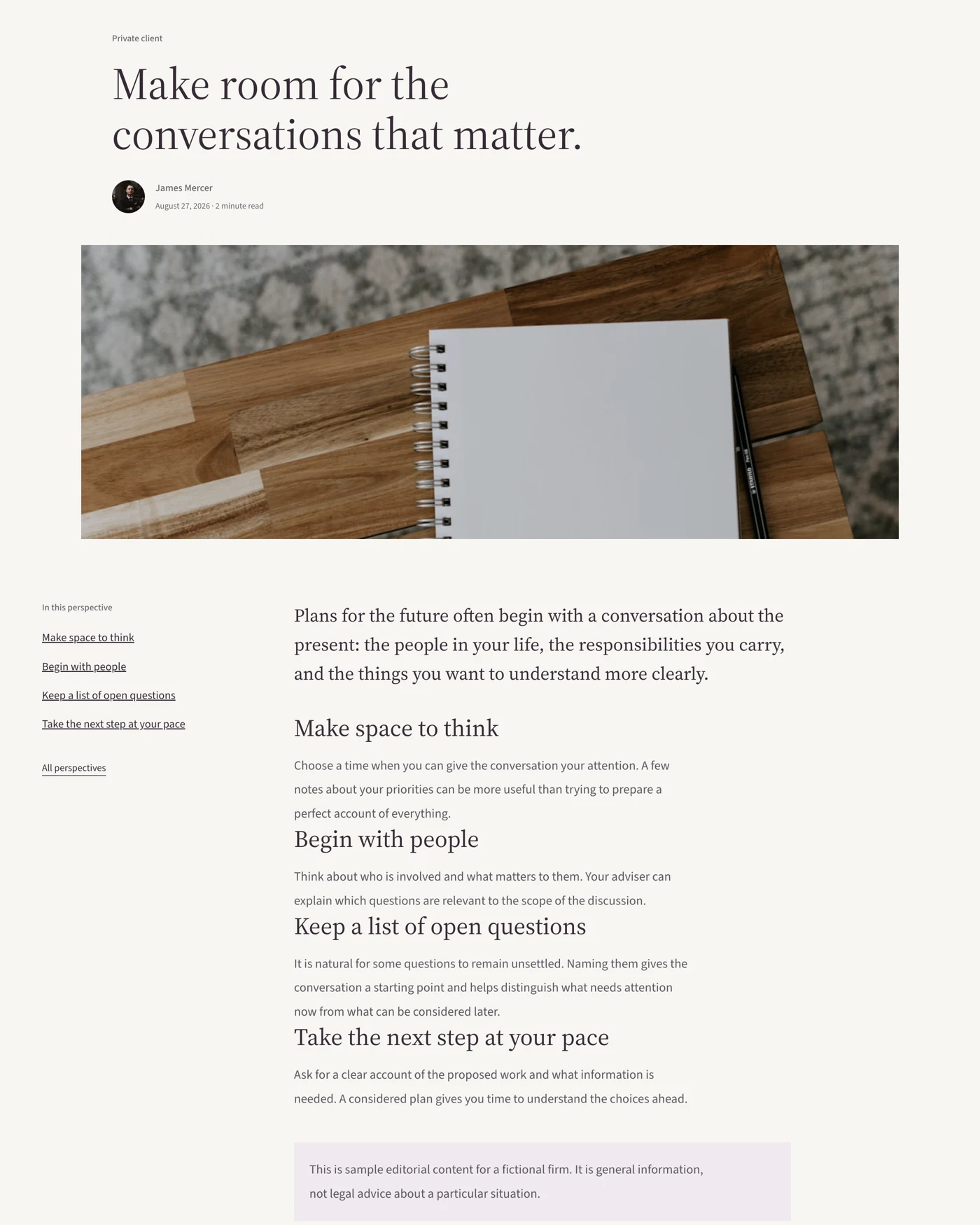
Shown in Plum with fictional demonstration content and credited Unsplash photos. The theme ZIP uses image placeholders for your own pictures. Full-page previews show the top of each layout.
Complete the free checkout, then download the latest Bismuth theme ZIP from your order downloads. Choose the package with free updates included.
Install it in WordPress
Go to Appearance → Themes → Add New → Upload Theme. Choose the ZIP, install it, and activate it.
Build your first page
Choose the Full page template, insert a Bismuth pattern, and replace the example copy, photographs, and links. Set your homepage under Settings → Reading.
Before You Install
Bismuth keeps a conventional theme structure and supports the modern Block Editor.
Requires WordPress 7.0 or newer and PHP 7.4 or newer.
It is a hybrid theme, with the Customizer rather than Full Site Editing.
Demo photographs are separate media. The ZIP includes placeholders for your own images.
The demo enquiry form does not send or store information. A working enquiry form needs your chosen form plugin behind the layout.
I Build Tools That Pay for Themselves And Give Away the Ones That Can’t
Everything here is quick to set up, light on your pages and built to do one real job well. I only charge for the tools that can make you money. The rest are free.