How do I add bookings to my website?
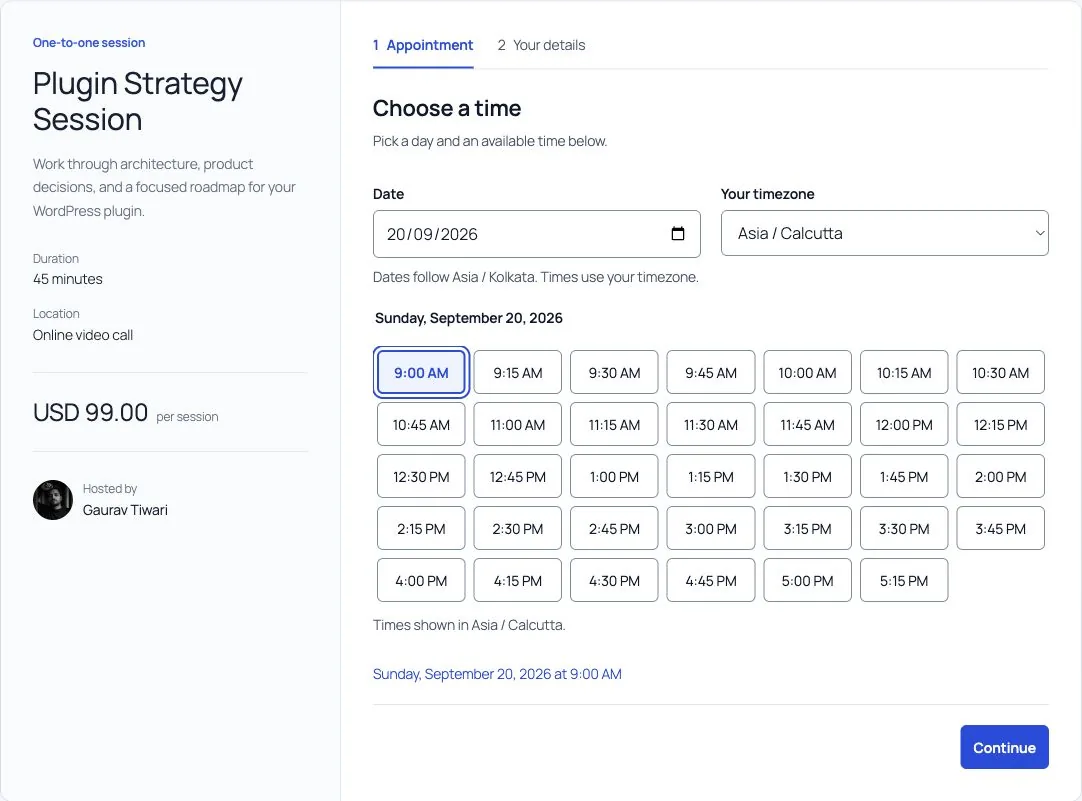
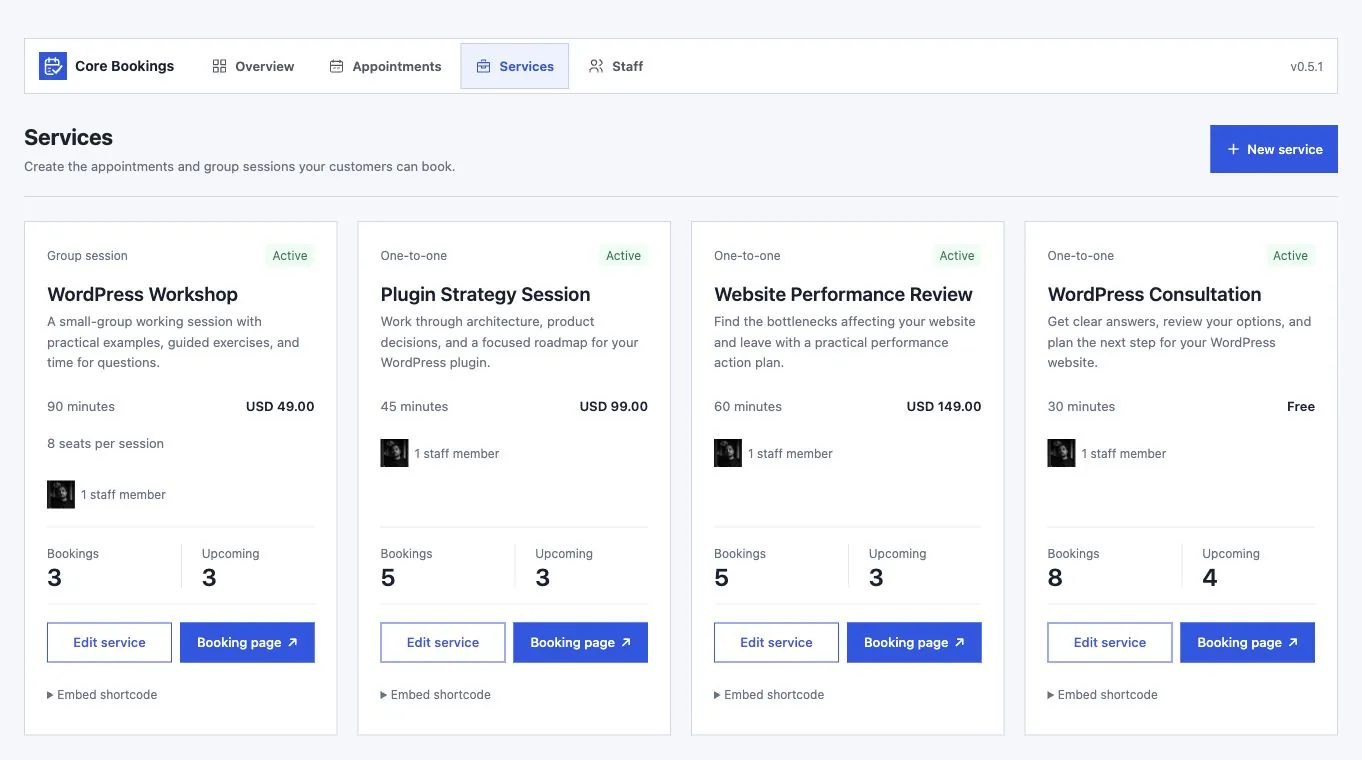
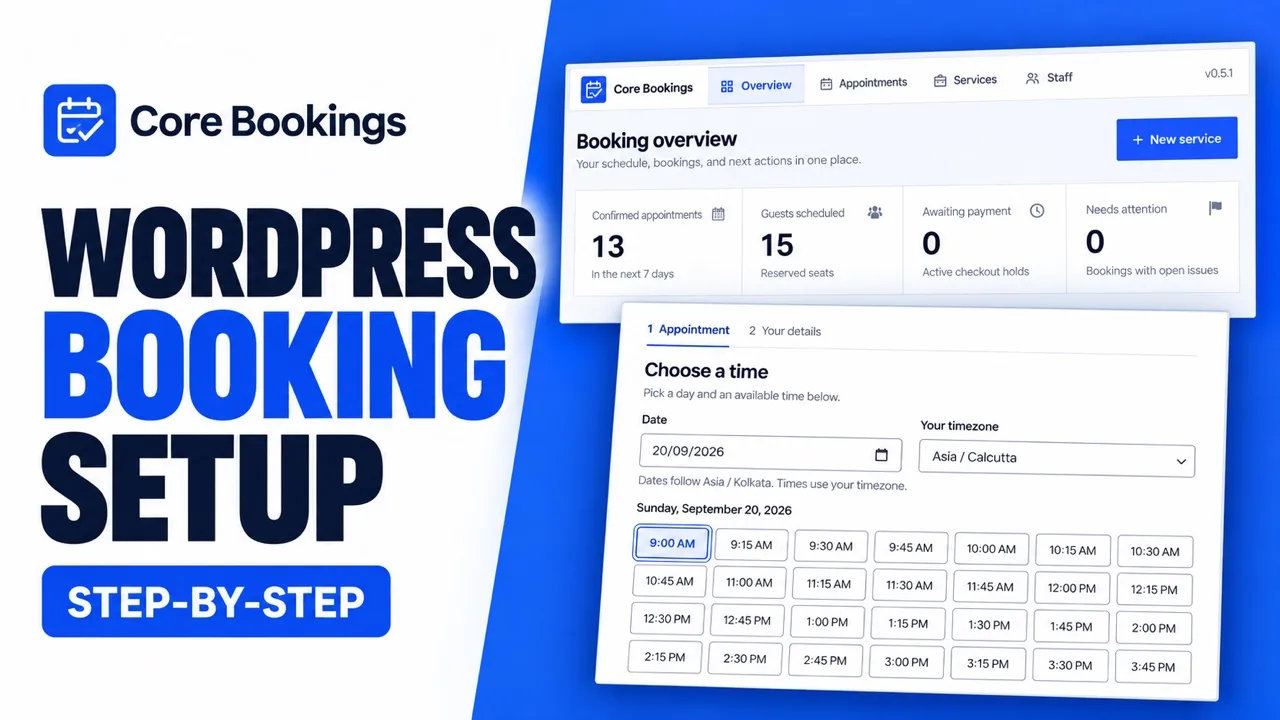
Create a service, assign staff, and set availability. Then add the Core Bookings block to a page or share the standalone service link. No custom code is needed for the native booking form.
Can I use it on client sites?
Yes. Both the lifetime and yearly licenses allow unlimited site activations. Each installation manages its own bookings, staff schedules, and license activation.
Can I offer both appointments and group sessions?
Yes. Use one-to-one services for individual appointments or group sessions with a seat limit. Each service can have its own duration, staff, and payment rules.
How do availability and timezones work?
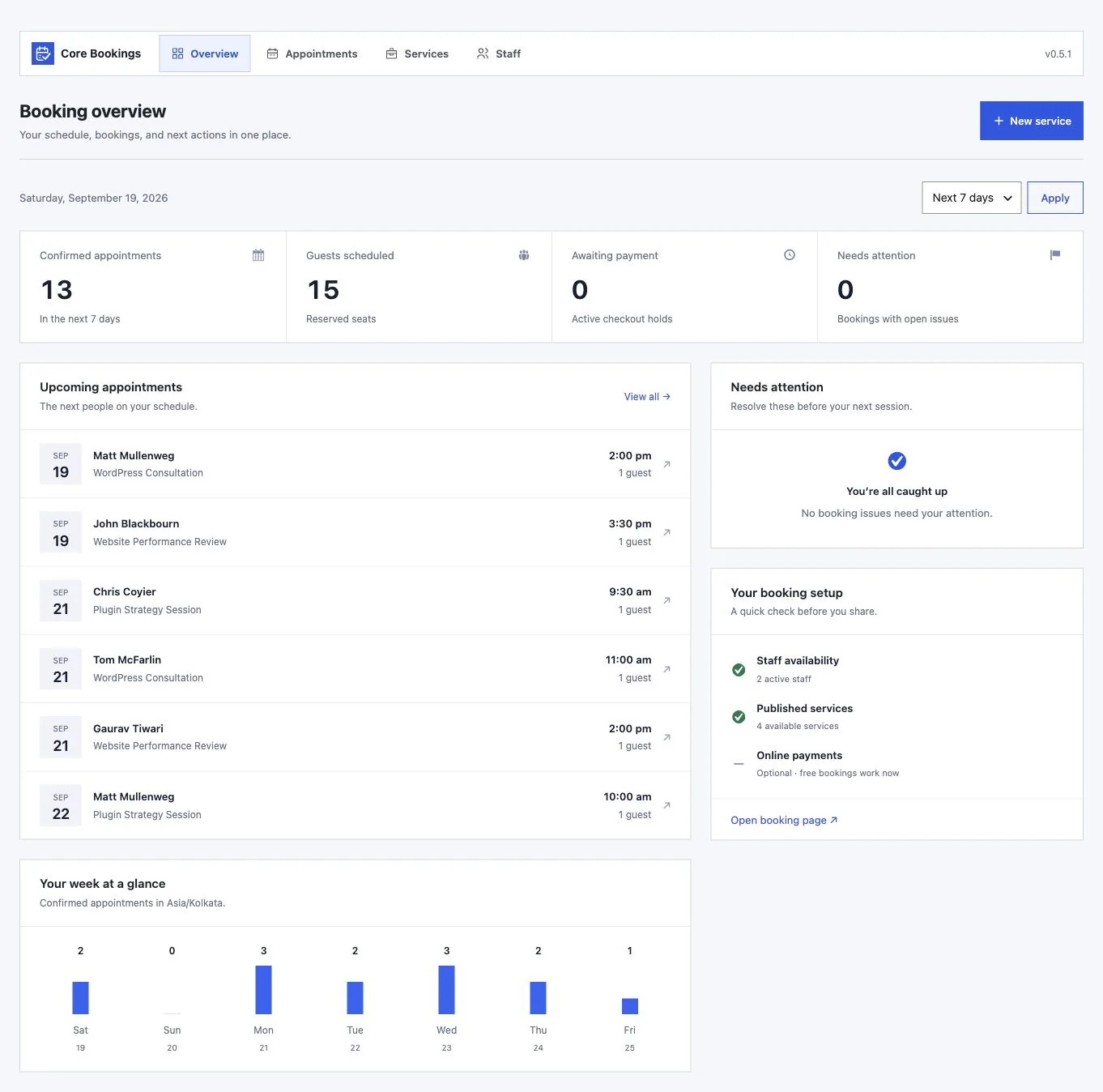
Set weekly working hours, split shifts, date-specific overrides, time off, buffers, minimum notice, and the booking window. Customers can choose their timezone; you review appointments in your WordPress timezone.
Can customers reschedule or cancel?
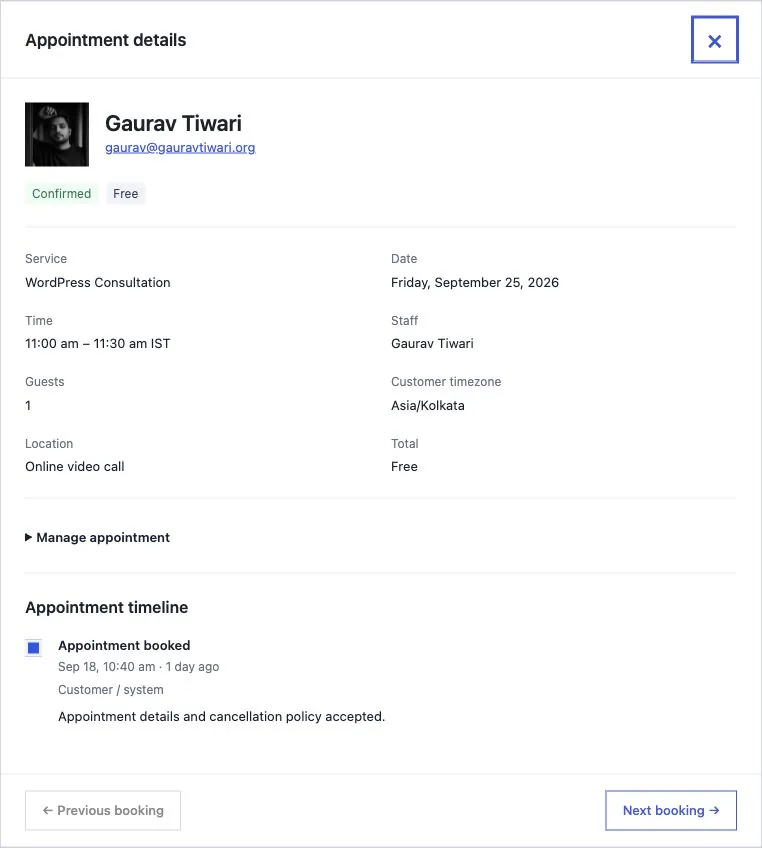
Yes. Customers use private management links to change or cancel an appointment within your cutoff. They can also sign in by email to a dashboard with booking history, payment status, pack credits, and book-again links.
Will the booking form match my theme?
It inherits your theme's font family. The block editor lets you adjust text, colors, spacing, corners, and layout, as well as the fields you display.
Does it send confirmation emails and reminders?
Yes. Customize the plain-text confirmation and reminder templates using booking placeholders. Core Bookings queues delivery and lets you review email issues. Reliable delivery depends on your WordPress mail configuration and scheduled jobs.
Can I import existing appointments?
Yes. Use a Core Bookings JSON export or a CSV file with the Calendly, Acuity, or custom mapping option. Review duplicates, conflicts, and mappings before importing. Imports do not send booking notifications.
Does a lifetime license include future versions?
Yes. A lifetime license keeps its lifetime validity and unlimited site allowance. There is no recurring license fee, and lifetime updates are included.
Can I pay in my local currency?
The offer is shown in USD. Supported local currencies are available at checkout, where you can review the final amount before paying.
How do I get updates and support?
Activate your license in WordPress to receive available plugin updates. Your account provides the plugin download and license key; use the Product Support page when you need help.
Does cancelling an appointment issue a refund?
No. Cancelling and refunding are separate actions. Managers refund bookings paid through Stripe, PayPal, Polar, Paddle, or Dodo Payments from the appointment, in full or in part, and follow the refund status there. FluentCart order refunds stay in FluentCart.
Can I sell recurring sessions or prepaid packs?
Yes. A recurring booking can reserve up to 52 one-to-one sessions, every one to four weeks or monthly. Session packs let customers buy credits through Stripe or FluentCart and redeem them for appointments or group seats. Memberships add monthly or yearly plans with credits.
What happens when a session is full?
Enable a waitlist for the service. Customers verify their email, then receive a private offer when an eligible space opens. The offer reserves capacity for up to 15 minutes. Joining the waitlist does not create a confirmed appointment or take payment.
Can I approve requests before taking payment?
Yes. Enable approval for a service to review requests before confirmation. Online payment starts only after approval. You can also offer automatic staff assignment from the available staff members assigned to the service.
Which calendars and video tools can I connect?
Staff can connect one or more Google accounts, Microsoft 365 (Outlook), and iCloud or any CalDAV calendar for conflict checks, and choose where new bookings go. Services can create Google Meet, Zoom, or Microsoft Teams links. Zoom and Microsoft 365 use your own app registrations. Each staff member also gets a private calendar feed.
Do I need Core Forms?
No. Core Bookings includes its own booking form. If you use Core Forms, you can add a selected intake form to the private booking page and attach selected answers to the appointment. Customers do not have to copy a booking code. File attachments are not copied into Core Bookings.
Can customers pay a deposit and settle the balance later?
Yes. Take a deposit through Stripe, PayPal, Polar, Paddle, Dodo Payments, or FluentCart. Stripe and FluentCart customers can pay the remaining balance online from their private booking page. For PayPal, Polar, Paddle, and Dodo Payments bookings, collect the balance in person for now. Core Bookings never charges a balance automatically.
What should I set up before accepting bookings?
Configure your services, staff, availability, mail delivery, and scheduled jobs. Add your Stripe, Google, or Zoom credentials for the integrations you use, then test those flows on staging with your own accounts before accepting customer bookings.
What does my WordPress site need?
Core Bookings requires WordPress 6.9 or newer, PHP 8.3 with Sodium, and MySQL or MariaDB with InnoDB. Scheduled reminders depend on your site's cron setup.
What are modules?
Optional parts of Core Bookings, such as teams, classes, locations, payments, reports, and AI agents. All nineteen come with every license. Switch them on in Settings, and a module that's off loads nothing on your site.
Which payment methods can I use?
Free, pay offline, Stripe Checkout or embedded payment, PayPal, Polar, Paddle, Dodo Payments, and FluentCart. Each service picks one. Stripe can offer cards and wallets, or every method you switch on in your Stripe Dashboard. Polar, Paddle, and Dodo Payments act as merchant of record and handle sales tax for you. Provider fees are separate.
Can I run classes, courses, and events?
Yes. Group services get a class timetable with seats left, ticket types with their own limits, courses booked as one, attendee names, rosters, and QR check-in.
Can an AI agent manage my bookings?
Yes. Switch on the AI agents module and connect Claude, ChatGPT, or Cursor through the free Site Agent plugin or any MCP client. Agents can find times, book, approve requests, and read your day, with exactly the permissions of the WordPress user who connected them.
Do I need WooCommerce?
No. Core Bookings works on its own with any theme. You can sell bookings through FluentCart if you already use it.