Free WordPress Themes

Your work. In its element.

Find a free WordPress theme that suits the site you’re building. Each design has its own layouts and personality, with native WordPress blocks you can keep editing as your site grows.

Free theme downloads through checkout. Live demos for every design.

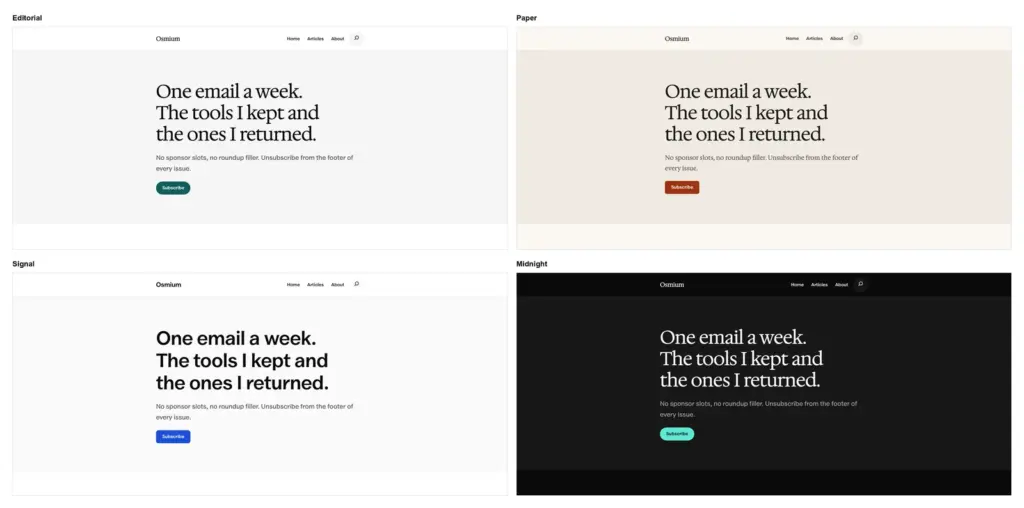
Osmium

For words worth reading.

Osmium front page with a newsletter band above a lead story and a post grid
FSEPublishing

A free WordPress theme for writers and independent publishers. Give long articles a comfortable reading column and help readers make decisions with review layouts and comparison patterns.

  • Thoughtful reading layouts and article patterns.
  • A review kit for verdicts, comparisons and recommendations.
  • Style variations for a different mood without rebuilding.
Indium

For ideas that won’t sit still.

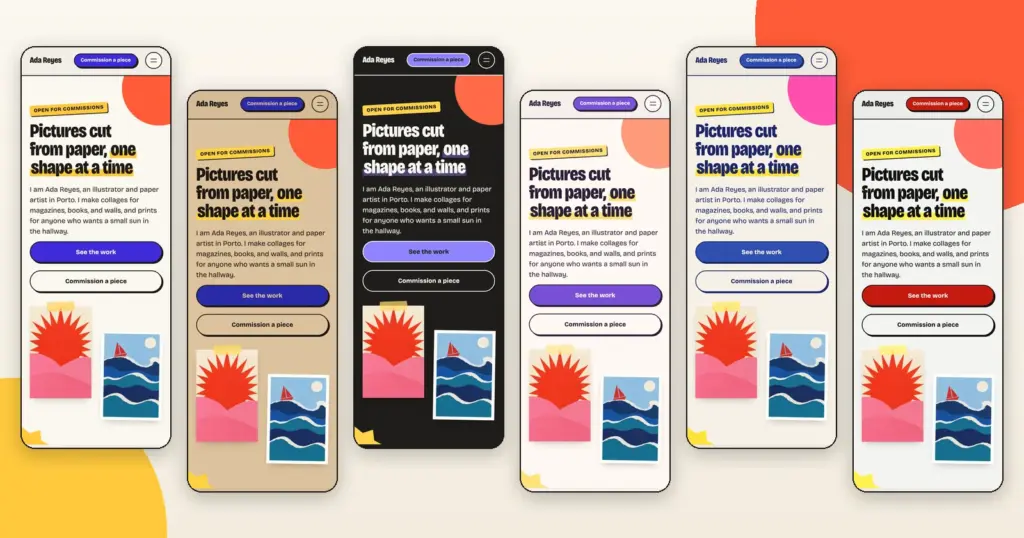
Indium's Paper homepage for a sample illustrator, with a narrow black headline marked in yellow, two buttons and two cut-paper collages taped beside it
FSEArtistic

A WordPress theme for artists and illustrators. Build a portfolio with the feel of a studio wall, with dedicated layouts for artwork, prints and commissions.

  • Portfolio grids, an artwork template and prints for sale.
  • Seven ready-made pages, from work to contact.
  • Six designs, with Bricolage Grotesque and Caveat served from your own site.

Hassium

For the business you’re building.

Hassium's Cobalt homepage for a sample support app, with a serif headline, two buttons and the product dashboard below
FSEBusiness

A free SaaS WordPress theme for your product website. Show what the software does, explain the plans and guide visitors from their first look to your signup page.

  • Product-first homepages, pricing tables and a changelog.
  • Seven ready-made pages, from features to contact.
  • Six designs, with Inter and Hedvig Letters Serif served from your own site.

Uranium

For things built to last.

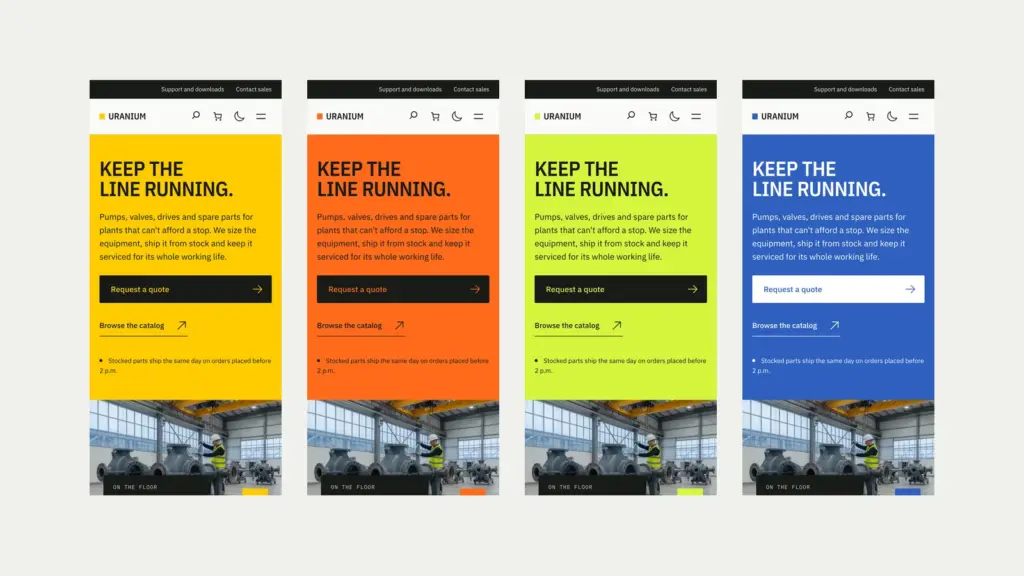
Uranium's homepage, with a safety yellow hero panel beside a photo of a pump on a factory floor
HybridIndustrial

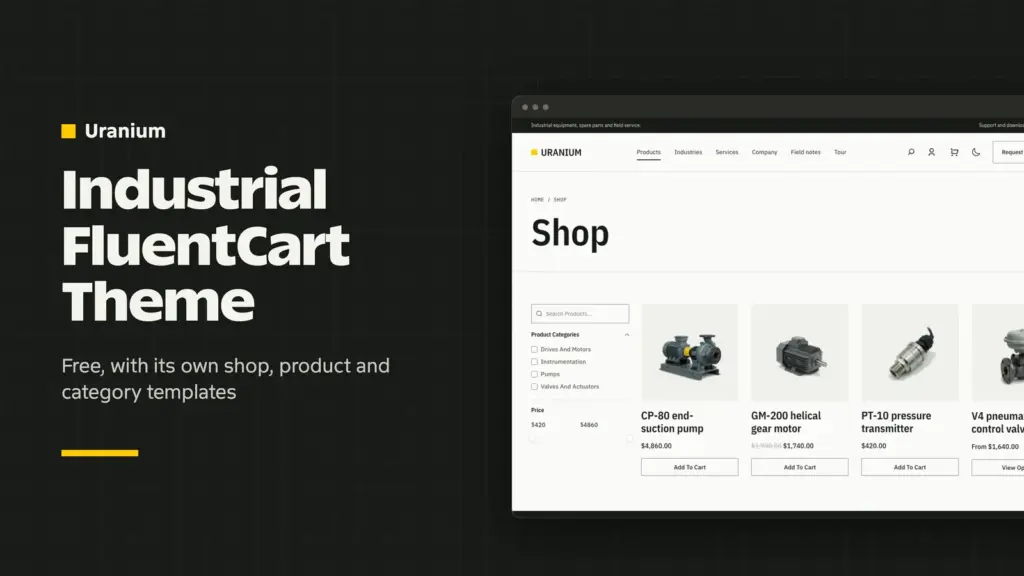
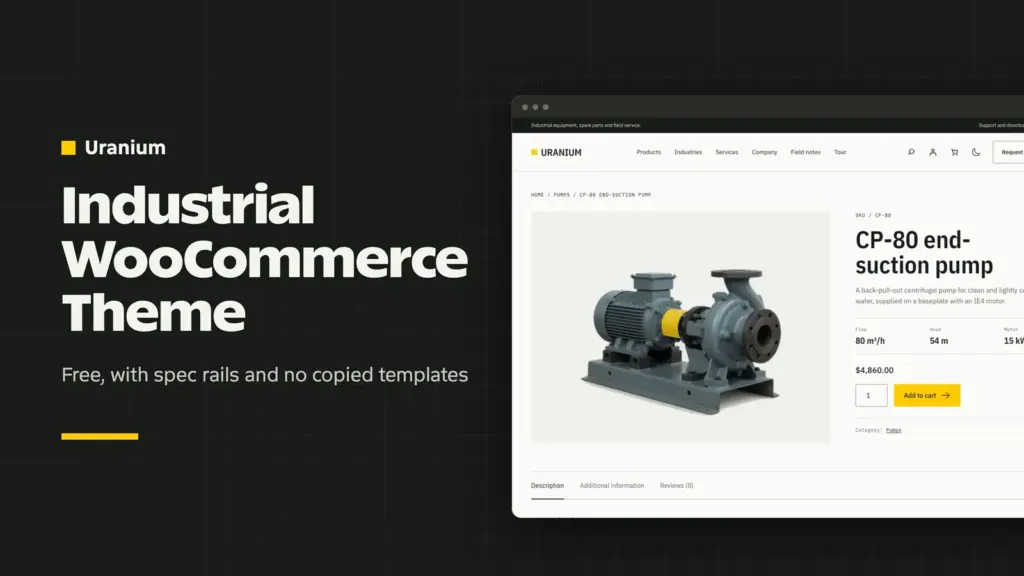
An industrial WordPress theme for manufacturers and parts suppliers. Put product specifications and quote requests within reach, with store support when your catalog is ready to sell.

  • Product families, spec rails and quote buttons.
  • WooCommerce or FluentCart for parts and spares.
  • Four accent palettes with light and dark modes.

Bismuth

For practices built on trust.

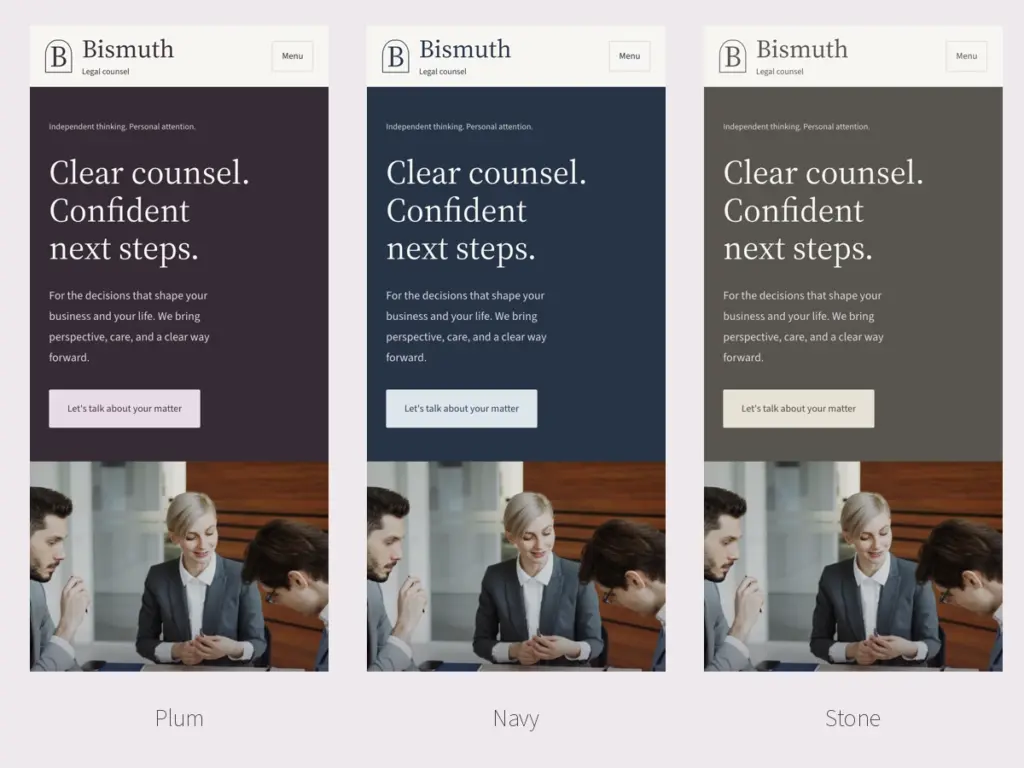
Bismuth's homepage in its Plum design, with a plum hero panel and serif headline beside a photo of a client meeting
HybridLegal

A WordPress theme for law firms and professional practices. Introduce the people behind the work, explain your services and give prospective clients a clear way to get in touch.

  • Practice areas, people and lawyer profile pages.
  • Plum, Navy and Stone designs from the Customizer.
  • Source Serif 4 and Source Sans 3, served from your own site.

Xenon

For work worth seeing.

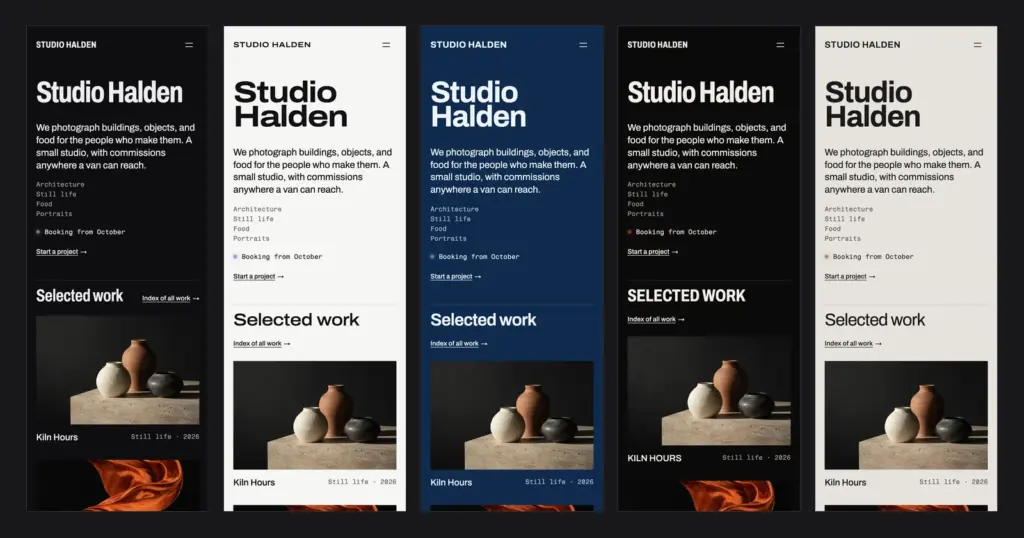
Xenon's Darkroom homepage with the studio name set large, a short statement and the first projects in a mosaic
FSEPortfolio

A WordPress portfolio theme for photographers and studios. Put the pictures first, then give each project room for the brief, the process and the work that came out of it.

  • Image-led project grids and portfolio layouts.
  • Project pages for the work and the story behind it.
  • Dark and light designs with flexible headline widths.

Choose Your WordPress Theme

The right theme gives your most important content the best place on the page. Start with the kind of work you need to show, then open the demo to see how its layouts fit together.

ThemeYour WebsiteUseful Starting PointsSite Design
OsmiumWriting and independent publishingReading layouts and review patternsSite Editor
XenonPhotography and studio portfoliosProject grids and case studiesSite Editor
IndiumArt and illustration portfoliosArtwork, prints and commissionsSite Editor
HassiumSaaS and startup marketing sitesFeatures, pricing and changelog layoutsSite Editor
UraniumManufacturing and parts catalogsSpecifications, quote requests and store supportCustomizer
BismuthLaw firms and professional practicesPractice areas and people profilesCustomizer

Osmium is the natural starting point for a publication. If your pictures need to lead, compare Xenon’s gallery layouts with Indium’s paper-and-collage style. For a business site, choose the theme whose pages already match the questions your customers ask.

Built for WordPress

A design you can make your own, using the editor you already know.

Make It Yours

Start with an included pattern, then replace the sample words and images. The layouts give you a structure to work from while leaving the content in the familiar WordPress editor.

Keep Your Content

The themes build their patterns from WordPress core blocks. Your words and images remain editable when you switch themes, so changing the look of your site does not mean rewriting its content.

Travel Light

Bundled fonts load from your own site instead of a font service. A focused theme gives you a lighter starting point, while your images, hosting and plugins still influence how quickly the finished pages load.

Block Themes and Hybrid Themes

Both approaches keep your page content in the WordPress block editor. The difference is where you change the structure around that content, such as the header and the footer.

  • Block themes: Osmium, Xenon, Hassium and Indium use the Site Editor under Appearance → Editor. Choose one when you want to change templates visually as well as edit individual pages.
  • Hybrid themes: Uranium and Bismuth use classic PHP templates with design settings in the Customizer. Choose one when you prefer a defined site structure and block editing for the content inside it.
  • No page builder required: the included patterns use WordPress core blocks. Insert a layout and replace its sample content with your own.

How to Get Your Free Theme

The themes in this collection are free. Each Get Theme button opens a FluentCart checkout for that theme, so you can complete your order and collect the download in one place.

  1. Choose your theme. Open its live demo and product page to see the layouts and installation requirements.
  2. Complete the free checkout. Select Get Theme, enter the requested details and place the order. The theme price is zero.
  3. Download the latest theme ZIP. Open your order downloads and choose the newest package with free updates included. Keep the ZIP intact for WordPress.
  4. Install and customize. In WordPress, go to Appearance → Themes → Add New → Upload Theme. Upload the ZIP, then try the theme on a staging copy before activating it on your live site.

Before You Launch

Your theme gives you the design and the page layouts. Your content and the services behind the buttons still need attention before the site is ready for visitors.

  • Forms and payments need a working service. A contact layout or pricing table does not send enquiries or take payments by itself. Choose the plugins your site needs from the WordPress plugin collection.
  • Store support varies by theme. Uranium includes WooCommerce and FluentCart support. A portfolio or SaaS marketing layout should not be assumed to include a complete store or application.
  • Your content needs a final pass. Replace example images and text, connect the buttons and check your own pages on mobile. Theme changes preserve ordinary block content, but can change its appearance.

Need help choosing a starting point or adapting it for your business? Tell me about the site you want to build.