
 by
by
Your WordPress theme isn’t just about looks. It’s the foundation your entire blog sits on. Pick the wrong one and you’re dealing with slow load times, bloated code and a redesign six months from now.
I build and maintain WordPress sites for a living, from blogs for solo creators to media companies. And the pattern I keep seeing is this: most bloggers overthink theme design and underthink theme performance.
In 2026, your theme needs to be lightweight, block editor compatible and built for Core Web Vitals. The good news? There are some genuinely excellent options right now.
Here are my picks, sorted by the kind of blog each theme suits best.
Quick Picks
- Best Overall: GeneratePress: tiny footprint, cleanest code
- Most Starter Templates: Astra: 300+ designs, massive ecosystem
- Best Rising Star: Blocksy: modern, fast, great customizer
- Best for WooCommerce Blogs: OceanWP: deep store integration
- Best Free Only: Twenty Twenty-Five: WordPress default, zero cost forever
1. GeneratePress: The Lightest WordPress Blog Theme
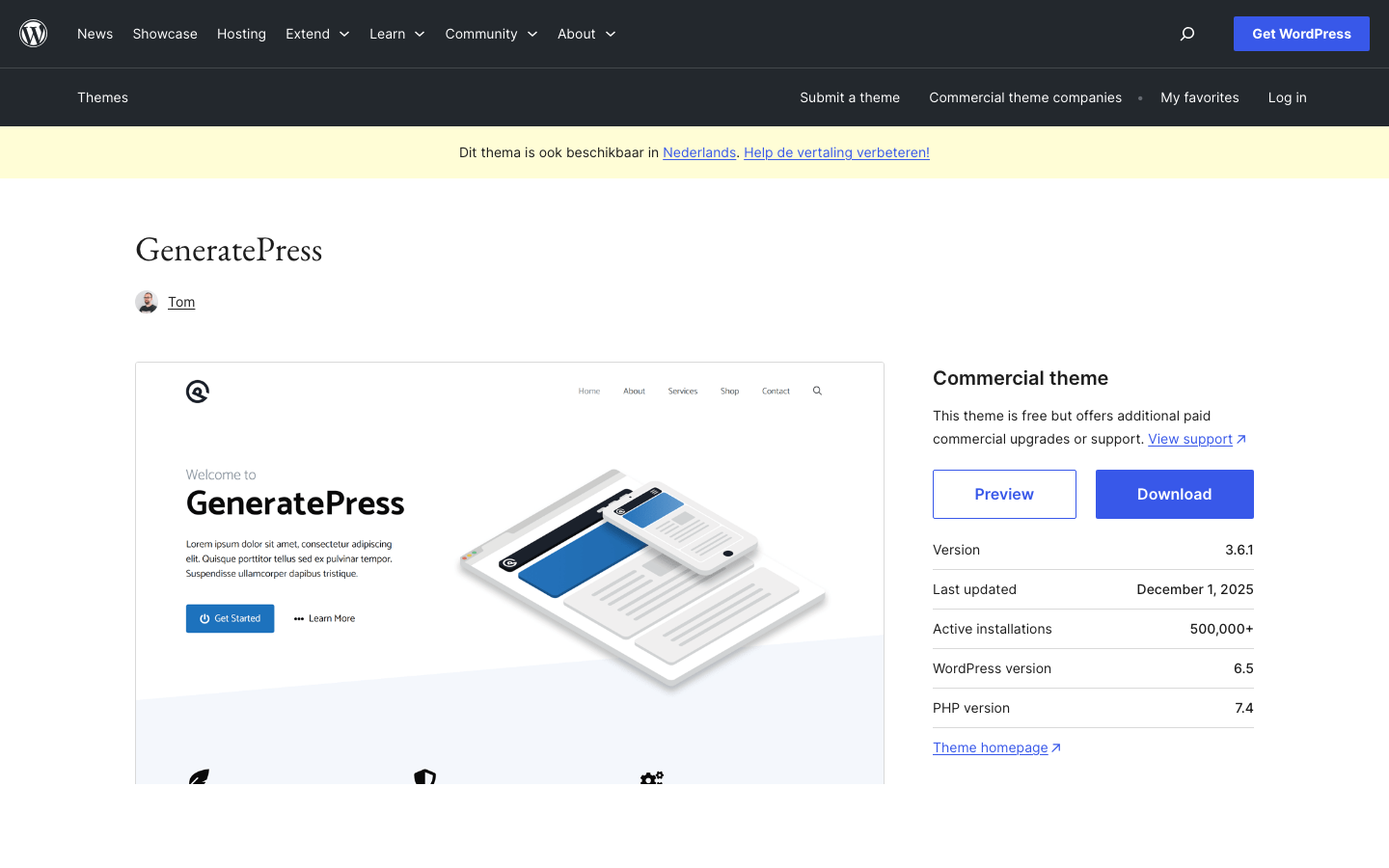
GeneratePress is my #1 recommendation for bloggers, and it’s been that way for years. Tom Usborne built this theme with one obsession: clean, minimal code. And it shows.
gauravtiwari.org ran on GeneratePress with GenerateBlocks for years, and I loved that stack before moving to my own theme. It doesn’t depend on jQuery and its default stylesheet is small, so it stays out of your way.
The free version is solid for simple blogs. But the real magic is in GP Premium, which unlocks the Site Library, the Elements theme builder and deeper customization options that don’t require a single line of code.
Key Features
- Small default stylesheet with no jQuery dependency
- Block Elements in GP Premium for building headers, footers and templates with blocks (GeneratePress itself is a classic theme)
- 60+ starter sites in the premium library
- Built in local font hosting (no Google Fonts requests)
- Skip link and screen-reader text built into the templates
- SEO-friendly and built with clean code
- Works with the major page builders
Pricing
- Free version available on WordPress.org
- GP Premium: $59/year (single product)
- GP One (full suite including GenerateBlocks Pro): $149/year
Who It’s For
Bloggers who care about performance. Developers who want clean code. Anyone who’s tired of themes that load 15 stylesheets and 8 JavaScript files on every page.
The Honest Drawback
GeneratePress won’t win any beauty contests out of the box. It’s intentionally minimal. If you want a theme that looks stunning on install without any customization, Kadence or Blocksy might be better starting points.
My Take
I ran GeneratePress on this site for years before moving to my own theme, and I’d still recommend it first for a performance-first blog.
The GP One bundle at $149/year is excellent value if you also want GenerateBlocks Pro (which turns the block editor into a visual page builder) and GenerateCloud for sharing patterns across sites.
2. Astra: Most Features and Starter Templates

Astra is one of the most popular WordPress themes. WordPress.org lists it at 1 million+ active installs, and Brainstorm Force says more than 2 million sites use it. That kind of adoption doesn’t happen by accident.
The strength of Astra is its ecosystem. You get 300+ starter templates that cover every niche imaginable. Blog about food? There’s a template. Tech reviews? Got it. Personal journaling? Multiple options.
Astra also plays nice with every major page builder. Elementor, Beaver Builder, Spectra, Brizy. Whatever you’re using, Astra integrates smoothly.
But here’s what I really appreciate: Brainstorm Force (the company behind Astra) maintains an entire ecosystem. Spectra page builder, OttoKit automation (formerly SureTriggers) and starter templates that actually look professional. It’s a full stack for bloggers.
Key Features
- 300+ pre built starter templates
- Deep integration with all major page builders
- WooCommerce ready with custom shop layouts
- Mega menu builder in the pro version
- Custom page headers and layouts per page
- Drag and drop header/footer builder
- Under 50KB frontend footprint
Pricing
- Free version on WordPress.org
- Astra Pro: from $69/year
- Lifetime license from $249 (introductory price; $349 list)
Who It’s For
Bloggers who want the most design options and don’t want to spend hours customizing from scratch. Great for multi niche bloggers who need different layouts for different sections.
The Honest Drawback
Astra Pro’s feature set is massive, and that can feel overwhelming. The theme tries to be everything to everyone, which means you’ll spend more time in the settings panel than you would with GeneratePress or Kadence. And while performance is good, it’s not quite as lean as GeneratePress.
My Take
Astra is the safe choice. You can’t really go wrong with it. I recommend it to clients who want maximum flexibility and aren’t laser focused on squeezing every millisecond out of their load times.
The lifetime license is worth considering if you plan to use Astra long term. At $249 it costs about as much as 4 years of Astra Pro at $69 a year, so it pays off once you keep Astra past year three. Brainstorm Force has a solid track record of supporting their products for the long haul.
One more thing: Astra’s compatibility with the major plugins and page builders is a big part of its appeal. That reliability matters when you’re building a blog you want to run for years.
3. Blocksy: The Rising Star for Modern Bloggers
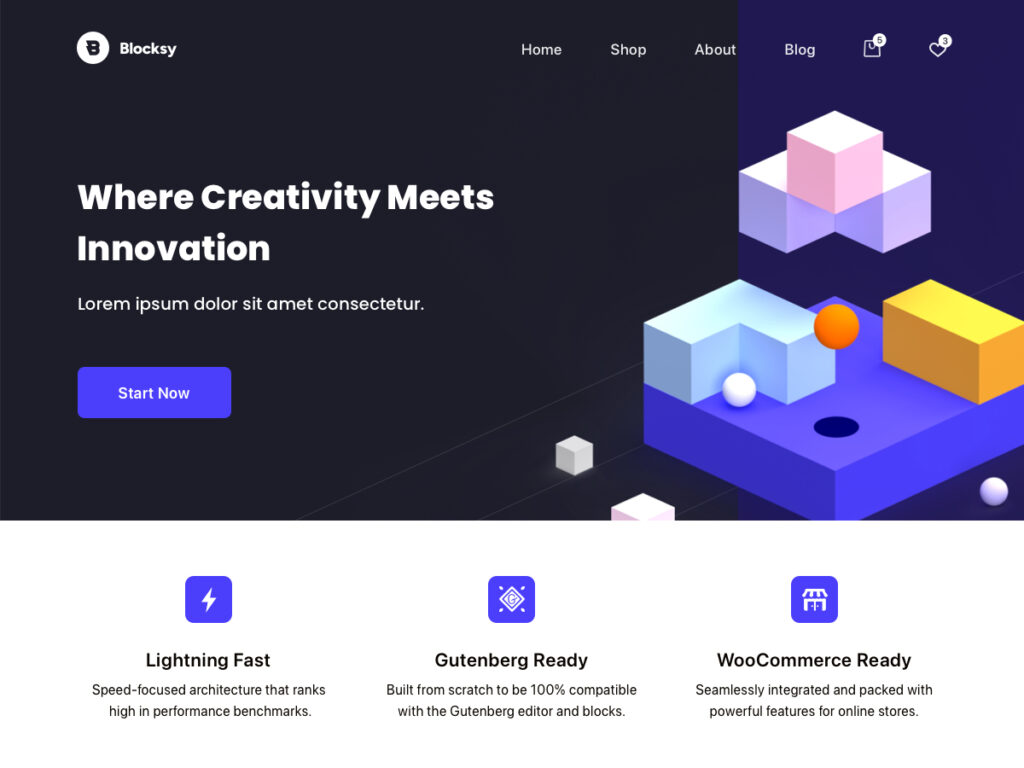
Blocksy came out of nowhere and quickly became one of the most talked about WordPress themes. And for good reason. It’s fast, modern and the customizer experience is genuinely enjoyable to use.
What sets Blocksy apart is how polished everything feels. The live customizer previews are instant. The design options are thoughtfully organized. And the free version includes features that most themes lock behind a paywall, like a full header builder.
For bloggers, Blocksy’s content blocks and post layout options are top tier. You can create archive pages that look like a premium magazine theme without installing a single extra plugin.
Key Features
- Instant live customizer with real time previews
- Dark mode through the Color Mode Switch extension in Blocksy Pro
- Content blocks system for custom post layouts
- WooCommerce deep integration with floating cart
- White label option in the pro version
- Growing library of pro starter sites
- Lightweight and block-editor-first
Pricing
- Free version on WordPress.org
- Blocksy Pro Personal: $69/year (1 site)
- Blocksy Pro Business: $99/year (10 sites)
- Blocksy Pro Agency: $149/year (unlimited sites)
- Lifetime options available from $199
Who It’s For
Bloggers who want a modern looking site with great design options. If you care about aesthetics as much as performance, Blocksy is your theme.
The Honest Drawback
Blocksy has a smaller community than Astra or GeneratePress, so you won’t find as many tutorials or third party integrations. It has been on WordPress.org since 2019 and keeps growing, but GeneratePress and Astra have a multi year head start.
My Take
Blocksy has gotten better with every update. If you’re starting a blog in 2026 and want something that looks great without much effort, Blocksy is a seriously compelling option.
The lifetime pricing is particularly attractive. At $199 for the personal plan, you get permanent access without annual renewals. That’s cheaper than two years of most competing themes. For a single blog, it’s hard to beat that value.
Blocksy suits bloggers who say “I want my blog to look professional from day one.” The default styling and demo sites are genuinely polished. You can launch a great looking blog in an afternoon.
4. OceanWP: Best for Blog + Store Combos
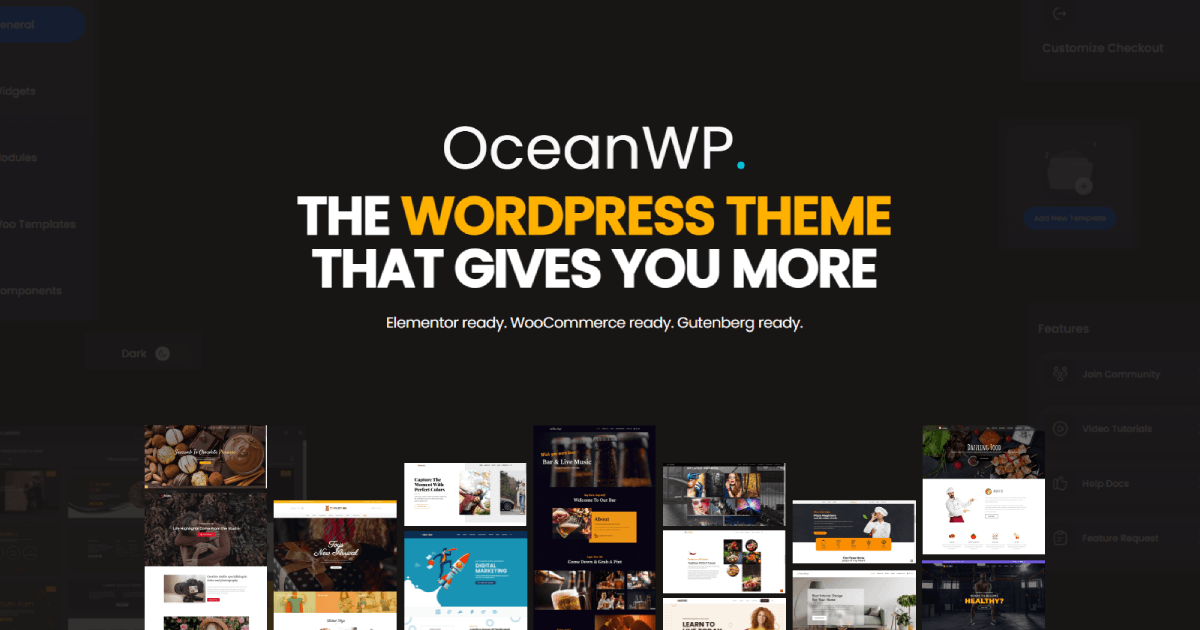
OceanWP carved out its niche by being the theme that does WooCommerce really well while still being a solid blog theme. If you’re running a blog that also sells products, digital downloads or courses, OceanWP deserves your attention.
The theme ships with a native quick view feature for products, sticky add to cart and custom checkout layouts. But the blogging features are solid too. Multiple blog layouts, custom post elements and a decent header builder.
Key Features
- Native WooCommerce features (quick view, floating cart, custom checkout)
- Multiple blog page layouts
- Full header and footer builder
- Extensive library of free demo sites
- Compatible with Elementor, Beaver Builder and Brizy
Pricing
- Free version on WordPress.org
- OceanWP Core Extensions Bundle: $42/year for 1 site (introductory; $52 regular)
Who It’s For
Bloggers who also run a shop. Affiliate marketers who want product showcase layouts alongside their content. Anyone who needs strong WooCommerce integration without a dedicated shop theme.
The Honest Drawback
OceanWP’s development pace has slowed compared to themes like Blocksy and Kadence. It still gets updates, but the innovation isn’t as rapid. The free version also feels more limited compared to Kadence’s free tier.
My Take
If WooCommerce is part of your blogging business, OceanWP is worth considering. But if you’re purely blogging without a store, one of the top four picks will serve you better.
5. Neve: Lightweight and Versatile
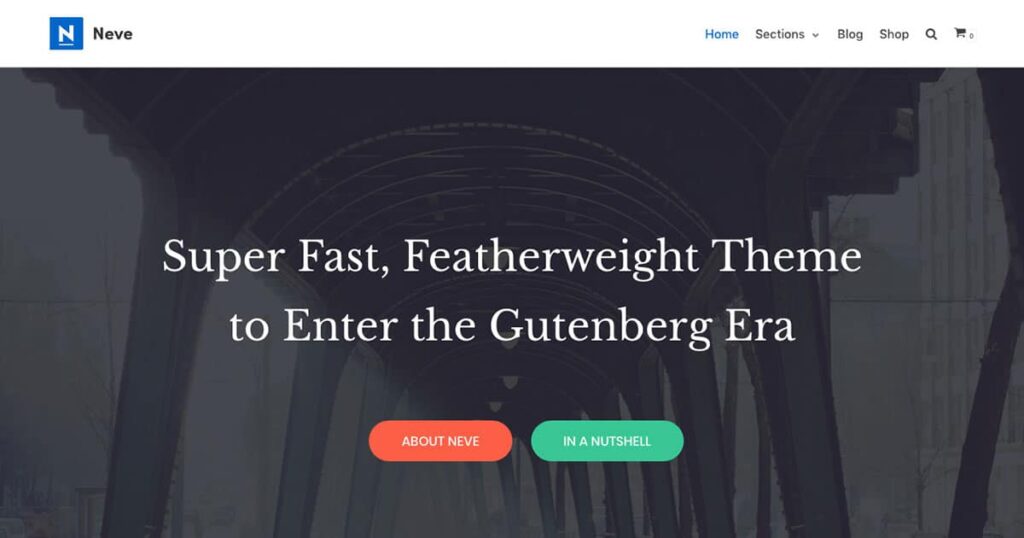
Neve comes from Themeisle, one of the longest running WordPress theme companies. It’s a lightweight theme that loads fast and offers a clean starting point for blogs.
What I like about Neve is its simplicity. It doesn’t try to pack in every feature under the sun. You get a solid foundation, sensible defaults and enough customization to make your blog look unique without the overwhelm.
Neve also integrates with Otter Blocks, Themeisle’s block plugin, which adds useful blocks like a review comparison block and business hours block. Handy for niche bloggers.
Key Features
- Lightweight core
- AMP compatible out of the box
- One click starter sites
- Integration with Otter Blocks for enhanced editing
- Custom layouts and conditional headers
- Performance module in the pro version
Pricing
- Free version on WordPress.org
- Neve Pro from $69/year (introductory; $139 regular)
- Unlimited site license available
Who It’s For
Bloggers who want a simple, no fuss theme that performs well. Good for beginners who don’t need advanced customization options right away.
The Honest Drawback
Neve Pro’s feature set feels a step behind Kadence and Blocksy at similar price points. The free version is good but not as generous as Kadence’s free tier. And the starter site library is smaller than Astra’s.
My Take
Neve is a solid choice, but it’s hard to recommend over Kadence or Blocksy unless you’re already in the Themeisle ecosystem. It does what it does well. It just doesn’t stand out in a crowded field.
6. Hello Elementor: Best for Elementor Users

Hello Elementor
Hello Elementor is a lightweight and minimalist WordPress theme that was built specifically to work seamlessly with the Elementor site builder plugin. The theme is free, open-source, and designed for …
If you’ve decided Elementor is your page builder of choice, Hello Elementor is the only theme you should consider. It’s designed as a blank canvas that lets Elementor do all the heavy lifting.
Hello Elementor is basically a starter theme stripped down to its bare minimum. No opinions on design. No bloated features. Just a lightweight shell that gives Elementor full control over your layout.
Key Features
- Extremely lightweight stylesheet
- Designed as a perfect companion for Elementor
- Full site editing through Elementor’s theme builder
- No conflicts with Elementor’s design system
- Regular updates synced with Elementor releases
Pricing
- Hello Elementor theme: Free
- Elementor Pro Essential: $49/year, without the Theme Builder
- The Theme Builder and WooCommerce Builder start with Elementor Pro Advanced Solo at $99/year
Who It’s For
Bloggers who are committed to using Elementor as their page builder. If Elementor is your tool, Hello Elementor is your theme. Period.
The Honest Drawback
Without Elementor Pro, Hello Elementor is essentially useless. The theme provides almost zero styling on its own. You’re paying for the page builder, not the theme. And Elementor Pro’s annual pricing adds up over time compared to a standalone theme like GeneratePress.
My Take
I’m not the biggest Elementor fan for blogs (it adds weight that pure blog sites don’t need). But if you’re already using Elementor for other features and you want consistency, Hello Elementor is the right pairing.
7. Twenty Twenty-Five: Best Completely Free Option
Twenty Twenty-Five
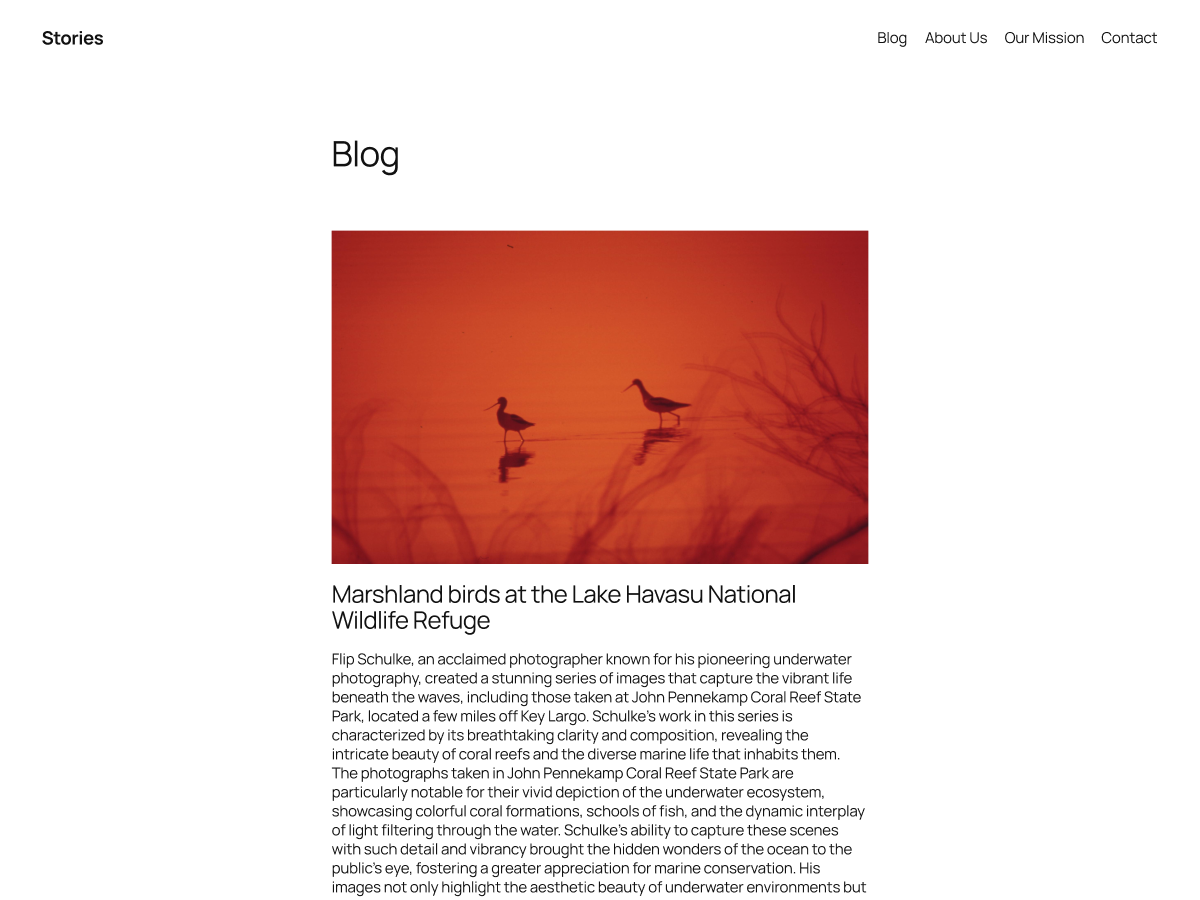
Twenty Twenty-Five emphasizes simplicity and adaptability. It offers flexible design options, supported by a variety of patterns for different page types, such as services and landing pages, making it…
Twenty Twenty-Five is still the newest default WordPress theme, because WordPress 6.9 and 7.0 shipped without a new one. For bloggers it’s a good one. It’s built entirely on the block editor, uses block themes and full site editing, and it costs absolutely nothing.
For bloggers who want zero ongoing costs for their theme, Twenty Twenty-Five is genuinely capable. It supports global styles, template editing and style variations that let you change the entire look of your site with one click.
Key Features
- 100% free, forever (ships with WordPress)
- Built on full site editing (block theme)
- Multiple style variations included
- Regular updates from the WordPress core team
- No third party dependencies
Pricing
- Completely free. Comes bundled with WordPress.
Who It’s For
New bloggers on a tight budget. Developers who want to build on a clean block theme foundation. Anyone who prefers to avoid third party theme dependencies.
The Honest Drawback
The design options are limited compared to themes like Kadence or Blocksy. You won’t get a header builder, advanced blog layouts or WooCommerce features without adding extra plugins. It’s functional but basic.
My Take
If you’re just starting out and every dollar matters, Twenty Twenty-Five is a perfectly fine choice. You can always switch to GeneratePress or Kadence later when your blog starts generating revenue. Don’t let theme costs stop you from launching.
8. Kadence: Generous Free Version, Uncertain Owner
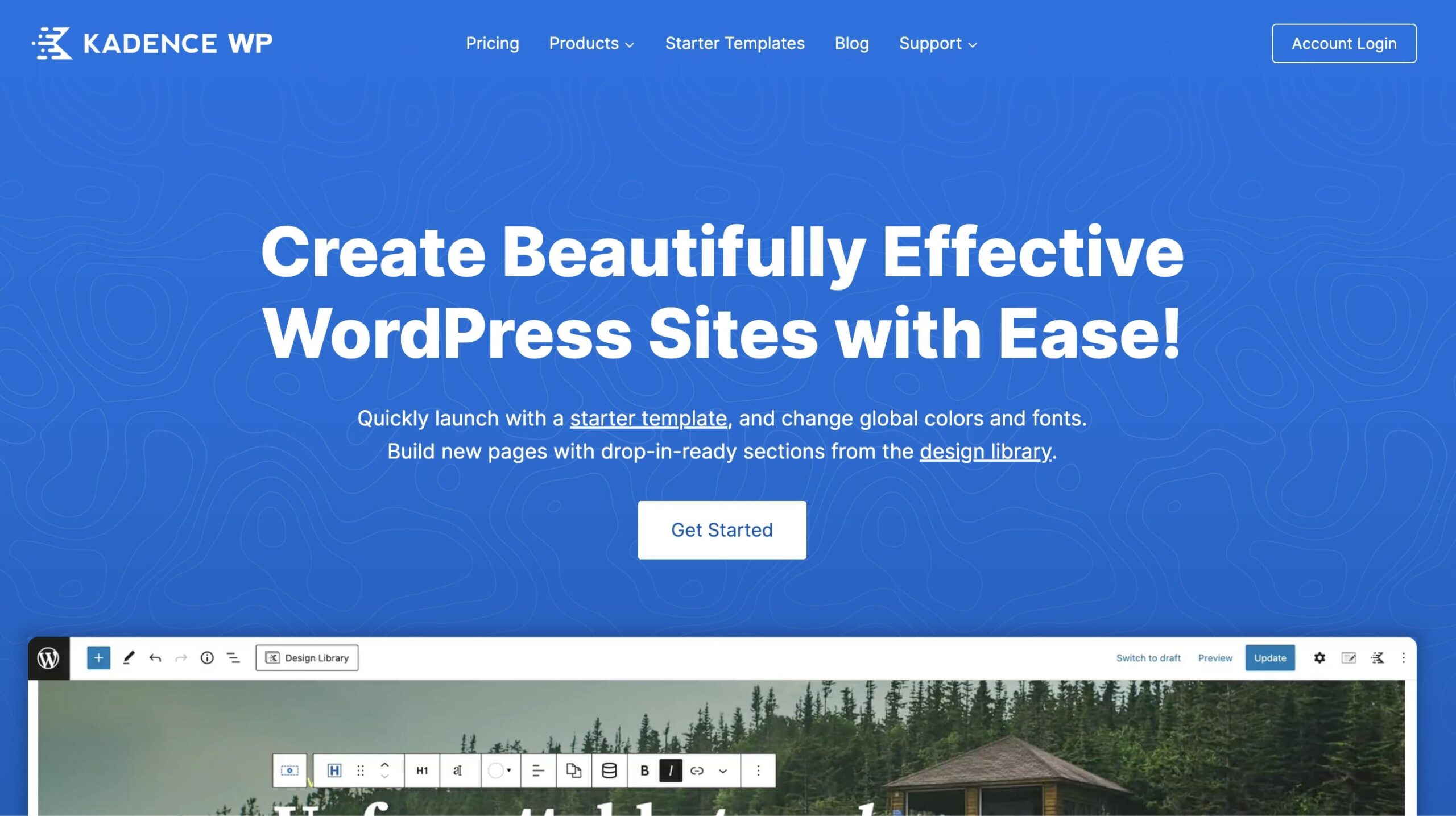
Kadence has done something really smart. They’ve packed so many features into their free version that you almost don’t need the pro upgrade. Almost.
The free Kadence theme gives you a header/footer builder, global color palette system and solid typography controls. That’s stuff other themes charge $69/year for. And the Kadence Blocks plugin (also free) adds advanced blocks that turn the default editor into something genuinely powerful.
For bloggers specifically, Kadence’s blog layout options are excellent. You get grid, masonry and list layouts with granular control over what metadata shows up. Post navigation, related posts, table of contents. It’s all there in the free version.
Key Features
- Full header and footer builder in the free version
- Advanced blog layout controls (grid, list, masonry)
- Global color palettes with 9 color slots each
- Kadence Blocks plugin with 30+ custom blocks
- AI-assisted starter templates
- Drag-and-drop header/footer builder
- Extensive starter template library
Pricing
- Free version on WordPress.org (genuinely feature rich)
- Kadence plans from Liquid Web: Essentials $99/year, Pro $299/year and Elite $499/year
- No lifetime or unlimited-site plans for new buyers; existing lifetime licenses stay valid
Who It’s For
Budget conscious bloggers who want premium features without paying premium prices. Also great for bloggers who want design flexibility without touching code.
The Honest Drawback
Kadence has changed hands inside Liquid Web more than once. StellarWP, the brand it sat under, was retired in May 2026 after layoffs in late 2025, and new plans dropped lifetime and unlimited licenses. The free theme is still on WordPress.org, but I’d watch where the product goes next before committing a long-term build to it.
My Take
Kadence lands in the middle of this list. The free version is still one of the most generous here, but the ownership churn above keeps it out of my top picks. If you already run it, keep it. For a new blog, start with GeneratePress or Blocksy.
One thing worth mentioning: iThemes, part of Liquid Web, acquired Kadence in April 2021, and it later moved under the StellarWP brand. Its AI starter templates generate a full site design from a short description of what you want. It’s not perfect, but it’s a glimpse of where theme customization is headed.
The Kadence Blocks plugin deserves its own mention. The advanced layout grid, table of contents block and info box block are useful on almost any blog build. They’re free, they’re fast and they work beautifully with the Kadence theme.
9. OllieWP: Best Block Theme for Visual Bloggers
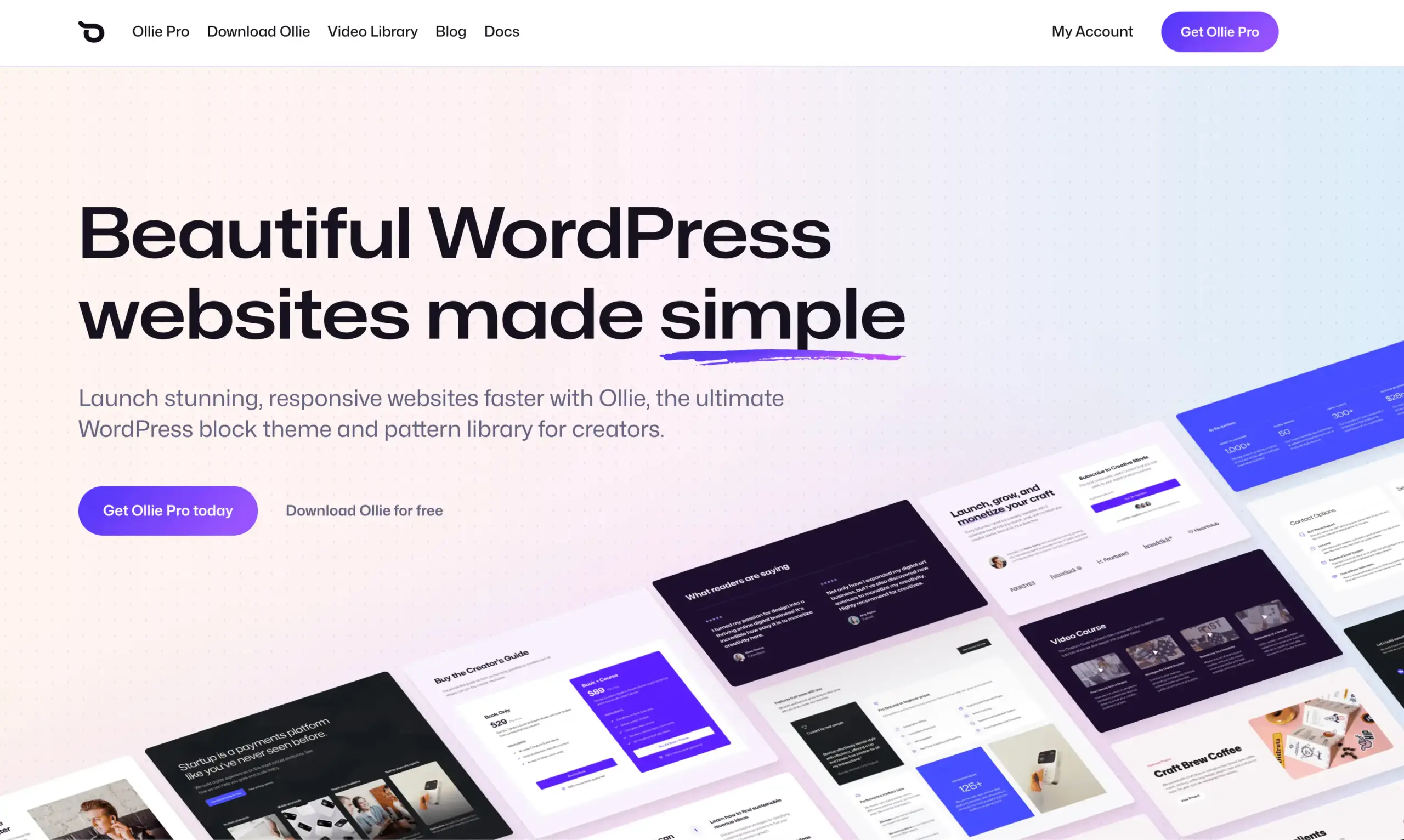
OllieWP is a newer entry worth watching. It’s a modern block theme built specifically around the WordPress Site Editor, with strong typography and clean visual defaults that make it ideal for personal and professional blogs alike.
Unlike traditional themes that rely on the Customizer, Ollie is fully built on the block paradigm. That means every part of your site, including headers, footers and templates, is editable directly in the block editor. No shortcodes, no custom panels, no abstraction layers.
Key Features
- 100% block theme, fully Site Editor compatible
- Curated pattern library for blog layouts
- Strong focus on typography and readability
- Responsive design with clean defaults
- No third-party framework dependencies
Pricing
- Free on WordPress.org
- Ollie Pro available for extended patterns and features
Who It’s For
Bloggers who want to go all in on the block editor without relying on a classic theme’s Customizer. If you believe WordPress’s future is full site editing, Ollie is a natural fit.
The Honest Drawback
Smaller ecosystem and community compared to GeneratePress, Kadence or Astra. Fewer starter sites and third-party tutorials. You’re betting on the block theme ecosystem maturing quickly.
My Take
Ollie is a good pick if you want to learn the Site Editor properly and build a blog that’s forward-compatible with where WordPress is heading. For most bloggers today, Kadence or GeneratePress still offer more flexibility, but Ollie is worth bookmarking.
10. Osmium: Free Block Theme for Writers and Review Sites

Osmium
A content-first block theme for writers, publishers, and review sites. Osmium puts the design in theme.json and the layout in patterns, so it ships no JavaScript of its own and stays out of the way of…
Osmium is the free block theme I develop for writers, independent publishers and review sites, so weigh this entry with that in mind. Its layouts keep long articles in a readable column while letting images and comparison tables use more space when they need it.
Everything is built with core blocks. The theme registers no post types, custom blocks or shortcodes, so your content stays portable if you switch themes later. It ships about 8 KB of theme CSS and no JavaScript of its own.
Key Features
- 138 patterns, including a review kit for verdicts, scores, pros and cons, spec tables and comparison tables
- 6 designs and 22 templates, all editable in the Site Editor
- Self-hosted fonts, so no Google Fonts requests
- A 42rem reading column with an optional sidebar
- No custom blocks or shortcodes to strand your content
Pricing
- Free on WordPress.org (GPL, unlimited sites)
Who It’s For
Writers and review sites that want a block theme built around long-form reading, and anyone who’d rather keep their content in core blocks than in a theme’s custom blocks.
The Honest Drawback
It’s an early release with a very small install base, so test it on staging first. It needs WordPress 7.0 or newer and has no WooCommerce templates, slider or mega menu.
My Take
I’m not neutral here, so I’ll keep this short. If you want a free block theme for a writing or review site, install Osmium next to OllieWP and Twenty Twenty-Five on staging, load a few of your own posts and keep whichever reads best.
11. GreenShift: Block-First With a Built-In Design System

Greenshift
GreenShift is theme for FSE with maximum perfomance and flexibility. The best companion theme for Greenshift plugin, page and animation builder. It has more than 12 query loop templates, a lot of pred…
GreenShift takes a different approach to most themes on this list. Instead of packing features into the theme itself, it ships a lean FSE block theme alongside a companion block plugin that handles the heavy lifting: animations, conditional visibility and advanced query loops.
The result is a theme that stays light on the frontend while giving you genuine design flexibility through blocks. No Customizer, no shortcodes. Everything runs through the Site Editor. For bloggers who want full control over post templates and archive layouts without touching CSS, GreenShift’s query loop blocks are some of the best available.
Key Features
- Full Site Editing block theme with no Customizer dependency
- 12+ query loop templates for blog archives
- Dark mode and style switcher built in
- Companion block plugin with animations and conditional logic
- Block pattern library for quick layout assembly
Pricing
- Free theme on WordPress.org
- GreenShift plugin (advanced blocks): from $39.99/year
Who It’s For
Bloggers who want to build entirely within the block editor and want more layout control than what default blocks offer. Also a strong pick if you’re running multiple blogs and want a unified block-based design system.
The Honest Drawback
Smaller community than the top five. The theme and plugin are tightly coupled, so you’ll want both for the full experience, which means another plugin dependency. Documentation is decent but not as polished as GeneratePress or Kadence.
My Take
GreenShift is quietly building one of the more interesting block ecosystems in WordPress. If you’re comfortable working in the Site Editor and want something more capable than OllieWP or Twenty Twenty-Five, this is a natural step up.
12. Zakra: Lightweight With Genuine Blog Templates

Zakra
Zakra is a powerful and versatile multipurpose theme that makes it easy to create beautiful and professional websites. With over free 40 pre-designed starter demo sites to choose from, you can quickly…
Zakra comes from ThemeGrill, a team that’s been making WordPress themes since 2012. What caught my attention is how blog-focused their starter demos actually are. A lot of themes claim to have “blog templates” that are really just business landing pages with a blog section tacked on. Zakra’s blog demos (personal journal, lifestyle and magazine) are built for reading.
Zakra is a lightweight theme in the same class as GeneratePress. The typography defaults are clean, and the archive layouts have enough variation to keep things interesting without overcomplicating the settings panel.
Key Features
- A large starter-site library with dedicated blog-specific demos
- Lightweight frontend footprint
- Clean typography with good reading defaults
- Header and footer builder in the free version
- Deep Gutenberg integration
Pricing
- Free version on WordPress.org
- Zakra Pro: from $69/year
Who It’s For
Bloggers who want Astra-level template variety with GeneratePress-level code weight. If you’ve been torn between those two, Zakra is worth a look.
The Honest Drawback
Lower brand recognition than the top five. You won’t find as many YouTube tutorials or community support threads. ThemeGrill spreads their attention across multiple themes, so updates aren’t as rapid as single-product companies like GeneratePress.
My Take
Zakra is one of those themes that deserves more attention than it gets. The blog demos alone make it worth installing the free version to test. If the design clicks for you, the performance is already there.
13. Raft: Themeisle’s Next-Gen Block Theme
Raft
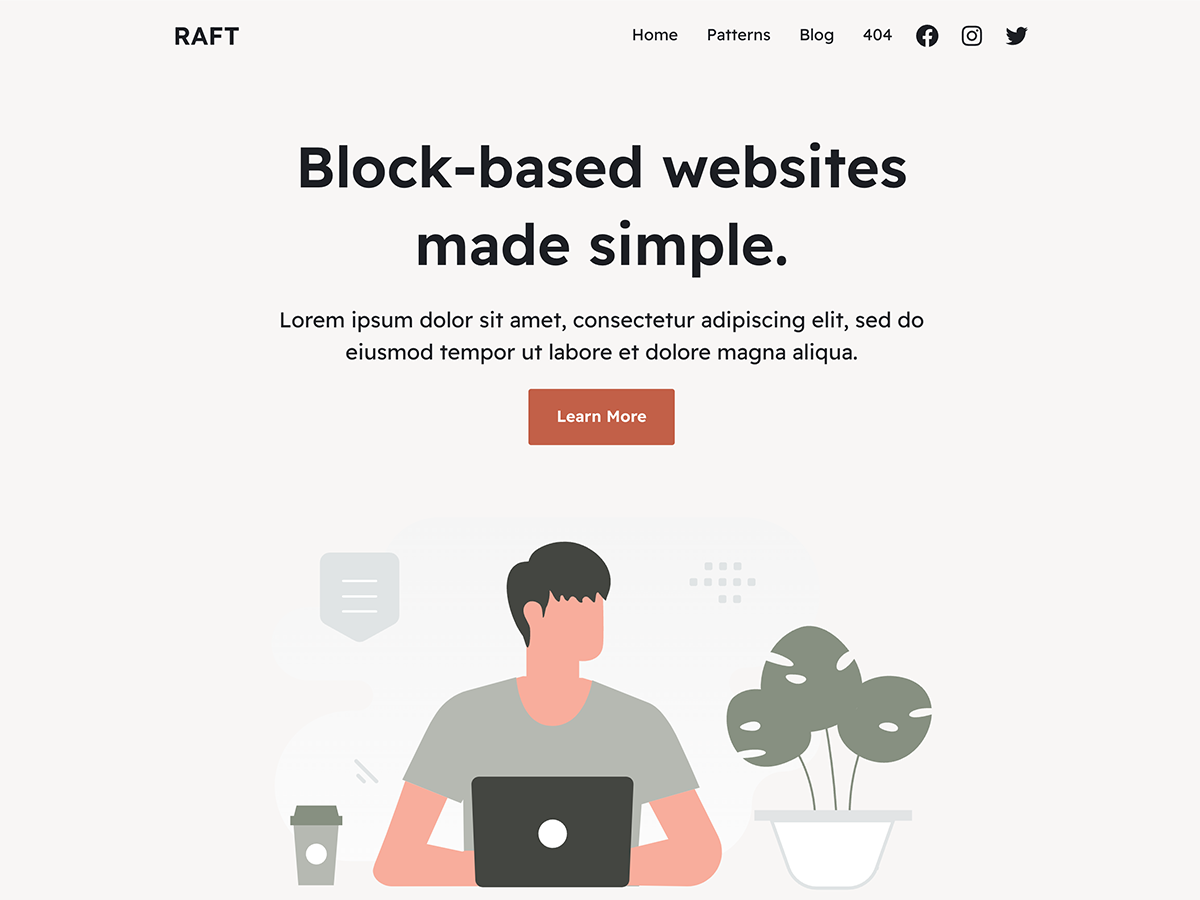
Raft is a lightweight, full-site-editing compatible (FSE) theme ready for your next website. Raft is a super fast, easily customizable, simple theme. It’s perfect for blogs, small business, startups, …
Raft is what happens when the team behind Neve builds a block theme from scratch with no backward-compatibility baggage. If you liked Neve’s philosophy (lightweight, simple, fast) but want something built entirely for the Site Editor, Raft is the natural upgrade.
It’s intentionally minimal. No classic theme features carried over, no Customizer panels, no legacy code. Just a clean FSE theme that works with Themeisle’s Otter Blocks plugin for extended functionality.
Key Features
- Pure FSE block theme with no classic theme legacy code
- Minimal core with style variations
- Works with Otter Blocks for additional blog layouts
- Same Themeisle team and infrastructure behind Neve
- Regular updates from an established WordPress company
Pricing
- Free on WordPress.org
Who It’s For
Bloggers who want a Neve-like experience built for WordPress’s block future. If you’re starting fresh and don’t need Customizer-based controls, Raft gives you a cleaner foundation.
The Honest Drawback
Raft is younger than most themes here (it has been on WordPress.org since 2022), and its pattern library and style variations are still growing. If you need a theme that’s battle-tested across thousands of sites, Neve or Kadence are safer bets right now.
My Take
Raft is a forward-looking pick. It’s not the most feature-rich option today, but Themeisle has a track record of supporting their products long term. If you’re building a blog that you want to run on block themes for the next five years, Raft is worth watching closely.
14. Ona: Minimal FSE Theme With Child Theme Architecture

Ona
Ona is a Full Site Editing WordPress theme based on the minimal design style. It comes with many pre-defined block patterns and color scheme styles. Ona includes 18 child themes, 12 of them are free. …
Ona by DeoThemes takes a unique approach to the “one theme, many styles” problem. Instead of cramming every design variation into a single theme with a bloated settings panel, Ona ships a lightweight core with purpose-built child themes, such as Ona Studio, Ona Architecture and Ona Blog, each tuned for its use case.
The core is small, and each child theme adds only the styles and patterns its niche actually needs.
Key Features
- 18 child themes (12 free) for different blog styles
- Multiple color scheme style variations
- Minimal, typography-focused design
- Full Site Editor compatible
Pricing
- Free on WordPress.org
- Premium version available for extended child themes
Who It’s For
Bloggers who want a small theme footprint and a design system where each style variant is purpose-built rather than a settings toggle in a bloated panel.
The Honest Drawback
Smaller community and fewer tutorials than the established players. The child theme model can feel unfamiliar if you’re used to switching styles within a single theme. DeoThemes is a smaller shop, so the ecosystem won’t match Astra or Kadence.
My Take
Ona’s architecture is clever. Instead of one theme trying to be everything, you pick the child theme that matches your blog’s personality and get a focused, fast experience.
15. Hueman: Built Exclusively for Blogs and Magazines
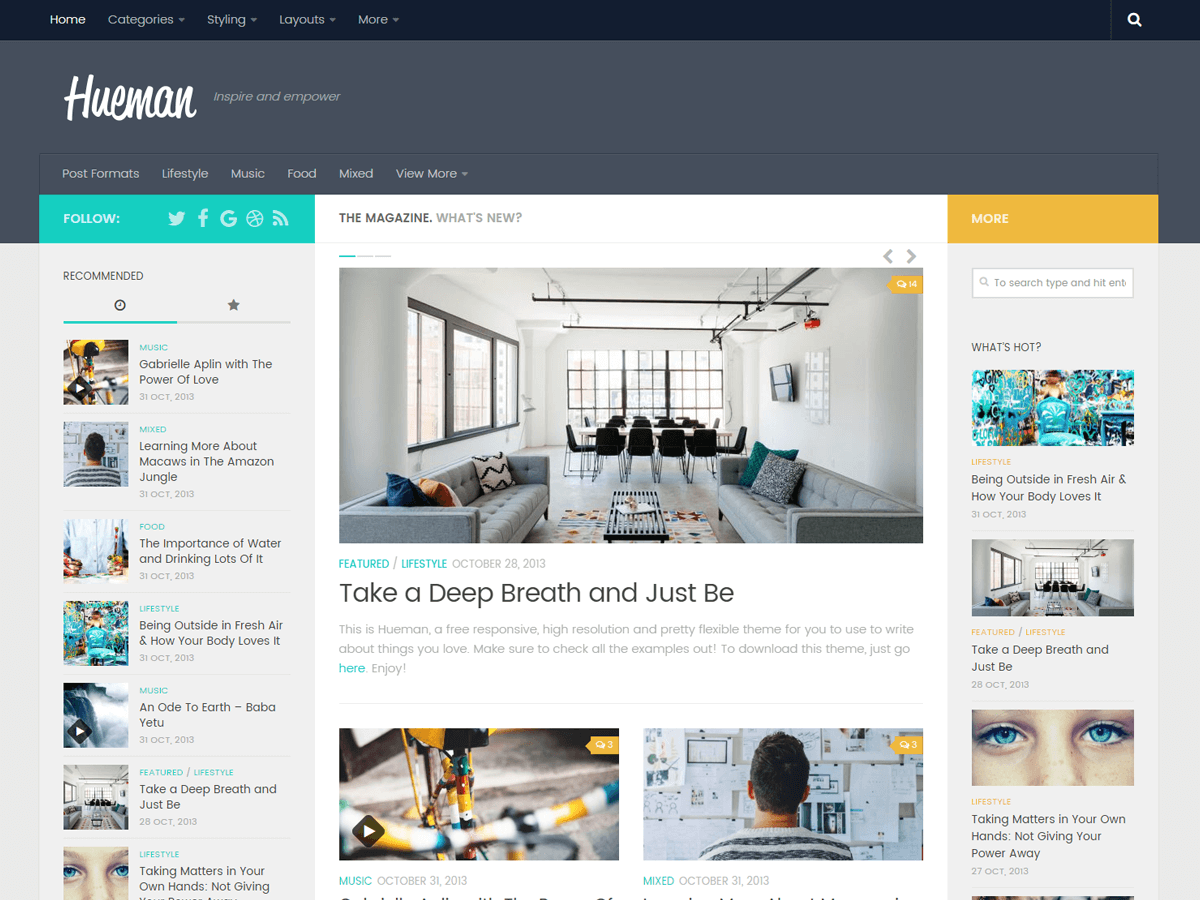
Hueman
The Hueman theme loads fast and is 100% mobile-friendly according to Google. One of the best rated theme for blogs and magazines on WordPress.org. Powering 70K+ websites around the world….
Most themes on this list are general-purpose themes that happen to work well for blogs. Hueman is different. It was built from the ground up for content-heavy blogs and online magazines. Three-column layouts, featured content areas and category-driven navigation are what make a content site feel like a real publication, and Hueman has all of them.
Hueman has one of the highest five-star review counts in the blog/magazine category on WordPress.org. That sustained positive feedback over years tells you something about the reading experience it creates.
Key Features
- Magazine-style layouts with three-column support
- Featured content sliders and category organization
- Built specifically for content-heavy sites
- Strong readability and content discovery defaults
- One of the highest-rated blog themes on WordPress.org
Pricing
- Free on WordPress.org
- Hueman Pro available for extended features
Who It’s For
Bloggers who publish frequently and want their archives, categories and featured content to feel like a magazine rather than a reverse-chronological list. Especially good for multi-author blogs or niche publications with deep content libraries.
The Honest Drawback
Hueman is a classic theme that relies on the Customizer rather than the Site Editor, and it’s heavier than the top five on this list. Its last update was in December 2024, so check it against your WordPress version on staging before you commit.
My Take
If your blog has hundreds of posts across multiple categories, Hueman’s magazine layout makes content discovery genuinely better. It’s not the lightest or the most modern, but for the specific use case of “I publish a lot and want readers to browse,” it outperforms themes that treat the blog as an afterthought.
16. Futurio: Stripped-Down Speed for Content-First Blogs
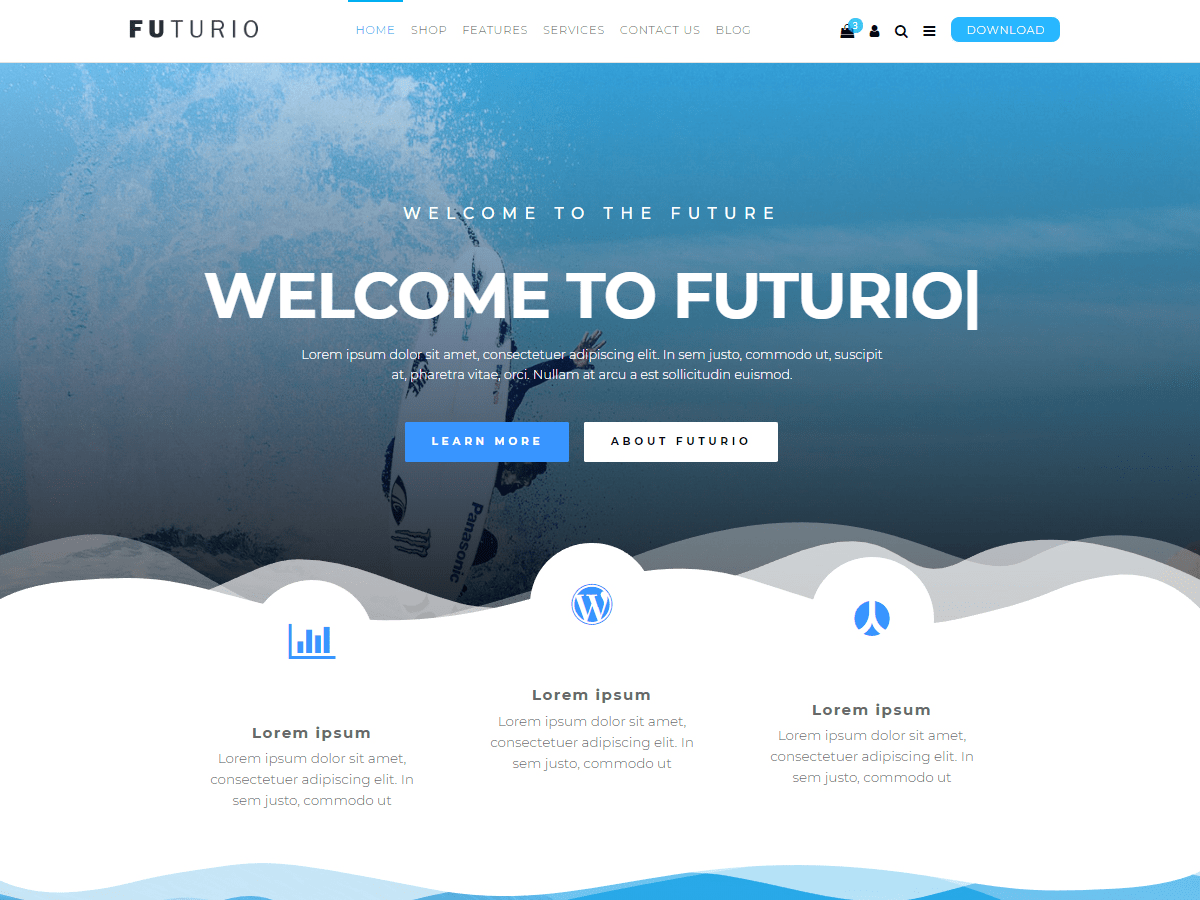
Futurio
Futurio is a lightweight, fast and customizable free multi-purpose and WooCommerce WordPress theme, suitable for business, portfolio, creative, and photography sites, eCommerce shops, landing pages, b…
Futurio takes the “less is more” philosophy further than most. Where other lightweight themes still ship with features you’ll probably disable, Futurio starts with the bare minimum and lets you add what you need. The blogging template intentionally skips elements that other themes include by default, such as the homepage featured image, sidebar widgets and decorative elements.
The result is a theme that loads exceptionally fast for long-form, text-heavy blogs. If your content is the product and you don’t need visual bells and whistles, Futurio gets out of the way completely.
Key Features
- Ultra-minimal core that starts lean, so you add what you need
- Dedicated blogging template optimized for reading
- Gutenberg compatible with native block support
- Fast by default with minimal CSS and JS
- Compatible with major page builders if needed
Pricing
- Free on WordPress.org
- Futurio Pro available for additional features
Who It’s For
Bloggers who write long-form content and want the fastest possible reading experience. Writers who see their theme as infrastructure, not decoration.
The Honest Drawback
Too minimal for some. If you want a theme that looks impressive on first install, Futurio will underwhelm you. The free version is genuinely basic, and you’ll need Pro for most customization options. Smaller community than any other theme on this list.
My Take
Futurio is a niche pick, but it fills a real gap. Not everyone needs a header builder and 200 starter templates. Some bloggers just want fast pages and clean text. If that’s you, Futurio delivers.
Why I Didn’t Include More Multi Purpose Themes
You might notice I left out some of the big multi purpose themes. Let me address that directly.
Multi purpose themes try to do everything. Blog layouts, portfolio pages, landing pages, WooCommerce stores, LMS platforms. And they ship with dozens of pre built demos to prove it.
The problem? All that flexibility comes at a cost. Bigger file sizes. More CSS loaded on every page. More JavaScript running in the background. More options cluttering your dashboard.
For a blog, you don’t need 95% of what a multi purpose theme offers. You need clean typography, a solid blog layout, fast load times and a header/footer that looks good. Every theme on my list nails those essentials without the bloat.
If someone tells you that you need a $60 multi purpose theme with 400 demos for your blog, they’re selling you something you don’t need. The sixteen themes above cover every blogging use case I’ve come across.
How to Check a Theme’s Weight Yourself
Vendor weight claims are measured on their own demos, so the only numbers that matter are the ones from your own content. A quick check takes about 15 minutes:
- Install the free version on a staging copy with your real posts and images, not a fresh demo.
- Run PageSpeed Insights on a long post and your homepage, on mobile, before adding any caching plugin.
- Open Chrome DevTools, check the Coverage tab and note how much of the theme’s CSS and JavaScript goes unused on a post.
- Repeat with your second choice and compare the same pages side by side.
The theme is only one part of the result. Hosting, images and plugins usually move the numbers more, but a heavy theme adds the same cost to every single page.
Any theme on this list can pass Core Web Vitals on decent hosting. If performance is your top priority, GeneratePress, Kadence and Blocksy start from the lightest footprints.
How to Choose the Right Blog Theme in 2026
Here’s what actually matters when picking a blog theme:
- Performance first. Your theme’s code quality directly affects your Core Web Vitals scores. Google uses these scores as a ranking factor. A bloated theme can cost you search rankings before you’ve written your first post.
- Block editor compatibility. The block editor is WordPress’s future. Pick a theme that embraces it, not one that fights it. GeneratePress, Kadence and Blocksy all have excellent block editor integration.
- Don’t chase features. You don’t need 500 customizer options. You need the 10 options that actually matter for your blog layout, typography controls, color management and header/footer flexibility. Everything else is noise.
- Check the update history. A stable theme can go months between releases, but a year or more without an update is a warning sign. On this list, Hueman’s last update was in December 2024. The WordPress.org changelog shows this in seconds.
- Think about the long game. Switching themes later is painful. Pick something you can grow with. Themes with strong ecosystems (GeneratePress, Astra, Kadence) give you room to expand without starting over.
- Test with your actual content. Install the free version. Import your real content. See how your posts look with the default blog layout. Check mobile. Check tablet. Read an actual article from start to finish. The browsing experience matters more than the homepage design.
- Typography matters more than you think. Your blog is primarily text. If the default font rendering looks off, if the line height is too tight, if paragraphs feel cramped, readers will leave. GeneratePress, Kadence and Blocksy all have excellent typography defaults. Test the reading experience before you commit.
- Mobile-friendly responsive design. With more than half of internet traffic coming from mobile devices, responsive design is essential. These themes automatically adapt to different screen sizes and orientations. A mobile-optimized theme not only improves user satisfaction but also aligns with Google’s mobile-first indexing.
- AdSense and monetization readiness. If you plan to monetize, your theme needs proper ad placement options, such as sidebar widgets, in-content areas and header/footer placements, that don’t disrupt the reading experience. All the themes on this list handle ad integration cleanly.
Free vs Premium: Is Upgrading Worth It?
Every theme on this list has a free version. So when should you upgrade to premium?
Upgrade when you hit a specific limitation. Don’t buy premium features “just in case.” Start free, build your blog and upgrade only when you need something the free version doesn’t offer.
Upgrade for the starter sites. If you want a polished design without hiring a designer, premium starter sites are worth the cost. A good template saves you 10 to 20 hours of customization time. At any freelance rate, that pays for the theme license immediately.
Upgrade for advanced header options. GeneratePress keeps its advanced header and layout tools in GP Premium, while Kadence and Blocksy include a header builder in the free version. If you want a custom sticky header, transparent navigation or mega menus, check which plan includes them.
Don’t upgrade for SEO features. Some themes market “SEO optimization” as a premium feature. Your theme doesn’t do SEO. Your content and an SEO plugin like Rank Math do SEO. Don’t pay for theme SEO features.
For most bloggers, the free versions of Kadence and Blocksy are complete enough to run a professional blog. GeneratePress free is more limited, so the $59/year premium upgrade is almost mandatory. Astra falls somewhere in between.
What I’d Pick (My Final Recommendation)
If you’re starting a blog in 2026 and you want my honest recommendation, here it is:
- For performance focused bloggers: GeneratePress with GP Premium ($59/year). It’s the theme I used for years before moving to my own, and it’s lean and developer friendly. You’re unlikely to outgrow it.
- For budget-conscious bloggers: Blocksy’s free version. It includes a header builder, so start there and upgrade only when you hit a feature ceiling.
- For bloggers who want maximum design options: Astra Pro ($69/year). The template library alone is worth it. Pick a starter site, customize it and you’re live in an afternoon.
- For bloggers who want something modern and polished: Blocksy Pro ($69/year). It’s the best looking theme on this list with performance that rivals the top three.
Stop overthinking your theme choice. Pick one from this list, start writing and your blog will be in great shape.
The best blog theme is the one that gets out of your way and lets you focus on what actually matters: creating content your readers love.
Tell Google you want more of this.
Add Gaurav Tiwari as a preferred sourceOne tap, and this site shows up more often in your own Top Stories, AI Overviews and AI Mode. Remove it any time.
Disclaimer: This site is reader-supported. If you buy through some links, I may earn a small commission at no extra cost to you. I only recommend tools I trust and would use myself. Your support helps keep gauravtiwari.org free and focused on real-world advice. Thanks. - Gaurav Tiwari
