
 by
byA theme can’t do your SEO for you. But the wrong one can quietly sabotage it for years, and most people never connect the two. They write good content, build links, tune their meta tags and still lose to a thinner competitor. The culprit is often sitting in Appearance, Themes, loading 400KB of CSS and JavaScript nobody asked for. The fix is almost always the same: an SEO friendly WordPress theme that loads light and ships clean markup.
This site ran on GeneratePress for years before I moved to my own theme, so I know what a light foundation feels like in daily use. For the five free themes on WordPress.org (GeneratePress, Astra, Kadence, Blocksy and Neve), the findings below come from the theme code itself: HTML5 support, schema markup, ARIA landmarks, heading structure and how much JavaScript each one drags along. The premium themes are described from their documented behavior.
Twelve themes, ranked by how well they serve your SEO today, what each one ships and the one I’d recommend first. Some surprised me. One technically excellent theme slipped to the middle for a reason that has nothing to do with its code.
What makes a WordPress theme SEO-friendly
A theme is SEO-friendly when it does as little as possible, cleanly. The job of a good theme is to render fast, semantic, well-structured HTML and then disappear.
Four things actually matter, and you can check every one of them in the code. First, weight: how much CSS and JavaScript loads on every page, because that hits your Core Web Vitals directly. Second, clean semantic markup: proper HTML5 elements, one logical heading order and ARIA landmarks like banner, navigation, main and contentinfo so search engines and screen readers can parse the page. Third, structured data done right, schema that helps rather than fights your SEO plugin. Fourth, mobile performance, since Google indexes the mobile version of your site first.
Notice what’s not on that list. Pretty demos. A thousand starter templates. A drag-and-drop builder baked in. Those sell themes. They don’t rank them. The heaviest “do everything” themes are the ones I see tanking Core Web Vitals most often. The theme should be the frame, not the painting. The wider fundamentals of an SEO-friendly WordPress site still live in your content and structure, but the theme decides whether that work loads fast or crawls.
The 12 best SEO-friendly WordPress themes at a glance
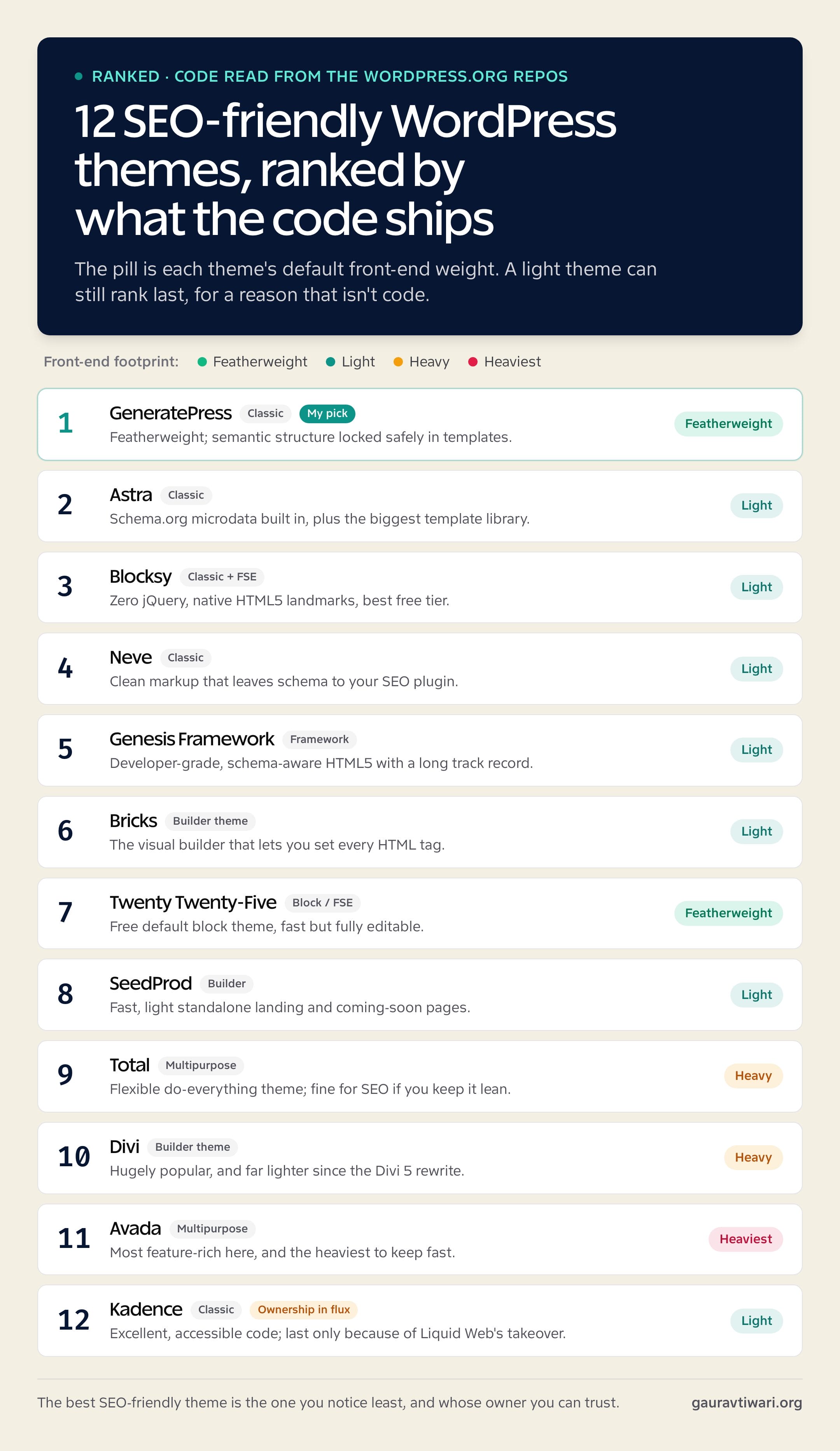
Short on time? Here’s the ranked list, each linked to its full breakdown with the one thing the code actually does well.
- GeneratePress: featherweight classic theme with its semantic structure locked safely in templates
- Astra: Schema.org microdata built into the markup, plus the biggest template library
- Blocksy: ships zero jQuery and leans on native HTML5 landmarks, with the best free tier
- Neve: clean markup that leaves schema to your SEO plugin, so nothing conflicts
- Genesis Framework: developer-grade, schema-aware HTML5 with a long security record
- Bricks: the visual builder that lets you set every HTML tag, so semantics stay clean
- Twenty Twenty-Five: the free default block theme, fast but fully editable
- Osmium: the free block theme I develop, listed next to Twenty Twenty-Five but not ranked
- SeedProd: fast, light standalone landing pages and coming-soon sites
- Total: flexible multipurpose theme that’s fine for SEO if you keep it lean
- Divi: hugely popular and far lighter since the Divi 5 rewrite
- Avada: the most feature-rich theme here, and the heaviest to keep fast
- Kadence: technically excellent code, but new ownership gives me real pause
Here’s how they compare on front-end weight and price.
| Theme | Type | Footprint | Free tier | Pro starts around |
|---|---|---|---|---|
| GeneratePress | Classic | Featherweight (~10KB) | Yes | $59/yr |
| Astra | Classic | Light | Yes | $69/yr |
| Blocksy | Classic | Light (no jQuery) | Yes (generous) | $69/yr |
| Neve | Classic | Light | Yes | $69/yr |
| Genesis | Classic framework | Light | Yes (framework) | Genesis Pro (paid) |
| Kadence | Classic | Light | Yes | $99/yr (restructured) |
| Bricks | Builder theme | Light | No | $79/yr |
| Twenty Twenty-Five | Block (FSE) | Featherweight | Free | Free |
| Osmium (unranked) | Block (FSE) | Featherweight (~8KB CSS, no theme JS) | Free | Free |
| SeedProd | Builder | Light pages | Limited | $39.50/yr intro ($79 regular) |
| Total | Multipurpose | Heavy | No | $59 (lifetime) |
| Divi | Builder theme | Heavy (improving) | No | $89/yr |
| Avada | Multipurpose | Heaviest | No | $69 (one-time) |
One thing before the list. “SEO-friendly” is not a feature a theme advertises its way into. It’s the absence of problems plus a few quiet good habits in the code. Every theme below clears the bar on weight and markup, or I tell you exactly where it doesn’t.
GeneratePress
GeneratePress ran this site for years before I moved to my own theme, and its code shows why I loved it. It’s a classic theme with a small core stylesheet, and it declares clean HTML5 support and a proper document title tag. It ships a skip-to-content link, screen-reader text and full semantic structure (header, nav, main, article and footer elements) straight out of the template files.
Best for: anyone who wants the fastest, cleanest foundation and is willing to style it themselves or with a block plugin.
Here’s the SEO detail people miss. Because GeneratePress is a classic theme, that semantic skeleton, the single H1, the landmark structure, the heading order, lives in PHP templates a content editor never touches. A client can’t accidentally break it by dragging blocks around in an editor. It also includes an optional Schema.org microdata layer and breadcrumb support you can switch on, and it leans on minimal, near-vanilla JavaScript instead of a pile of jQuery.
The honest downside? It’s plain on day one. There’s no flashy demo that makes your site look finished in five minutes, so beginners who want instant polish can feel lost. You’re buying a fast, structurally sound foundation, not a finished design.
That trade is worth it every time for me. For the lighter-weight competitors compared head to head, I broke down the best GeneratePress alternatives, and the GeneratePress free vs premium breakdown covers what the paid tier unlocks.
Get it at GeneratePress.
Astra
Astra is the most popular lightweight theme, and the code shows why it earns SEO trust beyond just being light. It declares HTML5 and title-tag support, ships a skip link and bakes Schema.org microdata right into its markup. Its templates carry structured-data attributes throughout, and the theme even lists microformats support in its header.
Best for: people who want a near-finished design imported in minutes, then tuned for speed.
Its strength is the head start with the markup already handled. Astra adds schema for the site, navigation and content areas, supports native lazy loading and includes breadcrumb output, so a lot of the structured-data work is done before you install an SEO plugin. The template library covers almost every niche, which saves real time.
Two honest caveats. First, that built-in schema can occasionally double up with the structured data your SEO plugin adds, so it’s worth checking you’re not emitting two copies. Second, Astra’s speed depends on how you use it. Import a heavy page-builder demo and you inherit that weight, which is how a “fast” theme ends up slow. Keep the build lean and it flies. Astra Pro starts around $69 a year.
Get it at Astra.
Blocksy
Blocksy is the most modern theme in this group, and the code backs that up in one line: it ships zero bloat but plenty of features. Its scripts have no jQuery dependency at all, just vanilla JavaScript, which is exactly what you want for performance. It’s accessibility-ready, includes a skip link and supports lazy loading and breadcrumbs.
Best for: people building with the block editor who want a modern, capable theme without paying on day one.
I like that Blocksy’s markup leans on native HTML5 landmark elements, header, nav, main, rather than bolting on redundant ARIA role attributes everywhere. That’s the current best practice, since those elements carry their landmark roles implicitly. It also outputs Schema.org microdata and pairs a genuinely generous free tier with a content-blocks system, header and footer builders, and strong WooCommerce support.
The downside is maturity and ecosystem. Blocksy is newer than GeneratePress or Astra, so the community, tutorials and third-party integrations are smaller, and you’ll occasionally hit a “figure it out yourself” moment. Blocksy Pro runs around $69 a year.
Try it at Creative Themes’s Blocksy page.
Neve
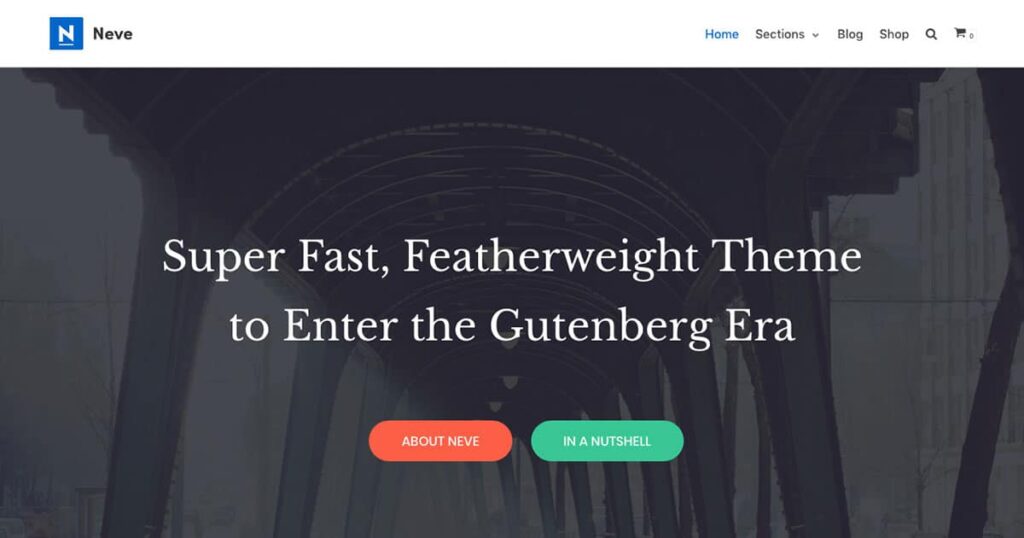
Neve is a lightweight theme from ThemeIsle that earns its spot on speed and clean structure. The code declares HTML5 and title-tag support, it’s accessibility-ready with a skip link and proper semantic elements, and it supports lazy loading and breadcrumbs. It’s mobile-first by design and historically played well with AMP.
Best for: beginners and small sites that want a fast, free, no-fuss starting point.
Here’s a detail worth knowing: Neve ships no theme-level Schema.org microdata. That sounds like a gap, but it’s arguably cleaner. It means Neve hands all structured data to your SEO plugin, so you never end up with two conflicting schema blocks fighting each other on the same page. Less is more, and Neve’s markup stays out of your plugin’s way.
The limit is depth. Push Neve into a complex, design-heavy build and you’ll feel the ceiling sooner than with Kadence or Blocksy, and the nicest controls sit behind the Pro tier at around $69 for the first year ($139 at renewal). For a clean blog or a small business site, that ceiling rarely matters.
Get it at Neve.
Genesis Framework
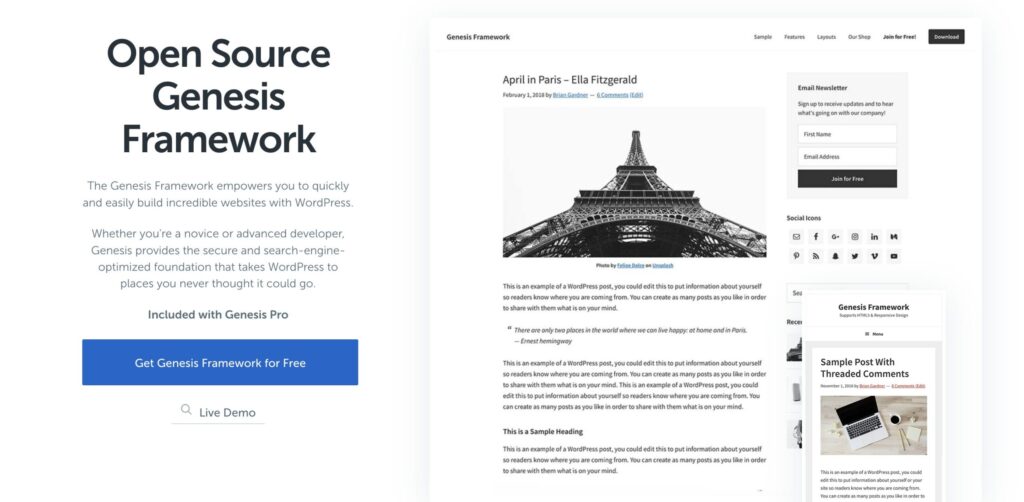
Genesis is the old-guard pick, and it’s still relevant for one reason: the code has a long, trusted reputation for clean, secure, schema-aware HTML5. It’s a framework you run with a child theme, not a one-click design and that’s the whole philosophy. It is now a free product but extra features can be added via Genesis Pro.
Best for: developers and agencies who want a stable, well-structured foundation and don’t mind working in code.
Its reputation is earned. Genesis pioneered a structured-data system that outputs lean, semantic HTML with schema attributes baked in, it’s been hardened over years of use and StudioPress child themes give you tested starting points. For a developer building something to last, that stability and code quality matter more than a demo importer.
The honest downside is that Genesis feels dated for non-coders. There’s no modern visual builder baked in, the workflow assumes you’ll edit child theme files or pair it with blocks, and beginners will find friendlier options above. The framework is free.
See it at Genesis Framework.
Kadence
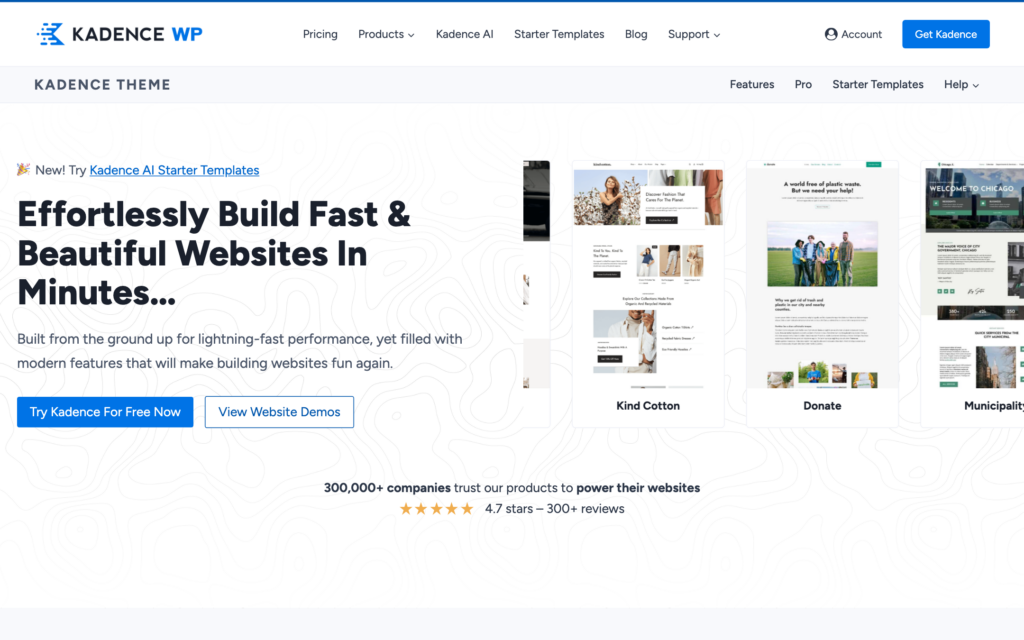
This placement needs an explanation, because on code alone Kadence belongs near the top. Its code is the most complete of any theme here on accessibility: it’s accessibility-ready and outputs the full set of ARIA landmark roles, banner, navigation, main and contentinfo, which not even GeneratePress does by default. It supports title tags, Schema.org microdata, breadcrumbs, lazy loading and conditional asset loading so unused features don’t ship to the browser. It’s genuinely excellent, lightweight code.
Best for: accessibility-focused sites, and existing Kadence users whose setup already works.
So why the middle and not the top? Ownership. Liquid Web’s iThemes acquired Kadence in April 2021 and it later sat under the StellarWP brand. Through late 2025 into 2026 the situation deteriorated in ways that matter for anyone betting a site on it. In fall 2025, roughly a quarter of the StellarWP team was laid off. Founder Ben Ritner and several other brand leads departed. Then in May 2026, Liquid Web retired the StellarWP brand entirely and folded everything into a consolidated lineup.
The licensing changes are the part that affects your wallet directly. Lifetime plans are gone for new buyers, although existing lifetime licenses stay valid. The unlimited-sites license is gone. Pricing was restructured into capped tiers, with the entry plan covering far fewer sites than before and the higher tiers climbing steeply. Several sibling products were discontinued, with their websites redirected to the parent company. That’s a lot of upheaval around a product you’d otherwise build a business on.
My verdict: the theme still works, and the code is still good. If you already run Kadence, you don’t need to panic or rush a migration. For a new client site, weigh the founder’s exit, the owner’s consolidation and the worse pricing and licensing against that code. Strong code against an uncertain owner is why Kadence sits in the middle of my list, not at the top or the bottom.
If you want it anyway, it’s still Kadence.
Bricks
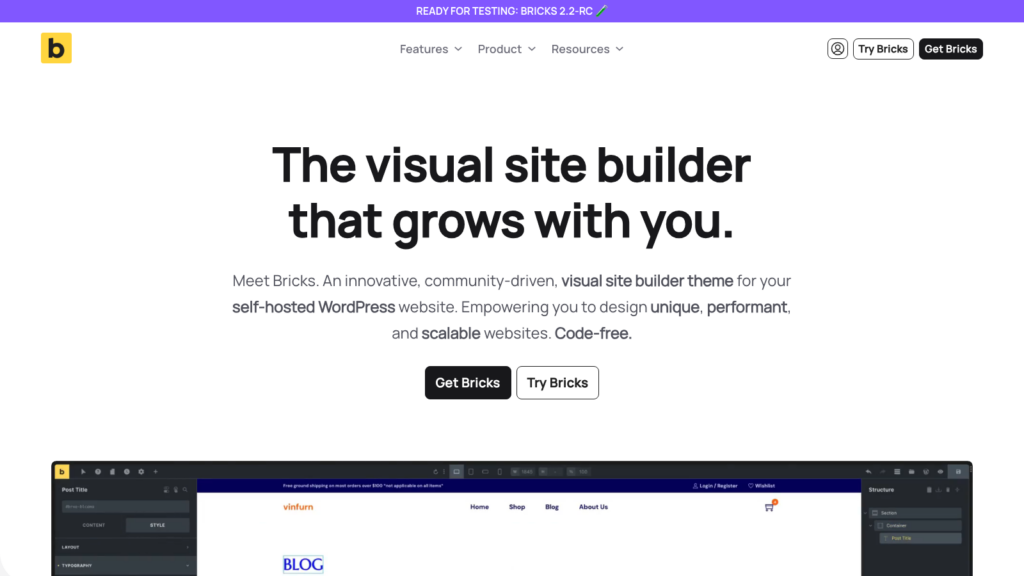
Bricks is the surprise of this list: a visual builder that’s genuinely SEO-friendly. Most builders bury your content in nested divs. Bricks does the opposite, and it’s the reason developers who care about performance keep switching to it. It’s a full theme, not a plugin, so it replaces your theme entirely.
Best for: people who want visual, drag-and-drop editing without wrecking their HTML structure.
The killer SEO feature is control. In Bricks, you choose the HTML tag for every element you place, so you decide what’s an H1, H2 or H3, what’s a section, an article or a nav, and the heading hierarchy stays exactly as clean as you make it. It loads no jQuery, focuses hard on performance and Core Web Vitals, and outputs a lean DOM instead of the div soup most builders produce. For visual editing that doesn’t fight SEO, nothing else here comes close.
The catch is that it’s a developer-leaning tool with a learning curve, and it’s premium only, starting around $79 a year with a lifetime option. A total beginner may find it less hand-holding than Astra or Kadence. But if you want a builder, this is the one that respects your markup.
Get it at Bricks.
Twenty Twenty-Five
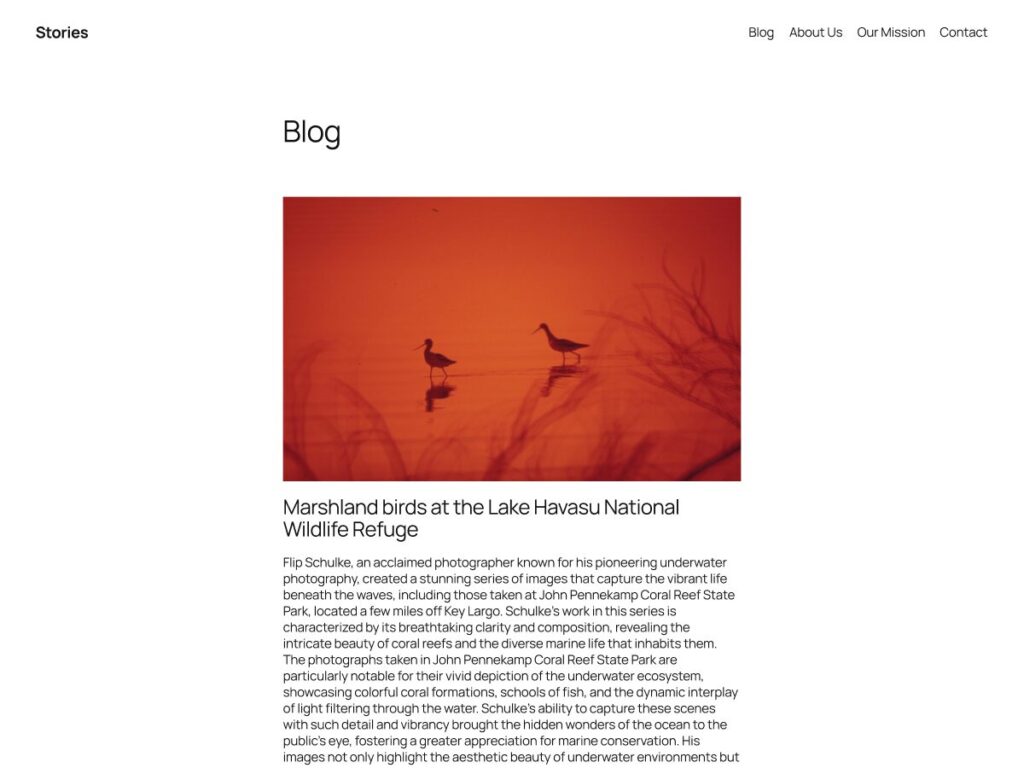
Don’t sleep on the default. Twenty Twenty-Five, WordPress’s own block theme, is fast, lightweight and completely free, and for a content-first site built with blocks it’s a strong, clean foundation. As a native full-site-editing theme it ships a theme.json, minimal CSS and no jQuery.
Best for: people going all-in on the block editor who want zero cost and zero bloat.
The appeal is simplicity and speed. It stays current with WordPress core, loads very little and gives you clean markup with nothing to buy. If your site is mostly posts and pages and you’re comfortable in the Site Editor, you may not need a third-party theme at all.
The trade-off is the one I cover in the block-theme section below: because everything is editable in the Site Editor, your semantic structure is only as good as what you build. There’s no premium support and no big template library, so anything ambitious means rolling up your sleeves and staying disciplined about headings and landmarks. It ships free with every WordPress install.
Osmium
Osmium is the free block theme I develop for writers, independent publishers and review sites, so I’ve left it out of the ranking. It sits here because it makes the same trade as Twenty Twenty-Five: everything is core blocks and theme.json, and the structure is yours to keep clean.
Best for: writers and review sites that want a block theme built around long-form reading.
On weight, it ships about 8 KB of theme CSS and no JavaScript of its own, and its fonts are self-hosted. It registers no custom blocks, post types or shortcodes, so nothing strands your content if you switch themes later.
The block-theme caveat below applies here too: headings and landmarks are only as clean as the templates you build. It’s an early release that needs WordPress 7.0 or newer, so try it on staging first. Get it free on WordPress.org.
SeedProd
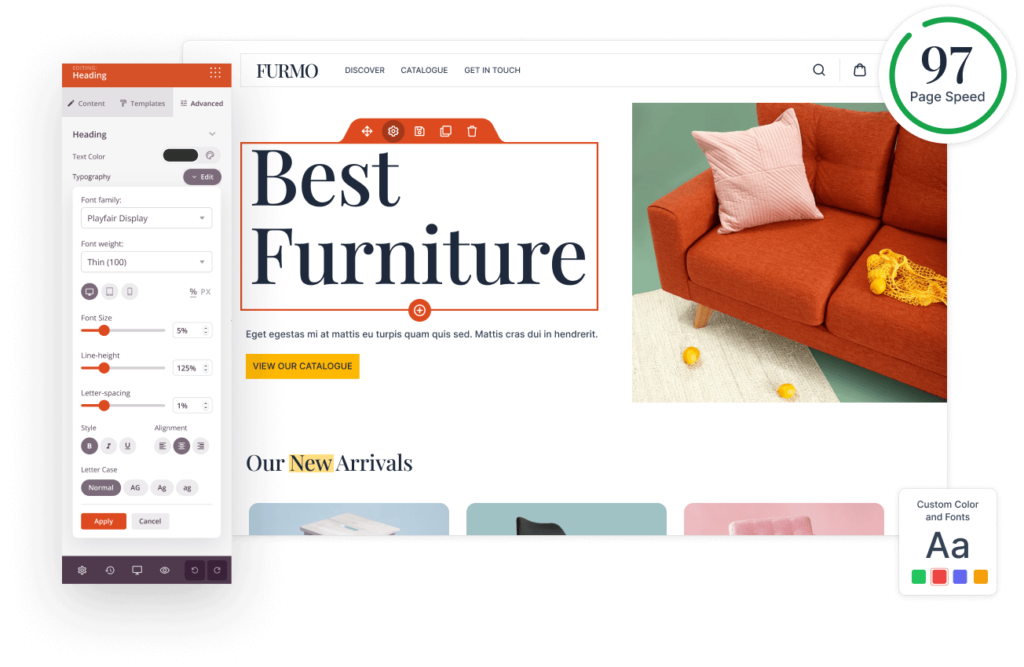
SeedProd is the odd one out, on purpose. It’s less a traditional theme and more a fast page and theme builder aimed at landing pages, coming-soon screens and sales pages that load quickly and convert.
Best for: marketers who need standalone landing pages or a lightweight theme builder without page-builder bloat.
Its niche is speed where it counts. SeedProd builds pages that stay light, it has a clean drag-and-drop interface focused on conversion, and it sidesteps the heavy DOM that traditional page builders dump onto a page. For a campaign landing page or a quick microsite, that’s the right tool.
The limitation is fit. SeedProd isn’t built to run a content-heavy blog the way GeneratePress or Astra are, so it’s a complement, not a default. If you mostly need landing pages, though, it beats forcing a full theme to do that job. Plans start around $39.50 a year on the introductory discount ($79 regular), and the theme builder needs a higher plan.
Get it at SeedProd.
Total
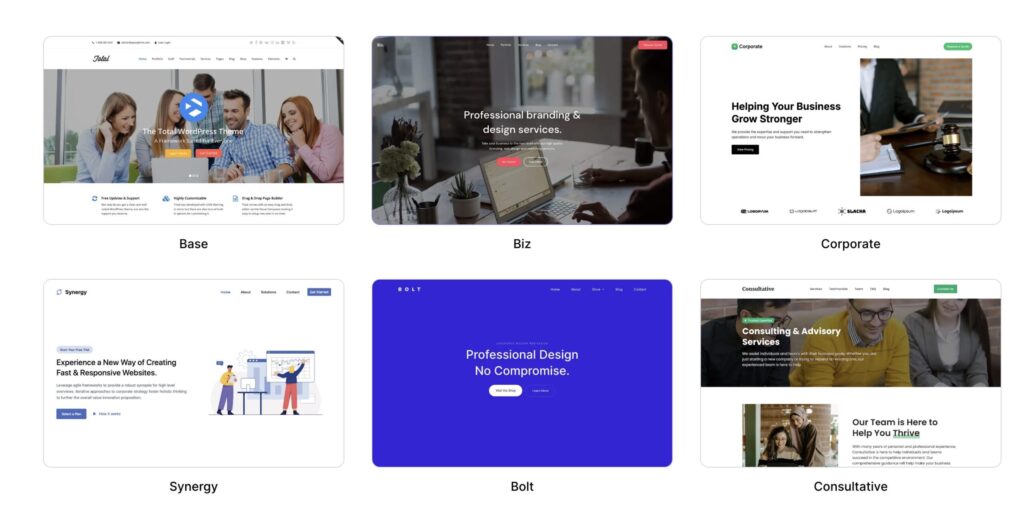
Total by WPExplorer is a flexible multipurpose theme with a big following, and it’s the first genuinely heavy option on this list. It’s built around a page builder and ships a deep set of demos and options, which is the appeal and also the SEO catch.
Best for: people who want one do-everything theme with lots of layout control and are willing to optimize it.
To be fair, Total is built with SEO-conscious, schema-ready markup and gives you control over a lot of output, so it’s not careless. Plenty of well-ranking sites run on it.
But it carries the weight of a multipurpose theme plus a builder, so your Core Web Vitals depend heavily on keeping the build disciplined, not loading the full builder on every page and trimming features you don’t use. It’s a one-time purchase around $59, which people like. If you want this category of theme, my guide to the best WordPress page builders covers which builders stay lightest. Get it at Total.
Divi
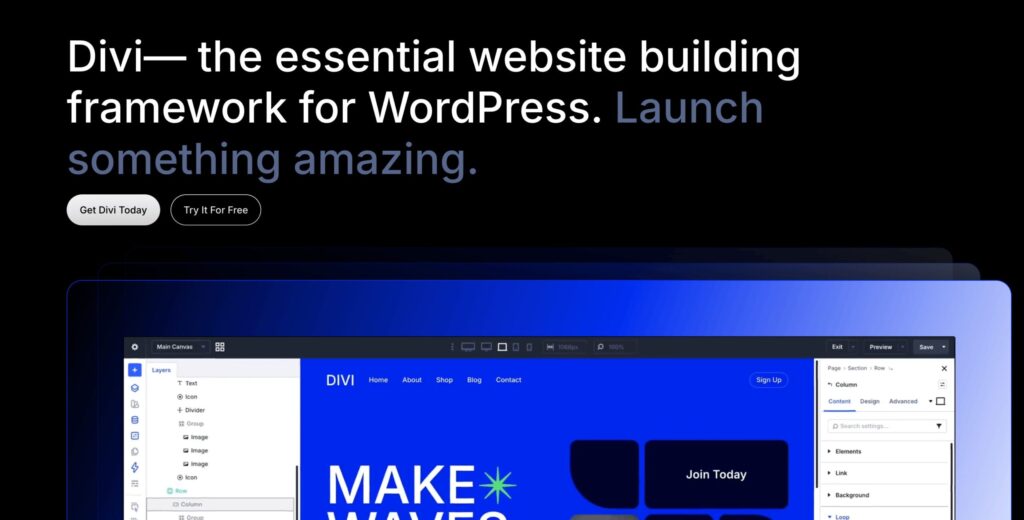
Divi is one of the most popular themes on the planet, and for years it was also a performance cautionary tale: shortcode-based, a sprawling DOM and render-blocking weight. That story changed with the Divi 5 rewrite, a ground-up engine overhaul aimed squarely at speed.
Best for: people who want a massive visual-builder ecosystem and will use Divi’s performance settings.
Credit where it’s due. Divi 5 cuts a lot of the old bloat, and modern Divi includes real performance controls, dynamic CSS and JavaScript, deferred loading and the ability to disable features you don’t use. Used carefully, it can hit acceptable Core Web Vitals now in a way old Divi struggled to.
It’s still heavier than any flyweight theme on this list, and the default experience tempts you into layouts that add weight. The ecosystem, layouts and lifetime pricing keep it popular, and it’s a real option if you’ll do the optimization work. Divi runs around $89 a year or a one-time lifetime fee.
Get it at Divi.
Avada
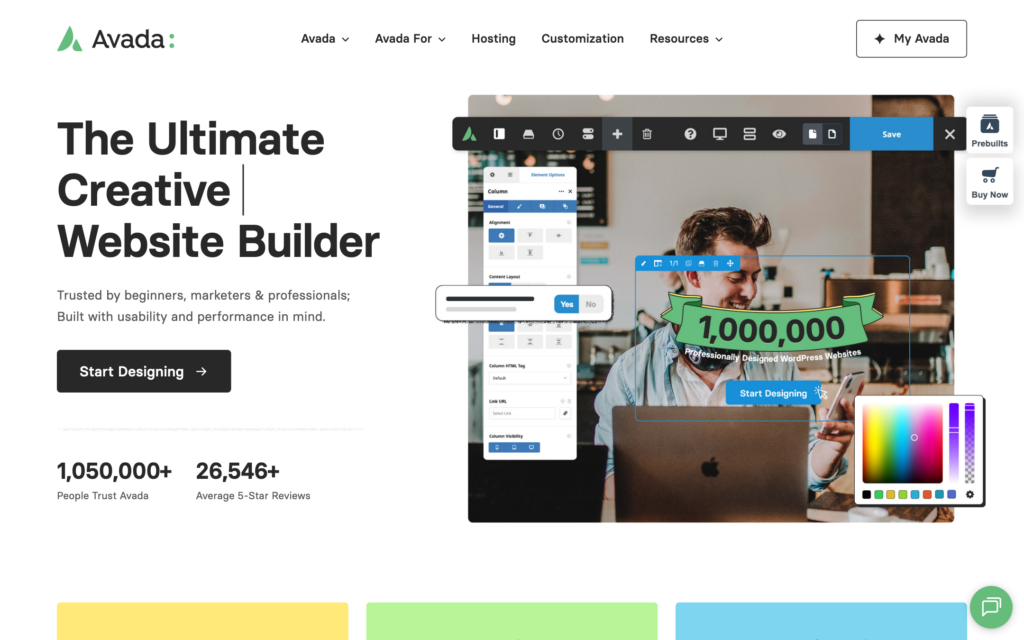
Avada is the best-selling theme in Envato (Themeforest) history, powered by Fusion Builder, and it is the most feature-rich option here by a wide margin. It’s also the heaviest, and I won’t pretend otherwise.
Best for: people who want one theme that can build literally anything and have the time to optimize it hard.
What Avada does well is breadth. There’s almost no layout it can’t produce, the demo library is enormous and recent versions added a performance wizard, critical CSS and async loading to claw back speed. A skilled builder can get Avada into respectable shape.
But for pure SEO, it’s the hardest theme here to keep fast. The default builds are heavy, the DOM is large and getting green Core Web Vitals takes real, ongoing effort rather than coming for free. If you don’t need everything Avada does, a lighter theme will rank faster with far less work. It’s a one-time purchase around $69. Get it at Avada.
Block themes, the Site Editor and the SEO risk nobody warns you about
Here’s the part most “best themes” lists skip, and it matters more every year as WordPress pushes full-site editing. A block theme can have perfect code and still end up with broken SEO, because the structure is now yours to edit and yours to break.
In a classic theme like GeneratePress, Astra, Neve or Genesis, the semantic skeleton is baked into PHP templates. The single H1, the landmark structure, the heading order, all of it is set by the developer and a content editor never touches it. It’s hard to wreck by accident.
A block theme, like Twenty Twenty-Five or Osmium, hands those templates to the Site Editor. That’s powerful, and that’s the risk. The block editor will happily let a well-meaning user set a paragraph to Heading H4 with no H3 above it, drop a second H1 onto a page, or replace a semantic nav or section with a plain Group, which renders as a generic div with no meaning. Google reads your heading hierarchy and landmarks to understand the page. Blur those signals and you blur your rankings, and nothing in the editor stops you from doing it.
So the SEO risk of block themes isn’t the theme’s code. It’s what gets done to it afterward. If you build and maintain the site yourself and you’re disciplined about headings and landmarks, block themes are fine and Twenty Twenty-Five is genuinely fast. But if a non-technical client will edit the site, I’d still reach for a classic lightweight theme, because the SEO-critical structure is much harder to break. Lock your templates, keep one H1 per page, never skip heading levels and don’t swap semantic blocks for plain Groups. That discipline is the real cost of full-site editing.
How to choose your SEO-friendly WordPress theme?
Pick based on how you build and who edits the site, not on which demo looks prettiest. It comes down to three questions.
Are you comfortable assembling a site yourself? If yes, GeneratePress plus a block plugin is the lightest, most flexible foundation you can run, and it’s what I’d choose every time. If you want visual editing without trashing your markup, Bricks is the only builder I’d trust for SEO. If you’d rather start from something that already looks finished, Astra gives you that with the markup already handled.
Who will edit this site after launch? If it’s a non-technical client, lean classic, so they can’t break your heading structure in the Site Editor. If it’s just you and you’re careful, a block theme like Twenty Twenty-Five is fast and free.
And what’s your budget, really? Most themes here have a capable free tier, GeneratePress, Astra, Blocksy, Neve and Kadence all do, and Twenty Twenty-Five and Osmium cost nothing. You only pay when you hit a wall you actually need to climb. The heavy multipurpose themes, Total, Divi and Avada, can rank, but only if you commit to keeping them lean.
The verdict: the best SEO-friendly WordPress theme
My answer is boring, and I’m fine with that. GeneratePress is the SEO-friendly theme I recommend first. This site ran on it for years before I moved to my own theme, its semantic structure is locked safely in classic templates and it does the one thing a theme should do: nothing you didn’t ask for. Pair it with GenerateBlocks and you have a fast, flexible stack that gets out of the content’s way.
If you want a visual builder, pick Bricks, not Divi or Avada, because it’s the only one that lets you keep your HTML clean. If you want a finished look fast, Astra’s library plus its built-in schema is the head start. If you want the best free tier, Blocksy. And if a non-technical client will edit the site, stay classic so they can’t break your structure.
But the bigger lesson isn’t a theme name. It’s a mindset. The best SEO-friendly theme is the one you notice least, the frame that lets your content and your structure do the ranking, and the one whose markup, and whose owner, you can trust. Pick a light one, keep your headings clean and go write something worth ranking.
Frequently asked questions
What makes a WordPress theme SEO-friendly?
An SEO-friendly theme loads minimal CSS and JavaScript, outputs clean semantic HTML5 with one logical heading order and proper ARIA landmarks, handles structured data without fighting your SEO plugin, and performs well on mobile. In short, it’s fast and gets out of the way rather than adding weight you have to claw back.
What is the most SEO-friendly WordPress theme?
GeneratePress is my pick. Its core stylesheet is small, it ships clean HTML5 markup with semantic landmarks locked into classic templates, and it offers optional schema and breadcrumbs. Astra, Blocksy, and Neve are also excellent lightweight options depending on how much built-in design you want.
Are block themes bad for SEO?
No, the code is usually fine and often very fast. The risk is that full-site editing makes your structure editable, so a user can break heading order, add a second H1, or swap semantic elements for plain divs in the Site Editor. For self-built sites that’s manageable; for client sites, a classic theme protects your structure better.
Is Kadence still a good theme after the Liquid Web acquisition?
Technically, yes, the code is some of the cleanest and most accessible of the themes here. The concern is ownership. After Liquid Web’s StellarWP consolidation in 2026, layoffs, the founder’s departure, and the removal of lifetime and unlimited-site licenses for new buyers, I’d weigh that before starting new sites on it, which is why it sits mid-list here. Existing sites are fine for now.
What’s the fastest WordPress theme?
GeneratePress is among the lightest mainstream themes, with the default block theme Twenty Twenty-Five close behind for pure block builds, and Bricks the fastest of the visual builders. Real-world speed always depends on your hosting, images, and plugins too, not the theme alone.
Should I use a page builder with my SEO theme?
For most builders, no, because they add CSS and JavaScript that hurt performance. The exception is Bricks, which outputs lean markup and lets you control every HTML tag. Otherwise, pair a lightweight theme with the native block editor or a lean block plugin like GenerateBlocks instead.
Does a free WordPress theme rank as well as a paid one?
Yes. GeneratePress, Astra, Blocksy, Neve, and Kadence all have free versions with clean code and good performance, and Twenty Twenty-Five ships free with WordPress. Osmium, the block theme I develop, is free on WordPress.org too. You usually pay for design controls and support, not for SEO itself.
Tell Google you want more of this.
Add Gaurav Tiwari as a preferred sourceOne tap, and this site shows up more often in your own Top Stories, AI Overviews and AI Mode. Remove it any time.
Disclaimer: This site is reader-supported. If you buy through some links, I may earn a small commission at no extra cost to you. I only recommend tools I trust and would use myself. Your support helps keep gauravtiwari.org free and focused on real-world advice. Thanks. - Gaurav Tiwari