
Sell Services With After-Payment Instructions
Selling a consultation, a setup session or a design job through EDD is awkward. The customer pays and gets a receipt with no files on it. They have no idea how to book a time or send their brief. So you end up emailing every buyer by hand.
Free in Lite: this module is also in Stackless Lite for EDD, the free edition, and works the same way there.
Service Products marks a download as a service. Once the order is paid, the customer sees your instructions and an optional booking or intake link on the purchase confirmation, on the receipt and in the purchase receipt email.
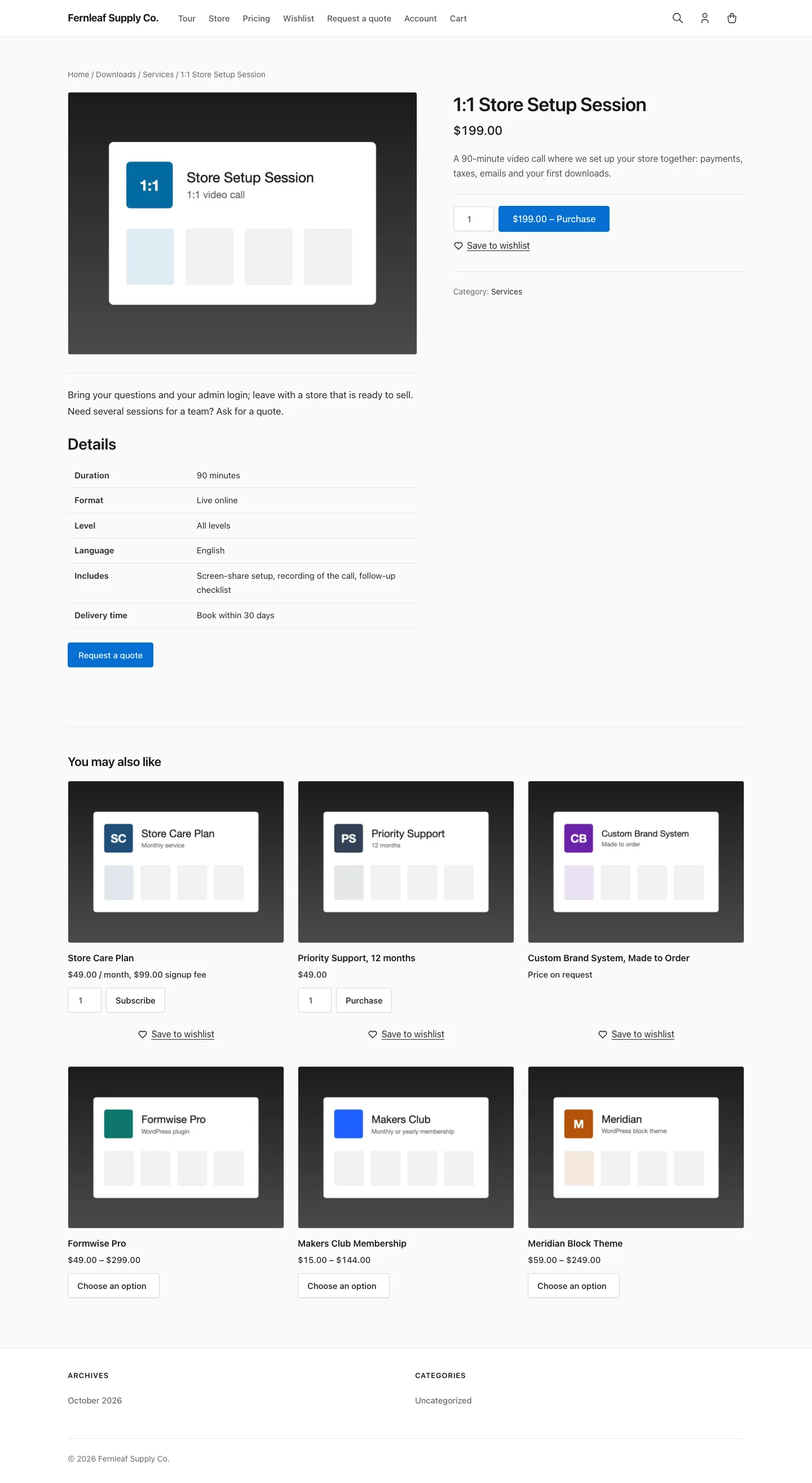
Mark a Download as a Service
- Edit the download in Downloads.
- In the download’s Settings section, turn on Service.
- Scroll to the Service box and fill in the fields below.
- Update the download.
Only downloads marked as services get instructions. The switch is stored per download, and each order remembers which of its lines were services when it was placed.
Write the After-Payment Instructions
The Service box has three fields:
- After-payment instructions: a small rich-text editor. Explain how the customer books, sends a brief or receives the service.
- Booking or intake link: optional. Must start with
http://orhttps://, or it isn’t saved and you see an error. - Link button text: defaults to “Book your session”.
The link can carry order details so your booking or form tool can prefill them. The placeholders are {order_number}, {order_id}, {email}, {first_name}, {last_name}, {name} and {product}, and their values are URL-encoded. For example:
https://cal.com/you/session?email={email}Any other text in curly braces is removed from the link.
Configure the Display
Go to Stackless → Settings → Service Products:
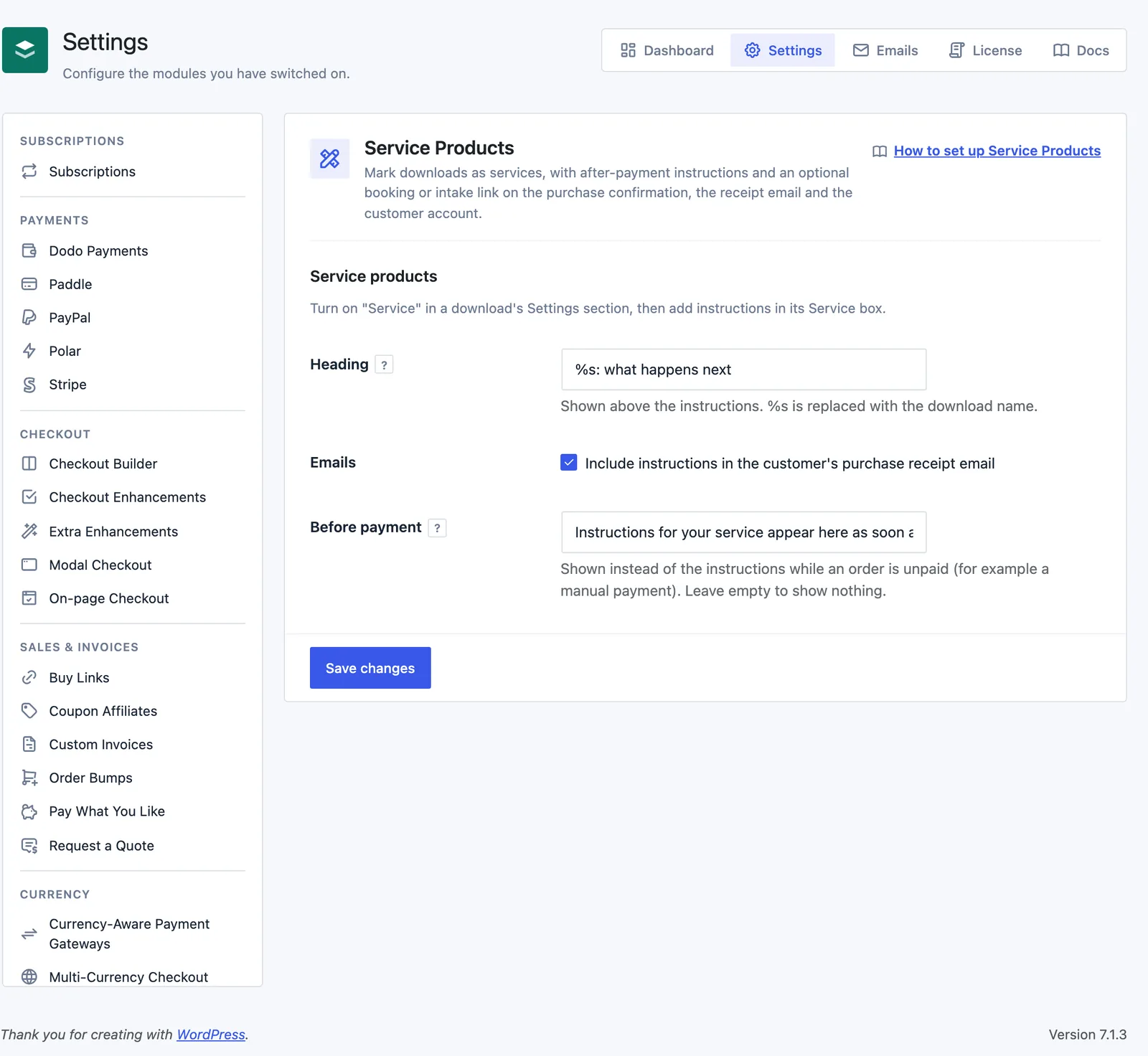
- Heading: shown above the instructions.
%sis replaced with the download name. Defaults to “%s: what happens next”. - Emails: include instructions in the customer’s purchase receipt email. On by default.
- Before payment: shown instead of the instructions while an order is unpaid, for example a manual payment. Defaults to “Instructions for your service appear here as soon as your payment is confirmed.” Leave it empty to show nothing.
Where Customers See the Instructions
Once the order is paid, each service download in it gets its own block with the heading, the instructions and the link button:
- on the purchase confirmation page, with EDD’s receipt shortcode or the Confirmation block
- on the receipt page, which the account page’s Orders tab links to
- in the customer’s purchase receipt email, when Emails is on, in both the HTML and plain-text email templates
Before payment, the confirmation and receipt pages show the Before payment note instead. Nothing shows for refunded, revoked, failed, abandoned or cancelled orders.
Good to Know
- A service download with no instructions and no link shows nothing after payment.
- If an order has the same service download on several lines, its instructions show once.
- Instructions are read from the download when they’re shown, so edits reach past orders too.
- Service Products doesn’t change pricing, files or the purchase button.
- The blocks can be overridden in your theme at
stackless-edd/service_products/instructions.php,email.phpandemail-plain.php.
For quotes on custom service work, see Request a Quote.