
Show Free Instead of $0.00
A free download in Easy Digital Downloads shows as $0.00 on its page and in download grids. That reads like a missing price, not an offer.
Free in Lite: this module is also in Stackless Lite for EDD, the free edition, and works the same way there.
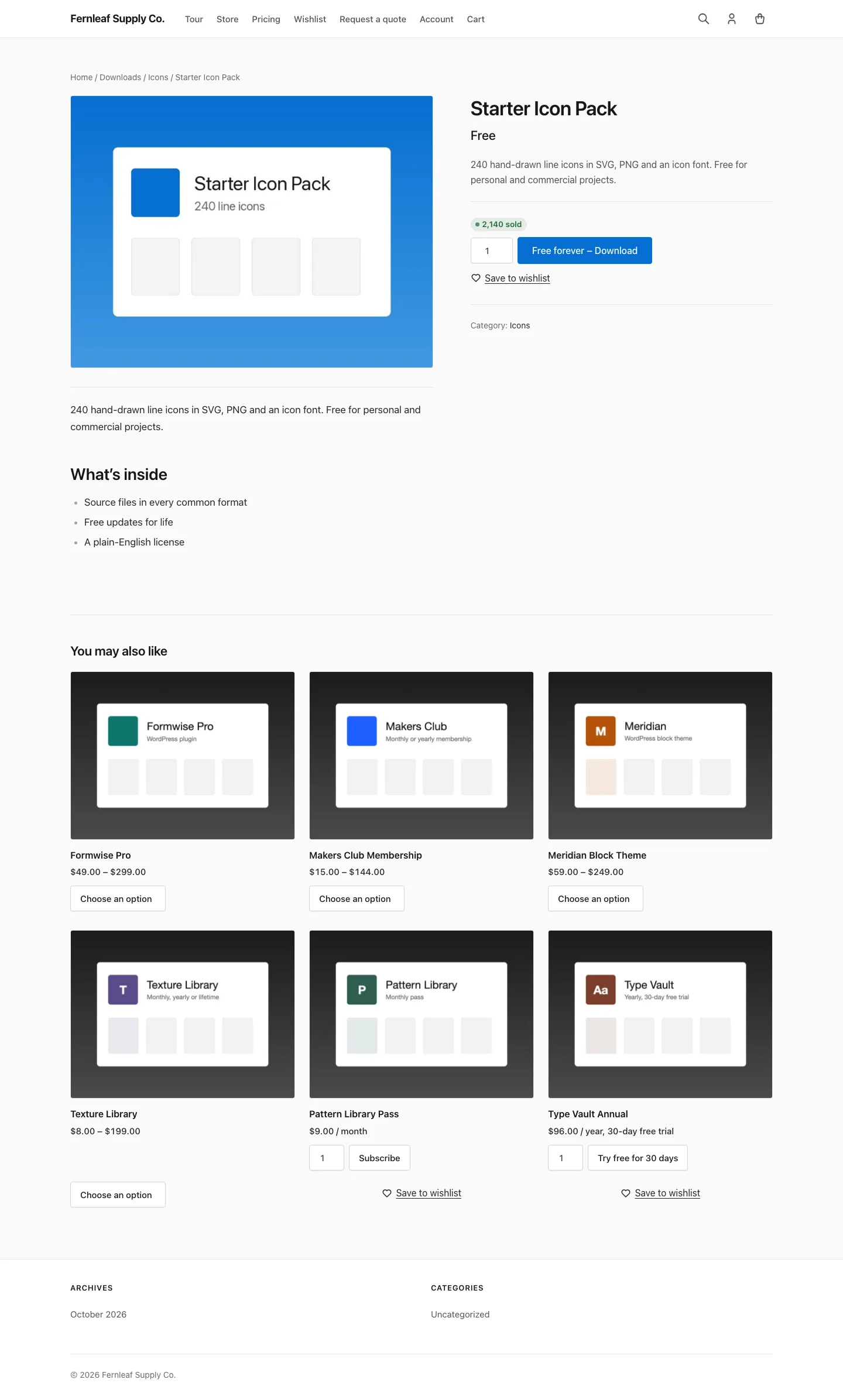
Free Price Text replaces a zero price with your own wording, “Free” by default. It covers download pages, the [downloads] grid, the EDD downloads block, the [edd_price] shortcode, price option lists, purchase buttons, the checkout cart and the cart widget.
Set the Store-Wide Text
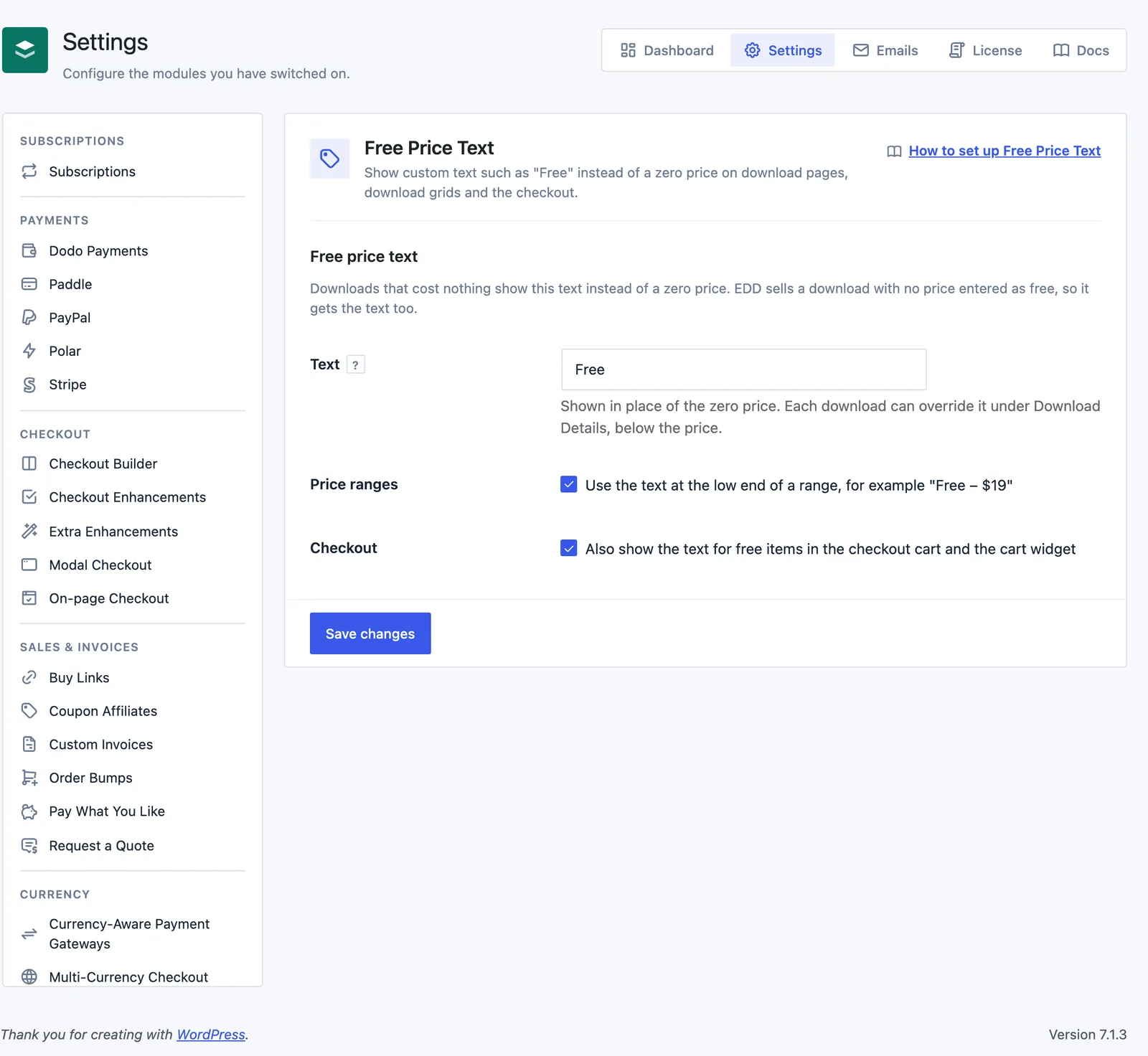
Go to Stackless → Settings → Free Price Text:
- Text: shown in place of the zero price. Defaults to “Free”. If you clear the box, “Free” is used.
- Price ranges: use the text at the low end of a range, so a range from zero to $19 shows “Free – $19”. On by default.
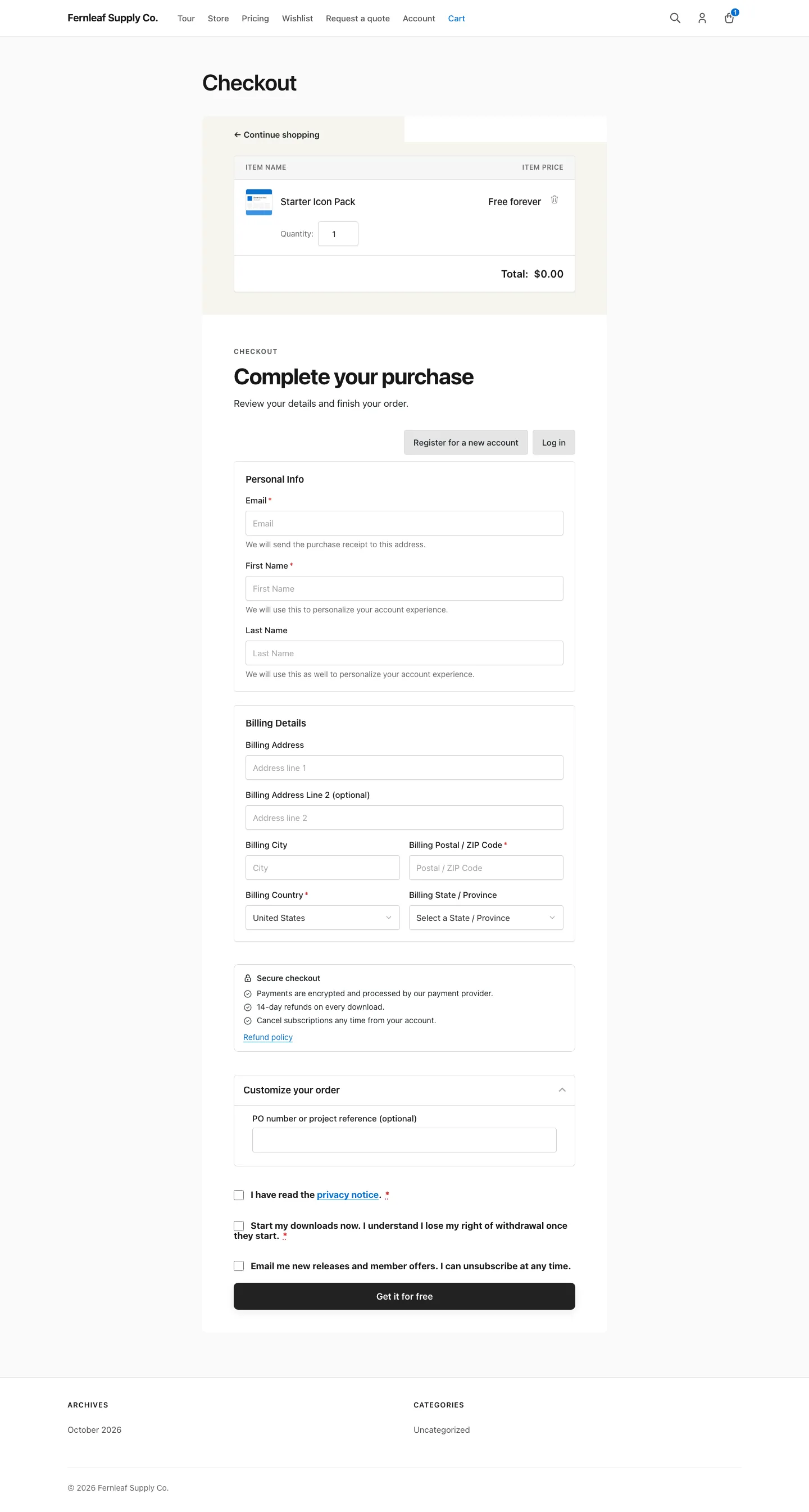
- Checkout: also show the text for free items in the checkout cart and the cart widget. On by default.
Override the Text on One Download
Edit the download and find the Free price text field under Download Details, just below the price. It replaces the store text for that download, up to 60 characters. Leave it blank to use the store setting.
Price options use their download’s text, so every free option on a download shows the same wording.
What Counts as Free
A price of exactly zero gets the text. EDD sells a download with no price entered as free, so a blank price gets the text too.
For downloads with variable pricing:
- If every price option is zero, the range shows only your text.
- If the cheapest option is zero and others aren’t, the range shows your text followed by the highest price when Price ranges is on. With it off, EDD’s normal range stays.
- In the price option list, each zero-priced option shows your text in place of its amount.
On a purchase button, EDD puts the price in front of the label. The module swaps only that price part and keeps your label, so a free download reads “Free – Purchase”.
In the checkout cart, a line counts as free when its item price is zero. The cart widget only gets formatted amounts, so it checks for a figure with no digit above zero, such as $0.00 or 0,00 €.
Good to Know
- Subscription downloads and subscription price options are skipped, so their recurring price text stays intact.
- Quote-only downloads from Request a Quote keep their “Price on request” label.
- A purchase button that doesn’t show a price, such as
[purchase_link price="no"], isn’t changed. - In the EDD downloads block, the module replaces the “Free” word EDD prints for free downloads.
- To rename the button label itself, use Custom Add to Cart Text.
- Developers can change the text with the
stackless_edd_free_price_text_textfilter, which receives the download ID (0 outside a download). Thestackless_edd_free_price_text_appliesfilter turns the text off for a download.