
Classic
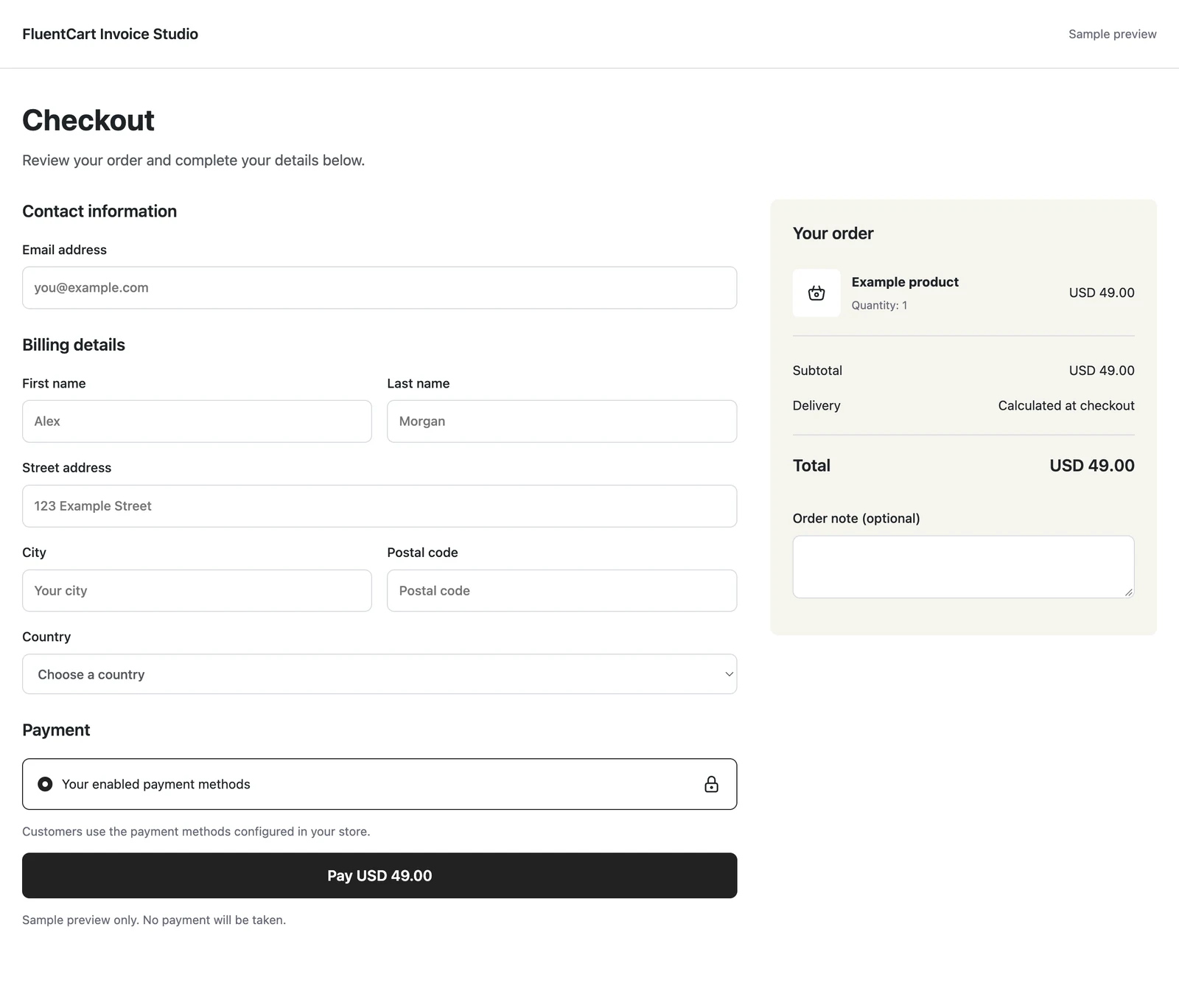
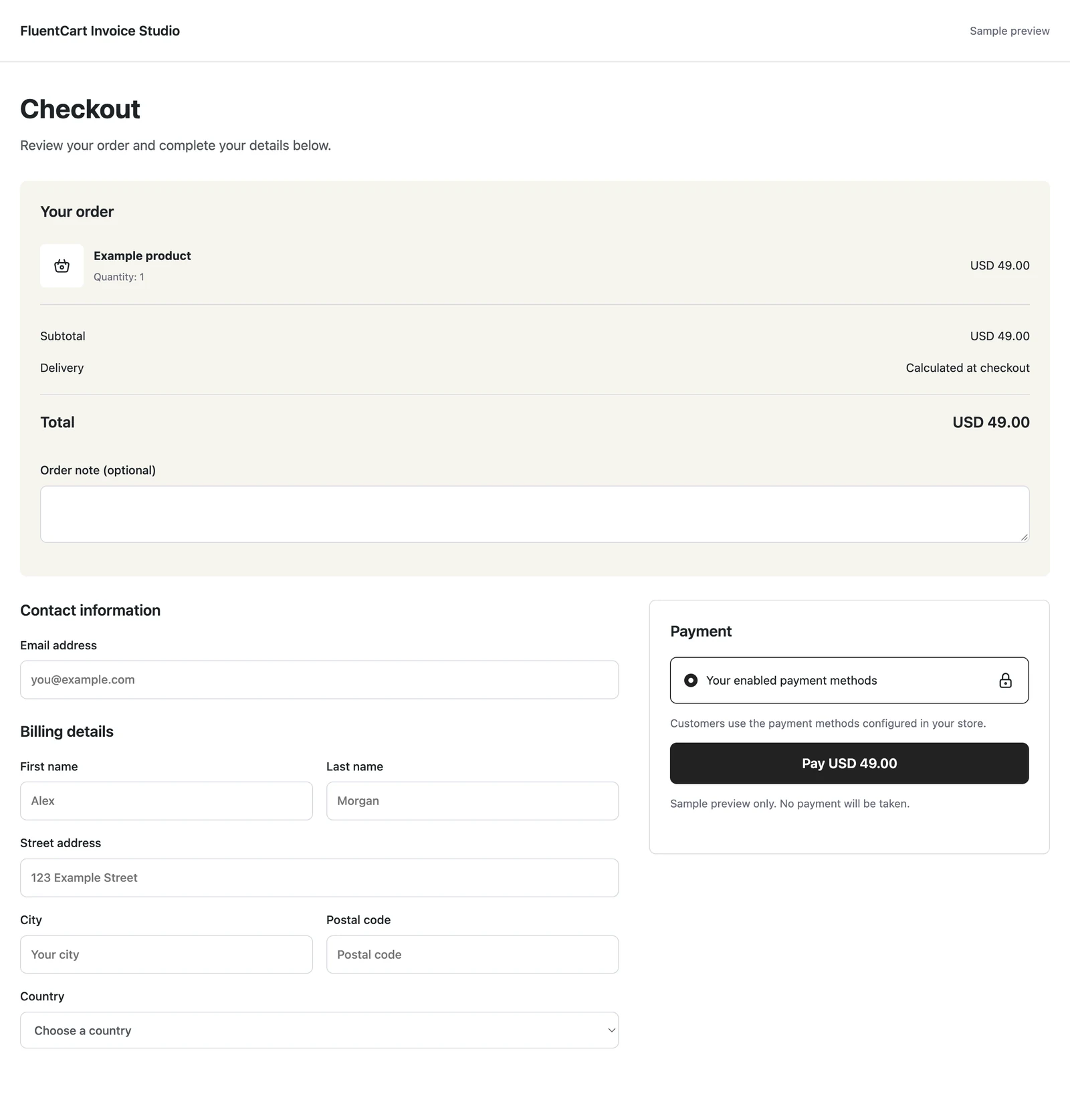
Customer details on the left, with the order summary on the right.

GT Extensions for FluentCart adds local pricing, flexible product controls, and a growing set of checkout and customer tools. Enable what your store needs.
$99
Lifetime access.
One payment. Unlimited sites.
Or $39/year. Both licenses include updates and support for their term.
Enable only what you need. Disabled modules keep their settings.
A Price That Travels Well
Interactive example
Change the amount and the payment options together. These are sample prices and routes, not a live cart or an exchange-rate quote.
Customer order preview
$20.00
One currency across the cart, checkout and order.
See all 5 layouts before you choose. Preview with sample content or your own cart, then make the design match your store.
These are actual sample previews from Checkout Builder. Open any screenshot at full size to inspect the layout. Colors, logo and spacing can be adjusted.
Customer details on the left, with the order summary on the right.
Order summary on the left, with customer details and payment on the right.
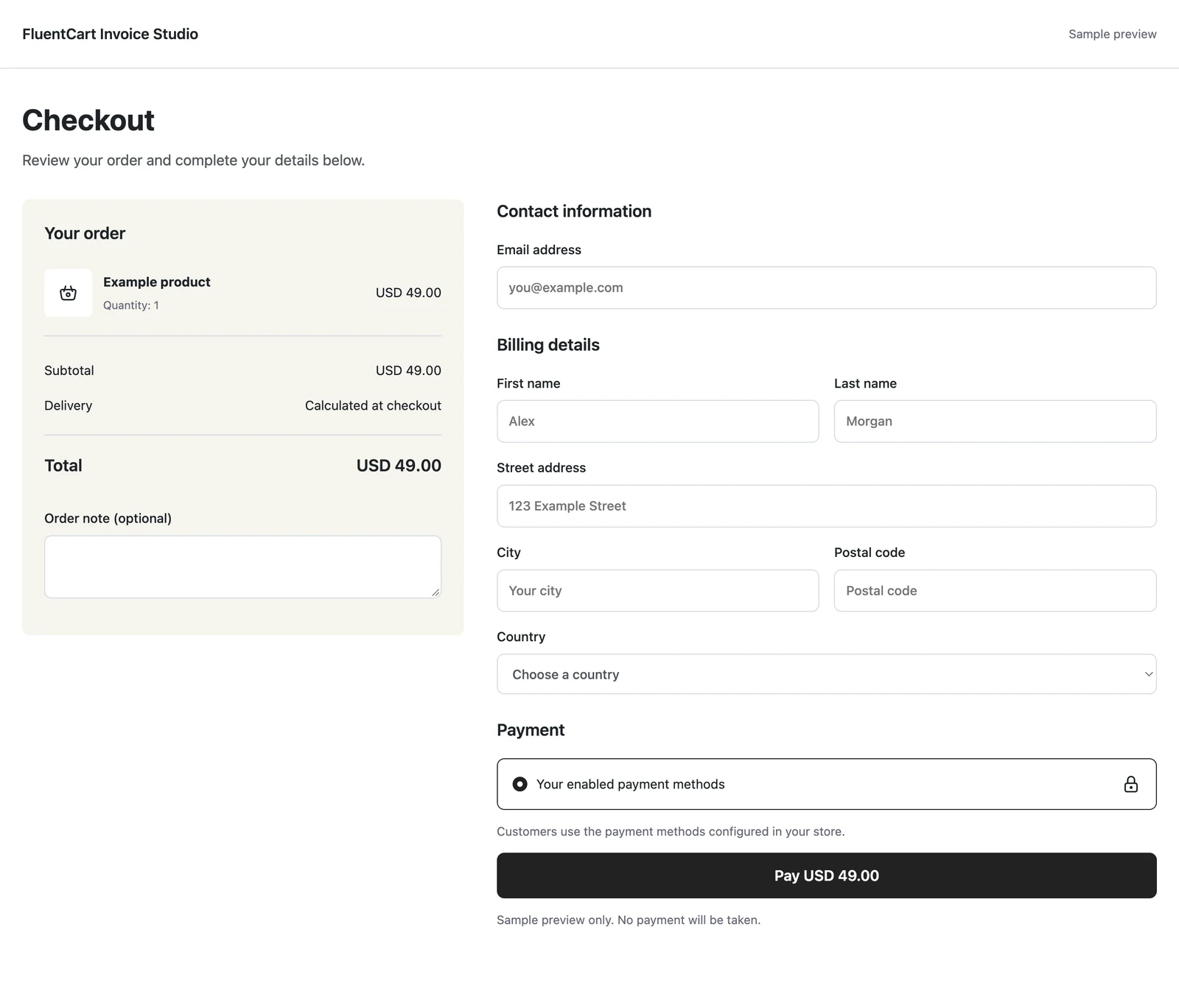
A warm order panel beside a spacious white checkout and a bold purchase button.
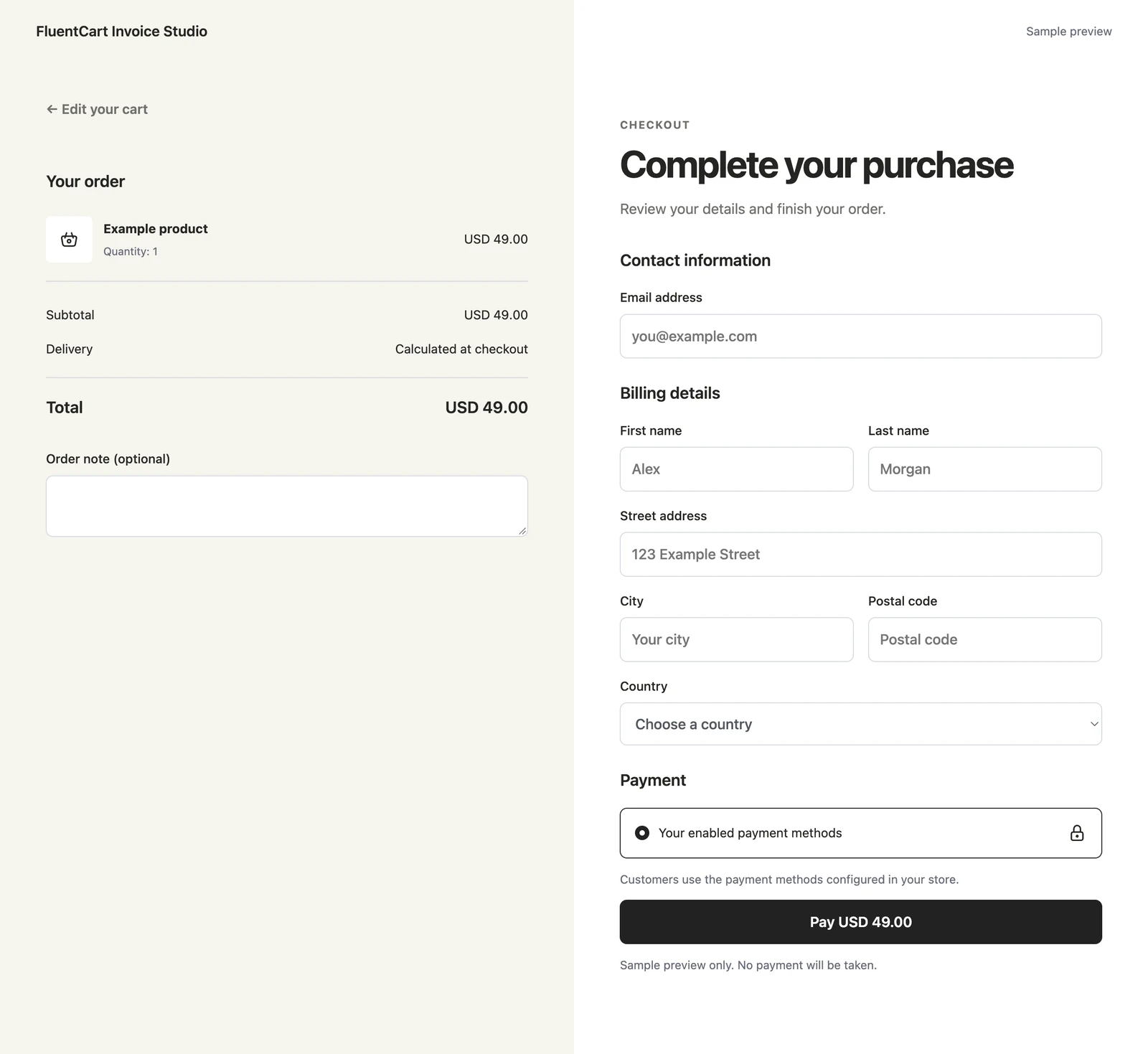
A centered single column, with the order summary above customer details and payment.
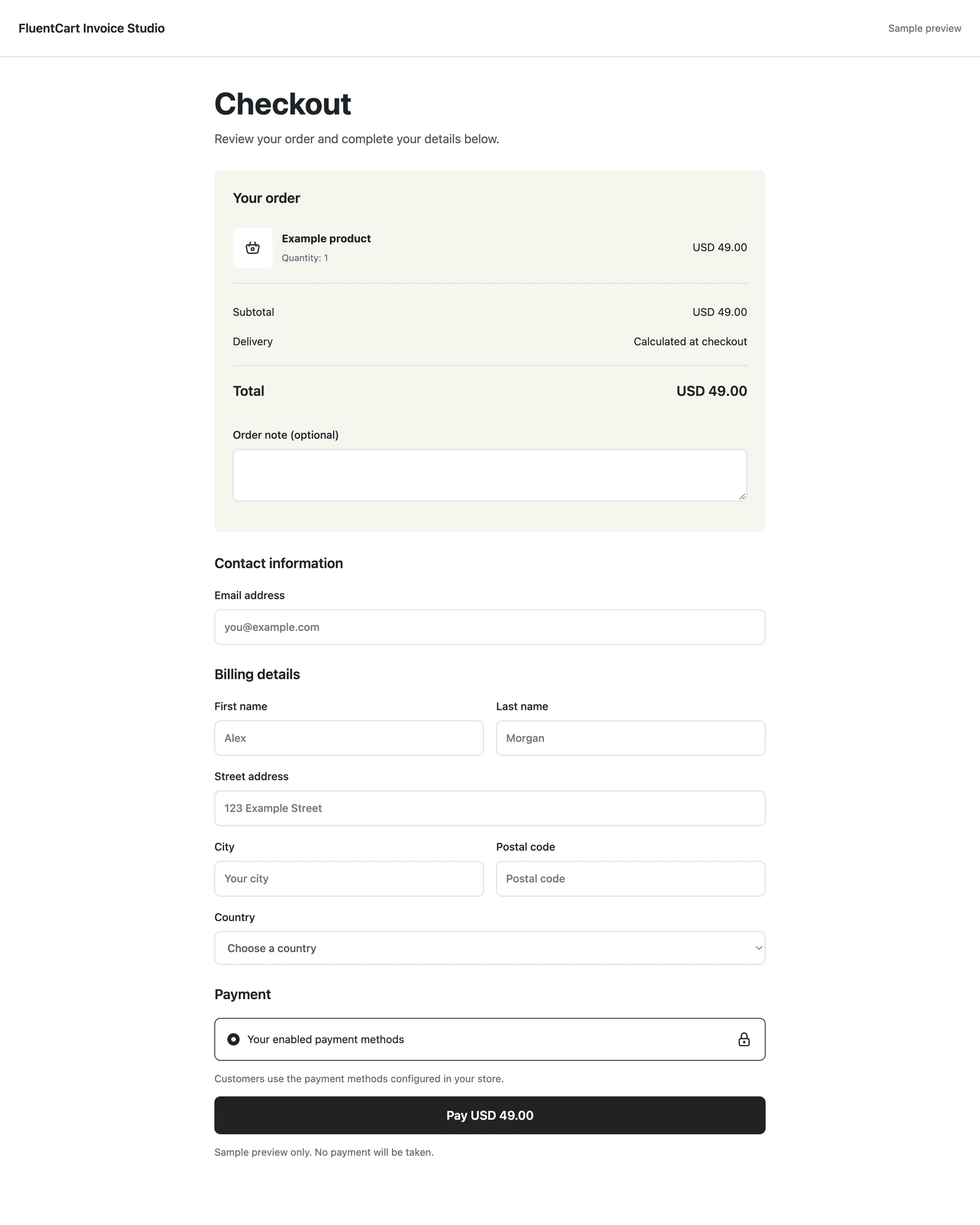
A full-width order review above customer details and payment in separate columns.
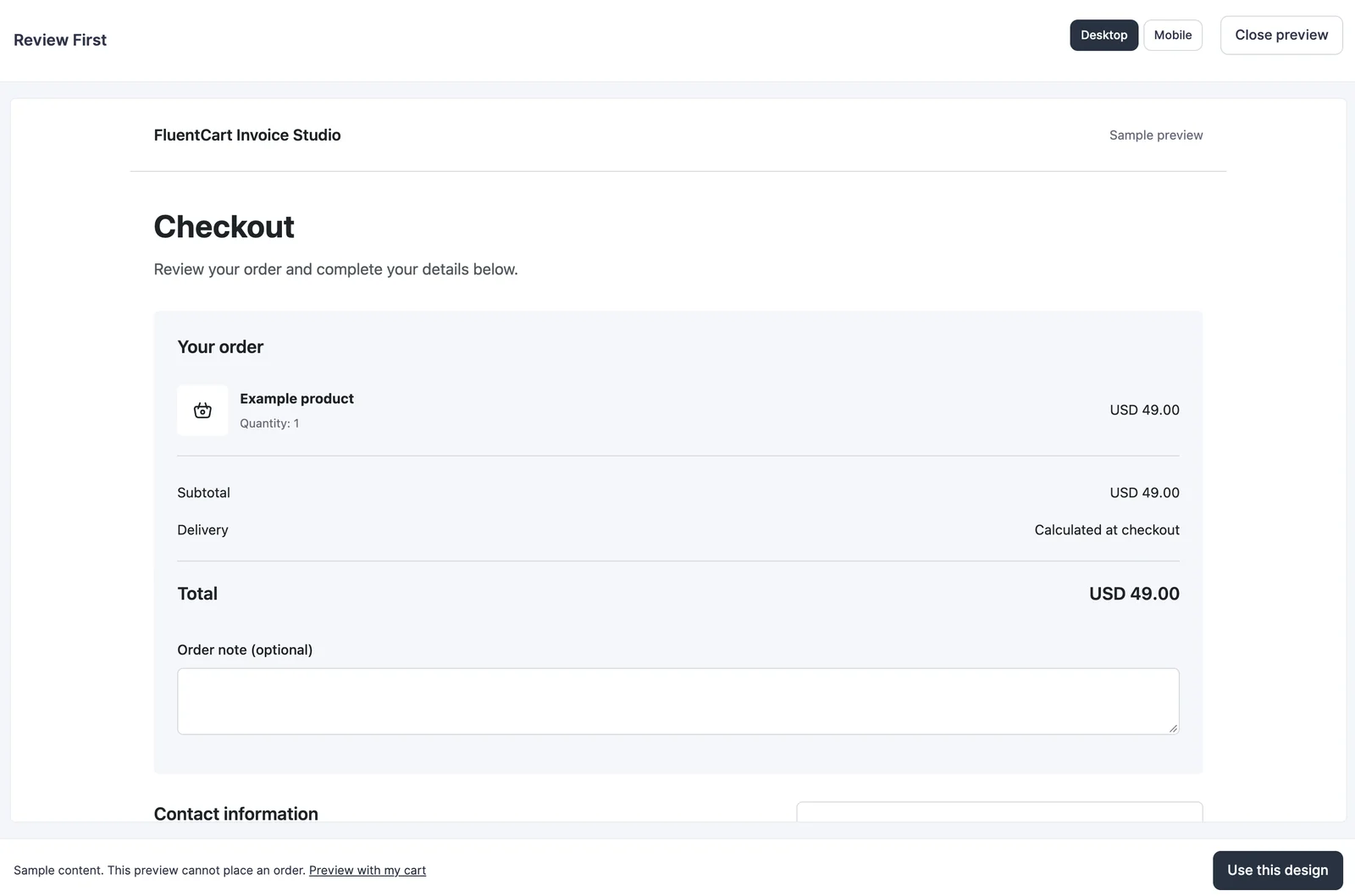
Compare desktop and mobile previews, or use Preview with my cart to see your own products. The sample preview cannot place an order. Your checkout changes only when you select Use this design.
Keep a compact store header or use your theme’s header and footer. Classic themes work too; no Site Editor is required.
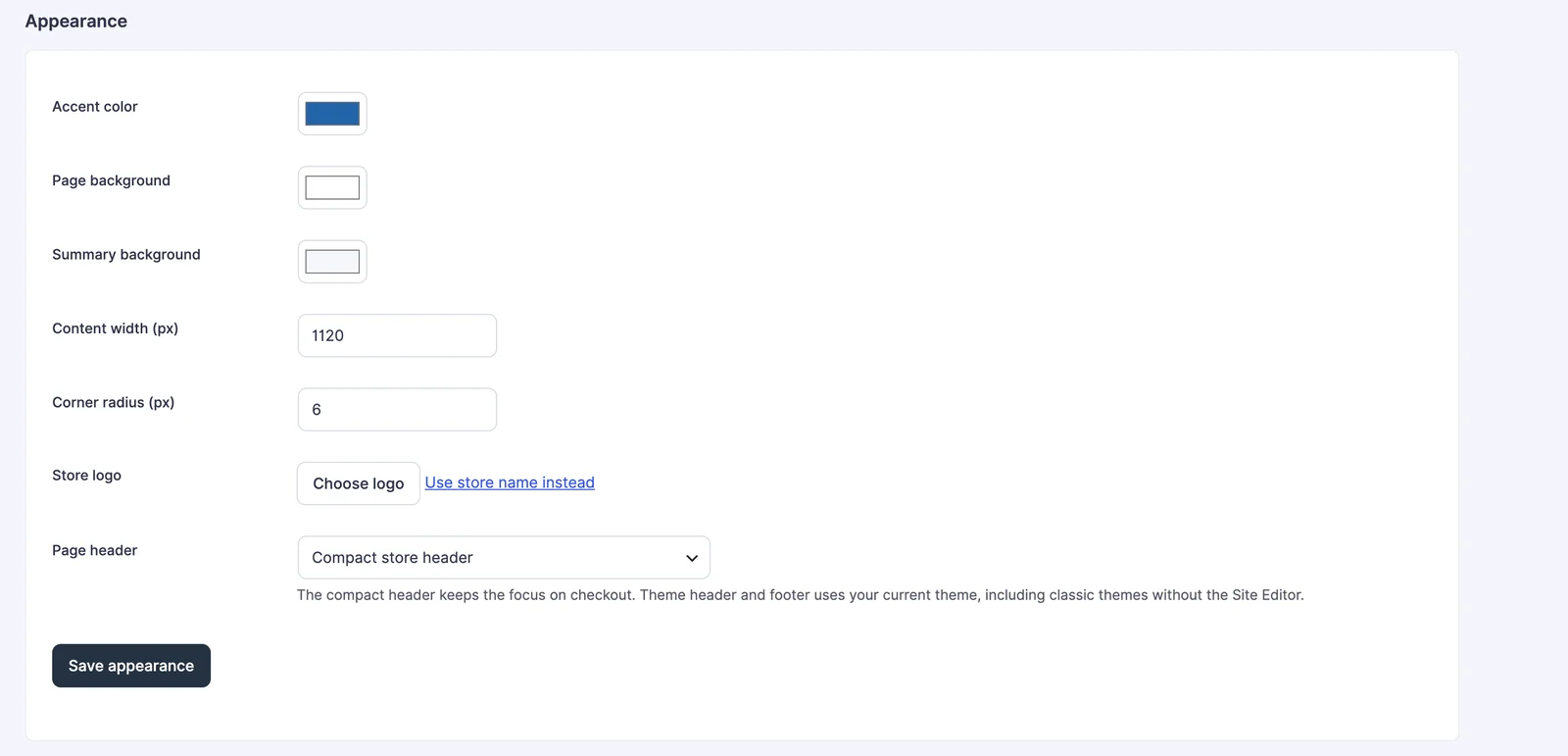
Warm Split applies its matching palette when selected. Save appearance changes afterward to customize it. Use FluentCart default to return to your original checkout.
FluentCart still handles checkout processing, shipping, taxes and payments. Add the optional fields and delivery tools your store needs.
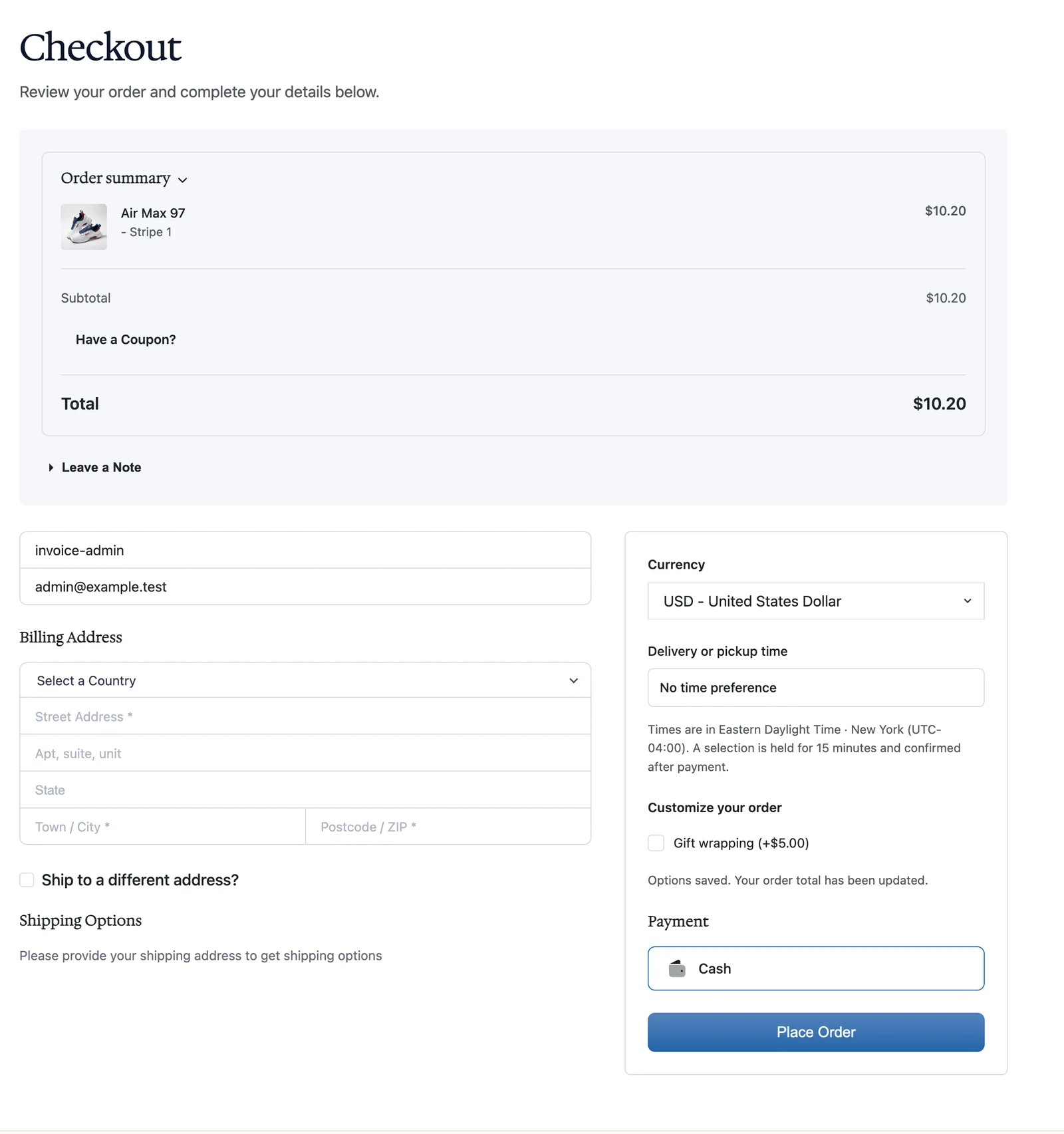
Your existing checkout stays unchanged until you explicitly choose a design.
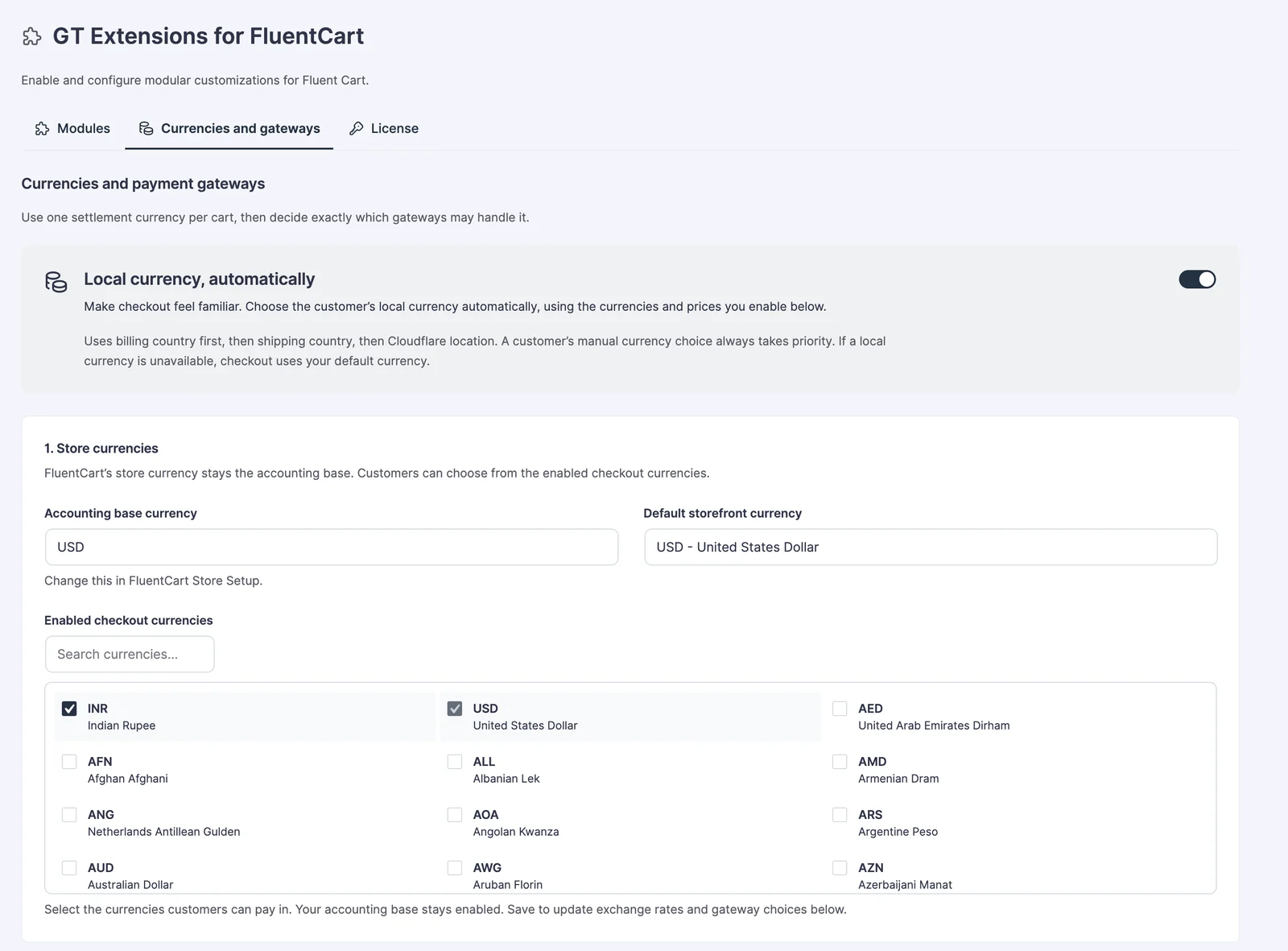
Choose exact regional prices, automatic conversion, or a mix of both. Keep payment methods aligned with the selected currency.
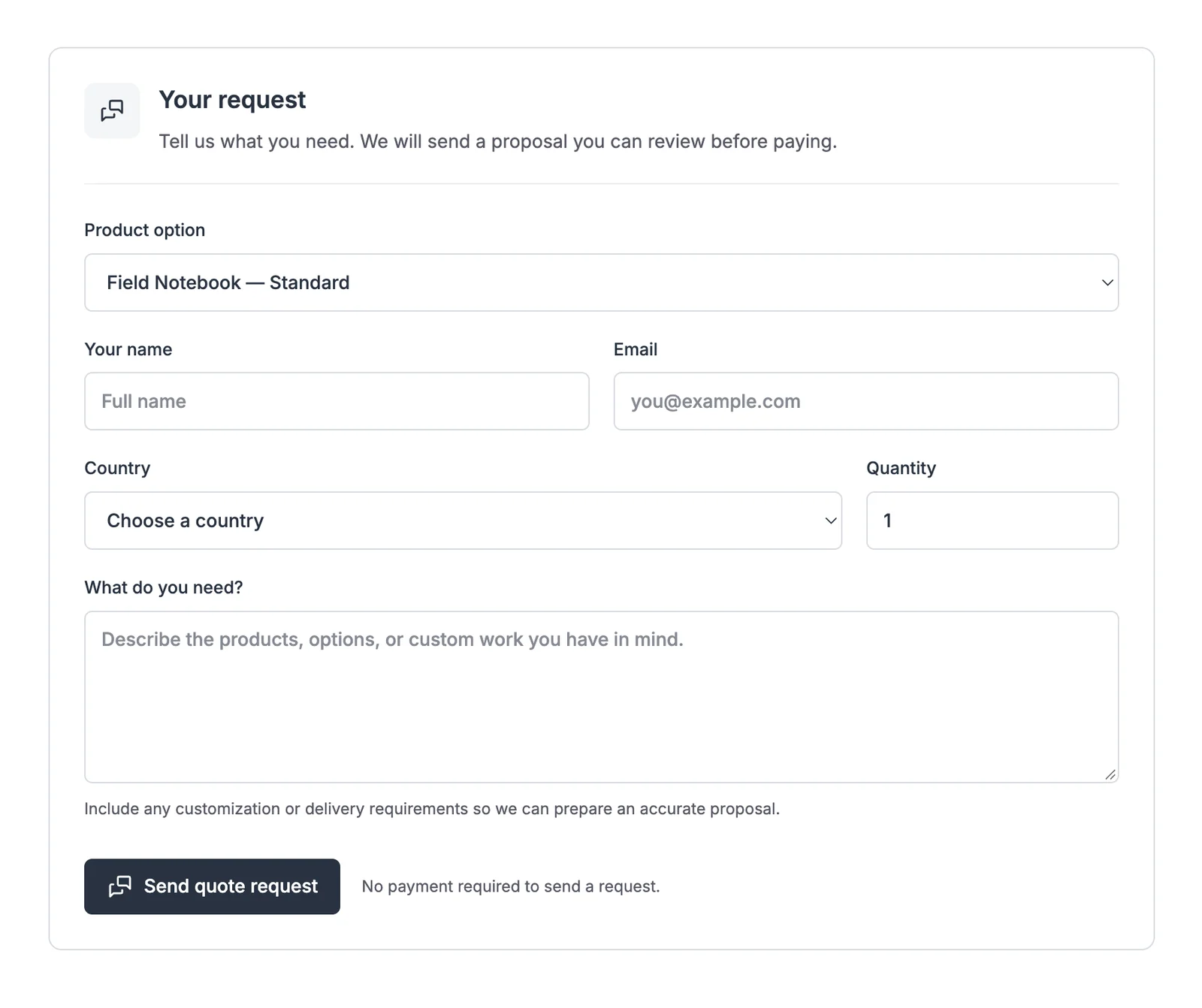
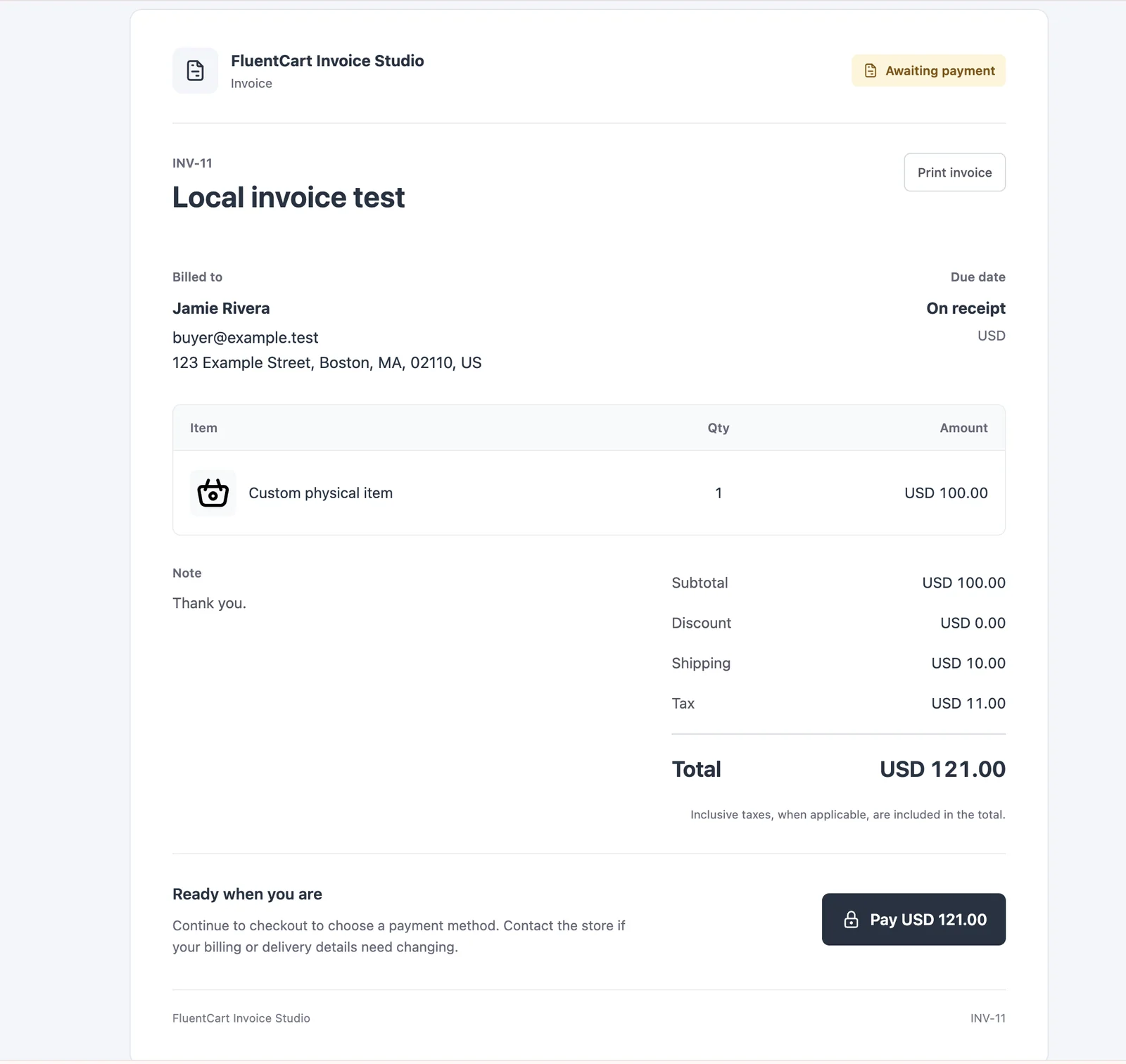
Agree on the work first. Give the customer a proposal to accept, then a clear route to payment.
1
Add the quote block or shortcode. Search for a product or leave the form universal.
2
Add catalog products or custom work, agreed prices, item images and private notes.
3
Send the offer with a valid-through date. Acceptance creates the payable invoice.
4
Share a payment link, send a reminder and manage the native FluentCart order.
Create standalone invoices too. Issuing and emailing are separate actions, and paid invoices keep their preview link.
Help customers keep a product in mind, rebuild a shopping list or hear when a sold-out option returns.
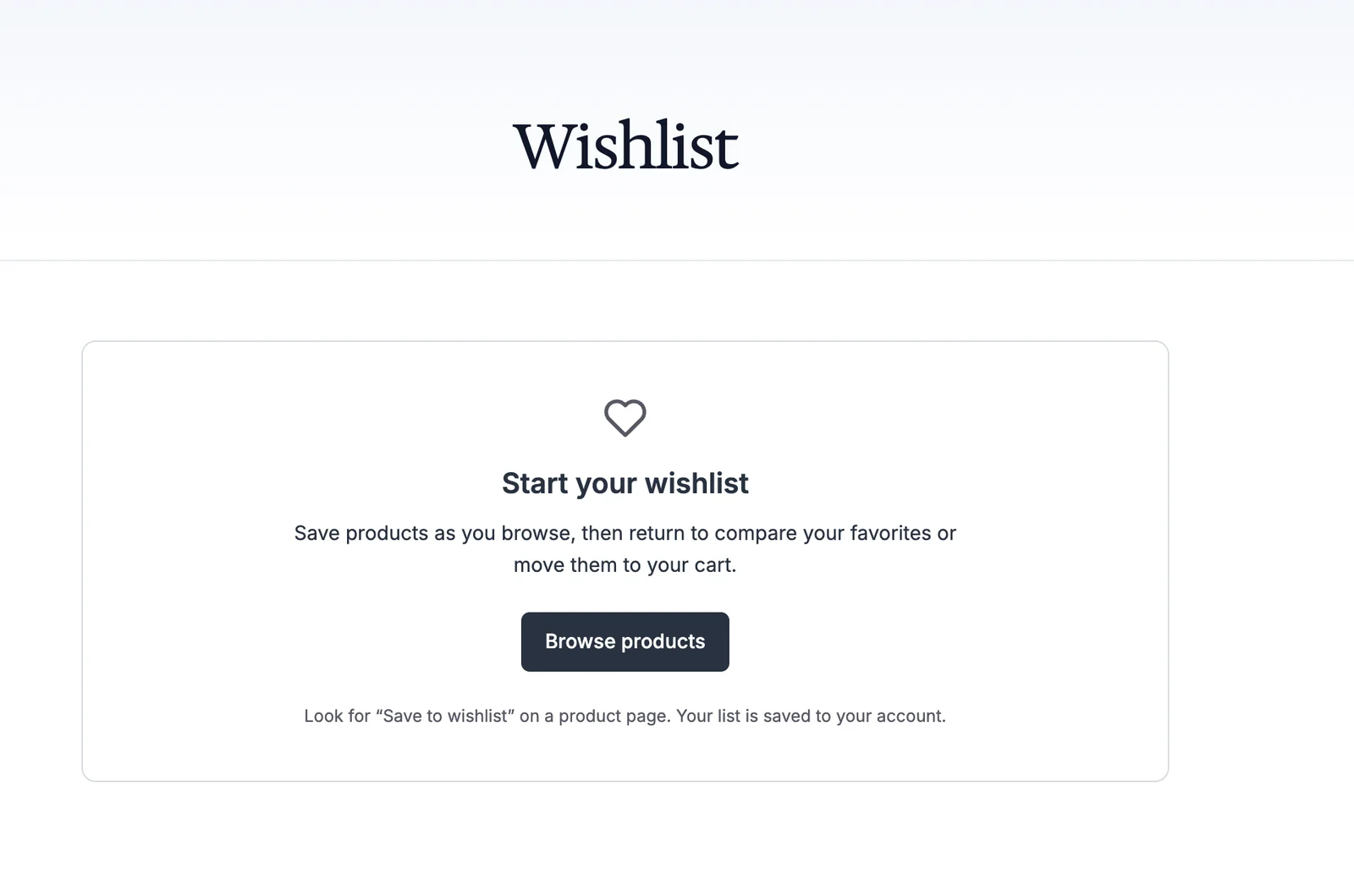
Wishlists and saved carts keep product references, not a promise of the old price or reserved stock.
Find the feature for the job. Configure it, keep its settings and leave the rest switched off.
All 18 modules are included. Use the setup guides to configure the tools that fit your store.
Exact local prices, conversion, automatic currency selection and payment gateway routes.
Setup guide for Multi-Currency CheckoutReplace a zero-price display with a label such as FREE or Complimentary.
Setup guide for Free Price TextControl price visibility and purchasing by sign-in state or WordPress role.
Setup guide for Hide Price Until LoginShow quantities from eligible store orders with your own text and display threshold.
Setup guide for Sold Count DisplayExplain actual low stock with configurable thresholds and messages.
Setup guide for Stock Urgency LabelsSet minimum and maximum cart quantities, with variation overrides and input increments.
Setup guide for Min/Max QuantityChoose purchase-button wording for products, variations and buying contexts.
Setup guide for Custom Add to Cart TextKeep a FluentCart product page and send the purchase to an external destination.
Setup guide for External ProductCreate one-time bills with agreed items, tax, images, payment links and reminders.
Setup guide for Custom InvoicesCollect inquiries, send proposals and turn accepted offers into payable invoices.
Setup guide for Request a QuotePreview five ready-made designs and activate one without editing the checkout page.
Setup guide for Checkout BuilderAdd free or paid fields with product targeting, required answers and conditions.
Setup guide for Product Add-ons & Checkout FieldsOffer dated time slots with capacity, cutoffs and closed-date rules.
Setup guide for Delivery & Pickup SchedulingKeep reusable lists and rebuild eligible purchases using current catalog data.
Setup guide for Saved Carts & Order AgainSend a confirmed subscriber an availability message for a sold-out option.
Setup guide for Back-in-Stock AlertsSell non-shipping work, show after-payment instructions and keep fulfillment in view.
Setup guide for Service ProductsGive supported cart requests and drawer checkout links fresh URLs.
Setup guide for Checkout Cache BusterNo matching module. Try a broader feature name.
FluentCart remains the commerce engine. GT Extensions adds focused workflows around its products, carts, orders and payment methods.
Follow the setup, understand the choices and borrow a practical example. The training course covers every module, plus licensing, hooks and API references.
Documentation links sit beside module settings and inside their workspaces, so the relevant lesson is close at hand.
The existing video introduces the product. The course documents the complete feature set. Watch on YouTube.
Activate the plugin and your license. Use a staging store when introducing new checkout behavior.
Search the module list, open Configure and save. Disabled modules keep their settings.
Check the product, cart and checkout together. Test gateway and email delivery in your own setup.
Start with annual access or choose a lifetime license. Both cover unlimited site activations.
Renew yearly
Updates and support while your subscription is active.
Renews yearly until cancelled.
One payment
Keep your license without a recurring renewal.
No recurring license payment.
14-day unconditional refund period. Prices shown in USD; checkout shows supported local currencies and the final amount before payment.
Your account provides the plugin download and license key. Contact product support for setup questions.
Clear boundaries before you add something to your store.
Yes. GT Extensions works alongside FluentCart Free or Pro. FluentCart itself is installed separately; a feature that depends on a Pro capability still needs that capability in FluentCart.
No. Checkout Builder is optional, and enabling it does not select a design. Your current checkout stays in place until you choose a ready-made layout. You can switch back to FluentCart default.
No. The ready-made designs work with classic themes and with the block editor enabled or disabled. You do not need Full Site Editing to select one.
All 18 modules are included: pricing and storefront controls, invoices, quotes, checkout designs, add-ons, delivery slots, wishlists, saved carts, stock alerts, service products and the cache buster. Each module is optional, so you can enable only the features your store needs.
No. It selects a fixed local price or converts the numeric amount, then uses the payment routes permitted for that currency. A complete cart and order use one currency. Your gateway account must support the transaction, so check each route in its test mode.
Custom Invoices handles one-time bills. Service Products adds non-shipping fulfillment and receipt instructions; it does not create an appointment calendar. Delivery slots are for eligible physical-order delivery or pickup. For service appointment scheduling, see Core Bookings.
Your update and support entitlement ends unless you renew. The plugin does not disable the module code solely because the license expired. A lifetime license has no recurring license payment.
There is a 14-day unconditional refund period. Use Product Support for help or a refund request. Test new workflows on a staging copy before introducing them to a working checkout.
Start with the feature your customers need next.
Unlimited sites. Optional modules. Your FluentCart workflow.
GT Extensions
$99 lifetime · $39/year option