
Languages and Translations
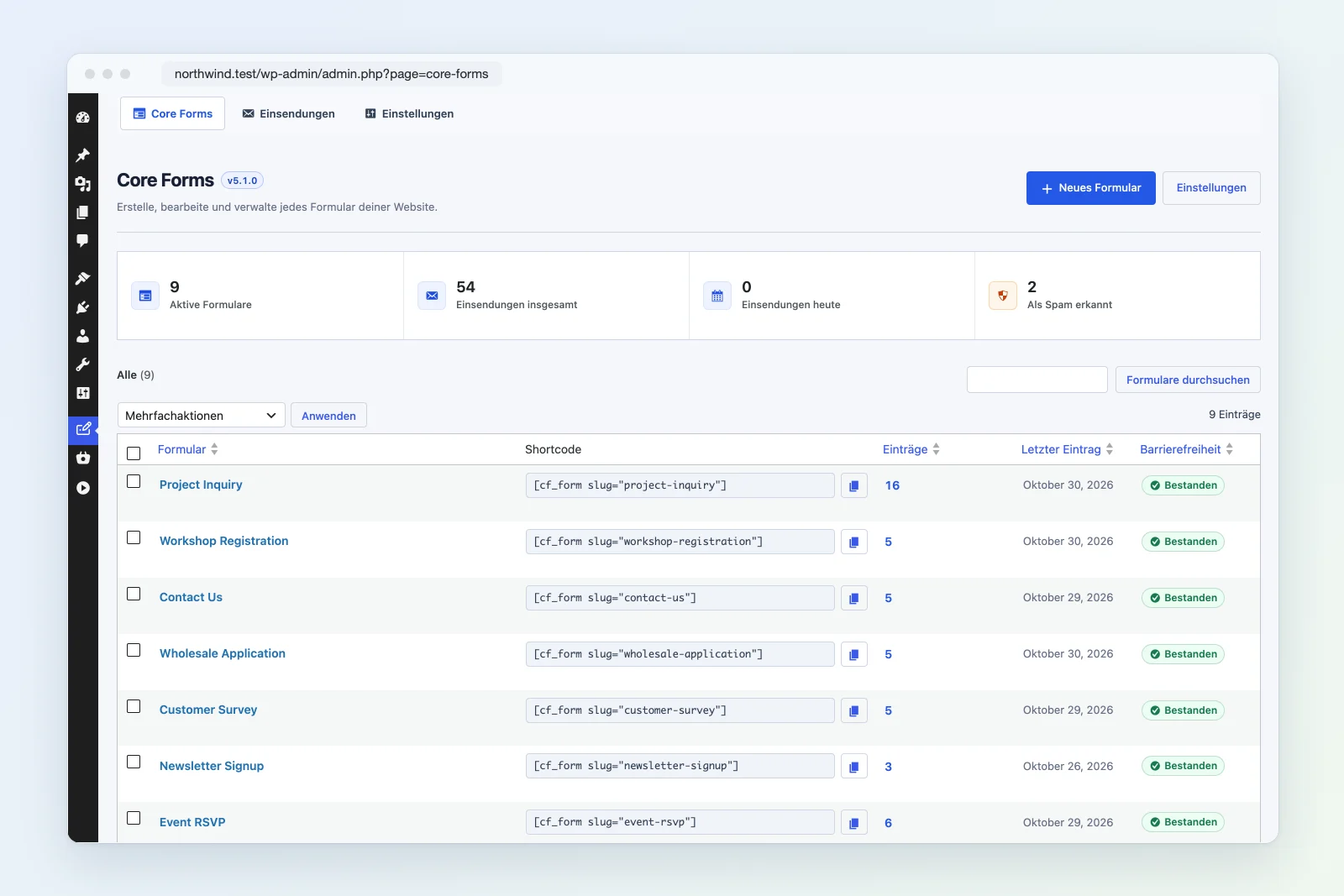
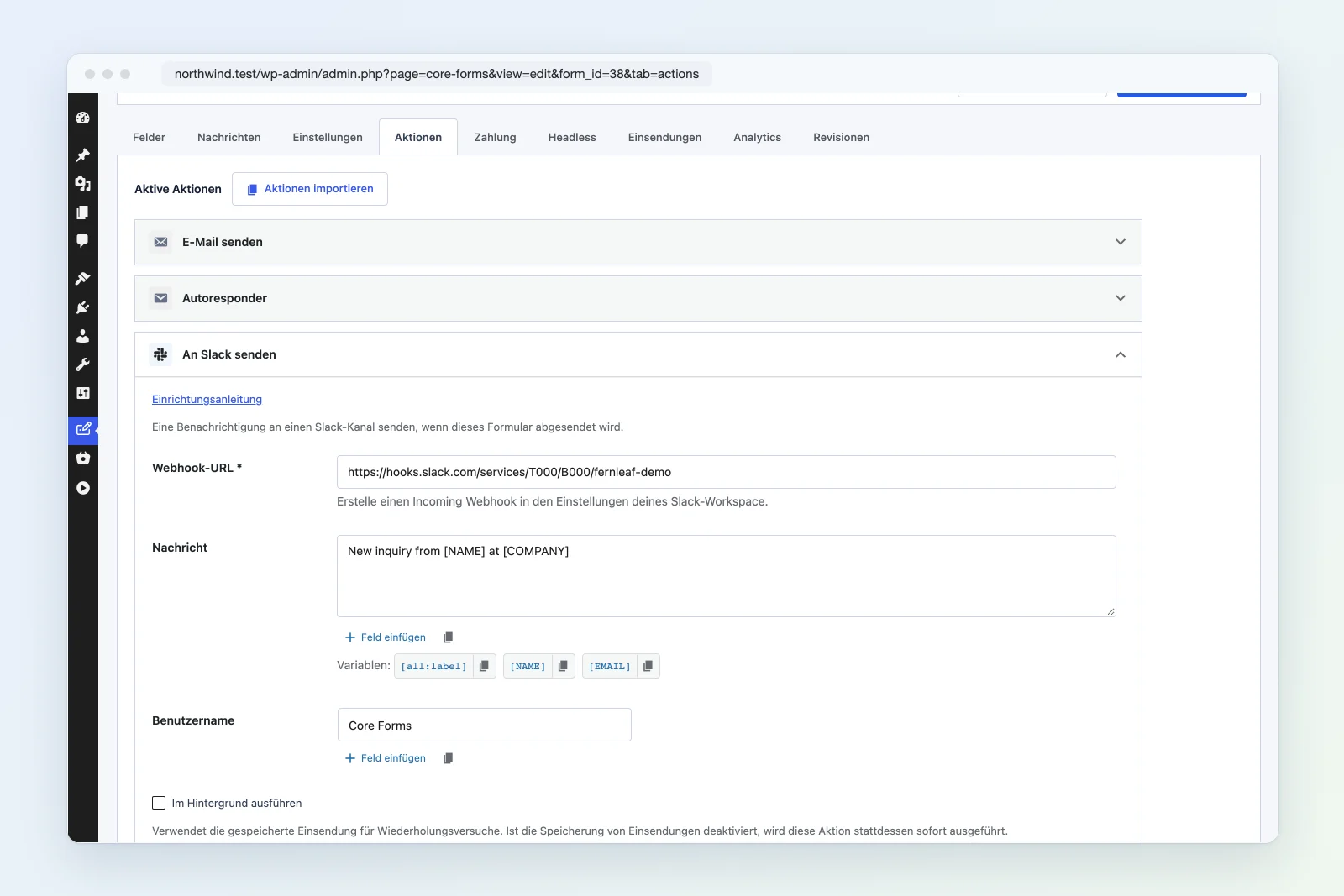
Core Forms ships translated into German, French, Spanish and Italian. The admin screens, the form builder, the block editor, the Bricks and Elementor controls and the messages visitors see all follow the site’s language. No extra plugin is needed.
Bundled languages
| Language | WordPress language | Locale | Addresses the reader as |
|---|---|---|---|
| German | Deutsch | de_DE | du |
| German, formal | Deutsch (Sie) | de_DE_formal | Sie |
| French | Français | fr_FR | vous |
| Spanish | Español | es_ES | tú |
| Italian | Italiano | it_IT | tu |
English is the source language. The translation template, languages/core-forms.pot, ships with the plugin for every other language.
Switch the language
Core Forms uses the language WordPress is already set to:
- Visitors and the site follow Settings → General → Site Language.
- The admin follows each user’s Profile → Language, so one person can work in German while another works in English.
German business sites often use Deutsch (Sie). It has its own translation file, so pick it in Site Language and Core Forms switches to the formal “Sie” wording.
Messages and templates are saved in your language
Some text is stored with the form instead of being translated every time:
- Form messages. Until a form is first saved, its success and error messages follow the site language. When you save the form, the messages are saved with it, in the language your admin used at that moment. To change them later, edit them on the form’s Messages tab.
- Starter templates and fields. Labels and placeholders are inserted in your admin language when you add the template or field. After that they’re part of your form, so you edit them like any other text.
- Your own markup. Labels, buttons and help text you write in the HTML or Block Editor builder stay exactly as you typed them.
On a German site, set your profile language to German before creating forms. The forms, starter fields and messages then start out in German.
Override or extend a translation
Translation files in wp-content/languages/plugins/ take priority over the bundled ones. Use this to change a word or add a language:
- Change wording: edit the language in Loco Translate and save it in the “System” or “Custom” location. Plugin updates won’t overwrite it.
- Add a language: create a new translation from
core-forms.potin Loco Translate or Poedit, and save it ascore-forms-{locale}.mo(for examplecore-forms-nl_NL.mo) inwp-content/languages/plugins/. - Regional variants such as
de_AT,de_CH,fr_CAores_MXaren’t bundled, and WordPress doesn’t fall back from them tode_DEores_ES. Copy the closest bundled.pofile, save it under your locale (for examplecore-forms-de_CH.po), and compile it with Loco Translate or Poedit.
The block editor and the visual form builder read their text from JSON files next to the .mo files. Loco Translate creates those for you.
Multilingual sites
Core Forms loads the translation for whatever language WordPress reports, so on a WPML or Polylang site the admin and the built-in messages generally follow the active language. A form’s own markup and saved messages aren’t translated per language. Create one form per language and place each on the matching page. First-class WPML and Polylang support is on the roadmap.
Troubleshooting
- Still in English: check that the site language, or your profile language for the admin, is set. WordPress also needs that language’s core files: pick the language once in Settings → General and WordPress downloads them.
- Form messages in the wrong language: the form was saved while the admin used another language. Edit the messages on the form’s Messages tab.