Core Forms
WordPress forms with payments, digital products and spam protection.
 Gaurav TiwariDocs
Core Forms 4.5 can publish any form at a clean, shareable URL without creating a separate WordPress page.

The default URL format is:
https://example.com/collect/form-slug/Standalone pages come from the Standalone Pages module. It’s off on new installs, so turn it on under Core Forms → Modules first.
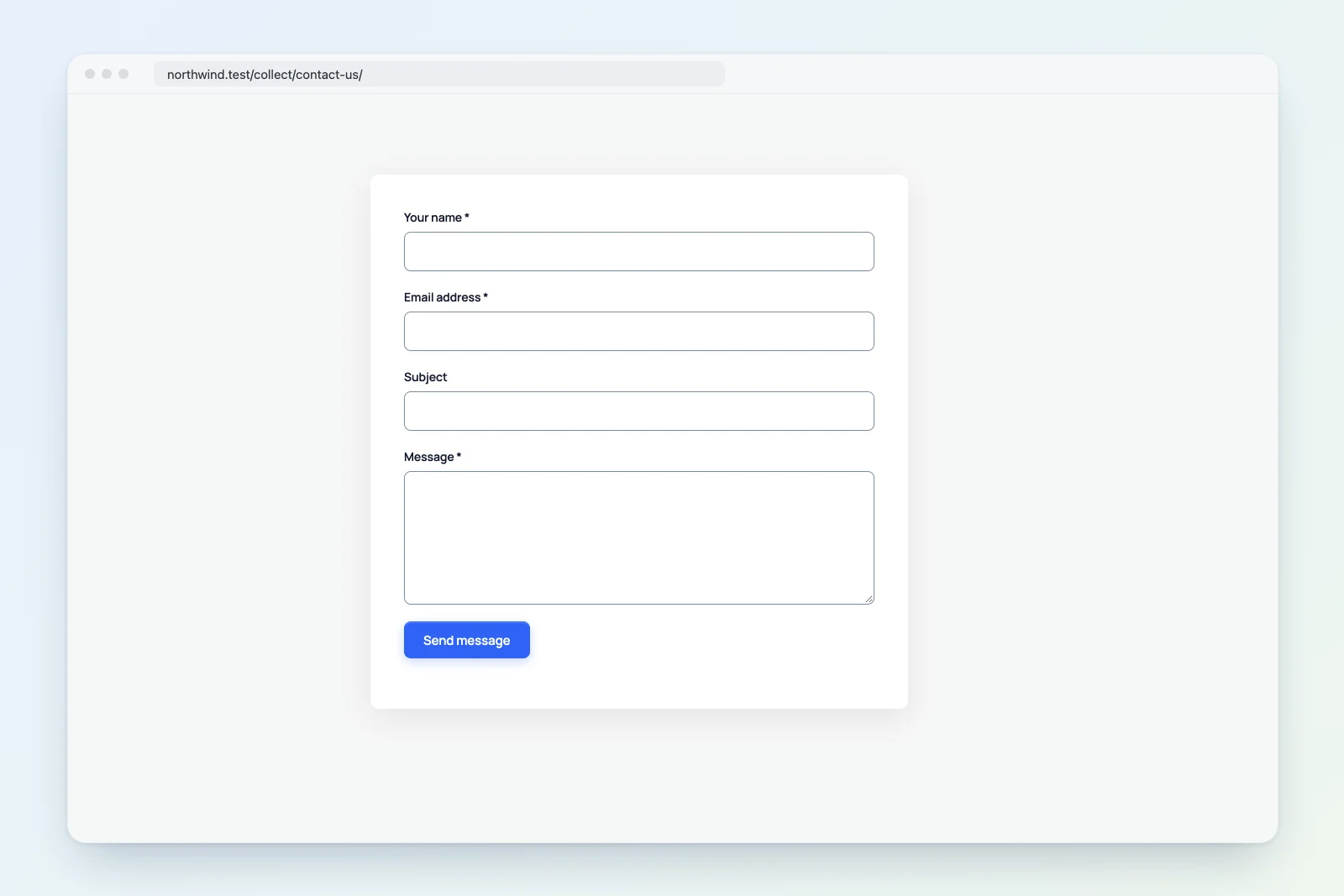
The public slug is stored separately from the internal form slug. Renaming the form therefore does not have to break links you already shared. If another form uses the requested public slug, Core Forms adds a numeric suffix.
/collect/Go to Core Forms > Settings > Standalone URL base. Enter a single URL segment such as apply, forms, or collect.
Core Forms refuses a base that collides with a published page, a reserved WordPress path, or a public post-type rewrite base. Settings then shows an error, keeps the previous base and saves your other changes. Rewrite rules refresh after the base changes.
A standalone page can use either the normal form layout or fullscreen mode. Both use the same form settings, actions, validation, payments, and submission pipeline as an embedded form.
Standalone pages are noindex, nofollow by default. Enable Allow search engines to index this standalone form only when the form itself should be a search landing page.
All standalone form responses remain private and non-cacheable, including indexable pages. This prevents form nonces, draft tokens, query-prefilled values, and confirmation states from being stored in a shared page cache.
Existing fullscreen links continue to work:
https://example.com/?cf-form=form-slugCore Forms 4.5 also enables the corresponding pretty route for fullscreen forms during migration. New normal forms stay private until you explicitly publish them.
Standalone pages run WordPress’s normal wp_head() and wp_footer() hooks plus these Core Forms hooks:
add_action( 'cf_standalone_head', function( $form ) {
    // Add form-specific metadata or styles.
} );

add_action( 'cf_standalone_before_form', function( $form ) {
    // Add content before the form.
} );

add_action( 'cf_standalone_after_form', function( $form ) {
    // Add content after the form.
} );
Fullscreen-specific hooks remain available on standalone fullscreen pages.
Still stuck? Open a support ticket