Core Forms
WordPress forms with payments, digital products and spam protection.
 Gaurav TiwariDocs
This guide covers installing Core Forms, activating your license, and verifying that everything is ready to go.

Before installing Core Forms, make sure your server meets these minimums:
| Requirement | Minimum Version |
|---|---|
| PHP | 8.1 |
| WordPress | 6.4 |
| MySQL/MariaDB | 5.6 / 10.1 |
Core Forms has no external PHP dependencies and works with any standard WordPress hosting environment. It is compatible with PHP 8.1, 8.2, and 8.3.
core-forms.zip file from your account at core-forms.com.core-forms.zip file, and click Install Now.core-forms.zip on your local machine.core-forms/ folder to /wp-content/plugins/ on your server.If you have shell access and WP-CLI installed:
# Upload and activate in one step
wp plugin install /path/to/core-forms.zip --activate

# Or if the plugin is already uploaded
wp plugin activate core-forms
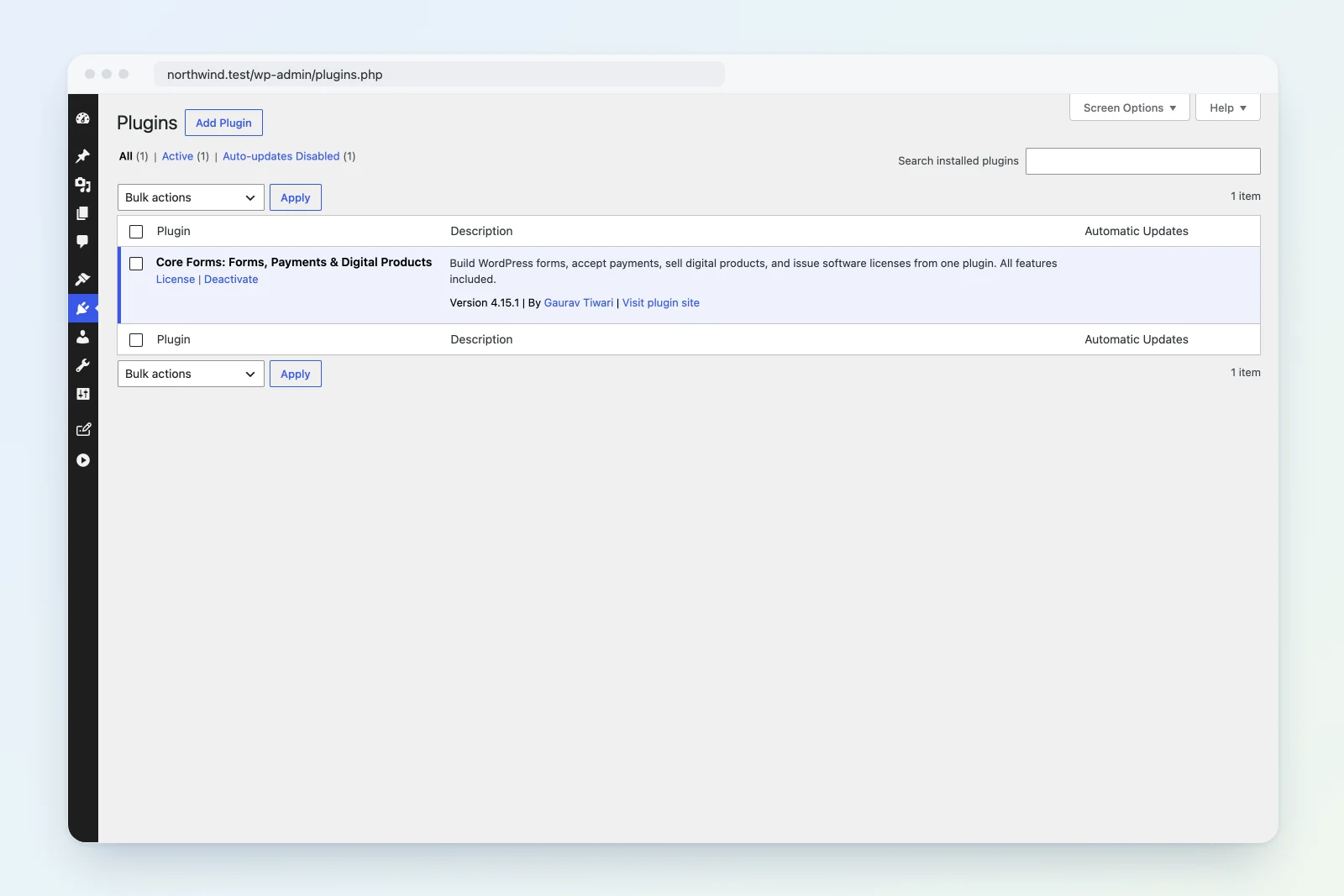
To verify the installation:
wp plugin list --name=core-forms --fields=name,status,versionExpected output:
+-----------+--------+---------+
| name      | status | version |
+-----------+--------+---------+
| core-forms| active | 4.0.0   |
+-----------+--------+---------+When you activate Core Forms, the plugin automatically:
wp_cf_submissions) is created to store form submissions. The table includes columns for form_id, data (JSON), ip_address, user_agent, referer_url, is_spam, and submitted_at.core-form post type — Forms are stored as a custom post type. This is not publicly visible and is managed entirely through the Core Forms admin interface.edit_forms capability — The administrator role receives the edit_forms capability, which controls access to the Core Forms admin pages.No configuration files are modified, no .htaccess rules are added, and no external requests are made during activation.
Core Forms includes all premium features in the core plugin. A valid license key unlocks automatic updates and support.
A green “Active” badge confirms that your license is valid and automatic updates are enabled.
To activate without typing the key, for example on many sites or from a deploy script, add it to wp-config.php:
define( 'CORE_FORMS_LICENSE_KEY', 'your-license-key' );The license activates the next time an administrator opens the dashboard, and the License & Updates screen shows it without a key field. Core Forms stores only a hash of the key, never the key itself. A failed activation is shown on the License & Updates screen and retried after 12 hours. See Keys in wp-config.php.
Your license key is available in your account dashboard at:
https://core-forms.comEach license key is tied to your purchase and can be used on the number of sites included in your plan.
If you need to move Core Forms to a different site:
wp-config.php, remove the constant too, or the license activates again after 12 hours.| Problem | Solution |
|---|---|
| “License key is invalid” | Double-check for typos. Copy and paste the key from your account page. |
| “License limit reached” | Deactivate the license on a site you no longer use, then try again. |
| Updates not showing | Go to Dashboard > Updates and click Check Again. Core Forms also forces an update check on activation. |
| Connection error | Your server may be blocking outgoing HTTPS requests to gauravtiwari.org. Check with your host. |
You can also manage your license from the command line:
# Check license status
wp option get cf_license_key
wp option get cf_license_statusAfter activation, confirm everything is working:
# Confirm the custom post type is registered
wp post-type list --format=table | grep core-form

# Confirm the submissions table exists
wp db query "SHOW TABLES LIKE '%cf_submissions%'"

# Confirm the plugin settings option exists
wp option get cf_settings --format=jsonCore Forms is lightweight and operates well within the default WordPress memory limit. If you are running many plugins, ensure your PHP memory limit is at least 128MB:
; php.ini
memory_limit = 128MIf you plan to use the file upload extension, ensure these PHP settings are configured:
; php.ini
file_uploads = On
upload_max_filesize = 10M
post_max_size = 12M
Adjust the values based on the file sizes you expect to receive.
While Core Forms works on HTTP sites, HTTPS is strongly recommended. Form submissions contain user data (names, emails, messages) that should be encrypted in transit. Most hosting providers offer free SSL certificates via Let’s Encrypt.
Core Forms works on WordPress Multisite installations. Each site in the network gets its own submissions table and settings. Install the plugin either network-wide or per-site:
# Network activate
wp plugin activate core-forms --network

# Or activate on a specific site
wp plugin activate core-forms --url=site2.example.comWith an active license, updates appear automatically in Dashboard > Updates alongside your other plugins. You can update Core Forms just like any other WordPress plugin.
To update via WP-CLI:
wp plugin update core-formsIf automatic updates are not available:
core-forms/ folder from /wp-content/plugins/.Your forms, submissions, and settings are stored in the database and are preserved across updates and reinstalls.
Deactivating the plugin disables all forms but preserves your data. If you want to fully remove Core Forms:
On deletion, Core Forms removes:
wp_cf_submissions database tablecore-form posts and their meta datacf_settings option from the options tableedit_forms capability from the administrator roleImportant: This is irreversible. Export your submissions (via Core Forms > Submissions > Export CSV) before deleting if you need to keep the data.
Still stuck? Open a support ticket