
 by
by
You search your keyword and see your page at #3. Someone in another city sees it at #14, and Search Console says your average position is 11. All three can be correct, and that’s what makes rank checking confusing. Google shows different results by location, device and time, while Search Console averages every impression your page received instead of showing one search.
A SERP checker clears this up by running the search with settings you choose and recording what came back. The best SERP checkers match the job you need done: a quick free check of where a page sits right now, saved tracking of the same keywords over time, or the impressions and clicks your own site already gets.
For a quick free check, I’d start with SERPRobot for your own domain, or the free Semrush SERP Checker when you want to see the whole top 10 for a keyword.
For your own site, Google Search Console is the free record of the impressions and clicks your pages actually received. When you need the same keywords tracked every day against competitors, my paid pick is Semrush Position Tracking.
Free download: the SEO Playbook 2026
The complete system in one 57-page ebook: SEO, AEO, and GEO. How search actually works now, the technical base, content that ranks, links that hold, getting cited by AI, and the 90-day cadence that makes it all compound. The SEO Audit Checklist and Guest Posting Swipe File are included as appendices.
Enter your email and I’ll send the PDF straight to your inbox.
Quick Comparison
The first 5 rows are free checks you can run right now. The rest save your rankings over time, and the last 2 report on your own site only.
| Tool | Best For | Access | Updates | Main Limit |
|---|---|---|---|---|
| SERPRobot | Your domain’s position right now | Free, no account | On demand | 10 keywords per check |
| Semrush SERP Checker | Studying the top 10 before writing | 5 free checks a day, no sign-up | On demand | Top 10 only, no tracking |
| Ahrefs SERP Checker | Top 10 with link metrics | Free | On demand | Top 10 only, no tracking |
| AccuRanker Live SERP Checker | City-level spot checks | 5 free searches a day | On demand | No saved history |
| WhatsMySerp | Top 100 results in one check | 10 free checks a day | On demand | One result, no trend |
| Semrush Position Tracking | Tracking plus a full SEO suite | 7-day trial, from $139/month | Daily | More platform than a tracker alone |
| Ahrefs Rank Tracker | Rankings next to backlink data | From $129/month, no trial | Weekly | No daily updates |
| Serpstat | Budget all-in-one suite | 7-day trial, from $69/month | Daily or custom | Metered position checks |
| Mangools SERPWatcher | Simple tracking for bloggers | Free account, from $30.50/month | Weekly, daily on Agency | 200 keywords on Basic |
| AccuRanker | Large tracked keyword sets | From $249/month, 14-day refund | Daily, plus on demand | Priced for 2,000+ keywords |
| SE Ranking | Agency client reporting | 14-day trial, from $129/month | Daily | White label needs the Agency Pack |
| Wincher | Daily tracking on a budget | 7-day trial, from $49/month | Daily | On-demand updates from Standard |
| Nightwatch | City and ZIP-level local tracking | 14-day trial, from €99/month | Daily, plus on demand | More than a single blog needs |
| Google Search Console | Your own site’s real impressions | Free for verified sites | Daily, with a 24-hour view | Averages only, no competitors |
| Rank Math Analytics | Search Console data in WordPress | Free plugin, Rank Tracker in PRO | Pulls from Search Console | Your own site only |
Free SERP Checkers
A free SERP checker is the right tool when you need an answer today and don’t need history. Each one asks for a keyword and a market, but they differ in what they return: some look for your domain in the results, while others show the top 10 so you can study who ranks and why.
SERPRobot
SERPRobot is the free SERP checker I send people to when they just want to know where their site ranks. You enter your domain and up to 10 keywords, pick a region and desktop or mobile, and it shows where your domain ranks for each keyword, with no account needed. SERPRobot does warn that a check can take a few minutes when it’s busy.
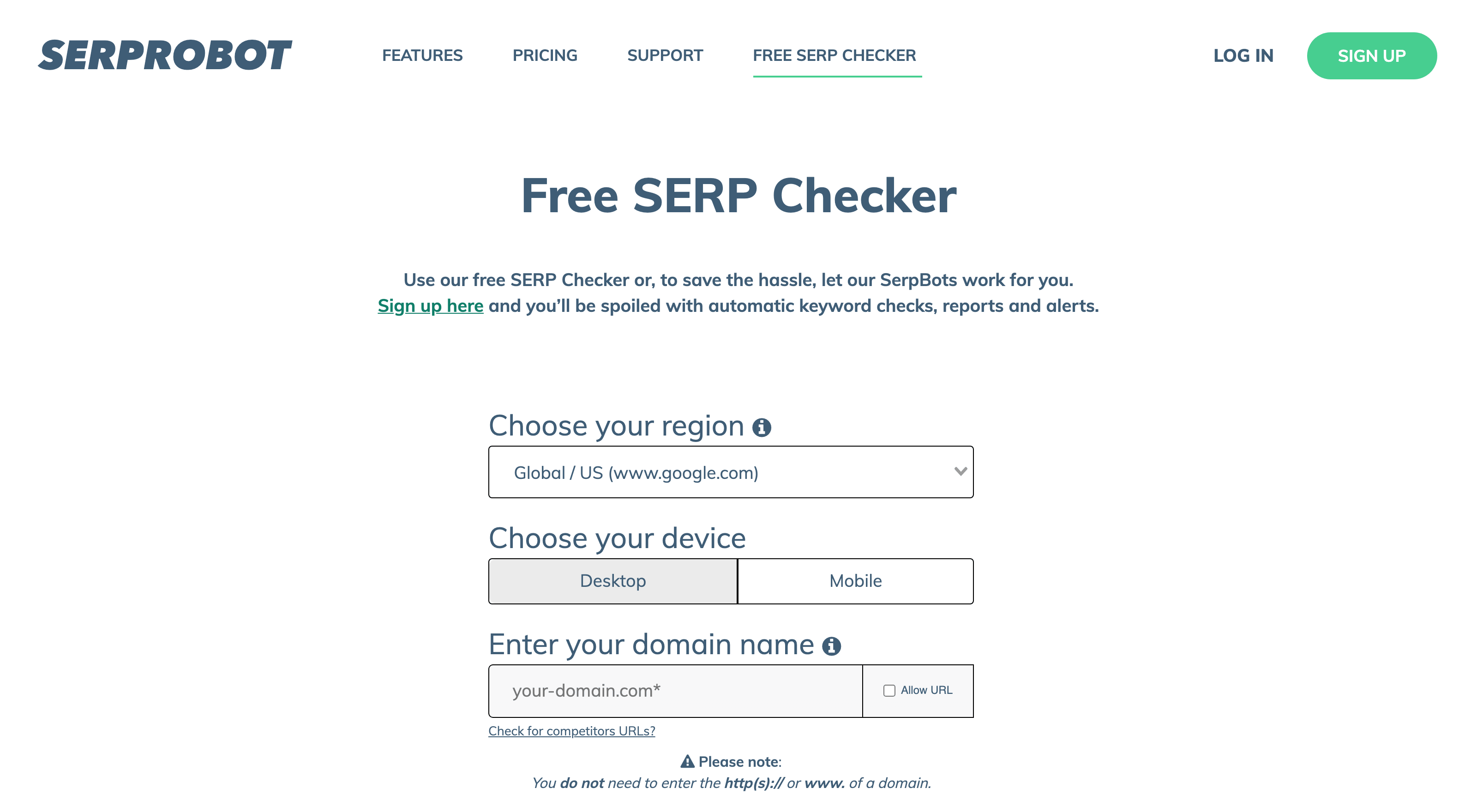
It works for any domain, including competitors’ sites. An account adds scheduled checks, reports, alerts and history, and the paid plan starts at $4.99 a month per bot for 75 keyword updates every 24 hours, with a 14-day trial. My SERPRobot review covers where the paid side holds up.
Semrush SERP Checker
The free Semrush SERP Checker shows the top 10 Google results for any keyword in any country. No sign-up is needed, and you get 5 free checks a day. Each result comes with Authority Score, referring domains, backlinks, estimated traffic and ranking keywords, plus a 30-day volatility chart, and the tool flags an AI Overview when one appears.
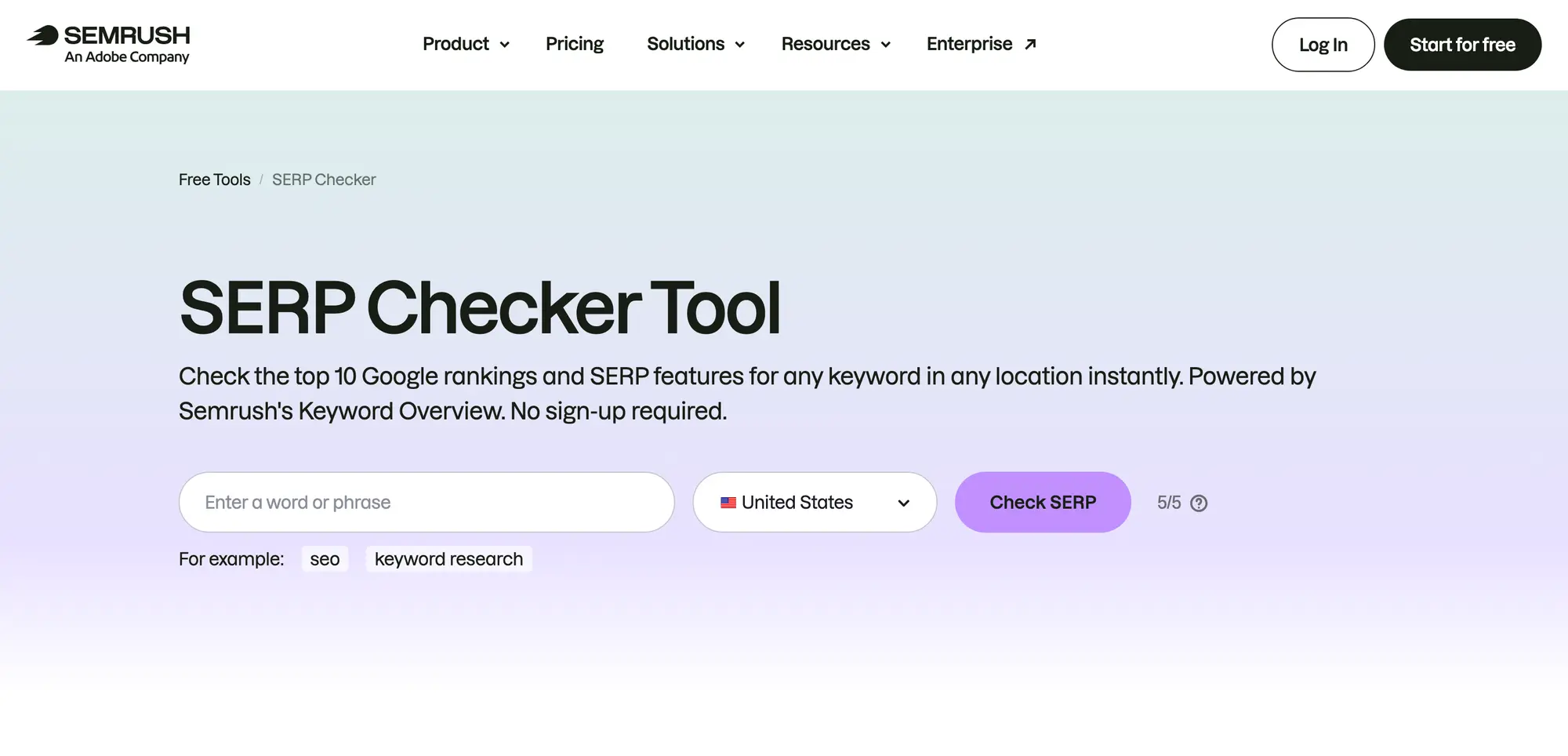
This is the tool I’d use during keyword research, to see what kind of pages Google rewards for a query before writing. It doesn’t look for your domain and it doesn’t save anything, so it’s a research view rather than a tracker.
Ahrefs SERP Checker
The free Ahrefs SERP Checker analyzes the top 10 rankings for a keyword across hundreds of locations. Each result comes with Domain Rating, URL Rating, backlinks, referring domains, traffic and Keyword Difficulty, plus position history for the top 5.
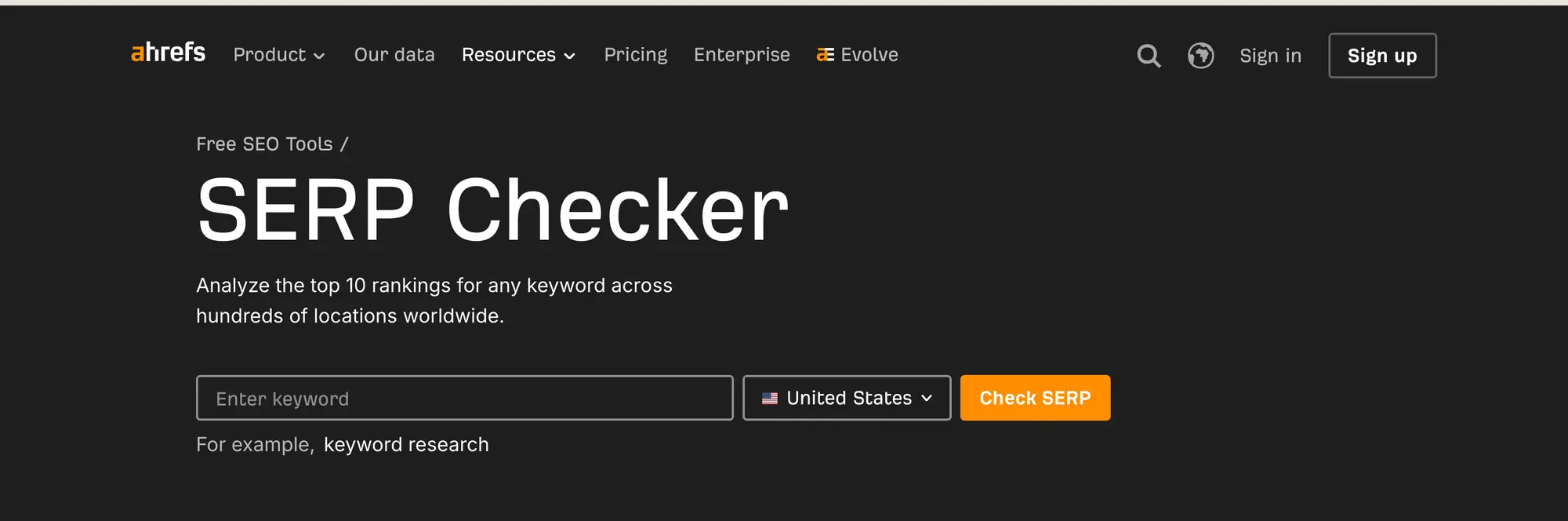
It answers the same question as Semrush’s free tool from a different link index, which is useful when you want a second opinion on how strong the ranking pages are.
AccuRanker Live SERP Checker
AccuRanker’s free Live SERP Checker shows the result page for a keyword in a chosen country and city, on desktop or mobile. You get up to 5 free searches a day.
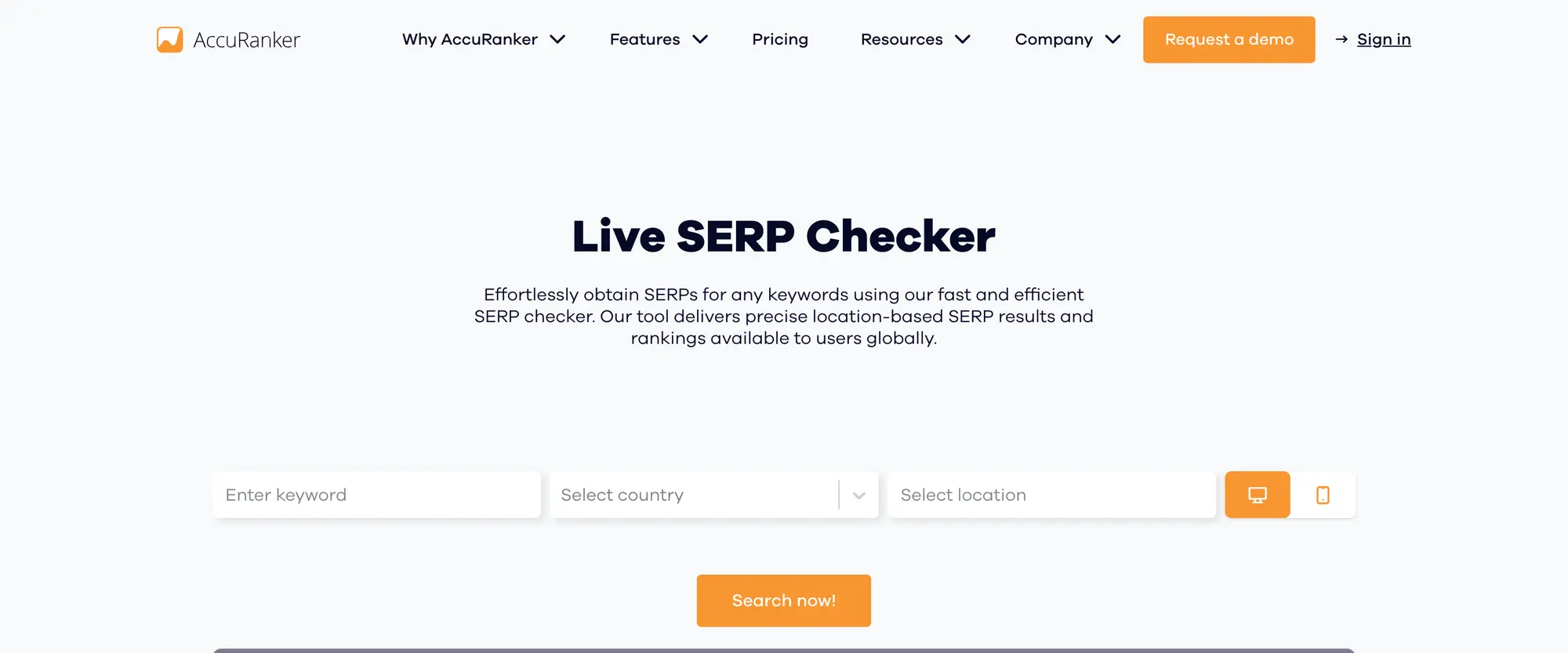
The city field is the reason to use it. Semrush’s free checker stops at the country, and local rankings often look quite different from the national result.
WhatsMySerp
WhatsMySerp has a free SERP checker with country, language, device and location controls. It returns the top 100 Google results for several keywords at once, and you get 10 free checks a day without a card. Its paid tracker starts at $19.99 a month for 200 keywords updated daily.
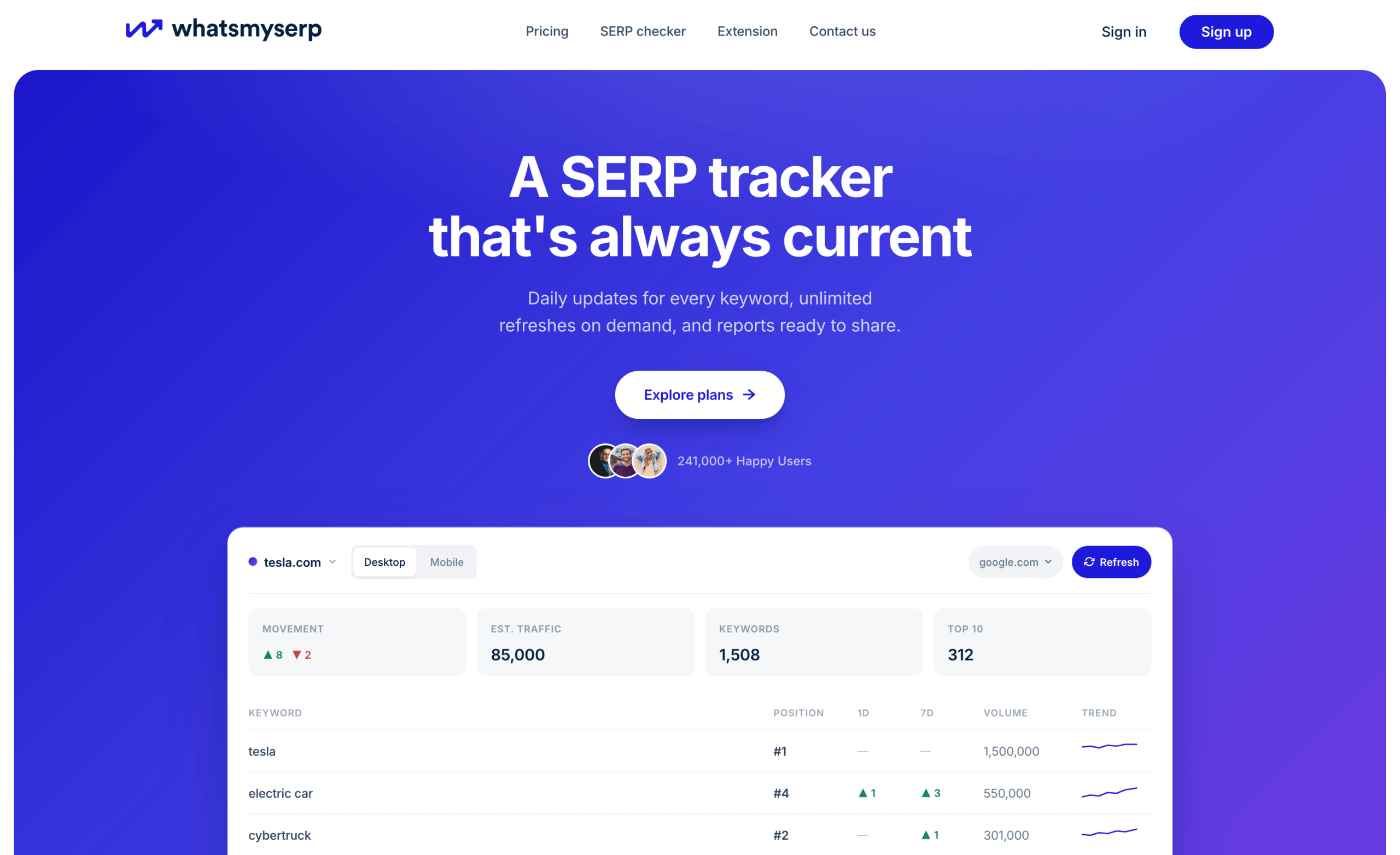
I’d treat it as another spot-check option. A single result tells you where a page sat at that moment, and nothing about the trend.
Paid Rank Trackers
A paid rank tracker earns its cost when it saves the same observation again and again: the same keyword, market and device, checked on a schedule, so you can see whether an edit or a competitor moved anything. Before comparing prices, check how each tool counts what you’re buying, because a keyword tracked in 2 countries on 2 devices can count as 4 targets.
Semrush Position Tracking
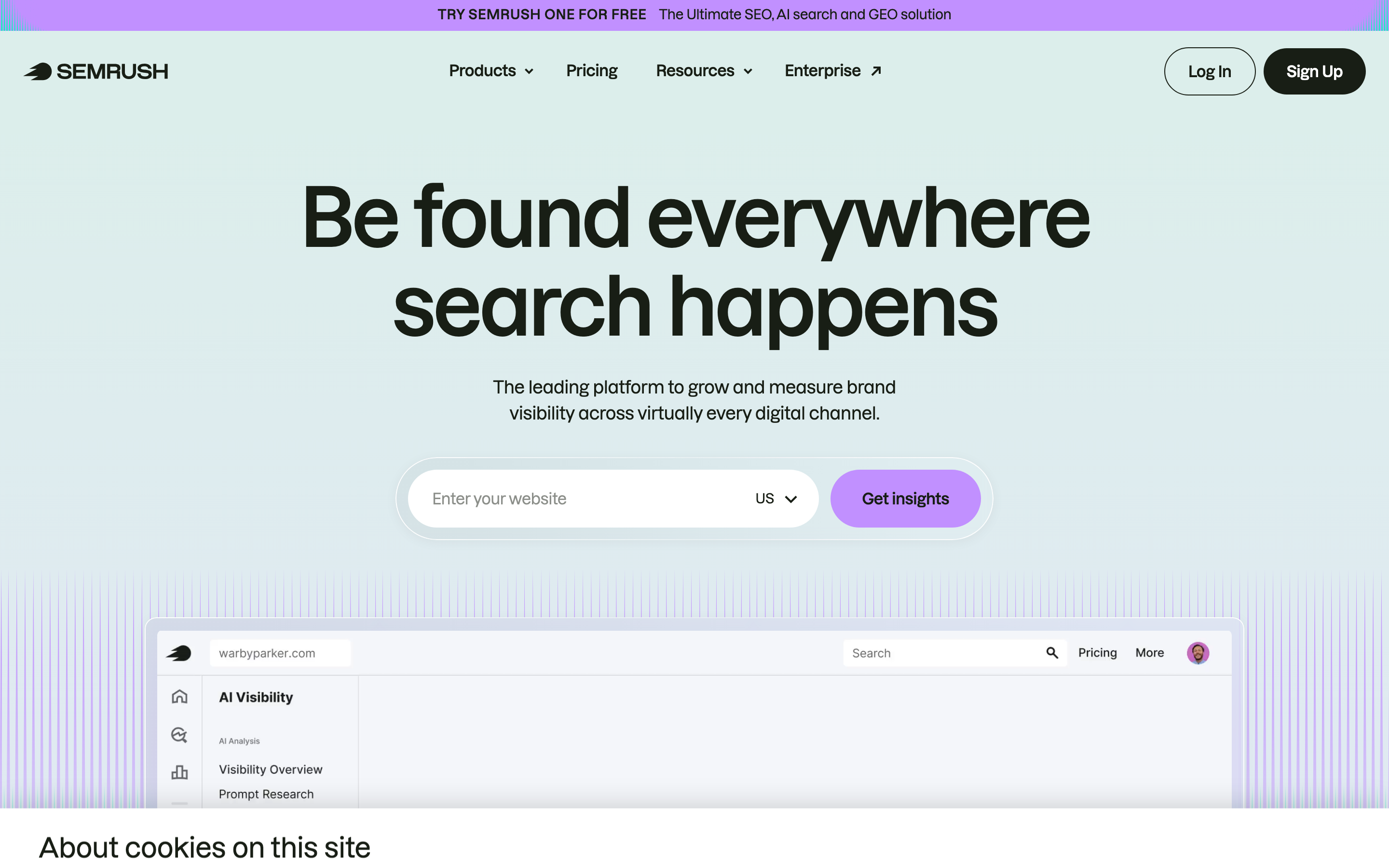
Semrush is my paid pick when you need rank tracking and the rest of an SEO suite in one account. Position Tracking records daily positions by location and device, compares you with up to 20 competitors and shows which SERP features appear, including AI Overviews. That context matters because a stable position can still lose clicks when the result page changes above it.
The numbers that matter:
- The SEO plan costs $139 a month, or $117.33 a month billed yearly, and tracks 500 keywords daily.
- There’s a 7-day free trial.
It’s a lot of platform if you only need one rank number. My Semrush review covers the rest of the suite and the plan choice.
Ahrefs Rank Tracker
Ahrefs Rank Tracker puts your position history next to the backlink and content data already in Ahrefs. It covers desktop and mobile, more than 190 locations and SERP features including AI Overviews.

The catch is update frequency. Ahrefs updates tracked keywords weekly on every plan, including Enterprise, and doesn’t sell daily updates as a public add-on.
- Lite costs $129 a month, or $108 a month billed yearly, and tracks 750 keywords.
- There’s no free trial. Ahrefs Free covers your own verified site instead.
Weekly is fine for a content site watching trends. For a campaign where you want to see the effect of a change the next morning, it’s too slow.
Serpstat
Serpstat puts rank tracking, keyword research, site audits and backlink data on one subscription. Its Rank Tracker covers local and global checks, mobile and desktop, and SERP features.

Here’s how it’s priced:
- Individual costs $69 a month, or $50 a month billed yearly.
- Rank tracking is metered in position checks, with 10,000 a month on Individual. Each keyword in each region uses a check on every update, so daily tracking in one region covers about 330 keywords.
- The 7-day trial needs a $1 card verification and renews into a paid plan unless you cancel.
The entry plan costs about half of Semrush’s SEO plan, but the two count usage differently. I’d run your own keyword list through the check math before choosing between them.
Mangools
Mangools splits the job into two tools. SERPChecker analyzes a single result page with authority and difficulty metrics, which helps you decide whether a keyword is worth writing for. SERPWatcher is the part that saves your rankings over time.
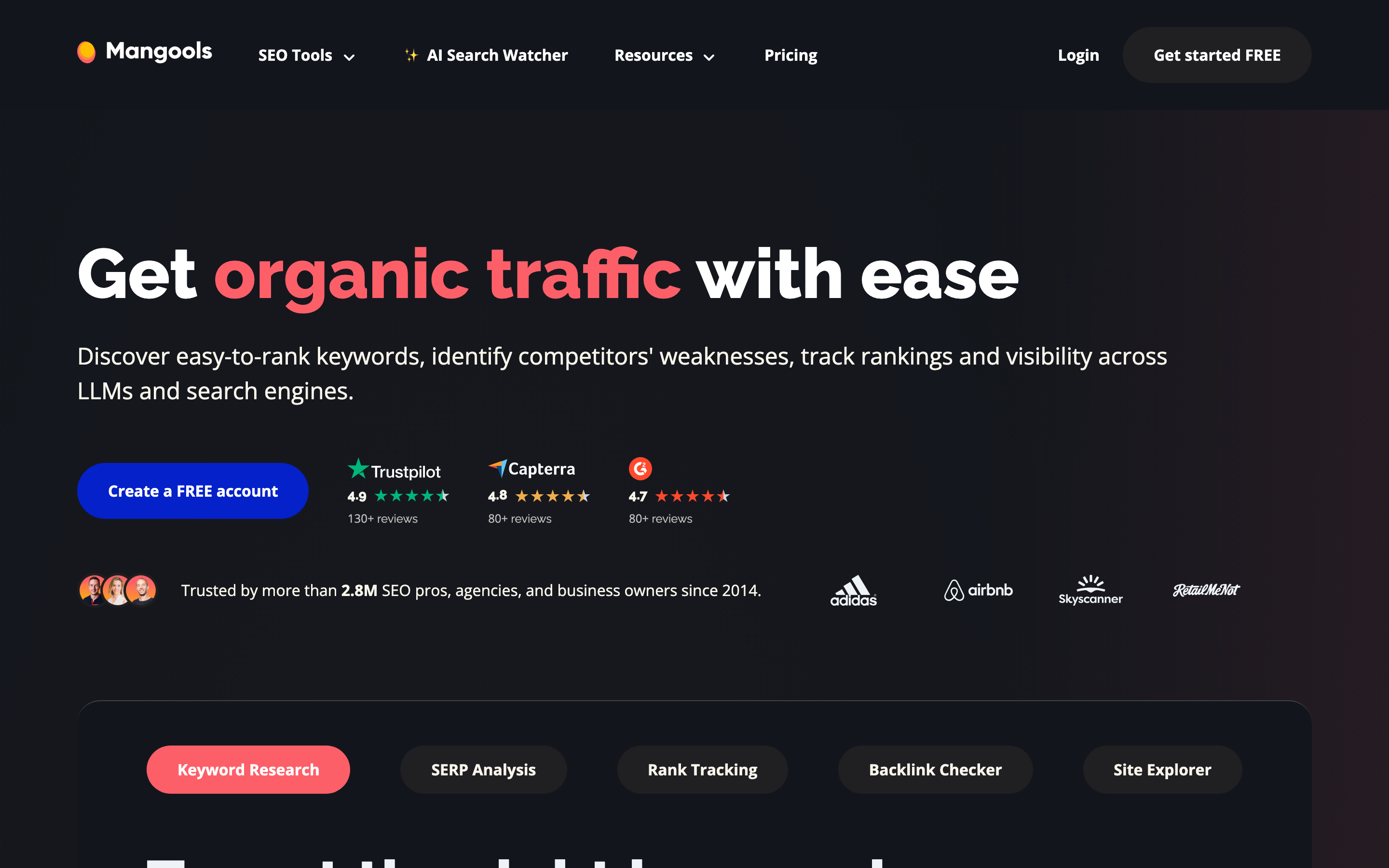
SERPWatcher’s limits depend on the plan:
- Mangools Basic costs $30.50 a month, or $18.85 a month billed yearly, and tracks 200 keywords.
- Rankings update weekly on Basic and Premium, and daily only on Agency, which costs $70.50 a month or $48.85 a month billed yearly.
- You can start with a free account, with no card needed.
Weekly updates are fine for a blog watching trends. If a campaign needs daily numbers, only the Agency plan gives you that.
AccuRanker
AccuRanker is built around rank tracking rather than a full SEO suite, with on-demand refreshes, segmentation, reporting and history for large keyword sets. It also has keyword research and SERP analysis around the tracker now, so it’s more than a dashboard.
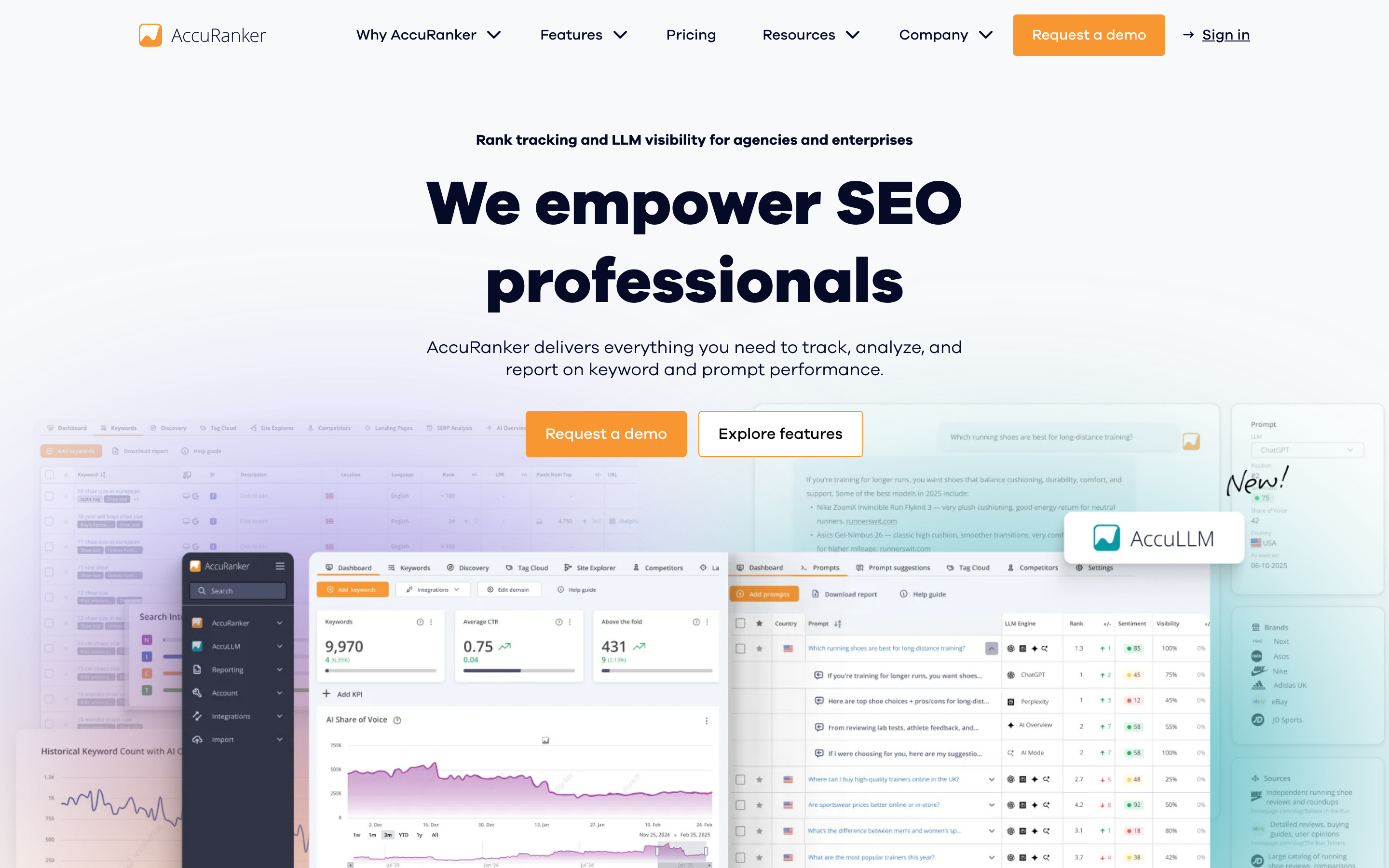
The pricing starts high:
- Professional costs $249 a month for 2,000 keywords, or $224 a month billed yearly.
- Keywords update daily, and you can refresh a keyword or a whole domain on demand every 2 hours.
- Every plan includes unlimited users.
- There’s no free trial, but there’s a 14-day refund policy.
That makes sense for agencies and in-house teams tracking thousands of keywords. For a blogger with 100 keywords, it’s far more than the job needs.
SE Ranking
SE Ranking combines rank tracking with keyword research, site audits, backlink monitoring and competitor data. Agencies like it for client reporting, but the agency features need care when you buy.
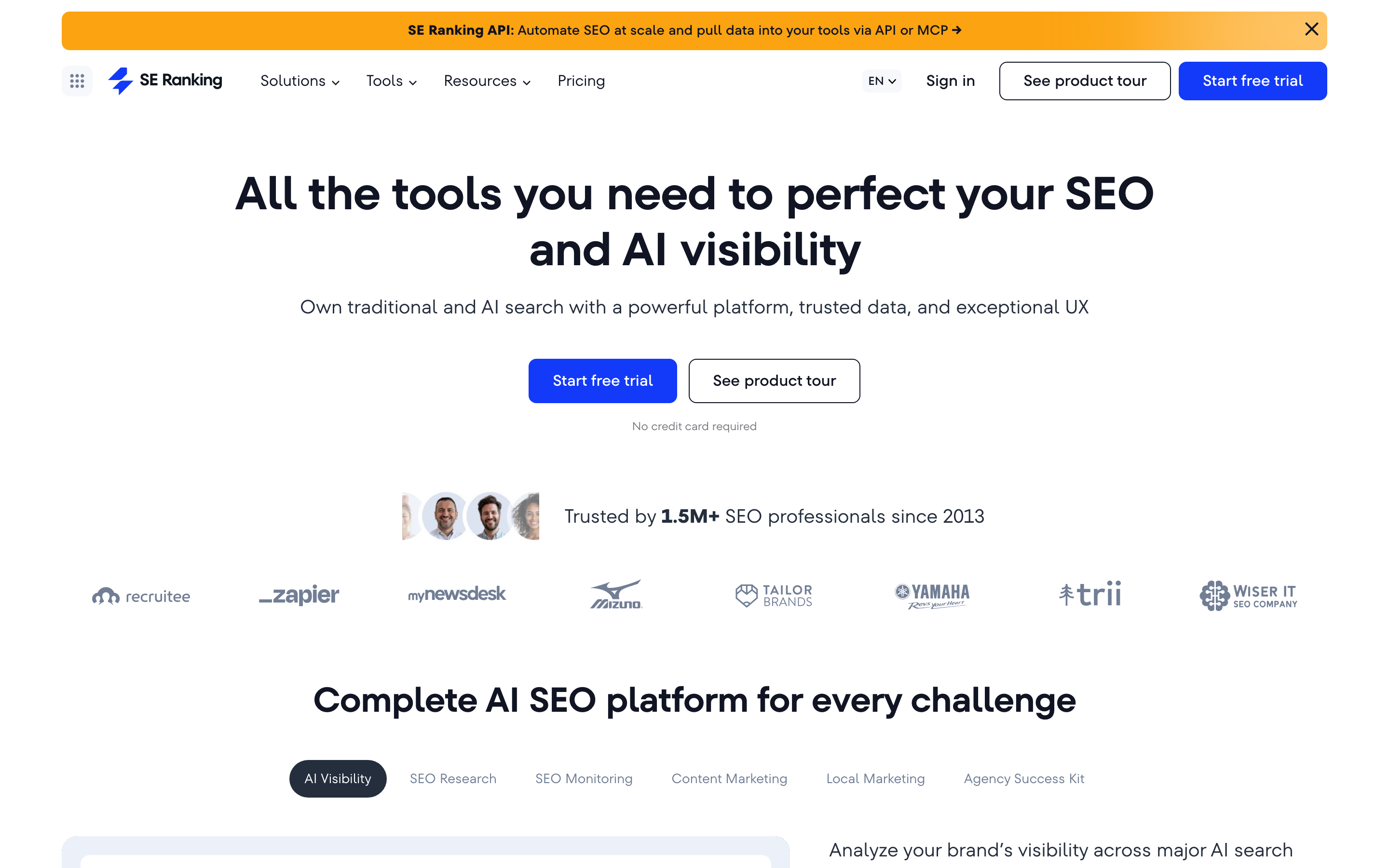
The base plan and the agency features are priced separately:
- Core costs $129 a month, or $103.20 a month billed yearly, and tracks 2,000 keywords daily.
- The 14-day free trial needs no card.
- White-label reports and client seats come with the Agency Pack, a $69-a-month add-on for annual plans only.
So the agency features don’t come with every plan. Price Core and the Agency Pack together before you compare SE Ranking with another platform.
Wincher
Wincher started as a simple daily rank tracker. It now also has keyword research, backlink profiles and on-page checks, so it’s grown beyond tracking only.
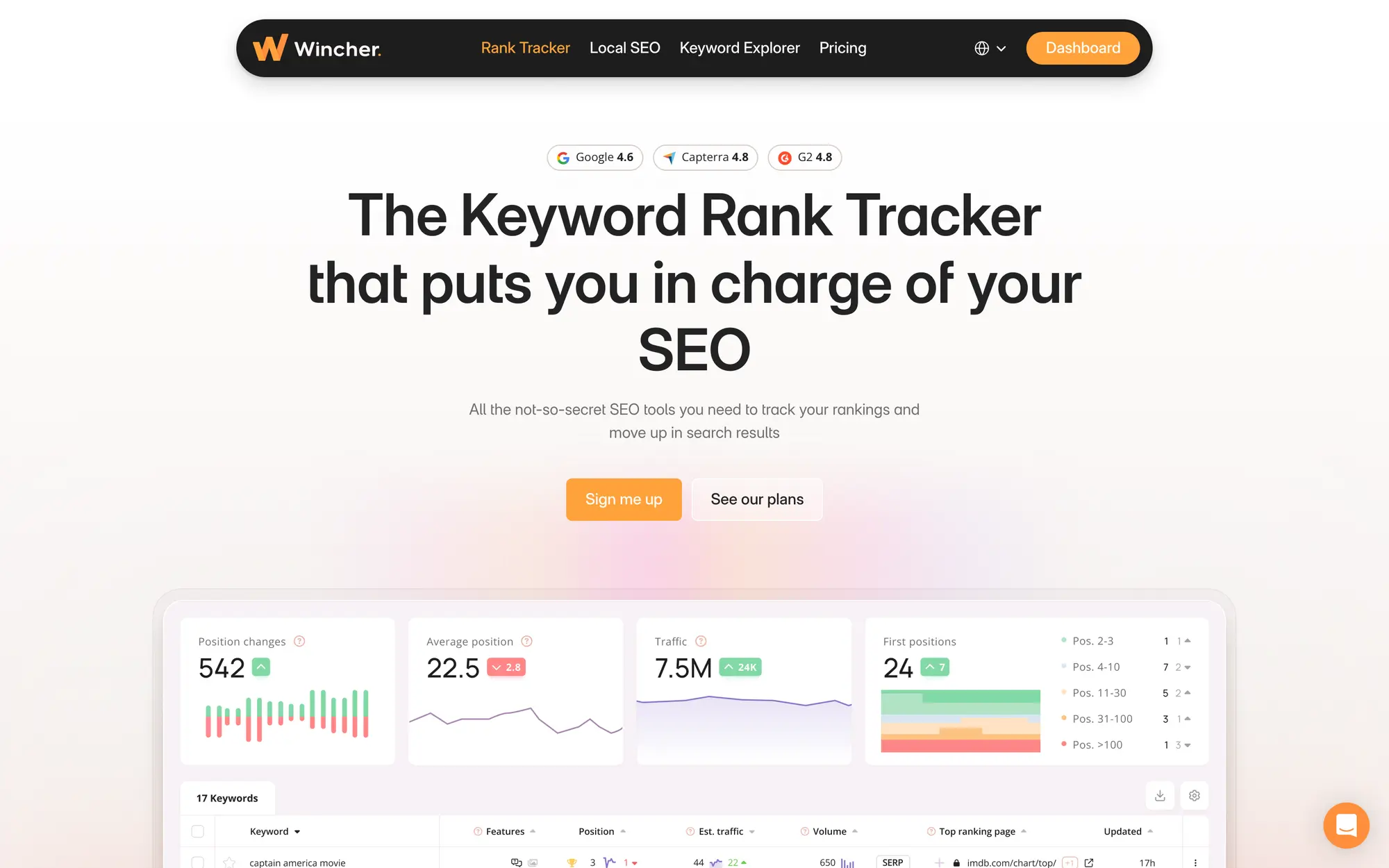
Daily tracking comes with every plan, with a couple of limits:
- Basic costs $49 a month, or $41 a month billed yearly, for 500 keywords across up to 10 websites.
- Rankings update daily on every plan, but on-demand updates start on Standard.
- There’s a 7-day free trial.
It suits someone who already has a research tool and wants a clean daily tracker beside it.
Nightwatch
Nightwatch is the tracker I’d look at for local SEO. It tracks the same keyword from specific cities, ZIP codes or coordinates, which matters when a business has several locations and the national result tells you little about any of them.
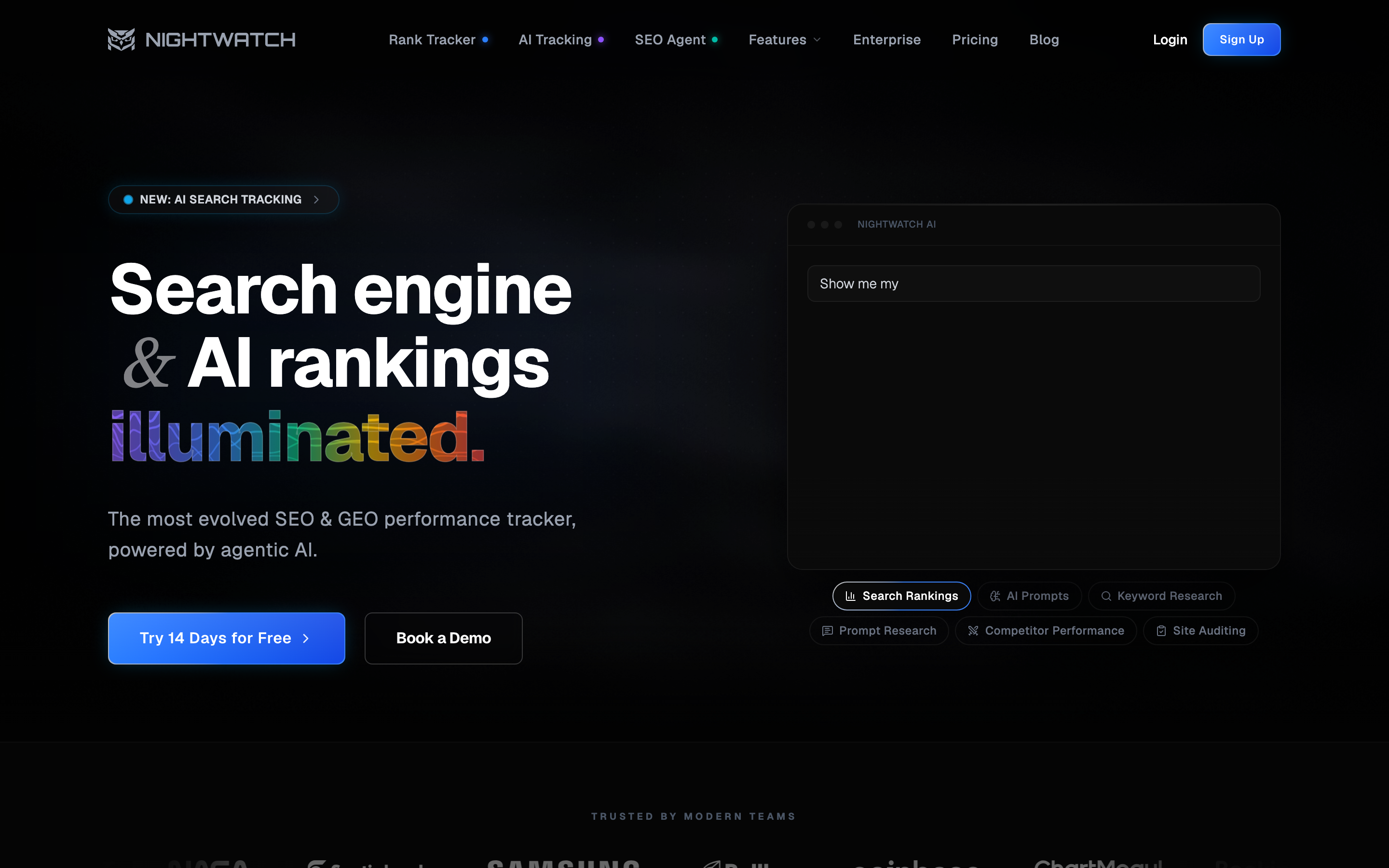
Its Starter plan already covers a lot:
- Starter costs €99 a month, or €79 a month billed yearly, for 500 keywords tracked daily.
- It lists more than 107,000 locations across 190+ countries.
- On-demand checks, 3 years of SERP history and AI visibility tracking come with every plan.
- The 14-day free trial needs no card.
A single-site blogger doesn’t need this much location control.
Search Console and Rank Math
These two report on your own verified site. They show what actually happened when your pages appeared in search, but they can’t check a competitor or run a search with settings you pick. Ahrefs Free, formerly Ahrefs Webmaster Tools, sits nearby: it shows the keywords your verified site ranks for, up to 1,000 at a time, but it doesn’t track positions.
Google Search Console
Google Search Console reports clicks, impressions, CTR and average position for your verified property. It’s free, and it’s the only one here that records real searches instead of running its own.
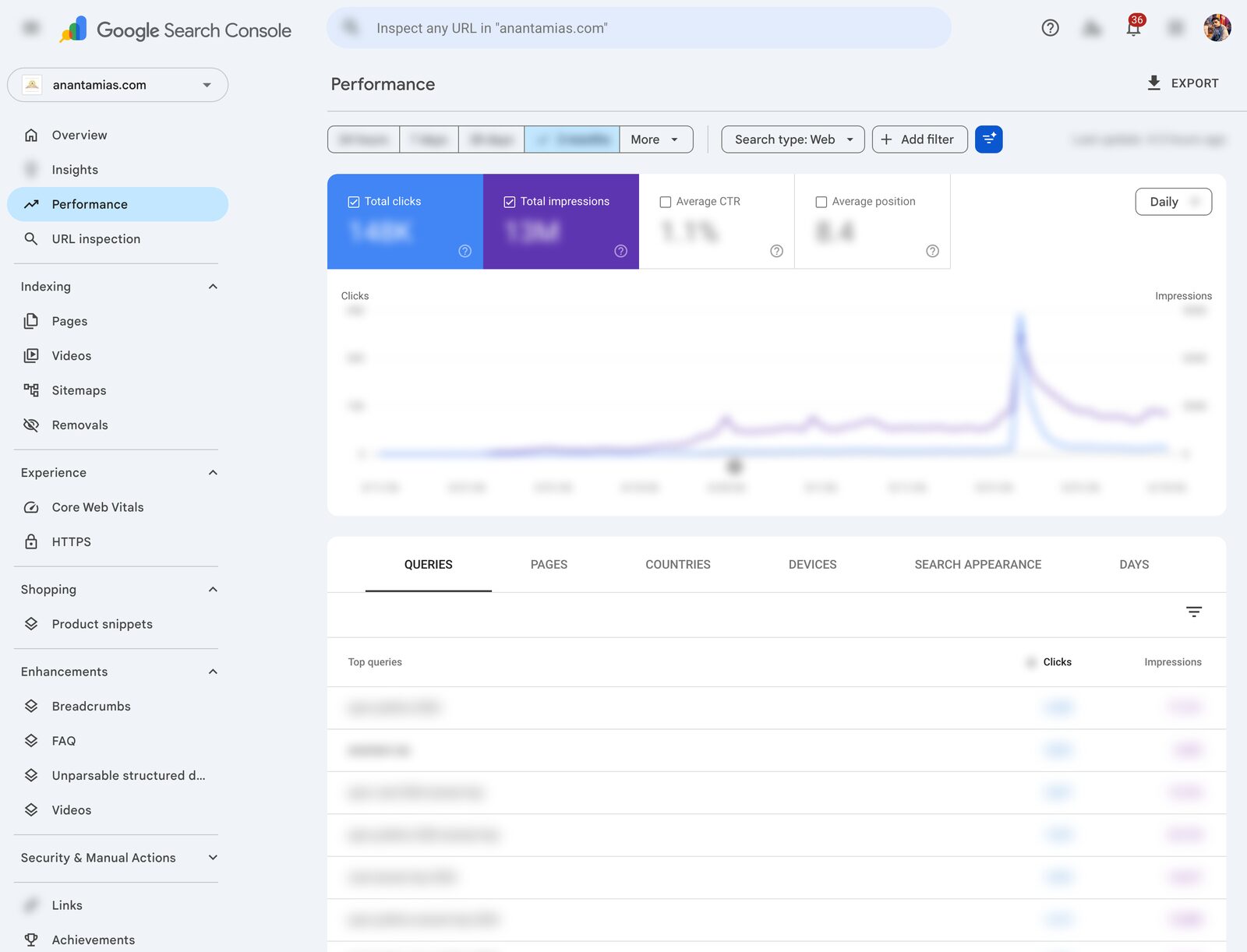
Google defines position as the topmost spot your page held in a result, averaged across all its impressions. So the number on a query row is an average over your date range, which rarely matches what one search shows right now. The Performance report also has a 24-hour view with hourly data, and the newest numbers are preliminary and can still change.
If you haven’t connected your site yet, my Search Console setup guide walks through it.
Rank Math Analytics
Rank Math is the SEO plugin I use on WordPress, and its Analytics module brings your Search Console data into wp-admin, next to the posts you edit. The free plugin includes Analytics. Rank Math PRO adds the Rank Tracker for chosen keywords, built on the same Search Console data:
- 500 tracked keywords on PRO and 10,000 on Business
- 90 days of stored data on the free plugin, 180 days on PRO and no limit on Business
It’s the same Search Console data in a more convenient place, so it won’t give you a second, independent rank check. My Rank Math review covers the rest of the plugin.
How to Check Google Rankings
You should keep the settings with every result you save. That’s what lets you compare a later check, or explain why another tool disagrees.
- Enter the exact keyword and pick the search engine, country or city, language and device.
- Decide whether you’re looking for any page on your domain or one specific URL, and note the URL that actually ranks.
- Check how deep the results go and when they were collected. A page outside the top 10 or top 20 that the tool returned won’t show up, even if it ranks lower down.
- Note the organic position and any SERP features above it. An AI Overview, ads or a local pack can push your result down the screen without changing its organic position.
- Save the result and repeat the check later with the same settings.
If your page doesn’t show up, check the depth and the URL before you assume it isn’t indexed. Not ranking in the top 20 for one keyword in one country is a different problem from not being in Google at all, and Search Console’s URL Inspection tool answers the second question.
Why Rankings Differ
A SERP checker and Search Console measure different things, so they’ll rarely agree. A checker runs one search with fixed settings at one moment. Search Console averages the topmost position your page held across every impression it recorded in the date range, from every searcher who saw it.

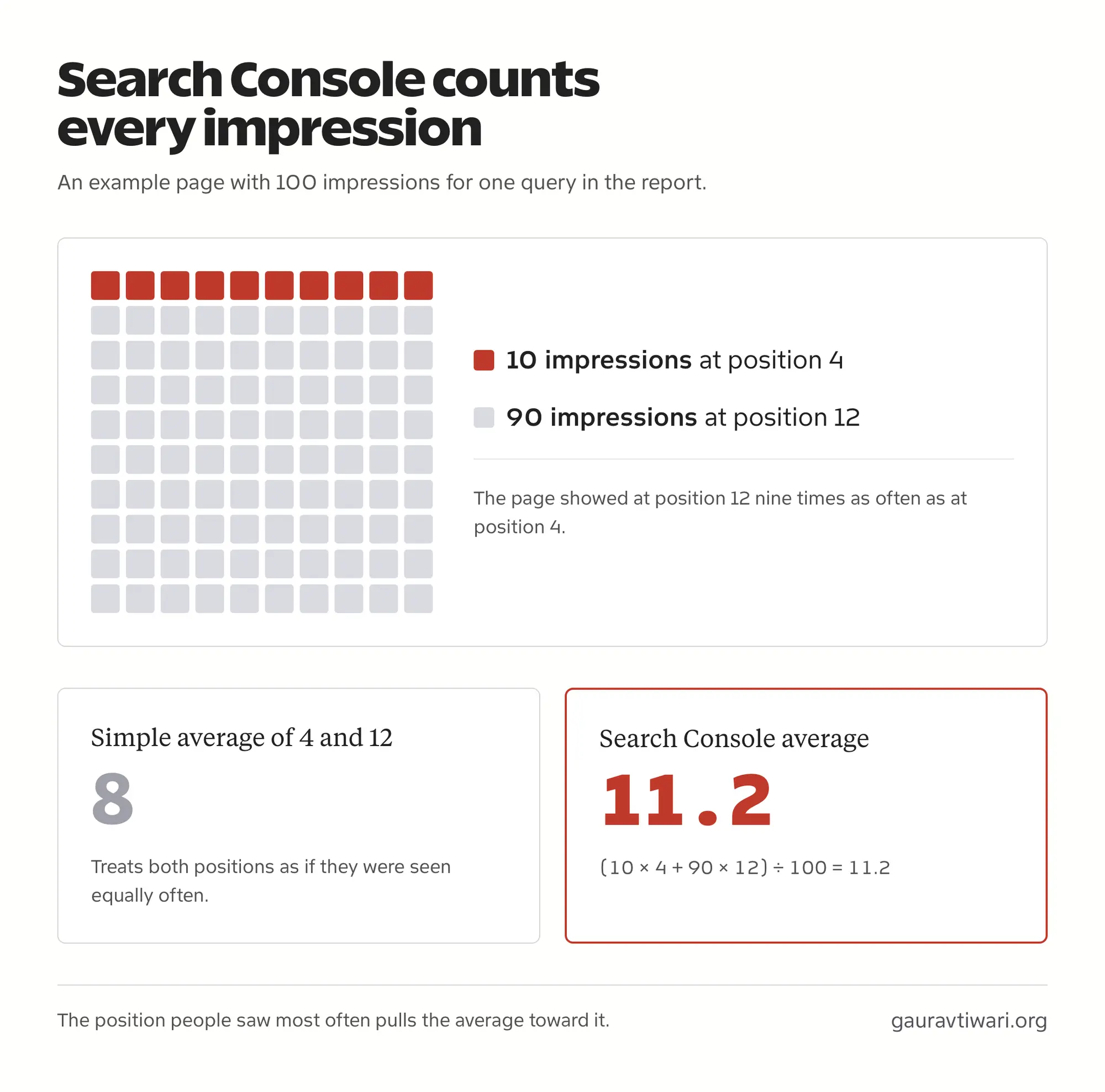
That average is weighted by impressions, which is easy to miss. Say a page got 10 impressions at position 4 and 90 at position 12. The simple average of 4 and 12 is 8, but Search Console works it out as (10 × 4 + 90 × 12) ÷ 100, which is 11.2. The position people saw most often pulls the average toward it.
I saw the gap on my own pages in July 2026. I took the Search Console averages for 5 pages over June 26 to July 25, then checked the same queries on July 28 with desktop searches in English from the US, India and the UK, looking at the top 20 results each time:
| Query | Search Console Impressions | Search Console Average | Top 20 on July 28 (US, India, UK) |
|---|---|---|---|
| best biology youtube channels | 12 | 11.58 | Not in the top 20 |
| best physics youtube channels | 9 | 18.67 | Not in the top 20 |
| first fields medal winner | 6 | 10.33 | Not in the top 20 |
| best wordpress seo plugins 2025 | 4 | 17.50 | Not in the top 20 |
| best chemistry youtube channels | 2 | 17.50 | Not in the top 20 |
None of the 5 pages showed up in the top 20 in any of the 3 countries. That doesn’t mean Search Console was wrong. The averages came from a handful of impressions spread over a month, across whichever searchers happened to see the page, while each check was one search in one country on one day. It shows why the two numbers disagree. It can’t tell you which tool is more accurate or where those pages rank today.
A few other things make two honest checks disagree:
- One tool matched your domain and the other matched a specific URL.
- One counted organic results only, while the other counted every block on the page.
- One result is fresh, while the other came from a database refreshed days ago.
- The searches ran in different countries, cities or devices.
When two numbers disagree, line up the settings and the timestamps first. Most of the time the difference comes from how each tool measured.
Choosing a Paid Tracker
A paid tracker should give you a workflow the free tools don’t. Saved history for competitor keywords, daily checks during a campaign, rankings from several cities and branded client reports are good reasons to pay. The number of keywords alone isn’t.
Watch the billing unit. If a provider counts each keyword, location and device combination separately, 100 keywords tracked in 3 countries on desktop and mobile come to 600 targets per update. Some providers count differently, so check that rule along with the update frequency and any add-ons before comparing prices.
Here’s how I’d match the tools to the job:
- Freelancer or solo blogger: Search Console and Rank Math for your own site, plus a free checker for the occasional competitor look. Add Semrush or Serpstat once competitor research becomes regular work.
- Agency with client reporting: SE Ranking with its Agency Pack, or AccuRanker when tracking and reporting are the whole job.
- Multi-location business: Nightwatch, because city and ZIP-level results change local decisions.
- Content team planning new posts: Mangools SERPChecker or the free Semrush and Ahrefs checkers before writing.
Classic rankings and AI answers need separate measurement too. A tracker that flags an AI Overview on the page isn’t telling you whether ChatGPT or Google’s AI cites your brand. My guide to AI visibility tracking covers that question.
If you’re building a wider toolkit, my list of the best SEO tools for 2026 covers research and audits beyond rankings.
If you only run one site and want to know which queries bring impressions and clicks, Search Console is enough. Add a free checker for the occasional spot check, and pay only when a saved competitor, location or reporting workflow has a real owner.
FAQs on SERP Checkers
What is the best SERP checker?
SERPRobot is the best free SERP checker for your own domain, and the Semrush SERP Checker is the best free way to study a keyword’s top 10. For paid tracking with a full SEO suite, I’d pick Semrush Position Tracking. For your own site’s real impressions and clicks, use Google Search Console.
Which SERP checker can I use for free?
SERPRobot offers a free check of your domain for up to 10 keywords. Semrush allows 5 free top-10 checks a day, Ahrefs has a free top-10 checker, AccuRanker gives 5 free searches a day and WhatsMySerp allows 10 free checks a day. Search Console is free for your own verified site, but it can’t check competitors.
Why is my rank different in Search Console?
Search Console reports an average across every impression in the date range, weighted by how often each position was seen. A checker reports one search with fixed settings at one time. Different countries, devices, dates and counting rules can produce different numbers without either tool being wrong.
Does not found mean my page isn’t indexed?
No. The checker may have looked at only the top 10 or top 20, or matched a different URL. Check the depth and the matching rule first, then use Search Console’s URL Inspection tool if you need to confirm whether the page is indexed.
Can a free SERP checker show AI Overviews?
Some free tools show which SERP features appear, including AI Overviews. Seeing that an AI Overview exists isn’t the same as tracking whether your brand is mentioned or cited in it. Check whether a tool reports feature presence, your own appearance or both before relying on it.
Is city-level rank tracking the same as Google Maps tracking?
No. A city-level organic check shows the regular search results for that location. Maps or local-pack tracking measures how your business listing appears, and a local grid checks several points across an area. Pick the one that matches the result you care about.
How often should I check my rankings?
Weekly is enough for most editorial sites. Daily makes sense during an active campaign, for client reporting or on volatile commercial queries. Keep the keyword, location and device the same each time, because the trend is only useful when the settings don’t change.
Do I still need Search Console if I pay for a tracker?
Yes. Search Console records real impressions and clicks for your verified site. A tracker records controlled checks for chosen markets and competitors. The two answer different questions, so most sites benefit from both.
Does a rank tracker show the position every visitor sees?
No. Its result belongs to the settings and time it used. Other people can see a different page depending on location, device and other factors. Use a tracker to compare the same check over time rather than as a universal position.
Final Remarks
Pick one query that matters to your site, check it with settings you write down and note the URL that ranks. When you check again, keep those settings the same. A paid tracker is worth it when it makes that comparison easier at scale, and Search Console stays useful for the impressions and clicks your pages actually earned.
Tell Google you want more of this.
Add Gaurav Tiwari as a preferred sourceOne tap, and this site shows up more often in your own Top Stories, AI Overviews and AI Mode. Remove it any time.
Disclaimer: This site is reader-supported. If you buy through some links, I may earn a small commission at no extra cost to you. I only recommend tools I trust and would use myself. Your support helps keep gauravtiwari.org free and focused on real-world advice. Thanks. - Gaurav Tiwari