
 by
How do you build an ecommerce brand from scratch when anyone can open a store in an afternoon? And which comes first: the product, the store or the ads?
Most new stores start with product sourcing and paid ads and leave the brand for later. That order gets expensive. Ads can bring a visitor once, but a store with no clear identity gives that visitor nothing to remember, so you pay again for the next sale.
My advice is to do the brand work first. I’d decide who the store is for and what it stands for, then build the photos, the store and the marketing around that decision.
I’ve worked with 850+ clients on their digital presence over the past 18 years. This is the order I’d follow to build an ecommerce brand from scratch in 2026.
How to build an ecommerce brand from scratch: settle your niche, name, logo and voice first. Then shoot consistent product visuals, build a fast store with a short checkout and earn trust with reviews and clear policies. After launch, grow with social media, email, ads, SEO and Amazon.
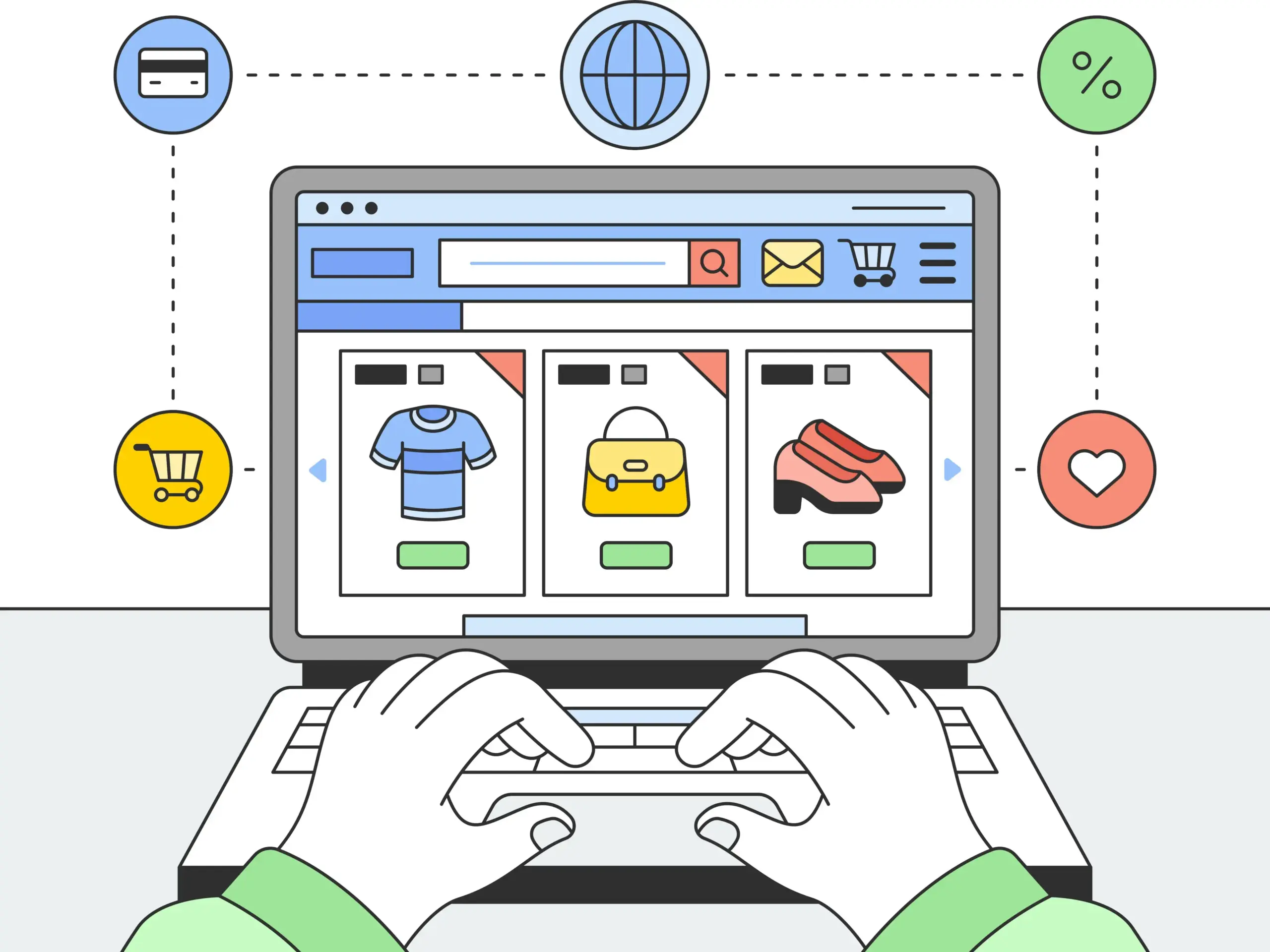
How to Build an Ecommerce Brand Step by Step
These are the 6 steps, in the order I’d take them:
- Brand identity: niche, position, name, logo and voice
- Product visuals: consistent photos and short product videos
- Website design and structure: platform, speed, mobile layout and checkout
- Consumer trust: reviews, shipping times and a clear return policy
- Social media: Instagram, TikTok and Pinterest
- Long-term marketing: email, paid ads, SEO and Amazon
Nail Down Your Brand Identity
Brand identity is how customers recognize and describe your store when you’re not in the room. I’d settle it before anything else, because the photos, the store design and the ads all depend on it.
The first things to settle are the niche and the position. The niche is the group of buyers you serve, and the position is the reason they’d pick you over a bigger store.
Here’s an example with 2 stores. One sells home goods for everyone, so it competes with Amazon on price and selection. The other sells refillable cleaning products for small apartments, so it has a buyer it can describe and a message it can repeat.
Before ordering any stock, I recommend writing the position on one page:
- The buyer: who they are and what they buy today
- The problem: what annoys them about the current options
- The promise: the one thing your store does better
- The proof: why they should believe it, such as materials, origin or a guarantee
Then comes the story, which answers why the store exists beyond making money. Patagonia builds its outdoor clothing brand around protecting the planet, and Dollar Shave Club started because razors were overpriced.
Your reason becomes the base for every product description, email and social post. It should also decide the look and the voice. A playful brand like Glossier uses soft colors and casual copy, while a premium brand like Rolex uses dark tones, minimal design and formal language.
If you’re still shaping these, my guide on developing a brand identity from scratch walks through the full process. For the name, I’d begin with how to find the perfect brand name. For the logo, you can design a logo yourself or use one of the best online logo makers.
The last piece is consistency. My suggestion is a one-page style guide with your colors, fonts, logo rules and a few sample sentences in the brand’s voice. The same page then guides the website, packaging, emails and support replies, and that is how a new store starts to build credibility in its market.
Perfect Your Product Visuals
Online shoppers can’t pick the product up, so your photos and videos have to do that job. A blurry or badly lit photo makes the whole store look less trustworthy.
A simple photo setup works for most catalogs:
- Main image: the product on a white or neutral background
- Secondary images: the product in use, with something that shows its size
- One style: the same background, lighting and crop across the whole catalog
You don’t need a studio to start. A phone, daylight from a window and a cheap tripod are enough for a first catalog. Canva, Adobe Express and Photoshop can remove or swap a background in seconds, and the newer AI product photography tools can place a plain product shot into a lifestyle scene.
Short video is the next thing to add. A 15 to 30 second clip that shows the product from several angles and in use answers questions a photo can’t. Shopify, WooCommerce and BigCommerce all support video on product pages.
The same rule applies to the rest of the site: colors, fonts, buttons and page layouts should look like one brand. Glossier, Allbirds and Warby Parker are good stores to study. After 10 minutes on each, you’ll notice the same few colors and type styles on every page.
Invest in Website Design and Structure
Your website is where every sale happens, so it has to load fast, work well on a phone and make buying easy. There are 3 decisions to make here: the platform, the speed and the checkout.
For the platform, my recommendation depends on how much control you want:
- Shopify: the easiest start. Hosting, security and payments are included, and the Basic plan costs $39 a month, or $29 a month if you pay yearly.
- WooCommerce: a free WordPress plugin with more control. You pay for hosting, about $10 to $50 a month on a host like Cloudways or ScalaHosting, and you handle updates yourself.
- BigCommerce and Squarespace: solid hosted alternatives if Shopify doesn’t suit you.
I’d pick Shopify for a first store and WooCommerce if you already run WordPress. My Shopify review covers the trade-offs in detail.
For speed, Google’s own target is a good one to use. Its Core Web Vitals count a page as good when the main content loads within 2.5 seconds. Most ecommerce traffic now comes from phones, so it is wise to test the mobile version first.
The checkout is where most stores lose the sale. Baymard Institute averages 50 cart abandonment studies and puts the rate at about 70%. Extra costs such as shipping and taxes are the most common reason.
These are the checkout fixes I’d make first:
- guest checkout with no forced account
- shipping costs shown before the last step
- address autofill
- several payment methods, such as cards, PayPal, Apple Pay and Google Pay
- the return policy and a secure-payment note next to the pay button
The product page matters just as much, and I’ve listed 10 product page optimizations that persuade visitors to check out in a separate guide.
I’d run the store through Google PageSpeed Insights and check the Core Web Vitals on mobile. Images are the first thing to fix on most new stores. Compressing them with TinyPNG or ShortPixel before uploading and lazy loading anything below the fold makes the biggest difference.
Build Consumer Trust with Reviews and Transparency
A new ecommerce brand has no reputation, so reviews and clear policies have to stand in for one. Research from Northwestern University’s Spiegel Research Center found that a product with 5 reviews is 270% more likely to be bought than a product with none.
Reviews should be collected from the first order. Apps like Judge.me, Loox and Yotpo send a review request automatically a week or two after delivery. A small discount on the next order for a photo review is worth offering, because photos from real buyers show the product in a way a studio shot can’t.
A few 3 and 4-star reviews help. The same research found that purchases peak when the average rating is between 4.0 and 4.7 and drop as it gets close to a perfect 5.0. Shoppers read a wall of 5-star reviews as too good to be true.
Transparency covers the rest of what a buyer worries about:
- Shipping times: when the order leaves and when it arrives, for example “ships within 48 hours, delivery in 5 to 7 business days in the US”
- Returns: the policy linked from every product page and the cart
- Limits: what the product doesn’t do, stated in the description, so buyers know what they’re getting and fewer orders come back
- Contact: a real email address or chat with a stated reply time
Sell a Lifestyle on Social Media
Social media is where a new ecommerce brand gets discovered. Instagram, TikTok and Pinterest matter most for ecommerce because all 3 are visual. The stores that do well there show the life around the product more than the product itself.
A store selling handmade candles can show a quiet evening: the candle lit, a book and a cup of tea. A store selling fitness gear can feature real customers training in it.
I recommend using customers’ own photos and videos as early as possible. Shoppers trust content from other buyers more than content from the brand, so a branded hashtag and a small reward for sharing are worth setting up. Repeating the same look and voice in every post is how you build a strong brand people remember.
For the schedule, I’d pick a pace you can keep for months, because a steady schedule does more than 2 weeks of daily posts followed by silence. These posts do most of the work:
- short videos of the product in use, as Reels and TikToks
- behind-the-scenes clips: packing orders, visiting the manufacturer or designing a new product
- customer photos and reviews
Replying to every comment and DM is worth the time while the account is small, because engagement matters more than follower count for sales. For the platform detail, I’ve written a separate guide on Instagram marketing for brands.
Plan a Long-Term Marketing Strategy
Organic social media alone won’t carry an ecommerce brand. I’d build the marketing on 4 channels and add them one at a time: email, paid ads, content and SEO, and marketplaces such as Amazon.
Email marketing is the channel you own, and it’s usually the most profitable one. In Litmus’s surveys, marketers report earning around $36 for every $1 they spend on email. It is wise to start the list before launch, with a 10 to 15% discount for signing up.
These are the automated emails I’d set up first in Klaviyo, Mailchimp or Kit:
- a welcome series of 3 to 5 emails
- abandoned cart reminders
- a post-purchase follow-up that asks for a review
- a win-back email for customers who haven’t bought in a while
My email marketing guide covers the full setup.
Paid advertising on Meta (Facebook and Instagram) and Google is how most stores grow past organic reach. My suggestion is to start with a small daily budget and test several ad creatives before raising it. Meta’s Advantage+ campaigns handle broad targeting, and Google Shopping ads reach people who are already searching for the product.
The number to watch is return on ad spend (ROAS), which is revenue divided by ad cost. Your break-even ROAS is 1 divided by your gross margin.
As an example, a store with a 40% margin breaks even at a ROAS of 2.5. So $100 in ads has to bring in $250 in sales before the store earns anything. Getting there usually takes a few months of testing, and the budget should allow for that.
Content marketing and SEO are slower, and they keep paying. I’d write for the searches a buyer makes before purchasing: “best [product type] for [use case]”, comparison guides and how-to posts in your niche. A post that ranks keeps bringing visitors with no cost per click, and my guide to ecommerce SEO covers the product and category pages.
Jasper can speed up first drafts and Grammarly helps polish them. As the team grows, a tool like Monday.com keeps the work organized.
Amazon and other marketplaces put the product where shoppers are already searching. Amazon has hundreds of millions of customers who trust its checkout, though it charges fees on every sale and keeps the customer relationship. It works as a second channel next to your own store, and as a way to test demand for a product before you invest in the brand.
Running Amazon well is a job of its own: listings, PPC ads, inventory and reviews all need regular attention. If you’d rather keep your time for the brand, a full service Amazon agency can manage the channel for you. If you want to run it yourself, I’d start with my guide on how to start selling on Amazon.
I wouldn’t spread the marketing budget across every channel from day 1. I’d start with email and one paid channel, Meta or Google, and get those profitable. TikTok ads, influencers and affiliate programs can come after that. A store that tries everything at once spends its budget before it learns what works for its own buyers.
FAQs on Building an Ecommerce Brand
How much does it cost to start an ecommerce brand from scratch?
A basic ecommerce store can launch for $500 to $2,000. That covers a Shopify plan ($39 a month), a domain name (about $12 a year) and a logo ($50 to $200 on Fiverr or Canva). First inventory or samples add $200 to $1,000. Product photos cost nothing on a phone or $100 to $300 with a photographer. Marketing is an extra $500 to $2,000 a month once you launch. A dropshipping store can start for under $300 because you don’t buy inventory upfront.
What’s the best ecommerce platform for beginners?
Shopify is the best platform for beginners because it handles hosting, security and payment processing out of the box. Plans start at $39 a month. WooCommerce, a free WordPress plugin, is the better choice if you want full control and already know WordPress. BigCommerce and Squarespace sit in the middle. If you want to sell without your own site, Amazon FBA and Etsy are the easiest places to start.
How long does it take for an ecommerce store to become profitable?
Most ecommerce stores take 6 to 18 months to reach steady profit. The first 3 months usually go into setup, product testing and early marketing experiments. Months 3 to 6 go into improving ads, conversion rates and reviews. Stores with good product-market fit tend to turn a steady profit between months 6 and 12. Dropshipping stores can break even faster, in 2 to 4 months, but their margins are thinner: 15 to 25% against 40 to 60% for private-label brands.
Do I need an LLC to start an ecommerce store?
You don’t legally need an LLC to start selling online, but I recommend one. An LLC (or an LLP in India) separates your personal assets from business liabilities. If a customer sues or the business takes on debt, your savings and property are protected. In the US, forming an LLC costs about $50 to $500 depending on the state. You can file through LegalZoom, Bizee or your state’s Secretary of State website. It’s fine to start as a sole proprietor and form the LLC once revenue passes $1,000 a month.
How do I find products to sell in my ecommerce store?
There are 5 common sourcing methods: (1) Alibaba for private-label manufacturing, with minimum orders of 100 to 500 units. (2) Print-on-demand through Printful or Printify for custom designs on apparel, mugs and accessories, with no inventory. (3) Wholesale buying from local or online distributors. (4) Handmade products if you have the skills, which suit Etsy well. (5) Dropshipping through suppliers on AliExpress, Spocket or SaleHoo. I’d check demand before ordering in bulk with Google Trends, Amazon Best Sellers and TikTok’s trending products.
What’s more important: product quality or marketing?
Both matter, but product quality decides whether the store survives. Good marketing can sell a mediocre product once. After that, returns and bad reviews eat the ad budget. I’d start with a product you’d recommend to a friend and then spend on marketing to reach the right buyers. Allbirds, Glossier and Bombas built their names on the product first and scaled through marketing and word of mouth.
How important is SEO for an ecommerce store?
SEO matters for long-term growth. Paid ads bring traffic right away, and SEO brings organic traffic that builds over time with no cost per click. The work is in 4 places: product page titles and descriptions, blog posts for buyer-intent searches, internal links to category pages and backlinks from PR and content. It usually takes a year or more of steady work before organic search becomes a major traffic source.
Should I sell on Amazon or build my own store?
Ideally, both. Amazon gives you hundreds of millions of shoppers and built-in trust. But most of its referral fees run between 8% and 15%, fulfillment fees come on top if you use FBA, and you don’t own the customer relationship. On your own Shopify or WooCommerce store, payment processing takes about 3% and you keep the customer data for email and retargeting. I’d start on Amazon to test demand and then launch your own store to build the brand. Many ecommerce businesses run both.
What are the biggest ecommerce mistakes to avoid?
The top 5 mistakes: (1) Launching with too many products instead of testing 1 to 3 first. (2) Ignoring the mobile layout when most traffic comes from phones. (3) Not building an email list from day 1. (4) Setting ad budgets too low to produce useful data, since $5 a day won’t teach you anything. (5) Copying a competitor’s branding instead of developing your own identity.
How do I handle shipping and fulfillment for my ecommerce store?
There are 3 options. (1) Self-fulfillment from home works for under 50 orders a month, and Pirate Ship or ShipStation give you discounted USPS and UPS rates. (2) A third-party logistics (3PL) provider like ShipBob or ShipMonk suits 50 to 500+ orders a month and handles warehousing, packing and shipping for roughly $3 to $8 per order. (3) Amazon FBA stores, packs and ships your products for a fulfillment fee on top of Amazon’s referral fee. With dropshipping, the supplier handles fulfillment. I’d start with self-fulfillment to save money and move to a 3PL as orders grow.
Final Remarks
If you’re unsure where to begin with your ecommerce brand, I’d do the first step this week and nothing else. That means one page that says who the store is for, what problem it solves and why someone should pick you.
That page costs nothing, and the name, the photos, the store and the ads all get easier once it exists. From there, I’d work through the steps in order and add a new marketing channel only when the last one pays for itself.
Tell Google you want more of this.
Add Gaurav Tiwari as a preferred sourceOne tap, and this site shows up more often in your own Top Stories, AI Overviews and AI Mode. Remove it any time.
Disclaimer: This site is reader-supported. If you buy through some links, I may earn a small commission at no extra cost to you. I only recommend tools I trust and would use myself. Your support helps keep gauravtiwari.org free and focused on real-world advice. Thanks. - Gaurav Tiwari