
 by
WooCommerce is a strong choice for a store that starts on WordPress. It’s open source, and a WordPress team already knows the stack. The question comes later, when traffic and markets grow and the store starts eating more developer hours than it gives back.
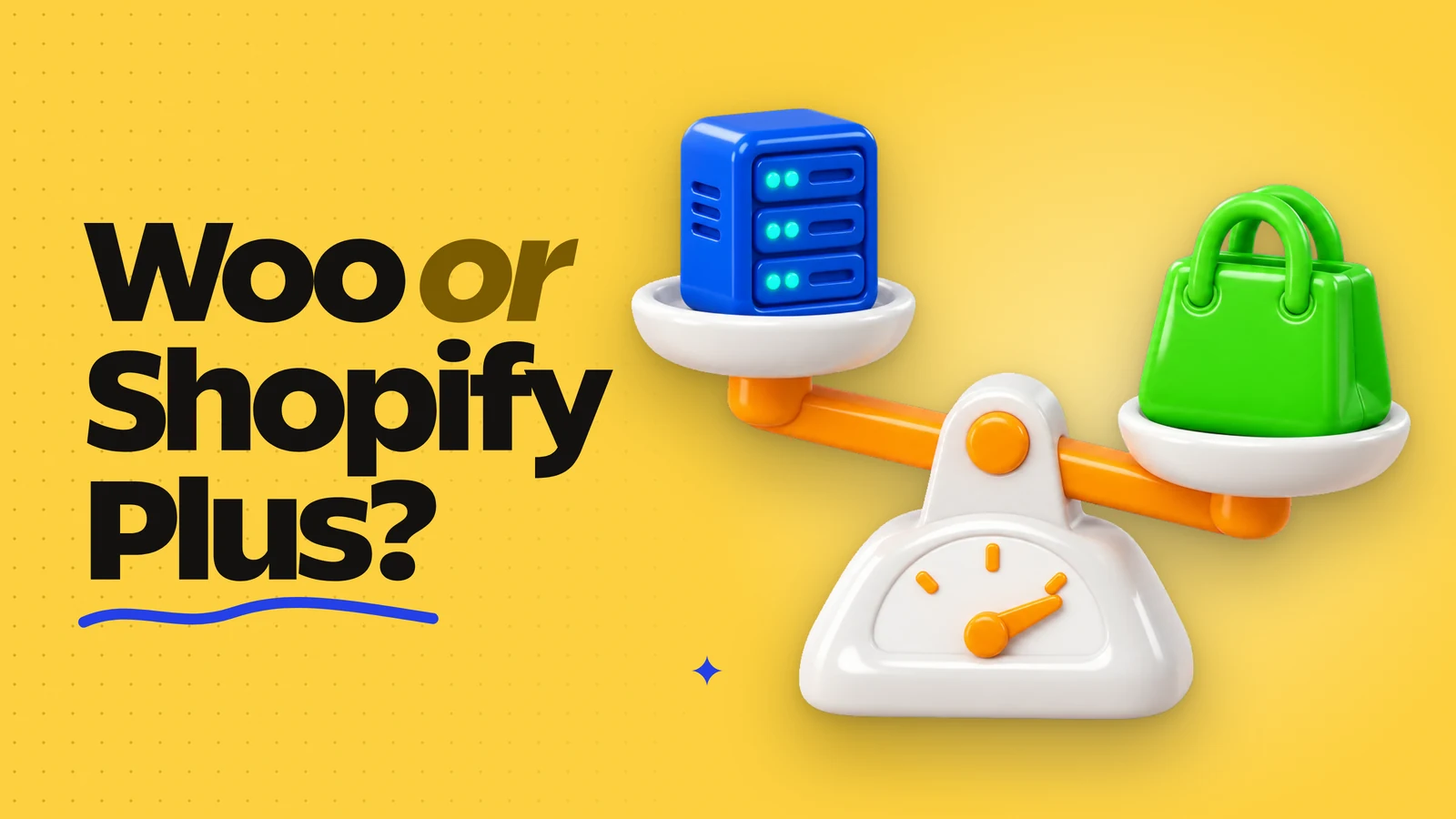
This guide puts WooCommerce vs Shopify Plus side by side on the points that matter once a store is scaling: hosting, maintenance, checkout and total cost. It also covers the cases where staying on WooCommerce is the better call, because for many WordPress stores it still is.
Where WooCommerce Starts to Cost More
A WooCommerce store runs on a server the owner pays for, so traffic peaks are the owner’s problem. A growing store usually moves from shared hosting to managed WooCommerce hosting or its own cloud setup, then adds object caching, a CDN and a staging environment. Each step adds a line to the budget, and the bill rises with traffic.
A scaling store also runs dozens of plugins for payments, subscriptions, shipping, filters and SEO. Every WordPress or WooCommerce core update means testing them together, because a conflict between two plugins can break checkout on a sale day.
Security stays with the owner too. Even with a hosted payment gateway, the server, plugins and admin accounts remain the store’s responsibility, and someone has to patch them on time and keep PCI compliance documents current.
All of this lands on the same developers who should be shipping features. It rarely shows up as one invoice, which is why owners tend to underestimate it.
What Shopify Plus Changes
Shopify runs hosting and core updates for every store on the platform, and Shopify is certified PCI DSS Level 1. For a developer this means no PHP workers to tune and no emergency scaling before Black Friday.
On top of that, Plus adds the features a growing brand usually needs next, according to Shopify’s documentation:
- Up to 9 expansion stores for separate markets, languages or wholesale.
- Checkout UI extensions in the information, shipping and payment steps.
- Native B2B with company accounts, price lists and payment terms.
- Custom apps with Shopify Functions for payment, delivery and discount logic.
Shopify lists Plus from $2,300 per month on a 3-year term ($2,500 per month on a 1-year term), and stores that use an external payment provider pay a 0.2% transaction fee.
The trade-off is control. On Shopify you work inside its APIs and themes, and you can’t change the platform core the way you can patch WooCommerce. For some stores that limit matters more than any hosting savings.
WooCommerce vs Shopify Plus Side by Side
Here’s how the two platforms split the work of running a scaling store.
| WooCommerce | Shopify Plus | |
|---|---|---|
| Hosting and scaling | On the owner’s server or host, cost grows with traffic | Run by Shopify |
| Core updates | Tested and applied by your team | Applied by Shopify |
| Security and PCI | Owner’s responsibility | Shopify is PCI DSS Level 1 certified |
| Checkout changes | Any change through code and plugins | Checkout extensions and Shopify Functions |
| Several markets | Multisite or plugins | Up to 9 expansion stores and Shopify Markets |
| B2B | Plugins or custom build | Built in |
| Code control | Full access to the whole stack | Inside Shopify’s APIs, themes and Functions |
| Monthly platform cost | Hosting, paid plugins and developer hours, different for every store | From $2,300 on a 3-year term |
For WooCommerce, the real monthly figure is the sum of hosting, plugin licenses and maintenance hours. The fair comparison is your own invoices for the last 12 months against the Plus fee. Plus is usually the bigger line item, and also the more predictable one.
When a WordPress Store Should Move to Plus
These signals usually show that a WooCommerce store has outgrown its setup:
- Traffic peaks need manual scaling or have already taken the store down.
- The store sells in several markets, and the multisite or plugin setup breaks after updates.
- Subscription, checkout or B2B logic takes more developer time to maintain than new features do.
- The team wants to stop owning servers, patches and PCI scope.
- Sales volume is high enough for lower payment fees to cover part of the higher subscription.
One or two signals usually mean the current setup needs work, such as better hosting or fewer plugins. Three or more, especially the first two together, are the point where pricing a move makes sense.
Stay on WooCommerce if the store sells in one market and the team knows WordPress well. It also wins when the business depends on backend logic that Shopify’s extension model can’t reproduce. A store that runs well on WooCommerce doesn’t need to move because a competitor did.
Before deciding, map every plugin and custom feature to its Shopify equivalent and price the gaps. Some features will have a ready app, some will need custom code, and a few may have no good equivalent at all. If the team has no Shopify experience, a Shopify Plus development agency can run that audit, but the plugin list itself is something any WordPress developer can prepare in an afternoon.
A Plus Move in Practice
Moving to Plus is rarely the end of platform work. Klova, a sleep and wellness brand, already sold on Shopify Plus but still ran an old 1.0 theme that limited what the store could do. The store was moved to Shopify 2.0 with a custom Recharge integration and a customer dashboard for managing subscriptions.
- Page speed score went from 7 to 30.
- Klova reported a 4% increase in conversion after launch.
- The work was done by SPLIT Development, a Shopify Partner.
The theme layer matters as much as the plan.
That’s the lesson for WordPress developers. A store that moves to Plus on an outdated theme, or rebuilds WooCommerce features as a pile of apps, carries the same maintenance problem to a new platform. Budget for the theme and the integrations along with the subscription.
Frequently Asked Questions
Both platforms run large stores. Shopify Plus takes hosting, scaling and core updates off the team and adds expansion stores and native B2B. WooCommerce gives full control of the code and scales well when the team invests in hosting and maintenance. The better choice depends on where your team wants to spend its time.
On the subscription line, yes: Plus starts at $2,300 per month on a 3-year term, while the WooCommerce plugin itself is free. The total cost also includes hosting, paid plugins, security work and developer hours on the WooCommerce side. For high-traffic stores the totals can come close, so compare them using your own invoices.
Yes, with hosting sized for peak load, object caching, a CDN and a tuned database. Many high-volume stores run on WooCommerce successfully. The difference is that your team plans and pays for that capacity, while on Shopify the platform handles scaling for every store.
A move keeps rankings when every old URL redirects to its new page with a 301, metadata and content carry over, and structured data is rebuilt. Rankings drop when redirects are missing or the URL plan is made after launch. Shopify uses fixed URL prefixes such as /products/ and /collections/, so every migration needs a full redirect map.
Tell Google you want more of this.
Add Gaurav Tiwari as a preferred sourceOne tap, and this site shows up more often in your own Top Stories, AI Overviews and AI Mode. Remove it any time.