
 by
by
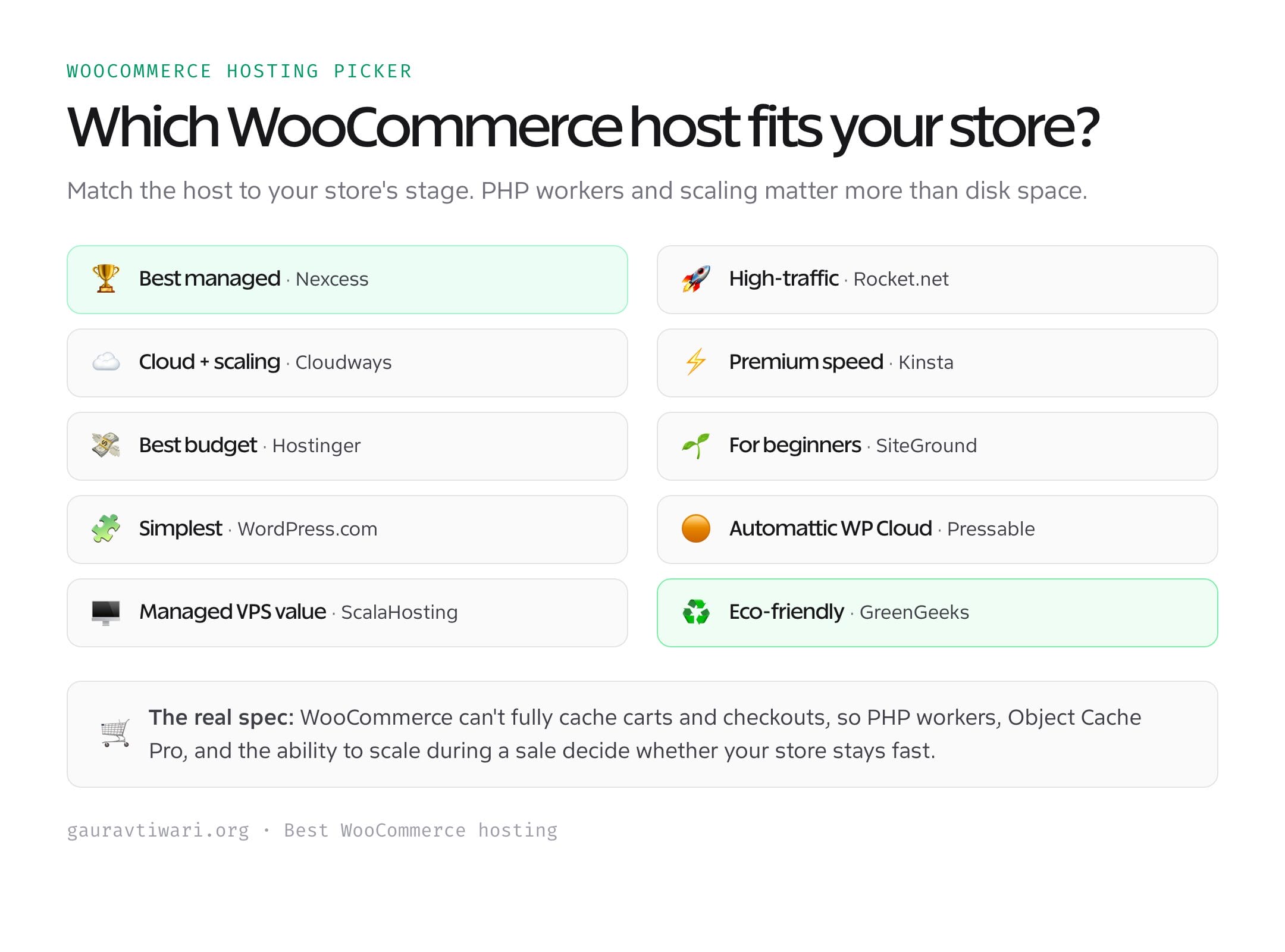
In 2026, the best WooCommerce hosting is not the host with the fastest cached homepage. It is the one that keeps product searches, carts, account pages, and checkout moving when several shoppers arrive at once. My top pick for most stores is Liquid Web. Rocket.net is the performance pick, Cloudways offers the most infrastructure control, and Hostinger is the budget option I would consider for a new shop.
This ranking has a deliberate evidence split. I have run production sites on Rocket.net since 2021 and monitored a busy production site on ScalaHosting for 12 months. I researched the current plans, limits, renewal prices, and WooCommerce features for the other eight providers. I will not turn a provider’s marketing claim into a fake benchmark, so every number below is labeled by source and test context.
If you want one answer, choose Liquid Web for a growing store that needs WooCommerce-specific tooling and autoscaling. Choose Rocket.net when global delivery and a clean managed stack matter more than store-management extras. Choose Cloudways when you want to size the server yourself. A new, low-traffic shop can start cheaper, but budget against the renewal rate, not the first invoice.
Hosting is only one part of the store. A lean setup also needs one of the best WooCommerce themes, a practical ecommerce SEO plan, and a diagnosis of why a WordPress site is slow and how to make it faster before you blame every delay on the server.
The Best WooCommerce Hosting at a Glance
These are the plans I would compare for a real store in 2026, not necessarily the cheapest plan each company advertises. Prices are in US dollars and exclude tax. Long prepaid terms can make the first invoice look much cheaper than year two.
| Host | My verdict | Plan used for price check | Current price | Evidence |
|---|---|---|---|---|
| Liquid Web | Best for most growing stores | Spark Thrive | $10/mo billed annually | Current plan research |
| Rocket.net | Best performance-focused managed host | Starter | $30 monthly; $25/mo annually | Hands-on since 2021 |
| Cloudways | Best for infrastructure control | Flexible, 2 GB DigitalOcean | $11/mo, hourly billing available | Current plan research |
| Kinsta | Best premium developer experience | Single 35k | $35 monthly; $30/mo annually | Current plan research |
| Hostinger | Best low-cost starting point | Unlimited | $3.79/mo for 48 months; $16.99 renewal | Current plan research |
| SiteGround | Best guided setup for beginners | GrowBig | $4.99/mo for 12 months; $29.99 renewal | Current plan research |
| WordPress.com | Best all-in-one store bundle | Commerce | $45/mo on a 12-month term | Current plan research |
| Pressable | Best Automattic infrastructure alternative | Signature 1 | $20.83/mo billed annually | Current plan research |
| ScalaHosting | Best managed VPS value | Managed Cloud Build #1 | $29.95 intro; $54.95 renewal | 12-month production monitoring |
| GreenGeeks | Best sustainability-led budget choice | Premium | $8.95/mo for 12 months; $30.95 renewal | Current plan research |
Renewal math matters: compared with the advertised introductory rate, Hostinger’s checked plan rises about 348%, SiteGround GrowBig about 501%, ScalaHosting Build #1 about 83%, and GreenGeeks Premium about 246%. That does not make them bad hosts. It means the renewal price belongs in your comparison sheet before you migrate.
What the Test Evidence Actually Shows
A benchmark is only useful when you know the site, traffic, cache state, monitoring window, and route being measured. My existing production data is strong enough to judge reliability and platform behavior, but it is not a controlled ten-host WooCommerce shootout. Here is the usable evidence without the theater.
| Host | Workload and window | Measured response | Uptime evidence | Support evidence | Checkout p95 |
|---|---|---|---|---|---|
| Rocket.net | Production WordPress sites used since 2021 | About 93 ms in my recorded test | No downtime I noticed during the review period; provider SLA is 99.99% | 24/7 support; no controlled response-time log retained | Not recorded |
| ScalaHosting | 12 months; 40,000+ monthly visits, 3,000+ posts, active FluentCart store | 180-320 ms US TTFB; 400-550 ms India TTFB | 99.97%; about 25 minutes of outages in 12 months | 8-10 chats; 15-45 second first response | Not recorded |
| Other eight providers | Plan, limit, feature, and renewal-price research | Not tested in the same run | Provider claims are not treated as measurements | Support availability checked; response time not measured | Not recorded |
The ScalaHosting workload used FluentCart rather than WooCommerce, so I use it as infrastructure evidence, not as a WooCommerce checkout result. The Rocket.net figure came from a real hosted site, not a cloned store under a fixed concurrency run. That distinction is why I do not place the two response numbers in a winner-takes-all chart.
What a WooCommerce Store Needs From Hosting
WooCommerce 10.8 recommends WordPress 6.9 or newer, PHP 8.3 or newer, MySQL 8.0 or MariaDB 10.6 or newer, HTTPS, and at least 256 MB of WordPress memory. Meeting those values is the floor. A store also needs enough uncached capacity for the work that a CDN cannot hide.
- Dynamic request capacity. Cart, checkout, account, search, and many personalized requests must reach PHP and the database. Ask how workers or compute scale under concurrency.
- Persistent object caching. Redis or an equivalent object cache reduces repeat database work. It helps, but it cannot rescue poor queries or a bloated extension stack.
- Safe cache exclusions. Cart, checkout, and account sessions must not be served as another shopper’s cached page. The host should understand WooCommerce cookies and routes.
- Staging and recoverable backups. A backup is useful only if restoration is fast and tested. Order tables also change while you are troubleshooting, so a stale restore can cost transactions.
- Observable limits. CPU throttling, worker queues, database connections, visit overages, and bandwidth should be visible or clearly documented. “Unlimited” is not a capacity plan.
Hosting is only half of the dynamic-request load. Every extension that hooks into cart and checkout adds PHP work to the exact requests a page cache can’t serve, so a store with fewer plugins needs fewer workers. I built Stackless for WooCommerce to replace several of those extensions with one plugin, and its WooCommerce Optimizer module stops WooCommerce prefetching about 50 Cart and Checkout block scripts on every page once the cart has items. Test any host with the plugin stack you’ll actually run.
1. Liquid Web (Formerly Nexcess): Best for Most Growing Stores
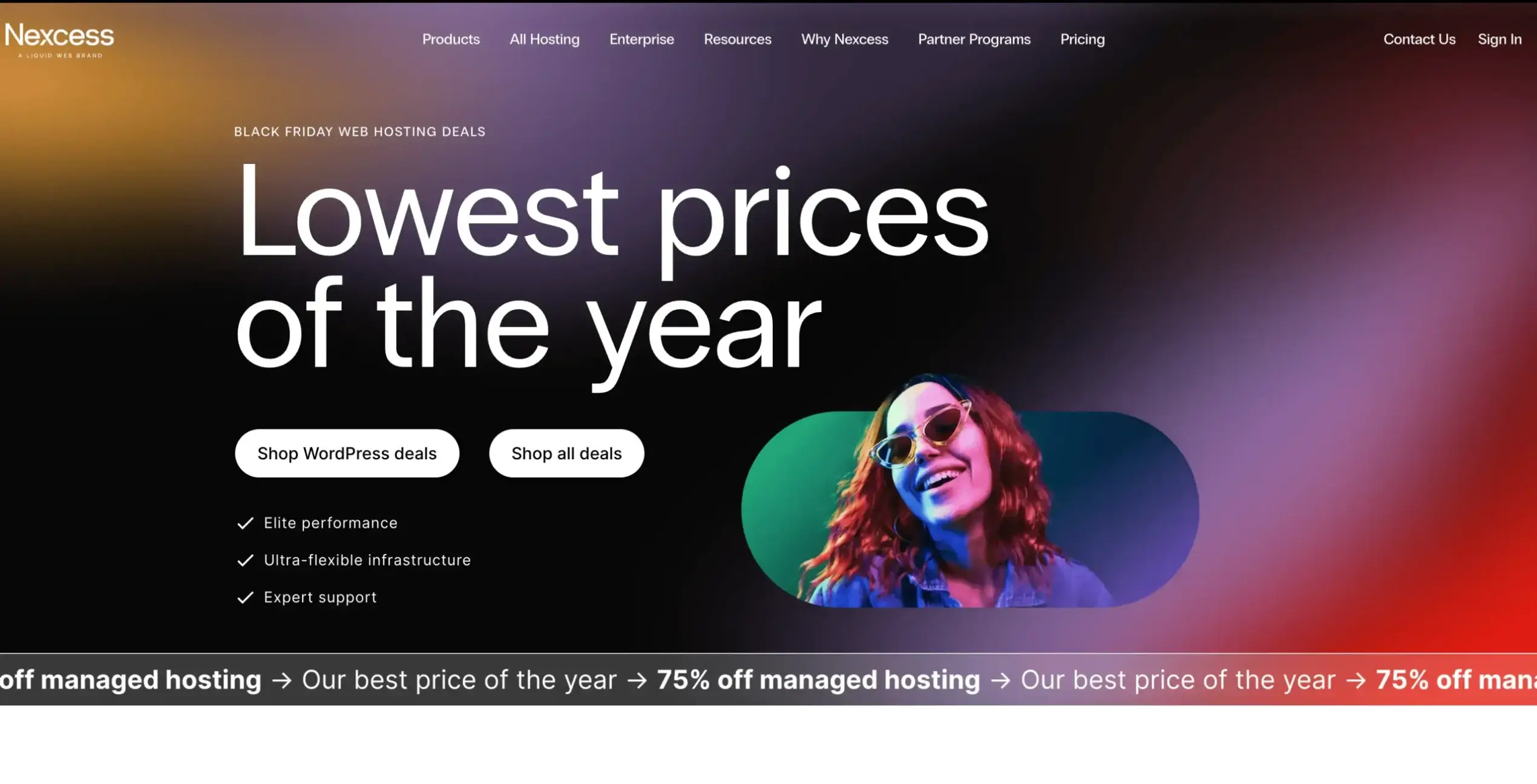
Liquid Web takes first place because its managed WooCommerce offer is designed around store behavior rather than generic WordPress traffic. The checked Spark Thrive plan includes one site, 15 GB of storage, 2 TB of bandwidth, 10 PHP workers, 30-day backup retention, Cloudflare Enterprise, a web application firewall, and staging for $10 a month billed annually.
The case for Liquid Web is operational: the platform publishes worker counts, higher plans add autoscaled workers, and the toolset includes store-aware monitoring. The limitation is evidence. I have not run the same cloned checkout test on its current stack, so I rank it on WooCommerce-specific architecture, plan transparency, and fit, not an invented latency win.
Choose it for: a growing store that wants published worker capacity, autoscaling options, backups, staging, and store-aware support in one managed platform. Skip it if: you want full server control or need a same-run independent benchmark before buying.
2. Rocket.net: Best Performance-Focused Managed Host
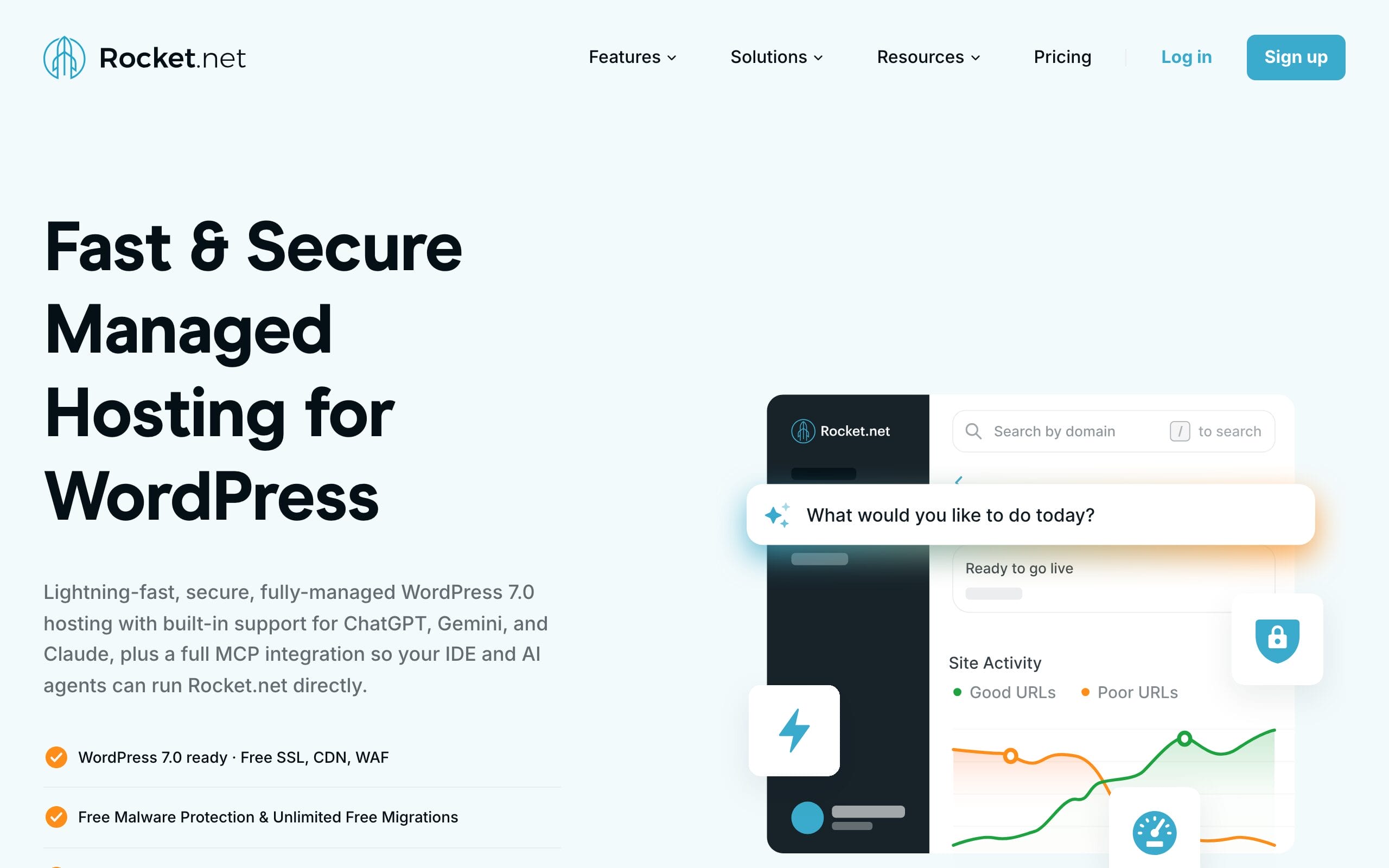
Rocket.net is the strongest pick here with long-running hands-on evidence. I have hosted production sites on it since 2021 and recorded about 93 ms response time in my earlier test. Its current Starter plan costs $30 monthly or $25 a month billed annually and includes one site, 10 GB of storage, 50 GB of bandwidth, unlimited PHP workers, a 99.99% uptime guarantee, Cloudflare-based edge delivery, a WAF, malware protection, and 30-day backup retention.
I like the absence of a visit cap and renewal-rate games. The tradeoff is bandwidth: 50 GB is clear and measurable, but media-heavy stores can outgrow it. My 93 ms number is not a checkout p95, so test the cart and payment path on your own clone before treating it as proof for your catalog.
Choose it for: predictable managed hosting, global edge delivery, and uncapped workers. Skip it if: 50 GB of entry-plan bandwidth is too tight or you want bundled ecommerce growth tools.
3. Cloudways: Best for Infrastructure Control
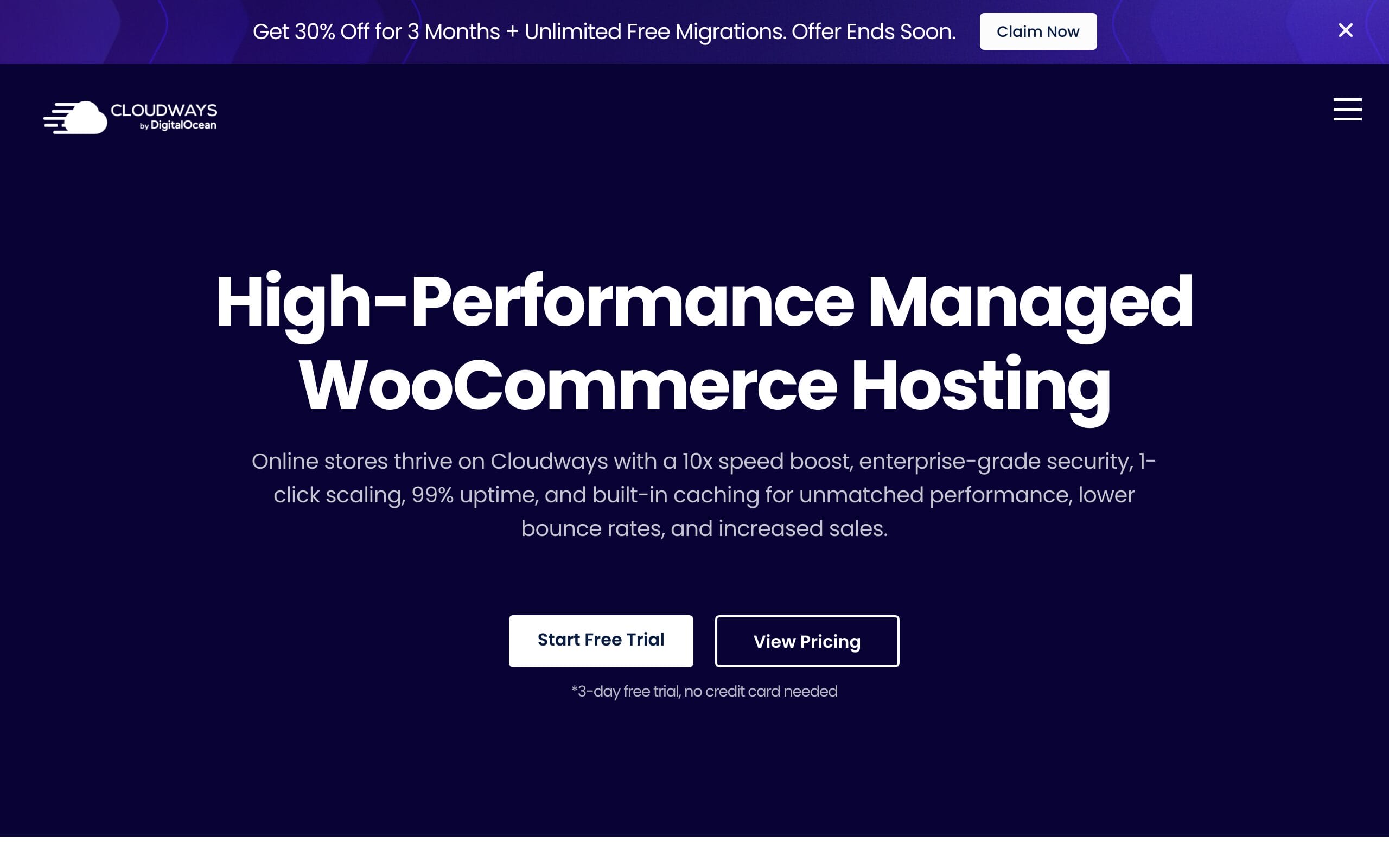
Cloudways sits between a locked managed host and a server you maintain yourself. The checked DigitalOcean Flexible plan is $11 a month for 2 GB RAM, one vCPU, 50 GB storage, and 2 TB transfer. Billing is hourly, and the platform includes server management, staging, vertical scaling, firewall controls, Redis, and Object Cache Pro on eligible plans.
The appeal is control. You can choose a region close to buyers, see the underlying resource size, and move up when the store needs more memory or CPU. The downside is responsibility. You still have to understand cache rules, server sizing, backups, and add-on costs. I would not put a busy store on the smallest plan just because the $11 headline looks good.
Choose it for: visible cloud resources, region choice, and pay-as-you-go scaling. Skip it if: you want a host to make every infrastructure decision for you.
4. Kinsta: Best Premium Developer Experience
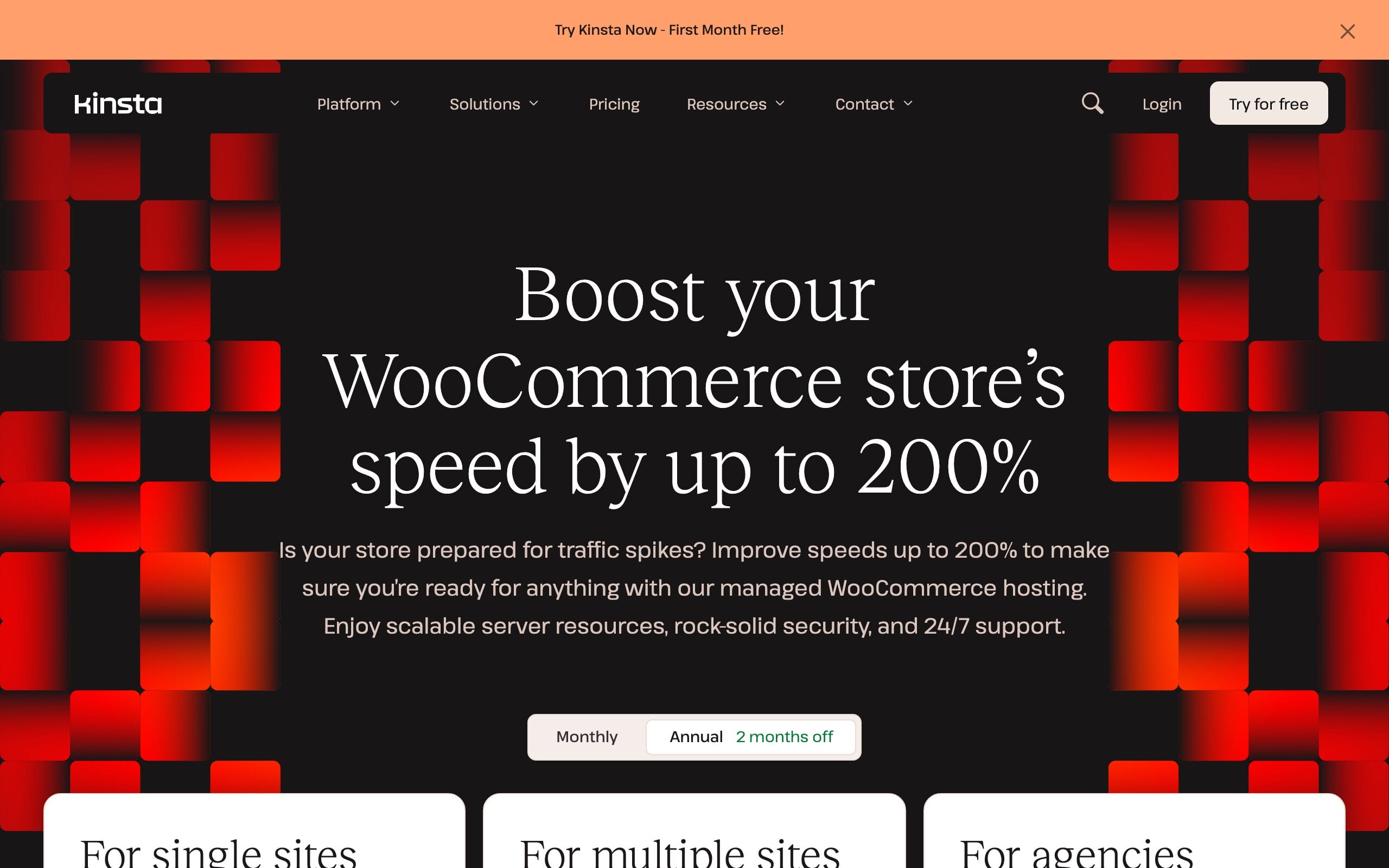
Kinsta is the premium option for teams that value tooling as much as raw hosting. The current Single 35k plan is $35 monthly or $350 annually, covers one WordPress site, and is built around a managed Google Cloud and Cloudflare stack. Kinsta also includes application performance monitoring, staging, backups, migrations, and an API that makes repeatable operations easier.
The dashboard and diagnostics are the reason to pay more. The constraint is plan accounting: visits, bandwidth, storage, and PHP capacity still matter, and a high-transaction store can need a larger tier sooner than a brochure site with the same traffic. I would choose it for a valuable store with a technical owner, not a shop searching for the cheapest first year.
Choose it for: premium observability, a polished workflow, and managed operations. Skip it if: your budget cannot absorb traffic-based plan growth.
5. Hostinger: Best Low-Cost Starting Point
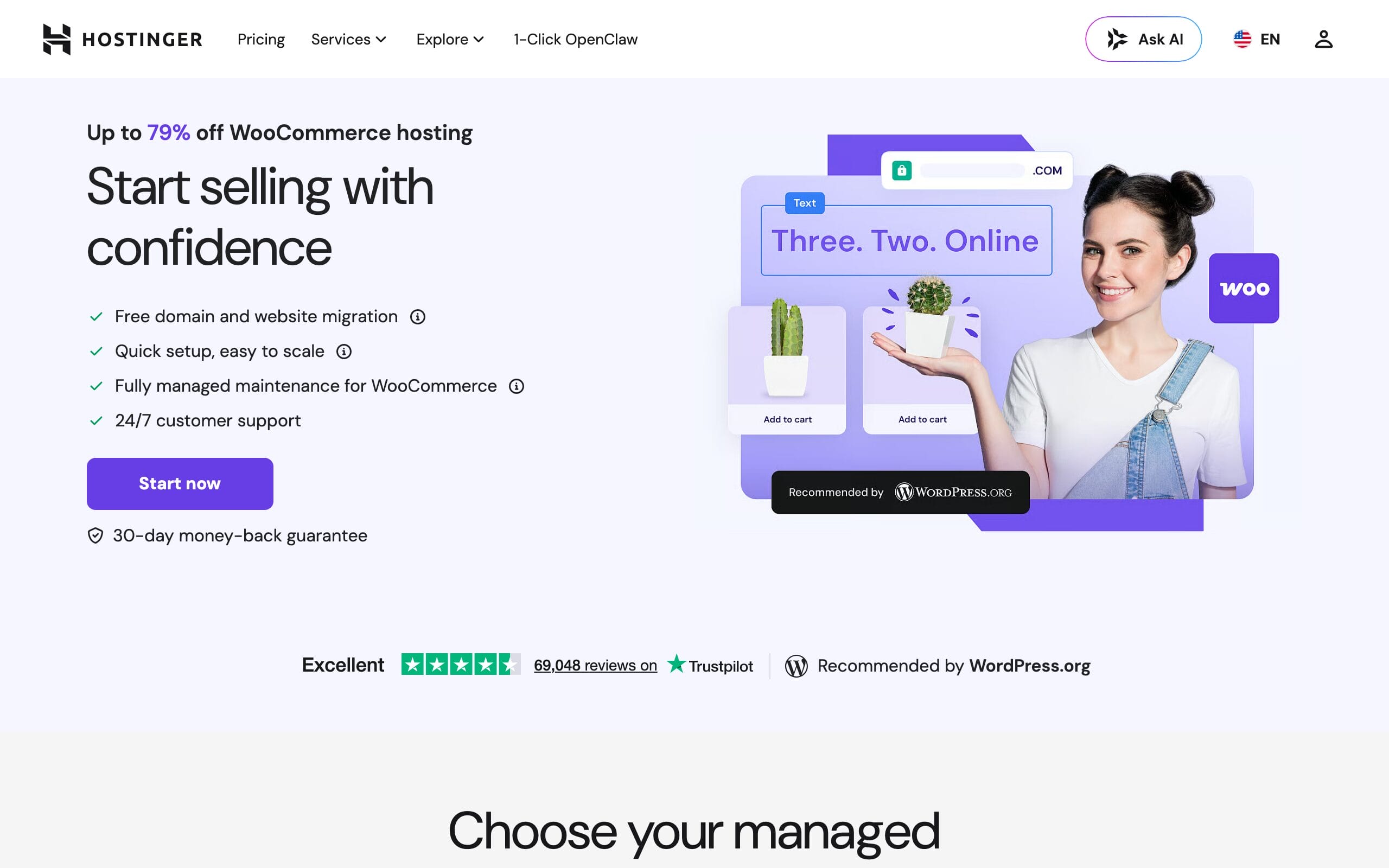
Hostinger makes sense for a first store because the entry cost is low and the current WooCommerce plan includes 50 GB NVMe storage, daily backups, a CDN, managed WooCommerce maintenance, and priority support. The advertised $3.79 monthly price requires a 48-month purchase of $181.92. It renews at $16.99 a month.
That 348% renewal increase is the real decision. Four cheap years can be useful while a shop proves demand, but I would still test dynamic routes and keep an exit plan. An unlimited-site label does not mean unlimited CPU, memory, or concurrent checkouts.
Choose it for: a new, modest store with a strict starting budget. Skip it if: you dislike long commitments or need published dedicated resources for a launch.
6. SiteGround: Best Guided Setup for Beginners
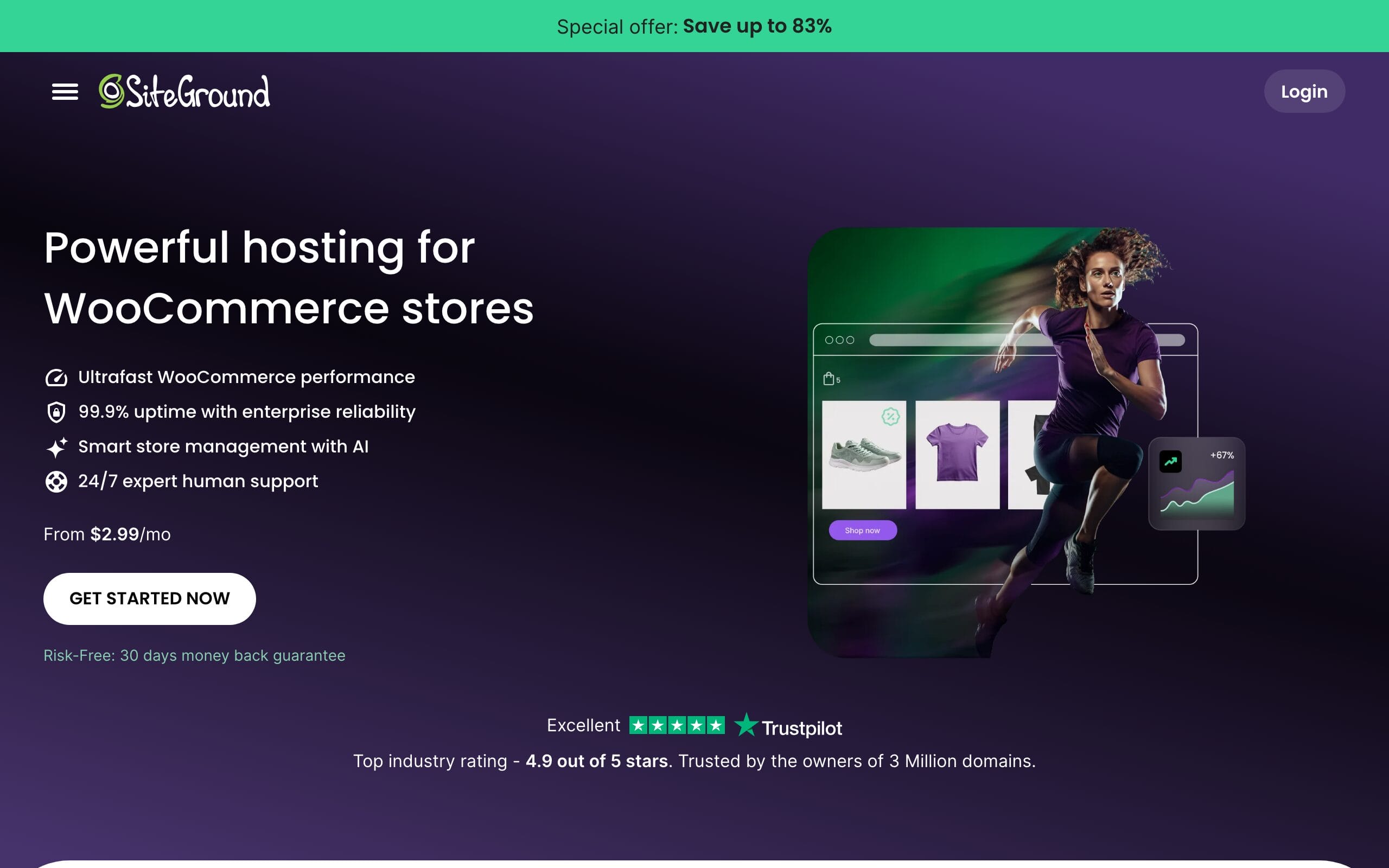
SiteGround remains easy to recommend to a beginner who wants guided setup, managed updates, daily backups, caching, staging, and human support in one dashboard. I used GrowBig for the comparison because it adds staging and on-demand backups. It is advertised at $4.99 a month for the first 12-month term and renews at $29.99.
The first-year discount is steep enough to distort the decision: the renewal is about six times the promotional price. Buy for the workflow and support, not the coupon. A small store can fit comfortably, but ask support what resource ceiling applies to your account before a campaign sends real concurrency.
Choose it for: a first store where setup help, staging, and support reduce risk. Skip it if: the $29.99 renewal makes the resource limits unattractive.
7. WordPress.com: Best All-in-One Store Bundle
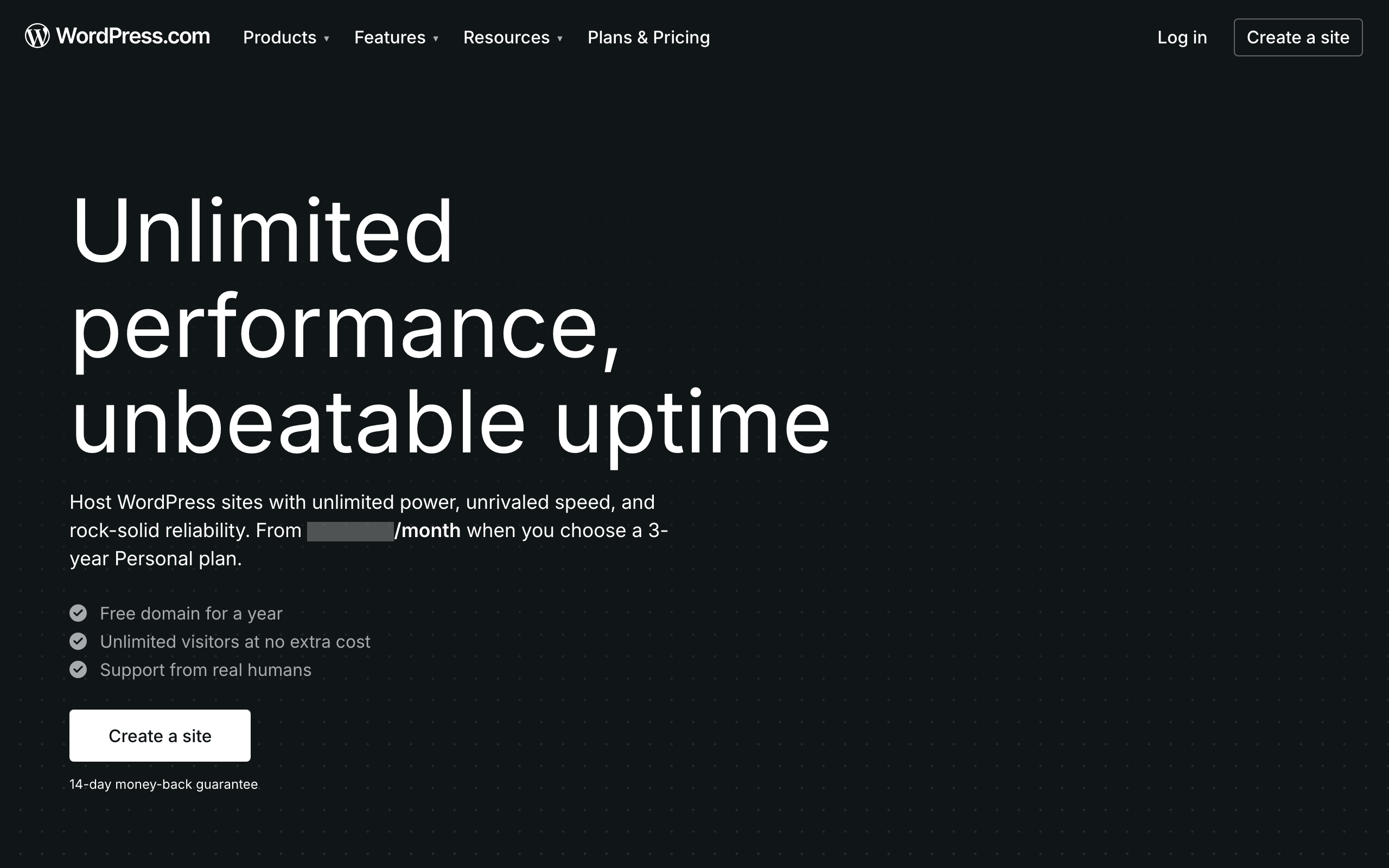
WordPress.com Commerce is the simplest bundle in this list. WooCommerce comes installed, hosting is managed, the platform includes premium store extensions, and the Commerce tier has a 0% platform transaction fee before the payment processor’s fee. The current 12-month price is $45 a month, and a 14-day Commerce trial lets you test the workflow before launch. My WordPress.com Commerce review compares the bundle with buying the same extensions on the Business plan.
The bundle can replace several separate subscriptions, which makes a straight hosting-price comparison incomplete. It is also more opinionated than a self-managed server. Choose it when reduced maintenance matters more than infrastructure freedom.
Choose it for: a managed store bundle with WooCommerce and extensions already integrated. Skip it if: you want direct server control or prefer to assemble your own stack.
8. Pressable: Best Automattic Infrastructure Alternative
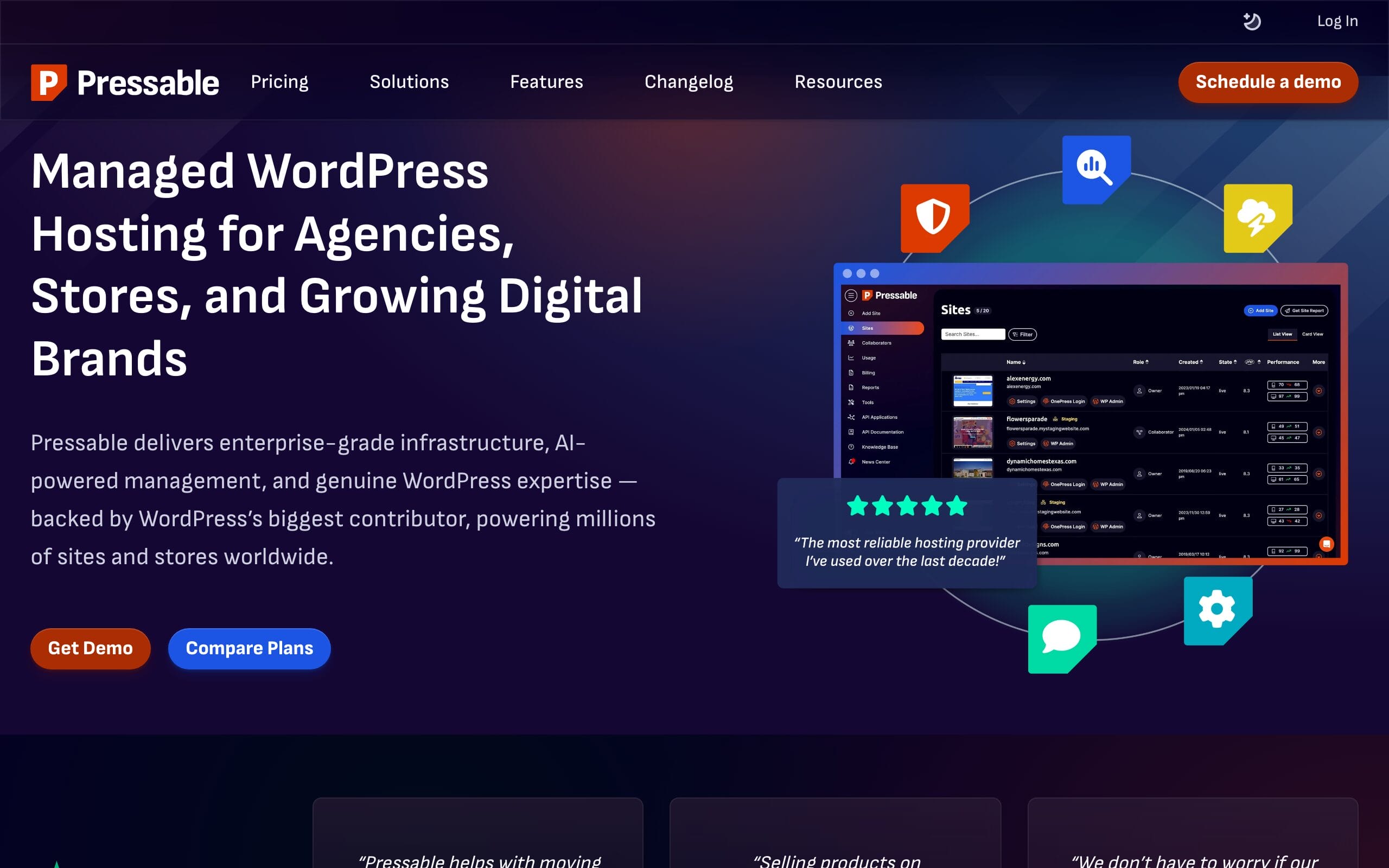
Pressable runs on Automattic’s WP Cloud and exposes clearer infrastructure numbers than many managed hosts. Signature 1 is $250 per year, or $20.83 a month, for one install, 30,000 visits, 20 GB storage, five base PHP workers, hourly and daily backups, edge caching, and 24/7 WordPress support.
Five published base workers are more useful than vague “optimized” language. The visit allowance is the constraint to model. Estimate bots, campaign spikes, and seasonal traffic, then ask how overages and bursting behave before the store becomes dependent on the platform.
Choose it for: a managed Automattic stack with published worker capacity. Skip it if: visit metering creates a poor cost model for your acquisition traffic.
9. ScalaHosting: Best Managed VPS Value
ScalaHosting is where I have the deepest continuous monitoring data in this comparison. On a production site with more than 3,000 posts, over 40,000 monthly visitors, and an active FluentCart store, UptimeRobot recorded 99.97% uptime across 12 months, or roughly 25 minutes of outages. TTFB was 180-320 ms from the US and 400-550 ms from India. Across 8-10 support chats, first responses arrived in 15-45 seconds.
That is not a WooCommerce p95 test, but it is better evidence than a screenshot of a cached demo. The current managed cloud Build #1 is $29.95 a month on the introductory term and $54.95 at renewal. The VPS-style setup offers more control, but it also expects you to understand resource sizing and server choices.
Choose it for: managed VPS resources, fast support, and more control than a locked platform. Skip it if: you want a store-specific managed layer or dislike the 83% renewal increase.
10. GreenGeeks: Best Sustainability-Led Budget Choice
GreenGeeks combines a conventional WooCommerce-ready shared stack with an unusually concrete environmental commitment. It says it matches three times the energy its operations use through the Bonneville Environmental Foundation and plants a tree for each hosting account. For a store, the practical features are SSD storage, caching, a CDN, SSL, daily backups, migrations, and WooCommerce support.
I used Premium for the price comparison because GreenGeeks describes it as the online-store plan. It is $8.95 a month for a prepaid 12-month term and renews at $30.95. That 246% increase and the shared environment are the limits. I would use it for a modest store where sustainability matters, not a revenue-critical flash sale without an independent load test.
Choose it for: a modest store that values an energy-matching commitment. Skip it if: you need isolated resources or predictable first-year-to-renewal pricing.
A Reproducible WooCommerce Hosting Test
Do not migrate production first and hope. Clone the same store to each finalist, keep the region and software versions documented, and test dynamic routes with page caching correctly excluded. This is the protocol I would use for a buying decision.
- Fix the dataset. Use the same anonymized copy with 500 products, 5,000 completed orders, the same theme, and the same extensions. Record WordPress, WooCommerce, PHP, database, and object-cache versions.
- Fix the location. Put every test server in the closest comparable region. Run load generators from two fixed regions so CDN distance does not quietly decide the result.
- Warm the public cache. Browse the home, category, and product routes for 10 minutes. Keep cart, checkout, account, and authenticated sessions uncached.
- Run three load levels. Test 1, 10, and 25 virtual users for 10 minutes each. Include product browsing, search, add-to-cart, cart updates, and a sandbox checkout that stops before a real charge.
- Record distributions. Save median and p95 response time, HTTP error rate, checkout completion rate, CPU, memory, database load, worker queue depth, and cache-hit ratio. An average alone can hide the slowest shoppers.
- Test recovery. Restore the clone from backup, contact support with one reproducible issue, and time both first response and resolution. A fast brochure page cannot compensate for a failed restore.
My starting go/no-go thresholds for a modest store are under 1% HTTP errors, no failed sandbox checkouts, p95 below 800 ms for a dynamic product response, and p95 below 1.5 seconds for cart and checkout actions at the intended concurrency. Those are operating thresholds, not universal industry standards. A heavier extension stack may need more capacity, while a simpler store may do better.
Which WooCommerce Host Should You Choose?
Choose by failure cost and operating preference, not the longest feature list.
- Most growing stores: Liquid Web, because the current plan exposes worker capacity and the platform is built around WooCommerce operations.
- Performance-focused managed hosting: Rocket.net, backed by my multi-year production use and predictable pricing.
- Infrastructure control: Cloudways, if you are comfortable sizing and observing a server.
- Premium workflow: Kinsta, when diagnostics and developer operations justify the price.
- New store on a budget: Hostinger, provided the 48-month commitment and renewal are acceptable.
- Beginner who wants support: SiteGround, priced using the renewal rather than the first-year coupon.
- All-in-one store bundle: WordPress.com Commerce.
- Automattic infrastructure with published workers: Pressable.
- Managed VPS control: ScalaHosting, where my 12-month production data is strongest.
- Sustainability-led small store: GreenGeeks.
A new store can start on good shared hosting, but free and rock-bottom plans fail in predictable ways. The disadvantages of free web hosting are sharper when a timeout interrupts a payment. If you are still choosing the business model, decide whether an ecommerce website beats a marketplace stall before paying for infrastructure you do not yet need.
Frequently Asked Questions
What is the best WooCommerce hosting for most stores?
Liquid Web is my best WooCommerce hosting pick for most growing stores because its current managed plans publish PHP worker capacity, include staging and backups, and offer autoscaling options built around store traffic. Rocket.net is the stronger performance-focused alternative, while Cloudways is better when you want to choose and resize the underlying cloud server.
How much should WooCommerce hosting cost?
A new, low-traffic store can start around $10 to $30 a month at regular pricing. A growing managed store commonly needs $25 to $100 a month, while high-concurrency stores can cost much more. Compare the renewal price, worker or compute limits, backup retention, and overages. A $4 promotion that renews near $30 is a $30 plan for long-term budgeting.
Can WooCommerce run on shared hosting?
Yes. A small store with a modest catalog and little concurrent traffic can run on quality shared hosting. The risk appears as traffic and orders grow because cart, checkout, account, and search requests use live PHP and database capacity. Test those dynamic routes and move before slow checkout becomes a revenue problem.
What should a WooCommerce hosting benchmark measure?
Use the same cloned store, region, versions, theme, extensions, products, and orders on every host. Measure median and p95 response time for product, search, cart, and sandbox checkout flows at fixed concurrency. Also record HTTP errors, checkout completion, CPU, memory, database load, worker queues, cache-hit ratio, restore time, and support resolution time.
Why is cached homepage speed a weak hosting test?
A CDN can serve a cached homepage without asking WordPress or the database to do much work. WooCommerce carts, checkouts, account pages, searches, and personalized sessions are dynamic. A host can look excellent in a one-page speed test and still queue or fail when several shoppers use those routes together.
The Bottom Line
Liquid Web is the best WooCommerce hosting choice for most growing stores in this ranking. Rocket.net is my performance-led alternative with multi-year hands-on use, and ScalaHosting has the strongest continuous monitoring data I can publish. The remaining providers are ranked from current plan research, not borrowed benchmark claims.
Shortlist two hosts, clone the same store, and run the dynamic test before moving DNS. Then build an SEO-friendly WordPress setup on infrastructure that can survive the traffic you are trying to earn.
Tell Google you want more of this.
Add Gaurav Tiwari as a preferred sourceOne tap, and this site shows up more often in your own Top Stories, AI Overviews and AI Mode. Remove it any time.
Disclaimer: This site is reader-supported. If you buy through some links, I may earn a small commission at no extra cost to you. I only recommend tools I trust and would use myself. Your support helps keep gauravtiwari.org free and focused on real-world advice. Thanks. - Gaurav Tiwari
