
 by
by
The best WordPress booking plugin depends on the booking model. Booknetic is my service-business choice, FluentBooking is the meeting scheduler, Amelia handles appointments plus events, and WooCommerce Bookings fits stores that need reservations to remain WooCommerce products and orders.
Feature lists and star averages do not prove booking reliability. A production test must cover simultaneous customers, time zones, daylight-saving changes, calendar edits, delayed payment webhooks, failed reminders, refunds, staff availability, shared resources, and stopped cron.
The Best WordPress Booking Plugins at a Glance
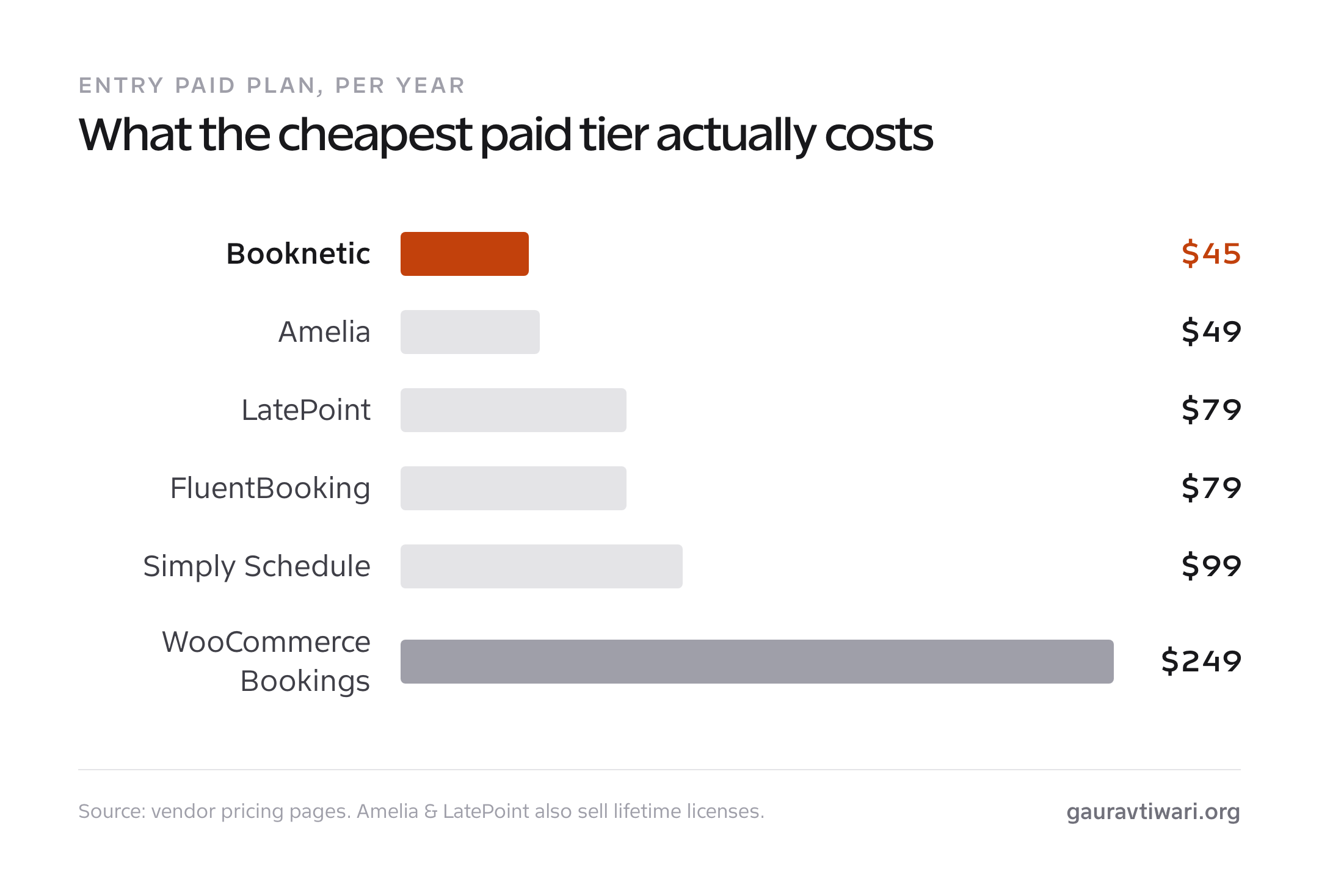
Use category winners rather than treating every product as a direct substitute. Prices are public signals checked July 24, 2026; promotions, renewals, tax, add-ons, SMS, WhatsApp, video, gateway, and calendar costs can change the operating total.
| Plugin | Booking model | Free path | Public price signal | Main operational question |
|---|---|---|---|---|
| Booknetic | Multi-staff service business | Free download now available | Annual from $45 promotional / $89 standard | Which add-ons, gateways, mobile seats, support term, and domains are included? |
| FluentBooking | Meetings, calls, demos, and round robin | Yes | Free plus paid site licenses | Does the meeting-first model cover resources and service workflows? |
| Core Bookings | Appointments and group sessions | No | Paid license; see current options | Do availability rules, hosting requirements and the customer-change flow fit? |
| LatePoint | Appointment workflow with polished customer UI | Yes | $79 introductory / $99 renewal for 1 site | Do events, resources, calendar sync, and notification costs fit? |
| Amelia | Appointments plus classes and events | Yes | Free plus annual and lifetime licenses | Which staff, event, payment, and integration features require a paid tier? |
| Simply Schedule Appointments | Beginner-friendly appointments | Yes | Paid plans are single-site | Which tier adds payments, SMS, webhooks, teams, and resources? |
| WooCommerce Bookings | Bookable products, rentals, and reservations | No | $249/year for 1 site | Does its calendar and product model fit the resource and channel setup? |
A lifetime license can break even quickly only if the product remains maintained and the license covers the sites, features, support, and future integrations you need. Treat it as vendor and roadmap risk, not guaranteed savings.
How the Booking Plugins Compare on Track Record
Price and features tell you what a plugin does today. Track record tells you whether it’ll still be here, and still supported, in three years. Here’s how the six compare on time in market, user base, rating, and integrations. One caveat on the numbers: Booknetic counts paying customers, while Amelia, FluentBooking, and Simply Schedule report free active installs from WordPress.org, so treat them as ballpark scale, not a like-for-like race.
| Plugin | Rating | Review platform | Review count | Install or customer signal |
|---|---|---|---|---|
| Booknetic | Vendor-reported | Booknetic customer source | Not compared with repository ratings | Paid-customer claim |
| FluentBooking | 4.7/5 | WordPress.org free-plugin reviews | 42 | 20,000 active installs |
| Core Bookings | Not assigned | Author-developed product | Not supplied | Not supplied |
| LatePoint | 4.9/5 | WordPress.org free-plugin reviews | 93 | 100,000 active installs |
| Amelia | 4.6/5 | WordPress.org free-plugin reviews | 779 | 90,000 active installs |
| Simply Schedule Appointments | 5.0/5 | WordPress.org free-plugin reviews | 155 | 60,000 active installs |
| WooCommerce Bookings | 2.7/5 | WooCommerce Marketplace customer reviews | 60 | 20,000+ active installs shown by Woo |
All ratings and install counts in this table were checked on July 24, 2026.
These ratings are context, not a ranking formula. Booknetic’s vendor customer source, WordPress.org reviews, and WooCommerce Marketplace reviews represent different populations. I do not call one product “highest rated” across incompatible sources.
1. Booknetic: Best WordPress Booking Plugin Overall
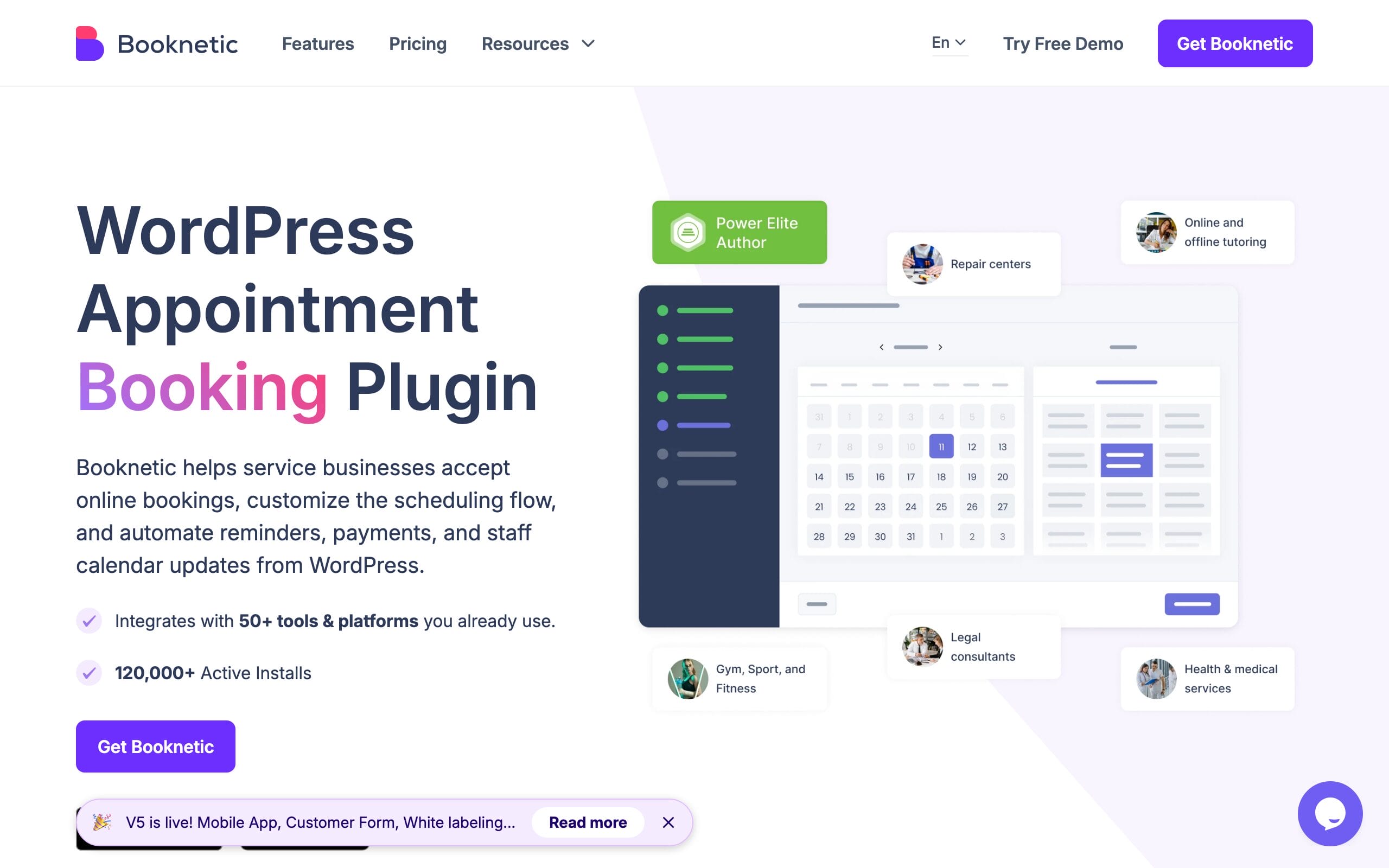
Booknetic is my first shortlist for a multi-staff, multi-location service business. It covers appointment workflows, forms, locations, staff, payments, reminders, and WooCommerce integration. Its vendor customer numbers are useful product signals, but I keep them separate from WordPress.org ratings.
Booknetic SaaS is a separate multi-tenant product for operators who want to provision booking accounts to other businesses. It adds tenant, subscription, billing, infrastructure, support, privacy, and customer-ownership responsibilities; it is not a feature that turns an ordinary plugin license into a SaaS business.
It’s also actively developed, not coasting. Booknetic 5 landed in June 2026 with a native mobile app for managing appointments on your phone, including push notifications and tap-to-pay, plus customer categories and custom customer fields for workflow automation, deeper white-labeling for agencies, and a new Netopia payment gateway. A loyalty-points system is slated for v5.1. For a plugin this mature, that’s a healthy release cadence.
Booknetic’s public pricing page showed promotional annual prices of $45 Basic, $99 Standard, $149 Premium for five domains, and $299 Elite for unlimited domains. The displayed standard annual prices were $89, $199, $399, and $599. Lifetime promotional prices were $99, $239, $599, and $699. Basic and Standard include six months of support; Premium and Elite include one year. Tax and promotions can change the checkout total.
Downside: the free download now gives you a test path, but paid tiers divide gateways, revenue tools, mobile seats, domains, add-ons, and support. Map the exact workflow before choosing a plan.
2. FluentBooking: Best Value for Meetings and Calls
FluentBooking is my meeting-first choice for sales calls, consultations, demos, coaching, one-on-one, group, and round-robin scheduling. WordPress.org showed 20,000 active installs, a 4.7/5 rating from 42 reviews, version 2.2.0, and WordPress 7.0.2 compatibility on July 24, 2026. I have not published a controlled asset benchmark, so I do not label it the lightest.
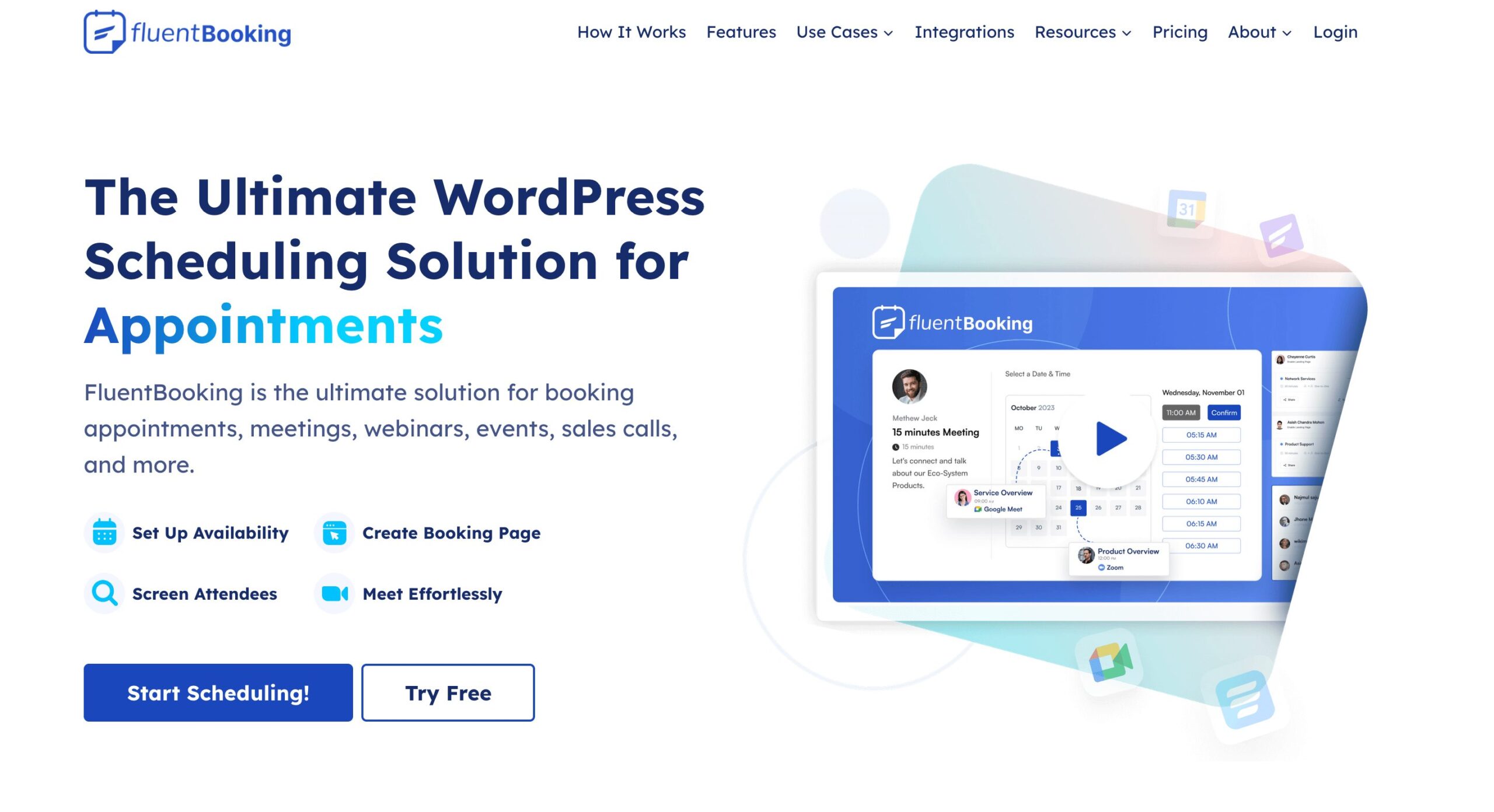
The killer feature is integration. FluentBooking talks natively to FluentCRM for follow-up automation, FluentSMTP for reliable email, and Fluent Forms, plus Google, Outlook, and Apple calendars, and Zoom, Google Meet, and Microsoft Teams for the call links. Stripe and PayPal handle paid bookings. There’s a real free version (it launched in 2024) so you can run simple scheduling at no cost, which is why it’s the best value pick here.
Pro pricing is $79/yr (Solo, 1 site), $199/yr (Small Business, 5 sites), and $399/yr (Agency, 50 sites), often discounted around 20%. Lifetime plans are $199, $349, and $599. For a solo consultant who just needs clean call booking, the free tier or the Solo lifetime license is all you’ll ever need.
Downside: it’s not built for salon-style resource booking. No deep multi-resource management or equipment rentals. It’s a meetings tool, and a very good one, not a full service-business engine like Booknetic.
3. Core Bookings: WordPress-native Service Appointments
Core Bookings is the booking plugin I develop for appointments and group sessions on WordPress. It fits a service business that wants to manage availability and customer changes inside its own site.
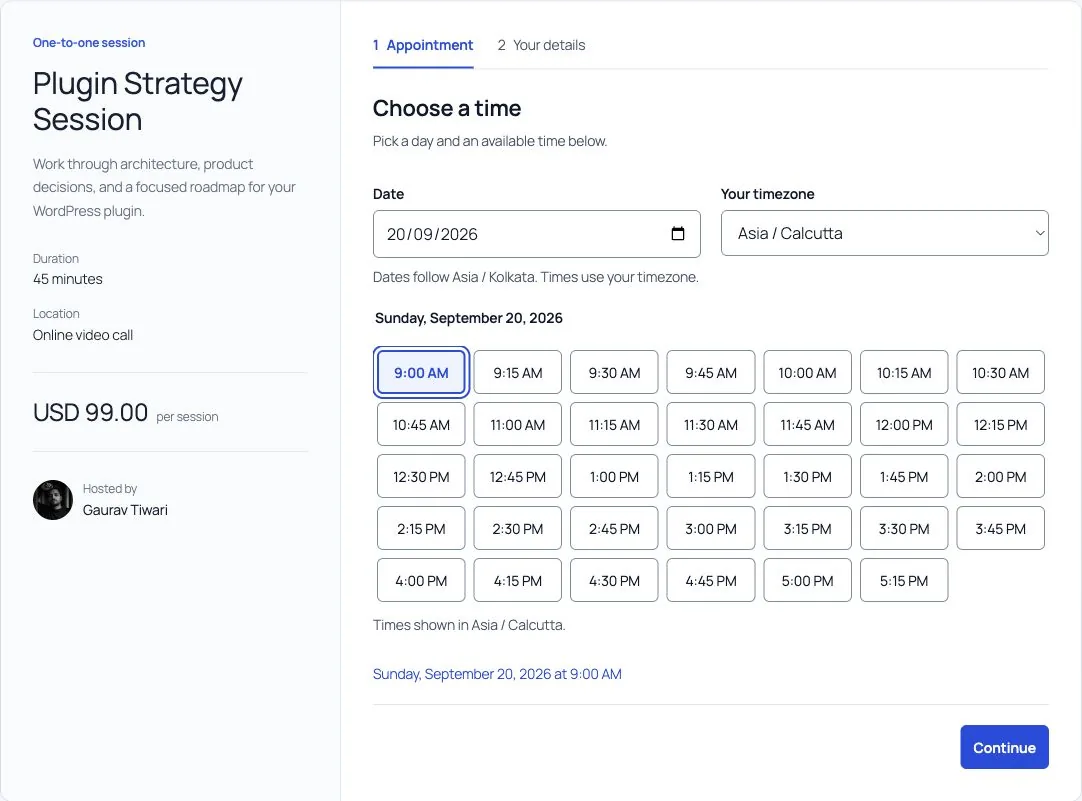
Staff hours, time off, buffers and booking windows determine what customers can reserve. Private links let them reschedule or cancel within the cutoff you configure. Group services use seat limits rather than treating every booking as an individual appointment.
Core Bookings is paid, with the current license options available on the product page. The site needs WordPress 6.9 or newer, PHP 8.3 with Sodium and an InnoDB database. Reminder delivery also depends on working scheduled jobs and mail configuration.
The limitation is operational: cancelling an appointment does not automatically refund its payment, and imported appointments do not send booking notifications. No independent review score is assigned here.
4. LatePoint: Best Design and Lifetime Value
LatePoint is my polished appointment-interface choice. Its current annual and lifetime tiers include the same feature set and differ by site count. WordPress.org showed 100,000 active installs, a 4.9/5 rating from 93 reviews, version 5.6.9, and WordPress 7.0.2 compatibility on July 24, 2026.
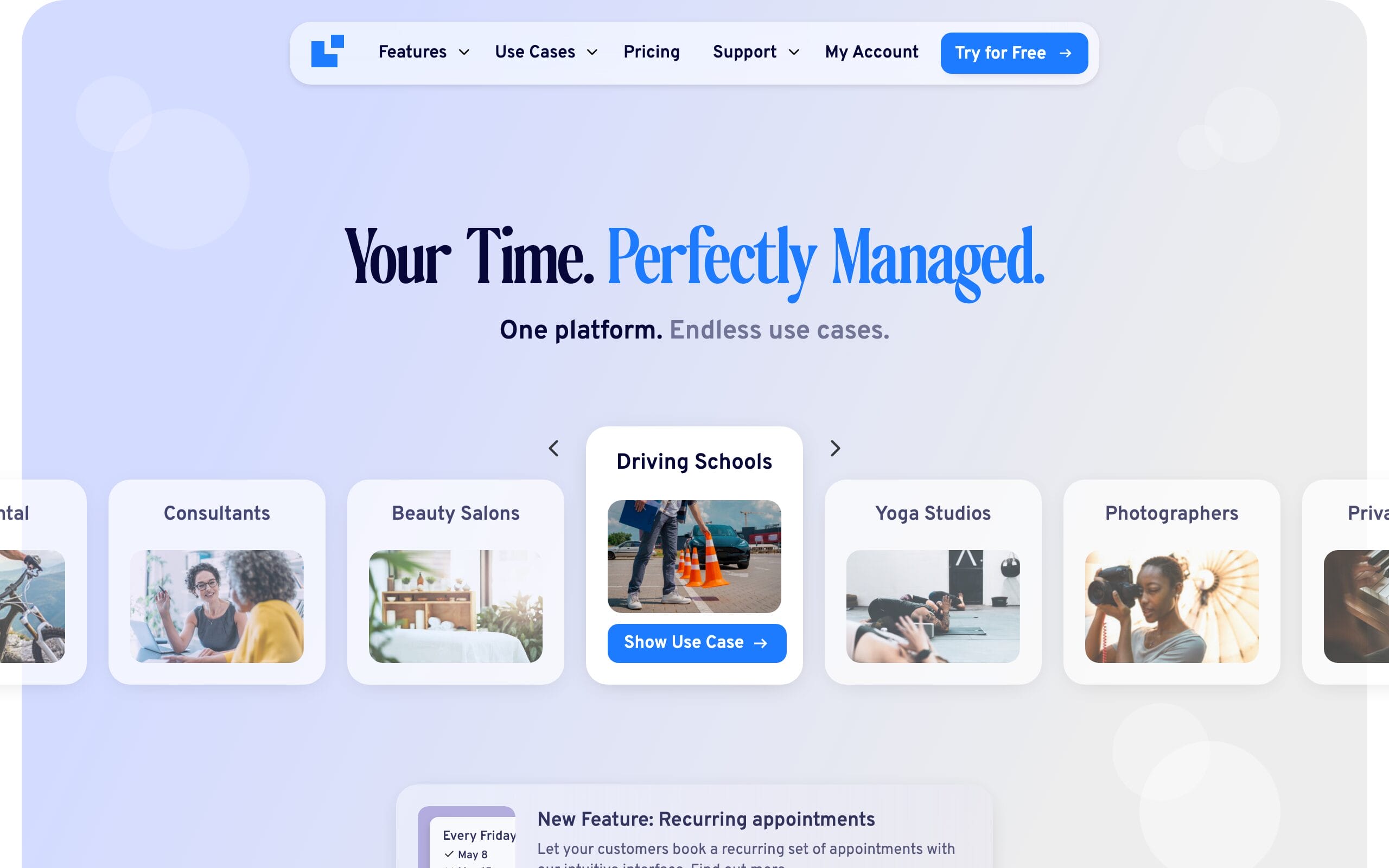
The booking widget is a genuinely modern, multi-step flow that you can drop anywhere with a shortcode, and the back-end calendar and agent management are clean. You get unlimited agents and services, Google Calendar sync, Stripe and PayPal deposits, recurring bookings, SMS and email reminders, and a customer cabinet, all in the box.
Annual plans are $79 (Starter, 1 site), $149 (Scale, 5 sites), and $299 (Agency, 100 sites). The lifetime deals are the real draw: $199, $399, and $599 one-time, and every plan unlocks all features, so you’re only paying for how many sites you run. There’s a limited free version to trial the flow. If you care how the booking page looks to your customers, this is your plugin.
Downside: events and class scheduling aren’t as strong as Amelia’s, and it doesn’t match Booknetic’s raw configurability. LatePoint is built around one-on-one appointments first.
5. Amelia: Best for Events Plus Appointments
Amelia remains my category pick when a business combines appointments with classes or events. WordPress.org showed 90,000 active installs, a 4.6/5 rating from 779 reviews, version 2.4.5, and WordPress 7.0.2 compatibility on July 24, 2026.
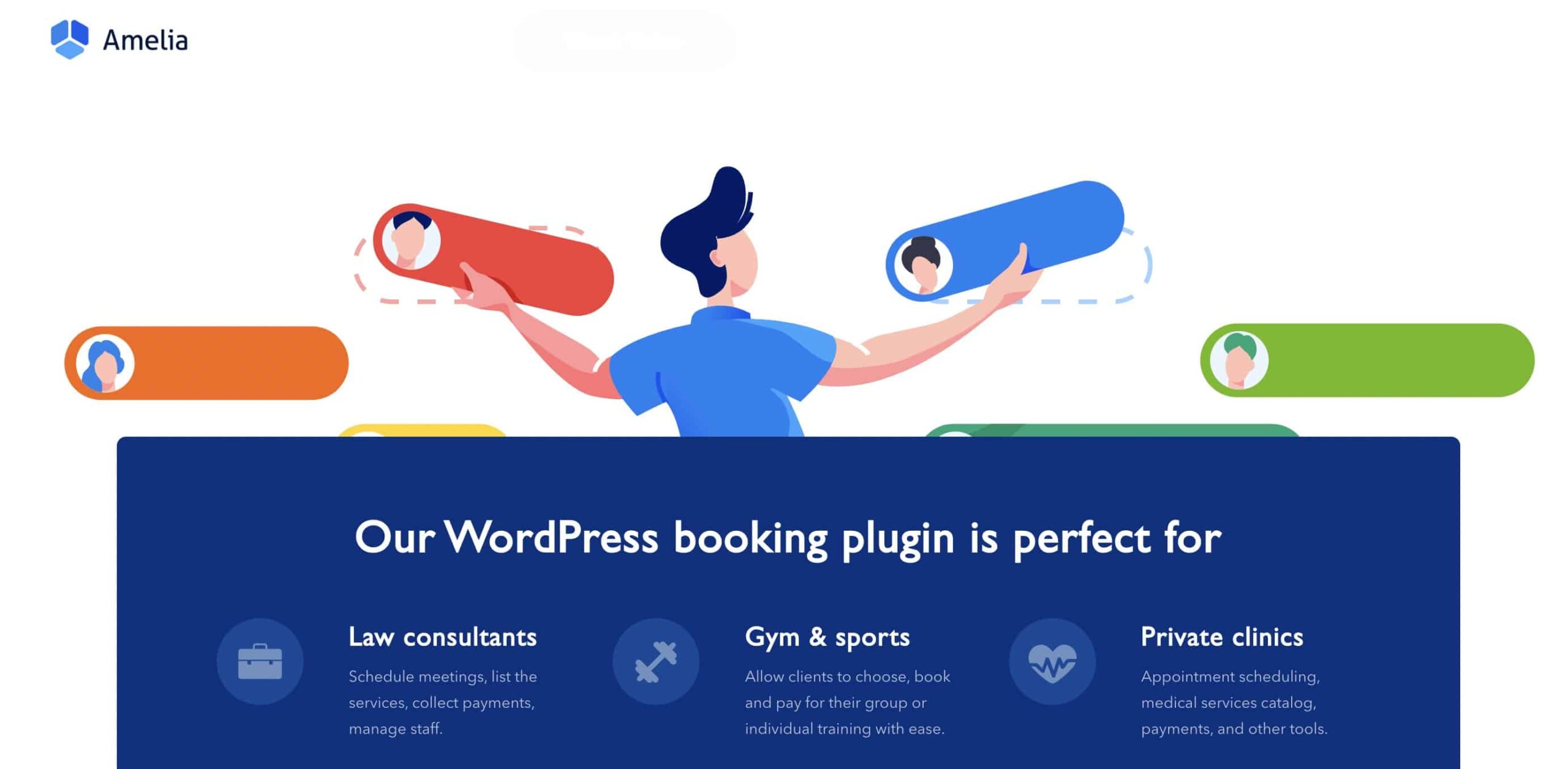
What you get: unlimited services and staff, group appointments and events, Google Calendar and Outlook two-way sync, Zoom and Google Meet links, WooCommerce or direct Stripe and PayPal payments, and an analytics dashboard that actually tells you which services and staff make money. The package and bundle features mean you can sell a block of sessions, which is gold for coaches and trainers.
Pricing is fair and there’s a free version to test the waters. Annual plans run $49 (Starter, 1 site), $89 (Standard), $149 (Pro, 5 sites), and $259 (Elite, unlimited sites). Lifetime licenses are $299, $449, and $799. If you want the short answer, most single-business owners are happy on Standard, and agencies should look at the Elite lifetime deal.
Downside: Amelia loads its own scripts and styles on the booking page, so on a slow host it’s not the lightest option. On decent hosting you won’t notice, but pair it with caching if your site is already heavy.
6. Simply Schedule Appointments: Easiest for Beginners
Simply Schedule Appointments wins on one thing that matters more than any feature list: it’s the easiest to set up. The guided wizard walks you from zero to a working booking form in about five minutes, and the US-based support is responsive and genuinely helpful. If the idea of configuring a booking plugin makes you nervous, start here. It’s been around since 2018, runs on 60,000+ sites, and holds a near-perfect 5.0/5 across 155 reviews, the highest satisfaction score in this roundup.
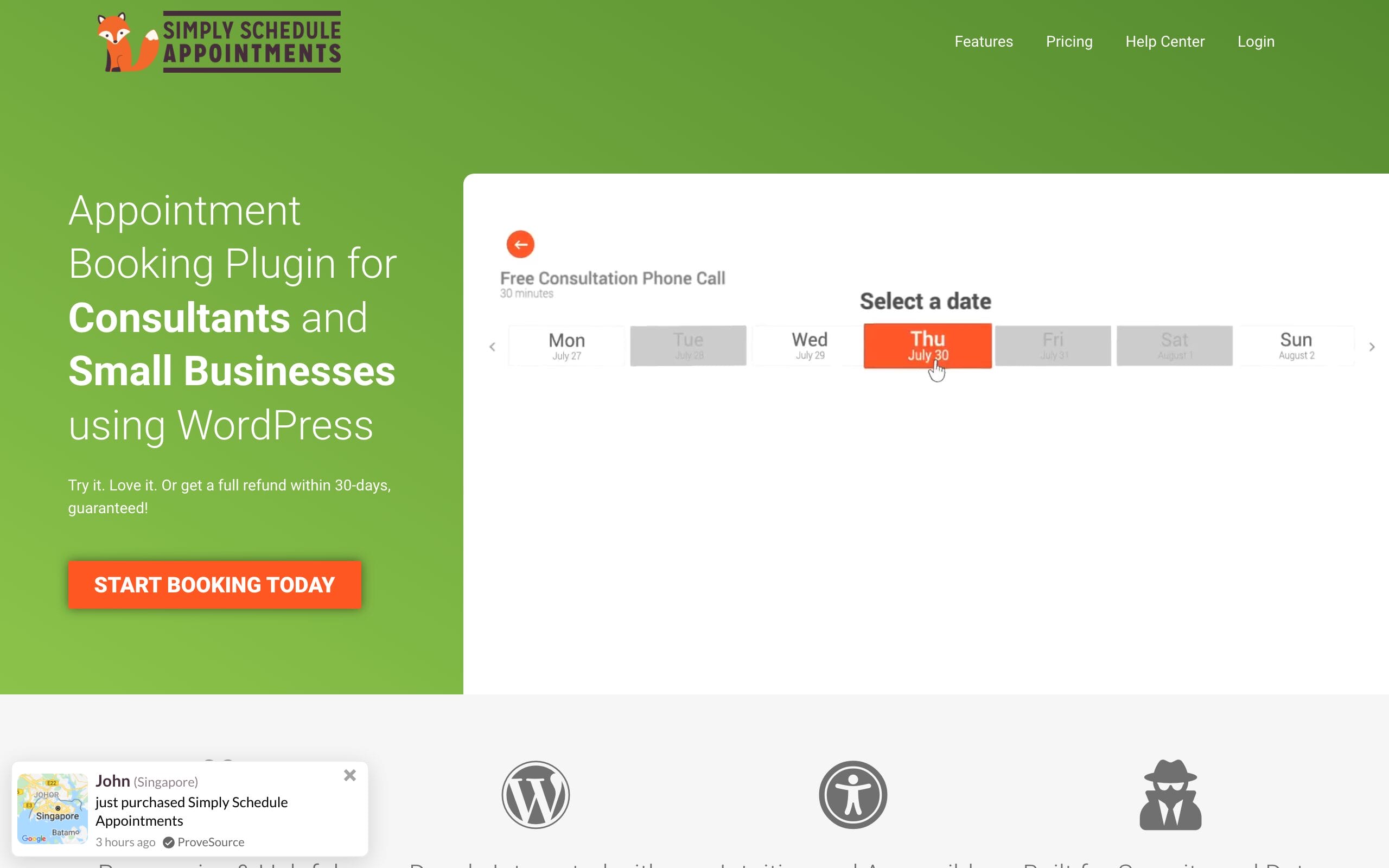
The free Basic edition is more generous than most: unlimited appointment types, customizable notifications, and native integration with Elementor, Divi, and Beaver Builder. Paid tiers add the serious tools. Plus ($99/yr) brings Google Calendar, Zoom and Google Meet, and group events. Professional ($199/yr) adds Stripe and PayPal payments, SMS via Twilio, and webhooks. Business ($399/yr) unlocks team scheduling and resource management.
It’s a strong fit for solo professionals and small teams who value simplicity over depth. I’ve used it to manage appointment scheduling for people who would never touch a plugin like Booknetic, and it just works.
Downside: every paid plan covers a single site, and you have to climb to the $199 Professional tier just to take payments. Feature-for-dollar, it’s pricier than Booknetic or LatePoint once you need the good stuff.
7. WooCommerce Bookings: Best for Selling Bookings in a Store
WooCommerce Bookings earns its spot for exactly one scenario: you already run a WooCommerce store and you want bookings to behave like products, flowing through the same cart, checkout, and order system you already use. For equipment rentals, paid reservations, or appointments sold alongside physical goods, that native integration is the whole point.
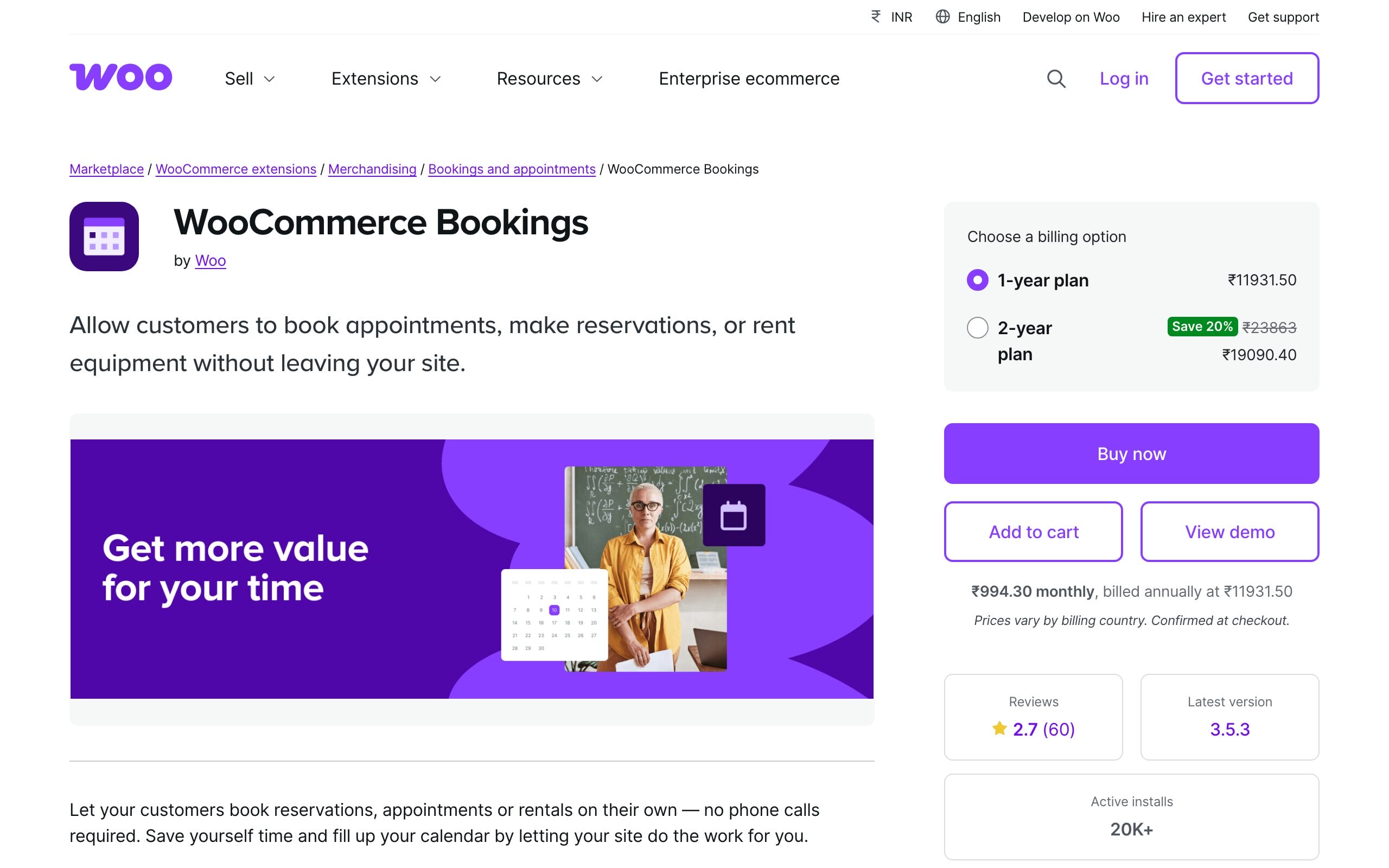
It’s built by Woo, so it slots into the platform cleanly: bookable products, flexible time slots from minutes to days, customer timezone support, and resource management to prevent double-booking. At $249/year for a single site, it’s the most expensive option here, and it only makes sense if you’re committed to the WooCommerce ecosystem. If you’re picking a store theme to go with it, my guide to the best WooCommerce themes pairs well.
Downside: WooCommerce.com showed 2.7/5 from 60 reviews on July 24, 2026. Recent review themes include single-calendar limits, calendar reliability, API and notification issues, data-model concerns, complexity, and support. Those reports do not prove every install fails, but they justify a staging test with the exact resources, calendars, checkout, refunds, and integrations you need.
Some WooCommerce stores need something lighter than a booking engine: a pickup or delivery window, or a service that ends in a booking link instead of a reserved resource. Stackless for WooCommerce, a plugin I built, covers both. Its Delivery & Pickup Slots module adds weekly time windows with capacity per slot, lead time and closed dates, and its Service Products module skips shipping and adds after-payment instructions with an optional booking or intake link on the thank-you page, emails and customer account. For staff calendars and resource booking, pair it with one of the plugins above.
Booking Reliability Test Suite
- Have two customers attempt the last slot together; test staff, rooms, equipment, group capacity, buffers, and holds.
- Book across time zones and a daylight-saving boundary; edit the external calendar and verify two-way reconciliation.
- Delay the payment webhook, fail the payment after a slot hold, issue a refund, reschedule, cancel, and change staff availability.
- Stop cron or Action Scheduler, fail email and SMS, replay a webhook, and confirm the audit trail and recovery path.
Calculate the Full Operating Cost
Add SMS and WhatsApp usage, video accounts, payment fees, calendar limits, add-ons, staff and location tiers, mobile seats, white labeling, support, backups, and operator time to the plugin price. Also map where customer details, appointment notes, files, and calendar data are stored and how staff permissions, exports, deletion, consent, and audit logs work. This is a privacy review, not a compliance guarantee.
How to Choose a WordPress Booking Plugin
The right booking plugin matches how your business actually books, not how long its feature list is. Before you buy, get clear on five things, because they decide which of these six is right for you far more than any star rating.
- Appointments or meetings? Service businesses with staff and rooms lean toward Booknetic, LatePoint, or Amelia. Calls and consultations want FluentBooking.
- Do you take payments? Check which gateways are included and at which tier. Simply Schedule, for example, locks payments behind its $199 plan.
- How many sites? One business site or a stack of client sites changes the math completely. Multi-site lifetime deals (Booknetic, LatePoint, Amelia) get cheap fast.
- Annual or lifetime? Compare renewal math with vendor survival, support duration, site limits, future paid add-ons, and API changes. Lifetime is vendor risk, not guaranteed savings.
- Do you need events? Group classes and ticketed events are an Amelia strength and a weak spot for most of the others.
One more practical filter: install a free version or use the refund window. Every plugin demos beautifully. The real test is whether your customers can book without confusion, so put it on a staging site and book yourself an appointment before you commit. This is the same advice I give clients building anything from a studio website to a multi-location salon booking system.
Which Booking Plugin Should You Use?
If you run a multi-staff service business, test Booknetic first. If bookings are mostly calls and consultations, test FluentBooking. Choose Amelia for events plus appointments, LatePoint for a polished appointment flow, Simply Schedule Appointments for guided setup, and WooCommerce Bookings only when bookings must be WooCommerce products.
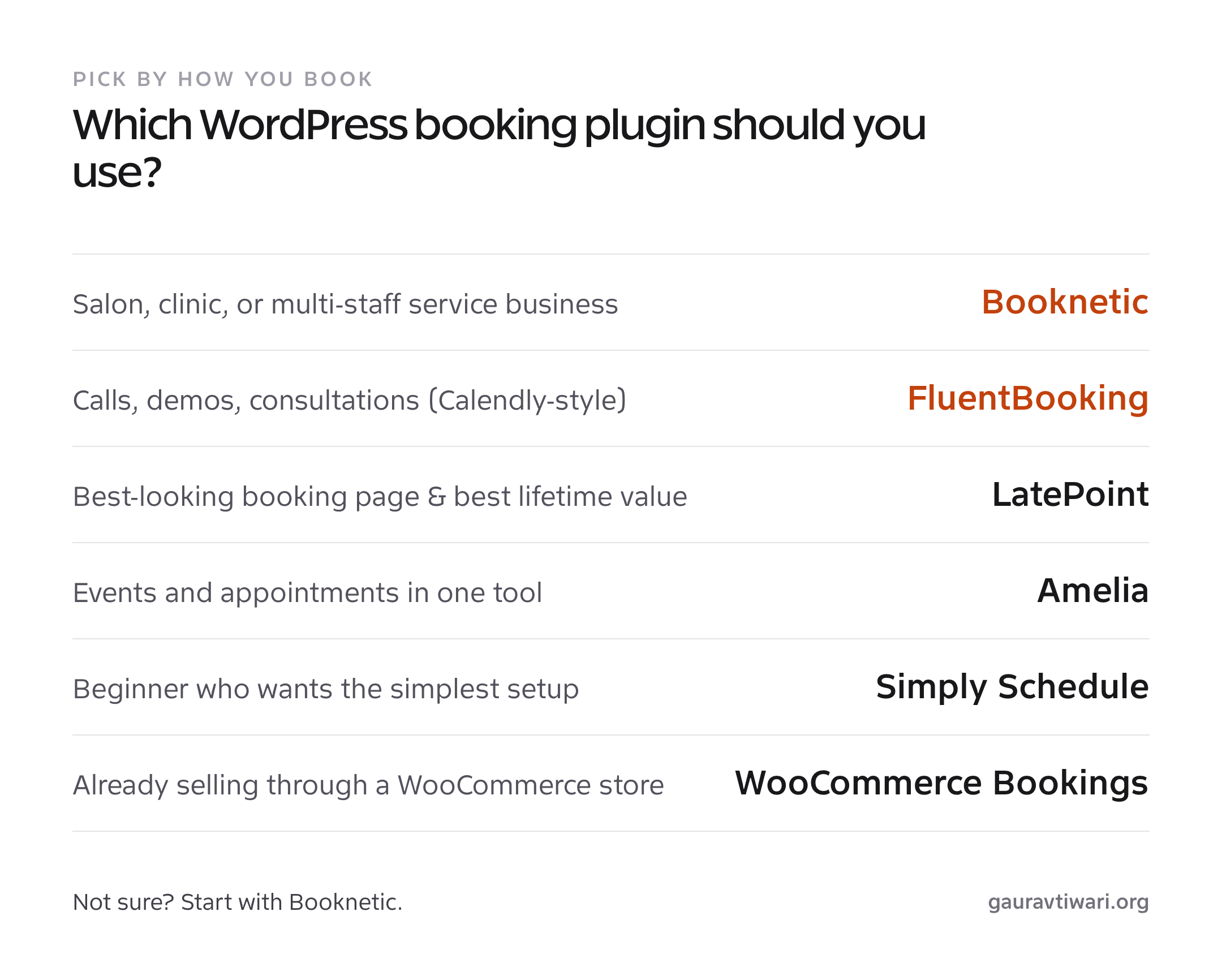
- Run a salon, clinic, or multi-staff service business: Booknetic.
- Mostly book calls, demos, and consultations: FluentBooking.
- Want the best-looking booking page and best lifetime value: LatePoint.
- Sell events and appointments from one tool: Amelia.
- Are a beginner who wants the simplest setup: Simply Schedule Appointments.
- Already sell through WooCommerce and want bookings as products: WooCommerce Bookings.
Booking is one of those tools where the best pick is the one your customers find effortless. A booking plugin sits alongside the rest of your stack, and if you’re still assembling that, my list of essential WordPress plugins covers the other pieces worth installing.
Frequently Asked Questions
What is the best WordPress booking plugin in 2026?
Booknetic is my service-business choice, FluentBooking is the meeting scheduler, Amelia covers appointments plus events, LatePoint emphasizes a polished appointment flow, and WooCommerce Bookings fits bookable products. Test the category that matches the workflow.
Is Booknetic still available on CodeCanyon?
Booknetic now sells through its own site with annual and lifetime plans and also offers a free download. Booknetic SaaS is a separate multi-tenant product with additional infrastructure and customer responsibilities.
Is there a free WordPress booking plugin?
Yes. FluentBooking, LatePoint, Amelia, Simply Schedule Appointments, and Booknetic now provide a free path or download. Free editions differ in payments, calendars, staff, resources, events, and support.
Should I buy an annual or a lifetime booking plugin license?
A lifetime license can cost less only if the vendor remains active and the license covers the sites, support, updates, integrations, and features you need. Treat it as vendor risk rather than guaranteed savings.
What’s the best booking plugin for taking online payments?
Compare gateway availability, deposits, tax, refunds, webhook reconciliation, failed payments, fees, currencies, and the tier that unlocks them. Run the exact checkout and refund flow on staging.
Do booking plugins sync with Google Calendar?
Most products support calendar integration, but account limits, one-way versus two-way behavior, staff calendars, resource mapping, and conflict resolution vary. Test edits made in both systems and across time zones.
The Bottom Line
There is no defensible universal winner across service appointments, meetings, events, resources, and WooCommerce products. Booknetic is my service-business shortlist; FluentBooking is the meeting-first choice. The production winner is the product that passes your concurrency, calendar, payment, reminder, resource, privacy, and recovery tests.
Pick based on how you book, not on the longest feature list. Then put your top choice on a staging site, book yourself an appointment, and see if it feels effortless. The plugin that gets out of your customer’s way is the one that books the most revenue, and that’s the only ranking that pays your bills.
Tell Google you want more of this.
Add Gaurav Tiwari as a preferred sourceOne tap, and this site shows up more often in your own Top Stories, AI Overviews and AI Mode. Remove it any time.
Disclaimer: This site is reader-supported. If you buy through some links, I may earn a small commission at no extra cost to you. I only recommend tools I trust and would use myself. Your support helps keep gauravtiwari.org free and focused on real-world advice. Thanks. - Gaurav Tiwari
