
 by
by
A lot of people still treat an electronic signature like a flimsy IOU, something a lawyer could wave away in seconds. That instinct is wrong, and clinging to it costs days of couriered paper. Under laws like the US ESIGN Act and the EU’s eIDAS, a properly captured e-signature carries the same legal weight as wet ink for the vast majority of documents. The best e-signature software doesn’t just paste a name onto a PDF; it builds the audit trail, identity checks, and tamper-evidence that make the signature hold up if anyone ever challenges it, and in 2026 the leaders have gone further, layering in AI that reviews, summarizes, and even routes the agreement for you.
I’ve signed and sent enough contracts, NDAs, and client agreements through these tools to learn that they’re far more alike in the actual signing moment than the pricing pages admit. The real differences sit around it: how a document gets prepared, how templates and bulk-send save you from rebuilding the same form, what it costs per seat once a team is involved, whether the free tier is genuinely usable, and now, how much of the busywork the AI takes off your plate. That’s what separates a tool you tolerate from one you forget you’re paying for.
So here are the e-signature tools worth using in 2026, ranked by who each fits, from the AI-powered market leader to the best value pick and the simplest free option. To round out your document workflow, pair this with my guides to the best online PDF editors and the best productivity apps.
The best e-signature software at a glance
Six tools cover every need, from an AI-driven enterprise platform to the best value signer and a genuinely simple free option.
| Tool | Best for | Free tier | Paid from (approx.) |
|---|---|---|---|
| DocuSign | Best overall (AI & enterprise) | Trial only | ~$10/mo |
| signNow | Best value | Trial only | ~$8/user/mo |
| pdfFiller | Best for PDF forms | Trial only | ~$8/mo |
| PandaDoc | Best for sales & proposals | Yes (limited) | ~$19/seat/mo |
| Adobe Acrobat Sign | Best for PDF / Acrobat users | Trial only | ~$12.99/mo |
| SignWell | Best free & simplest | Yes (3 docs/mo) | ~$12/mo |
1. DocuSign: best overall
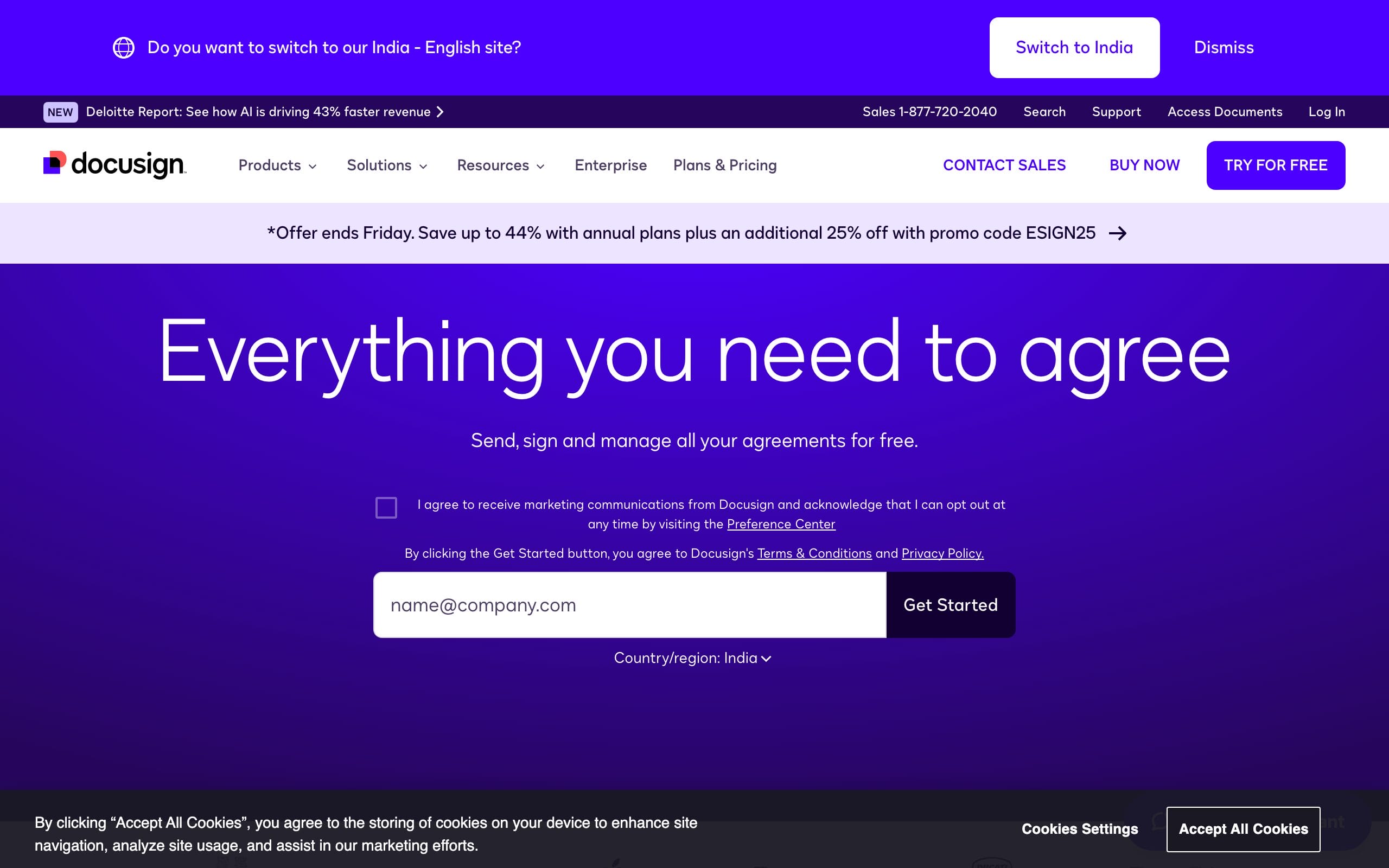
DocuSign is still the name everyone knows, and it has used that lead to reinvent itself. It’s no longer just a signing tool, it’s an Intelligent Agreement Management platform with built-in AI: an AI Assistant that summarizes and answers questions about a contract, AI-assisted review that flags risky clauses against your rules, and even AI agents you can build to extract data and route agreements automatically. Underneath that sits the most trusted signing engine in the business, 900-plus integrations, native CRM connections, and the deepest compliance (HIPAA, FINRA, FedRAMP) for regulated industries.
It’s the priciest of the mainstream tools and has no permanent free tier (trial only), so it’s overkill for occasional signing. But for an organization that wants the market standard plus genuine AI on top, DocuSign is the most complete platform.
Best for: organizations wanting the market standard plus AI contract review and agreement management. Honest downside: priciest mainstream tool; no permanent free tier.
2. signNow: best value
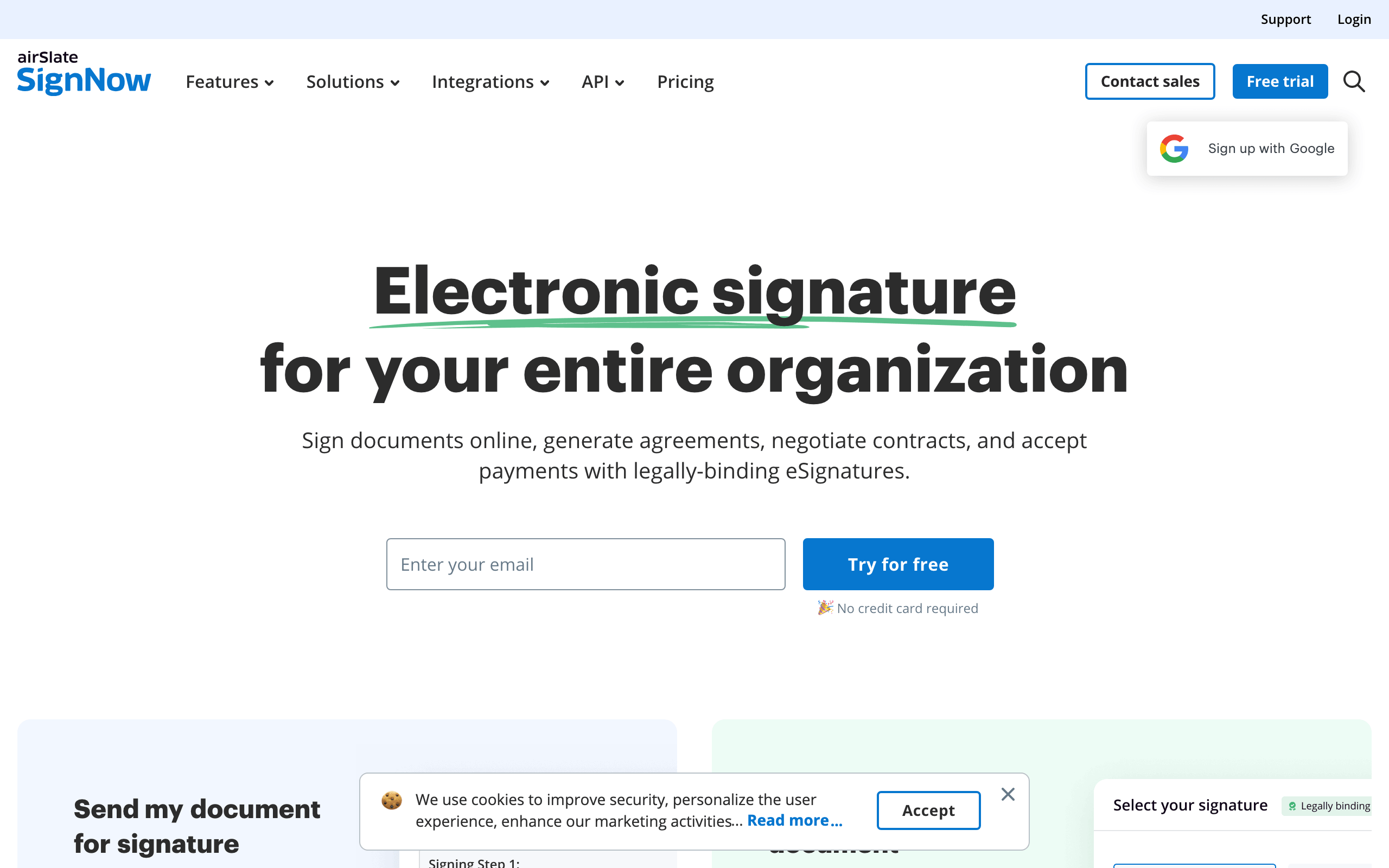
signNow is the tool I point most small businesses to, because it does 90% of what DocuSign does for a fraction of the price. At around $8/user/month it gives you clean multi-party signing, reusable templates, fillable fields with calculated values, in-person and kiosk signing, and advanced signer authentication, plus it plugs into the wider airSlate automation ecosystem when you outgrow basic signing. The interface is straightforward, the mobile apps are solid, and it’s legally binding with full audit trails like the pricier names.
It doesn’t have DocuSign’s AI depth or huge integration catalog, and there’s no permanent free plan (just a trial). But for the best balance of price and capability, signNow is the value winner and where most small teams should start.
Best for: small businesses that want most of DocuSign’s power at a fraction of the cost. Honest downside: less AI depth; no permanent free plan.
3. pdfFiller: best for PDF forms
pdfFiller (also part of airSlate) is the pick when your work is as much about filling and editing PDFs as signing them. It’s a full online PDF editor with e-signatures bolted in, so you can edit text, fill fields, redact, rearrange pages, and then sign or send for signature, all in one place. Its standout is a library of 85,000-plus fillable templates (tax forms, legal forms, HR docs), which makes it a genuine time-saver for anyone who lives in paperwork. It’s SOC 2 compliant and integrates with the airSlate workflow tools.
If you only ever send contracts for signature, it’s more tool than you need, signNow is leaner. But for editing and filling PDFs and signing in the same app, pdfFiller is the most practical choice.
Best for: editing and filling PDFs plus signing in one tool, with a huge form library. Honest downside: more than you need if you only send for signature.
4. PandaDoc: best for sales and proposals
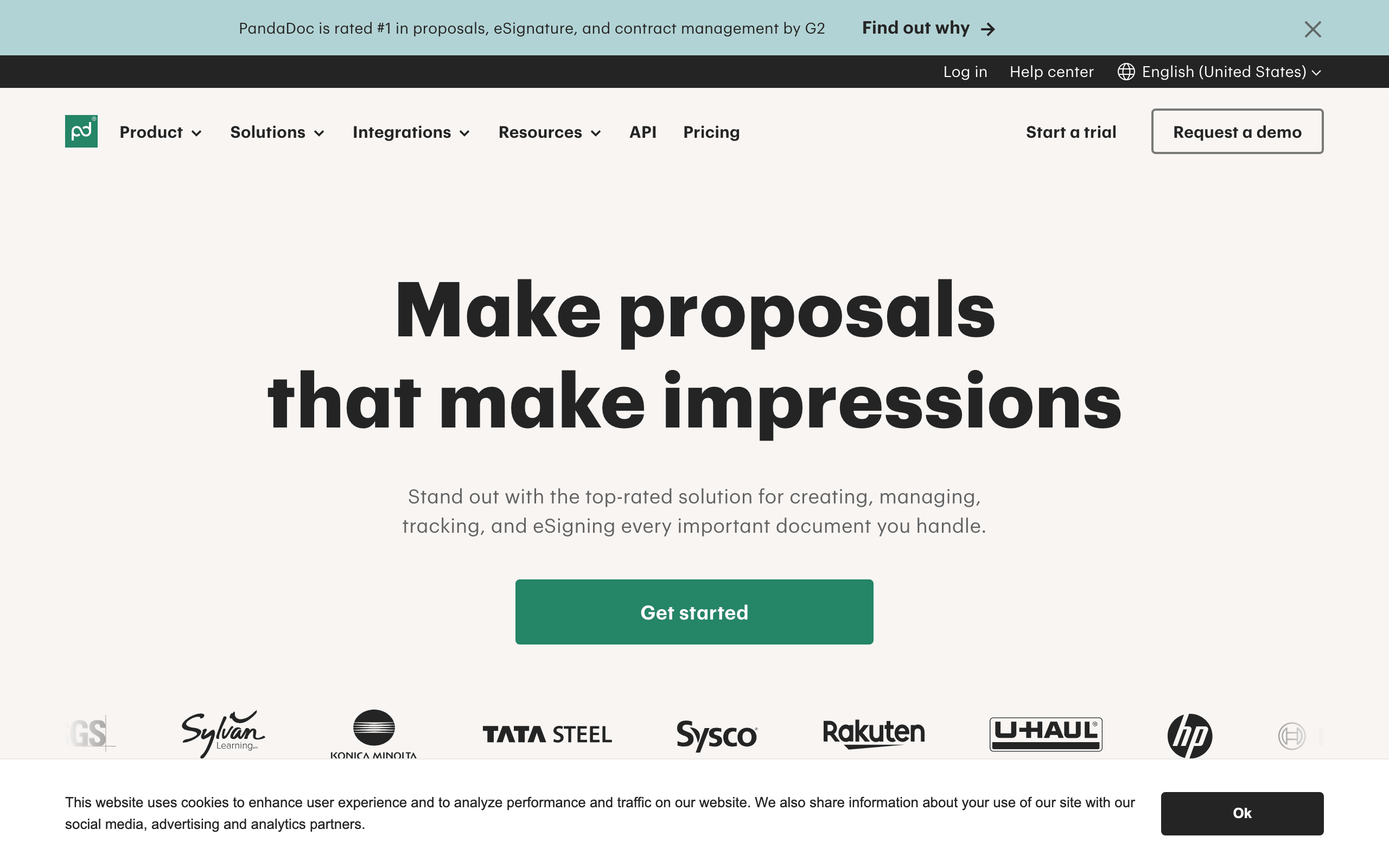
PandaDoc is built for closing deals, not just collecting signatures. It’s a document workflow platform where you build interactive proposals and quotes with pricing tables, video, and images, send them, and watch analytics on what the recipient viewed, before they sign right inside the document. Its 2026 AI adds predictive sign-likelihood, smart field suggestions, and pre-send error flagging, and CRM smart variables pull deal data straight from Salesforce or HubSpot. For sales teams, the proposal-to-signature flow in one tool is the whole appeal.
It’s pricier per seat than a pure signing tool and is overkill if you just need signatures. But for sales-driven businesses that send proposals and quotes, PandaDoc is the best fit, and there’s a free eSign plan for light use.
Best for: sales teams sending interactive proposals and quotes that get signed. Honest downside: pricier per seat; overkill for plain signing.
5. Adobe Acrobat Sign: best for PDF and Acrobat users

If your team already lives in Adobe Acrobat and PDFs, Acrobat Sign is the natural choice. It’s woven directly into Acrobat, so creating, editing, and sending a PDF for signature happens in one familiar place, and it now includes Adobe’s AI Assistant, which can summarize a contract, answer questions about it, and compare versions before you send. It integrates tightly with Microsoft 365 and carries enterprise-grade compliance, making it a comfortable, well-supported option for businesses standardized on Adobe.
Its pricing and plan structure are more confusing than the focused signing tools, and standalone it’s less nimble than signNow. But for Acrobat-centric teams that want signing and AI inside the PDF tools they already use, it’s the right fit.
Best for: teams standardized on Adobe Acrobat and PDFs who want signing plus AI in one place. Honest downside: confusing pricing; less nimble standalone.
6. SignWell: best free and simplest
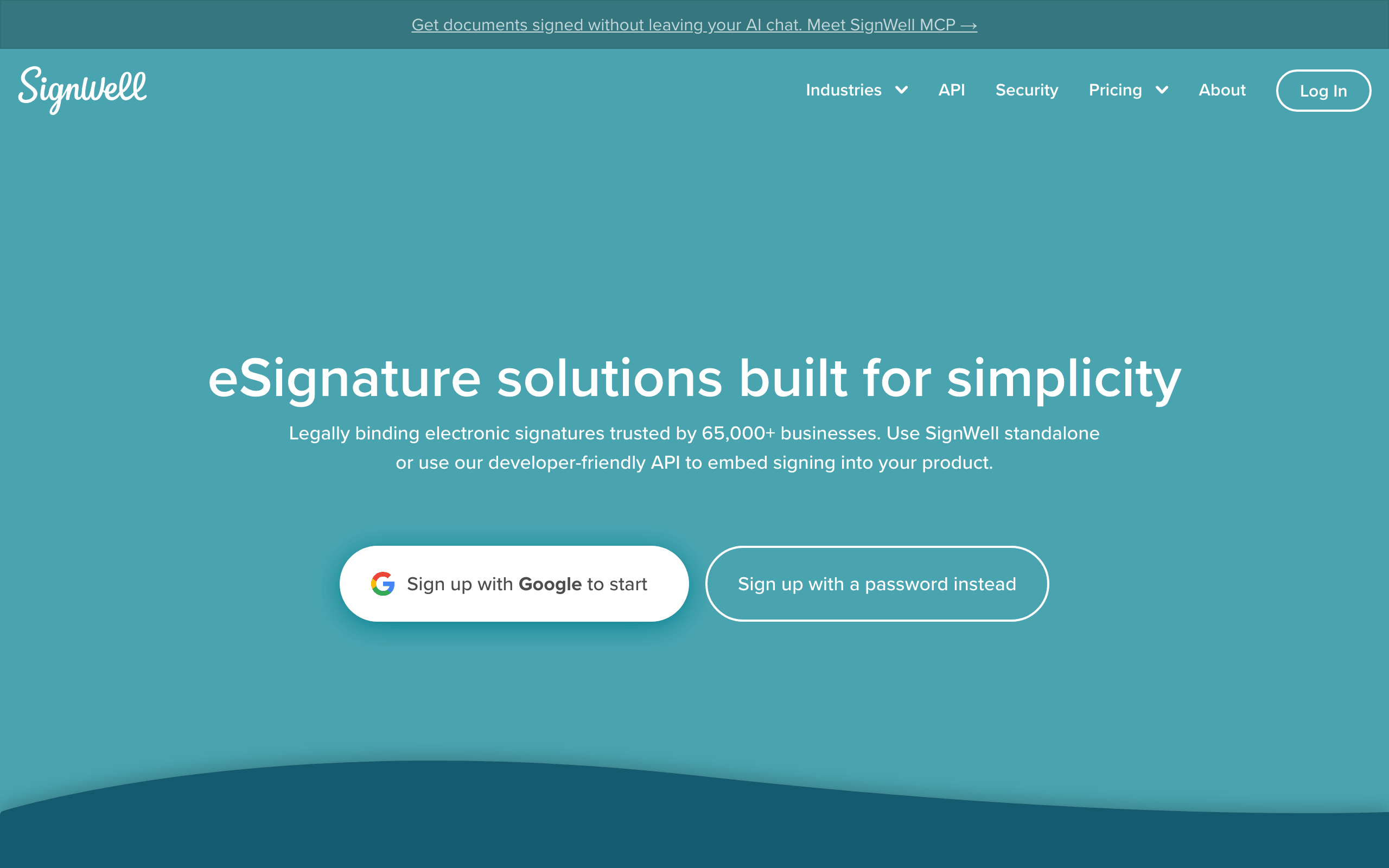
SignWell is the one I recommend when you want signing to be effortless and, often, free. Used by 65,000-plus businesses, it strips e-signatures back to the essentials: upload, drop fields, send, done, with court-admissible audit trails and a genuinely clean interface. Crucially, it doesn’t gate features by tier the way bigger tools do, every paid plan gets the full feature set, and there’s a free plan for up to three documents a month. A developer-friendly API and 5,000-plus integrations via Zapier mean it scales without the enterprise bloat or price.
It deliberately skips AI and the deepest enterprise compliance, so it’s not built for highly regulated giants. But for individuals and small teams who want simple, affordable, no-nonsense signing, SignWell is the best free and simplest option here.
Best for: individuals and small teams who want simple, affordable signing with a real free tier. Honest downside: no AI and lighter enterprise compliance.
How to choose e-signature software
The signing moment is similar everywhere; the differences are around it. Weigh these before you commit.
- How much do you sign? A few documents a month? A free tool like SignWell is plenty. Constant, team-wide signing? A paid plan from signNow or DocuSign pays off in templates and bulk-send.
- Just signing, or the whole document? If you also edit and fill PDFs, pdfFiller does both. If you build sales proposals, PandaDoc. If you only need signatures, a focused signer (signNow, SignWell) is simpler and cheaper.
- Do you want AI? AI contract review, summaries, and agreement automation are real differentiators now, DocuSign, PandaDoc, and Adobe lead here. SignWell and signNow deliberately stay simple, which some teams prefer.
- Per-seat cost at your team size. Prices that look fine for one user multiply fast across a team. Add up the seats and the tier you actually need, not the headline price, before you buy.
- Integrations and compliance. Confirm it connects to your CRM and storage, and that it meets your industry’s requirements (HIPAA, SOC 2, eIDAS). Regulated work leans toward DocuSign or Adobe; most others cover the SOC 2/GDPR baseline.
The honest shortcut: most individuals and small teams should start with SignWell free or signNow, step up to DocuSign or Adobe only when you need AI, heavy compliance, or deep integrations, and pick PandaDoc if your documents are sales proposals.
Which e-signature software should you use?
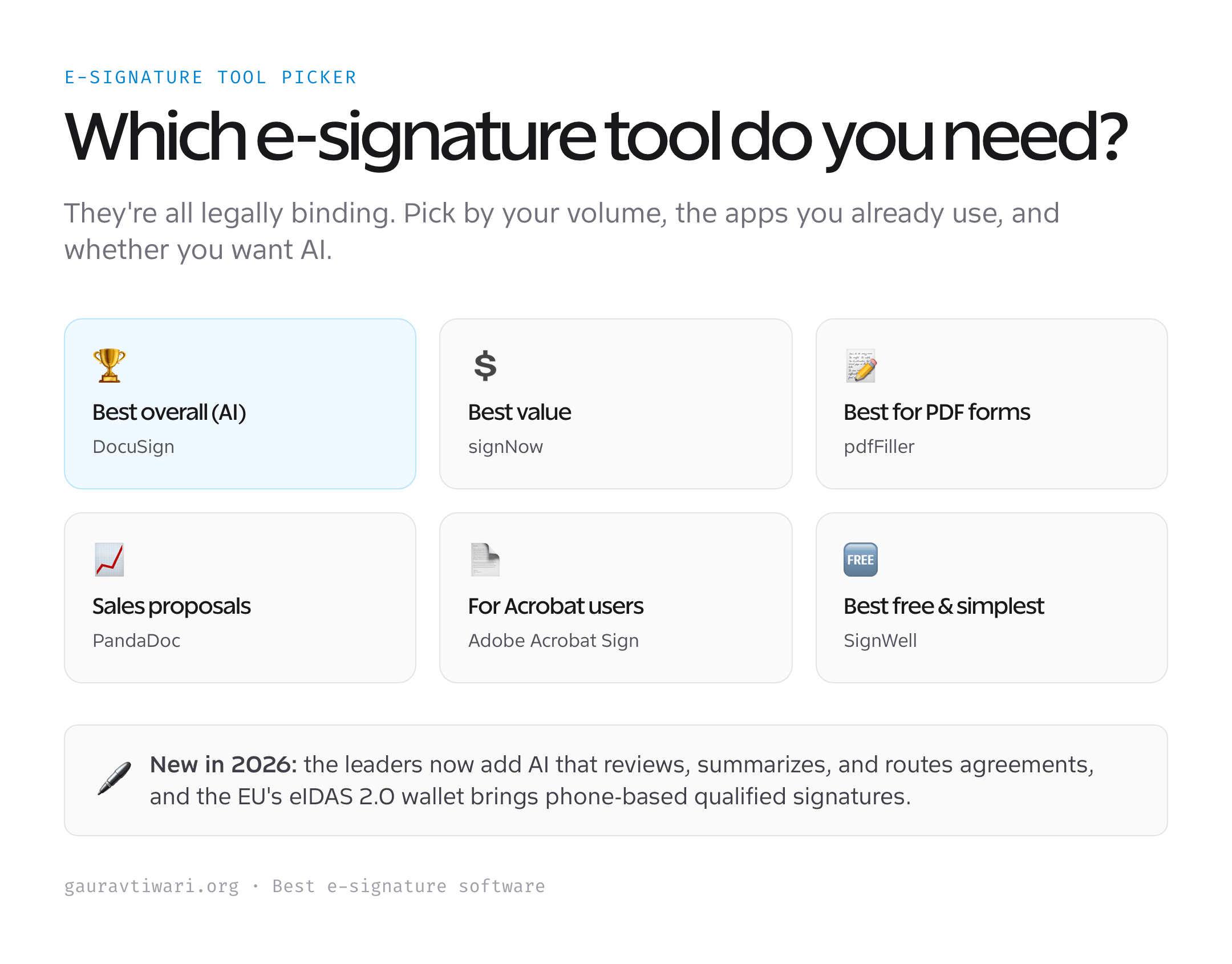
For most organizations that want the standard plus AI, DocuSign is the best overall. Want the best value? signNow does most of the job for a fraction of the price. Live in PDFs and forms? pdfFiller. Sending sales proposals? PandaDoc. Standardized on Adobe Acrobat? Acrobat Sign. Just want simple, free, no-nonsense signing? SignWell. They’re all legally binding, so pick by volume, the tools you already use, and whether you want AI doing the heavy lifting.
Frequently asked questions
Are electronic signatures legally binding?
Yes. In the United States, electronic signatures are legally binding under the ESIGN Act (2000) and UETA, and in the European Union under eIDAS. For a signature to hold up, there must be intent to sign, consent to do business electronically, a clear link between the signature and the signer, and a retained record of the transaction. Every tool in this guide meets those requirements and provides court-admissible audit trails (timestamps, IP address, and signer identity). A handful of document types, certain wills, some property deeds, and notarized papers, can still require wet ink or special handling, so check local rules for those edge cases.
What is the best e-signature software in 2026?
DocuSign is the best overall, now combining the most trusted signing engine with genuine AI for contract review, summaries, and agreement automation. But the best choice depends on your needs and budget: signNow is the best value (most of DocuSign’s capability at around $8/user/month), pdfFiller is best if you also edit and fill PDFs, PandaDoc is best for sales proposals, Adobe Acrobat Sign is best for Acrobat-centric teams, and SignWell is the best free and simplest option for individuals and small teams. Since all are legally binding, pick by how much you sign and what you already use.
Is there a free e-signature tool?
Yes. SignWell has the best free plan among the mainstream tools, three documents a month with the full feature set, and PandaDoc offers a free eSign plan for light use (a small number of documents). Most others (signNow, pdfFiller, DocuSign, Adobe Acrobat Sign) offer free trials rather than permanent free plans. If you only sign occasionally, SignWell free is usually all you need; if you sign regularly or as a team, an affordable paid plan like signNow quickly pays for itself through templates, bulk-send, and integrations. Always check the current document limits, free tiers tightened across the industry in 2025-2026.
What AI features do e-signature tools have now?
The category shifted from simple signing to AI-assisted agreement management in 2025-2026. DocuSign leads with an AI Assistant that summarizes and answers questions about a contract, AI-assisted review that flags risky clauses against your rules, and build-your-own AI agents that extract data and route agreements. PandaDoc added predictive sign-likelihood, smart field suggestions, and pre-send error checks, and Adobe folded its Acrobat AI Assistant (summarize, query, and compare documents) into signing. Notably, signNow and SignWell deliberately skip AI to stay simple and private, which some teams actively prefer. If you want the AI, choose DocuSign, PandaDoc, or Adobe.
What is eIDAS 2.0 and does it affect me?
eIDAS 2.0 is the EU’s updated electronic-identity regulation, and its headline change is the EU Digital Identity Wallet. By the end of 2026, all 27 EU member states must offer citizens a digital identity wallet that can produce a Qualified Electronic Signature (QES), the highest, legally strongest tier of e-signature, directly from a smartphone, with no hardware token. If you do business in or with the EU, this makes the most secure signatures far easier to obtain and is worth watching; major providers are adding support. For everyday signing in the US or for standard contracts, the standard electronic signatures these tools already provide remain fully valid under ESIGN and eIDAS.
The bottom line
E-signature software turns a multi-day paperwork chase into something that closes before lunch, and in 2026 the best tools also review and route the agreement with AI. DocuSign is the best overall, signNow is the value pick most small teams should start with, pdfFiller is best for PDF forms, PandaDoc wins for sales proposals, Adobe Acrobat Sign fits Acrobat-centric teams, and SignWell is the best free and simplest option. They’re all legally binding, so match the tool to how much you sign and the apps you already live in.
Tell Google you want more of this.
Add Gaurav Tiwari as a preferred sourceOne tap, and this site shows up more often in your own Top Stories, AI Overviews and AI Mode. Remove it any time.
Disclaimer: This site is reader-supported. If you buy through some links, I may earn a small commission at no extra cost to you. I only recommend tools I trust and would use myself. Your support helps keep gauravtiwari.org free and focused on real-world advice. Thanks. - Gaurav Tiwari