
 by
by
The whole category changed shape this year, and the old favorites aren’t automatically the answer anymore. The best AI meeting assistants used to mean a bot that joined your call and announced it was recording. Now the breakout tools capture audio quietly from your own device with nothing in the participant list, and several have crossed from passive note-taker to active agent that drafts the follow-up email and updates your CRM by itself. They still join your Zoom, Teams, or Meet calls, transcribe every word, and hand back a clean summary and action items, but the smart ones now do something with them.
I put several of these on real client and team calls, not staged demos, and the plain transcription is now excellent almost everywhere, even the platforms themselves (Zoom, Teams, Google) ship decent notes. So the separation happens after the transcript: whether capture is bot-free, how sharp the summary is, whether it pulls the right action items, what it syncs into, and how fast the price climbs once you outgrow the free tier. That post-call intelligence is where your money actually goes.
So here are the AI meeting assistants worth using in 2026, sorted by who each fits, from a bot-free notepad to a free unlimited recorder and a sales-focused agent. If background noise is your bigger problem on calls, pair this with my guide to the best AI noise-cancellation software, and for recording your screen alongside, the best screen capture tools.
The best AI meeting assistants at a glance
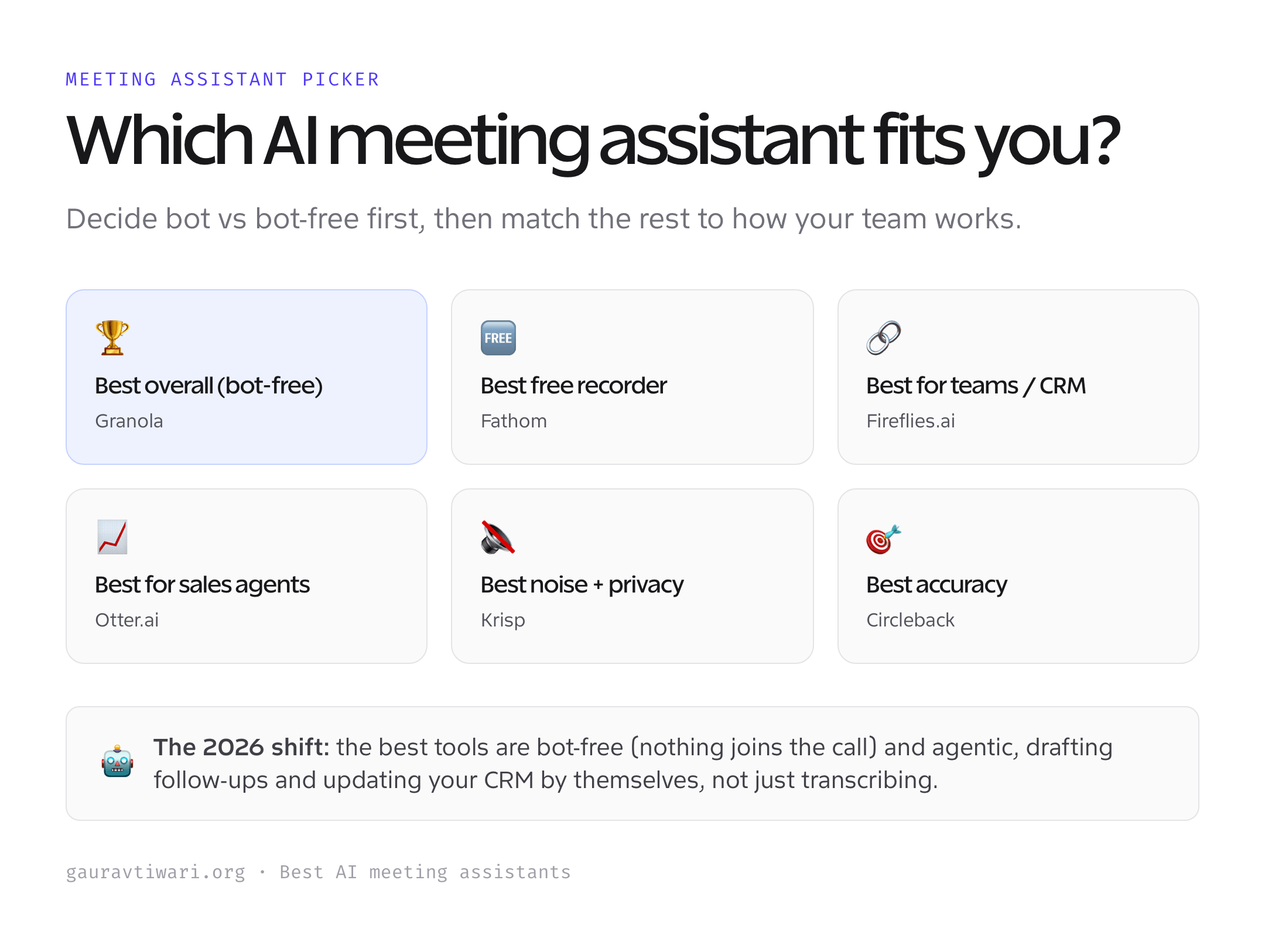
Six tools cover every style, from quiet bot-free capture to a generous free recorder and a CRM-deep team platform.
| Tool | Best for | Capture | Price (approx.) |
|---|---|---|---|
| Granola | Best overall (bot-free) | Bot-free | Free; $14/user/mo |
| Fathom | Best free notetaker | Bot | Free; ~$19/mo |
| Fireflies.ai | Best for teams & CRM | Bot | Free; ~$10/user/mo |
| Otter.ai | Best for sales (AI agents) | Bot | Free; ~$8.33/user/mo |
| Krisp | Best for noise & privacy | Bot-free | Free; ~$8/user/mo |
| Circleback | Best accuracy & automation | Bot-free | From ~$25/mo |
1. Granola: best overall
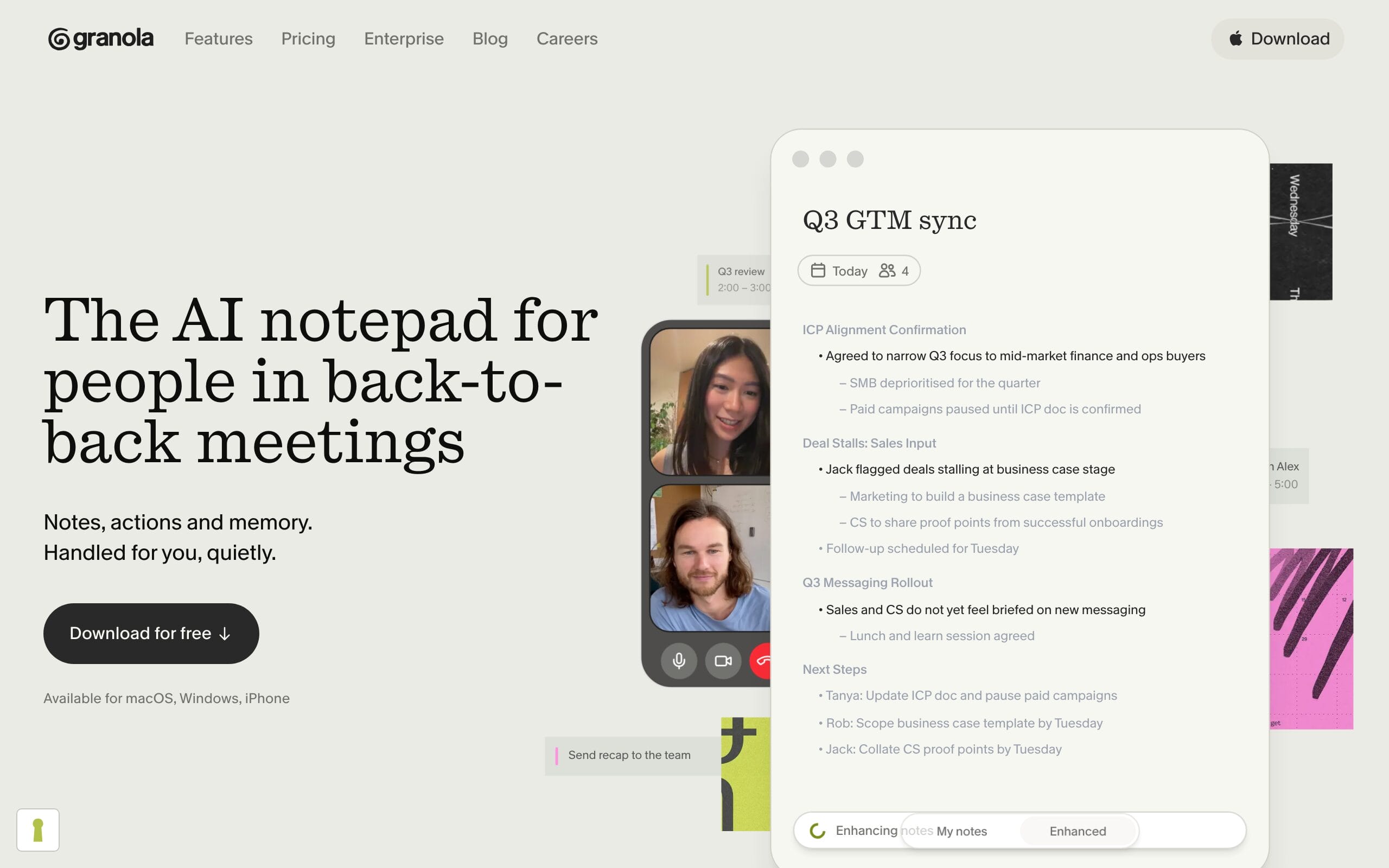
Granola is the tool that won me over this year, and it’s the one I now default to. It’s bot-free: it captures your call audio locally with nothing joining the meeting, so there’s no awkward “Notetaker has joined” and it works even where bots are banned. The twist is how it handles notes, you jot rough bullets during the call as you normally would, and Granola enhances them with the full transcript afterward into a clean, structured summary that actually sounds like you. Add AI chat across all your meetings, team Spaces, Recipes for post-call actions, and even iPhone call transcription, and it’s the most pleasant assistant to live in.
The free tier limits meeting history, and unlocking the best features means the $14/user/mo Business plan. But for a quiet, polished, genuinely modern note-taking experience, Granola is my top pick.
Best for: quiet bot-free capture and notes that read like you wrote them. Honest downside: best features need the paid Business plan.
2. Fathom: best free notetaker
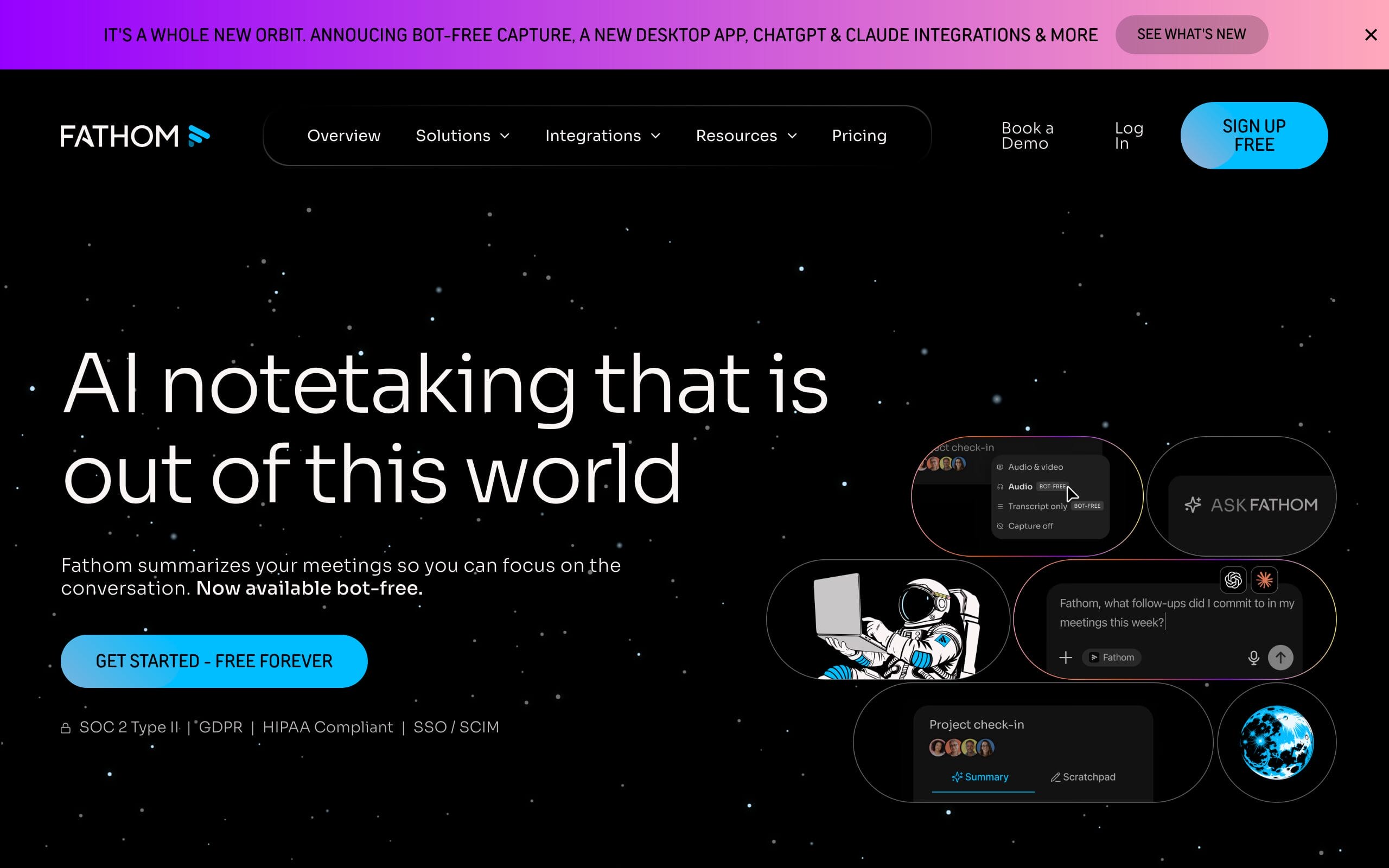
Fathom remains the most generous free option, and that’s no small thing. Its free tier gives you unlimited recording and transcription with no time caps, the trap most “free” tools spring, plus AI summaries, action items, and highlights, and it syncs to Slack, HubSpot, Salesforce, and even ChatGPT and Claude. It works across Zoom, Google Meet, and Teams, and the interface is clean and fast. For an individual who just wants reliable recordings and summaries without paying, it’s the easiest recommendation here.
The free plan now meters AI summaries (around five a month), so heavy summarizers will want Premium from about $19/mo. But as a free, unlimited recorder, nothing beats it.
Best for: individuals who want unlimited free recording and transcription. Honest downside: free AI summaries are now metered (~5/month).
3. Fireflies.ai: best for teams and CRM
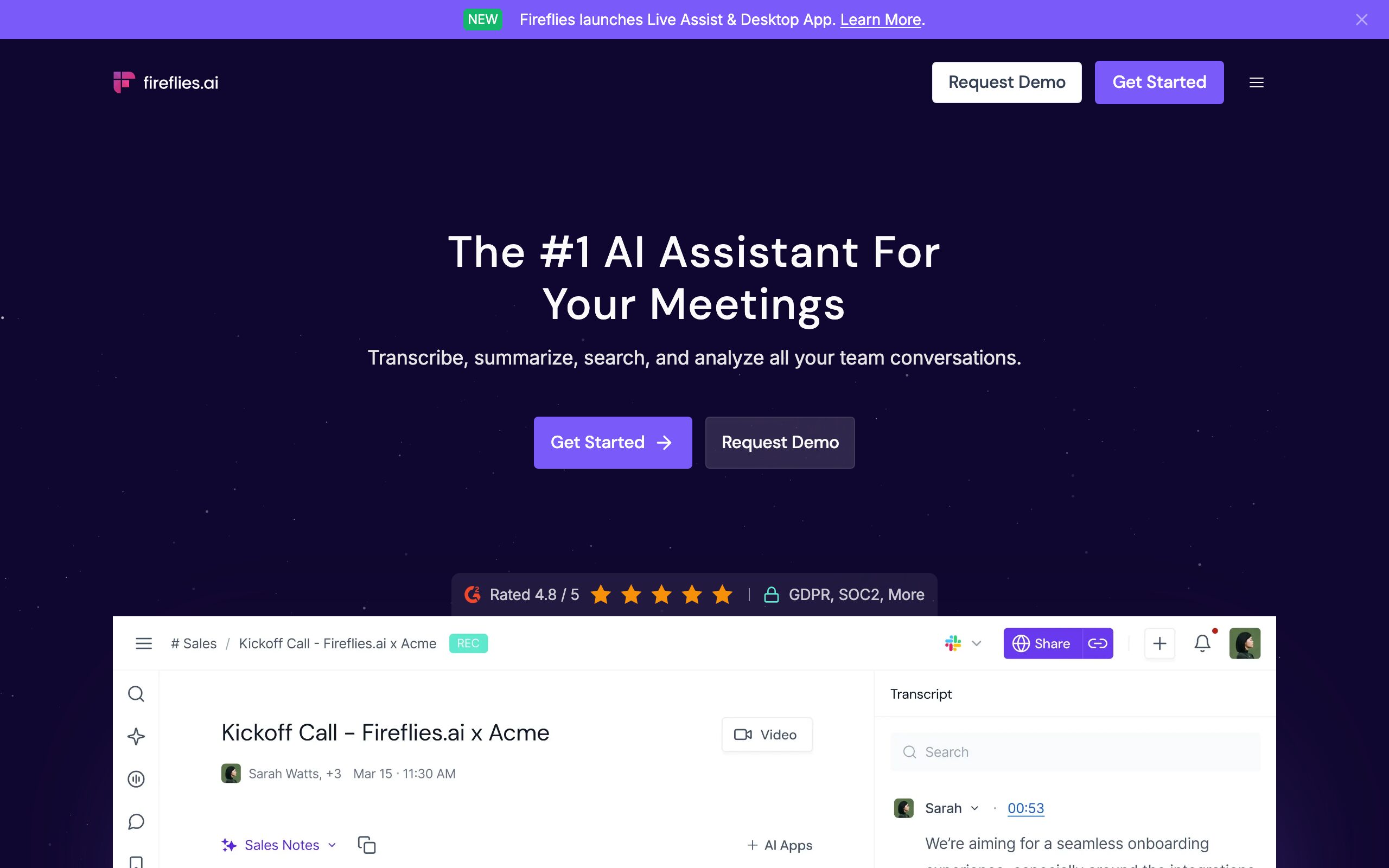
Fireflies is the team workhorse, built to push meeting data into the rest of your stack. It records, transcribes, and summarizes across all the major platforms, then plugs into 50-plus integrations with genuinely deep Salesforce and HubSpot sync, so call notes and action items land in your CRM automatically. Its AskFred assistant lets you query across every past meeting, it handles 100-plus languages with speaker identification, and admin controls make it sensible to roll out across a company.
AI credits gate the summaries and AskFred on lower tiers, so heavy users hit top-ups, worth checking against your volume. But for teams that live in a CRM, Fireflies is the most connected option, and Pro is fair at about $10/user/mo.
Best for: teams that want deep CRM sync and cross-meeting search. Honest downside: AI credits can run out on lower tiers.
4. Otter.ai: best for sales and active AI agents
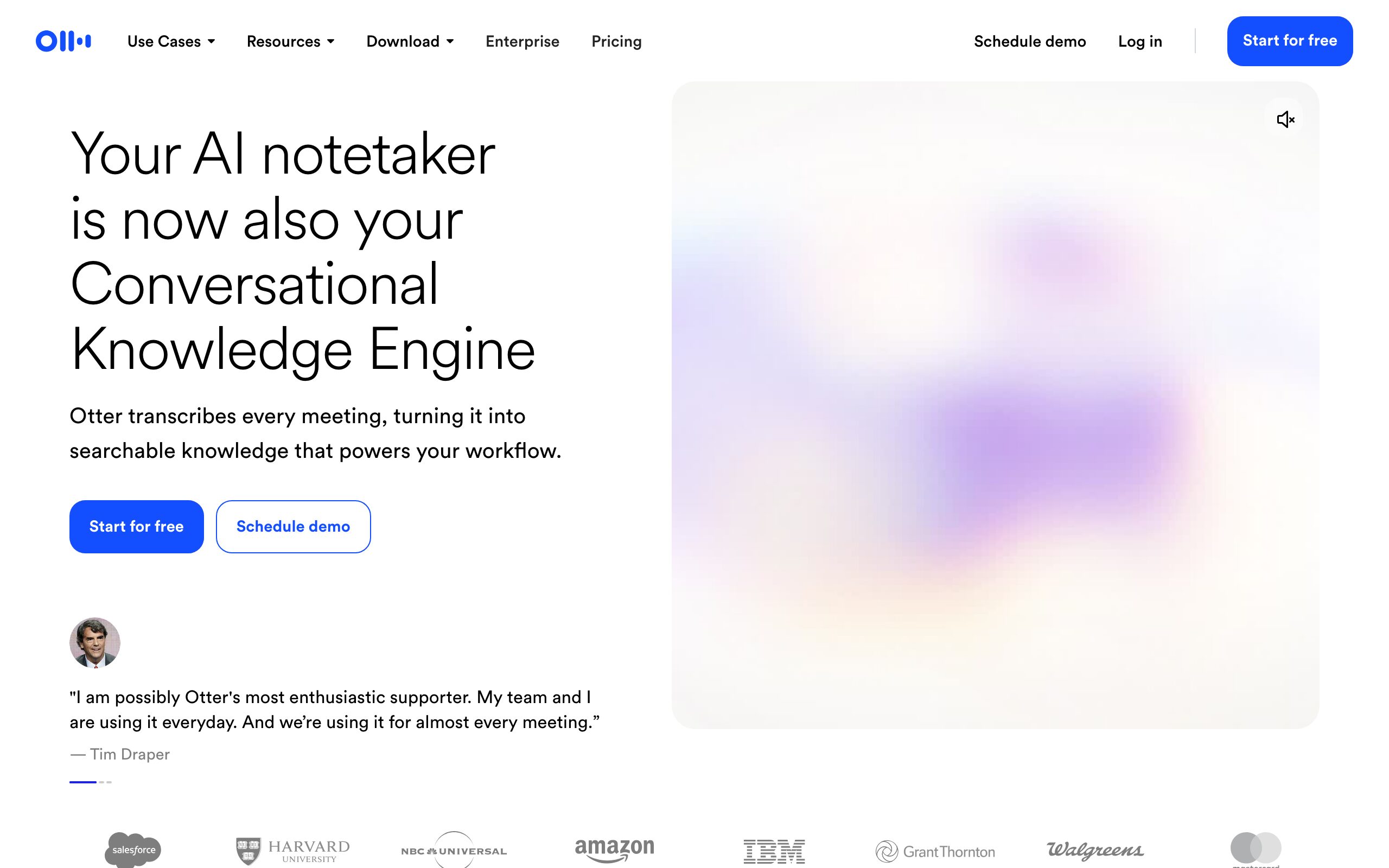
Otter grew from a transcription app into a full conversation-intelligence platform, and its 2026 leap is agents that act. Its new AI Meeting Agents go beyond notes: the Sales Agent extracts deal insights, drafts the follow-up email, and pushes updates to Salesforce or HubSpot automatically, and Otter can even answer when summoned in a live call. Otter AI Chat lets you ask questions across all your meetings, and it works smoothly across Zoom, Meet, and Teams. For sales teams and anyone who wants the assistant to do the busywork, not just record it, this is the pick.
It’s bot-based by default and the best agent features sit on Business and above. But as the most “agentic” assistant here, and a strong value at about $8.33/user/mo on Pro, Otter earns its place.
Best for: sales teams wanting an agent that drafts follow-ups and updates the CRM. Honest downside: top agent features need higher tiers.
5. Krisp: best for noise and privacy
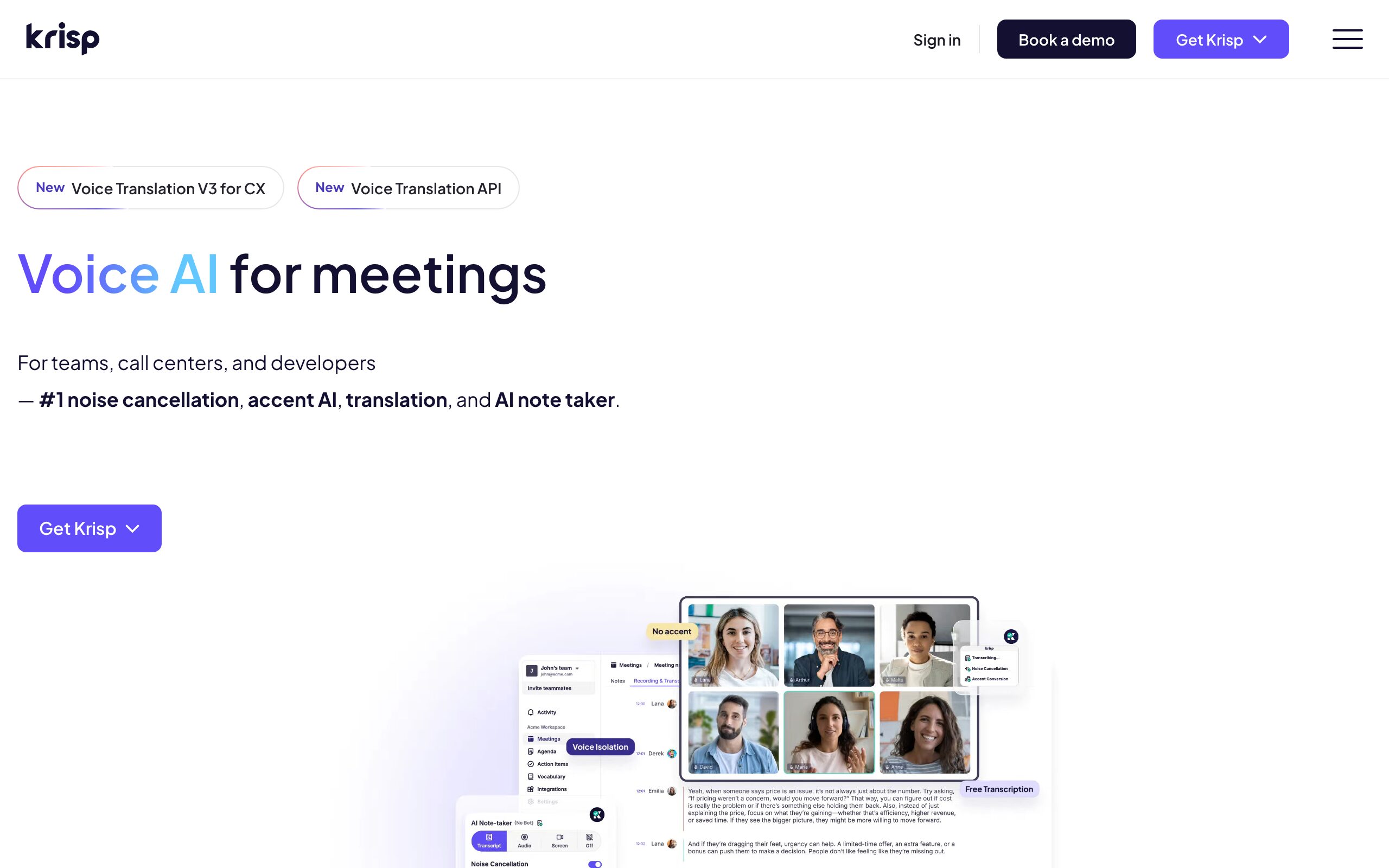
Krisp started as the best AI noise cancellation around and grew into a full assistant without losing that edge. It strips background noise, barking dogs, cafe clatter, a leaf blower, from both sides of a call, then layers on bot-free transcription, summaries, action items, AI chat, and CRM sync. Because it works at the audio-device level across 800-plus apps (Zoom, Meet, Teams, Slack, Discord, even Skype), it captures meetings without a bot joining and cleans up the audio that every other assistant has to transcribe. If call quality and privacy matter to you, it’s a uniquely practical combination.
Its meeting-intelligence depth isn’t quite Fireflies’ or Otter’s. But for the cleanest audio plus quiet, private capture in one tool, Krisp is the standout, and there’s a capable free tier.
Best for: noise-free call audio plus quiet, bot-free capture in one app. Honest downside: meeting-intelligence depth trails Fireflies and Otter.
6. Circleback: best accuracy and automation
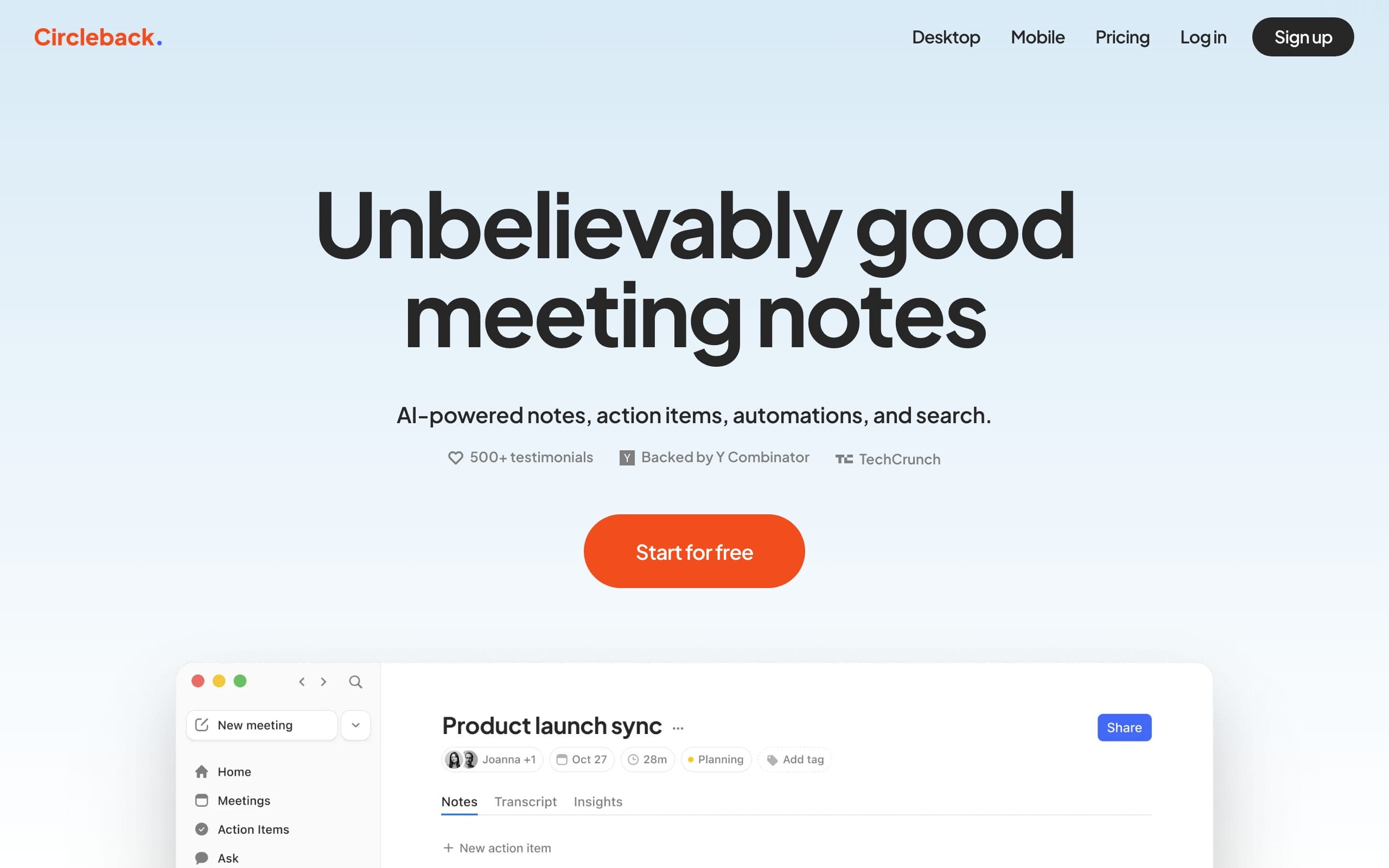
Circleback is the choice when getting the details and the follow-through exactly right matters most. It records bot-free from a desktop app, then produces unusually accurate, well-structured notes with best-in-class action-item detection, it doesn’t just list tasks, it assigns and routes them through automations. You can ask natural-language questions across every past meeting, it handles 100-plus languages with speaker ID, and it connects to Zoom, Meet, Teams, and Slack. Backed by Y Combinator and praised for accuracy, it’s the polished, premium pick.
There’s no free tier (trial only), and at around $25/mo it’s priced above the pack. But if accuracy and automated follow-through are what you care about, Circleback is worth it.
Best for: top accuracy and automated, assigned action items. Honest downside: no free tier and priced above the pack.
How to choose an AI meeting assistant
The right assistant depends on how you meet and what happens after. Weigh these before you commit.
- Bot or bot-free? This is the real 2026 divide. Bot-free tools (Granola, Krisp, Circleback) capture audio locally with nothing in the participant list, no awkward announcement, and they work where bots are blocked. Bot-based tools (Fathom, Fireflies, Otter) join the call as a visible participant.
- Do you just need notes, or action? If you want the tool to draft follow-ups and update your CRM by itself, look for agentic features (Otter’s Sales Agent, Circleback’s automations). If you only need a clean record, almost any here will do.
- Where does the data need to go? Teams living in a CRM should prioritize integration depth (Fireflies, Otter). Solo users care more about clean summaries and a tidy app (Granola, Fathom).
- Budget and free tier. Fathom is the most generous free recorder; Granola, Fireflies, Otter, and Krisp all have real free tiers; Circleback is trial-only. Check the limits (minutes, AI summaries, history) against how much you actually meet.
- Do you even need a third-party tool? Zoom, Teams, and Google now generate notes natively. Those are simplest if you live in one platform, but a dedicated tool follows you across Zoom plus Teams plus Meet and goes far deeper on summaries, CRM, and automation.
The honest shortcut: most individuals should start free with Granola or Fathom, teams should trial Fireflies or Otter for the CRM depth, and anyone who hates background noise or wants no bot on the call should try Krisp.
Which AI meeting assistant should you use?
For most people, Granola is the best AI meeting assistant overall, quiet, bot-free, and a pleasure to use. Want the best free recorder? Fathom. Running a team that lives in a CRM? Fireflies. Driving sales and want an agent that does the follow-up? Otter.ai. Care about clean call audio and private, no-bot capture? Krisp. Need the most accurate notes and automated action items? Circleback. Decide bot vs bot-free first, then match the rest to how your team works.
Frequently asked questions
What is the best AI meeting assistant in 2026?
For most people, Granola is the best overall AI meeting assistant right now. It captures calls bot-free (nothing joins the meeting), turns your rough notes into a polished summary using the full transcript, and adds AI chat across all your meetings. The best choice still depends on your needs: Fathom is the best free notetaker with unlimited recording, Fireflies is best for teams that need deep CRM sync, Otter.ai is best for sales thanks to AI agents that draft follow-ups, Krisp is best for clean audio plus private capture, and Circleback is best for accuracy and automated action items.
What is a bot-free meeting assistant?
A bot-free assistant captures the meeting audio locally through your own device instead of sending a separate participant (a “bot”) to join and announce that it’s recording. Granola, Krisp, and Circleback work this way, so there’s no “Notetaker has joined” message, the experience feels natural, and it still works on calls where meeting bots are blocked by IT policy. Bot-based tools like Fathom, Fireflies, and Otter join the call as a visible participant. Bot-free is the bigger trend in 2026 because it’s less intrusive, though it still requires you to follow recording-consent rules.
Do I still need one if Zoom, Teams, and Google take notes?
The built-in notetakers (Zoom AI Companion, Microsoft Teams Copilot, Google Gemini) are genuinely good and worth using if you live entirely in one platform. But a dedicated assistant still wins in three ways: it follows you across Zoom, Teams, and Meet rather than locking you to one ecosystem; it goes much deeper on summaries, cross-meeting search, CRM sync, and automation; and bot-free options work where native recording is restricted. If you only ever use one platform and want simple notes, the native tool may be enough, otherwise a third-party assistant does more.
Is it legal to record and transcribe meetings?
Recording and transcribing meetings is legal, but consent rules apply and removing the bot doesn’t remove them. Many jurisdictions, including several US states, require that participants be notified a meeting is being recorded or transcribed, regardless of whether a visible bot is present or the audio is captured quietly in the background. The safe practice is to tell participants at the start of the call, and many tools can announce it or note it for you. For client or cross-border calls, check the consent requirements in the relevant states or countries.
How accurate are AI meeting assistants?
Transcription accuracy is now high across the leading tools, generally in the high-80s to mid-90s percent depending on audio quality, accents, and technical jargon. Granola reports around 90-92% accuracy, and clean audio (a good mic, low background noise) pushes every tool higher, which is part of why Krisp’s noise cancellation helps. Where tools still differ most is speaker identification and handling industry-specific terms, and increasingly the quality of the summary and action-item extraction rather than the raw transcript. For critical details, it’s still worth a quick skim of the transcript against the summary.
The bottom line
The best AI meeting assistant is the one that fits how you actually meet, and in 2026 that increasingly means bot-free capture and an assistant that acts, not just records. Granola is the best overall, Fathom is the best free recorder, Fireflies is best for CRM-deep teams, Otter.ai is best for sales agents, Krisp is best for clean audio and privacy, and Circleback is best for accuracy and automation. Decide bot or bot-free, start with a free tier, and let the tool handle the notes so you can pay attention to the conversation.
Tell Google you want more of this.
Add Gaurav Tiwari as a preferred sourceOne tap, and this site shows up more often in your own Top Stories, AI Overviews and AI Mode. Remove it any time.
Disclaimer: This site is reader-supported. If you buy through some links, I may earn a small commission at no extra cost to you. I only recommend tools I trust and would use myself. Your support helps keep gauravtiwari.org free and focused on real-world advice. Thanks. - Gaurav Tiwari
