
 by
by
Background noise is the silent killer of remote work. A barking dog, a coffee-shop hum, a mechanical keyboard, or a leaf blower outside can derail a client call, ruin a recording, or just make you sound unprofessional. AI noise-cancellation software fixes it in real time, stripping out everything that isn’t your voice (in both directions) so you sound clear no matter where you’re working from, no expensive microphone or treated room required.
I’ve leaned on these tools through calls from cafes, airports, and a very loud home, and the best ones are genuinely magic, the person on the other end has no idea there’s chaos around you. The catch is they differ in what hardware they need, whether they clean both sides of a call, and whether they’re built for live calls or polishing recordings. The right pick depends on how and where you work.
Here are the best AI noise-cancellation tools in 2026, with who each suits. If you work remotely, pair these with my picks for the best screen recording software and productivity apps.
Best noise-cancellation tools at a glance
| Tool | Best for | Free option |
|---|---|---|
| Krisp | Best overall (any app) | Yes (limited mins) |
| NVIDIA Broadcast | RTX GPU owners | Free |
| Adobe Podcast | Cleaning recordings | Yes |
| Zoom & Teams built-in | Single-app users | Free (included) |
| SteelSeries Sonar | Gamers & streamers | Free |
1. Krisp: best overall
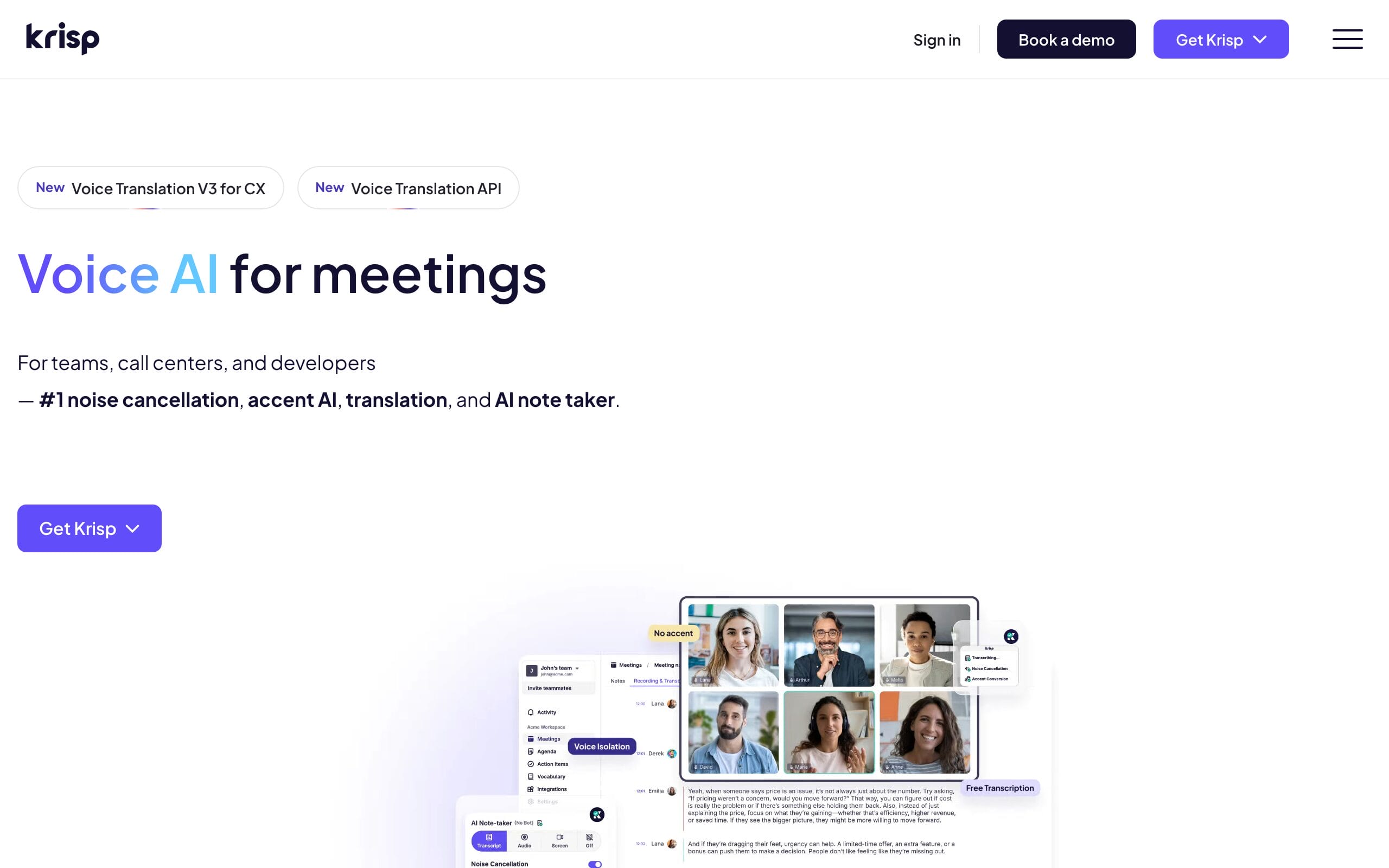
Krisp is the noise-cancellation tool I recommend to almost everyone. It sits between your microphone and any app, Zoom, Teams, Meet, Slack, even phone-dialer software, and removes background noise, echo, and even other voices in real time, on both your outgoing audio and what you hear. It runs on your CPU (no special GPU needed), works on Windows and Mac, and the quality is consistently the best in the business. For clear calls anywhere, in any app, it’s the pick.
🎧 Best for: anyone who takes calls in multiple apps and wants two-way noise removal. Watch for: the free plan limits minutes per week.
2. NVIDIA Broadcast: best free for RTX owners
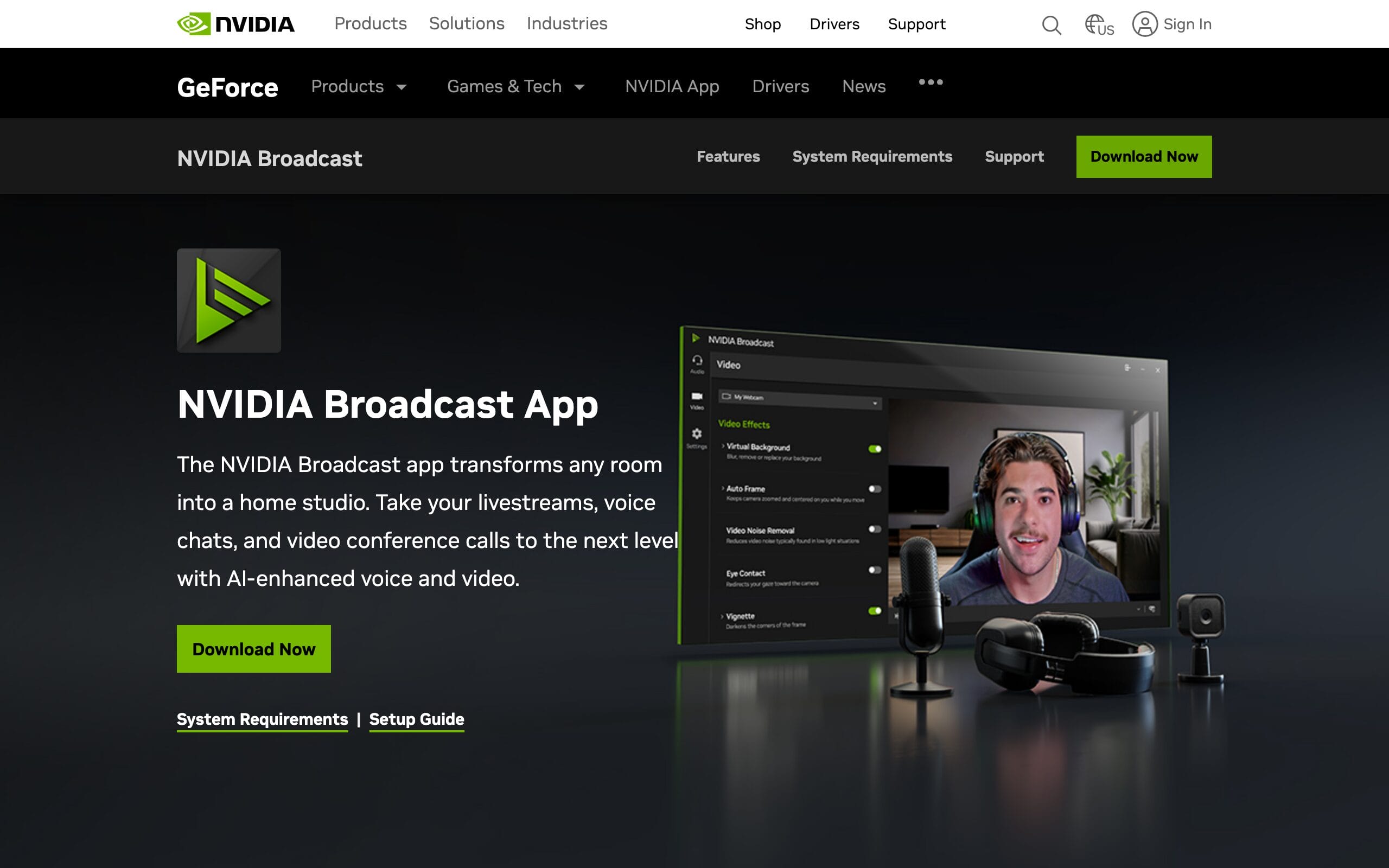
If you have an NVIDIA RTX graphics card, Broadcast gives you excellent AI noise removal for free. It offloads the processing to your GPU, so there’s no CPU hit, and it bundles extras like virtual background and webcam auto-framing. The noise suppression is genuinely top-tier, rivaling paid tools, and it works across apps as a virtual microphone. The only catch is the hard requirement: you need an RTX GPU, which rules out most laptops and Macs.
🎧 Best for: desktop users with an RTX GPU who want free, GPU-powered cleanup. Watch for: requires NVIDIA RTX hardware.
3. Adobe Podcast: best for cleaning recordings

Adobe Podcast‘s Enhance Speech tool is a different beast: instead of cleaning live calls, it transforms already-recorded audio. Upload a noisy, echoey voice recording and it returns something that sounds like it was captured in a professional studio, removing background noise and reverb while making the voice fuller. For podcasters, YouTubers, and anyone polishing recorded interviews or voiceovers, it’s borderline miraculous, and the basic version is free to use online.
🎧 Best for: cleaning up recorded audio after the fact, not live calls. Watch for: it’s for recordings, not real-time meetings.
4. Zoom & Teams built-in: best free for single-app users
Don’t overlook the noise suppression already built into Zoom, Microsoft Teams, and Google Meet. If essentially all your calls happen in one of these apps, their built-in suppression (set Zoom’s to “High,” for example) is genuinely good for typical background noise and costs nothing extra. It won’t match Krisp’s two-way, cross-app polish or handle the loudest environments, but for the average home office in a single app, it may be all you need.
🎧 Best for: people whose calls all live in one app and want zero extra cost. Watch for: weaker in loud environments and only inside that app.
5. SteelSeries Sonar: best for gamers and streamers
SteelSeries Sonar is a free software audio suite whose AI noise cancellation (ClearCast) is a standout for gamers and streamers. It cleans up mic input to remove keyboard clatter and background noise, and pairs it with a parametric EQ and per-app audio mixing that streamers love, all without requiring SteelSeries hardware. If you’re on a gaming PC and want clean voice chat plus granular control over your whole audio setup for free, Sonar is excellent.
🎧 Best for: gamers and streamers wanting free noise removal plus audio mixing. Watch for: Windows-only and more setup than a simple toggle.
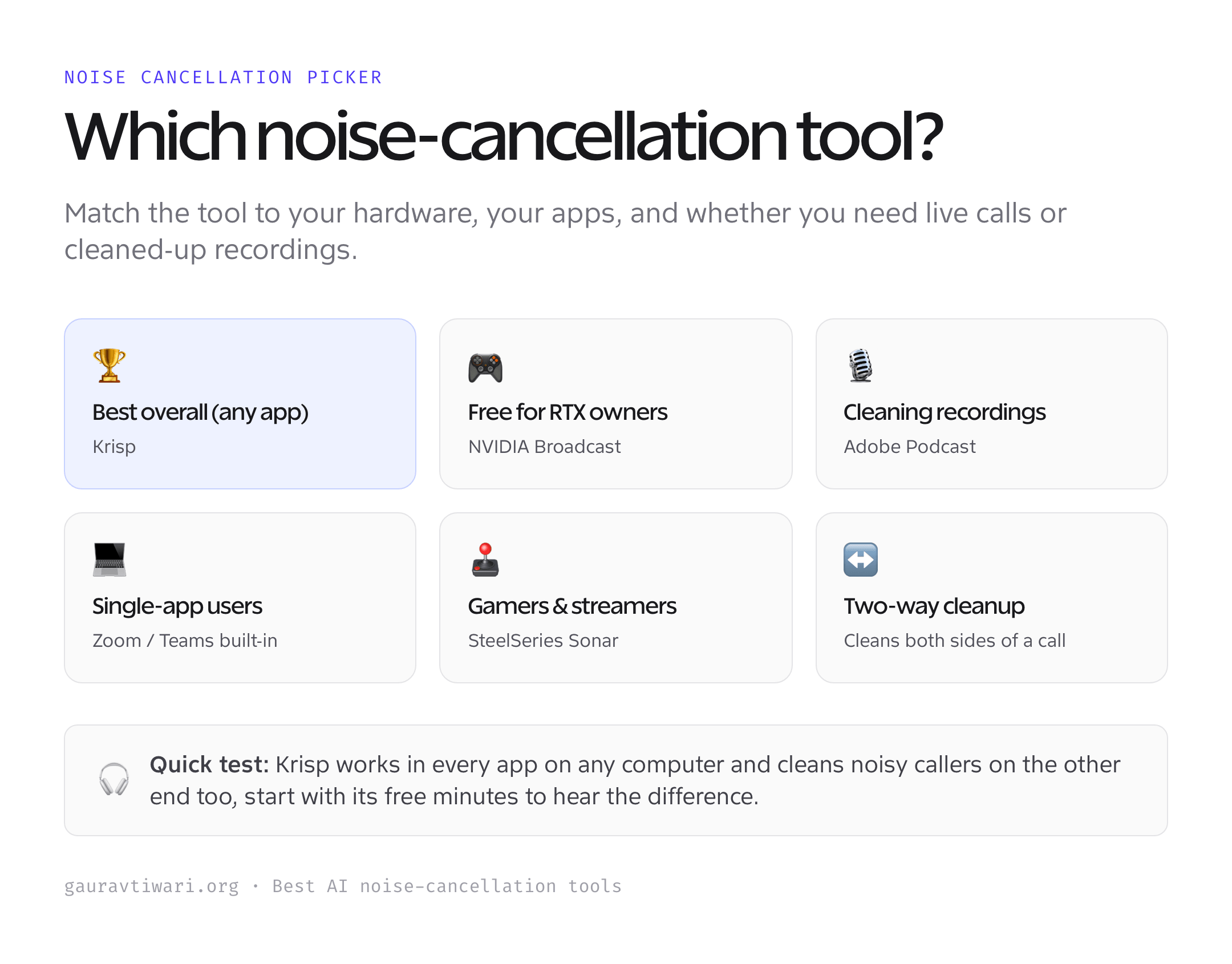
How to choose noise-cancellation software
The right tool depends on your hardware, your apps, and whether you need live or post-production cleanup.
- Live calls vs recordings. For real-time meetings, choose Krisp, NVIDIA Broadcast, or a built-in. For cleaning audio you’ve already recorded, Adobe Podcast is the specialist.
- One app or many? If every call is in Zoom or Teams, their built-in suppression may suffice. If you jump between apps, a system-wide tool like Krisp that works everywhere is far more convenient.
- Your hardware. Got an RTX GPU? NVIDIA Broadcast is free and excellent. On a Mac or a laptop without a strong GPU? Krisp runs on the CPU and works anywhere.
- One-way or two-way. Krisp cleans both your outgoing audio and the noise coming from others; most built-ins only clean your side. If noisy callers are your problem, two-way matters.
- Free limits. Krisp’s free plan caps minutes; NVIDIA Broadcast, built-ins, and Sonar are free but hardware- or app-bound. Match the free tier to how much you’ll actually use it.
- CPU impact. CPU-based tools use some processing power. On older machines, a GPU-based option (Broadcast) or a built-in keeps your system snappier during calls.
Which noise-cancellation tool should you use?
For most people, Krisp is the best choice, it works in every app, on Windows and Mac, and cleans both sides of a call. If you have an RTX GPU, NVIDIA Broadcast gives you similar quality for free. To polish recorded audio, use Adobe Podcast; if all your calls live in one app, its built-in suppression may be enough; and gamers or streamers should grab the free SteelSeries Sonar. Try Krisp’s free minutes first, it’s the quickest way to hear the difference.
Frequently asked questions
How does AI noise cancellation work?
AI noise cancellation uses machine-learning models trained on huge amounts of audio to distinguish the human voice from everything else, keyboards, traffic, fans, other people, in real time. Unlike older noise gates that simply cut quiet sounds, it actively isolates and preserves your speech while removing the rest, even when they overlap. The software inserts itself as a virtual microphone between your real mic and your apps, so the cleaned audio is what every program receives.
Is Krisp better than my headset’s noise cancellation?
Usually, yes, for your microphone. Headset active noise cancellation mainly reduces what you hear, while a tool like Krisp cleans what others hear from your mic, which is where most call problems happen. The two are complementary: ANC headphones block noise for you, and Krisp (or similar) removes background noise from your outgoing voice. Software AI cancellation also tends to handle complex noise, like other voices, better than the basic suppression built into most headsets.
Is there free noise-cancellation software?
Yes. NVIDIA Broadcast is completely free if you own an RTX GPU, SteelSeries Sonar is free on Windows, and the noise suppression built into Zoom, Teams, and Meet costs nothing. Krisp offers a free plan with a weekly minute limit, which is enough for light use, and Adobe Podcast’s Enhance Speech has a free online tier for cleaning recordings. Between these, most people can get excellent noise cancellation without paying, the paid tiers mainly remove limits or add cross-app convenience.
Will noise cancellation make my voice sound robotic?
Modern AI tools are far better at this than older ones, and on normal settings your voice should sound natural while the noise disappears. Artifacts can creep in with very aggressive settings or in extremely loud environments, where the model has to work hardest. If your voice sounds processed, lower the cancellation strength slightly or use a decent microphone, cleaner input always gives more natural output. For most setups, the top tools preserve voice quality very well.
The bottom line
Clear audio makes you sound professional no matter where you work. Krisp is the best all-rounder, working in every app on any computer and cleaning both sides of a call; NVIDIA Broadcast is the free champion for RTX owners; Adobe Podcast rescues recordings; your apps’ built-in suppression is the no-cost option for single-app users; and SteelSeries Sonar serves gamers and streamers. Start with Krisp’s free minutes, hear the difference, then pick the tool that fits your setup.
Tell Google you want more of this.
Add Gaurav Tiwari as a preferred sourceOne tap, and this site shows up more often in your own Top Stories, AI Overviews and AI Mode. Remove it any time.
Disclaimer: This site is reader-supported. If you buy through some links, I may earn a small commission at no extra cost to you. I only recommend tools I trust and would use myself. Your support helps keep gauravtiwari.org free and focused on real-world advice. Thanks. - Gaurav Tiwari
