
 by
by
Web scraping split into two worlds in the last couple of years, and most old guides only cover one of them. There’s the classic job, pulling prices, listings, and SEO data at scale, and there’s the new one: feeding clean, structured text to LLMs and AI agents. The best web scraping tools in 2026 handle both, rotating residential proxies and beating anti-bot systems on one side, and returning tidy, LLM-ready markdown instead of a pile of broken HTML on the other. The code that grabs a page is still the easy part. Staying unblocked, and getting usable output, is where the money goes.
I’ve had scraping jobs sail through a few hundred pages and then crater on page two of a properly defended site, which is why I stopped trusting slick demos a long time ago. The newest shift is real, though: tools like Firecrawl now return content as clean markdown built for AI pipelines, and several platforms ship MCP servers so an AI agent can scrape directly. So I rank these on what actually matters in production, success rate against anti-bot defenses, proxy quality, and whether the output lands ready to use.
So here are the web scraping tools worth your money in 2026, sorted by who each one is for, from an enterprise data platform to an AI-ready scraper and a no-code point-and-click tool. If you’re weighing the underlying infrastructure, my guide to the best proxy services and the difference between a VPN and a proxy pairs directly with this one.
The best web scraping tools at a glance
Six tools cover the full spectrum, from enterprise-grade proxies that crack the hardest sites to AI-ready scrapers and no-code tools anyone can run.
| Tool | Best for | Type | From (approx.) |
|---|---|---|---|
| Bright Data | Best overall & enterprise scale | Proxy + data platform | Pay-as-you-go |
| Firecrawl | Best for AI & LLM pipelines | AI scraping API | Free tier; ~$16/mo |
| Decodo | Best value proxies + APIs | Proxy + scraping API | From ~$2-3.75/GB |
| Apify | Best for pre-built scrapers | Actor marketplace | Free plan; $29/mo |
| ScraperAPI | Best simple developer API | Scraping API | Free tier; ~$49/mo |
| Browse AI | Best no-code visual scraper | No-code robots | Free tier; paid plans |
1. Bright Data: best overall
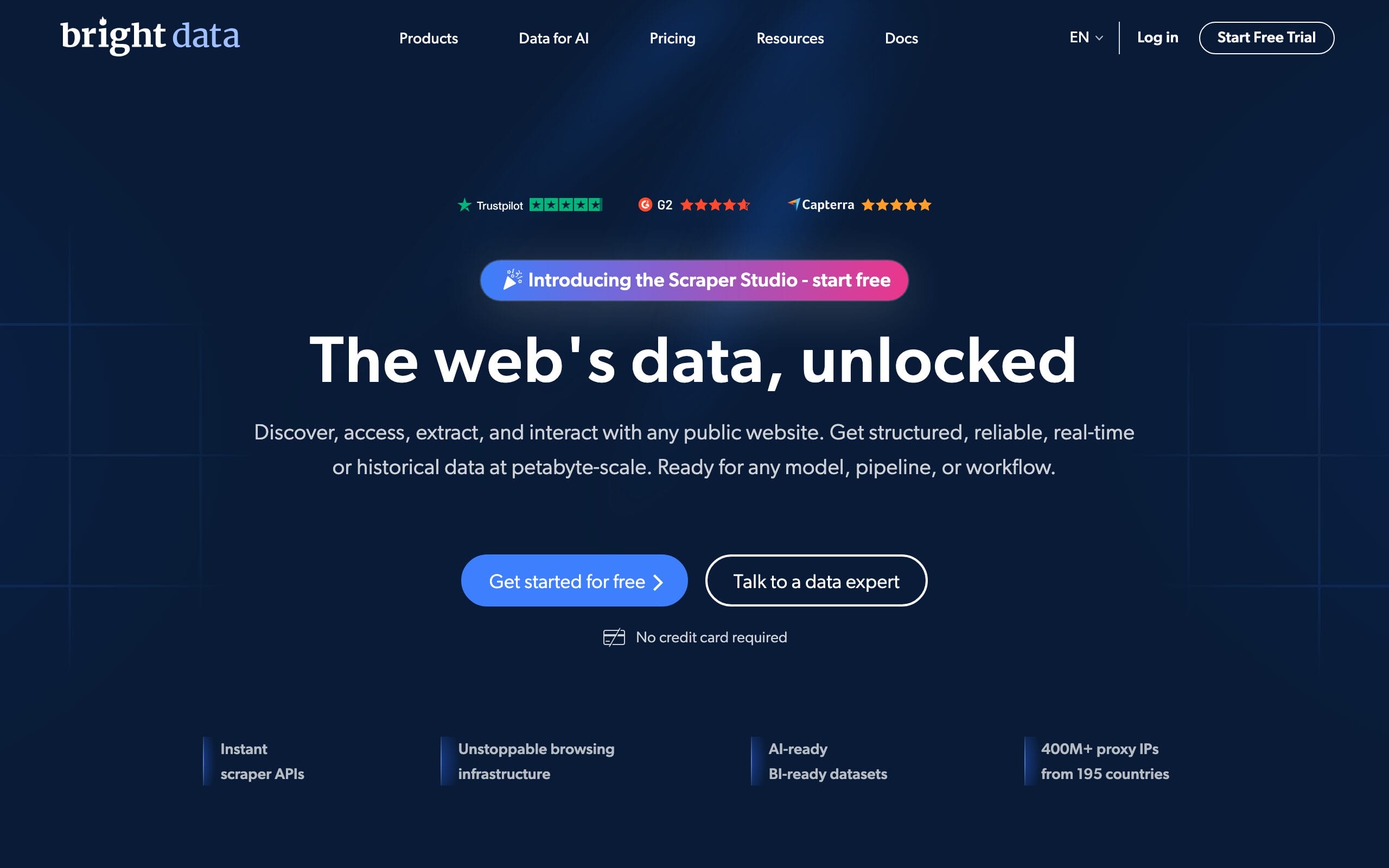
Bright Data is what I’d put behind a serious scraping operation. It runs one of the largest commercial proxy networks on earth (tens of millions of residential IPs), and its Web Unlocker and Scraping Browser handle the hard parts automatically, CAPTCHAs, browser fingerprinting, and JavaScript rendering, so you punch through Cloudflare, Akamai, and DataDome without hand-tuning. On top of that it sells ready-made datasets, a SERP API, and AI/MCP infrastructure so agents can pull data directly. If a site can be scraped, Bright Data can usually get it.
It’s enterprise-priced and pay-as-you-go, with no real free tier, so it’s overkill for a tiny project. But for scale, reliability, and the toughest targets, it’s the most capable platform here.
Best for: scale, reliability, and cracking the hardest anti-bot sites.
Honest downside: enterprise pricing; no real free tier.
2. Firecrawl: best for AI and LLM pipelines
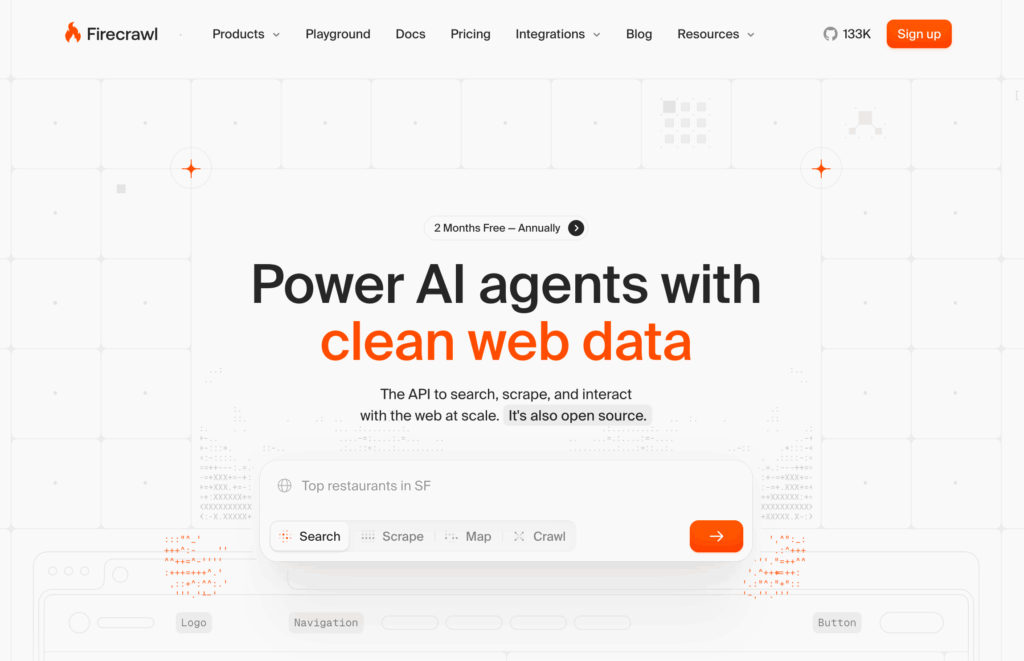
Firecrawl is the tool that defines the new AI-scraping category, and it’s the one I reach for when the data is going to an LLM. Instead of dumping raw HTML, it returns clean, structured markdown or JSON by default, stripping nav, ads, and clutter, which Firecrawl says cuts input tokens by around 93% versus raw HTML. It handles JavaScript rendering and anti-bot automatically, offers Scrape, Crawl, Search, and Extract endpoints, and ships an MCP server so AI agents (in tools like Claude) can scrape as a native action. For RAG, agents, and any AI workflow, it’s the cleanest pipe from web to model.
Watch the credit math, enhanced JSON extraction can cost several credits per page, so heavy use adds up. But for feeding clean web data to AI, Firecrawl is the standout, and the free tier is enough to test it properly.
Best for: feeding clean, LLM-ready data to AI agents and RAG.
Honest downside: credit costs climb with heavy JSON extraction.
3. Decodo: best value
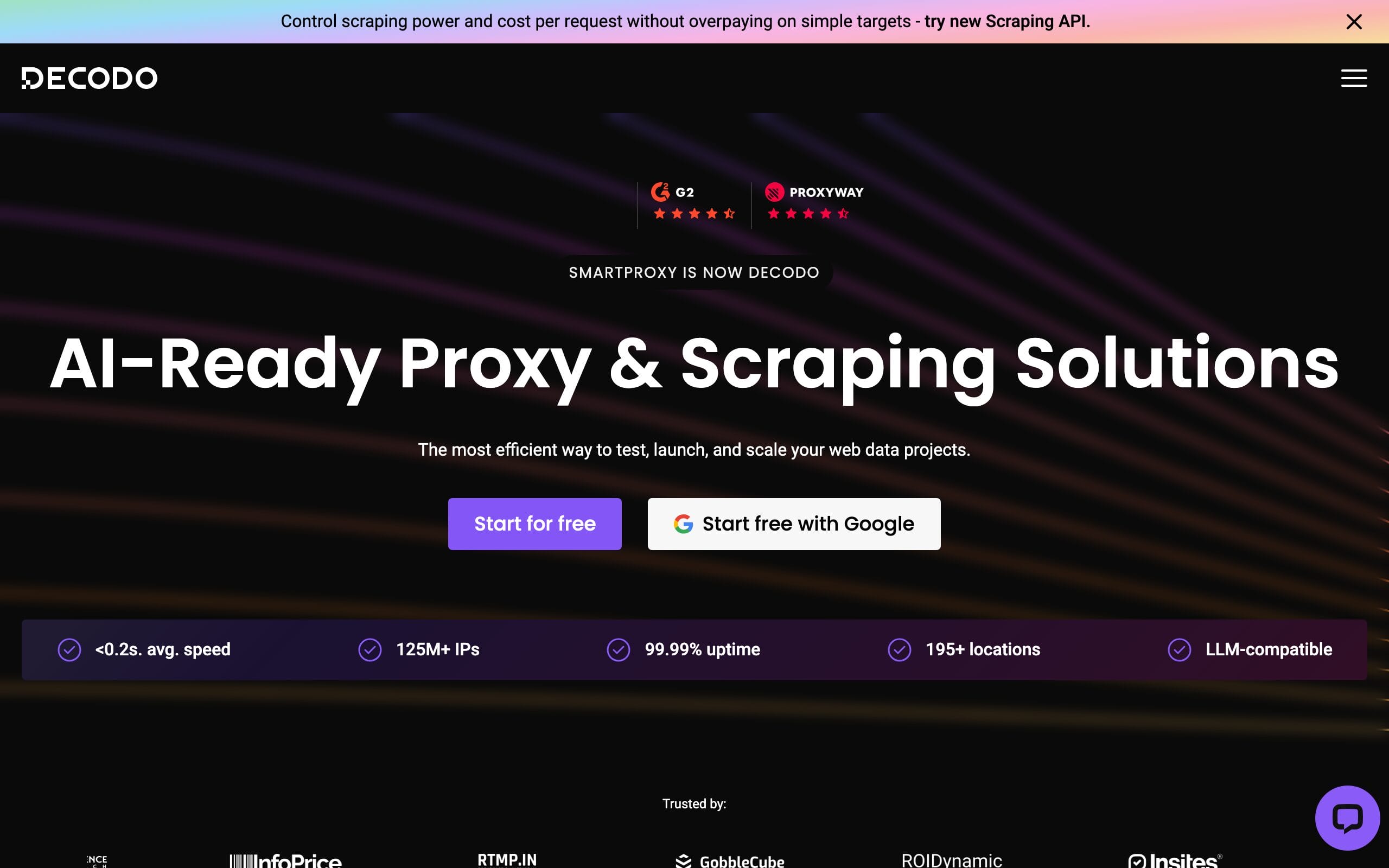
Decodo (formerly Smartproxy) is the value pick I recommend most, because it delivers proxy quality close to the enterprise giants at a noticeably friendlier price. You get 115M-plus residential IPs across nearly every country, a Site Unblocker that clears JavaScript, CAPTCHAs, and fingerprinting, and SERP, e-commerce, and no-code scraping APIs, with a genuinely usable free tier on the Web Scraping API. Response times and success rates are excellent, and the dashboard is one of the easiest to actually use. If you searched for “Smartproxy,” this is where you land now.
It doesn’t have quite Bright Data’s sheer dataset breadth at the very top end. But for the best balance of price, quality, and ease, Decodo is the smart all-rounder, and where I’d start.
Best for: near-enterprise proxy quality at a fair price, with an easy dashboard.
Honest downside: dataset breadth trails Bright Data at the very top end.
4. Apify: best for pre-built scrapers
Apify’s superpower is that someone has probably already built the scraper you need. Its Store has 30,000-plus pre-made “Actors”, ready scrapers for Instagram, Google Maps, Amazon, LinkedIn, and thousands more, that you run in the cloud with scheduling and built-in proxies, no code required. When you do want custom work, the SDK is excellent, and it ships an MCP server so AI agents can run Actors directly. For getting specific data fast without building from scratch, nothing matches the marketplace.
Pricing can get unpredictable because many Actors add per-result fees on top of compute, so watch the meter on big jobs. But for speed and breadth of ready-made scrapers, Apify is unbeaten, and it has a permanent free plan to start.
Best for: grabbing specific data fast via 30,000+ ready-made scrapers.
Honest downside: per-result fees can make costs unpredictable.
5. ScraperAPI: best simple developer API
ScraperAPI is the no-nonsense developer pick: one endpoint, send a URL, get the page back. It handles proxy rotation, JavaScript rendering, and CAPTCHA automatically behind that single API, plus structured endpoints for Amazon and Google results. It’s the cheapest serious entry point here, with a permanent free tier and paid plans from around $49/mo, and it’s the fastest way to add reliable scraping to a script or app without managing infrastructure yourself.
It’s less of a full platform than Bright Data or Apify, and very hard targets can still need heavier tooling. But for clean, affordable, drop-in scraping in your own code, it’s exactly enough.
Best for: a cheap, reliable, drop-in scraping API for your own code.
Honest downside: less of a full platform; very hard targets need more.
6. Browse AI: best no-code visual scraper
Browse AI is the one to hand someone who can’t (or won’t) write code. You train a “robot” by clicking the data you want on a page, then it scrapes and monitors that page on a schedule, emailing you when something changes, perfect for price tracking, competitor monitoring, or lead lists. It handles bulk runs, integrates with Google Sheets, Zapier, and more, and markets itself as an AI-powered extraction platform that turns any site into a live data feed. For non-developers, it’s the friendliest way in.
It’s built for specific pages and scheduled monitoring rather than crawling millions of URLs, and heavy use scales by credits. But as the best no-code scraper, it puts real data extraction in anyone’s hands.
Best for: non-coders tracking and scraping specific pages on a schedule.
Honest downside: built for specific pages, not million-URL crawls.
How to choose a web scraping tool
The right tool depends on who’s using it and where the data is going. Weigh these before you commit.
- Code or no-code? Developers want an API (ScraperAPI, Firecrawl) or a platform (Bright Data, Apify). Non-coders want a visual tool (Browse AI) or a ready-made Actor on Apify. Be honest about who maintains it.
- Is the data going to an AI? If you’re feeding an LLM, RAG system, or agent, prioritize LLM-ready markdown output, Firecrawl is purpose-built for it, and several others now offer MCP servers so agents scrape directly.
- How hard are the targets? Big, well-defended sites (major retailers, social networks) need residential proxies and a managed unlocker (Bright Data, Decodo). Simple public pages don’t, a lighter API is plenty.
- Proxy or scraping API? A proxy just gives you IPs, you still build and maintain the scraper. A scraping API handles proxies, rendering, and anti-bot in one endpoint. Choose proxies for control at scale, APIs for speed and less upkeep.
- Watch the real cost. Per-GB proxy pricing, per-result Actor fees, and per-credit API math all behave differently. Estimate your actual volume and check how each tool bills before you scale.
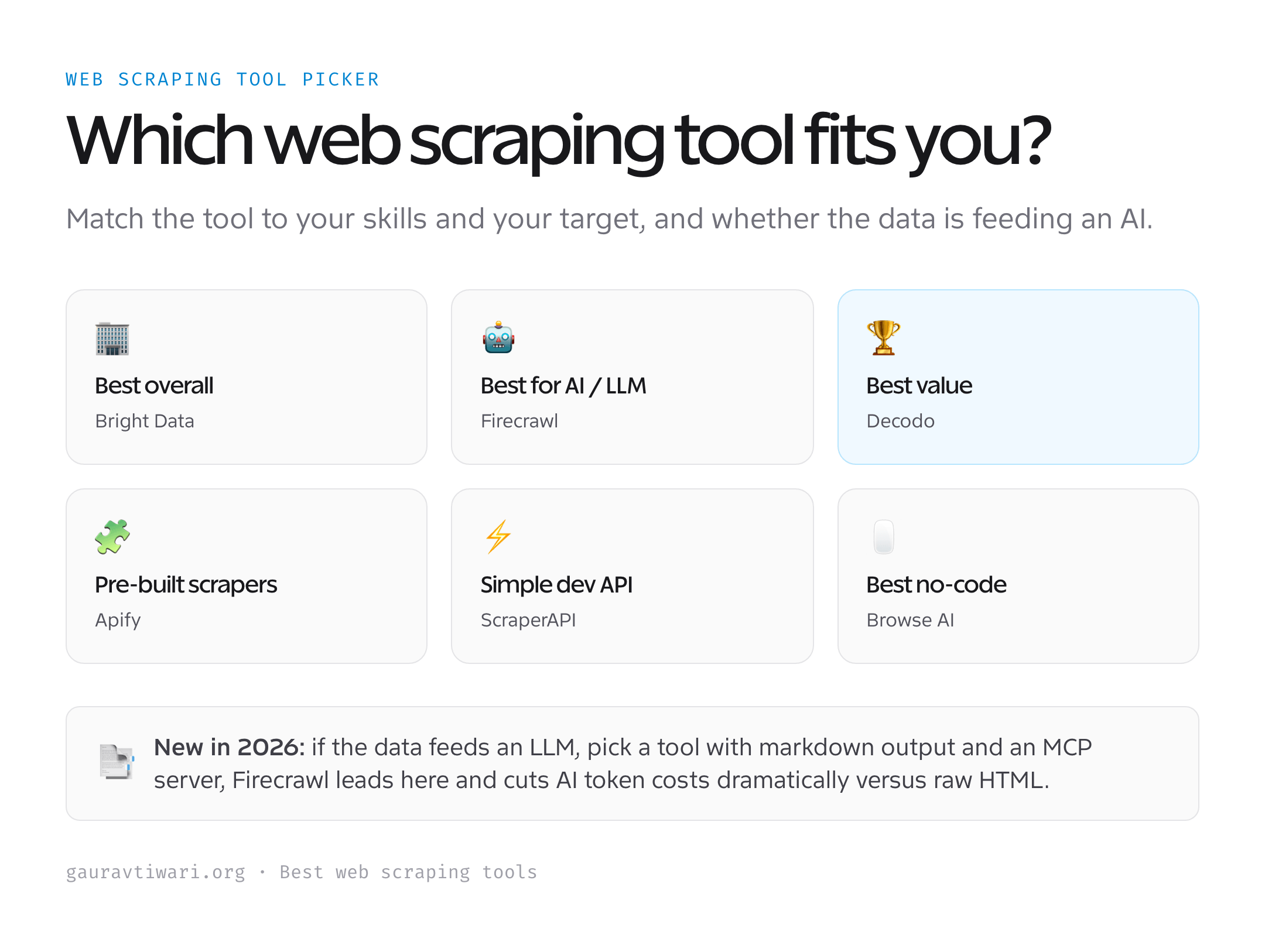
The honest shortcut: most people should start with Decodo for proxies and APIs at a fair price, reach for Firecrawl when the data feeds AI, and only move to Bright Data when scale or the toughest targets demand it.
Which web scraping tool should you use?
For most projects, Decodo is the best value and the place to start. Need enterprise scale and the hardest targets? Bright Data. Feeding data to an LLM or AI agent? Firecrawl. Want a scraper that already exists? Apify’s marketplace. Just need a simple API in your code? ScraperAPI. Can’t code at all? Browse AI. Match the tool to your skills and your target, and you’ll spend your time using data instead of fighting to collect it.
Frequently asked questions
What is the best web scraping tool in 2026?
It depends on your use case, but for most people Decodo offers the best balance of price, proxy quality, and ease of use, with a usable free tier on its scraping API. For enterprise scale and the hardest anti-bot sites, Bright Data is the most capable platform. If your data is feeding an LLM or AI agent, Firecrawl is purpose-built to return clean, LLM-ready markdown. Apify is best when a ready-made scraper already exists for your target, ScraperAPI is the simplest developer API, and Browse AI is the friendliest no-code option.
Is web scraping legal?
Scraping publicly available data (without logging in) is generally legal in the US, supported by cases like hiQ v. LinkedIn and Meta v. Bright Data, which found that terms of service mainly restrict logged-in access. The safe rules of thumb: don’t log in to scrape, don’t collect personal data or bulk-copy copyrighted content for republication, and respect rate limits. The newest legal frontier is AI training data, recent disputes focus on circumventing rate limits and anti-bot measures rather than the public nature of the data itself. When in doubt, scrape only public data, throttle your requests, and consult a lawyer for anything commercial or large-scale.
What does “LLM-ready” or markdown output mean?
Raw web pages are full of navigation, ads, scripts, and markup that waste an AI model’s limited context and cost you tokens. “LLM-ready” tools like Firecrawl strip all of that and return just the meaningful content as clean markdown or structured JSON. Firecrawl says this cuts input tokens by roughly 93% compared with raw HTML, which directly lowers your AI API costs and improves the accuracy of RAG systems and agents. If you’re building anything that feeds web data into an LLM, markdown output is the feature that matters most.
What’s the difference between a proxy and a scraping API?
A proxy simply gives you rotating IP addresses to route requests through, you still have to write and maintain the scraper, solve CAPTCHAs, render JavaScript, and parse the HTML yourself. A scraping API (like Firecrawl, ScraperAPI, or Bright Data’s Web Unlocker) bundles all of that behind a single endpoint: you send a URL and it returns the data, handling proxies, rendering, and anti-bot automatically. Rule of thumb: choose raw proxies when you want maximum control at scale and have the engineering to manage it; choose a scraping API when you want speed and far less maintenance.
How do scrapers handle JavaScript and anti-bot blocks?
Most modern sites load content with JavaScript and defend themselves with Cloudflare, Akamai, or DataDome. Serious tools beat this with a managed headless browser or “unlocker”, Bright Data’s Scraping Browser, Decodo’s Site Unblocker, or Firecrawl’s renderer, that runs a real browser, rotates residential IPs, mimics browser fingerprints, and solves CAPTCHAs automatically. Trying to do this yourself with bare Puppeteer or Playwright and datacenter IPs gets blocked fast. In 2026 the other big change is MCP servers: Bright Data, Firecrawl, and Apify all ship them, letting AI agents call scraping directly as a tool.
The bottom line
Web scraping in 2026 is two jobs in one: getting past defenses, and getting clean output, increasingly for AI. Decodo is the best-value all-rounder and where most people should start, Bright Data is the enterprise heavyweight, Firecrawl is the AI-ready standout, Apify wins on ready-made scrapers, ScraperAPI is the simplest developer API, and Browse AI is the best no-code option. Match the tool to your skills and your target, mind the billing model, and the data will flow.
Tell Google you want more of this.
Add Gaurav Tiwari as a preferred sourceOne tap, and this site shows up more often in your own Top Stories, AI Overviews and AI Mode. Remove it any time.
Disclaimer: This site is reader-supported. If you buy through some links, I may earn a small commission at no extra cost to you. I only recommend tools I trust and would use myself. Your support helps keep gauravtiwari.org free and focused on real-world advice. Thanks. - Gaurav Tiwari
