
 by
by
The leaderboard flipped in the last year. The best AI image generators are no longer the names everyone memorized in 2024, Google’s Gemini “Nano Banana” models and OpenAI’s GPT Image now trade the top spot on blind human-vote tests, and DALL-E has been quietly retired. Today you can type a sentence and get a photo, a logo, a product mockup, or finished concept art that most people won’t question. The real question isn’t whether the output is good enough anymore. It’s which tool fits what you’re making, because the model that wins at conversational editing is not the one that wins at typography or commercial-safe licensing.
So I put the same five-part brief through every tool here, side by side: a two-person handshake to test anatomy, a six-word quote on a poster to test text, a product on seamless white for commercial realism, a moody illustrated scene for style, and one conversational edit on a finished image. The gaps were wider than the marketing admits. One edits a real photo by conversation better than anything I’ve used. One spells a six-word headline right on the first try. One is the only tool I’d hand a client without a licensing worry. Pick on hype, or on a list written a year ago, and you end up fighting a tool that was never built for your job.
So here are the AI image generators worth using in 2026, ranked by what you’re actually trying to create, from a conversational-editing champion to the best commercial-safe option and the best typography engine. If you also work with motion or need to clean up existing shots, pair this with my guides to the best AI video generators and the best AI image enhancers.
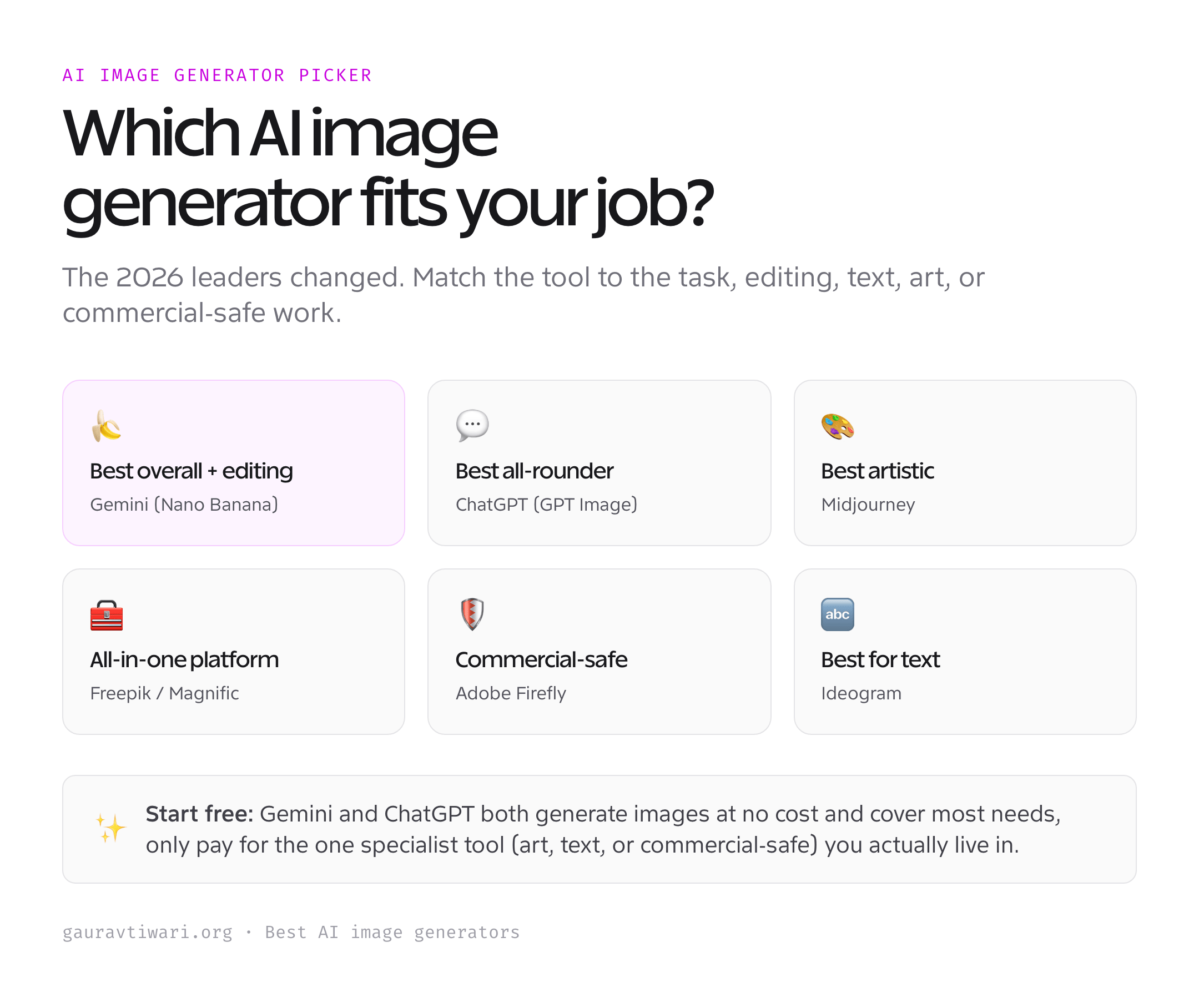
The best AI image generators at a glance
Six tools cover every job, from conversational photo editing to typography-perfect posters and commercial-safe artwork for client work.
| Tool | Best for | Free tier | Paid from |
|---|---|---|---|
| Google Gemini (Nano Banana) | Best overall & conversational editing | Yes | Gemini app / API |
| ChatGPT (GPT Image) | Best all-rounder & text-in-image | Yes (limited) | $20/mo |
| Midjourney | Best artistic quality | No | $10/mo |
| Freepik / Magnific | Best all-in-one platform | Yes (~20/day) | ~$14.50/mo |
| Adobe Firefly | Best commercial-safe | Yes | $9.99/mo |
| Ideogram | Best for text & typography | Yes | $7/mo |
1. Google Gemini “Nano Banana”: best overall
Google’s Gemini image models, nicknamed “Nano Banana,” went from a viral meme to the model I reach for first, and on my brief it earned the spot. Conversational editing is what sets it apart: generate an image, then just tell it what to change (“make it night, add a red jacket, keep her face the same”) and it edits in place while holding faces and objects consistent across rounds, the exact thing every other tool used to botch. It blends multiple reference images, renders readable text, upscales to 2K and 4K, and even pulls real-world knowledge into a scene. The family now spans Nano Banana (Gemini 2.5 Flash Image), Nano Banana Pro, and the newest Nano Banana 2, each sharper than the last.
One catch worth naming. Every output carries an invisible SynthID watermark, Google’s machine-readable tag that marks the file as AI-made. You can’t strip it, so if you need an image nobody can trace back to AI, look elsewhere. For everything else, and especially for editing a photo you already have, Nano Banana is my top pick.
Best for: conversational editing, character consistency, and all-round quality. Honest downside: all outputs carry an invisible SynthID watermark.
2. ChatGPT (GPT Image): best all-rounder
OpenAI retired DALL-E and replaced it with native GPT Image inside ChatGPT, and the current model sits at or near the top of blind human-vote rankings. Its edge is breadth and obedience: it follows fussy, multi-part prompts faithfully and renders text about as well as anything out there. On my six-word poster test it spelled the headline right on the first try, the kind of thing old DALL-E used to mangle into alphabet soup. It’s the one I trust for the practical stuff too, infographics, UI and app mockups, diagrams, and clean product shots. Because it lives inside ChatGPT, you iterate in plain conversation and lean on the model’s reasoning to plan a complex image before it draws it.
It’s available free in ChatGPT with daily limits, and unlimited on ChatGPT Plus at $20/mo. If you already pay for ChatGPT, this is the generator you’ll reach for most without opening another tab, and the best single all-rounder for everyday work.
Best for: prompt accuracy, text-in-image, and practical mockups inside ChatGPT. Honest downside: the free tier is limited; heavy use needs Plus.
3. Midjourney: best artistic quality
Midjourney lost its crown for all-round work, but it still owns pure aesthetics. Nothing else produces images with the same painterly mood and finish straight out of the box, which is why artists and concept designers still live in it. Current versions add Omni Reference (point it at a character and it keeps that face across generations), sharper photorealism, and even video, and the community style ecosystem is unmatched. On my moody-scene test it made the most beautiful image of the six, by a distance.
It has no free tier, plans start at $10/mo, and it’s the one most likely to reinterpret your prompt rather than follow it literally. In-image text is still a re-roll lottery. But for a striking, gallery-worthy picture rather than a literal one, Midjourney remains in a class of its own.
Best for: the most beautiful, artistic, gallery-quality images. Honest downside: no free tier; weaker at literal prompts and in-image text.
4. Freepik / Magnific: best all-in-one platform
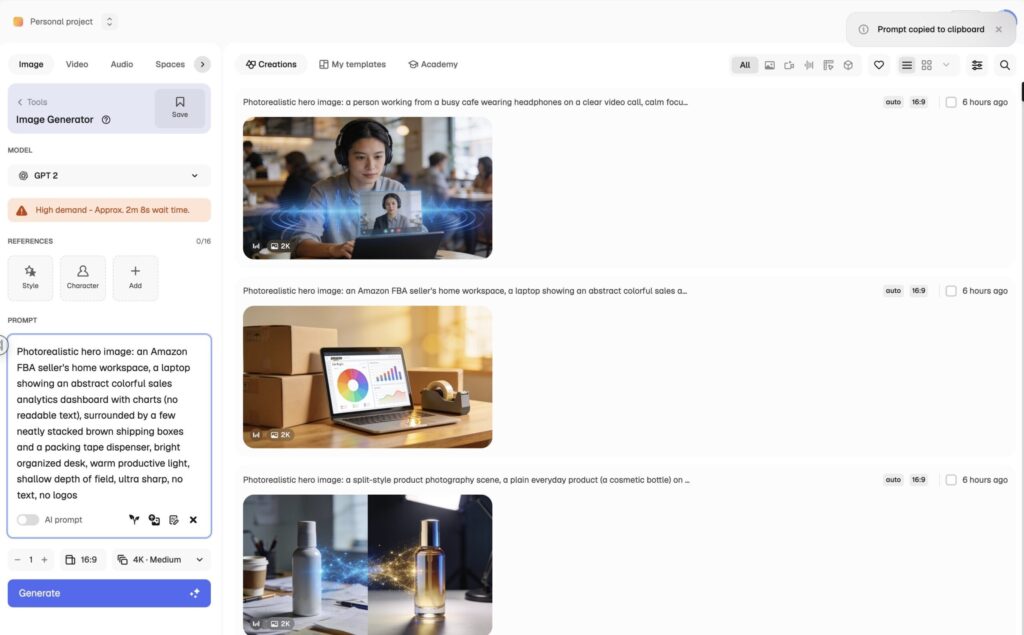
If you’d rather not juggle six subscriptions, Freepik is the one platform that bundles them. A single account gives you 30-plus models under one roof, Google’s Imagen, FLUX, ByteDance Seedream, and more, plus Freepik’s own Mystic models, the famous Magnific upscaler (the tool that invents convincing detail as it enlarges an image; Freepik bought Magnific and adopted the name), and video and audio generation. You can run the same prompt across multiple engines and pick the best result, then upscale and edit without leaving the tool. For agencies and creators who want range and a stock library in one place, it’s the most practical workspace going.
Because it routes to many third-party models, the absolute cutting edge can arrive a little later than on the source apps. But as an all-in-one creative platform with a generous free tier and paid plans from around $14.50/mo, Freepik/Magnific is the best value for people who do a bit of everything.
Best for: running many models, upscaling, and stock in one subscription. Honest downside: third-party models can lag the source apps slightly.
5. Adobe Firefly: best commercial-safe
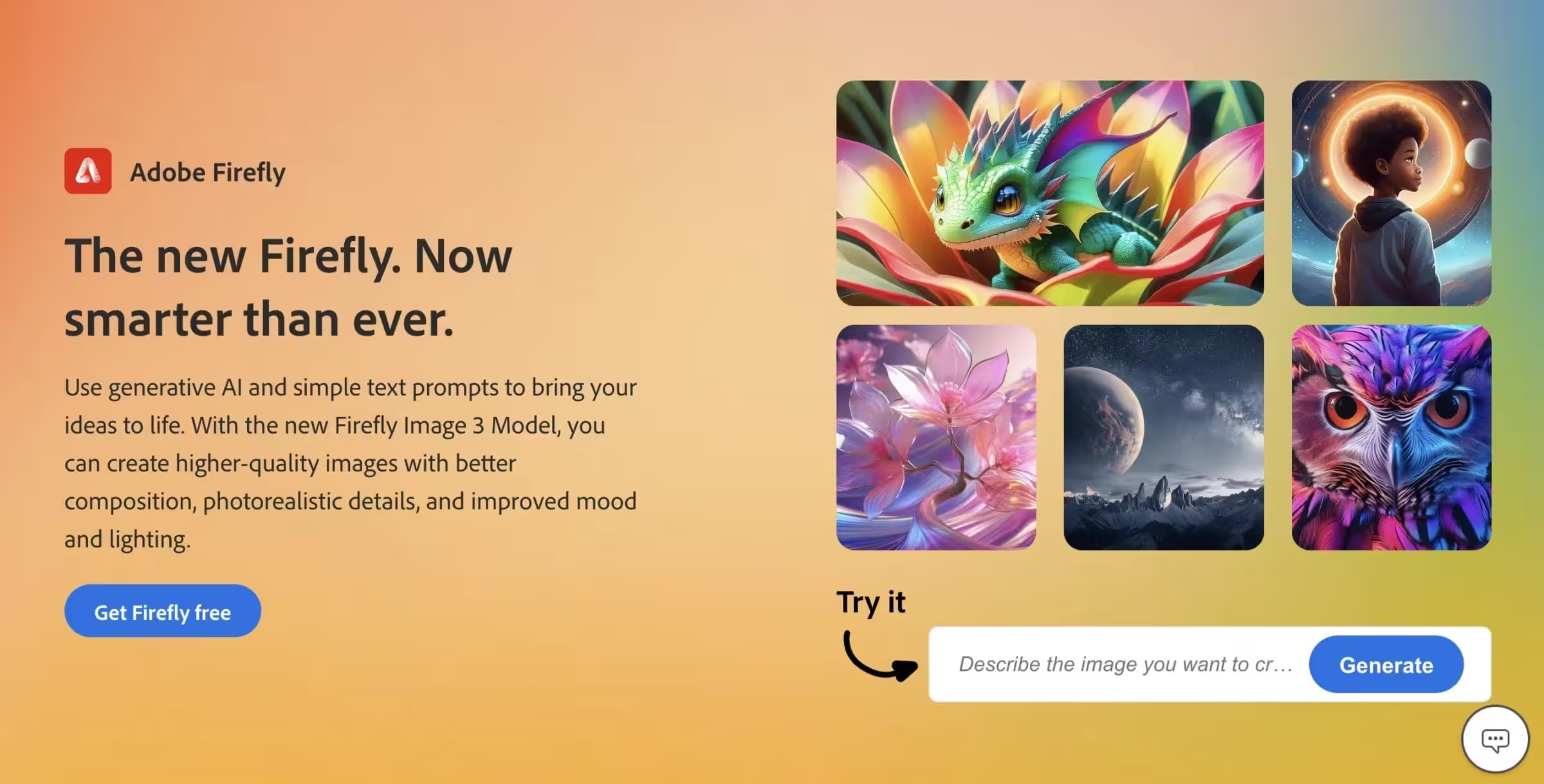
For client and commercial work, Adobe Firefly is still the one I trust. It’s trained only on licensed Adobe Stock and public-domain content, and Adobe offers IP indemnification for enterprise, meaning Adobe will defend you legally if a generated image is ever challenged, so you’re not gambling on where the training data came from. It lives inside Photoshop and Illustrator (Generative Fill is genuinely indispensable), does text-to-vector, includes Firefly Boards for team collaboration, and now even lets you pick other models (Google, OpenAI, FLUX) from inside Firefly when you want them. For a working designer, that integration is the whole point.
Its raw generations aren’t always as striking as Midjourney’s or as clever as Gemini’s, and its people can still look a touch stock-photo, polished but a little safe. But when the deliverable has to be legally clean and drop straight into a real design workflow, Firefly is the professional choice.
Best for: commercial-safe artwork and deep Photoshop/Illustrator integration. Honest downside: raw results can trail the flashier models.
6. Ideogram: best for text and typography
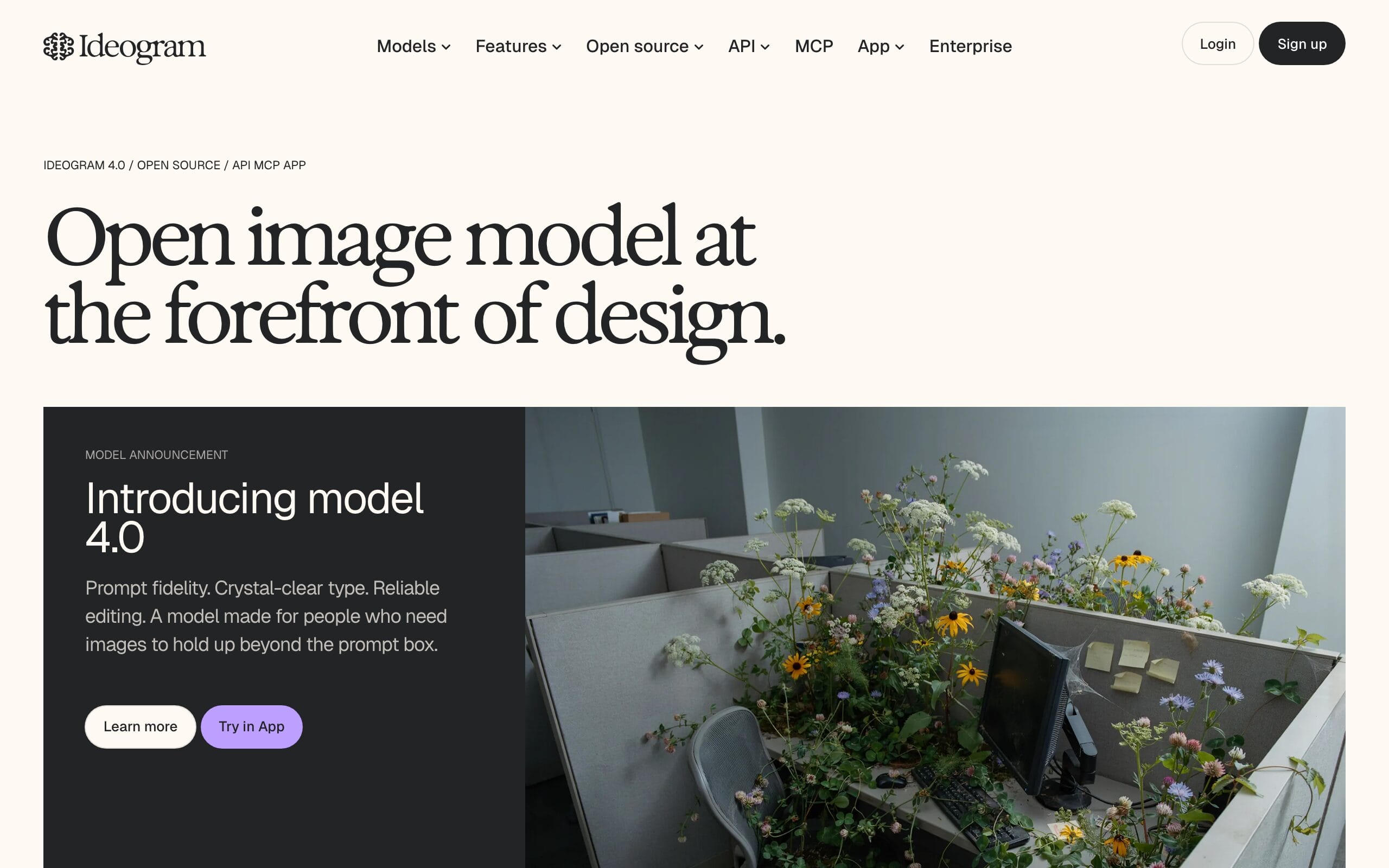
When the image has to contain readable, correctly spelled words, Ideogram is still the specialist. Its text rendering is among the most accurate anywhere, around 95% on real-world tests, which makes it the go-to for posters, social graphics, captioned mockups, and logo concepts. Pair it with a few of these free AI font generators and you can rough out a whole brand look without a designer. The current version adds a Canvas for layered editing, Magic Fill inpainting (regenerating just the part you paint over), Remix, and custom brand-model training, and it’s cheap, with a free tier and paid plans from about $7/mo.
It’s narrower than the all-rounders and its general photorealism isn’t class-leading. But for anything where typography has to be right the first time, Ideogram saves you the endless re-rolls other tools demand.
Best for: posters, logos, and any image with text that must be spelled right. Honest downside: narrower than the all-rounders; photorealism isn’t its strength.
Also worth knowing: OpenArt, FLUX and Recraft
Three more deserve a mention depending on your needs. OpenArt is the best way to try many models in one place, it bundles 100-plus engines (including FLUX, Ideogram, and video models) behind a single playground, which is ideal if you want to experiment without committing to one subscription. FLUX (from Black Forest Labs) is the best open-weight model, meaning the model files are public so anyone can run or fine-tune it, and it quietly powers many other tools, the pick if you want to self-host or build on an API. And Recraft is the one to use when you need true editable SVG vectors and brand-consistent sets rather than raster images.
How to choose an AI image generator
The “best” tool depends entirely on the job in front of you. Run through these before you subscribe.
- Generating from scratch or editing an existing image? For editing a real photo or iterating on one image by conversation, Gemini “Nano Banana” is in a league of its own. For fresh generation, almost any of the top tools will do.
- Does it need text inside the image? Posters, logos, captions, and ads live or die on spelling. Ideogram and GPT Image render text reliably; Midjourney still struggles with it.
- Is it commercial or client work? If you need to know the training data is licensed and you’re indemnified, Adobe Firefly is the safe answer. For cleanup like knocking out a background, a dedicated background remover still beats most built-in tools.
- Artistic beauty or literal accuracy? Want a striking, stylized image? Midjourney. Need the picture to match the prompt exactly? Gemini or GPT Image.
- One tool or many? If you bounce between styles and also upscale and edit, a platform like Freepik/Magnific (or OpenArt) that bundles many models saves money and tabs versus six separate subscriptions.
The honest truth: most people are best served by starting free. Gemini and ChatGPT both generate images at no cost, cover 90% of everyday needs, and only ask for money once you’re generating heavily, so try them before paying for anything. And whatever you make, compress it before it goes on your site, because raw AI exports are often several megabytes each.
Which AI image generator should you use?
For most people, Google Gemini “Nano Banana” is the best AI image generator overall, especially for editing. Already pay for ChatGPT? GPT Image is the best all-rounder and you already have it. Chasing artistic beauty? Midjourney. Want many models, upscaling, and stock in one place? Freepik/Magnific (or OpenArt to experiment). Doing commercial client work? Adobe Firefly. Designing anything with text? Ideogram. Match the tool to the job, start with the free tiers, and upgrade only the one you actually live in.
Frequently asked questions
What is the best AI image generator in 2026?
For most people, Google Gemini’s image models, nicknamed “Nano Banana,” are the best overall AI image generator right now, thanks to outstanding quality and class-leading conversational editing (you can refine an image just by describing the change while keeping characters consistent). OpenAI’s GPT Image inside ChatGPT is the best all-rounder and trades the top spot on blind human-vote rankings, with the best text-in-image of the mainstream tools. Beyond those two, Midjourney leads on artistic beauty, Adobe Firefly is the safest for commercial work, and Ideogram is best for typography. The right choice depends on whether you’re editing or generating, and whether the image needs text.
What is “Nano Banana”?
“Nano Banana” is the nickname for Google’s Gemini image-generation models, and it has become one of the most popular image tools in the world. The name started as a viral tease and stuck. It’s now a family of models: the original Nano Banana (Gemini 2.5 Flash Image), the higher-end Nano Banana Pro, and the newest Nano Banana 2. They’re known for natural-language editing, blending multiple reference images, strong character consistency, and accurate text, and you can use them free in the Google Gemini app or via the Gemini API. Every image they create carries an invisible SynthID watermark identifying it as AI-generated.
What happened to DALL-E?
OpenAI replaced DALL-E with native image generation inside ChatGPT, now called GPT Image, and fully retired the old DALL-E models in 2026. So when you generate an image in ChatGPT today, you’re using GPT Image, not DALL-E. It’s a significant upgrade: far better prompt-following, much stronger text rendering, and tighter integration with ChatGPT’s conversation and reasoning. If you have an old DALL-E bookmark or workflow, switch to ChatGPT’s built-in image generation, that’s where the current model lives.
Which AI image generator is best for commercial use?
Adobe Firefly is the safest choice for commercial and client work because it’s trained only on licensed Adobe Stock and public-domain content, and Adobe offers IP indemnification for enterprise customers, so you’re not exposed to questions about where the training images came from. Most other tools (Gemini, GPT Image, Midjourney, Ideogram) do grant you commercial-use rights to your generations on their paid plans, which is fine for most uses, but they don’t make the same guarantee about their training data. For high-stakes brand work or anything a legal team will scrutinize, Firefly is the conservative pick.
Is there a free AI image generator?
Yes, several of the best ones are free to start. You can generate images at no cost in the Google Gemini app (Nano Banana), in ChatGPT (GPT Image, with daily limits), in Adobe Firefly’s free tier, in Ideogram’s free tier, and in Freepik (around 20 images a day on its free plan). The main tool with no free option is Midjourney, which starts at $10/month. A smart approach is to use the free tiers of Gemini and ChatGPT for everyday work and only pay for the one specialized tool, say Midjourney for art or Ideogram for typography, that you genuinely need.
Which AI image generator is best for editing an existing photo?
Google Gemini’s “Nano Banana” models are the best for editing a photo you already have. Most tools regenerate from scratch; Gemini edits in place. You describe the change (“make it night, add a red jacket, keep her face the same”) and it holds faces, objects, and composition steady across rounds. GPT Image inside ChatGPT is a strong second for conversational tweaks, and for pixel-level retouching on client work, Adobe Firefly’s Generative Fill inside Photoshop is the professional route.
The bottom line
AI image generation moved faster in the last year than in the three before it, and the names that matter today aren’t the ones from 2024. Google Gemini “Nano Banana” is the best overall and the editing champion, ChatGPT’s GPT Image is the best all-rounder, Midjourney still owns artistic beauty, Freepik/Magnific bundles everything, Adobe Firefly keeps commercial work safe, and Ideogram nails text. Here’s the takeaway after running them side by side: the people making consistently good images in 2026 aren’t the ones paying for six subscriptions. They’re the ones who matched one tool to the job in front of them and learned its quirks cold. Start with the free tiers, pick your one, and you’ll beat any single “best” pick a list could hand you.
Tell Google you want more of this.
Add Gaurav Tiwari as a preferred sourceOne tap, and this site shows up more often in your own Top Stories, AI Overviews and AI Mode. Remove it any time.
Disclaimer: This site is reader-supported. If you buy through some links, I may earn a small commission at no extra cost to you. I only recommend tools I trust and would use myself. Your support helps keep gauravtiwari.org free and focused on real-world advice. Thanks. - Gaurav Tiwari