
 by
by
You pay for Midjourney, the images look great and you still get stuck on the same few jobs. A client wants one thing changed and nothing else. A poster needs an exact headline. A logo has to ship as an SVG. The reference photos can’t leave your machine.
Regenerating until the prompt lands costs GPU minutes and an afternoon, and the finished asset is still a flat raster. The best Midjourney alternatives each remove one of those walls, so I’d choose by the wall you keep hitting and let the gallery comparisons wait.
The 10 below cover those jobs, grouped by what you’d make with them:
- Create and revise in conversation: ChatGPT Images and Google Gemini
- Text you can edit and vectors you can open: Ideogram and Recraft
- Controlled asset production: Adobe Firefly, Leonardo AI and Krea
- One subscription, a finished design: Magnific (formerly Freepik) and Canva
- Local and private: ComfyUI, with Draw Things for Mac and iPhone
I haven’t put all 10 through the same brief on the same day, so this is a comparison of what each tool documents, what it charges and what its free plan actually permits, with my view on where each one belongs. Where a claim would need a test I can’t show you, the number stays out.
Which Midjourney Alternative Should You Choose?
Find the job in the left column, then jump to that tool’s section for the cost and the catch.
| What you need to make | My pick | Also consider |
|---|---|---|
| An image you can revise by talking to it | ChatGPT Images | Google Gemini |
| Work built from reference photos, text in several languages | Google Gemini | ChatGPT Images |
| Posters, covers and ads where the headline must be exact and editable | Ideogram | Canva |
| Logos, icons and illustrations as real SVG files | Recraft | Ideogram |
| Assets headed into Photoshop, Illustrator or Express | Adobe Firefly | Magnific |
| A reusable style and a private library of assets | Leonardo AI | Krea |
| Composition you direct by sketching, updated as you draw | Krea | ChatGPT Images (Sketch) |
| Many current models under one credit balance | Magnific | Krea, Leonardo AI |
| A finished social post or ad, laid out and ready to publish | Canva | Adobe Firefly |
| Generation that stays on your own hardware | ComfyUI | Draw Things |
What Would Make Switching From Midjourney Worthwhile?
Before the list, I want to be fair to the thing you’d be leaving. Midjourney in 2026 is a stronger product than the one most “alternative to Midjourney” articles describe, and a few of the old reasons to switch no longer hold.
- V8.2 has been the default model since July 24, 2026. It ships an Edit Model that replaces Omni Reference, Character Reference and Retexture, so targeted edits and character consistency are now built in.
- You create on the web or in Discord. Avoiding Discord stopped being a reason to leave a long time ago.
- Plans run $10, $30, $60 and $120 a month for Basic, Standard, Pro and Mega, with 20% off when you pay the year upfront. Basic works out to $96 a year, or $8 a month. There is no free tier.
- Every paid plan carries general commercial terms, but a company with more than $1 million in yearly gross revenue must be on Pro or Mega.
- Stealth Mode, which keeps your images private, is only on Pro and Mega. On Basic and Standard, what you generate is visible to others.
So the case for switching is specific, and I’d move, or add a second tool, for one of these reasons:
- Revisions in conversation. You want to upload a reference, explain the use and ask for changes in the same thread, without rebuilding the prompt each time.
- Editable typography. The headline must be spelled right and changeable after generation, which no raster generator gives you.
- Vector output. A logo or icon set needs to be an SVG with real paths, and tracing a raster afterwards is the part you’re trying to skip.
- Confidentiality. Client product shots or unreleased designs should not sit in a public feed, and on some plans they should not leave your machine at all.
- A finished layout. You need the ad or the post, with the image placed in it, and a generator alone leaves you with a second tool to open.
The right Midjourney alternative is the one that removes the wall you keep hitting. A prettier sample gallery removes nothing.
Best Midjourney Alternatives
Each entry answers the same 5 questions: what you’d make with it, why you’d choose it over Midjourney, what it costs, what would make it the wrong choice and what the recommendation rests on. The order follows the jobs in the table above, so read it as a route through the list rather than a ranking.
ChatGPT Images
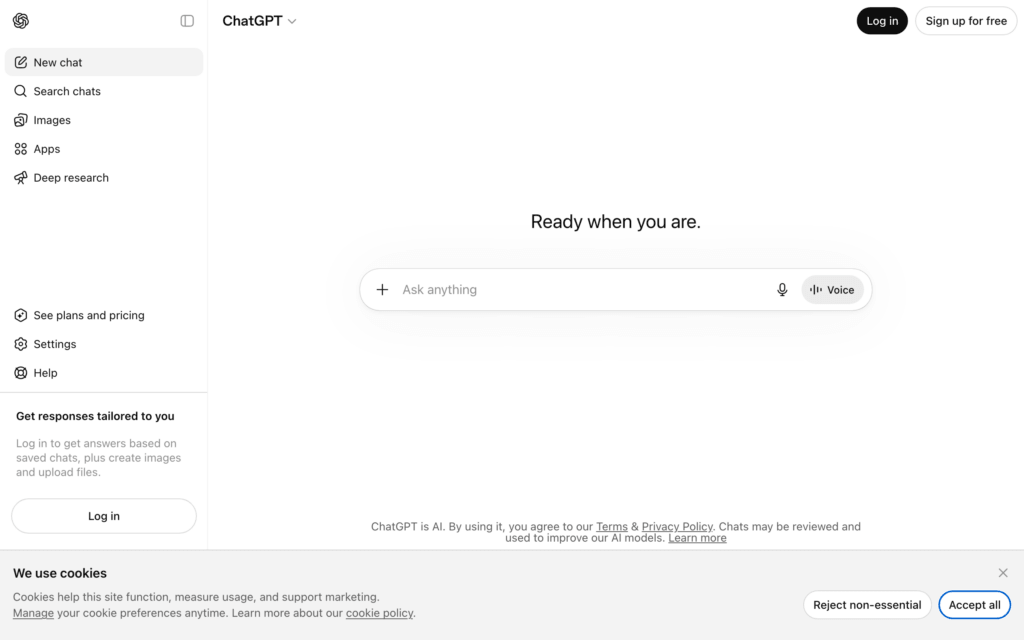
ChatGPT Images is my starting recommendation for anyone whose work involves rounds of revisions rather than one final prompt. You describe the image, upload a reference photo if you have one, get a result and then ask for changes in plain words. The brief and the editing stay in the same thread, which is the thing Midjourney’s parameter system was never built for.
OpenAI released ChatGPT Images 2.5 on September 8, 2026, and the update is aimed at exactly this workflow. The current facts that change the decision:
- Images 2.5 is available to every ChatGPT plan, including free accounts, though the free plan’s image allowance is limited and shown inside your account rather than promised as a fixed daily number.
- Sketch lets you draw a rough layout inside ChatGPT and use it as the reference for the final image. Templates start you off on formats such as posters, flyers and product photos.
- You can now leave comments directly on an image to point at the area you want changed, and OpenAI says edits hold up better across a long back-and-forth than they did in Images 2.0.
- ChatGPT Plus is $20 a month. Developers get the same model through the API as GPT-Image-2.5 Flare and Sunburst.
The limitation is precision. OpenAI’s own Images 2.5 announcement says the model is “better at editing only what you’ve asked for”, which is a real improvement. A request to change one corner can still nudge something outside it, so for client assets I’d check the approved details after every revision, especially packaging, labels and faces. It also has no vector output at all.
ChatGPT Images should be skipped if you need SVG files or a private library of assets with reusable styles. Recraft and Leonardo cover those two jobs properly.
Google Gemini
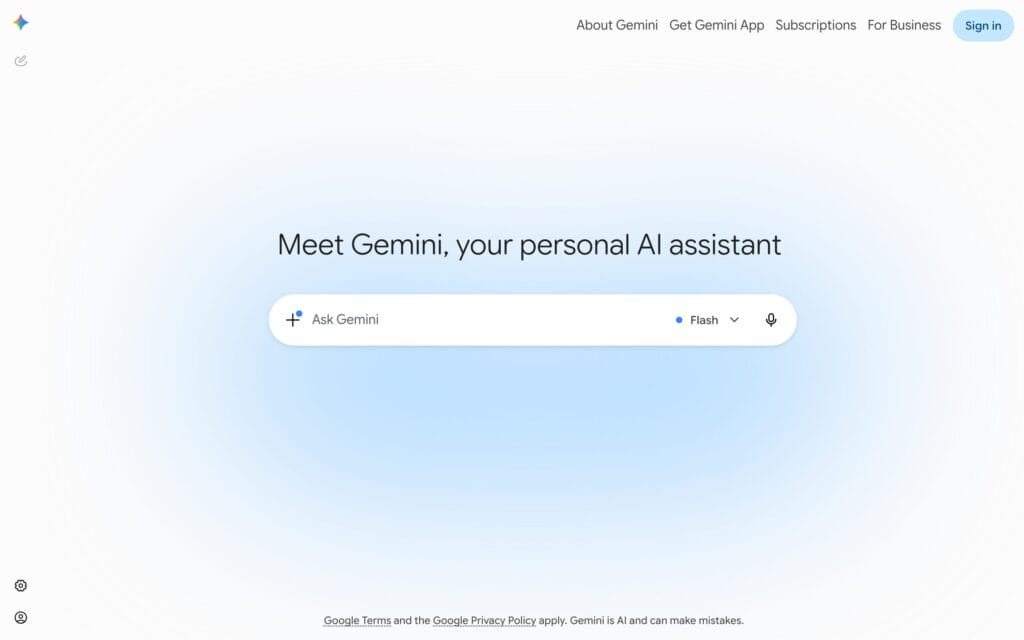
Gemini is my pick when the work starts from reference photos, or when the same design has to carry text in more than one language. Google’s image model inside the Gemini app is Nano Banana 2, announced on February 26, 2026, and it does the reference-led jobs that used to need a style code and a lot of luck.
What Google documents for it, and what I’d actually use:
- Take the texture, color or style from one reference photo and apply it to another subject, without starting from scratch.
- Resize one visual into other formats without cropping away the parts you care about, which is the boring job behind every social campaign.
- Place readable text in logos, invites, posters and comics, in many languages. This is the point where Midjourney still asks you to add the words in another app.
- Combine 2 uploaded photos into 1 image, and edit conversationally the way ChatGPT does.
The catch is access. Nano Banana Pro is the slower, heavier model, and in the Gemini app Google offers it to eligible paid users for specific actions rather than as the default, so a generation in the free Gemini app is a Nano Banana 2 generation. Google also states that limits apply, that availability varies by country and that the feature is for adults. If you’re planning production volume on Gemini, the plan you’re on decides the quota, and the plan page is the place to check it.
Gemini should be skipped if your assets need to stay outside Google’s account and storage model, or if you want per-model credit control. Magnific and Krea give you the same Nano Banana models with a credit meter you can read.
Ideogram
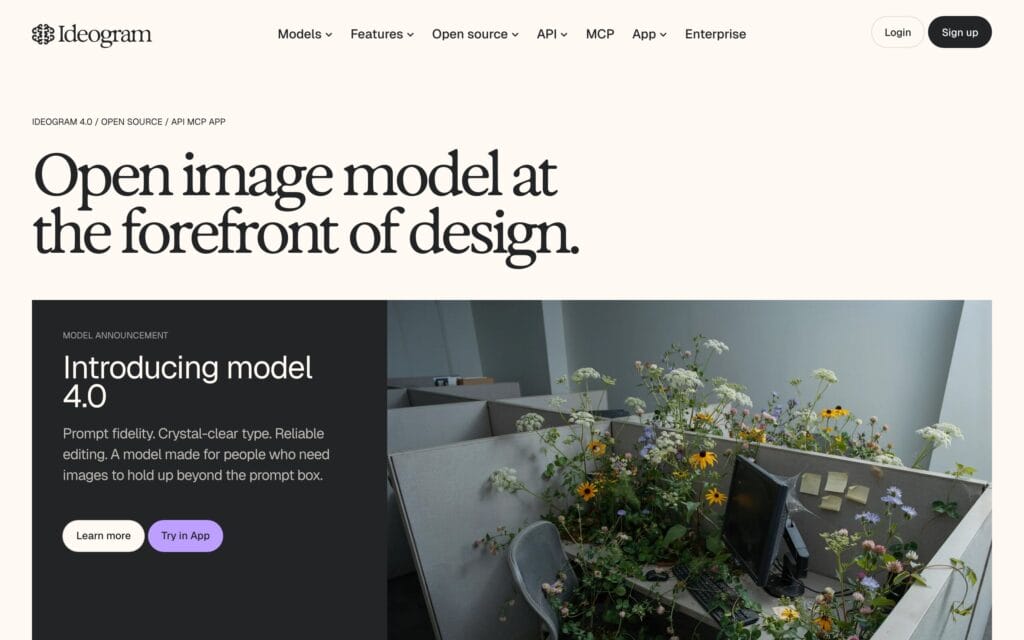
Ideogram is my pick for posters, book covers, event graphics and any design where the text is the design. The current model is Ideogram 4.0, released as an open-weight model, and the feature that makes the difference is Layerize Text: you generate the poster, press one button, and every line of text becomes its own editable layer. Retype the date, swap the font, resize the headline, and the rest of the image stays exactly as generated.
That is a different workflow from every raster generator on this list, including Midjourney. A typo used to mean regenerating and hoping the composition held. Here it means clicking the layer.
- Plus is $20 a month, or $15 a month when you pay $180 for the year, and includes 1,000 priority credits a month and private generations.
- Pro is $60 a month, or $42 a month on the $504 annual plan, with 3,500 priority credits and batch generation.
- The free plan gives slow credits weekly to eligible accounts, allows 1 running generation at a time, and everything you make is public.
- Credits per image depend on the model and rendering setting you choose, so a monthly credit count is not a monthly image count.
Check the extracted layers on decorative, curved or heavily stylized lettering before you rely on them, and use the Layerize Text feature page for which design categories support it. Ideogram should be skipped for photoreal product work, where Gemini and ChatGPT Images are the stronger starting points, and for anything that must end up as a vector.
Recraft
Recraft is the only tool here I’d hand a designer who needs logos, icon sets and illustrations as real vector files. It generates natively as vector and exports SVG, so the icon you get is paths you can open in Illustrator or Figma, recolor and scale, with no tracing step. Midjourney can imitate a flat illustration style all day; it still hands you pixels.
Two things are worth knowing before you build a brand kit on it. First, the model catalog has moved on from V3: Recraft now lists V2, V3, V4 and V4.1, so name the model you used when you compare samples. Second, and more important, the free plan’s rights are the opposite of what most people assume.
- Free-plan images are publicly visible in the community gallery, are owned by Recraft and are not licensed for commercial use.
- Paid plans grant full ownership and commercial rights for everything generated while subscribed, keep images private, and the ownership stays with you after you cancel.
- Basic, Pro and Teams plans bill monthly or annually with a 20% saving on annual. Prices are on the Recraft pricing page, alongside the licensing terms above.
So a free Recraft logo in a client deliverable is a licensing problem. Pay for the month you do the work in. And always open the exported SVG in an editor: a flat-looking PNG is not a vector, and a vector with 4,000 tiny paths is not an editable one either. Recraft should be skipped for photographic scenes and portraits.
Adobe Firefly
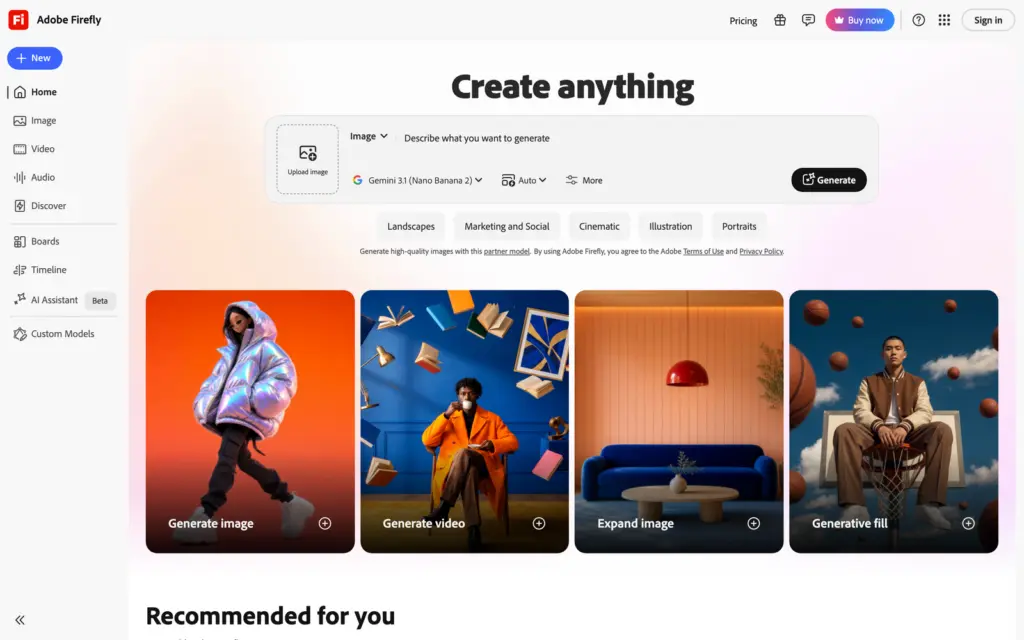
Adobe Firefly is my pick when the generated image is a starting point and the finishing happens in Photoshop, Illustrator or Express. It is less a rival model than a workbench: one Generate bar that can run Adobe’s own Firefly models or partner models from Google, Black Forest Labs and others, with Boards for team moodboarding and a direct handoff into the Creative Cloud apps you already pay for.
The pricing is plain and the credit counts are large enough to matter:
- Firefly Standard is $9.99 a month for 2,000 generative credits.
- Firefly Pro is $19.99 a month for 4,000 credits. Pro Plus and Premium go to 10,000 and 50,000 credits at higher prices.
- Higher tiers include unlimited generations on select models, and every paid tier includes access to partner models alongside Adobe’s own.
The thing I’d be careful about is the commercial-safety story. Adobe states that its Firefly models are trained on licensed content and public-domain content whose copyright has expired. That statement is about Adobe’s models. The Google model sitting in the same Generate dropdown is a partner model with Google’s terms, and the Firefly page says so beside it. Treat “safe for commercial use” as a property of the model you selected for that image, and read Adobe’s actual plan terms before you promise a client any indemnity. Firefly should be skipped if you don’t live in Adobe’s apps, because the credits alone don’t beat a specialist.
Leonardo AI
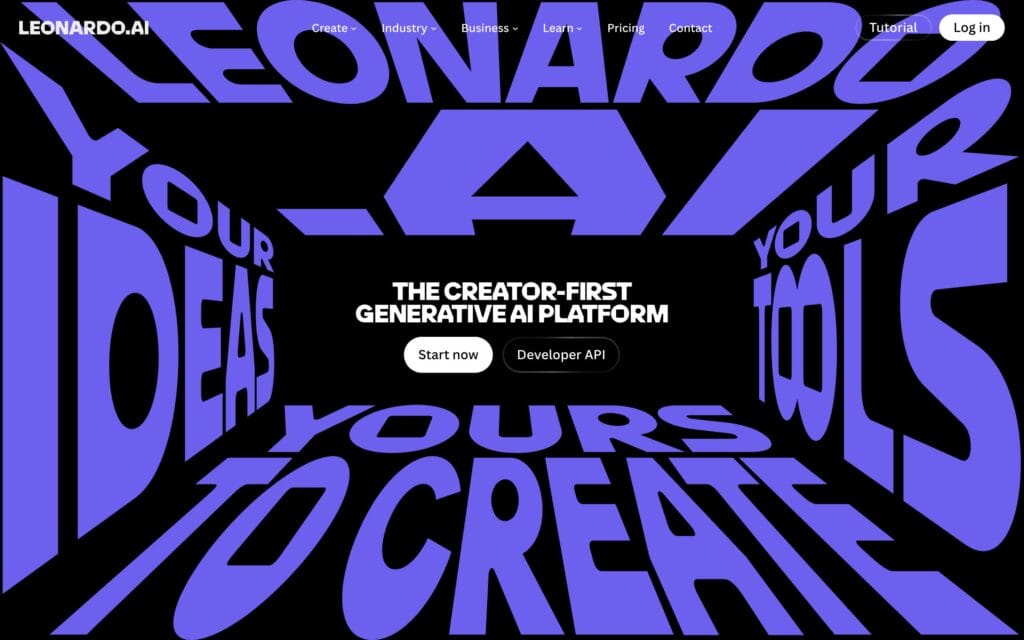
Leonardo AI is my pick for anyone building a set of assets that must match each other: a game’s characters, a course’s illustration style, a product line’s mockups. Most write-ups file Leonardo under gaming, which undersells it. What you’re paying for is a controlled environment with reference tools, reusable styles, personal AI models trained on your own images and a private library, with several third-party models available beside its own Lucid and Phoenix families.
The pricing uses tokens, and the unit matters because it gets misquoted everywhere:
- Free gives 150 fast tokens a day, which is tokens and not images. Different models and operations spend different amounts, and everything you make on Free is public.
- Essential is $12 a month for 8,500 tokens, private generations, enhanced quality and 10 personal AI models.
- Premium is $30 for 25,000 tokens and Ultimate is $60 for 60,000, both adding unlimited relaxed image generation on select in-house models such as Lucid Origin and Phoenix.
- Annual billing takes up to 20% off, and the Leonardo pricing page lists the current per-plan terms, including what Free permits commercially.
The public library is the real limit of the free plan. Free work is visible to everyone and the license is non-exclusive, so a concept for an unreleased product should be made on a paid plan or somewhere else. Leonardo should be skipped for quick one-off marketing images; a chat tool gets you there with less setup.
Krea
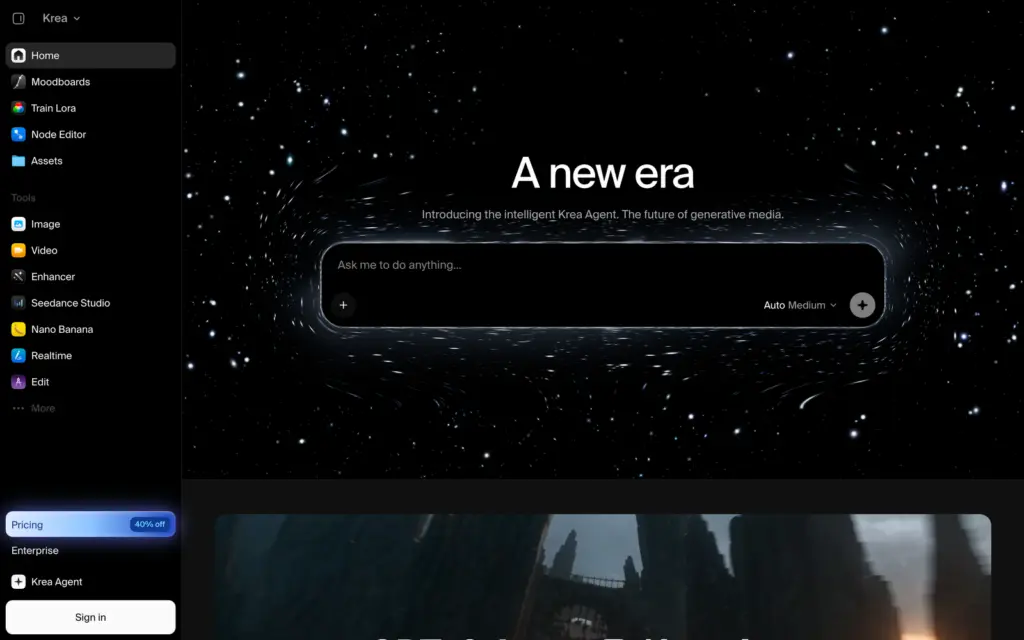
Krea is the one tool on this list that changes how you direct a picture. Its Realtime mode redraws the image as you type or draw, so you place the subject by dragging a rough shape, push the horizon up with a brushstroke and watch the composition follow. If you think in layouts before you think in prompts, this is a different way to work, and Midjourney has nothing like it.
- The free plan gives 100 compute units a day, no card required, with access to the real-time models and to Krea’s own Krea 2 image model.
- Pro gives 20,000 units a month, which Krea itself translates to about 257 Nano Banana 2 generations, plus all image and video models, LoRA training on up to 50 images and upscaling to 22K.
- Max is 60,000 units a month with unlimited LoRA training. Yearly billing takes 40% off, and units on individual plans don’t roll over.
- Krea Nodes lets you chain models and steps into a reusable workflow, which is the same idea as ComfyUI without the local install.
The catch is that real-time exploration and the final export are 2 separate steps. The canvas gets you the composition quickly with a light model; the finished 2K or 4K image comes from a different model at a different unit cost, and I’d judge Krea on that second output. The live preview is for finding the composition. Krea should be skipped if you never sketch and only ever type; ChatGPT Images now has its own Sketch feature for the occasional doodle.
Magnific
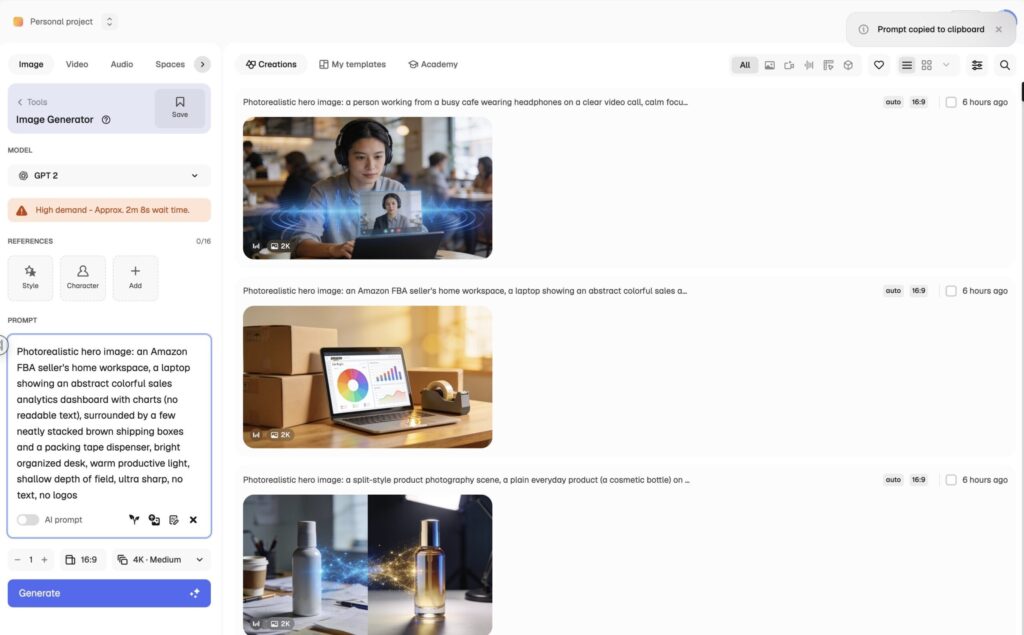
Magnific, formerly Freepik, is my pick for a publisher or small team that wants to try the current models without opening a separate account for each. The pricing page carries the old name in its title for recognition, and the catalog is the reason to care: over 30 models under one credit balance, including Nano Banana 2 and Nano Banana Pro, Seedream 5.0 Pro, GPT 2.5, Flux.2 Pro and Max, Recraft V4.1 and Ideogram, plus the stock library Freepik was known for.
How the credits actually behave:
- Credits are granted for the year and stay valid for 12 months, with no monthly reset.
- Each model and resolution has its own price. On the current sheet, a Nano Banana 2 image at 1K or 2K costs 75 credits and the same model at 4K costs 150, while a GPT 2.5 image at 2K costs 180.
- Some models are marked unlimited on the higher plans, and Magnific states it does no model training on your data.
- Prices display in your local currency with a 25% saving on annual billing, so the number you see depends on where you are.
That variable pricing is also the catch. A credit balance does not translate into an image count, and 2 people on the same plan can get different image counts depending on the models they favor and the resolution they export. Work out the credit cost of your actual model and size before you compare it with a Midjourney plan. Magnific should be skipped if you only ever use one model; paying that model’s vendor directly is simpler.
Canva
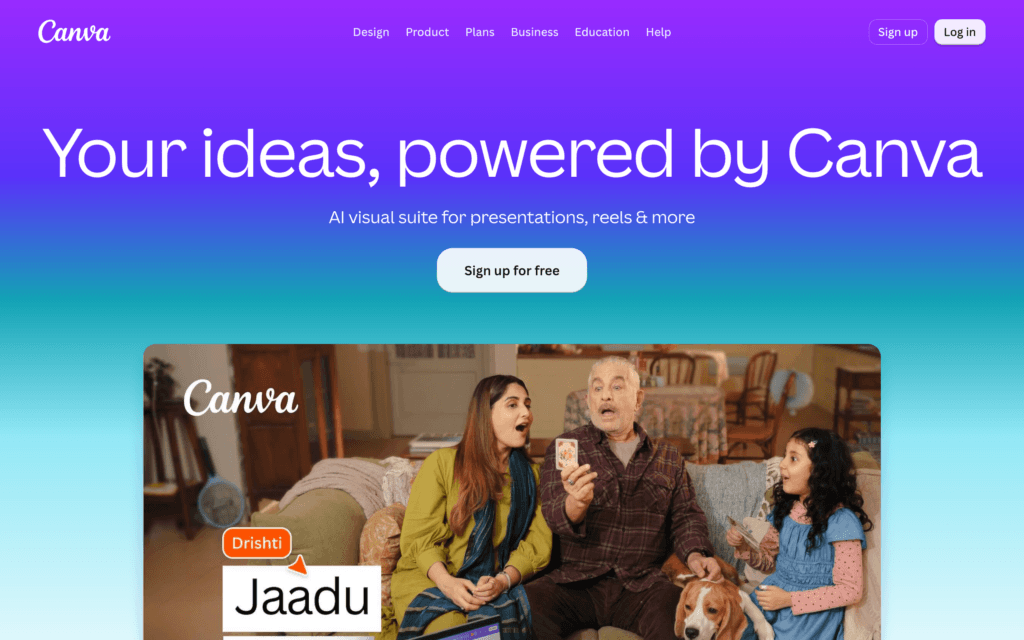
Canva is my pick when what you actually need is the finished Instagram post, the ad or the slide, and the generated image is one element inside it. Its advantage is that generation, layout, brand fonts, resizing and publishing happen in one place, which for a small business is most of the job. The raw image itself rarely wins a side-by-side, and here that is fine.
If you already pay for Canva Pro, you have this today. The thing to check is the allowance:
- Every Canva AI tool draws from one shared allowance, and Canva’s plan page says Standard, Premium and Ultra tools use it at different rates. Image generation sits in the heavier tiers.
- Free, Pro Lite, Pro and Business each carry a different allowance, and fair-use limits apply on top.
- AI Pass is a paid add-on for Pro and Business that Canva says gives 40 times the AI usage of Pro, aimed at people who hit the wall monthly.
So a Canva subscription does not make generation unlimited, and a team that generates all day will meet the allowance before the month ends. Canva should be skipped when the image itself is the deliverable and it has to be the best available; generate it elsewhere and drop it into Canva. If the design side is what’s failing you, my roundup of Canva alternatives covers that decision separately.
ComfyUI
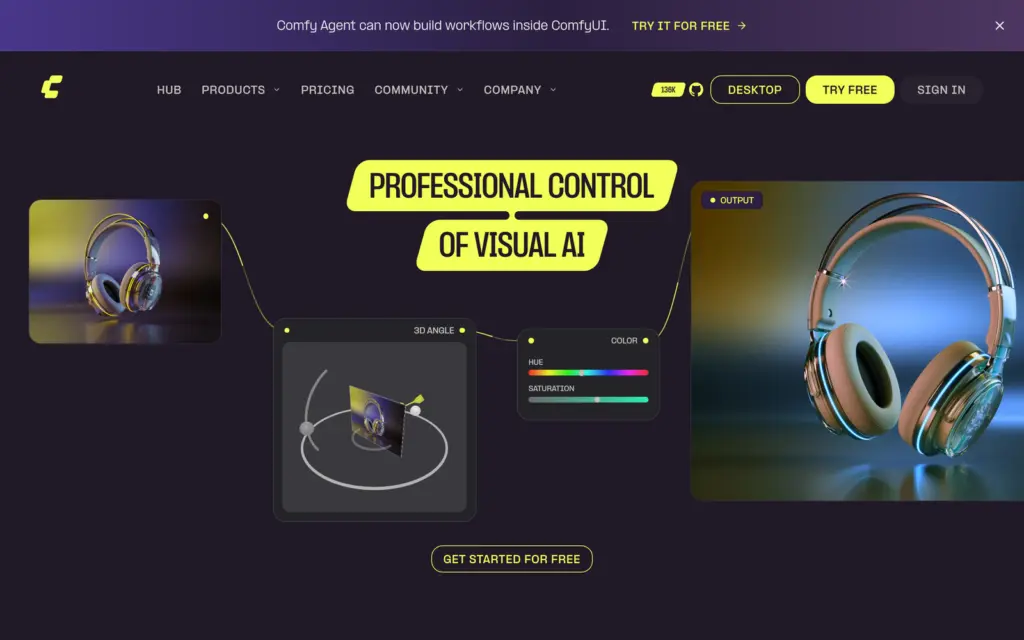
ComfyUI is my pick for the technical reader who wants generation to run on their own hardware, with a workflow they can save and rerun. It is open source, node based and free: you download the desktop app or run the Python project, load a model such as FLUX.2 klein or a Stable Diffusion checkpoint, and wire prompt, reference, upscaler and output into a graph that produces the same result every time.
Local generation buys control, and the control arrives with a to-do list. What moves onto your plate:
- Hardware. FLUX.2 klein 4B needs about 13GB of VRAM, which means an RTX 3090 or 4070 class card or newer, or a well-specified Mac. Bigger models want more.
- Model choice and licensing. Each checkpoint carries its own license, and a model licensed for research is not a model licensed for your agency’s client work. The next section covers the FLUX case.
- Maintenance. Custom nodes break, dependencies drift and nobody is on call for your install.
- Privacy is per node. ComfyUI’s core runs offline, but the project also offers cloud GPUs and API nodes that call partner models over the network. A workflow with a cloud node in it is not a local workflow.
ComfyUI should be skipped if you want to open an app and type a sentence. Everything above is the price of control, and it is a fair price only when you’ll use the control.
Draw Things
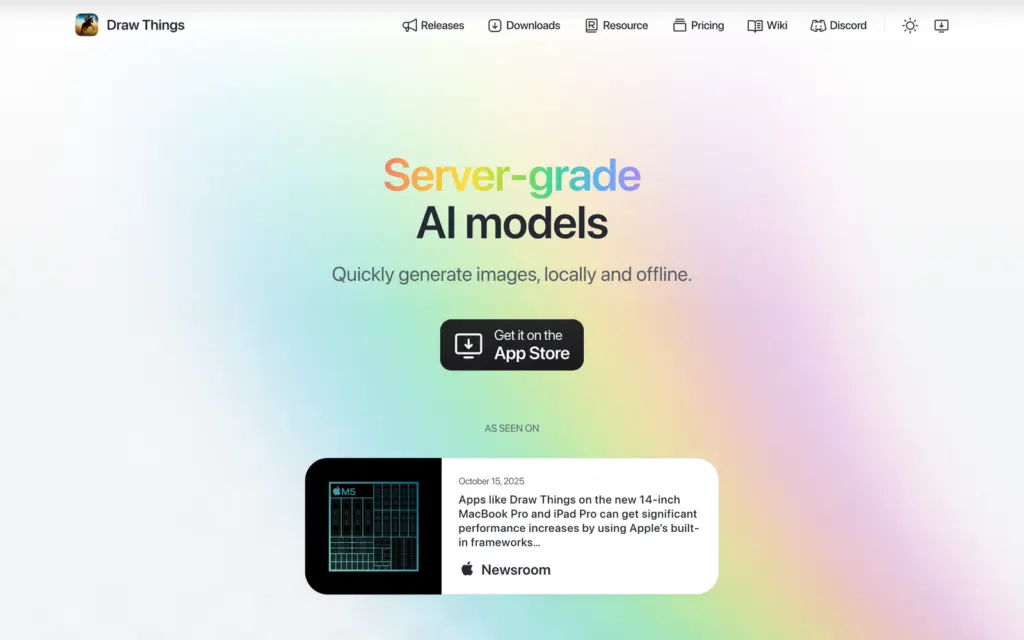
Draw Things is the easier local route on a Mac, iPad or iPhone. It is a native app from the App Store, so you download a model inside the app and generate without building a node graph, which is why I’d point an Apple user here before ComfyUI.
- The free edition generates entirely on your device and works without an internet connection.
- The Community tier adds free cloud compute through a free account, for jobs your hardware can’t handle.
- Draw Things+ costs $8.99 a month, raises the cloud compute limits and lets you run your own LoRAs on the server.
Keep the 2 modes straight: only the on-device mode is offline, and a job you send to the cloud has left your machine. For client work that must stay private, generate on the device.
Models Versus Apps
Three names keep turning up in Midjourney competitor lists without being apps at all: FLUX, Stable Diffusion and Seedream. They are models. Choosing a model and choosing the interface, subscription, privacy terms and editing tools around it are 2 separate decisions, and mixing them up is how people end up comparing a subscription with a file download.
Where each one lives today:
- FLUX is Black Forest Labs’ family. You reach FLUX.2 Pro and Max through their pay-per-image API and playground, through Magnific, Krea and Firefly, or by running the open-weight FLUX.2 klein and FLUX.2 dev models yourself in ComfyUI.
- Stable Diffusion is the ecosystem: thousands of community fine-tunes, LoRAs and ControlNets that run in ComfyUI and Draw Things. The stock models trail the current leaders, and the community models are the reason to bother.
- Seedream is ByteDance’s model. Seedream 5.0 Pro now has an official page on ByteDance’s Seed site with a playground, an API on BytePlus under the Dola name, and it sits in the Magnific and Krea catalogs too.
The FLUX licensing is where I’d slow down, because “open weights”, “open source” and “free for commercial use” are 3 different claims.
- FLUX.2 klein 4B is released under Apache 2.0. You can run it, modify it and use it commercially, subject to the usage policy on unlawful content.
- FLUX.2 dev ships under the FLUX Non-Commercial License. The model card says generated outputs can be used for personal, scientific and commercial purposes as that license describes, while the model itself stays non-commercial. Black Forest Labs sells separate Builder, Platform and Professional licenses for deploying the weights in a product.
- “Local” needs checking too. The FLUX.2 dev example code calls a remote text encoder over the network before the GPU does its part. A workflow that is partly local is not a private workflow.
Read the model card for the exact model you downloaded. The family name says nothing about the license, and that one habit prevents most of the licensing surprises I read about.
Which Free Midjourney Alternatives Are Actually Useful?
Midjourney has no free tier, so every tool here beats it on that line. The useful comparison is what the free plan permits, because 2 of the most generous ones are the least usable for paid work.
| Tool | Free allowance | Your images are | Commercial use on free |
|---|---|---|---|
| ChatGPT Images | Limited, shown in your account | Private to your chats | Per OpenAI’s terms |
| Google Gemini | Limited, varies by country and plan | Private to your account | Per Google’s terms |
| Ideogram | Weekly slow credits for eligible accounts, 1 generation at a time | Public | Check the plan FAQ before client work |
| Recraft | Daily credits | Public, owned by Recraft | Not licensed |
| Leonardo AI | 150 fast tokens a day | Public | Permitted under a non-exclusive license |
| Krea | 100 compute units a day | Depends on plan settings | Check the plan terms |
| Canva | Shared AI allowance on the Free plan | Private to your account | Per Canva’s content license |
| ComfyUI and Draw Things | The software is free; the model’s license decides the rest | On your machine | Per the model card |
For general experimenting, I’d start with ChatGPT or Gemini, because the work stays private and the model is current. For anything a client will pay for, I’d pay for the month I do the work in, on whichever tool the job needs. The free tiers are for finding out which tool that is.
What to Check Before Paying
Every subscription page above invites a comparison on the headline price, and the headline price is the least useful number on it. These are the lines I’d read first.
- Billing interval. Most of the “per month” prices are the annual rate shown monthly. Midjourney Basic is $10 monthly and $8 on the annual plan; Ideogram Plus is $20 monthly and $15 annual. Compare like with like.
- Credits per model and per size. On multi-model platforms the same credit balance buys different image counts depending on the model and resolution. Price your actual model at your actual export size.
- Native resolution versus upscaling. A 4096 by 4096 image is about 16.8 megapixels. A “4MP” image, an image with a 4096-pixel long edge and an upscaled image are 3 different things, and only the first 2 are native detail.
- What an edit costs. Many tools charge an edit as a full generation. A workflow with 5 revisions per asset costs 6 generations, and that is the number to budget.
- Privacy by plan. Midjourney hides your work only on Pro and Mega. Leonardo, Ideogram and Recraft make free work public. Magnific states it doesn’t train on your data. If a client’s product is in the upload, this line decides the plan.
- Rights by plan and by model. Recraft’s free outputs are not licensed for commercial use. Midjourney needs Pro or Mega above $1 million in revenue. A partner model inside Firefly carries the partner’s terms. Read the terms for the plan and the model you’ll actually use.
How to Compare the Tools on Your Own Work
The evaluation I’d trust for a publishing or marketing job asks whether the output is ready to use, and that is a different test from whether it looks impressive in a gallery. A small, repeatable brief set answers it in an afternoon, and it is worth running on Midjourney too, as the baseline.
| Brief | What to ask for | What decides it |
|---|---|---|
| Website hero | A wide image, subject on the right, clear space on the left for a heading | Does the empty space survive the mobile crop? |
| Promotional graphic | A poster with an exact headline, date and call to action | Spelling, hierarchy, and whether the text can be edited afterwards |
| Product edit | Replace the background of an uploaded product photo | Did the packaging, label and proportions survive untouched? |
| Localized design | The same layout in English and Hindi | Script accuracy, line breaks and a consistent layout |
| Controlled revision | Change one object’s color and nothing else | How much of the rest of the scene moved |
| Vector set | 6 matching icons exported as SVG | Real paths, editable in an editor, consistent stroke weight |
Run the first 5 briefs on 3 or 4 tools with Midjourney as the control, 3 outputs each, and keep one failure per tool on record. Judge the vector brief on its own; a raster generator failing an SVG test tells you nothing you didn’t know.
Then count cost per usable asset rather than cost per image. Say a $12 plan gives you 6 images you can actually publish this month: that is $2 an asset. A $20 plan that gives you 20 usable ones is $1 an asset, and the cheaper subscription turned out to be the dearer workflow. Those are made-up numbers to show the arithmetic; yours will come from the briefs.
For product shots specifically, the tools built around preserving the product are a separate category, and I’ve compared them in my guide to AI product photography tools. For logo work, the walkthrough in how to design a logo yourself shows the same brief run through ChatGPT, Midjourney and Gemini, including where each one drifts.
FAQs on Midjourney Alternatives
What is the best Midjourney alternative?
For most people, ChatGPT Images. You can generate, upload a reference and ask for changes in one conversation, and the Images 2.5 model released in September 2026 improved how well edits hold up over several rounds. If your work starts from reference photos or needs text in more than one language, Google Gemini with Nano Banana 2 is the better first choice. Everything else on this list is a specialist for one job.
What is the best free Midjourney alternative?
ChatGPT or Gemini, because both give a current model on a free account and keep your work private to your chats. The allowance is limited and shown inside your account rather than fixed as a daily number. Leonardo AI’s 150 free tokens a day and Ideogram’s weekly slow credits are more generous, but everything you make on those free plans is public, so they suit experiments rather than client work.
Which Midjourney alternative is best for text and posters?
Ideogram. It renders accurate text and its Layerize Text feature turns every line of text in a generated design into an editable layer, so you can change the wording, font or size without regenerating. Check the extracted layers on curved or decorative lettering before you rely on them. Gemini is the runner-up for readable text, especially across languages.
Which alternative can make real vector graphics?
Recraft. It generates natively as vector and exports SVG files with real paths that open in Illustrator or Figma. Open the exported file in an editor to confirm it before you build a brand kit on it, and note that free-plan outputs are public, owned by Recraft and not licensed for commercial use. Paid plans grant full ownership.
Can I use free AI-generated images for client work?
It depends on the service. Leonardo AI permits commercial use on its free plan, but the images are public and the license is non-exclusive, so anyone can see and reuse them. Recraft’s free outputs are not licensed for commercial use at all. Midjourney has no free tier, and its commercial terms need a Pro or Mega plan once a company passes $1 million in yearly revenue. For paid client work, pay for the month you do the work in and check whether your client permits uploading their assets.
Can I generate images offline?
Yes, with a local model and a local app. ComfyUI runs on your own hardware and its core works offline, though its optional cloud GPU service and API nodes do not. Draw Things on Mac, iPad and iPhone generates on-device in its free edition, with an optional cloud tier for heavier jobs. You need enough GPU memory for the model you pick, and the model’s own license decides what you can do with the results.
Are FLUX and Magnific different image generators?
They are different layers of the same workflow. FLUX is a model family from Black Forest Labs; Magnific, formerly Freepik, is a platform that gives you access to FLUX and more than 30 other models under one credit balance. The model you select decides what the image looks like. The platform decides the controls around it, how credits are spent and whether your uploads are used for training.
My Recommendation
Start with one general-purpose tool, and I’d make that ChatGPT Images or Gemini depending on whether your work begins with a sentence or a reference photo. Add a specialist only when a job demands it: Ideogram when the text must be editable, Recraft when the file must be a vector, ComfyUI when the work must stay on your machine.
Keep Midjourney if its images and its Edit Model already suit you; V8.2 is a good product and switching for its own sake just moves the subscription. Switch when another tool removes a specific wall, and judge the move by the finished asset, the revisions it took and the total cost. If you want the wider field beyond Midjourney’s direct rivals, my roundup of the best AI image generators covers it.
Best of luck.
Tell Google you want more of this.
Add Gaurav Tiwari as a preferred sourceOne tap, and this site shows up more often in your own Top Stories, AI Overviews and AI Mode. Remove it any time.
Disclaimer: This site is reader-supported. If you buy through some links, I may earn a small commission at no extra cost to you. I only recommend tools I trust and would use myself. Your support helps keep gauravtiwari.org free and focused on real-world advice. Thanks. - Gaurav Tiwari