
 by
by
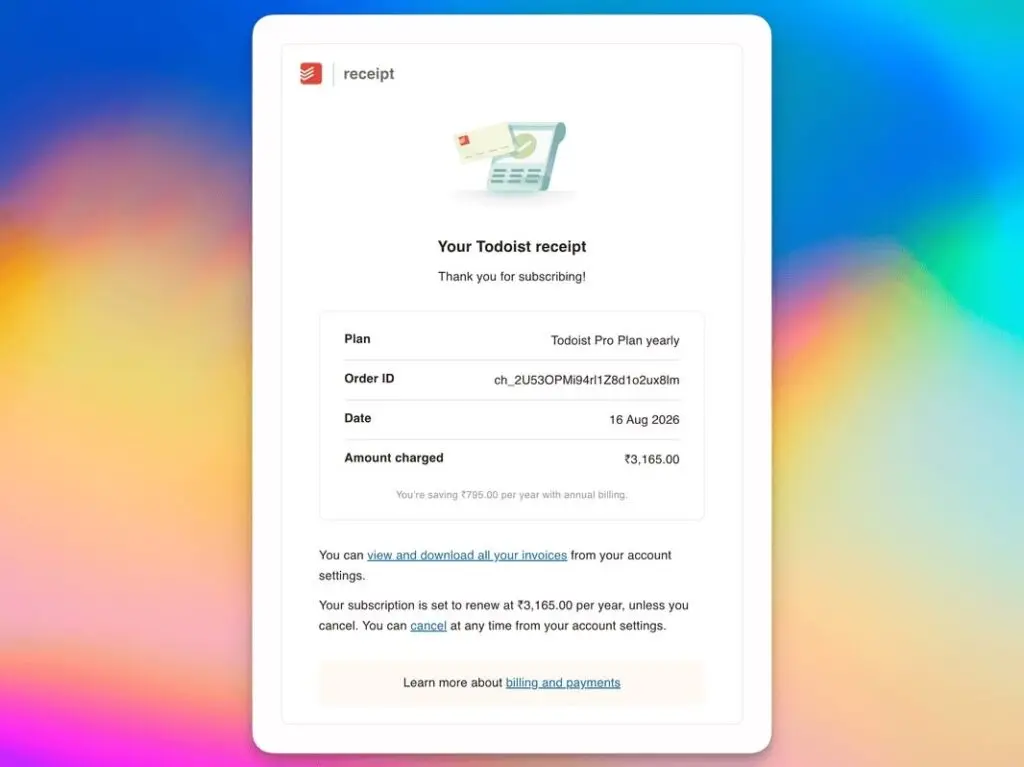
I was in split minds but I still subscribed to Todoist Pro again. That’s an awkward way to open an article about Todoist alternatives, but it’s the most honest place to start. I still don’t like paying ₹3,165 a year in India for a task manager I mainly open when something urgent needs attention.
After trying to leave, though, I found that every cheaper replacement removed something I’d quietly come to depend on.
I already use Things 3 and Apple Reminders (see my toolbox), and I like both. But I also own Android devices, so cross-platform access is a requirement, not a feature I can trade away. A task system that works beautifully on my Mac and iPhone but disappears on Android can’t be my only task system.
Most people shopping for a Todoist replacement land in one of two camps. The first keeps paying for Pro out of habit and uses maybe a third of it. The second hops to a new free app every few months and pays in lost tasks instead of rupees.
The right alternative depends on the one compromise you can tolerate. While I was in split minds about whether or not to renew my Todoist subscription, I searched for Todoist alternatives. I did Google Search (which is no longer helpful to be honest), read reviews, and asked ChatGPT Pro to do proper researches. But nothing was the all in one solution I was looking for.
In short, there’s no perfect Todoist alternative. But you still want one:
- TickTick comes closest as a conventional replacement.
- Microsoft To Do is the most sensible free option when you need Android support and file attachments.
- Google Tasks is enough if your tasks are simple and already live beside Gmail and Google Calendar.
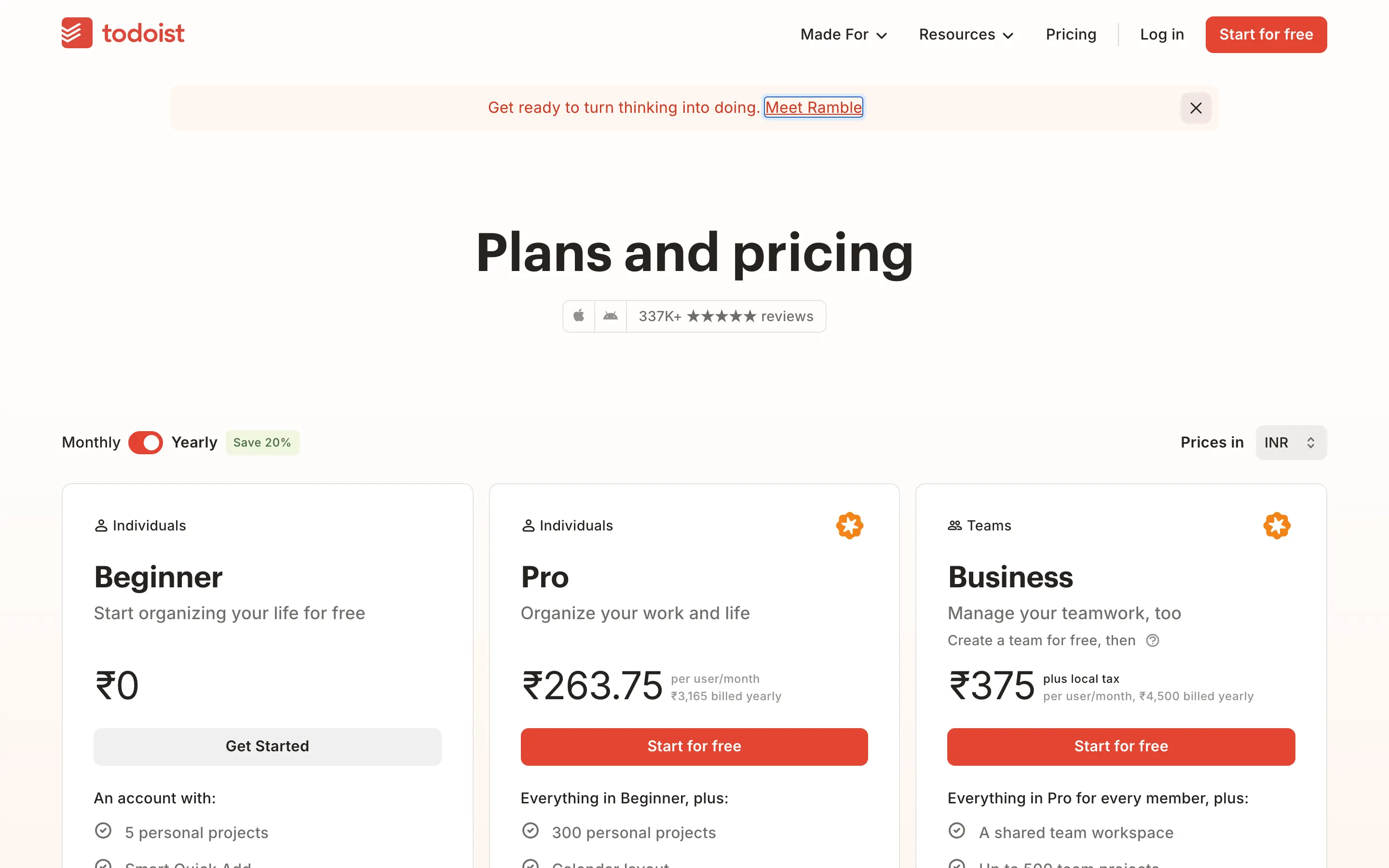
None of them reproduces Todoist’s complete mix of quick capture, organization, attachments, reminders, integrations, and consistent apps. If your requirements are light, don’t overlook Todoist Beginner. Moving from Pro to the free plan may solve the pricing problem without creating a migration problem. The free plan currently includes 5 personal projects, recurring due dates, reminders, comments, labels, 3 filters, and 5 MB file uploads.
What to Pick Instead of Todoist
- Closest paid alternative: TickTick
- Best free cross-platform alternative: Microsoft To Do
- Best for Google Calendar and Gmail: Google Tasks
- Best task-and-notes hybrid: Superlist
- Best for document-led work: Craft
- Best free open-source option: Super Productivity
- Best Apple-only experience: Things 3
- Best no-migration option: Todoist Beginner
- My current choice: Todoist Pro
Todoist Alternatives
Pricing looks different once you put the Indian and US stickers beside each other. Todoist Pro is ₹3,165 per year in India and $60 per year in the US. At roughly ₹96 to $1, a straight conversion would be about ₹5,760, so Todoist’s Indian price is about 45% lower. That is genuine regional pricing.
The table compares annual standard prices from the same purchase channel where possible. I call an Indian price generous when it is at least 20% below a straight dollar conversion, modest when it is 10% to 19% lower, and not meaningfully localized when the gap is smaller or India costs more. Promotions, taxes, and exchange rates can still change the checkout total.
| App And Plan | Current India Price | Current US Price | India Vs US Conversion | Indian Pricing |
|---|---|---|---|---|
| Todoist Beginner | Free | Free | N/A | Free globally |
| Todoist Pro | ₹3,165/year | $60/year | About 45% lower | Generous regional price |
| TickTick Premium | ₹2,599/year | $35.99/year promo; $49.99 regular | About 25% lower vs promo | Generous regional price |
| Microsoft To Do | Free | Free | N/A | Free globally |
| Google Tasks | No separate consumer fee | No separate consumer fee | N/A | No paid standalone plan |
| Superlist Free | Free | Free | N/A | Free globally |
| Superlist Basic | ₹2,999/year | $59/year | About 47% lower | Generous regional price |
| Any.do Personal | Free | Free | N/A | Free globally |
| Any.do Premium | ₹2,949/year standard SKU | $59.99/year standard SKU | About 49% lower | Generous regional price; promos vary |
| Remember The Milk Pro | ₹3,149/year | $49.99/year | About 34% lower | Generous regional price |
| Craft Free | Free | Free | N/A | Free globally |
| Craft Plus | ₹7,900/year App Store | $95.99/year App Store; $57.60/year web | 14% lower vs US App Store; 43% above US web | Modest App Store discount, not a good India deal |
| Twos | Plus ₹1,999/year; Buy all ₹1,199 once | Plus $19.99/year; Buy all $11.99 once | About 4% higher | No meaningful regional discount |
| Super Productivity | Free and open source | Free and open source | N/A | Free globally |
| Things 3 | ₹7,997 once for Mac, iPhone, and iPad | $79.97 once for Mac, iPhone, and iPad | About 4% higher | No meaningful regional discount |
| Apple Reminders | No separate fee | No separate fee | N/A | Included with Apple devices |
Todoist Pro, TickTick Premium, Superlist Basic, Any.do Premium, and Remember The Milk Pro all have generous Indian prices relative to their US stickers. But Todoist is already in that group, which is why switching among them saves only ₹16 to ₹566 per year in India.
Craft offers only a modest App Store discount, and its $57.60 web plan is much cheaper than the ₹7,900 Indian App Store plan. Twos and Things 3 sit close to ordinary currency conversion, so neither has a meaningful Indian discount. Free apps are free in both markets, which is value rather than regional pricing.
None of that justifies rebuilding a task system you already trust. Not even close.
The genuinely cheaper choices are the free plans. If a free plan meets your needs, you save the full ₹3,165. If you need a paid plan, choose it because its workflow is better for you, not because a small annual difference looks impressive in a comparison table.
Best Cross-Platform Todoist Alternatives
The apps below pass my Android test. That makes them plausible primary systems rather than Apple-only companions.
| App | Android | Desktop Or Web | File Context | Main Compromise |
|---|---|---|---|---|
| TickTick | Yes | Mac, Windows, Linux, web | Available, with plan limits | Busier product and prior workflow friction |
| Microsoft To Do | Yes | Mac, Windows, web | Files up to 25 MB per task | Simpler capture and organization |
| Google Tasks | Yes | Google Calendar and app side panels | No general upload field is documented | Very basic project structure |
| Superlist | Yes | Mac and web | 25 MB uploads on Free | 5-list free limit |
| Any.do | Yes | Mac, Windows, web, extensions | Small uploads on Free; more on paid plans | Paid India price remains close to Todoist |
| Remember The Milk | Yes | Desktop and web | Drive and Dropbox attachments on Pro | Only ₹16 below Todoist in India |
| Craft | Yes | Mac, Windows, web | 25 MB uploads on Free | Documents first, tasks second |
| Twos | Yes | Older web/desktop apps; new versions coming | File attachments remain a work in progress | NewTwos is still reaching platform parity |
| Super Productivity | Yes | Mac, Windows, Linux, web | Notes and file context | More complexity than light use needs |
The table’s job is elimination. If an app fails your platform mix, nothing else about it matters.
TickTick
TickTick is the closest conventional Todoist alternative. It has native apps for Android, iOS, Windows, macOS, and Linux, plus a web app and browser extensions. Premium adds stronger calendar features, custom filters, history, statistics, and more advanced reminders.
I tried TickTick around 2020 or 2021 and wanted it to stick. It didn’t. I didn’t like the task entry, and its handling of lists and sub-lists kept pulling my attention to the software instead of the task. That judgment belongs to an older version, so I won’t pretend it settles the current comparison.
TickTick still deserves a fresh trial because:
- Premium is ₹2,599 per year in India’s App Store, compared with $35.99 for the current US App Store offer and $49.99 at the regular US rate.
- It saves ₹566, or about 18%, against Todoist Pro.
- Its platform coverage is broad enough to be a real replacement.
- Calendar, habit, and focus features may let it replace more than one app.
The same breadth can make TickTick feel busier. Todoist’s strength isn’t that it has every productivity feature. It’s that entering a task rarely makes me stop to think about the software.
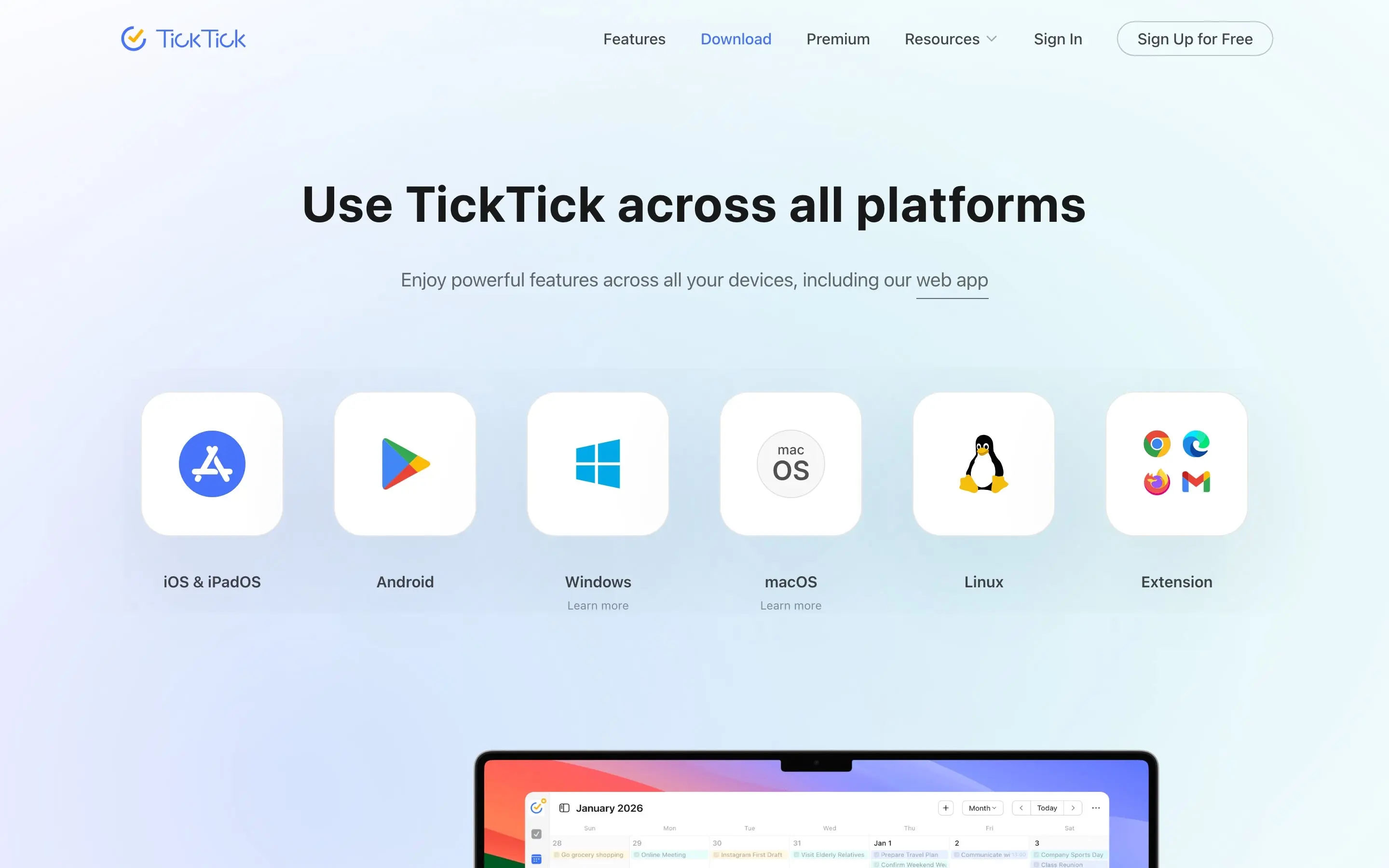
TickTick is the first paid alternative I’d retest. The ₹566 saving matters, but only if the current version feels better in your hands than the old one felt in mine.
Microsoft To Do
Microsoft To Do is the best free starting point for a person who needs Android, iPhone, Mac, Windows, and web access. A personal Microsoft account is enough.
It covers the basic jobs well:
- My Day provides a focused daily list.
- Tasks can have due dates, reminders, notes, and steps.
- Lists can be shared.
- Outlook tasks and flagged email can feed into the system.
- A task can hold files up to 25 MB.
That last point matters. File attachments are one of the reasons Things 3 can’t fully replace Todoist for me, and Microsoft includes them without a personal subscription.
The cost of free is a simpler system. Microsoft To Do doesn’t match Todoist’s filters, flexible project organization, or natural-language capture. The interface also attracts mixed reactions in the Reddit discussions, including complaints that it feels clunky and changes slowly.
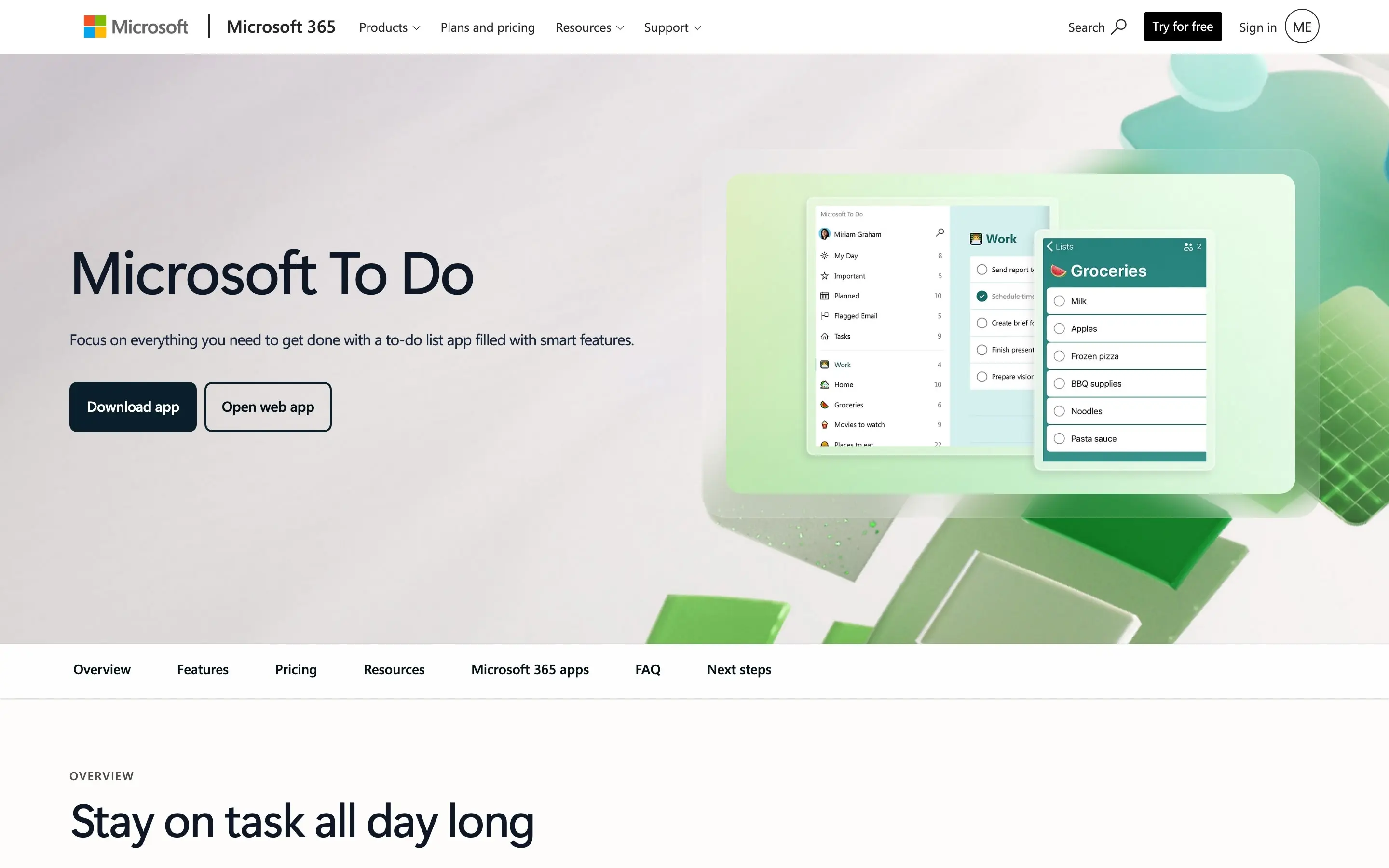
Choose Microsoft To Do if free, cross-platform access, and attachments matter more than Todoist-style power.
Google Tasks
Google Tasks is the obvious minimalist option for someone already living in Gmail and Google Calendar (my roundup of the best Google apps covers that ecosystem in depth). It has Android and iOS apps, while tasks also appear inside Google’s calendar and side panels on the web.
Google Tasks supports:
- Notes or details
- Dates, times, and deadlines
- Repeating tasks
- Notifications
- Subtasks
- Multiple lists
Its simplicity is both the appeal and the limit. Google’s documented task model doesn’t include a general file-upload field. Organization is basic, and a task with subtasks can’t be repeated.
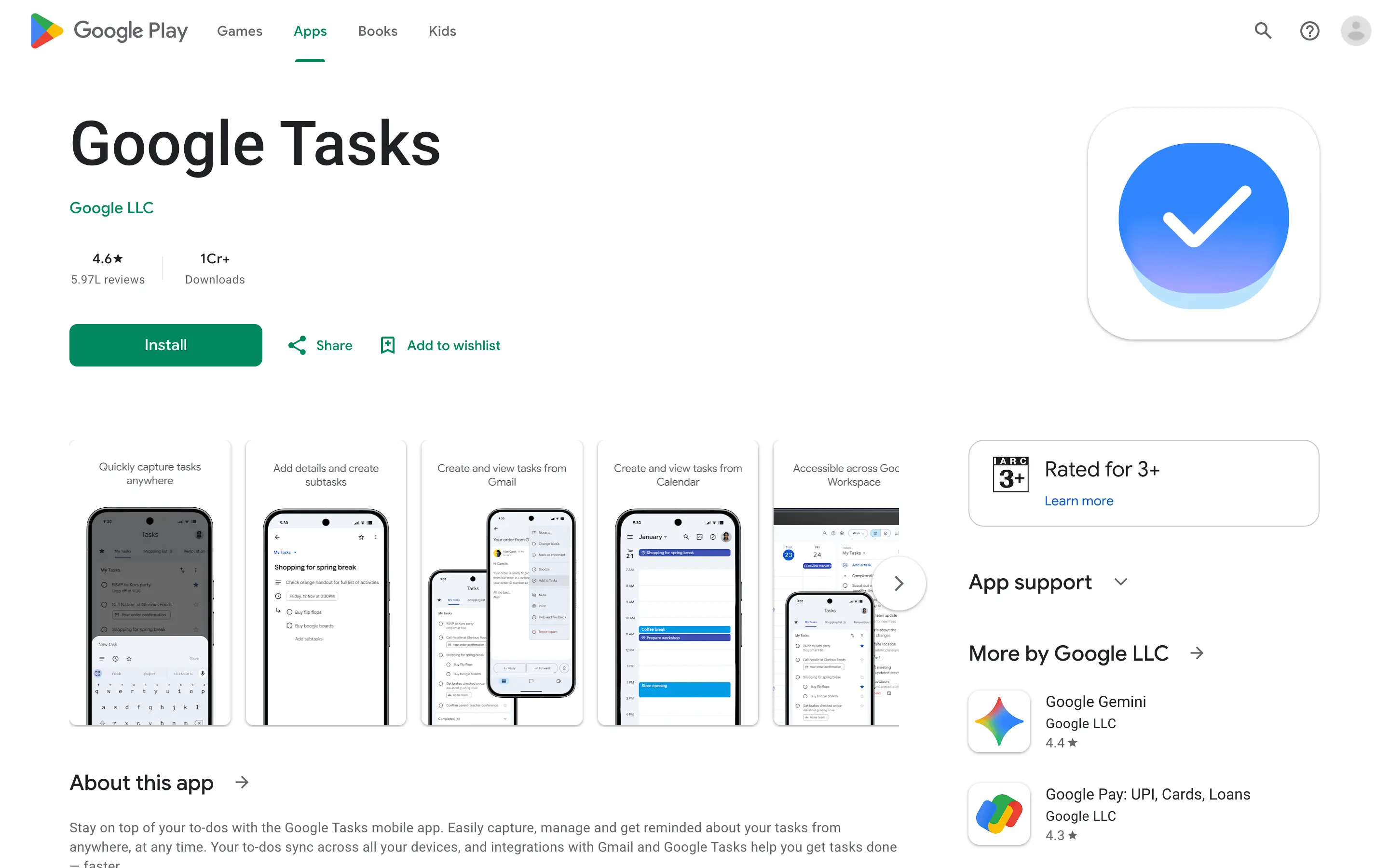
Google Tasks is enough when tasks are short, urgent, and calendar-led. It’s not a full Todoist replacement for projects that need files, filters, and deeper structure.
Superlist
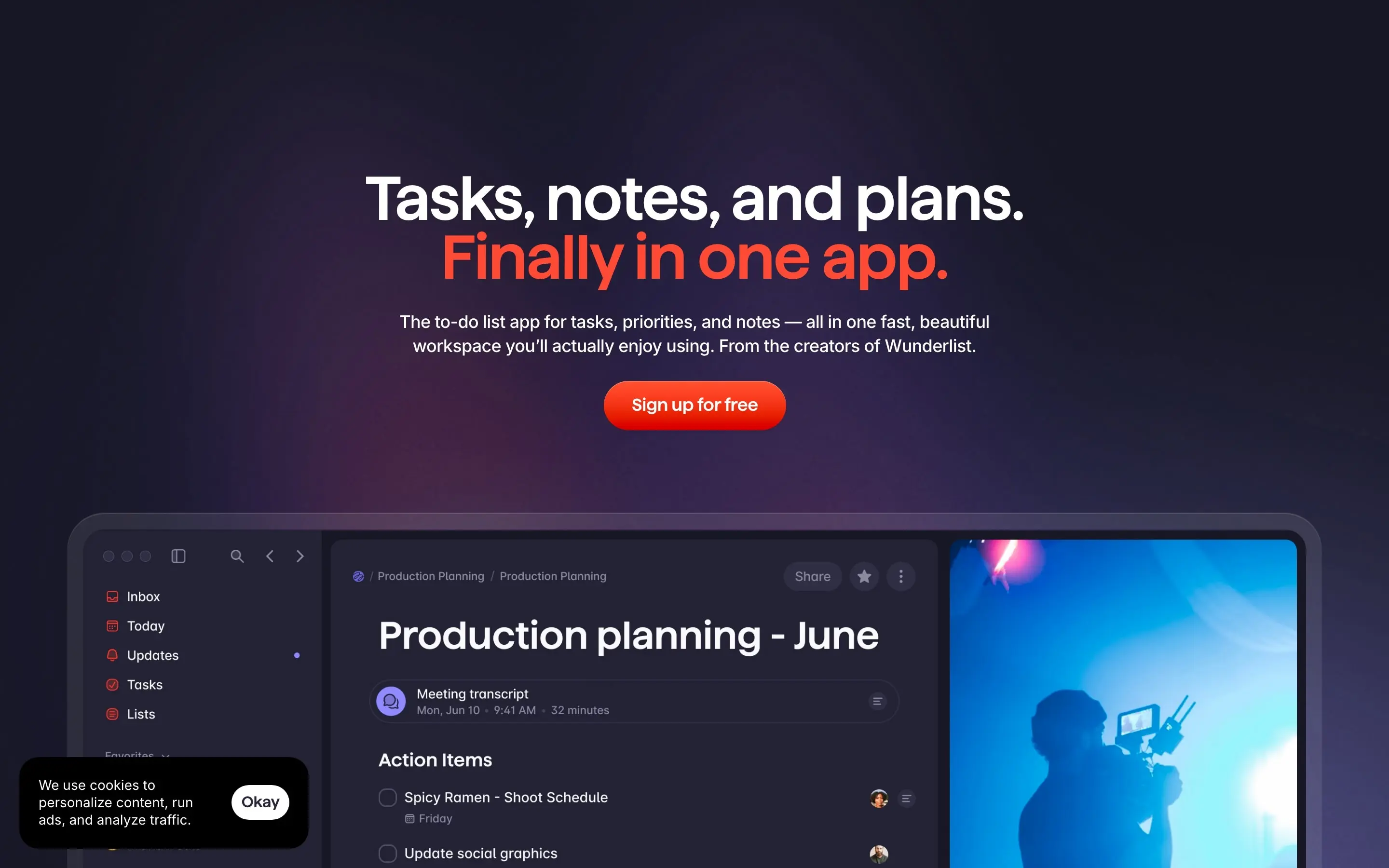
Superlist combines tasks, notes, messages, and files in a modern interface. It comes from people who worked on Wunderlist, and it feels designed for users who find a plain checkbox too small a container for their work.
The free plan is generous in some places and tight in one important place. It includes unlimited tasks and notes, reminders, repeating tasks, 25 MB uploads, and 500 MB of storage. It allows only 5 private or shared lists.
That’s the catch. If Todoist Beginner’s 5-project limit is what pushed you toward Pro, Superlist Free rebuilds the same wall under a different name.
Any.do
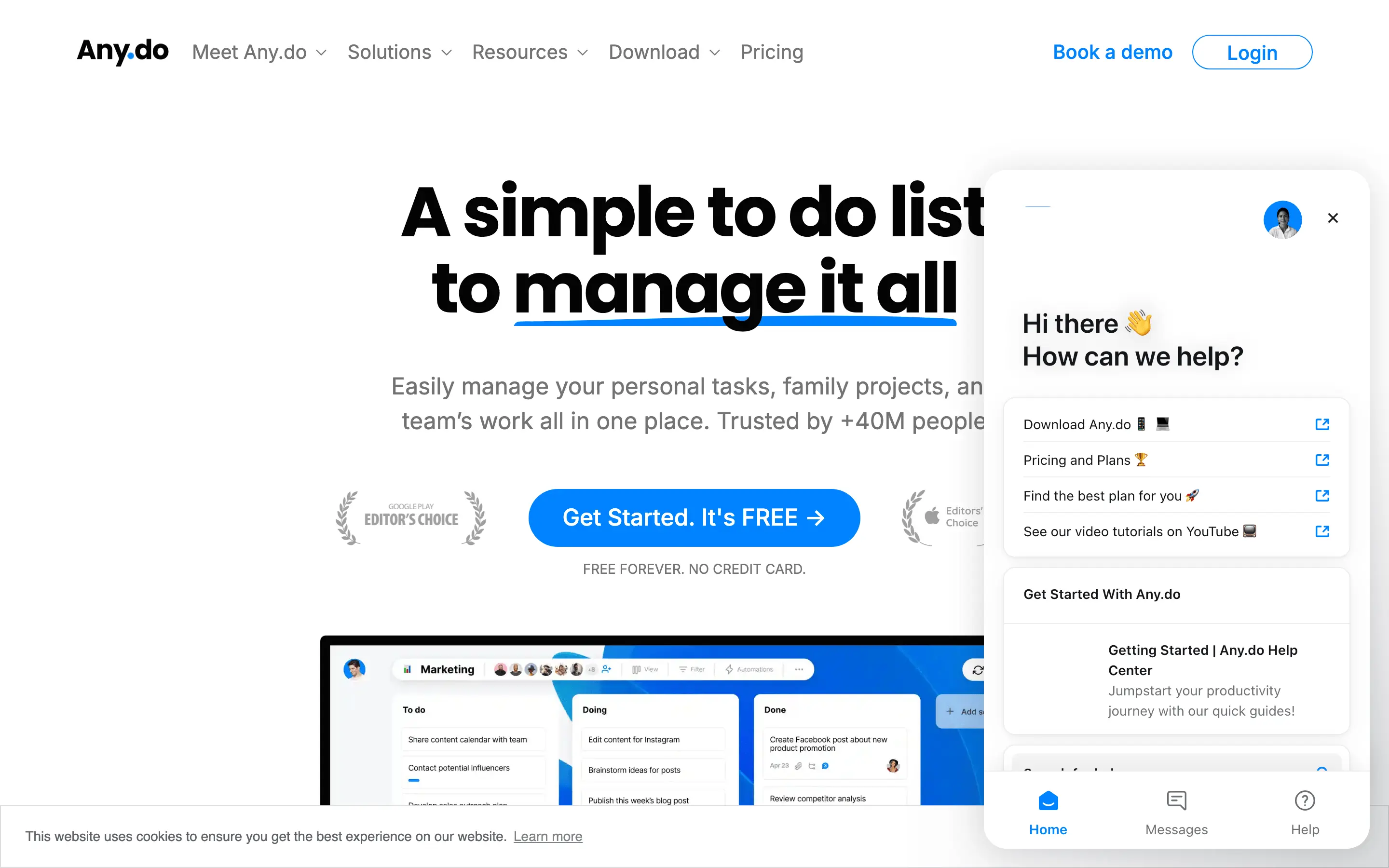
Any.do has broad platform support and a friendly personal-planning layer. Its free plan includes unlimited personal tasks and lists, basic reminders, calendar access, a daily planner, sync, and small file uploads.
Premium adds features such as advanced recurring reminders, location reminders, WhatsApp reminders, tags, focus tools, and higher file allowances. Those are useful, but they return us to the same problem: paying almost the Todoist price for a different collection of features.
Try Any.do Personal if the free workflow appeals to you. Premium isn’t a convincing price-led escape from Todoist.
Remember The Milk
Remember The Milk is the old, mature name in this list. It offers web, desktop, Android, and iOS apps, plus capable reminders and a familiar GTD-style organization model.
Pro adds subtasks, advanced sorting, unlimited sharing, offline web access, Outlook sync, automation integrations, a full archive, and attachments through Google Drive and Dropbox.
Choose Remember The Milk only if you prefer its organization model. Don’t switch for the Indian price.
Craft
Craft belongs in this comparison because it now has a real task layer rather than a few checkboxes hidden inside documents. It provides an Inbox, task hub, start dates, deadlines, reminders, calendar views, and tasks that remain connected to their documents. It also works on Android, iOS, macOS, Windows, and the web.
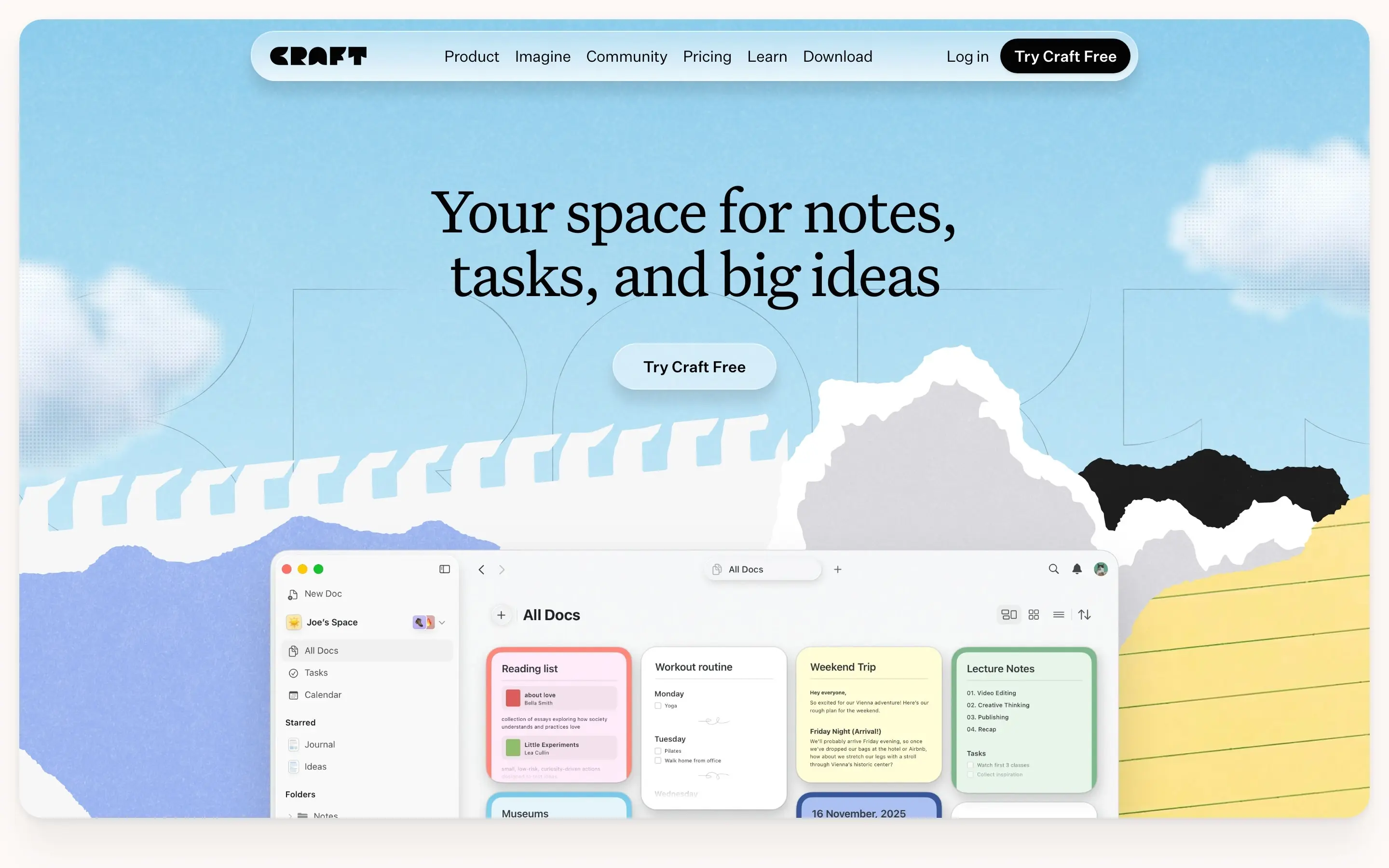
I already use Craft for documents and notes, and I like keeping a writing brief and its tasks inside the same document. That’s where its task layer makes sense to me: the work and the actions live together.
Craft is still document-first. A deadline doesn’t automatically create a notification; scheduling and reminders handle that separately. It also lacks the frictionless natural-language task entry that makes Todoist so quick.
Craft can replace Todoist for document-led projects but it is not a general-purpose and fast task manager like Todoist.
Twos
Twos approaches productivity more like a digital daily notebook. Notes, tasks, reminders, events, and lists all begin as small “things.” Unfinished tasks can roll into the next day.
There’s an important 2026 qualification: Twos is moving to NewTwos on mobile. The company says new web and desktop apps are still coming, while the older Twos web app remains available. Android is covered, but the newest experience hasn’t yet reached full desktop and web parity.
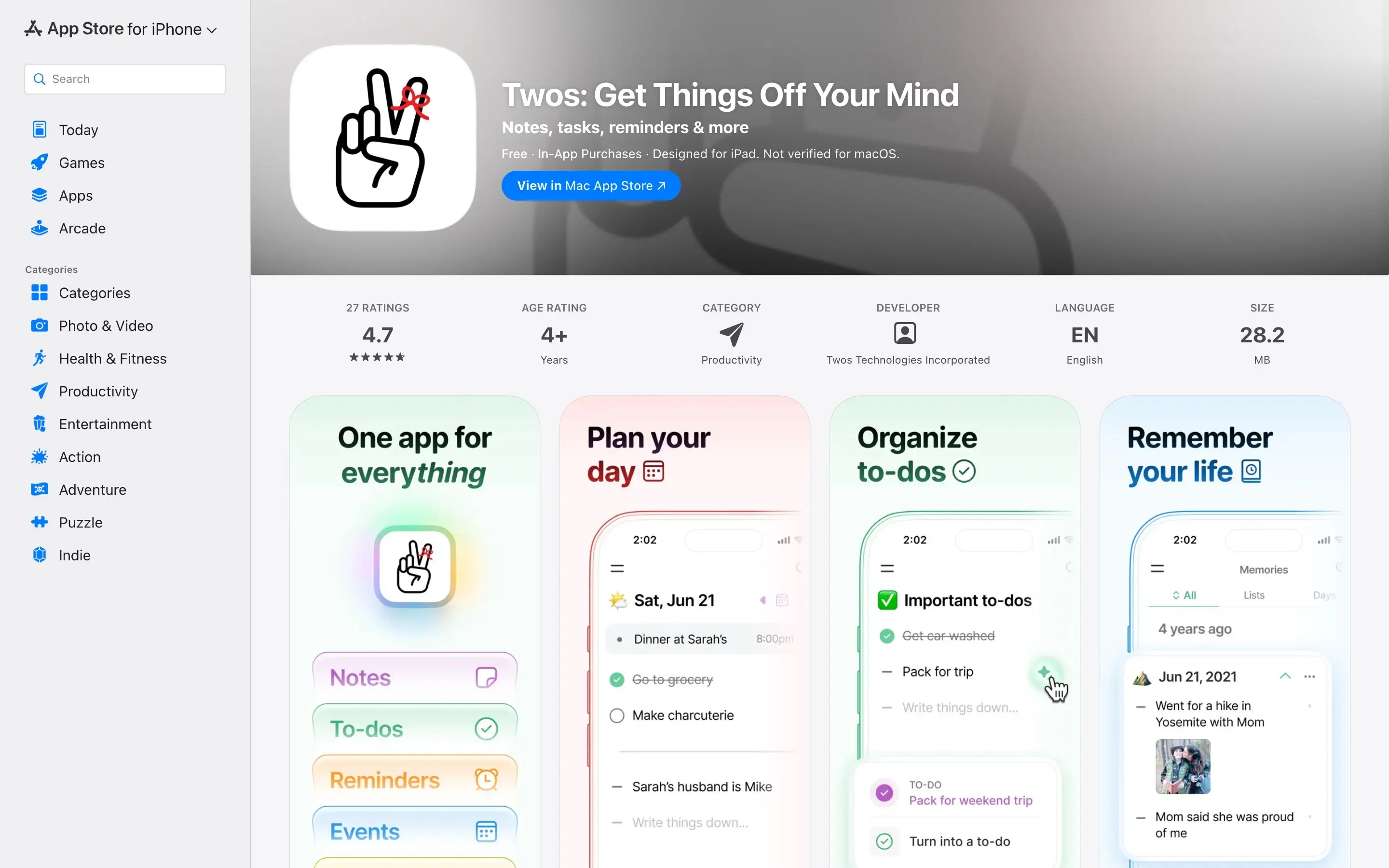
File attachments remain the weak point. Twos itself describes improvements to photos, files, voice memos, and video as future development. That makes it hard to recommend for a migration driven partly by missing attachments elsewhere.
Twos is a good free choice for daily capture. It’s less suitable when tasks need conventional projects, attached files, and identical current-generation apps on every platform.
Super Productivity
Super Productivity is free, open source, and unusually capable. It supports projects, subtasks, tags, timeboxing, time tracking, notes, file context, local data, and integrations with development and project tools. Apps are available across the major desktop and mobile platforms.
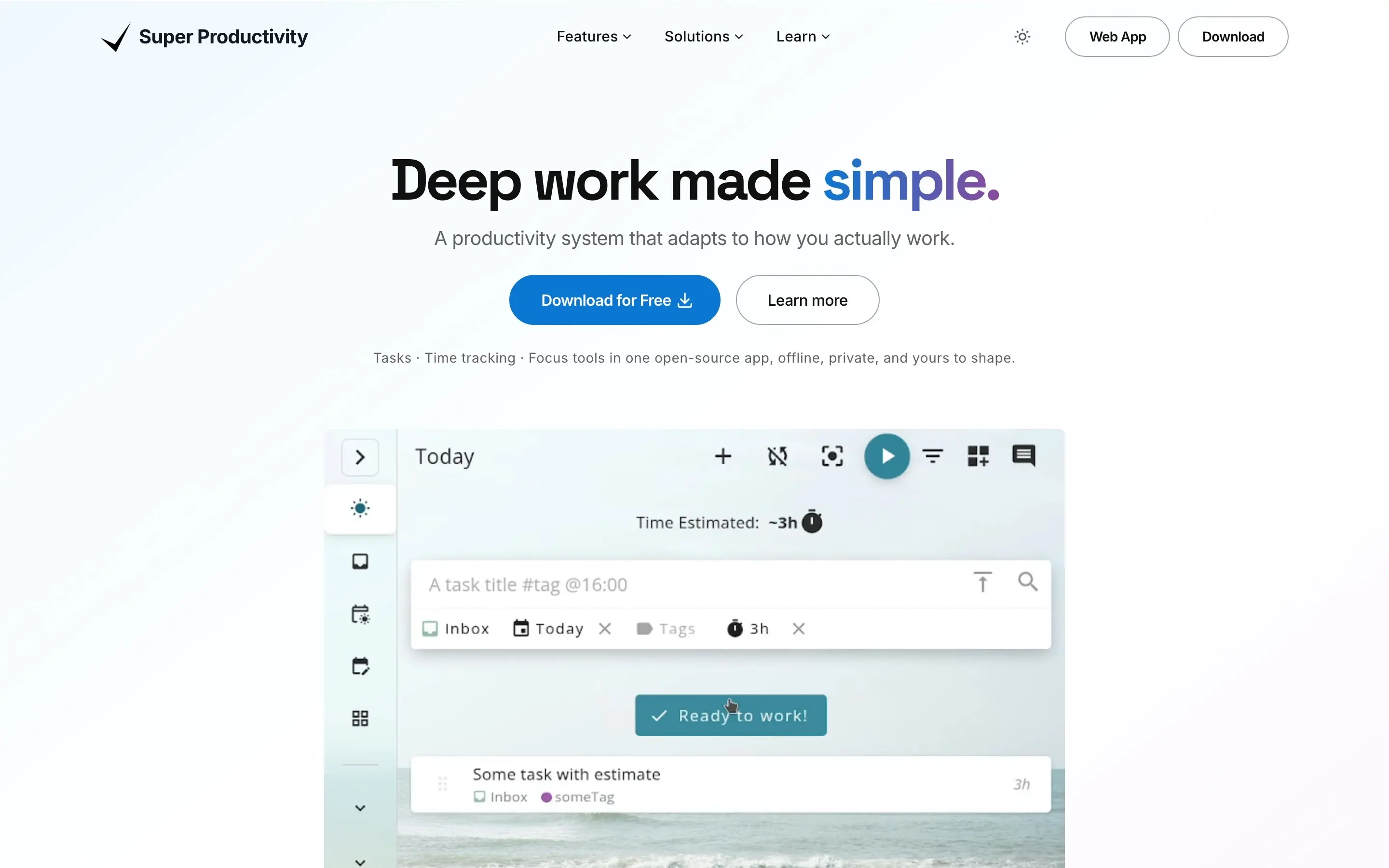
The tradeoff is visible before you pay anything: there’s more system to configure.
That’s not a flaw for the right person. A developer who wants time tracking, issue integration, and local control may prefer Super Productivity to a subscription service. For someone who mainly writes down occasional urgent tasks, however, its power can become another maintenance job.
Use it when local ownership or time tracking is the goal. Skip it when simplicity is the goal.
Things 3 and Apple Reminders
Things 3 and Apple Reminders remain part of my setup. Neither passes the Android requirement, so I treat them as useful Apple tools rather than complete Todoist replacements.
Things 3
Things 3 is still one of the best-designed personal task managers, and I love the calm of its Today view. The hierarchy is understandable, and the app rarely puts visual noise between a task and the next action.
Its conservative pace frustrates me, though. Cultured Code’s own support documentation says that Things can’t attach photos or files. You can paste a cloud-file link into a note, but that’s not the same interaction. Real-time shared lists are also unavailable.
I cover Things and Craft in more context in my list of Mac apps and utilities. Both remain useful in my wider setup even though neither replaces Todoist here.
The platform boundary is absolute. Things has no Android, Windows, Linux, or web app.
The one-time India and US prices are:
- Mac: ₹4,999 in India and $49.99 in the US
- iPhone and Apple Watch: ₹999 in India and $9.99 in the US
- iPad: ₹1,999 in India and $19.99 in the US
- All 3 purchases: ₹7,997 in India and $79.97 in the US
There’s no subscription, which is attractive over several years. The calculation stops mattering the moment an Android device enters the workflow.
Things 3 is an excellent Apple task manager and an incomplete cross-platform system.
Apple Reminders
Apple Reminders is free, fast, and better than many people remember. It supports notes, alerts, location reminders, flags, Smart Lists, photos, and scanned documents on Apple devices. Siri and system sharing make capture convenient.
I use it for personal tasks, and I like it for what it doesn’t ask of me: no subscription, no onboarding, nothing new to maintain. It’s already there.
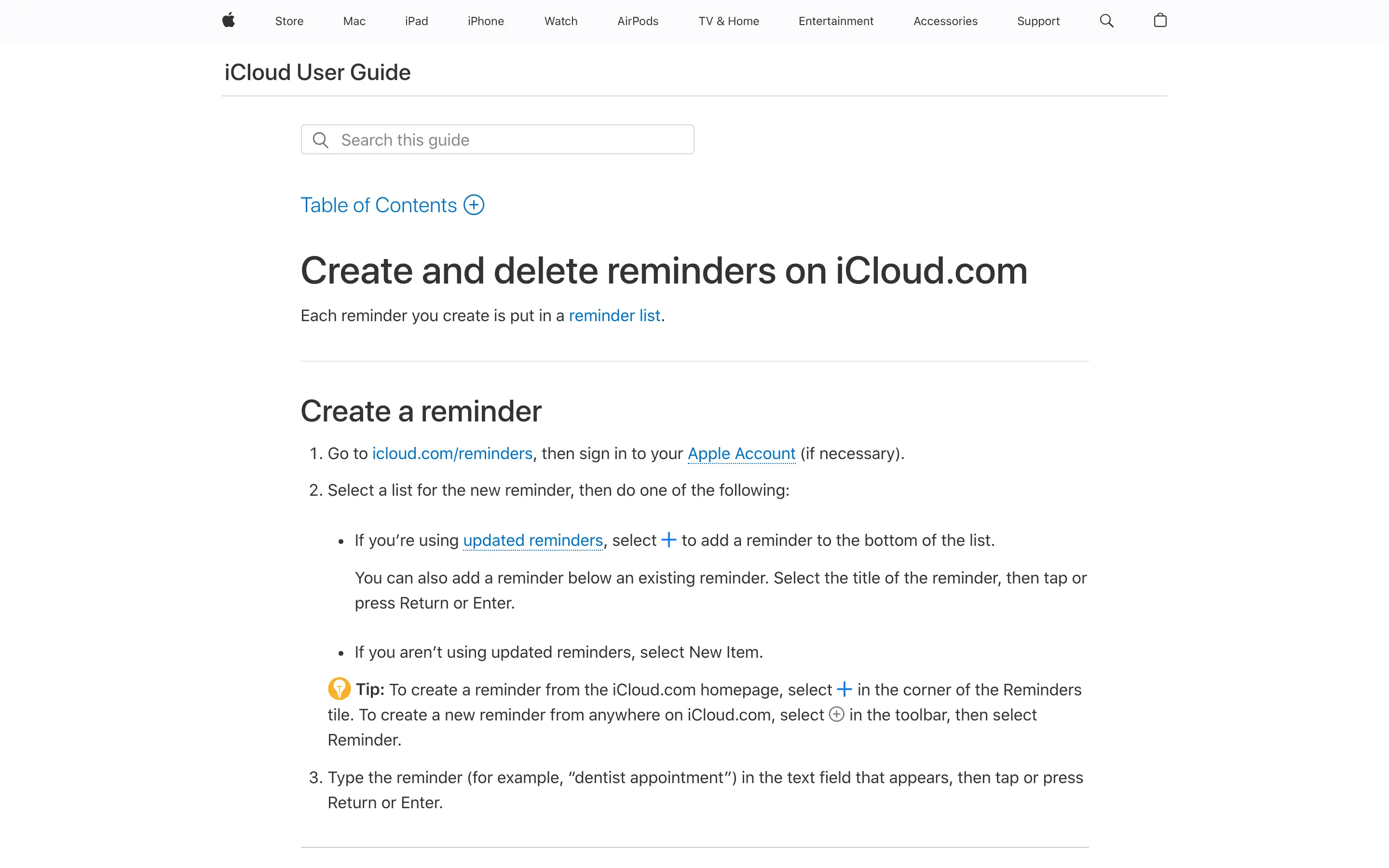
iCloud.com provides browser access, including basic creation and editing. That’s useful on a borrowed computer or in a pinch. It doesn’t turn Reminders into a native Android app, and the browser experience doesn’t have the same integration as the Apple apps.
Keep Apple Reminders for Apple-native personal tasks. Don’t make it the only source of truth if Android matters.
Other Apps from the Reddit Threads
The discussions about Todoist alternatives and free alternatives to Todoist surfaced many more names: 2Do, Quire, Amplenote, MyLifeOrganized, Griply, ClickUp, Asana, Trello, Notion, Obsidian, Tasks.org, and several self-built or early-stage products.
Most are less direct substitutes. A recommendation becomes less useful when it compares a quick personal task manager with a team project-management suite, a notes database, or a self-hosted system that needs ongoing maintenance.
I also installed and removed several smaller alternatives. Some I plainly hated: they looked like white-labeled copies of the same app wearing different icons, with no interaction model of their own. I’m not naming them just to make this list longer.
They generally fall into 4 groups:
- Project platforms: ClickUp, Asana, Trello, and Quire can manage tasks, but they introduce more structure than occasional urgent work needs. They belong in a business productivity stack, not a pocket to-do list.
- Notes-first systems: Notion, Obsidian, and Amplenote can be shaped into task managers. The shaping becomes part of the job.
- Power-user organizers: MyLifeOrganized and 2Do offer deep customization, which is valuable when customization is the requirement.
- New and promotional apps: Some may become excellent. A Reddit comment and a polished landing page aren’t enough evidence for entrusting every task to them.
The most interesting pattern wasn’t a product name. It was how often people described leaving Todoist, trying several alternatives, and returning. That doesn’t prove Todoist is best for everyone. It shows that a task manager is a collection of small interactions, and replacements often fail through 20 tiny cuts rather than one missing headline feature.
The shortlist also overlaps with the current to-do app roundups from Zapier and TechRadar. That agreement is useful for defining the category, but not for deciding the price. Official product pages and localized stores are the better source for specifications and what an Indian subscriber actually pays.
Why I Subscribed to Todoist Pro Again
I didn’t renew because Todoist is perfect. It’s not.
I renewed because the alternatives kept splitting the problem:
- Things 3 gives me polish but not Android or files.
- Apple Reminders gives me excellent Apple integration but no native Android app.
- Google Tasks gives me Google integration but not enough organization or file context.
- Microsoft To Do gives me free attachments and broad access but a simpler workflow.
- Craft gives tasks rich document context but slower capture.
- TickTick comes closest, yet I didn’t like its entry and list handling when I last used it.
- The other paid plans often save too little to compensate for migration and relearning.
Todoist still gives me the fewest excuses not to record a task. Smart Quick Add understands dates. Projects, sections, subtasks, labels, and filters are available when I need them. Comments and attachments keep context with the action. The apps behave consistently across Apple, Android, desktop, and web.
I don’t use every Pro feature. I don’t need the AI layer enough to justify the subscription by itself. Todoist isn’t priced à la carte, though. I’m paying for the complete workflow, including the boring parts that work reliably.
At ₹3,165 per year in India, compared with $60 in the US, that’s about ₹264 a month. I still notice the annual charge, and I still don’t love it. I also notice the time I lose when I install a replacement, configure it, move tasks, hit one missing behavior, and uninstall it.
This year, the subscription was cheaper than continuing the search.
Is Todoist Pro Worth It?
Todoist Pro is worth it when its paid features prevent real friction. It’s poor value when the free plan already covers your actual behavior.
Stay on or move to Todoist Beginner if:
- 5 personal projects are enough.
- 3 filters are enough.
- A week of activity history is enough.
- 5 MB uploads cover your attachments.
- You mainly need recurring dates, reminders, labels, comments, and quick capture.
Keep Todoist Pro if:
- You need more projects or filters.
- Calendar layout, durations, deadlines, custom reminders, backups, or full history matter.
- Cross-platform consistency prevents tasks from falling through gaps.
The correct comparison isn’t Todoist Pro versus every paid app. It’s Todoist Pro versus Todoist Beginner first, then versus one alternative that replaces the specific paid feature you need.
What Quietly Ruins the Switch
Most failed migrations don’t die on a missing feature. They die on habits that looked reasonable at the time.
Switching to save ₹166 or ₹216 a year. The saving feels like progress, but a migration costs hours of setup and weeks of retraining your capture habit, and the math never recovers.
Running the old and new apps side by side during the trial. It feels careful. Your tasks split across two inboxes, and the urgent one always lands in the app you didn’t open that day.
Choosing an Apple-only system while carrying an Android phone. The design wins the demo. The gap shows up the first time a task occurs to you and your Mac is in another room.
Adopting a brand-new app from an enthusiastic Reddit thread as your only system. The energy is real, and so is the risk: features are still arriving, platforms are still catching up, and your task history rides along on the bet.
Keeping Pro while living like a free user. If 5 projects and 3 filters would have covered your last 6 months, the subscription isn’t a workflow. It’s a donation.
The Limits
This comparison can’t settle 3 things for you.
- Prices move. Every figure here comes from current vendor pages or US and India App Store listings. Offers, taxes, exchange rates, and promotional SKUs change without notice. The checkout screen is the only price that counts.
- My TickTick judgment is dated. I disliked its task entry in an older version, around 2020 or 2021. The current app deserves its own trial before you accept my hesitation as your conclusion.
- Nothing here tests collaboration at scale. I compared these as personal task systems. Shared projects, team permissions, and delegation change the ranking, and ClickUp-class tools re-enter the conversation there.
And no table can test your muscle memory. The 20 tiny cuts that send people back to Todoist only show up in your own week of use.
FAQs on Todoist Alternatives
TickTick is the closest overall Todoist alternative. Microsoft To Do is the best free cross-platform option for basic tasks and attachments. Neither is a universal replacement, and Todoist remains stronger for my combination of capture speed, organization, and device support.
Microsoft To Do is my default free recommendation because it works on Android, iOS, Mac, Windows, and the web, and it supports files up to 25 MB per task. Google Tasks is better when you want the smallest possible system inside Google Calendar and Gmail.
Todoist Beginner may be the better answer if you already like Todoist and fit within its limits.
Yes. TickTick Premium is ₹2,599 per year in India’s App Store, compared with $35.99 per year for the current US App Store offer and $49.99 at the regular US rate. Todoist Pro is ₹3,165 per year in India and $60 per year in the US. TickTick saves ₹566 annually in India, or about 18%.
Things 3 can replace Todoist for an individual who uses only Apple devices and doesn’t need native file attachments or real-time shared lists. It can’t be a complete replacement for someone who needs Android, Windows, Linux, or web access.
There’s no native Apple Reminders app for Android. You can use Reminders through iCloud.com in a browser, but that’s a fallback rather than full native Android support.
Microsoft To Do supports files up to 25 MB per task. Superlist Free supports 25 MB uploads with 500 MB total storage. Craft Free supports uploads up to 25 MB with 1 GB of storage. Remember The Milk Pro connects attachments through Google Drive and Dropbox. Todoist Beginner supports 5 MB uploads.
Things 3 doesn’t support native file attachments, and Google Tasks doesn’t document a general file-upload field.
Using 20% below a straight US dollar conversion as the threshold, Todoist Pro, TickTick Premium, Superlist Basic, Any.do Premium, and Remember The Milk Pro have generous Indian prices. Craft’s App Store discount is modest, while Twos and Things 3 are close to ordinary currency conversion. Free apps have no paid regional price to compare.
The Alternative I Chose
My ideal app would combine Todoist’s capture and platform support, Things 3’s calm interface, Apple Reminders’ system integration, Craft’s document context, and Microsoft To Do’s price.
That app does not exist.
So I subscribed to Todoist Pro again. I’ll continue using Things 3 and Apple Reminders where they fit, and I’ll keep Craft for document-led work. If I retest one direct replacement, it’ll be TickTick. If I decide I no longer need Pro features, I’ll downgrade to Todoist Beginner before moving everything elsewhere.
That’s my recommendation for you as well: identify the one Pro-only feature you genuinely use. If the free plan covers it, downgrade. If it doesn’t, trial only the one alternative that replaces that feature.
Don’t turn a ₹3,165 Indian subscription, or a $60 US one, into weeks of app shopping.
Tell Google you want more of this.
Add Gaurav Tiwari as a preferred sourceOne tap, and this site shows up more often in your own Top Stories, AI Overviews and AI Mode. Remove it any time.
Disclaimer: This site is reader-supported. If you buy through some links, I may earn a small commission at no extra cost to you. I only recommend tools I trust and would use myself. Your support helps keep gauravtiwari.org free and focused on real-world advice. Thanks. - Gaurav Tiwari