
 by
byYou have an app idea and no intention of learning to code. That used to mean hiring someone or giving up. It doesn’t anymore, but the market that grew up around that promise is now loud, crowded, and vague about the one thing you need to know before you start: how far you get before somebody asks for a card.
Most people working out how to make an app without coding go wrong in one of two directions. Some pick whichever builder ranks first, spend a weekend on it, and discover the free plan cannot publish anything. Others assume free is a lie, pay $40 a month on day one, and fund four months of hosting for a prototype nobody has opened.
Ten tools below can build a real app without a line of code. Five publish something shareable on their free plan. Five are excellent and charge before anyone but you can open the result. That split matters more than any feature list, so this piece is organized around it rather than around a ranking.
Free and paid are not tiers here. They are two different plans for the same weekend.
The short answer
One question sorts this whole category: can a person who is not you open the thing you built? The table answers that for all ten, with what the first paid step costs when you outgrow it.
| Tool | Best for | What the free plan gives you | First paid step |
|---|---|---|---|
| Softr | Client portals and directories | Live app, custom domain, 10 app users, 5,000 records | About $49/mo (Basic, annual) |
| Bolt.new | Fastest working prototype | 300K tokens/day and 1M/month, hosting included | $25/mo (Pro) |
| Lovable | Full-stack web app from a prompt | 5 credits/day, about 30/month, lovable.app subdomain | $25/mo (Pro) |
| Replit | Seeing the code the AI writes | Daily agent credits, 1 published project, password protection | $20/mo (Core, annual) |
| Google AppSheet | Internal tools on data you have | Full editor, unlimited prototypes, 10 test users | $5/user/mo (Starter) |
| FlutterFlow | A native app you can own | 2 projects, web publishing, all components | $39/mo (Basic) |
| Bubble | Web apps with genuine logic | 50,000 workload units/month, development version only | $29/mo (Starter web, annual) |
| Glide | Spreadsheet into an app | Build and test in the builder, no publishing | $25/mo |
| Rork | AI-built native mobile apps | Limited messages, public projects, preview on your phone | $25/mo (Junior) |
| Adalo | Drag-and-drop mobile, no prompting | 500 records per app, unlimited test apps, no publishing | $36/mo (Starter) |
The first five rows can put a working link in someone’s hands today. The last five are workbenches, and good ones, but the Publish button has a price on it.
What free actually buys you
A publishable free plan produces a URL you can text to someone. A previewable free plan produces a screen recording. Both get called free.
That line has been moving in one direction, and it is worth knowing why. Free apps burn real server capacity, so platforms that once published them have been pulling that back. Glide is the clearest case: its own help documentation now says publishing requires a paid plan, and that free-plan apps run and are tested inside the builder without being accessible to anyone outside it. Plenty of roundups still describe Glide’s old free publishing. They are describing a plan that no longer exists.
So interrogate a free plan the way you would a contract, before you build on it.
1. Can someone who is not signed into my account open this app?
2. How many people can use it before it stops working?
3. Whose name and logo appear on it?
4. What exactly disappears the day I stop paying?
Every plan below fails at least one of those in a way you will not love. Five minutes on a pricing page tells you which, and saves you the weekend.
Start with one question
Before comparing features, describe your app in one sentence naming who opens it and on what. “Twelve of my clients, in a browser, logged in.” “Anyone, on an iPhone, from the App Store.” “Six people on my team, on Android, using data from our sheet.”
That sentence eliminates most of this list before you create an account. Follow it down the path below.
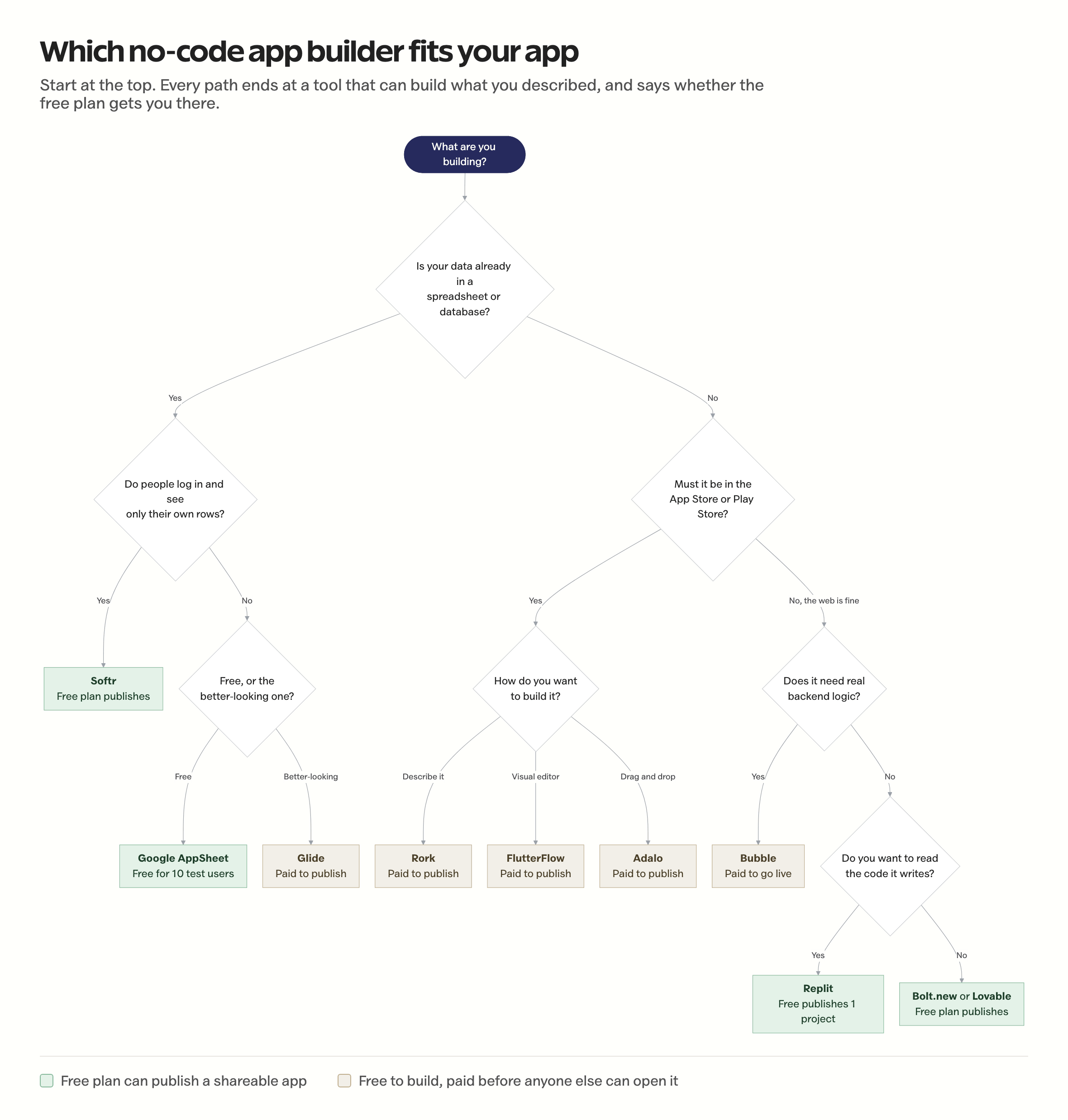
Two branches decide almost everything: whether your data already exists somewhere, and whether the app has to live in an app store. Answer those two honestly and you are choosing between two tools, not ten.
Five free plans that publish
These five produce a working, shareable app without a payment method on file. They are ordered by how much real usage the free plan absorbs before it stops being enough, which is a different order from how powerful each one is.
1. Softr, the most generous free plan
Softr builds portals, directories, and internal tools on top of data that already exists, whether that is Airtable, Google Sheets, Notion, HubSpot, or its own database. Pick a template, connect the source, set who sees which rows.
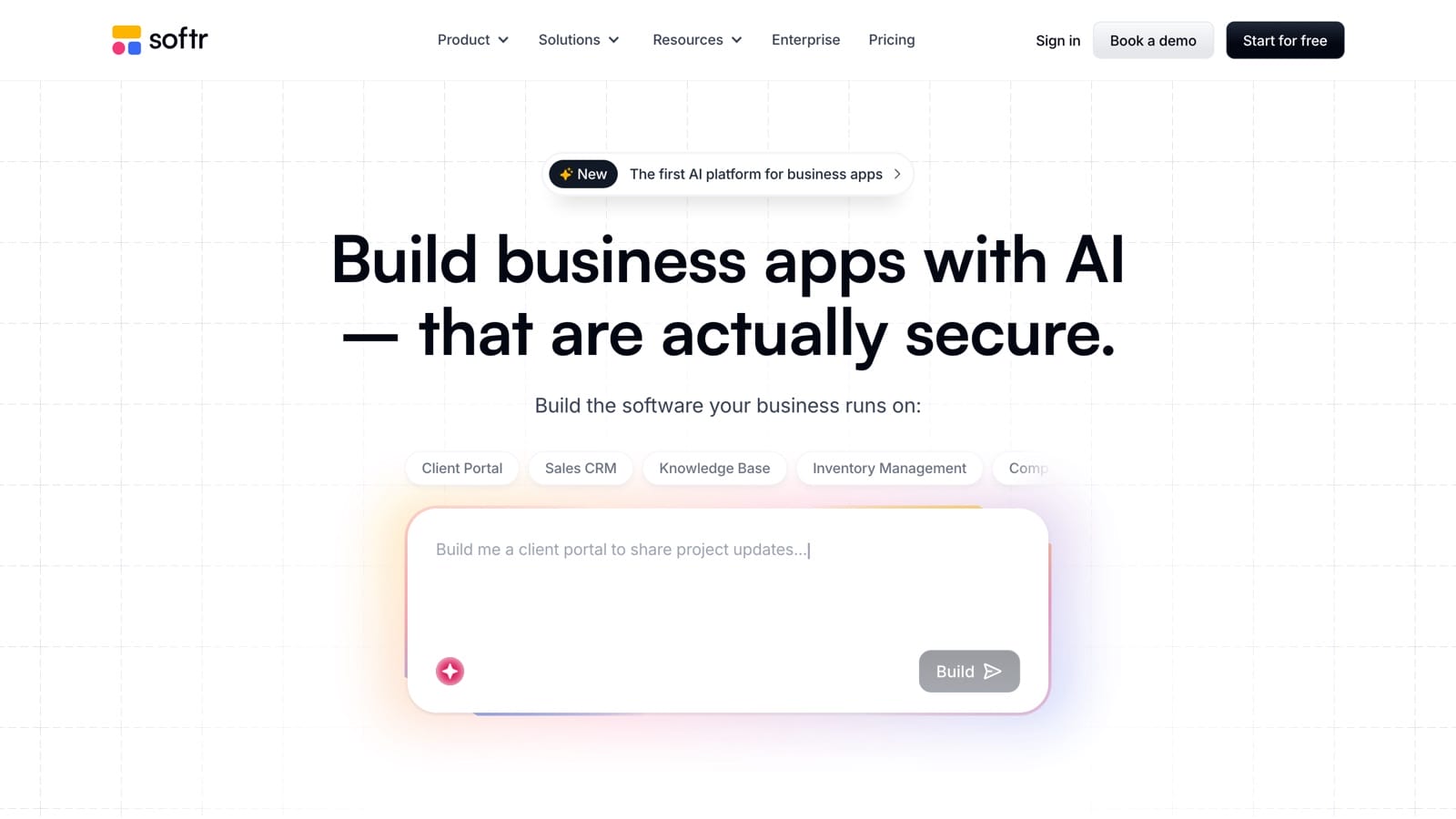
What the free plan includes:
- Unlimited apps and unlimited collaborators
- 10 app users, meaning people who log in and use it
- 5,000 database records
- 500 workflow actions and 5 AI credits per month
- A custom domain, which practically no other free plan includes
- Softr branding you cannot remove until the Professional tier
A custom domain on a free plan changes what the plan is for. You can run a genuine client portal on yourdomain.com, with logins, without paying, as long as the client list stays under ten people.
That cap is also the wall. Client eleven costs you Basic, around $59 monthly or closer to $49 annually, which lifts you to 20 users. There is no gentle middle step, so count your users before you count features.
Best fit: a freelancer or small agency giving each client a login to see their own project, files, and invoices.
2. Bolt.new, fastest to a demo
Bolt.new takes a plain-English description, builds a full-stack web app in the browser, and hosts it. No canvas to learn, no component tree to arrange. You describe the app, it writes and runs the code, you tell it what is wrong.
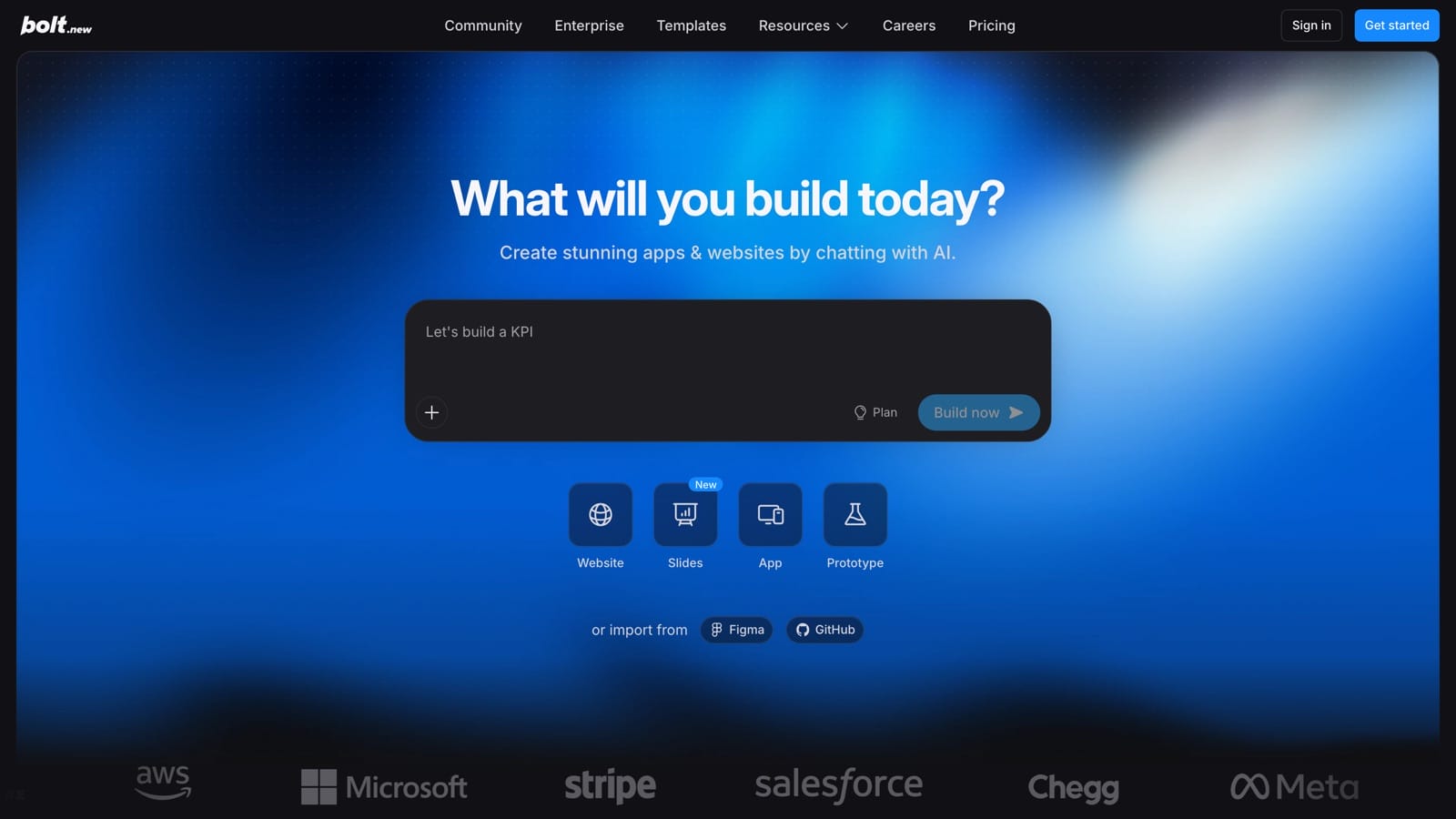
What the free plan includes:
- 300,000 tokens per day and 1 million per month
- Both public and private projects
- Website hosting, so the app has a live URL
- Unlimited databases
- Bolt branding on published sites and a 10 MB upload limit
That is the most generous free allowance among the AI builders, and the daily reset matters more than the monthly number. Tokens burn fastest during debugging, not building, so a session that goes sideways can eat a day’s budget in an hour. Next morning you get another 300,000.
Best fit: getting a working demo in front of a co-founder, a client, or a skeptical friend this week. Pro is $25 a month once the daily cap costs you momentum.
3. Lovable, most app per prompt
Lovable works the way Bolt does but aims further, wiring up a database, authentication, and a deployed front end from one description. It is the most mature tool in this category.
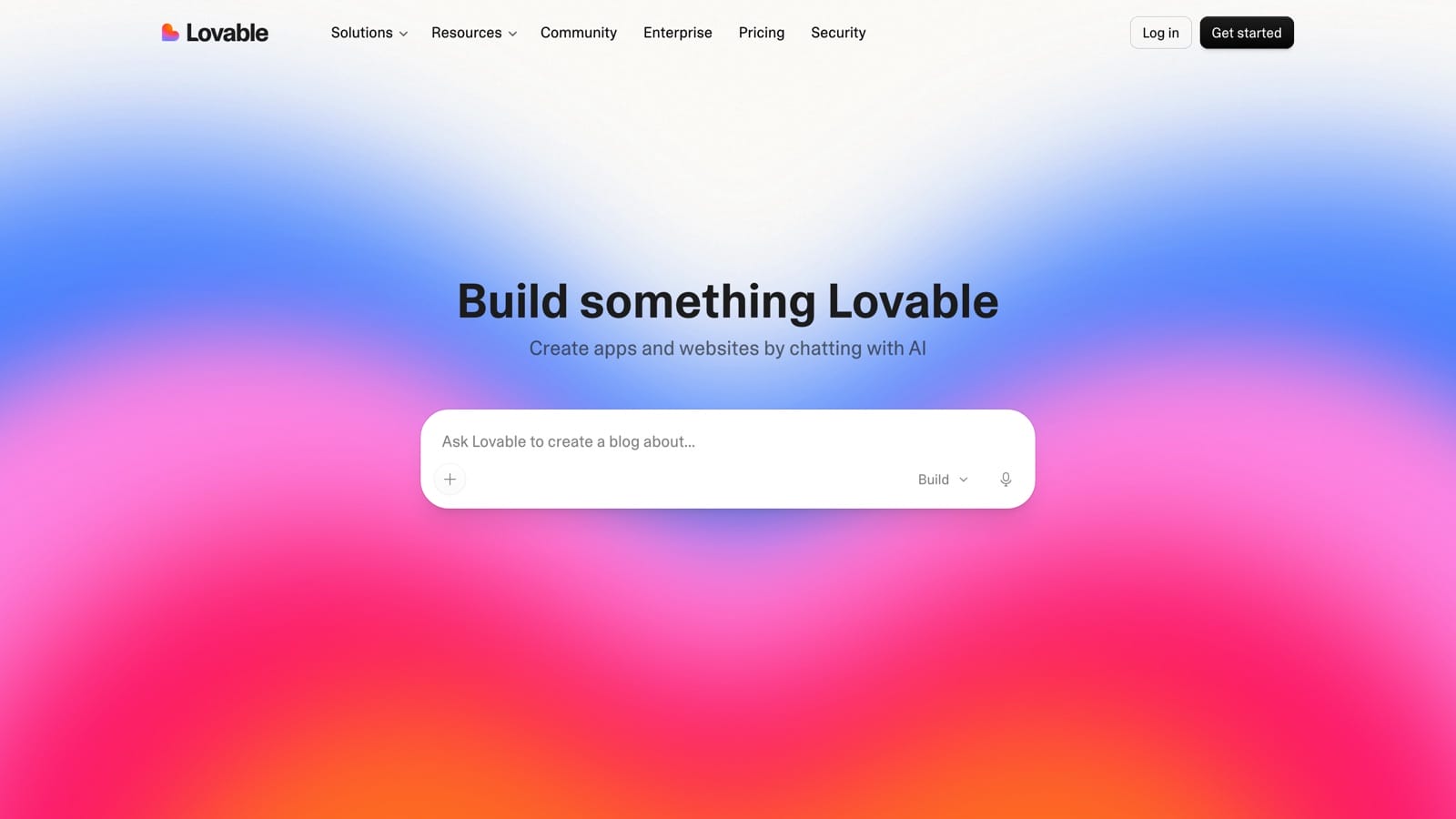
What the free plan includes:
- 5 build credits per day, up to about 30 per month
- Private projects and unlimited collaborators
- Publishing to a lovable.app subdomain
- Credits reset at 00:00 UTC and do not roll over
Five credits a day sounds like more than it is. A credit is a message, not a feature, and asking for a small layout fix costs the same as asking for a whole screen. A real app takes considerably more than five rounds of that.
The workaround is free and obvious once you have wasted a day. Batch your changes: one message listing six fixes instead of six messages listing one.
Best fit: a founder validating a web app idea in short daily sessions. Pro is $25 a month for 100 credits.
4. Replit, where the code stays visible
Replit wraps the AI agent in a full browser IDE: terminal, version control, database, and every file it writes sitting there for you to read. Where Lovable and Bolt hide the code, Replit puts it on screen.
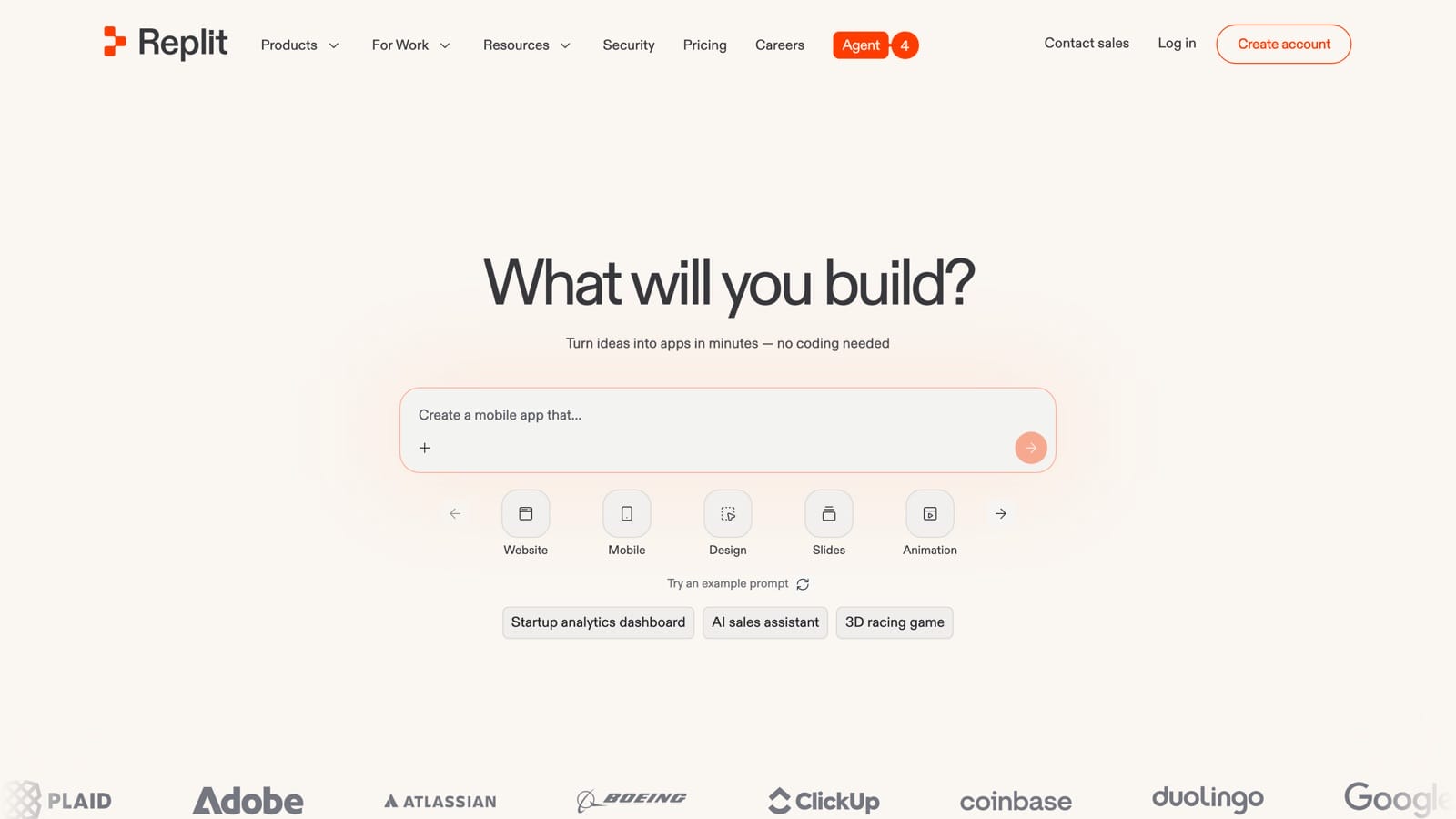
What the free Starter plan includes:
- Free daily agent credits
- A built-in database for full-stack apps
- Up to 1 published project
- Private or password-protected deployments
The password-protected deployment is the underrated part. You can ship to exactly six people without the app being on the open web, which is the right shape for an early test.
Pick this one if there is any chance a developer touches the project later. Handing someone a repository starts a conversation. Handing them a locked platform account starts a rebuild.
Best fit: people who want to understand what got made, not only that it works. Core is $20 a month billed annually.
5. Google AppSheet, free internal tools
AppSheet is Google’s own no-code builder, pointed at data you probably already have: Google Sheets, Excel, Cloud SQL, Salesforce. It exists for the internal app nobody wants to pay a developer for, like an inspection log or a delivery tracker.
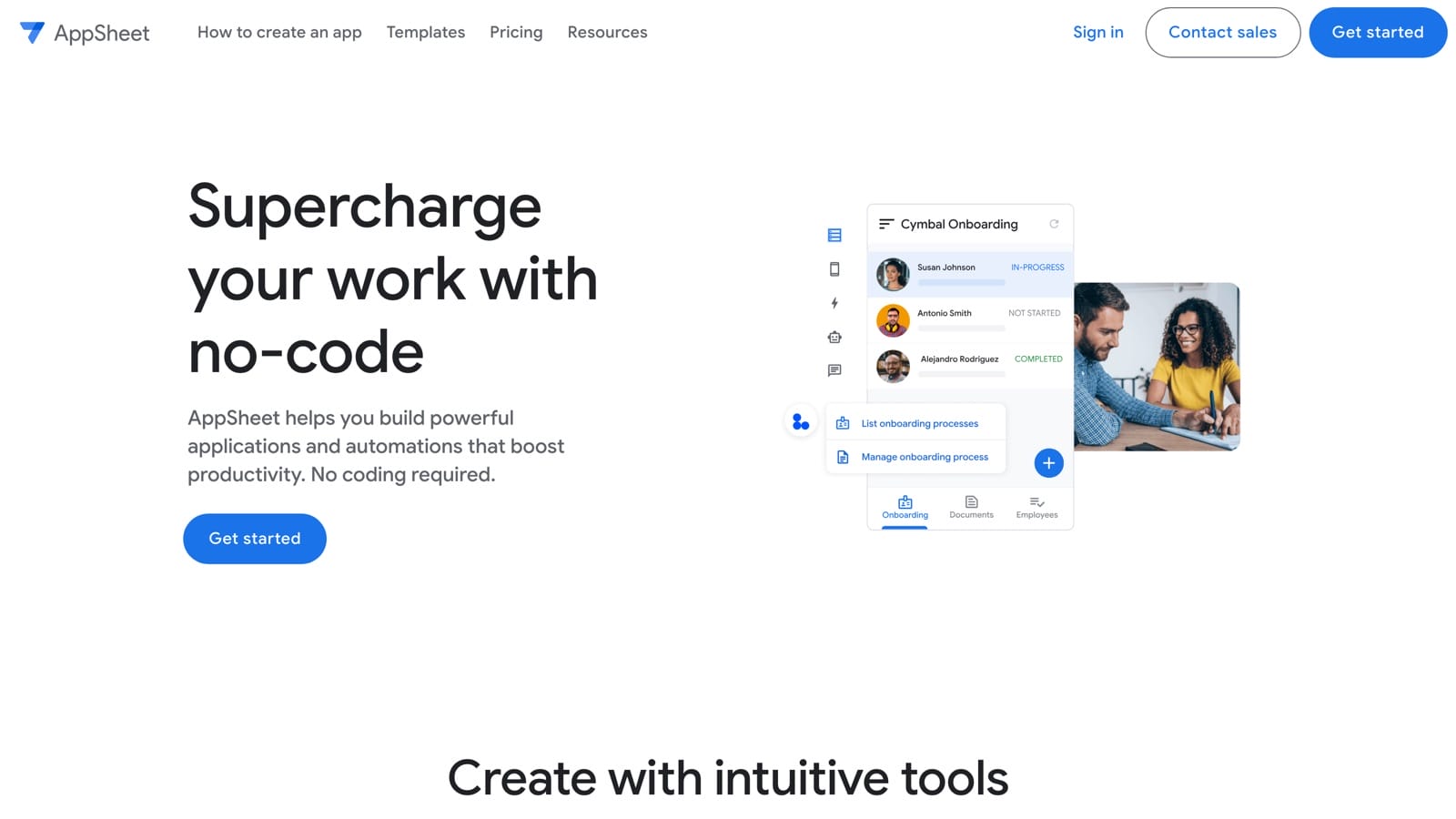
What the free tier includes:
- Full access to the app editor and process designer
- Unlimited prototype apps
- Up to 10 test users at no cost
- No production deployment, which is where the free tier ends
Ten test users is not a trial countdown, and that changes the math. A five-person team can run a real tool on AppSheet indefinitely without paying, as long as they accept that Google calls it testing.
When you do pay, it is the cheapest step on this page: Starter at $5 per user per month, Core at $10. A public app with no sign-in runs on Publisher Pro at $50 per month per app instead.
Best fit: field teams, operations, and anyone whose data already lives in a Google Workspace spreadsheet. The output is functional rather than beautiful, and for an internal tool that is the right trade.
Five worth paying for
These five give you a serious environment and no way to hand the result to a stranger until you subscribe. That is not a trick, but it does change what the free plan is for. Use it to find out whether the app is worth building, then decide about money with real information.
6. FlutterFlow, code you can keep
FlutterFlow generates real Flutter code underneath the visual editor. That single fact separates it from everything here except Replit and Rork, because it means the app can outlive your subscription.
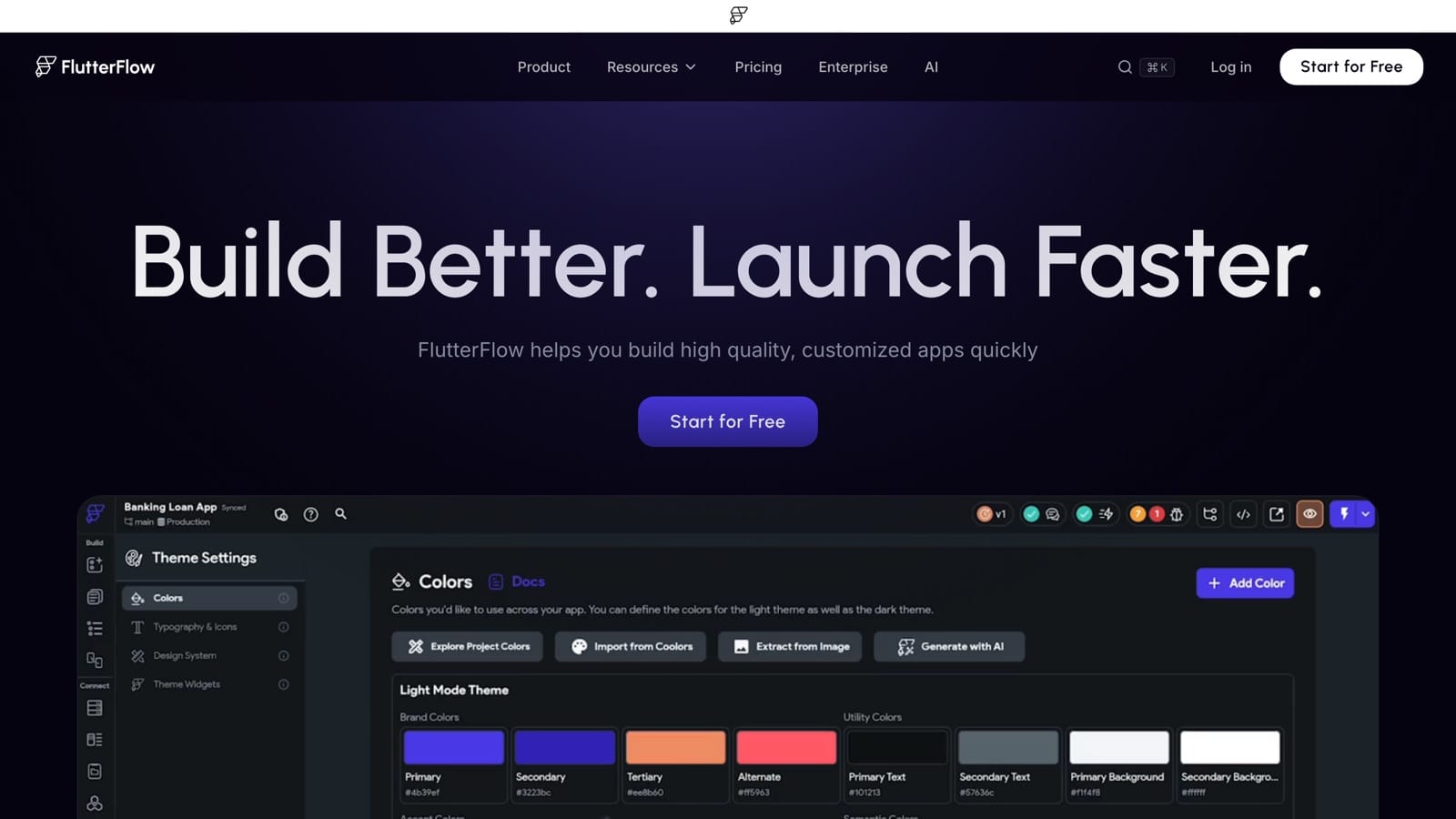
What the free plan includes:
- Up to 2 projects and 10 Lite credits
- The full visual development environment and 1,000+ templates
- API and data integration
- Web publishing, so a browser version is genuinely live
What it withholds is the part people came for. Code download, APK download, custom domains, and one-click store deployment all start on Basic at $39 a month. Growth is $80, Business is $150.
Free web publishing is still worth using. Send testers a working link and only pay in the month you actually submit to a store, which keeps the meter off while you are deciding.
Best fit: anyone who expects to hire a developer eventually, or become one. It exposes more complexity than Glide or Adalo, and that is the price of the exit door.
7. Bubble, real logic behind a paywall
Bubble is still the most capable visual builder for web apps that need to think: conditional flows, user roles, payments, scheduled jobs, API calls.
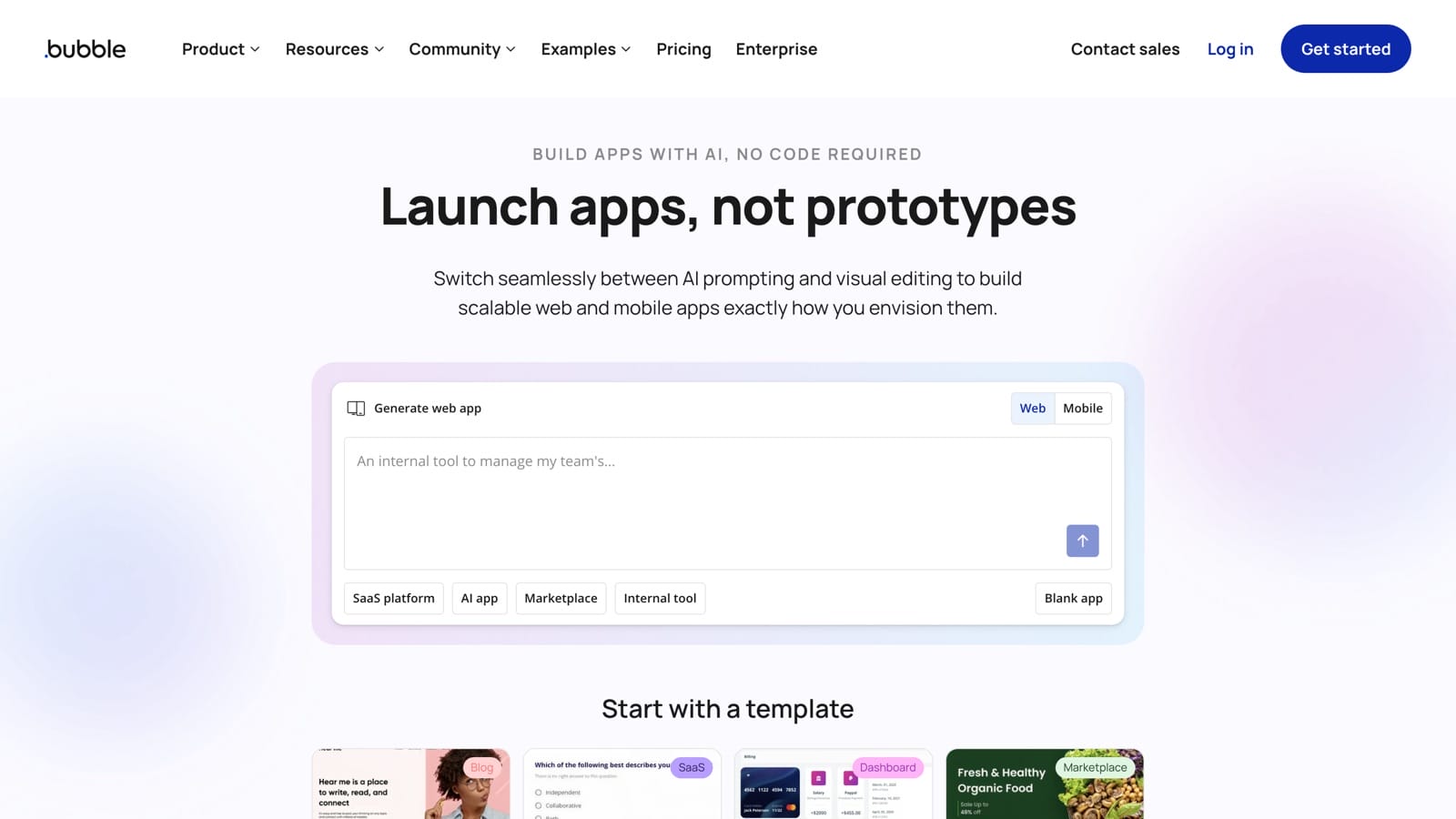
What the free plan includes:
- 50,000 workload units per month
- The complete builder: database editor, workflow engine, API connector
- The development version only, on a bubbleapps.io subdomain
- 1 app editor, 6 hours of server logs, and Bubble branding
You cannot deploy a live app on free. Starter is where it goes public, priced by target: $29 a month for web, $42 for mobile, $59 for both, all on annual billing.
Learn workload units early, because they are what surprises people later. They meter server work, so your bill tracks what your app does rather than how many people signed up. An app with 200 users running a nightly sync can cost more than one with 2,000 users reading static pages.
Best fit: a solo founder building something that resembles software rather than a website. Plan a weekend for the learning curve, and expect a higher ceiling than anything else here.
8. Glide, no longer free to publish
Glide is still the fastest way to turn a spreadsheet into something that behaves like an app. Connect a sheet, pick a layout, and it renders lists, detail screens, and forms in minutes.
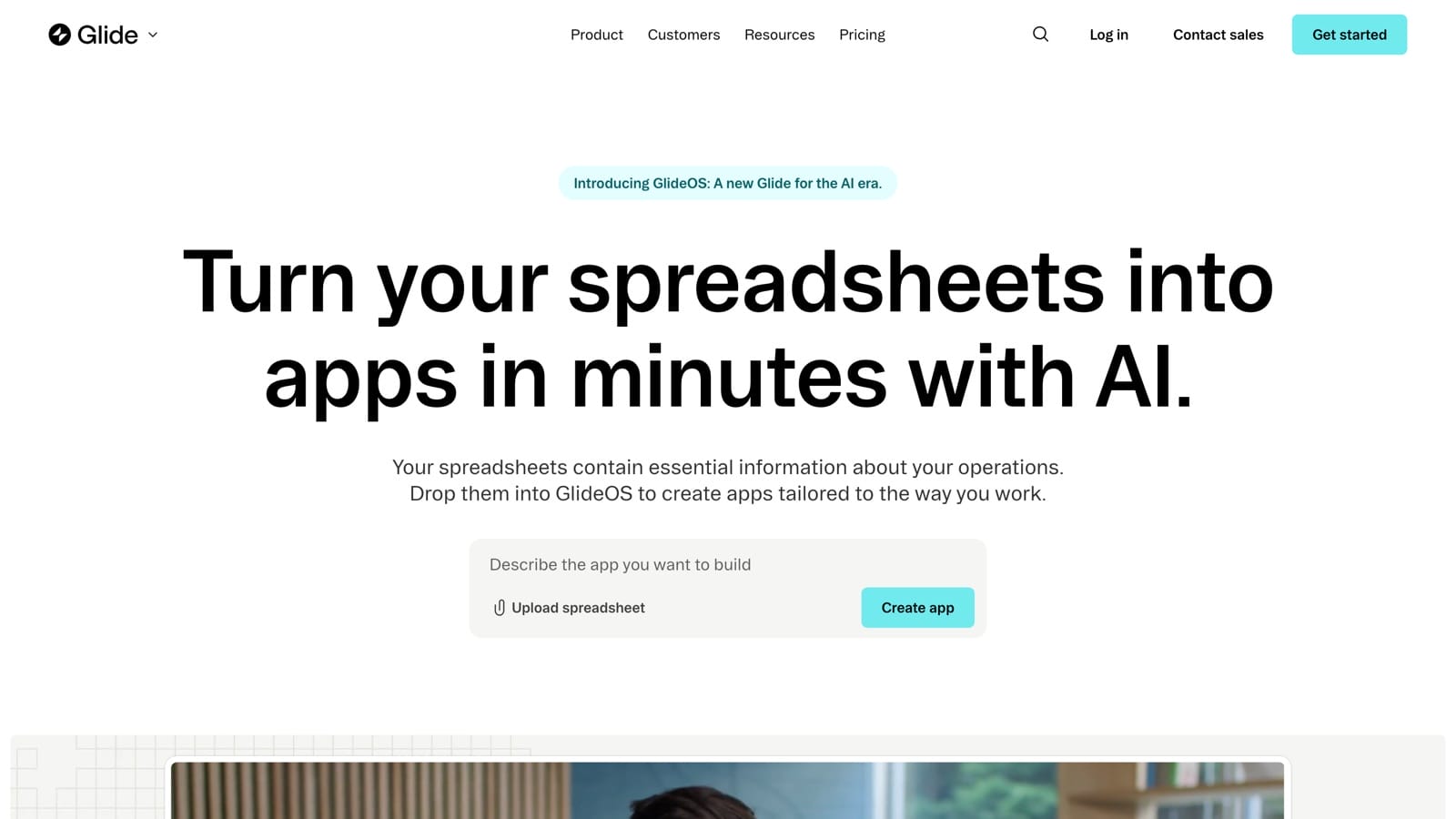
What changed is the free plan, and it changed the tool’s role entirely:
- Glide’s help documentation states that publishing requires a paid plan
- Free-plan apps run and are tested inside the builder and cannot be opened by anyone outside it
- Glide cites performance and security as the reason
- Paid plans start at $25 a month
There is a second trap worth knowing before you compare prices anywhere. Glide now sells two products, Glide Classic and the newer GlideOS, each with its own plans and its own subscription. A pricing page or comparison that does not say which one it means is not telling you what you need.
Best fit: someone who already knows they will pay and wants the shortest distance between a Google Sheet and a usable interface. As a free option, it no longer belongs in the same conversation as Softr or AppSheet.
9. Rork, AI that reaches the stores
Most AI app builders share a limitation people discover far too late. Lovable, Bolt, Replit, and v0 all generate web apps, and a web app cannot be submitted to the App Store or Google Play. If your idea only makes sense on a phone, most of the category is out.
Rork is the exception. It generates an Expo and React Native project from a prompt, which compiles to genuine native iOS and Android builds plus a web version.
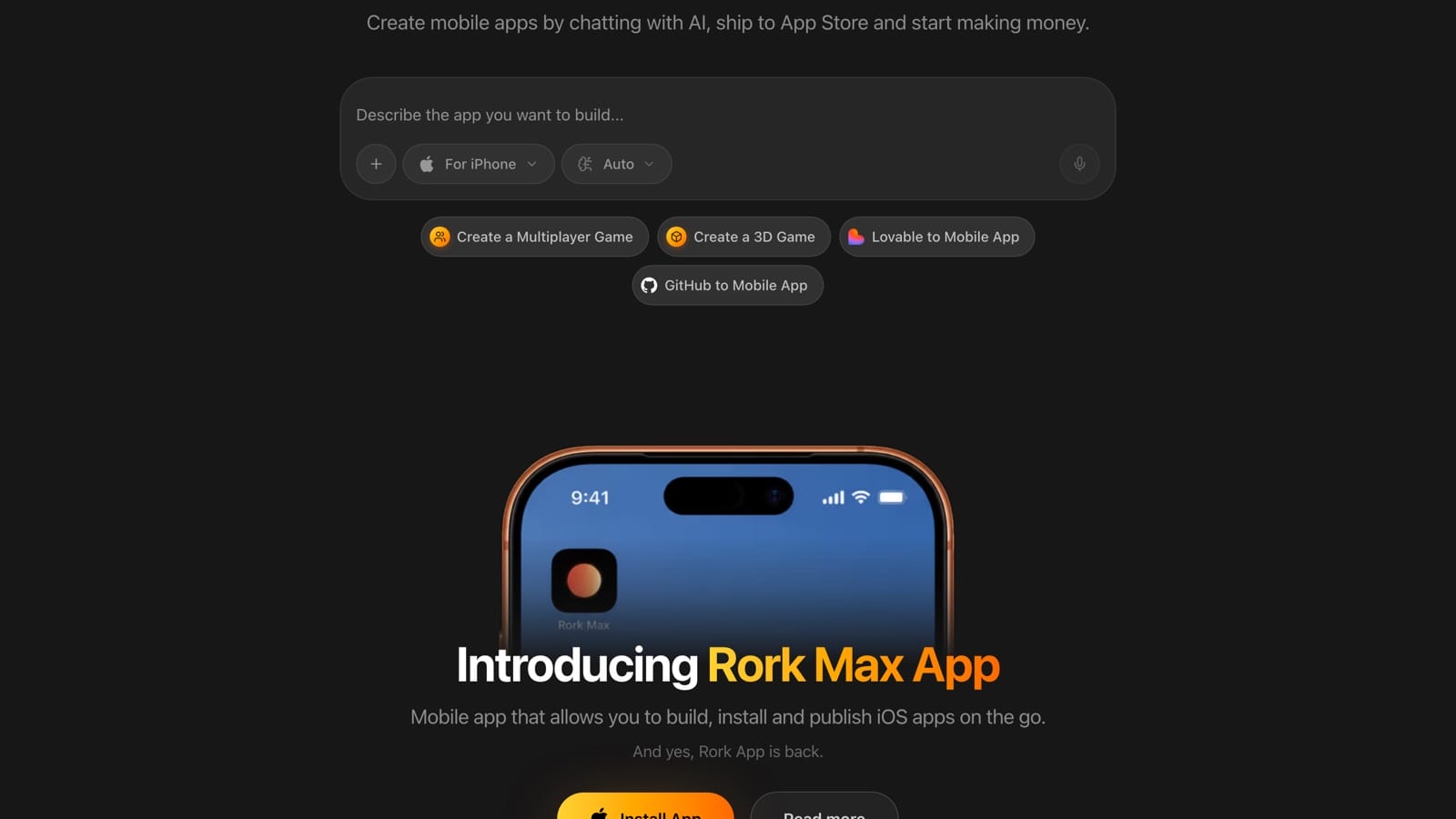
What the free plan includes:
- A limited number of AI messages
- Browser preview plus preview on your own phone by QR code
- Public projects only, with no private option
- No code export and no app store publishing
Realistically the free tier buys a prototype of three to five screens with simple behavior, running on your actual phone. That answers the only question that matters this early, which is whether the idea feels right in your hand.
Paid plans are priced by messages, from $25 a month for 100 up to $200 for 1,000, and GitHub export plus store publishing unlock at the first tier.
Best fit: a mobile-first idea you want on a real device this weekend. Just remember that every free project is public.
10. Adalo, drag and drop without prompts
Adalo is a drag-and-drop canvas for mobile screens, components, and database fields. If describing an app to an AI feels like guesswork and you would rather place things yourself, this behaves the way you expect.
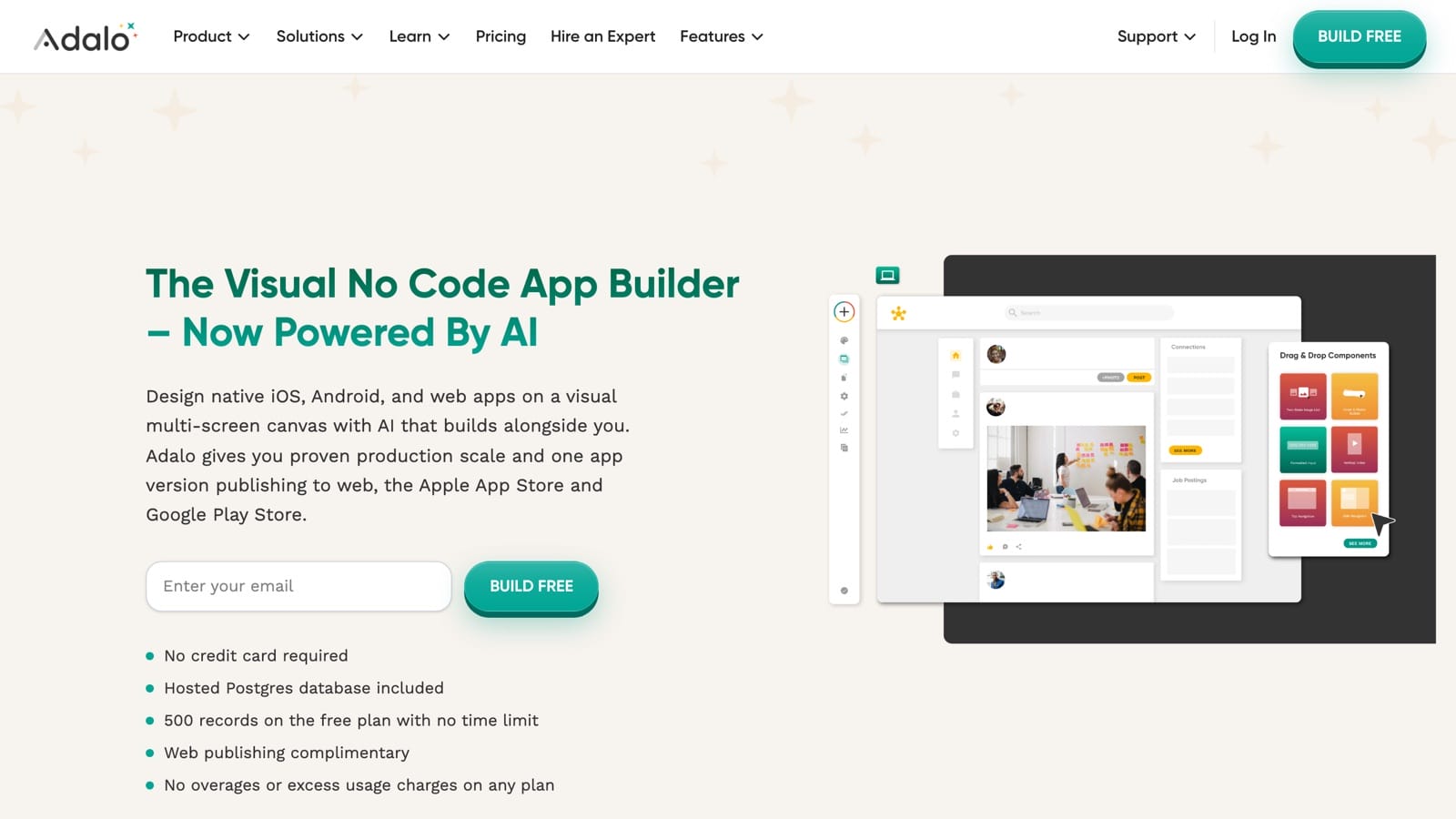
What the free plan includes:
- 500 records per app
- Unlimited screens, app actions, and test apps
- Device preview and the Ada AI assistant in beta
- Zero published apps, which includes web, iOS, and Android
Push notifications, custom domains, custom fonts, analytics, and removing Adalo branding all sit behind Starter at $36 a month, with Professional at $52 and Team at $160.
Read that free plan honestly and it is a trial with no expiry date. Nothing wrong with that, and it beats a 14-day countdown, but do not plan to ship on it.
Best fit: a non-technical founder who wants a native-feeling app and is comfortable paying in the month they launch.
What publishing really costs
Every tool above is free to build with in some form. The stores are not, and those fees go to Apple and Google directly rather than to your builder.
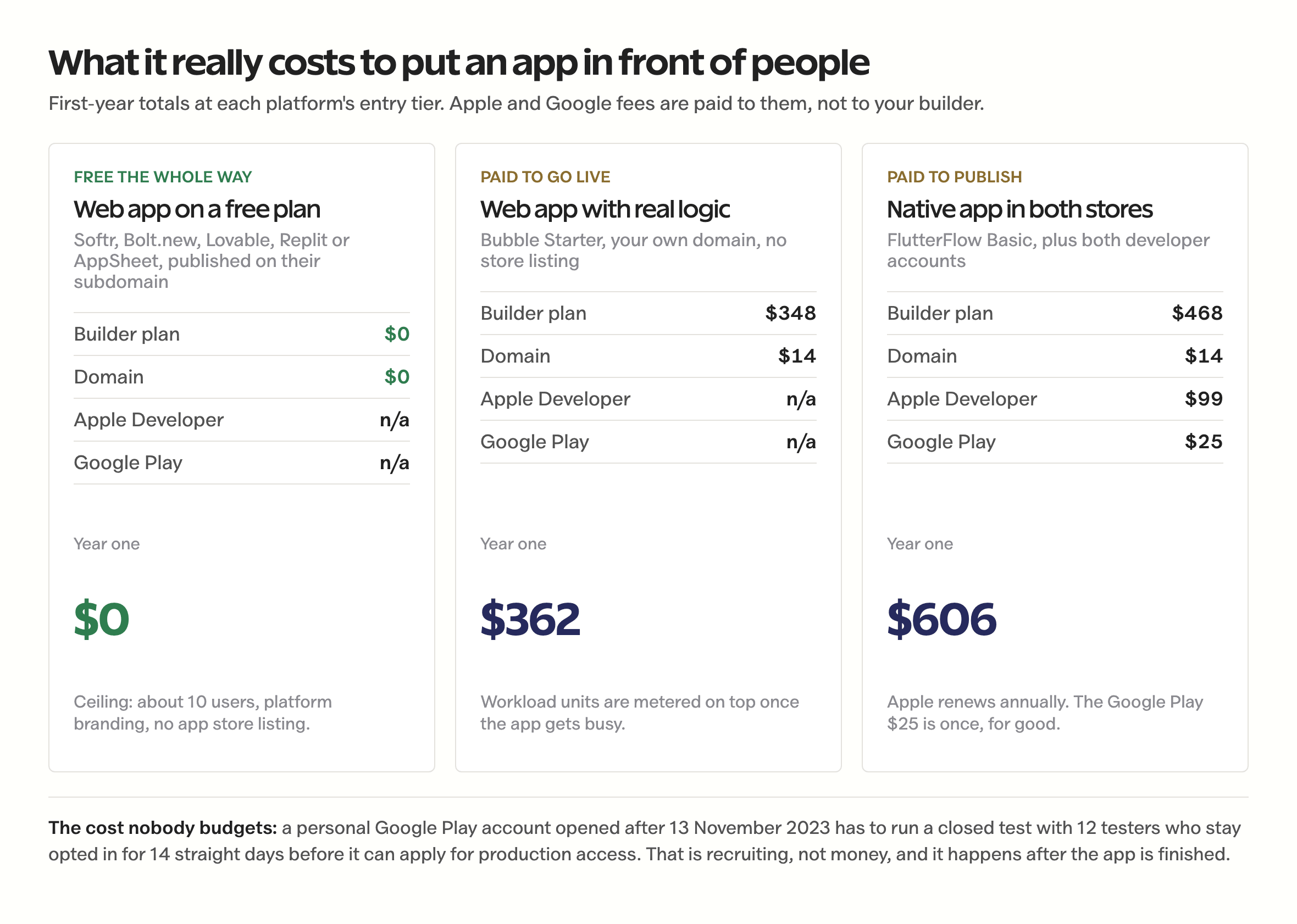
The gap between the first column and the third is the whole decision. Nothing in the middle column is wasted money, but none of it is required until somebody outside your account needs to open the app.
One requirement catches solo builders completely off guard, and it costs time rather than money. Open a personal Google Play developer account and you have to run a closed test with at least 12 testers who stay opted in continuously for 14 days before you can even apply for production access. Organization accounts, which need a D-U-N-S number, are exempt.
Twelve real people who install your app and leave it installed for two weeks is a recruiting problem, and it lands after your app is finished. Line them up while you are still building. If you do reach the stores, the listing decides whether anyone ever finds it.
What I left out, and why
Several tools that appear on most no-code lists are missing from this one. Each was left out for a specific reason.
Thunkable. The free plan now allows 3 public projects at 5 screens each with 2,000 AI tokens, and private projects require payment. Five screens is a demo, not an app, and everything you make is visible to everyone. Cut.
Base44. Wix acquired it in 2025 and the product is legitimately good, but the free plan gives 25 message credits a month capped at 5 per day. That is a lower ceiling than Lovable’s free plan for the same job.
Firebase Studio. Google disabled new signups and workspace creation on 22 June 2026 and shuts the product down on 22 March 2027, pointing existing users toward Google AI Studio and Antigravity. Starting a project on a platform with a published end date is a choice you make once. Skip it.
Microsoft Power Apps Developer Plan. Free, no credit card, unlimited apps, and explicitly barred from production use. You cannot share what you build, and environments idle for 30 days get disabled. It is a training environment wearing a free plan’s clothes.
Zoho Creator. The free plan covers one user, three apps, and 1,000 records per app, with no scripting, no workflow automation, and no mobile publishing. Fine for a personal tracker, thin for anything else.
The pattern across all five is the same. A free plan that cannot publish, cannot be shared, or cannot survive its own platform roadmap is a trial with better marketing.
Where no-code stops working
No-code has a real ceiling, and it is worth knowing its shape before you build a business on one of these platforms.
It cannot give you predictable costs at scale, because usage-based metering charges for server work rather than for revenue. A background sync, an image resize, or a chatty API call runs the same meter whether the user pays you or not, so you still have to model your unit economics against the platform’s metering unit before launching anything paid.
It cannot handle unusual integrations cleanly, because every plugin ecosystem targets the common case. A custom OAuth flow, a regional payment gateway, or one processor’s advanced features will cost days of workarounds, so you still have to confirm your one non-negotiable integration exists before you commit.
It cannot let you leave without a rebuild, unless you chose a tool that exports source. FlutterFlow, Replit, and Rork give you code on paid plans. Softr, Bubble, Glide, AppSheet, and Adalo do not, so you still have to treat a price increase or a discontinued feature as a business risk rather than an annoyance.
It cannot produce a design nobody has seen before, because you are working inside one company’s component library. You can customize a great deal and you cannot escape the house style, so you still have to compete on the problem you solve rather than on the interface.
The honest signal that you have outgrown the category: you are paying over $200 a month, hitting performance walls, and still missing features the platform will not add. That is the point where a rebuild costs less than staying put, and where choosing the right development partner becomes the actual decision.
Most apps never reach it. Internal tools, client portals, validation MVPs, and niche utilities live on no-code permanently and do fine.
What quietly wastes a free tier
None of these look like mistakes while you are making them.
Building the entire app before checking whether the free plan can publish it. It feels like progress, and it is the most common way people lose a weekend to a platform they then abandon.
Spending AI credits on cosmetic tweaks one at a time. Credits meter messages, not outcomes, so ten one-line requests cost roughly ten times what one batched request costs and produce the same screen.
Choosing by feature checklist instead of exit cost. Every tool here has enough features for a first version, and what will actually hurt in a year is whether you can take your app somewhere else.
Paying Apple’s $99 in month one. The membership starts counting down the day you buy it, and an app that takes four months to finish has already burned a third of the year.
Trusting a comparison article without opening the pricing page yourself. Free tiers here changed materially inside the last year, and most published comparisons still describe plans that have been withdrawn.
Treating the free tier as the price. It is the audition. The second month is the price, and that is the number to plan against.
Questions people actually ask
Can you really make an app without coding?
Yes. Ten tools on this page build a working app with no code at all, either by connecting data you already have or by generating the app from a plain-English description. What varies is not whether it works, but how far the free plan takes you. Softr, Bolt.new, Lovable, Replit and Google AppSheet publish something shareable at no cost. Bubble, FlutterFlow, Glide, Rork and Adalo build for free and charge before anyone else can open the result.
Which no-code app builder is free?
Softr has the strongest free plan: a live app on your own custom domain, 10 app users, 5,000 records, unlimited apps, with Softr branding you cannot remove. Bolt.new includes hosting on free with 300,000 tokens a day. Lovable publishes to a lovable.app subdomain on 5 credits a day. Replit publishes one project, which can be password protected. Google AppSheet lets up to 10 test users run your app at no cost, with no time limit.
What is the difference between a no-code builder and an AI app builder?
A no-code builder gives you a visual canvas and a database, and you assemble the app yourself. Softr, Bubble, Glide, AppSheet and Adalo work this way. An AI app builder takes a written description and generates the app, then edits it as you describe changes. Bolt.new, Lovable, Replit and Rork work this way. AI builders reach a first version faster; visual builders give you more predictable control over the details.
Can AI app builders make iPhone and Android apps?
Mostly no. Lovable, Bolt.new, Replit, Base44 and v0 generate web applications, which cannot be submitted to the App Store or Google Play. Rork is the exception among AI builders: it generates an Expo and React Native project that compiles to real native iOS and Android builds. For native output without AI prompting, FlutterFlow and Adalo both publish to the stores on paid plans.
How much does it cost to publish an app without coding?
A web app on a free plan costs nothing, with roughly a 10-user ceiling and platform branding. A web app on your own domain with real logic runs about $362 in year one on Bubble Starter. A native app in both stores runs about $606 in year one, made up of a builder plan around $39 a month, $99 a year to Apple, $25 once to Google, and a domain.
Why can’t I publish a Glide app on the free plan anymore?
Glide’s help documentation states that publishing now requires a paid plan, and that free-plan apps run and are tested inside the builder without being accessible to anyone outside it. Glide cites performance and security as the reason. Paid plans start at $25 a month. Glide also now sells two separate products, Glide Classic and GlideOS, each with its own subscription, so check which one a pricing page describes.
Can I move my app off a no-code platform later?
Only if you picked a tool that exports source code. FlutterFlow offers code download from its Basic plan, Replit shows you every file it writes, and Rork exports to GitHub on paid tiers. Softr, Bubble, Glide, AppSheet and Adalo keep your app inside their platform, so leaving means rebuilding. If a developer might take over the project later, that difference matters more than any feature comparison.
Can a no-code app handle thousands of users?
On paid plans, yes for some of them. Bubble and FlutterFlow handle thousands of users reliably. Softr and Adalo slow down as records grow. No free plan is built for it: free tiers either cap users directly, at 10 for Softr and AppSheet, or cap the server work your app is allowed to do. Budget $100 to $300 a month before promoting an app to that many people.
What you are really choosing
You are not shopping for a no-code app builder. You are deciding how much of your app you are willing to leave inside someone else’s account, and the free plans are simply the cheapest way to find that out before it matters.
That reframe changes the shortlist. Softr, Bolt, and AppSheet are excellent at proving an idea works and terrible at letting you leave. FlutterFlow, Replit, and Rork cost money sooner and hand you the source. Neither group is right in general, and one of them is right for you.
The trade nobody prints on a pricing page is time. Expect 40 to 80 hours to finish a real app even with no code involved, and the tools that save the most hours tend to keep the most control. The same fine print runs through free website builders and what their free tiers actually allow.
The tool is free. Your weekend is not. Spend the first hour of it on a pricing page instead of a canvas.
Tell Google you want more of this.
Add Gaurav Tiwari as a preferred sourceOne tap, and this site shows up more often in your own Top Stories, AI Overviews and AI Mode. Remove it any time.