
 by
by
The best self-hosted analytics tools are Independent Analytics for WordPress and Umami for sites or apps that need a separate dashboard. I use Independent Analytics Pro on my own WordPress sites. I’d pick Umami when the CMS should not own the data.
Skip self-hosting if nobody owns updates, backups, and recovery. Umami, Plausible Community Edition, Matomo, and GoatCounter put the database under your control, but a silent collector failure becomes your problem. Paying for managed analytics is cheaper than losing a month of data you assumed was being recorded.
I compared these self-hosted analytics tools from two evidence levels. I run Independent Analytics Pro on every WordPress site I own, and I’ve deployed Umami and Matomo on client infrastructure. For Plausible CE and GoatCounter, I checked current official documentation, deployment requirements, license terms, and maintained releases. I won’t pretend that research is the same as years of daily use.
Self-Hosted Analytics Tools Compared
These five self-hosted analytics tools cover the useful choices without padding the list with abandoned projects. Independent Analytics wins for WordPress. Umami wins for a standalone service. Matomo earns its heavier footprint only when you need GA4-level reporting depth.
| Rank | Tool | Best for | Software cost | Main catch |
|---|---|---|---|---|
| 1 | Independent Analytics | WordPress publishers and marketers | Free; Pro from $49/year | WordPress only |
| 2 | Umami | Multiple sites, apps, teams, and events | Free plus hosting | You operate PostgreSQL and the app |
| 3 | Plausible CE | Focused web analytics | Free plus hosting | Some cloud features are excluded |
| 4 | Matomo On-Premise | Deep reporting, imports, and segmentation | Free core plus hosting | Heavier database and maintenance load |
| 5 | GoatCounter | Small sites, docs, and traffic counts | Free plus hosting | Limited funnel and revenue reporting |
Which Tool Fits Your Use Case?
Platform shape decides this faster than a feature checklist. A WordPress publication should not inherit a second server without a clear reason. A SaaS product should not bury analytics inside one CMS database. Start with the boundary, then choose the dashboard.
| Use case | Pick | Why | Skip it when |
|---|---|---|---|
| One WordPress site | Independent Analytics | Uses the WordPress database and wp-admin | You need non-WordPress properties |
| Several sites or web apps | Umami | Teams, events, API, funnels, and journeys | Nobody can maintain PostgreSQL |
| Simple pageview reporting | Plausible CE | Focused dashboard and cookieless tracking | You need cloud-only business features |
| GA4-style reporting depth | Matomo | Imports, goals, ecommerce, visitor logs, and APIs | You only need pages and referrers |
| Personal site or docs | GoatCounter | Small reporting surface and flexible tracking | You need attribution or product analytics |
What Does Self-Hosted Analytics Mean?
Self-hosted analytics means the software and its traffic data run on infrastructure you control. That infrastructure might be a VPS with PostgreSQL, a PHP application with MySQL, or the WordPress database your site already uses.
The Docker version is not more legitimate than the plugin version. If a WordPress analytics plugin writes its records to your own database and does not send them to a vendor, you are self-hosting. You are simply using infrastructure that already exists.
I judge ownership in three layers:
- Data control: Can you locate the database, set retention, back it up, and export what matters?
- Operational control: Can you update, move, restrict, or shut down the service without a vendor’s permission?
- Exit control: If the project changes direction, can you preserve the history and replace the tracker?
A product can be open source and still be a bad operational fit. When you compare self-hosted analytics tools, data control, restore time, and maintenance ownership matter more than the license badge on the homepage.
1. Independent Analytics: Best for WordPress
Independent Analytics is the first tool I recommend to a WordPress site owner because it removes the most waste. You install a plugin, activate it, and the reports appear inside wp-admin. There is no tracking account to wire up, no Docker host to patch, and no second database to explain to the next developer.
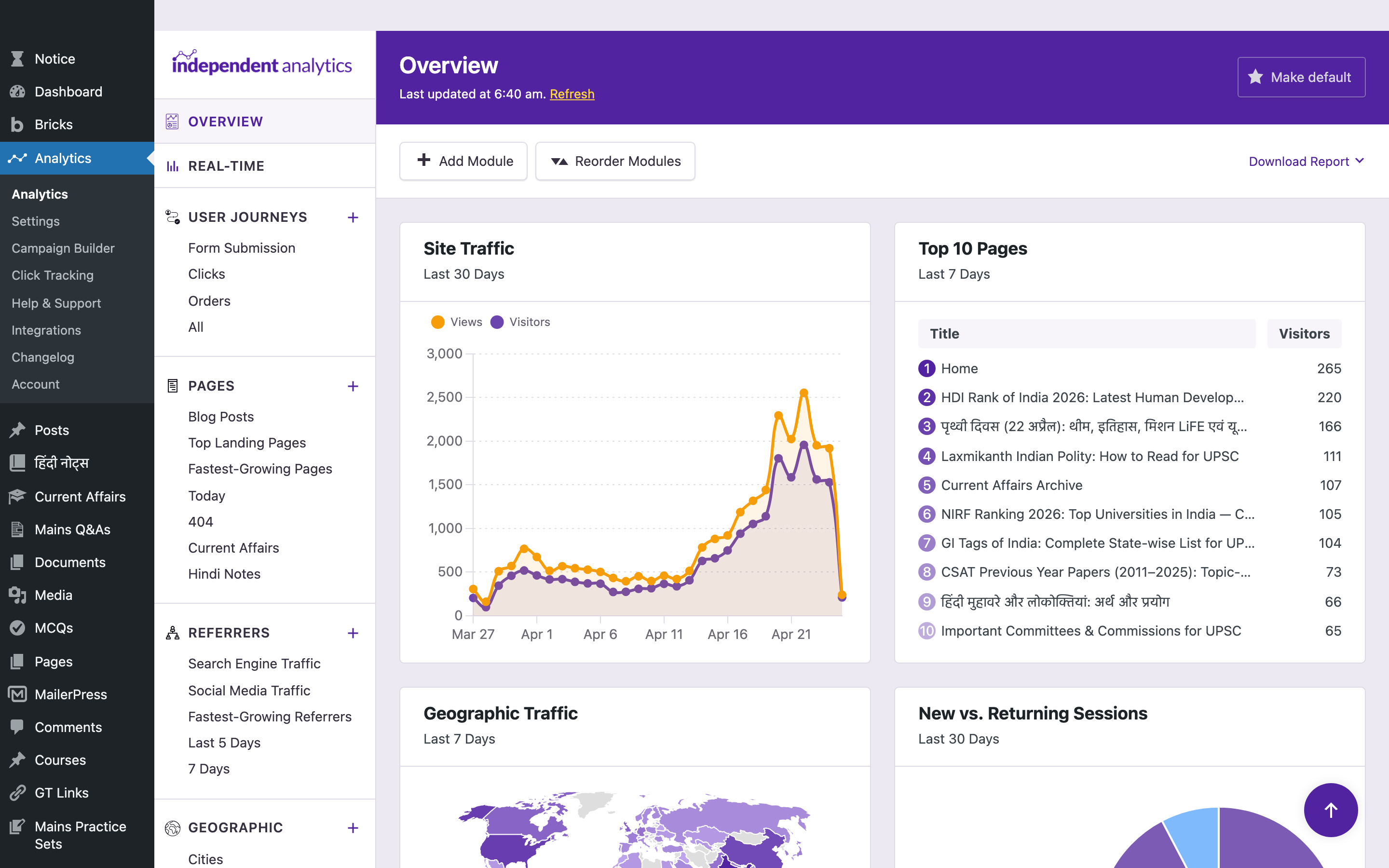
The free plugin records views, visitors, sessions, referrers, locations, and device data in your WordPress database. It does not use cookies, store personal data, or communicate with an external analytics server. According to WordPress.org, it is active on more than 100,000 sites.
I use Independent Analytics Pro on my own WordPress sites. The reason is not that its dashboard is prettier than GA4, although it is. The reason is that I can answer publisher and marketing questions without building a report first:
- Which pages brought visitors this week?
- Which campaign produced a form submission or sale?
- Where did a visitor land before moving through the site?
- Which outbound links did readers click?
- Which posts are losing attention?
Pro adds real-time reports, campaigns, click tracking, ecommerce analytics, user journeys, form tracking, customizable overview reports, and scheduled email reports. The current Standard license is $49 per year for one site. I have a full Independent Analytics review covering the reports, pricing, integrations, and limitations in detail.
The catch: Independent Analytics is a WordPress product. It is not the right central analytics layer for a React app, a SaaS dashboard, and six client domains. It also shares database resources with WordPress, so retention and database housekeeping still deserve attention on large sites.
My verdict: this is the default for a WordPress publisher, marketer, agency site, or small store. Start with the free version. Upgrade when campaigns, forms, ecommerce attribution, or journeys start changing decisions.
2. Umami: Best Standalone Choice
Umami is what I would deploy when analytics must sit outside the CMS. It is open source, privacy-focused, and broad enough to handle websites, web applications, custom events, teams, and API-driven reporting without becoming a Matomo-sized project.
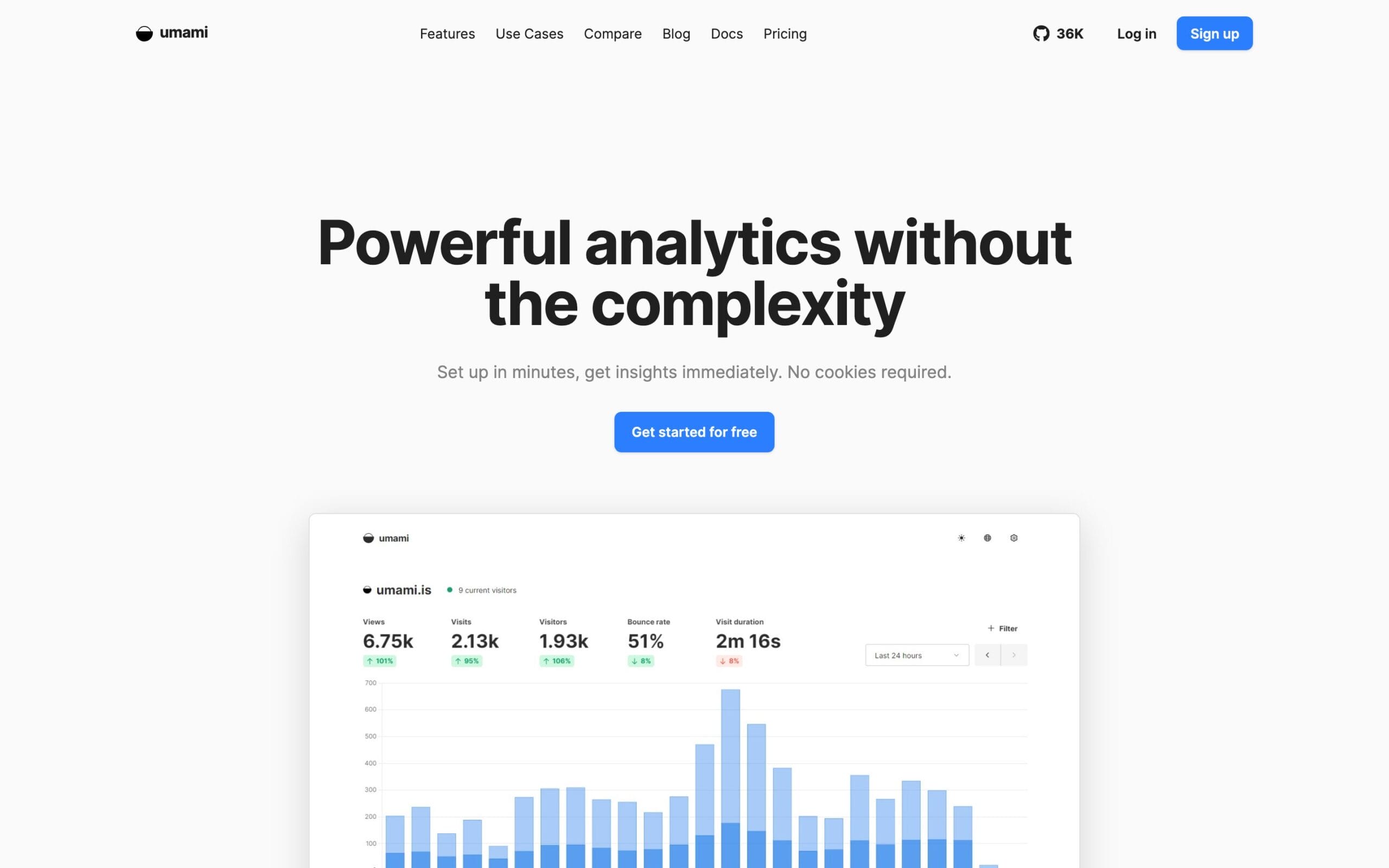
The current v3 documentation lists pageviews, visitors, bounce rate, session duration, referrers, device and country reports, custom events, funnels, journeys, retention, goals, UTM tracking, cohorts, teams, and a REST API. The tracking script is under 2KB, and the supported database is PostgreSQL. Docker Compose is the most approachable deployment route.
Umami also includes optional session replay. That is useful for debugging a checkout or watching where a UI confuses people, but it changes the privacy discussion. I would leave replay disabled until masking, sampling, consent, and retention have been reviewed for the specific site.
The catch: simple installation does not mean zero maintenance. PostgreSQL, the application container, the reverse proxy, TLS, backups, and monitoring now belong to you. If you won’t patch that stack, pay for managed analytics or use a WordPress-native option.
My verdict: Umami is the best balance of product depth and operational sanity for developers. Choose it for several properties, an application, or a team that needs events and an API.
3. Plausible Community Edition: Best Focused Dashboard
Plausible Community Edition is the self-hosted version for people who want Plausible’s calm one-page reporting model and are comfortable with its open-core boundary. It is free to run, AGPL-licensed, and maintained as a community-supported long-term release.
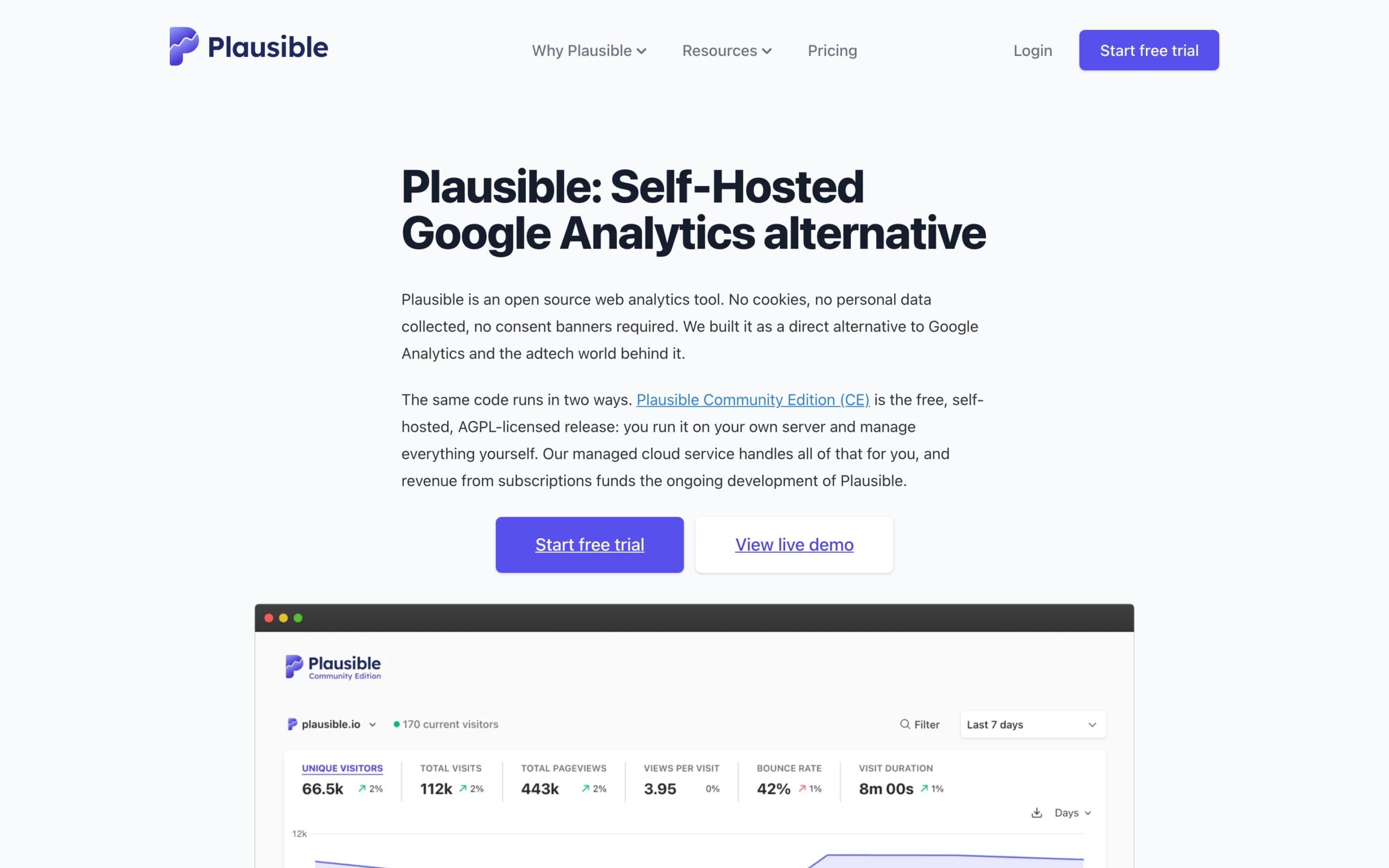
The distinction between CE and Plausible’s managed cloud matters. Plausible says the cloud product receives continuous updates, while Community Edition receives long-term releases twice a year. It also keeps some business features, including funnels and ecommerce revenue metrics, out of CE.
That is not a trick. It is a disclosed product model, and it funds the team maintaining the project. You just need to choose with your eyes open. If the missing features are why you wanted Plausible, self-hosting CE is the wrong way to save money.
The catch: Plausible CE is intentionally behind and narrower than Plausible Cloud. Community support, backups, uptime, security, and upgrades are yours.
My verdict: use Plausible CE when the dashboard itself is the product you want and page-level web analytics is enough. Use Umami when you want a faster feature cadence and more application-oriented reporting.
4. Matomo On-Premise: Best for Reporting Depth
Matomo On-Premise is the choice when the analytics requirement is bigger than a traffic dashboard. It covers goals, ecommerce, campaigns, visitor logs, scheduled reports, custom alerts, raw data access, APIs, log analytics, imports, segmentation, and a large plugin ecosystem.
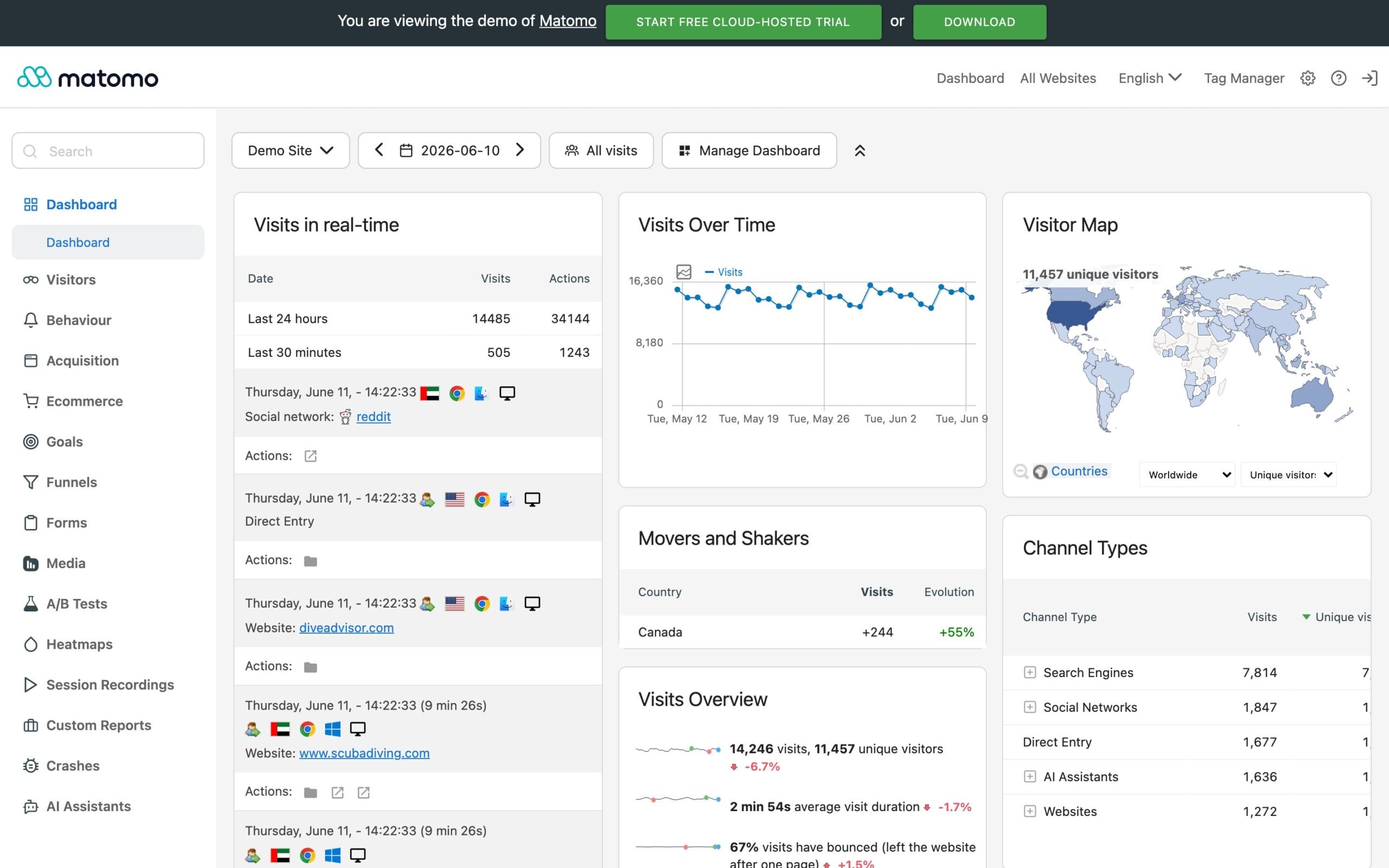
Matomo Core is free and open source. The current installation documentation lists Matomo 5.11.2 and supports a traditional PHP plus MySQL or MariaDB stack. That makes it familiar to WordPress developers, but familiarity should not be confused with lightness.
Matomo’s own sizing guide recommends at least 2 CPU cores, 2 GB RAM, and 50 GB of SSD storage for up to 100,000 pageviews per month. At larger volumes it expects report archiving, cron jobs, database planning, and eventually separate application and database servers. This is real infrastructure, not a script tag with a dashboard attached.
The catch: Matomo is capable enough to become a platform you administer. Some advanced features are premium plugins, and the database can grow quickly if retention and archiving are ignored.
My verdict: choose Matomo when you can name the feature Umami or Independent Analytics cannot provide. A regulated organization, a data team needing raw access, or a serious ecommerce operation may have that reason. A personal blog probably does not.
5. GoatCounter: Best Minimal Option
GoatCounter is the antidote to analytics software that wants to become your operating system. It focuses on privacy-aware page statistics, referrers, campaigns, devices, locations, and useful counts. The interface gives accessibility serious attention, which is rarer than it should be in this category.
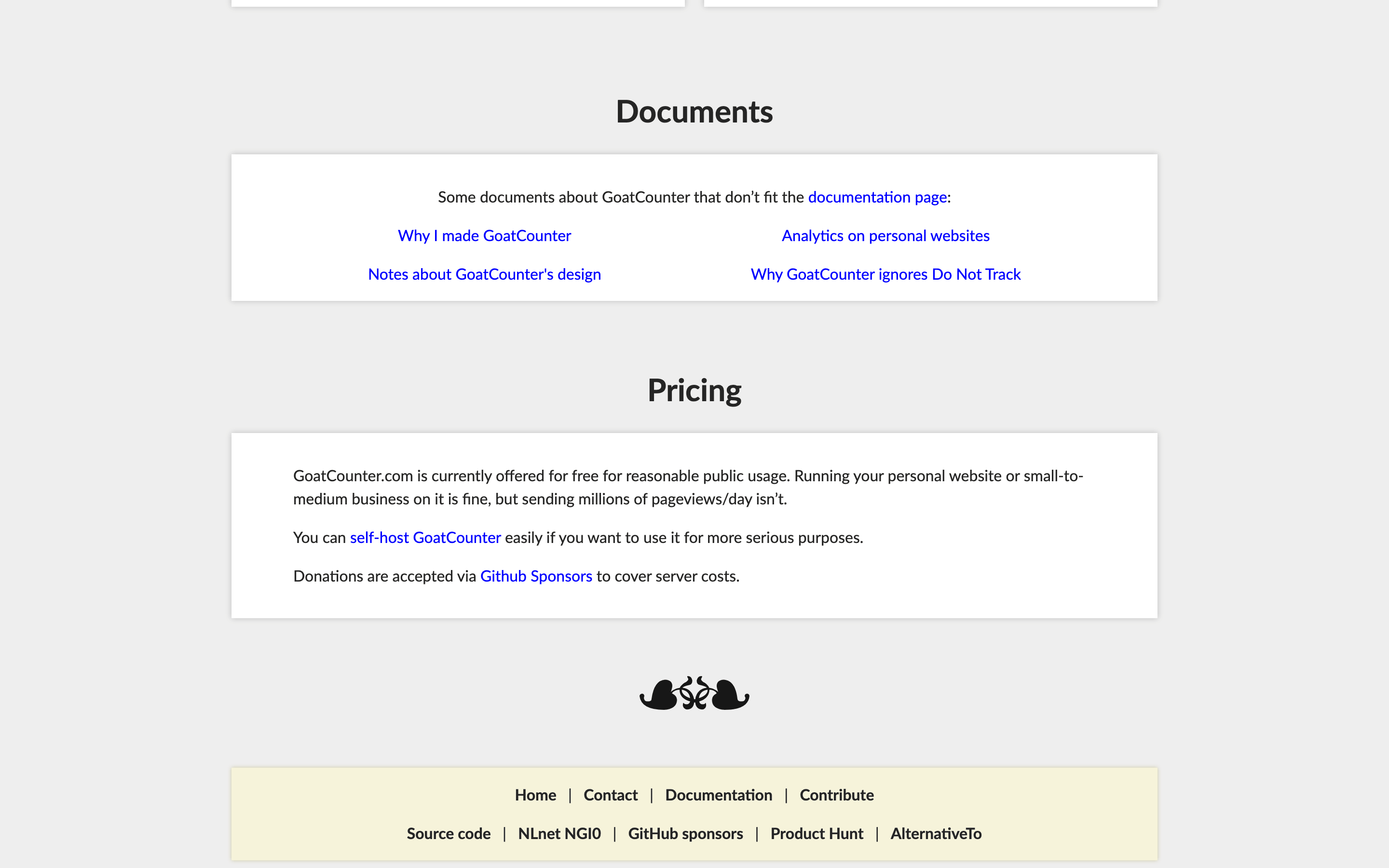
The JavaScript payload is about 3.5KB according to GoatCounter, but JavaScript is optional. You can use an image-based tracker, integrate from backend middleware, or import log files. That flexibility makes it a good fit for documentation sites, static sites, and projects where the analytics surface should stay small.
The catch: GoatCounter does not try to be a conversion, journey, ecommerce, or product analytics platform. That is the point, but it also means you may outgrow it when marketing questions move beyond traffic counts.
My verdict: choose GoatCounter when small, legible, and durable matters more than attribution depth. It is a very good answer to a deliberately small question.
Why I Did Not Rank Every Open-Source Dashboard
I left several self-hosted analytics tools out because they are abandoned, difficult to operate without a clear advantage, or too close to one of the five recommendations above. A 13-item list looks thorough. It often makes the decision slower.
WordPress users still have credible alternatives such as Koko Analytics, Burst Statistics, WP Statistics, and Matomo for WordPress. I compare those separately in my guide to Google Analytics alternatives for WordPress. Repeating that entire list here would blur the more important decision: WordPress-native or standalone.
I also do not reward a project for GitHub stars, a beautiful demo, or an impressive Docker Compose file. Before trusting analytics history to a project, I want to see:
- recent releases and security maintenance;
- documented backups, upgrades, and data export;
- a tracker that fits the site’s performance budget;
- a clear license and a sustainable team or community;
- reports that answer a real business or product question.
The Cost Nobody Includes
Self-hosted software can have a zero-dollar license and still be the expensive choice. The server bill is usually the smallest line item. The real cost is the monthly responsibility you add to your stack.
| Responsibility | What it means in practice |
|---|---|
| Updates | Application, database, container images, operating system, and breaking migrations |
| Backups | Automated database backups plus a restore test, not just a green checkmark |
| Security | TLS, strong authentication, restricted admin access, secrets, and timely patches |
| Retention | Rules for deleting raw or old data before storage and risk grow without a limit |
| Reliability | Monitoring the collector so a silent failure does not erase a week of decisions |
| Recovery | A documented way to rebuild the service and reconnect the tracker |
This is why I push WordPress users toward Independent Analytics. A plugin update and the backup system you already maintain are usually cheaper than another service, database, domain, TLS certificate, monitor, and runbook.
Builder rule: If you cannot restore the analytics database, you do not own dependable analytics. You own a server with a hopeful backup setting.
Self-Hosted Does Not Automatically Mean Private
Keeping analytics on your own infrastructure reduces third-party data transfer, but the deployment still has to respect privacy law and your own promises to visitors. The server location, fields collected, identifiers, retention window, access controls, and tracking purpose all matter.
Cookieless is useful, but it is not a universal legal exemption. Session replay, user-level profiles, ecommerce data, and custom event properties can change the analysis quickly. Never send email addresses, form values, order details, or other personal data into an event merely because the tool lets you.
- Document what the tracker collects and why.
- Use the shortest retention period that still supports decisions.
- Mask or disable replay unless there is a justified, reviewed use case.
- Restrict analytics access like any other business database.
- Update the privacy policy to match the configuration you actually run.
This is practical guidance, not jurisdiction-specific legal advice. If analytics data affects regulated users, employee monitoring, health information, or sensitive profiles, involve counsel before deployment.
How to Choose in Five Minutes
Start with the platform, then the questions, then the maintenance budget.
- Is this one WordPress site? Install Independent Analytics. Use Koko or Burst if you only want a lighter free counter. Read the WordPress alternatives guide if you need the full comparison.
- Do several sites or apps need one dashboard? Run Umami.
- Do you want Plausible’s exact reporting experience? Use Plausible CE and accept its release and feature boundaries.
- Do you need segmentation, raw access, log analytics, deep ecommerce, or a GA-scale reporting model? Budget for Matomo as infrastructure.
- Do you only need understandable traffic counts? Choose GoatCounter and enjoy the smaller surface area.
If two tools still look equal, choose the one your team already knows how to restore. Recovery competence beats feature-sheet ambition.
If you want someone else to plan the tracker, retention, events, and reporting layer, my analytics and tracking services cover the implementation. For hosted products and reporting platforms outside this self-hosted shortlist, compare my broader marketing analytics tools.
What I Would Run
For a WordPress publication or marketing site, I would run Independent Analytics. It uses infrastructure I already maintain, gives me readable page and referrer data, and the Pro reports connect campaigns, forms, clicks, journeys, and sales without a GA4 reporting exercise.
For a product, documentation network, or portfolio of sites, I would run Umami on its own PostgreSQL-backed service. It has the best balance of modern event reporting, API access, team support, and manageable deployment in this list.
I would reach for Matomo only when a named requirement justifies it. I would choose Plausible CE because I specifically wanted Plausible, not because it happens to be self-hostable. I would pick GoatCounter when I wanted the smallest answer, not the most expandable one.
The best self-hosted analytics tools match the system you already operate. Independent Analytics fits WordPress. Umami fits a separate multi-site or app stack. Choose the boundary first, document the restore process, and get back to building.
FAQs About Self-Hosted Analytics Tools
What is the best self-hosted analytics tool?
Independent Analytics is my first choice for WordPress because it stores reports in the existing WordPress database and needs no second service. Umami is my first choice for a standalone deployment across multiple sites or applications.
Is a WordPress analytics plugin really self-hosted?
Yes. If the plugin stores analytics in the database on infrastructure you control and does not send the records to a vendor, it is self-hosted. Independent Analytics, Koko Analytics, Burst Statistics, WP Statistics, and Matomo for WordPress all use this general model.
Is self-hosted analytics free?
The software may be free, but the deployment is not. You still pay for hosting, storage, backups, monitoring, maintenance time, and recovery work. A WordPress-native plugin can be cheaper because it reuses infrastructure and operations you already have.
Does self-hosted analytics need a cookie banner?
Not always, but self-hosting and cookieless tracking do not create an automatic legal exemption. The answer depends on the data collected, tracking purpose, configuration, retention, features such as session replay, and the laws that apply to your visitors.
Umami or Plausible Community Edition: which is better?
I would choose Umami for events, teams, APIs, product-style reporting, and a faster feature cadence. I would choose Plausible Community Edition when I specifically wanted Plausible’s focused dashboard and was comfortable with its twice-yearly release cadence and smaller CE feature set.
When is Matomo worth the extra work?
Matomo is worth it when you need deep segmentation, visitor logs, goal and ecommerce reporting, raw data access, log analytics, imports, or a mature plugin ecosystem. If you only need pages, referrers, campaigns, and events, a smaller tool is easier to operate.
Tell Google you want more of this.
Add Gaurav Tiwari as a preferred sourceOne tap, and this site shows up more often in your own Top Stories, AI Overviews and AI Mode. Remove it any time.
Disclaimer: This site is reader-supported. If you buy through some links, I may earn a small commission at no extra cost to you. I only recommend tools I trust and would use myself. Your support helps keep gauravtiwari.org free and focused on real-world advice. Thanks. - Gaurav Tiwari
