
 by
by
The best STEM websites for students do different jobs. NASA and NOAA open real scientific worlds. PhET and LabXchange let you manipulate a model. Tinkercad and Arduino help you build. Khan Academy and OpenStax teach the underlying ideas. A single ranking hides those differences and leaves you with fifteen bookmarks but no study system.
Start with the output you need: an explanation, a simulation, a working model, a dataset, or an independent check. Use one primary resource until you produce something visible, then add a second website only when it solves a named gap. That small constraint turns browsing into STEM practice.
Quick verdict: Start with Khan Academy for guided concepts, PhET for simulation, Tinkercad for a first design or circuit, NASA or NOAA for authentic science, and WolframAlpha only after you have a result worth checking.
| Your task | Best starting website | What it gives you | Main catch |
|---|---|---|---|
| Explore a real mission or dataset | NASA or NOAA | Authentic space, weather, ocean, and climate material | You must narrow the question first |
| Run a science simulation | PhET | Fast variable-and-outcome experiments | It doesn’t teach physical lab technique |
| Study biology through virtual labs | HHMI BioInteractive or LabXchange | Data-rich biology activities and lab simulations | Some support is designed for teachers |
| Learn a full concept or course | Khan Academy, OpenStax, or MIT OpenCourseWare | Lessons, textbooks, or university course materials | Depth and assumed background vary |
| Design, code, or build | Tinkercad, Scratch, CodeAI, Arduino Project Hub, or TeachEngineering | A model, program, circuit, or design challenge | Hardware, materials, or facilitation may be needed |
| Visualize or verify mathematics | GeoGebra or WolframAlpha | Graphs, constructions, calculations, and equivalent forms | A tool output is not a proof |
Choose a STEM website by the output you need
STEM is useful because the subjects interact. A weather question can require physics, statistics, programming, and a sensor. A robotics project can fail because of mechanics, code, power, or measurement. The broader guide to STEM education, benefits, and careers explains that connection. Here, the practical question is simpler: what should you make or understand next?
- Name one output: a graph, explanation, experiment plan, program, model, or verified calculation.
- Choose one primary website: stay there long enough to complete a lesson or produce a draft.
- Record evidence: save the graph, notebook entry, code, data table, or design decision.
- Add one supporting tool: use it to reveal a mechanism, test a prediction, or check a result.
Avoid the bookmark trap. Switching websites feels productive because every page offers a fresh explanation. It also lets you avoid the difficult step: retrieving the idea and using it without prompts. I get the pull. Saving one more resource feels like progress, while sitting with one hard problem feels like standing still.
Explore real science and public data
Real missions and measurements give STEM work a reason to exist. These two government resources are strongest when you begin with a narrow question, not when you wander through their enormous catalogs.
1. NASA Learning Resources: best for space and mission-based learning
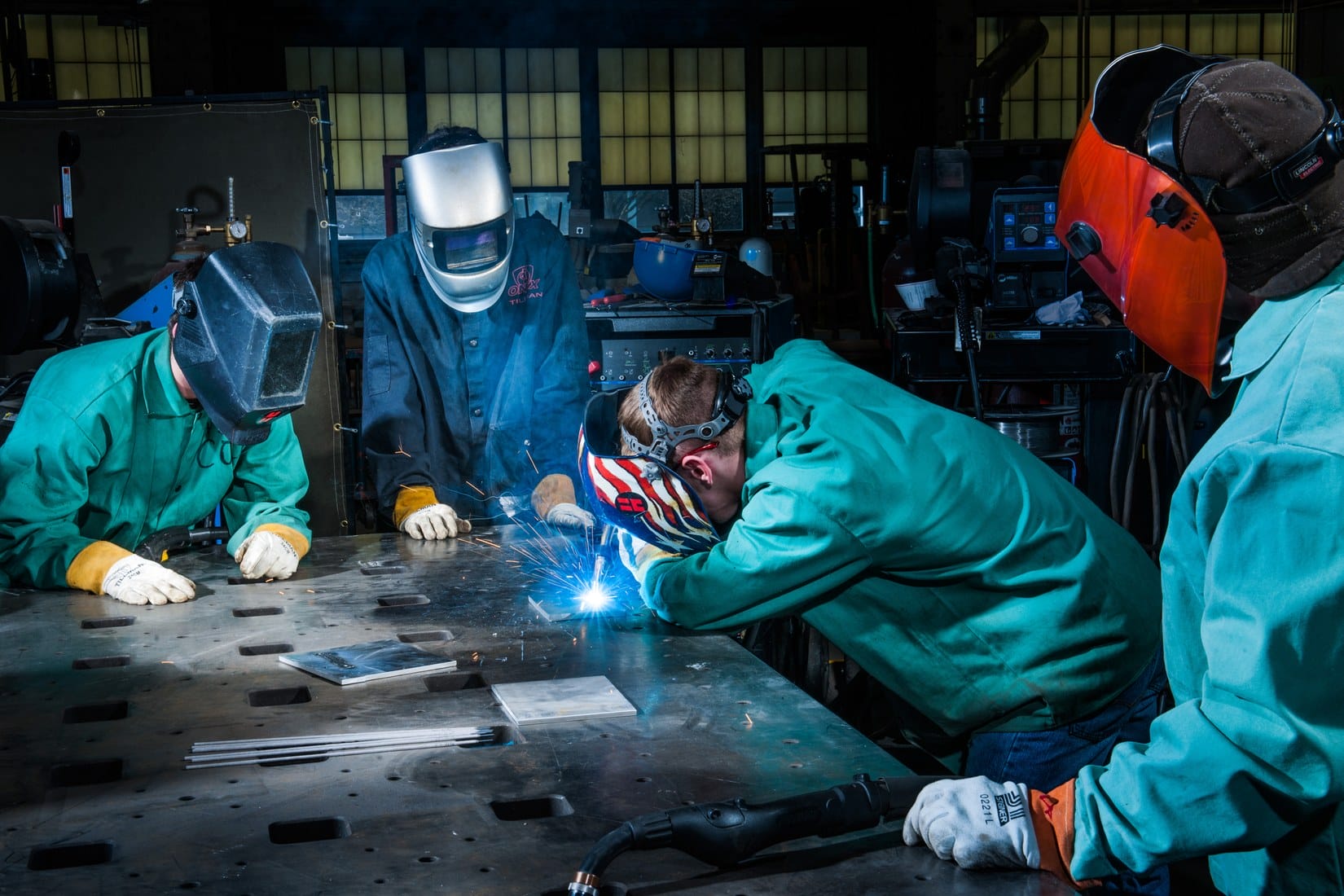
NASA Learning Resources connects science and engineering concepts to current and historic missions. The STEM Search can be filtered by audience, grade, subject, and resource type, which makes it far more useful than browsing NASA’s main news stream.
- Best for: astronomy, Earth observation, rocketry, robotics, and mission-based project ideas.
- Start with: STEM Search, then filter to your grade and the kind of activity you can actually complete.
- Useful move: turn a mission resource into one measurable question, such as how an orbit, material, or sensor changes under a stated constraint.
- Honest catch: student opportunities have separate age, location, citizenship, or enrollment rules. Check eligibility before planning around one.
2. NOAA Education: best for weather, oceans, and climate data
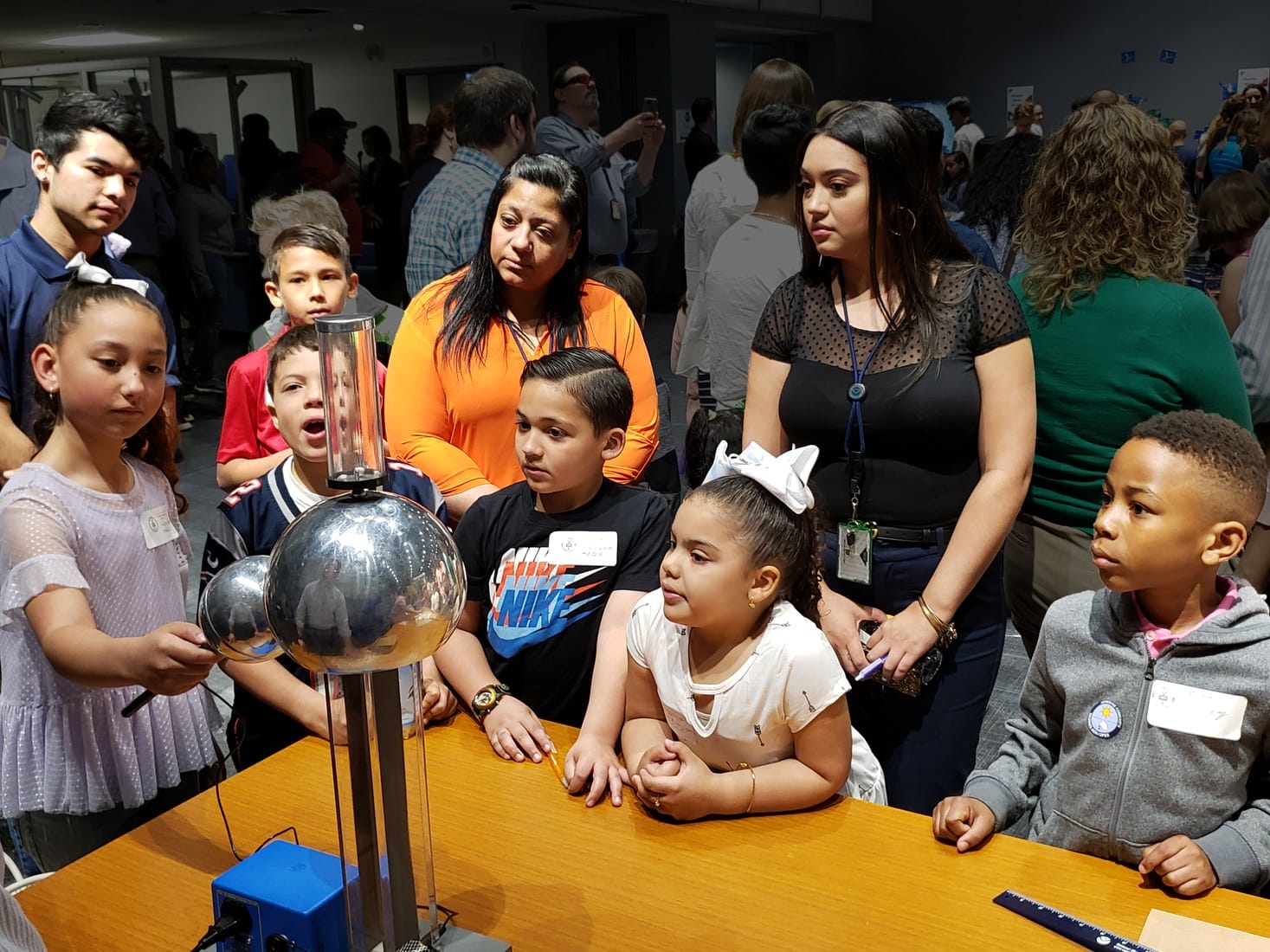
NOAA Education organizes lessons, data resources, collections, and opportunities around oceans, coasts, weather, climate, and marine life. It’s the better starting point when your project depends on observations made by an operating scientific agency.
- Best for: meteorology, oceanography, climate, ecosystems, and environmental data.
- Start with: a resource collection or the Sea to Sky database rather than a broad homepage search.
- Useful move: compare two locations, dates, or variables and state what the data can and cannot support.
- Honest catch: authentic datasets are messy. Missing values, units, collection methods, and time ranges matter as much as the chart.
If the project becomes a source-finding assignment, move to the published guide to research websites for students. NASA and NOAA provide excellent evidence, but they aren’t substitutes for a complete literature search.
Run simulations and virtual labs
A good simulation makes an invisible relationship manipulable. Change one variable, predict the direction of the effect, and explain the mechanism after you see the result. Random clicking produces motion, not understanding.
3. PhET Interactive Simulations: best general simulation library
PhET Interactive Simulations, created at the University of Colorado Boulder, provides free research-based simulations across physics, chemistry, mathematics, Earth science, and biology. The strongest simulations make cause and effect visible without burying the learner in controls.
- Best for: forces, circuits, waves, energy, atoms, reactions, graphing, and probability.
- Start with: one prediction written before touching a slider or switch.
- Useful move: hold every variable constant except one, then sketch the expected graph before collecting simulated observations.
- Honest catch: a simulation removes noise and physical technique. It can’t teach calibration, measurement uncertainty, safe handling, or what broken equipment looks like.
4. HHMI BioInteractive: best for data-rich biology
HHMI BioInteractive is the strongest biology-specific library in this list. Short films, interactives, virtual labs, data activities, animations, storylines. Every one of them is built around a real research question.

- Best for: genetics, evolution, ecology, cell biology, anatomy, microbiology, and scientific data interpretation.
- Who it fits: high school, AP or IB, and undergraduate biology students.
- Useful move: choose a virtual lab or data-based activity and write the claim, evidence, and reasoning separately.
- Honest catch: the catalog is designed heavily around classroom use, so some supporting materials and community features are meant for verified educators.
5. LabXchange: best guided virtual lab environment
LabXchange is a free learning platform created at Harvard University with support from the Amgen Foundation. Its virtual lab simulations are especially useful when a student needs to understand the order, purpose, and consequences of a life-science procedure before entering a physical lab.
- Best for: biotechnology, molecular biology, laboratory processes, and early university life science.
- Start with: a learning pathway or virtual lab tied to a concept you’re already studying.
- Useful move: pause before each step and state what would fail if the step were skipped or reordered.
- Honest catch: LabXchange doesn’t grant academic credit or certificates, and a virtual procedure can’t build manual technique.
Learn STEM concepts in a structured sequence
Use a teaching resource when the missing piece is conceptual structure. Khan Academy provides guided progression, OpenStax provides textbook continuity, and MIT OpenCourseWare shows how a complete university course is organized. They’re complementary, not interchangeable.
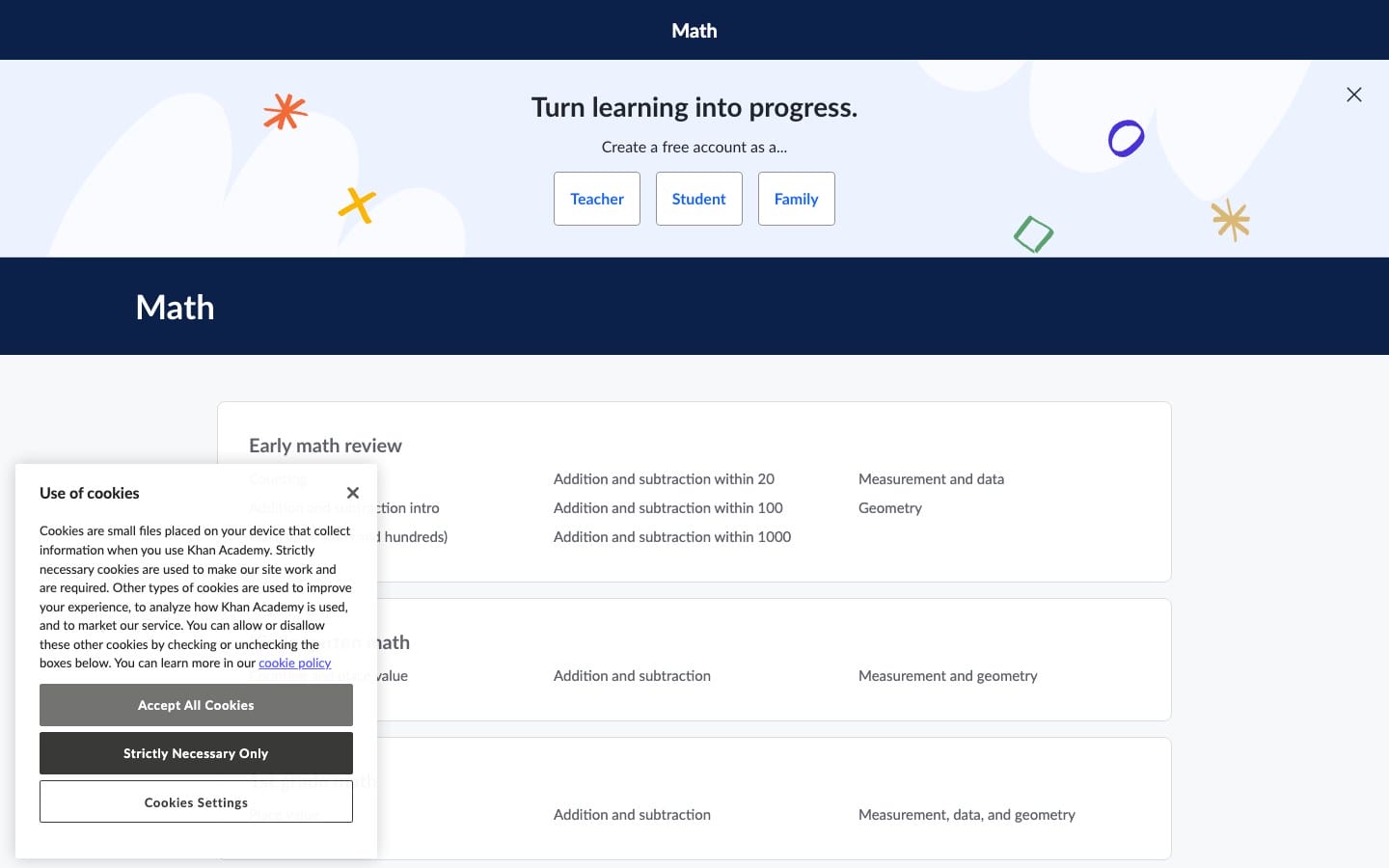
6. Khan Academy: best all-round starting point
Khan Academy Science is the safest general recommendation for school students who need explanation and practice in the same sequence. Its science catalog includes biology, chemistry, physics, Earth and space science, and standards-aligned course options.
- Best for: filling prerequisite gaps, learning in order, and checking recall with practice.
- Start with: the unit test or course challenge when available, so the platform exposes the gap instead of replaying everything.
- Useful move: close the lesson and explain the concept on paper before taking the next quiz.
- Honest catch: guided progress can create recognition without independent recall. Add an unaided problem, diagram, or explanation after each session.
7. OpenStax: best free STEM textbook library
OpenStax is a Rice University nonprofit that publishes free, peer-reviewed, openly licensed textbooks. Its science and mathematics catalog is the strongest choice here when you want one steady reference. Stable definitions, worked examples, chapter order, and exercises, all in one place.

- Best for: high school and college biology, chemistry, physics, astronomy, mathematics, and statistics.
- Start with: the chapter that matches your syllabus, then use its learning objectives to define the session.
- Useful move: read one subsection, close the book, and reconstruct its key diagram or argument from memory.
- Honest catch: a textbook can’t diagnose why your answer is wrong. Pair it with practice, office hours, or a focused simulation.
8. MIT OpenCourseWare: best for university-level depth
MIT OpenCourseWare publishes materials from more than 2,500 MIT courses. Depending on the course, students can use syllabi, lecture notes, videos, assignments, exams, projects, and solutions without enrollment or registration.
- Best for: self-directed university science, mathematics, computer science, and engineering study.
- Start with: the syllabus and prerequisites, not the first video that appears in search.
- Useful move: follow one course’s order and deadlines instead of mixing lectures from five courses.
- Honest catch: OpenCourseWare is a publication of course materials, not an enrolled class. It provides no credit, certificate, instructor feedback, or adaptive pacing.
Build, code, and engineer something
Building creates useful failure. A circuit doesn’t care that the diagram looked convincing, and a program doesn’t reward vague intent. These resources move from low-risk digital prototypes to physical engineering projects.
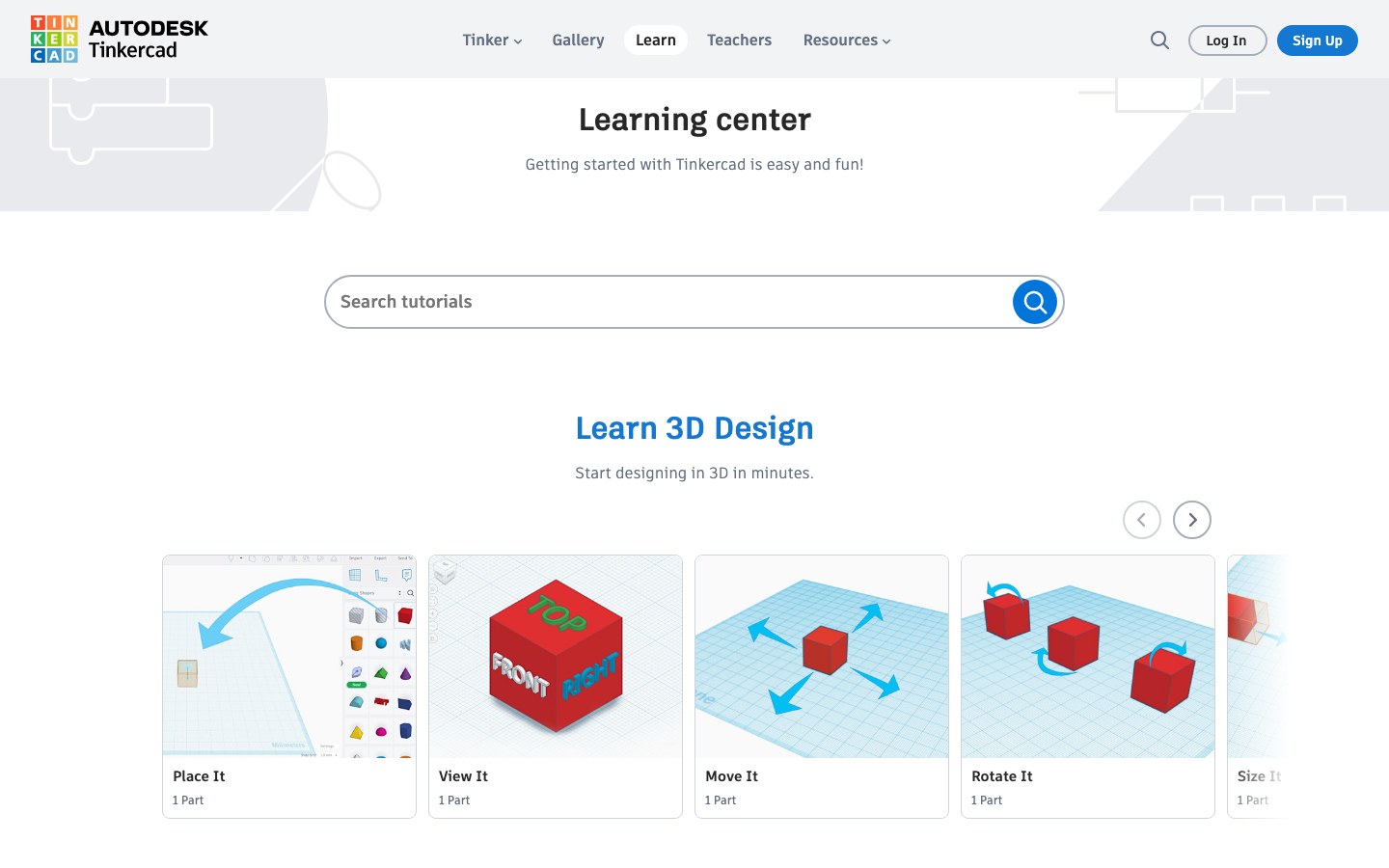
9. Tinkercad: best first design and electronics workspace
Tinkercad is a free browser-based Autodesk tool for 3D design, electronics, and codeblocks. It’s unusually useful for beginners because a design or circuit can be assembled, changed, and simulated before materials are purchased.
- Best for: introductory CAD, Arduino-style circuits, component logic, and 3D-printable models.
- Start with: one guided lesson, then rebuild the object without the step prompts.
- Useful move: record one design constraint, one failed attempt, and one change that improved the result.
- Honest catch: Tinkercad trades advanced capability for approachability. Complex mechanical assemblies and professional CAD workflows will outgrow it.
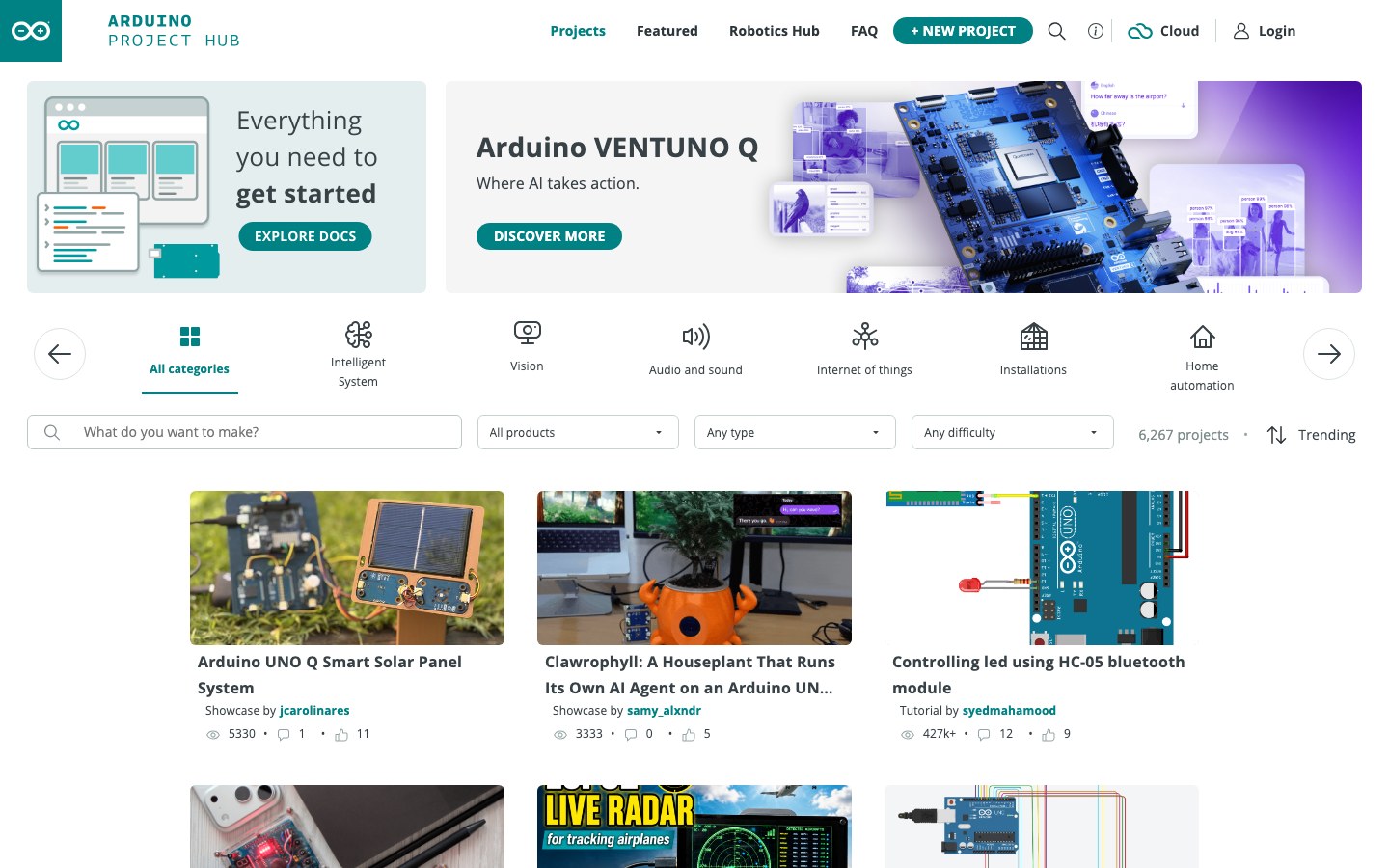
10. Arduino Project Hub: best for documented hardware projects
Arduino Project Hub is a large community library of electronics and embedded-programming projects. A strong project page shows the parts, wiring, code, and build sequence. That’s the real value: you get to study how a working system joins hardware and software.
- Best for: sensors, automation, robotics, Internet of Things prototypes, and physical computing.
- Start with: the hardware you already own, then filter for difficulty and documentation quality.
- Useful move: change one requirement after the reference build works, such as the sensor threshold, output, enclosure, or power source.
- Honest catch: community project quality varies. Check the schematic, library dependencies, comments, and parts list before buying hardware.
11. Scratch: best first creative coding environment
Scratch turns programming into visible blocks for stories, games, and animations. It’s designed especially for ages 8 to 16, but the important idea works at any age: remove syntax friction long enough to learn sequence, events, loops, conditions, variables, and debugging.
- Best for: first programs, interactive stories, games, and computational thinking.
- Start with: a tiny project with one input, one rule, and one visible response.
- Useful move: remix a project only after you can explain what each block changes.
- Honest catch: block coding doesn’t directly teach text syntax, package management, testing, or deployment. Move to a text language when the logic feels comfortable.
12. CodeAI, formerly Code.org: best structured computer science pathway
CodeAI is the current name and destination for the organization formerly branded as Code.org. It provides free and open computer science and AI curricula, making it a better structured pathway than collecting unrelated coding tutorials.
- Best for: school-age computer science, teacher-led sequences, introductory AI literacy, and hour-sized starting activities.
- Start with: a course matched to age and prior experience rather than the shortest popular activity.
- Useful move: keep a small debugging log that records the symptom, hypothesis, test, and fix.
- Honest catch: classroom pacing and scaffolding can feel slow for an experienced learner. Advanced students should move into projects in a general-purpose language.
13. TeachEngineering: best for classroom-tested design challenges
TeachEngineering is a free K-12 library of classroom-tested, standards-aligned STEM lessons, activities, and units. It’s strongest when a teacher, parent, or student group needs a practical engineering challenge. Objectives, materials, time, and assessment come already defined.
- Best for: hands-on engineering design, low-cost classroom builds, teamwork, and standards-aligned activities.
- Start with: grade level, available time, and expendable cost per group.
- Useful move: make the team state a constraint and success metric before touching the materials.
- Honest catch: many resources assume classroom facilitation. Independent students may need an adult for materials, safety, or group roles.
Visualize and verify without outsourcing the thinking
Visualization and computation are most useful after you have an expectation. Predict the sign, scale, shape, unit, or limiting behavior first. That way, the tool becomes an error detector instead of an answer vending machine.
14. GeoGebra: best for linked mathematics and visual models
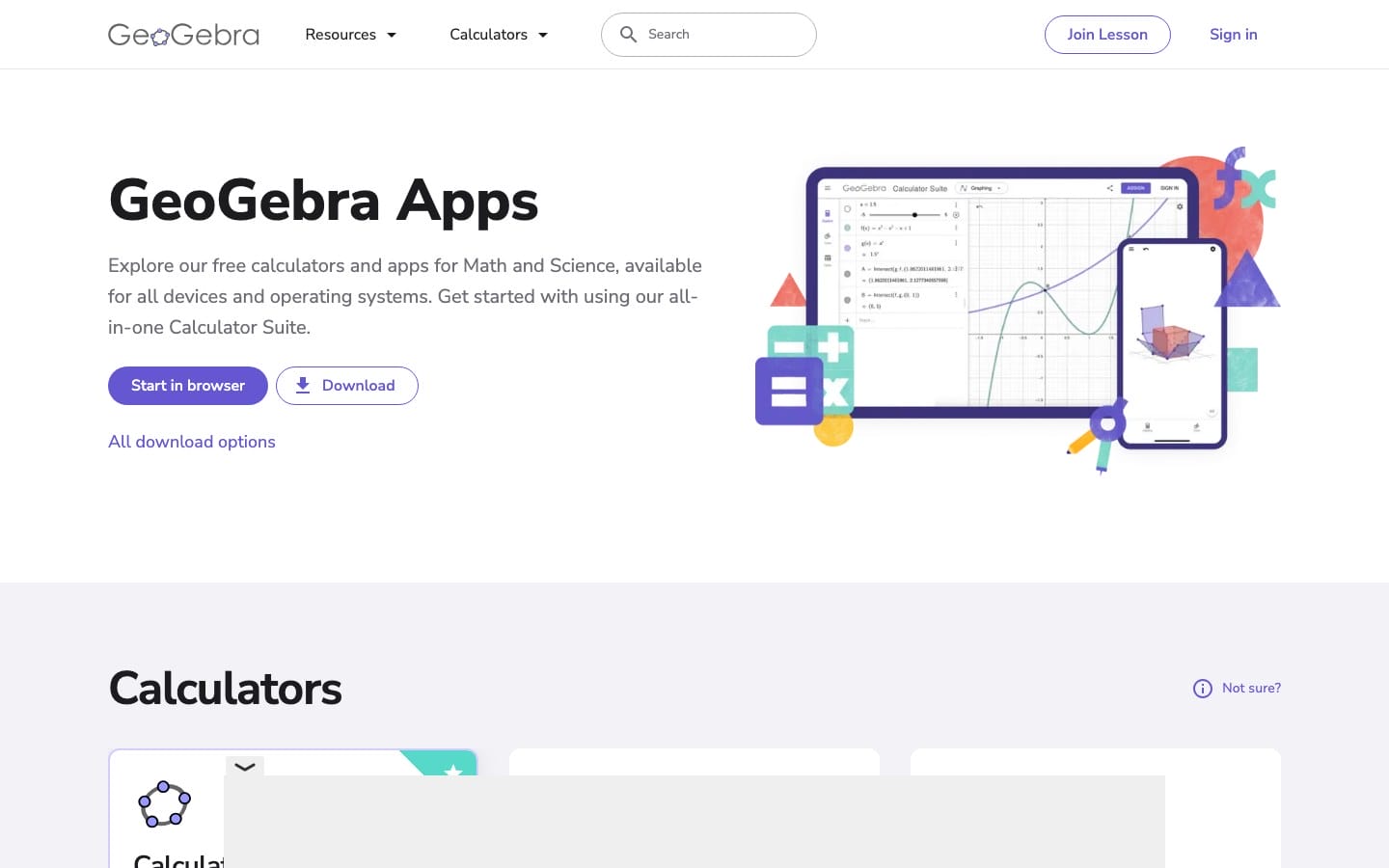
GeoGebra combines graphing, dynamic geometry, 3D, computer algebra, probability, and classroom resources. It earns a place in a STEM stack because the same object can be inspected numerically, algebraically, and geometrically.
- Best for: functions, geometric constructions, vectors, statistics, 3D models, and parameter exploration.
- Start with: the specific calculator your problem needs rather than the full suite.
- Useful move: drag one parameter and write which quantities change, which stay invariant, and why.
- Honest catch: the breadth creates a steeper start. A correct-looking graph or construction still needs mathematical justification.
15. WolframAlpha: best final computation check
WolframAlpha is a computational knowledge engine, not a general course. It’s valuable for checking symbolic results, numerical values, plots, units, properties, and equivalent forms across mathematics, science, engineering, and everyday data. Before using it, work through the four-step method in my guide to solving math problems so the checker confirms your reasoning instead of replacing it.

- Best for: independent calculation checks, unit conversions, plots, scientific properties, and equivalent forms.
- Start with: your own written method and an estimate of what the answer should look like.
- Useful move: compare the tool’s assumptions and domain with the assumptions in your problem.
- Honest catch: detailed step-by-step solutions require WolframAlpha Pro. Copying them before an attempt trains answer recognition, not problem solving.
Build a small weekly STEM stack
Most students need three websites, not fifteen. A practical stack of STEM websites for students has one main teacher or reference, one environment for experiments or building, and one tool for visualization or checking. Choose the row nearest your current level, then adjust only when you can name the missing job.
| Student or goal | Learn | Explore or build | Visualize or verify |
|---|---|---|---|
| Middle school STEM | Khan Academy | Scratch, PhET, or TeachEngineering | GeoGebra |
| High school science | Khan Academy or OpenStax | PhET, HHMI, NASA, or NOAA | GeoGebra or WolframAlpha |
| High school engineering | OpenStax or CodeAI | Tinkercad, TeachEngineering, then Arduino | GeoGebra or WolframAlpha |
| Early college STEM | OpenStax plus one MIT OCW course | LabXchange, Arduino, NASA, or NOAA | GeoGebra or WolframAlpha |
A weekly routine can stay simple: learn one idea, retrieve it without notes, use it in a simulation or build, and check the result. The guide to active recall explains why the unaided step matters. For non-STEM coursework and everyday student tools, use the broader list of useful websites for students.
What STEM websites cannot replace
The browser can provide explanations, models, datasets, and communities. It can’t do the intellectual or physical work on your behalf. Keep these boundaries visible.
- Physical laboratory technique: virtual labs don’t teach safe handling, calibration, contamination control, or equipment judgment.
- Original reasoning: an answer engine can’t decide whether your assumptions match the real problem.
- Project ownership: copying a polished Arduino build gives you a replica, not an engineering decision.
- Feedback on written work: courses and textbooks rarely diagnose a vague explanation, missing unit, weak proof, or unreadable graph.
- Source evaluation: even official data needs context, definitions, collection methods, and an honest statement of uncertainty.
- Consistency: the best STEM websites for students still fail when a new platform replaces actual practice every week.
Your next step: pick one unfinished STEM task, choose the matching row in the first table, and produce one piece of evidence before the session ends. A graph, circuit, paragraph, dataset, program, or failed prototype is more valuable than another saved link.
Frequently asked questions
What is the best STEM website for students?
Khan Academy is the best general starting point for guided school-level concepts and practice. PhET is stronger for simulations, Tinkercad for first designs and circuits, NASA or NOAA for authentic science, and WolframAlpha for checking a result after an independent attempt.
Which STEM websites are completely free?
NASA, NOAA, PhET, HHMI BioInteractive, LabXchange, Khan Academy, OpenStax, MIT OpenCourseWare, Tinkercad, Arduino Project Hub, Scratch, CodeAI, TeachEngineering, and GeoGebra all provide substantial free access. WolframAlpha provides free basic results, while detailed step-by-step features require Pro.
Which STEM website is best for high school students?
Khan Academy is the strongest general high school starting point. Add PhET for physics and chemistry simulations, HHMI BioInteractive for biology, OpenStax for textbook depth, and Tinkercad or TeachEngineering when the course includes design projects.
Which website is best for engineering projects?
Tinkercad is best for a first digital model or simulated circuit. TeachEngineering provides structured K-12 design challenges, while Arduino Project Hub is better once you have hardware and can evaluate community documentation, code, and schematics.
Can virtual labs replace physical laboratory work?
No. Virtual labs are useful for learning sequence, variables, mechanisms, and consequences before a physical session. They do not build safe handling, calibration, measurement, contamination control, troubleshooting, or equipment judgment.
How should a student use STEM websites each week?
Use one resource to learn a concept, retrieve it without notes, apply it in a simulation or build, and use a separate tool to check one result. Keep the evidence from the session, such as a graph, data table, program, notebook explanation, or failed prototype.
Tell Google you want more of this.
Add Gaurav Tiwari as a preferred sourceOne tap, and this site shows up more often in your own Top Stories, AI Overviews and AI Mode. Remove it any time.