
 by
by
The best research websites for students aren’t interchangeable. Google Scholar is the right place to begin most assignments, but it shouldn’t be where your search ends. Use it to map the field, then move to a subject database, a lawful full-text source, and a verification tool before you cite anything.
That distinction matters because a search result is only a lead. A preprint, retracted paper, conference abstract, and peer-reviewed article can sit side by side. Match each step to the website built for it, plan around the points where access breaks, and finish with a source you can defend.
Quick verdict: Start broad with Google Scholar. Use Semantic Scholar to judge citation context, CORE or DOAJ for open access, and PubMed, ERIC, arXiv, or Shodhganga when the subject demands a specialist index.
| Research task | Best starting website | Why it fits |
|---|---|---|
| Map an unfamiliar topic | Google Scholar | Broad coverage and useful citation trails |
| Find the papers that shaped a field | Semantic Scholar | Citation context and influence signals |
| Find a lawful open-access copy | CORE | Repository-first full-text discovery |
| Find open-access journals | DOAJ | Quality-screened journal directory |
| Research humanities or primary sources | JSTOR | Deep archives and stable source records |
| Research medicine or life sciences | PubMed | Biomedical indexing and study-type filters |
| Research education | ERIC | Education thesaurus and peer-review filter |
| Find Indian theses and dissertations | Shodhganga | Open institutional thesis repository |
| Build a citation map | ResearchRabbit | Visual discovery from a strong seed paper |
| Website type | Free to search? | Full text? | Main limit |
|---|---|---|---|
| Academic search engine | Usually | Sometimes | Results mix publication types |
| Open-access aggregator | Yes | Often | Coverage varies by repository |
| Journal directory | Yes | Yes | Only included journals |
| Library database | Often via institution | Often | Access depends on subscription |
| Subject index | Usually | Sometimes | Works best inside one discipline |
| Preprint server | Yes | Yes | Not the same as peer review |
| Citation or metadata tool | Usually | Rarely | Helps verify, not read, the paper |
How to use research websites for students without wasting hours
A dependable search has five moves: define the question, discover the vocabulary, narrow with a subject index, find lawful full text, then verify and cite. Jumping straight from a vague query to the first PDF feels fast, but it pushes the hard judgment to the end, when you’ve already built an argument around a weak source.
- Turn the assignment into a precise question. Name the population, idea, period, place, or outcome you care about. If the question is still foggy, use this process for finding research paper ideas worth narrowing.
- Search broadly for vocabulary. Google Scholar can reveal the phrases, authors, landmark papers, and journals used in the field.
- Move to the relevant subject index. PubMed, ERIC, arXiv, or Shodhganga removes much of the noise a general search engine leaves behind.
- Find an accessible copy. Check your library links first. Then try CORE, DOAJ, an institutional repository, or the author’s lawful manuscript.
- Verify before you cite. Check the publication type, publisher, date, corrections, retractions, and whether the paper actually supports your sentence.

Do not confuse availability with authority. A clean PDF can still be a preprint, an unreviewed manuscript, or an outdated version. Open the record page and identify what you’re reading before you add it to your bibliography.
General academic search engines for discovery
General academic search engines are best for the first pass. They help you learn the field’s vocabulary and follow citations across disciplines. They’re less reliable as a final quality filter because broad coverage is the point.
1. Google Scholar: the best starting point
Google Scholar is the best first search for most student projects because it spans articles, theses, books, abstracts, court opinions, technical reports, and repositories. Its strongest feature isn’t the search box. It’s the network around each result.
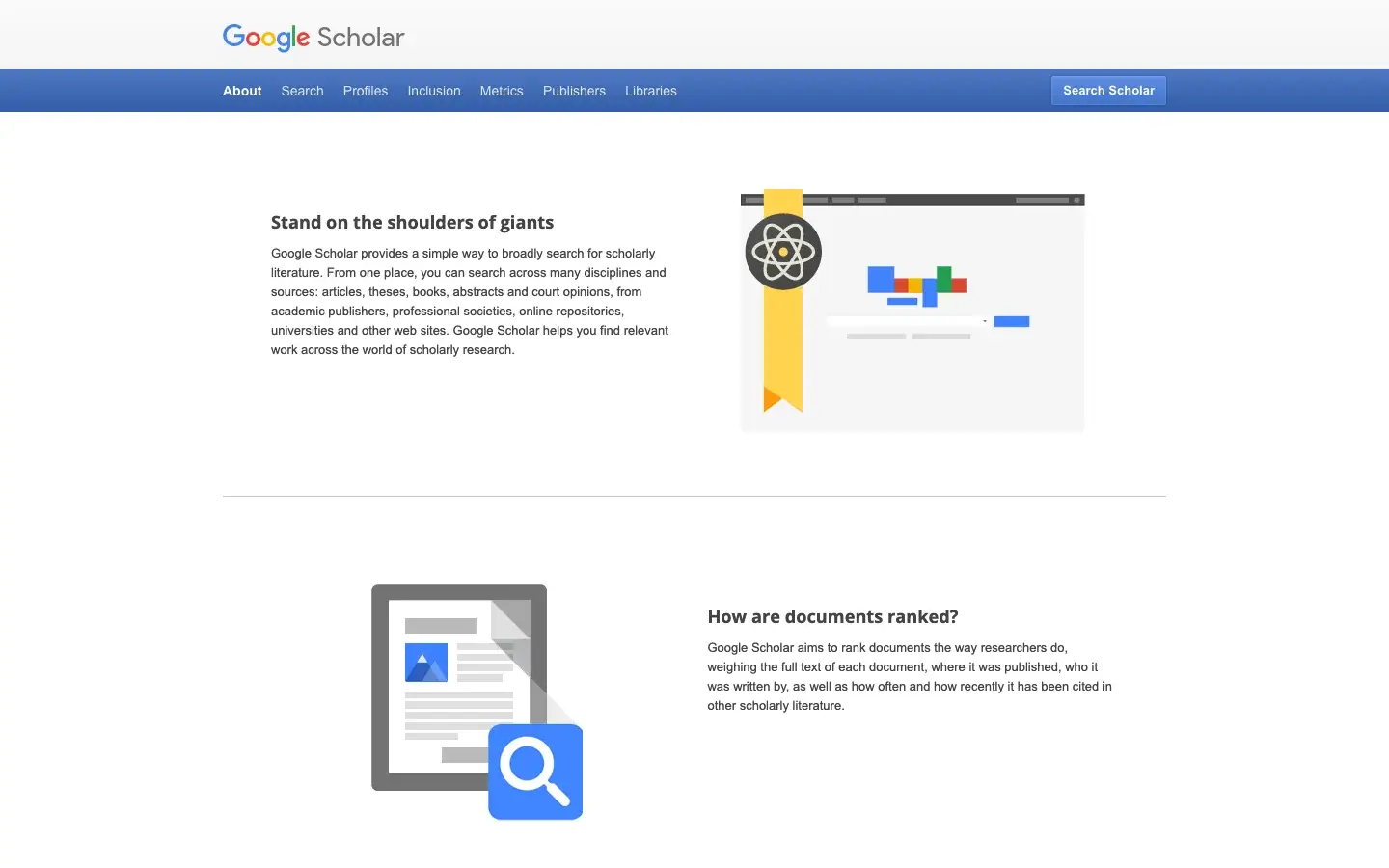
- Best for: learning terminology, finding landmark papers, and following “Cited by” and “Related articles” trails.
- Choose it over a normal Google search when: you need scholarly records rather than pages written about scholarship.
- Useful controls: date filters, exact-title search, author search, library links, PDF or HTML copies, and citation export.
- Honest catch: inclusion doesn’t prove peer review. Scholar also indexes preprints, theses, reports, and multiple versions of the same work.
2. Semantic Scholar: better citation context
Semantic Scholar is useful after you have a promising paper and need to decide which references deserve attention. It classifies some citation contexts by whether a later paper treats the source as background, a method, or a result.
- Best for: scanning a paper’s influence, related work, and citation context.
- Choose it over Google Scholar when: the question isn’t “what cites this?” but “why does the citation matter?”
- Useful controls: field, date, publication type, open-access availability, citation count, and influential-citation signals.
- Honest catch: automated signals help you prioritize reading. They don’t replace reading the passage or checking the cited claim.
3. OpenAlex: the open map of scholarly publishing
OpenAlex is an open catalog linking scholarly works, authors, institutions, venues, concepts, funders, and locations. It’s especially useful when your question concerns the structure of a field, not only a list of papers.
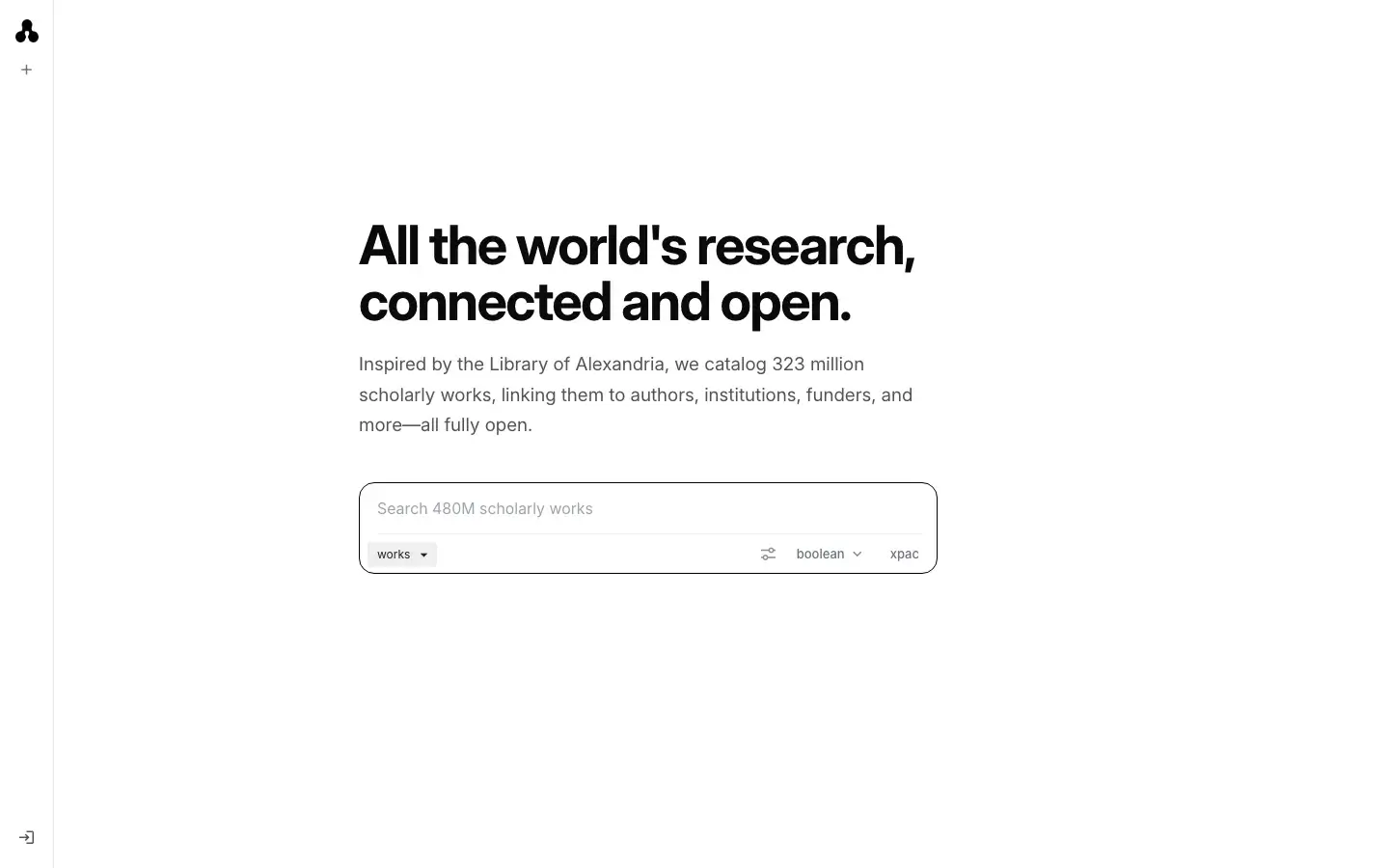
- Best for: open scholarly metadata, author and institution discovery, and field-level mapping.
- Choose it over Semantic Scholar when: you need reusable open metadata or want to explore relationships between entities.
- Useful distinction: OpenAlex is a map and metadata layer. Links may lead elsewhere for the actual document.
- Honest catch: the interface and graph can feel technical if you only need three sources for a short essay.
Free research websites for students who need full text
Free research websites for students solve a different problem from academic search engines. Discovery tells you a paper exists. Open-access tools help you read a lawful copy without treating a paywall as either a quality badge or permission to use a pirate mirror.
4. CORE: the best open-access copy finder
CORE aggregates open research from repositories and journals. With about 449 million records, it’s the first place I’d check when Google Scholar shows a useful title but no readable copy.
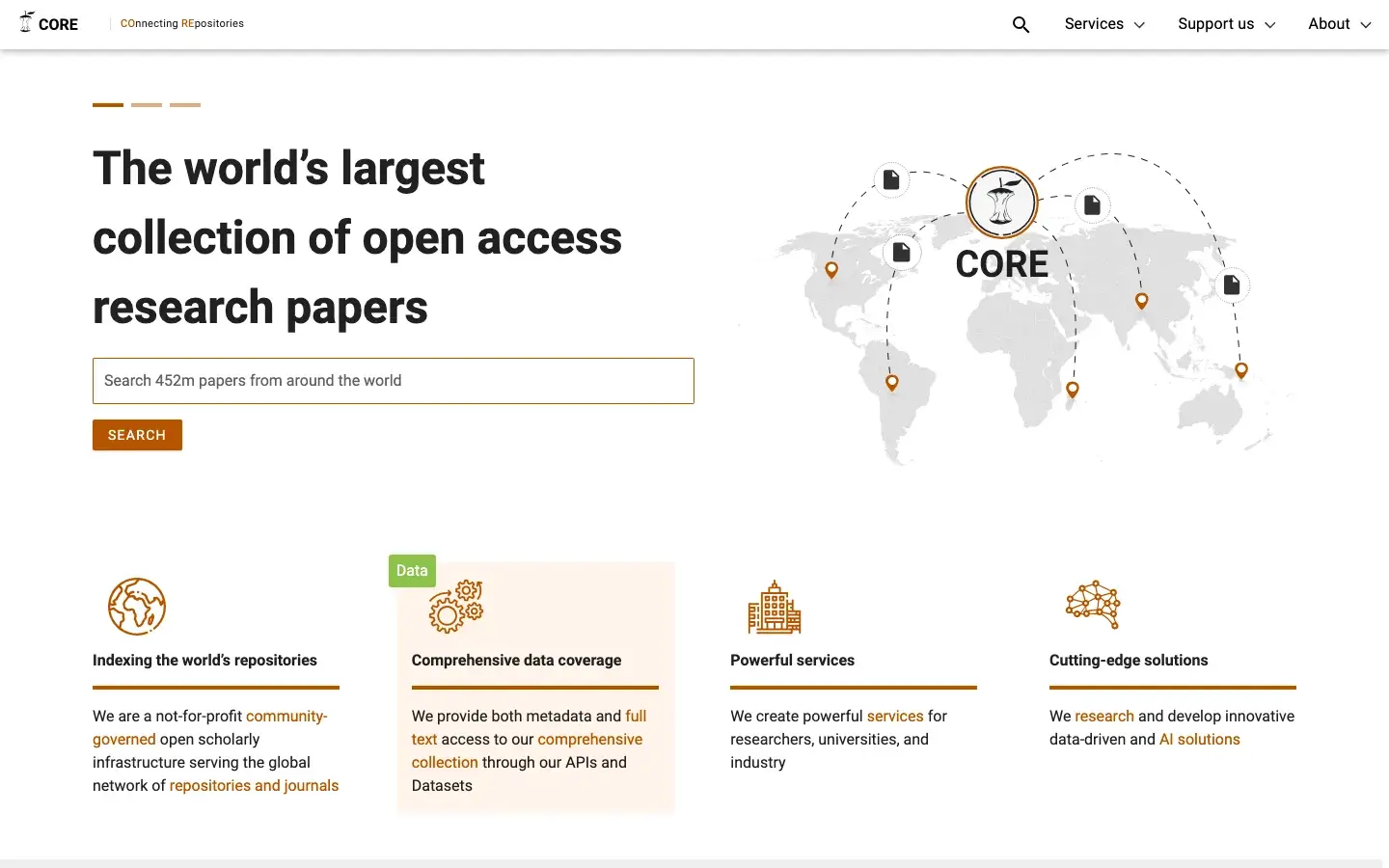
- Best for: lawful open-access papers and repository manuscripts across subjects.
- Choose it over DOAJ when: you already know the paper or topic and want a downloadable copy, including repository versions.
- Useful distinction: CORE aggregates records and full text from many sources instead of limiting itself to journals.
- Honest catch: repository metadata and document versions can vary. Check whether you found the accepted manuscript (the peer-reviewed text before journal formatting), the final published version, a thesis, or another record.
5. DOAJ: the better filter for open-access journals
DOAJ, the Directory of Open Access Journals, screens journals against stated quality and transparency criteria. It currently covers more than 23,000 journals and more than 13 million article records.
- Best for: finding open-access journals and articles in a known subject.
- Choose it over CORE when: journal quality and publishing practice matter more than locating any available manuscript.
- Useful controls: subject, language, country, publication fee, license, and peer-review information.
- Honest catch: DOAJ is selective by design. It doesn’t cover subscription journals or every legitimate open journal.
Access order that works: click your university library link, search the exact title in CORE, check DOAJ for the journal, look for an institutional repository copy, then request the paper through interlibrary loan or from the author. This route is slower than a pirate site by minutes, but it leaves you with a lawful, traceable version. Paywalls on publicly funded research are genuinely maddening, and the frustration is fair. Aim it at the publishing system, not at your own bibliography.
Academic databases for students with library access
Library databases earn their place when an assignment requires stable archives, controlled indexing, dissertations, newspapers, ebooks, or licensed full text. Search them through your institution’s library portal when possible. Direct access can make an available source look locked.
6. JSTOR: strongest for humanities and primary sources
JSTOR is particularly useful in history, literature, arts, religion, cultural studies, and social sciences. Its value comes from deep journal backfiles, books, images, and primary-source collections presented with stable records.

- Best for: historical scholarship, humanities, social sciences, and primary-source collections.
- Choose it over Google Scholar when: archive depth and stable browsing by discipline or journal matter.
- Access: institutional subscriptions provide the widest reach; a free personal account can read up to 100 articles every 30 days.
- Honest catch: JSTOR isn’t the natural first choice for fast-moving biomedical or technical research.
7. ProQuest: best when your library pays for breadth
ProQuest combines scholarly journals, ebooks, dissertations, newspapers, reports, and other licensed collections. For a dissertation or evidence review, the mix can expose sources that article-only search engines miss.

- Best for: multidisciplinary library research, dissertations, newspapers, ebooks, and full-text collections.
- Choose it over JSTOR when: format breadth matters more than humanities archive depth.
- Access: usually through a university, college, or public library subscription.
- Honest catch: the experience varies with your institution’s package. A result visible in ProQuest may still fall outside your library’s subscription.
Subject-specific websites for research papers
Subject databases reduce noise because their filters, vocabulary, and inclusion rules reflect one discipline. Once a general search reveals the right terms, switching to a specialist index is usually the fastest way to improve relevance.
8. PubMed: the default for biomedical research
PubMed contains more than 40 million biomedical citations and abstracts. It doesn’t host every paper, but it links to publisher pages and free copies in PubMed Central when available.
- Best for: medicine, nursing, public health, biology, and related life sciences.
- Choose it over Google Scholar when: study design, medical subject headings, and article-type filters matter.
- Useful controls: systematic review, clinical trial, meta-analysis, free full text, publication date, species, age, and retraction status.
- Honest catch: PubMed is an index, not a promise of quality or access. You still need to appraise the study and may need library access.
9. ERIC: the focused database for education
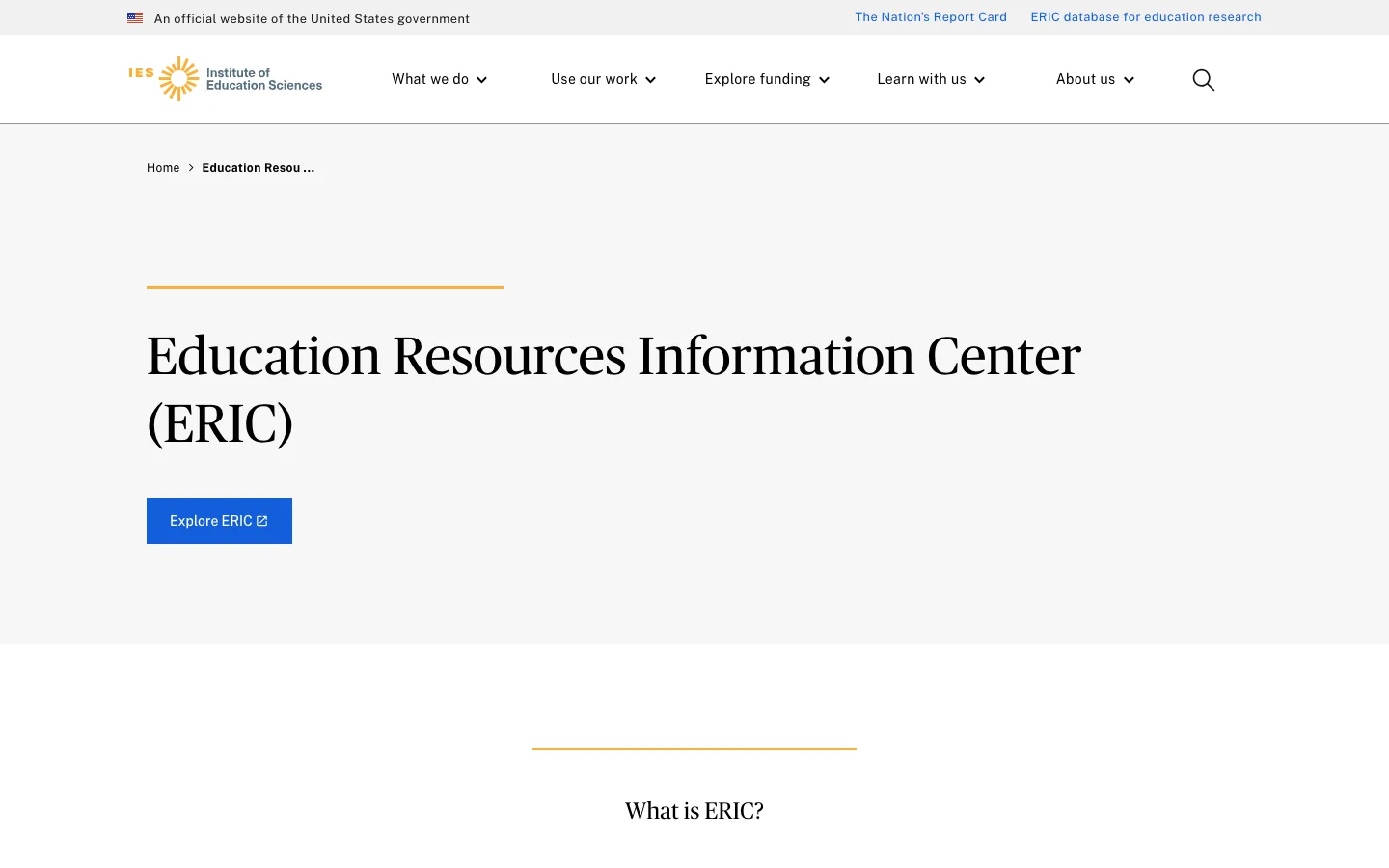
ERIC, the Education Resources Information Center, indexes journal articles, reports, policy papers, and other education research. Its thesaurus is more valuable than it first appears because education terminology changes across countries and institutions.
- Best for: teaching, learning, curriculum, education policy, assessment, and school administration.
- Choose it over a general search when: you need education-specific descriptors and document types.
- Useful controls: peer reviewed only, full text available, publication type, education level, audience, and thesaurus terms.
- Honest catch: ERIC includes grey literature, the reports, working papers, and policy documents published outside journals, alongside journal articles. That breadth is useful, but the evidence types aren’t interchangeable.
10. arXiv: fastest for emerging technical work
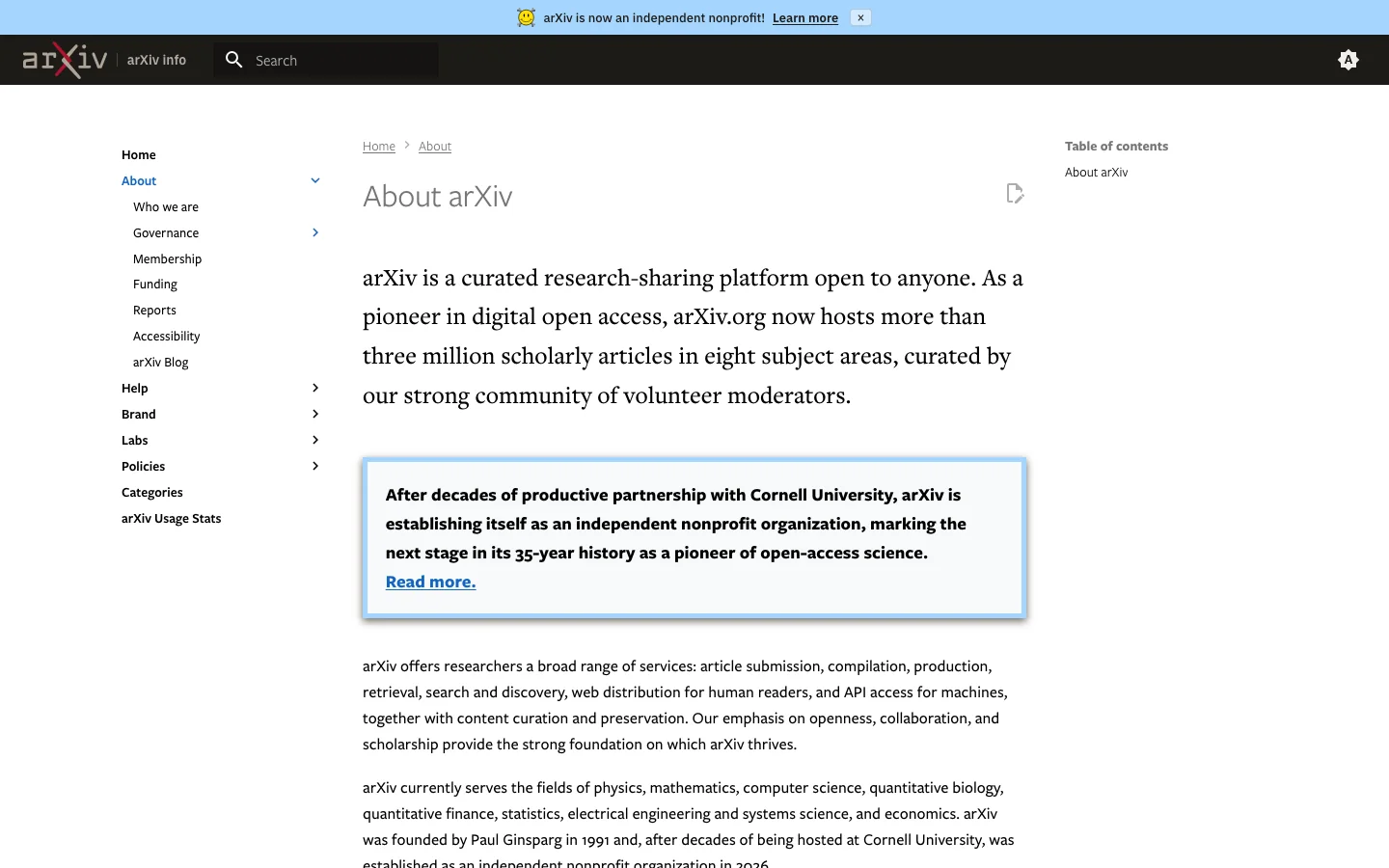
arXiv provides open access to more than 3 million scholarly papers across physics, mathematics, computer science, quantitative biology, quantitative finance, statistics, electrical engineering and systems science, and economics. If that paper search needs to become a simulation, dataset, or build, use my guide to STEM websites for students for the next step.
- Best for: early technical results, preprints, and fast-moving fields such as machine learning.
- Choose it over a journal database when: recency matters and you can evaluate an unreviewed manuscript carefully.
- Useful habit: search the title or DOI to see whether a peer-reviewed version was later published.
- Honest catch: arXiv moderates submissions but doesn’t peer review them. Cite a preprint as a preprint and don’t present it as settled evidence.
11. Shodhganga: the best source for Indian theses
Shodhganga is the open-access repository for electronic theses and dissertations submitted by Indian universities. It holds more than 600,000 theses from more than 830 contributing institutions.
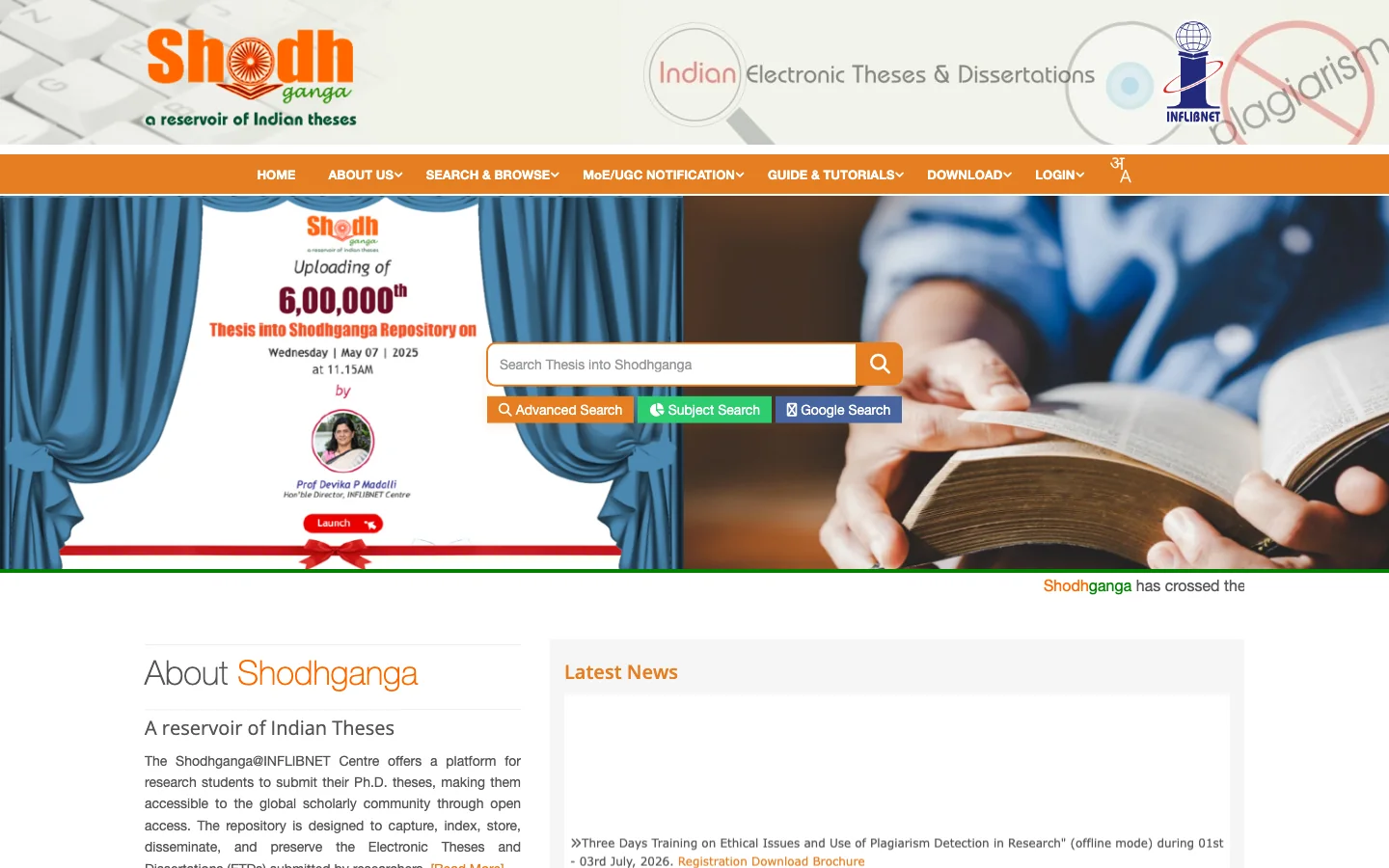
- Best for: Indian dissertations, local case studies, regional literature reviews, and examples of thesis structure.
- Choose it over ProQuest when: the topic, institution, or field is specifically Indian and open access matters.
- Useful approach: search by university, department, researcher, guide, date, or subject when a broad keyword produces noise.
- Honest catch: a thesis can be original and detailed without carrying the same review process as a journal article. Treat it as its own evidence type.
Citation maps and metadata checks
Citation tools work best after you find one strong seed paper. They help you move backward to foundational work, forward to later work, and sideways to related clusters. They should change what you read next, not decide what is true.
12. ResearchRabbit: the most useful visual citation map
ResearchRabbit turns seed papers into visual networks of related work, authors, and citation paths. Its free tier searches a database of more than 310 million articles and supports unlimited collections and collaboration, with up to 50 seed papers.
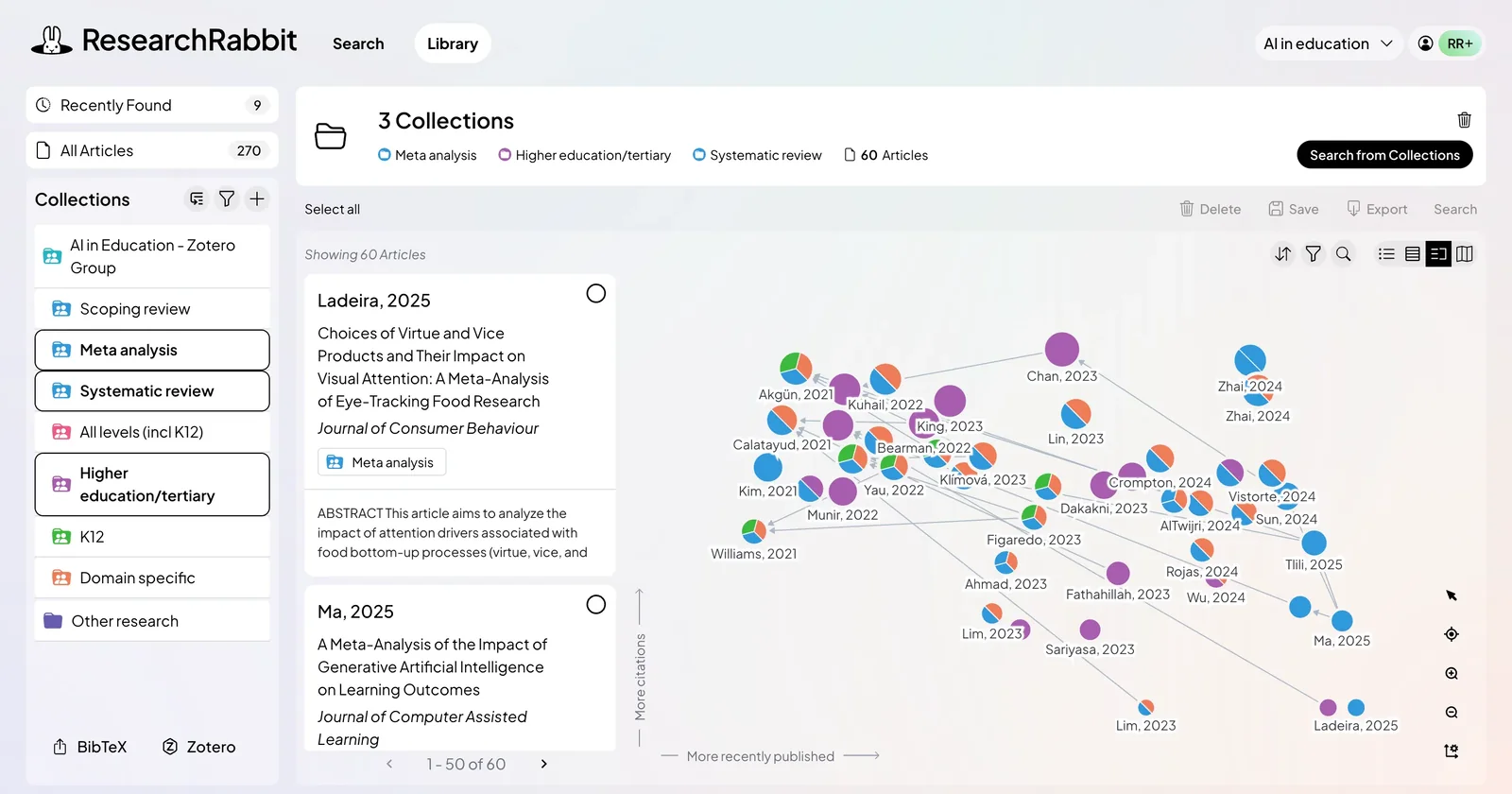
- Best for: literature reviews, discovering adjacent clusters, and monitoring a research area.
- Choose it over a flat results list when: you already trust one or two seed papers and need to see the surrounding field.
- Nearest alternative: Connected Papers creates a clean graph and highlights prior and derivative work, but its free plan is limited to five graphs per month.
- Honest catch: a beautiful graph can make weak relationships look meaningful. Open the papers and judge the actual method and claim.
13. Crossref: the final metadata and DOI check
Crossref is an open source of publication metadata linked to Digital Object Identifiers. Use it when a citation is incomplete, two versions conflict, or you need to confirm the publisher’s canonical record.
- Best for: DOI lookup, reference matching, publication details, and correction or retraction metadata.
- Choose it over a citation generator when: you need to verify the underlying record, not merely format it.
- Useful distinction: Crossref tells you what a scholarly object is and how it connects. It usually doesn’t provide the full paper.
- Honest catch: metadata quality depends partly on what publishers deposit. Always compare important fields with the publisher page.
How to check whether a research source is credible
A credible source isn’t simply one that appears on an academic website. Credibility comes from a chain you can inspect: who produced the work, where it was published, what kind of review it received, how the study was designed, and whether later evidence corrected or contradicted it.
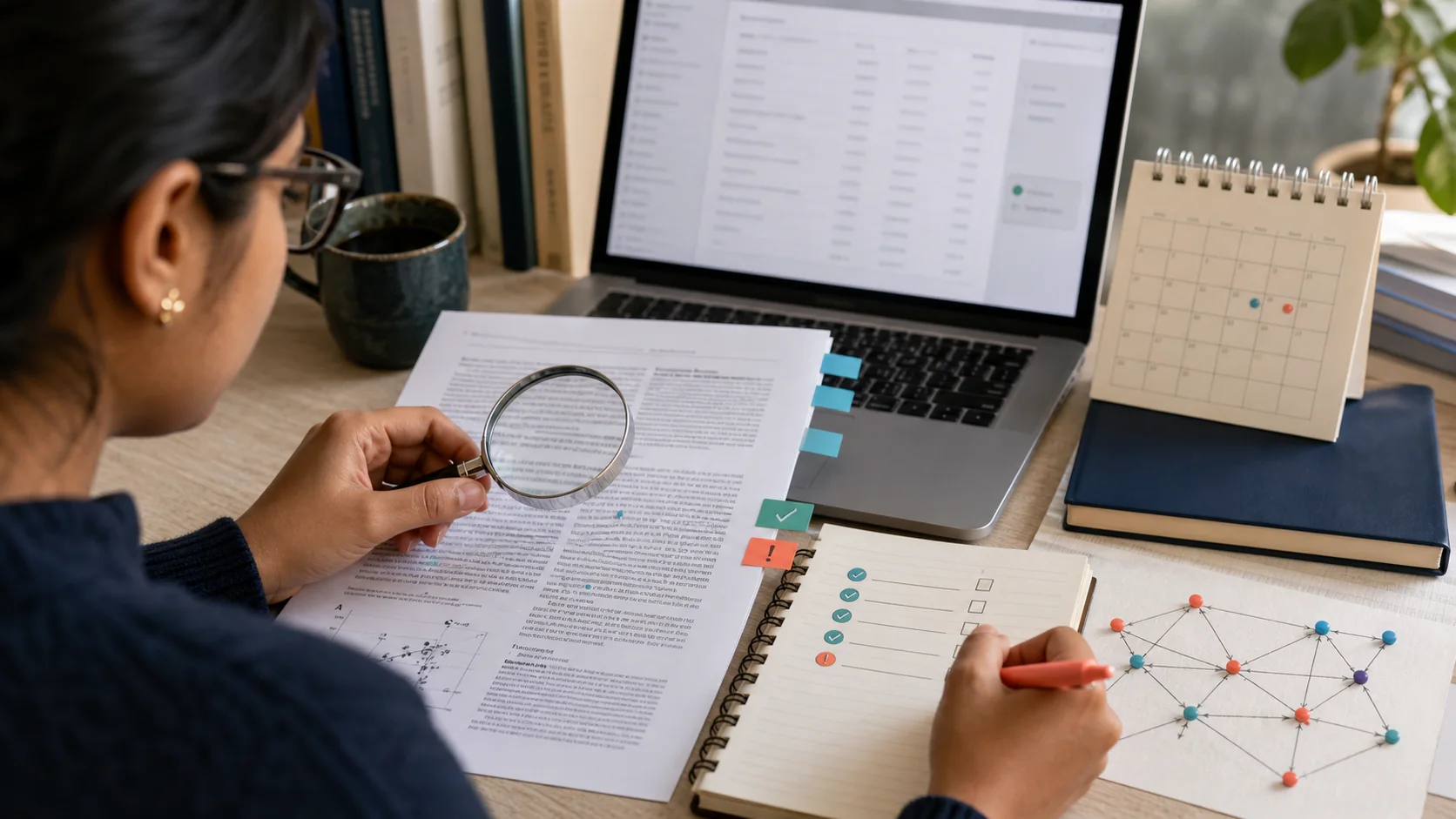
- Identify the source type. Journal article, review, preprint, thesis, conference paper, dataset, editorial, and report answer different questions.
- Check the publication record. Confirm the journal or publisher, DOI, date, volume, issue, pages, and available corrections.
- Look for peer-review status. A database label helps, but the journal or publisher record is the stronger confirmation.
- Read the method before the conclusion. Sample, controls, measurement, missing data, and analysis determine what the conclusion can support.
- Separate citation count from quality. Old, controversial, and even flawed papers can attract many citations.
- Check for retractions and corrections. PubMed, Crossref metadata, the publisher page, and retraction notices can expose a record that search snippets miss.
- Match the source to your sentence. A source can be credible and still fail to support the specific claim you wrote.
A practical citation test: if you can’t explain in one sentence what the study examined, how it examined it, and which part supports your claim, you aren’t ready to cite it. My guide to citations and bibliographies will help with the formatting after the evidence check is done.
What these research websites cannot decide for you
The most useful research websites for students reduce search friction. They don’t make the final judgment. Several shortcuts look authoritative because the interface is polished, but they remove the context you need to evaluate a claim.
- Don’t cite the search snippet. Open the record and the paper. Snippets are shortened, reordered, and stripped of context.
- Don’t equate a paywall with quality. Excellent work can be open access, and weak work can sit behind a subscription.
- Don’t equate a PDF with peer review. Preprints, theses, reports, slides, and manuscripts also arrive as PDFs.
- Don’t let citation count become a score. Use citations to find debate and influence, then read the evidence.
- Don’t cite an AI summary as the source. Use it to surface terms or questions, then trace every claim to the original work.
- Don’t copy a Wikipedia reference without opening it. The bibliography is a trail, not proof that the source says what you need.
Build a small research stack for your next assignment
You don’t need accounts on every academic platform. A good default stack is Google Scholar for discovery, one subject database for precision, CORE or your library for access, and Crossref for a final record check. Add ResearchRabbit only when a literature review needs a wider citation map.
Pick one live assignment and run the same question through those four stages. Save the queries that produce useful results, record why each source qualifies, and cite from the paper rather than the snippet. If you want a broader toolkit after that, compare my list of useful websites for students. For technical writing with equations and references, LaTeX for Students gives you a structured next step.
Frequently asked questions
What is the best research website for students?
Google Scholar is the best research website for students who need a broad starting point. It helps you learn terminology, find landmark papers, and follow citation trails. For a final source list, pair it with a subject database such as PubMed or ERIC, an access source such as CORE, and a metadata check through Crossref.
Which research websites are completely free?
Google Scholar, Semantic Scholar, OpenAlex, CORE, DOAJ, PubMed, ERIC, arXiv, Shodhganga, Crossref, and the free tier of ResearchRabbit can all be searched without a university subscription. Full-text access still varies by platform and paper. CORE, DOAJ, arXiv, and Shodhganga are the strongest options when reading access is the main constraint.
Is everything on Google Scholar peer reviewed?
No. Google Scholar indexes peer-reviewed articles alongside preprints, theses, books, technical reports, court opinions, and repository copies. Open the record, identify the document type, and confirm the journal or publisher’s review status before describing a source as peer reviewed.
How can students get full research papers legally?
Start with your university library link, then search the exact title in CORE, DOAJ, an institutional repository, or the author’s university profile. PubMed Central provides free biomedical papers, while arXiv and Shodhganga provide open preprints and theses. Interlibrary loan and a polite author request are lawful options when no open copy exists.
Is JSTOR free for students?
JSTOR is often available through a college, university, school, or public library subscription. A free personal account can also read up to 100 articles every 30 days, though the full collection is not included. Sign in through your institution before paying or assuming an article is unavailable.
Which website is best for theses and dissertations?
Shodhganga is the best open source for theses submitted to Indian universities. ProQuest Dissertations and Theses is broader internationally but usually requires institutional access. Google Scholar and institutional repositories can also surface individual dissertations when you search an exact title, author, university, or topic.
Can I cite an arXiv paper in an assignment?
You can cite an arXiv paper when a preprint is appropriate, but label it accurately and check whether a peer-reviewed version now exists. For claims where reliability or settled evidence matters, prefer the published version and compare any changes between versions.
How do I check whether a research paper was retracted?
Search the title or DOI on the publisher’s page and inspect any correction or retraction notice. PubMed labels retracted biomedical publications, and Crossref can expose correction or retraction relationships in deposited metadata. Do not rely on a saved PDF because it may predate the notice.
Tell Google you want more of this.
Add Gaurav Tiwari as a preferred sourceOne tap, and this site shows up more often in your own Top Stories, AI Overviews and AI Mode. Remove it any time.