
 by
by
The best mesh Wi-Fi system for a large home is the TP-Link Deco BE65: Wi-Fi 7, usable multi-gigabit ports, and a straightforward app, at roughly half the money flagship Orbi kits ask. The ASUS ZenWiFi BT10 ($699.99 list for a 2-pack, lately under $600 on Amazon) is the better buy when you want real router controls and dual 10G ports without a security subscription. eero remains the easy-mode option, and its Pro 7 tier is where the value sits.
The coverage number printed on a mesh box is a planning estimate for an open field. Your house has concrete, brick, floors, a mirror in exactly the wrong place, and forty neighboring networks. So this comparison ranks the things that survive contact with a real building: radio design, backhaul options, Ethernet ports, cost per node, app quality, and which features quietly demand a subscription.
One framing note before the list. A useful throughput test needs one floor plan, fixed test points, a wired server, and the same client hardware across every kit. Nobody can run that in your house except you, which is why the numbers here are port speeds, node counts, and prices (things that do not change with your walls) rather than speed-test screenshots from someone else’s living room.
Four terms decide most mesh arguments, in plain words:
- Backhaul: the link nodes use to talk to each other. Wired (Ethernet) is predictable; wireless spends part of your radio capacity on hauling.
- Tri-band: three radios instead of two, so node-to-node traffic does not have to fight your devices for airtime.
- MLO (Multi-Link Operation): the Wi-Fi 7 trick of using several bands at once for one connection. Nice to have, not the deciding spec.
- 2.5GbE / 5GbE / 10GbE: Ethernet port speeds. Your internet plan and wired gear decide which you actually need; most homes need less than they think.
Quick answer: which one should you buy?
Buy the Deco BE65 for most large gigabit and multi-gigabit homes. Buy the ASUS BT10 if you have Ethernet in the walls or want deep control. Buy eero (Pro 7 first, Max 7 only for 10GbE needs) when whoever maintains the network wants an app and zero decisions. Buy Orbi 770 when wireless backhaul across a big footprint is the hard problem and budget is not.
| Product | Best for | Deciding detail | Check availability |
|---|---|---|---|
| TP-Link Deco BE65 | Most large Wi-Fi 7 homes | Wi-Fi 7 with multi-gigabit Ethernet | Official site |
| ASUS ZenWiFi BT10 | Advanced homes and wired backhaul | Wi-Fi 7 plus deep ASUS router settings | Amazon.com Amazon.in |
| Amazon eero Max 7 | Simple app-led smart homes | Wi-Fi 7 with eero simplicity | Official site |
How these five made the cut: Wi-Fi generation and radio design, Ethernet port speeds and count, wired and wireless backhaul behavior, pack-size economics, client capacity, app controls, and three-year subscription exposure. Prices below are US list at publish time; regional street prices move weekly, so treat them as anchors, not quotes.
The eero pricing shift worth knowing: the eero Pro 7 now sits at $299.99 for one unit, $549.99 for two, and $699.99 for three, with two 5GbE ports per node. That makes it the rational eero for most homes and pushes the Max 7 into a niche: buy Max only when you genuinely need its 10GbE ports.
Best picks by use case
Start with your internet plan, floor count, and whether any Ethernet already runs between floors. A faster router cannot rescue a badly placed node, and a $1,700 kit on a 300Mbps plan is jewelry.
| Product | Wi-Fi and ports | Backhaul fit | Price comparison unit | Choose something else if |
|---|---|---|---|---|
| TP-Link Deco BE65 | Tri-band Wi-Fi 7; multi-gig ports | Wired or wireless | Compare same-size packs | You dislike paid add-on features |
| ASUS ZenWiFi BT10 | Tri-band Wi-Fi 7; 10G-class ports | Strong wired-backhaul control | Compare same-size packs | You want the simplest app only |
| Amazon eero Max 7 | Tri-band Wi-Fi 7; 10GbE plus 2.5GbE | Simple app-led wired or wireless | Premium per-node pricing | You want local advanced controls without fees |
| NETGEAR Orbi 770 Series | Tri-band Wi-Fi 7; 2.5GbE class | Strong wireless-backhaul positioning | Usually sold as a system | Budget matters |
| Amazon eero Pro 7 | Tri-band Wi-Fi 7; two 5GbE | Simple app-led wired or wireless | $299.99 one-pack MSRP | You need 10GbE ports or full local-network control |
How this shortlist was built
I ranked backhaul and port flexibility ahead of theoretical wireless totals, because the advertised aggregate (BE9300, BE18000, pick your fiction) is a sum across bands that no single device ever sees. What you feel day to day is whether the node-to-node link is strong and whether the ports match your plan. Then I checked app quality, parental controls, guest networks, and what each vendor charges you monthly to keep features you assumed were included.
A warning that saves money: a three-pack is not automatically better than a two-pack. Nodes placed too close interfere and drop the whole system’s throughput. Count your actual dead zones first; my own rule when planning an office network is one node per obstacle-heavy floor, then add hardware only after moving nodes around fails. My home office setup runs on exactly that logic: the desk gear changed over the years, the network planning rule never has.
The picks
Five awards, five systems. Each entry names the home it fits, the ports you get, the tradeoff against its neighbors on this page, and where to go if it is not your kit.
Best mesh Wi-Fi system for most large homes: TP-Link Deco BE65
The Deco BE65 is the kit I would tell most large households to buy. It sits in the useful middle of Wi-Fi 7: tri-band radios, Multi-Link Operation, multiple 2.5GbE-class ports per node, and wired or wireless backhaul, managed from an app a non-technical family member can operate. For a large home on a gigabit or low-multi-gigabit plan, that is the entire requirement list, met at a mid-tier price.
The catch is TP-Link’s HomeShield model: some security scanning and parental-control depth sits behind a subscription, and port counts vary by region and revision, so the exact BE65 listing needs a look before checkout. Neither issue changes the verdict for a household that wants coverage and stability. Both matter if you refuse recurring fees on principle, and in that case ASUS is your entry.
Buy it if: you want Wi-Fi 7 coverage for a large home without flagship pricing. Skip it if: paid add-on features irritate you. Confirm the regional port configuration on the TP-Link product page. If subscriptions or shallow controls put you off, the ASUS pick next fixes both.
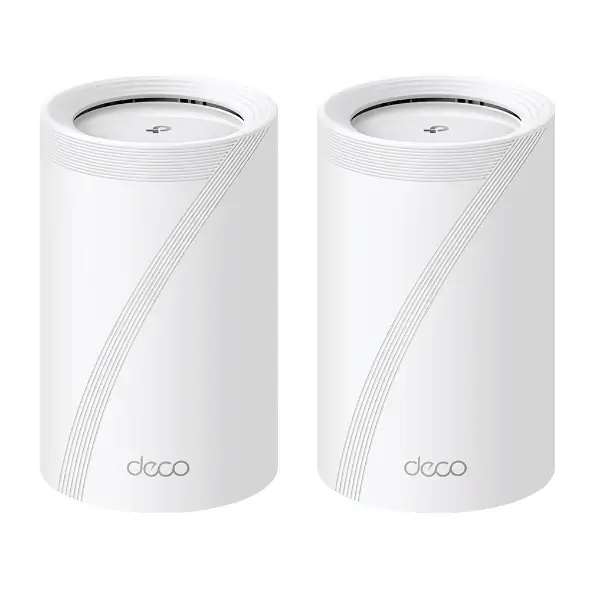
- Tri-band Wi-Fi 7 mesh
- Multi-Link Operation support
- Multiple 2.5GbE-class ports by model and region
- Wired and wireless backhaul
- Deco app management
What is good
- Strong Wi-Fi 7 value
- Useful multi-gigabit ports
- Easy mesh setup and expansion
What is not
- Some controls require a subscription
- Regional variants can confuse comparisons
Best for control and wired backhaul: ASUS ZenWiFi BT10
The BT10 is the enthusiast pick that stays livable. Dual 10G ports per node, tri-band Wi-Fi 7, AiMesh expansion, and ASUS’s full router interface: VPN server, per-device rules, real backhaul controls, and AiProtection security included without a subscription. With Ethernet in the walls it is the strongest wired-backhaul system on this list, and at $699.99 list for a 6,000-square-foot 2-pack, lately under $600 on Amazon, it undercuts eero’s flagship by a wide margin.
The tradeoff is the interface itself. ASUS exposes hundreds of decisions eero refuses to show you, which is either the entire appeal or a support call waiting to happen. Whoever maintains the network should be the deciding vote (buy this for a home where that person enjoys firmware release notes).
Buy it if: you want deep control, wired backhaul, and subscription-free security. Skip it if: nobody in the house wants to see a settings page. Check Amazon.com or Amazon.in (same 2-pack on both). Want the opposite philosophy, an app that hides every decision? That is the next two picks.
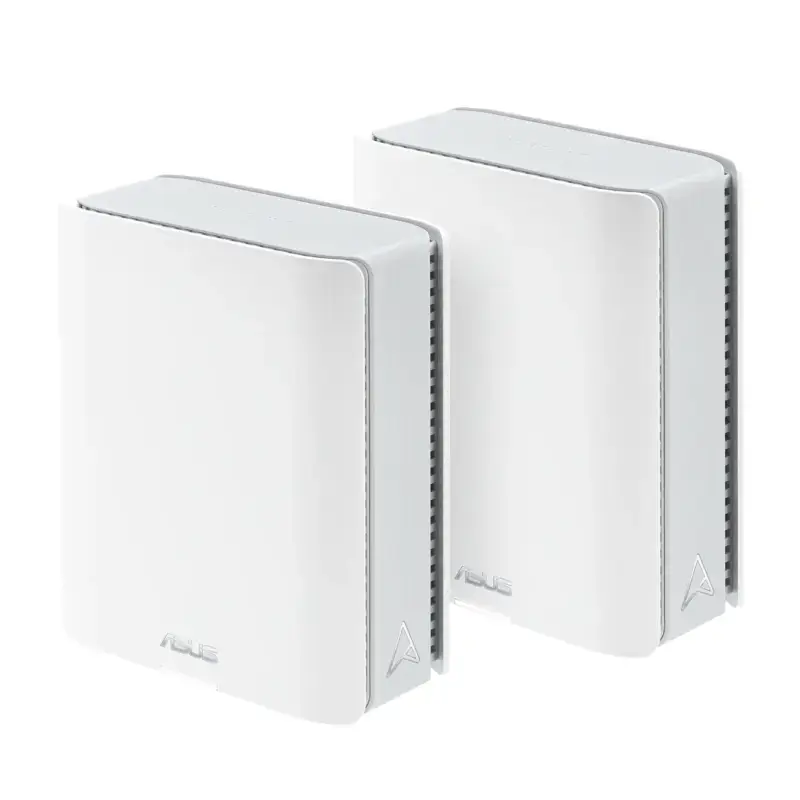
- Tri-band Wi-Fi 7 system
- Multi-gigabit WAN and LAN
- AiMesh expansion
- Advanced router controls
- Security features without the same subscription model as some rivals
What is good
- Deep networking controls
- Strong multi-gigabit port options
- Flexible AiMesh ecosystem
What is not
- More complex than eero or Deco
- Premium pricing
Best hands-off premium kit: Amazon eero Max 7
The Max 7 is the easiest premium mesh to live with, full stop. Setup is a phone camera and five minutes, updates install themselves, and the system quietly does the right thing with wired or wireless backhaul. Each node carries two 10GbE and two 2.5GbE ports, and the whole thing folds into an Amazon smart home without configuration.
You pay twice for that ease: about $599.95 per node ($1,699.95 for three) up front, then eero Plus for advanced security and content filtering. Local controls are minimal by design, and with the Pro 7 now covering most homes for far less, the Max 7 only makes sense when its 10GbE ports map to hardware you actually own. Most households reading this should scroll two entries down to the Pro 7.
Buy it if: you want zero-thought networking and have 10GbE gear to feed. Skip it if: the same simplicity at pick 5’s price covers your ports. Pricing is on the eero store.
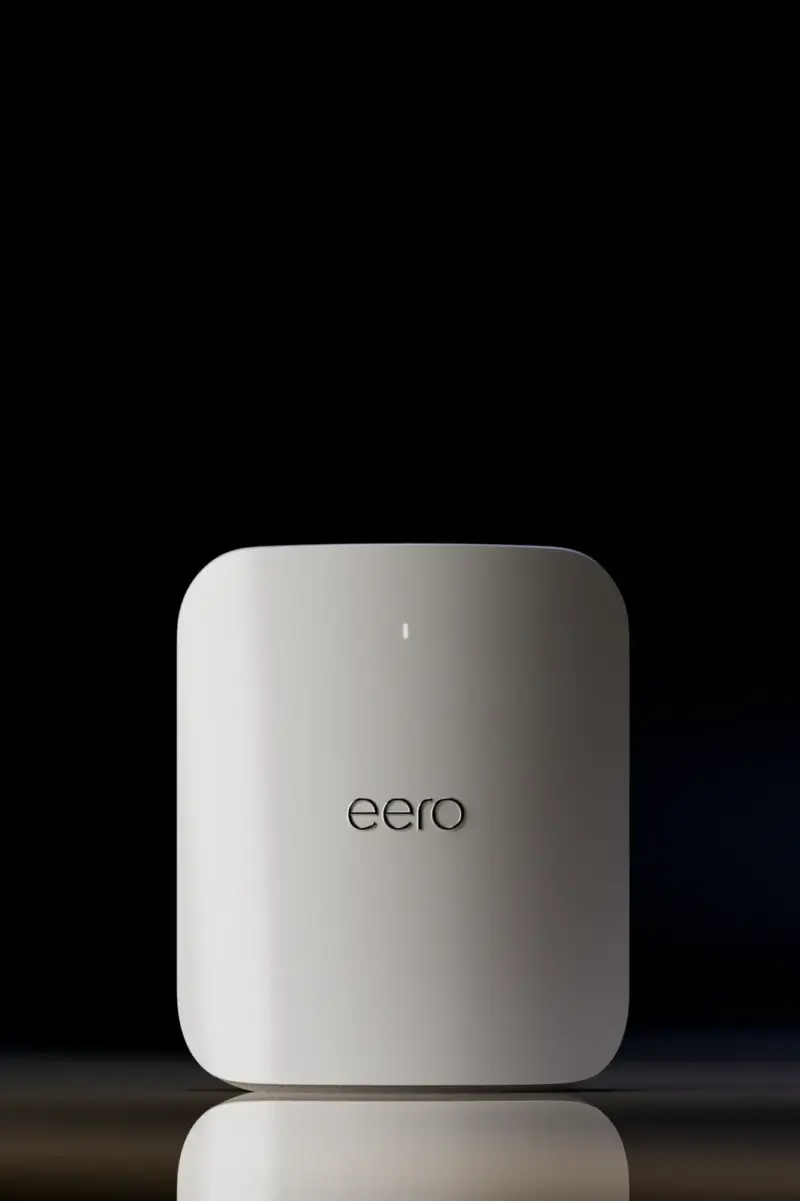
- Wi-Fi 7 mesh
- Multi-gigabit Ethernet
- Simple eero mobile app
- Amazon smart-home integrations
- Automatic updates
What is good
- Very easy setup and management
- Good smart-home integration
- Automatic updates reduce maintenance
What is not
- Expensive hardware
- Advanced features and controls are limited or paid
Best for homes that cannot run cables: NETGEAR Orbi 770
The Orbi 770 (RBE773 as a router-plus-two-satellites kit) is built around one scenario: a large home where you cannot run Ethernet and the node-to-node wireless link has to carry everything. Orbi’s dedicated-backhaul heritage and antenna design earn their reputation exactly there, and the 770 series brings that to Wi-Fi 7 with 2.5GbE-class ports at $999.99 list for the 3-pack, though Amazon has been selling it closer to $600 lately.
At list, the difficulty is justifying the total; the recent street price softens it considerably. Hardware money buys the wireless-backhaul edge, and NETGEAR’s Armor security subscription stacks on top, so the three-year cost lands well above the Deco or ASUS routes. For an ordinary gigabit home that is money spent on a problem you do not have. For a brick-and-concrete house with no Ethernet path, it is the fix.
Buy it if: a big, wire-resistant home needs the strongest wireless backhaul available. Skip it if: budget matters and a wired run is possible. Check Amazon.in or the NETGEAR page for kit configurations. On a tighter budget with the same simple-app taste, keep reading.
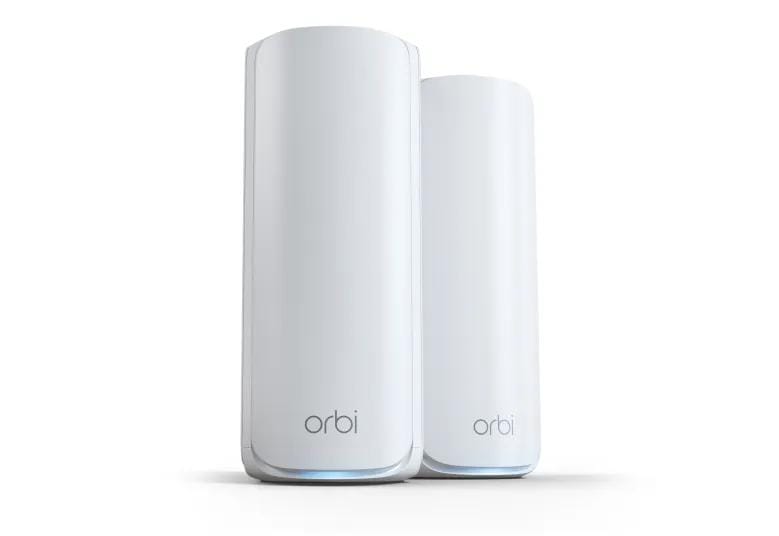
- Tri-band Wi-Fi 7 mesh
- Dedicated wireless-backhaul design
- 2.5GbE-class Ethernet ports
- Router plus two satellites (RBE773)
- Orbi app and web controls
What is good
- Built for large multi-node deployments
- Strong multi-gigabit hardware
- Good option when Ethernet is unavailable
What is not
- High total cost
- Some security features need a subscription
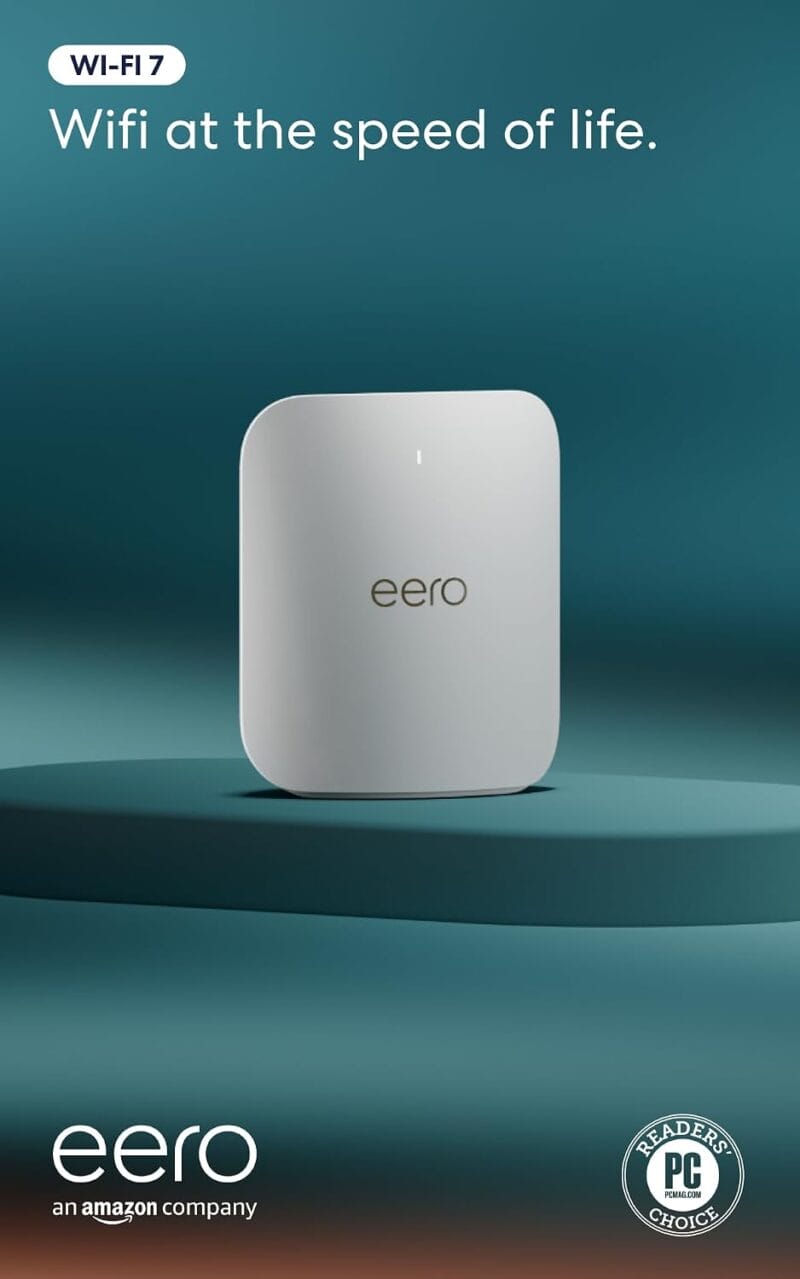
Best value for simple Wi-Fi 7 homes: Amazon eero Pro 7
The Pro 7 is the step-down from the Max 7 that most eero buyers should take, because what you give up is exactly what most homes do not use. For $299.99 a unit ($549.99 for two, $699.99 for three) you get tri-band Wi-Fi 7, two 5GbE ports per node, published support for 200+ devices, and about 2,000 square feet of coverage per unit, inside the same install-and-forget app as the Max 7. For a multi-gigabit plan under 5Gbps, the port math simply works.
The compromises are the familiar eero ones: local controls are thin, some features live behind eero Plus, and tinkerers will feel the walls quickly. But judged as an appliance (which is how eero owners actually use it), this is the strongest simplicity-per-dollar on the list.
Buy it if: you want eero simplicity without flagship pricing. Skip it if: you need 10GbE ports or real local control. Check Amazon.com or the eero store for pack pricing. Still unsure between all five? The four questions below decide it.
- Tri-band Wi-Fi 7
- Two 5GbE ports per node
- Published support for 200+ devices
- Up to 2,000 sq ft per unit
- One, two, and three-pack options
What is good
- Two 5GbE ports are useful for multi-gigabit backhaul
- Simple eero setup and roaming
- Lower entry price than eero Max 7
What is not
- Less local control than ASUS
- Subscription gates some optional features
How to choose a mesh Wi-Fi system
Four decisions determine the outcome: backhaul, ports, subscriptions, and pack size. Every one of them beats comparing advertised speed numbers.
Can you run a cable between floors?
If yes, do it, and buy less router. Ethernet between nodes frees the radios to serve devices instead of hauling traffic between floors, and it makes speeds predictable in exactly the rooms that were the problem. Even a single wired run to the most difficult floor changes the result. If a cable can physically get there, that upgrade beats any hardware upgrade on this page.
Which ports does your setup actually need?
The ones your plan and wired gear can saturate, and usually no more. A fast plan, a NAS, and a wired backhaul run can end up fighting for the same 2.5GbE ports. List what plugs into each node, then check the role and speed of every port on the spec sheet. This is the whole Max 7 versus Pro 7 decision: identical software, and roughly $300 per node riding on whether you own 10GbE hardware. If gaming is why you are counting megabits, the speeds games actually need are lower than the marketing suggests.
What do subscriptions add over three years?
Often more than the hardware gap between two kits. TP-Link HomeShield, NETGEAR Armor, and eero Plus each run real money per year, and each vendor gates different features behind them. ASUS bundles most of it free, which quietly changes value rankings. Add 36 months of whatever plan you would realistically keep before declaring any kit the cheaper option. And before paying for any security plan, flip the free switches first: the five Wi-Fi security settings most people skip cost nothing.
How many nodes do you actually need?
Start at one per obstacle-heavy floor, and be suspicious of three. A one-pack router price next to a three-pack system price tells you nothing. Count the nodes your floor plan needs, then compare identical node counts including subscriptions. Two well-placed nodes routinely beat three crowded ones, and they cost less. The same buy-less logic runs through my $500 home office build.
Check the exact listing before you buy
Mesh kits ship in more pack sizes and regional variants than any other networking product, and retailers mix them freely in search results.
- Compare identical pack sizes: a BE65 2-pack against a BT10 2-pack, never a mixed count.
- Match Ethernet port speeds to your internet plan and any wired backhaul plan.
- Check which security, filtering, and parental features need a subscription, and price three years of it.
- Confirm regional radio certification, warranty terms, and the power adapters in the box.
- Sketch node placement before buying a third node you may not need.
Alternatives considered
Two setups beat every kit above in the right house.
- A strong single router: for a smaller or single-floor home, one well-placed Wi-Fi 7 router is cheaper, simpler, and often faster than a mesh. Mesh is a coverage tool, not a status tier.
- Wired access points: for a fully cabled home, dedicated APs are more reliable than any consumer mesh. The setup and management are simply less friendly, which is why they stay the specialist route.
Which one should you choose?
Some honest deflation before the verdict: on a gigabit plan, every kit on this page delivers the same Netflix, the same calls, the same gaming. The differences appear at multi-gigabit speeds, across difficult walls, and in three-year subscription bills, which is exactly where the awards above split. Buy for your floor plan, not the spec sheet.
For most large homes the answer is the Deco BE65, and the money saved over a flagship kit goes into one wired backhaul run, which will do more for your evenings than any router upgrade. Pick ASUS when control and included security matter, Orbi when wireless backhaul is genuinely the hard problem, and eero when simplicity is the requirement. And inside eero, the Pro 7 is the buy; the Max 7 has to earn its premium with your 10GbE hardware, not its spec sheet.
Frequently asked questions
What is the best mesh WiFi system for a large home?
TP-Link Deco BE65 is the best mesh WiFi system for most large homes because it combines Wi-Fi 7, multi-gigabit Ethernet, and flexible wired or wireless backhaul at a lower price than flagship kits.
How many mesh nodes do I need?
Many two-story homes need two or three well-placed nodes. Start with fewer nodes, place them in open areas with a strong link to the main unit, and add another only after measuring dead zones.
Is wired backhaul worth it?
Yes. Ethernet backhaul usually improves consistency, lowers wireless congestion, and preserves more capacity for devices. It is especially useful across floors or through dense walls.
Do I need Wi-Fi 7 mesh?
Not if your devices and internet plan are modest. Wi-Fi 6E can still be fast. Wi-Fi 7 is most useful for a new long-term installation, multi-gigabit networking, and newer clients.
Will mesh Wi-Fi increase my internet speed?
Mesh cannot exceed the speed delivered by your internet plan. It can improve signal quality, local network speed, and consistency in rooms where a single router is weak.
Tell Google you want more of this.
Add Gaurav Tiwari as a preferred sourceOne tap, and this site shows up more often in your own Top Stories, AI Overviews and AI Mode. Remove it any time.
Disclaimer: This site is reader-supported. If you buy through some links, I may earn a small commission at no extra cost to you. I only recommend tools I trust and would use myself. Your support helps keep gauravtiwari.org free and focused on real-world advice. Thanks. - Gaurav Tiwari