
 by
by
You ask the room “Any questions?” and the same two people answer while everybody else waits for the next slide. A few slides later, half the audience is on their phones, and you have no way to tell whether anything you said actually landed.
Interactive presentation tools put those phones to work. Everyone joins with a code and answers a poll, a quiz or an anonymous question at the same time, and the results show up on your screen while you’re still talking. You hear from the whole room instead of the loudest two.
For live polls and quizzes in meetings and lectures, Mentimeter is my pick. If the free plan has to carry a class that meets every week, AhaSlides is the better place to start.
For questions and polls inside a PowerPoint or Google Slides deck you already have, I’d go with Slido.
And for content people click through on their own, with no presenter in the room, Genially is the one to use.
What to Pick for Interactive Presentations?
Where your audience sits decides the shortlist. Find your situation in the table, then jump to that tool below.
| Your situation | First pick | Also consider | Free plan limit that bites |
|---|---|---|---|
| Meetings and lectures, live polls and word clouds | Mentimeter | AhaSlides | 50 participants a month on Mentimeter; 50 per presentation on AhaSlides |
| Q&A and polls inside a deck you already have | Slido | Poll Everywhere | Slido: 100 participants, 3 polls and 1 quiz per event; Poll Everywhere: 40 people at a time |
| Game-style quizzes | Kahoot! | AhaSlides | 40 players per game on a teacher account, 10 on a personal one |
| University and corporate training | Wooclap | Mentimeter | 5 questions a month on Wooclap’s free plan |
| School classrooms, K to 12 | Nearpod | Pear Deck | 40 students per lesson on Nearpod’s free plan |
| Clickable, self-paced content | Genially | Canva | Genially watermark and public-only sharing on the free plan |
| Non-linear storytelling | Prezi | Genially | Public presentations with a Prezi watermark on the free plan |
| A deck that builds itself and lives on the web | Gamma | Pitch | 400 one-time AI credits and a Gamma badge on everything |
| A team that presents the same decks often | Pitch | Canva | Viewer analytics start on the paid Team plan |
| Design-led decks with light interaction | Canva | Genially | Polls, quizzes and Canva Live are free; deeper response insights need Pro |
Read the last column twice, because each company counts differently. Mentimeter’s 50 is a monthly total and AhaSlides’ 50 starts fresh with every presentation, so the same number means something very different for a class that meets every week.
What Makes a Presentation Tool Interactive
“Interactive” covers three different jobs in presentation software, and a tool built for one is usually awkward at the other two:
- Audience response tools add polls, quizzes, word clouds and Q&A to the slides you already have. People answer from their phones and the results show on your screen. Mentimeter, Slido, AhaSlides, Kahoot!, Wooclap and Poll Everywhere work this way.
- Clickable content tools build buttons, hotspots, branching and self-paced navigation into the content itself, so the viewer clicks instead of watching. Genially and Prezi work this way, with Canva on the edge.
- Web-published deck builders such as Gamma and Pitch turn the deck into a link with embeds and viewer analytics, so the interaction happens when people open it later.
Classroom tools cut across all three, because a lesson needs polls, self-paced work and a teacher dashboard at once. That’s why Nearpod and Pear Deck feel like their own category, and mostly are.
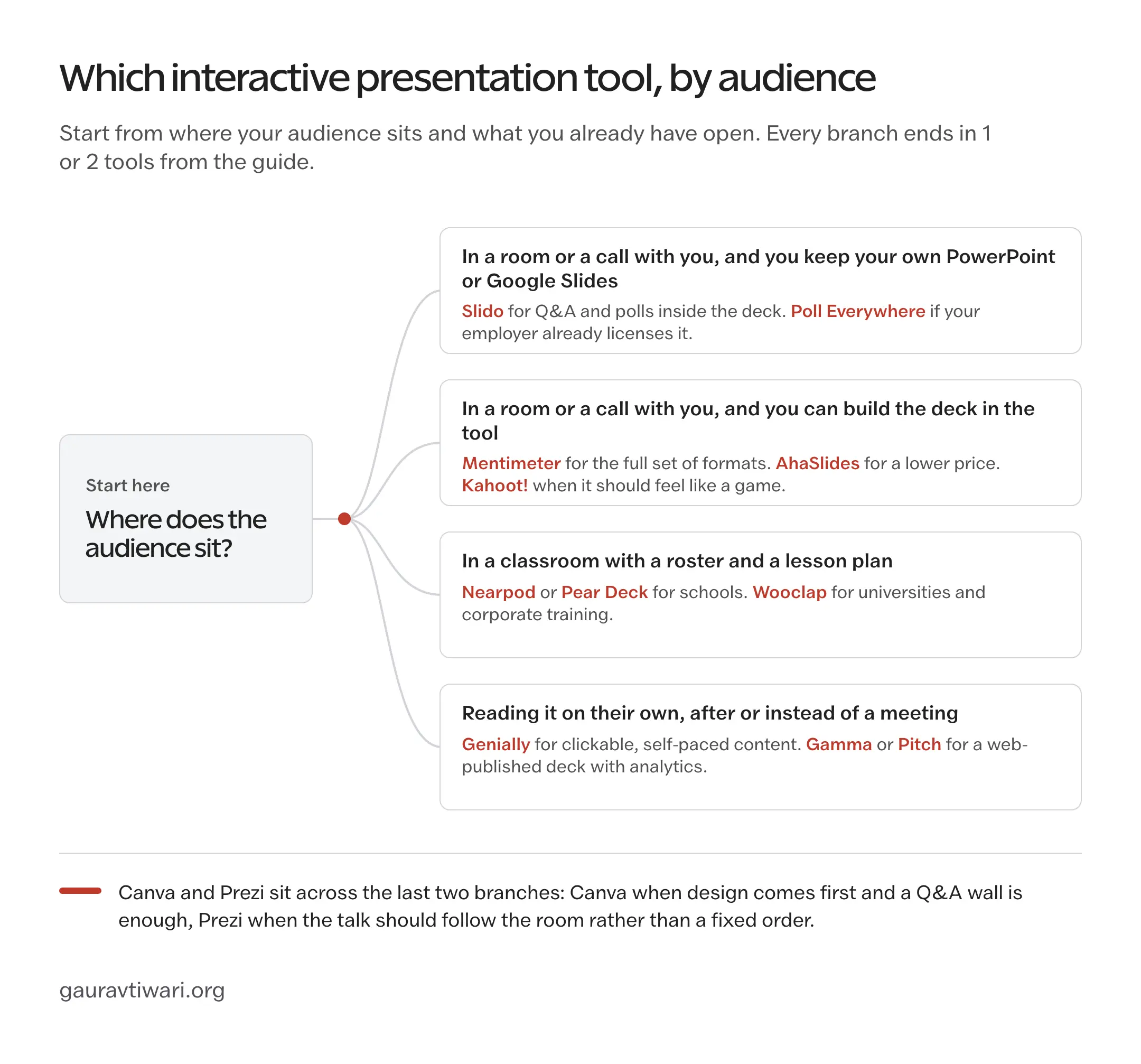
Start from where the audience is and what deck you already have, and every branch ends in 1 or 2 tools.
Which Interaction to Use When
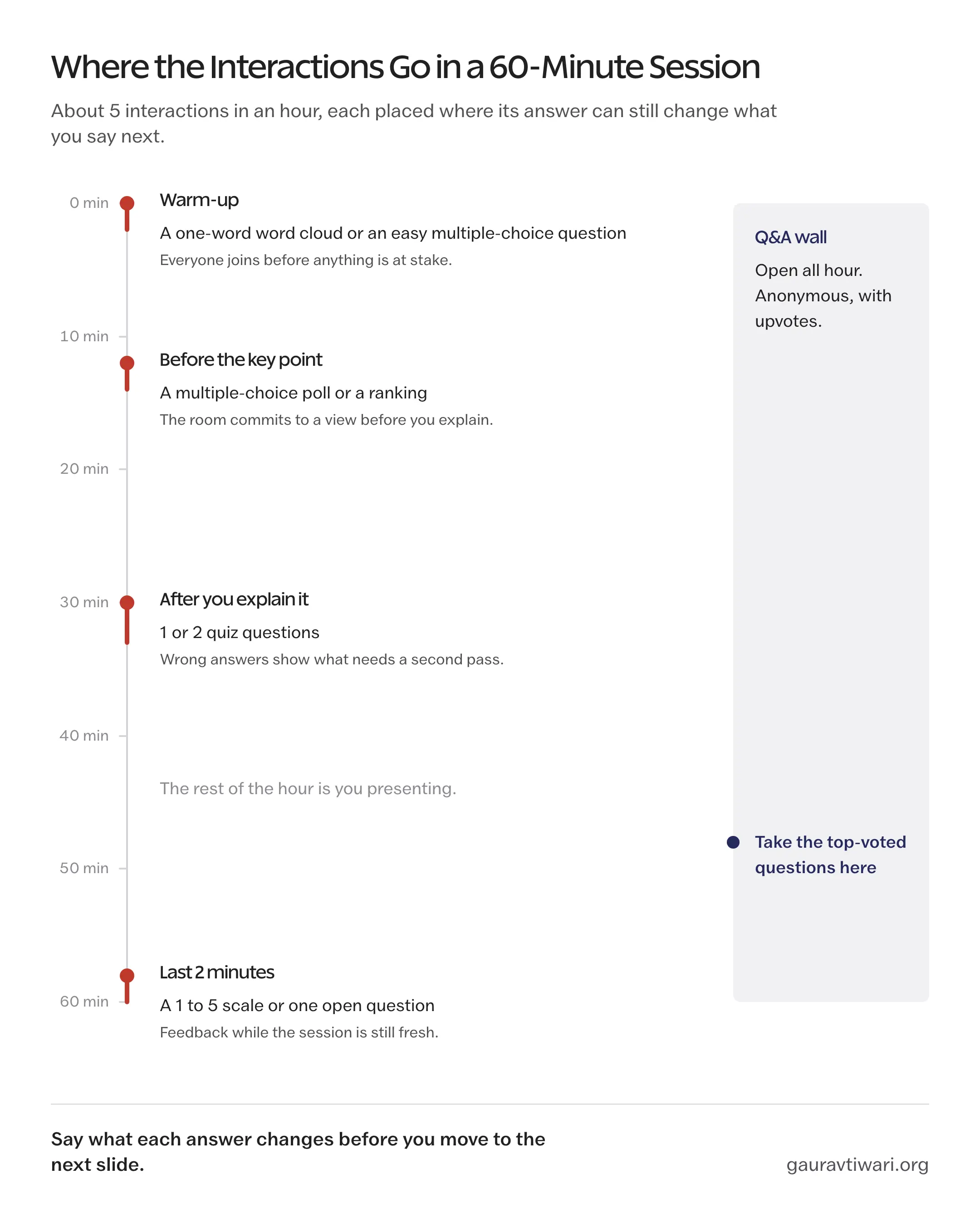
The tool is half the job. The other half is asking the right kind of question at the right moment, because an audience that answers a poll and then watches you ignore the result is far less likely to answer the next one. This is the order I’d use for a 30 to 60 minute session:
| Moment | Interaction | What it does for you |
|---|---|---|
| First 2 minutes | A one-word word cloud or an easy multiple-choice question | Everyone joins while nothing is at stake, and you see the join count before it matters |
| Before a key point or decision | A multiple-choice poll or a ranking | The room commits to a view first, so your explanation lands against what they actually think |
| Right after explaining something | 1 or 2 quiz questions | Wrong answers show which part needs a second pass while you can still give it |
| Throughout the talk | An anonymous Q&A wall with upvotes | The most-wanted question rises to the top, and quieter people ask what they wouldn’t say out loud |
| Last 2 minutes | A 1 to 5 scale or one open question | Feedback while the session is fresh, instead of a survey link nobody opens |
Ask only the questions whose answers will change what you say next.
I’d stop at about 5 interactions in an hour. More than that and the session turns into a form the audience fills in, with you narrating between the questions.
Best Interactive Presentation Tools
I’ve grouped the 13 tools by the job they do. Read the entries for your group first and skim the rest:
- Live audience response: Mentimeter, Slido, AhaSlides, Kahoot!, Wooclap and Poll Everywhere
- Classroom lessons: Nearpod and Pear Deck
- Clickable content: Genially, Prezi and Canva
- Decks that live on the web: Gamma and Pitch
The free-plan limits below are the ones each company publishes right now. They’re also the first thing a company changes once a tool gets popular, so glance at the plan page before you put a live event on any of them.
Mentimeter
Mentimeter is my default pick for live meetings and lectures, because it covers every audience-response format without making you think about the tool. People join with a code on their phone, and one Mentimeter presentation can mix all of these:
- Polls, scales and rankings
- Word clouds and open-ended answers
- Quizzes with a leaderboard
- Q&A with upvotes
You can build the deck in Mentimeter or run it inside desktop PowerPoint through the add-in, and the Teams and Zoom apps work on every plan. Google Slides is the weak spot, because there’s no add-on and embedding a Google Slides deck needs the Pro plan.
The free plan allows 50 participants a month across all your presentations, so a single 50-person all-hands uses up the whole month in one afternoon. The Basic plan removes that cap and adds slide imports and result exports. If the cap is the only thing stopping you, AhaSlides does the same job with an allowance that starts fresh every presentation.
Slido
Slido is the one I’d pick when the deck already exists and all you want is questions and polls inside it. The whole product is built around its Q&A wall, where people submit questions and upvote each other’s, and it runs inside the apps you already present from:
- PowerPoint and Google Slides
- Microsoft Teams and Zoom
- Webex, where it’s built in, because Slido is now part of Cisco’s Webex
Slido’s free plan takes 100 participants, 3 polls and 1 quiz per event. Q&A is unlimited but moderation is a paid feature. That’s fine for a team meeting and risky for a public talk, where you want to approve questions before they reach the big screen. For a conference you run once a year, the one-time event plan is the sensible way to pay, since it covers a single event of up to 7 days.
AhaSlides
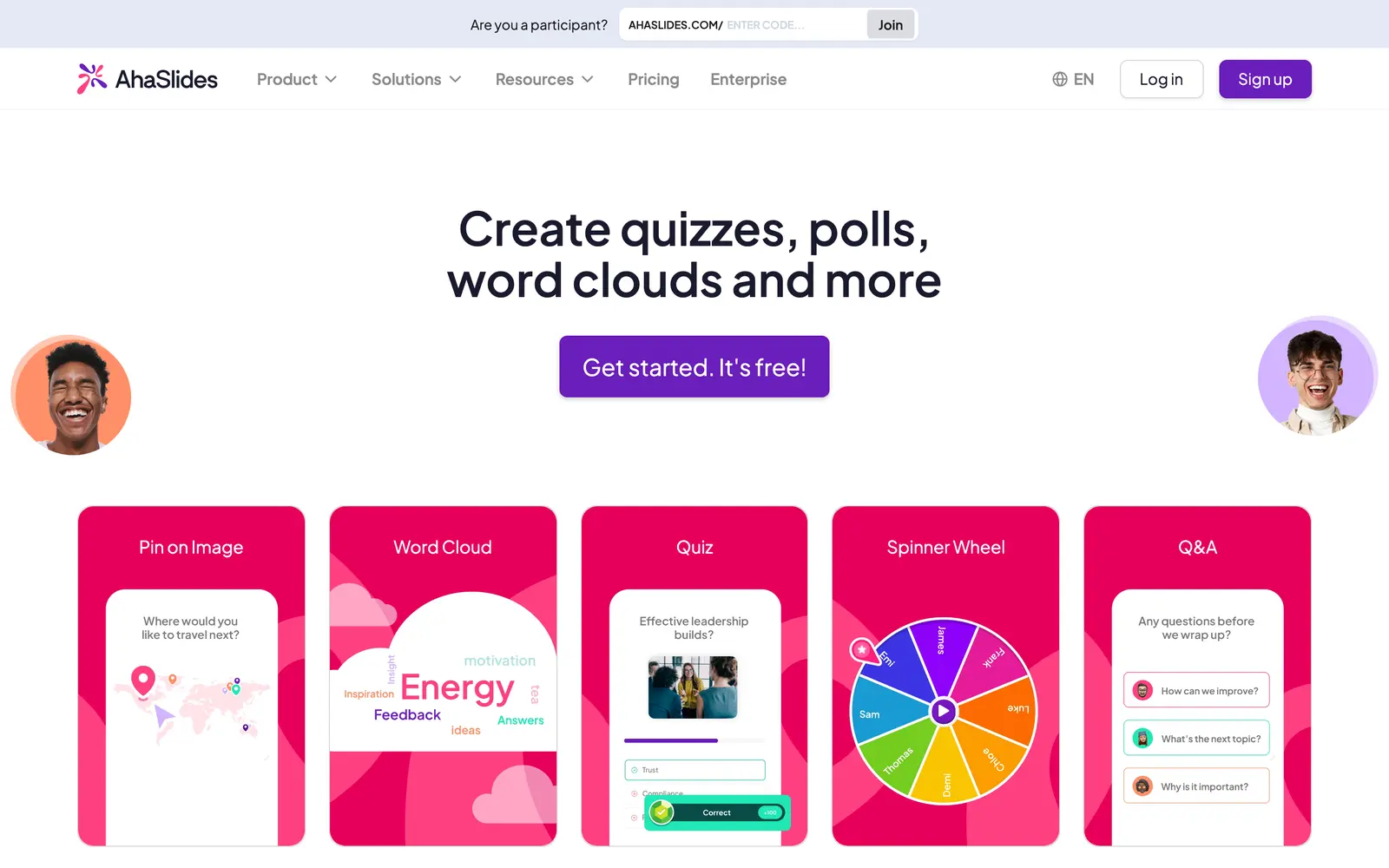
AhaSlides is the budget answer to Mentimeter, and for most small teams and teachers I’d start with it instead. It covers the same response formats and adds a few playful ones, like a spinner wheel. The difference that matters is how the free plan counts:
- 50 live participants in each presentation, with the count starting fresh every time
- Up to 5 quiz questions and 3 poll questions in each presentation
- Unlimited presentations
- PowerPoint, Google Slides, Teams and Zoom integrations on the free plan too
A teacher with a class of 30 can run a short quiz every week without paying, which Mentimeter’s monthly cap doesn’t allow. The templates lean playful, so a board meeting may prefer Mentimeter’s quieter look.
Kahoot!
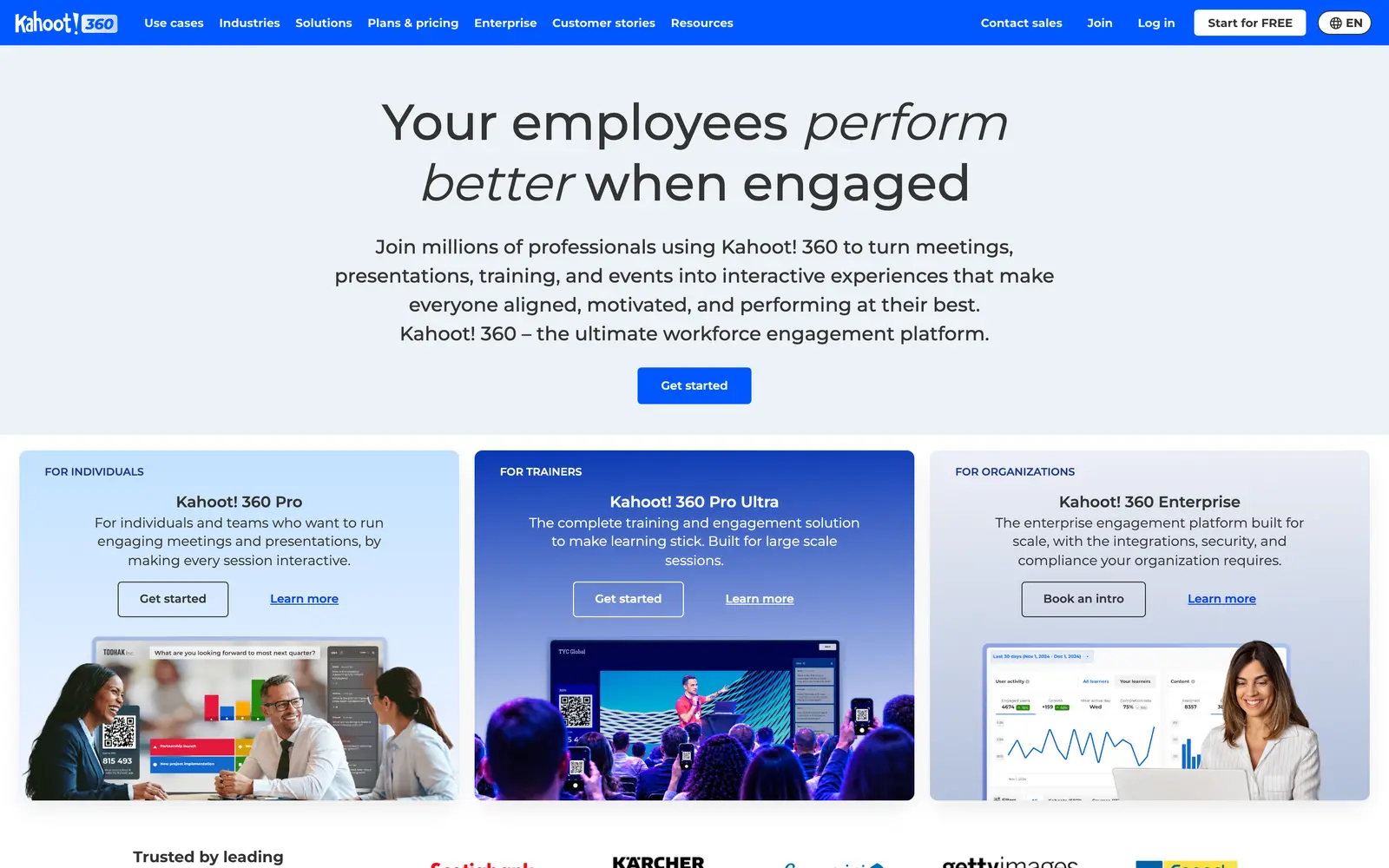
I’d reach for Kahoot! when the interaction should feel like a game, with music, a countdown, points for speed and a leaderboard between rounds. That format gets a room of teenagers, or a room of sales reps, competing for the top spot, and it has a huge library of ready-made quizzes to start from.
The free player limit depends on which kind of account you sign up with:
- Teacher and school accounts: up to 40 players per game
- Personal accounts: up to 10 players
- Work accounts: 15 participants per session on the free Kahoot! 360 Express plan, with each session capped at 15 minutes
Speed scoring rewards the fastest thumb as much as the right answer, so I’d keep Kahoot! for review and energy, and use AhaSlides or Mentimeter when you want people to think before they tap.
Wooclap
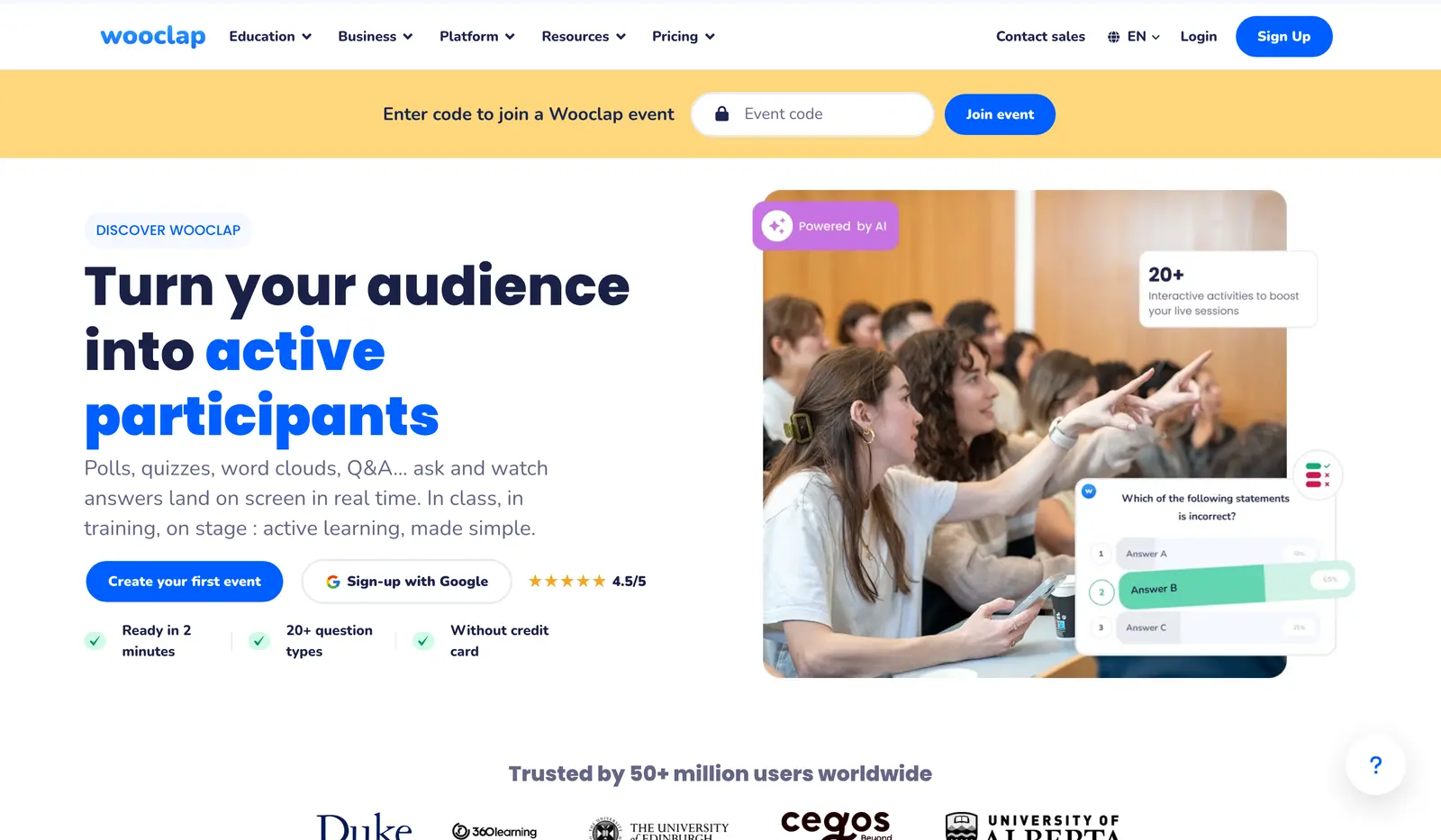
Wooclap is built for teaching, and universities and corporate trainers are where it makes the most sense. It has more than 20 question types, including find-on-image, label-the-diagram and fill-in-the-blank formats that the meeting-first tools don’t have, and it works inside PowerPoint, Google Slides and Teams.
The free Starter plan turns the usual limit around:
- Unlimited participants
- 5 questions a month
- Moodle, Canvas and Blackboard integrations only on the paid Campus plan for education and Corporate plan for business
That covers an occasional guest lecture, while a weekly course would use up the month’s questions in the first session or two. If your institution already runs Wooclap on a campus license, that’s the version worth using, because the connection to your learning platform is where it pulls ahead of the meeting tools.
Poll Everywhere
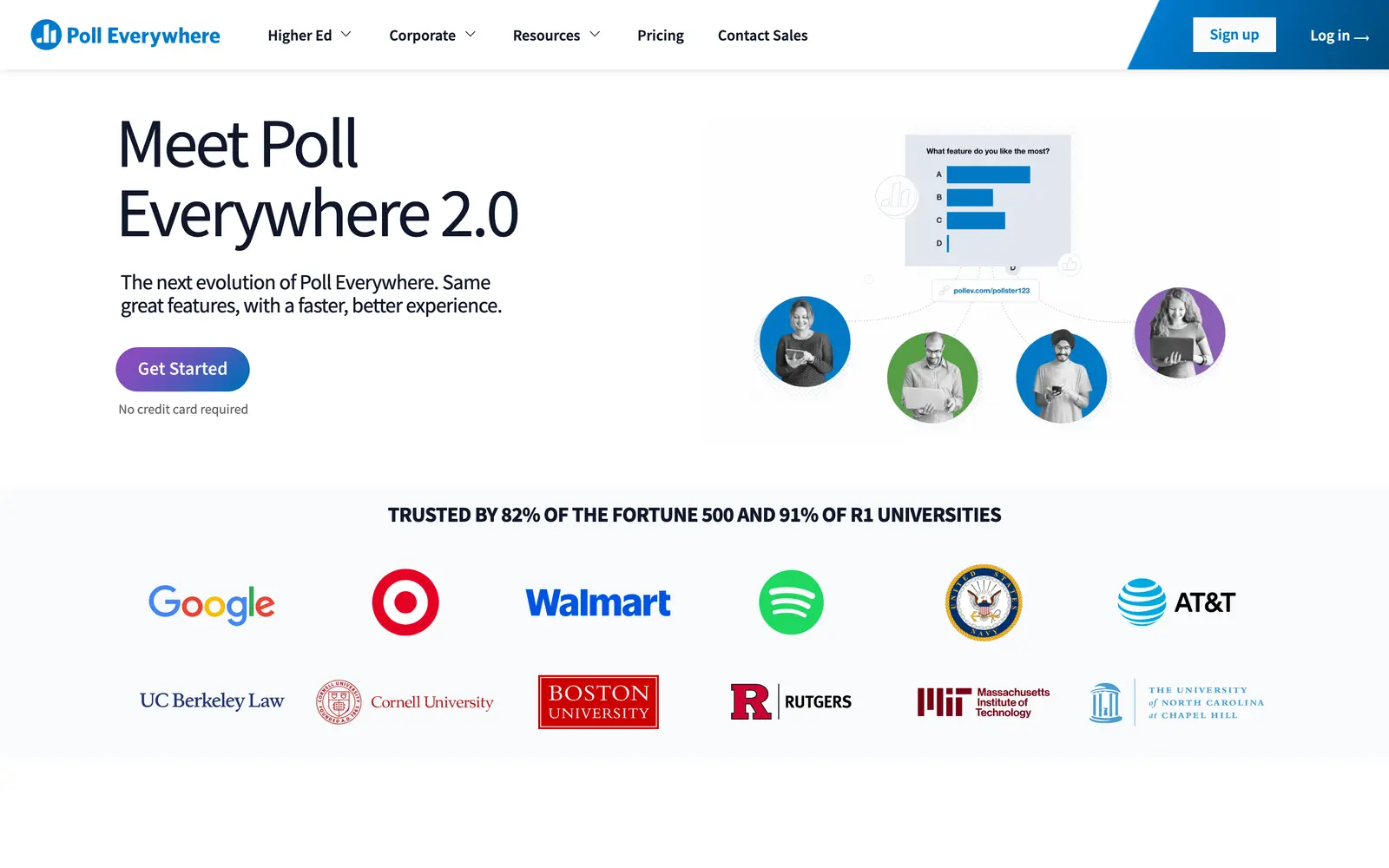
Poll Everywhere is the one to check first if your university or company already pays for it. It has been a common choice at universities and large companies for years, with single sign-on, rosters and reporting on its paid tiers, and it runs inside PowerPoint, Google Slides, Keynote and Teams.
The free plan is called Intro for business and Free for education, and it gives you:
- 40 people in the live audience at a time, or 40 unique respondents on a response link
- Unlimited questions
- A choice between Poll Everywhere 2.0 and the classic experience, which look and behave differently
At 40 people, the free plan covers a seminar or a team meeting and nothing bigger. For a lecture hall, it only makes sense on the license your institution already has.
Nearpod
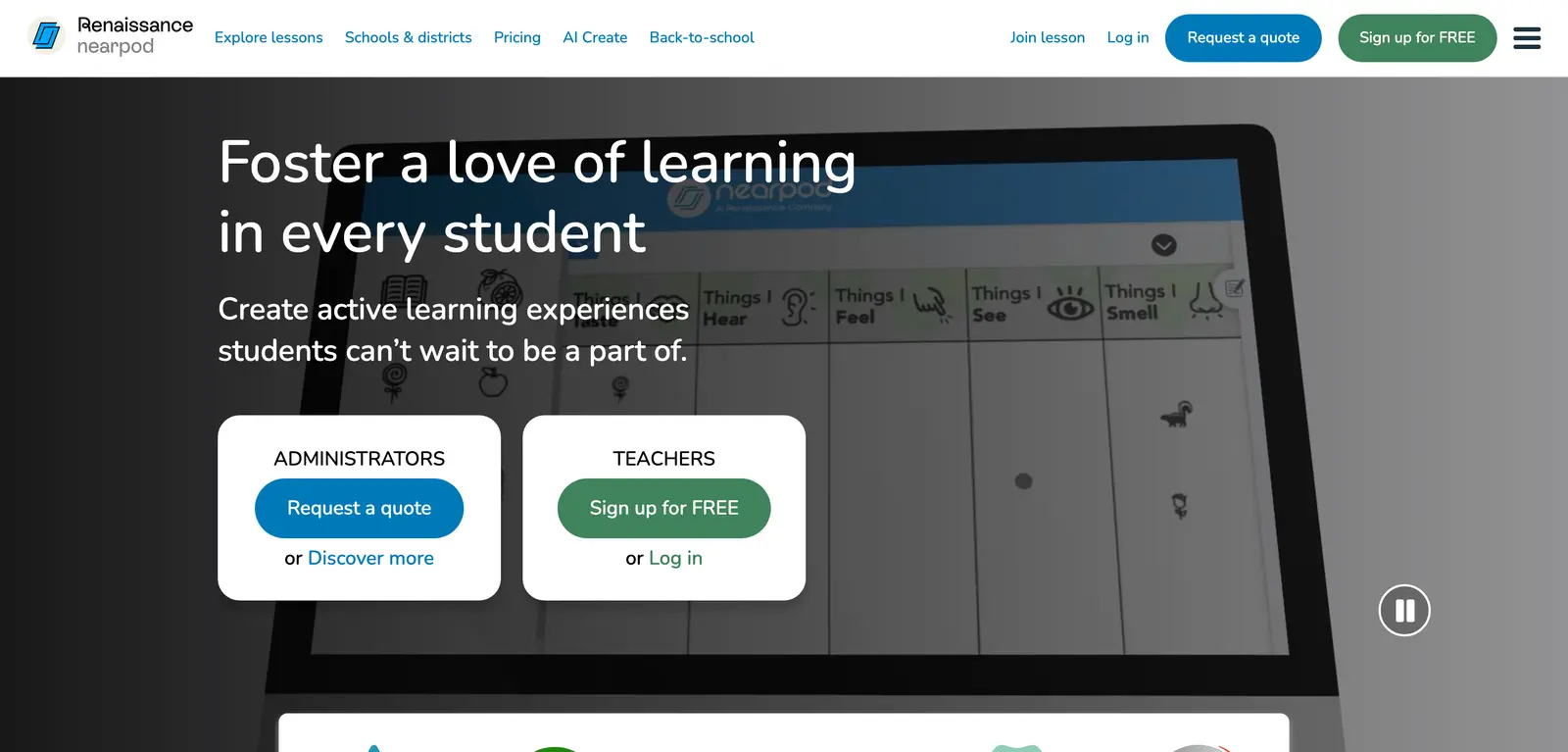
Nearpod is my pick for school classrooms, because it treats a presentation as a lesson instead of a talk. A teacher builds or imports slides and adds interactive pieces, then runs the lesson live on students’ devices or assigns it for students to work through at their own pace. Every response lands in one teacher dashboard, and the interactive pieces include:
- Polls, quizzes and open-ended questions
- Drawing tasks
- Virtual field trips
- Videos with questions embedded in them
The free Silver plan allows 40 student joins per lesson and 300 MB of storage. That fits one class comfortably, but imported decks with images and videos use up the storage quickly, and the paid Gold plan raises both limits. Most teachers get Nearpod through a school or district license, so you should ask your school before paying for it yourself.
Pear Deck

Pear Deck is the classroom pick for teachers who already build everything in Google Slides or PowerPoint. It works as an add-on inside those editors, so you keep your slides, add interactive ones between them and let students answer on their own devices.
The free Teacher plan and the paid Premium plan split like this:
- Free: interactive slides in Google Slides and PowerPoint for the web, plus student-paced mode for work done outside class
- Premium: the Teacher Dashboard and Reflect & Review, plus drawing and draggable responses
If you already teach from Google Slides, I’d try Pear Deck before Nearpod, because it adds interaction without asking you to rebuild a single lesson.
Genially
Genially makes the content itself interactive, so it’s the one I’d use when people will work through the material on their own. It publishes everything as a web link that works on any screen, so the material keeps working when no presenter is in the room. You can build:
- Presentations with buttons and hotspots
- Clickable infographics
- Branching scenarios
- Quizzes and escape-room style games
It also runs live sessions. The free plan hosts up to 50 participants, who join with a 6-digit code for quizzes, polls and Q&A, so a trainer can present live and then share the same link for self-paced review without a second tool.
Genially’s free plan keeps the watermark and shares publicly only. Pro adds downloads and private, password-protected links, and removing the watermark needs Master or higher. I’d pick the plan around who will open the link, because public-only sharing rules the free plan out for client or internal training material.
Prezi
Prezi replaces the slide sequence with one large canvas that you zoom around, so the audience sees where each topic sits in the big picture before you zoom into it. I’d use Prezi when those spatial relationships help explain the subject, like a process with branches or a product with several parts. A zoom on every slide mostly tells you who in the front row gets motion sick.
The free plan comes with a few conditions:
- Presentations are public by default
- A Prezi watermark stays unless you’re on Plus or higher
- No PDF export
- 500 AI credits a month for drafting
The public default is the one that matters for work, so I’d keep client or internal material off the free plan. For a dense report, a conventional deck is easier to follow anyway, and the types of charts that suit a business presentation will matter more than the canvas.
Canva
Canva makes sense when design comes first and you only need a light layer of audience participation. If you already make slides in Canva, its free options may cover you before you add a second tool:
- Polls and quizzes on the free plan, up to 10 questions per form, with responses collected through a Canva link
- Canva Live, where the audience joins with a 6-digit code at canva.live and sends questions and reactions while you present
- More detailed response insights on Pro
The polls and quizzes are still rolling out, so some accounts don’t have them yet, and they’re basic next to Mentimeter or AhaSlides. A lecture built around 10 questions still wants a dedicated tool. If Canva itself isn’t the right editor for you, my Canva alternatives comparison covers the other design tools.
Gamma
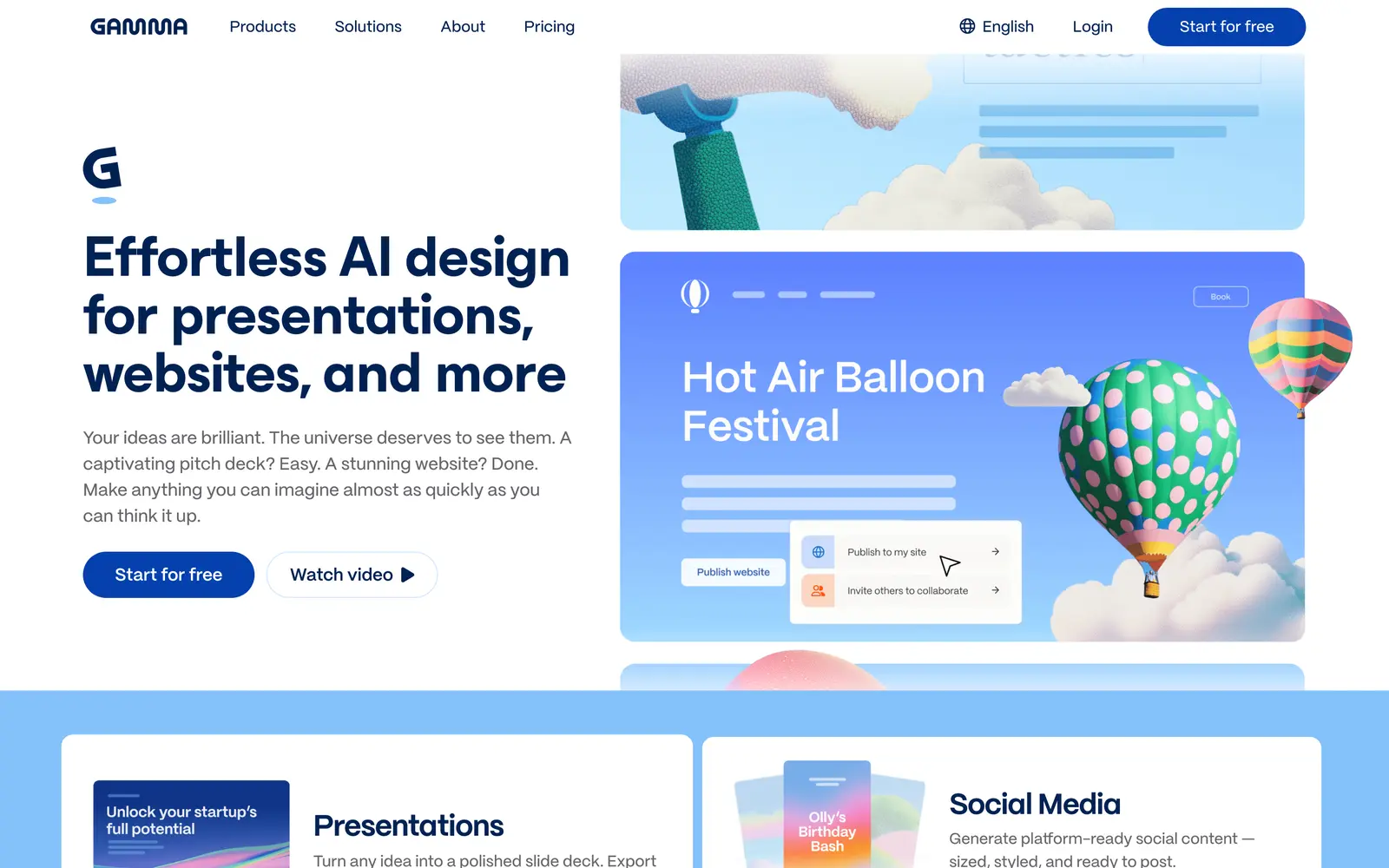
Gamma builds the deck for you and publishes it as a web page. You describe the talk, it generates a set of cards with layout and images, and the result lives at a link where viewers scroll, play embedded videos and open embedded content. The interaction happens after the meeting, when the deck gets shared, as much as during it.
Gamma has no live polling of its own, so for a live session you’d embed a form or pair it with Slido or AhaSlides. The plans work like this:
- Free: 400 AI credits when you sign up, which don’t refresh, and a “Made with Gamma” badge on everything
- Plus: removes the badge and adds 1,000 credits a month
- Pro and higher: full viewer analytics
I’d spend the free credits on one real talk and see how much editing the generated deck needs before deciding whether to pay.
Pitch
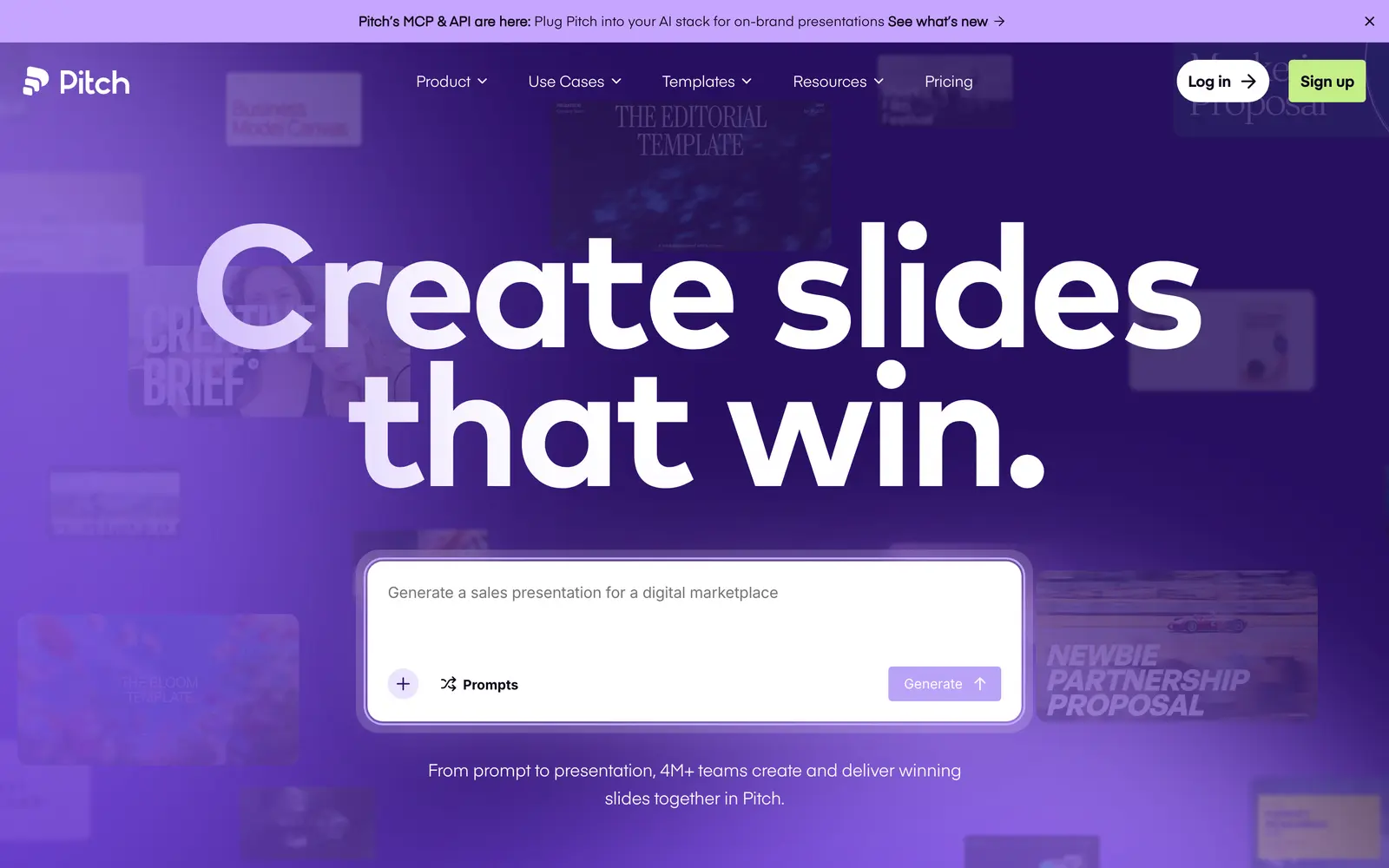
Pitch suits teams that send the same decks again and again, such as sales proposals and investor updates. It pairs a fast collaborative slide editor with AI generation, and its share links can show who opened which slide and for how long. For a sales lead, that’s the interaction that matters.
Like Gamma, it has no live polling. Viewers can react and comment, and you can embed a Typeform when you need answers. The plans split like this:
- Free: up to 5 members, unlimited presentations, 100 AI credits and basic sharing links
- Plus: removes Pitch branding from exports
- Team and higher: advanced links with viewer analytics
The free plan is enough to see whether the editor suits your team, but the analytics, which are the main reason to choose Pitch over Canva for sales decks, start on the Team plan.
Built-In Options in PowerPoint, Google Slides and Zoom
Before you pay for anything, look at what your slides and meeting software already do. For a simple poll or a round of questions, the built-in options are often enough:
- Google Slides has a Q&A mode in Presenter view. The audience opens a short link, asks questions from any device and votes other questions up or down, and you put one on screen with a click.
- PowerPoint can insert a Microsoft Forms poll or quiz as a slide through Insert > Forms. The audience answers through a QR code or short link and the results update live, but the feature is limited to Microsoft 365 business and education accounts.
- Microsoft Teams meetings use the Polls app, which replaced the Forms app for meeting polls and covers a quick show of hands in a remote meeting.
- Zoom has polling and Q&A for meetings and webinars, but polling needs a licensed host, so the free Basic plan doesn’t include it.
- Webex has Slido built in for polls, quizzes and Q&A.
A dedicated tool earns its place when you need word clouds, quizzes with scoring, moderated Q&A or results you can export and compare across sessions. If the session is a webinar with registration and replays, my guide to the best webinar tools covers platforms that bundle polls into the event itself. And for a student group project, the collaboration tools students already use may cover part of the job.
How to Choose an Interactive Presentation Tool
Four questions settle it for almost everyone. Answer them in this order, because each one shrinks the list for the next:
- Where is the audience? In a room with you, in a video call, in a classroom with a roster or reading on their own later. Live audiences need a response layer; readers need clickable content.
- Do you keep your existing deck? If yes, pick a tool that plugs into PowerPoint or Google Slides, which means Slido, Mentimeter, AhaSlides, Wooclap, Poll Everywhere or Pear Deck, and skip the builders.
- How many people, and how often? Count your usual audience and check it against the free-plan column in the table above. That one number decides whether you pay at all.
- What happens to the deck afterwards? If it gets sent around and you want to know who read it, Gamma or Pitch. If it gets played again without you, Genially. If it’s done when the meeting ends, any of the response tools.
It is wise to run one rehearsal with 3 or 4 colleagues on the same kind of network and devices your audience will use. It takes 10 minutes and it’s the only test that tells you whether the joining step works.
What Quietly Ruins It
The sessions that fall flat usually trip on something small that nobody tested:
- A join step nobody rehearsed. Venue Wi-Fi with a login page, a code too small to read from the back row and people who don’t have a phone out all eat the first 5 minutes. Put the code on screen early, keep it there through the warm-up question and start only when the join count stops climbing.
- Reading the free plan the wrong way. A cap per month, a cap per presentation, a cap per event and a cap on people at a time behave very differently on the day. A rehearsal with 4 colleagues passes on all of them, and the real audience hits the limit halfway through the room.
- Polls you never use. If the results go on screen and you move straight to the next slide, the audience learns the poll was decoration and stops answering. Say out loud what the answer changes, even if it’s only which example you pick next.
- An open Q&A wall on a big screen. Without moderation, the first off-topic or rude question sits on the projector for everyone to read. Decide before the session who approves questions, and check that your plan includes moderation, because Slido’s free plan, for one, leaves it out.
- One way to take part. Some people won’t have a phone, a data connection or a screen reader that works with the tool. A show of hands, the meeting chat or a paper option keeps them in the session.
- Rebuilding a working deck. Moving 40 finished slides into a new editor to add 3 polls costs hours of layout fixes. An add-in for PowerPoint or Google Slides puts the same polls on the deck you already have.
FAQs on Interactive Presentation Tools
What is the best interactive presentation tool?
For live meetings and lectures, Mentimeter covers every response format and works inside desktop PowerPoint, Teams and Zoom. AhaSlides is the better start when a free plan has to carry a weekly class, Slido fits Q&A inside an existing PowerPoint or Google Slides deck, Nearpod and Pear Deck fit school lessons, and Genially fits content people click through on their own.
What is the best free interactive presentation tool?
AhaSlides has the most useful free plan for repeated sessions: 50 participants per presentation, up to 5 quiz and 3 poll questions each, and unlimited presentations. Slido’s free plan takes 100 participants, 3 polls and 1 quiz per event, and Genially’s free plan hosts live sessions for up to 50 people. If you already design in Canva, try its free polls, quizzes and Canva Live first.
Mentimeter or Slido: which one should I use?
Slido when the deck already exists in PowerPoint or Google Slides and you mainly want Q&A and a few polls inside it. Mentimeter when you want the full set of response formats, including word clouds, scales, rankings and quizzes, and you’re happy to build in Mentimeter or use its desktop PowerPoint add-in. Slido’s free plan takes 100 participants per event; Mentimeter’s takes 50 participants a month.
Can I add live polls to PowerPoint without a separate tool?
Yes, on Microsoft 365 business and education accounts. Insert a Microsoft Forms poll or quiz as a slide through Insert > Forms, and the audience answers through a QR code or short link while the results update live. In a Teams meeting, the Polls app does the same job. I’d add a dedicated tool only when you need word clouds, moderated Q&A or scored quizzes.
Which interactive presentation tool is best for teachers?
For full lessons, Nearpod, whose free plan allows 40 students per lesson. If you already teach from Google Slides, Pear Deck adds interactive slides without rebuilding anything, and its free Teacher plan includes student-paced mode. Kahoot! suits game-style review, with up to 40 players per game on a free teacher account, and Wooclap suits university lectures.
Do these tools work in Zoom and Microsoft Teams?
Most of them do. Mentimeter, Slido and AhaSlides have apps for both Microsoft Teams and Zoom, and Wooclap and Poll Everywhere work inside Teams, so a poll or question wall appears inside the meeting instead of on a separate tab. Teams also has its own Polls app, while Zoom’s built-in polling needs a licensed host.
What is the difference between an interactive presentation tool and an AI presentation maker?
An interactive presentation tool collects live answers from the audience, such as polls, Q&A and quizzes, or builds clickable content people work through on their own. An AI presentation maker such as Gamma or Pitch generates the slides from a prompt and publishes them as a link with embeds and viewer analytics. Neither Gamma nor Pitch has built-in live polling, so a team that wants both pairs one of them with Slido or AhaSlides.
Final Remarks
For most people reading this, the answer is Mentimeter or AhaSlides on top of the deck they already have. Slido earns the spot when all you need is Q&A. The classroom tools and the deck builders make sense when your audience is a class, or someone reading on their own later.
Start your next session with one easy warm-up question and watch how many people join. That number tells you which free plan fits, and the picker PDF above walks you through the rest.
Tell Google you want more of this.
Add Gaurav Tiwari as a preferred sourceOne tap, and this site shows up more often in your own Top Stories, AI Overviews and AI Mode. Remove it any time.
Disclaimer: This site is reader-supported. If you buy through some links, I may earn a small commission at no extra cost to you. I only recommend tools I trust and would use myself. Your support helps keep gauravtiwari.org free and focused on real-world advice. Thanks. - Gaurav Tiwari