
 by
by
Free web hosting has a reputation problem, and most of it is earned. The typical free host is slow, plastered with upgrade nags, and gone within five years. I know because this article originally recommended one that no longer exists: 000WebHost, the biggest free hosting name of the 2010s, was shut down by Hostinger, and today its domain doesn’t even resolve.
And yet the question stays reasonable. If you’re a student, a learner, a tester, or you just want to find out whether your idea deserves a website before spending anything, free is exactly the right price.
People get free hosting wrong in two directions. One camp calls all of it a scam and shames beginners into $60-a-year commitments for sites that may not exist next month. The other camp tries to run a real business on a free subdomain and learns, slowly, why that never works.
Free hosting is a stage, not a strategy. Pick it for what it teaches you, and plan your exit before you sign up.
This update also widens the field, because the best free web hosting in 2026 mostly isn’t classic “hosting” at all. Alongside the surviving cPanel-style free hosts, you now get platforms like Cloudflare, GitHub Pages, Netlify, and Vercel, which host entire sites free at a quality level no free cPanel host can touch. WordPress is one road here, not the only one.
Table of Contents
My picks, up front
- A real website with PHP and a database (WordPress included): GoogieHost. The only free cPanel host I still trust enough to name first.
- A portfolio, landing page, docs, or any static site: Cloudflare. Free SSL, a global CDN, and no ads, at a quality paid shared hosting struggles to match.
- You already use GitHub: GitHub Pages. Your site deploys when you push.
- A frontend app or framework project: Vercel or Netlify, depending on your stack.
- You just want to write or drag-and-drop: WordPress.com free or Wix free, eyes open about the ads and the subdomain.
Every one of these has a ceiling, and hitting the ceiling is the plan. The exit route at the end of this page matters more than which door you enter through.
The free hosts that still work
These are the classic free hosts: PHP, MySQL, a control panel, one-click WordPress. This category is where free hosting’s bad reputation was built, and the survivors below earn their place mostly by not doing the things that built it.
GoogieHost
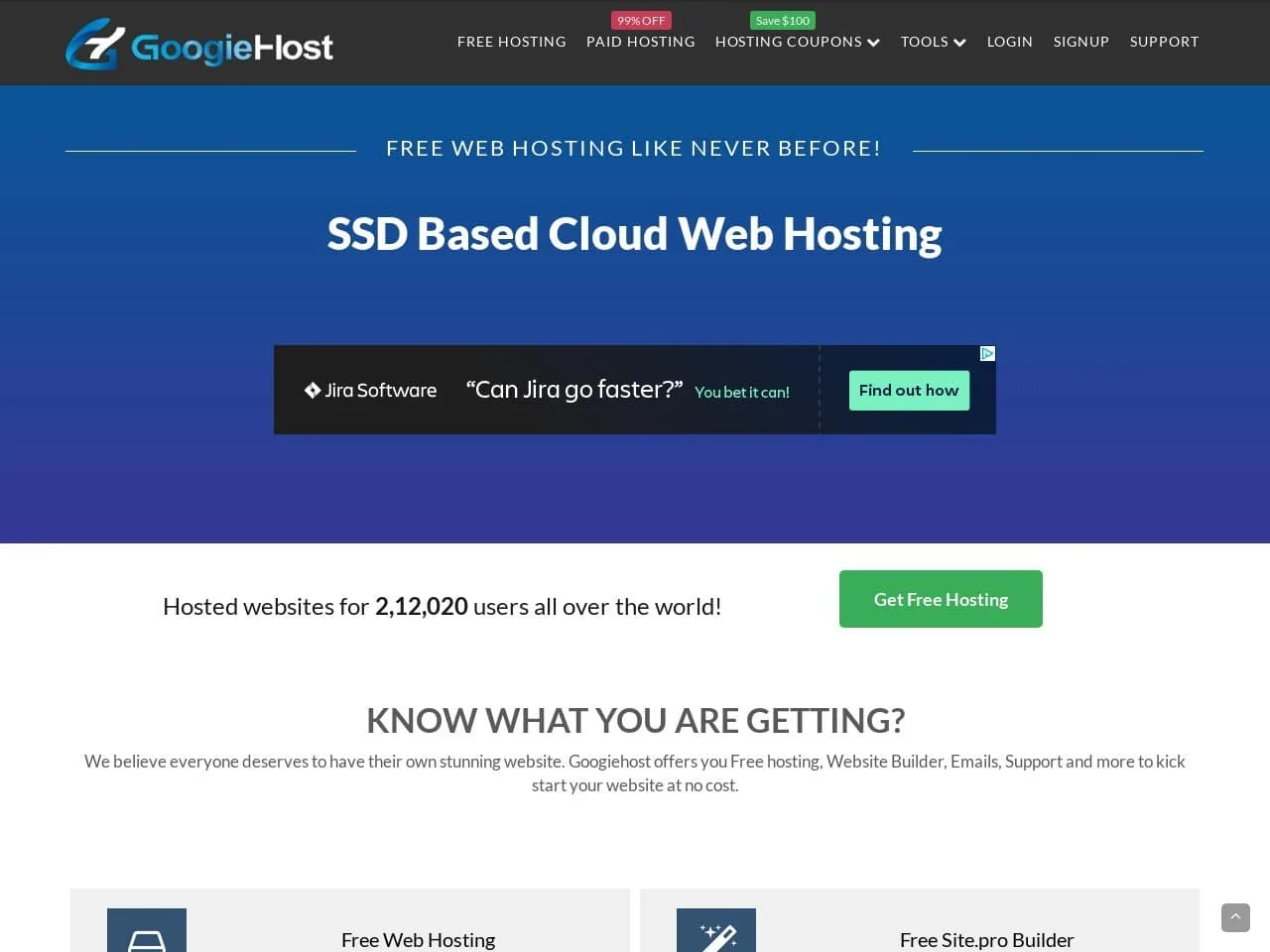
GoogieHost is the free host I point people to when they need actual hosting: PHP, MySQL, a proper control panel, and one-click installs for WordPress and everything else. It has hosted over 200,000 sites, and its free plan carries the two things free hosts almost never give you together: no forced ads on your pages and free SSL that renews at no cost.
The free plan is roughly 1 GB of SSD space, a free subdomain, a couple of MySQL databases, and Cloudflare integration on top. Support answers around the clock, which for a free product is genuinely unusual.
The honest catches: you verify your website’s purpose before approval, uptime is good for free but not premium-grade, and the specs above are a starter site’s specs, not a store’s. Treat every quota as “enough to learn on.”
Best for a first real website or WordPress experiment with zero budget. Sign up at googiehost.com and you’re live the same day.
FreeHosting
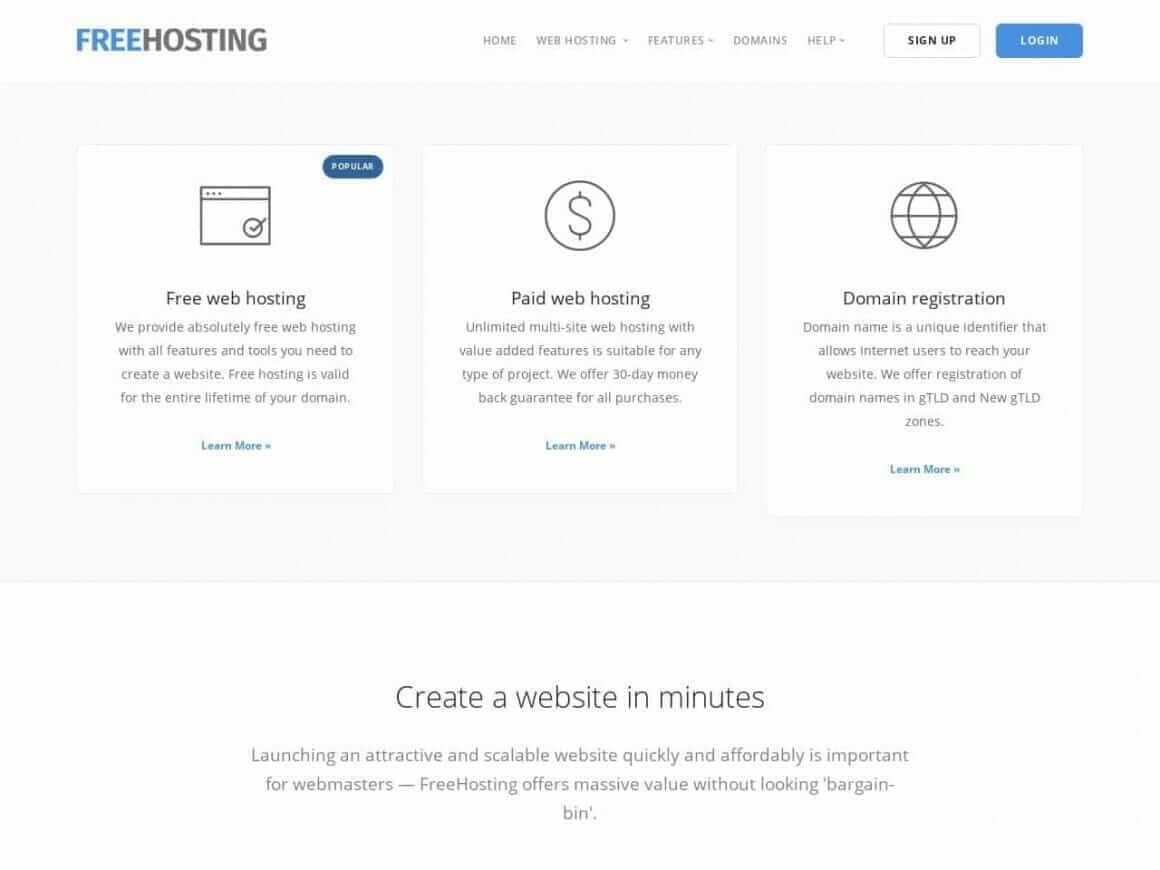
FreeHosting.com has been around for over two decades, and its free plan is generous where most free hosts are stingy: about 10 GB of storage, unmetered bandwidth within fair use, one hosted site, and even a free email account. cPanel and Softaculous come included.
The trade is speed. Storage sits on older hardware, pages load noticeably slower than on GoogieHost, and support on the free tier is ticket-only and unhurried. A domain is not included, so budget for that separately from a domain registrar.
Best for storage-heavy hobby projects where speed matters less than space. Skip it for anything a visitor is supposed to enjoy using.
FreeHostia
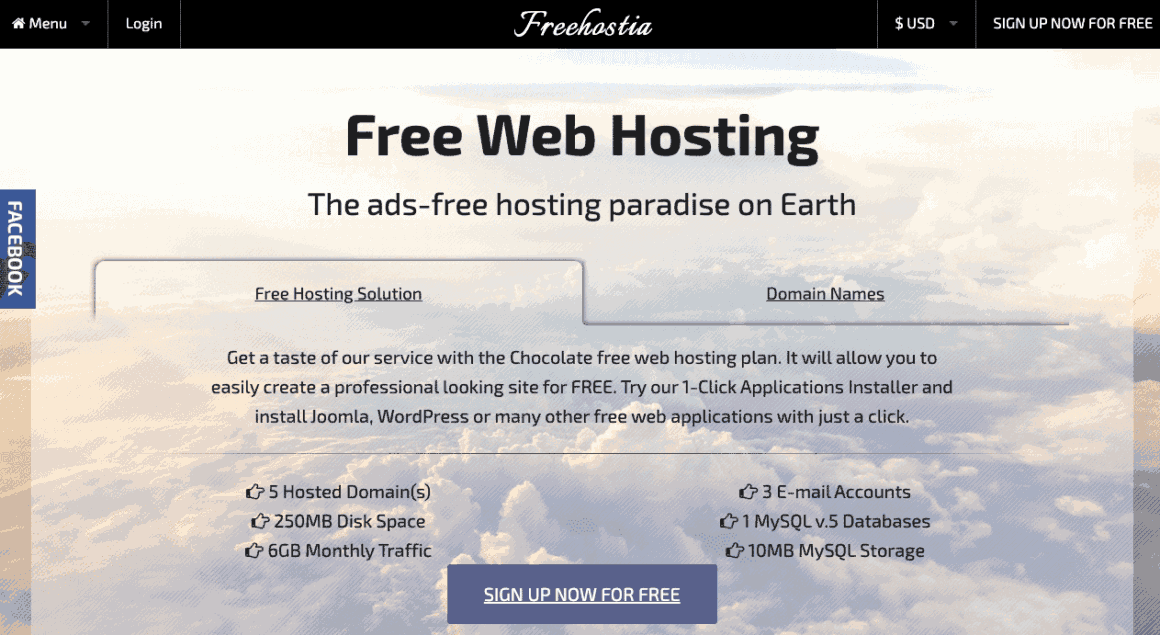
FreeHostia‘s free “Chocolate” plan runs on load-balanced server clusters, which is architecture free hosts usually don’t bother with, and it lets you host up to 5 domains with 3 email accounts. That combination is its whole pitch.
The quotas are tiny: about 250 MB of disk and 6 GB of monthly bandwidth. That is enough for a lean brochure site or a starter blog, and nothing more. No free subdomain either, so bring your own domain.
Best for parking several small domains on one free account. The moment media uploads start, the disk quota ends the experiment.
Free platforms that beat free hosting
Here’s the part most free hosting lists still miss: if your site can be static, a portfolio, a landing page, documentation, or a blog built with a static site generator, the modern platforms give you more for free than any cPanel host ever has. Global CDN, automatic SSL, custom domains, no ads, and deploys that take seconds. The trade is that there’s no PHP and no MySQL, so classic WordPress doesn’t run here. For a lot of sites, that trade is invisible.
Cloudflare
Cloudflare’s free tier is the strongest free deal on the internet, and I say that as someone who runs production sites behind it. Its Pages product, now folding into the broader Workers platform, hosts static sites with unlimited bandwidth on Cloudflare’s global network, free SSL, and custom domains at no cost. When your site needs dynamic behavior, Workers adds serverless code with a generous free daily allowance.
Deploys come straight from a Git repository or a drag-and-drop upload. There is no ad injection, no upgrade nagging, and no meaningful speed penalty against paid plans; the free tier runs on the same network the paid customers use.
Best for portfolios, landing pages, docs, and static blogs that deserve production-grade speed. If you can write your site as files, start at pages.cloudflare.com.
GitHub Pages
GitHub Pages turns any repository into a website. Push your HTML, or let its built-in Jekyll support build a blog from Markdown, and the site is live on a github.io subdomain or your own custom domain with free SSL.
The limits are honest and public: static files only, sites live in public repositories on the free plan, and the quotas are sized for projects and personal sites rather than heavy traffic. For a developer portfolio or project documentation, none of that will ever bite.
Best for anyone who already lives on GitHub. Your site becomes one more thing that ships when you push.
Netlify
Netlify made Git-based deployment mainstream, and its free tier remains a complete workflow: connect a repository, get builds, deploy previews for every change, form handling, and serverless functions, with roughly 100 GB of bandwidth a month included.
The catch arrives with success. Cross the free quotas and the paid tiers jump in price faster than most hobbyists expect, which is why I’d start a purely static site on Cloudflare and reach for Netlify when its build pipeline and forms actually earn their keep.
Best for static sites that need a build step, previews, or forms without writing a backend.
Vercel
Vercel is where frontend frameworks feel most at home. It builds Next.js, which it created, along with React, Vue, Svelte, Astro, and everything adjacent, and its free Hobby tier deploys them with previews, serverless functions, and a global edge network.
The honest limit sits in the terms: the Hobby tier is for personal, noncommercial projects. The moment your site becomes a business, you’re in Pro territory, and Vercel enforces that line. Treat the free tier as the world’s best staging environment for framework projects.
Best for app-shaped personal projects and framework experiments, especially anything Next.js.
Free website builders
Builders bundle hosting, templates, and an editor into one login. The free tiers work, with the same two costs everywhere: their branding on your site and their subdomain in your URL. If you want the wider field, my free website builders comparison covers it; these two are the ones worth naming here.
Wix
Wix is the drag-and-drop option: hundreds of templates, a genuinely easy editor, and a free plan that gets a site on the internet in an afternoon. It edits well from a phone, which matters if a phone is your only computer.
The free plan shows Wix ads on your pages, keeps you on a wixsite.com address, and offers storage measured in hundreds of megabytes. One more cost people discover late: a Wix site never exports cleanly. When you leave, you rebuild.
Best for a quick visual site where design effort matters more than ownership. Know that the exit door is a rebuild.
WordPress.com
WordPress.com’s free plan is the fastest way to just start writing: a hosted blog on a wordpress.com subdomain, about 1 GB of storage, and zero maintenance forever. It shows its own ads and blocks plugins until you pay, which is a fine trade for a journal and a bad one for a business.
It also has the cleanest exit in this section: its export tool moves your content into self-hosted WordPress in under an hour. I’ve compared the two roads fully in WordPress.com vs WordPress.org.
Best for writers who want to publish today and decide about everything else later.
What free really costs
Every option above charges you somewhere other than your card. A subdomain in your URL reads as amateur to every visitor and every search result. Speed and uptime run at whatever is left after paying customers are served, except on the platform tier, where the real limit is that your site must be static. Email at your own domain almost never comes free. And the quiet one: some free services die, taking your work’s home with them, which is how this article came to contain an obituary.
I’ve written up the full list of tradeoffs in the disadvantages of free web hosting. Read it before you build anything you’d mind losing.
None of this makes free hosting a mistake. It makes it a classroom. Classrooms are supposed to be left.
When to upgrade
The signal is simple: the first time your site earns anything, money, clients, an audience you’d hate to lose, it has outgrown free. At that point $3 to $5 a month buys you a real domain’s home, email, speed, and a host that answers. These are the three I’d upgrade to, in order:
| Host | Why upgrade to it | Money-back window | Get started |
|---|---|---|---|
| Hostinger Top Pick | The cheapest reliable exit from free hosting, with a real control panel and free SSL | 30 days | Visit Hostinger |
| Bluehost | The gentlest first setup, and still listed on WordPress.org's official hosting page | 30 days | Visit Bluehost |
| SiteGround | Noticeably better performance and support than any budget host, for a small premium | 30 days | Visit SiteGround |
My full breakdown of the budget tier lives in the best hosting for beginners, and if WordPress is your platform, the WordPress hosting guide goes deeper.
Free hosting isn’t the budget version of a website. It’s the rehearsal, and rehearsals are where you’re supposed to make the cheap mistakes. Start free, learn what your site actually needs, and move the moment it starts earning its keep.
Ship something this week.
Tell Google you want more of this.
Add Gaurav Tiwari as a preferred sourceOne tap, and this site shows up more often in your own Top Stories, AI Overviews and AI Mode. Remove it any time.
Disclaimer: This site is reader-supported. If you buy through some links, I may earn a small commission at no extra cost to you. I only recommend tools I trust and would use myself. Your support helps keep gauravtiwari.org free and focused on real-world advice. Thanks. - Gaurav Tiwari