
 by
by
You are one decision away from an actual website. The domain is picked, the ideas are ready, and now every host on the internet is promising 99.9% uptime, a free domain, and a $2 price that quietly becomes $12 when the promo ends. Choosing hosting services for beginners feels bigger than it is, and the marketing is designed to keep it that way.
Beginners get this wrong in two directions. Some overbuy: a $35 managed plan for a site with zero visitors, purchased to be safe. Others underbuy: the cheapest plan from whoever advertised hardest, followed by months of slow pages, surprise renewal bills, and support that stops answering.
Your first host matters less than your first tier. Get the tier right, and almost any reputable host on this list will do the job.
That is not an excuse to pick blindly. Speed, uptime, and support still decide whether your site feels solid or fragile, and Google reads performance signals like Core Web Vitals straight off your server.
It is a reason to relax, though. Every serious host now migrates WordPress sites for free, so a wrong first pick costs you an afternoon, not a year. If you are starting a blog, a portfolio, or a small business site, pick from this list, ship, and get back to the part that actually grows a website: publishing.
My picks, up front
Three hosts cover most first websites. Promo prices are current as I write this; the renewal rate is the number to budget for.
- Hostinger: the cheapest reliable option at $2.99/month on a multi-year promo, renewing around $11. Solid uptime and a fast dashboard; a pushy upsell flow at checkout, so uncheck the add-ons you do not need.
- Bluehost: similar money with the gentlest onboarding of the three, plus a listing on WordPress.org’s official hosting page. The safest pick when you just want it to work.
- SiteGround: $3.99/month in, about $18 at renewal. Noticeably better performance and support than the other two; worth the premium if you are not on a strict budget.
What to check before you pay
- Renewal math: promo pricing is real but renews at 2 to 3x the promo rate. Multiply the renewal price by 36 months before you commit.
- The domain: free for year one, roughly $15/year after. Buying it separately from Namecheap or Cloudflare Registrar keeps it portable; compare options among domain registrars first.
- SSL: universally free via Let’s Encrypt. Any host charging extra for SSL in 2026 is overcharging you.
- Backups: included daily on Bluehost and SiteGround; Hostinger charges extra on the cheapest plans.
The honest version: a beginner’s first hosting choice almost does not matter. Pick one of the three, ship your site, and if you outgrow the host, you can migrate in an afternoon with free migration assistance.
Why hosting deserves ten careful minutes
Hosting is the second purchase you make after the domain name, and it is the one that actually decides how your site feels to visitors. Domains are cheap and portable. A host is where your site lives, and moving house, while easier than it used to be, is still the part people postpone.
First Website Hosting Checklist
Here is what your host controls, whether you think about it or not:
- Speed: page load time tracks the server first and everything else second. Faster pages convert better and rank better.
- Uptime: a host that keeps going down trains your visitors to stop coming back.
- Growth costs: a good host lets you scale up in steps; a bad one charges you for resources you never use.
Hosting comes in four main flavors:
- Shared hosting: your site lives on a server with dozens of others. Cheap, easy, and enough for limited traffic.
- Managed hosting: a dedicated team runs the server, updates, and security for you. Costs more, runs itself, handles real traffic.
- VPS hosting: the server is partitioned into virtual blocks and one block is entirely yours. More power, more control, mostly managed by you.
- Dedicated hosting: an entire physical server leased to you alone. The most power and the most responsibility.
Start shared. Upgrade when traffic forces you.
If you are launching a simple blog, a portfolio, or a first business site, shared hosting is the smartest place to start in 2026. It is cheap, easy to manage, and built exactly for people still learning how websites work.
| Hosting type | Typical cost | Best for | The trade-off |
|---|---|---|---|
| Shared | $2-10/month | New websites | Shared resources cap your speed |
| Managed WordPress | $15-50/month | Growing sites | Costs more, runs itself |
| VPS | $10-80/month | Technical users | You manage the server |
That is the whole decision at the start. Simple.
Once your site earns consistent traffic, speed and stability start paying rent, and managed hosting begins to make sense. A managed host handles updates, security, backups, and performance tuning while you focus on content or business. The better ones now bundle caching, malware protection, and support teams that answer like they have seen your problem before.
VPS and dedicated hosting are not beginner options, and that is fine. They exist for brands, growing businesses, and high-traffic sites that need full control and custom server setups. Move there when your site generates real revenue or real traffic pressure, not before.
Best Hosting Services for Beginners
Quick navigation
Don’t have much time? Here are the hosting services that I recommend to beginners:
- If you just need one WordPress website or blog with drag-and-drop page-building experience, try Elementor Hosting.
- Need a managed WordPress experience for one site that blows out the competition? Try Rocket.net
- Planning to host more than one WordPress website and want to have the fastest hosting experience ever? Try WPX Hosting
- Want cheap and affordable hosting for many websites for a longer time? Try Hostinger
- Hired a web developer and want to give them hosting to develop on, entirely from scratch; try Digital Ocean.
- Want a simpler solution? Try Bluehost
- Need a website builder without hosting hassles? See the list of the best website builders; all free to begin with, pay as you grow.
Everything below is broken down by what each host is actually for, so you can stop at the entry that matches your situation.
Hostinger

Hostinger is where I point most first-timers who ask for the cheapest option that will not embarrass them. Shared plans start at $2.99 per month on a long promo term and renew at about $11, with free SSL and weekly backups included.
The entry plan covers multiple websites, 100 GB of SSD storage, and a free domain for the first year.
That is more than a starter site needs.
Hostinger runs its own control panel, hPanel, which is friendlier than cPanel for a first-timer, and it now holds a spot on WordPress.org’s official hosting page. Support is 24/7 live chat. The one wart is the checkout, which arrives packed with pre-selected add-ons; uncheck what you do not need before paying.
Dreamhost

DreamHost hosts over 1.5 million websites and remains one of the few employee-owned independents in a market dominated by holding companies. Shared plans start at $2.89 per month.
The company offers a 100% uptime guarantee and will compensate anyone whose website goes down. When it comes to shared hosting, DreamHost provides the most value for any web host out there. It offers free daily backups of your site and supports unlimited traffic.
You do not have to worry about backups or bandwidth even on the cheapest plan, and free domain privacy keeps your contact details out of public WHOIS records.
The 97-day money-back guarantee is the longest on this list. Three months is enough time to actually find out whether a host fits you.
Bluehost
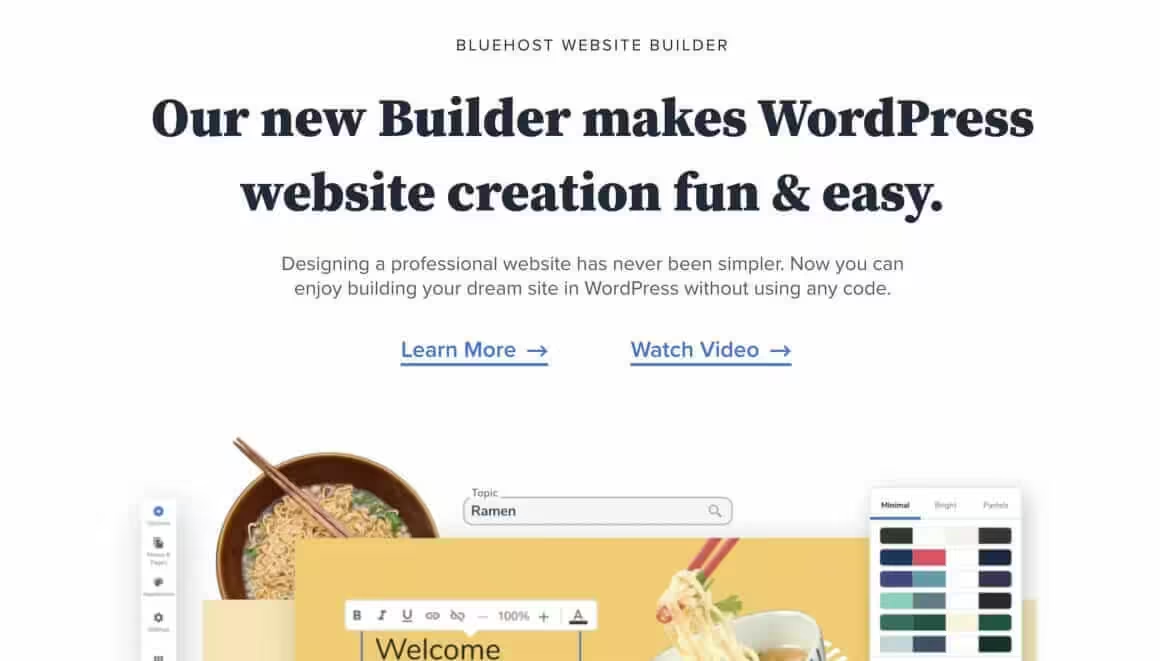
Bluehost is one of the most common ways people launch a first WordPress site, and it still holds a spot on WordPress.org’s official hosting page.
Its real strength is onboarding.
Setup begins with a free domain for the first year and a one-click WordPress install. From there, the platform walks you through each task the first time you do it, from setting up an email account to publishing a post. If you get stuck anyway, support answers 24/7 by phone or live chat, and the dashboard includes analytics and SEO tools to track how your site ranks.
You will have plenty of options for upgrading your website in the future: managed WordPress hosting, VPS hosting, and dedicated hosting. Also, Bluehost is a very safe play for people who wish to build their site with WordPress.
HostGator

HostGator covers the hosting essentials at an affordable price: unmetered bandwidth, a free SSL certificate, and a 45-day money-back guarantee. In addition, it offers a vast collection of how-to guides for technical support, along with phone, live chat, and email support. Unlike some hosts, it includes support in all of its plans.
HostGator also offers Windows hosting in addition to Linux, plus a full upgrade ladder: cloud hosting, managed WordPress, VPS hosting, and a dedicated server.
Shared plans run under $3 per month on a multi-year term. Use the 45-day money-back window to test their support properly before you settle in.
Overall, HostGator is an excellent choice for users who have relatively simple requirements, such as running a company website that doesn’t usually see a lot of traffic every month.
GreenGeeks

As its name suggests, GreenGeeks is an eco-friendly web hosting provider that matches 300% of the energy it uses with renewable energy credits. You build your website; the footprint runs negative. Also, GreenGeeks offers high-quality web hosting services with fast speeds, excellent solutions, and solid uptime.
Like other hosts, GreenGeeks has an automatic one-click WordPress installer and auto-updates to keep your WordPress site up to date. It also provides daily backups and advanced security features to help you keep your data safe. It also stays up to date with the latest technology, such as current PHP versions, SSD storage, and a built-in CDN, to keep your website fast and secure.
Finally, GreenGeeks offers 24/7 support via chat, phone, or ticket system. Its support reps are usually fast and can efficiently assist you with various issues.
SiteGround
The developers of SiteGround have designed it to deliver high speed and robust security for WordPress hosting. By choosing it as your web hosting provider, you can relieve all your worries about speed and security. It utilizes Google Cloud to maintain fast and stable connections and SSD persistent data storage to ensure low latency. Its SuperCacher optimization layer ships on every plan, and higher tiers add staging and Git for safer changes.
Security is the other pillar. SiteGround says its AI anti-bot system blocks between 500,000 and 2 million brute-force attempts an hour across its fleet.
All plans include the WP Starter site builder, one-click WordPress installation, and auto-updates for both WordPress core and plugins. Entry pricing is $3.99 per month, renewing at about $18, which is the premium you pay for support that actually answers.
Overall, SiteGround offers the most powerful technology and services to host your WordPress site and keep it fast and safe for visitors.
Cloudways
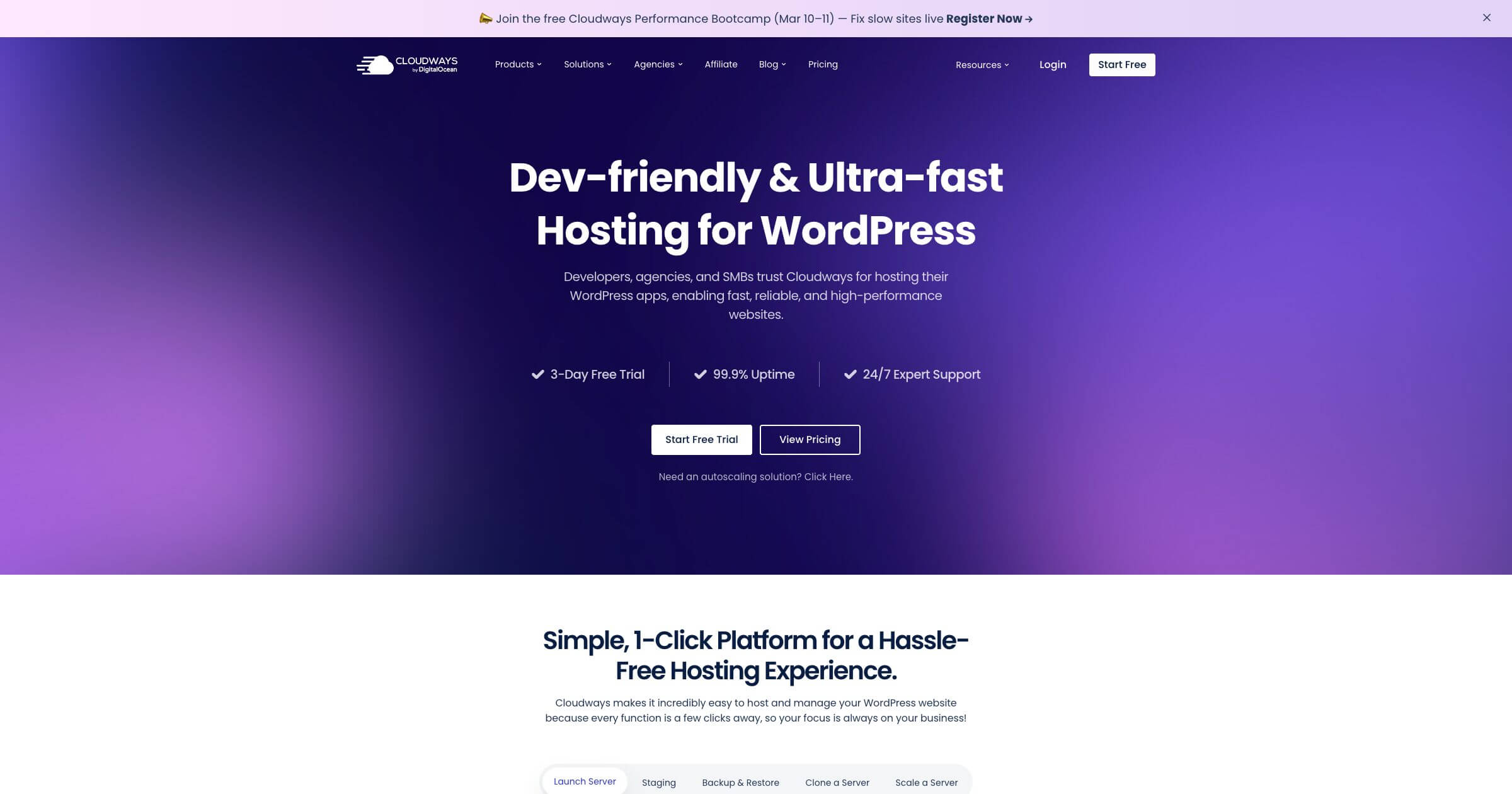
Cloudways takes a different approach by letting you choose your cloud provider (DigitalOcean, Vultr, AWS, or Google Cloud) while handling all the server management for you. This gives you cloud-level performance without needing to touch a terminal. Pay-as-you-go pricing with no long-term contracts makes it flexible for growing sites.
The platform includes a built-in CDN, free SSL certificates, automated backups, one-click staging, and their Breeze cache plugin for WordPress optimization. Server management features like vertical scaling, server cloning, and team collaboration tools make it a strong choice for agencies and developers managing multiple client sites.
Cloudways also offers free site migrations and 24/7 expert support. Their real strength is the balance between managed simplicity and cloud flexibility: you get the performance of raw cloud infrastructure without the complexity of managing it yourself.
Pricing: Starts at $14/month for a DigitalOcean server with 1 GB RAM. No long-term commitment required.
Kinsta
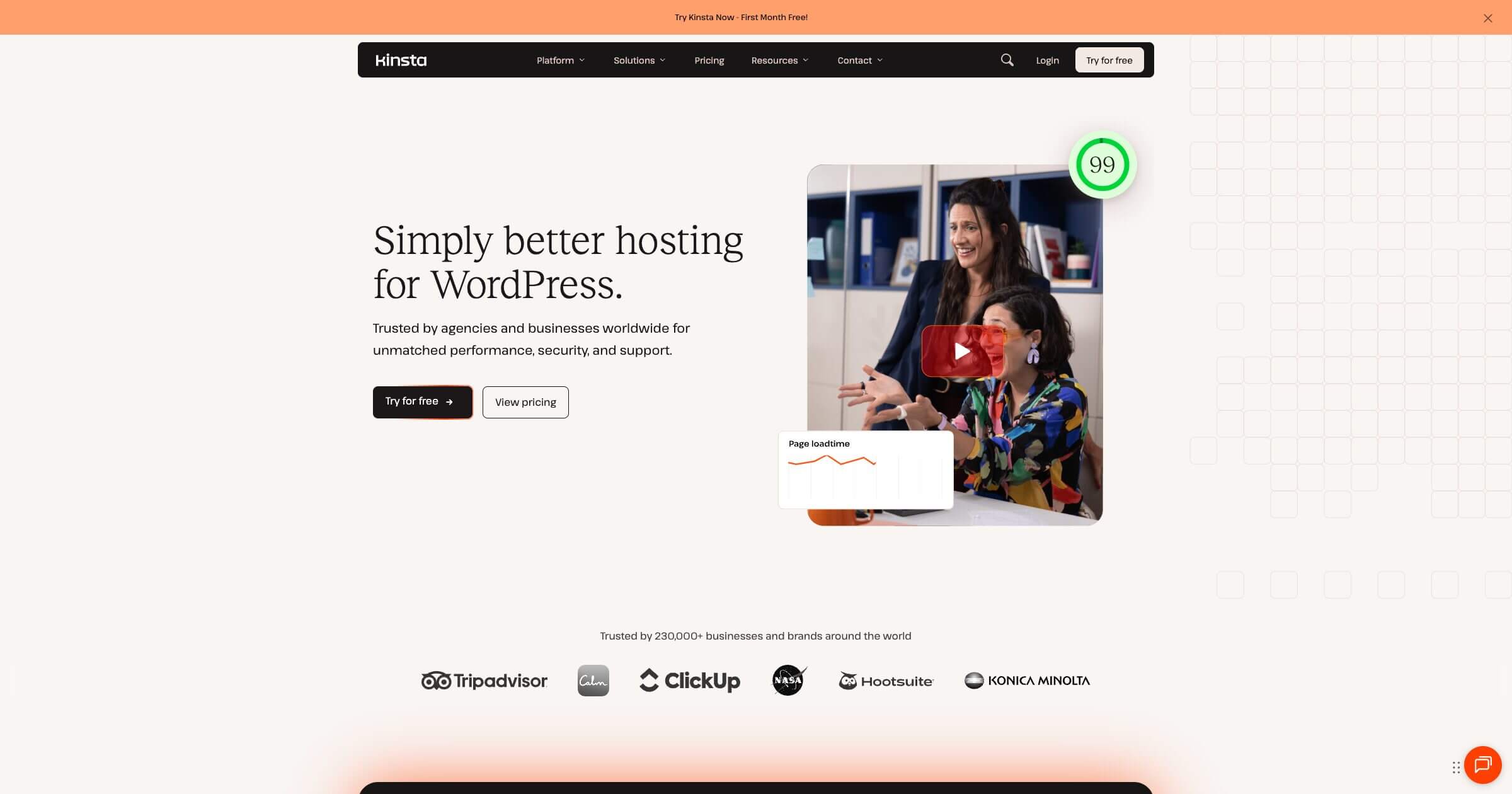
Kinsta is a premium managed WordPress hosting provider that runs exclusively on Google Cloud Platform’s C3D machines. If performance is your top priority and you have the budget for it, Kinsta is hard to beat. Their infrastructure is purpose-built for WordPress, with edge caching through a bundled Cloudflare Enterprise integration across 260+ locations.
The MyKinsta dashboard is one of the most polished control panels in managed hosting. It gives you real-time analytics, PHP version switching, staging environments, and an Application Performance Monitoring (APM) tool built right in. You can identify slow database queries, external API calls, and PHP bottlenecks without installing any third-party plugin.
Kinsta includes free migrations handled by their team, automatic daily backups with manual backup options, free SSL certificates, and DDoS protection. Their support team operates 24/7/365 with WordPress experts who actually understand the platform. For developers, they offer SSH access, Git integration, WP-CLI, and their local development tool DevKinsta.
Pricing: Plans start at $35/month for a single WordPress site with 10 GB storage and 25,000 visits. Higher-tier plans scale up for multiple sites and more resources.
Hosting.com
Hosting.com has an excellent reputation for its incredible speed and low prices. It beats other hosts on the speed at every hosting tier (shared, VPS, and dedicated). If you have been using another shared web host previously, you will likely notice an improvement in loading speed once you migrate to Hosting.com.
By subscribing to its Turbo Boost and Turbo Max plans, you will gain access to its Turbo Servers. The developers claim that it is 20 times faster than their other servers and includes the following:
- 40% faster AMD EPYC CPU performance
- Twice as fast to the first byte (TTFB)
- Manages 9 times more traffic
- Three times faster reading and writing speeds with NVMe drives
Hosting.com also has a 99.9% uptime commitment, an anytime money-back guarantee, and free site migration with each plan. It also provides 1-click installs for all popular CMS tools such as WordPress, Magento, and Drupal.
InMotion Hosting
InMotion is the upgrade pick: the host to shortlist when your site has outgrown shared hosting and you want a virtual private server without enterprise pricing.
Its VPS plans are among the most affordable around, and a VPS gives you far more control over the server than shared hosting ever will.
If you are not confident in the command line, use a managed VPS plan. Every InMotion VPS plan also includes optional root access for developers. VPS hosting with InMotion gives you optimal speed and the peace of mind that your website will always be safe and secure. A 90-day money-back guarantee and free website migration lower the risk of finding out.
I highly recommend InMotion hosting for e-commerce in particular. With InMotion VPS, you can ensure that your website has adequate resources to handle any traffic spike. It also has many inbuilt fail-safes built into the hosting platform in case anything happens to your server.
WP Engine
WP Engine is one of the strongest managed WordPress hosts in existence. It hosts WordPress and nothing else, which means the entire infrastructure, from caching to support training, is optimized for one platform. Every plan includes one-click staging environments and daily backups.
It also offers unique plans for people running an online store with WordPress. You will get access to premium WordPress e-commerce themes and other tools that would cost hundreds of dollars if purchased individually. Also, its customer support is sharply focused on WordPress and has highly competent and knowledgeable support staff available through tracked tickets and on live chat 24/7.
WP Engine is not cheap; plans start at $20 per month on annual billing. You are paying for a WordPress site that stays fast and updated without you thinking about it, and for business sites, that trade is often worth it.
Liquid Web (formerly Nexcess)
Liquid Web (which absorbed its Nexcess brand in October 2025) is a web hosting provider that excels in managed e-commerce hosting. It specializes in managed hosting arrangements and offers a great selection of e-commerce platforms to build on, including Magento, WooCommerce, and WordPress. It is ideal for people who need a speedy site but are unwilling to configure the backend.
Using its Cloud Accelerator (a feature that adds an additional layer to the cloud stack), you can boost the speed of your website’s loading time. That’s a massive advantage because speed is vital in keeping your customers on your website and browsing. The platform also auto-scales through traffic spikes and monitors plugin updates with visual regression testing, so an update that breaks your layout gets caught instead of shipped. It fits growing businesses at almost any stage; wherever you are, there is likely a suitable plan.
Moreover, Liquid Web has an efficient support team available 24/7 to help you with any technical issues that may come up. If you own an e-commerce website or a startup that is likely to grow quickly, then Liquid Web will serve you well.
How to actually choose
If you are optimizing for budget, take Hostinger and spend the savings on a good theme. If you want the gentlest possible first month, take Bluehost. If support quality is what you worry about at 2 a.m., SiteGround answers fastest of the budget three.
Once the site earns real traffic or real money, the calculus changes. Cloudways and Kinsta stop looking expensive the first time a traffic spike does not take your site down. Stores should look at Liquid Web or InMotion first, and heavy WordPress business sites at WP Engine.
What this list cannot do for you
It cannot predict your growth, because nobody can. That is why the money-back windows matter more than the feature grids; DreamHost gives you 97 days to be wrong.
It cannot make a heavy site fast. Hosting sets your floor, but a bloated theme and forty plugins will bury any server, so pair a lean setup with a proper caching plugin before blaming the host.
It cannot track promo pricing, which changes weekly. Treat every dollar figure here as the shape of the deal and confirm the exact number at checkout.
The quiet ways beginners overpay
They buy 48-month terms chasing the lowest promo rate, then spend four years locked to a host they picked in ten minutes. Twelve to thirty-six months is the sensible range.
They accept every pre-checked add-on at checkout: SEO boosters, email suites, priority support. Almost none of it earns its price on day one. Uncheck it all.
They pay extra for SSL, which every host on this list includes free. A charge for HTTPS is a red flag, not a feature.
They stay on a host that has turned slow because migration sounds scary, when every host above will move a WordPress site for free.
Short answer, one more time: Hostinger for the budget, Bluehost for the smoothest start, SiteGround for support that answers.
Hosting is a starter decision dressed up as a lifetime commitment. The companies price it that way on purpose; renewals are where they earn. Choose a tier, choose a host, and let your site, not the marketing, tell you when it is time to upgrade.
Publish this week.
Tell Google you want more of this.
Add Gaurav Tiwari as a preferred sourceOne tap, and this site shows up more often in your own Top Stories, AI Overviews and AI Mode. Remove it any time.
Disclaimer: This site is reader-supported. If you buy through some links, I may earn a small commission at no extra cost to you. I only recommend tools I trust and would use myself. Your support helps keep gauravtiwari.org free and focused on real-world advice. Thanks. - Gaurav Tiwari