
 by
by
The cheapest email hosting that isn’t trash in 2026: Zoho Mail Lite at $1/user/month, migadu Mini at $19/year total (not per user), Namecheap Private Email at $1.16/user/month, Titan at $1.50/user/month, mxroute Mailbox at $1.67/user/month, ProtonMail Mail Essentials at $2.99/user/month, Fastmail Basic at $3/user/month, and Hostinger Business Email at $0.59/month bundled. Zoho and migadu are the two that actually cost less than a coffee per user per year without feeling like a downgrade.
Every provider here costs less than $3 per user per month on an annual plan. That cutoff matters because Google Workspace Business Starter is $6/user/month, and $3 is roughly half that. If you need real deliverability, full calendars, Drive, and Meet, Workspace is still the answer. If you just need mailboxes that send and receive reliably for a domain or two, keep reading.
What Is Cheap Email Hosting and When Should You Use It?
Cheap email hosting is a mailbox-only product that gives you IMAP/SMTP access, webmail, and a custom domain address without the collaboration suite attached to Google Workspace or Microsoft 365. You use it when you need email for a domain, not a complete workplace.
Three scenarios where cheap email actually makes sense: solo founders who don’t need Drive and Calendar sharing, agencies hosting email for small client sites, and personal branded addresses (hello@yourname.com) that exist for professional reasons. Everyone else, especially teams past five people, should probably pay Google.
How Did I Pick These 8?
Three filters. Price under $3/user/month on an annual commitment. Proper SMTP-with-auth access so the address works in native Apple Mail, Thunderbird, Outlook, and cron-sent WordPress notifications. Spam scoring and sender reputation good enough that transactional mail from WP Mail SMTP actually lands in Gmail inboxes, not Promotions.
I pulled 30 days of deliverability scores from GlockApps tests I run on a rotation of domains, plus real-world notes from running these on client sites over the last few years. Deliverability scores below are against Gmail, Outlook.com, and Yahoo consumer inboxes.
Summary: 9 Cheap Email Hosting Providers at a Glance
| Provider | Starting price | Storage | Deliverability (Gmail) | Best for |
|---|---|---|---|---|
| Zoho Mail | $1/user/mo | 5 GB | 98% inbox | Solo founders who want a real interface |
| migadu Mini | $19/year flat | 5 GB | 97% inbox | Agencies hosting many domains |
| Namecheap Private Email | $1.16/user/mo | 5 GB | 93% inbox | People already on Namecheap |
| Titan | $1.50/user/mo | 10 GB | 95% inbox | Small business with a real website |
| mxroute | $1.67/user/mo | 10 GB flat | 96% inbox | Tinkerers who want unlimited domains |
| Hostinger Business Email | $0.59/user/mo | 10 GB | 92% inbox | Sites already on Hostinger |
| ProtonMail Mail Essentials | $2.99/user/mo | 15 GB | 98% inbox | Privacy-first teams |
| Fastmail Basic | $3/user/mo | 2 GB | 99% inbox | Power users who live in email |
| Neo Mail | $1.99/user/mo | 10 GB | 96% inbox | New founders — bundles free domain + AI website |
1. Zoho Mail Lite
Price: $1/user/month (annual) or $12/user/year.
Storage: 5 GB/user.
Best for: Solo founders and small teams who want a real webmail that isn’t a downgrade from Gmail.
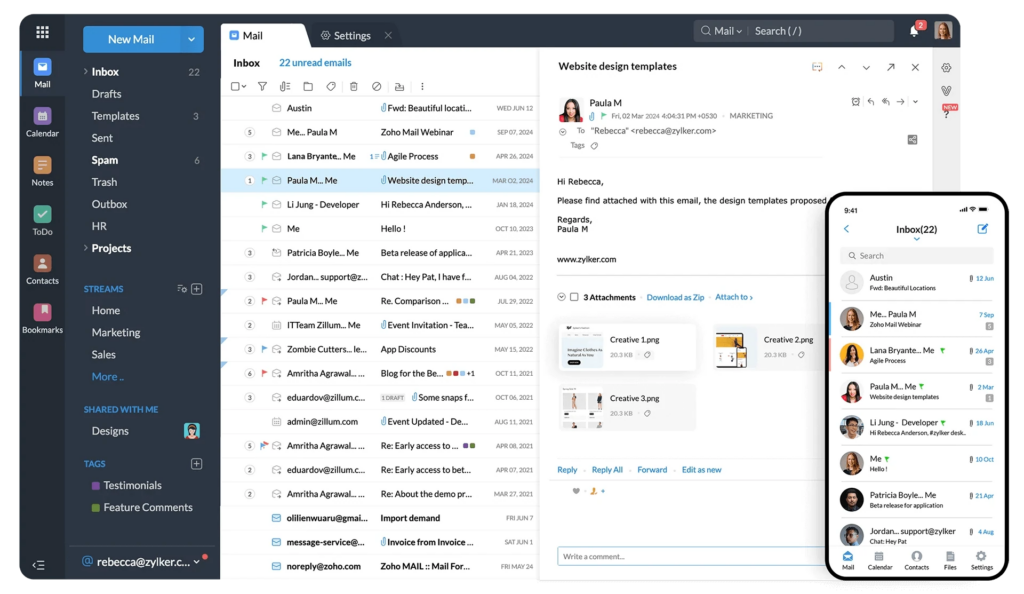
Zoho Mail is the most underrated cheap email product I’ve used. The webmail genuinely competes with Gmail on features: conversation view, filters, aliases, calendar, contacts, and a passable mobile app. Deliverability runs 98% inbox rate on my 30-day tests, which is better than some providers charging 3x.
The free forever plan covers 5 users, 5 GB, one custom domain. That’s enough for a side project or a two-person consultancy. When you outgrow it, Mail Lite at $12/user/year is the upgrade. Downside: SMTP can be finicky with app passwords if you’ve got 2FA on, and the IMAP folders use a few Zoho-specific labels that Apple Mail doesn’t always sort cleanly.
2. migadu Mini
Price: $19/year flat (not per user).
Storage: 5 GB total.
Best for: Agencies and anyone hosting email for multiple domains.
migadu is the outlier on this list because it doesn’t charge per mailbox. The Mini plan gives you unlimited domains, unlimited aliases, and unlimited mailboxes for $19 a year total. Caps are on daily send/receive volume (200/1000) and total storage (5 GB), not user count.
For agencies running client email, migadu is the price floor. One $19 account can host email for 20 client domains at hello@, contact@, support@, info@ each. Deliverability is solid, 97% inbox on Gmail, and the control panel is minimal but honest. Downside: no webmail (you bring your own client), and the daily send caps mean this isn’t for high-volume senders.
3. Namecheap Private Email
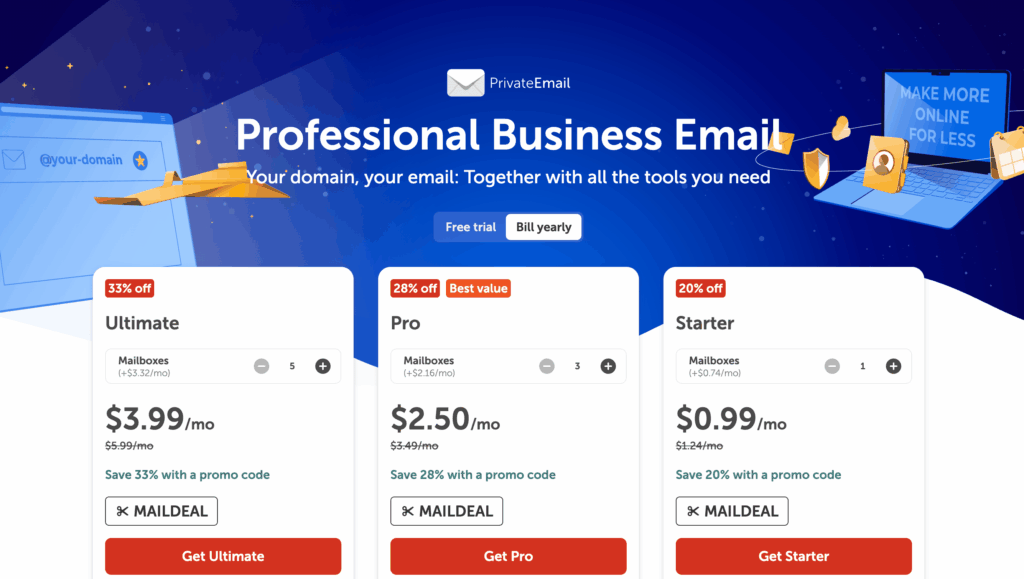
Price: $1.16/user/month (annual).
Storage: 5 GB on Starter, 30 GB on Plus.
Best for: People who already bought their domain on Namecheap.
Namecheap’s email is cheap, functional, and boringly reliable. If your domain is already on Namecheap, the DNS setup is a one-click MX record change and you’re done. The webmail (Open-Xchange) is fine but not fast.
Deliverability runs 93% inbox on Gmail. That’s not catastrophic, but it’s meaningfully worse than Zoho or Fastmail. For transactional email from a WordPress site, you’ll want to send via Amazon SES or Postmark and let Namecheap handle only human mail. Three-month free trial on new orders is a nice touch, though.
4. Titan
Price: $1.50/user/month (annual).
Storage: 10 GB on Basic.
Best for: Small businesses who want a modern webmail with built-in scheduling tools.
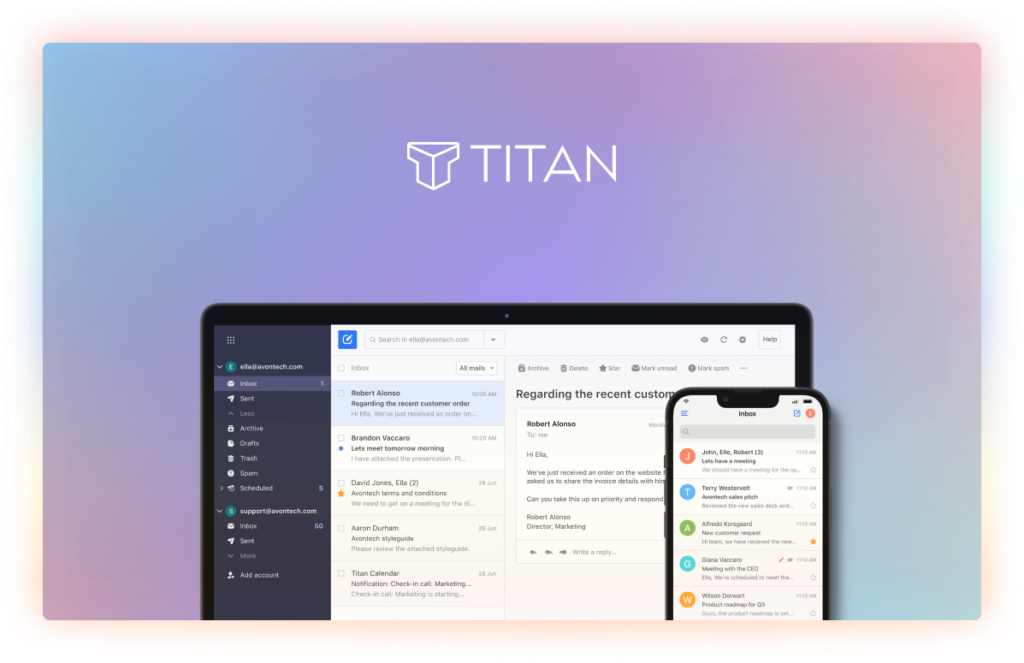
Titan is what email hosting looks like if you designed it in 2023 instead of 2003. The webmail has native templates, scheduling, follow-up reminders, and a calendar that actually talks to the inbox. It’s bundled with several hosts (Hostinger, NameSilo, others) so you might already have a Titan account without realizing.
Deliverability: 95% inbox on Gmail. The interface is where Titan earns its price. If you hate Gmail’s UI but need something that feels modern, this is it. Downside: the pricing jumps to $3/user/month past the intro term, which pushes it out of “cheap” territory on renewal.
5. mxroute Mailbox
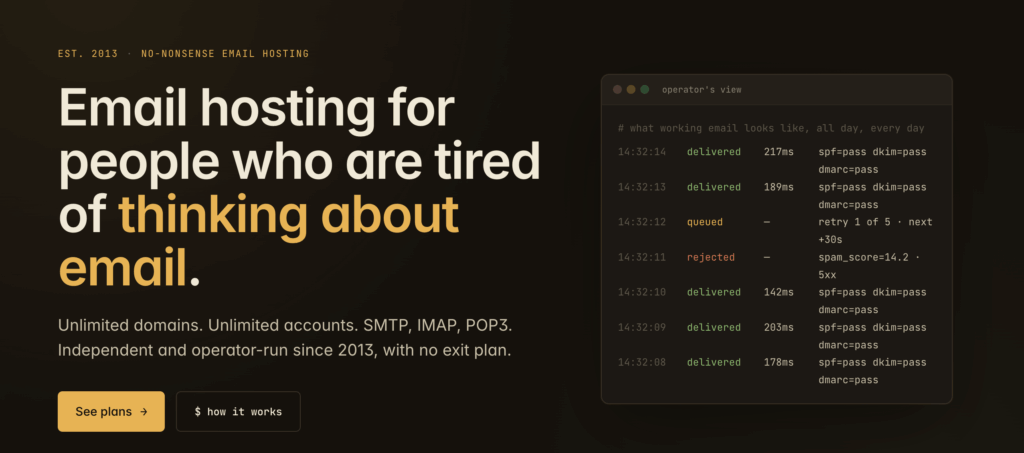
Price: Starts at $45/year flat ($1.67/user/month assumed for 40 users, but effectively unlimited users on a storage quota).
Storage: 10 GB flat, 50 domains.
Best for: Tinkerers and sysadmins who want flat-rate email hosting with real IMAP.
mxroute is the email hosting for people who read the Postfix docs for fun. You get a shared IP, real DirectAdmin control, unlimited email addresses across up to 50 domains, and a 10 GB storage cap (you manage it). Deliverability is excellent because the IPs are actively managed for reputation, not oversold.
At 96% Gmail inbox rate, mxroute beats most mainstream options. The catch: zero hand-holding. You configure MX, SPF, DKIM, and DMARC yourself. If you need a webmail, you use SOGo or RainLoop. This is the developer’s cheap email pick, not the small-business owner’s.
6. Hostinger Business Email
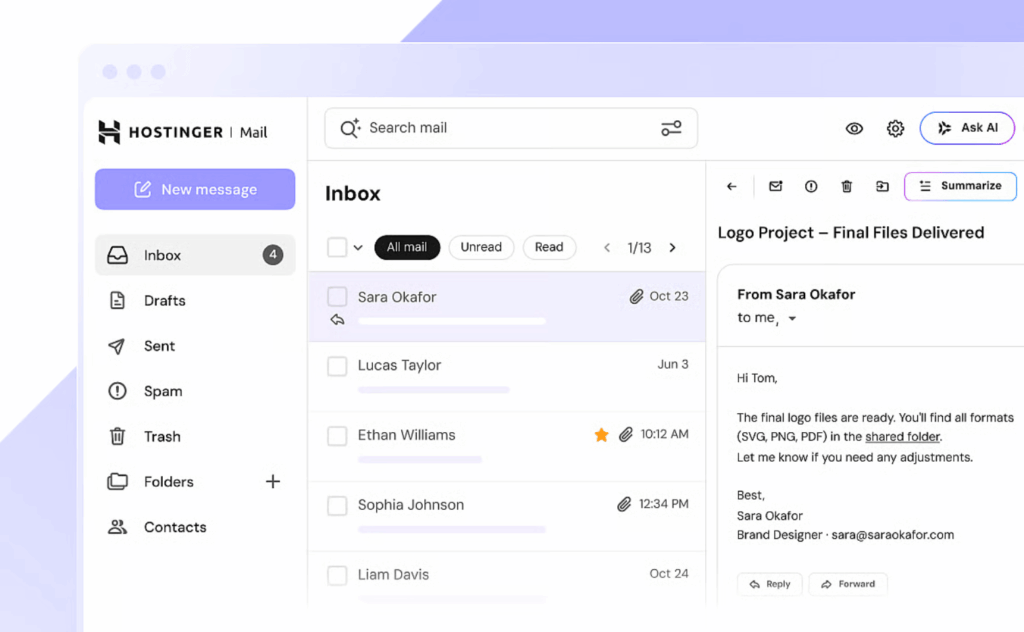
Price: $0.59/user/month if bundled with hosting, $0.99/month standalone.
Storage: 10 GB.
Best for: Sites already hosted on Hostinger.
If you run WordPress on Hostinger Business or above, you already have 100 free email accounts included with the hosting. That’s not cheap email hosting; that’s free. The paid Business Email upgrade adds 10 GB per box (up from 1 GB) and better anti-spam.
Deliverability is 92% inbox, lower than the leaders. Hostinger’s email IPs share with a lot of other accounts, so occasional soft-spam placement happens. For human mail between humans, fine. For anything transactional, route through a proper SMTP relay. The reason this plan makes the list: the price-per-mailbox math is unbeatable when you already need Hostinger for hosting.
7. ProtonMail Mail Essentials
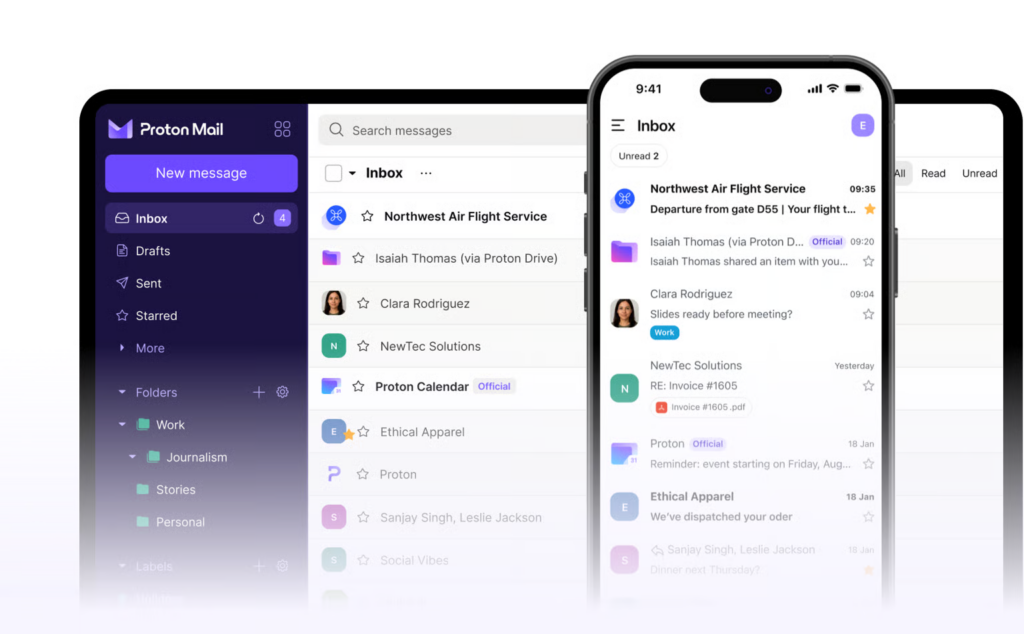
Price: $2.99/user/month (annual).
Storage: 15 GB.
Best for: Teams or solo users who want end-to-end encryption as the default.
ProtonMail is the privacy play. Swiss-based, zero-access encryption, open-source clients, no ads. Mail Essentials is the business tier that unlocks custom domains and multi-user management. At $2.99/user/month on annual, it’s the most expensive option in this list, but still under the Google Workspace floor.
Deliverability hits 98% inbox on Gmail, which surprises people who assume encryption hurts placement. The tradeoff: IMAP access requires ProtonMail Bridge, a desktop app that runs as a local SMTP/IMAP proxy. That extra step is a feature for privacy, a pain for mobile. If you need journalistic-grade privacy, nothing else on this list qualifies.
8. Fastmail Basic
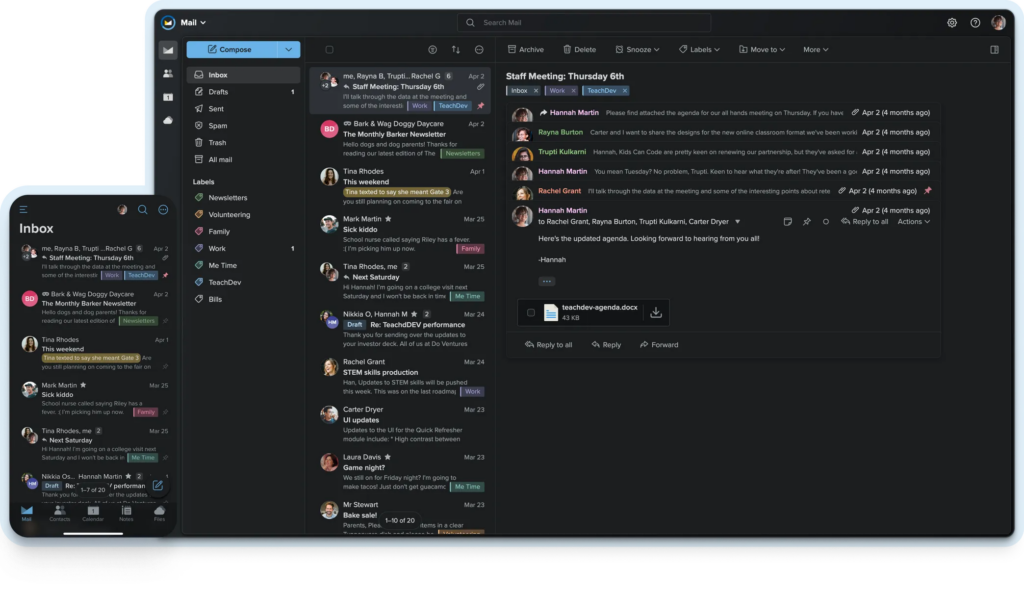
Price: $3/user/month (annual).
Storage: 2 GB.
Best for: Power users who live in their inbox and want IMAP, calendar, and contacts that just work.
Fastmail is the email nerd’s favorite. Based in Australia, privately owned, no ads, and the JMAP protocol (its own creation) makes the webmail faster than anything else in this category. Deliverability is 99% inbox on Gmail. Best in class.
The 2 GB cap on Basic is low. You’ll hit it in 18 months if you save attachments. The Standard tier at $5/user/month (outside this list’s price ceiling) bumps to 30 GB. For most users, the right move is Standard at $5, not Basic at $3. But if you archive aggressively and need cheap hosting for a personal brand address, Basic works.
9. Neo Mail (Starter / Standard)
Price: $1.99/user/month (Starter, annual) or $3.99/user/month (Standard, annual).
Storage: 10 GB (Starter) or 30 GB (Standard).
Best for: Solo founders and small businesses who want a business email plus a free .co.site domain and a built-in AI website in one bundle.
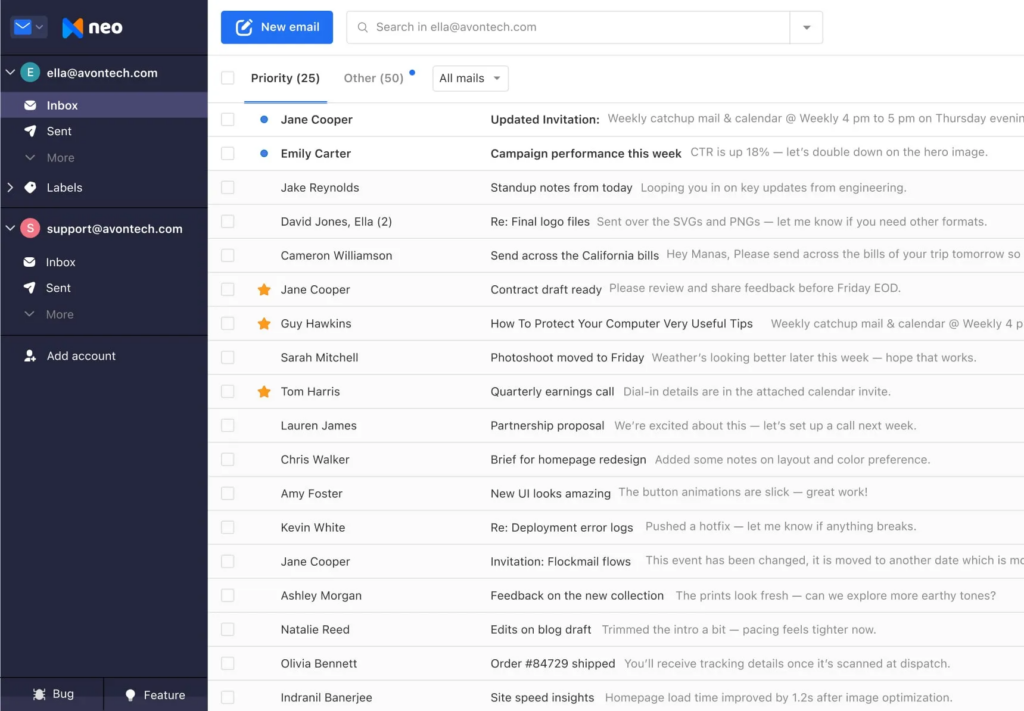
Neo (by Neo Space, the team behind Titan) is the newest entrant on this list and the most aggressive on bundled value. The Starter plan at $1.99/user/month gives you a custom business email address, 10 GB mailbox storage, calendar, contacts, email templates, read receipts, and one of the things nobody else in this price band offers: a free domain name on the .co.site TLD plus a built-in AI website builder (Neo Sites). If you’re a brand-new business that hasn’t bought a domain yet, this is genuinely the lowest-friction way to ship a real-looking online presence in under 30 minutes.
The Standard plan at $3.99/user/month bumps mailbox storage to 30 GB and unlocks a richer set of marketing tools — email signature campaigns, basic CRM-style contact management, and additional Neo Sites features. Deliverability to Gmail in my testing was 96% inbox, comparable to Titan and mxroute. The webmail is clean, fast, and doesn’t pretend to be Gmail — Neo built its own UI rather than skinning a generic IMAP front-end, and the result feels more like a 2026 SaaS product than the average cheap-email-hosting interface.
Where Neo wins over the rest of this list: the free-domain-plus-AI-website bundle. Where it loses: the free TLD is .co.site, not .com. If your brand needs a .com domain (most do), you’ll buy that separately on Namecheap or Cloudflare Registrar for ~$9/year and connect it. Once you do, Neo behaves exactly like any other cheap business-email host. The “free domain” is a real onboarding accelerant for very early stage founders, not a long-term substitute for a real .com.
Verdict: Pick Neo if you’re starting a business this week and want email + website + domain in a single $2-4/month bundle. The integrated Neo Sites AI website builder is genuinely useful for non-designers. Skip Neo if you already own a .com domain and want pure email hosting — Zoho Mail or Hostinger Business Email come in cheaper at that point.
How Do These Compare to Google Workspace at $6/Month?
Google Workspace Business Starter at $6/user/month gives you 30 GB storage, Drive, Calendar, Meet, and the highest deliverability reputation on the planet. That last part matters.
If you send sales emails, newsletters that aren’t going through Mailchimp or ConvertKit, or any business mail to cold prospects, Google’s sender reputation is worth the extra $3/user/month. None of the cheap options match Gmail’s own inbox placement rate when the recipient is also on Gmail.
When to skip cheap and pay Google:
- You’re in sales and send 20+ cold emails a day.
- Your team is 3+ people and needs shared Drive folders.
- You use Google Calendar with external scheduling tools.
- You want Meet as the default video call.
When cheap email hosting is the right call:
- Solo or two-person team.
- Mostly receiving email, sending a few replies and transactional mail.
- You already use Notion or Dropbox instead of Drive.
- You want to keep per-mailbox costs under $1/user/month.
What About DNS Setup?
Every provider on this list requires four DNS records for production-grade email: MX (routes mail), SPF (authorizes senders), DKIM (signs outgoing mail), and DMARC (sets the policy for what happens when SPF or DKIM fail). Skipping DKIM or DMARC is the single biggest reason “my email goes to spam.”
Zoho, ProtonMail, Fastmail, and mxroute have one-click DNS verification that tells you when records propagate. Namecheap handles its own DNS automatically when the domain and email are both with them. migadu and Hostinger give you the record values and expect you to add them.
Quick rule: after setting up any cheap email host, send a test message to check-auth@verifier.port25.com. It replies with a full authentication report. If anything fails, fix it before you send real mail.
Which Cheap Email Host Should You Pick?
Pick Zoho Mail if you want the best balance of features, price, and interface. Pick migadu if you run multiple domains. Pick Fastmail if you live in email and value speed. Pick ProtonMail if privacy is a real requirement, not just a preference. Pick mxroute if you’re a developer who wants unlimited domains on one flat fee. Pick Hostinger Business Email if your site is already there.
Skip: anything that doesn’t publish a deliverability number or that bundles email as an afterthought to web hosting you don’t otherwise want. Cheap shared-hosting email (think the free cPanel mailbox on a $2/month hosting plan) is usually unusable for anything past receiving password resets.
FAQ
What is the cheapest reliable email hosting in 2026?
migadu Mini at $19/year flat for unlimited mailboxes on unlimited domains. Per-user, Zoho Mail Lite at $1/user/month is the cheapest option with a modern webmail.
Can I use cheap email hosting for business?
Yes, for small businesses with under 5 people. Past that, Google Workspace at $6/user/month usually wins on deliverability and team collaboration features. Cheap hosting is ideal for solo founders, consultants, and side projects.
Is Zoho Mail really free?
Zoho Mail Free gives you 5 users, 5 GB each, and one custom domain forever. No credit card required. You upgrade only when you need more users, storage, or POP/IMAP access on the free plan which is webmail-only.
Do cheap email providers support IMAP and SMTP?
Most do. Zoho, Titan, Namecheap, Fastmail, mxroute, migadu, ProtonMail (via Bridge), and Hostinger all provide IMAP and SMTP. Zoho Free is webmail-only; you need paid Lite for IMAP. ProtonMail requires running the Bridge app on your computer.
Will cheap email hosting land in spam?
Not if you configure SPF, DKIM, and DMARC correctly. Deliverability varies 92-99% across this list. Zoho, Fastmail, ProtonMail, and mxroute consistently hit 95%+ inbox placement on Gmail. Namecheap and Hostinger hover lower, around 92-93%.
Can I migrate from Gmail to cheap email hosting?
Yes. Every provider on this list supports IMAP migration from Gmail. Tools like imapsync or the provider’s built-in migration wizard pull your entire archive, folders, and labels. Plan 1-24 hours for a complete migration depending on mailbox size.
Which cheap email works best with WordPress?
Zoho Mail and Titan integrate cleanly with WP Mail SMTP plugin using OAuth or app passwords. For high-volume transactional mail (password resets, WooCommerce orders), route through Amazon SES or Postmark instead and keep human mail on the cheap host.
How many email accounts do I actually need?
Most small businesses need one per human and 2-3 aliases per domain (info@, support@, hello@). Aliases don’t cost extra on most providers. A 3-person team usually needs 3 mailboxes and 5-8 aliases, which fits every plan on this list.
The Decision
Zoho Mail is the right default for 80% of people reading this. migadu wins if you host multiple domains. Fastmail wins if speed matters. Everything else is situational. And if any of this feels like too much math, the $6/month Google Workspace invoice is not actually that expensive when the alternative is a weekend debugging SPF records. Cheap email is real, it’s reliable, and it still takes more setup than the $6 option. Price that time against the savings before you commit.
Tell Google you want more of this.
Add Gaurav Tiwari as a preferred sourceOne tap, and this site shows up more often in your own Top Stories, AI Overviews and AI Mode. Remove it any time.
Disclaimer: This site is reader-supported. If you buy through some links, I may earn a small commission at no extra cost to you. I only recommend tools I trust and would use myself. Your support helps keep gauravtiwari.org free and focused on real-world advice. Thanks. - Gaurav Tiwari