
 by
by
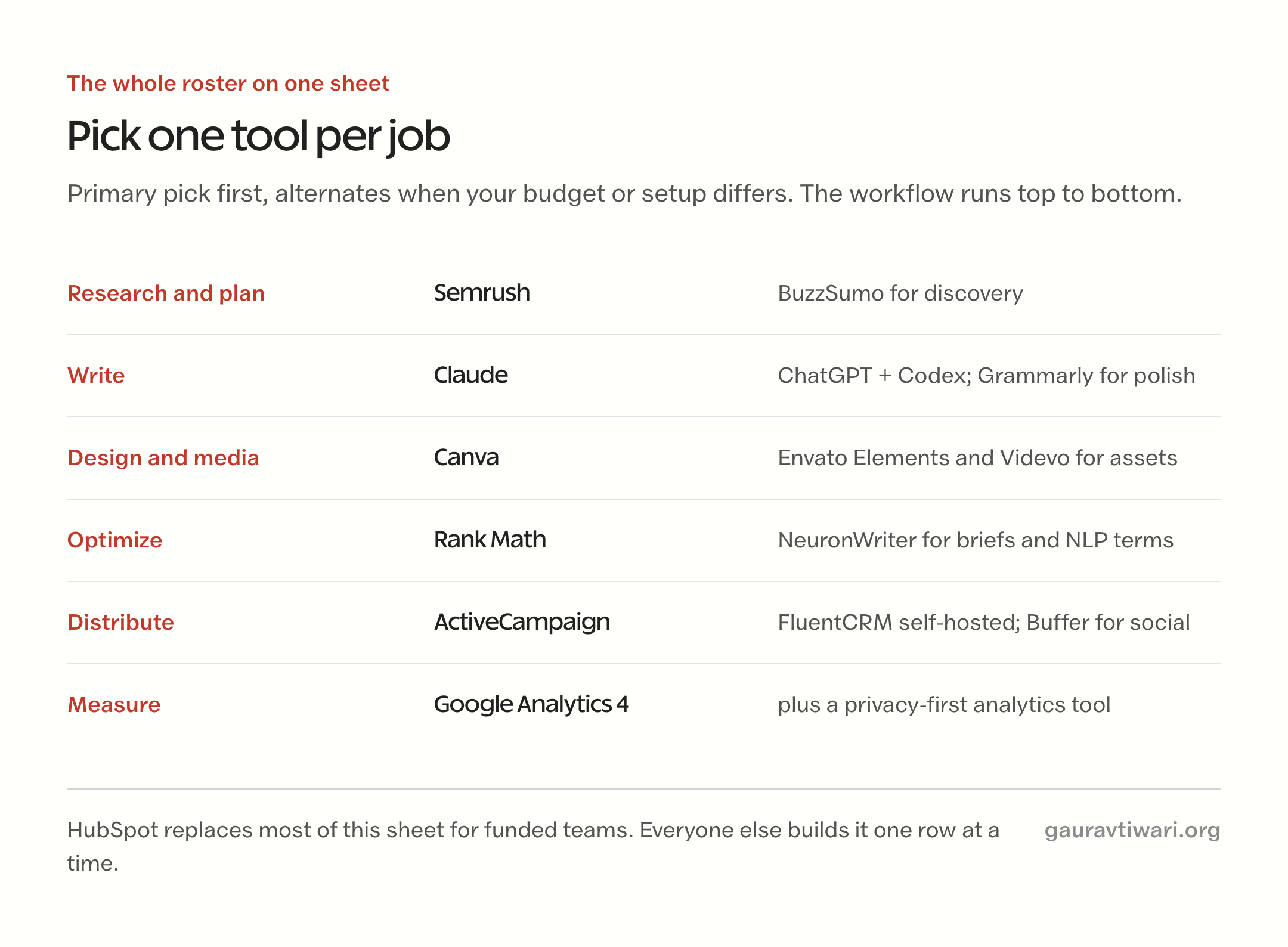
Every list of content marketing tools has the same problem: it’s written to include everything, and you’re reading it because you want to exclude almost everything. You don’t need 45 tools. You need one tool per job, chosen so the pieces feed each other instead of fighting for budget.
This page is the stack, not the catalog. I’ve been publishing and marketing content since 2008, and what follows is organized around the 6 jobs a real publishing operation runs every week: research, writing, design, optimization, distribution, and measurement. For each job you get my primary pick, the honest alternative, and what I actually use on my own sites, marked as such.
Where a tool earns money for me if you buy it, the link says so. Where the best tool is free, I say that instead.
Best content marketing tools
- Semrush: Best research platform
- BuzzSumo: Best for content discovery
- Claude: Best AI writing partner
- ChatGPT + Codex: Best AI utility player
- Grammarly: Best polish layer
- Canva: Best design tool for non-designers
- Envato Elements: Best flat-rate asset library
- Rank Math: Best WordPress SEO plugin
- NeuronWriter: Best budget content optimizer
- ActiveCampaign: Best email automation
- FluentCRM: Best self-hosted email
- Buffer: Best social scheduler
- Trello: Best content calendar
- Google Analytics 4: Best free measurement
- HubSpot: Best all-in-one for funded teams
Three rules decided who made this list:
- It does a job, not a feature. Every tool here covers one of the 6 jobs end to end. Point solutions that decorate a workflow didn’t make it.
- A solo creator can start on it. Free tier or a genuine trial, and pricing that doesn’t assume a department.
- I use it, or I tested it against what I use. When a personal claim appears below, it’s real. When I haven’t run a tool in production, I say I’m recommending it on research.
Research decides what you write
Most content fails at the topic, not the writing. These 2 decide the topic.
Semrush
The verdict: if you pay for exactly one research tool, pay for Semrush. Keyword research and backlink audits are what I use it for personally; competitor gap analysis is what most people underuse. You feed it a rival’s domain and it hands you their best-performing topics, the keywords they rank for that you don’t, and where their links come from. That one report can fill a 6-month content calendar.
It’s priced like the professional tool it is, which is the honest catch. The free tier is enough to learn on, and the trial is enough to build your first calendar. My full Semrush review covers what the tiers actually gate. If the budget isn’t there yet, do your first months with Google’s free tools and graduate later; that path works, it’s just slower.
BuzzSumo
The verdict: BuzzSumo is the discovery layer. It shows which content in your niche actually gets shared and linked, who wrote it, and which journalists and creators amplify it. That’s a different signal from search volume, and for ideation it’s often the better one: search data tells you what people already look for, BuzzSumo tells you what they can’t stop talking about.
I recommend it on research and past use, not daily production. It’s a luxury for a solo blog and close to essential for anyone doing digital PR or pitching linkable assets.
AI writes with you, not for you
AI is now a proper category of content marketing tools, not a bonus mention, so it gets full entries here. The rule that keeps AI from wrecking your content: it drafts, researches, and edits with you; the judgment, the stance, and the final voice stay yours. Publish raw model output and you’re shipping the same average everyone else ships.
Claude
The verdict: Claude is my primary AI and the best writing partner of the current models. It holds long context, so it can carry your voice guide, your outline, and your research in one conversation, and it argues back instead of agreeing with everything, which is what you actually want from an editor. Long-form drafting, restructuring a messy draft, and pressure-testing an argument are where it beats the field.
This isn’t a casual claim: I’m on the Max plan, and Claude Code, its command-line sibling, runs a serious share of my publishing workflow, from research passes to pushing finished articles to WordPress. The free tier is enough to test whether it fits how you think. If you adopt one AI tool from this page, adopt this one.
ChatGPT + Codex
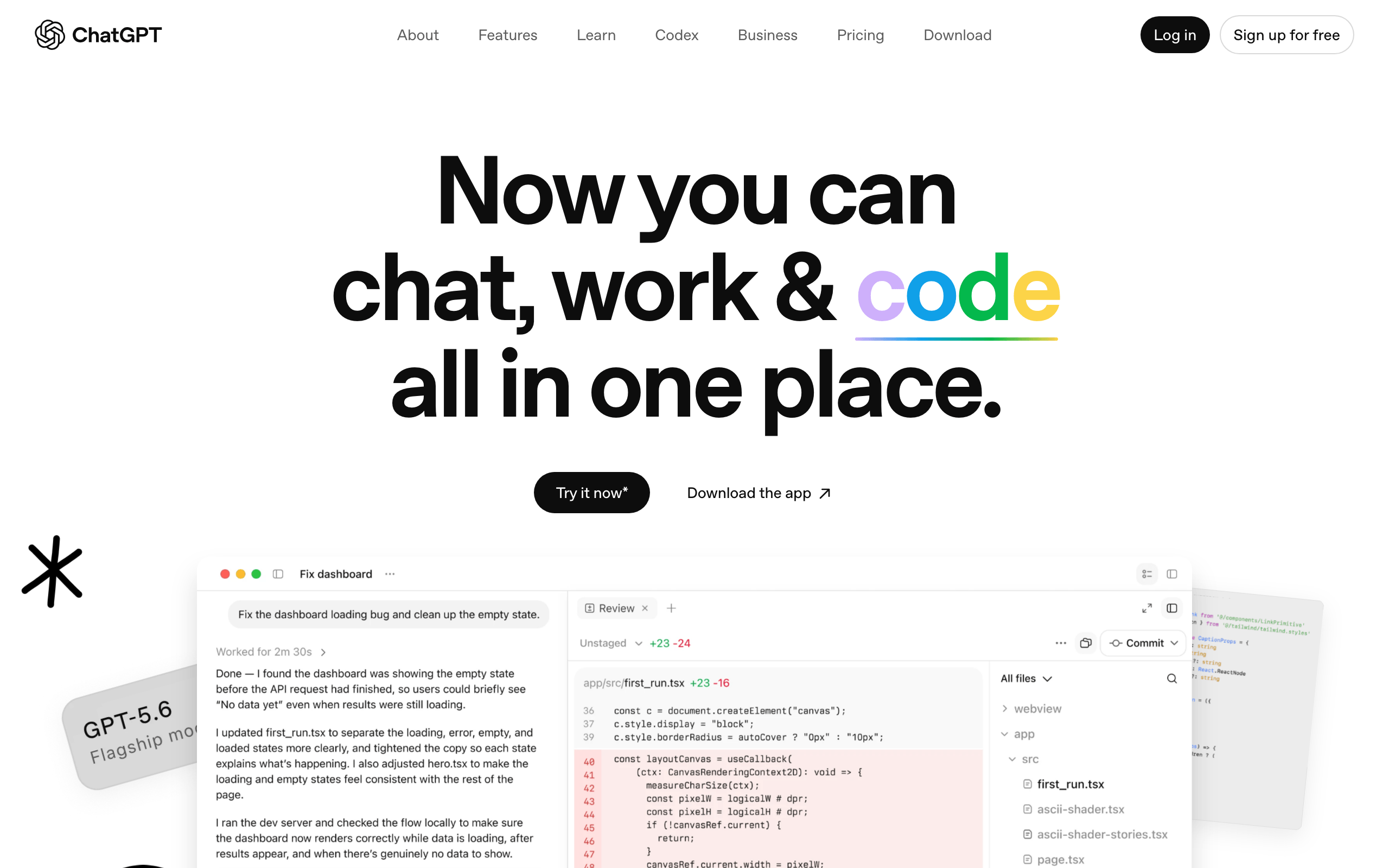
The verdict: ChatGPT is the utility player. I keep a Plus subscription alongside Claude for one reason: it does more kinds of work. Image generation is the big one for content marketing, product-style illustrations, concept scenes, and quick visual drafts, and Codex, its coding agent, is what I drive that generation through; a good share of the images on this site’s recent articles came out of that exact pipeline. Web-connected research and custom GPTs round it out.
For pure prose I reach for Claude first, but the honest setup for a working content operation is both: one thinking partner, one utility belt. Both free tiers together cost nothing and will teach you which side you lean on.
Grammarly
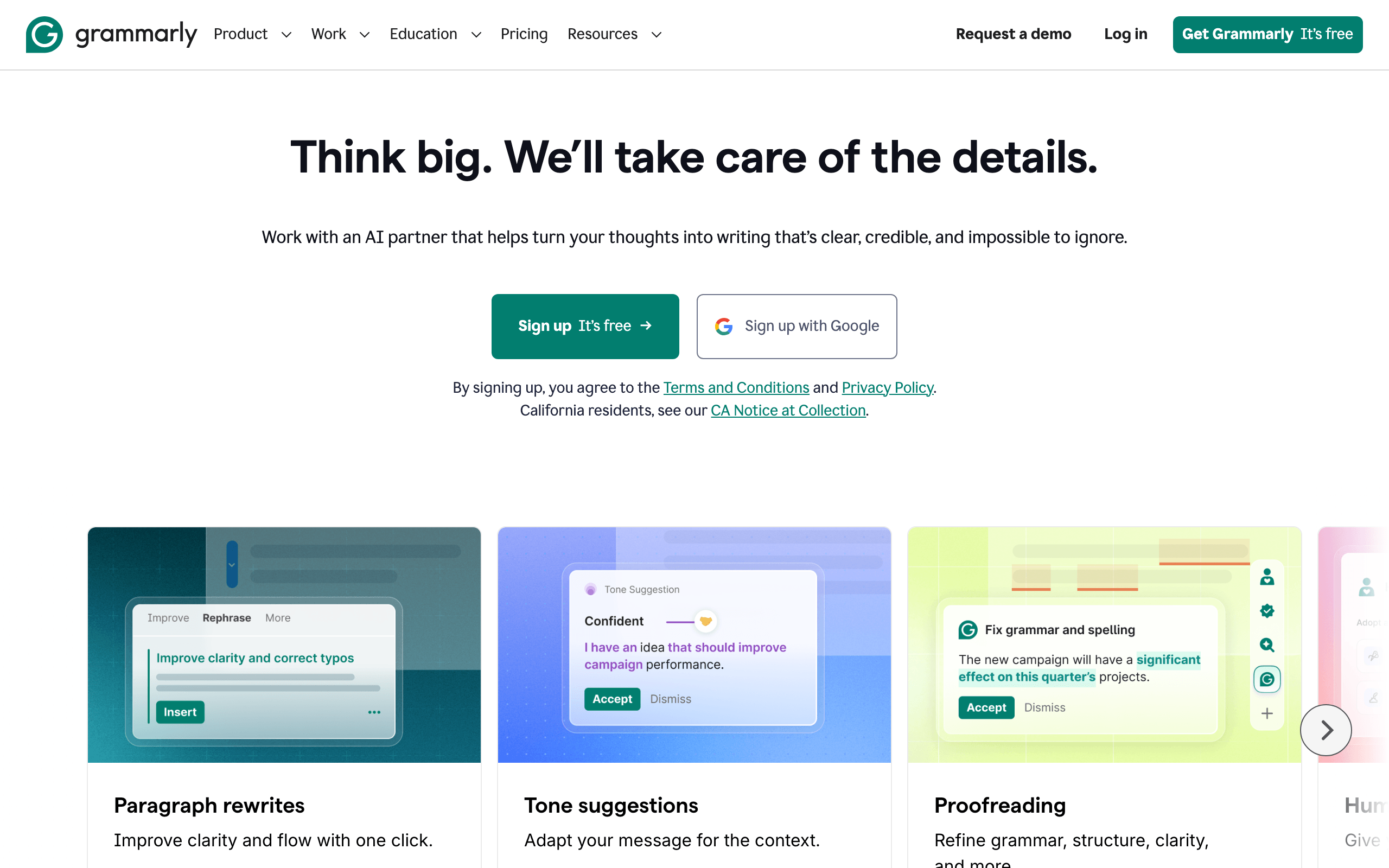
The verdict: Grammarly is the final pass. After you’ve drafted with or without AI, it catches the typos, agreement slips, and tangled sentences your eyes skate over because you wrote them. I run it as a browser extension so it works in WordPress, email, and everywhere else without ceremony, and that everywhere-ness is why it survives in my stack alongside 2 far more powerful models.
The free tier handles correctness. Premium’s rewrites and tone controls matter most for teams publishing under multiple bylines; a solo writer with a strong voice needs them less than the pricing page implies.
Design without a designer
Canva
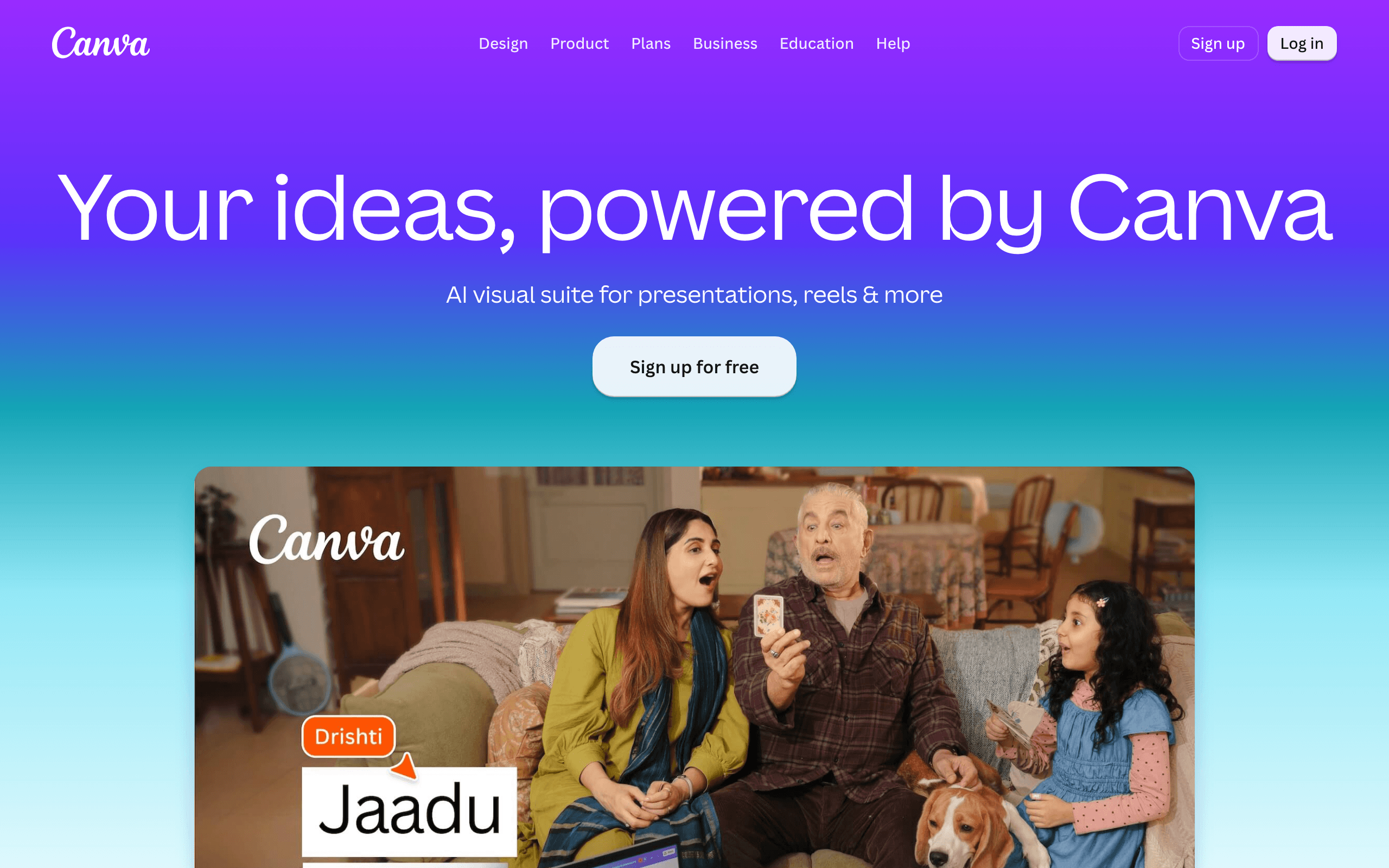
The verdict: Canva is the design pick for everyone who doesn’t employ a designer, which is nearly everyone reading this. Quick graphics and templates are what I use it for; social cards, YouTube thumbnails, simple infographics, and one-off promo images that would otherwise mean opening a real design tool for a 10-minute job. The template library plus brand kit means the 15th graphic looks related to the 1st.
The free plan is genuinely usable, not a demo. If Canva’s pricing or ownership terms bother you, I’ve compared the best Canva alternatives separately; the short version is that alternatives exist, and none of them have Canva’s template depth.
Envato Elements
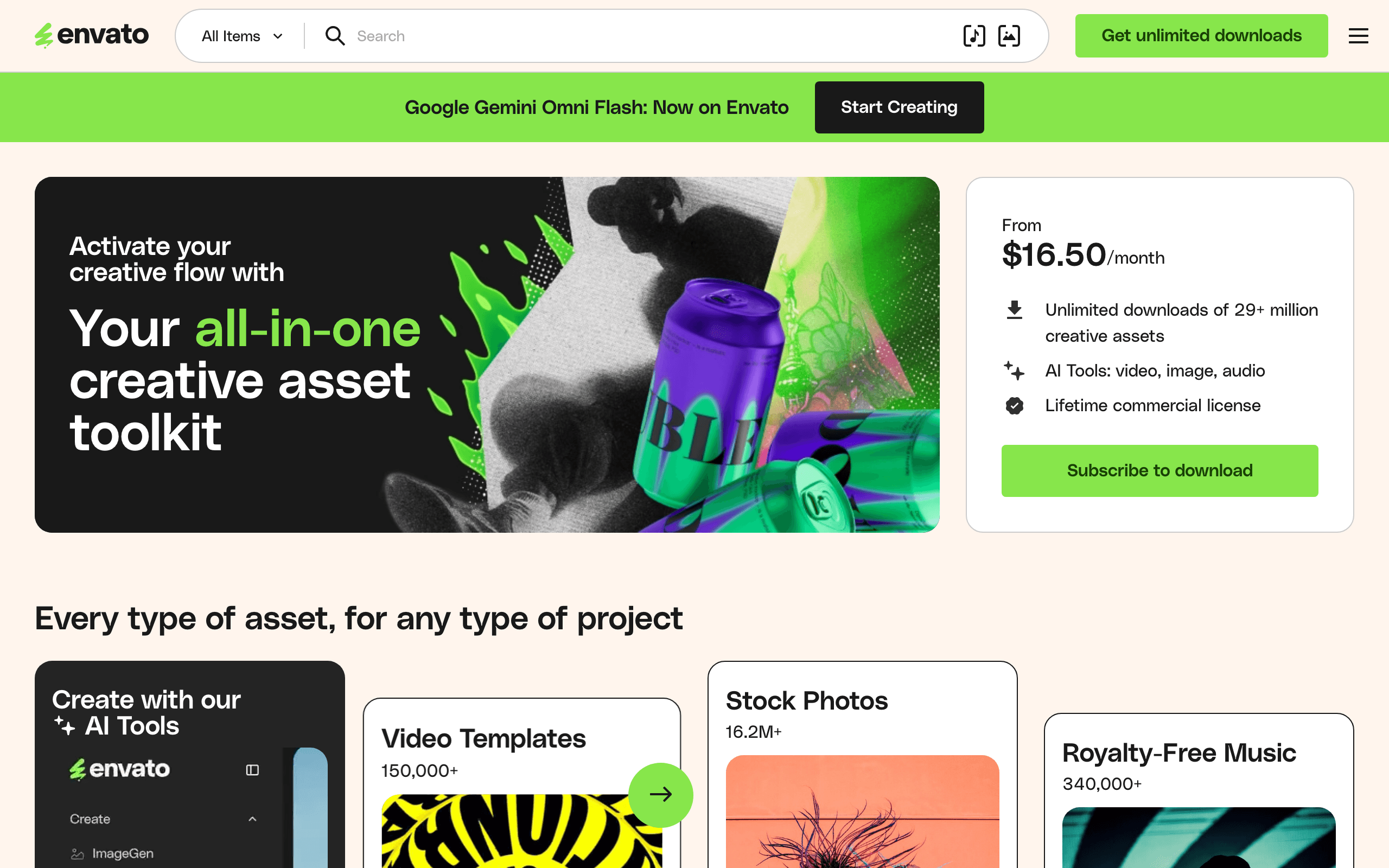
The verdict: Envato Elements is the flat-rate asset library: stock photos, video templates, music, fonts, and graphics under one subscription with unlimited downloads. For anyone producing video or heavy visual content, it replaces the death-by-a-thousand-licenses problem with one predictable cost. The lifetime commercial license on assets you’ve already used is the clause that makes it safe to build on.
For free alternatives: Pexels and Unsplash cover photos, and Videvo covers stock video and motion graphics on both free and paid tiers. Start free; subscribe when the searching costs more time than the subscription costs money.
Optimize for Google and AI at once
Search and AI citations reward the same fundamentals now; I’ve broken down the overlap in my GEO vs SEO comparison. These 2 tools operationalize it.
Rank Math
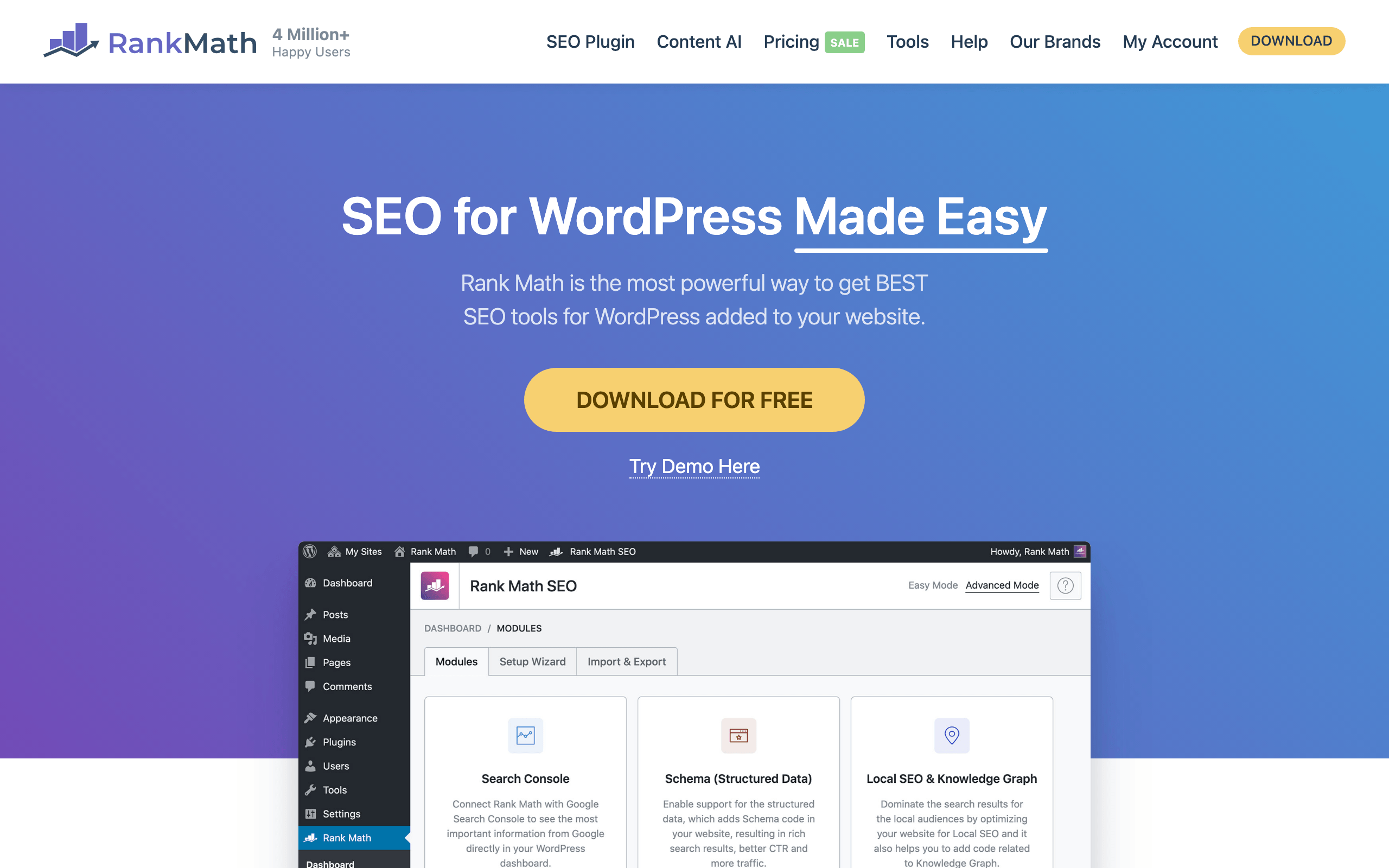
The verdict: if your site runs on WordPress, Rank Math is the SEO layer, and this is a production claim: every article on this site, including the one you’re reading, ships through it. Titles, descriptions, schema markup, sitemaps, and redirects live in one plugin with a modular design that lets you switch off what you don’t use. The schema support matters more every year, because structured data is part of how both Google and AI assistants understand what a page claims to be.
The free version covers a solo site honestly; Pro earns its keep once you manage multiple sites or need advanced schema. If you’re comparing options, my roundup of WordPress SEO plugins puts it against Yoast and the rest.
NeuronWriter
The verdict: NeuronWriter is the content optimizer for people who looked at Surfer and Clearscope pricing and closed the tab. It builds NLP-based content briefs from the top-ranking pages for your target query: the terms to cover, the questions to answer, the structure that’s winning, and scores your draft against them. Used correctly, it’s a coverage checklist, not a keyword-stuffing machine; you’re checking what the winning answers include that yours doesn’t.
I recommend it on research and testing rather than daily use; my own optimization workflow is more manual. For a writer producing search-led content weekly, it’s the best value in its category, and it’s the one tool on this page that frequently shows up in lifetime-deal form.
Own your distribution first
Email is the only audience you own; social is reach you rent. Build in that order.
ActiveCampaign

The verdict: ActiveCampaign is the pick when email is a revenue channel, not a newsletter habit. Its automation builder handles the sequences that actually convert: welcome series that branch on what people click, abandoned-interest follow-ups, and tagging that segments your list by behavior instead of guesswork. That depth is what you’re paying for over the beginner platforms.
If you’re earlier in the journey, a simpler platform is genuinely the better buy; my email marketing tools roundup maps the ladder from free tiers up. Graduate to ActiveCampaign when your list needs logic, not just sending.
FluentCRM
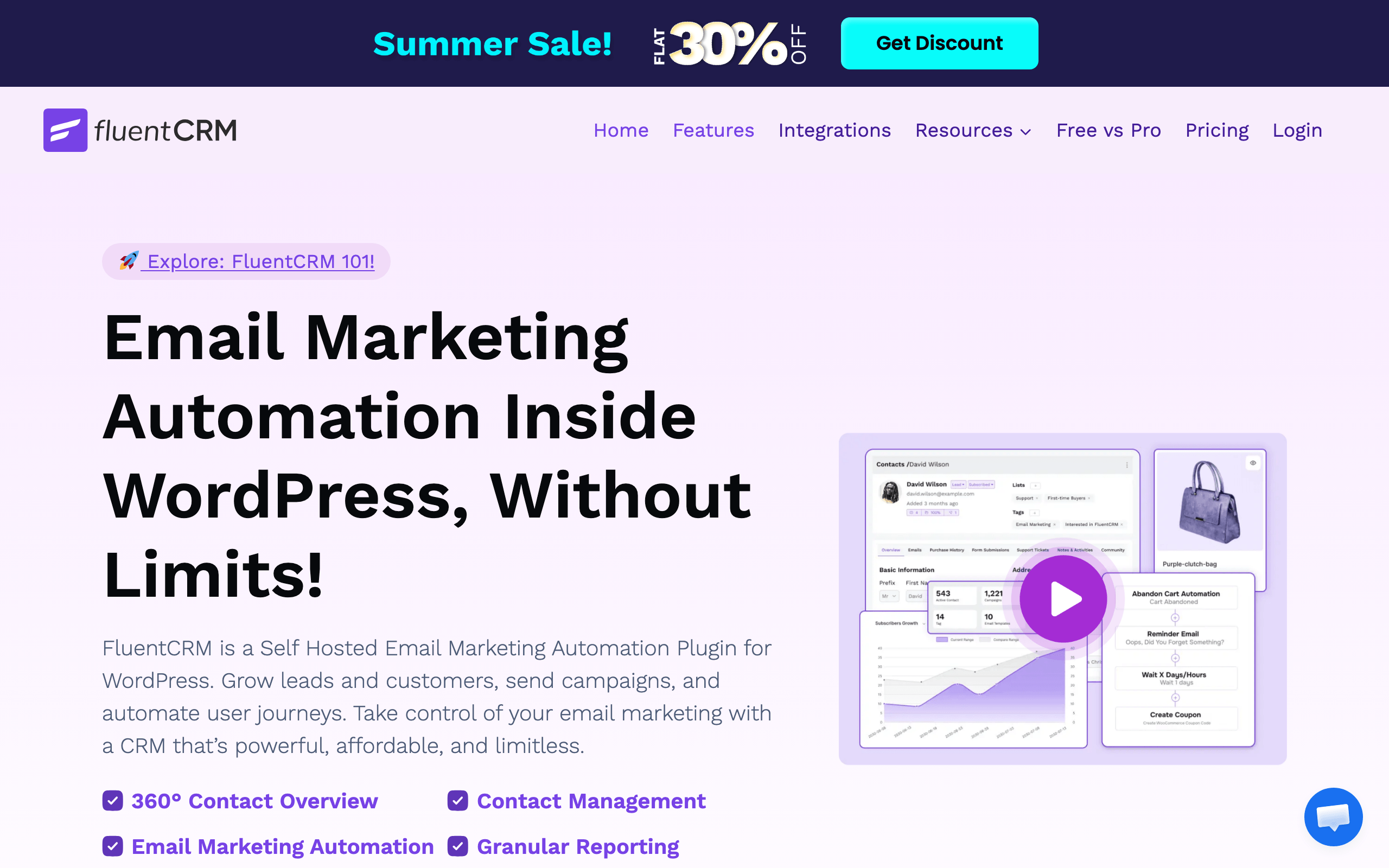
The verdict: FluentCRM is how I actually run my own lists. It’s a self-hosted email marketing plugin that lives inside WordPress, which flips the 2 economics that hurt most as a list grows: there’s no per-subscriber pricing ratchet, and your subscriber data sits on your own server instead of a platform that can change terms. Campaigns, automations, and segmentation are all there.
The honest trade: you own the deliverability problem too, so you’ll pair it with a sending service, and you should be comfortable maintaining WordPress. For a WordPress-native publisher, that trade is worth it; for everyone else, the hosted platforms above exist for a reason.
Buffer
The verdict: Buffer is the social scheduler for the “one platform, 30 minutes a day” strategy that actually works for small teams. Queue a week of posts across your chosen platforms in one sitting, and let repurposing fill the queue: one article becomes several posts, scheduled once. The free plan covers a solo creator’s realistic needs, which is rarer than it should be in this category.
What it deliberately isn’t: a social listening suite, an inbox, or an analytics platform. If you need those, you’ll know, and you’ll also know your budget changed categories.
Manage the calendar, measure the results
Trello
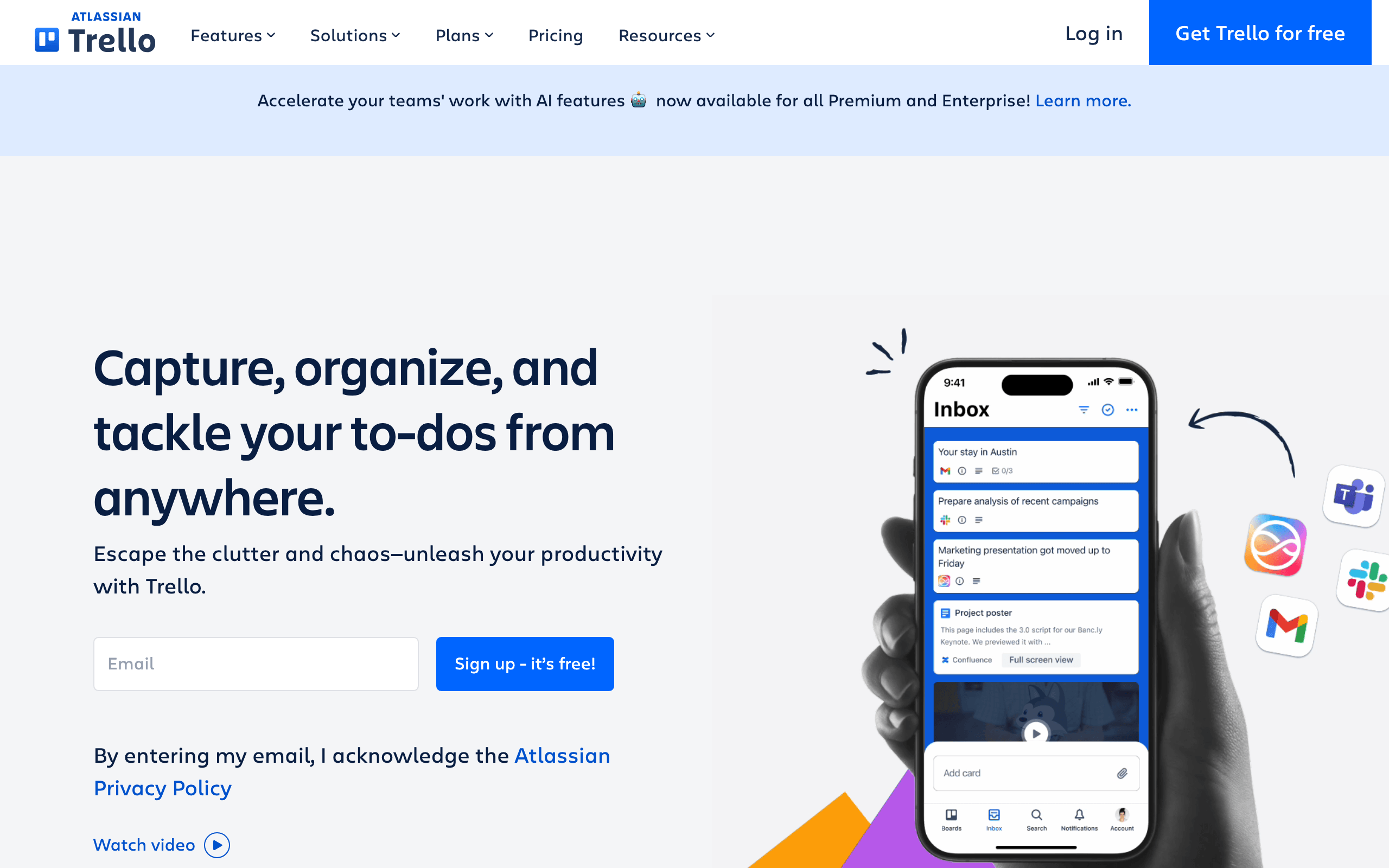
The verdict: Trello is my pick for a content calendar because it’s the tool people actually keep using. Ideas, Drafting, Editing, Published: 4 columns, cards with due dates and checklists, done. I use its boards for visual planning precisely because they demand no setup ceremony. The free plan is enough for a solo operation or a small team’s editorial flow.
If your operation outgrows it, docs, wikis, client views, dashboards, ClickUp is the upgrade path. Move when Trello starts hurting, not before; premature project-management adoption is a classic way to stop publishing for a month.
Google Analytics 4

The verdict: Google Analytics 4 stays the measurement default because it’s free, it integrates with Search Console, and every tutorial ever written assumes you have it. For content marketing you need less of it than you fear: which pages earn traffic, where visitors come from, and which content leads to email signups or sales. Build 1 report for those 3 questions and ignore the other 90% of the interface.
On my own sites I pair GA4 with a self-hosted, privacy-first analytics tool, partly for cookie-banner sanity and partly because a simple dashboard you check daily beats a deep one you avoid. Pair Search Console with whatever you choose; for search-led content it’s the more honest mirror anyway.
The all-in-one exception
HubSpot
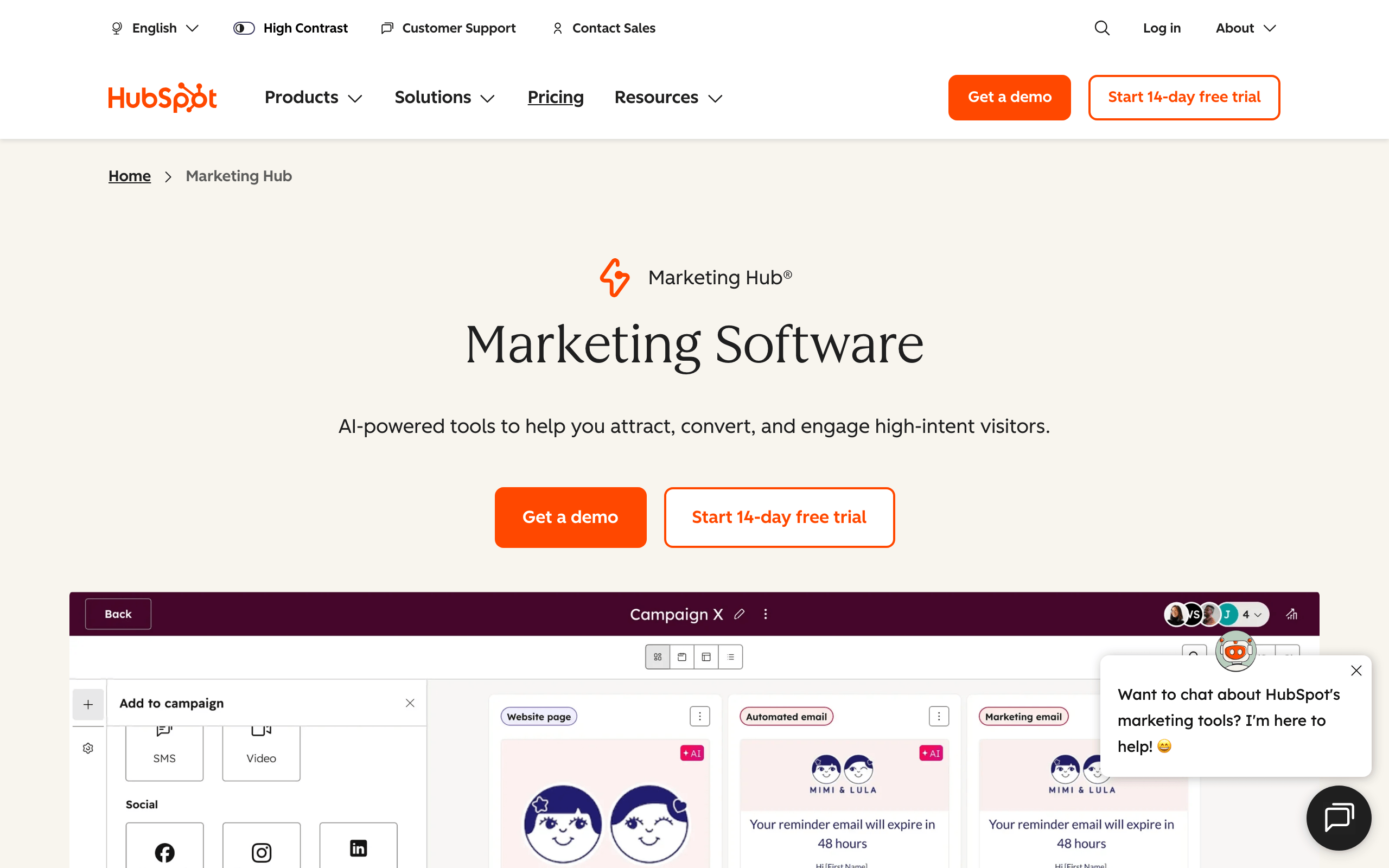
The verdict: HubSpot is what you buy instead of assembling this stack, if you’re a funded team that values one system over best-of-breed pieces. CRM, email, landing pages, blogging, automation, and reporting in one place, with the free CRM tier as a genuinely useful on-ramp. The integration is the product: marketing and sales looking at the same contact record changes how a team operates.
The caution is the same as it’s always been: pricing scales steeply with contacts and features, and leaving is painful. Solo creators and bootstrapped sites get more capability per dollar from the individual tools above. Know which buyer you are before you start the trial.
Build the stack by stage
You don’t buy a stack; you grow one. The biggest mistake I see is teams buying expensive tools before they’ve figured out their strategy, then blaming the tools.
Starting out, at $0: Canva free for visuals, Claude and ChatGPT free tiers for drafting and research, Rank Math free on WordPress, GA4 plus Search Console for measurement, Trello free for the calendar, and a free email tier from the ladder in my email roundup. That’s a complete, working content operation for the price of your time.
Scaling, first real budget: Semrush is usually the first paid seat, because topic selection is the highest-leverage decision you make each week. One paid AI plan comes next, whichever model you reach for daily. Then a proper email platform, hosted or FluentCRM if you live in WordPress. Roughly $150-300 a month covers this tier, and it should be paying for itself through the email list before you add anything else.
Running a team: add Envato Elements for assets, NeuronWriter for briefs your writers can execute against, ClickUp or Trello paid for workflow, and consider whether HubSpot’s consolidation beats your assembled stack. At this stage the constraint isn’t tools; it’s editorial standards, and no subscription fixes those.
Bonus tools worth a look
- CapCut: the fastest route to short-form video, with auto-captions and templates that make one article into 3 reels.
- Exploding Topics: trend spotting before search volume shows up, useful for being early instead of thorough.
- CoSchedule Headline Analyzer: imperfect scoring, but it reliably catches limp headlines before they ship.
- SimilarWeb: ballpark competitor traffic, good enough for prioritizing which rivals to study.
- Pexels, Unsplash, Pixabay: free commercial-use photos and video when a subscription isn’t justified yet.
What this stack won’t fix
Tools amplify a strategy; they can’t supply one. No research platform decides what you have standing to say, no AI supplies the opinion that makes content worth citing, and no optimizer rescues a topic nobody searches for or asks about. The stack also can’t fix inconsistency: every tool here compounds with weekly use and decays into a subscription line-item without it. If content isn’t shipping, the bottleneck is almost never in this list, and buying another tool is the most expensive way to avoid admitting that.
Content marketing tools FAQ
What are content marketing tools?
Software that covers one of the 6 jobs of publishing: researching topics, writing, designing visuals, optimizing for search and AI, distributing through email and social, and measuring results. A working stack needs one tool per job, not one tool per feature you’ve seen advertised.
Which content marketing tools are free?
Enough to run a real operation: Canva, Buffer, Trello, and Rank Math all have workable free plans; Claude and ChatGPT have free tiers; Google Analytics 4 and Search Console are entirely free; Pexels, Unsplash, and Pixabay cover free media. The first tool genuinely worth paying for is usually a research platform.
Is Claude or ChatGPT better for content marketing?
They’re better at different jobs. Claude leads for long-form writing, holding your voice, and arguing with your draft like an editor. ChatGPT is the broader utility: image generation, web research, custom GPTs, and coding through Codex. I run both; if you only want one, pick based on whether you write more than you produce visuals and automations.
Do AI tools hurt SEO?
AI tools don’t; unedited AI output does. Google’s quality systems target low-effort content regardless of how it was made, and AI assistants cite pages that carry real experience and specifics. Use AI for research, outlines, and drafts, then add the judgment, testing, and stance only you can supply. That combination performs in both Google and AI answers.
What is the minimum stack for a solo creator?
Six tools, mostly free: Canva for visuals, one AI assistant for drafting and research, Rank Math if you’re on WordPress, a free email platform tier, Trello for the calendar, and GA4 with Search Console for measurement. Add a paid research tool when topic selection becomes your bottleneck, and upgrade email when your list needs automation logic.
How much should I budget for content marketing tools?
Start at $0 on free tiers; the starting stack above publishes real content without spending anything. A scaling operation typically lands around $150-300 a month, led by a research platform, one paid AI plan, and email. Let the email list justify each upgrade: if a tool isn’t traceable to subscribers or sales within a quarter, it was decoration.
The tools were never really the question; every list like this secretly answers “what should I stop feeling guilty about not using.” Run one tool per job, all 6 jobs covered, and you’ve matched the tooling of operations 10 times your size. What they can’t match you on, a clear stance and the discipline to publish weekly, was never for sale.
Cover the jobs. Skip the rest.
Tell Google you want more of this.
Add Gaurav Tiwari as a preferred sourceOne tap, and this site shows up more often in your own Top Stories, AI Overviews and AI Mode. Remove it any time.
Disclaimer: This site is reader-supported. If you buy through some links, I may earn a small commission at no extra cost to you. I only recommend tools I trust and would use myself. Your support helps keep gauravtiwari.org free and focused on real-world advice. Thanks. - Gaurav Tiwari