
 by
by
You’re paying for traffic that lands, looks around, and leaves. The right conversion rate optimization tools show where that journey breaks, why people hesitate, and whether a proposed fix actually works. They help you get more conversions from the visitors you already paid to attract.
The expensive mistake is buying one giant platform before you know the job. I would start with free measurement and behavior data, then pay for experimentation only when the traffic and the potential lift justify it. The 11 picks below are grouped by the decision they help you make, not by the length of their feature lists.
My short list: Microsoft Clarity is the best free behavior tool. Google Analytics 4 is the free measurement baseline. VWO is the best no-code testing suite for a team that runs experiments regularly, but its old free Starter plan is gone and the current offer is a 30-day trial. GrowthBook is the strongest free choice for developer-led feature flags and experiments.
| Job | Best starting point | Free start? | Main catch |
|---|---|---|---|
| See where users struggle | Microsoft Clarity | Yes | No built-in survey workflow |
| Measure funnel drop-off | Google Analytics 4 | Yes | Setup quality decides data quality |
| Run no-code web tests | VWO | 30-day trial | Quote-based paid pricing |
| Run developer-led tests | GrowthBook | Yes | Needs engineering and clean metrics |
| Combine behavior and feedback | Contentsquare Free | Yes | Broader platform than Clarity |
| Analyze form abandonment | Mouseflow | Yes, limited | Free plan covers 500 sessions a month |
What conversion rate optimization tools actually do
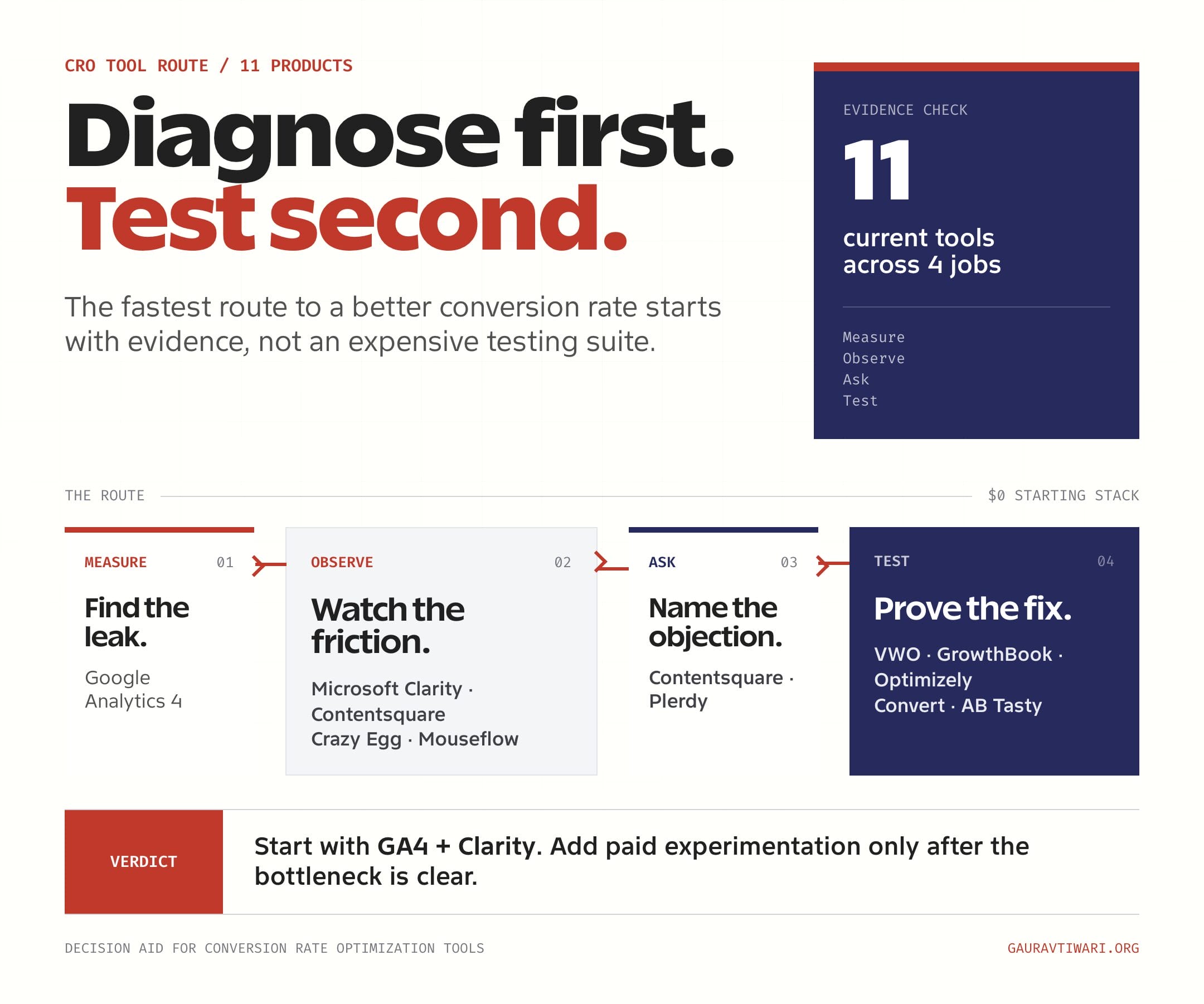
Conversion rate optimization tools answer four different questions. A practical stack uses the smallest tool that answers each one, then connects the evidence into a repeatable loop.
- Measure: Where does the funnel lose people? Google Analytics 4 answers this.
- Observe: What did people click, ignore, or struggle with? Microsoft Clarity, Contentsquare, Crazy Egg, and Mouseflow show this.
- Ask: What objection or missing information stopped the action? Surveys capture the reason in the visitor’s words.
- Test: Did the proposed change improve the outcome? VWO, Optimizely, Convert, AB Tasty, and GrowthBook measure the result.
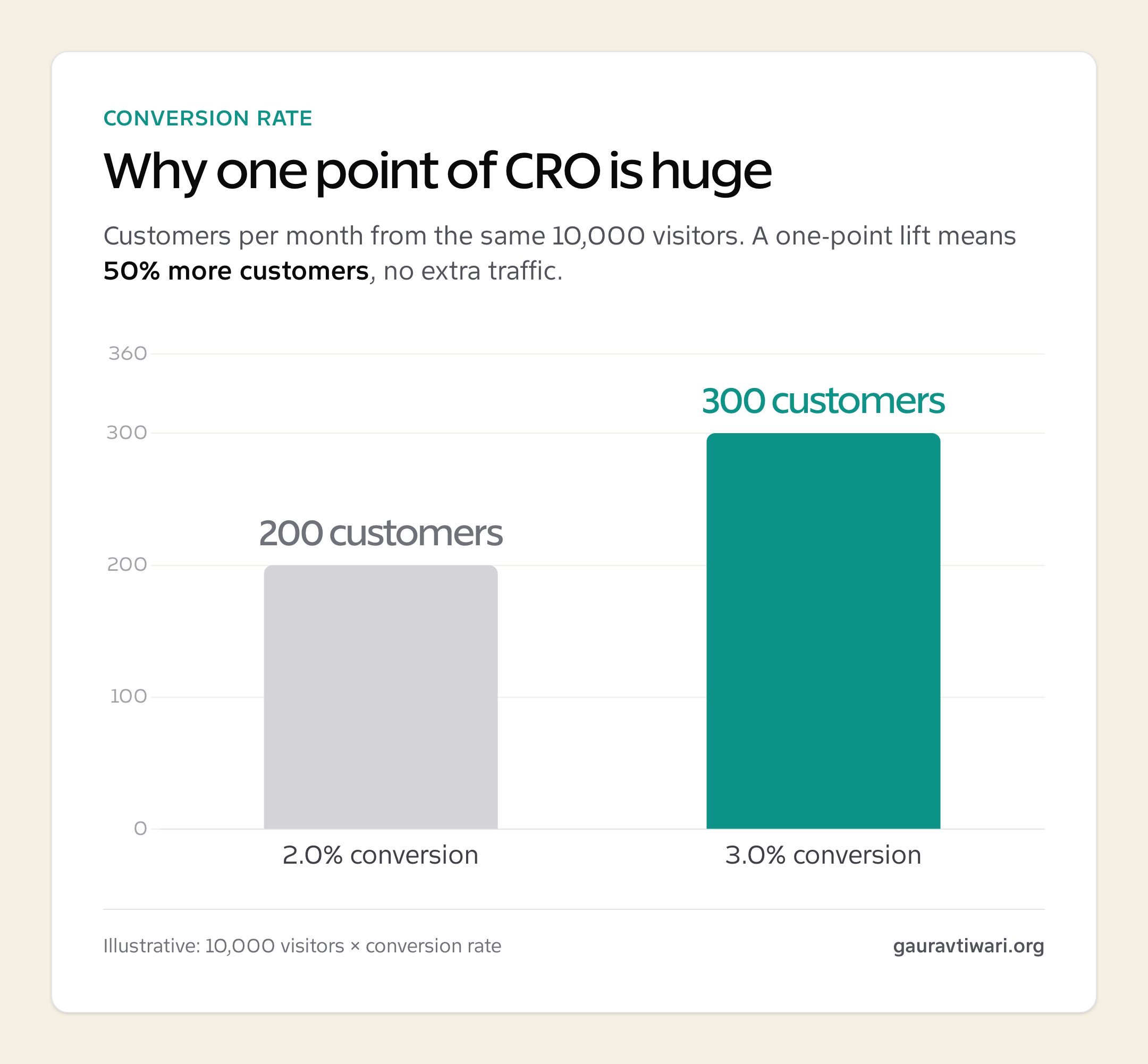
The conversion-rate math is why the loop matters. Moving from 2% to 3% is not a one-point improvement in business terms. It is 50% more conversions from the same traffic.
Three numbers to calculate before you buy CRO software
A global “good conversion rate” is a weak buying signal. Your baseline, eligible traffic, and minimum useful lift tell you far more about which tool you need and whether an A/B test is realistic.
- Baseline conversion rate: Measure the exact page, audience, device, and conversion event you plan to improve.
- Eligible monthly traffic: Count only visitors who can enter the test. Total site traffic can make a small test page look healthier than it is.
- Minimum detectable effect: Decide the smallest lift worth shipping. Detecting a 3% relative lift takes far more traffic than detecting a 30% lift.
Use your own previous period as the first benchmark and your industry as a distant second. If a checkout converts at 1.8%, improving it to 2.1% can be valuable even if somebody else’s landing page converts at 8%.
How I picked these conversion rate optimization tools
I used three filters. The tool must solve a distinct job, offer a sensible way to evaluate it, and produce evidence a team can act on. I checked current product pages, pricing, trials, and documentation because CRO software changes quickly. VWO’s retired free plan, Crazy Egg’s new free tier, Hotjar’s move into Contentsquare, and the VWO and AB Tasty combination are exactly the changes old listicles miss.
I weighted free and self-serve tools heavily. The team that watches ten relevant recordings and fixes one obvious blocker will beat the team paying for a dashboard nobody opens.
What to look for in a conversion rate optimization tool
Most CRO software demos look convincing. The differences appear after the tag is installed, the first test stalls, or somebody asks whether the data can be trusted.
- Useful limits: Check sessions, tested users, projects, retention, and heatmap limits, not just whether the pricing card says “free.”
- Data quality: Confirm how the tool samples, excludes bots, handles single-page apps, and identifies users across pages.
- Privacy controls: You need consent signaling, input masking, URL controls, data retention, and regional settings that match your traffic.
- Statistical safeguards: Testing software should surface sample-ratio mismatch, confidence or probability, and the assumptions behind the result.
- Workflow fit: A marketer may need a visual editor. A product team may need feature flags, SDKs, warehouse metrics, and approval rules.
Best A/B testing and experimentation tools
These platforms prove whether a proposed change improves a defined outcome. VWO is the strongest no-code all-rounder, GrowthBook is the best free developer-led option, and the other three make sense when experimentation already has owners, traffic, and a process.
VWO: the strongest no-code experimentation suite
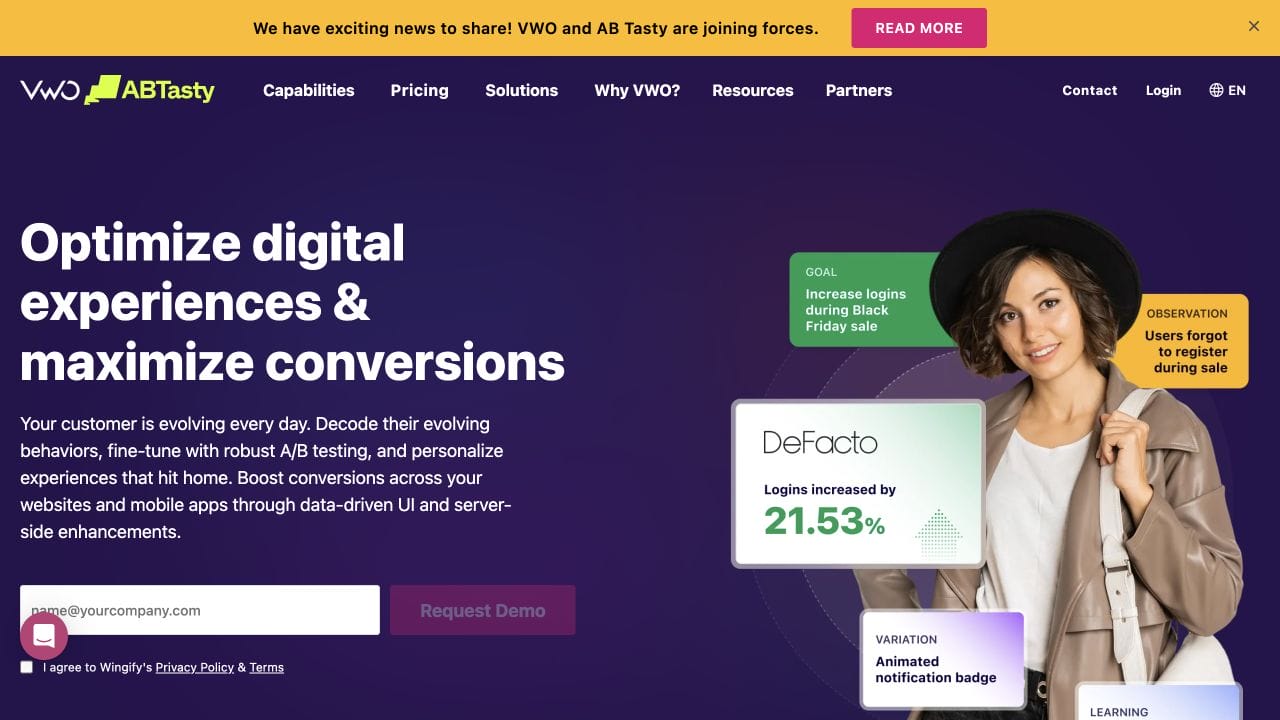
VWO is a web experimentation and personalization platform built for teams that want marketers to launch tests without waiting for every front-end change to enter an engineering sprint. It combines visual editing with deeper code controls, targeting, reporting, and behavior data. The current homepage also says VWO and AB Tasty are joining forces, although the products still have distinct documentation and buying paths.
- A/B, split-URL, and multivariate testing
- Visual editor plus custom HTML, CSS, and JavaScript controls
- Audience targeting, segmentation, reporting, and personalization
- Behavior insights that can feed test hypotheses
Pricing: VWO uses sales-led pricing for its current plans. The full-feature trial lasts 30 days. Its old free Starter plan is gone, so do not use stale pricing tables when budgeting.
Best for: marketing and growth teams that run no-code web experiments regularly and want testing, personalization, and behavior insights in one suite.
Not Ideal if: you only run an occasional headline test or need transparent self-serve pricing before talking to sales.
GrowthBook: the best free option for developers
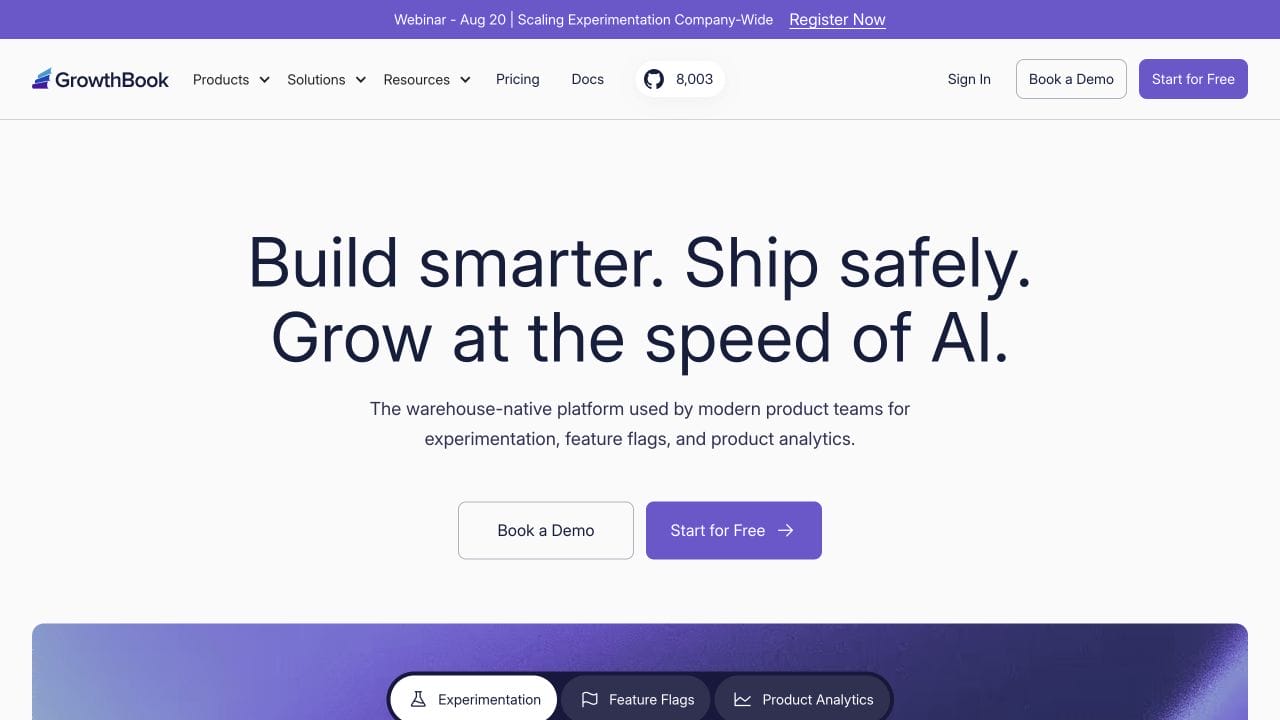
GrowthBook is a warehouse-native experimentation, feature-flag, and product-analytics platform. Instead of making the testing vendor the source of truth, it can calculate experiment results from the product data your team already owns. That architecture is excellent for product teams and unnecessary for a simple marketing-page test.
- Feature flags and controlled rollouts
- Warehouse-native experiment analysis
- Product analytics and metric definitions
- Open-source self-hosting plus a managed cloud service
Pricing: GrowthBook’s cloud Starter plan is free for up to three users with unlimited feature flags and experiments. Its open-source self-hosted edition is also free and supports unlimited users; paid plans add governance and enterprise support.
Best for: product, engineering, and data teams that already use feature flags and want experiment results tied to warehouse metrics.
Not Ideal if: a marketer needs to launch a visual landing-page test without engineering help or a clean data model.
Optimizely: enterprise experimentation with governance
Optimizely treats experimentation as part of a larger digital-experience system. Its Web Experimentation and Feature Experimentation products support client-side, server-side, and feature tests, while enterprise controls help large teams manage permissions, approvals, audiences, and shared metrics.
- Web, server-side, and feature experimentation
- Audience targeting and personalization
- Program governance, permissions, and reusable metrics
- Integration with Optimizely’s broader content and commerce platform
Pricing: Optimizely publishes product and plan information but requires a custom quote for experimentation pricing.
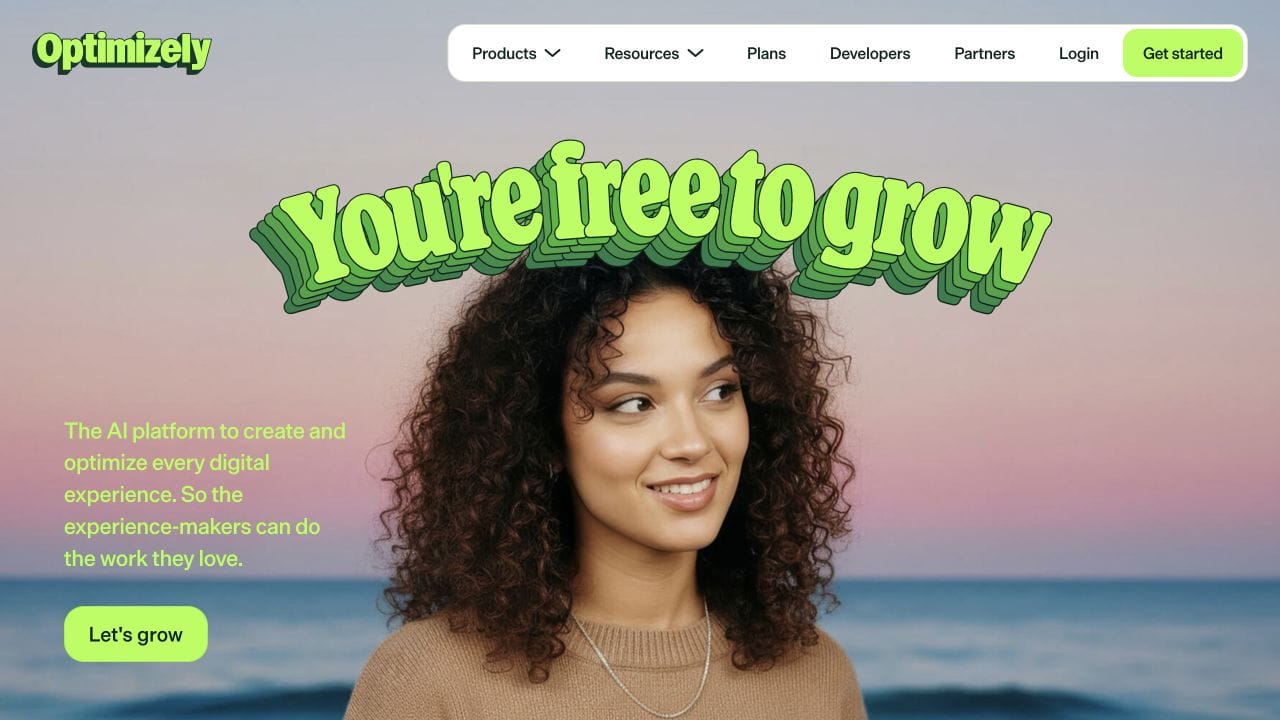
Best for: large product organizations running a formal experimentation program across websites, applications, and feature releases.
Not Ideal if: you operate a small site, need one visual test, or do not have the traffic and team to justify enterprise complexity.
Convert: privacy-conscious testing for agencies
Convert Experiences is a focused web-experimentation platform with a strong privacy stance and agency-friendly account structure. It supports visual and code-based tests without forcing the buyer into a broader digital-experience suite.
- A/B, split-URL, and multivariate tests
- Advanced targeting, triggers, and personalization
- More than 90 integrations
- Privacy controls and European data-hosting options
Pricing: Convert Growth starts at $399 a month for 100,000 monthly tested users, or $299 a month with annual billing. Pro starts at $599 monthly or $420 with annual billing. A 15-day full-access trial does not require a credit card.
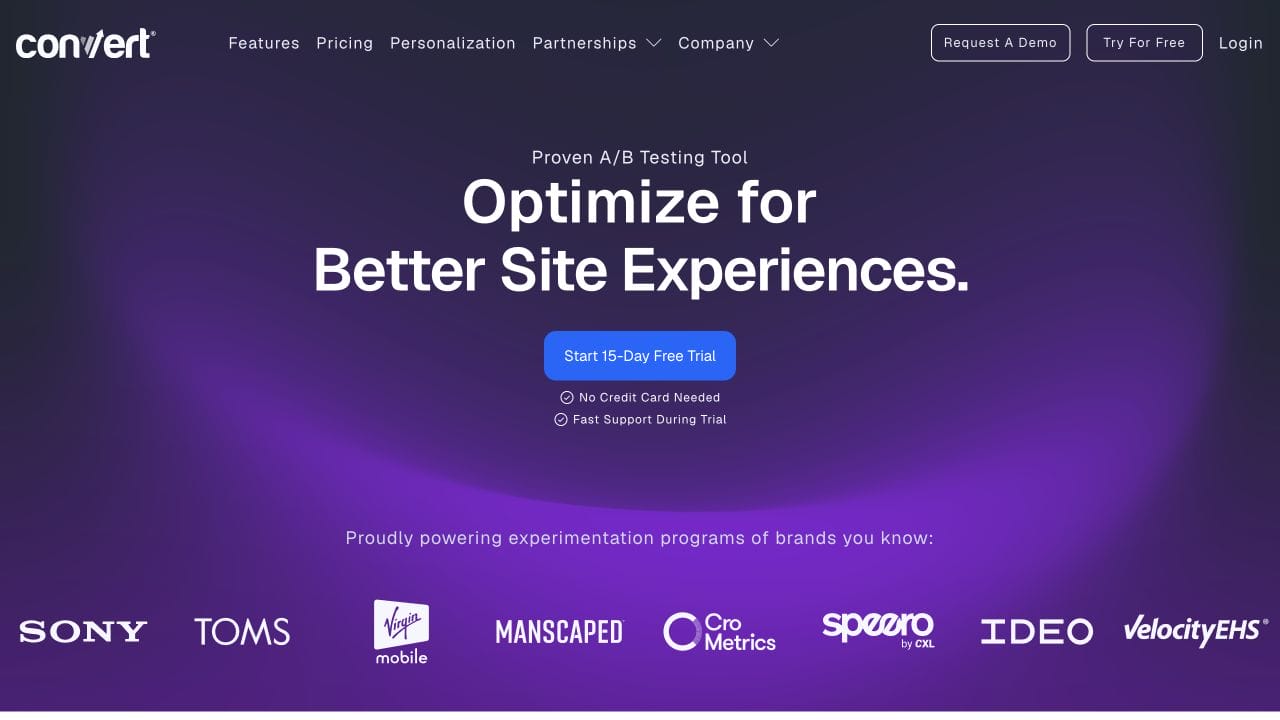
Best for: agencies and privacy-conscious growth teams that need serious web testing without buying an all-purpose enterprise suite.
Not Ideal if: your traffic or test value cannot justify a starting price near $300 to $400 a month.
AB Tasty: experimentation and personalization for enterprise marketing
AB Tasty combines web experimentation, personalization, feature rollout, recommendations, and experience research. Its official documentation spans marketing-led web tests and developer-led feature experimentation. VWO and AB Tasty now say they are joining forces, so buyers should confirm the current product and contract path during evaluation.
- Web experimentation and personalization
- Feature experimentation and controlled rollout
- Recommendations, merchandising, and Emotions AI
- Integrations, reporting, and enterprise account controls
Pricing: AB Tasty uses demo-led custom pricing. The company does not publish a self-serve monthly price on its main product path.
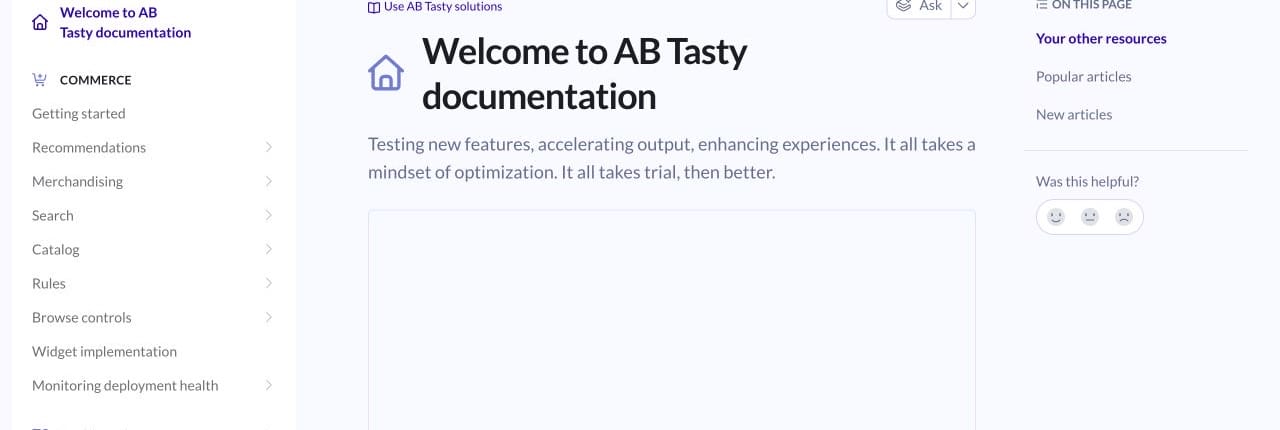
Best for: enterprise marketing and product teams that want experimentation, personalization, and feature rollout under one vendor relationship.
Not Ideal if: you need transparent self-serve pricing, a lightweight setup, or only occasional marketing-page tests.
Google Optimize and Optimize 360 closed on September 30, 2023. Google supports third-party testing integrations instead of a direct Optimize replacement.
For more testing-only options, use my separate guide to A/B testing tools. It goes deeper without forcing this article to repeat the same category.
Best heatmap and session replay tools
Behavior tools show where users click, scroll, hesitate, and abandon. Microsoft Clarity is the free default. Contentsquare adds feedback and broader experience analysis, while Crazy Egg and Mouseflow earn their place for smaller all-in-one workflows and form-heavy funnels.
Microsoft Clarity: the free behavior analytics default
Microsoft Clarity records user sessions and creates click, scroll, area, and conversion heatmaps. Its rage-click and dead-click signals help narrow a large recording library to sessions that are more likely to reveal friction. AI summaries and chat make the evidence easier to scan, but they still do not prove which change will work.
- Always-on session recordings
- Click, scroll, area, and conversion heatmaps
- Rage clicks, dead clicks, more than 40 filters, and Copilot summaries
- Google Analytics integration and team collaboration
Pricing: Microsoft Clarity is free forever with unlimited heatmaps, websites, and team members.
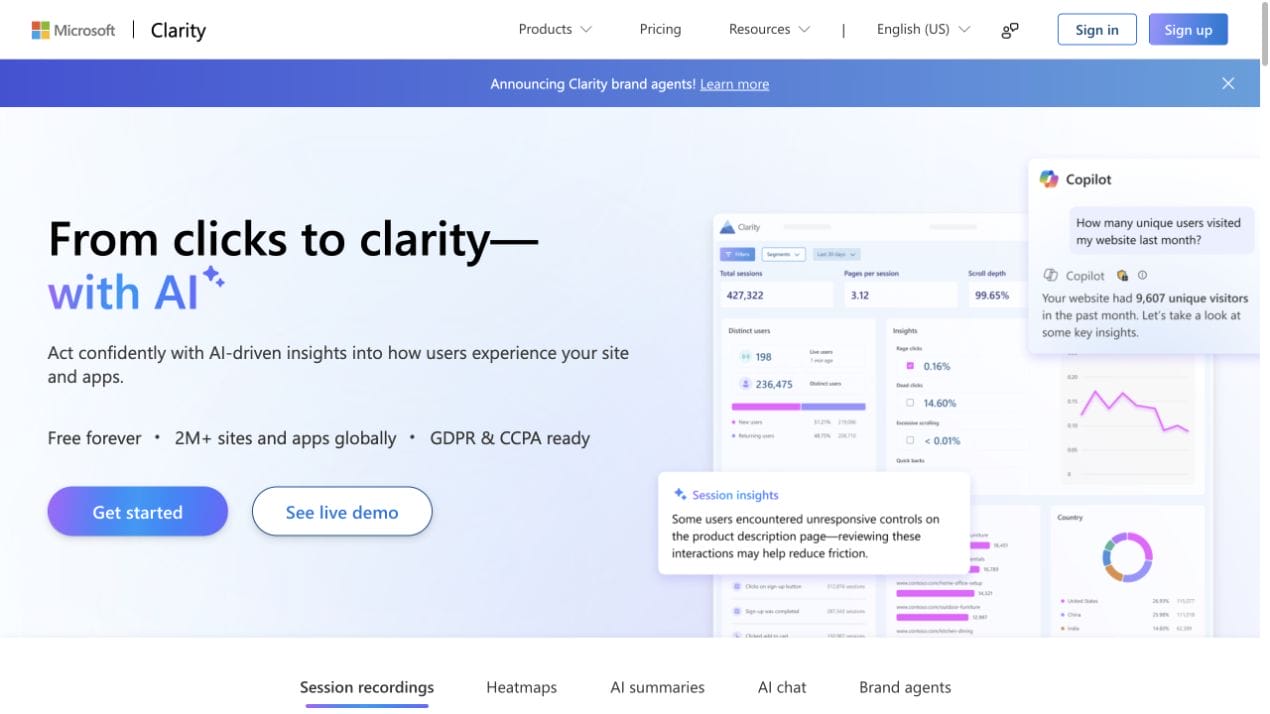
Best for: almost every content, lead-generation, SaaS, and ecommerce site that needs recordings and heatmaps before paying for research software.
Not Ideal if: surveys, deep form analytics, or controlled experiments are the primary job rather than behavior observation.
Contentsquare Free: behavior, feedback, and the current Hotjar path
Contentsquare is an experience-intelligence platform that now includes the Hotjar product path. The free plan goes beyond basic replay by combining heatmaps, surveys, funnels, error monitoring, performance monitoring, and AI-assisted analysis in one project.
- Session replay and heatmaps
- Surveys, funnels, and journey analysis
- Error and performance monitoring
- AI summaries and more than 10 integrations
Pricing: Contentsquare Free costs $0 and supports one project with up to 200,000 monthly sessions. Its free survey allowance is 100 responses a month. The Growth trial lasts 15 days and falls back to Free without a credit card.
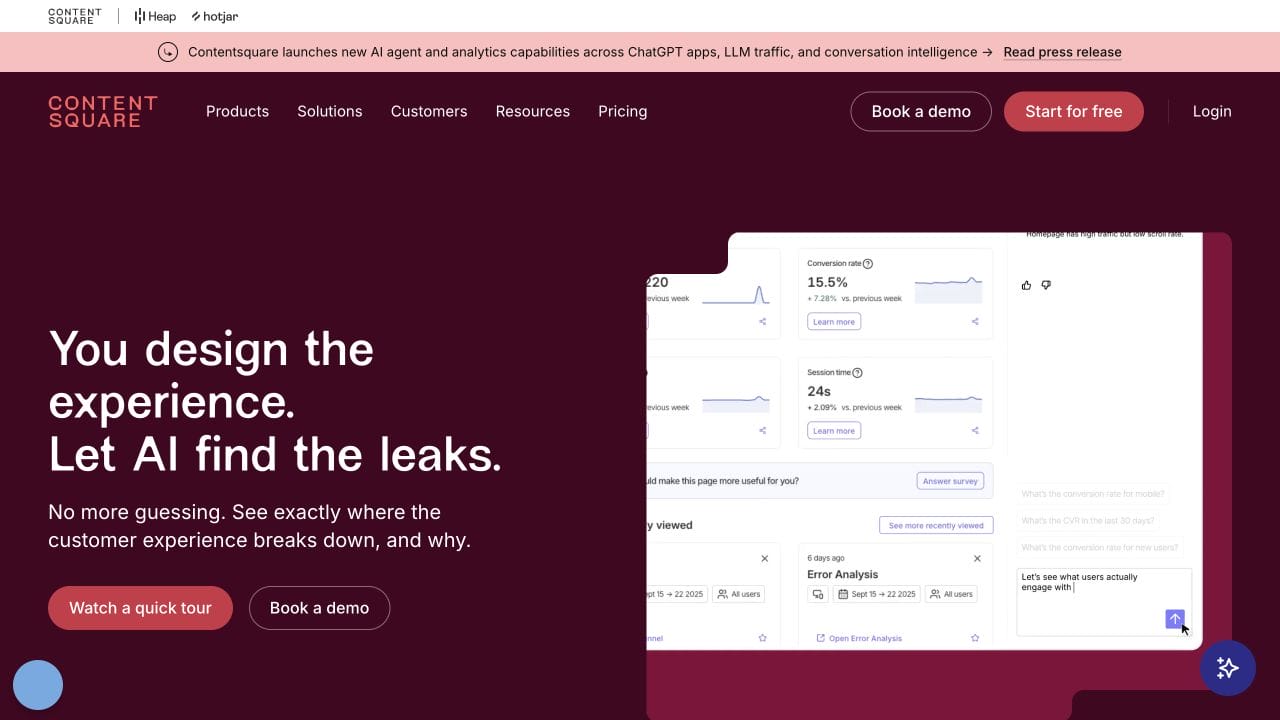
Best for: teams that want recordings, heatmaps, surveys, funnels, and experience monitoring in one free platform.
Not Ideal if: you only need lightweight recordings and heatmaps and want the smallest possible interface and learning curve.
Crazy Egg: a small all-in-one with clearer paid pricing
Crazy Egg combines behavior analytics with surveys, conversion reporting, pop-up calls to action, and light A/B testing. The product is easier to understand than a large enterprise suite, and its homepage exposes the individual jobs clearly.
- Instant heatmaps and session recordings
- Surveys and pop-up calls to action
- Web and conversion analytics
- A/B testing and error tracking on higher plans
Pricing: Crazy Egg now has a $0 free plan for web analytics, instant heatmaps, conversion analytics, and surveys. Starter is $29 a month when billed annually. The Plus plan, which adds A/B testing, starts at $99 a month. Paid plans begin with a 30-day trial.
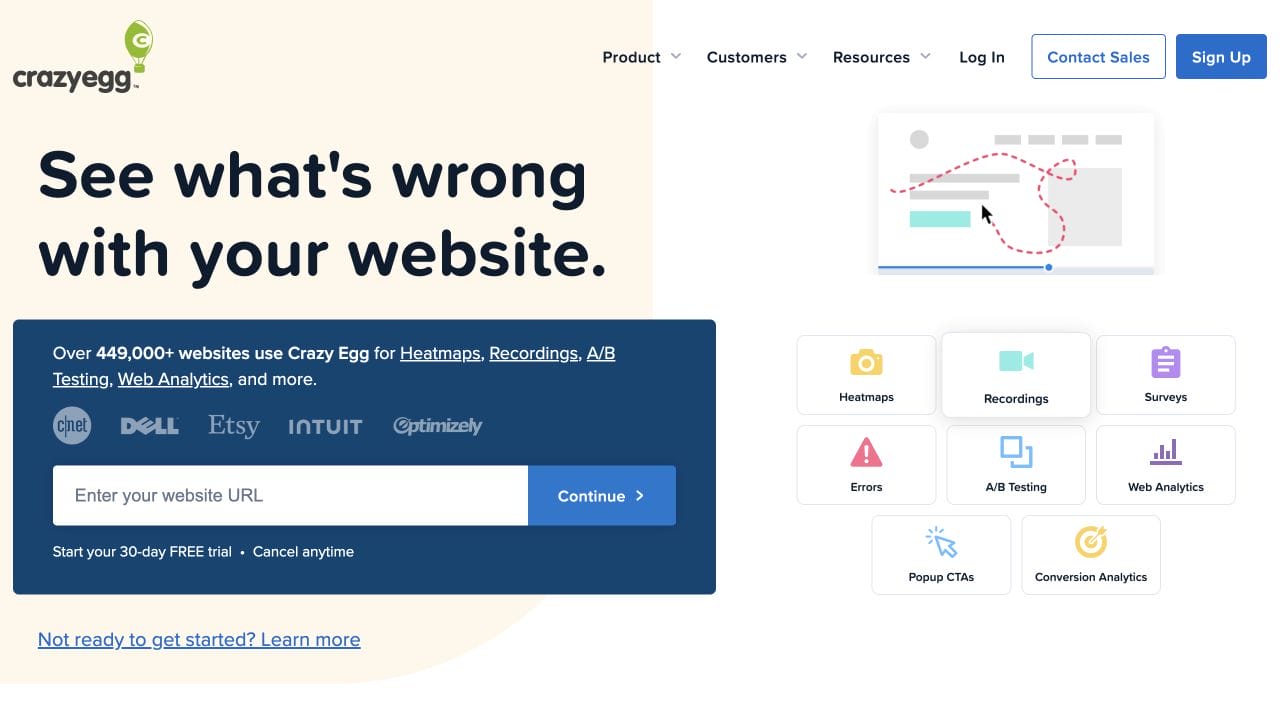
Best for: small stores and marketing teams that want heatmaps, recordings, surveys, and light testing under one straightforward account.
Not Ideal if: Microsoft Clarity already covers the behavior work or you need sophisticated feature experimentation and governance.
Mouseflow: form and funnel friction analysis
Mouseflow is a behavior-analytics platform with stronger form, funnel, friction, and journey analysis than a basic replay tool. It is especially useful when a long lead form or multi-step funnel is the conversion, because the team can connect recordings with field-level abandonment and drop-off.
- Session replay and click, scroll, and geographic heatmaps
- Friction detection and user-journey analysis
- Funnels and form analytics
- Feedback campaigns and integrations
Pricing: Mouseflow’s free plan covers 500 sessions a month, one project, one funnel, and one month of retention. Essential is displayed from $25 a month on annual billing; larger plans increase sessions, projects, funnels, and retention.
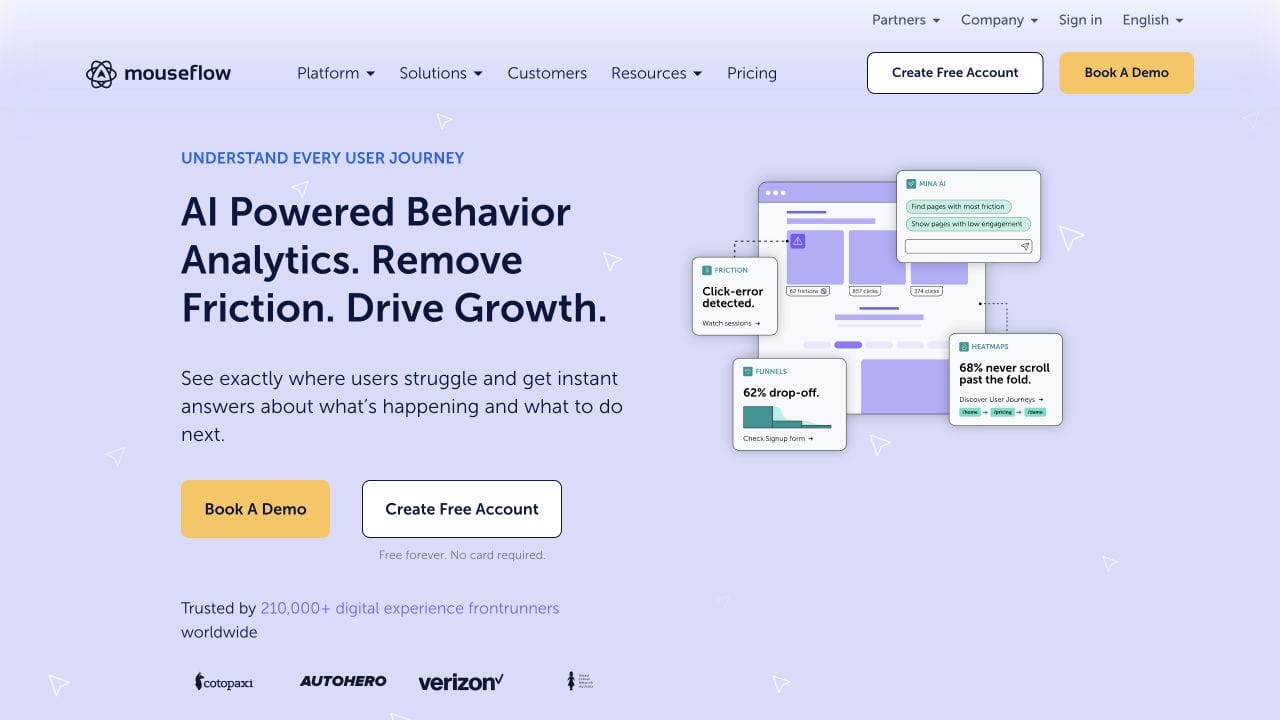
Best for: lead-generation and ecommerce sites where form abandonment or a multi-step funnel is the main conversion problem.
Not Ideal if: the site has no high-value forms or funnels and Clarity’s free recordings already answer the behavior question.
Best measurement and feedback tools
Measurement tells you where to investigate. Feedback gives you the visitor’s explanation. Google Analytics 4 is the free funnel baseline, while Plerdy is the compact all-in-one option when a small team wants behavior, surveys, conversion tracking, and SEO checks together.
Google Analytics 4: the free measurement layer
Google Analytics 4 should define the conversion event and locate the funnel leak before a team watches recordings or launches a test. Its event model supports acquisition, engagement, conversion, and monetization reports across websites and apps. Explorations add funnel, path, cohort, and free-form analysis when the standard reports are too broad.
- Event and conversion measurement across websites and apps
- Funnel, path, cohort, and free-form explorations
- Attribution, acquisition, engagement, and monetization reports
- BigQuery export and a broad integration ecosystem
Pricing: The standard Google Analytics service is free of charge. Analytics 360 is the paid enterprise edition with custom pricing.
Best for: every measurable funnel that needs a free source of truth for conversion events, segments, acquisition, and outcomes.
Not Ideal if: tagging and event definitions are unreliable or you expect analytics reports to show visual behavior and session replay.
Plerdy: behavior, surveys, SEO, and conversion tracking together
Plerdy is a conversion-optimization toolkit for small teams that prefer one dashboard over several specialists. It combines heatmaps and recordings with pop-ups, ecommerce tracking, conversion goals, SEO auditing, error monitoring, and A/B testing. The tradeoff is breadth: each module is less deep than the strongest specialist in its category.
- Heatmaps and session recordings
- Pop-ups and on-page survey questions
- Conversion and ecommerce tracking
- SEO audits, error monitoring, and A/B testing
Pricing: Plerdy has a free-forever plan with daily and monthly limits, including 100 heatmaps, 500 video sessions, 5,000 SEO audit pages, and one month of storage. Startup begins at $21 a month with annual billing or $32 monthly.
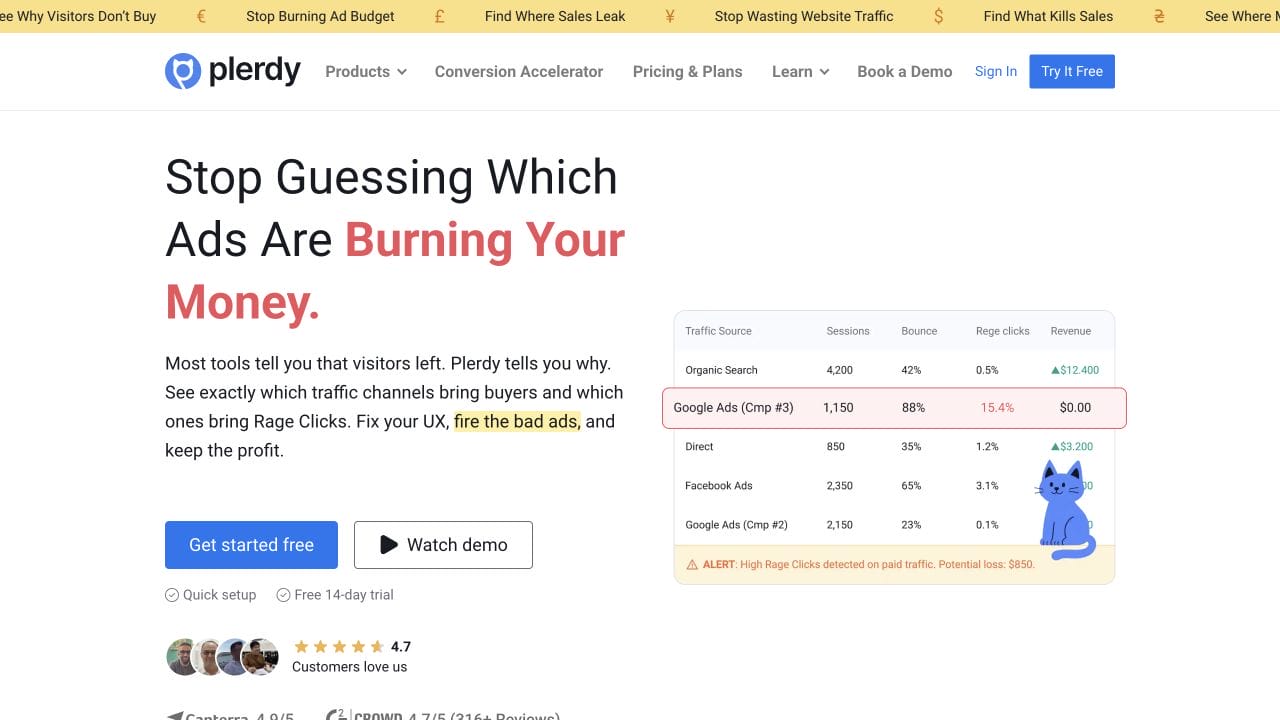
Best for: small teams that want behavior analysis, feedback, conversion tracking, SEO checks, and light experimentation in one account.
Not Ideal if: you need the deepest specialist replay or experimentation platform, or a simpler interface with fewer modules.
My free conversion rate optimization stack
If I had to start today without spending anything, I would use two tools by default and add a third only for a defined research question.
- Google Analytics 4 to define the conversion and locate the leak.
- Microsoft Clarity to review the page, heatmap, friction signals, and relevant recordings.
- Contentsquare Free or Plerdy only when I need an on-page survey. I would avoid running duplicate recording tools indefinitely.
Add VWO, GrowthBook, Convert, or another testing platform only when your traffic can support the test and the potential lift is worth the effort. If you want the research, measurement, implementation, and testing handled together, that is the job of a focused conversion rate optimization service, not another unused subscription.
Privacy settings to configure before recording sessions
CRO scripts can collect detailed behavior data. A vendor saying it is “GDPR ready” does not configure consent, masking, or retention for your site. Treat privacy as part of implementation, not a footer task.
- Pass consent state: Microsoft requires a valid Clarity consent signal for full functionality for visitors from the EEA, UK, and Switzerland.
- Mask sensitive content: Keep passwords, payment fields, email addresses, search terms, and account data out of recordings.
- Check URLs and referrers: Query strings can expose data even when form fields are masked.
- Limit access and retention: Keep recordings only as long as the analysis needs them, and restrict who can view them.
- Test the denied path: Reject consent in a clean browser and verify which cookies, requests, and replay features remain.
Microsoft’s Clarity Consent Mode documentation explains how to pass the visitor’s choice and verify the resulting cookie state. Your exact legal obligations depend on your visitors, data, tools, and jurisdiction, so get qualified advice for high-risk implementations.
All 11 conversion rate optimization tools compared
The table below is the decision view: job, free entry point, and the reason each tool earns a place. Prices and free-plan limits can change, so confirm the linked vendor page before signing a contract.
| Tool | Primary job | Free entry | Best fit | Honest limitation |
|---|---|---|---|---|
| Microsoft Clarity | Behavior analytics | Free forever | Almost every site | No native survey workflow |
| Google Analytics 4 | Funnel measurement | Free | Every measurable funnel | Setup quality decides data quality |
| VWO | No-code experimentation | 30-day trial | Active growth teams | Sales-led pricing |
| GrowthBook | Feature experiments | Free cloud and open source | Developer-led products | Engineering ownership required |
| Optimizely | Enterprise experimentation | Demo | Large product organizations | Enterprise cost and complexity |
| Convert | Web experimentation | 15-day trial | Agencies and privacy-conscious teams | Growth starts at $399 monthly |
| AB Tasty | Testing and personalization | Demo | Enterprise marketing and product | Custom sales-led pricing |
| Contentsquare Free | Behavior plus feedback | 200,000 sessions monthly | Teams wanting surveys and replay | Broader platform to learn |
| Crazy Egg | Heatmaps plus light testing | Free plan | Small stores and marketing teams | A/B testing starts at $99 monthly |
| Mouseflow | Forms and funnels | 500 sessions monthly | Lead-generation sites | Small free allowance |
| Plerdy | Behavior, feedback, and SEO | Free tier | Small teams wanting one dashboard | Less depth than specialists |
The CRO mistake that wastes the most money
The biggest waste is not choosing the wrong logo. It is running a low-traffic test until the dashboard flashes a winner, stopping early, and shipping a result that will not repeat.
Before every test, define the primary metric, baseline rate, eligible audience, minimum useful lift, and stopping rule. If the sample-size estimate says the test will run for months, use recordings, surveys, usability checks, and a larger change instead. Ten targeted sessions can expose a broken checkout field. They cannot prove a 4% relative lift.
The second waste is collecting behavior data nobody reviews. I have audited sites paying for replay software that had not opened a relevant recording in months. A free tool used every week beats an enterprise platform used every quarter.
How to build a CRO stack without overspending
Tools do not optimize a site. A disciplined loop does. Use this order:
- Measure: Use GA4 to find the conversion step with the largest valuable drop-off.
- Observe: Filter Clarity to that step, then review the heatmap and ten relevant recordings.
- Ask: Run one survey only if the behavior leaves a clear unanswered question.
- Prioritize: Choose a problem that is frequent, costly, and fixable.
- Test or ship: A/B test when traffic supports it. Otherwise make the defensible fix and monitor the before-and-after result.
- Repeat: Document what changed, keep the winning evidence, and move to the next leak.
Traffic quality still sets the ceiling. If the wrong people reach the page, work on attracting the right audience. If the page itself is hard to change, compare the best landing page builders. Then use CRO tools to prove whether the fix helped.
Frequently Asked Questions
What are conversion rate optimization tools?
Conversion rate optimization tools are software for finding and fixing the reasons visitors do not convert. They cover four jobs: analytics measures the funnel, heatmaps and session replay reveal behavior, surveys capture objections, and experimentation tools test whether a change improves results.
What is the best free conversion rate optimization tool?
Microsoft Clarity is the best free conversion rate optimization tool for most sites because it includes session recordings, click and scroll heatmaps, rage-click detection, and no traffic limits. Pair it with Google Analytics 4 for funnel measurement. Add a survey tool only when you have a specific question to ask.
Do small businesses need paid CRO software?
No. Start with Google Analytics 4 and Microsoft Clarity. Pay for A/B testing only after you have enough eligible traffic to detect a useful lift in a reasonable time. Low-traffic sites usually learn faster from recordings, surveys, usability checks, and larger page changes.
What happened to Google Optimize?
Google Optimize and Optimize 360 stopped working on September 30, 2023. Google now supports third-party testing integrations instead of a direct Optimize replacement. VWO, AB Tasty, Optimizely, Convert, and GrowthBook are current alternatives for different budgets and technical teams.
Is Microsoft Clarity better than Hotjar?
Clarity is the simpler free choice for heatmaps and session replay. Hotjar is now part of Contentsquare, and its pricing page redirects to Contentsquare. Contentsquare Free is the stronger comparison when you also want surveys, funnels, and broader experience analytics in one platform.
Do CRO tools require cookie consent?
It depends on the visitor’s location, the tool, and how you configure it. Do not assume a vendor’s compliance label handles consent for you. Pass the visitor’s consent state to the tool, mask sensitive fields, limit retention, and verify that recording and cookies behave correctly when consent is denied.
Tell Google you want more of this.
Add Gaurav Tiwari as a preferred sourceOne tap, and this site shows up more often in your own Top Stories, AI Overviews and AI Mode. Remove it any time.