
 by
by
A blank draft is hard to structure when you’ve never seen the same kind of post done well, so most first drafts end up as a wall of background with the answer somewhere in the middle. The fix is to borrow the shape of a post that already works for the job you’re doing.
Of the blog post examples below, WPBeginner’s WordPress setup guide is the one I’d study for teaching a process. Zapier’s to-do app roundup shows how to help someone choose, and Tim Urban’s The Tail End shows how a personal observation can carry an essay. Start with the example that matches what you want your reader to understand or do.
I’ve included 11 post types with an example and an outline you can adapt for each. You can use them to plan your post while keeping your own evidence, judgment and voice.
What a Good Blog Post Looks Like
A good blog post gives the reader something useful and supports its claims. The structure should fit the job: a tutorial needs an intelligible sequence, a comparison needs fair criteria, and an essay needs a reason to keep reading. I use the elements below as a checklist, adapting them to the post rather than requiring every element in the same order.
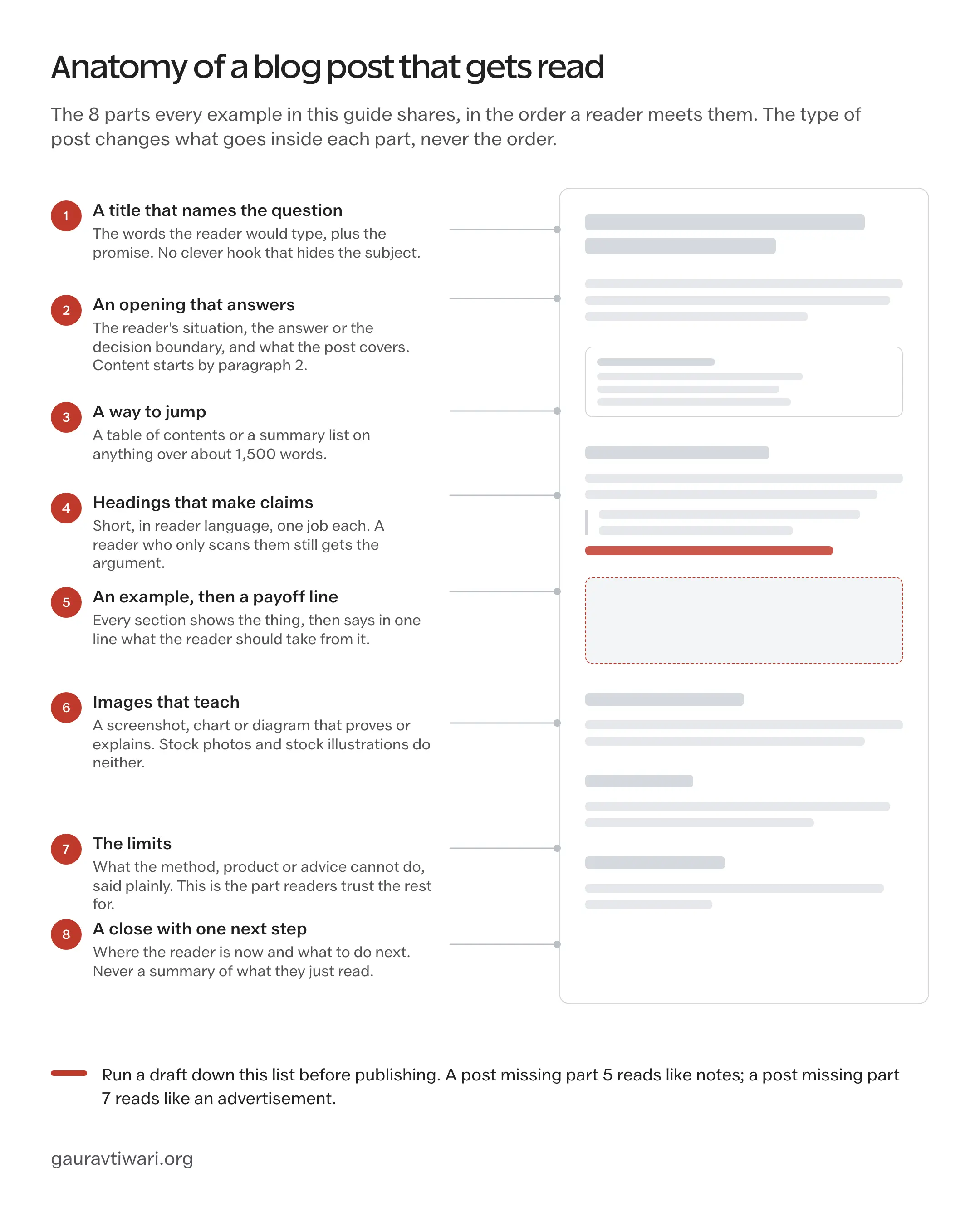
I’d explain an example when its consequence needs spelling out and state a limitation where it changes the advice. Neither needs a separate section if the reader already has what they need.
For examples of whole sites, you can also look at best personal blogs and best WordPress blogs.
Blog Post Examples by Type
Choose a type that fits your reader’s question, then adapt its outline. The suggested sections and counts are starting points, not requirements to fill when your material doesn’t need them.
How-To Guide
WPBeginner’s guide to starting a WordPress blog opens with Syed Balkhi starting his first blog in 2006 and what it led to, then organizes the work into 9 numbered steps, from choosing a niche to growing an audience and making money. I’d borrow the sequence and the way screenshots sit beside the relevant instructions.
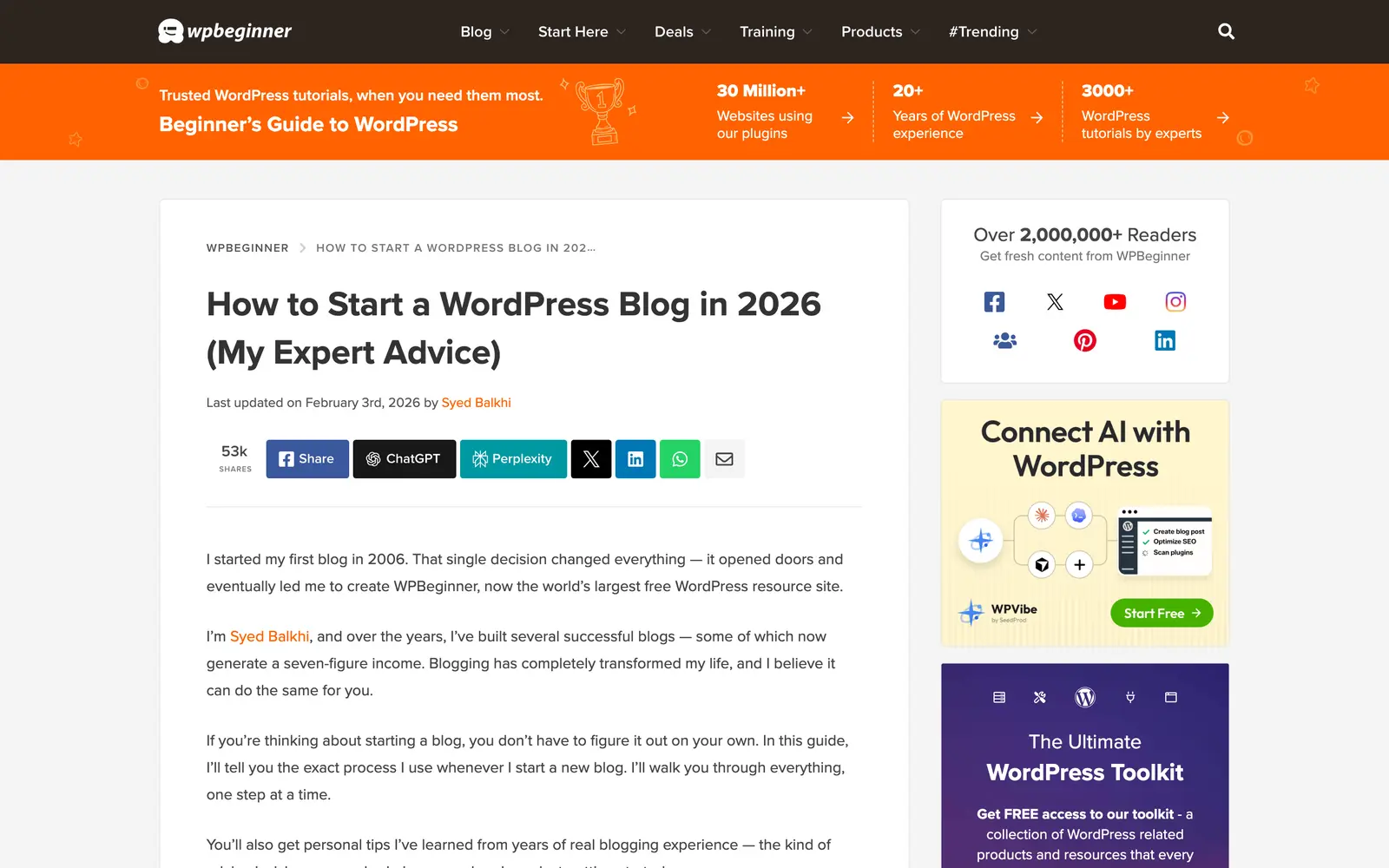
- The steps are in the order the reader will do them, and every step ends where the next one starts, so nobody has to work out what to click.
- Screenshots beside the instructions let you compare the example screen with the one you’re using.
- An FAQ at the end takes the questions that would otherwise interrupt the steps, and the last updated date sits under the title where a nervous reader looks for it.
I’d use a how-to when the reader wants an outcome and needs a process to reach it. If the process branches, explain the condition that changes the next step.
Title: How to [outcome] in [context]
Intro: who this is for, what they will have at the end, what they need before starting
Table of contents
Step 1 to Step N: one action each, in order, with the screen or the result shown
What can go wrong, and the fix for each
FAQ for the questions that do not fit a step
Close: the next thing to do once this works
I recommend including likely failure points and how to recover from them. That lets your reader continue when their screen or result differs from the example.
Listicle
Zapier’s roundup of the best to-do list apps opens on the problem, that there are so many apps because task management is personal, then pairs an at-a-glance table of best for, standout feature and price with 7 recommendations written in the same shape. The reader can compare the shortlist before choosing which entries to read closely.
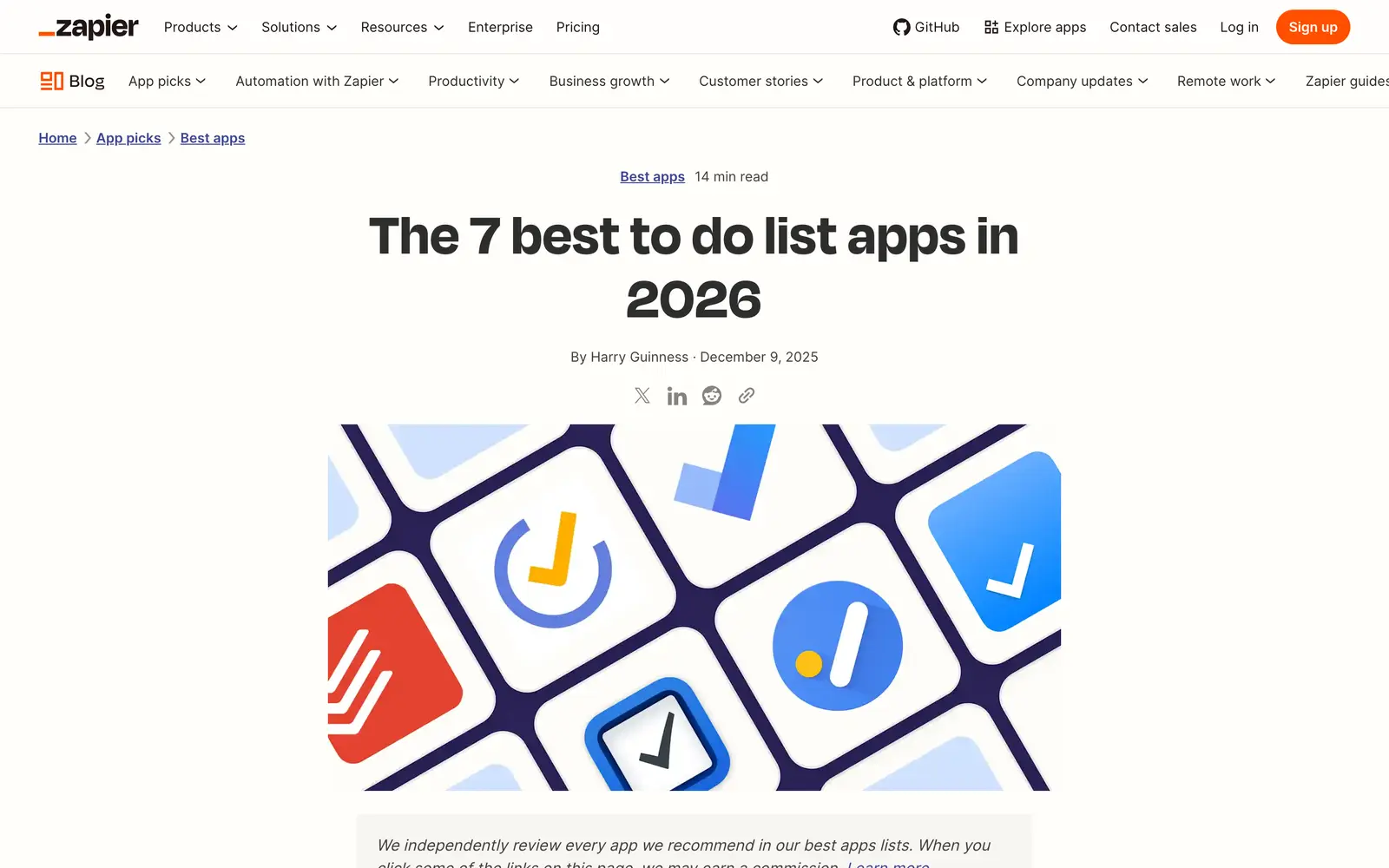
- The comparison table gives a quick route to the recommendations, with the detailed reasoning in the entries below.
- Every entry has the same parts, pros and cons, a paragraph of judgment and a pricing line, so the reader can compare without re-reading.
- The method is stated once, near the top, and every product mention that helps the reader carries a link.
I’d use a listicle when the reader is choosing among several options. Give each option a reason to be there, even if you have a clear overall recommendation.
Title: Best [category] for [reader or job]
Intro: the decision, who it is for, the one-line answer for the reader in a hurry
At-a-glance table: item, best for, the one thing that sets it apart
How the list was chosen, in a short paragraph
Item 1 to Item N: the exact name as the heading, the verdict in the first sentence, what it does well, where it falls short, who should skip it
The limits of the list
Close: how to pick between the top 2
Item headings carry only the name. The award, the rank and the reason go in the first sentence under it, where a reader arriving from a search can see them without decoding a headline.
Ultimate Guide
Moz’s Beginner’s Guide to SEO has been the reference example of the long guide for more than a decade. It is one topic split into chapters, from what search engines do through keyword research, on-page work, technical SEO and links, with a landing page that lists the chapters and a navigation that carries the reader from one to the next.
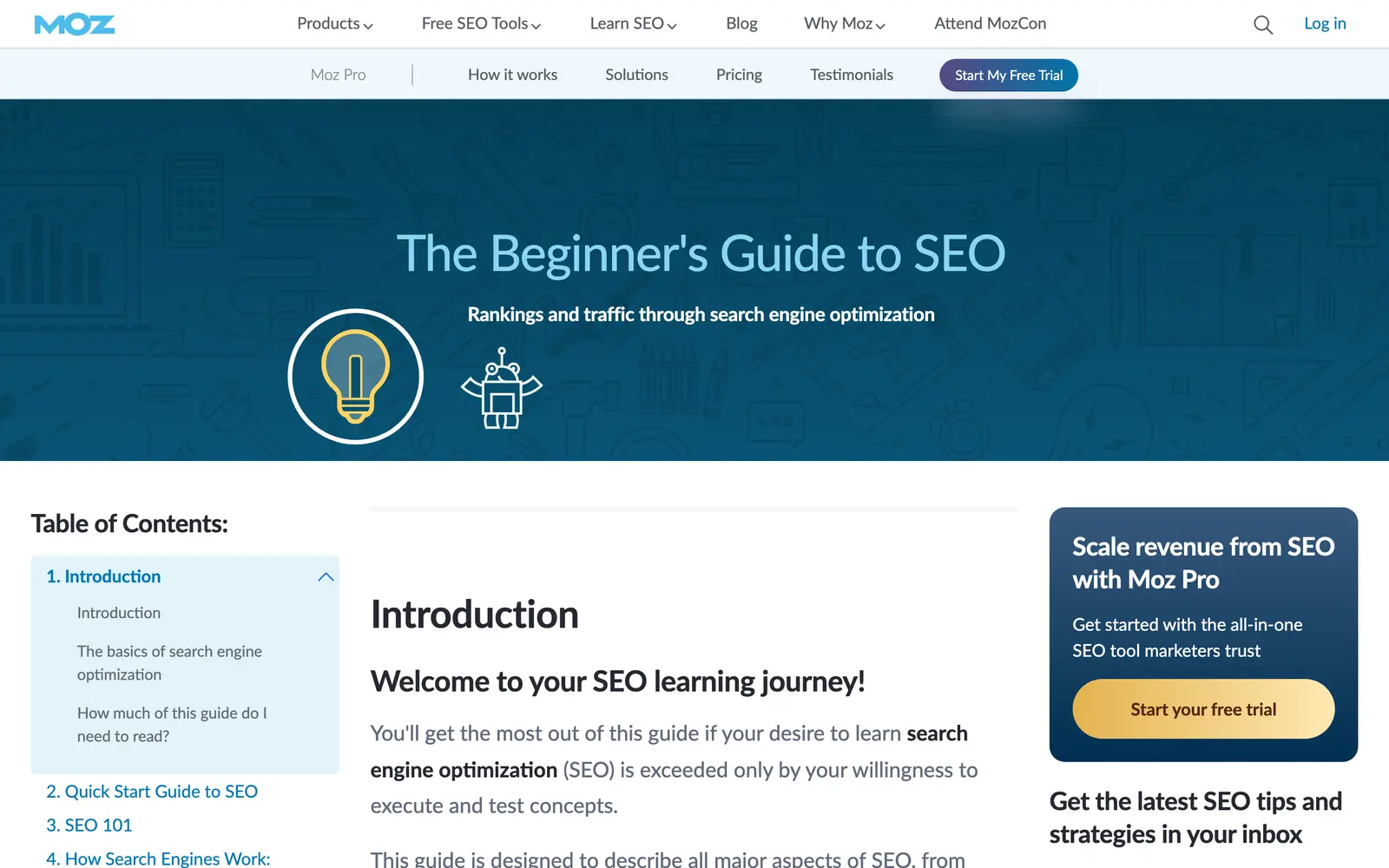
- The chapter order follows the order a beginner meets the problems, so the guide can be read straight through or entered at the chapter the reader needs.
- The illustrations explain the ideas rather than decorate them, and the tone is one patient teacher from the first chapter to the last.
- A chaptered guide gives the publisher smaller sections to revise when the subject changes.
A long guide suits a topic with several connected questions that readers benefit from seeing together. I would choose the chapter list from those questions instead of deciding the length first.
Title: The Beginner’s Guide to [topic] or The Complete Guide to [topic]
Landing section: who it is for, what they will be able to do, the chapter list
Chapter 1: the idea in plain words and why it matters
Chapters 2 to N: one sub-topic each, in the order a beginner meets them, with an example in every one
Chapter N+1: how to measure whether it is working
Glossary or FAQ
Close: where to go next, and which chapter to re-read when stuck
A long guide needs attention when its instructions or evidence change. I would review the affected chapters and preserve the parts that still work.
Product Review
Wirecutter’s office chair review is the model I’d study for a buying decision. The picks come first, each with a one-line label, then why to trust the team, who the chair is for and how it was tested. Each pick gets its own flaws section and a note on how it has held up.
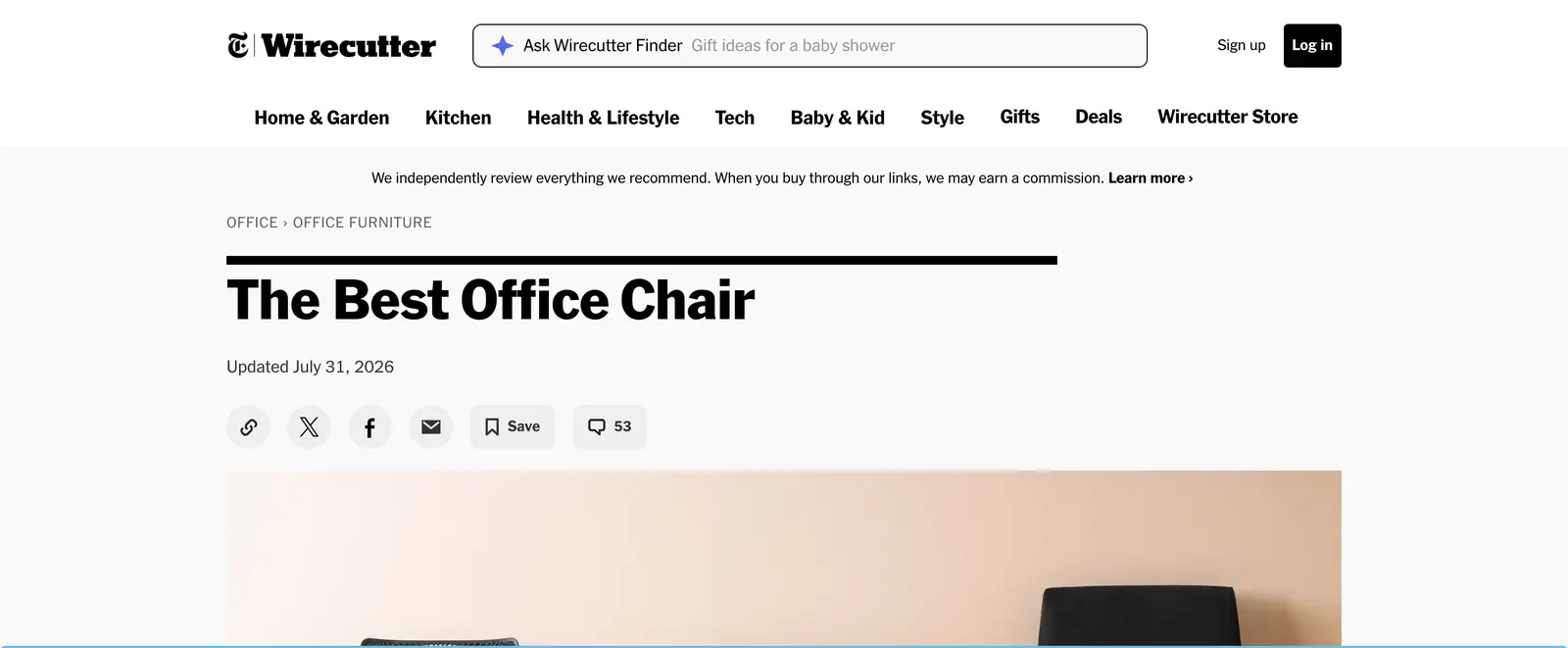
- The verdict is at the top and the reasoning below it, so the reader who trusts the site can act and the reader who does not can check.
- A clear explanation of a recommended product’s flaws helps the reader judge whether the tradeoff matters to them.
- The competition section says why the others lost, in a line or two each, so the reader does not wonder whether the writers missed the one they were considering.
A review suits someone who is evaluating a particular product. Give them a recommendation with the conditions that could change it.
Title: [Product] Review: [the verdict in 4 words or fewer]
Verdict box: buy or skip, who it fits, the one disqualifier
Who this is for, and who should look elsewhere
What it does well, with the proof for each claim
Where it falls short, under its own heading
How it compares with the 2 closest alternatives
Price and plan limits, in prose or a table that makes the comparison easier
Close: the condition that would change the verdict
I’d name who should choose another product and explain why. That makes the recommendation more useful to someone whose needs differ from yours.
Comparison Post
Kinsta’s WordPress.com vs WordPress.org post defines both options before comparing them across 9 criteria, from ease of use to commerce and customization. It then covers the limitations, how to move between the two, an FAQ and a summary that says which reader should pick which. That’s a useful order when the names themselves confuse a new reader.
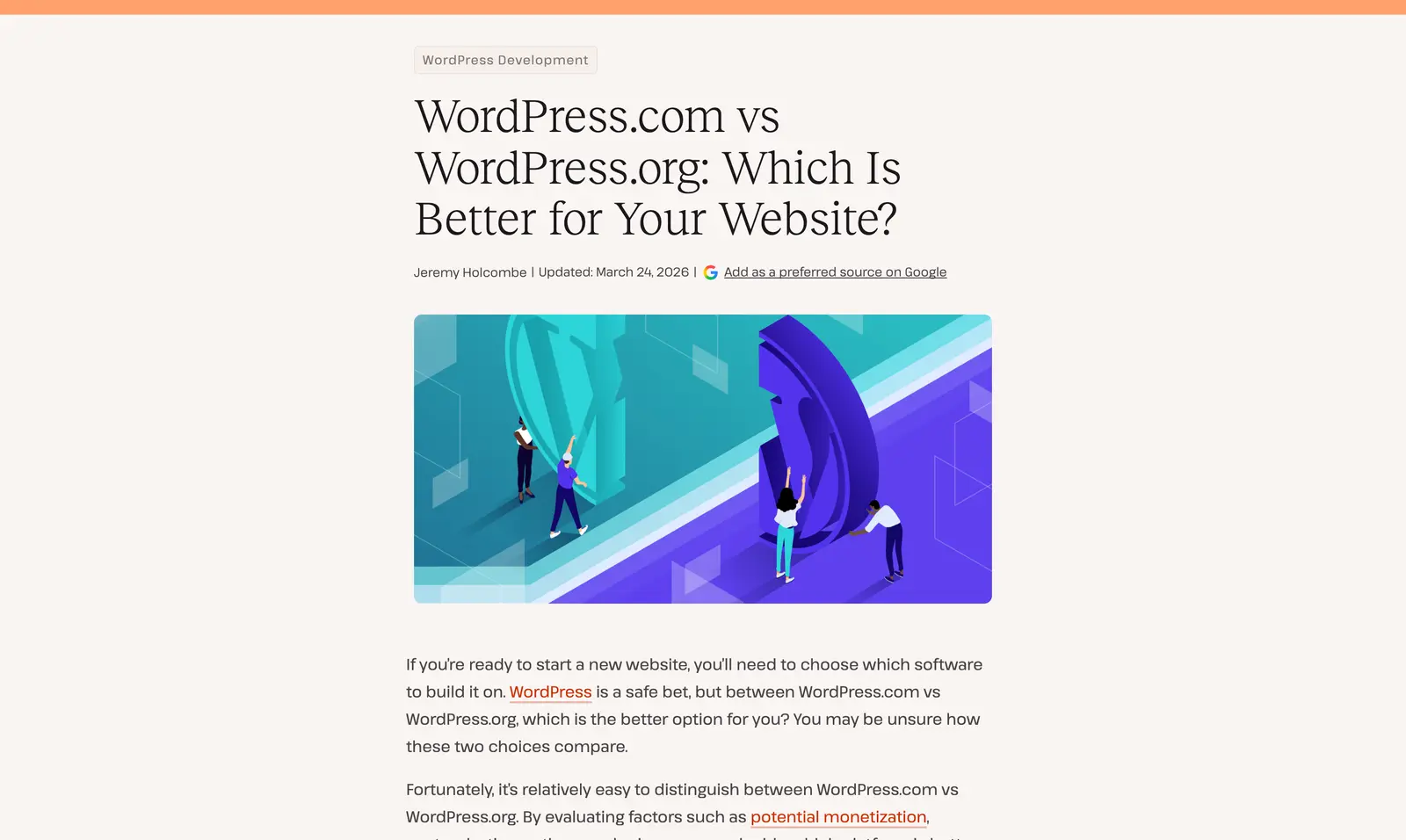
- The verdict is conditional and says so: quick setup and simplicity on one side, ownership, monetization and control on the other. The reader places themselves in a sentence.
- The “can you move between them” section answers the question the reader has next, before they have to search for it.
- Each side gets a fair definition before the comparison starts, so the post reads as a decision aid and not as a demolition.
I’d use a comparison when the reader is choosing between specific options. Explain the differences that affect that choice, including a clear winner when the evidence supports one.
Title: [A] vs [B]: Which Is Better for [reader or job]
Intro: the decision, the default recommendation, and the condition that flips it
What A is, in a fair paragraph
What B is, in a fair paragraph
The differences that decide, one heading each, with the winner of each named
The differences that do not matter, in one short section
Pick A if… Pick B if…
Close: what to do the day after choosing
Leave out differences that don’t affect your reader’s choice. Extra feature descriptions can make a useful comparison harder to follow.
Case Study
Brian Dean’s Skyscraper Technique post on Backlinko is the case study that launched a thousand imitations, and the structure is why. The result is in the title, a 110% jump in traffic in 14 days, the intro shows the charts that prove it, and the body is 3 steps a reader can repeat, each illustrated with the actual pages and emails involved. It dates from 2013 and is still maintained, which is part of why it keeps getting cited.
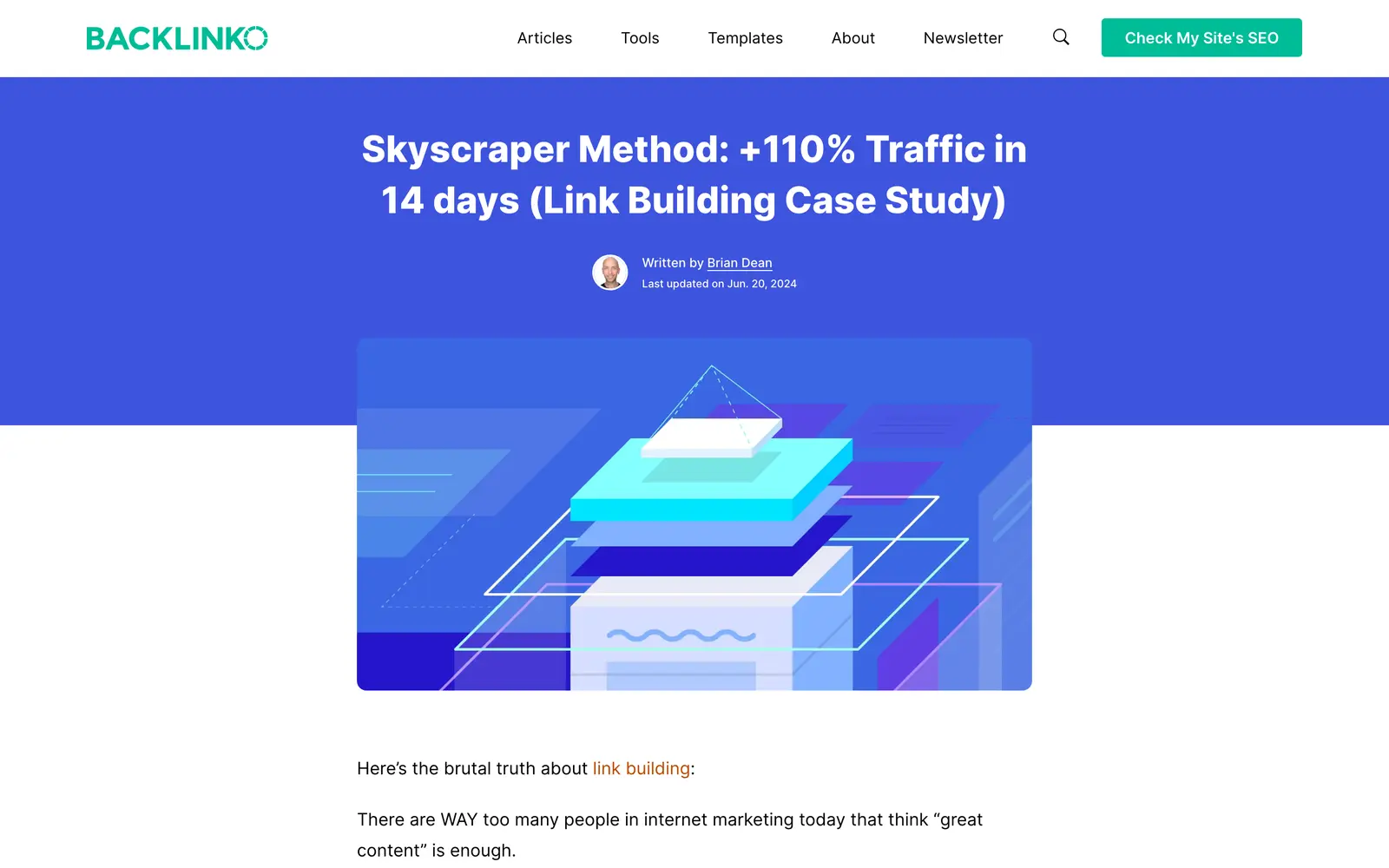
- The result comes first and the method second, which is the opposite of how most people tell a story and exactly how a reader wants to hear one.
- A chart or a screenshot sits beside each claim, so the reader has something to inspect instead of something to believe.
- The named method gives readers a way to refer to the process. I’d use a name only when it helps explain or recall something specific.
A case study is the right type when you have done something with a measurable result and can show the record. It is not available when you have not; a case study written from imagination is a how-to with a false claim on top.
Title: How [who] got [result] in [time] with [method]
Intro: the result with its numbers, and the proof shown
The situation before, and what had already been tried
Step 1 to Step N of what was done, each with the artifact
What did not work along the way
What the reader can copy, and the condition it needs
Close: the one thing to do this week
Include failures or changes of direction when they actually occurred and help explain the result. A case study doesn’t need an invented mistake to sound credible.
Original Research
Ahrefs’ study on how much content gets no traffic from Google is the research post other people cite when they need a number. The number is in the title, 96.55% of pages get no search traffic, the sample is stated up front, about 14 billion pages from the company’s own index, and the post names the limits of its own data, a sample that leans toward quality pages and traffic figures that are estimates, before it draws conclusions. It’s a 2023 study, and the number still gets quoted in 2026.
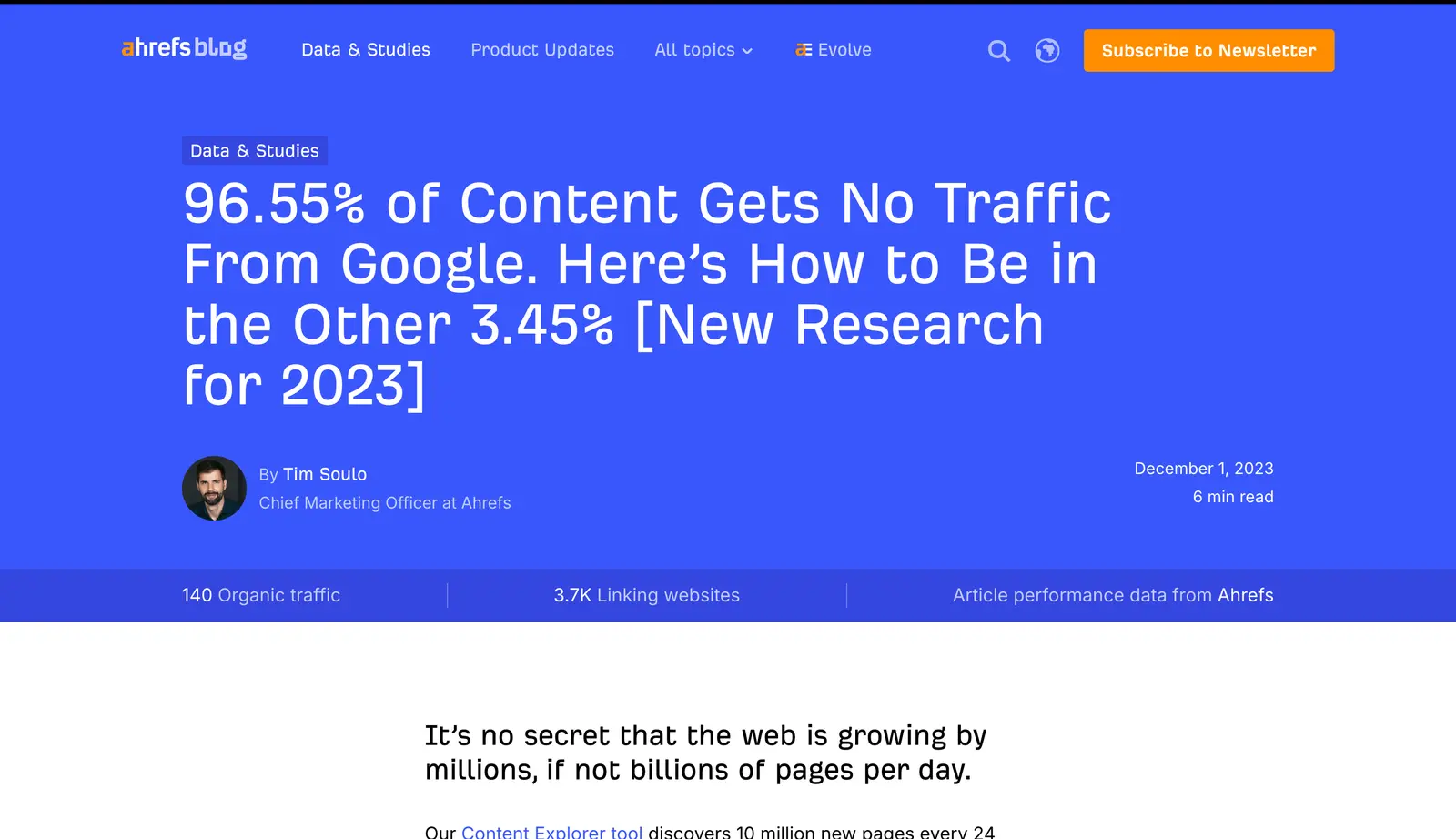
- The headline gives readers a specific finding they can cite, with its sample and limits explained in the article.
- The method, the sample size and the caveats are all in the first section, so the number arrives with its boundary attached.
- The post ends with what the reader should do differently, so the data is not left as trivia.
Original research is the right type when you have data nobody else has, whether that is your own analytics, a survey you ran or a public dataset nobody has bothered to analyze. It is the wrong type when the data is borrowed, because then the post is a summary and should say so.
Title: [The headline number] of [population] [does or has X]
Intro: the finding in one sentence, the sample and method in the next
Finding 1 to Finding N: one chart each, the number in the heading, one paragraph of what it means
What the data cannot tell you
What to do differently because of it
Method in full, at the end, for the reader who wants to check
I’d state the finding and sample near the beginning, then keep the detailed method easy to find. Put each limitation close to the claim it qualifies.
Explainer
Semrush’s What is SEO post is a textbook explainer, and I mean that as praise. The first paragraph gives the definition in one line, the headings are the questions a beginner asks in the order they ask them, from why it matters to how it differs from paid search to how to start, and every abstract point gets a diagram or a screenshot of the thing itself.
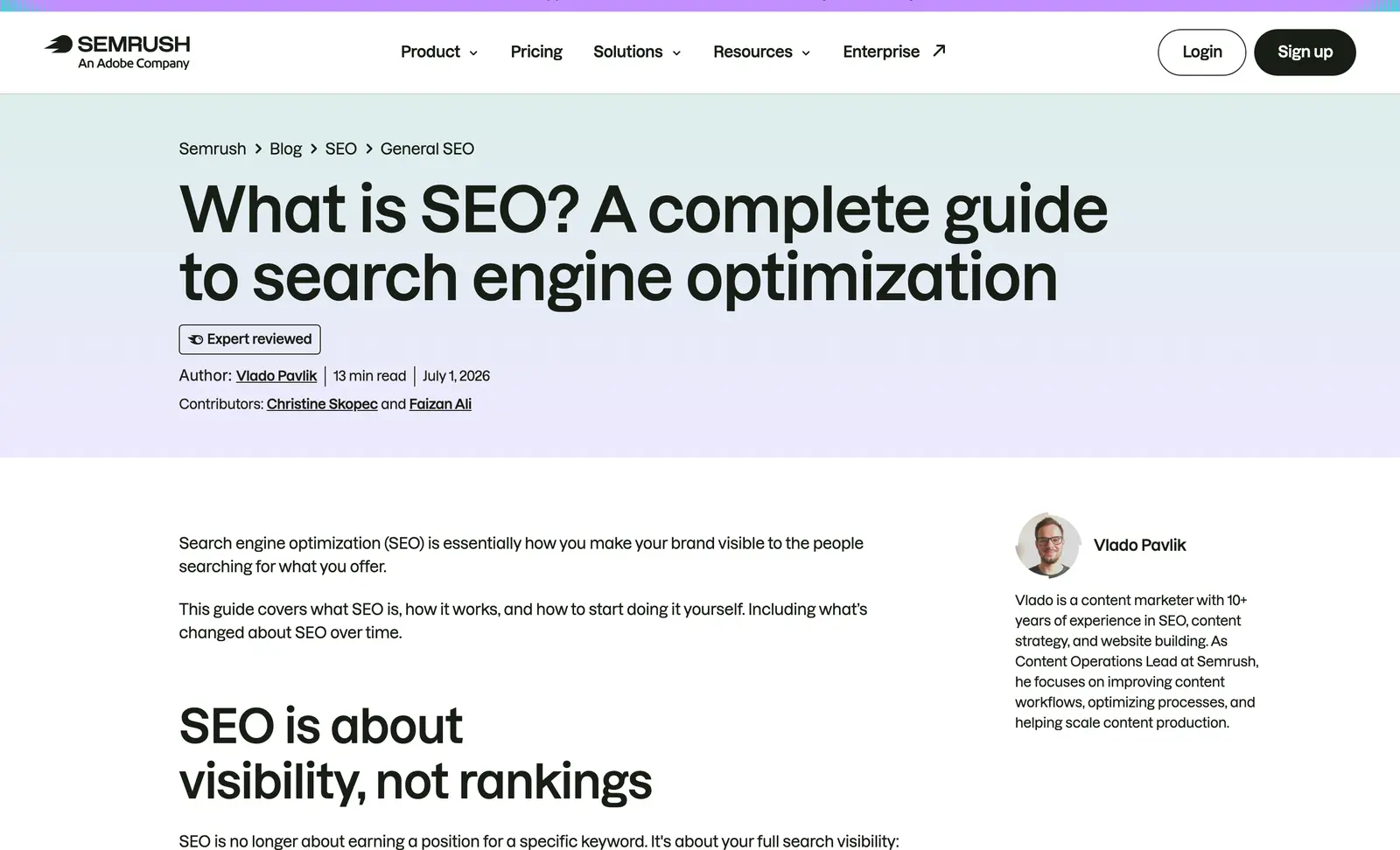
- The definition is in the first paragraph, plain, before any history or context, which is what the searcher came for.
- Most of the headings are questions, so a reader can find their own by scanning and skip the ones they can already answer.
- It ends with where to learn more rather than with a summary, which respects a reader who has just read 13 minutes of it.
An explainer is the right type when the reader has typed “what is” and needs the idea, the reason it matters and the first step. It is the wrong type when the reader already knows the idea and wants the procedure, which is the how-to’s job.
Title: What Is [term]? [one-line plain gloss]
Intro: one placing sentence, then the definition in plain words
Why it matters, with one concrete consequence
How it works, with a diagram
How it differs from the thing people confuse it with
The types or parts, if there are any
How to get started, in 3 to 5 moves
Close: where to learn the next level
A comparison with a commonly confused term can help the reader understand where a definition stops applying.
Reference Tutorial
The CSS-Tricks guide to Flexbox is the post developers have kept open in a tab since 2013. It splits the topic along its natural seam, properties of the container and properties of the items, gives every property a diagram, a code block and its list of values, and closes with worked examples and a browser support chart. It has been updated continuously, and the date under the title says so.
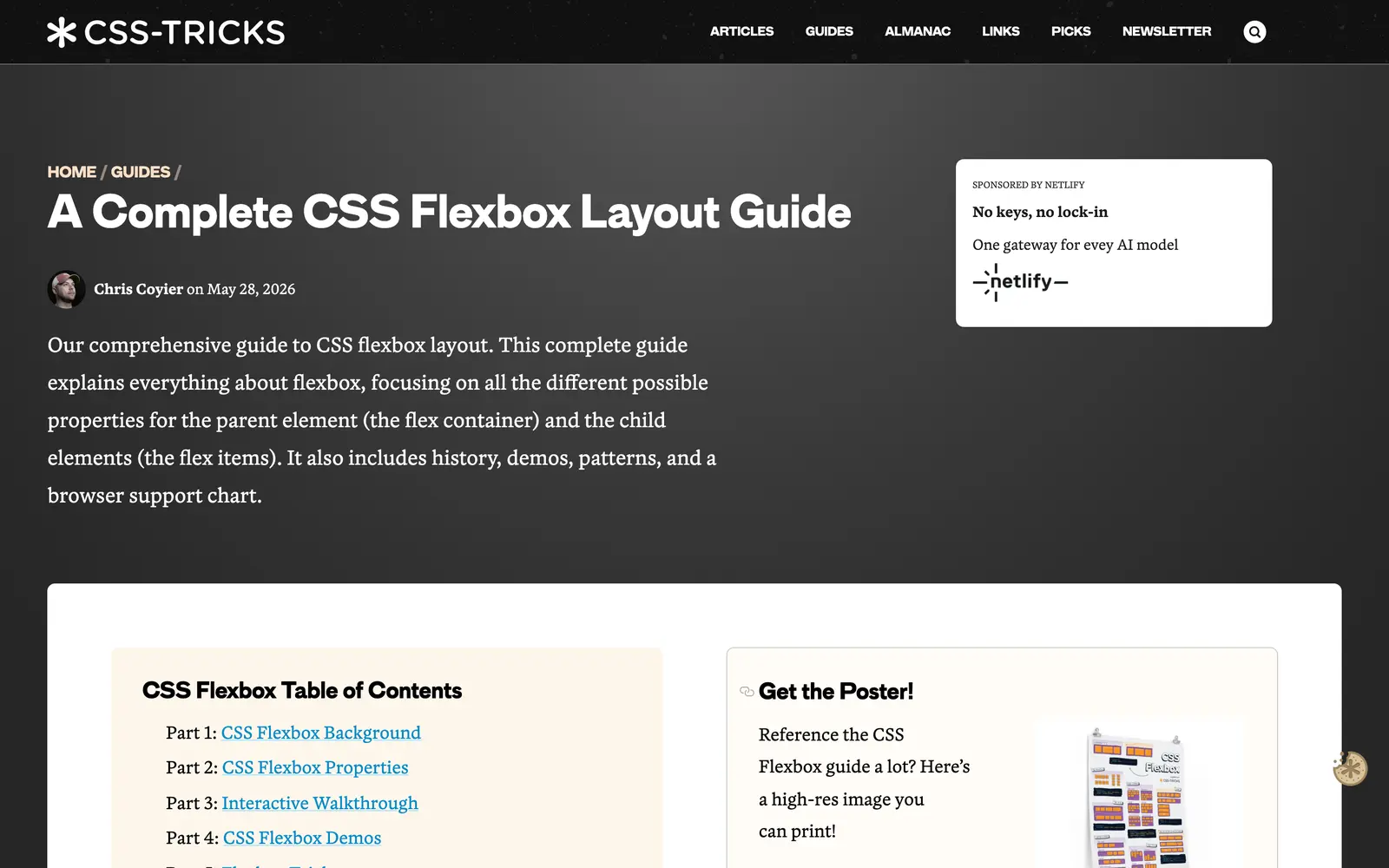
- Every entry has the same 3 parts, diagram, code and values, so a reader who has used the page once can find anything on it in seconds.
- The organization follows the structure of the subject itself rather than the order the author learned it.
- A reference page needs current syntax and compatibility details so readers can use it safely.
A reference tutorial is the right type when readers will come back to the same post repeatedly and need to find one thing fast. It is the wrong type for a topic people learn once and never look up again.
Title: A Complete Guide to [thing]
Intro: what it is for and when to reach for it, in a paragraph
Table of contents that mirrors the structure of the subject
Section per part: what it does, a diagram, the code or the setting, every value or option
Worked examples from simple to full
Gotchas and compatibility
Close: a note on how the page is kept current
Consistent labels make a reference easier to scan. Add diagrams or examples where they explain the property; an entry that is already clear doesn’t need extra material to match its neighbors.
Personal Essay
Tim Urban’s The Tail End on Wait But Why is the personal essay that gets forwarded between friends a decade after it was written. It starts from a chart of a human life in years, then counts the ordinary things left in one, winters, books, ocean swims, dumplings, as grids of dots, and then turns to the people, working out that by the time he left home he had used up around 93% of the in-person time he would ever have with his parents.
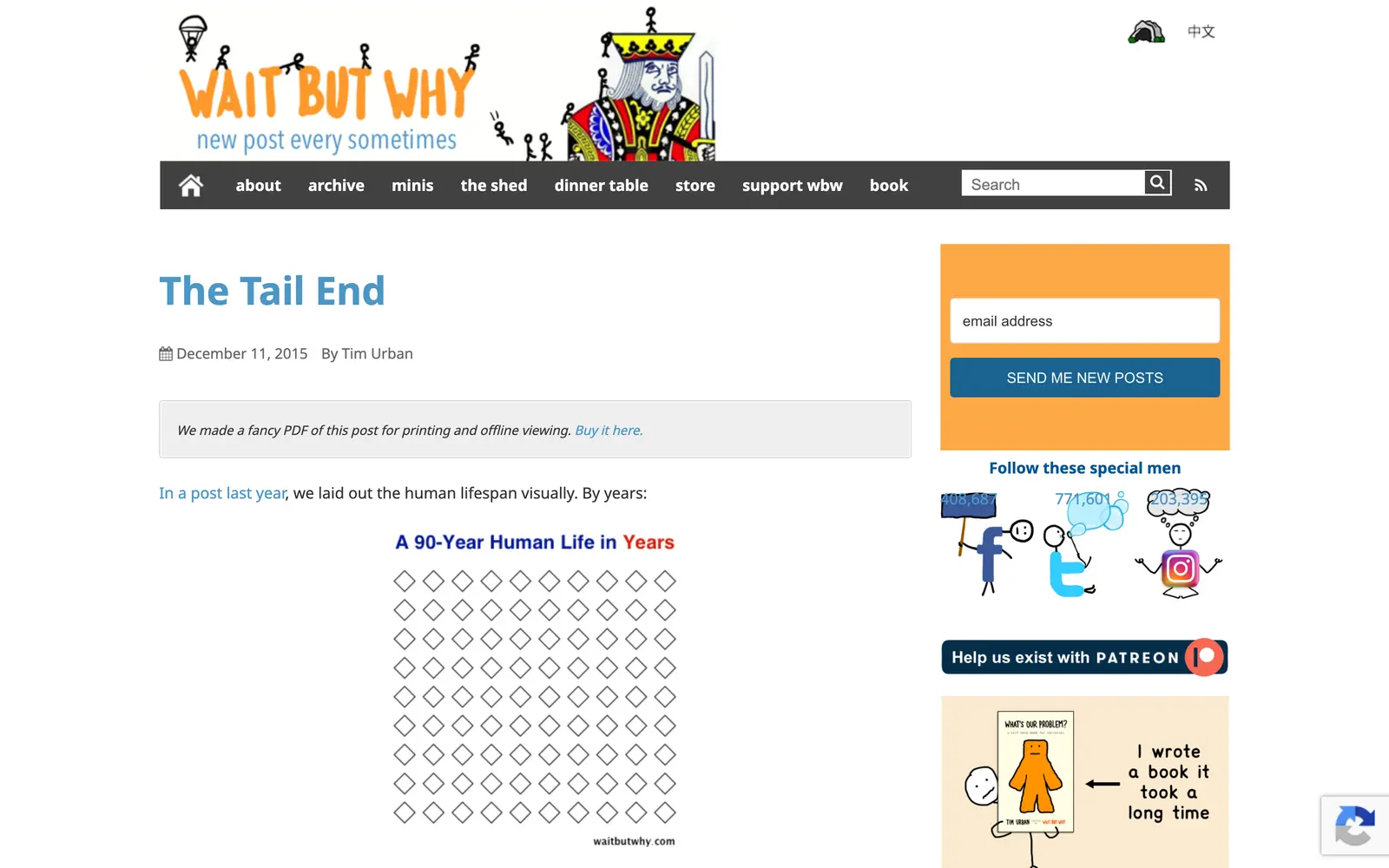
- It starts small and concrete, with countable things, and lets the reader do the emotional arithmetic before the essay names it.
- The hand-drawn dot grids are the argument. Take them away and the essay is a paragraph of advice everyone has heard.
- It ends on 3 plain things to do, said once, with no summary and no moral.
A personal essay is the right type when you have noticed something true in your own life that the reader has half-noticed in theirs. It is the wrong type when the story is invented to carry a point, because a reader can hear the difference, and it is not available at all when the story is not yours.
Title: the thing itself, small and concrete
Opening: the ordinary moment where it started, in scene
The thing counted or looked at plainly, and shown: a chart, a list, a photo
The turn: where the ordinary thing becomes the real subject
What it means for you, said once
Close: 2 or 3 things to keep, then stop
Opinion Essay
Paul Graham’s How to Do Great Work builds an argument of more than 10,000 words from one question: what do people who do great work in different fields have in common? It’s plain text with no headings at all, and 29 footnotes hold the qualifications and tangents while the main text follows the argument.
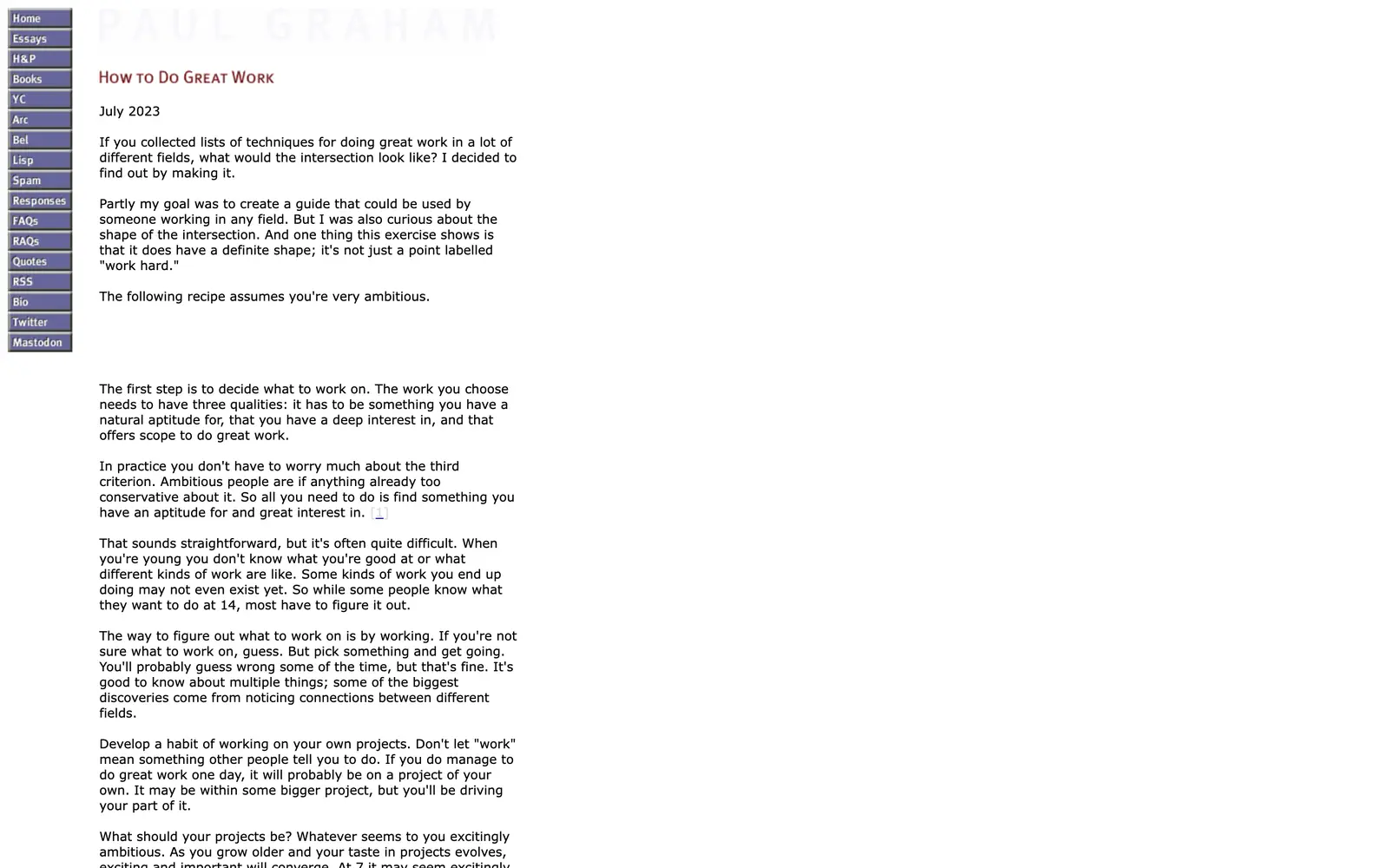
- The essay sustains a position through connected reasoning and examples.
- The footnotes carry the qualifications and the tangents, so the main text stays a single line of thought.
- It is written for the reader who will finish it, not the one who will scan it, and it does not pretend otherwise.
I’d use an opinion essay when you have a view you can argue with reasons and examples. The view can be familiar; what matters is whether your explanation adds something useful.
Title: the claim, or the question the essay answers
Opening: the observation or question that started it, in the reader’s world
The claim, stated once and plainly
The argument in 3 to 5 movements, each with a concrete example
The strongest objection, conceded where it is right
What follows for the reader
Close: one line, and stop
Address the strongest objection fairly. I trust an argument more when the writer explains where a competing view is right and where they still disagree.
How to Pick the Type
I match the format to the question the reader needs answered. These examples give you a starting point:
| The reader is asking | Write a | The example above |
|---|---|---|
| How do I do X? | How-to guide | WPBeginner |
| Which X should I use? | Listicle | Zapier |
| Teach me X from the start | Ultimate guide | Moz |
| Should I buy X? | Product review | Wirecutter |
| X or Y? | Comparison post | Kinsta |
| Did this work for anyone? | Case study | Backlinko |
| How common is X, really? | Original research | Ahrefs |
| What is X? | Explainer | Semrush |
| What was that property again? | Reference tutorial | CSS-Tricks |
| Has anyone else felt this? | Personal essay | Wait But Why |
| What do you think about X? | Opinion essay | Paul Graham |
If a draft starts serving two separate reader needs, consider splitting it. Keep them together when the reader needs both to complete the same task. The list of blog post ideas that drive traffic shows how one subject can produce different kinds of posts.
How to Use the Templates
Use a template to organize your material, then remove or change the sections that don’t serve the reader.
The title should be written last and checked against the finished post, because a title is a promise and the draft usually ends up promising something slightly different from what was planned. The guide to blog post headlines that get clicks covers the wording once the promise is settled.
I often recommend starting with the strongest example or evidence in a section. Once it explains the point, cut any surrounding sentence that only repeats it. Some ideas are clear enough to explain directly.
Let the explanation decide the length. A tutorial needs the steps and exceptions that let the reader finish; an essay needs room for its argument. The guide to how long a blog post should be develops that decision in more detail.
State the limitations that affect your recommendation or result. Put them where the reader needs them, whether that’s beside a claim or in a separate section.
And the whole draft should go through one edit for the reader who scans, checking that the headings alone tell the story, and one for the reader who reads, checking that no sentence exists to fill space. The craft side of that edit is in how to write better blog posts, and the part that helps search engines and AI answers quote you is in how to format blog posts for AI search.
The Limits
Templates help organize material. You’ll still need the observations, evidence and judgment that make your post worth reading.
These examples come mainly from technology and marketing, with essays illustrating other ways to write. Adapt their useful features to your own subject and audience.
Some examples have teams of editors and designers behind them. As a solo writer, I’d focus first on a useful answer and sound evidence, then improve the presentation where it helps the reader.
What Quietly Ruins a Blog Post
I’d answer the reader’s question before adding background. Include the history only when it changes their understanding or decision.
Choose enough options to represent the useful choices. Adding weaker entries to reach a round number gives the reader more work.
For a decision article, give the recommendation early and then explain it. An essay can develop its argument differently.
Use an image when it helps someone understand or verify a point. A screenshot is useful for an interface or a visible setting; another subject may need a diagram or no image at all.
End when the reader has a useful next action or the argument is complete. A summary that only repeats the article adds little.
Revisit instructions and claims when their supporting facts change. Keep the examples and explanations that remain useful.
FAQs on Blog Post Examples
What is a good example of a blog post?
A good blog post answers one question for one reader and shows its work. WPBeginner’s guide to starting a WordPress blog is a clean example of a how-to: a personal opening, a table of contents, numbered steps with a screenshot for each, and an FAQ for the leftovers. Any of the 11 posts in this article works as a model; pick the one whose job matches yours.
What should a first blog post be about?
I’d start with a question your intended readers need answered. Use a how-to for a process, an explainer for an unfamiliar idea or a comparison for a choice. A personal introduction can serve an existing community, but a useful answer gives a new reader a clearer reason to visit.
How long should a blog post be?
Use enough words to explain the subject and include the evidence or steps the reader needs. I would cut repetition before cutting useful detail. The format helps you organize the material; it doesn’t set a required word count.
What is the difference between a blog post and an article?
In practice, very little today. A blog post is published on a blog, usually under a byline, dated, and written in the first or second person; an article is the more formal cousin found in magazines and news sites. The 11 examples here are all blog posts, and several of them are more carefully researched than most articles.
Which blog post format gets the most traffic?
No format guarantees the most traffic. How-to guides and explainers can match search questions, while comparisons, research and essays can reach readers through different routes. I’d choose the format that serves the question and supports what you can actually contribute.
Can I copy a blog post template?
Copy the structure, never the words. The templates in this article and in the download are outlines: the order of sections, what each one has to do, and where the proof goes. Fill them with your own examples, numbers and judgments. A post that borrows another writer’s sentences is plagiarism; one that borrows a proven shape is how every experienced writer works.
Final Remarks
I’d choose one reader question, pick the closest format and start with the evidence or example you most want them to understand. Adapt the outline around that material, then remove sentences that repeat a point you’ve already made.
You can keep the templates pack beside your draft as a reference. Use only the sections that help you explain the subject.
Tell Google you want more of this.
Add Gaurav Tiwari as a preferred sourceOne tap, and this site shows up more often in your own Top Stories, AI Overviews and AI Mode. Remove it any time.