
 by
by
I get why so many developers go looking for Tailwind CSS alternatives. Long class strings, a blank design canvas and one more build step can slow you down when all you want is a clean dashboard or a few product screens.
My pick is Tabler, the UI kit I use myself. It gives you finished, Bootstrap-based components for dashboards and admin panels, so your time goes into the product instead of designing every card from utility classes.
If you still like utility classes, I’d move to UnoCSS. If you want a polished design system for a React app, AlignUI, Untitled UI and Mantine are the ones I’d look at first.
One distinction matters before comparing them: Tailwind CSS is a styling framework, while Tailwind Plus, previously Tailwind UI, is its paid component library. Most options below replace the styling layer. AlignUI and Untitled UI are built on Tailwind, so they replace Tailwind Plus and the design work instead.
If you’re choosing a broader stack, my guide to modern web development practices explains how styling fits into the rest of the front end.
Tailwind CSS Alternatives at a Glance
The fastest way to choose is to identify what you dislike about Tailwind. Is it the utility syntax, the lack of ready-made components, the JavaScript toolchain, or the amount of markup? Each complaint points to a different answer.
| Alternative | Best for | Approach | Runtime JavaScript | Main catch |
|---|---|---|---|---|
| Tabler | Dashboards and admin panels | Bootstrap 5 UI kit with ready-made pages | For interactive components | Marketing sites need extra CSS |
| UnoCSS | Tailwind-like utilities with more control | On-demand atomic CSS engine | No | More decisions and preset choices |
| Bootstrap | Fast app and admin UI delivery | Components plus utilities | Optional | Recognizable defaults unless customized |
| UIkit | Modular marketing sites | CSS and JavaScript components | For interactive components | Smaller ecosystem than Bootstrap |
| AlignUI | Polished React product UI | React design system synced with Figma | Yes (React) | Runs on Tailwind; Pro starts at $299 |
| Untitled UI | Large React design systems | React Aria components with a Figma kit | Yes (React) | Runs on Tailwind; the big library is paid |
| Mantine | React apps without Tailwind | React components styled with CSS files | Yes (React) | React-only, needs React 19.2+ |
| Chakra UI | Accessible React applications | React component system | Yes | React-specific and runtime-styled |
| Web Awesome | Framework-agnostic components | Web components with themes | Yes | Pro features need a yearly plan |
| Panda CSS | TypeScript teams | Build-time typed styling | No styling runtime | Tied closely to a JS/TS build workflow |
| Open Props | Custom design systems | CSS custom-property tokens | No | It doesn’t provide complete components |
Which Tailwind Alternative Should You Choose?
Use this decision table before reading the detailed reviews. It keeps the choice tied to your actual constraint instead of whichever framework has the loudest community.
| If you want… | Choose | Why |
|---|---|---|
| A finished dashboard or admin UI with no design work | Tabler | It ships 100+ components and ready pages in plain HTML for any backend. |
| The closest utility-first replacement | UnoCSS | It generates atomic CSS on demand and supports multiple utility presets. |
| Ready-made components and familiar conventions | Bootstrap | Its grid, utilities, components, and plugins cover common application UI. |
| A polished React design system with a matching Figma file | AlignUI or Untitled UI | Design and code stay in sync, and both sell complete page blocks. |
| React components without Tailwind | Mantine | It covers 120+ components and 70+ hooks with plain CSS files. |
| Components that work in any framework | Web Awesome | Its web components run in plain HTML or inside any framework. |
| Type-safe styles without a CSS-in-JS runtime | Panda CSS | It extracts typed style objects at build time. |
| Reusable tokens without adopting a framework | Open Props | You get design primitives while keeping your own CSS architecture. |
Best Tailwind CSS Alternatives
Tabler comes first because it’s the kit I use and the one I’d recommend for most product interfaces. After that, the list runs from the closest utility-first replacement to component frameworks, React design systems and lower-level tools such as Panda CSS and Open Props.
Tabler
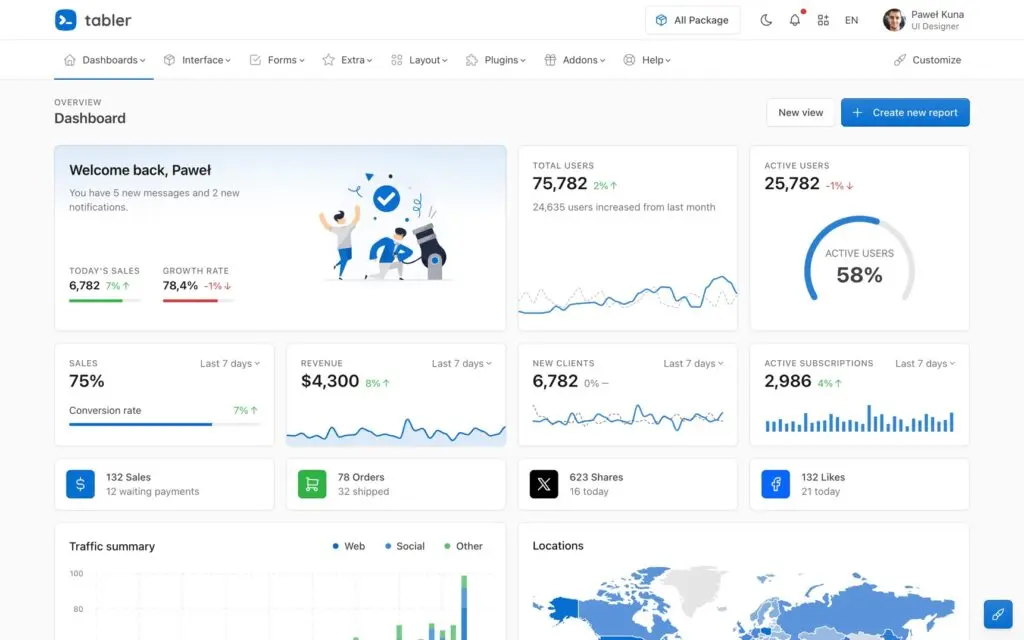
Tabler is a free, open-source UI kit for dashboards and admin panels, built on Bootstrap 5. I use it whenever I need cards, tables, badges, forms or charts that look finished without designing them from scratch.
It includes 100+ components, ready pages such as invoices, settings and wizards, dark mode and RTL support. Everything is plain HTML, CSS and JavaScript, so Tabler works the same whether the page comes from PHP, Laravel, Django or a static site generator.
- Choose it when: you’re building an admin panel, internal tool, SaaS dashboard or client portal and want it to look good on day one.
- Compared with Tailwind: you drop in finished components and Bootstrap utilities instead of building every card and table from utility classes.
- Main catch: the design is made for product screens, so a marketing site or a distinctive brand needs extra CSS on top.
Verdict: Tabler is the alternative I’d start with for any dashboard or product interface. The MIT-licensed core is complete enough to ship, and the paid packages only add extras such as a precompiled build, illustrations and email templates.
UnoCSS
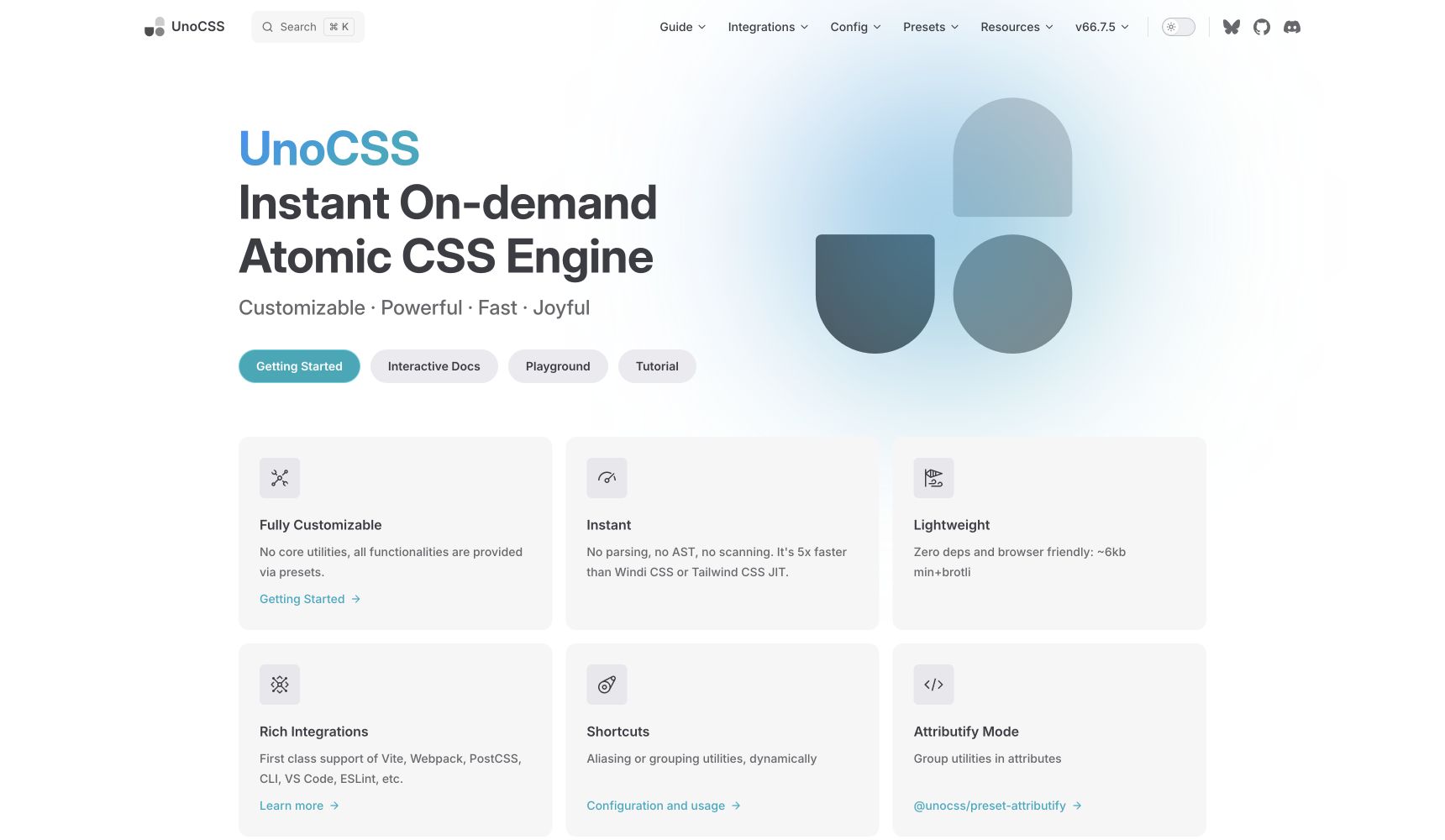
UnoCSS is the closest alternative if you like utility-first styling but want a more configurable engine. It generates only the atomic rules your project uses, and its presets can imitate familiar utility conventions or support your own shorthand.
- Choose it when: you want utility classes, on-demand generation, and fewer framework opinions.
- Compared with Tailwind: UnoCSS behaves more like an engine with interchangeable presets than a single fixed framework.
- Main catch: flexibility moves more architecture decisions onto your team, and it is not a drop-in replacement for every Tailwind plugin.
Verdict: this is my first pick for developers who want Tailwind’s speed without committing to Tailwind’s exact ecosystem.
Bootstrap
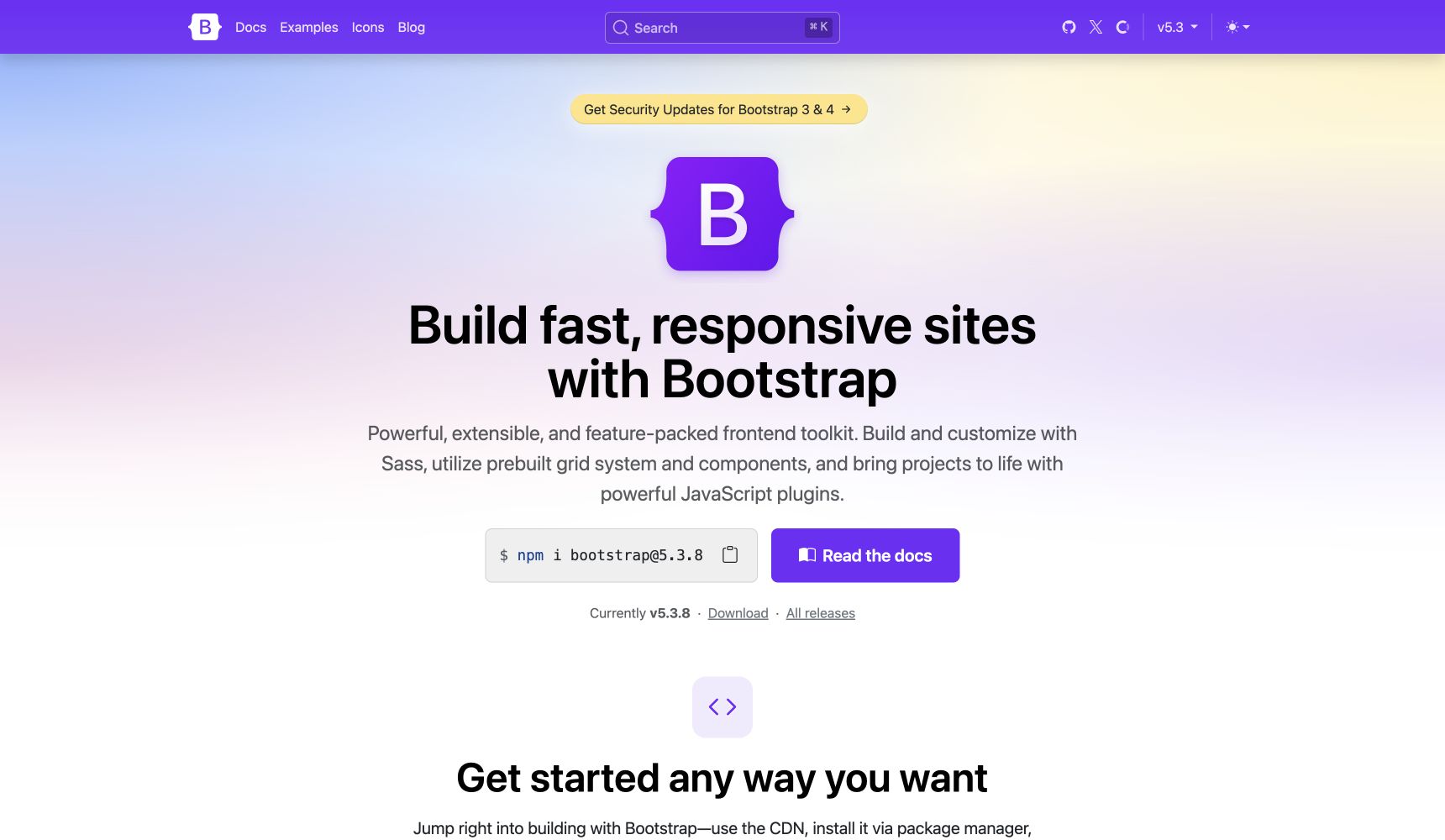
Bootstrap remains the pragmatic choice when you need a responsive grid, form controls, navigation, modals, dropdowns, and utilities in one documented package. It reduces the amount of interface design you must invent before the product works.
- Choose it when: speed, team familiarity, and ready-made application components matter most.
- Compared with Tailwind: Bootstrap gives you styled components first and utilities second.
- Main catch: sites can look unmistakably Bootstrap unless you customize Sass variables, tokens, spacing, and component styles.
Verdict: for internal tools, admin panels, prototypes, and conventional business interfaces, Bootstrap is often faster than assembling a design system from utilities. If that interface is a dashboard, I’d use Tabler instead, since it’s Bootstrap with the dashboard already designed.
UIkit
UIkit combines a modular CSS framework with JavaScript components for navigation, sliders, off-canvas panels, filters, sticky elements, and other common site features. Its naming is systematic, and you can import only the pieces a project needs.
- Choose it when: you are building content-heavy or marketing interfaces and want polished components without React.
- Compared with Tailwind: UIkit supplies visible component behavior and styling rather than low-level utilities.
- Main catch: the ecosystem and pool of experienced developers are smaller than Bootstrap’s.
Verdict: UIkit is a credible middle ground between a CSS-only framework and a JavaScript application component library.
AlignUI
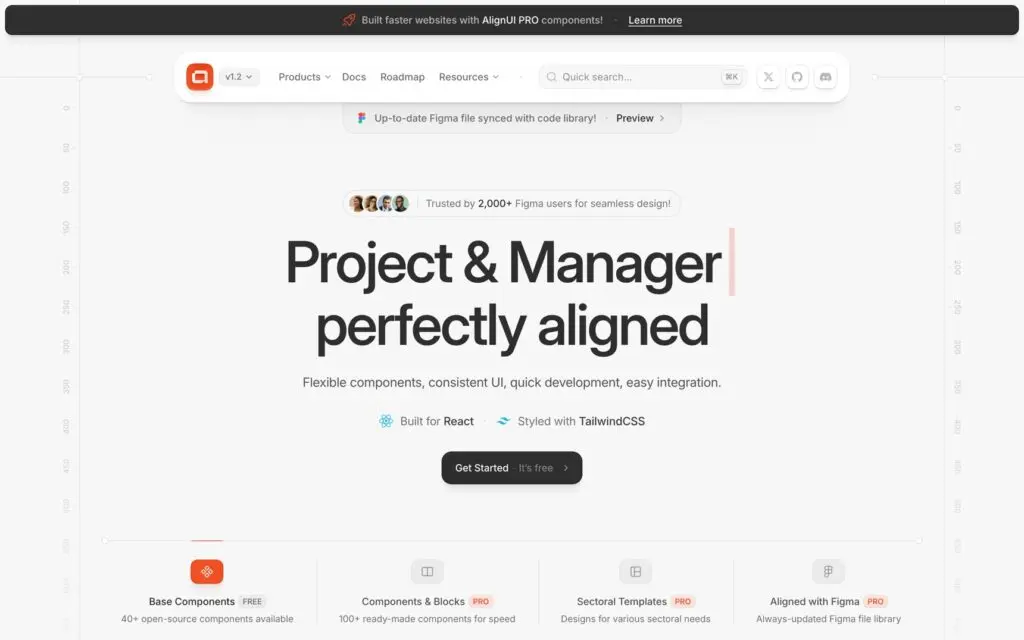
AlignUI is a React design system with a Figma file that stays in sync with the code. Its components share one calm visual language, and it’s the reference I check when a layout decision on my own site is a toss-up.
The 40+ base components are free and open source. AlignUI Pro adds 100+ components and blocks plus templates for areas such as AI, HR and finance, starting at $299 one-time for 1 user or $399 for a 5-user license. The Figma kit is a separate one-time purchase.
- Choose it when: you’re building a React SaaS product and want design and code that match from the first screen.
- Compared with Tailwind: AlignUI is styled with Tailwind CSS, so it replaces Tailwind Plus and your own design work while Tailwind stays underneath.
- Main catch: it needs React and Tailwind in your stack, and the blocks and templates that make it stand out are paid.
Verdict: if your problem with Tailwind is the blank canvas and you’re happy with the utility classes, AlignUI is the most polished fix I know of.
Untitled UI
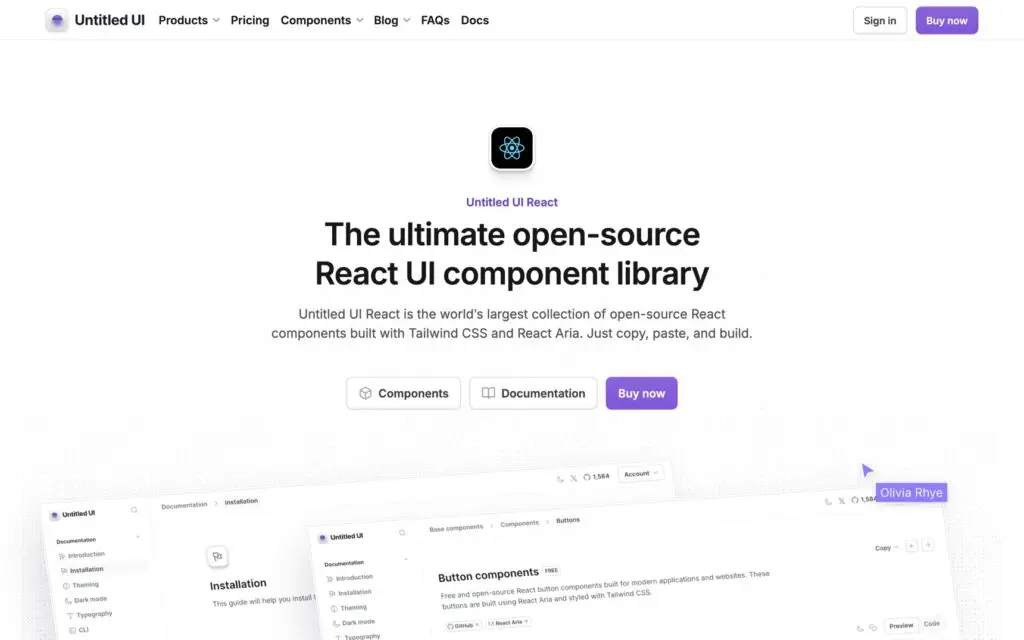
Untitled UI began as one of the most popular Figma UI kits and now ships a matching React library. Its open-source components are built with Tailwind CSS v4 and React Aria, Adobe’s library for accessible behavior, under the MIT license.
Untitled UI PRO adds 5,000+ components and sections, 250+ page examples and Figma sync. It starts at $349 one-time for a single user, and a team license for up to 8 people costs $999.
- Choose it when: your designers already work in the Untitled UI Figma kit and you want the code to match it.
- Compared with Tailwind: like AlignUI, it runs on Tailwind CSS, so it replaces the component and design layer while Tailwind still does the styling.
- Main catch: the free set is a starting point, and most of what makes Untitled UI famous sits in PRO.
Verdict: I’d pick Untitled UI for a design-led team with a big product surface, and AlignUI for a small team that wants a tighter set of components.
Mantine
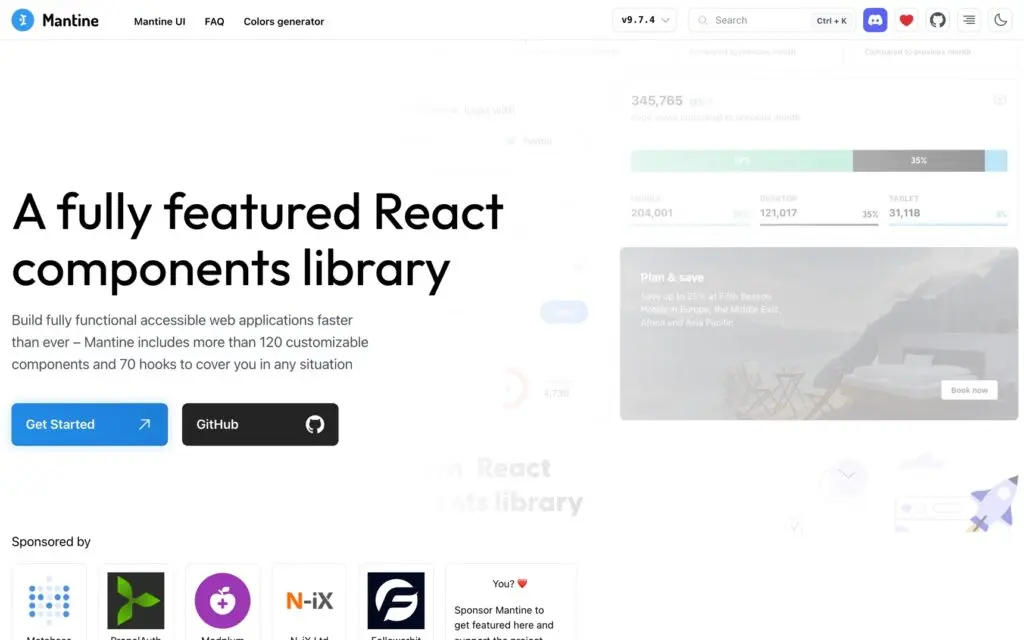
Mantine is a full React component library with more than 120 components and 70 hooks, from date pickers and rich text editors to notifications and modals. It styles everything with plain CSS files, so there is no Tailwind and no CSS-in-JS runtime involved.
Mantine 9 needs React 19.2 or newer. It’s MIT-licensed and supports dark mode out of the box.
- Choose it when: you’re building a data-heavy React app and want forms, dates, overlays and hooks from one library.
- Compared with Tailwind: you style through component props, a theme object and CSS modules instead of utility classes in the markup.
- Main catch: it’s React-only, and its default look is neutral, so a distinctive brand still needs theming work.
Verdict: Mantine is my pick for a React team that wants to leave Tailwind behind completely. It covers more of a real application than most component libraries, and its styles stay in ordinary CSS.
Chakra UI
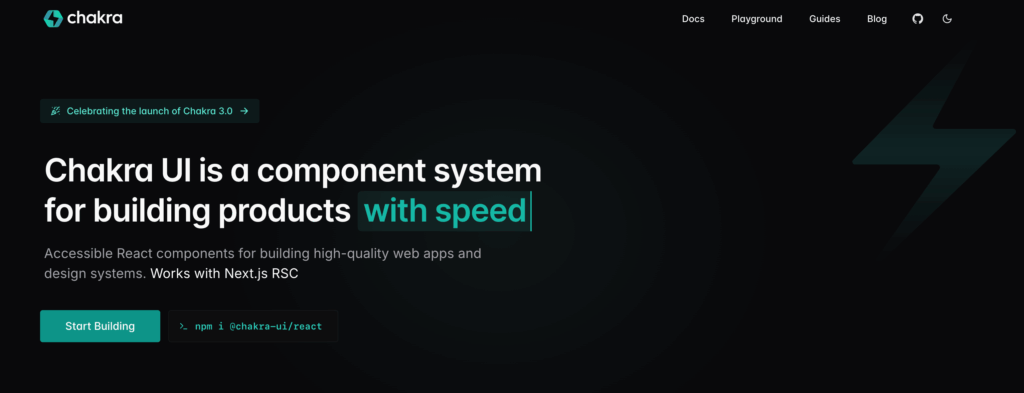
Chakra UI is an accessible React component system with composable layout primitives, theming, and style props. It is useful when your real requirement is not “replace Tailwind CSS” but “stop building accessible application components from scratch.”
- Choose it when: the project is already React-based and accessibility needs to be built into the component layer.
- Compared with Tailwind: Chakra gives you React components and runtime style APIs, not framework-agnostic CSS utilities.
- Main catch: it increases framework coupling and is a poor fit for static HTML or non-React stacks.
Verdict: Chakra UI is a React architecture choice, not a general CSS replacement. Make that decision consciously.
Web Awesome
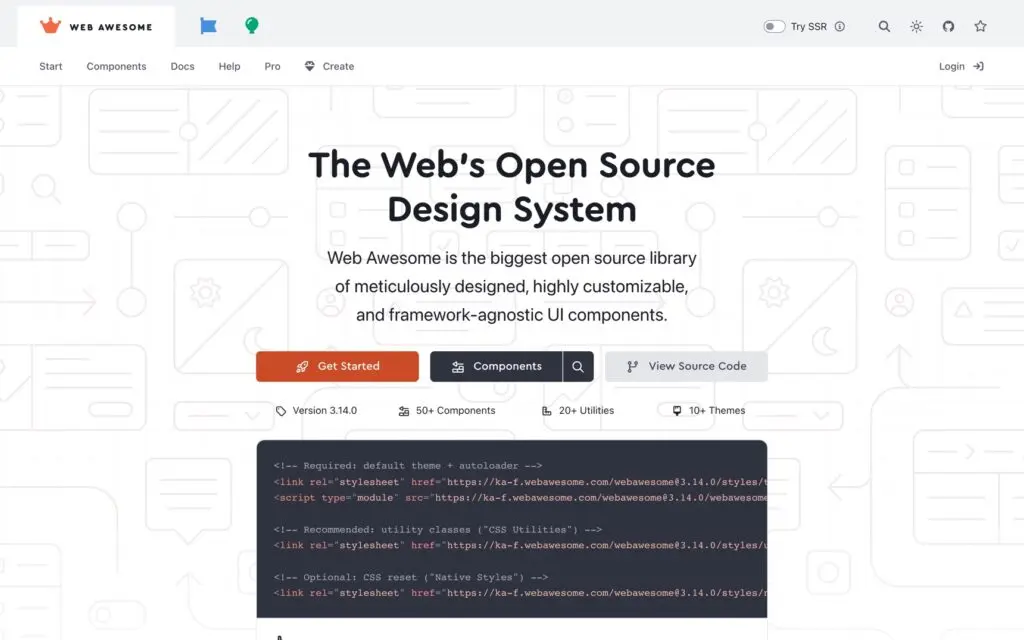
Web Awesome is a library of web components from the team behind Font Awesome, and it started life as Shoelace. The components are standard custom elements, so the same buttons, dialogs and tabs work in plain HTML or inside any front-end framework.
The free, MIT-licensed core includes 50+ components, 20+ CSS utilities and 10+ themes. Pro adds more components, premium themes, a theme builder and the official Figma kit on a yearly plan.
- Choose it when: your stack mixes frameworks, or you want components that survive the next framework switch.
- Compared with Tailwind: you theme finished components through CSS custom properties instead of composing them from utility classes.
- Main catch: JavaScript registers the components, so you need to plan for the moment before they load to avoid a flash of unstyled content.
Verdict: Web Awesome is the most future-proof pick here if you don’t want your UI tied to React. I’d reach for it on WordPress themes, server-rendered apps and mixed stacks.
Panda CSS
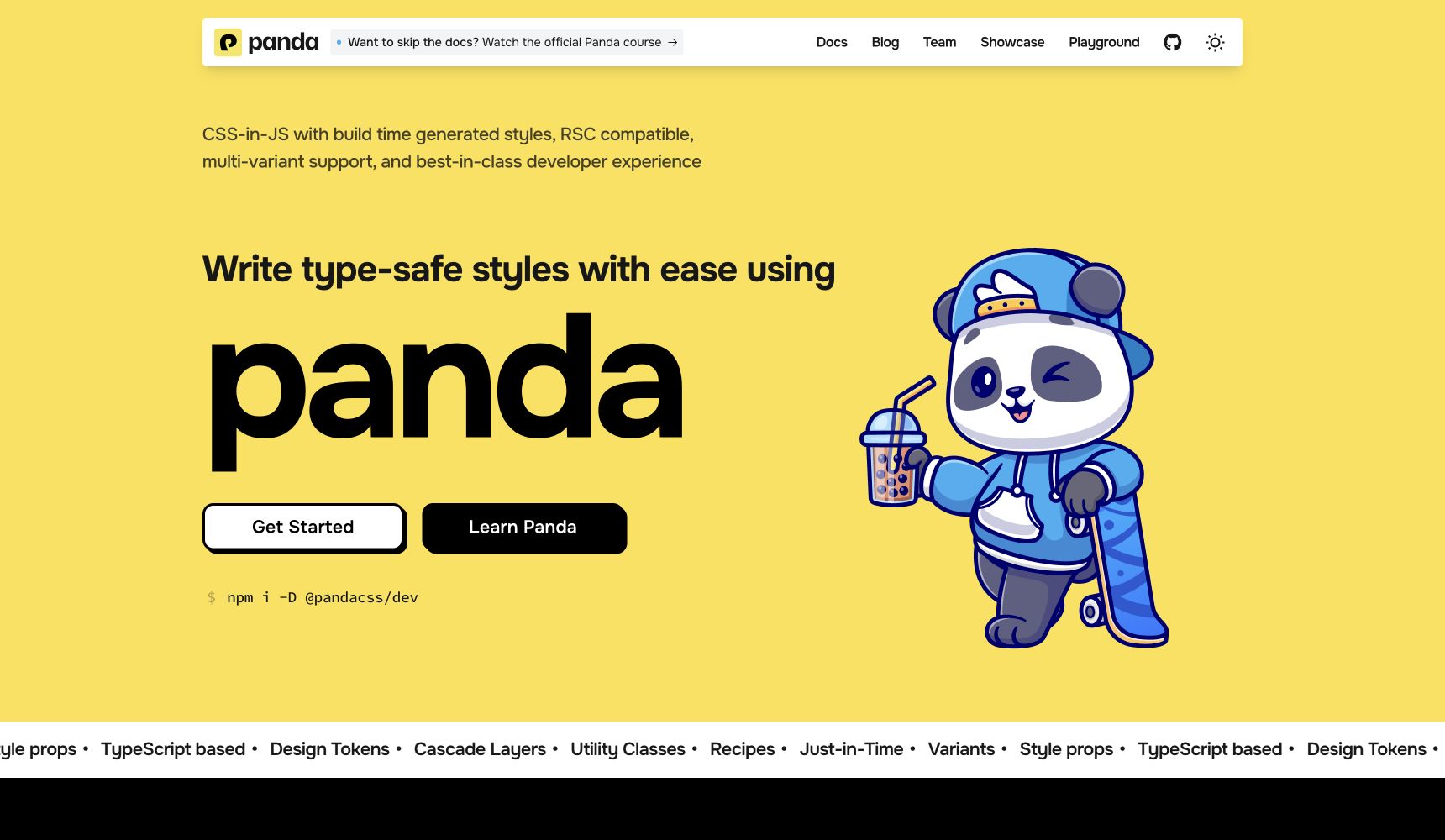
Panda CSS generates atomic CSS at build time from typed JavaScript or TypeScript style objects. It is a strong fit when your design tokens, variants, and component recipes need editor autocomplete and compile-time feedback.
- Choose it when: your team builds React-style component systems and values type safety.
- Compared with Tailwind: styles live in structured objects and recipes rather than long utility strings in markup.
- Main catch: the workflow is less attractive for plain HTML sites or teams that want CSS to remain independent of JavaScript tooling.
Verdict: Panda CSS makes the most sense when a typed design system is the product requirement, not just a developer preference. My guide to building design systems covers the broader decisions around tokens and reusable components.
Open Props
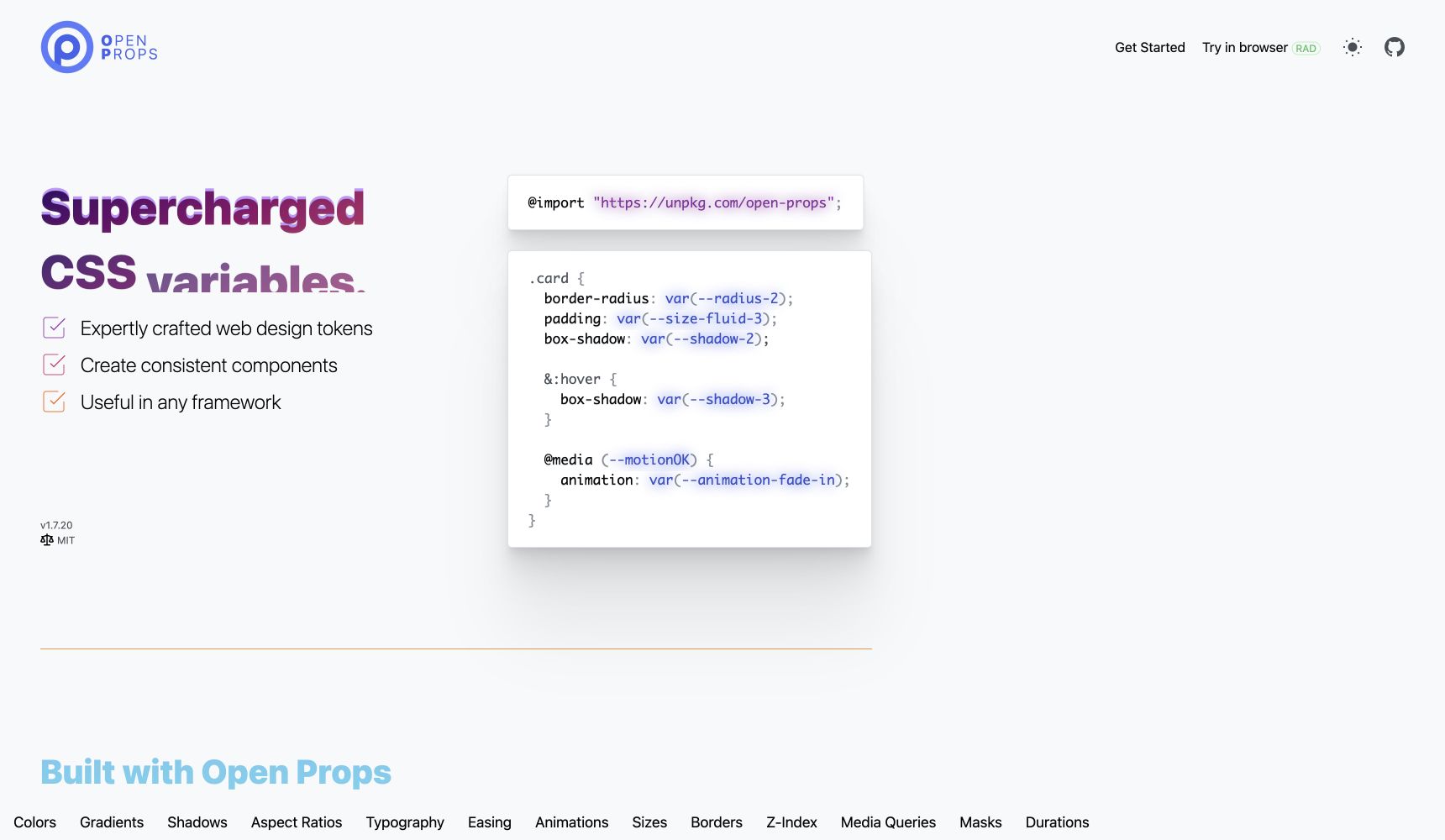
Open Props is a library of CSS custom properties for colors, spacing, typography, shadows, easing, gradients, and other design primitives. You keep writing normal CSS, but you stop inventing every token from scratch.
- Choose it when: you like vanilla CSS and want a consistent token foundation.
- Compared with Tailwind: tokens are consumed inside your CSS rather than represented as utility classes in HTML.
- Main catch: Open Props is not a complete UI framework. You still design and maintain the components.
Verdict: this is the option I would use when ownership and portability matter more than having a framework dictate the finished interface. It also pairs well with small techniques such as a pure CSS tooltip.
When Tailwind CSS Is Still the Better Choice
Do not migrate a working project just because utility-heavy HTML looks busy. Tailwind CSS 4 improved the setup with CSS-first configuration, automatic content detection, modern CSS features, and a faster build engine. If your team already shares conventions and reusable components, switching frameworks may create more maintenance than it removes.
- Keep Tailwind when your team already knows it and the project has a stable component layer.
- Keep it when your design system maps cleanly to utilities and variants.
- Keep it when the ecosystem, editor tooling, and community integrations save real delivery time.
- Replace it when the markup model causes repeated friction, not merely aesthetic discomfort.
The wrong migration replaces familiar problems with unfamiliar ones. Test one representative screen before changing the whole codebase, then compare generated CSS, component complexity, accessibility, and the time required for future edits. For a larger stack decision, compare these tools alongside the full-stack frameworks your application already uses.
Final Recommendation
For most developers searching for Tailwind CSS alternatives, I’d keep the shortlist small:
- Tabler if you want a finished dashboard or admin UI without designing it.
- UnoCSS if you want to keep utility-first styling.
- AlignUI or Untitled UI if you want a polished React design system and don’t mind Tailwind underneath.
- Mantine if you want React components with no Tailwind at all.
- Bootstrap if you want standard components that most developers already know.
If you’re still unsure, I’d rebuild one real screen, such as a settings page or a dashboard table, with your top 2 picks. Keep the one that needs fewer custom styles to look right.
FAQs on Tailwind CSS Alternatives
What is the best Tailwind CSS alternative?
For dashboards, admin panels and most product interfaces, I’d pick Tabler. It’s a free Bootstrap 5 UI kit with 100+ finished components. If you want to keep utility classes, UnoCSS is the better choice.
What is the closest alternative to Tailwind CSS?
UnoCSS is the closest alternative for most utility-first projects. It generates atomic CSS on demand and supports configurable presets, but it is an engine rather than a perfect drop-in replacement for every Tailwind plugin.
Are AlignUI and Untitled UI Tailwind CSS alternatives?
They’re alternatives to Tailwind Plus, the paid component library. Both are styled with Tailwind CSS, so they replace the design work and component code while Tailwind still handles the styling. Mantine and Web Awesome are the closest design-system options that don’t use Tailwind.
Is Bootstrap better than Tailwind CSS?
Bootstrap is better when you need ready-made components, a conventional grid, and optional JavaScript plugins. Tailwind is better when you want low-level styling control and already have a component architecture.
Can I replace Tailwind CSS with vanilla CSS?
Yes. Modern CSS supports custom properties, cascade layers, container queries, nesting, and powerful layout primitives. Open Props can supply reusable design tokens if you want a head start without adopting another full framework.
Is UnoCSS faster than Tailwind CSS?
UnoCSS is designed as an on-demand atomic CSS engine and can be extremely fast, but real build performance depends on the project, integrations, presets, and file scanning. Test it against a representative screen instead of relying on a generic benchmark.
Is Chakra UI a direct Tailwind CSS replacement?
No. Chakra UI is a React component system with accessibility, theming, and style props built in. It can replace Tailwind inside a React application, but it changes the component architecture as well as the styling method.
What is the difference between Tailwind CSS and Tailwind Plus?
Tailwind CSS is the utility-first styling framework. Tailwind Plus, previously Tailwind UI, is a paid collection of components and templates built for the Tailwind ecosystem. A component-library alternative does not necessarily replace the underlying CSS framework.
Tell Google you want more of this.
Add Gaurav Tiwari as a preferred sourceOne tap, and this site shows up more often in your own Top Stories, AI Overviews and AI Mode. Remove it any time.