
Osmium WordPress Theme
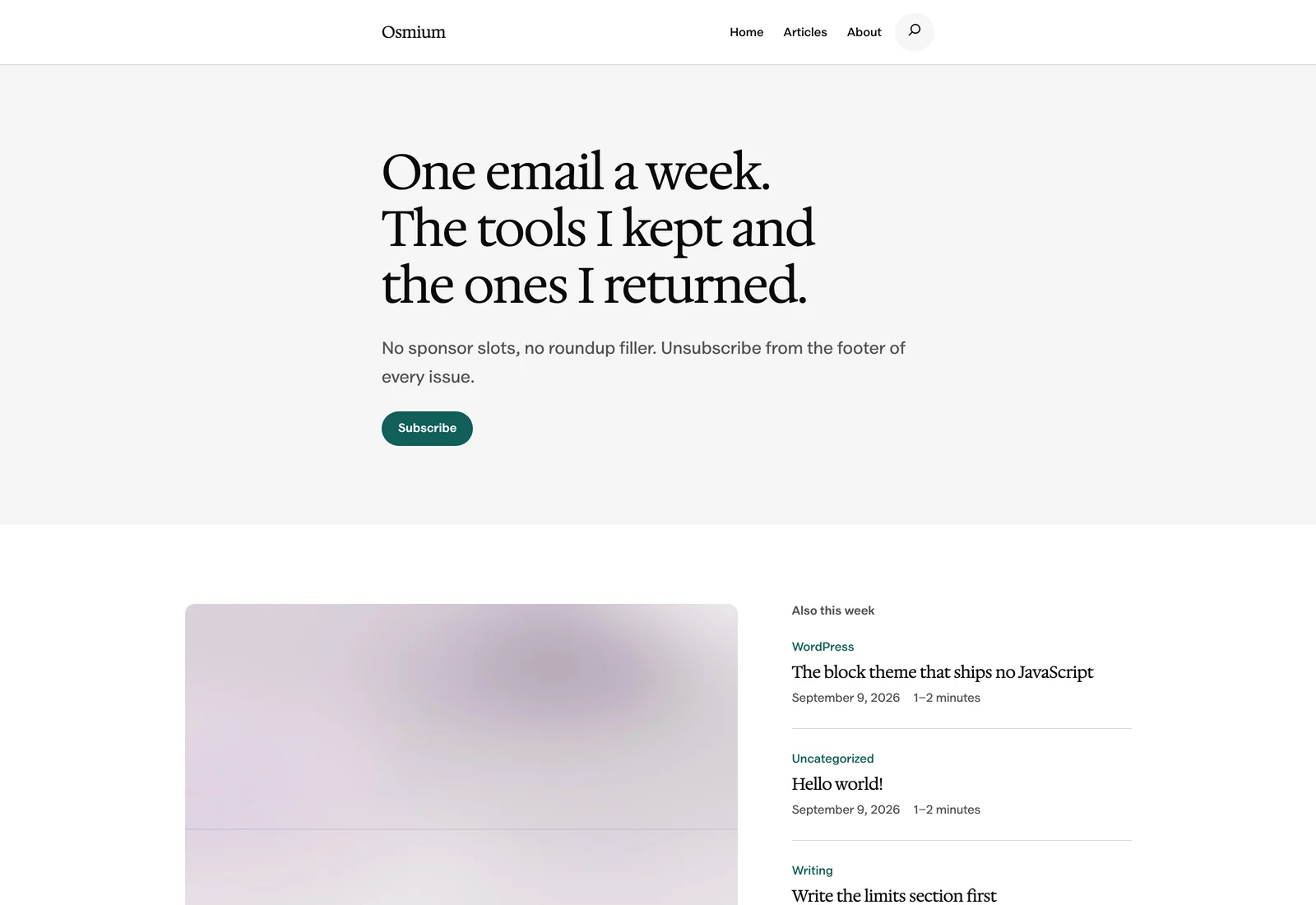
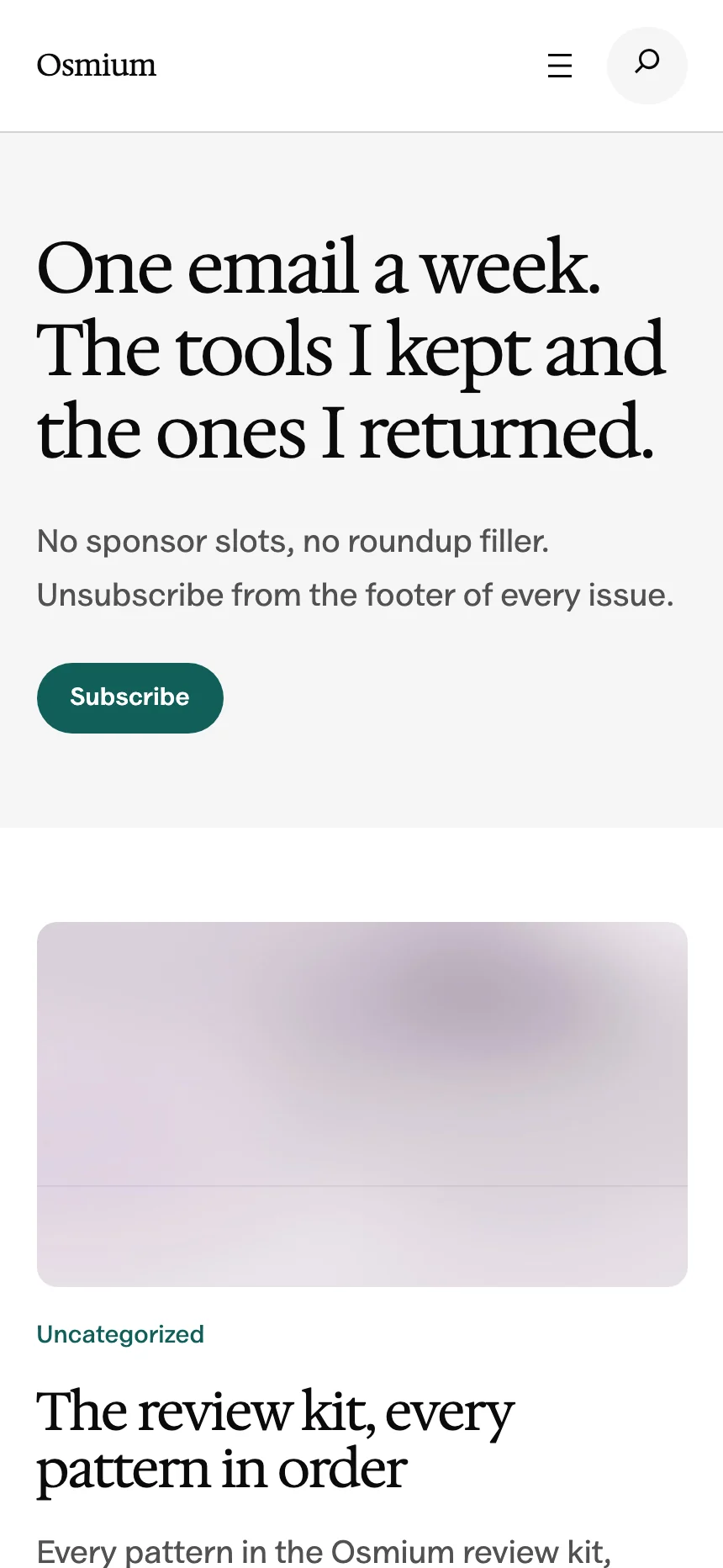
A free block theme for writers and independent publishers. Give your articles room to breathe, with a whole site you can edit in WordPress.
Free to download. No account or email required.
Version 0.3.0 · WordPress 7.0+ · PHP 7.4+
- 122 Patterns
- Ready in the block inserter
- 6 Styles
- Including three dark styles
- 22 Templates
- From your homepage to your articles
- 100% Free
- GPL licensed, for any number of sites
Made for Long Reads
A good article shouldn’t stretch from one edge of the screen to the other. Osmium gives your paragraphs a comfortable reading column while letting images and tables use more of the page.
- A 42rem reading column in the default Editorial style.
- Wide and full-width blocks for images and comparisons.
- An optional sidebar for the articles that need one.
Your content sets the pace. The layout gives it space.
Find Your Style
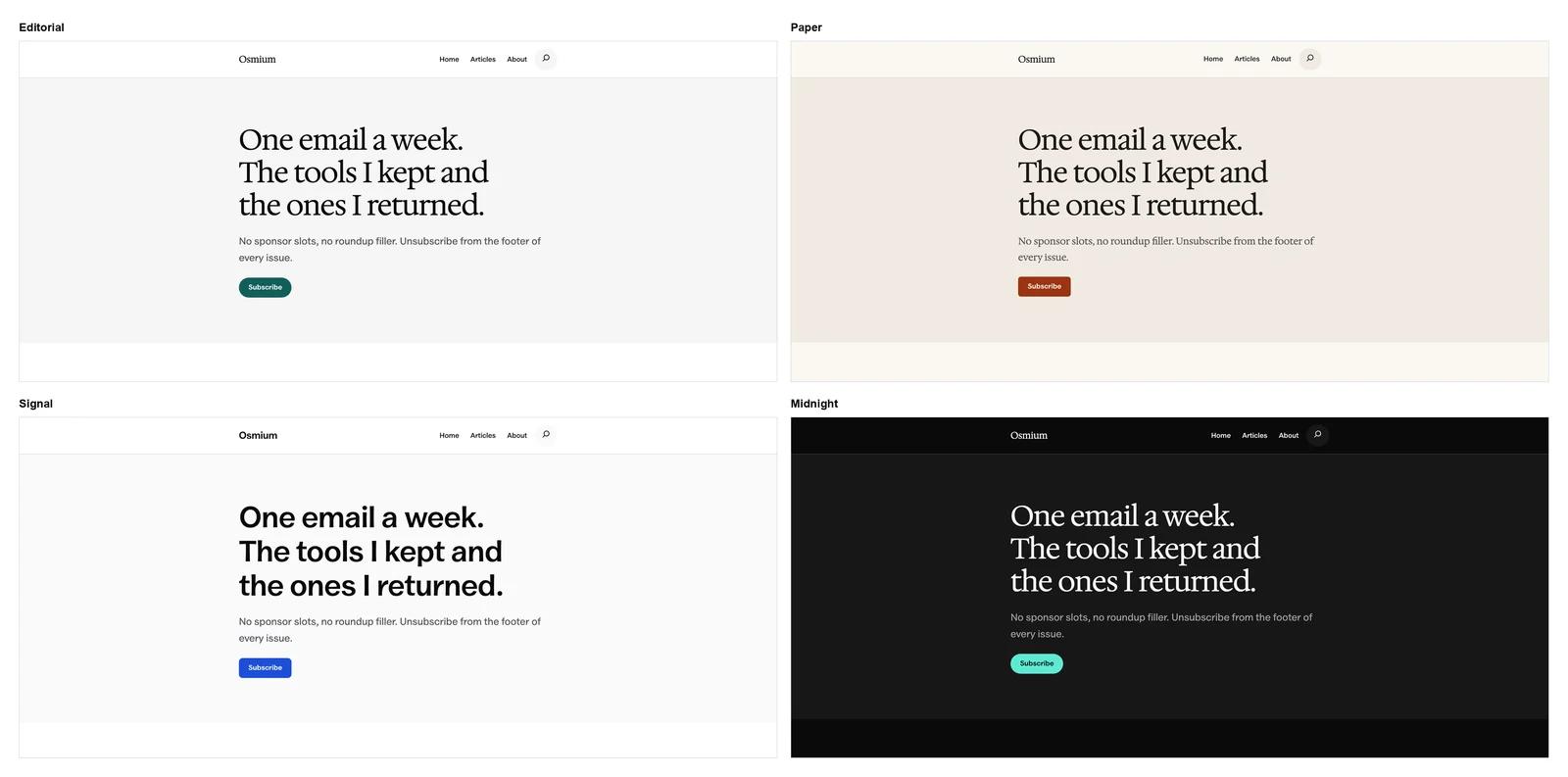
Start with Editorial, or choose a different look in the Site Editor. Each style changes the palette and typography while keeping your content editable.
A Review Kit, Included
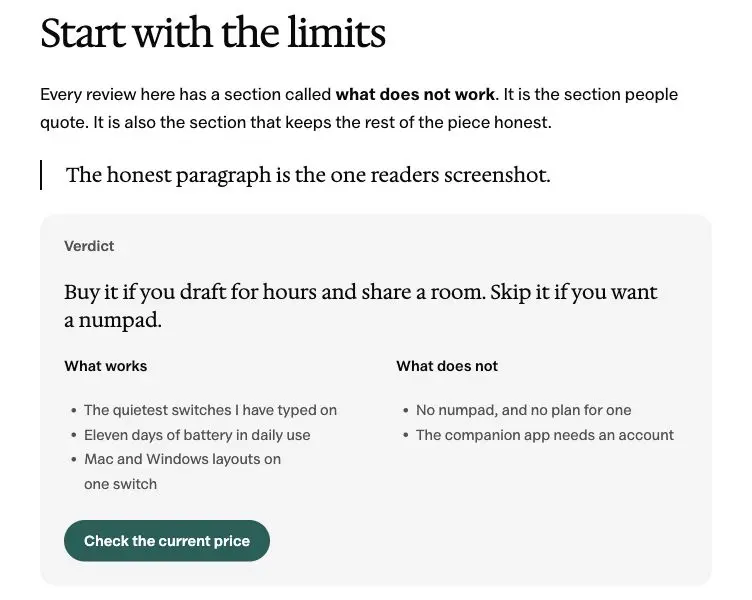
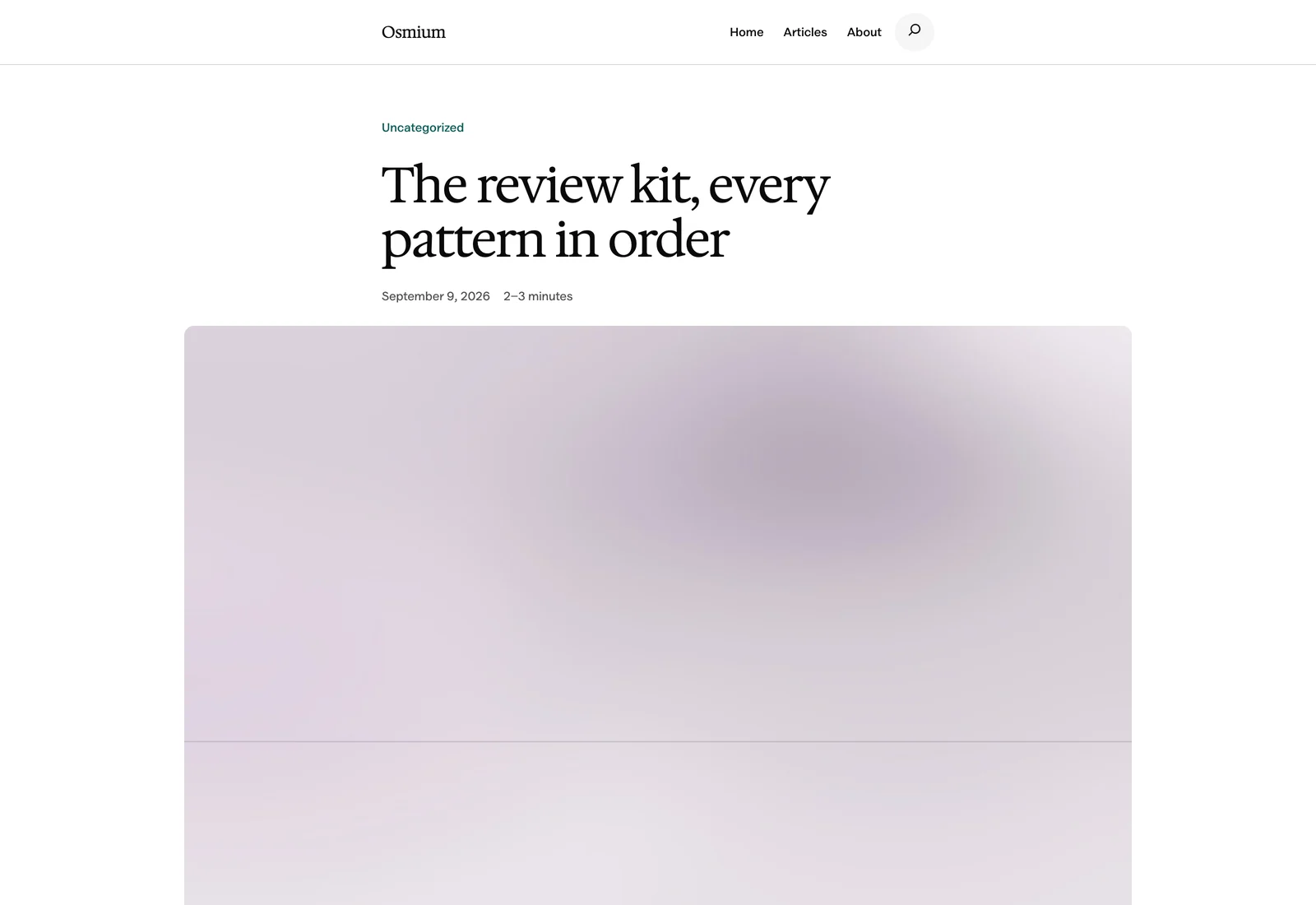
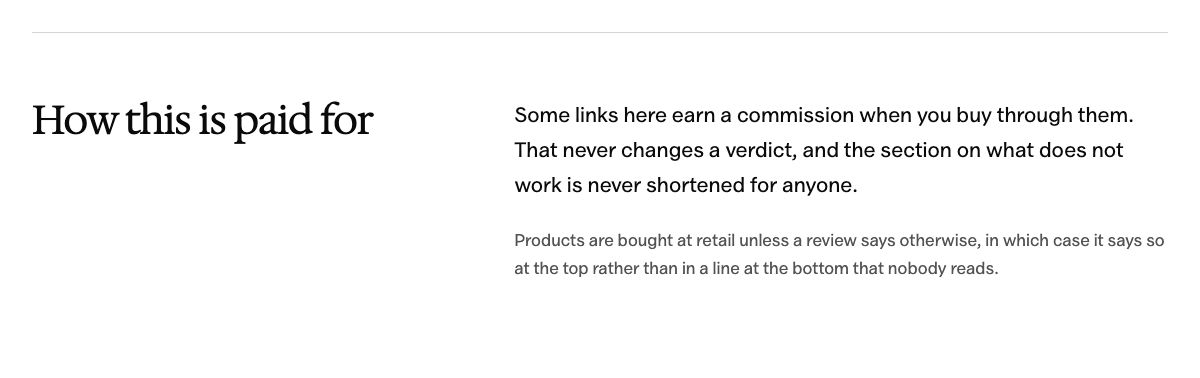
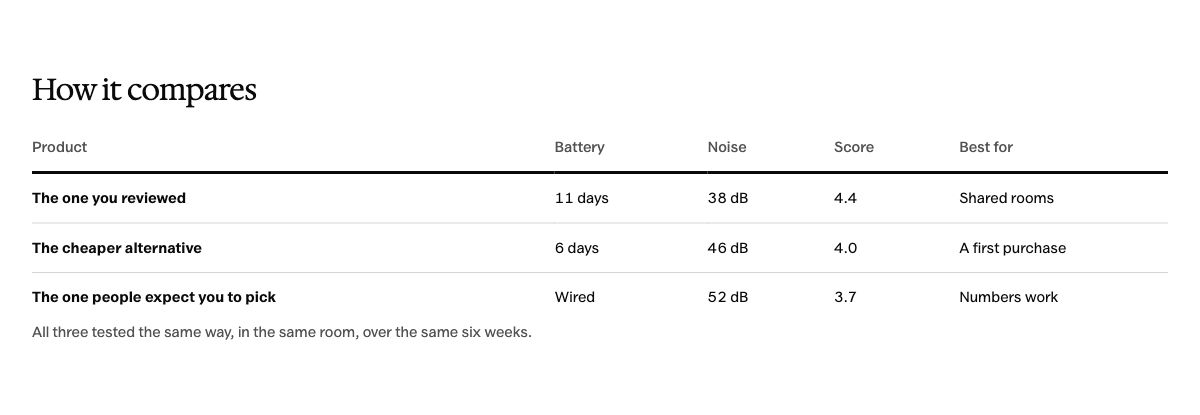
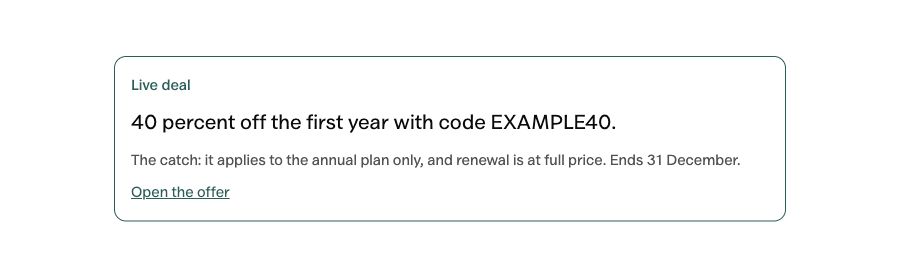
Review sites need more than a heading and a buy button. These 7 patterns give your recommendation a useful structure, from the first verdict to the final comparison.
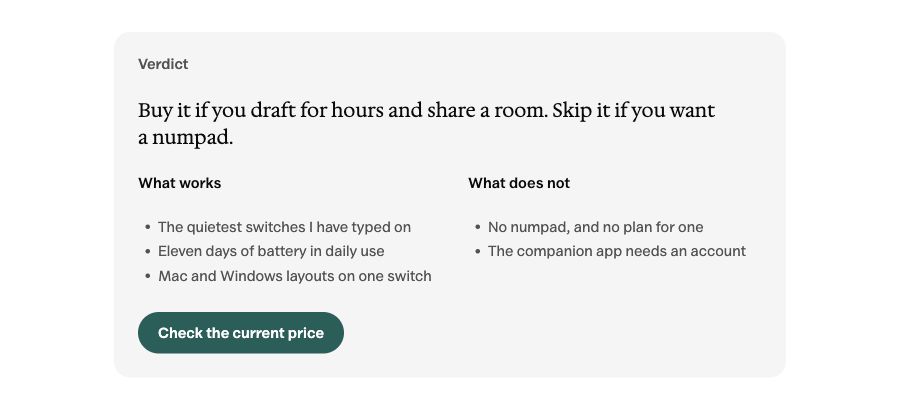
- Review verdict
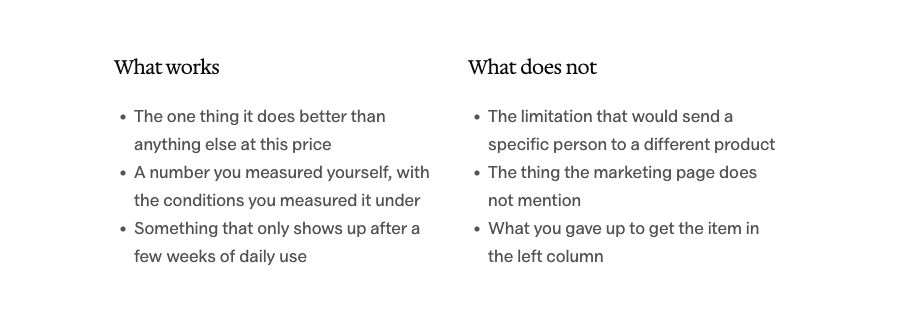
- Pros and cons
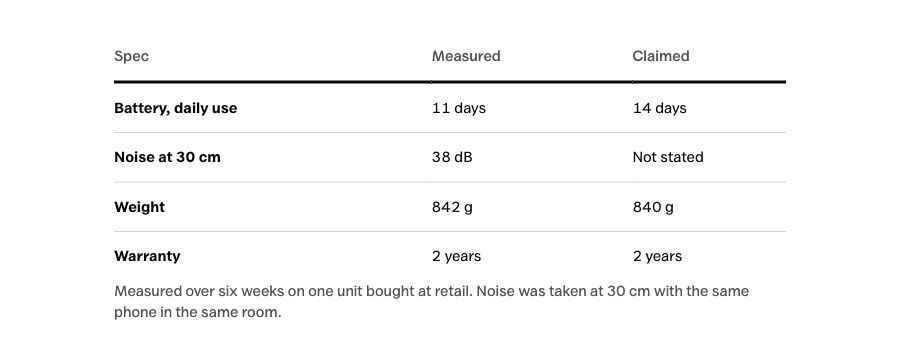
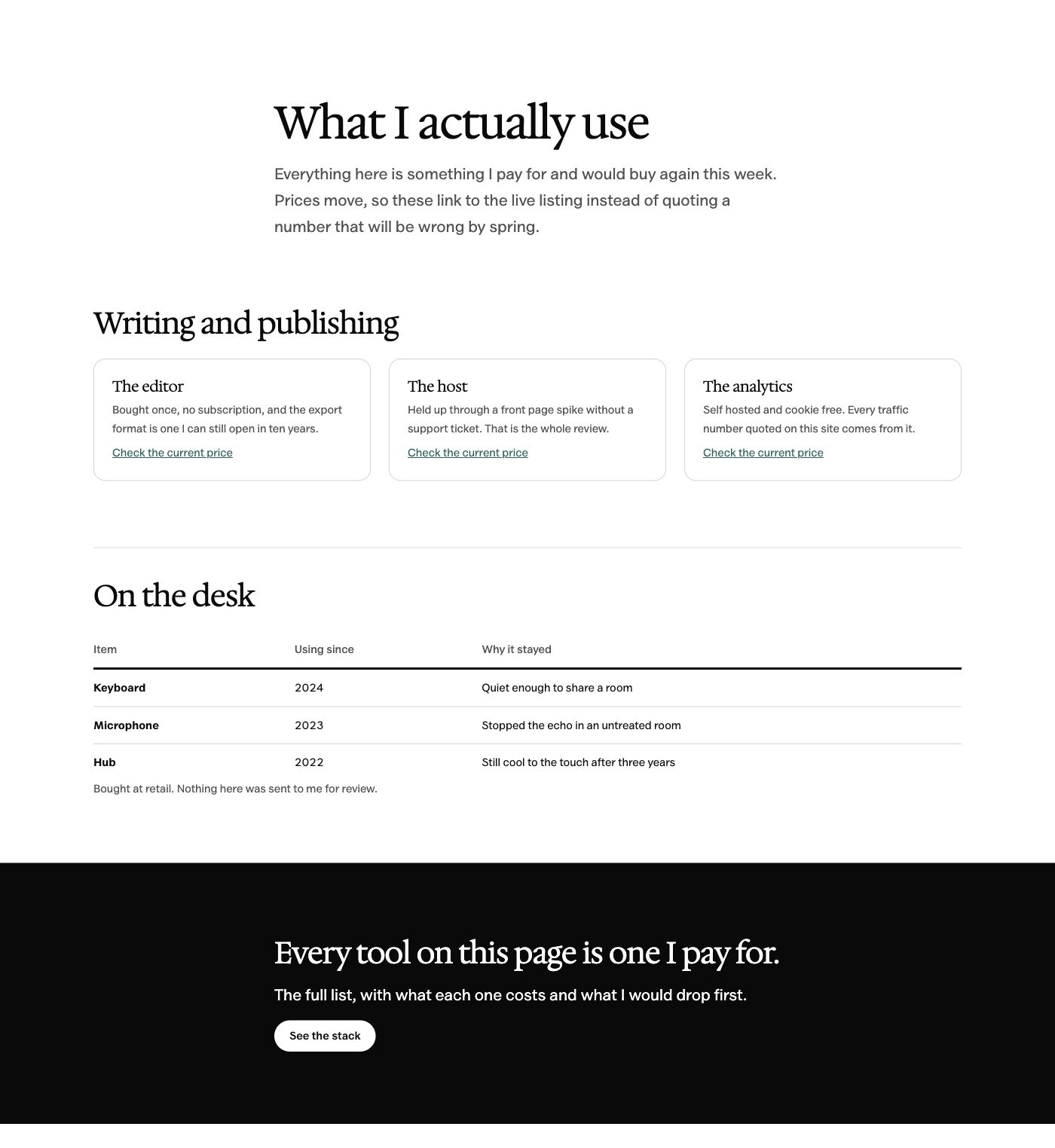
- Specification table
- Comparison table
- Best-for cards
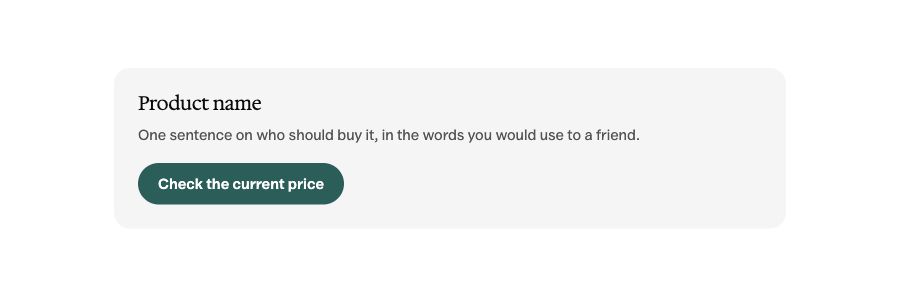
- Product call to action
- Deal strip
Every pattern uses WordPress core blocks. Your inserted content remains editable if you change themes, though its styling will follow the new theme.
Edit the Whole Site
Change your header and footer in the Site Editor. Start new pages with the included patterns, without adding a page builder.
Keep Fonts on Your Site
Valley Sans and Hedvig Letters Serif are bundled with the theme. The default fonts load from your domain.
Start with Less Code
Osmium ships about 8 KB of theme CSS and no JavaScript of its own. WordPress blocks and plugins may still load scripts.
Osmium Pattern Gallery
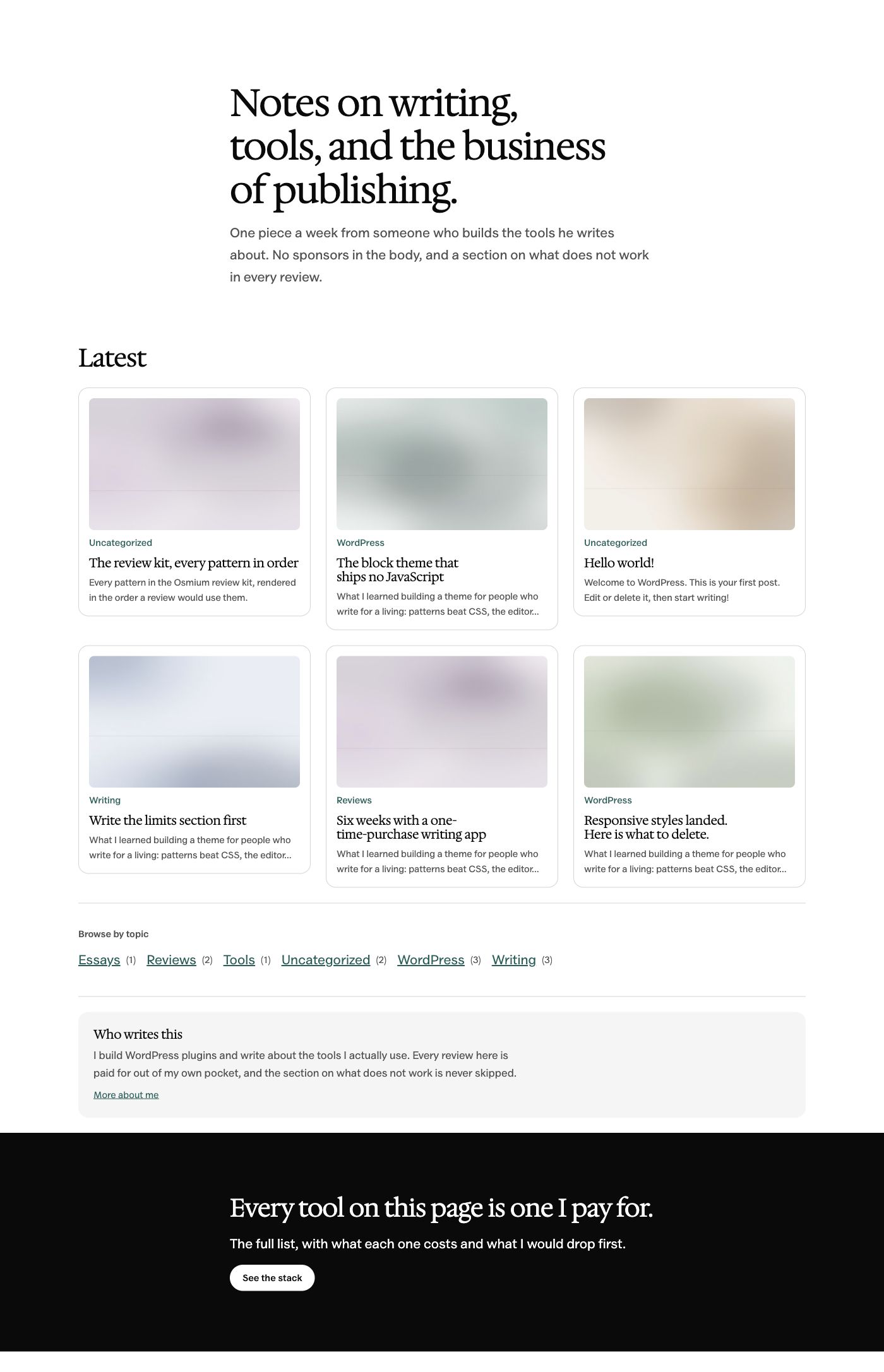
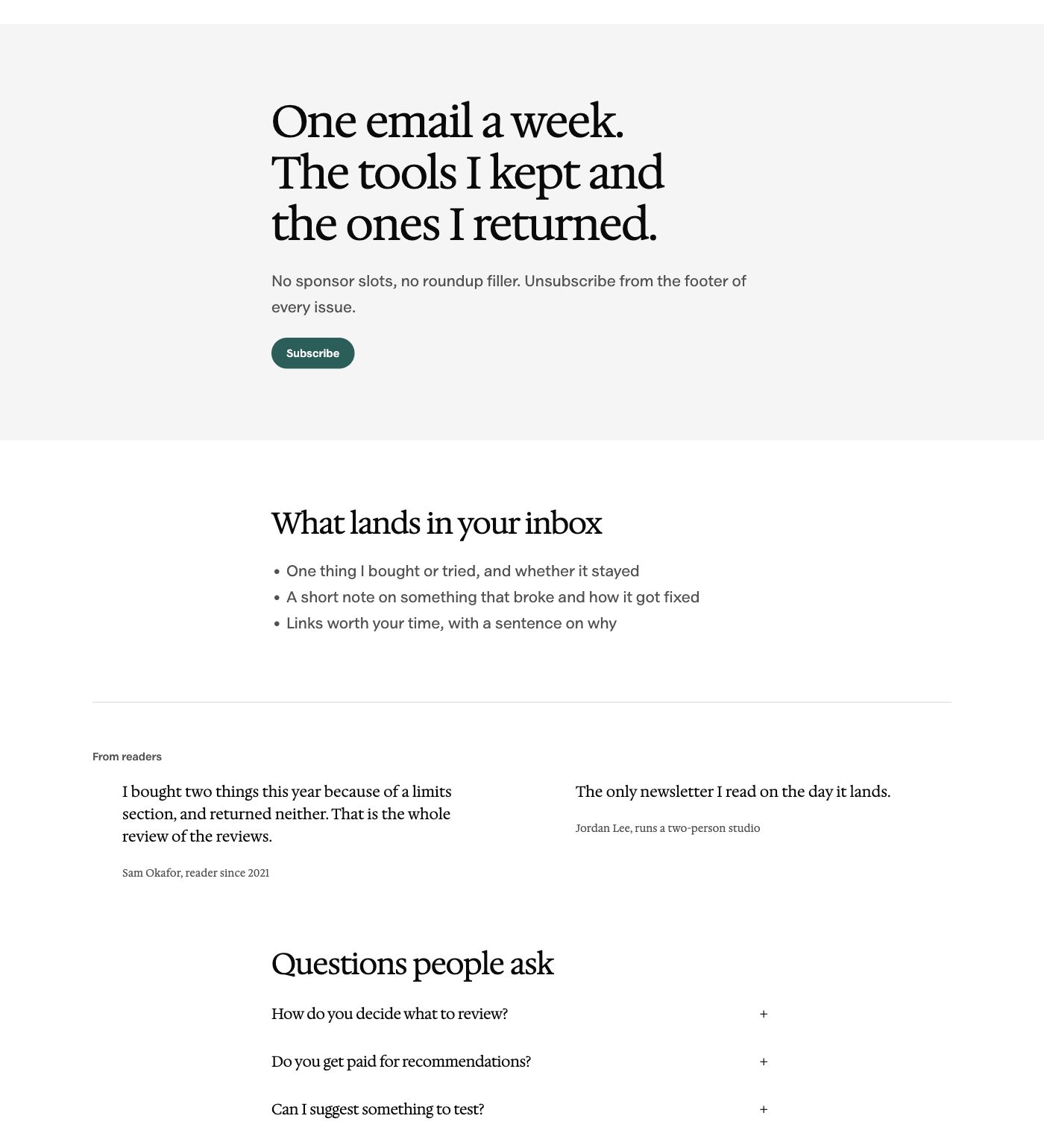
Explore 37 of the 122 patterns available in the inserter. Select any preview to open the complete image at full size.
Shown in the Editorial style with example content. Sample quotes, numbers and offers are placeholders; image slots are ready for your own photos.
Showing 37 of 37 patterns
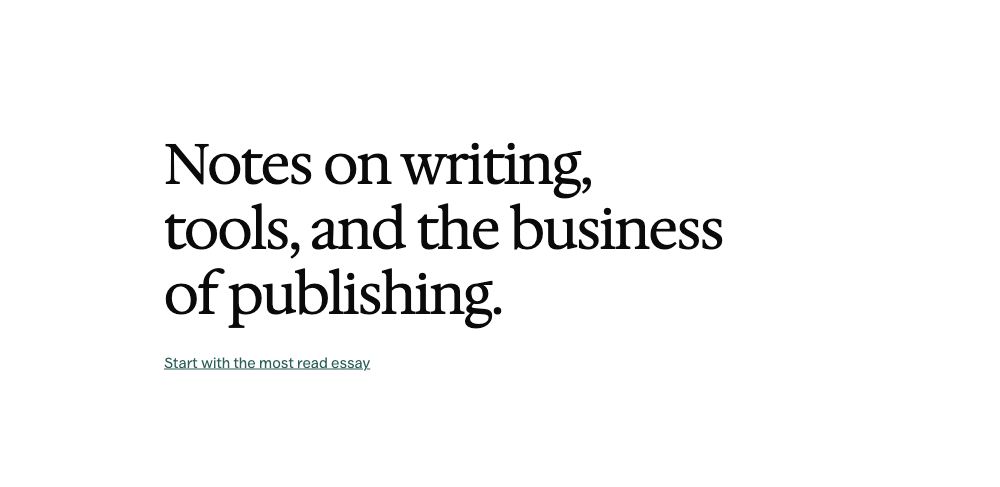
Openers
5 patterns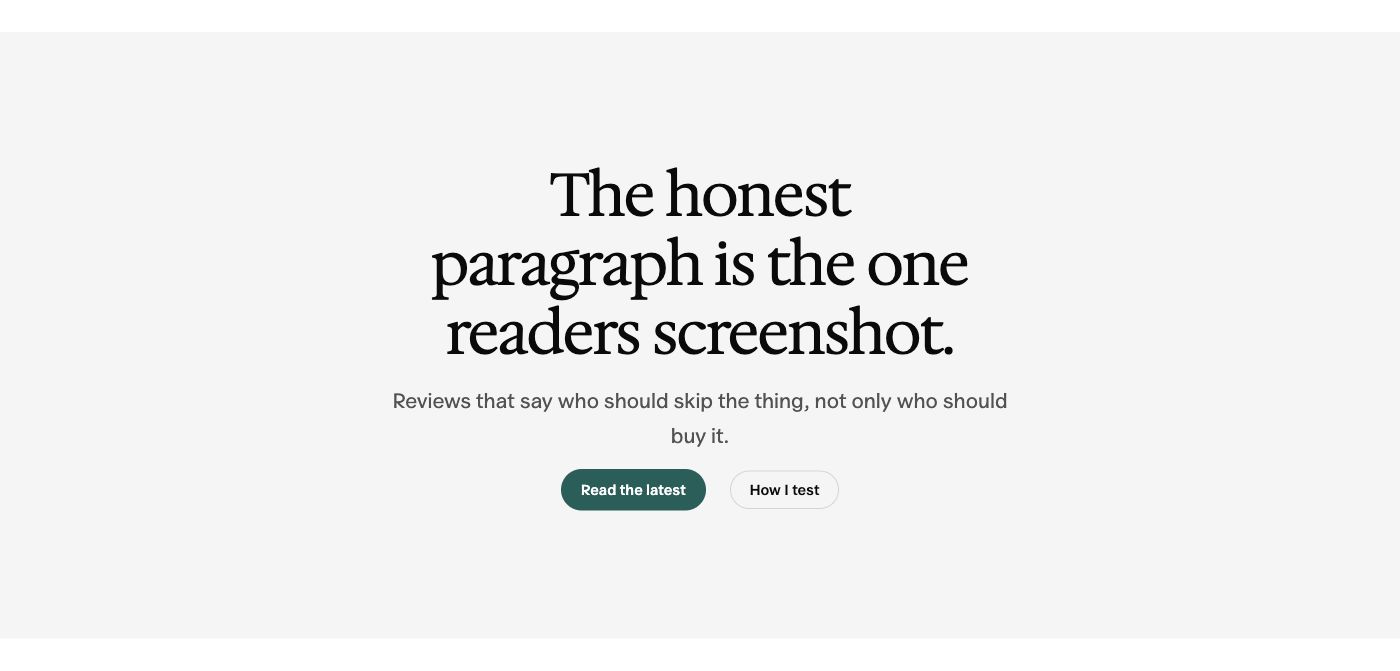
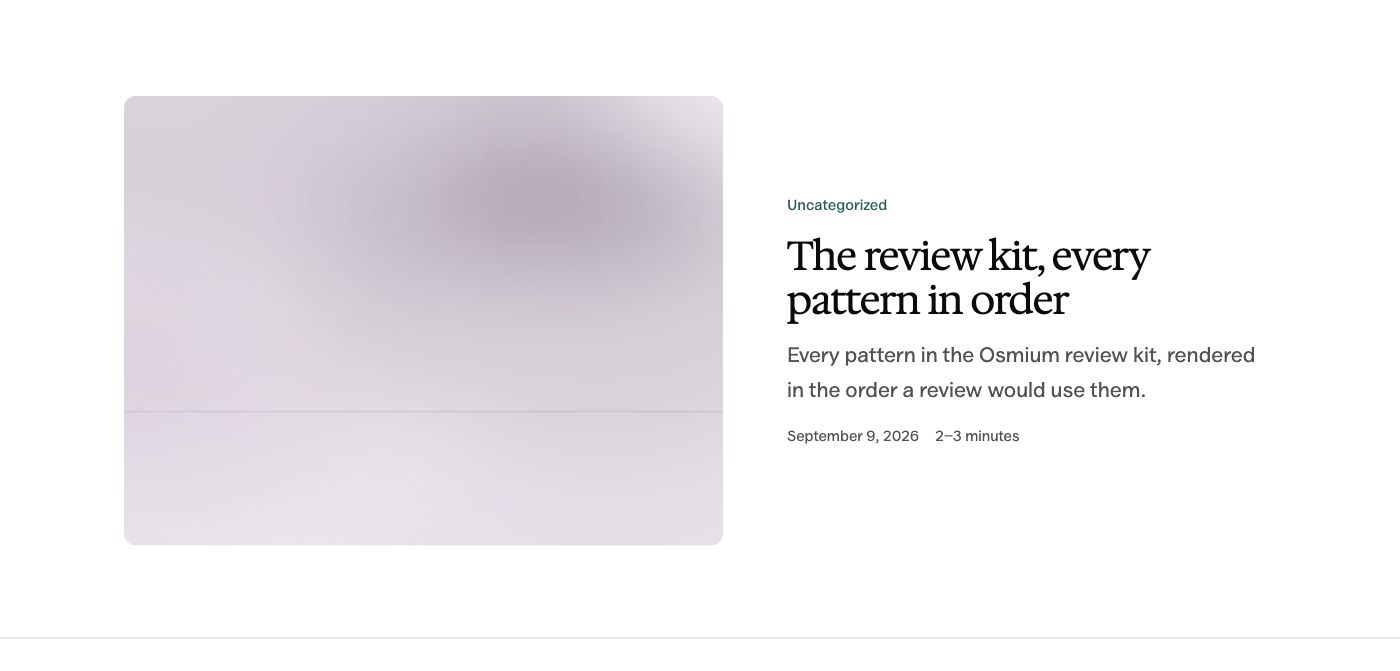
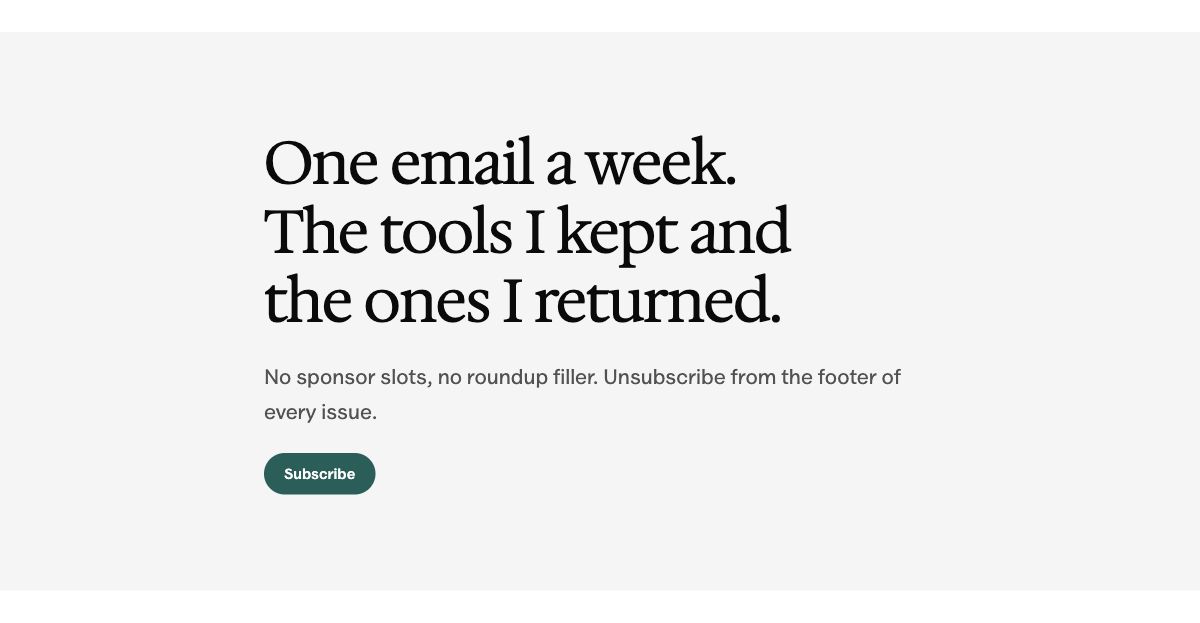

Content
11 patterns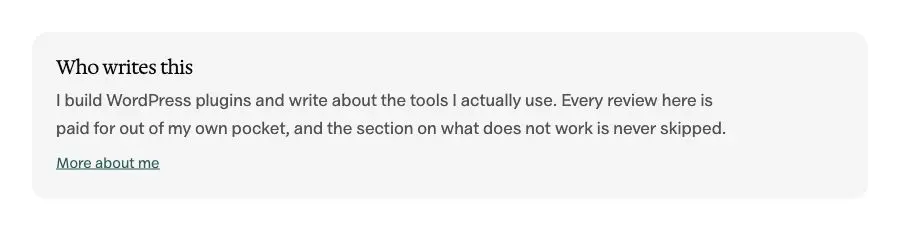 Author introduction900 × 231 · View full size
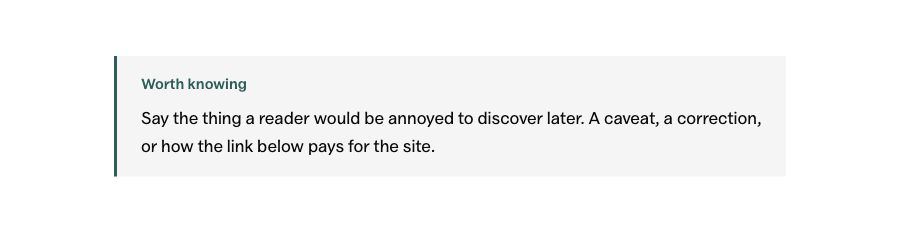
 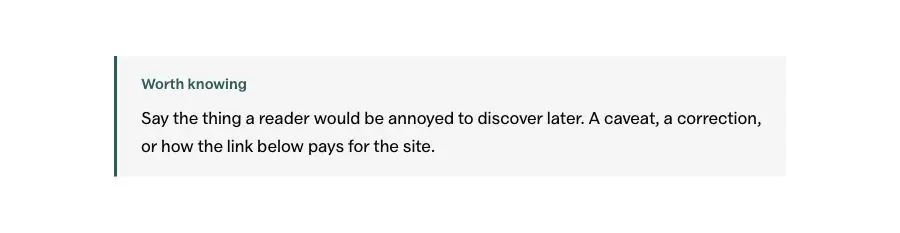 Callout note900 × 233 · View full size
  Category strip1200 × 214 · View full size
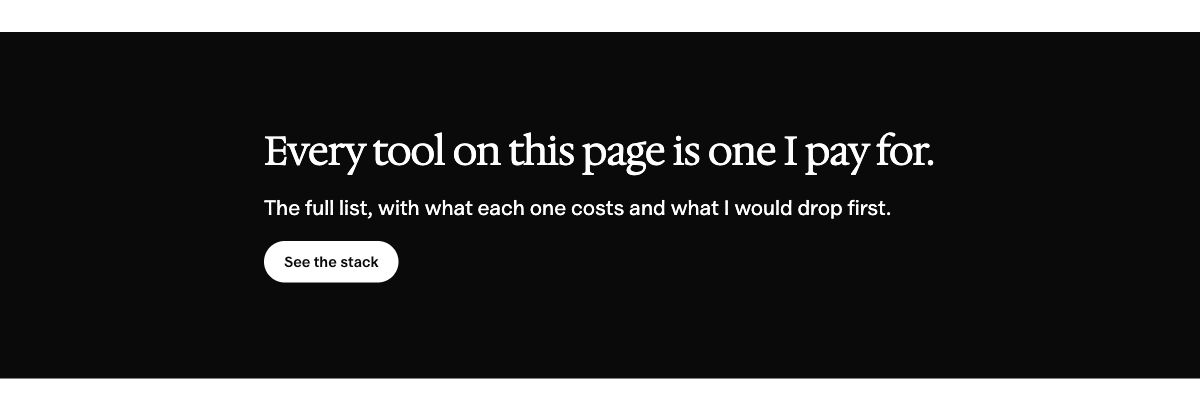
 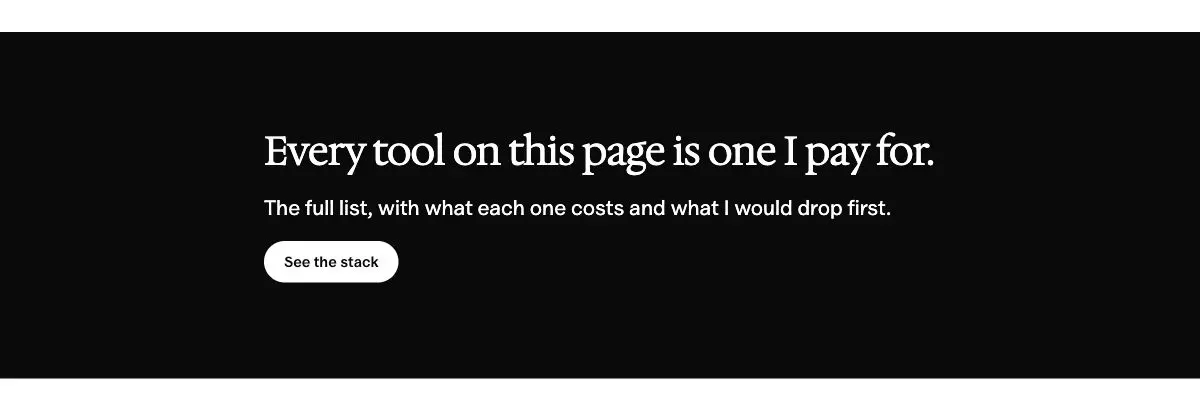 Call to action band1200 × 411 · View full size
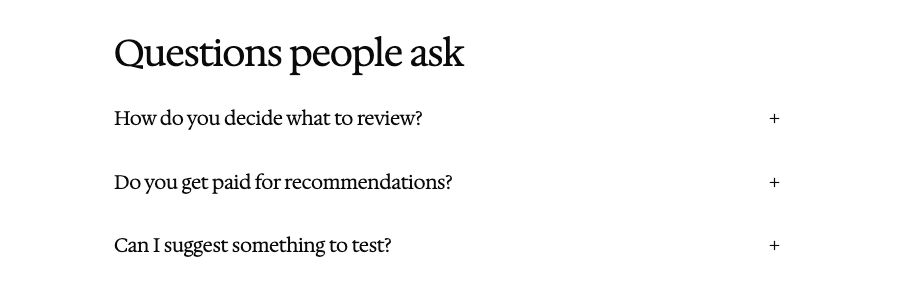
 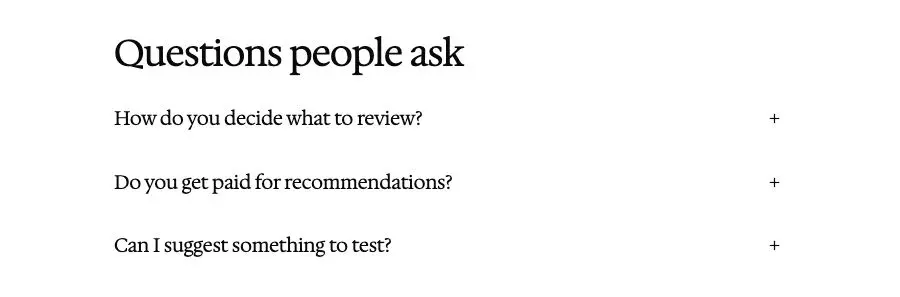 FAQ900 × 297 · View full size
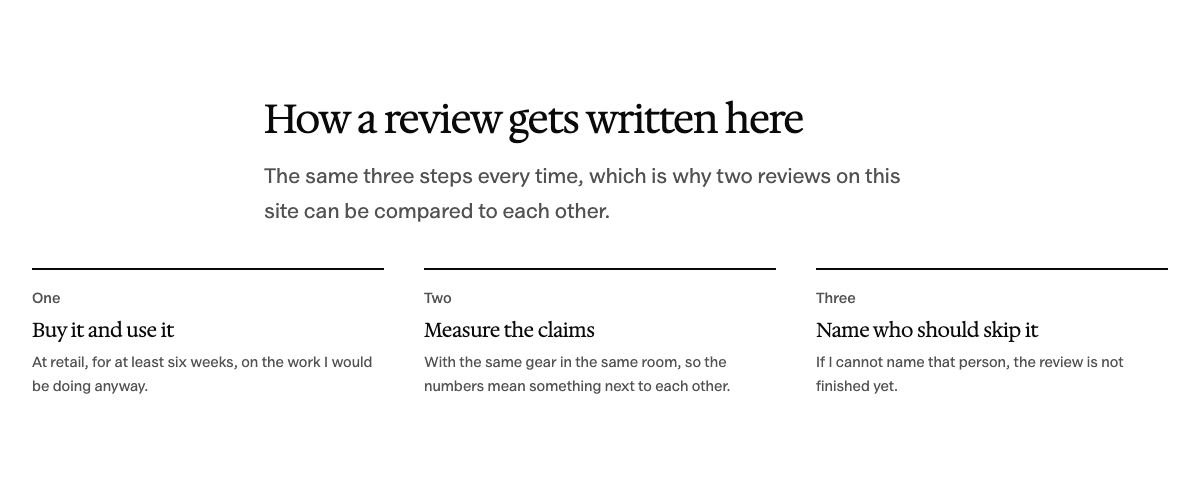
 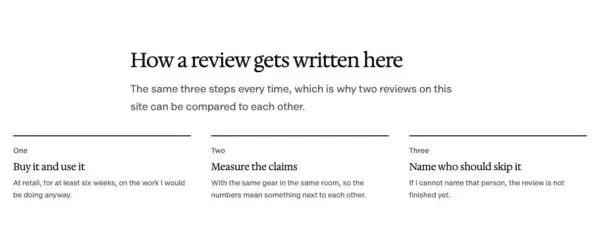 Three things explained1200 × 495 · View full size
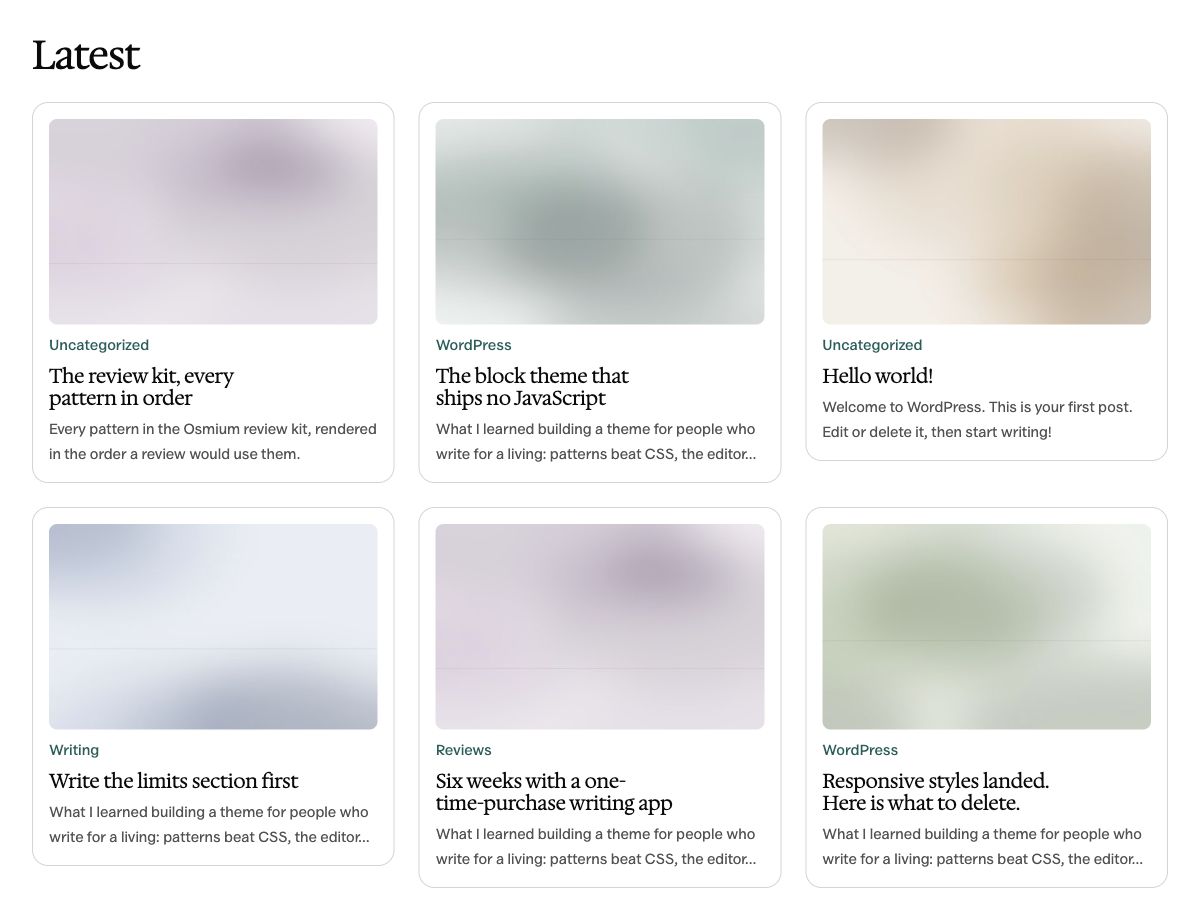
 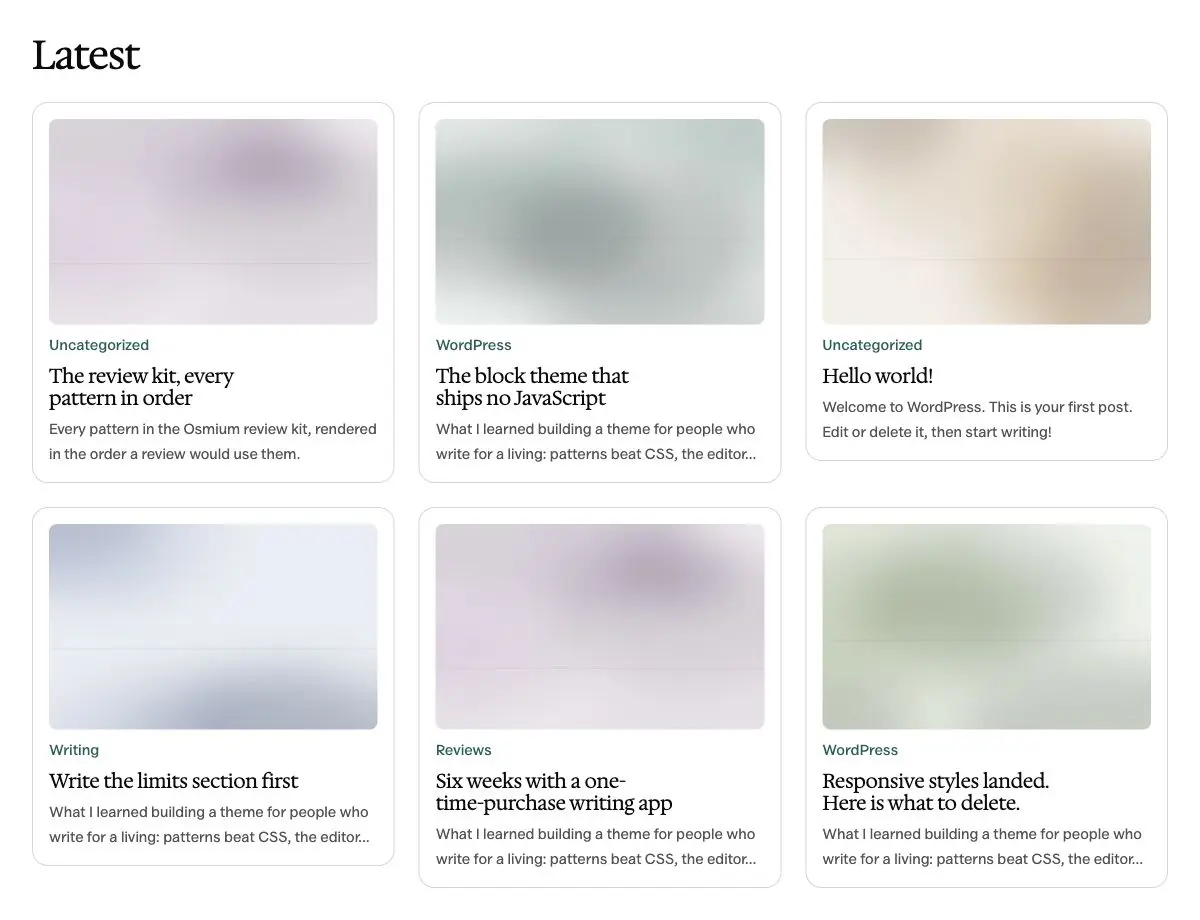 Post grid1200 × 920 · View full size
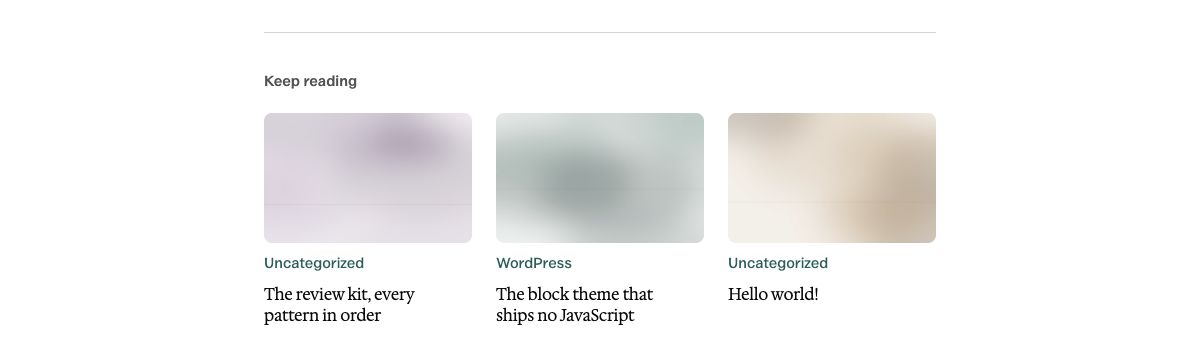
 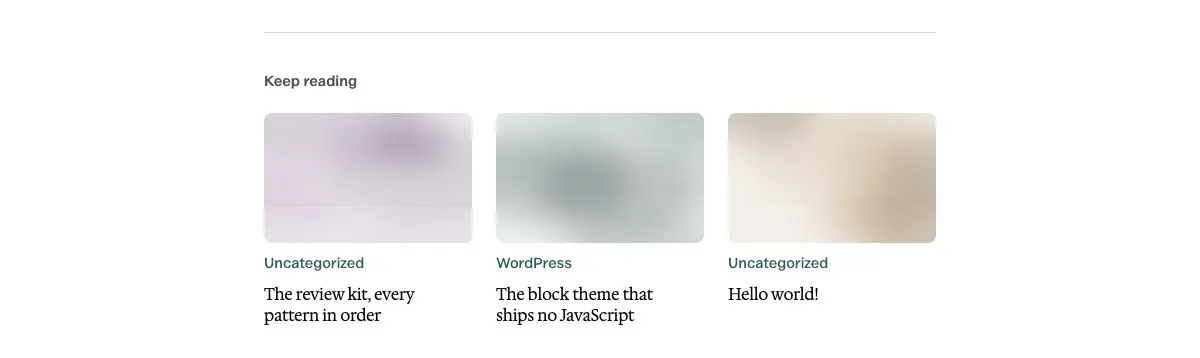 Keep reading1200 × 358 · View full size
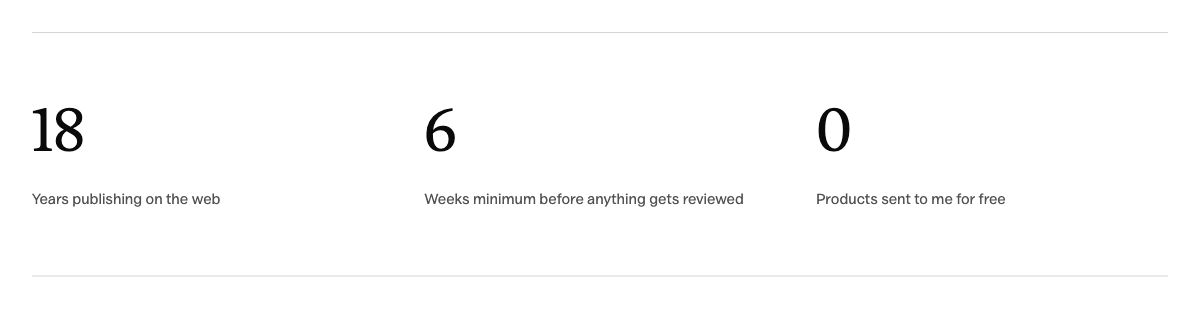
 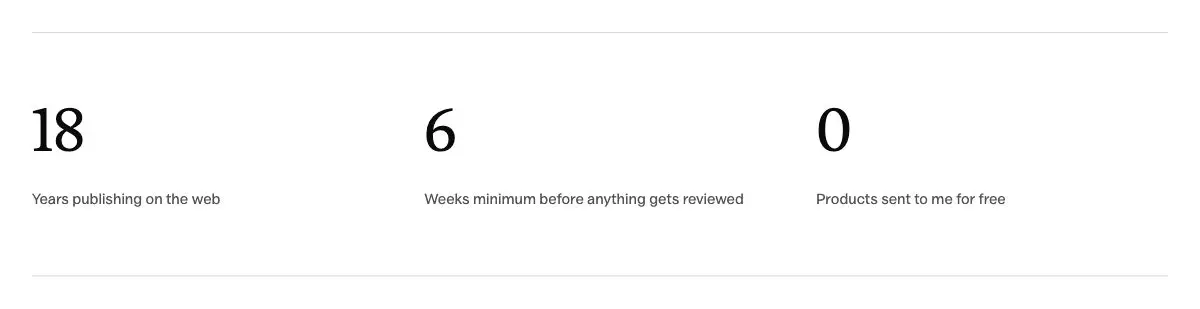 Numbers row1200 × 309 · View full size
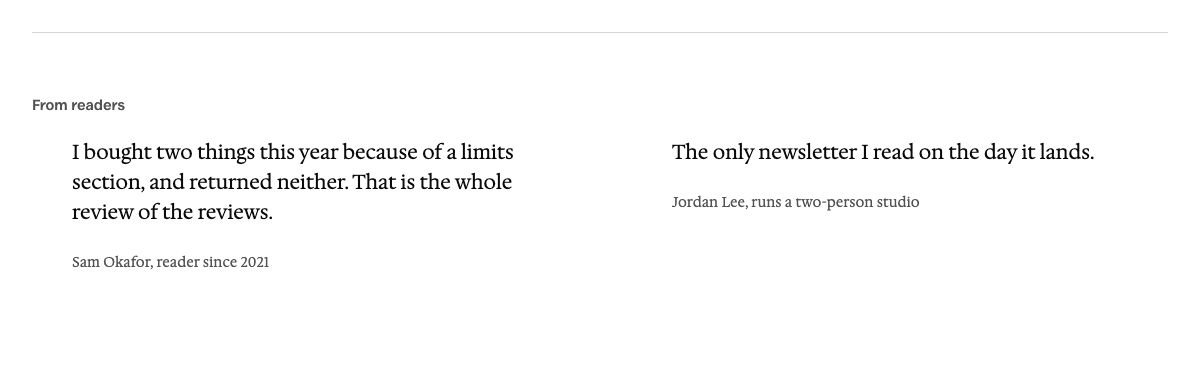
 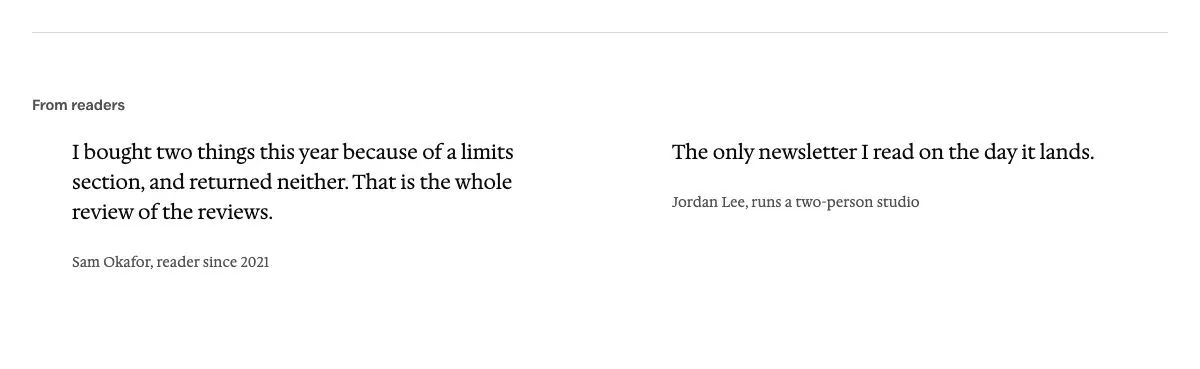 Reader quotes1200 × 369 · View full size
 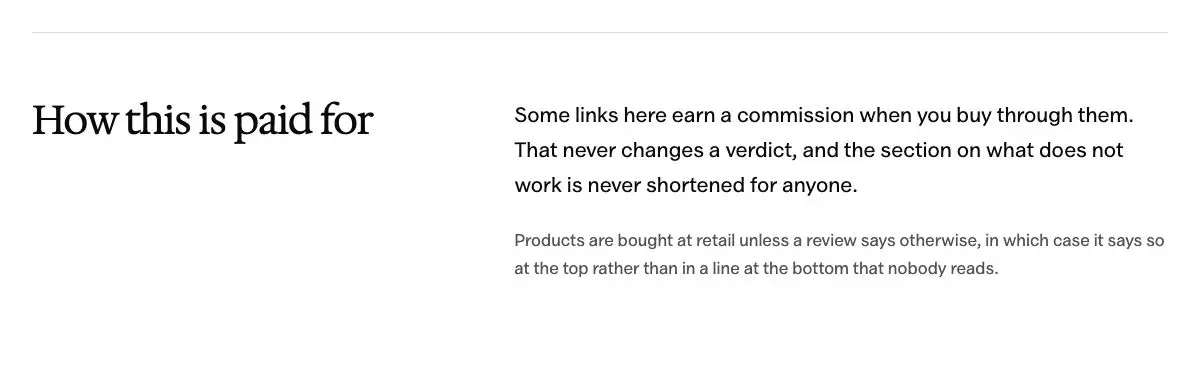 Section with a heading beside the text1200 × 378 · View full size
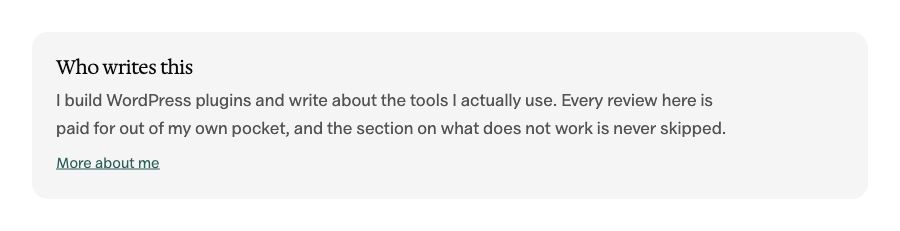

Review Kit
7 patterns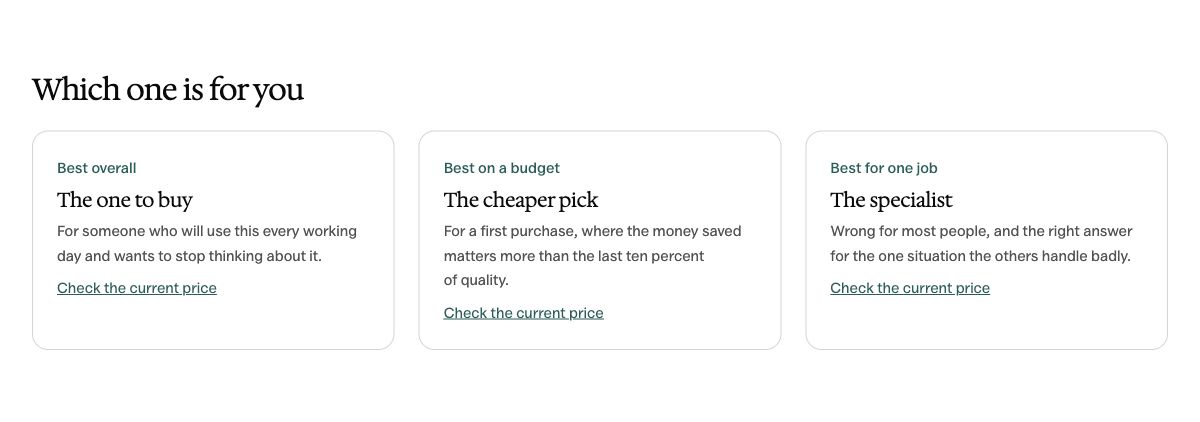
Pages
4 patterns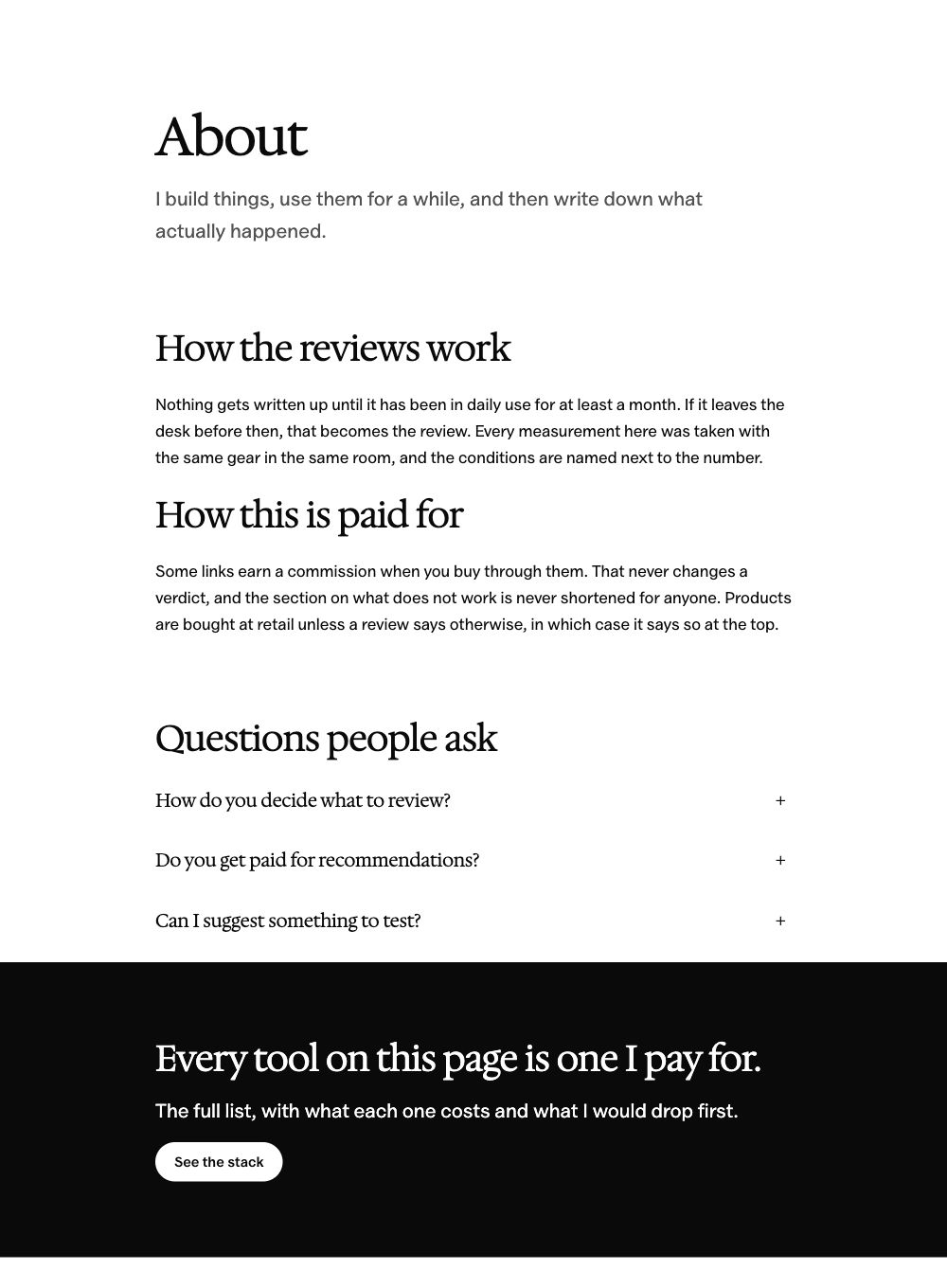
Headers
5 patterns




Footers
5 patterns
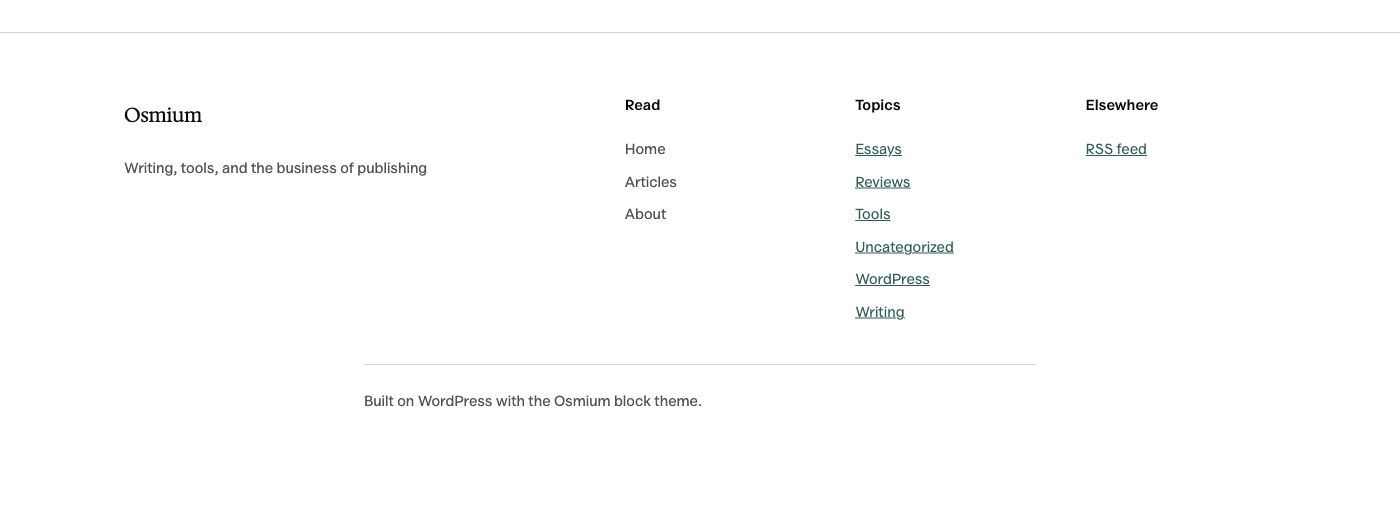
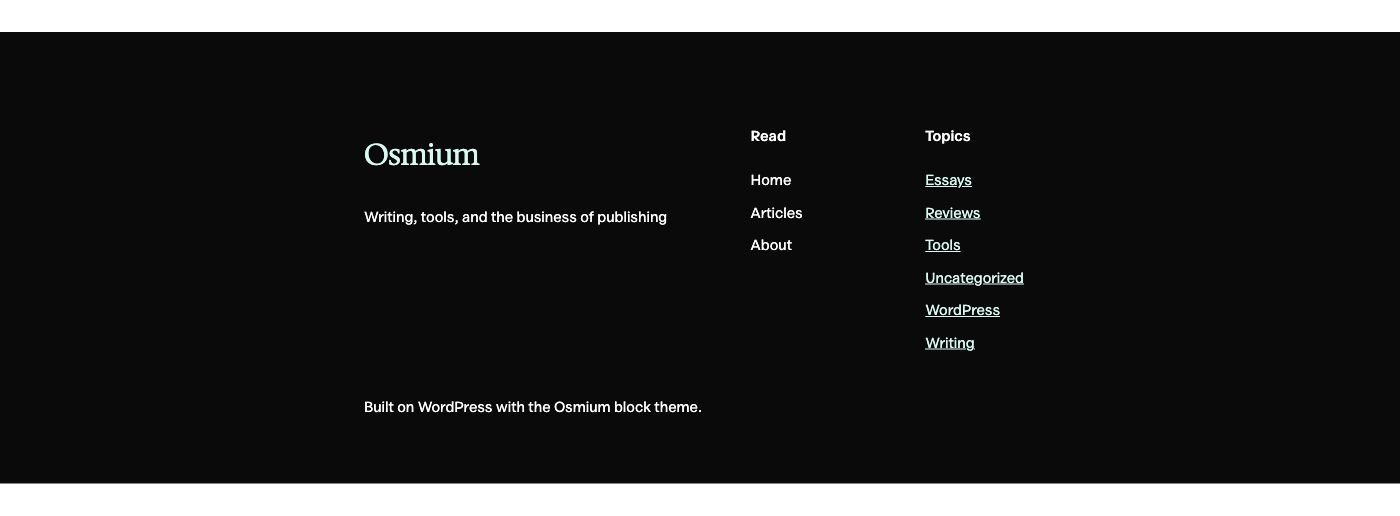

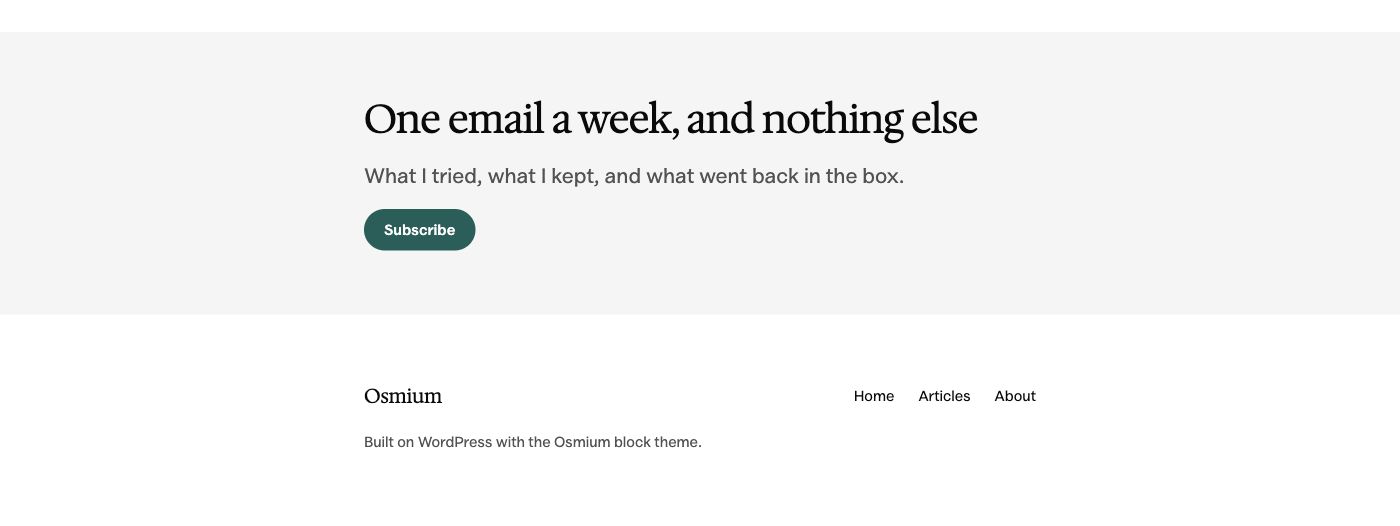
No patterns match those filters. Try another name or category.
Make It Your Own
- Download the theme
Get the release ZIP directly from GitHub. There’s no checkout or signup.
- Install it in WordPress
Go to Appearance → Themes → Add New → Upload Theme. Choose the ZIP, then install it.
- Choose your starting point
Activate Osmium on a staging site first. Open Appearance → Editor to choose your style and edit the layout.
Before You Install
Osmium 0.3.0 is an early release. Check your own content and plugins on staging before switching a live site.
- Requires WordPress 7.0 or newer and PHP 7.4 or newer.
- No custom WooCommerce templates, built-in slider or mega menu.
- The Front Page template takes precedence over a static homepage. Edit or remove that template in the Site Editor to use your own page.
Newsletters and other form actions need a working form or email service behind the layout.
Give Your Next Article a Home
The complete Osmium theme is free under GPL-2.0-or-later. Download it, make it yours and use it on as many sites as you need.
Version 0.3.0 · A direct ZIP download · No account required