
 by
by
The best external SSDs for PS5 solve a specific problem: storage, not direct PS5 play. A USB SSD lets you park PS5 games and run PS4 games, but a PS5 game must be copied back to the console or an installed M.2 SSD before you can launch it.
That makes the first decision more important than the brand. Buy an external SSD if you want plug-and-play overflow storage without opening the console. Buy an M.2 SSD if you want more space that behaves like the PS5’s built-in drive.
External SSD or M.2: choose the right type first
Sony treats USB and M.2 storage differently. Its USB extended storage guidance allows drives from 250GB to 8TB, but PS5 games stored there have to be copied back before play. Its M.2 requirements allow compatible drives in the same capacity range to store and launch PS5 games directly.
| Storage type | What it can do | What it cannot do | Main requirement |
|---|---|---|---|
| External USB SSD | Store PS5 games; store and play PS4 games | Launch PS5 games directly | SuperSpeed USB 5Gbps or later, 250GB-8TB |
| Internal M.2 SSD | Store and play PS5 and PS4 games | Work without opening the console | PCIe Gen4x4 NVMe, 5,500MB/s or faster recommended, effective cooling |
The recommendations below use Sony’s compatibility limits, official drive specifications, and current availability. They aren’t ranked by the largest advertised speed because a 2,000MB/s portable SSD does not turn the PS5’s 10Gbps USB connection into a 20Gbps port.
Best external SSDs for PS5
A good PS5 external SSD should be reliable, compact, and fast enough for the console’s USB connection. Paying extra for 20Gbps USB can still make sense when the same drive also serves a compatible PC, but it does not make PS5 games playable from the drive.
Samsung T7 Shield: best external SSD for most PS5 owners
The Samsung T7 Shield is the sensible default because its 1,050MB/s read rating matches the class of speed a PS5 can actually use over 10Gbps USB. The IP65-rated shell, compact body, and 1TB, 2TB, and 4TB capacities make it easier to recommend than a faster drive whose headline number is wasted on the console.
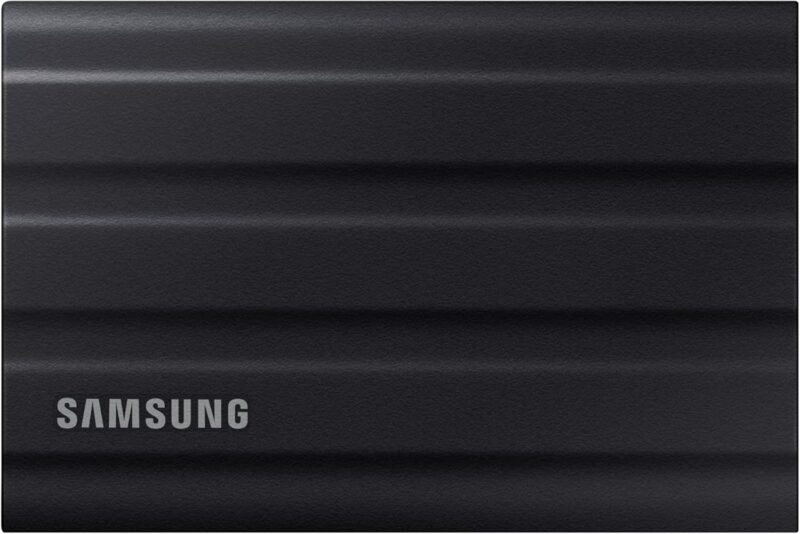
- Up to 1,050MB/s sequential read and 1,000MB/s sequential write
- IP65-rated resistance to dust and water under controlled conditions
- Available in 1TB, 2TB, and 4TB capacities
The limitation is price. If a plain 10Gbps drive is substantially cheaper at the same capacity, the PS5 will not reward you for the T7 Shield’s stronger enclosure. Choose it when the drive travels, sits within reach of children or pets, or will also hold important files away from the console.
WD_BLACK P40: best for PS5 plus a 20Gbps PC
The WD_BLACK P40 earns a place for mixed-device use. It supports USB 3.2 Gen2x2 speeds up to 2,000MB/s, has a shock-resistant metal enclosure, and includes RGB lighting controlled through WD_BLACK Dashboard on Windows.
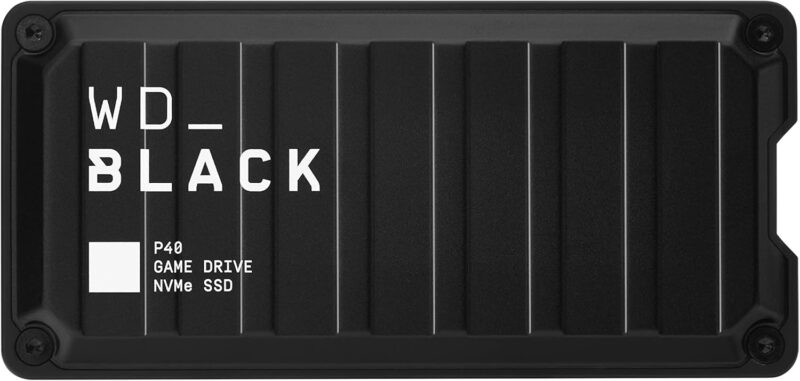
- Up to 2,000MB/s on a compatible USB 3.2 Gen2x2 host
- Shock-resistant enclosure with a five-year limited warranty
- Windows-controlled RGB lighting
On PS5, the P40 behaves like a fast 10Gbps drive because the console cannot use its full 20Gbps link. The RGB controls are also Windows-only. Buy it for the enclosure, design, warranty, or faster transfers on another machine. For PS5-only storage, the Samsung T7 Shield is usually the cleaner value.
Crucial X10 Pro: best cross-device work drive
The Crucial X10 Pro is a better fit for someone who needs one portable SSD for PS5 storage and creative work. It reaches up to 2,100MB/s read and 2,000MB/s write on a compatible 20Gbps host, while its IP55-rated shell and compact size suit travel.
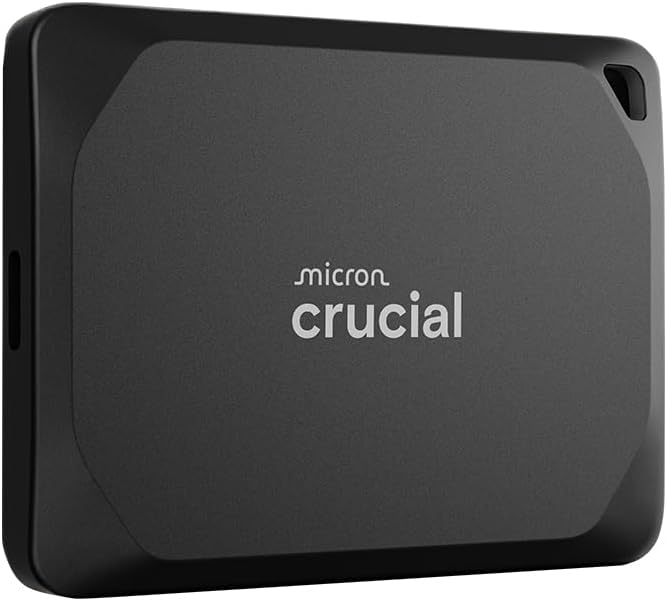
- Up to 2,100MB/s read and 2,000MB/s write on a 20Gbps host
- IP55-rated dust and splash resistance
- 1TB, 2TB, and 4TB capacity options
It is hard to justify for a stationary PS5 because the console leaves roughly half its interface speed unused. The X10 Pro becomes worthwhile when the same drive moves large media projects on a 20Gbps PC or tablet. Otherwise, spend the difference on more capacity.
Crucial X6: best budget pick when stock is sensible
The Crucial X6 is the value option. Its rated speed is lower than the T7 Shield, but it is still quick enough to make PS4 loading and PS5 archive transfers feel much better than a portable hard drive. The small plastic enclosure also disappears easily behind a console.
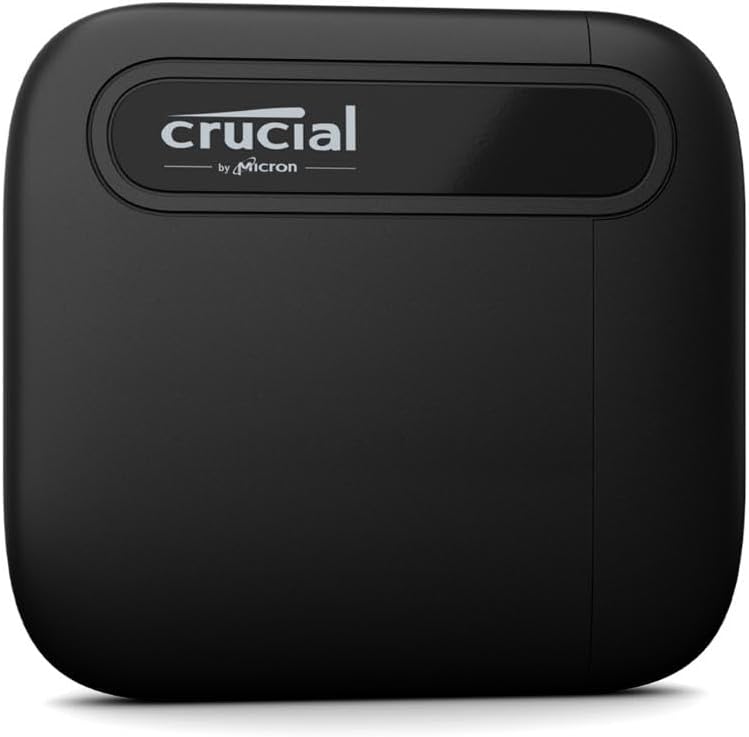
- Up to 800MB/s on the 1TB model
- Compact, bus-powered design
- Available in capacities up to 4TB
Stock is the catch. The X6 is worth buying only when it is clearly cheaper than a current 10Gbps model at the same capacity. If the prices are close, choose the T7 Shield. A budget label is not useful when an older drive has drifted into reseller pricing.
Sabrent Rocket Nano: best compact external SSD
The Sabrent Rocket Nano is the pick for a clean setup or a travel bag. Its aluminum body is much smaller than most portable SSDs, it is bus-powered, and its rated speed sits in the right range for the PS5’s USB connection.
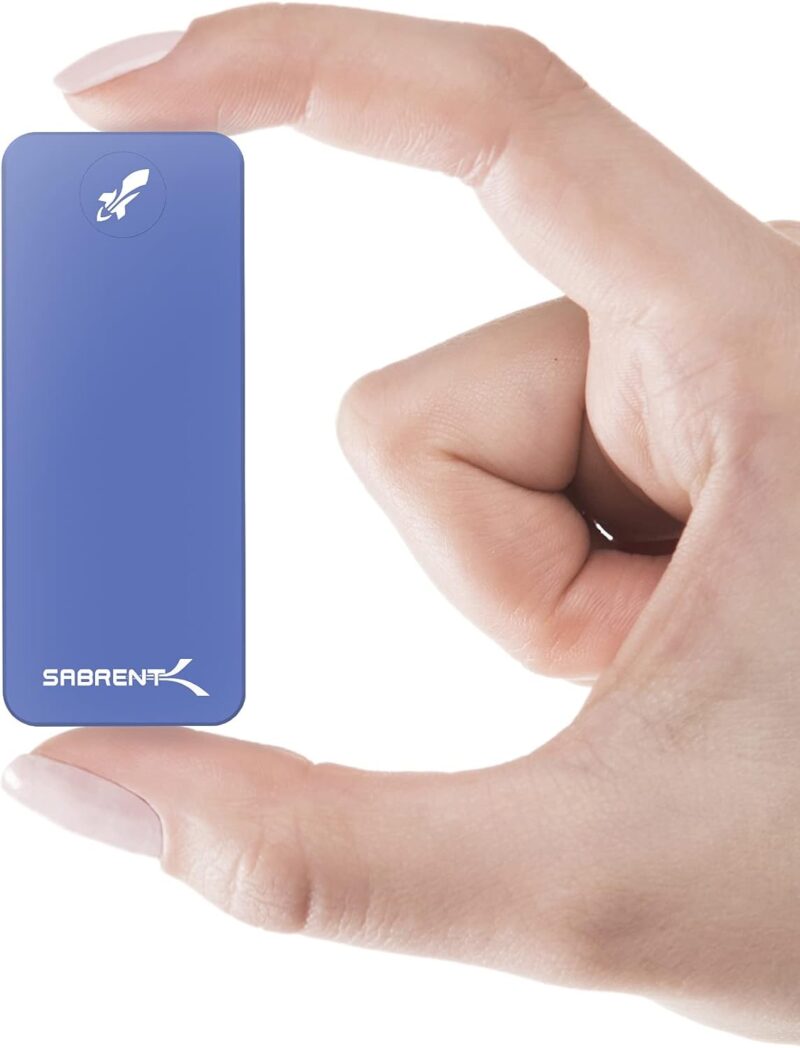
- Up to 1,000MB/s on the original Rocket Nano line
- Compact aluminum enclosure
- USB-powered with no separate adapter
The premium is for size, not better PS5 behavior. Check the exact capacity and generation before buying because Sabrent uses similar names across several Rocket Nano models. If a larger drive costs less, the smaller enclosure has to matter to you.
Best M.2 SSDs for playing PS5 games
An M.2 SSD is the better upgrade when you mainly play PS5 titles. Sony recommends PCIe Gen4x4 NVMe storage with sequential reads of at least 5,500MB/s and requires effective heat dissipation. A model with a preinstalled heatsink removes one compatibility decision and is usually worth a small premium.
WD_BLACK SN850X with heatsink: the default M.2 pick
The WD_BLACK SN850X with heatsink is the straightforward choice for most PS5 owners. Its rated read speed reaches 7,300MB/s, the heatsink version fits the cooling requirement without a separate part, and capacities extend well beyond the common 1TB and 2TB options.
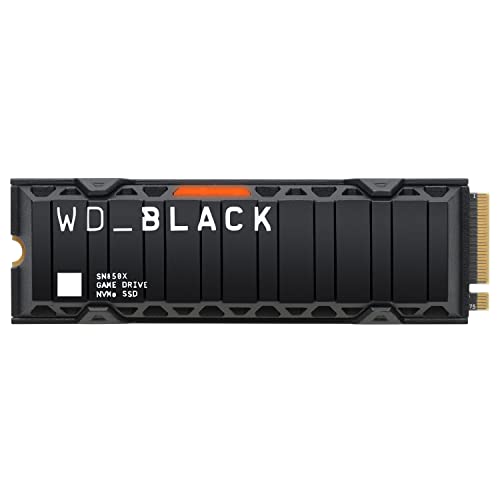
- Up to 7,300MB/s sequential read on supported capacities
- Integrated heatsink version available
- Capacity options up to 8TB
Do not accidentally order the bare version unless you also plan to add a compatible heatsink. The PS5 does not need the WD Dashboard software, and the drive’s PC gaming features do not change console performance. What matters here is fit, cooling, capacity, and price.
Samsung 990 Pro with heatsink: premium Gen4 alternative
The Samsung 990 Pro with heatsink is a premium alternative with sequential reads up to 7,450MB/s, an integrated thermal solution, and 1TB, 2TB, and 4TB capacities. It fits the PS5 slot and exceeds Sony’s recommended speed.
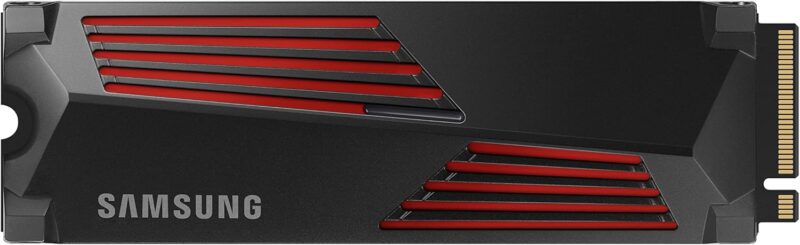
- Up to 7,450MB/s sequential read and 6,900MB/s sequential write
- Integrated heatsink sized for PS5 use
- Five-year limited warranty or rated write limit
Its extra benchmark headroom does not guarantee visibly faster game loading than another good PS5-compatible Gen4 drive. Buy it when the price is close to the SN850X or when you also plan to use it in a PC later. Skip it when the Samsung name adds a large premium.
Lexar NM790 with heatsink: best value at higher capacities
The Lexar NM790 with heatsink is the value-oriented choice when 2TB or 4TB capacity matters more than owning the best-known brand. Its rated reads reach 7,400MB/s, and the heatsink model is ready for the PS5 slot.
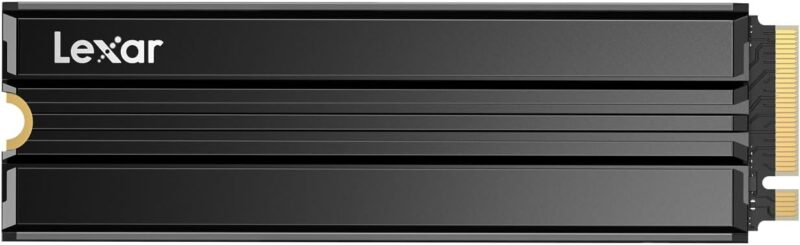
- Up to 7,400MB/s sequential read
- Preinstalled heatsink option
- 1TB, 2TB, and 4TB options in the NM790 line
The NM790 uses a DRAM-less design, and Sony notes that PS5 does not support Host Memory Buffer. That does not make the drive incompatible, but it is a reason to compare the final price carefully against drives with dedicated DRAM. The NM790 wins when the capacity discount is meaningful, not when every model costs the same.
Seagate Game Drive PS5 NVMe: best officially licensed option
The Seagate Game Drive PS5 NVMe is officially licensed, includes a purpose-built heatsink, and reaches up to 7,300MB/s sequential reads. It is the easy compatibility choice for someone who values the PlayStation license and does not want to compare dimensions or add cooling.
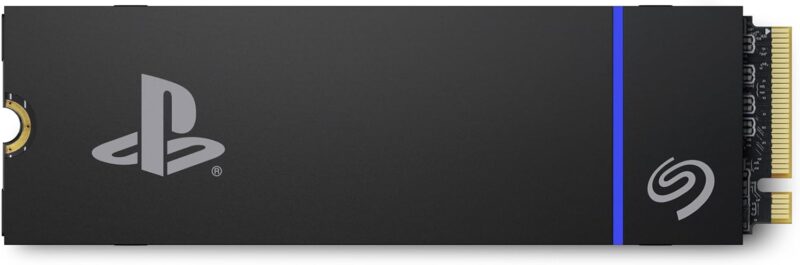
Seagate Game Drive PS5 NVMe SSD
- Officially licensed for PS5 consoles
- Up to 7,300MB/s sequential read
- Custom integrated heatsink
The license is reassurance, not a performance multiplier. Some current listings are priced far above the SN850X, Samsung 990 Pro, and Lexar NM790. At that point, skip it. It becomes a good buy only when the premium is small enough that simpler product selection is worth paying for.
How to choose the right PS5 SSD
The useful specifications are the ones that change what the drive can do on your console. Check these before comparing badges or advertised peak speeds.
- Choose storage type first. USB is for PS4 play and PS5 archiving. M.2 is for launching PS5 games.
- Start at 1TB, prefer 2TB for a growing library. Smaller capacities save money but fill quickly once modern games and updates accumulate.
- Do not pay a PS5-only premium for 20Gbps USB. The drive may be faster on another device, but the console’s USB connection is the limit.
- Buy an M.2 heatsink version when possible. Sony requires effective heat dissipation, and a factory-fitted heatsink removes a fit and installation variable.
- Compare the same capacity. A cheap 1TB drive is not better value than a 2TB model simply because its checkout total is lower.
- Check the exact listing. Amazon pages often combine bare and heatsink versions or several generations under one product family.
Which SSD should you buy?
For external storage, the Samsung T7 Shield is the best all-round choice. It is fast enough for the PS5’s USB connection, rugged without being bulky, and available in useful capacities. Choose the WD_BLACK P40 instead when the same drive will also serve a 20Gbps Windows PC.
For playing PS5 games from expanded storage, skip USB and install the WD_BLACK SN850X with heatsink. The Lexar NM790 with heatsink is the value alternative when its 2TB or 4TB listing is meaningfully cheaper. Do not pay a large license premium for the Seagate drive when these options meet Sony’s requirements.
If you publish hardware comparisons yourself, I can set up the affiliate link routing, disclosures, product-card workflow, and click reporting behind them through my affiliate marketing setup services. The goal is a system you can maintain after prices and products change.
For the rest of the console setup, see the guide to gaming headsets under $50. If network performance is the problem rather than storage, the gaming VPN guide explains where a VPN helps and where it only adds latency.
PS5 SSD FAQ
These are the compatibility questions that still matter after you choose a drive.
Can you play PS5 games directly from an external SSD?
No. A PS5 can store PS5 games on USB extended storage, but you must copy them back to console storage or a compatible M.2 SSD before playing.
Can you play PS4 games from a PS5 external SSD?
Yes. PS4 games can be installed and played directly from USB extended storage connected to a PS5.
Does an external SSD need to be made for PS5?
No. Sony requires SuperSpeed USB at 5Gbps or later and a capacity from 250GB to 8TB. Not every device is guaranteed to work, so check the connection and exact model before buying.
Do you need a heatsink for a PS5 M.2 SSD?
Yes. Sony requires effective heat dissipation for an installed M.2 SSD. A drive with a preinstalled heatsink is the simplest option, provided the complete drive fits Sony’s size limits.
Is 1TB or 2TB better for PS5 storage?
Choose 1TB for a smaller active library and 2TB if you rotate several large games. Compare the final cost per terabyte, but do not buy more capacity than you are likely to use.
How do you format an external SSD for PS5?
Connect the drive directly to a SuperSpeed USB port, then open Settings > Storage > USB Extended Storage > Format as USB Extended Storage. Formatting erases the drive, so move any files you need first.
Tell Google you want more of this.
Add Gaurav Tiwari as a preferred sourceOne tap, and this site shows up more often in your own Top Stories, AI Overviews and AI Mode. Remove it any time.
Disclaimer: This site is reader-supported. If you buy through some links, I may earn a small commission at no extra cost to you. I only recommend tools I trust and would use myself. Your support helps keep gauravtiwari.org free and focused on real-world advice. Thanks. - Gaurav Tiwari