
 by
by
For every WordPress article or page you hit publish, you start creating shareable content and then start posting it on social media. But this flow is tiresome as you have to copy and share the same content on 5 or 6 networks every time. This is where the WordPress social media plugins come in handy.
They help you figure out a plan and then execute it by automating the process —generally automatically posting to your social channels. They also help you integrate your social channels with your WordPress site, let users share your content, and more.
So a “WordPress Social media plugin” covers at least 4 completely different jobs, and a plugin that’s excellent at 1 of them is usually useless at the others. Some site owners install an auto-poster expecting embedded Instagram feeds. Others install a share-button plugin and wonder why nothing publishes anywhere.
The 4 jobs, because everything below sorts by them:
- Auto-posting: publish a WordPress post once and have it shared to your own social accounts automatically.
- Feed embeds: pull your Instagram grid, Facebook timeline, YouTube channel, or X feed onto your site.
- Share buttons: let visitors share your content to their accounts with 1 click.
- Archive recycling: keep older evergreen posts circulating on social without republishing them.
I haven’t tried all WordPress social media plugins that exist in the market – but I did try 20-odd of them, out of which these eight were the best in my opinion.
The 8 plugins below cover those jobs with depth, in order:
- FS Poster, Jetpack Social, Blog2Social, and Revive Old Posts for outbound posting,
- Smash Balloon and WP Social Ninja for inbound feeds,
- AddToAny and Social Warfare for share buttons.
Quick Comparisons
| Plugin | Job | Free option | Paid from |
|---|---|---|---|
| FS Poster | Auto-posting to 26 networks | No, 30-day guarantee | $45/year |
| Jetpack Social | Simple auto-posting for beginners | Yes, 30 shares/month | $4.92/month |
| Blog2Social | Manual scheduling with per-network control | Yes, limited | $7.95/month |
| Revive Old Posts | Recycling evergreen archive content | Yes, 2 networks | $75/year |
| Smash Balloon | Social feed embeds | Yes, limited | $49/year per feed |
| WP Social Ninja | Feeds, reviews, and chat in 1 license | Yes, limited | $79/year |
| AddToAny | Free visitor share buttons | Yes, full | Pro $24/year |
| Social Warfare | Premium share buttons with social proof | Yes, limited | $29/year |
Best WordPress Social Media Plugins
Every plugin here is excellent at its job and useless outside it and that is how it should be. But if you are trying to buy one of these for your business, you should check their refund policy. Most plugins have generous refund policies, but things may change over time. Nevertheless, here are the best WordPress social media plugins in 2026 in my opinion.
FS Poster
FS Poster has been the benchmark WordPress auto-poster since 2017, and the numbers hold up: 25,000+ customers and a 4.9 rating from 650+ reviews. The workflow is the classic one: publish or update a post, and it goes out to the accounts you select, using message templates you control.
The network roster is what separates it. 26 networks, including Facebook Pages and Groups, Instagram, LinkedIn Pages and Profiles, X, Pinterest, TikTok, YouTube, Telegram, Reddit, WhatsApp, Tumblr, VK, and Bluesky, where most competitors stop at 8 to 12.
Multiple accounts per network run from 1 install, conditional rules send category-specific posts to specific accounts, WooCommerce products auto-share, and shortcode templates pull the title, excerpt, custom fields, and price into every caption. UTM tracking and link shorteners are built in, and a calendar view shows the whole queue inside the WordPress dashboard.
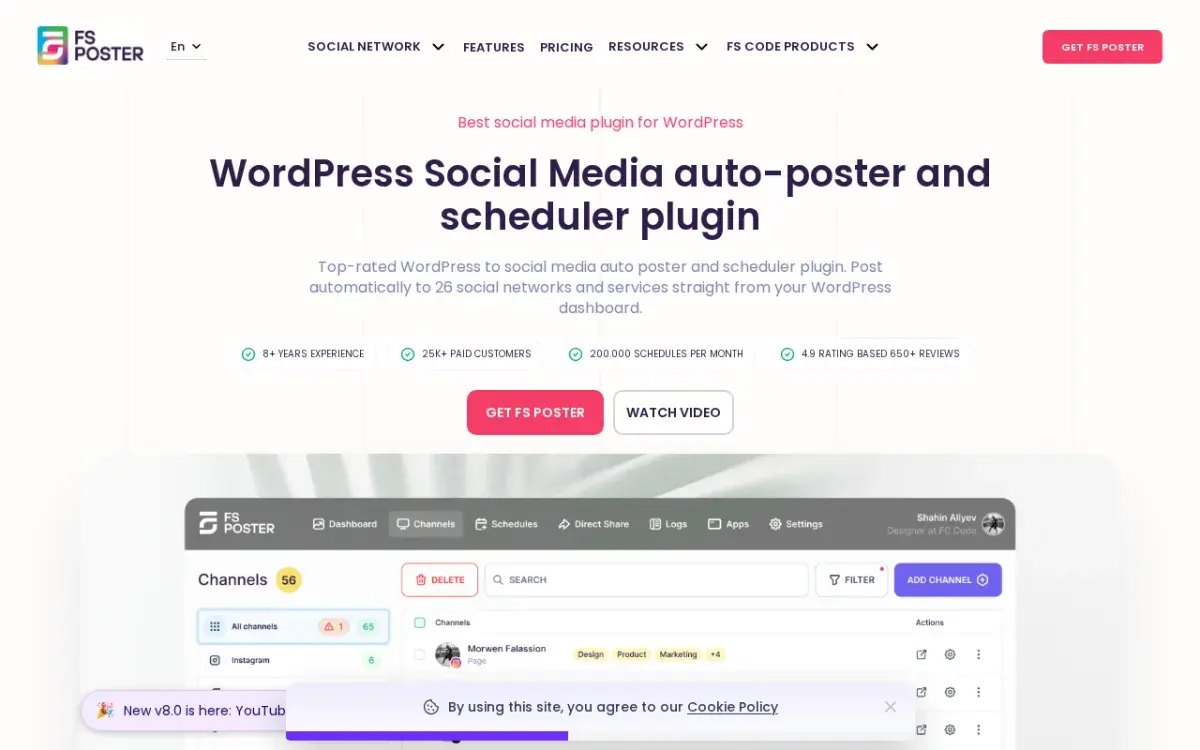
It sells directly from fs-poster.com rather than WordPress.org, so there’s no free tier; the trade is a 30-day money-back guarantee, active development, and support at a level free WordPress.org plugins rarely sustain. Plans start at $45 a year for 1 site.
Plus Points
- 26 networks, the widest roster of any dedicated WordPress auto-poster
- 25,000+ customers and a 4.9 rating from 650+ reviews
- Multiple accounts per network on a single install
- WooCommerce auto-posting built in, not sold as an add-on
- Shortcode message templates plus UTM tracking out of the box
Negatives
- No free tier, only the 30-day guarantee
- Purchased and updated from the vendor, not WordPress.org
- Heavy for sites that post to only 1 or 2 networks
For bloggers, content teams, and WooCommerce stores publishing on a schedule, it’s the strongest tool in the category and my pick for the whole job. If you post twice a month to Facebook, it’s more machine than you need.
Jetpack Social
Jetpack Social is the gentlest on-ramp. It’s Automattic’s auto-sharing module, available since late 2023 as a standalone plugin, so you get auto-posting without adopting the whole Jetpack bundle. Connect Facebook, LinkedIn, Instagram, and X, and posts share on publish with near-zero setup.
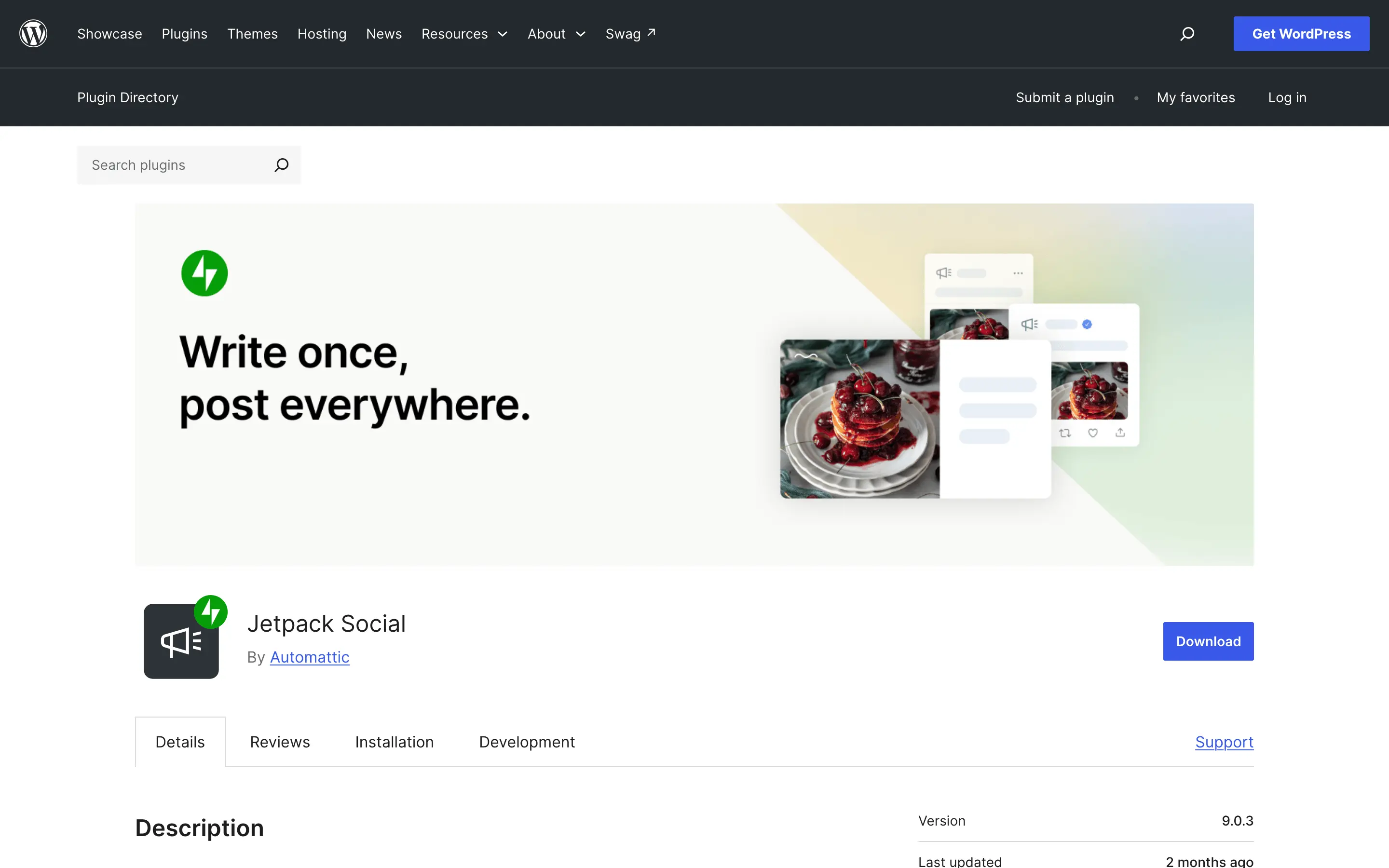
The catch is arithmetic. The free plan caps at 30 shares a month, and 30 shares is 1 daily post to a single network, or 2 networks on a lighter cadence. Publish more and the cap arrives mid-month. The paid tier from $4.92 a month removes the cap and adds an AI caption assistant.
Plus Points
- Free plan that publishes, with no trial clock
- Standalone plugin; the full Jetpack bundle is optional
- Minimal setup inside the WordPress dashboard
- AI caption generator on paid tiers
Negatives
- 30-share monthly cap on free burns out fast for active publishers
- No TikTok, Telegram, Bluesky, Reddit, or Pinterest
- Requires a WordPress.com account connection
I’d hand it to a solo blogger covering the big 4 networks on a modest cadence. It turns wrong the day you need per-network customization or a fifth network, and that’s FS Poster territory.
Blog2Social
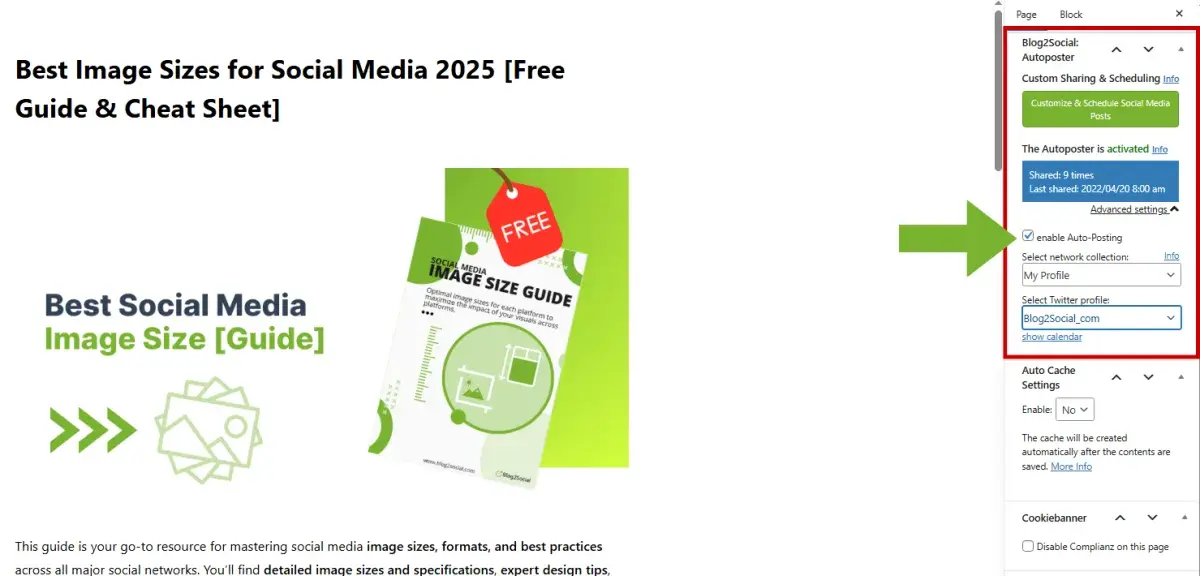
Blog2Social sits between an auto-poster and a full social media manager like Buffer. It connects 12+ networks and lets you edit the caption, hashtags, and timing for each network individually before anything schedules. That’s slower than fire-and-forget on purpose: it suits teams with an approval step, where captions get reviewed before they represent the brand.
Plus Points
- Per-network caption and image editing before posts go live
- Editorial calendar and bulk scheduling on paid plans
- Re-sharing of older posts on paid plans
- Free version available on WordPress.org
Negatives
- Free plan shares immediately only: no scheduling, 2 accounts per network
- Per-network editing is manual overhead at high volume
- Team seats push the price up quickly
Paid plans start at $7.95 a month billed annually. I’d pick it for the review-then-schedule workflow, and FS Poster when I want the machine to run without me.
Revive Old Posts
Revive Old Posts solves the problem every archive quietly has: a post gets 1 round of social attention at publish, then fades while it stays useful for years. This plugin re-shares older posts on a schedule you configure, with minimum post age, sharing interval, and category or tag exclusions.
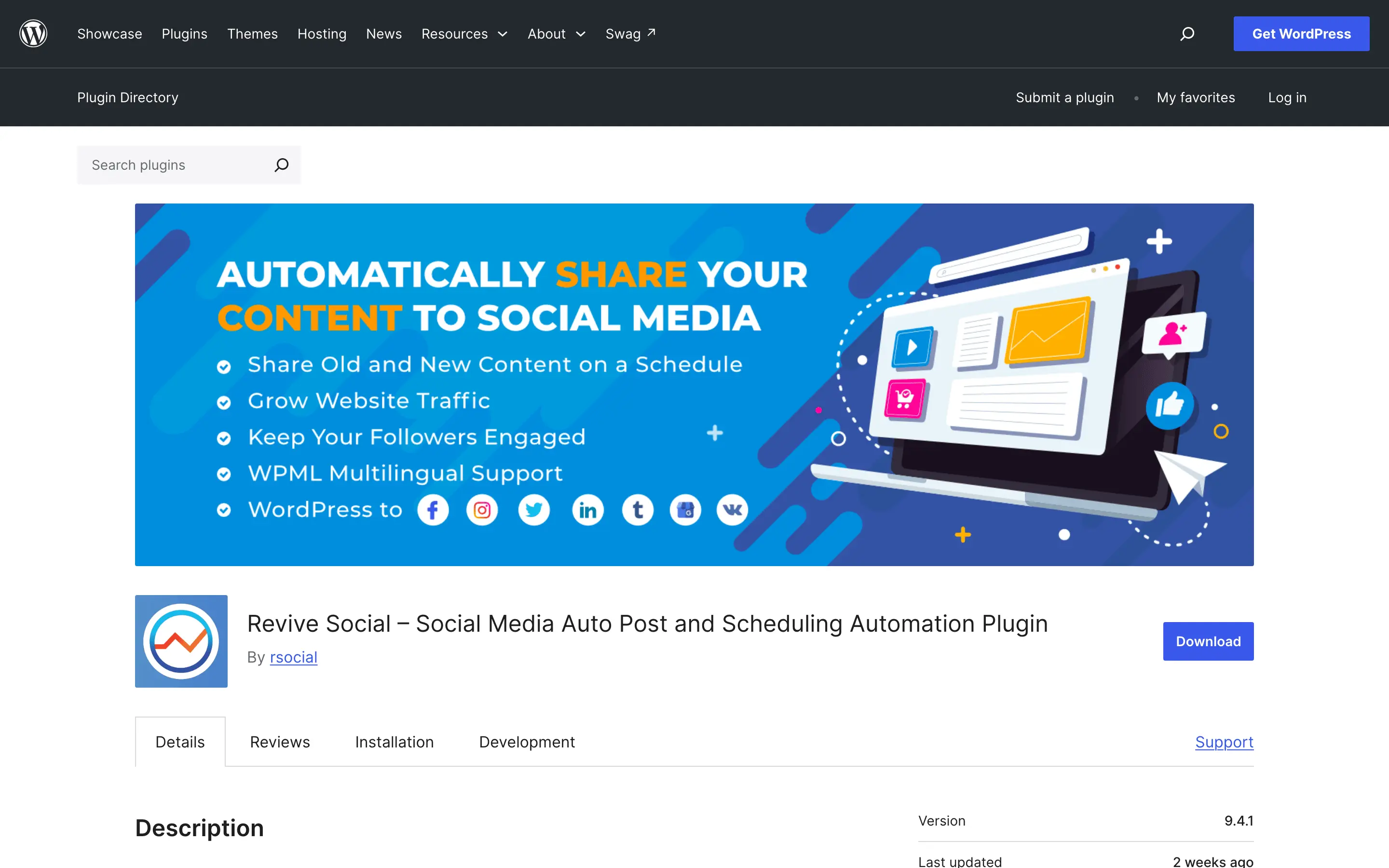
The free version covers X and Facebook. Pro, from $75 a year, adds LinkedIn, Instagram, Tumblr, and Threads, custom intervals, and post variations so the same article cycles through different captions instead of repeating itself verbatim.
Plus Points
- Purpose-built for archive recycling, which new-post auto-posters ignore
- Exclusion rules by category, tag, and post age
- Post variations on Pro keep the feed from looking looped
- Pairs cleanly with any new-post auto-poster
Negatives
- Not a new-post auto-poster; there’s no publish trigger
- LinkedIn, Instagram, and most networks sit behind Pro
- Small archives plus short intervals equals a visibly repetitive feed
It’s a complement, not a replacement. The way I’d run it: FS Poster or Jetpack Social pushes new posts, and Revive Old Posts keeps the back catalog breathing. Sites with 300+ evergreen posts get the most from it.
Smash Balloon
Smash Balloon works in the opposite direction from everything above, and that distinction trips people up constantly: it posts nothing to your accounts. It pulls your Instagram grid, Facebook timeline, X feed, YouTube channel, or TikTok content onto your WordPress site and renders it in a customizable widget or block, and it has led that category for years.
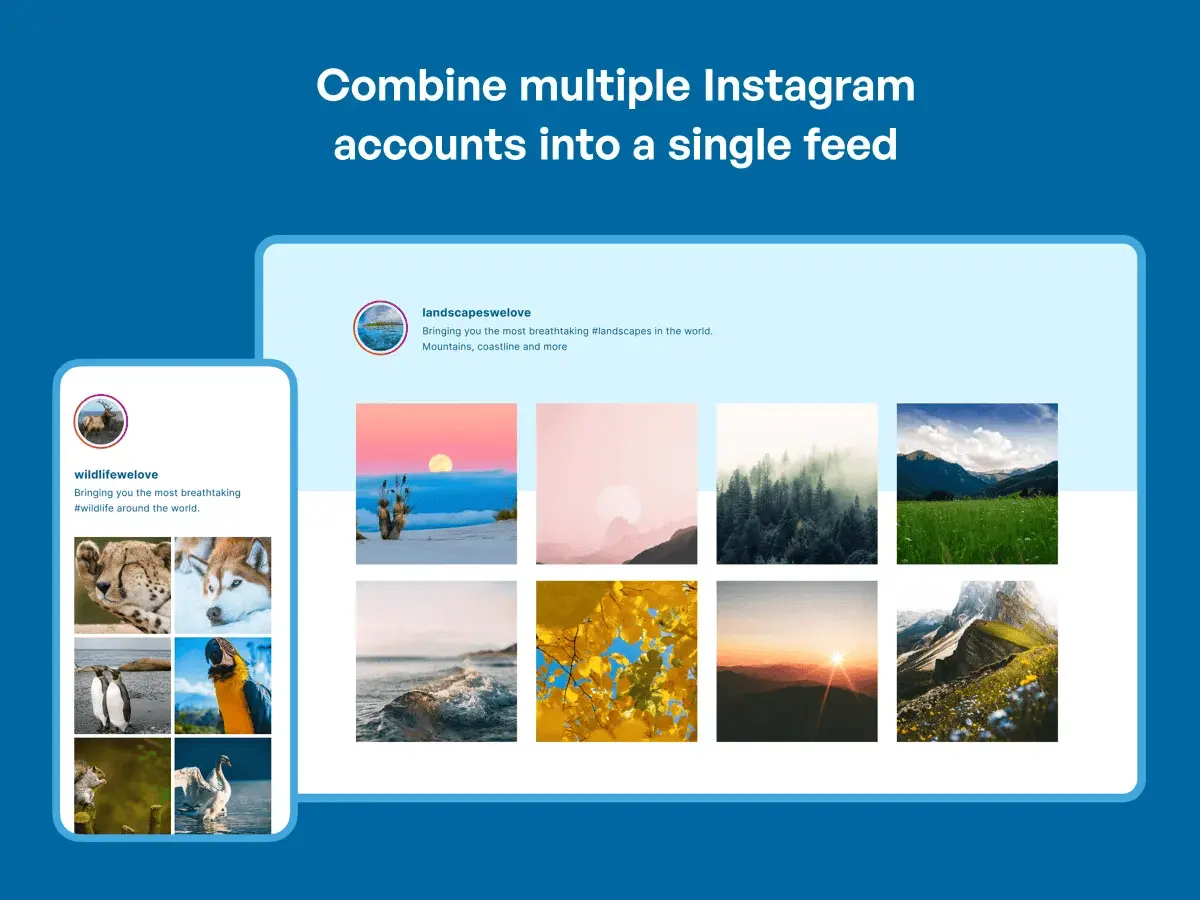
It ships as 4 separate plugins, 1 per network, plus a combined Social Wall. Each has a free WordPress.org version covering the core embed, with paid versions from $49 a year per feed adding layouts, filters, moderation, and custom styling. The bundle at $299 a year makes sense once you need 3 or more networks.
Plus Points
- The best visual output for feed embeds in this category
- Per-network plugins mean you pay only for what you use
- Instagram, Facebook, X, YouTube, and TikTok covered
- Responsive layouts with GDPR-aware lazy loading
Negatives
- Does not share anything outward; it’s not an auto-poster
- 4 separate plugins get expensive collectively
- Free versions carry real layout and feature restrictions
If the job is “show my Instagram on my site,” this is the answer. If the job is “post my site to Instagram,” you wanted the top half of this list.
WP Social Ninja
WP Social Ninja is the consolidator. From 1 dashboard it embeds social feeds from Instagram, Facebook, X, YouTube, TikTok, and Pinterest, aggregates customer reviews from Google, Yelp, Facebook, Airbnb, and TripAdvisor, adds share buttons, and runs a basic chat widget. For a site that would otherwise install 3 plugins, 1 license at $79 a year can replace the stack.

Plus Points
- Feeds, reviews, share buttons, and chat under 1 license
- Review sources include Google, Yelp, Airbnb, and TripAdvisor
- Replaces 2 or 3 single-job plugins on mid-sized sites
- Active development with regular feature updates
Negatives
- No auto-posting; outbound sharing isn’t part of the product
- Heavier than single-job alternatives
- For 1 job only, a dedicated plugin is cheaper
The review aggregation is the sleeper feature for me: pulling Google and TripAdvisor reviews onto a services site does more for conversions than another Instagram grid. I’d buy it for 2 or 3 jobs, never for 1.
AddToAny Share Buttons
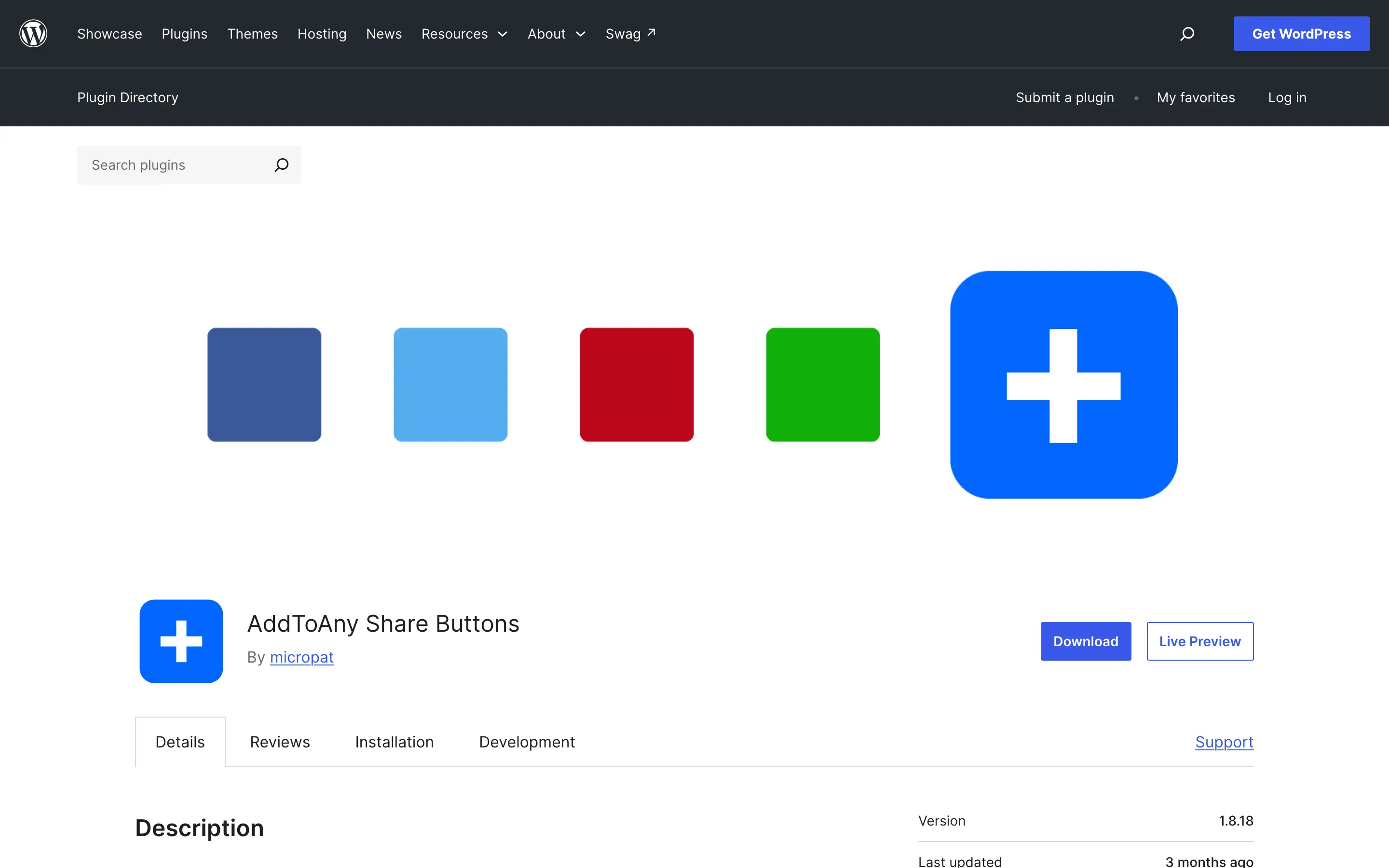
AddToAny is the most-installed free share-button plugin on WordPress.org, and it earns the spot. Toolbar, inline set, or floating bar; 100+ share targets including WhatsApp, Telegram, and Pinterest; setup in under 5 minutes. The free version covers placement, icon styling, and counts, which is everything most sites ever need.
Plus Points
- Fully functional free, with no nag screens on core features
- 100+ share targets including WhatsApp and Telegram
- No cookie loads until a visitor clicks, which keeps GDPR simple
- Light enough to leave page speed alone
Negatives
- Minimal visual customization on free
- Analytics need the Pro add-on from $24/year
- Share buttons only; no auto-posting or feeds
My default. Install it, place the buttons, move on with your week.
Social Warfare
Social Warfare is the designed alternative to AddToAny. The free version covers Facebook, X, LinkedIn, and Pinterest with noticeably cleaner buttons. Pro, from $29 a year, adds the features content marketers buy it for: share-count recovery after URL migrations, a Click-to-Tweet block for pull quotes, per-post Pinterest image selection so the wrong image never gets pinned, and social-proof share counters.

Plus Points
- Cleaner, more consistent button design than most free options
- Per-post Pinterest image selection protects Pinterest traffic quality
- Click-to-Tweet pull quotes on Pro
- Share counts as visible social proof
Negatives
- The differentiating features are all Pro-only
- Fewer share targets than AddToAny, with no WhatsApp on free
- Share buttons only; no auto-posting or feeds
I’d pay the $29 when Pinterest is a real traffic channel or the buttons sit on a design-led brand. Otherwise AddToAny free does the job.
How to Choose
Work the decision in 3 steps, in order.
- Define the job first: outbound auto-posting, inbound feed embeds, visitor share buttons, or archive recycling.
- Then match it: FS Poster for full network coverage, Jetpack Social for a free low-volume start, Blog2Social for review-first team workflows, Revive Old Posts for the archive, Smash Balloon for feed depth, WP Social Ninja when feeds come bundled with reviews and chat, AddToAny for free share buttons, Social Warfare for designed ones.
- Then stop. Installing an all-in-one when you need 1 job, or 3 single-job plugins when 1 would do, is how WordPress sites accumulate the plugin bloat that shows up later as slow pages and mystery conflicts. 1 plugin per job you have, and no jobs you do not. Distribution also works best when the content itself is built to travel, and the guide to how social media and SEO work together covers that overlap.
The Limits
Auto-posting distributes your content; it doesn’t make anyone care.
A feed of identical auto-shared links performs like what it is, and the accounts that grow still mix in native posts, replies, and platform-specific formats. The plugin buys back the copying time so you can spend it there, a division of labor the social media marketing guide for bloggers goes deeper on.
Every outbound plugin here also depends on each network’s API staying open on today’s terms. X’s API pricing, Instagram’s business-account requirements, and per-network posting caps have all shifted before and will shift again, and no plugin vendor controls that.
Feed plugins carry the mirror risk: an expired token or API change can blank an embedded feed until it’s reconnected.
FAQs on WordPress Social Media Plugins
What is the best WordPress plugin for auto-posting to social media?
FS Poster is the strongest dedicated auto-poster: 26 networks, 25,000+ customers, and a 4.9 rating from 650+ reviews. Jetpack Social is the best free option for publishers whose volume stays under 30 shares a month.
Can I automatically post WordPress content to Instagram?
Yes. FS Poster supports Instagram auto-posting, including image posts, as part of its 26-network roster. Jetpack Social also posts to Instagram on its paid plan, and Revive Old Posts adds Instagram on Pro for archive recycling.
What is the difference between a feed plugin and an auto-posting plugin?
An auto-posting plugin like FS Poster pushes your WordPress content out to your social accounts when you publish. A feed plugin like Smash Balloon pulls content from your social accounts and displays it on your site. They solve opposite problems and are often used together.
Do social sharing plugins slow down WordPress?
Lightweight share-button plugins like AddToAny have minimal impact, and AddToAny loads no cookies until a visitor clicks. All-in-one plugins load more assets and can affect page speed if configured carelessly, so run a PageSpeed test after installing any social plugin to confirm nothing regressed.
Is there a free WordPress auto-posting plugin?
Jetpack Social is free for 30 shares a month across 4 networks. Revive Old Posts covers X and Facebook free, and Blog2Social has a free tier without scheduling. For higher volume or wider coverage, a paid plugin like FS Poster at $45/year is the practical route.
What happens to published posts if I deactivate an auto-poster?
Nothing retroactive. Deactivating stops future auto-posts, but everything already shared to your social accounts stays live on those platforms. No content is deleted when the plugin goes.
Final Remarks
The category name is the confusion. Nobody struggles to pick between a caching plugin and a contact form because the labels name the jobs; “social media plugin” hides 4 jobs behind 1 label, and every disappointed review in this category is someone who bought the wrong job. Read the table as a job board, not a leaderboard.
The trade to accept: single-job plugins mean more licenses to track, and all-in-ones mean carrying features you won’t use. Lean sites pick per job and live with the shortlist.
Name your jobs, install that many plugins, and let the queue run for a week before you judge it.
Tell Google you want more of this.
Add Gaurav Tiwari as a preferred sourceOne tap, and this site shows up more often in your own Top Stories, AI Overviews and AI Mode. Remove it any time.
Disclaimer: This site is reader-supported. If you buy through some links, I may earn a small commission at no extra cost to you. I only recommend tools I trust and would use myself. Your support helps keep gauravtiwari.org free and focused on real-world advice. Thanks. - Gaurav Tiwari
