
 by
by
So, you have decided to build a marketplace on WordPress and assume the hard part is picking the WordPress multi-vendor plugin with the most features.
Well, it is not.
You just need to figure out what your vendors will be selling, and you are all done.
- A marketplace for physical goods needs product listings, carts, and commission splitting.
- A marketplace for appointments needs calendars, staff, tenant isolation, and booking flows.
- A marketplace for freelancers needs service packages, requirement forms, delivery tracking, and disputes.
Match the plugin to the machine first. Compare features second.
The 8 plugins below are ranked starting with the most complete platform, then grouped by the marketplace each serves best:
- Booknetic SaaS for booking and service marketplaces,
- Dokan, WCFM Marketplace, WC Vendors, MultiVendorX, and YITH for product marketplaces,
- WP Sell Services for freelance work, and HivePress for directories.
Quick Comparisons
| Plugin | Marketplace type | Free version | Paid from | Pick it for |
|---|---|---|---|---|
| Booknetic SaaS | Booking, multi-tenant SaaS | 5-day sandbox | $499/year | The most complete operator platform |
| Dokan | Product (WooCommerce) | Yes, Lite | $149/year | Largest install base and module ecosystem |
| WCFM Marketplace | Product (WooCommerce) | Yes | Free core | Free Stripe split payments, frontend dashboard |
| HivePress | Service directory, listings | Yes | $39/extension | Directories and expert listings |
| WC Vendors | Product (WooCommerce) | Yes, limited | $99.50/year intro | Clean setup wizard, simple commissions |
| MultiVendorX | Product (WooCommerce) | Yes | $299/year | All modules at every tier |
| WP Sell Services | Freelance services | Yes | $69/year | Fiverr-style packaged work |
| YITH WooCommerce Multi Vendor | Product (WooCommerce) | No | See official page | Sites already on the YITH stack |
5 of the 8 are WooCommerce product plugins. If your vendors sell time or work instead of goods, your shortlist is already down to three.
Match the Plugin to Your Marketplace Type
Product marketplaces in the Etsy and Amazon mold let vendors list goods that customers cart and check out through WooCommerce. Dokan, WCFM, WC Vendors, MultiVendorX, and YITH are built for this model.
Booking marketplaces in the Fresha and Urban Company mold let vendors sell appointments: customers pick a provider, a date, and a time. Booknetic SaaS is purpose-built here, and HivePress reaches it from the directory side.
Freelance marketplaces in the Fiverr and Upwork mold let providers sell packaged work with defined deliverables, requirement forms, and revisions. WP Sell Services covers this one.
Forcing appointments through a product marketplace plugin means every booking wears a WooCommerce product as a costume. It works, the way a wrench works as a hammer, and you feel it on every support ticket. Beyond type, weigh the platform layer too: multi-tenancy, per-plan feature gating, split payments, and a managed vendor directory are what separate a marketplace business from a store with extra logins. The comparison of a custom marketplace vs a SaaS platform walks through that build-or-buy line in more depth.
Best WordPress Multi-Vendor Plugins
The test I kept coming back to across these plugins is boring and decisive:
- can a non-technical vendor run their whole shop without ever touching
wp-admin, and - what does the license really cost once intro pricing and paid extensions enter the math.
So, here is the list of the best WordPress multi-vendor plugins in 2026:
Booknetic SaaS
Booknetic SaaS tops this list on platform completeness. It’s the only self-hosted WordPress product here that combines multi-tenant SaaS architecture, per-plan feature gating across 60+ toggleable controls, Stripe SaaS billing for tenant subscriptions, Stripe Connect split payments, and an admin-approved Tenant Directory in a single install.
The mental model is different from everything else on this page.
Dokan and its siblings convert a WooCommerce store into a marketplace.
Booknetic SaaS converts a WordPress install into a booking SaaS platform: 1 install, many independent booking businesses, each tenant with its own services, staff, calendar, customer database, and public booking URL, none of them ever touching wp-admin.
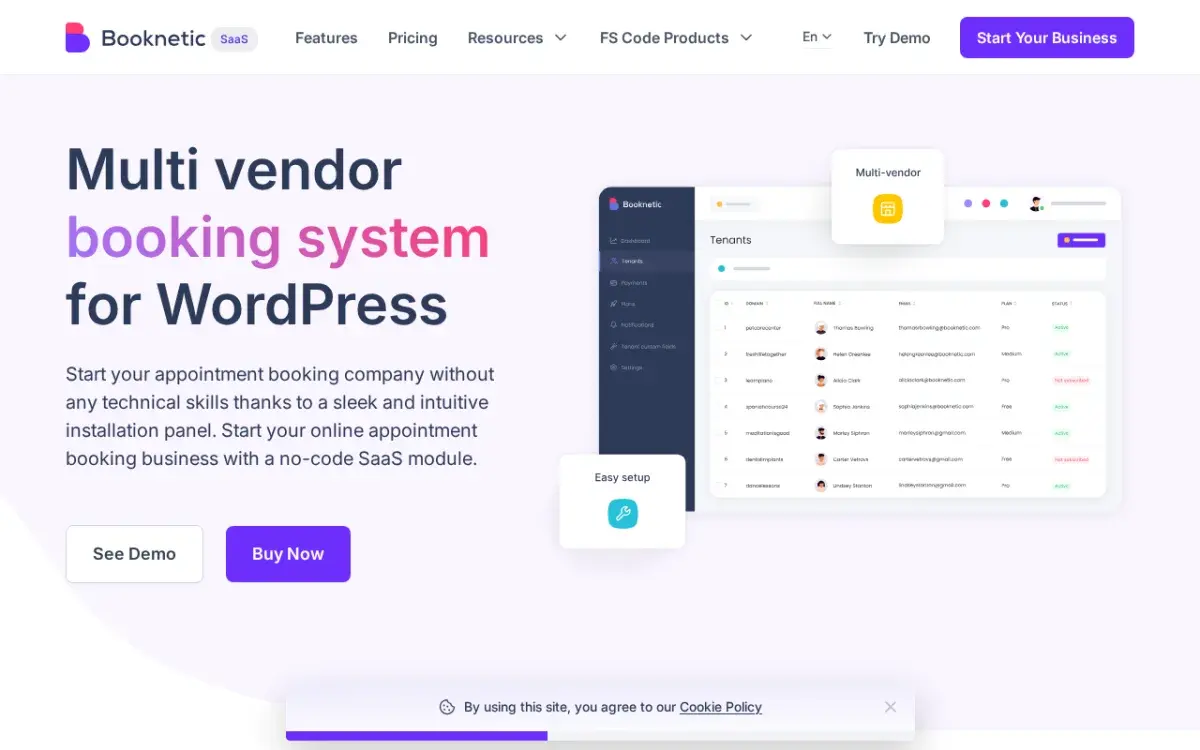
The operator side is where it earns the ranking. A plan builder gates staff limits, service counts, locations, and notification channels per vendor tier. Stripe SaaS billing charges tenants their subscription. Stripe Connect splits booking revenue between platform and tenant at payment time. The Tenant Directory decides which businesses appear publicly, with an approval workflow, and ready-made tenant templates keep onboarding consistent. That’s the whole stack a booking marketplace operator otherwise assembles from 4 or 5 products.
Plus Points
- The only self-hosted WordPress plugin purpose-built for multi-tenant booking marketplaces
- Per-plan feature gating with 60+ permissions and quota controls
- Stripe SaaS billing, Stripe Checkout, and Stripe Connect split payments in 1 product
- Tenant Directory with admin approval, plus ready-made tenant templates
- 5-day sandbox with every add-on enabled before you commit
Negatives
- Setup needs real WordPress operations experience: SMTP, Stripe keys at 2 layers, plan tuning, and directory configuration before launch
- $499/year for 5 tenants is a real commitment next to single-business booking plugins
- Not a WooCommerce product marketplace; wrong tool for physical or digital goods
Pricing runs in 3 tiers: Starter at $499/year or $999 lifetime for 5 tenants, Ultimate at $1,199/year or $2,399 lifetime with unlimited tenants, 19 add-ons, and the Tenant Directory, and Infinity at $1,999/year or $3,399 lifetime with 50+ add-ons, white-label, and priority support. The 5-day sandbox ships with everything switched on, so you find out whether your operation is ready before the license, not after.
For booking and service marketplace operators, it’s my top pick, and not by a small margin. If your vendors sell goods, skip to Dokan.
Dokan
Dokan is the default answer for WooCommerce product marketplaces, and the numbers explain why: 40,000+ active installs and a 4.6 rating from 766 reviews on WordPress.org, the largest footprint of any WordPress multi-vendor plugin. Vendors get their own storefront URL, order dashboard, commission setup, and withdrawal system.

The free Lite tier covers vendor registration, product listings, a frontend vendor dashboard, and per-vendor commission rates, enough to prove the concept. The real marketplace features live in the 42+ paid modules: Stripe Connect payouts, analytics, vendor subscription plans, WooCommerce Bookings integration, geolocation, an AI product-description tool, and a vendor mobile app on the higher tiers.
Plus Points
- Largest install base and the most mature module ecosystem in this category
- 4.6 rating from 766 reviews on WordPress.org
- Free Lite tier is enough to test a marketplace concept
- 42+ modules on paid plans, plus more tutorials, themes, and developers than any rival
Negatives
- Stripe Connect and most serious modules need the $249/year Professional plan or above
- Lite is too limited to run a real marketplace
- Bookings ride on WooCommerce Bookings, adding cost and friction for appointment-first businesses
Paid plans: Starter $149/year, Professional $249/year, Business $499/year, Enterprise $999/year, with seasonal discounts and lifetime options listed on the pricing page, so verify the checkout price before budgeting. It pairs naturally with the picks in the best WooCommerce plugins roundup, since a Dokan marketplace is still a WooCommerce store underneath.
For physical or digital goods, I’d start here. For scheduling-first marketplaces, the WooCommerce layer is friction Booknetic SaaS doesn’t have.
WCFM Marketplace
WCFM Marketplace is the free starting point that doesn’t feel free. The core plugin, 10,000+ installs and a 4.6 rating from 448 reviews, includes Stripe Split Payments, PayPal, and PayStack at no cost, which the rest of this category charges for. Its defining trait is a 100% frontend vendor dashboard: vendors manage products, orders, shipping, commissions, and withdrawals from the storefront without ever seeing wp-admin.

Plus Points
- Stripe Split Payments, PayPal, and PayStack in the free core
- Fully frontend vendor dashboard keeps non-technical vendors out of wp-admin
- PayStack support helps Africa-focused and emerging-market platforms
- Refund management with automatic commission recalculation built in
Negatives
- Premium extension pricing is scattered across wclovers.com, so total cost of ownership takes homework
- Documentation runs thinner than Dokan’s once you leave the common paths
- Product marketplaces only; no booking or service workflows
At scale it can stay cheaper than Dokan if you only need a few extensions, and the free core is the strongest in this group. I’d price out the exact extensions your marketplace needs before committing, because that’s where the free story gets expensive.
HivePress
HivePress holds the strongest satisfaction signal on this page: 4.9 from 216 reviews across 10,000+ installs. It’s not a WooCommerce marketplace at all. It’s a directory and listing engine: the free core handles listings, search filters, multi-level categories, ratings, reviews, and frontend dashboards, and $39 extensions add bookings, vendor payouts, memberships, geolocation, and private messaging as needed.
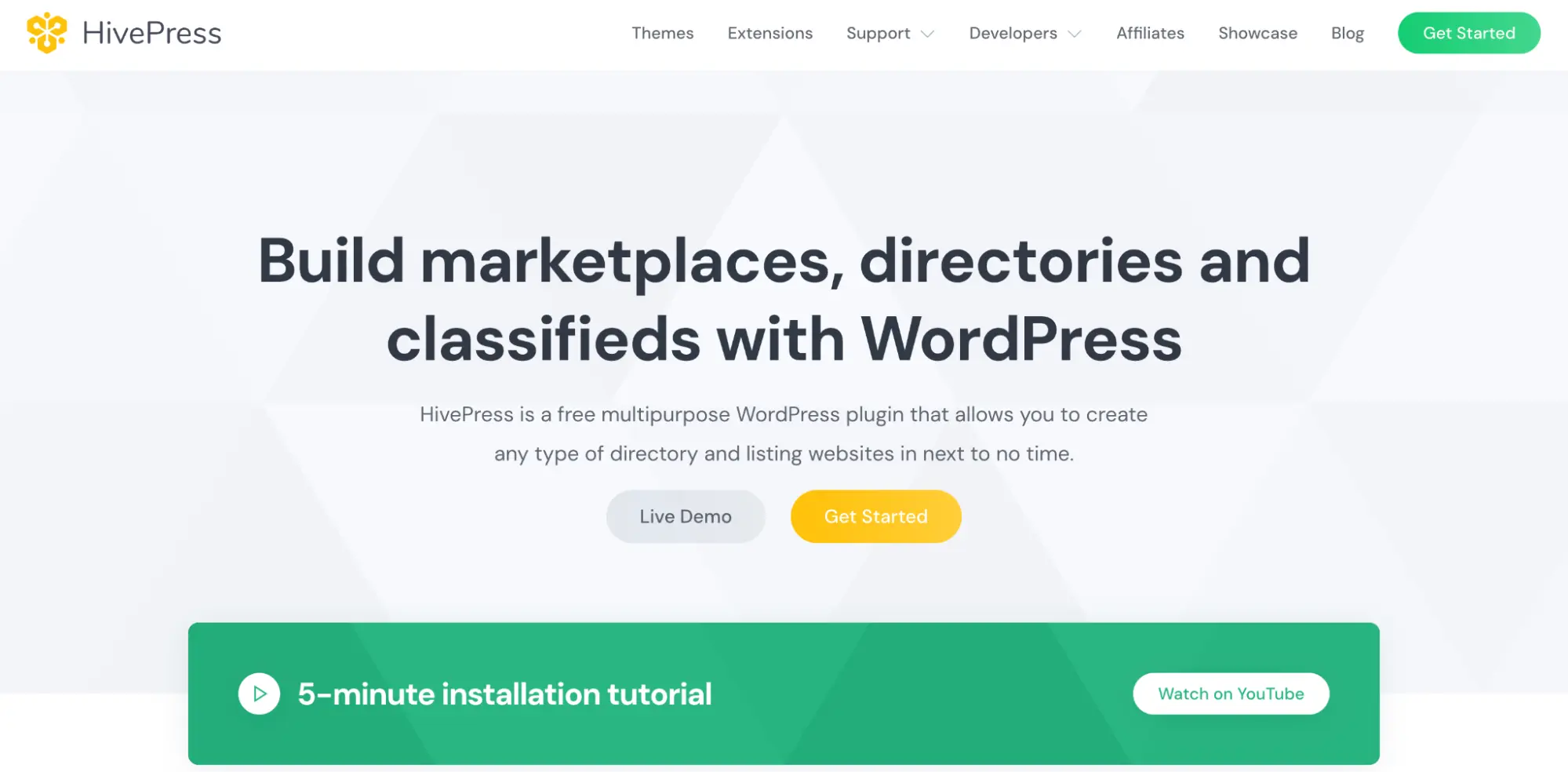
Premium themes, ExpertHive, MeetingHive, and RentalHive at $89 each, give vertical marketplaces a launch-ready design instead of a blank canvas.
Plus Points
- 4.9 rating from 216 reviews, the best reputation signal in this roundup
- Free core covers listings, filters, ratings, reviews, and vendor dashboards
- Modular pricing: pay $39 only for the capabilities you need
- Vertical themes shortcut the launch design
Negatives
- A complete marketplace with bookings, payouts, and memberships stacks up several $39 extensions
- Bookings handle standard scheduling, not multi-tenant SaaS operations
- No WooCommerce product marketplace support
Choose it when the product is a directory: vendors create profiles, clients browse and contact them, scheduling is optional. When booking at scale is the core product, Booknetic SaaS carries more of the load.
WC Vendors
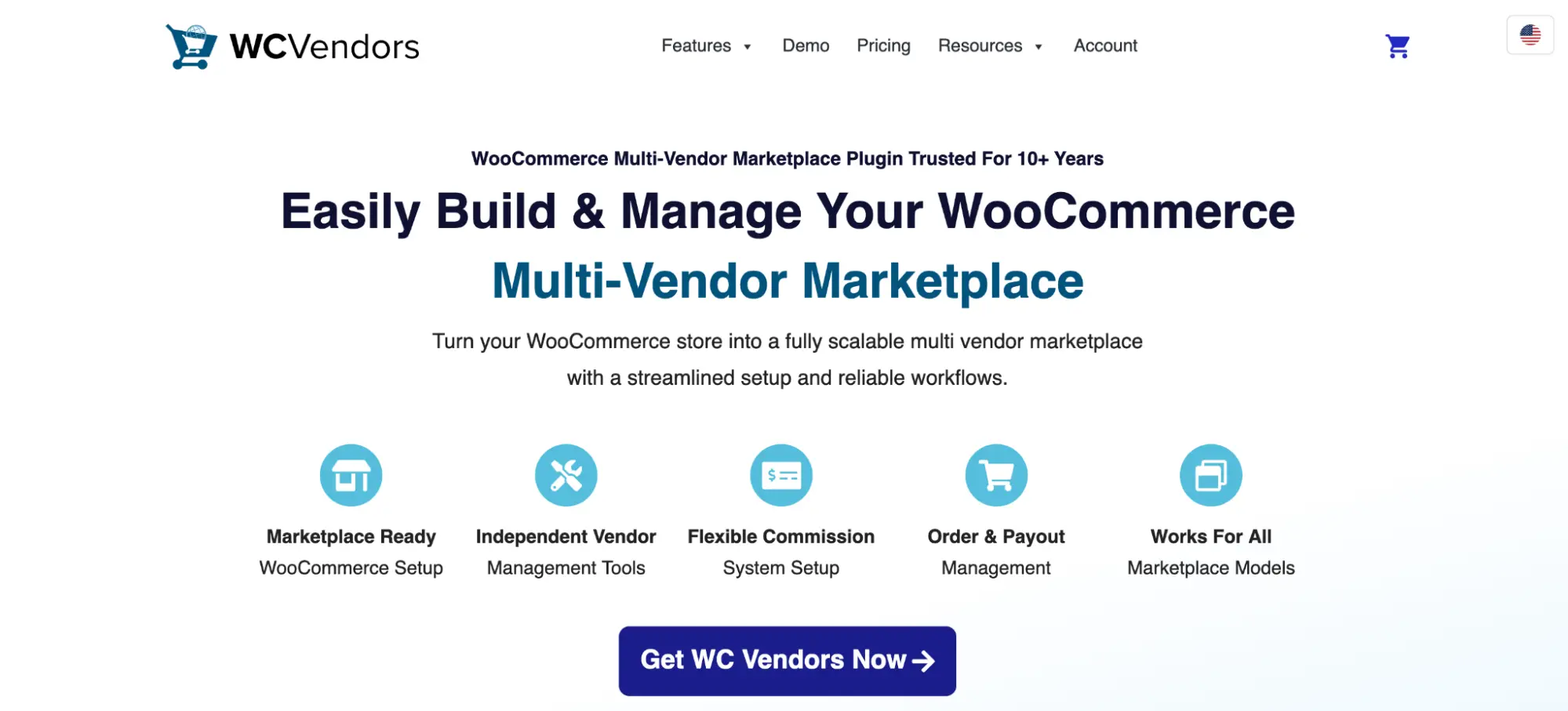
WC Vendors is the quiet, tidy option: 3,000+ installs, a 4.5 rating from 187 reviews, and the cleanest setup wizard in the product-marketplace group. It supports physical, digital, variable, and subscription products, adds Stripe Connect payouts on Pro, and offers a membership-style vendor tier system.
Plus Points
- Setup wizard keeps initial configuration simpler than the big rivals
- Stripe Connect payouts on the Pro plan
- Vendor membership tiers for subscription-style plans
- AI product moderation on higher tiers
Negatives
- 3,000+ installs against Dokan’s 40,000+ means fewer integrations, themes, and community answers
- Bookings integration only arrives on the Business plan
- Introductory prices renew at roughly double: Pro $99.50 renews at $199, Business $299.50 at $599
The renewal structure is the real catch. Pro at $99.50, Growth at $199.50, and Business at $299.50 all double after year 1, so I’d budget on the renewal price, not the banner price. For a product marketplace where vendor onboarding experience matters and module sprawl does not, it’s a solid, slightly underrated pick.
MultiVendorX
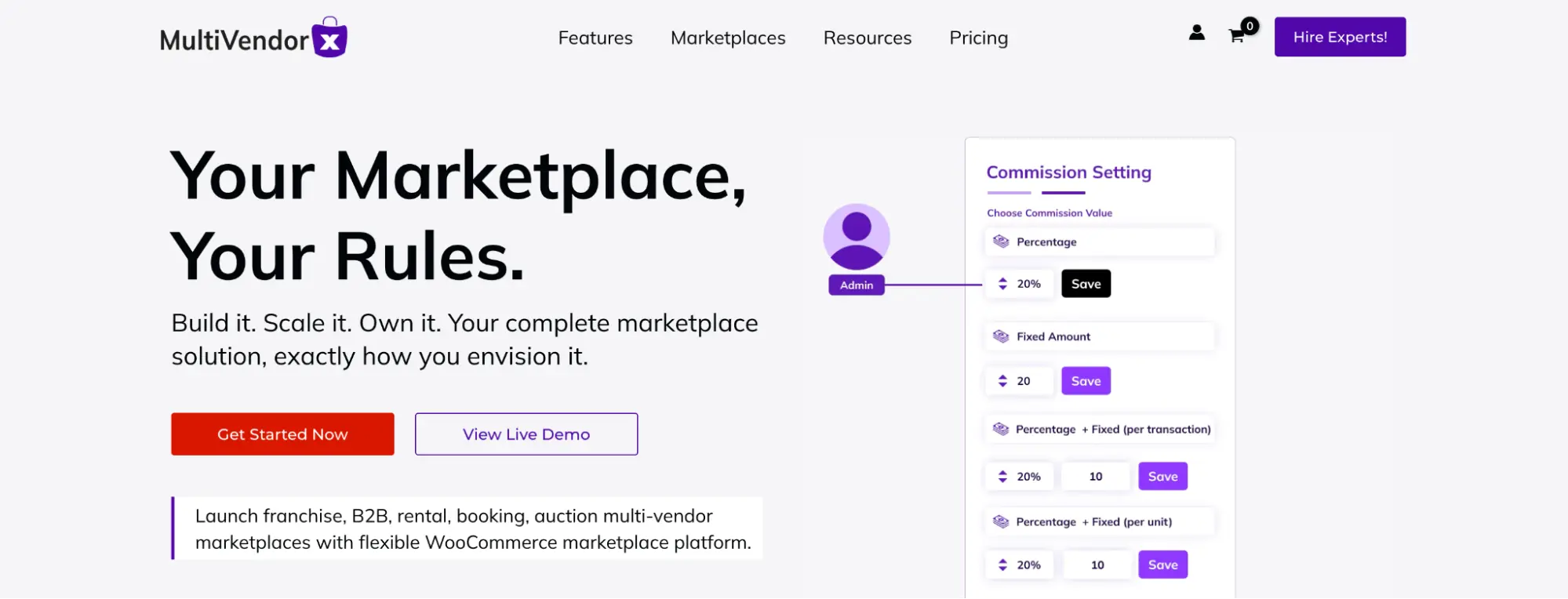
MultiVendorX sells 1 idea: every module at every tier. Commission structures, analytics, shipping options, payout controls, all included whether you pay $299 or $499, where most rivals ladder features across plans. Its commission engine is the standout, with fixed, percentage, category-based, tiered, user-type, and dynamic rules.
Plus Points
- All modules included at every price point, so costs stay predictable
- The most flexible commission rules in this comparison
- Yoast and Rank Math compatibility with structured data support
- Table-rate, zone, distance, and country-based shipping options
- 15-day full refund guarantee
Negatives
- Smallest install base here at 2,000+, with fewer tutorials and third-party integrations
- $299/year entry costs double Dokan’s Starter plan
- No booking or appointment workflows
I’d evaluate it when predictable total cost matters more to you than community size. Plans run $299/year for 1 site, $399 for 3 to 5, and $499 for 10+. The smaller ecosystem is the risk you’re paying to avoid feature gating.
WP Sell Services
WP Sell Services, by WBCom Designs, owns the use case both product plugins and booking platforms fumble: packaged work. Vendors create service listings with tiers, galleries, add-ons, and requirement forms. Buyers order, submit requirements, receive deliveries, request revisions, review, and dispute, all inside 1 workflow. That’s a Fiverr engine, not a store and not a calendar.
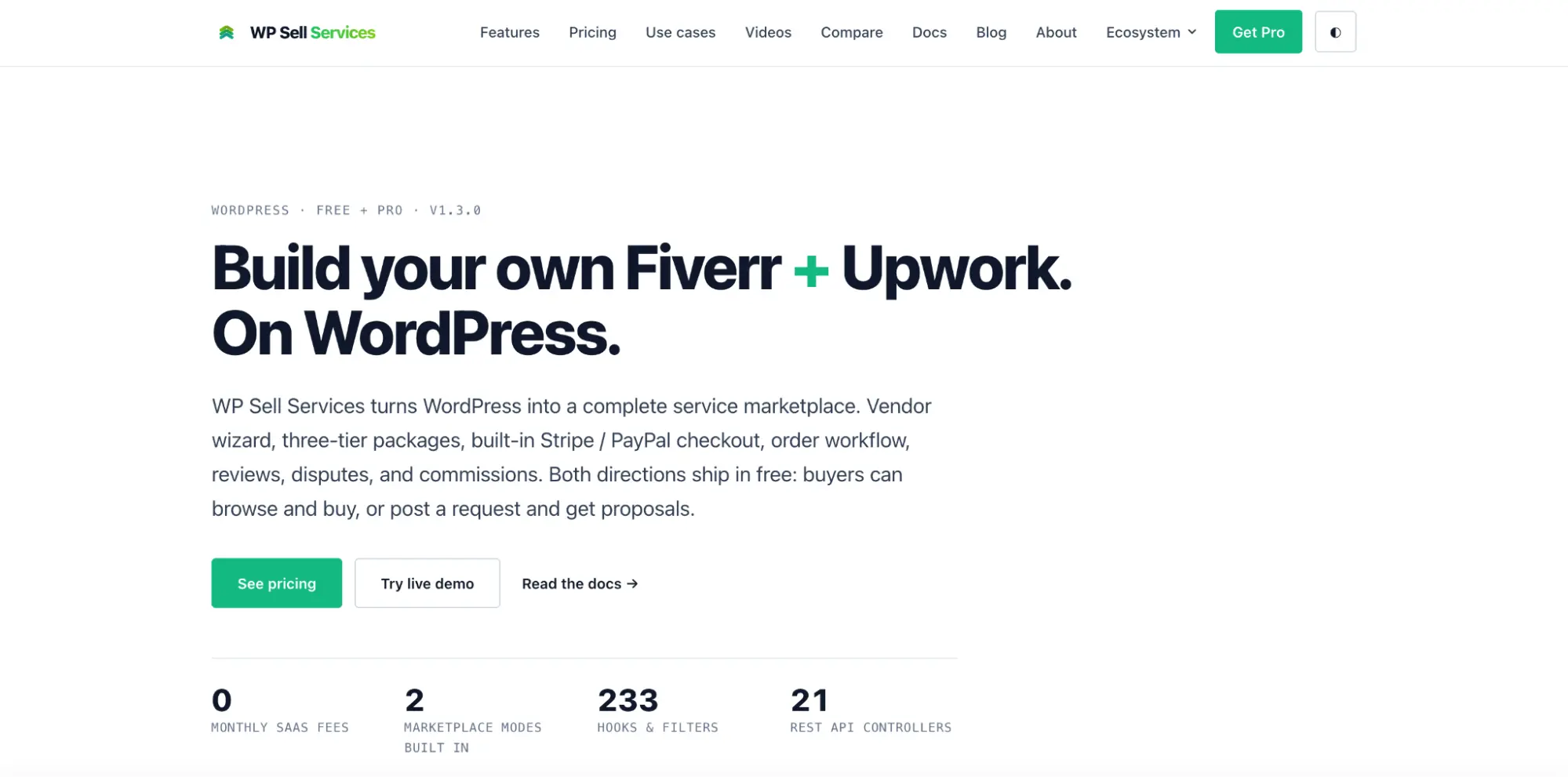
The free version is unusually complete: the full order lifecycle with Stripe, PayPal, and offline payments, free forever on unlimited sites. Pro plans add WooCommerce integration for 100+ gateways, Stripe Connect payouts, vendor analytics, recurring services, and white-label options.
Plus Points
- Service-first workflow fits freelance, consulting, and coaching platforms
- Free tier ships a working marketplace with payments included
- Requirements, delivery, revisions, reviews, and disputes in 1 plugin
- Pro adds WooCommerce gateways without making every service a product
Negatives
- Newer product with a smaller ecosystem and limited third-party integrations
- No time-slot scheduling; pair it with a booking plugin or use Booknetic SaaS when scheduling is the core
- Stripe Connect payouts sit on the $199/year Pro Agency plan
Pro Personal runs $69/year or $199 lifetime, Pro Developer $99/year, and Pro Agency $199/year or $499 lifetime, each with a 30-day guarantee. For marketplaces selling writing, design, development, or coaching as packages, it’s the tool I’d reach for.
YITH WooCommerce Multi Vendor
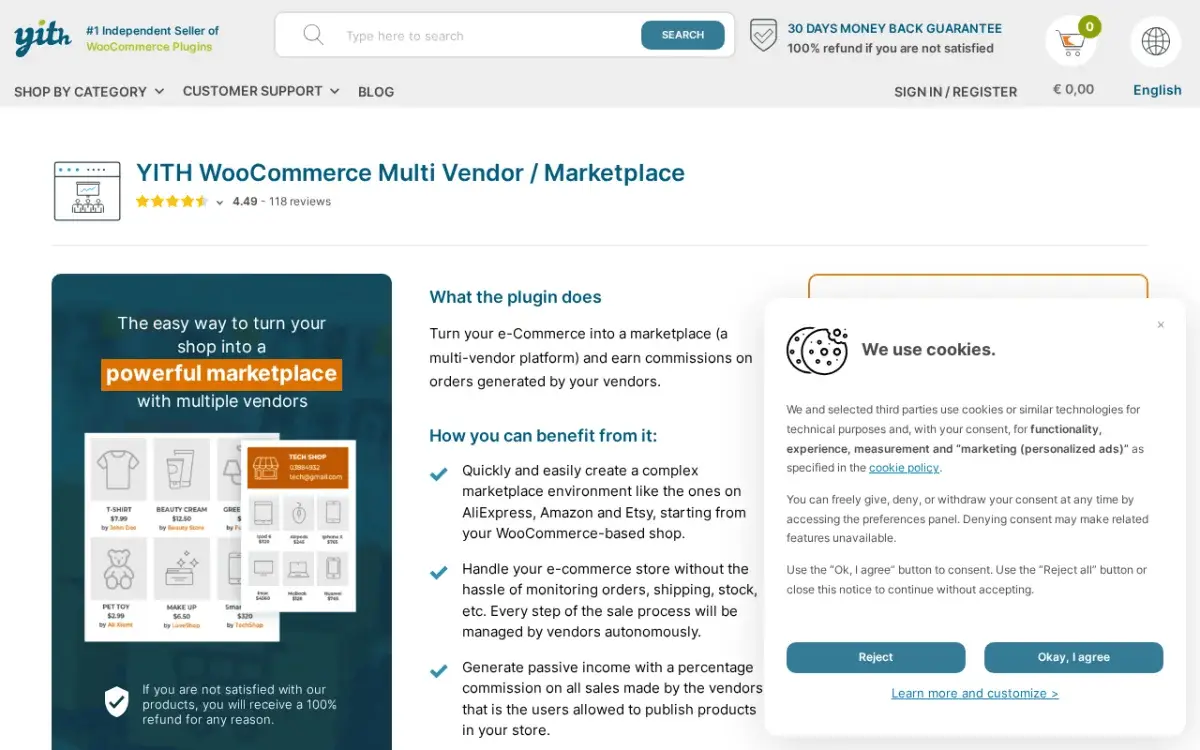
YITH WooCommerce Multi Vendor converts a WooCommerce shop into a marketplace with vendor registration, commission controls, payouts, and vendor permissions, and its argument is the ecosystem: if your site already runs YITH subscriptions, add-ons, quote requests, or SMS notifications, this layers into the same stack with the same conventions.
Plus Points
- Deep integration with the wider YITH plugin family
- Global, vendor-specific, and per-product commission options
- Vendor permission controls for publishing, coupons, and reviews
- Vendor vacation mode in the base product, plus a 30-day guarantee
Negatives
- The value case depends on already owning other YITH premium plugins
- Several integrations require those YITH plugins sold separately
- Bookings depend on YITH Bookings, another paid product
Pricing wasn’t showing a stable public figure at review time, so check the official product page for the current number. If your site isn’t already YITH-heavy, I’d send you to Dokan or WCFM instead: more community, more documentation, same job.
Which Plugin Fits Your Marketplace
Route by what your vendors sell and how much platform you want to operate.
- The most complete operator platform, or appointments and sessions at scale: Booknetic SaaS, the only option with multi-tenant architecture, SaaS billing, and per-plan gating in 1 product.
- Physical or digital goods: Dokan for ecosystem depth, or WCFM Marketplace for a free start with a fully frontend vendor experience.
- Freelance work and packaged services: WP Sell Services, which handles the whole order lifecycle without WooCommerce contortions.
- A service directory or expert listing with optional scheduling: HivePress, adding its Bookings extension when needed.
- All modules at 1 predictable price: MultiVendorX, accepting the smaller community.
- A simple product marketplace with gentle setup: WC Vendors, budgeting for renewal prices.
- A site already on the YITH stack: YITH WooCommerce Multi Vendor, keeping conventions consistent.
Whichever plugin wins, a marketplace multiplies traffic, database writes, and payment webhooks compared to a single store, so put it on hosting sized for that. The best WooCommerce hosting comparison covers the options that hold up.
The Limits
No plugin on this page removes the operator’s job. Vendor acquisition, listing quality, dispute judgment calls, and payout compliance stay with you, because software can route a refund, but it can’t decide who deserves one.
The comparison is researched from vendor documentation, pricing pages, and WordPress.org signals, not from operating 8 production marketplaces side by side. Install counts and ratings tell you about community health, not about how a plugin behaves under your specific vendor load, so run your shortlist through a staging build before launch. And every price above is the vendor’s listed price on the review date; promotional discounts, renewal jumps, and extension stacking all move the real number, in both directions.
FAQs on WordPress Multi-Vendor Plugins
What is the best WordPress multi-vendor plugin?
Booknetic SaaS is the most complete marketplace platform: multi-tenant architecture, per-plan feature gating, Stripe SaaS billing, split payments, and a tenant directory in 1 product, which makes it my top pick for booking and service marketplaces. For WooCommerce product marketplaces, Dokan leads on ecosystem size, and for freelance-style service marketplaces, WP Sell Services is the purpose-built option.
Can I use Dokan for a booking marketplace?
Dokan Pro integrates WooCommerce Bookings so vendors can list bookable products, which works for simple scheduling. But appointments route through WooCommerce product infrastructure rather than a native booking engine, so for salons, clinics, coaches, and studios where scheduling is the core workflow, Booknetic SaaS is the cleaner path.
What is the difference between Booknetic and Booknetic SaaS?
Booknetic is a single-business booking plugin. Booknetic SaaS is the multi-tenant platform layer on top of it: 1 WordPress install hosts many independent booking businesses, each with its own services, staff, calendar, customers, and booking URL, while the platform owner manages plans, permissions, and the tenant directory. SaaS is for marketplace operators, not single businesses.
Is there a free WordPress multi-vendor plugin?
Yes. Dokan Lite is free for basic product marketplace testing, WCFM Marketplace’s free core even includes Stripe Split Payments, HivePress is free at its core with paid extensions, and WP Sell Services runs a complete freelance marketplace on its free tier. Booknetic SaaS has no free tier but offers a 5-day sandbox.
Do I need WooCommerce for a multi-vendor marketplace?
No. Dokan, WCFM, WC Vendors, MultiVendorX, and YITH all build on WooCommerce, but Booknetic SaaS and HivePress run their marketplaces without it, and WP Sell Services works standalone with optional WooCommerce integration on Pro. For appointment and service marketplaces, skipping WooCommerce usually means a simpler stack.
How much does a WordPress multi-vendor marketplace cost?
A WooCommerce product marketplace can start free with Dokan Lite or WCFM, with paid Dokan plans from $149/year. A booking marketplace on Booknetic SaaS starts at $499/year for 5 tenants, with unlimited tenants from $1,199/year. A freelance marketplace on WP Sell Services starts free, with Pro from $69/year. Add hosting, a domain, and any premium theme to the real budget.
Final Remarks
The question was never “which multi-vendor plugin is best.” It was “which machine am I building”: a product bazaar, a booking platform, or a freelance exchange, and how much of the operator’s control room should come pre-built. Answer that, and the shortlist mostly writes itself: Booknetic SaaS for the platform play, Dokan or WCFM for goods, WP Sell Services for packaged work, HivePress for directories.
The trade at the top is worth naming plainly: the most complete platform is also the most demanding setup and the biggest license. That’s usually how completeness prices itself.
Pick the machine, sandbox it, and put real vendors through it before launch day. That last step is the one I’d never skip. Best of luck.
Tell Google you want more of this.
Add Gaurav Tiwari as a preferred sourceOne tap, and this site shows up more often in your own Top Stories, AI Overviews and AI Mode. Remove it any time.
Disclaimer: This site is reader-supported. If you buy through some links, I may earn a small commission at no extra cost to you. I only recommend tools I trust and would use myself. Your support helps keep gauravtiwari.org free and focused on real-world advice. Thanks. - Gaurav Tiwari
