
Low-Stock Urgency Labels
WooCommerce’s stock line says “3 in stock” in the same plain text whether you have 3 units or 300. Shoppers don’t notice it, so a product that’s about to sell out gets no extra attention.
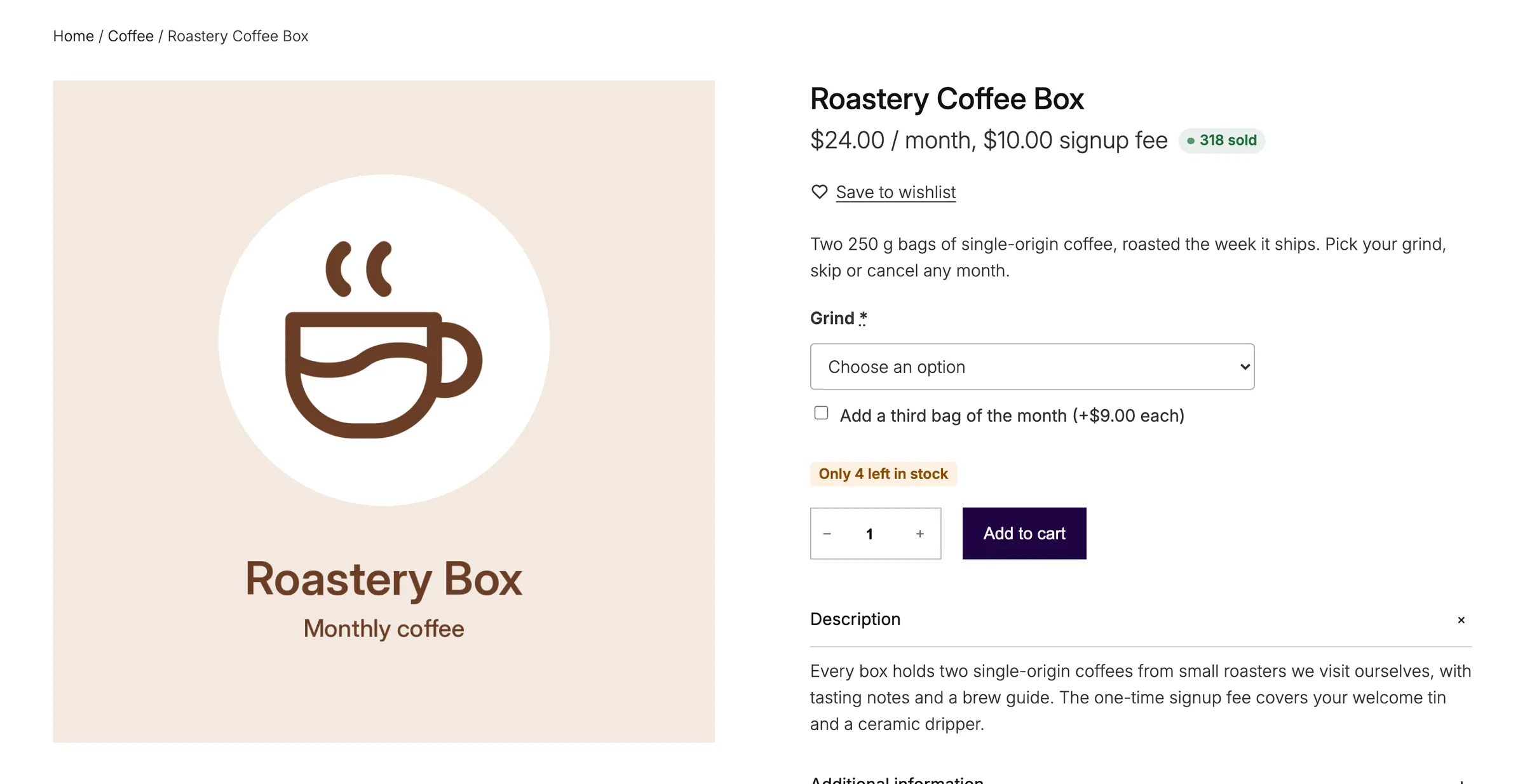
Stock Urgency Labels swaps that line for a clear label when stock runs low, with a second, stronger message when it’s almost gone.
Set the Thresholds and Messages
Go to Stackless → Settings → Stock Urgency Labels:
- Low stock at: show the low stock label at or below this many units. Defaults to 5.
- Low stock text: defaults to “Only {count} left in stock”.
{count}is replaced with the units left. - Very low stock at: show the stronger label at or below this many units. Defaults to 2. Set 0 to skip it.
- Very low stock text: defaults to “Almost gone: only {count} left”.
- Plenty in stock: show a label when stock is above the low threshold. Off by default.
- In stock text: defaults to “In stock”.
- Backorders: skip products that allow backorders, since they never really run out. On by default.
Choose Where Labels Show
- Product pages: Replace WooCommerce’s stock line (updates per variation), which is the default, After the title, After the price, After the add to cart button, or Do not show on product pages.
- Shop grids: After the title, After the price (default), Before the add to cart button, or Do not show in shop grids.
With the default, each variation gets its own label, and the label changes as the shopper picks options. When no label applies, WooCommerce’s normal stock line stays.
Per-Product Settings
Edit the product and open Product data → Inventory:
- Hide urgency label: never show a low stock label for this product.
- Urgency threshold: replaces Low stock at for this product. Leave it blank to use the store setting.
Variations follow their parent product’s settings.
Good to Know
- Labels only appear on products and variations with Track stock quantity turned on. Without it, the count is unknown.
- In shop grids, a variable product that doesn’t track stock at the parent level shows the total of its published, purchasable variations. If any of those variations doesn’t track stock, no label shows.
- Out-of-stock products get no urgency label.
- If Very low stock at is higher than Low stock at, it’s capped at the low threshold.
- Developers can change the level with the
stackless_stock_urgency_levelfilter.