
 by
by
Microsoft retired its standalone Math Solver in July 2025, which quietly broke half the internet’s online math solvers lists, including an older version of this one. So this comparison starts from what’s true now: Wolfram Alpha is the strongest engine for advanced work, Photomath and Maple Calculator are the best camera-based solvers, GeoGebra gives you a full free CAS and geometry suite, and Desmos owns graphing.
I build and maintain my own online calculators, so I judge these tools the way a maker does: does it get the answer right, does it show the working, where exactly does the paywall land, and which branch of mathematics does it quietly not cover. Feature lists don’t answer those questions. The table below does.
A solver that hides the steps is an answer machine. The steps are the product.
| Tool | Best for | Where it runs | Photo input | Free full steps | Main limitation |
|---|---|---|---|---|---|
| Wolfram Alpha | Advanced computation | Web + apps | App only | No, steps need Pro | Free tier excludes all steps |
| Photomath | Camera input, school math | Mobile app | Yes | Basic steps free | App-only; richer explanations paid |
| Symbolab | Symbolic steps + AI chat | Web + apps | Yes | Basic steps free | Full steps and AI need Pro |
| Mathway | Fast one-off answers | Web + apps | Yes | No, steps paid | Answer free, method paid |
| Maple Calculator | Free mobile calculus | Mobile app | Yes | Yes | Mobile-first, no browser workspace |
| GeoGebra | Free CAS, geometry, 3D | Web + apps | Yes | Yes | Less guided than tutor apps |
| Desmos | Graphing and exploration | Web + apps | No | Not a step solver | Visual, not symbolic derivations |
| QuickMath | Free browser algebra | Web | No | Yes | Dated interface, limited depth |
| MathPapa | Learning basic algebra | Web + apps | No | Limited free steps | Algebra only |
| OneNote Math Assistant | Microsoft 365 users | OneNote | Handwriting | Yes, where available | Needs eligible OneNote or 365 Education |
| ChatGPT Study Mode | Guided explanations | Web + apps | Yes | Conversational | Verify results with a symbolic engine |
Read the Free full steps column first. Most of these tools call themselves free because the answer is free; the derivation, the part a student is usually paying attention for, is where the subscription lives.
Where Microsoft Math Solver Went
For years the free answer to this whole page was Microsoft Math Solver: typed input, photos, handwriting, full steps, no card. That product is gone. Microsoft deprecated it in July 2025, and mathsolver.microsoft.com is now an education landing page with no solver on it, pointing instead to Math Assistant in OneNote.
OneNote Math Assistant
Math Assistant is the successor, and inside OneNote it does the familiar things: solve typed or handwritten equations, explain steps and draw graphs. The boundary matters though: this is a OneNote feature, not a standalone free website, and Microsoft currently positions it for OneNote in Microsoft 365 Education, so availability depends on your OneNote version and license. If your school or work already lives in Microsoft 365, use it. If not, don’t pick your solver around it.
Best for Advanced Mathematics
Wolfram Alpha
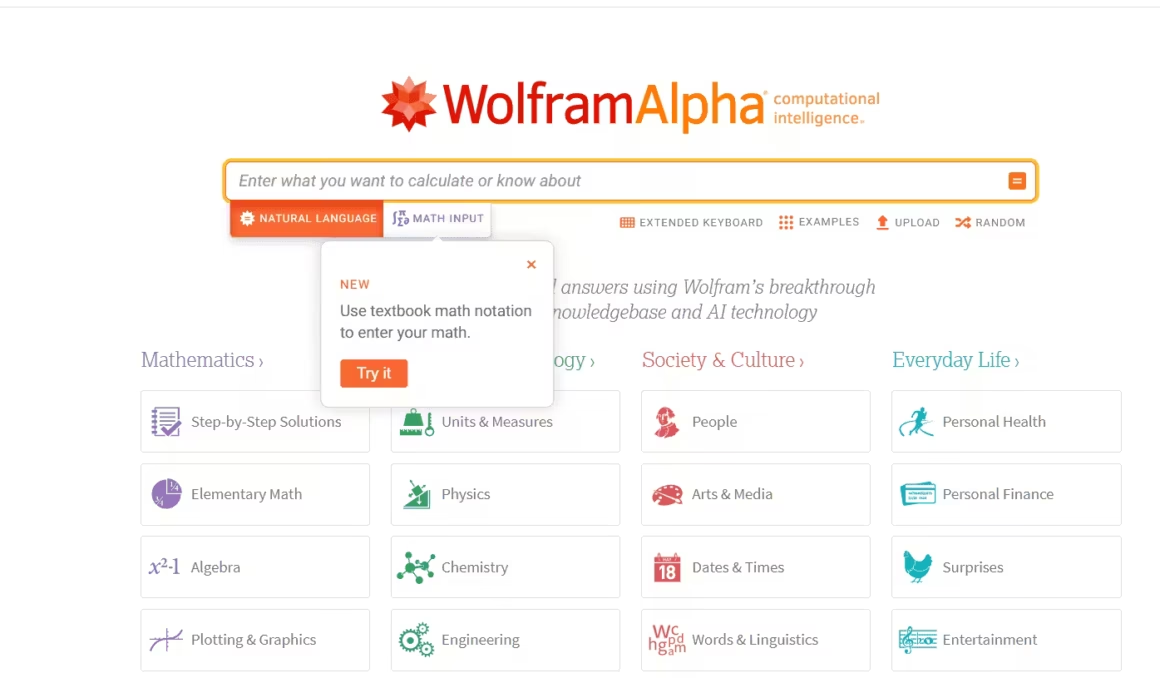
Wolfram Alpha is less a solver than a computational knowledge engine: symbolic and numeric mathematics, unit and scientific calculations, data analysis and graphing, riding on the same Wolfram Language functions professionals use. For polynomial systems, series, transforms and differential equations that break simpler tools, it’s still the ceiling of this list.
- Free tier: answers, plots and alternate forms; no step-by-step solutions at all.
- Pro: $9.99 monthly or $60 annually, adds steps, practice problems and file upload.
- Pro Premium: $12 monthly or $99 annually, extends computation time and upload size.
Prices are US web prices and vary by region and education plans. The way I’d use it as a student: free tier to check answers all semester, 1 month of Pro before exams to study the worked steps.
Best Camera-Based Solvers
Camera input sounds like a gimmick until you’ve typed a nested fraction on a phone keyboard. For school and early university work, these 2 read the page for you.
Photomath
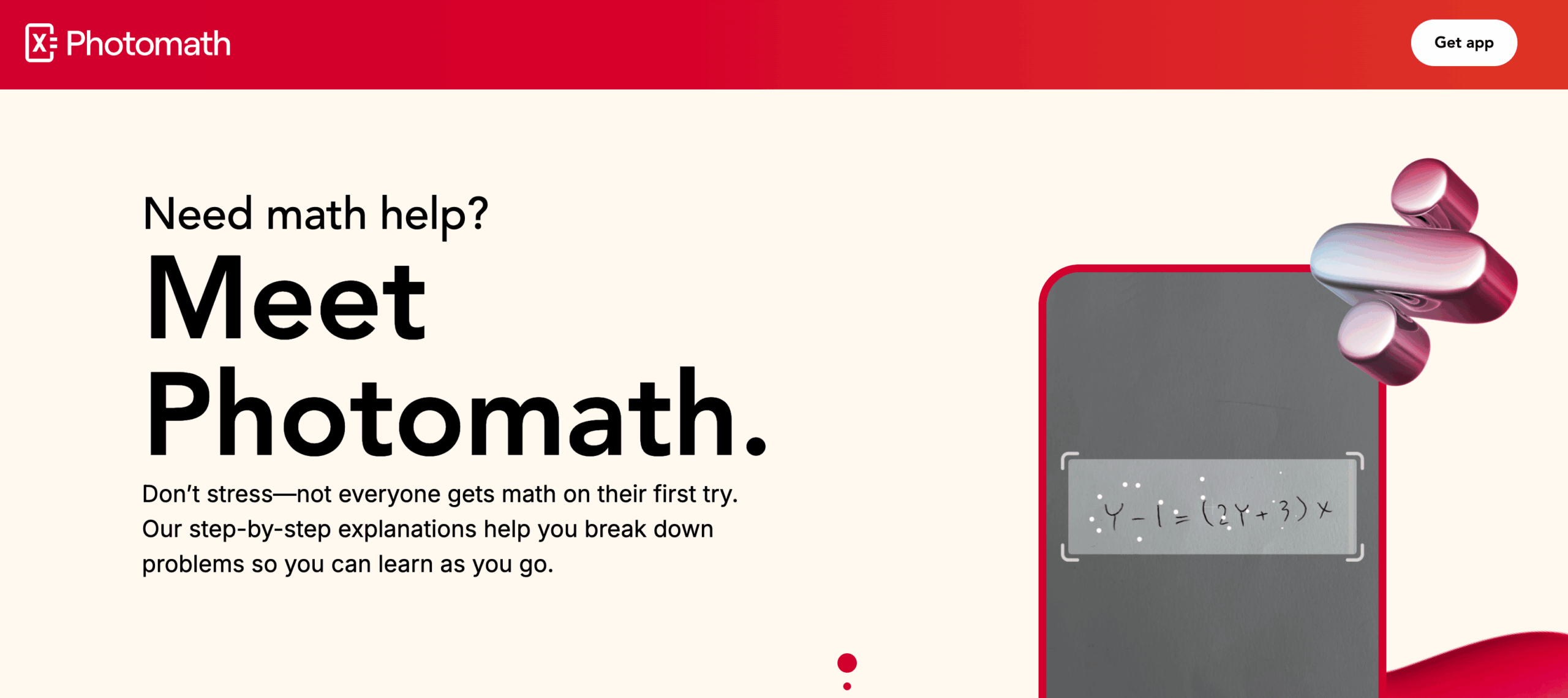
Photomath scans printed and handwritten problems, including many word problems, and walks through the solution with multiple methods to choose from. Basic step explanations are free, and the app covers elementary school through college topics. Premium, at $9.99 monthly or $69.99 annually in the US, adds the richer animated explanations and deeper how-and-why content.
It’s the right default for school mathematics. The limitation is the platform: it lives on your phone, so there’s no browser workspace for longer assignments, and the best teaching content sits behind Premium.
Maple Calculator
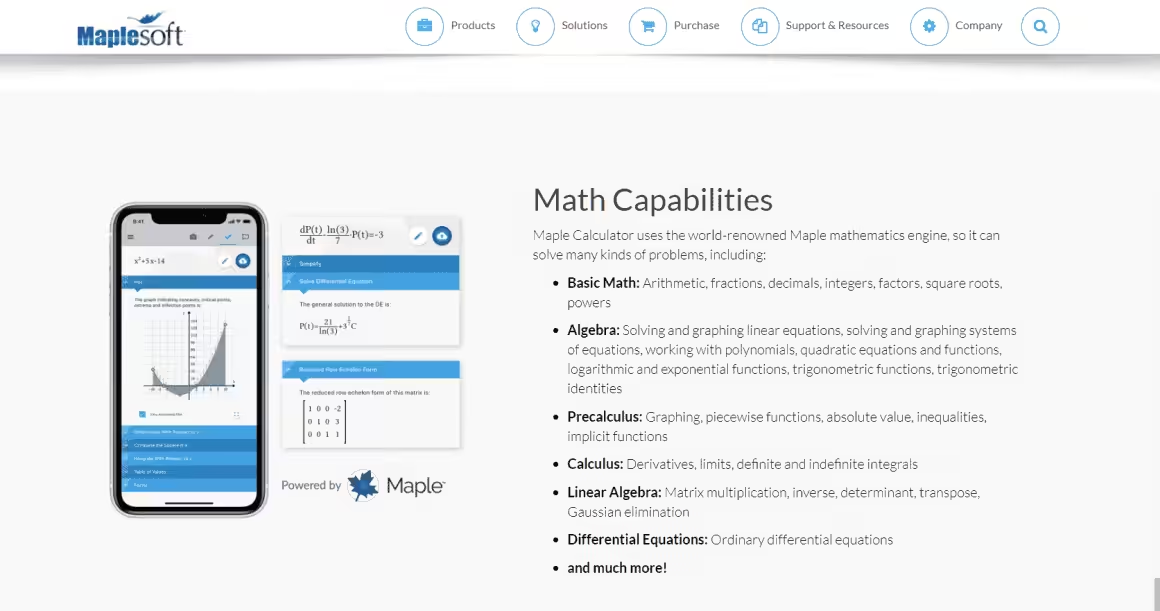
Maple Calculator is the most underrated free tool here, and one earlier version of this article wronged badly by listing it near $1,000; that figure belongs to Maplesoft’s desktop Maple system for professionals. The mobile app is free on iOS and Android: camera and handwritten input, fully worked step-by-step solutions, and 2D and 3D graphing that keeps working offline, across algebra, calculus, linear algebra and differential equations.
For a university student who wants worked solutions without a subscription, this is the pick. The trade is the same as Photomath’s: it’s a phone app, not a desk-sized workspace.
Best for Step-by-Step Explanations
Symbolab
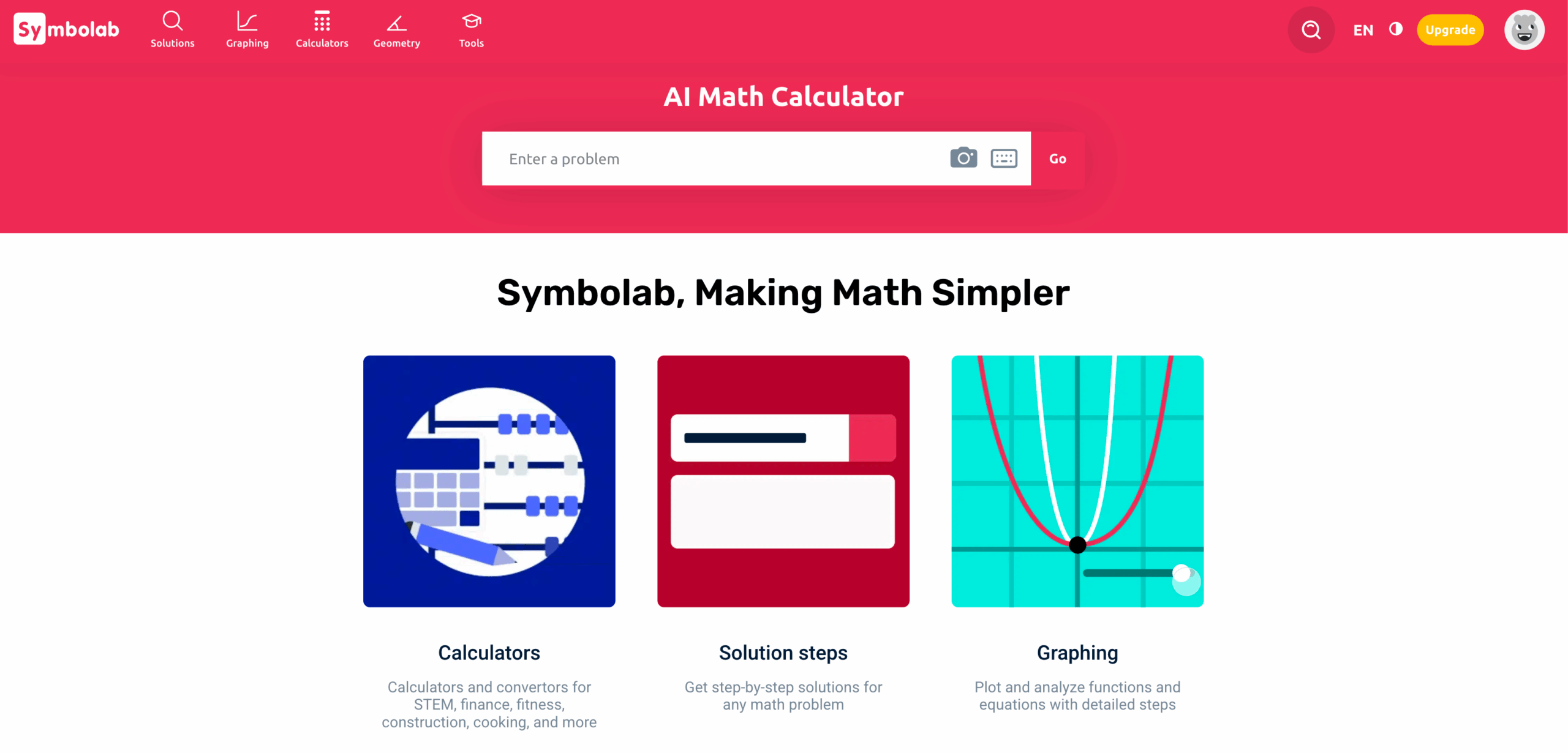
Symbolab remains the most patient explainer of standard techniques across its 100+ calculators, from equations and inequalities through Laplace transforms and ODEs. Checked today: it differentiated x²·sin x correctly and showed the product rule free in its one-step-at-a-time view. The full solution layouts, unlimited practice and its AI chat follow-ups are what Pro buys, at $9.95 monthly, $32.95 half-yearly or $39.95 annually on the US web checkout.
Its AI chat is the useful kind of math AI: anchored to a symbolic solution it just computed, so you can ask why a step happened. For learning technique, Symbolab over Mathway.
Mathway
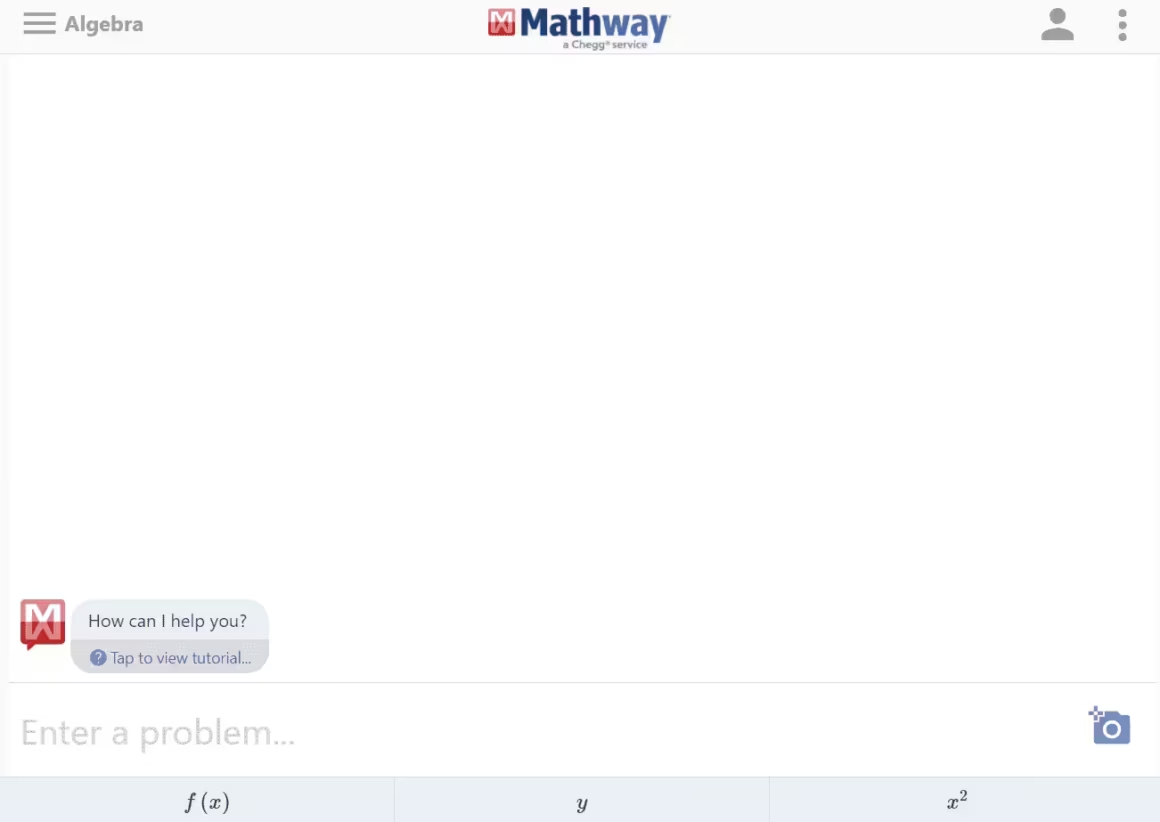
Mathway, Chegg’s solver, is the speed pick: type or photograph a problem in basic math through calculus, statistics, linear algebra or chemistry, and the answer appears free. The method doesn’t; step-by-step access runs $9.99 monthly or $39.99 annually in the US. My routing between the pair stays simple: Mathway to check an answer fast, Symbolab when you need to understand it. The free-tier workarounds are collected in my free Mathway alternatives guide.
QuickMath
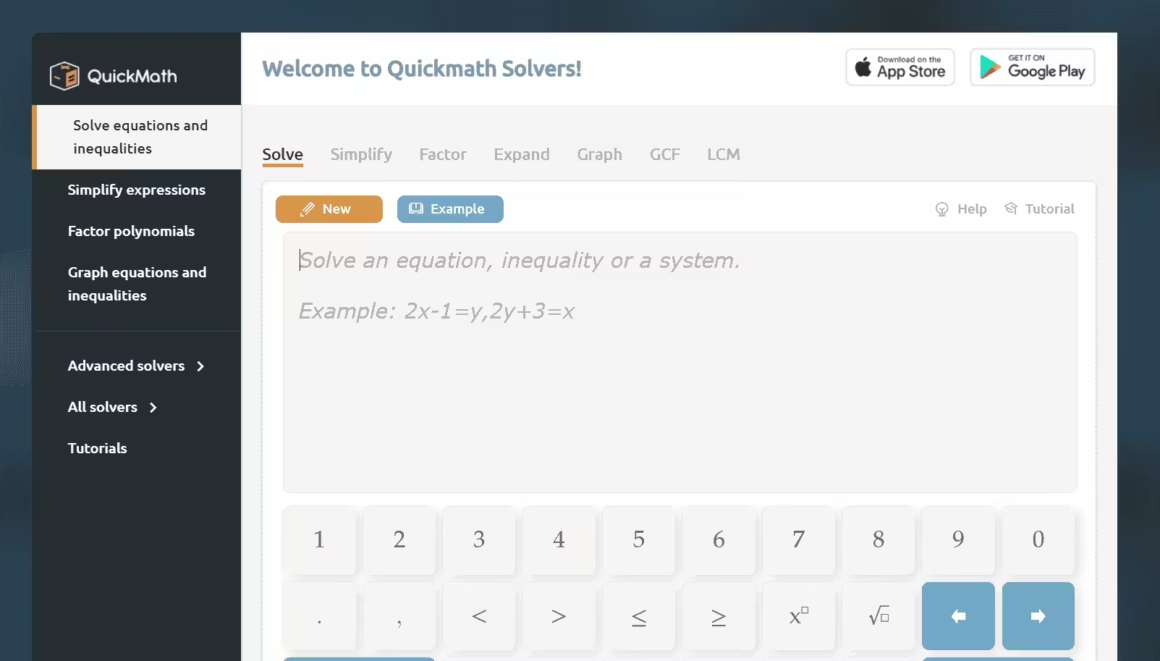
QuickMath has been solving algebra in the browser since 1999 and still does it free: expand, factor and simplify, equations and systems, inequalities, partial fractions, matrices, plots, and differentiation with basic integration. It runs on Softmath’s technology now; the same company sells Algebrator separately, and you don’t need it to use QuickMath.
The interface shows its age and the explanations run thinner than Symbolab’s. As the no-signup, no-app, no-paywall algebra option, it still earns its slot.
Best for Algebra Foundations
MathPapa
MathPapa does one job: teach foundational algebra step by step, from fractions and exponents through equations, inequalities and parabola graphing. The site shows limited steps free, with Premium (about $9.99 monthly in the US, varying by store and country) covering the rest. Where its usefulness ends is exactly where it should: this is for learning basic algebra properly, not for calculus, differential equations or anything scientific. For a Class 8 to 10 student building fundamentals, that narrowness is the feature.
Best Graphing and Geometry Tools
Neither of these writes out symbolic derivations, and neither needs to. Seeing a function behave teaches what 10 worked derivatives sometimes don’t.
Desmos
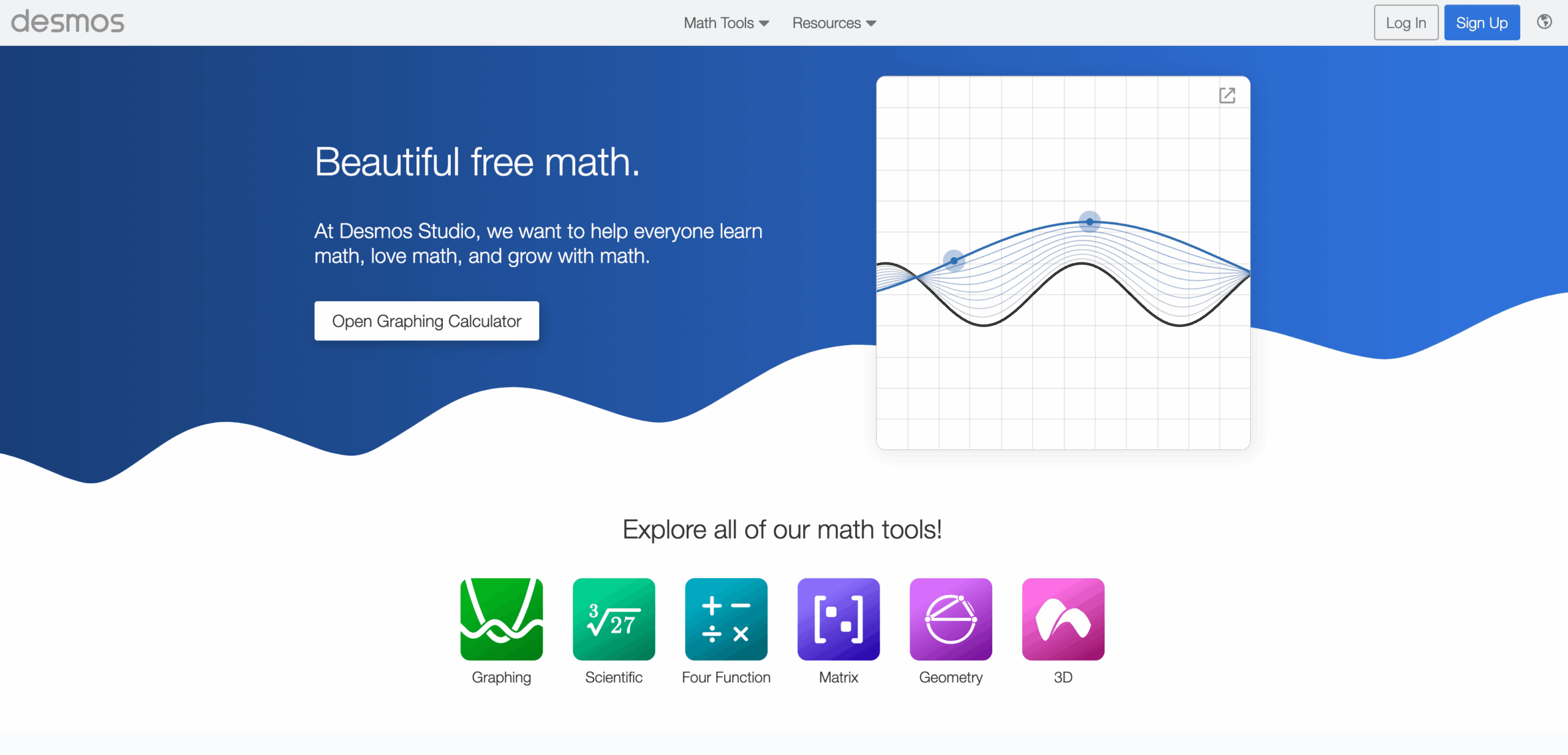
Desmos is the best free graphing environment on the web: instant plots, sliders for parameters, inequalities, tables, statistics and its scientific, geometry and 3D calculators, all free in the browser. It also carries weight the others can’t claim: the digital SAT builds Desmos directly into the Bluebook testing app, so practicing on it is practicing for the exam itself.
Use it to see mathematics; pair it with a symbolic tool when you need the derivation written out.
GeoGebra
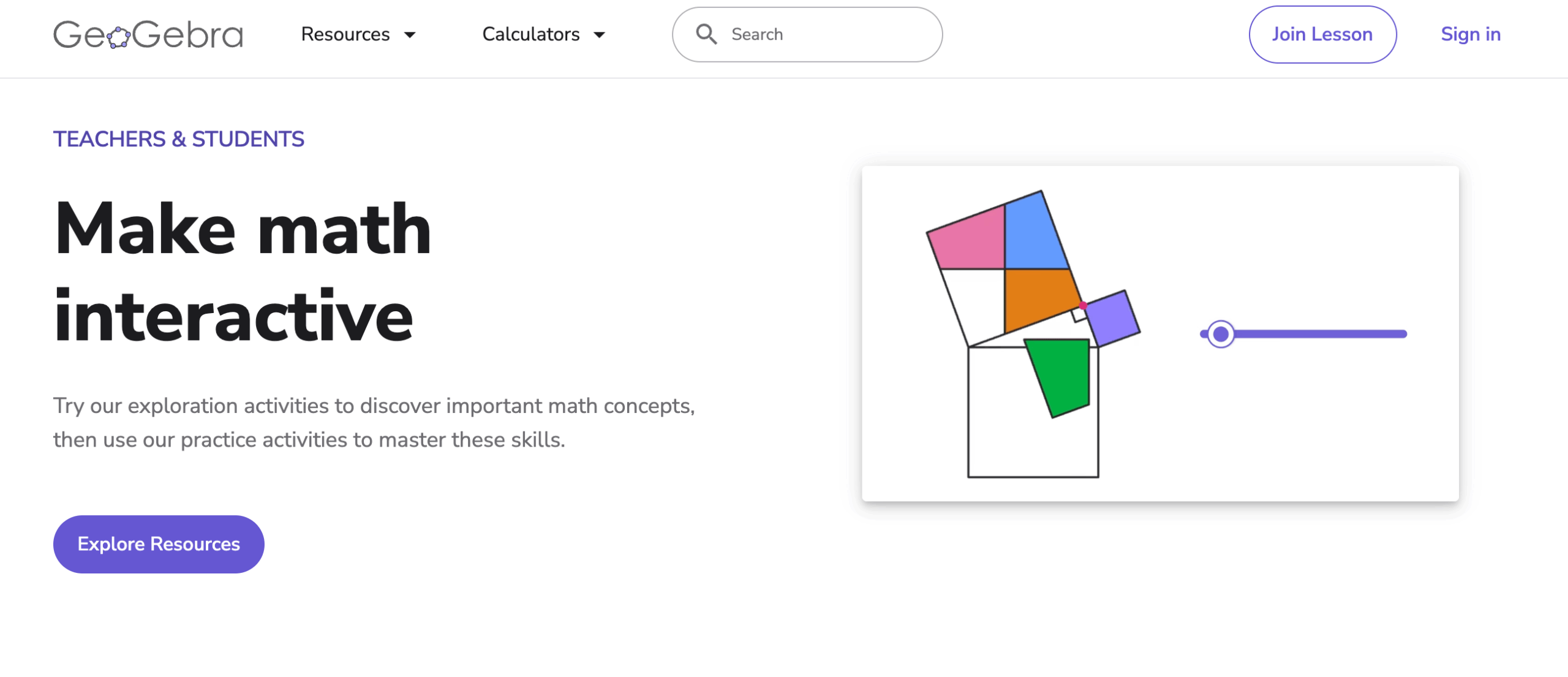
GeoGebra is the free suite the others get compared against: graphing, geometry constructions, 3D, a scientific calculator and a genuine CAS, plus a math solver that accepts photographed problems with steps. It’s what I’d hand a teacher building interactive lessons, and the CAS makes it the most complete free symbolic option in a browser.
The cost is approachability: it’s a toolbox, not a tutor, and a first-time user faces more interface than Photomath ever shows. Worth the hour it takes to settle in.
Best AI Tutor for Math
ChatGPT Study Mode
ChatGPT’s Study Mode changes what an AI chatbot is for in mathematics: instead of handing you the answer, it asks guiding questions, checks your understanding and adapts the explanation, closer to a tutor than a solver. And the old “language models can’t compute” objection has aged: ChatGPT can run actual code for calculations. It still misreads problems and slips in multi-step reasoning often enough that the rule stands: let it explain, let a symbolic engine verify.
The division of labor I’d teach a student: symbolic solvers for exact manipulation and reproducible computation, AI tutors for the conversation your textbook can’t have with you. Neither replaces the other, and neither gets blind trust.
Useful Sites for Quick Calculations
These aren’t solvers so much as shelves of single-purpose calculators. None of them competes with the tools above, and all of them are handy when you need one specific computation done now:
- Calculator.net: 200+ clean calculators from scientific and matrix through finance and probability.
- Calculator Soup: order-of-operations equation solver plus algebra, statistics and conversion tools.
- RapidTables: quick reference tables and small math utilities, strongest for logs, roots and number systems.
- Cuemath Calculators: topic-wise school calculators with brief explanations attached.
- EasyCalculation: a sprawling catalog from determinants to statistics; uneven but wide.
One specialist worth naming for its actual audience: E6BX is an aviation-calculation site for pilots and aviation students, not a general math solver; operational numbers there should always be checked against approved flight-planning procedures.
Calculators I Built
This site runs its own small stable of calculators, built to show the formula and the reasoning rather than just the output. The math ones closest to this page’s topic: the partial derivative calculator, partial fraction decomposition calculator, inverse function calculator, radius of convergence calculator and mean value theorem calculator. The full set lives on the calculators page.
Calculator Rules in Exams
Don’t assume a calculator is permitted because it’s described as scientific or non-programmable. Rules differ by exam, subject, country and year: some exams prohibit calculators entirely, some provide an on-screen one (the digital SAT ships with Desmos built in, and the SAT bars CAS-capable models), and many allow only approved models. Check the official policy for your exact exam and year before you buy or practice on anything.
Once you know your exam-legal model, buy it early in the course and do homework on it, using the online tools above to verify. For most school and university students that means a non-programmable scientific calculator like the Casio fx-991CW ClassWiz; US graphing courses standardize on the TI-84 Plus CE, and the older Casio fx-82MS remains India’s budget workhorse. The muscle-memory gap between practicing on Wolfram Alpha and sitting the paper with an unfamiliar device costs real minutes.
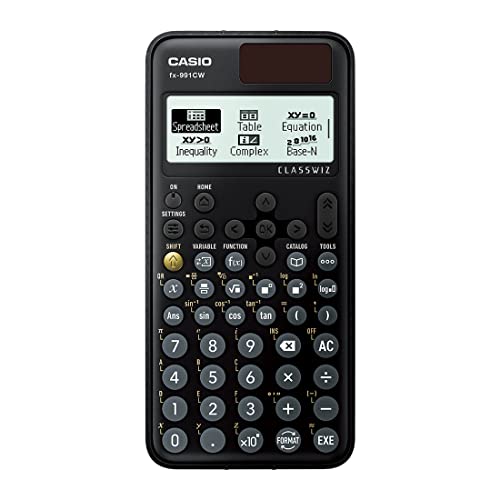
Casio fx-991CW ClassWiz Scientific Calculator
- Non-programmable, so it stays legal in exams where programmable models are banned
- Natural textbook display renders fractions, roots, and integrals the way your book prints them
- Handles matrices, vectors, statistics, complex numbers, and equation solving
- Solar-assisted battery lasts through a full degree
Accuracy and Academic Integrity
2 habits keep these tools on the right side of both your grades and your learning. Verify anything that matters twice: a symbolic engine’s answer against a second engine or your own working, and an AI explanation against a symbolic engine, because every tool here, including the expensive ones, occasionally returns a confident wrong form. And treat step-by-step output as a worked example to learn from, not something to submit; using a solver to check work you attempted is studying, while copying its output into graded work is a policy violation at most institutions and a guarantee you’ll meet the same problem unarmed in the exam hall.
Frequently Asked Questions
Is Microsoft Math Solver still available?
Not as the standalone solver this page once recommended. Microsoft deprecated it in July 2025, and mathsolver.microsoft.com is now an education landing page pointing to Math Assistant in OneNote. If you live in the Microsoft ecosystem, OneNote’s Math Assistant is the successor; everyone else should pick from the tools above.
What is the best free online math solver?
For full free steps in a browser, QuickMath for algebra and GeoGebra for everything its CAS covers. On mobile, Maple Calculator gives worked step-by-step solutions free, and Photomath’s basic step explanations are free too. Wolfram Alpha remains the strongest engine, but its free tier excludes steps entirely.
Which math solver shows steps for free?
Maple Calculator, GeoGebra, QuickMath and Photomath’s basic tier all show working without payment. Symbolab shows basic one-step-at-a-time working free and reserves fuller explanations and AI chat for Pro. Mathway and Wolfram Alpha show the answer free and charge for the method.
Can I use ChatGPT to solve math problems?
Yes, with a check. ChatGPT’s Study Mode asks guiding questions instead of dumping answers, and it can run code for actual computation. It can still misread a problem or slip in reasoning, so verify anything that matters against a symbolic engine like Wolfram Alpha or GeoGebra, or by hand.
Are online math solvers cheating?
It depends on use and policy. Verifying homework you attempted is studying; submitting a solver’s output as your own work is not. Treat step-by-step output as a worked example, and check your institution’s academic integrity rules before leaning on any tool for graded work.
What is the best online solver for calculus?
Wolfram Alpha for raw power across limits, integrals, series and differential equations, with Pro needed for its steps. Maple Calculator covers university calculus free on mobile with worked solutions. Symbolab explains the standard techniques patiently, which is often what a calculus student needs most.
Which calculator is allowed in exams?
Whatever your exam’s current policy says, and nothing else. Rules differ by exam, subject, country and year: some ban calculators, some provide an on-screen one (the digital SAT builds in Desmos), and many allow only approved non-programmable models. Check the official policy for your exact exam before buying anything.
Final Remarks
There’s no single best math solver anymore, and the lists that still crown one are usually recommending a product that no longer exists. By use case: Wolfram Alpha for advanced computation, Maple Calculator for free worked steps on mobile, Photomath for scanning schoolwork, Symbolab for learning technique, GeoGebra and Desmos for seeing the mathematics, QuickMath for paywall-free browser algebra, and ChatGPT’s Study Mode for the conversation, verified by any of the above.
The tool was never the point. The steps are where the mathematics lives, so pick whichever one shows you the most working for the problems you’re stuck on, and keep your own pencil moving alongside it.
Best of luck.
Tell Google you want more of this.
Add Gaurav Tiwari as a preferred sourceOne tap, and this site shows up more often in your own Top Stories, AI Overviews and AI Mode. Remove it any time.
Disclaimer: This site is reader-supported. If you buy through some links, I may earn a small commission at no extra cost to you. I only recommend tools I trust and would use myself. Your support helps keep gauravtiwari.org free and focused on real-world advice. Thanks. - Gaurav Tiwari