
8 Best Free Mathway Alternatives for Step-by-Step Math
Mathway charges for step-by-step solutions, and not every student can afford it. Fortunately, several free alternatives solve math problems just as effectively with full solution steps. I've tested the best free Mathway alternatives across algebra, calculus, statistics, and geometry. From Symbolab and Microsoft Math Solver to Wolfram Alpha's free tier, here are five tools that help you solve math problems without paying for a subscription.
 by
by
Mathway is one of the most recognized math solver apps on the internet. Type in an equation, get an answer. Simple. But here is the problem: Mathway charges $9.99 per month (or $39.99 per year) just to see the step-by-step solutions. The free version only shows you the final answer with no working, which is nearly useless if you are trying to learn.
I build and maintain my own calculators for this site, and students email me for tool recommendations often enough that I keep score. The short version: several free alternatives give you step-by-step solutions, cover more subjects, and don’t lock everything behind a paywall.
These are the 8 free Mathway alternatives worth your time, ordered by how far each one takes you.
Mathway’s paywall sits exactly where the learning happens: on the steps.
Symbolab is the best overall replacement, with free steps across the most subjects. Maple Calculator is the completely free pick: fully worked steps, no paid tier. Photomath wins for scanning paper homework, Wolfram Alpha for university-level depth, and Desmos and GeoGebra cover the graphing and geometry Mathway never had.
Why Students Look for Mathway Alternatives
Before I get into the list, it helps to understand what drives people away from Mathway in the first place. It is not that Mathway is bad; the solver itself is solid. The issues are specific:
- Paywall on step-by-step solutions. The free tier shows you the answer but hides the working. For students who need to understand the process (not just copy answers), this makes the free version almost pointless.
- $9.99/month adds up. For a student already paying for textbooks, subscriptions, and tuition, another monthly fee for math help is a tough sell when free alternatives exist.
- Subject depth varies. Mathway handles algebra, basic calculus, and statistics reasonably well but struggles with more advanced topics like differential equations, linear algebra proofs, or discrete mathematics.
- No graphing or visualization. Mathway is a solver, not a graphing tool. If you need to visualize functions, plot inequalities, or explore geometric constructions, you need something else entirely.
These gaps are exactly what the alternatives below fill.
Best Free Mathway Alternatives
I have organized these from most universally useful to most specialized. Each one solves a specific problem better than Mathway does at its price point.
Symbolab
Website: symbolab.com
Symbolab is the closest direct replacement for Mathway and the one I recommend first to anyone looking for free Mathway alternatives. It covers algebra, calculus, trigonometry, matrices, and statistics, and it shows step-by-step solutions on the free tier for many problem types, one step at a time.
What it solves: Equations, inequalities, integrals, derivatives, limits, series, matrices, trigonometric identities, and more.
Pricing: Free with ads. Symbolab Pro, at $9.95 monthly or $39.95 annually on the US web checkout, unlocks full solution layouts, the AI chat, and ad-free use. The annual plan still costs a third of a year of Mathway.
Unique strength: The practice problems feature. Symbolab does not just solve your problem; it generates similar practice questions so you can test whether you actually understood the method. This is something Mathway does not do at all.
Best for: High school and college students who need a general-purpose solver with learning tools built in.
Subjects covered: Pre-algebra, algebra, pre-calculus, calculus, trigonometry, statistics, linear algebra, matrices, chemistry (stoichiometry).
Wolfram Alpha
Website: wolframalpha.com
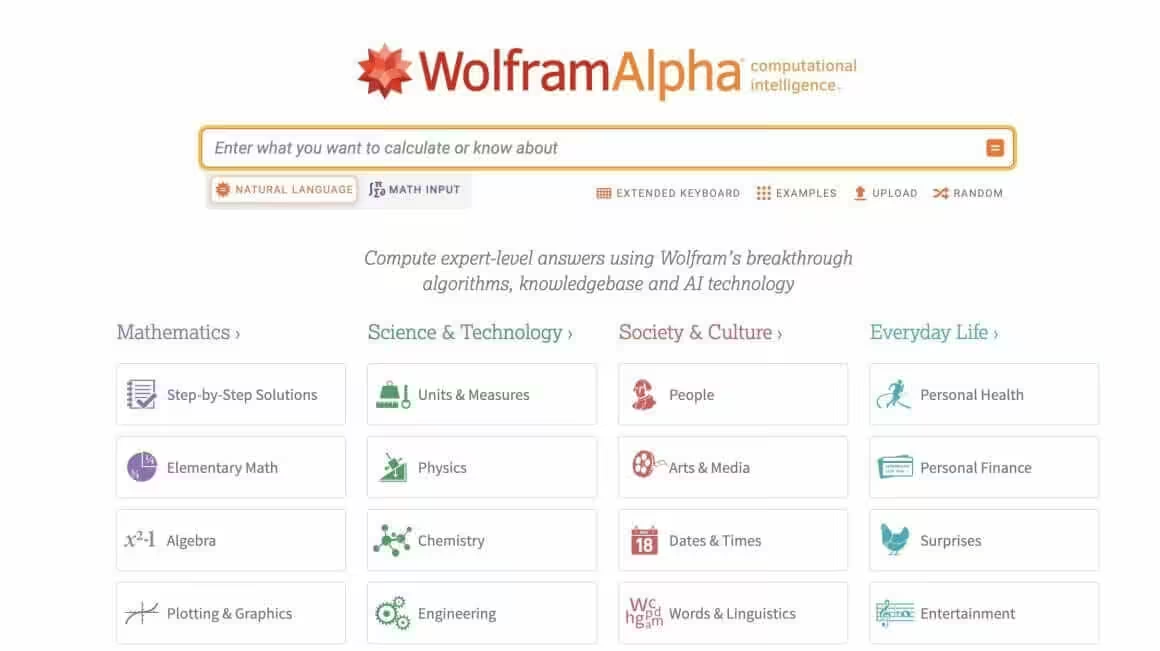
Wolfram Alpha is the advanced-math pick, and less a solver than a computational knowledge engine built by Wolfram Research. I use it regularly when I need to verify complex calculations, explore mathematical properties, or look up formulas I have forgotten.
What it solves: Virtually any computable mathematical question: calculus, number theory, combinatorics, differential equations, probability, statistics, linear algebra, discrete math, and even physics and engineering problems.
Pricing: Free for basic answers, with no steps at all on the free tier. Wolfram Alpha Pro, at $9.99 monthly or $60 annually in the US, adds step-by-step solutions, extended computation time, and file uploads; student plans run cheaper.
Unique strength: Depth. Wolfram Alpha can handle problems that no other free tool on this list can touch: computing eigenvalues, solving PDEs, running statistical tests, or exploring number-theoretic properties. If you are studying anything beyond introductory calculus, this is the tool that scales with you.
Best for: University-level math students, researchers, and anyone working with advanced or niche mathematical topics.
Subjects covered: All standard math subjects plus number theory, topology, combinatorics, operations research, signal processing, and applied mathematics.
Pro tip: Even without a Pro subscription, you can see the final result and the mathematical form of the solution. I often use the free version to verify my own work, then work backward from the answer to understand the steps.
Photomath
Website: photomath.com | Available on iOS and Android
Photomath is now owned by Google, and it is arguably the best mobile math solver available. Point your phone camera at a handwritten or printed math problem, and Photomath scans it and returns a step-by-step solution. It is fast, accurate, and the core features are free.
What it solves: Arithmetic, fractions, decimals, algebra (linear equations, inequalities, systems of equations), trigonometry, calculus (derivatives and integrals), and word problems.
Pricing: Free for scanning and step-by-step solutions on most problem types. Photomath Plus, $9.99 monthly or $69.99 annually in the US, adds animated tutorials and deeper explanations, and the free tier is enough for most students.
Unique strength: The camera scanning is best-in-class. It handles handwritten math better than any other app in this list. It also works offline for basic operations.
Best for: Students who do homework on paper and want a quick way to check work or see solution steps on their phone.
Subjects covered: Arithmetic, algebra, geometry basics, trigonometry, calculus (single variable), statistics basics.
Maple Calculator
Website: maplesoft.com/products/Maplecalculator | Free on iOS and Android
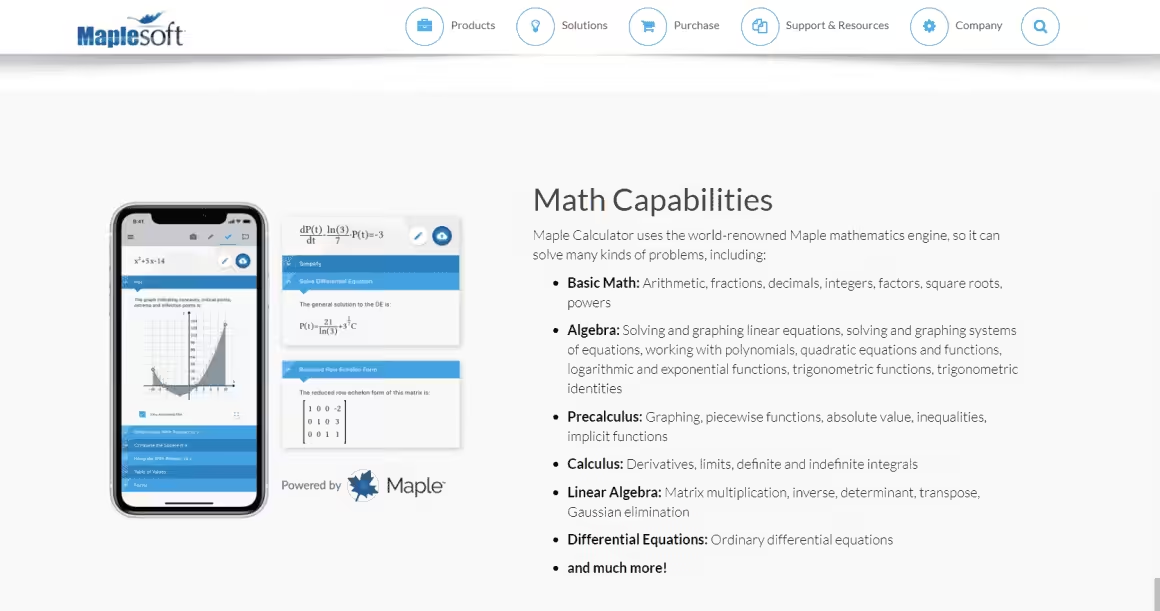
This slot belonged to Microsoft Math Solver until Microsoft retired it in July 2025; its old site is now an education page pointing to OneNote’s Math Assistant. Maple Calculator inherits the crown for the same reason its predecessor wore it: everything is free. Worked step-by-step solutions, camera and handwritten input, and 2D and 3D graphing, with no paid tier inside the app.
What it solves: Arithmetic through university mathematics: algebra, precalculus, calculus, linear algebra, and differential equations, with matrices and systems of equations handled properly.
Pricing: Completely free. Maplesoft’s desktop Maple is a separate commercial product, and the app never asks you for it.
Unique strength: Fully worked steps at university depth without a subscription, built by the company behind the Maple computer algebra system. The graphing calculator even works offline.
Best for: High school and university students who want complete free steps, and anyone who just lost Microsoft Math Solver.
Subjects covered: Arithmetic, algebra, trigonometry, precalculus, calculus, linear algebra, differential equations.
Limitation: It is a phone app, not a browser workspace. For desktop work, pair Symbolab’s free tier with GeoGebra, or see the full field in my best online math solvers comparison.
Desmos
Website: desmos.com
Desmos is not a direct Mathway alternative in the traditional sense; it is a graphing calculator, not an equation solver. But I include it here because many students searching for Mathway alternatives actually need visualization, and Desmos is the best free tool for that.
What it solves: Function graphing, inequalities, parametric equations, polar coordinates, regressions, transformations, and interactive explorations. You can also use it to solve equations graphically (by finding intersection points).
Pricing: Completely free. Desmos is funded by Amplify and does not charge individual users.
Unique strength: The interactive, real-time graphing. You can add sliders to parameters and watch how functions change. For understanding concepts like the radius of convergence or how a function’s derivative relates to its graph, Desmos is unmatched.
Best for: Anyone studying functions, graphing, or visual mathematics. Particularly useful for pre-calculus, calculus, and statistics (regression analysis).
Subjects covered: Functions and graphing, algebra (visual), trigonometry (unit circle, graphs), calculus (derivative/integral visualization), statistics (regressions, distributions), geometry (coordinate geometry).
GeoGebra
Website: geogebra.org
GeoGebra is the geometry and visual-math pick: an open-source platform combining graphing, geometry, algebra, calculus, statistics, and a computer algebra system (CAS) in one tool. It is widely used in schools across Europe and increasingly in North America.
What it solves: Geometric constructions, function graphing, symbolic algebra (via CAS), calculus operations, probability distributions, and 3D graphing. The CAS module can solve equations symbolically, similar to what Mathway does.
Pricing: Completely free and open-source.
Unique strength: The geometry tools. If you need to construct triangles, explore angle relationships, prove geometric properties visually, or work with 3D shapes, GeoGebra has no equal among free tools. The CAS also handles symbolic computation surprisingly well for a free platform.
Best for: Geometry students, teachers creating interactive lessons, and anyone who benefits from visual mathematical exploration.
Subjects covered: Geometry (Euclidean, coordinate, 3D), algebra, calculus, statistics, probability, discrete math basics.
MathPapa
Website: mathpapa.com
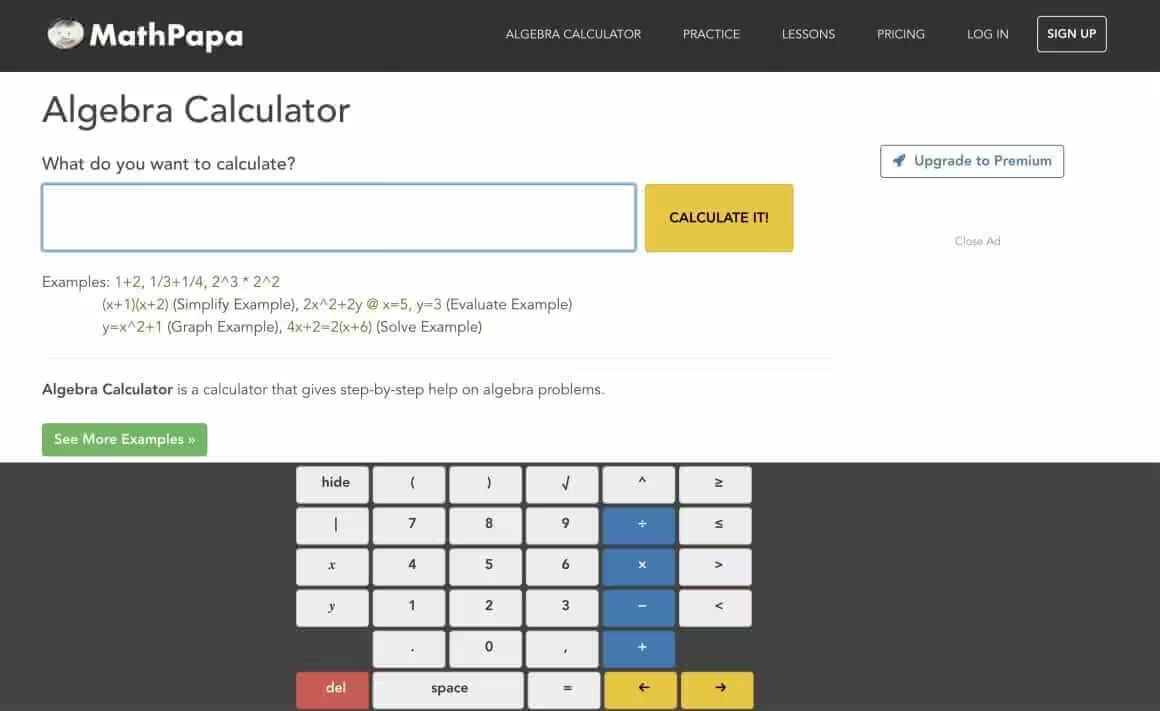
MathPapa does one thing and does it well: algebra. If you are struggling specifically with algebraic equations, linear, quadratic, or systems, MathPapa walks you through each step clearly and for free.
What it solves: Linear equations, quadratic equations, systems of equations, inequalities, simplification, and factoring.
Pricing: Free for basic equation solving with steps. Premium ($9.99/month) removes ads and adds graphing and more problem types.
Unique strength: Clarity of explanations. MathPapa breaks down each algebraic step in plain language, making it excellent for students who are building foundational algebra skills. The practice problem generator helps reinforce what you learn.
Best for: Middle school and early high school students working through algebra fundamentals.
Subjects covered: Pre-algebra, Algebra I, Algebra II (partial).
Limitation: It only covers algebra. No calculus, no trigonometry, no statistics. If you need broader coverage, start with Symbolab or Maple Calculator.
Cymath
Website: cymath.com
Cymath is a lightweight solver that covers algebra and calculus with free step-by-step solutions. It does not try to be everything; it focuses on solving problems quickly and showing the work.
What it solves: Algebra (factoring, simplification, equations) and calculus (derivatives, integrals, limits).
Pricing: Free for step-by-step solutions. Cymath Plus, about $5 a month, adds more detailed explanations.
Unique strength: Speed and simplicity. There is no clutter, no account required, and the solutions load fast. For quick homework checks, it is one of the most frictionless options available.
Best for: Students who want a fast, uncluttered solver for algebra and single-variable calculus problems.
Subjects covered: Algebra, pre-calculus, single-variable calculus.
Mathway Alternatives Comparison Table
| Tool | Free Step-by-Step | Subjects Covered | Mobile App | Camera Scan | Best For |
|---|---|---|---|---|---|
| Symbolab | Yes (most types) | Algebra, calculus, trig, matrices, stats | Yes | Yes | Overall best alternative |
| Wolfram Alpha | No (Pro only) | All math + science + engineering | Yes | No | Advanced/university math |
| Photomath | Yes | Algebra, trig, calculus basics | Yes | Yes (best) | Phone-based homework help |
| Maple Calculator | Yes (all) | Algebra, trig, calculus, linear algebra, ODEs | Yes | Yes | Completely free mobile solver |
| Desmos | N/A (graphing) | Functions, graphing, regressions | Yes | No | Graphing and visualization |
| GeoGebra | Yes (via CAS) | Geometry, algebra, calculus, stats, 3D | Yes | No | Geometry and visual math |
| MathPapa | Yes (algebra) | Algebra only | No | No | Algebra fundamentals |
| Cymath | Yes | Algebra, calculus | No | No | Quick homework checks |
Which Mathway Alternative Should You Pick?
Here is how I’d route it, by what you need:
- You want the closest thing to Mathway but free: Start with Symbolab. It covers the most subjects with free step-by-step solutions and is the most natural switch from Mathway.
- You are a university student or need advanced math: Wolfram Alpha is the only tool that handles upper-level mathematics reliably. Budget for the Pro Student plan if you need steps.
- You do homework on paper and want to scan problems: Photomath has the best camera recognition. Maple Calculator is the runner-up.
- You need a graphing calculator: Desmos is the standard. Free, fast, and accepted on many standardized tests.
- You study geometry specifically: GeoGebra has no competition in this space among free tools.
- You just need algebra help: MathPapa for learning, Cymath for quick answers.
For related tools, see my list of math solver websites and the difference quotient calculator I built for calculus students.
Offline Math Practice Resources
Calculators solve problems for you. Exams don’t let you use calculators (usually). If you’re relying on Mathway to get through homework, these workbooks will teach you to solve the problems yourself.
I’m not against using tools. But I also know the difference between understanding a concept and having a calculator spit out the answer. These workbooks build the first kind of knowledge. For more options, see my calculus book recommendations.
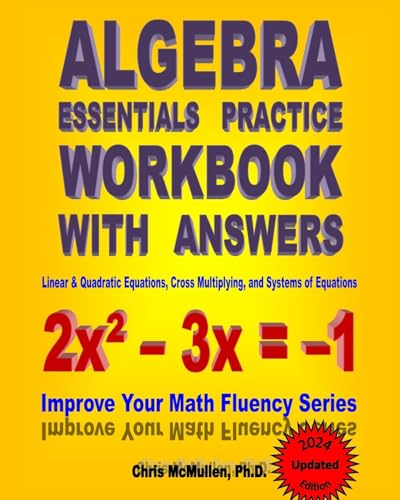
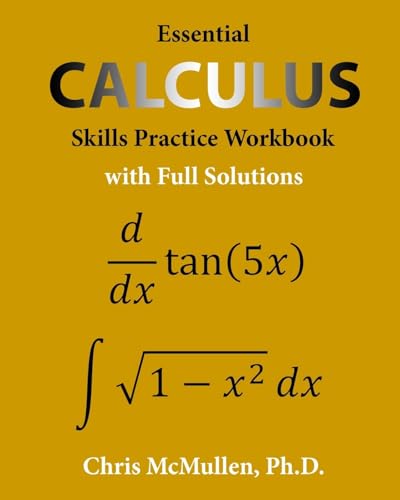
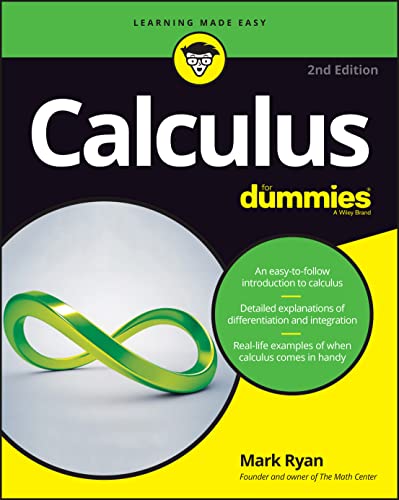
Also, see the Calculators that I have built.
Frequently Asked Questions
What are the best free alternatives to Mathway?
The best free Mathway alternatives are Symbolab, Maple Calculator, Photomath, and Cymath. All four provide step-by-step solutions without requiring a paid subscription. Maple Calculator is entirely free with no premium tier at all. Symbolab offers the broadest subject coverage among the free options.
Is there a completely free app like Mathway with step-by-step solutions?
Yes. Maple Calculator is 100% free, with no premium tier and fully worked steps across algebra, trigonometry, calculus, and differential equations. Microsoft Math Solver, the old answer here, was retired by Microsoft in July 2025. Photomath also provides free step-by-step solutions for most problem types, with a camera scan feature that works on handwritten math.
Can Wolfram Alpha replace Mathway for free?
Partially. Wolfram Alpha’s free version shows final answers and mathematical forms but does not include step-by-step solutions; those require Wolfram Alpha Pro at $9.99 monthly or $60 annually, with cheaper student plans. However, even the free version handles far more advanced math than Mathway, making it useful for verifying answers at any level.
Which free math solver is best for calculus?
For single-variable calculus (derivatives, integrals, limits, series), Symbolab provides the best free step-by-step experience. For advanced calculus including multivariable, differential equations, and real analysis, Wolfram Alpha is the only reliable option, though step-by-step requires Pro. Desmos is excellent for visualizing calculus concepts like derivatives, integrals, and convergence.
Are apps like Mathway safe to use for learning?
Math solver apps are safe and useful when used as learning aids rather than answer-copying tools. The best approach is to attempt problems first, then use a solver to check your work and understand where you went wrong. Tools like Symbolab and MathPapa that include practice problems encourage this kind of active learning. Relying solely on any solver, Mathway or its alternatives, without understanding the process will hurt you on exams.
Do any free Mathway alternatives work offline?
Photomath works offline for basic problem types (arithmetic, simple algebra) once installed. SpeedCrunch is a fully offline, downloadable calculator for Windows, Mac, and Linux, though it does not show step-by-step solutions. Most web-based tools like Symbolab, Wolfram Alpha, and Desmos require an internet connection.
Tell Google you want more of this.
Add Gaurav Tiwari as a preferred sourceOne tap, and this site shows up more often in your own Top Stories, AI Overviews and AI Mode. Remove it any time.
Disclaimer: This site is reader-supported. If you buy through some links, I may earn a small commission at no extra cost to you. I only recommend tools I trust and would use myself. Your support helps keep gauravtiwari.org free and focused on real-world advice. Thanks. - Gaurav Tiwari